



Extend CPU Lifespan with the Right Air Cooler Setup
- Assess cooling needs; - Balance airflow and noise; - Maintain thermal materials; - Monitor temps proactively Extend CPU lifespan with the right air cooler setup: practical tips on fans, airflow, mounting, thermal paste and maintenance to keep temps low. 🛠️❄️
|
Loading tags...

That beefy new CPU you just bought? It’s the heart of your rig, but in the South African heat, it can quickly cook itself under pressure. A stock cooler is often just not enough to prevent thermal throttling, which kills performance and shortens your processor's life. Investing in the right air cooler setup is one of the smartest, most cost-effective ways to protect your PC, boost performance, and ultimately extend your CPU's lifespan for years of reliable gaming. 🔧

Fractal Design Celsius+ S36 Prisma PWM ARGB 360mm Silent Performance Slim Radiator AIO CPU Liquid/Water Cooler / FD-W-2-S3602
R2699.00In Stock

DeepCool Liquid Cooler LT520 240mm 4th Gen Dual-Chamber Pump 3100RPM Multidimensional Infinity Mirror ARGB Block 280w TDP AIO Cooler Anti-Leak Tech CPU Water Cooler for AMD AM4/AM5 LGA 1700/1200 / LT520
R1749.00In Stock

EK 280mm AIO D-RGB All-in-One CPU Liquid Cooler / Water Cooling Computer Parts / 140mm Fan / EK-Vardar High-Performance PMW Fans / Outstanding Thermal Conductivity / Support - Intel 115X/1200/2066, AMD AM4 / EK-AIO-280-D-RGB
R2699.00In Stock

Fracta Design Celsius+ S28 Prisma 280MM Water Cooling Unit, Black, 2AL-14 PWM ARGB Fan / FD-W-2-S2802
R2599.00In Stock
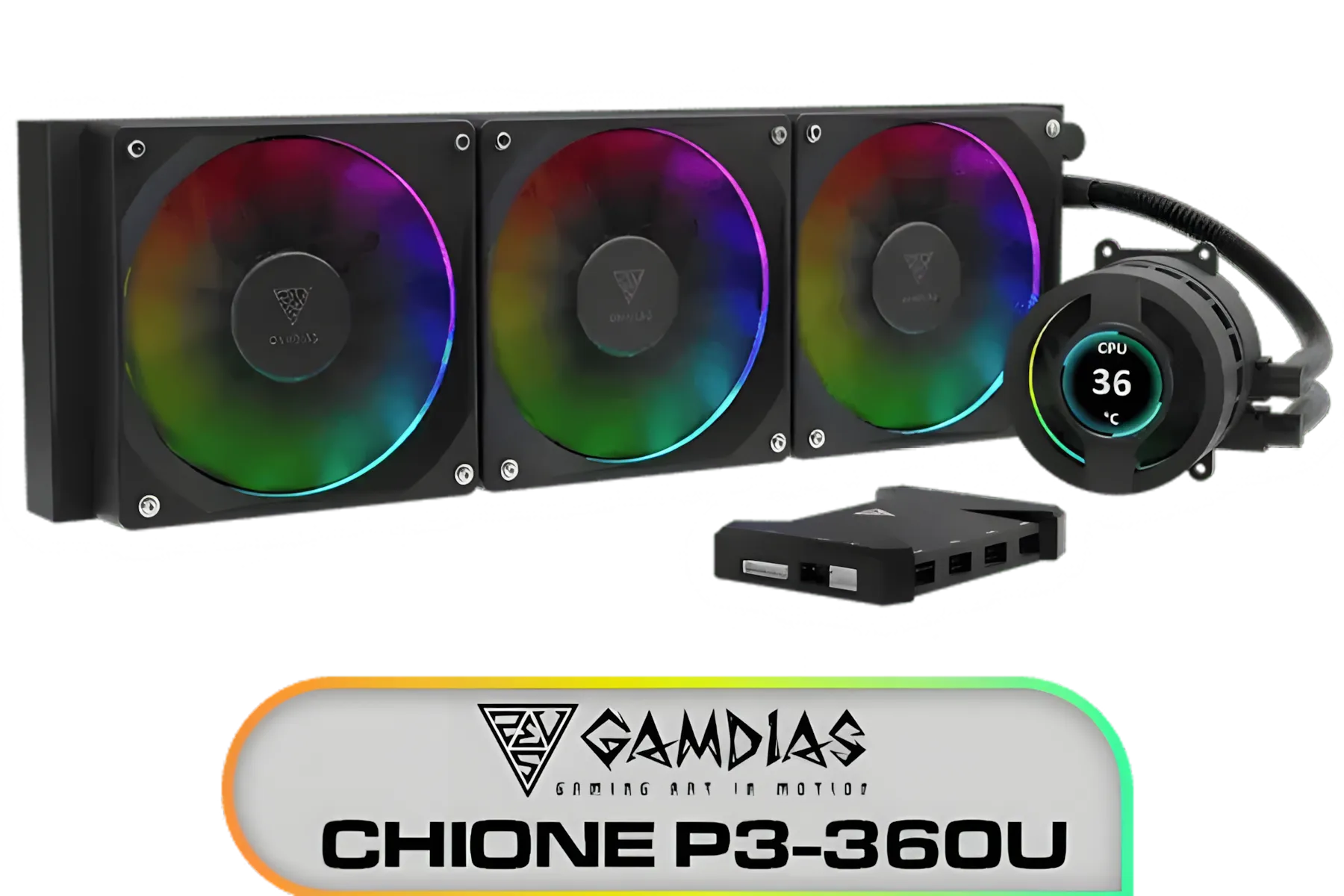
Gamdias CHIONE P3-360U All-in-One CPU Liquid Cooler / Personalized Lcd Display / Superior Radiator / Superior Airflow Performance / Premium Hydraulic Bearing / CHIONE-P3-360U
R999.00In Stock

Corsair iCUE H100i Elite CAPELLIX XT Liquid CPU Cooler - Two AF120 RGB Elite Fans - 240mm Radiator - Intel® LGA 1700, 1200, 115X, 2066, AMD® AM5, AM4 - Included iCUE Commander CORE - White / CW-9060072-WW
R2799.00In Stock
Why Your CPU's Stock Cooler Isn't Cutting It
Most processors come with a basic "stock" cooler in the box. While it's fine for light browsing, it's a massive bottleneck for gaming or content creation. These coolers are built to the bare minimum specification, struggling to dissipate heat during intense moments. The result? Your CPU automatically slows down (thermal throttles) to protect itself, causing stuttering, frame drops, and over time, potential damage.
Upgrading is essential for anyone serious about performance. A proper air cooler setup provides significantly lower temperatures, allowing your CPU to maintain its boost clocks for longer, giving you the smooth, consistent performance you paid for.
Choosing the Right Air Cooler to Extend CPU Lifespan
Picking a cooler isn't just about grabbing the biggest one you can find. To ensure you get the best performance and extend your CPU's lifespan, you need to match the cooler to your system.
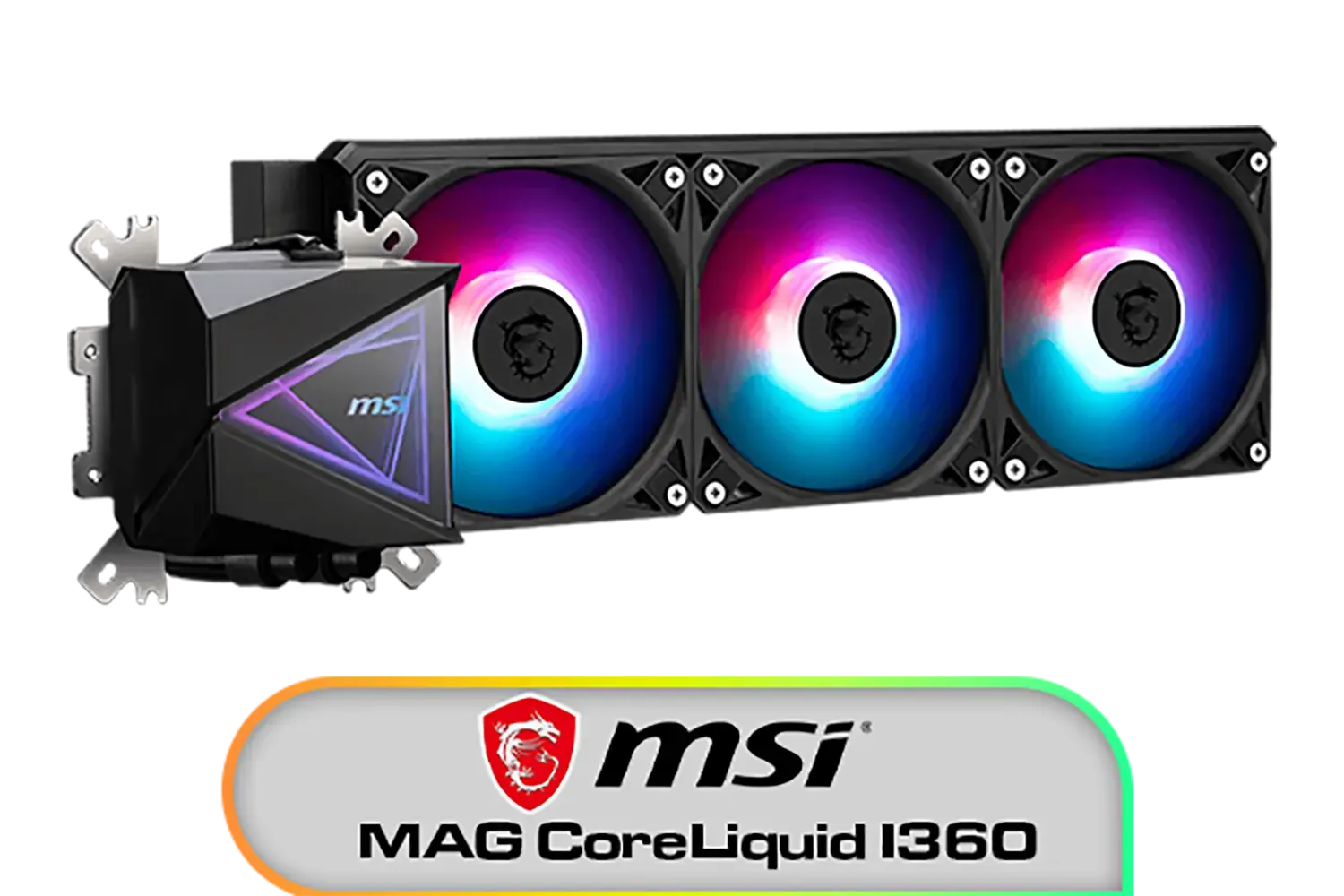
MSI MAG CoreLiquid I360 Liquid Cooler / LDB Bearing Quiet Fans / Dual-Sided Infinite Mirror Cooling / Flexible Nylon-Braided Cooling Tubes / Durable EPDM Anti-Evaporation Tubing / 306-7ZW8E11-C24
R2499.00In Stock

DeepCool LS520S Zero Dark All In One Liquid CPU Cooler, 240mm Radiator, 2 x 120mm Deepcool Fans, Intel/AMD / LS520S-Zero-Dark
R1599.00In Stock

ASUS TUF Gaming LC 240 RGB Zaku II Limited Edition All-In-One Liquid CPU Cooler / Addressable RGB Radiator Fan / NCVM-coating pump cover / illuminated RGB ZAKU II / 90RC0093-M0UAY0
R2199.00In Stock
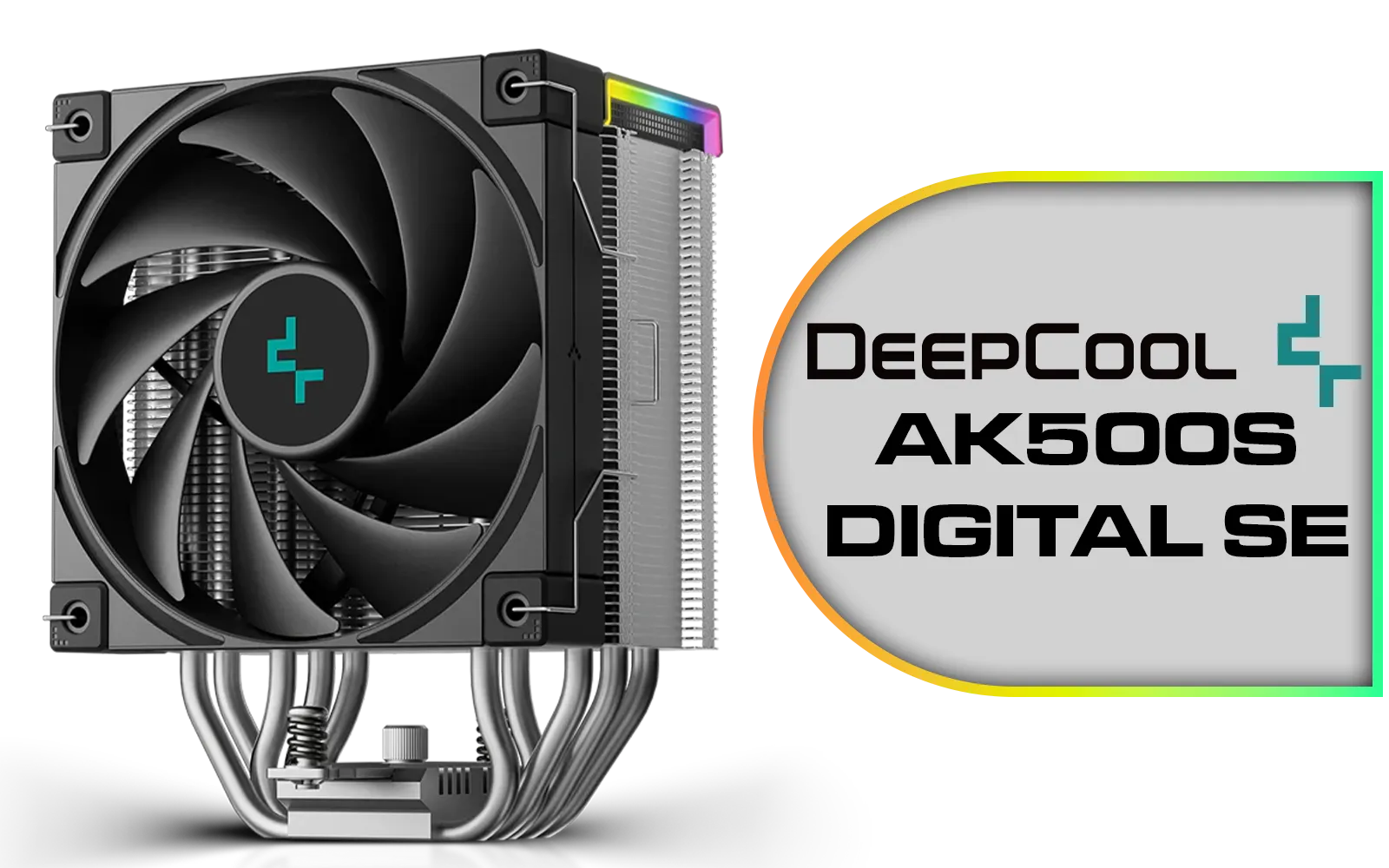
Deepcool AK500S DIGITAL SE CPU Cooler / Digital Air Cooler / Low-Profile Status Display / Slimmer Fin Stack Design / Addressable RGB LED / AK500S-DIGITAL-SE
R799.00In Stock

CORSAIR H100i RGB Elite Liquid CPU Cooler - 240mm AIO - AF120 Elite PWM Fans - Intel® LGA 1700, 1200, 2066, AMD® AM5 & AM4 Sockets - White - CW-9060078-WW
R3299.00In Stock

Fractal Design Celsius+ S24 Prisma PWM ARGB 240mm Silent Performance Slim Radiator AIO CPU Liquid/Water Cooler / FD-W-2-S2402
R2299.00In Stock
Key Considerations:
- TDP (Thermal Design Power): Check your CPU's TDP rating and choose a cooler that can handle at least that much heat, with extra headroom for overclocking or hot days.
- Size and Clearance: This is crucial! Measure the space in your case. A massive tower cooler won't do you any good if it prevents your side panel from closing or blocks your RAM slots.
- Socket Compatibility: Make sure the cooler supports your motherboard's CPU socket (e.g., AM5 for modern AMD, LGA 1700 for modern Intel).
Exploring a vast range of CPU coolers can feel overwhelming, but focusing on these specs will narrow it down. For those wanting top-tier performance and quiet operation, there are many premium options from brands like Corsair that offer exceptional cooling.
TIP FOR YOU
The Perfect Pea ⚡
applying thermal paste, less is more. The "pea method" is foolproof: squeeze a small, pea-sized dot onto the centre of your CPU. The pressure from mounting the cooler will spread it evenly. Too much paste actually insulates the CPU, making temperatures worse! This simple step is vital for an effective air cooler setup.
The Secret to an Optimal Air Cooler Setup: Airflow
Even the best cooler will underperform if your case airflow is a mess. The goal is to create a consistent path for air to travel through your PC.
Your CPU cooler's fan should push air towards the rear exhaust fan of your case. This pulls cool air from the front of your case, pushes it through the cooler's heatsink fins (taking the heat with it), and immediately expels it out the back. This simple alignment can drop temperatures by several degrees. For PC builders looking for a great balance of price and performance, there are plenty of great value coolers from Gamdias that excel with this setup.

Corsair iCUE Link Titan 360 RX RGB All-In-One 360mm Liquid CPU Cooler / Three high-performance RX120 RGB fans / Extreme cooling performance / Three high-performance RX120 RGB fans / CW-9061021-WW
R3599.00In Stock
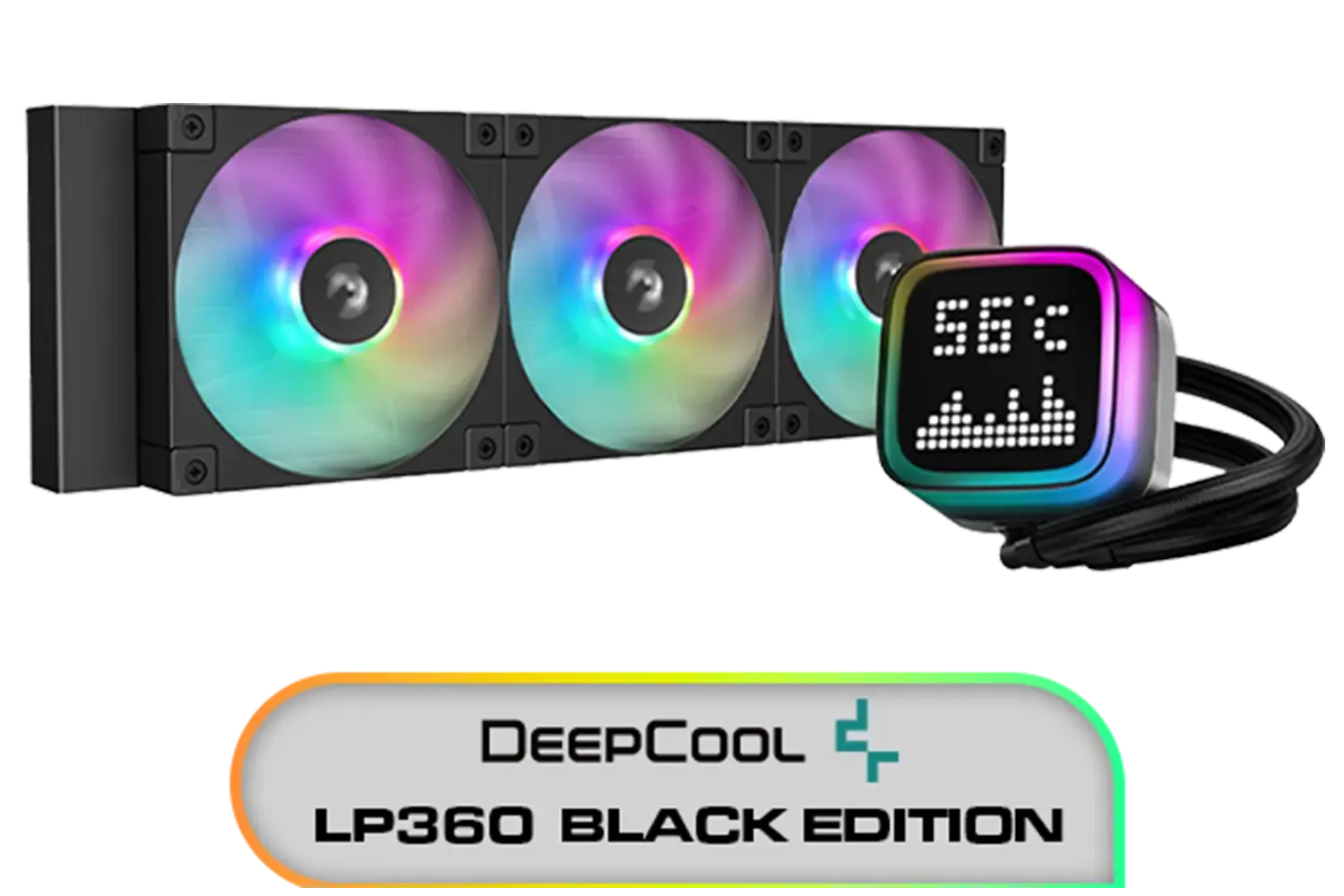
DeepCool LP360 Liquid Cooler - Black / 360mm Radiator / LED Digital Display / 3x ARGB Fans Included / Compatible with AMD & Intel / LP360
R2299.00In Stock
Fracta Design Celsius+ S28 Prisma 280MM Water Cooling Unit, Black, 2AL-14 PWM ARGB Fan / FD-W-2-S2802
R2599.00In Stock
EK 280mm AIO D-RGB All-in-One CPU Liquid Cooler / Water Cooling Computer Parts / 140mm Fan / EK-Vardar High-Performance PMW Fans / Outstanding Thermal Conductivity / Support - Intel 115X/1200/2066, AMD AM4 / EK-AIO-280-D-RGB
R2699.00In Stock
ASUS TUF Gaming LC 240 RGB Zaku II Limited Edition All-In-One Liquid CPU Cooler / Addressable RGB Radiator Fan / NCVM-coating pump cover / illuminated RGB ZAKU II / 90RC0093-M0UAY0
R2199.00In Stock

Corsair iCUE Link Titan 240 RX RGB All-In-One 240mm Liquid CPU Cooler / Three high-performance RX120 RGB fans / Extreme cooling performance / Three high-performance RX120 RGB fans / CW-9061020-WW
R2999.00In Stock
What About Liquid Cooling?
While an air cooler setup is fantastic for extending CPU lifespan, you might have seen All-In-One (AIO) liquid coolers. These use a pump, radiator, and liquid to move heat away from the CPU, often providing even lower temperatures and a cleaner look. ✨
If you're into heavy overclocking or running a top-of-the-line CPU, an AIO might be for you. Options like the Gamdias AIO liquid coolers offer a great entry point, while a powerful 240mm AIO liquid cooler is a popular choice for high-performance builds. For most gamers, however, a quality air cooler offers unbeatable reliability and value.
The bottom line is simple: lower temperatures mean less stress on your components. A well-chosen and properly installed air cooler is a non-negotiable part of any serious gaming rig in South Africa. It's the silent hero that keeps you in the fight. 🚀
Ready to Keep Your Rig Cool? Don't let heat sabotage your performance. A quality CPU cooler is the best investment you can make to protect your processor and unlock its full potential. Explore our massive range of CPU Coolers and find the perfect cooling solution for your build today.
Related Products
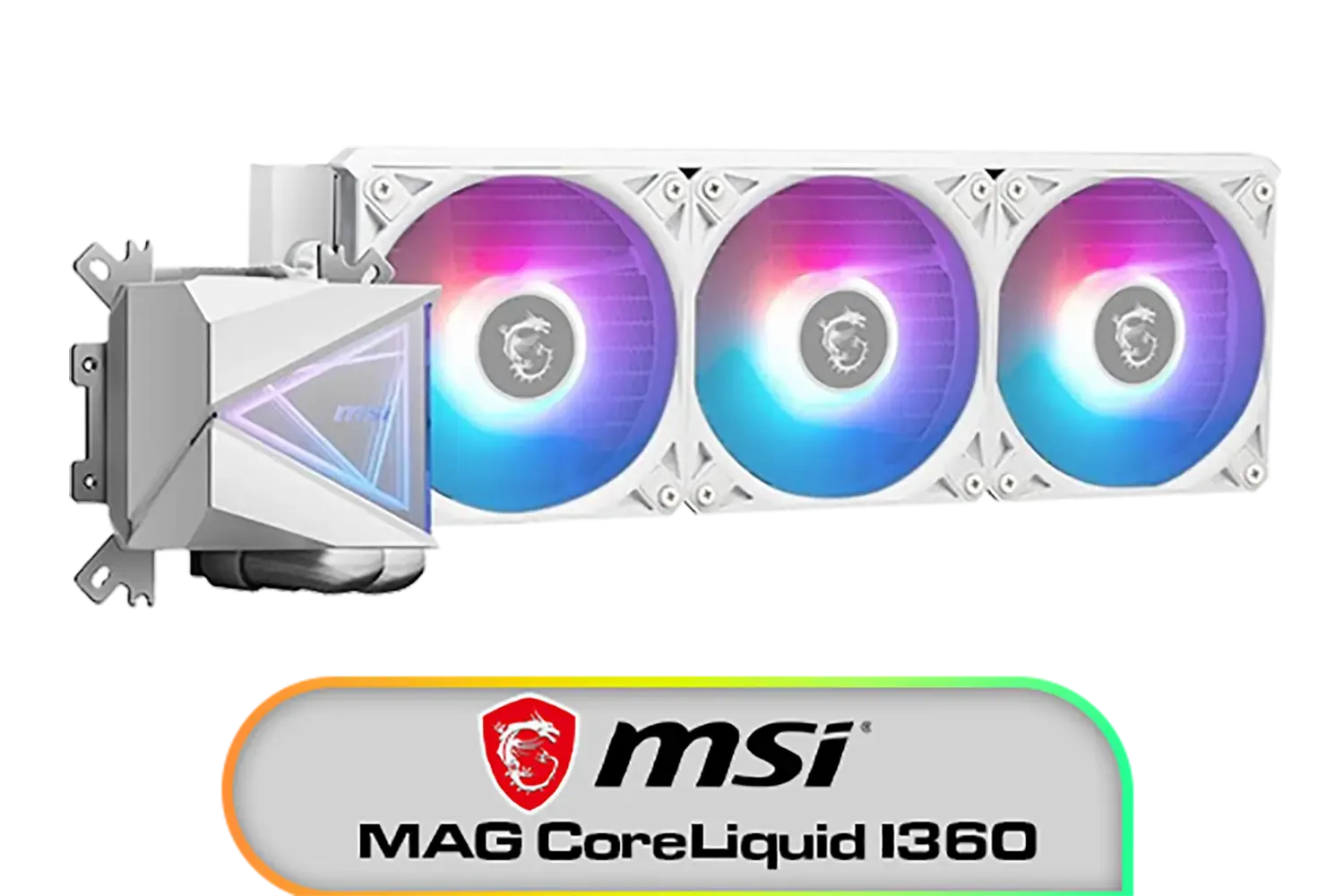
MSI MAG CoreLiquid I360 Liquid Cooler - White / LDB Bearing Quiet Fans / Dual-Sided Infinite Mirror Cooling / Flexible Nylon-Braided Cooling Tubes / Durable EPDM Anti-Evaporation Tubing / 306-7ZW8E21-C24
R2599.00In Stock
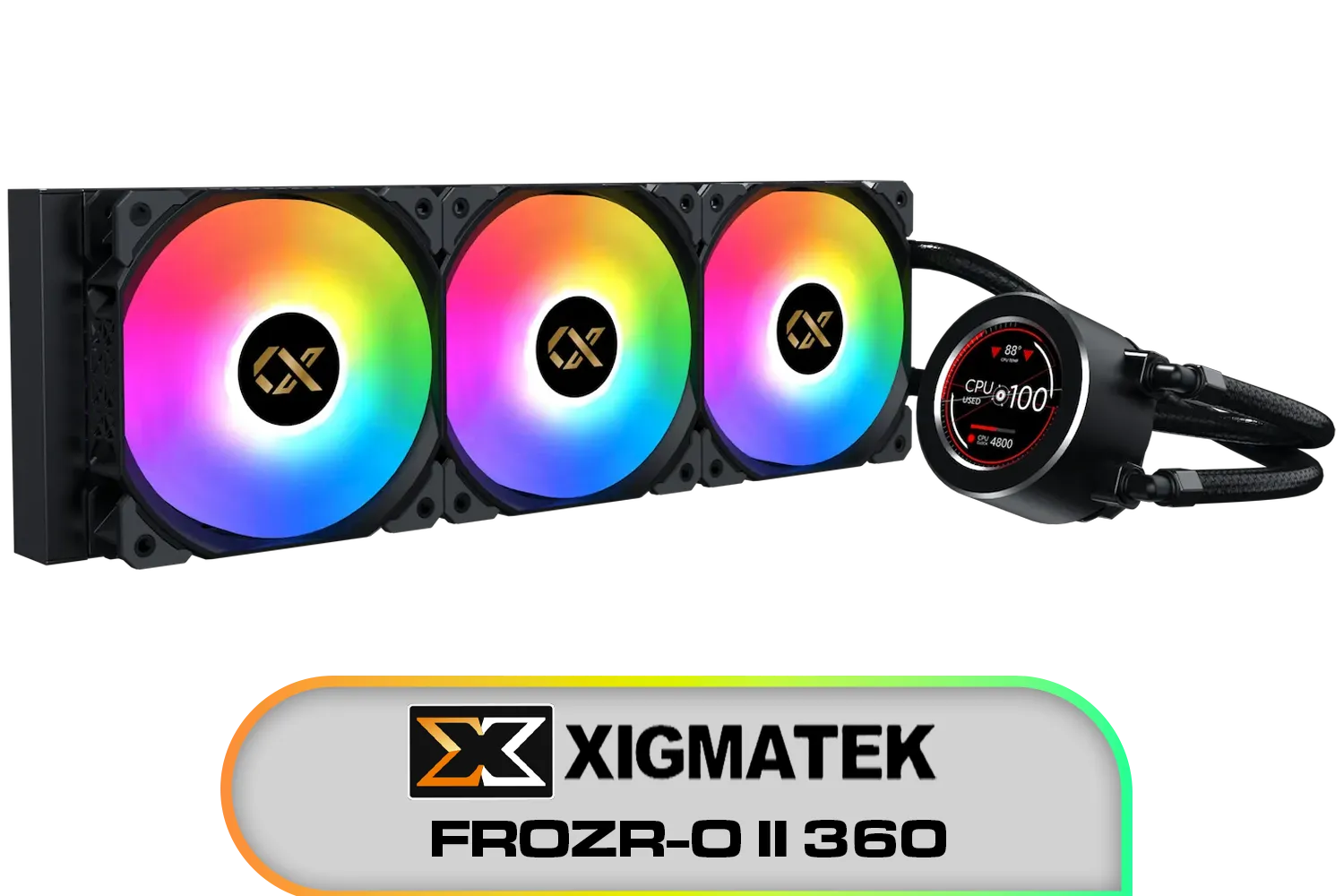
Xigmatek FROZR-O II 360 AIO Liquid Cooler - Black / Digital LCD Pump Head / Support Latest Specifications AMD/Intel / Low Noise PWM Fan / ARGB Controller / 7 Different Modes / EN40443
R2199.00In Stock
ASUS TUF Gaming LC 240 RGB Zaku II Limited Edition All-In-One Liquid CPU Cooler / Addressable RGB Radiator Fan / NCVM-coating pump cover / illuminated RGB ZAKU II / 90RC0093-M0UAY0
R2199.00In Stock
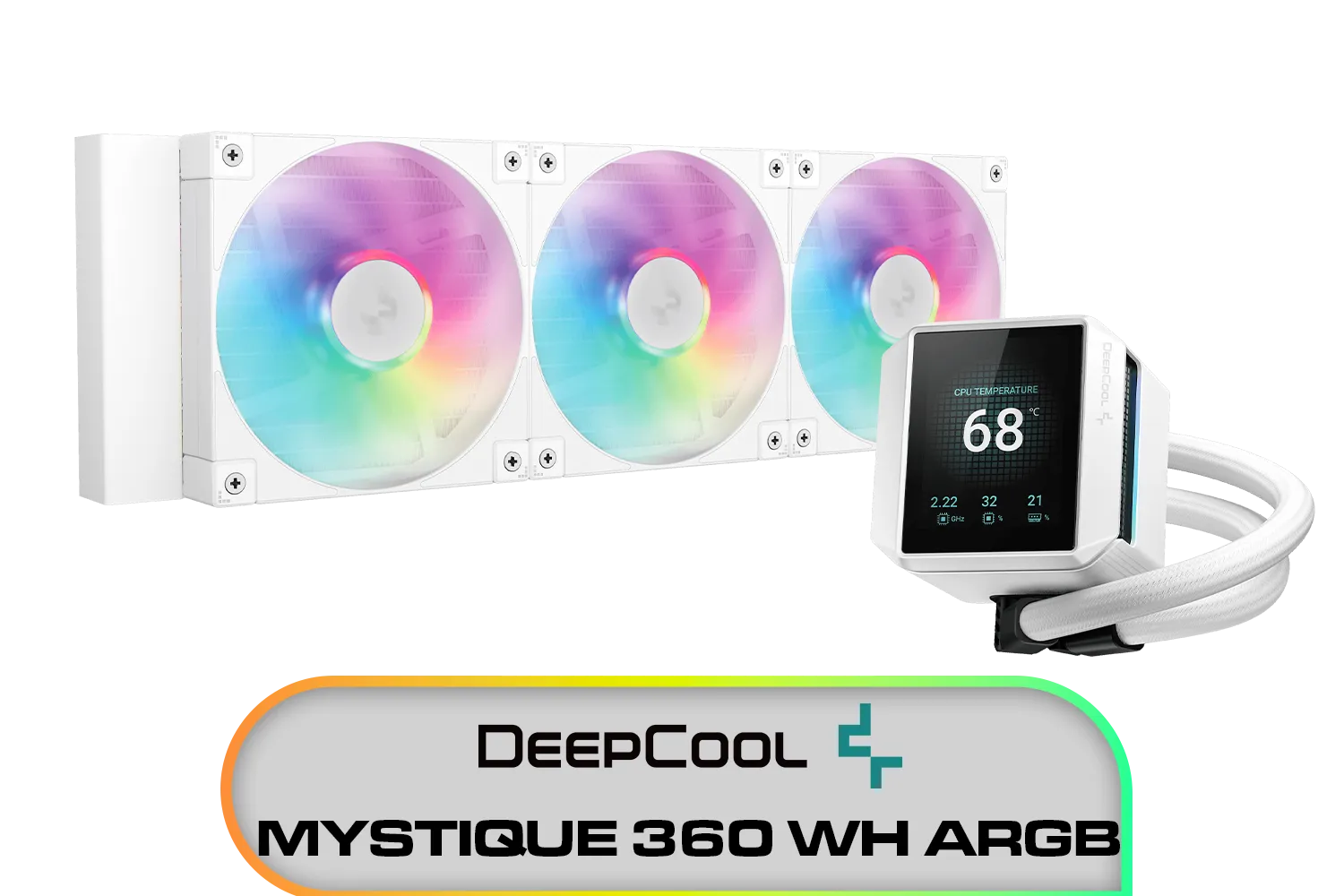
DeepCool MYSTIQUE 360 WH ARGB / 360mm Radiator / ANTI-LEAK Technology / 3x ARGB Fans Included / SHARP 2.8" LCD Screen / Compatible with AMD & Intel / MYSTIQUE-360-WH-ARGB
R2999.00In Stock
Fracta Design Celsius+ S28 Prisma 280MM Water Cooling Unit, Black, 2AL-14 PWM ARGB Fan / FD-W-2-S2802
R2599.00In Stock
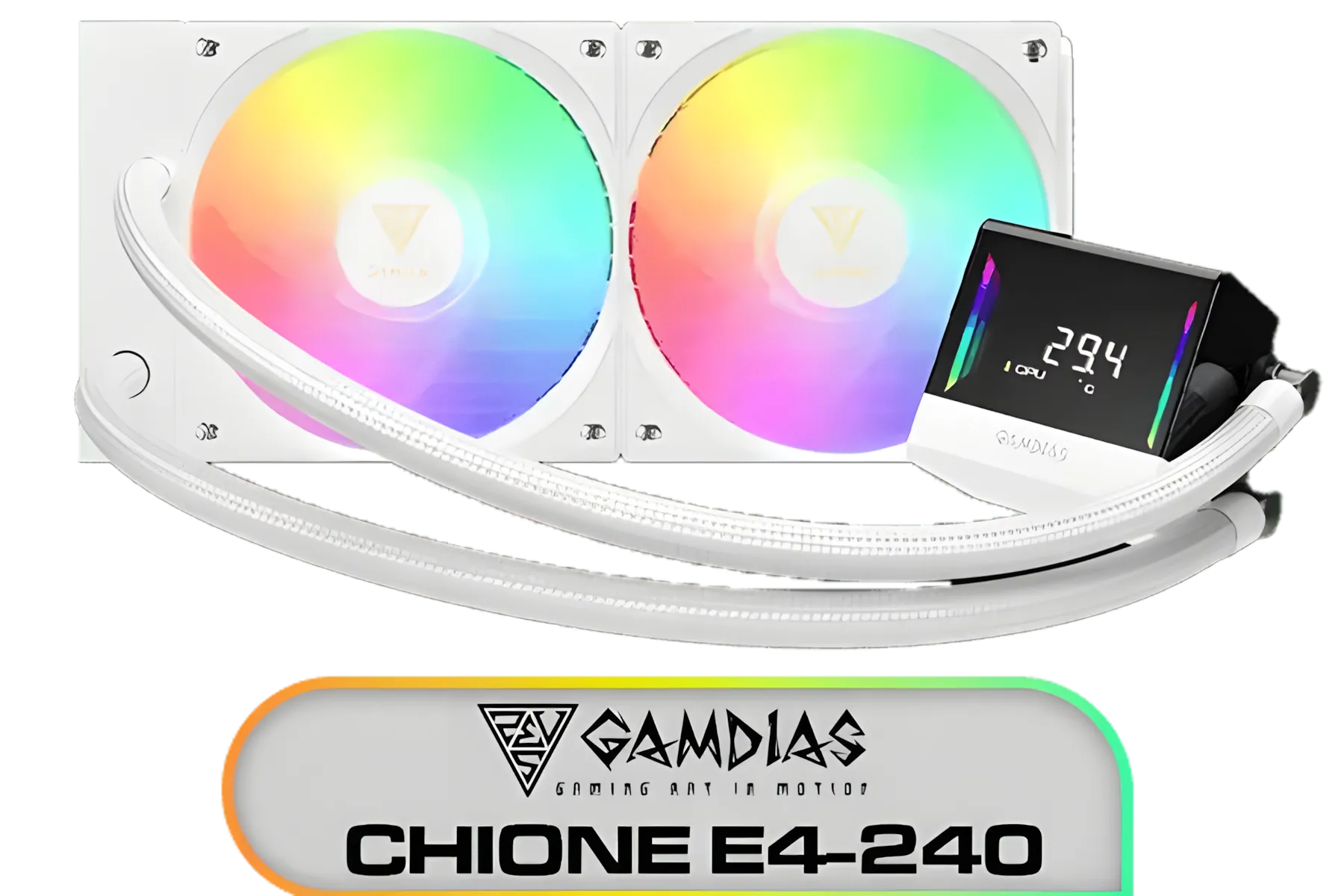
Gamdias Chione E4-240 Liquid Cooler - White / Hydraulic PWM Fans / Dual Infinite Mirror / Real-time Digital Display / Patented PWM Pump / Motherboard Sync ARGB / CHIONE-E4-240-WH
R899.00In Stock
Yes. A proper air cooler reduces sustained temperatures and thermal stress, slowing wear and helping to extend CPU lifespan when maintained.
Optimize case airflow, position fans for smooth intake and exhaust, and ensure correct cooler mounting to reduce cpu temperature long term.
Every 2–3 years for most builds, or sooner if temps rise or you remove the cooler. Proper thermal paste maintenance prolongs CPU life.
Yes for heavy loads or tall coolers. Push-pull improves airflow through fins and lowers temps, which helps extend CPU lifespan.
Undervolting lowers voltage and heat, reducing thermal stress. If stable, it can help extend CPU lifespan while keeping performance similar.
Frequent thermal throttling, unexpected shutdowns, unusually high idle temps, or persistent loud fans indicate cooling issues.
Use larger, slower fans, tune fan curves, and optimize airflow paths to lower noise while keeping temperatures in a safe range.











