



FHD vs QHD: Is Dell SE2425HG 1080p Worth It in 2025?
FHD vs QHD: We analyze whether the Dell SE2425HG’s 1080p remains a smart buy in 2025 — gaming clarity, framerate tradeoffs, and value explained 🔍🎮
|
Loading tags...

You’re staring at your PC build list, the budget is tight, and the big question looms: do you push for a pricey QHD monitor or stick with a trusted 1080p panel? It’s the classic battle of pixels versus performance, especially here in South Africa where every Rand counts. As we head into 2025, with GPUs getting more powerful, is a Full HD screen like the Dell SE2425HG still a smart buy, or are you just short-changing your setup?
Let's break it down.
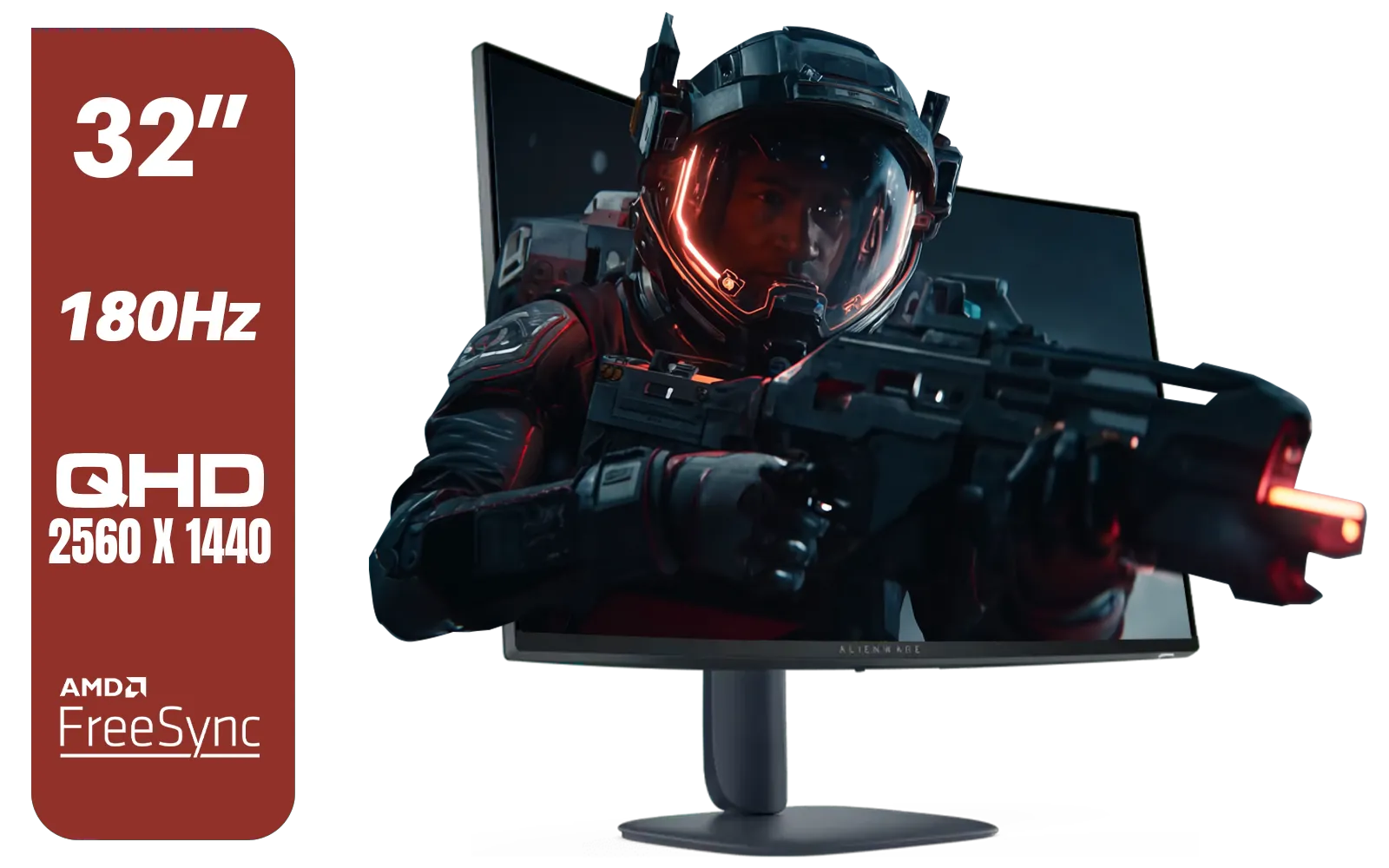
Alienware AW3225DM - 32" Curved Gaming Monitor / 180Hz Refresh Rate / QHD (2560x1440) / 1ms (GTG Extreme Mode) Response Time / AMD FreeSync / AW3225DM
R6499.00In Stock

VIEWSONIC VX2758A-2K-PRO-3 27" 2K Gaming Monitor / 240Hz Refresh Rate / 1ms MPRT Response Time / AMD FreeSync™ Premium & NVIDIA G-Sync Compatible / Dual HDMI & DisplayPort Inputs / VX2758A-2K-PRO-3
R5499.00In Stock

Dahua 27" QHD Gaming Monitor - E331 / 1000:1 Contrast ratio / 16.7M Colors / 2560x1440 / 180Hz Refresh Rate / 1ms Response Time / DHI-LM27-E331
R3199.00In Stock

VIEWSONIC 23.6" Active Matrix Type LCD Touch Monitor / IR 10-Point Touch Monitor / Finger, Stylus & Glove Touch Compatible / Magnetic Pen Placeholder / Adjustable Back Tilt up to 40° / Scratch-Resistant 7H Hardness Screen / FHD 1920×1080 Resolution / TD2423
R5199.00In Stock
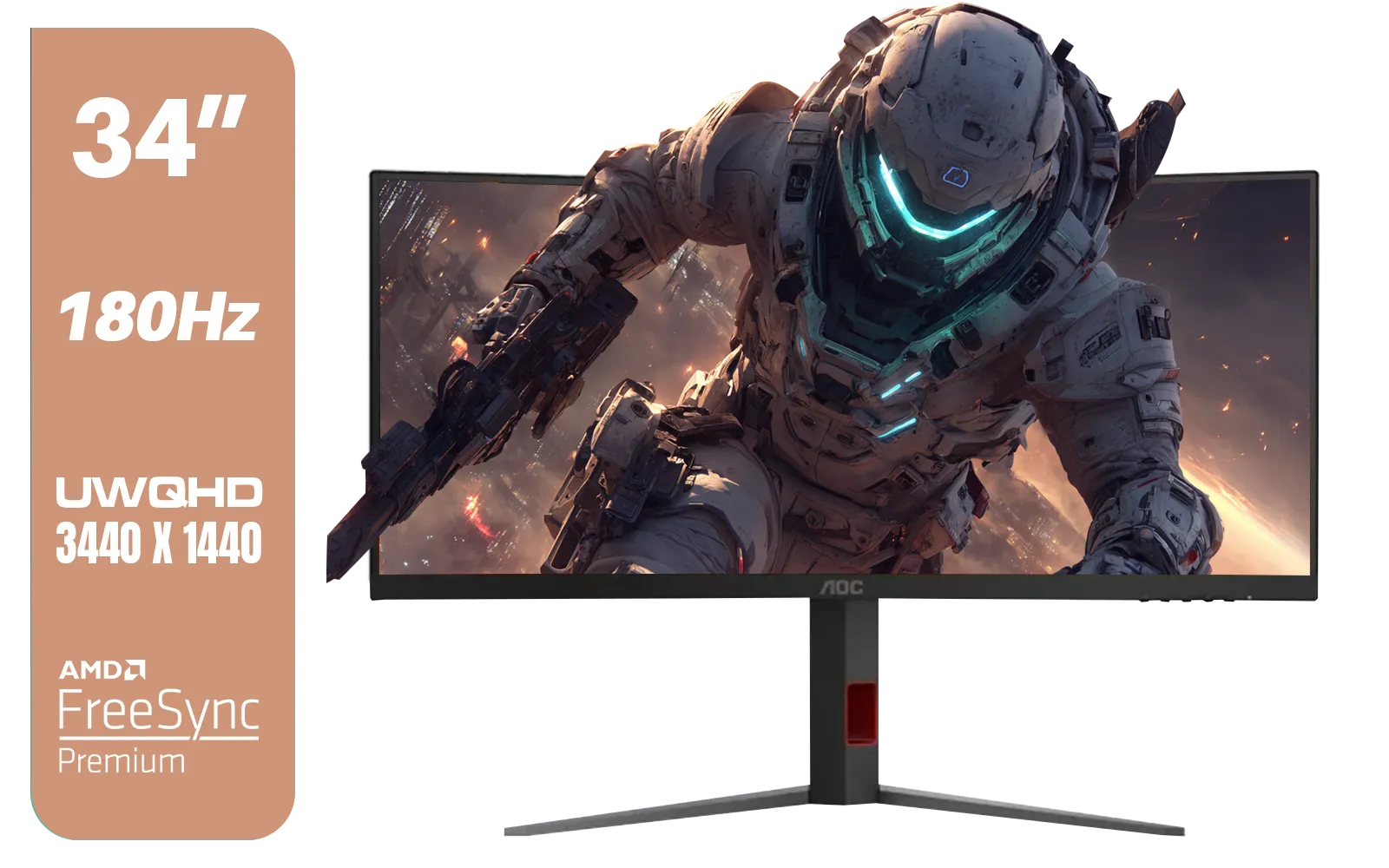
AOC CU34G4 34" Curved Gaming Monitor / UWQHD (3440x1440) / 180Hz Refresh Rate / 1ms Response Time (MPRT) / HDR10 / Adaptive Sync / CU34G4
R6999.00In Stock
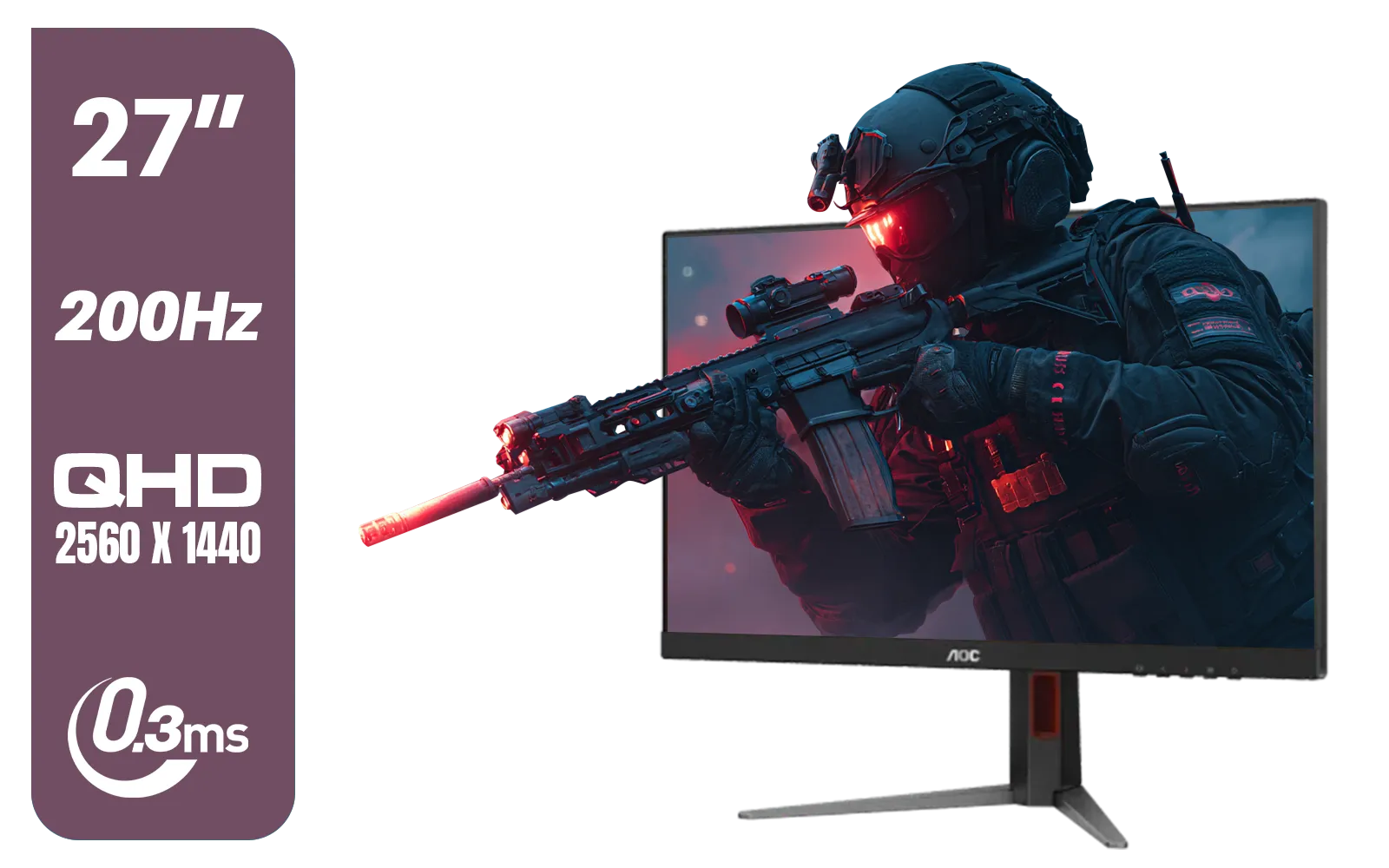
AOC Q27G4/D 27" Gaming Monitor / QHD (2560 × 1440) / 200Hz Refresh Rate / 0.3ms Response Time / IPS-Level Display / Certified HDR400 / Support Adaptive Sync / Q27G4/D
R3899.00In Stock
FHD vs QHD: What’s the Real Difference for Gaming?
Before we dive into the Dell SE2425HG, let's clear up the FHD vs QHD debate. It’s all about pixels.
- FHD (Full HD): 1920 x 1080 pixels. This has been the gold standard for years. It’s less demanding on your graphics card, making it easier to hit high frame rates.
- QHD (Quad HD): 2560 x 1440 pixels. This resolution offers a significantly sharper, more detailed image but requires a beefier (and more expensive) GPU to run smoothly, especially in the latest AAA titles.
For many gamers, the choice isn't just about visual quality... it's about balancing your budget across your entire rig. You can browse a huge selection of PC monitors to see the price gap for yourself.
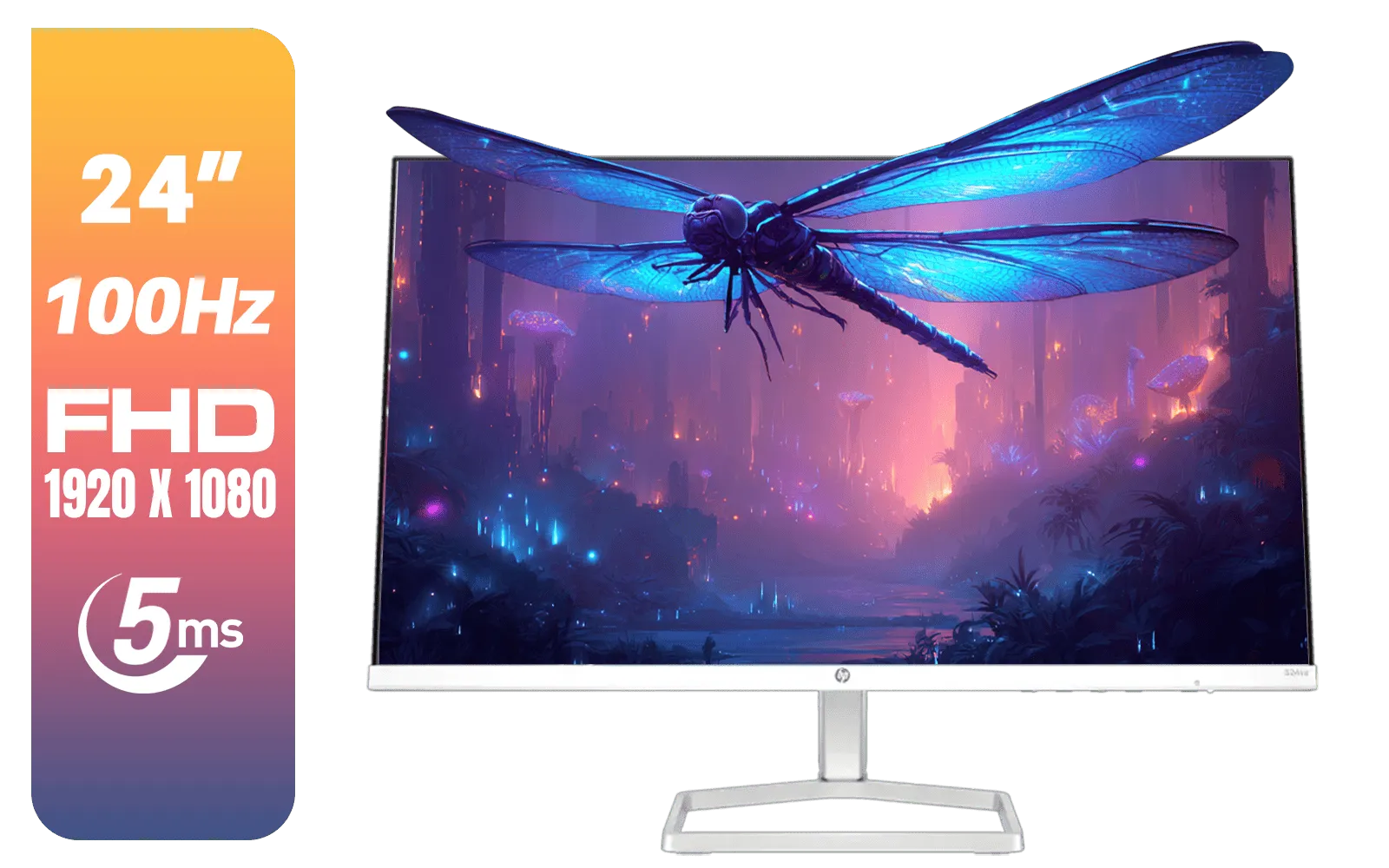
HP 524SA G5 FHD Gaming Monitor - White/Silver / 24" FHD (1920 x 1080) / IPS Panel / 1x HDMI 1.4, 1x VGA / Eye Ease with Eyesafe Certification / 94C36AS
R4199.00In Stock
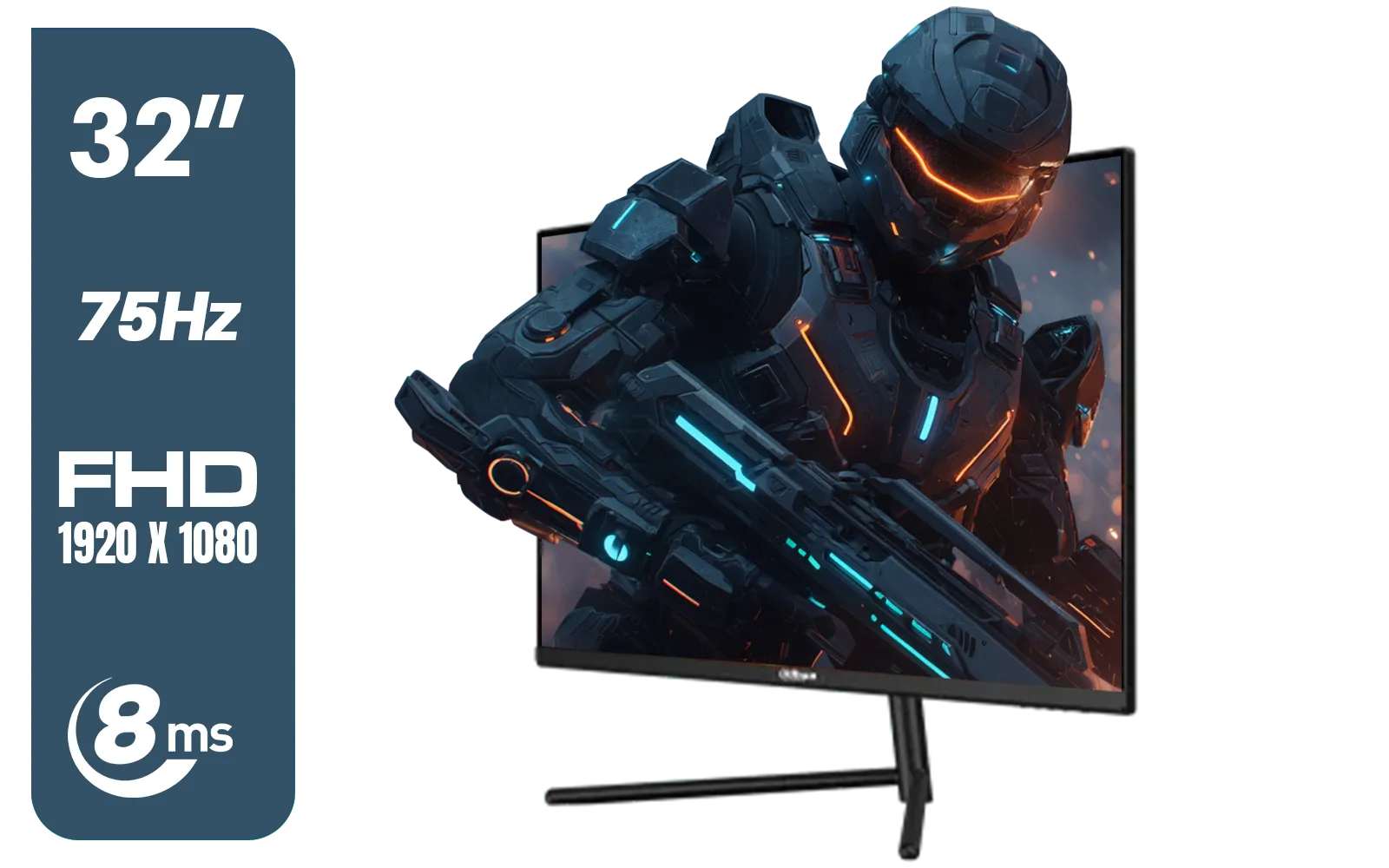
DAHUA DHI-LM32-A200X 32" LED MONITOR / Bezel-less Design / IPS Level-Display / 8ms Response Time / FHD 1920x1080 / 75Hz Refresh Rate / Low Blue Light / DHI-LM32-A200X
R3399.00In Stock

VIEWSONIC TD1630-3 15.6" 10-Pont Touch Screen Monitor / HD 768p Resolution / Projected Capacitive Touch / HDMI & VGA Inputs / Dual Integrated Speakers / Durable Scratch-Resistant Screen / TD1630-3
R4499.00In Stock
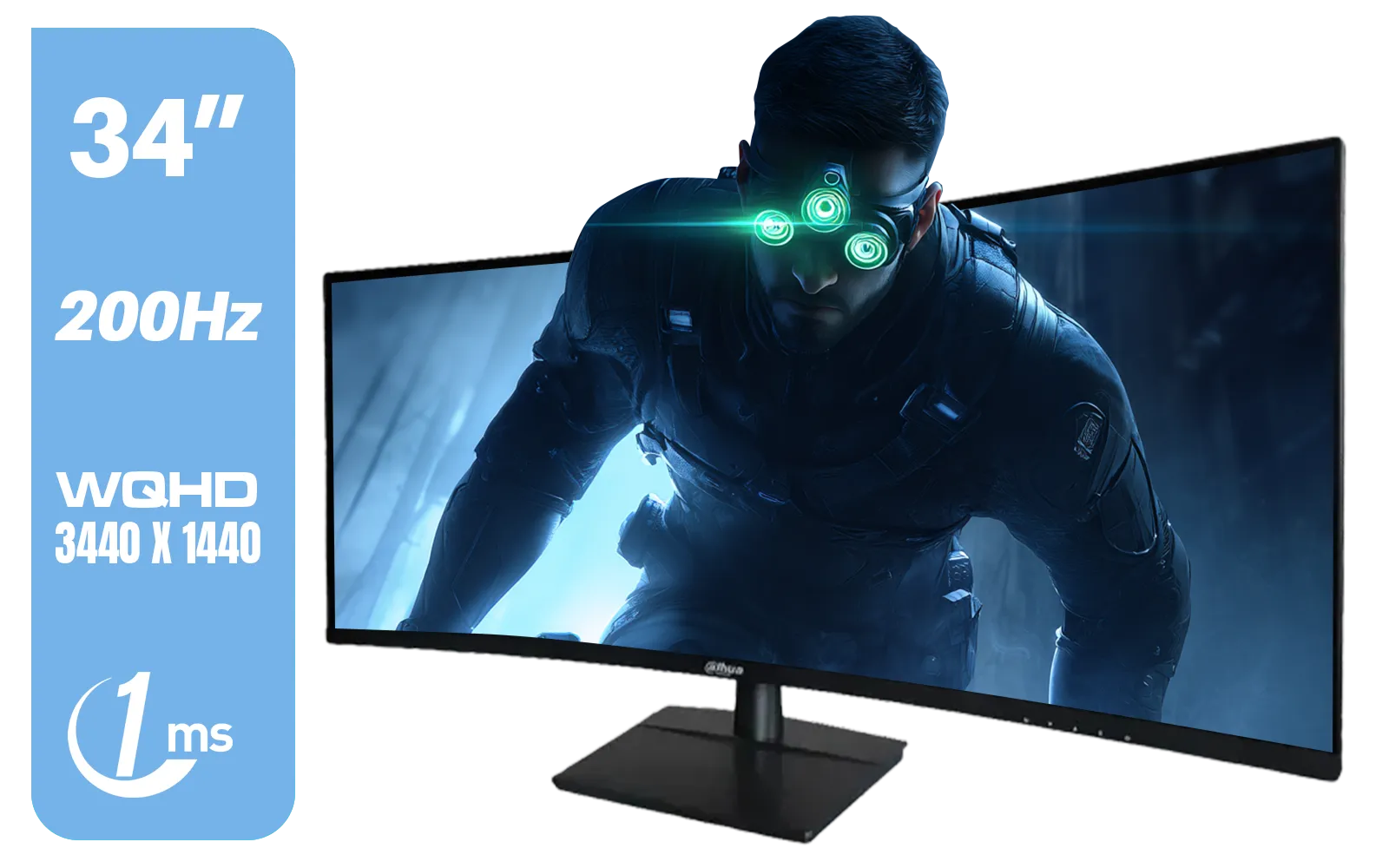
Dahua LM34-E330CN 34" LED Monitor / Adaptive-Sync Technology / 1ms Response Time / WQHD 3440x1440 / 200Hz Refresh Rate / HDR400 ready / 1500R Curvature / DHI-LM34-E330CN
R4699.00In Stock
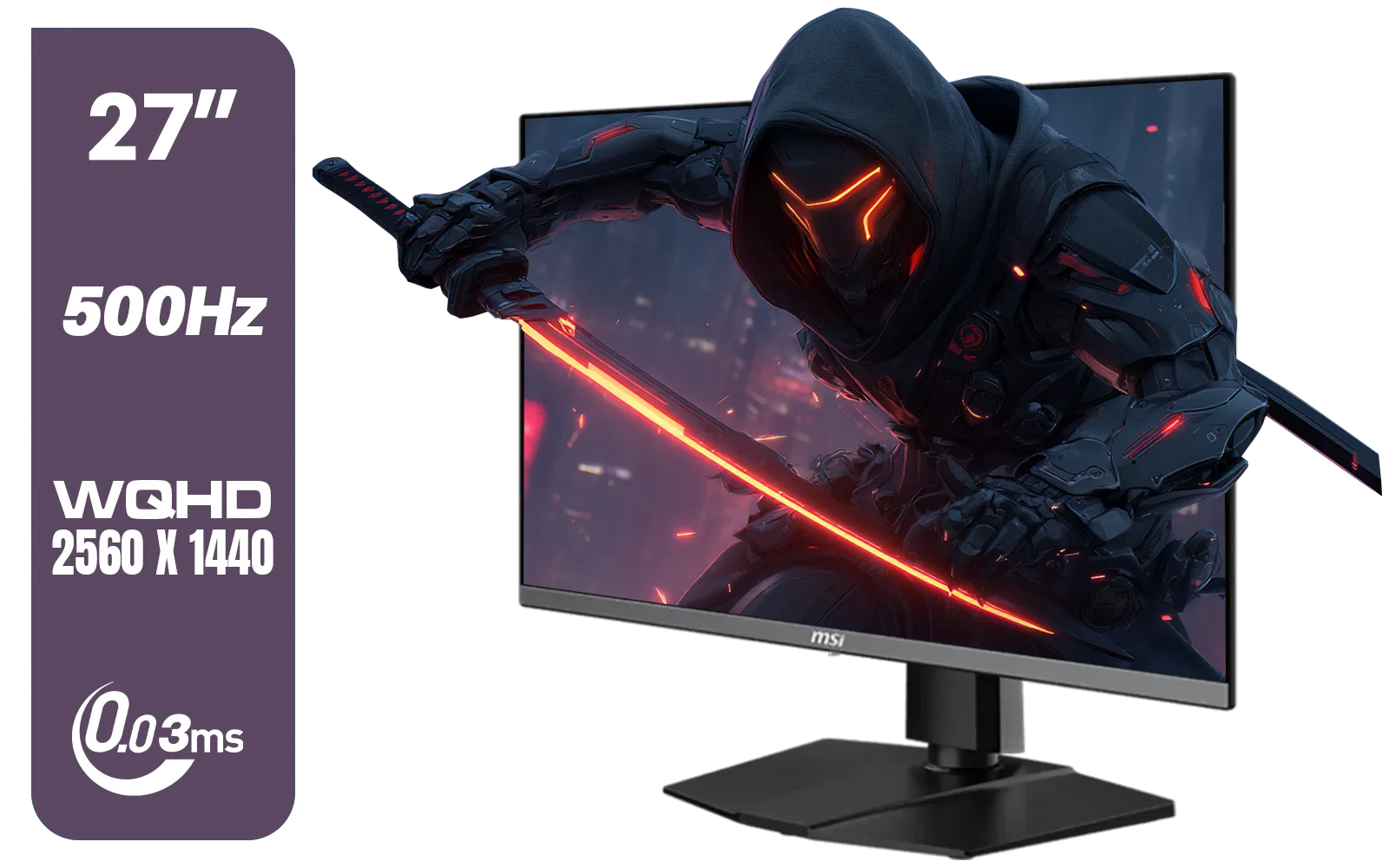
MSI MAG 272QP 27" 2560 x 1440 (WQHD) QD-OLED Monitor / 0.03ms GtG Response Time / 500Hz Refresh Rate / VESA DisplayHDR True Black 500 / Optimized for PS5 & Xbox / 9S6-3CD79A-071
R18999.00In Stock
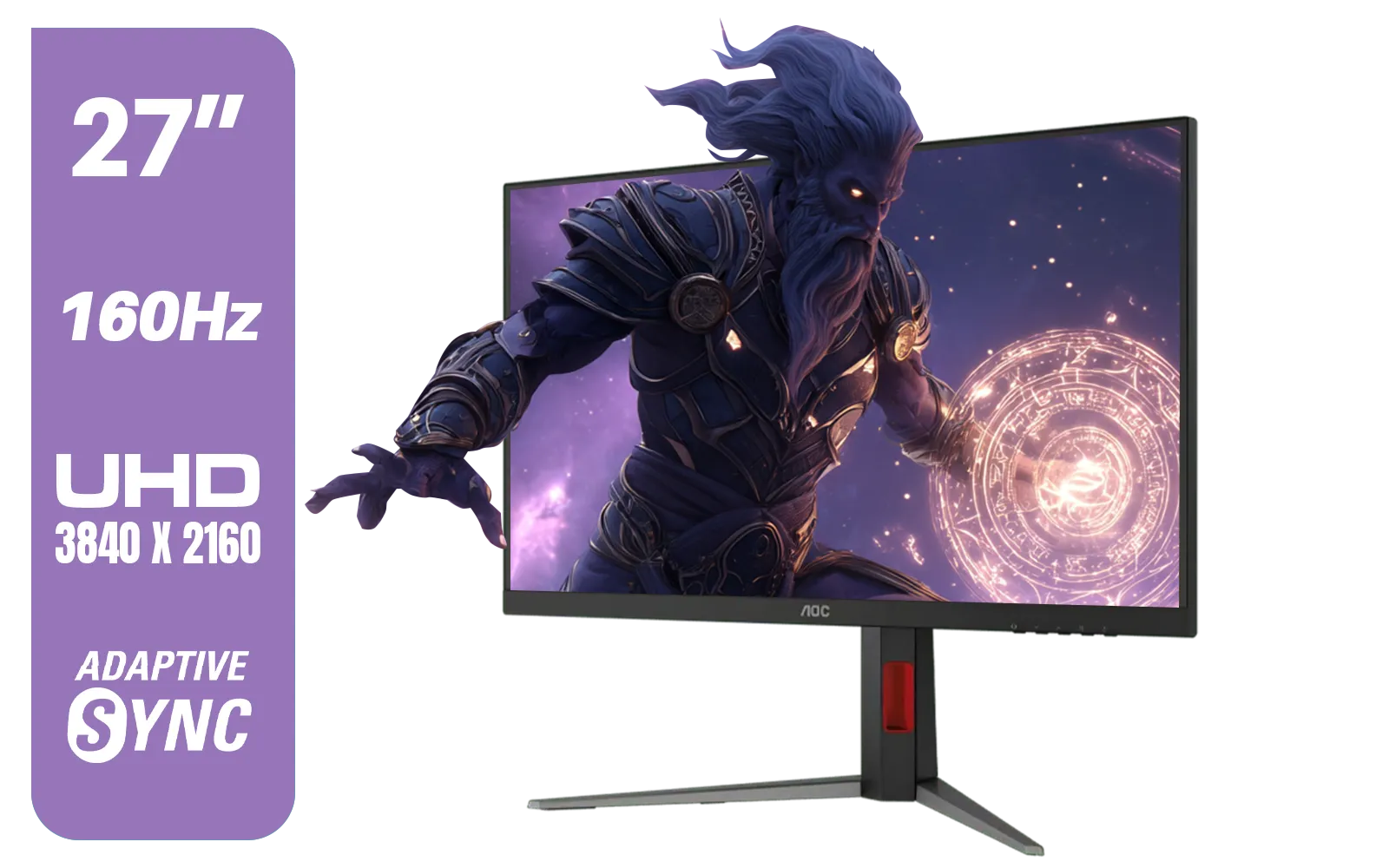
AOC U27G42 27" 160Hz Ultra-Fast Gaming Monitor, 3840 x 2160 (UHD), 0.5ms, Fast IPS, Adaptive Sync, 3-Sided Frameless Design, Black / U27G42
R9599.00In Stock
Is a 1080p Monitor Like the Dell SE2425HG Still a Smart Buy?
Absolutely, and here’s why. In the FHD vs QHD showdown, context is everything. While QHD is tempting, a high-quality 1080p monitor often provides a better overall experience for three key reasons. 💰
1. Performance Over Pixels
For competitive games like Valorant, CS2, or Apex Legends, frame rate is king. The Dell SE2425HG boasts a 100Hz refresh rate, which is a smooth step up from the standard 60Hz. A mid-range GPU can easily push 100+ FPS at 1080p, giving you a tangible competitive edge. Trying to do that at QHD often requires a top-tier card that costs a fortune.
2. The Screen Size Sweet Spot
At 23.8 inches, the Dell SE2425HG hits the sweet spot for 1080p. The pixel density is crisp, and you won't notice individual pixels unless you press your nose against the screen. The need for QHD really only becomes obvious on larger 27-inch or 32-inch displays. If you're looking for the right fit, it helps to check out our full range of gaming monitors to compare sizes and resolutions.
3. The Rand Factor
Let's be real. Building a PC in South Africa is expensive. Opting for a solid 1080p monitor like the Dell SE2425HG frees up hundreds, or even thousands, of Rands in your budget. That’s money you can invest in a better GPU, a faster SSD, or more RAM… upgrades that will deliver a much bigger performance boost than extra pixels.
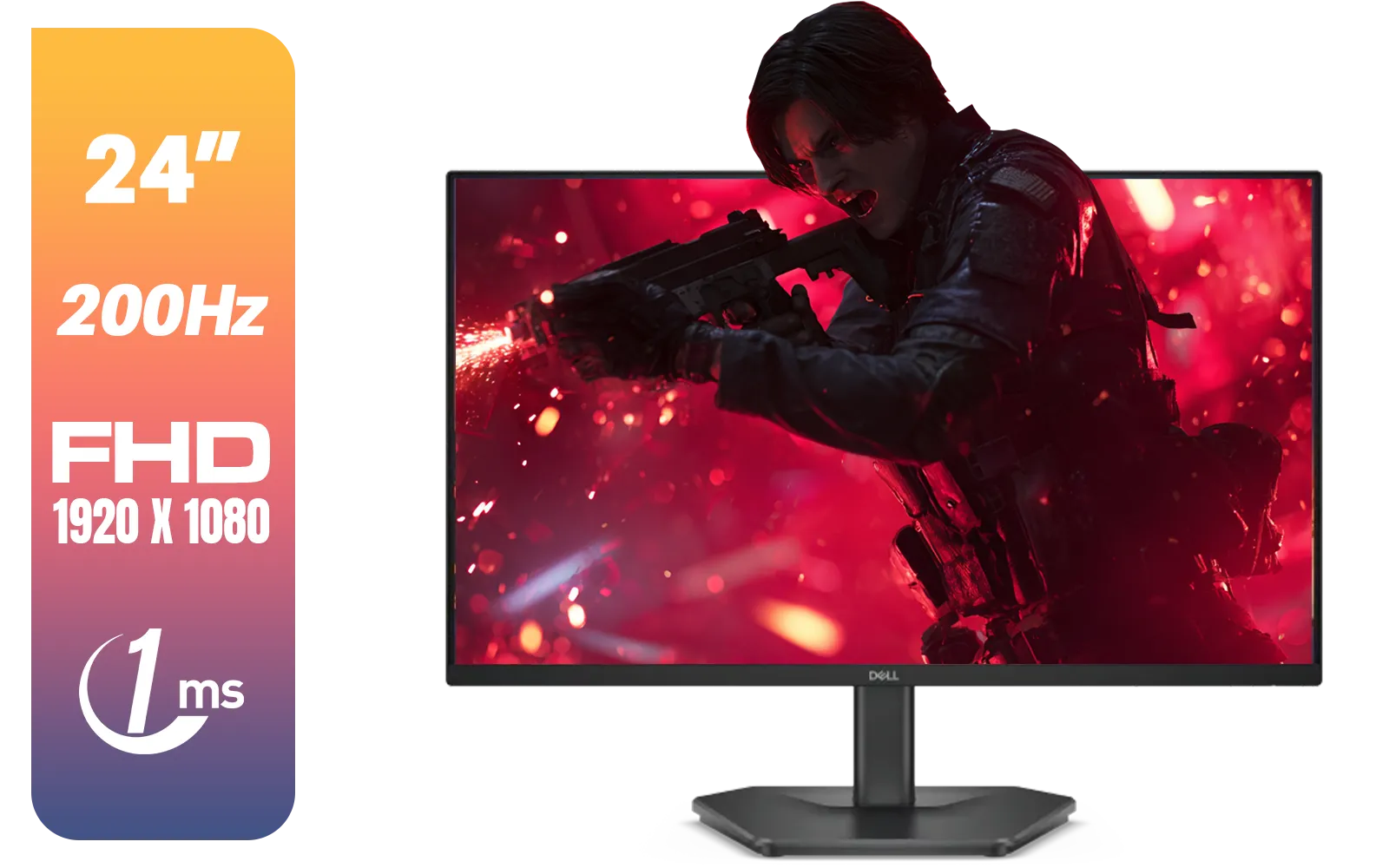
Dell SE2425HG 24" FHD IPS Gaming Monitor / FHD (1920 x 1080) Resolution / 200Hz Refresh Rate / 1ms Response Time / IPS level Display / 178° Horizontal and Vertical Viewing Angles / SE2425HG
R2599.00In Stock
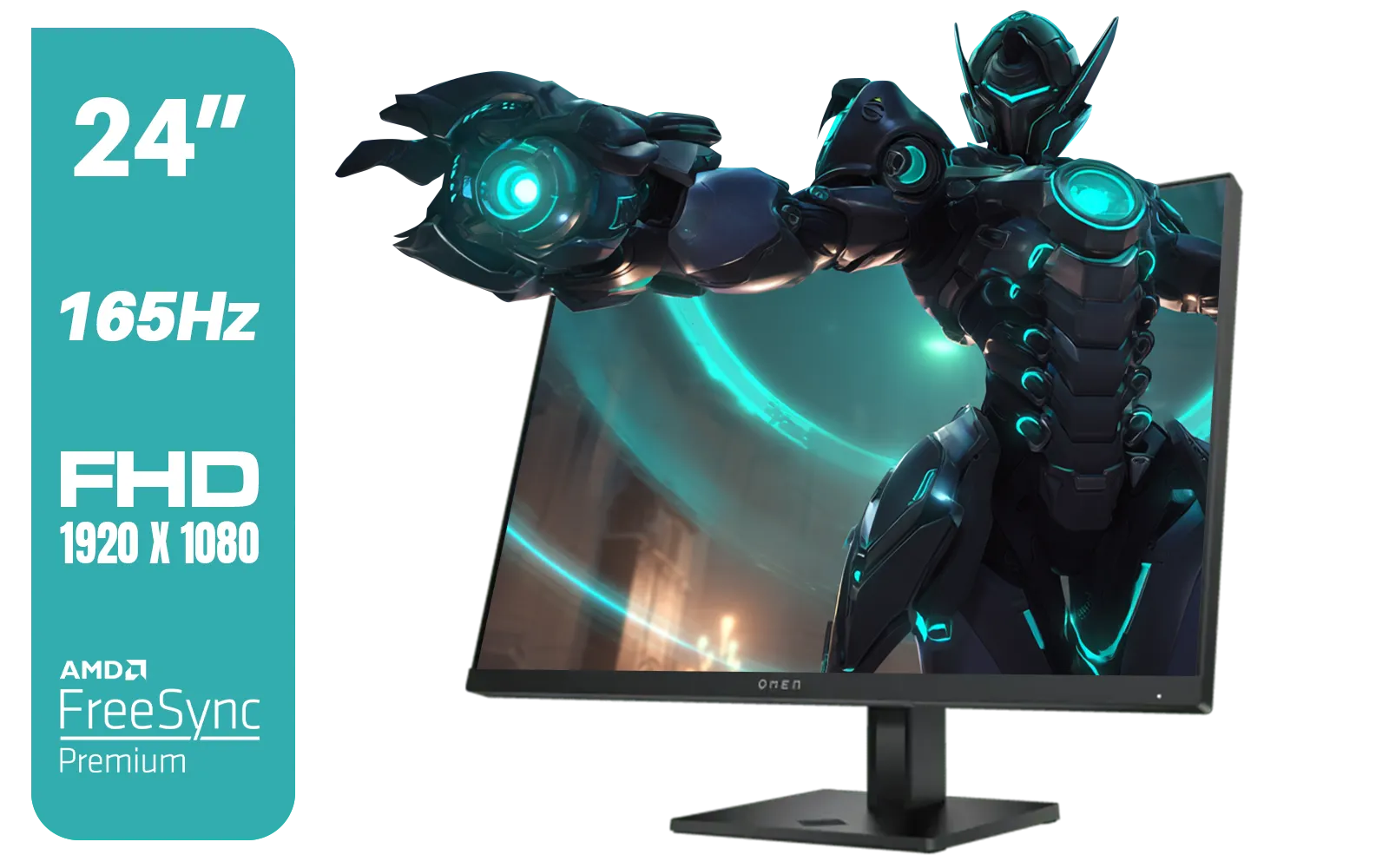
HP OMEN 24 FHD 165Hz Gaming Monitor - Black / 24" FHD (1920 x 1080) Anti-glare Display / AMD FreeSync Premium / Pivot Rotation and Height Adjustable / 780D9AS
R5199.00In Stock

Samsung Odyssey G55T 34" Ultra WQHD (3440 x 1440) 165Hz Curved Gaming Monitor / AMD FreeSync Premium / 165Hz Refresh Rate / 1ms Response Time / 1000R Curved Display / Futuristic Design / LC34G55TWWRXEN
R9999.00In Stock

HP OMEN 32q QHD 165Hz Gaming Monitor - Black / 1ms / 32" QHD (2560 x 1440) / AMD Freesync™ Premium / 780K0AS
R9999.00In Stock

HP 527SH G5 FHD Gaming Monitor - Black/Silver / 27" FHD (1920 x 1080) / IPS Panel / 1x HDMI 1.4, 1x VGA / Eye Ease with Eyesafe Certification / 94C50AS
R4799.00In Stock
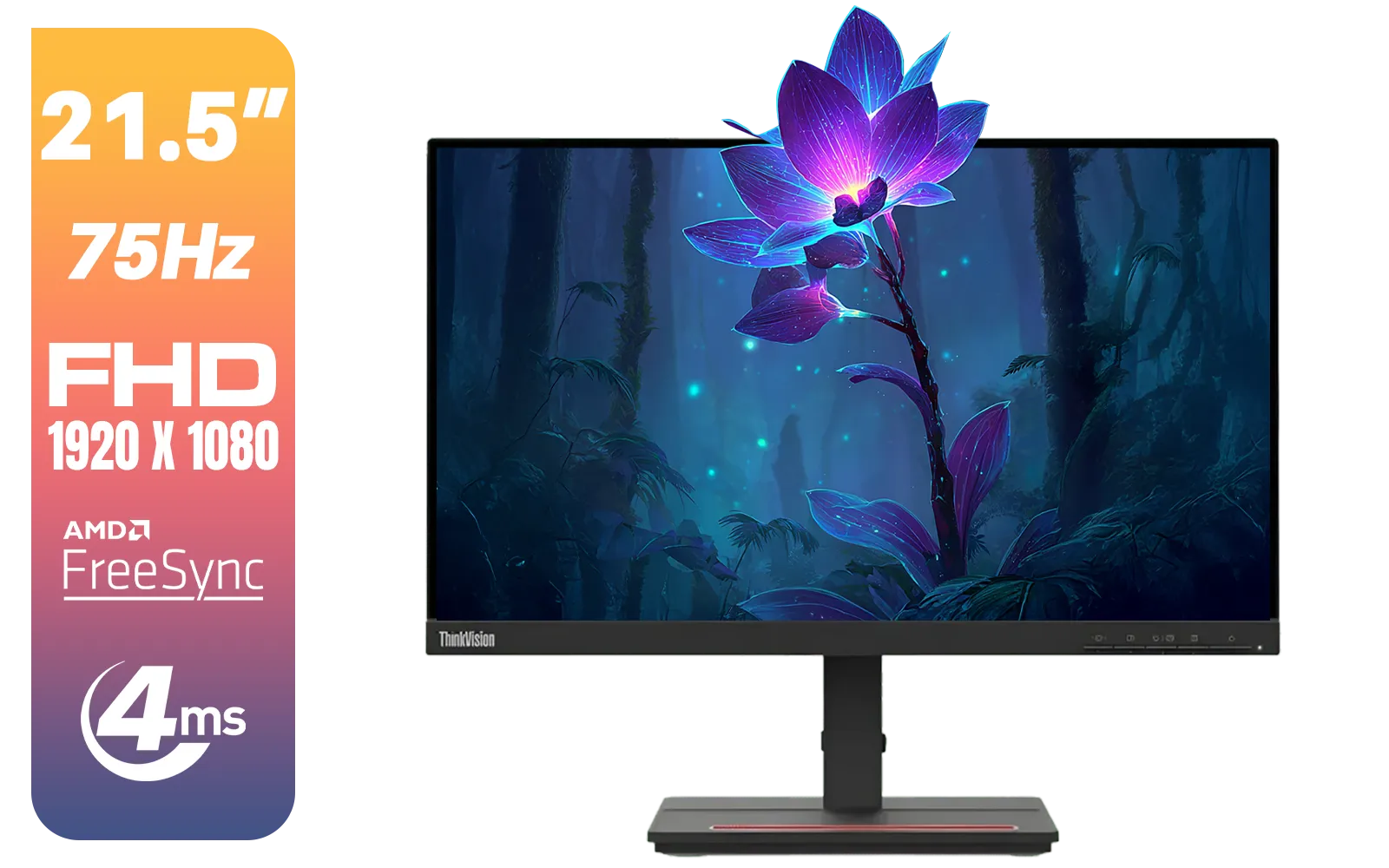
Lenovo ThinkVision Monitor S22E-20 21.5 Inch / 1920x1080 Resolution / Non Touch / 4 ms Response Time / 62C6KAT1SA
R2099.00In Stock
Deep Dive: Dell SE2425HG Specs & Performance
So, what does this Dell 1080p monitor offer for its price? It's a surprisingly well-rounded package.
- Panel: 23.8-inch VA panel, known for excellent contrast and deep blacks.
- Refresh Rate: 100Hz with AMD FreeSync for tear-free, smooth gameplay.
- Response Time: As low as 1ms (MPRT), keeping motion blur to a minimum.
- Design: Slim bezels and a sturdy stand make it look great on any desk.
This isn't a world-beating, pro-level display. But for a gamer looking for a reliable, smooth, and affordable screen, it ticks all the right boxes. While it's a flat panel, if you prefer a more immersive feel, curved monitors are another great option to consider for a similar budget.
TIP FOR YOU
Pro Gaming Tip ⚡
Make sure to enable your monitor's high refresh rate in Windows! Right-click your desktop, go to 'Display settings' > 'Advanced display settings', and select 100Hz from the drop-down menu. Also, ensure AMD FreeSync (or G-Sync compatibility) is enabled in your graphics card's control panel to prevent screen tearing.
The Final Verdict: Is This Dell 1080p Monitor for You?
The debate between FHD vs QHD isn't about which is "better," but which is better for you. The Dell SE2425HG 1080p monitor is an excellent choice in 2025 if you:
- Are a competitive gamer who values high frame rates.
- Have a budget or mid-range PC (e.g., RTX 3060/4060, RX 6600/7600).
- Are building your first gaming rig and want maximum bang for your buck.

ViewSonic TD1655 15.6" Full HD (1920 x 1080) Portable Touchscreen Monitor / Ultra-portable Design / Advanced in-cell Capacitive Touchscreen / 2-Way Power With USB Type-C / Frameless Design / Portrait and Landscape Modes / dual integrated speakers / TD1655
R5199.00In Stock

HP Z27q G3 QHD Gaming Monitor - 27" QHD (2560 x 1440) - Ergonomic Adjustable and VESA Compatible - Versatile HDMI, DisplayPort, USB Ports - Flat IPS Edge-Lit Technology Display /1C4Z7AA
R11199.00In Stock

HP 524SW G5 FHD Gaming Monitor - White/Silver / 24" FHD (1920 x 1080) / IPS Panel / 1x HDMI 1.4, 1x VGA / Eye Ease with Eyesafe Certification / 94C21AS
R4299.00In Stock
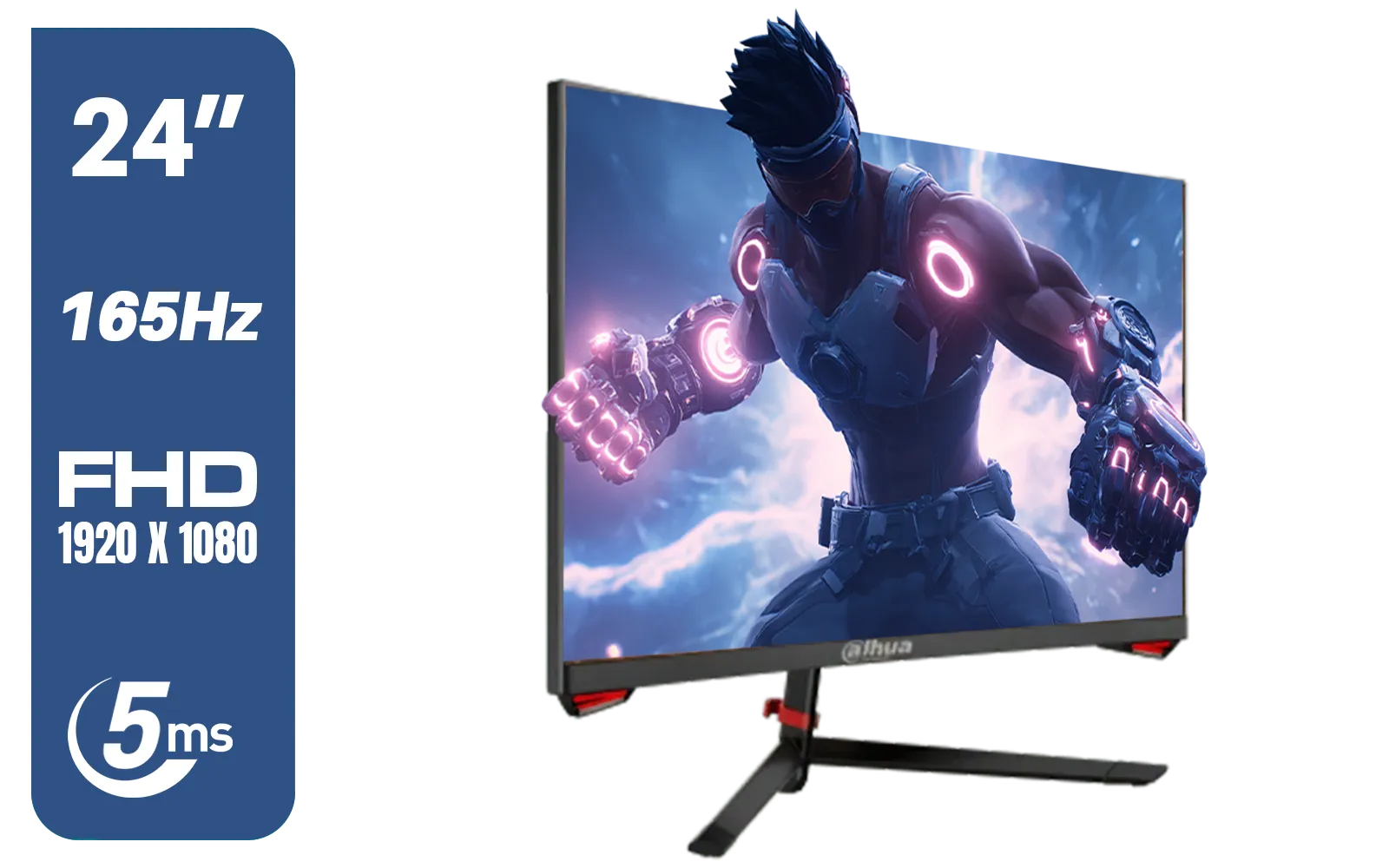
DAHUA LM24-E230C 24" FHD Gaming Monitor / Ultra-narrow Bezel / 165Hz / Adaptive sync / VA Panel / DHI-LM24-E230C
R2799.00In Stock
HP OMEN 32q QHD 165Hz Gaming Monitor - Black / 1ms / 32" QHD (2560 x 1440) / AMD Freesync™ Premium / 780K0AS
R9999.00In Stock
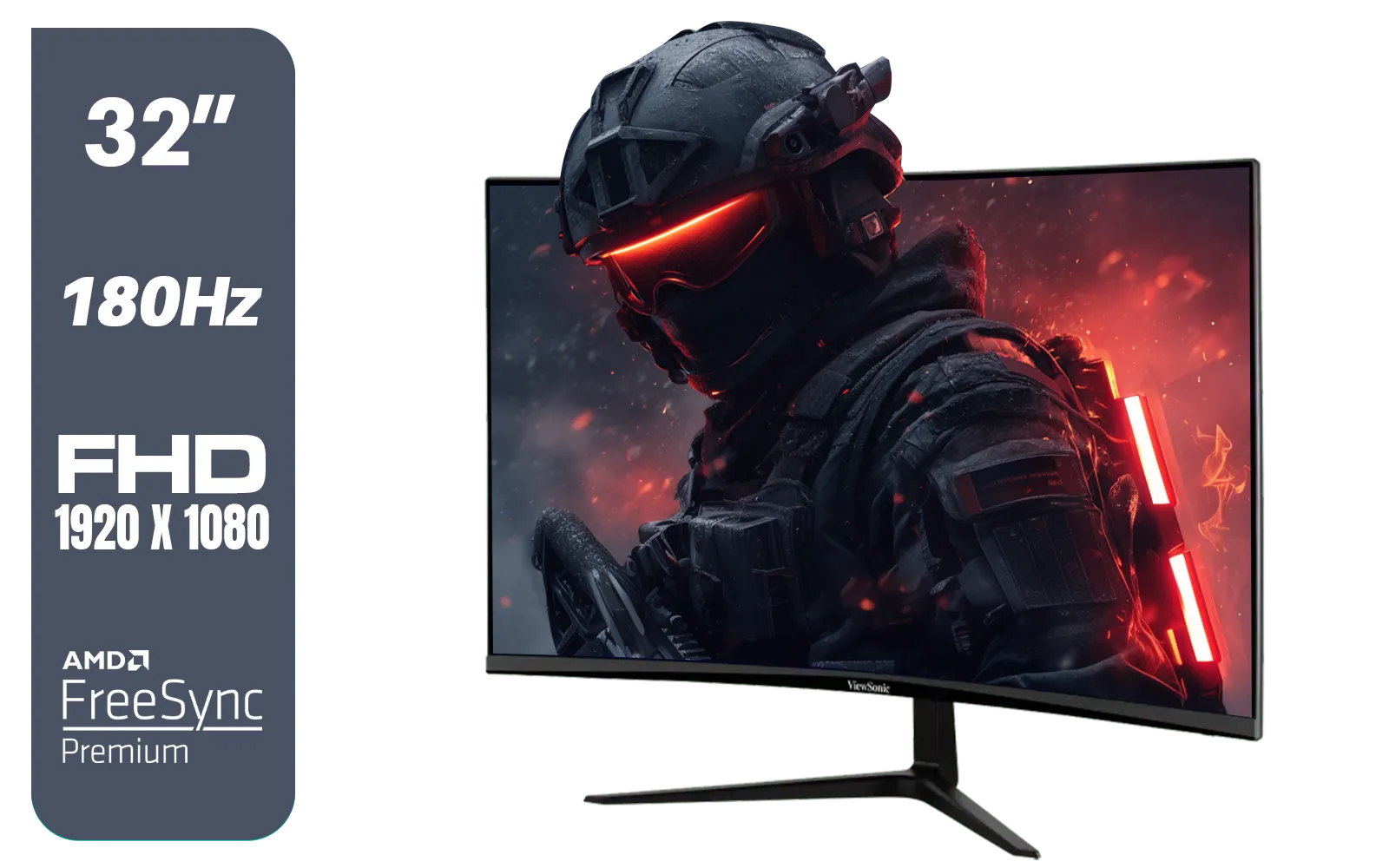
ViewSonic VX3218-PC-MHD 32" Full HD (1920 x 1080) 180Hz Curved Gaming Monitor / 180Hz Refresh Rate / 1ms MPRT Response Time / AMD Adaptive Sync Prevents Screen Tearing / 1500R Curve Ultimate Immersion / VX3218PCMHD
R3499.00In Stock
However, if your work demands more pixels for graphic design or video editing, exploring the world of 4K and 5K monitors might be your next step. Even a lightweight setup with a portable monitor can benefit from the right resolution for the job. 🖥️
Ultimately, a great monitor is the window to your digital world. The Dell SE2425HG proves that you don’t need to break the bank for a fantastic view. Just remember to grab the right monitor accessories like a quality DisplayPort cable to get the most out of that 100Hz refresh rate.
Ready to Upgrade Your View? Whether you're chasing high frame rates in 1080p or breathtaking detail in 4K, the perfect monitor is waiting. It’s the most important part of your setup after the PC itself. Explore our incredible range of gaming PCs and find the perfect rig to pair with your new screen.
Related Products
Lenovo ThinkVision Monitor S22E-20 21.5 Inch / 1920x1080 Resolution / Non Touch / 4 ms Response Time / 62C6KAT1SA
R2099.00In Stock

Samsung M70D 32″ Smart Monitor / UHD (3840 x 2160) Resolution / 60Hz refresh rate / 4ms response time / LS32DM702UAXXA
R7799.00In Stock

MSI G321Q 31.5" WQHD IPS 2K Flat Monitor, 170Hz Refresh Rate, 1ms MPRT Response Time, 1.07B Display Colors, 16:9 Aspect Ratio, 1200:1 Contrast Ratio, G-Sync / AMD Freesync, HDR, Black / 9S6-3DB91A-041
R6999.00In Stock
VIEWSONIC TD1630-3 15.6" 10-Pont Touch Screen Monitor / HD 768p Resolution / Projected Capacitive Touch / HDMI & VGA Inputs / Dual Integrated Speakers / Durable Scratch-Resistant Screen / TD1630-3
R4499.00In Stock
Alienware AW3225DM - 32" Curved Gaming Monitor / 180Hz Refresh Rate / QHD (2560x1440) / 1ms (GTG Extreme Mode) Response Time / AMD FreeSync / AW3225DM
R6499.00In Stock

HP 527SW G5 FHD Gaming Monitor - White/Silver / 27" FHD (1920 x 1080) / IPS Panel / 1x HDMI 1.4, 1x VGA / Eye Ease with Eyesafe Certification / 94F46AS
R4499.00In Stock
Yes — 1080p (FHD) remains excellent for competitive gaming on 24-inch panels, offering higher frame rates and lower GPU demands than QHD.
The Dell SE2425HG offers solid 1080p performance with fast response and high refresh capability, making it a strong choice for esports-focused setups.
Choose QHD for sharper detail, content creation, or larger screens; pick FHD on 24-inch esports monitors to maximize fps and GPU efficiency.
Yes. QHD increases GPU load to reach high fps. Midrange GPUs hit higher frame rates at 1080p, so QHD often needs a beefier graphics card.
Pixel density at 24-inch 1080p (~90–95 PPI) is acceptable for gaming and general use; QHD improves sharpness and workspace if you need more detail.
If you prioritise high refresh rates, competitive play, and value, the SE2425HG’s 1080p performance still makes it a sensible buy in 2025.
Most modern games scale well; at 24-inch, 1080p offers satisfactory detail. Visual gains with QHD are visible but not essential for esports-focused players.











