



Gaming Battery Life Optimization: 30 Hours of Play
Unlock superior gaming battery life optimization today! 🔋 Learn how efficient power management delivers 30 hours of play. ⚡ Boost endurance for laptops and wireless gear without sacrificing performance.
|
Loading tags...

Nothing’s worse than the “Controller Disconnected” warning flashing mid-clutch. Especially when the lights could go out any second… we’ve all been there. But what if you could stretch that battery for truly epic sessions? Proper gaming battery life optimization isn't magic; it's about smart tweaks that keep you in the game longer. Let's turn those frustrating disconnects into legendary win streaks and get you closer to that 30-hour marathon. 🚀

Xbox Series X/S Wireless Controller - Pulse Red / Enhanced Comfort / New Hybrid D-pad / Xbox Wireless and Bluetooth Technology / 3.5mm Audio Jack / QAU-00012
R1599.00In Stock

PowerA Advantage Wired Xbox Controller - Sonic Style / 3-Way Trigger Locks / Officially Licensed for Xbox Series X|S / XBGP0229-01
R699.00In Stock
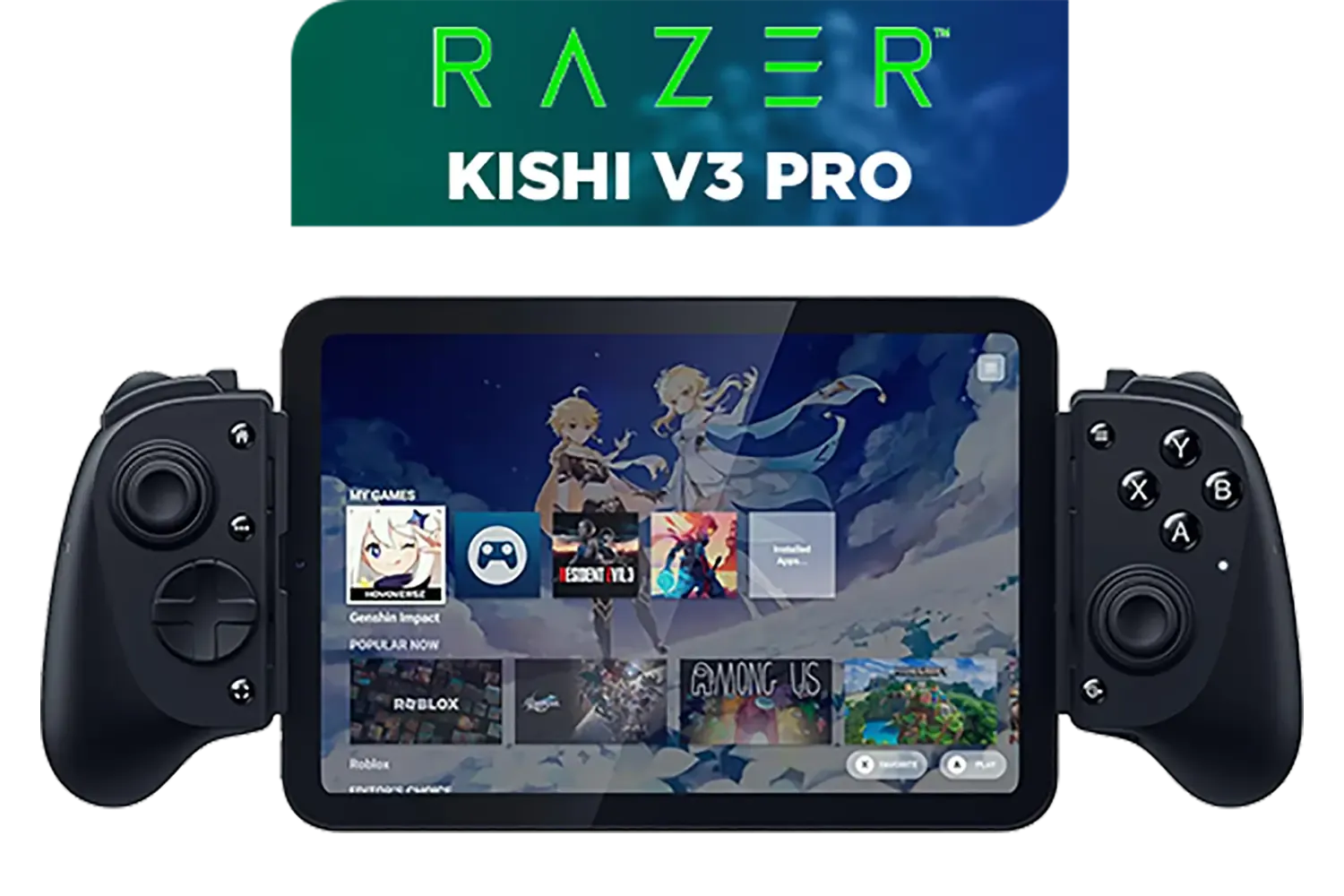
Razer Kishi V3 Pro Gaming Controller / Supports Android, iPhone & iPad Mini / Full-Sized Console-Style Controller / Fits Phones and Tablets up to 8” / Razer Sensa HD Immersive Haptics / RZ06-05460100-R3M1
R4199.00In Stock
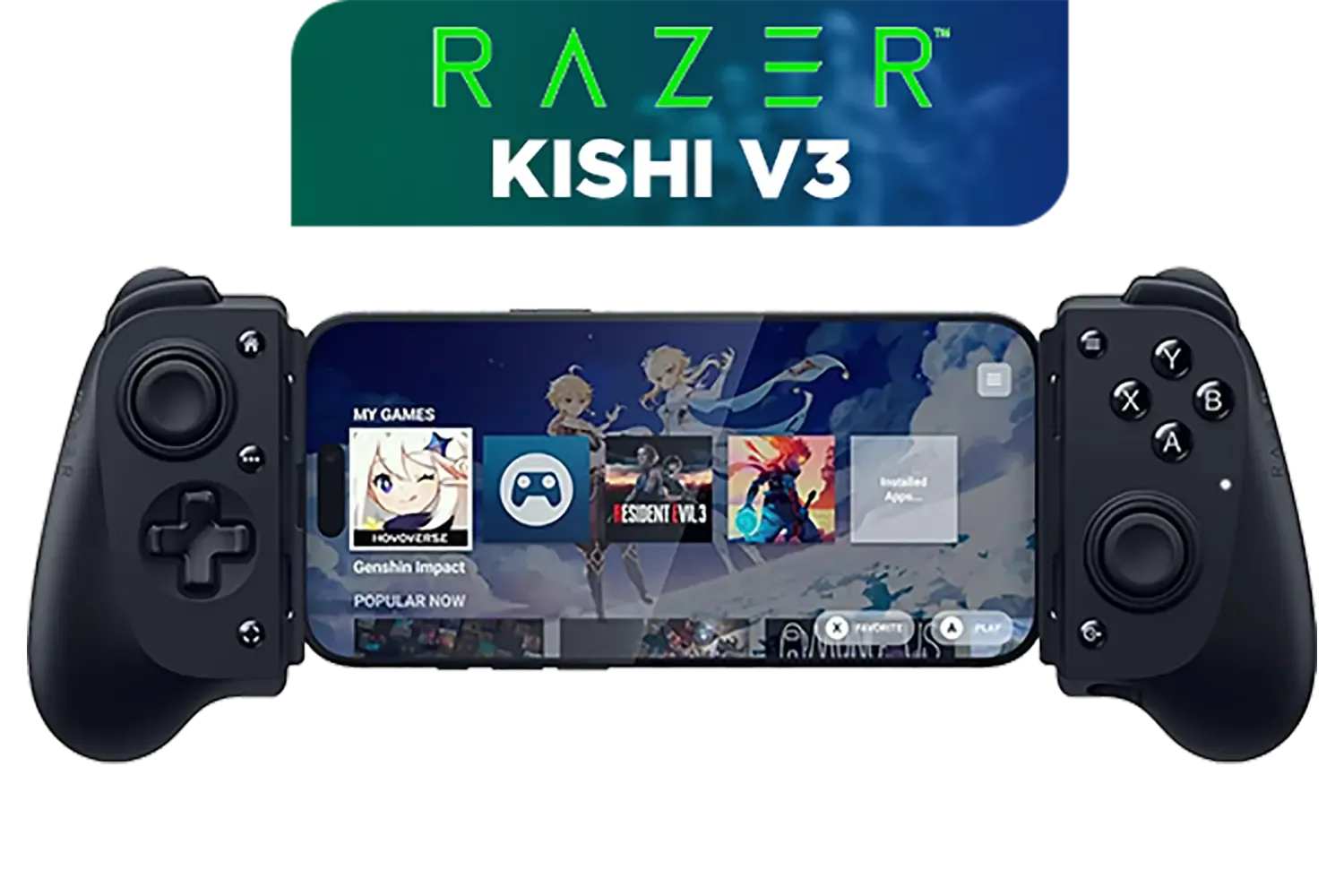
Razer Kishi V3 Gaming Controller / Supports Android and iPhone / Full-Sized Console-Style Controller / Dual mouse-click back buttons / Razer Sensa HD Immersive Haptics / RZ06-03550100-R3M1
R2999.00In Stock
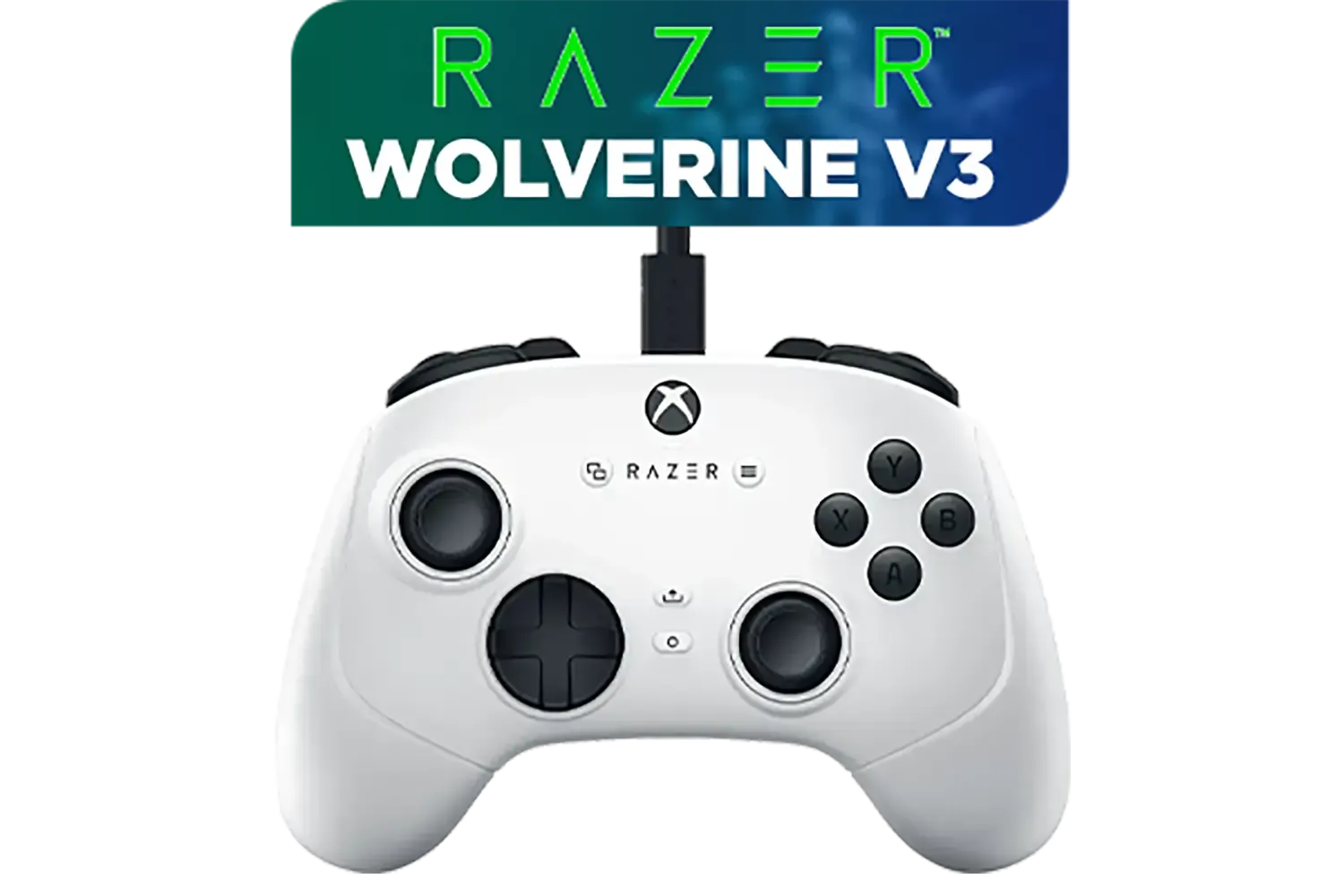
Razer Wolverine V3 Tournament Edition XBOX/PC, 6 Remappable Buttons to Outplay Them All, 1000Hz Polling Rate for Competitive Play on PC, Wired Esports Controller - White / RZ06-05210200-R3M1
R2699.00In Stock

MARVO GT-88 WIRELESS GAMING GAMEPAD / Compatible With PC / Analog Mini Sticks With Xbox Positioning / Double Triggers And Analog Mumpers / Rapid Fire With Turbo Mode / Dual Motors For Vibration Feedback / Soft, Sweat-resistant Coating / GT-88
R499.00In Stock
Quick Wins to Optimise Your Controller's Battery
Before you start hunting for a new power bank, let's start with the easy stuff. Most modern controllers are packed with features that, while immersive, are serious power hogs. A few adjustments in your settings can make a world of difference.
First, tackle the haptics. That intense rumble feels amazing, but it's one of the biggest battery drains. Turning vibration down or completely off in your game or console settings can instantly add hours to your playtime. Next, check your controller's LED brightness. That cool glow looks great, but it's constantly sipping power. Dim it down through software like Steam's controller configuration or the manufacturer's dedicated app. These simple changes apply to the huge variety of modern gaming controllers on the market and can significantly extend your sessions.
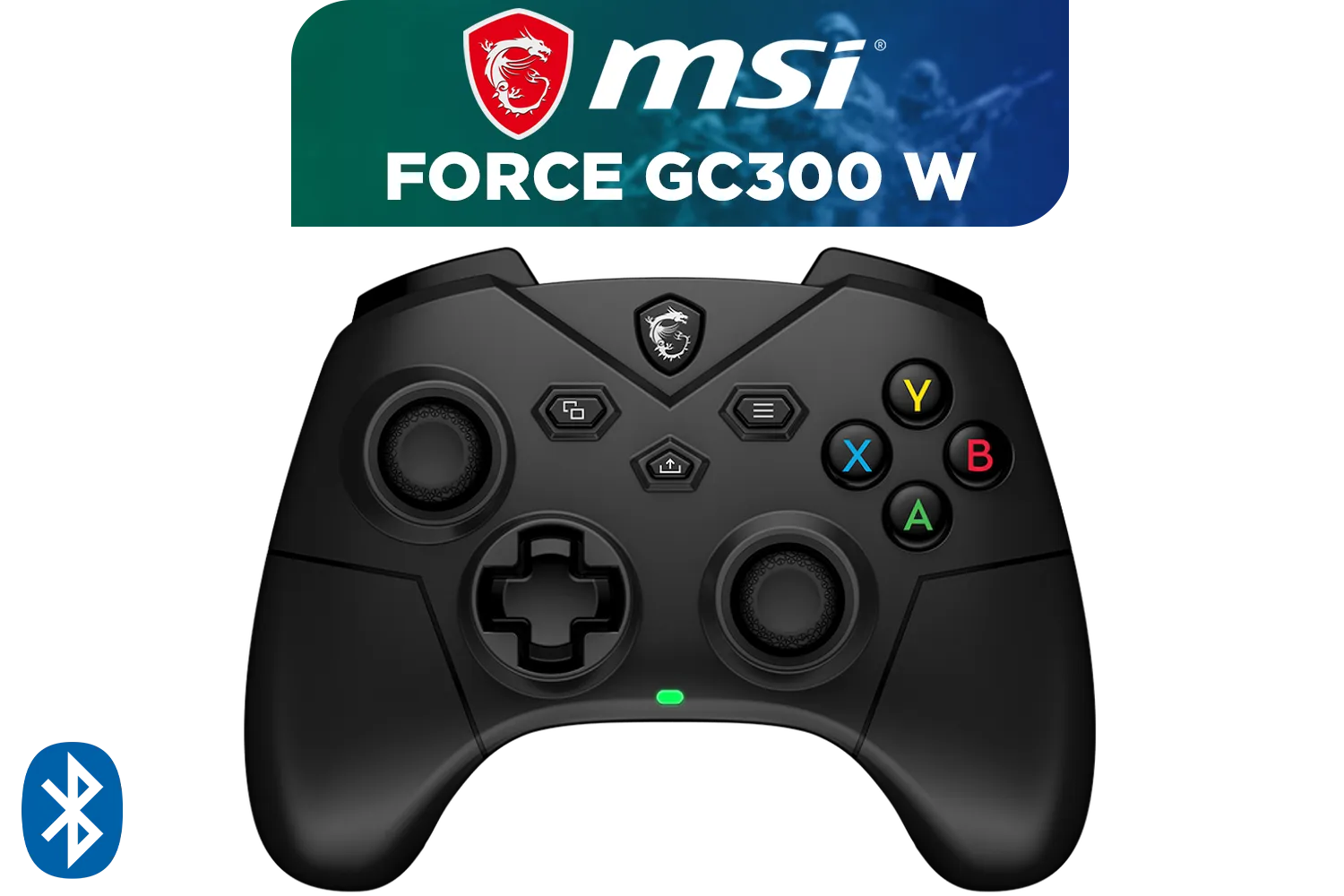
FORCE GC300 Wireless Gaming Controller - Black / 2.4 GHz Wireless, Bluetooth, USB 2.0 (USB-C) / Up to 20 hours (w/o vibration) Battery Life / Compatible Windows 10 & later, Android 8 & later / S10-43G0180-EC4
R799.00In Stock

Microsoft Xbox Wireless Controller - Carbon Black / Hybrid D-Pad / 3.5mm Stereo Headset Jack / Textured Triggers And Bumpers / Compatible for Xbox Series X|S, Xbox One, Android And iOS / QAT-00009
R1599.00In Stock

Xbox Wireless Controller – Velocity Green for Xbox Series X|S, Xbox One, and Windows Devices / QAU-00091
R1599.00In Stock
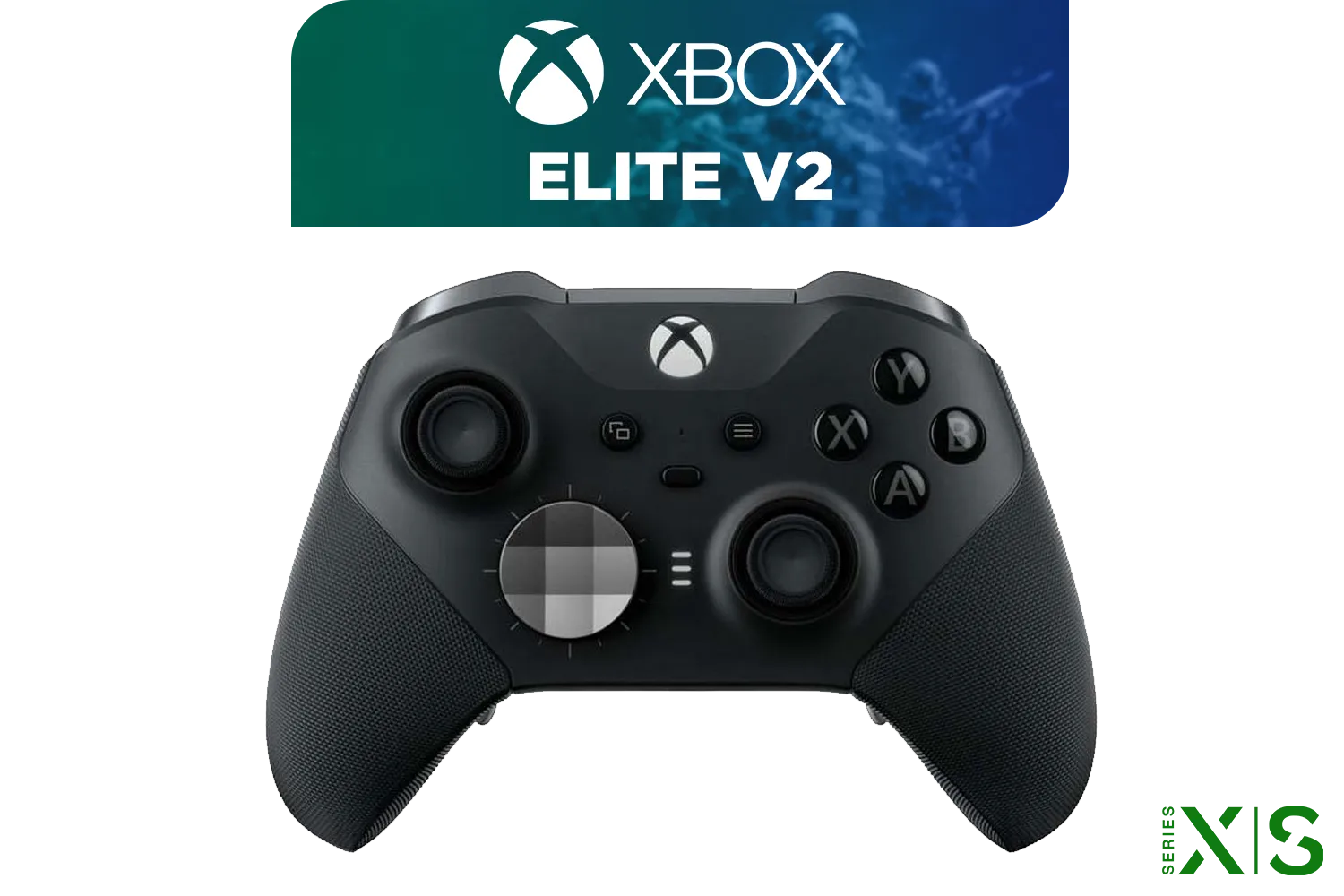
Microsoft Xbox Elite Wireless Controller V2 / Wrap-Around Rubberized Grip / 3.5mm Stereo Headset Jack / Shorter Hair Trigger Locks / Compatible for Xbox Series X|S, Xbox One, Android And iOS / FST-00004
R4999.00In Stock
MARVO GT-88 WIRELESS GAMING GAMEPAD / Compatible With PC / Analog Mini Sticks With Xbox Positioning / Double Triggers And Analog Mumpers / Rapid Fire With Turbo Mode / Dual Motors For Vibration Feedback / Soft, Sweat-resistant Coating / GT-88
R499.00In Stock

Xbox Rechargeable Battery + USB-C Cable - SXW-00002
R649.00In Stock
Deeper Dives for Maximum Gaming Endurance 🔧
Ready to squeeze out every last drop of power? Let's get a bit more technical. Keeping your gear's firmware updated is a crucial step in gaming battery life optimization. Manufacturers often release patches that include power management improvements, giving you better performance for free.
If you're gaming on a laptop, your Windows power profile is key. The "High Performance" setting is great when you're plugged in, but it will chew through your battery on the go. Switch to "Balanced" for a smarter mix of performance and efficiency. Many premium brands, especially in Razer's lineup, provide powerful software suites that let you fine-tune every aspect of your hardware for the perfect balance.
TIP FOR YOU
Pro Tip for PC Gamers ⚡
Use Steam's built-in Controller Settings to create custom profiles. You can set the LED colour and brightness, and even disable the rumble on a per-game basis. Set a low-power profile for casual single-player games and a full-featured one for intense competitive matches to perfectly balance immersion and battery life.
The Ultimate Solution: Never Worry About Battery Again
Sometimes, the best way to optimise battery life is to remove the battery from the equation entirely. For competitive gamers where every millisecond and every input counts, a wired connection is undisputed king.

MARVO Monka Contra PS4 Wireless Game Controller / Strong compatibility: PS4/PS3/Windows/IOS13/Android / 6 hour battery life / 6-axis sensor with 3D-Sensor and G-Sensor / Dual vibration feedback for an immersive gaming experience / Ergonomically designed for comfort with sweat-proof and anti-slip materials / GT-96
R349.00In Stock

Logitech F710 Wireless Gaming Gamepad / 2.4GHz Wireless / Broad Game Support / Familiar Button Layout / 940-000142
R849.00In Stock
Xbox Rechargeable Battery + USB-C Cable - SXW-00002
R649.00In Stock

Steelseries Nimbus+ Gamepad / Apple Gaming Controller / 50 hour Battery Life / Dedicated Navigation Buttons / Built-in Rechargeable Battery / Designed specifically for Apple Gaming / 69089
R999.00In Stock
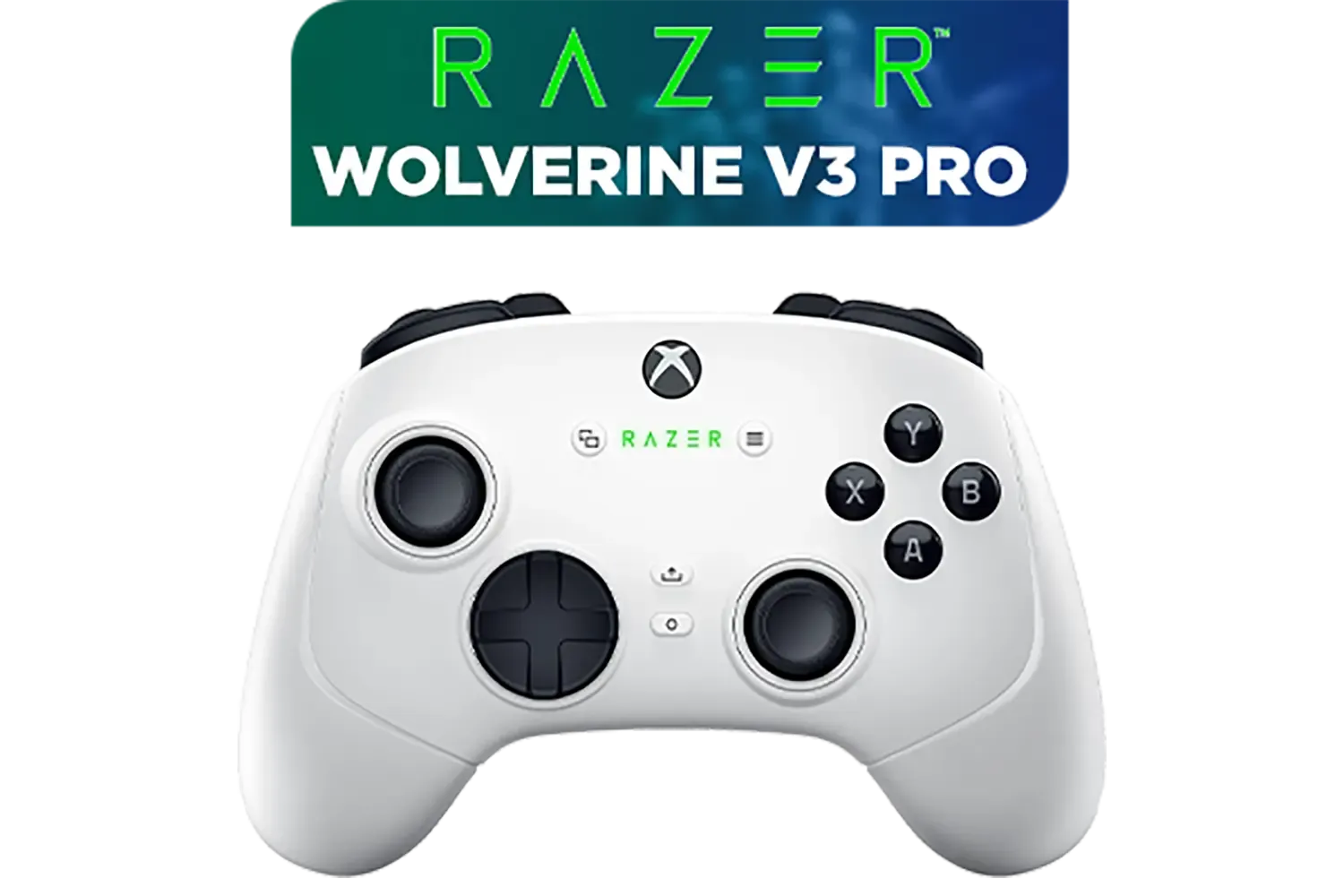
Razer Wolverine V3 Pro Wireless Gaming Controller: Licensed for Xbox Series X|S, Xbox One, Windows PC / 6 Remappable Buttons / Fast Triggers / Customizable Thumbsticks / Wired Tournament Mode - White / RZ06-05200200-R3M1
R4999.00In Stock
Razer Wolverine V3 Tournament Edition XBOX/PC, 6 Remappable Buttons to Outplay Them All, 1000Hz Polling Rate for Competitive Play on PC, Wired Esports Controller - White / RZ06-05210200-R3M1
R2699.00In Stock
You get two massive benefits: zero input lag for the fastest possible response times, and… you guessed it… infinite playtime. No charging breaks, no mid-game battery swaps, and no signal dropouts. Just pure, uninterrupted performance. A pro-grade option like the wired Razer Wolverine V3 Tournament Edition is built for this exact purpose, giving you a competitive edge without ever needing to glance at a battery indicator again. ✨
Ready for Uninterrupted Gaming Sessions? Optimising your gear is smart, but starting with the right controller makes all the difference. Whether you want maximum wireless freedom or the unmatched reliability of a wired connection, we've got the perfect fit for your playstyle. Explore our massive range of gaming controllers and find the perfect hardware to power your victory.
Related Products
Xbox Series X/S Wireless Controller - Pulse Red / Enhanced Comfort / New Hybrid D-pad / Xbox Wireless and Bluetooth Technology / 3.5mm Audio Jack / QAU-00012
R1599.00In Stock
Razer Kishi V3 Gaming Controller / Supports Android and iPhone / Full-Sized Console-Style Controller / Dual mouse-click back buttons / Razer Sensa HD Immersive Haptics / RZ06-03550100-R3M1
R2999.00In Stock
Microsoft Xbox Elite Wireless Controller V2 / Wrap-Around Rubberized Grip / 3.5mm Stereo Headset Jack / Shorter Hair Trigger Locks / Compatible for Xbox Series X|S, Xbox One, Android And iOS / FST-00004
R4999.00In Stock
Razer Wolverine V3 Pro Wireless Gaming Controller: Licensed for Xbox Series X|S, Xbox One, Windows PC / 6 Remappable Buttons / Fast Triggers / Customizable Thumbsticks / Wired Tournament Mode - White / RZ06-05200200-R3M1
R4999.00In Stock
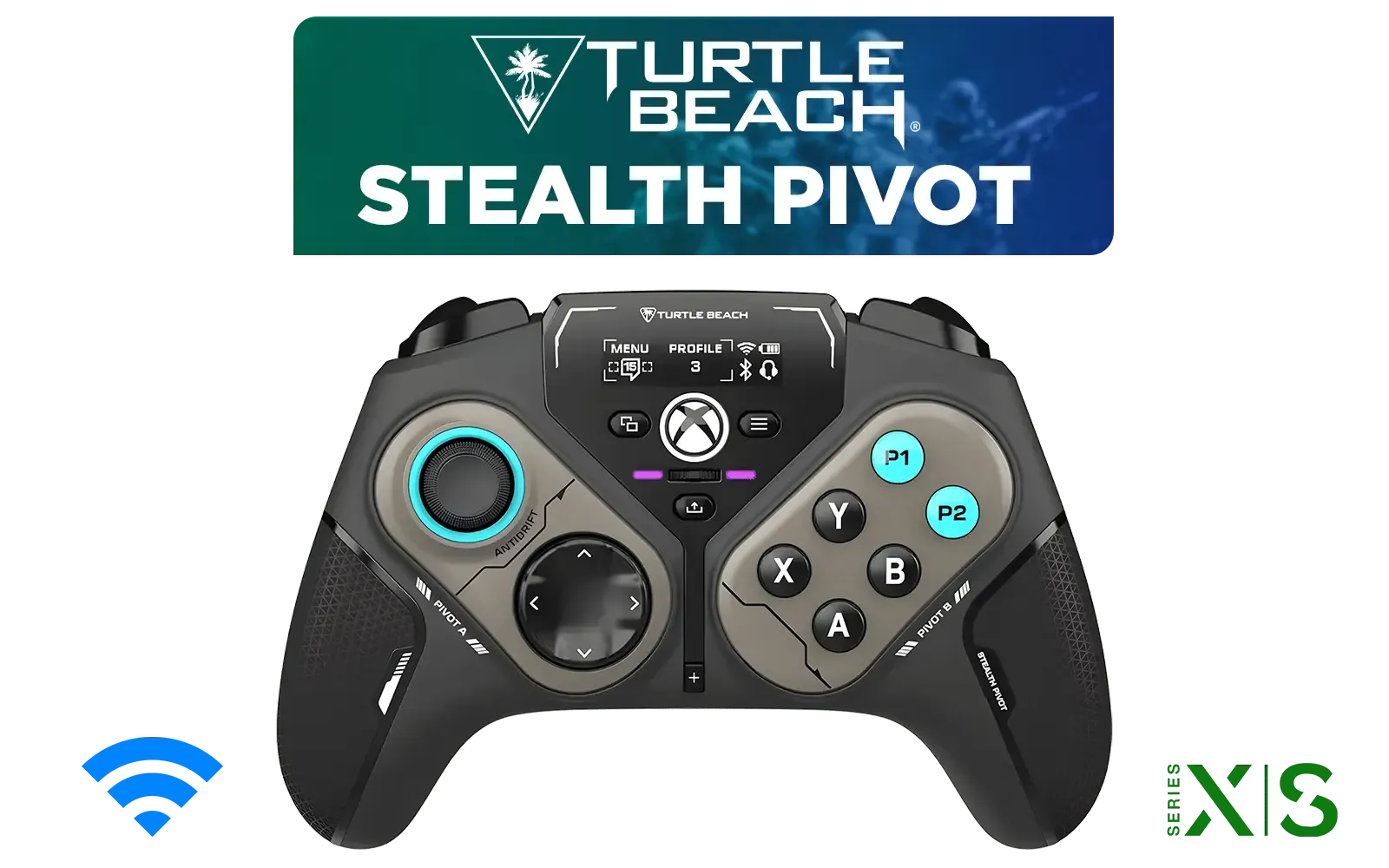
Turtle Beach Stealth Pivot Wireless Smart Game Controller for Windows PC, Wired for Xbox Series X|S & Xbox One – Rotating Modules, Display Dashboard, Hall-Effect Sticks, Remappable Buttons, Bluetooth / TBS-0120-05
R3199.00In Stock
Microsoft Xbox Wireless Controller - Carbon Black / Hybrid D-Pad / 3.5mm Stereo Headset Jack / Textured Triggers And Bumpers / Compatible for Xbox Series X|S, Xbox One, Android And iOS / QAT-00009
R1599.00In Stock
Lower screen brightness, close background apps, and use Windows power efficiency modes to significantly extend your gaming battery life optimization results.
Yes, turning off RGB lighting is a crucial step in power management for gaming, often doubling the battery duration of wireless mice and headsets.
With modern sensors, a wireless mouse can exceed 30 hours easily. Some efficient models last weeks on a single charge.
No. For indie or less demanding titles, switch to balanced modes to conserve energy and reduce heat without impacting frame rates.
Run the command 'powercfg /batteryreport' in the command prompt to generate a detailed report on your capacity and wear levels.
Typically, yes. Laptops often throttle the GPU to save power. Adjust your GeForce or Radeon settings to balance performance with endurance.











