



Gaming mouse settings for loadshedding in South Africa
- Audit settings; - Recommend DPI & polling; - Prep power-cut hardware and UPS tips; - Save quick profiles. Gaming mouse settings for loadshedding help South African gamers reduce lag and keep aim during cuts ⚡🎮
|
Loading tags...

You’re in the final circle. It’s a 1v1. You line up the perfect shot… and the power cuts. Your UPS kicks in, saving your PC, but your wireless mouse is flashing that dreaded low-battery warning. Don’t let loadshedding sabotage your clutch moments. Optimising your gaming mouse settings for loadshedding is a simple yet powerful way to extend your battery life and stay in the fight when the lights go out. Here’s how you do it.

Glorious Model O Pro Wireless Gaming Mouse - Blue Lynx / Over 80h Of Battery On a Single Charge / Smoothly Rounded Pure PTFE Feet / Textured Surface For Improved Grip / GLO-MS-OW-BL-FORGE-SN
R799.00In Stock

Gamdias HADES M3 Wired/Wireless Optical Gaming Mouse / Ergonomic Comfort Design / Wired + 2.4G + Bluetooth Connectivity / 7 Programmable Smart Keys / Up to 10,000 DPI Adjustable Optical Sensor / Comprehensive Software Customization Support / HADES-M3
R149.00In Stock

HP Z3700 Dual Black Mouse, Bluetooth 5.0, USB-A dongle, 2.4 GHz Wireless Connection, Multi-Surface Tracking, Silent clicks, Up to 1600 dpi, 16-Month Battery Life, 50g, Black / 758A8AA
R499.00In Stock
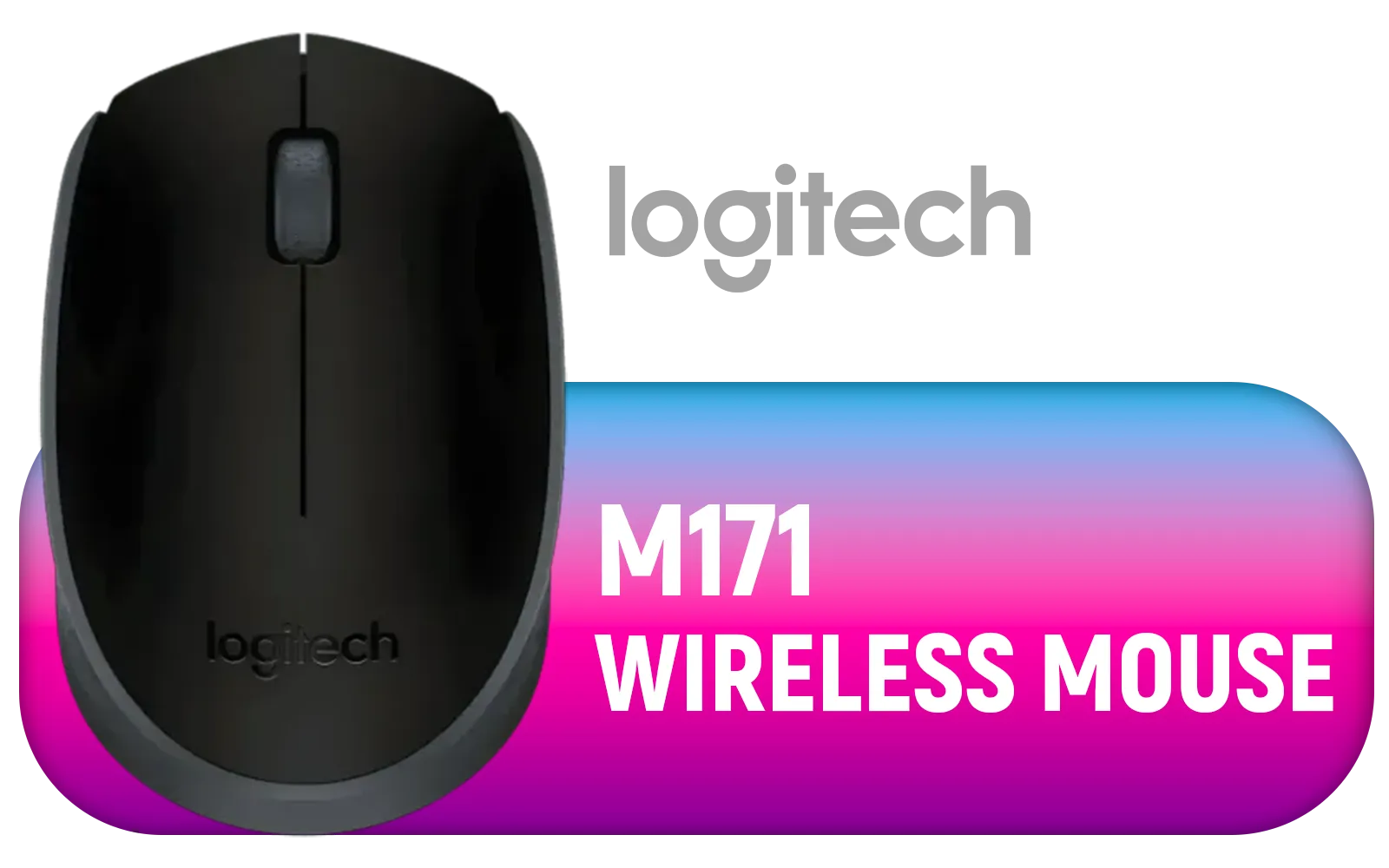
Logitech M171 Wireless Mouse - Black/ 3 Buttons / 910-004424
R299.00In Stock

Gamdias ZEUS E2 Optical Gaming Mouse / FREE Included NYX E1 Gaming Mouse Mat / 3200DPI Optical Sensor and switch lifecycle of 3 million clicks / 125Hz Polling Rate / Multi-color breathing lighting / ZEUS E2
R199.00In Stock
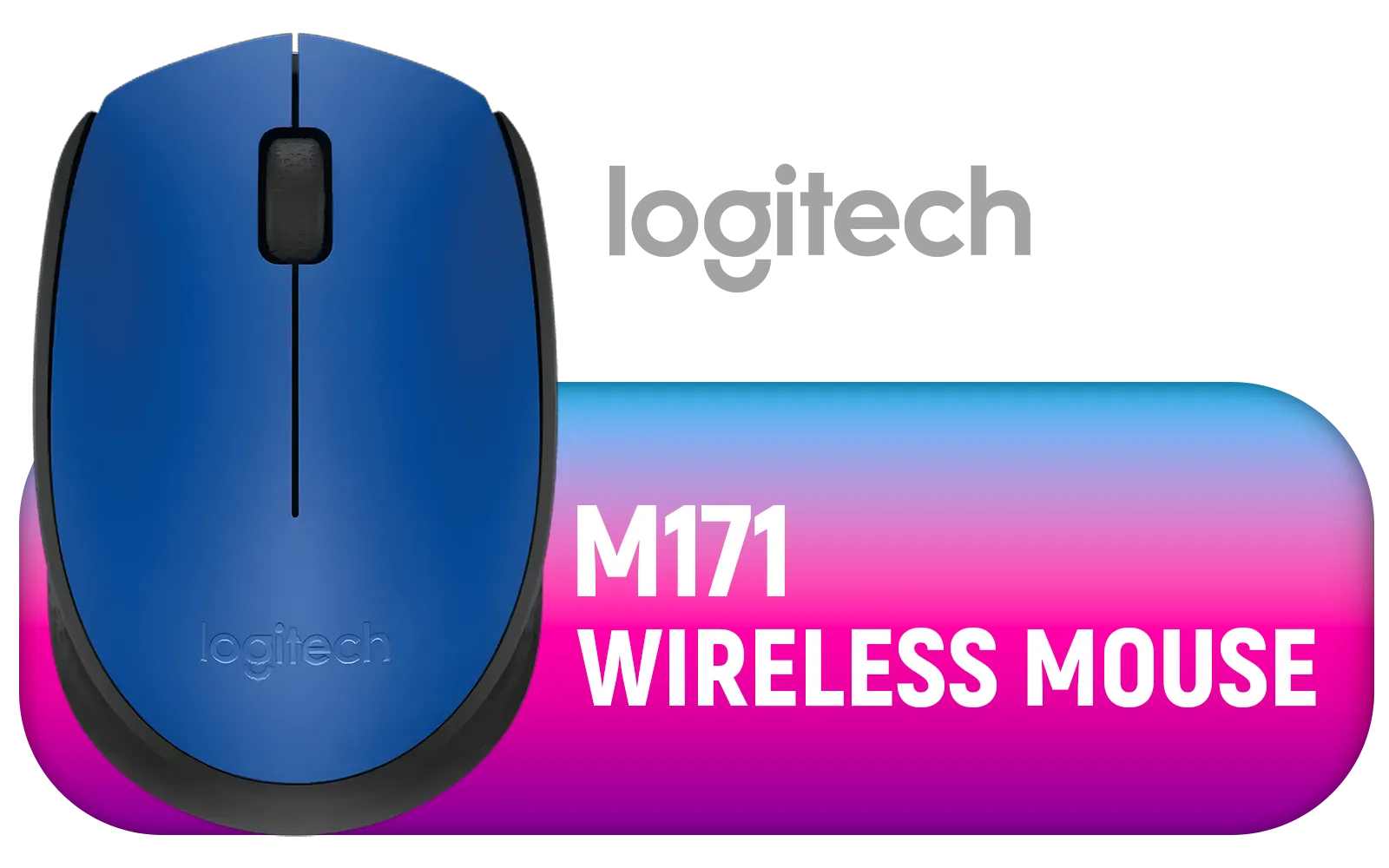
Logitech M171 Wireless Mouse - Blue / 2.4 GHz with USB Nano Receiver / Optical Tracking / Ambidextrous / PC/Mac/Laptop / 910-004640
R169.00In Stock
Why Your Gaming Mouse Settings Matter During Loadshedding
That high-performance mouse you love? It’s thirsty. Features like a 1000Hz+ polling rate and vibrant RGB lighting constantly draw power. When you're running on a UPS or laptop battery, every minute counts. Fine-tuning your mouse settings for loadshedding isn't about compromising performance; it's about smart power management to outlast the outage. A few small tweaks can be the difference between victory and a powerless disconnect.
The goal is to create a low-power profile without making your aim feel sluggish. Thankfully, most modern peripherals, from budget-friendly options to premium models in our full gaming mouse collection, offer the software needed to make these changes in seconds.
Key Settings to Tweak for Battery Life 🔋
When the power dips, dive into your mouse’s software and adjust these three critical settings. Creating the best gaming mouse settings for loadshedding in South Africa focuses on reducing the biggest power drains first.
1. Lower Your Polling Rate
The polling rate is how often your mouse reports its position to your PC, measured in Hertz (Hz). A higher rate means less input lag but uses significantly more battery. While pros might notice the jump from 500Hz to 1000Hz, most gamers won't feel a difference in the heat of the moment.
- Standard Setting: 1000Hz or higher.
- Loadshedding Setting: Drop it to 500Hz or even 250Hz.

MARVO Z Fit Pro 19000 DPI Wireless Gaming Mouse - White / Pixart® PMW-3370 Sensor / Omron® Mechanical Switchs / True RGB-16.8 Million Custom Colors / PTFE Premium Mouse Feet / Z-Fit-Pro-G1W-WH
R699.00In Stock

Logitech® M240 Silent Bluetooth Mouse - Off-White / For Small-to-Medium Hands / 1x AA Battery (Pre-Installed) / 3 Buttons / 910-007120
R289.00In Stock

Razer Viper V3 Pro HyperSpeed Wireless Esports Gaming Mouse - Black / 54g Ultra-Lightweight Design / 35K DPI Optical Sensor / Up to 95 Hr Battery Life / Mechanical Switches Gen-2 / RZ01-05120100-R3G1
R3499.00In Stock
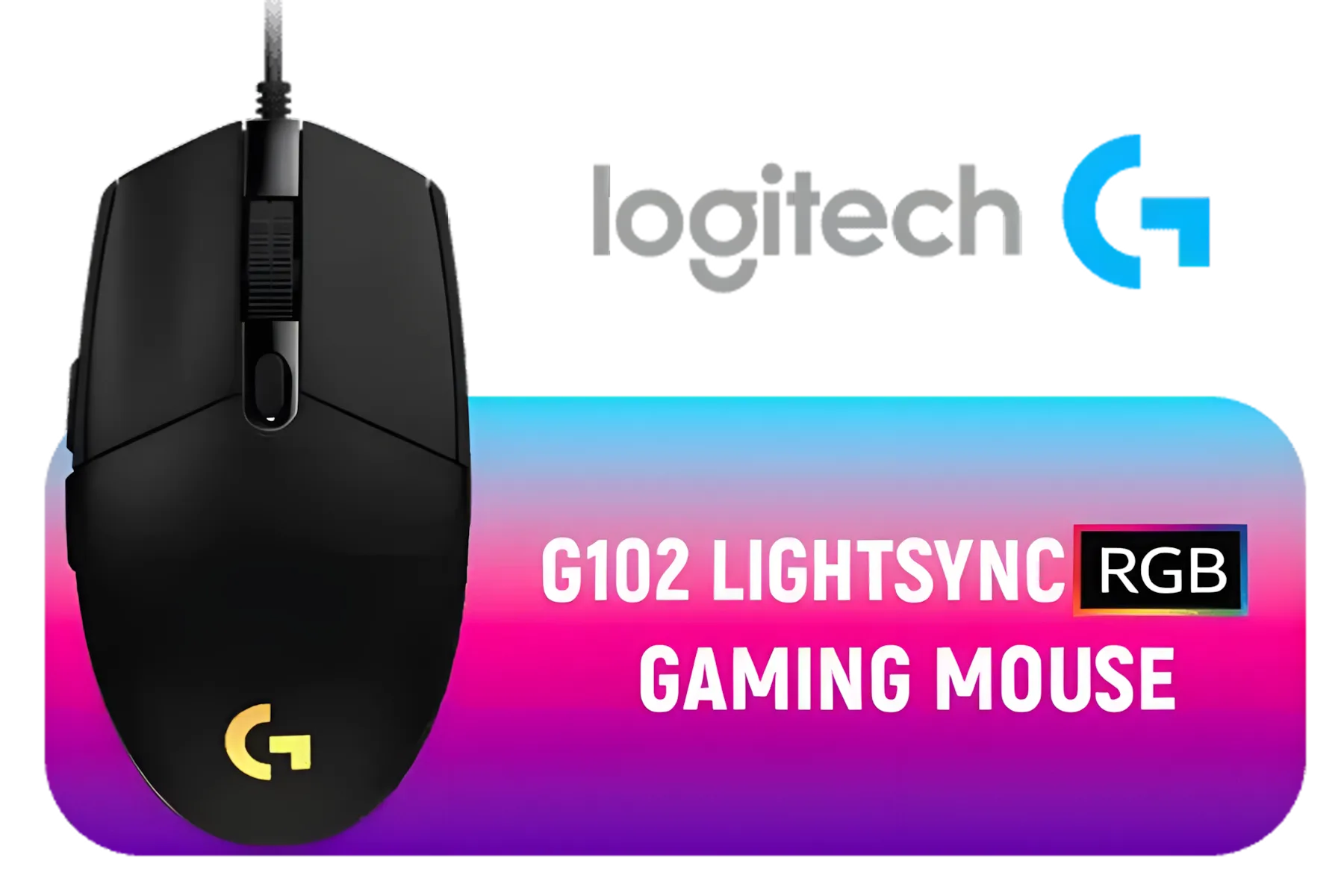
Logitech G102 Lightsync RGB Gaming Mouse - Black / 8,000 DPI Gaming-grade Sensor / Fully Customisable LIGHTSYNC RGB / 6 Programmable Buttons / Metal Spring Button / 910-005823
R449.00In Stock

Marvo WM106W Wireless Office Mouse White / DPI from 800 to 1600 / Connection 2.4GHz or Bluetooth / Built-in 500mAh Battery / WM106W-WH
R299.00In Stock

MONSTER Airmars KMH5 Professional Gaming Mouse / Monster Gaming Light System / 7 level Up To 5000 DPI / Ergonomic Design / AIRMARS-KMH5-Mouse
R399.00In Stock
This single change can almost double your mouse's battery life. Mice with a versatile 4000 – 12000 DPI range often have robust software that makes this adjustment a breeze.
2. Turn Off the RGB Lighting 💡
We all love a bit of RGB flair, but those colourful lights are a massive battery drain. During a power cut, performance trumps aesthetics. Go into your software and turn all lighting off. If you absolutely need some light, choose a single, static colour at its lowest brightness. Many affordable models, like some from the Marvo Gaming Mouse lineup, offer excellent performance with minimal RGB, making them naturally power-efficient.
TIP FOR YOU
Pro Tip: Create a Loadshedding Profile ⚡
Use your mouse's software (like Logitech G Hub or Razer Synapse) to create a dedicated 'Loadshedding' profile. Set the polling rate to 500Hz, disable all RGB, and save it. You can even assign it to a specific button on your mouse. When the lights go out, one click is all it takes to switch to power-saving mode instantly.
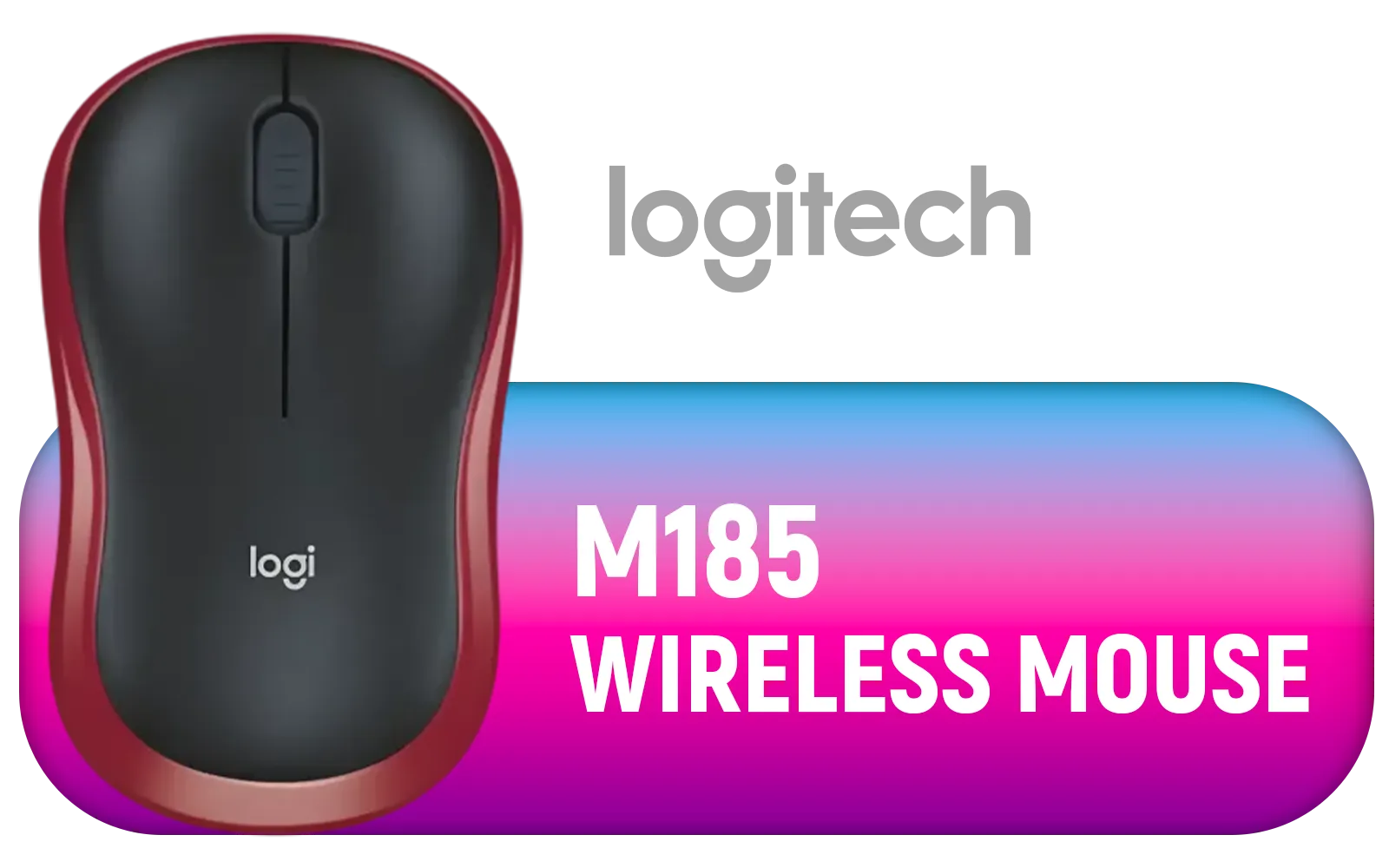
Logitech M185 Wireless Mouse - Red / 2.4GHz Wireless Connectivity / Plug And Play / 910-002237
R299.00In Stock

SteelSeries CS2 Dragon Lore Wireless Mouse / 18000 CPI / 1ms Polling Rate / 3 RGB Zones / 40G Acceleration / SteelSeries TrueMove Air Sensor / 2.4GHz - Bluetooth 5.0 / 62614
R3299.00In Stock

Steelseries Rival 3 Gen 2 Gaming Mouse - White / True 1-to-1 Tracking / 3-Zone RGB / Super Mesh Paracord / 77g Lightweight / 62516
R699.00In Stock

Razer Basilisk V3 Pro 35K Wireless Gaming Mousae - Phantom Green / Fully Customizable Wireless Ergonomic with Chroma RGB / 35K Optical Sensor (Configurable Tilt Wheel, 13 Customizable Controls) / RZ01-05240300-R3G1
R4199.00In Stock

Corsair M75 AIR Wireless Ultra-Light FPS Gaming Mouse – 26,000 DPI – Ultra-Fast Input – Symmetric Shape – iCUE Compatible – PC, Mac - White / CH-931D101-AP
R1299.00In Stock

ASUS TUF M4 Gaming Wireless Gaming Mouse | Dual Wireless Modes - Bluetooth/RF 2.4 GHz, 12K DPI Optical Sensor, 6 Programmable Buttons / 90MP02F0-BMUA00
R699.00In Stock
3. Consider Your Hardware
While settings are crucial, the hardware itself plays a massive role. Modern wireless technologies are incredibly efficient. For instance, many current Logitech Gaming Mice feature HERO sensors and Lightspeed wireless tech, designed for hundreds of hours of battery life even at high performance settings. If your current mouse struggles to last through a two-hour loadshedding slot, an upgrade might be the most effective long-term solution. Alternatively, having a simple, reliable wired backup from a brand like HP ensures you're never left powerless.
Ready to Outlast the Outage? The right settings can keep you in the game, but the right gear makes you unstoppable. Don't let loadshedding dictate your K/D ratio. Explore our huge range of gaming mice and find a power-efficient model that will never let you down.
Related Products

Logitech G305 Lightspeed Wireless Gaming Mouse - White / Hero 12K Sensor 12,000 max DPI / 6 Programmable Buttons / 250 hours Battery Life / 1ms Wireless Report Rate / 910-005292
R899.00In Stock

HP Z3700 Dual Ceramic White Mouse, Bluetooth 5.0, USB-A dongle, 2.4 GHz Wireless Connection, Multi-Surface Tracking, Silent clicks, Up to 1600 dpi, 16-Month Battery Life, 50g, Ceramic White / 171D8AA
R399.00In Stock
Steelseries Rival 3 Gen 2 Gaming Mouse - White / True 1-to-1 Tracking / 3-Zone RGB / Super Mesh Paracord / 77g Lightweight / 62516
R699.00In Stock

Corsair KATAR Elite Wireless Gaming Mouse - Ultra Lightweight, Marksman 26,000 DPI Optical Sensor, Sub-1ms Slipstream Wireless Connection, Up to 110 Hours of Rechargeable Battery Life - Black / CH-931C111-AP
R1799.00In Stock
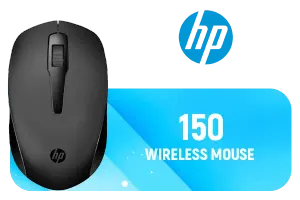
HP 150 Wireless Mouse, 3-Button with Dual Control Scroll Wheel 1600 DPI Optical Sensor with Ergonomic Design for All-Day Comfort for Lefty or Righty Use / 2S9L1AA
R299.00In Stock

Steelseries Rival 3 Gen 2 Wireless Gaming Mouse - Lavender / True 1-to-1 Tracking / 2.4GHz wireless and Bluetooth / 1.9ms click latency / 62525
R1599.00In Stock
Set DPI 400–1600 and tweak in-game sensitivity. The best mouse DPI for loadshedding balances precision and quick corrective movement.
Try 500Hz or 250Hz to reduce USB errors after reconnection. Polling rate settings power cuts can stabilize input on flaky power.
Wired is more stable and avoids battery issues. If using wireless, keep batteries charged and use wireless mouse settings loadshedding best practices.
A UPS maintains USB power for wired mice and receivers. Configure UPS settings for gaming mouse to avoid input drops during brief outages.
Yes. Create low-power and default profiles so gaming mouse profiles for outages let you switch instantly after a restart.
Yes. Recalibrate the sensor or use a consistent mousepad; surface calibration during interruption reduces tracking drift.
Charge wireless mice, export profiles, lower RGB, bind safe macros and test UPS. These power-cut tips keep you playable.











