



You’ve just dropped into Helldivers 2, but your frame rate is dropping faster than a Bile Titan. Sound familiar? In South Africa, nothing kills the vibe like a PC that chokes on the latest releases. Building a gaming PC for AAA games that delivers smooth, high-fidelity action isn't about spending a fortune... it's about building smart. Let's dive into the core components you need to crush those ultra settings without breaking the bank. 🚀

ASRock Z890 Pro RS WiFi Intel Motherboard / ATX Form Factor / Supports Intel® Core™ Ultra Processors (Series 2) / LGA 1851 CPU Socket / 4x DDR5 DIMM Supporting up to 256GB / 90-MXBQC0-A0UAYZ
R5999.00In Stock
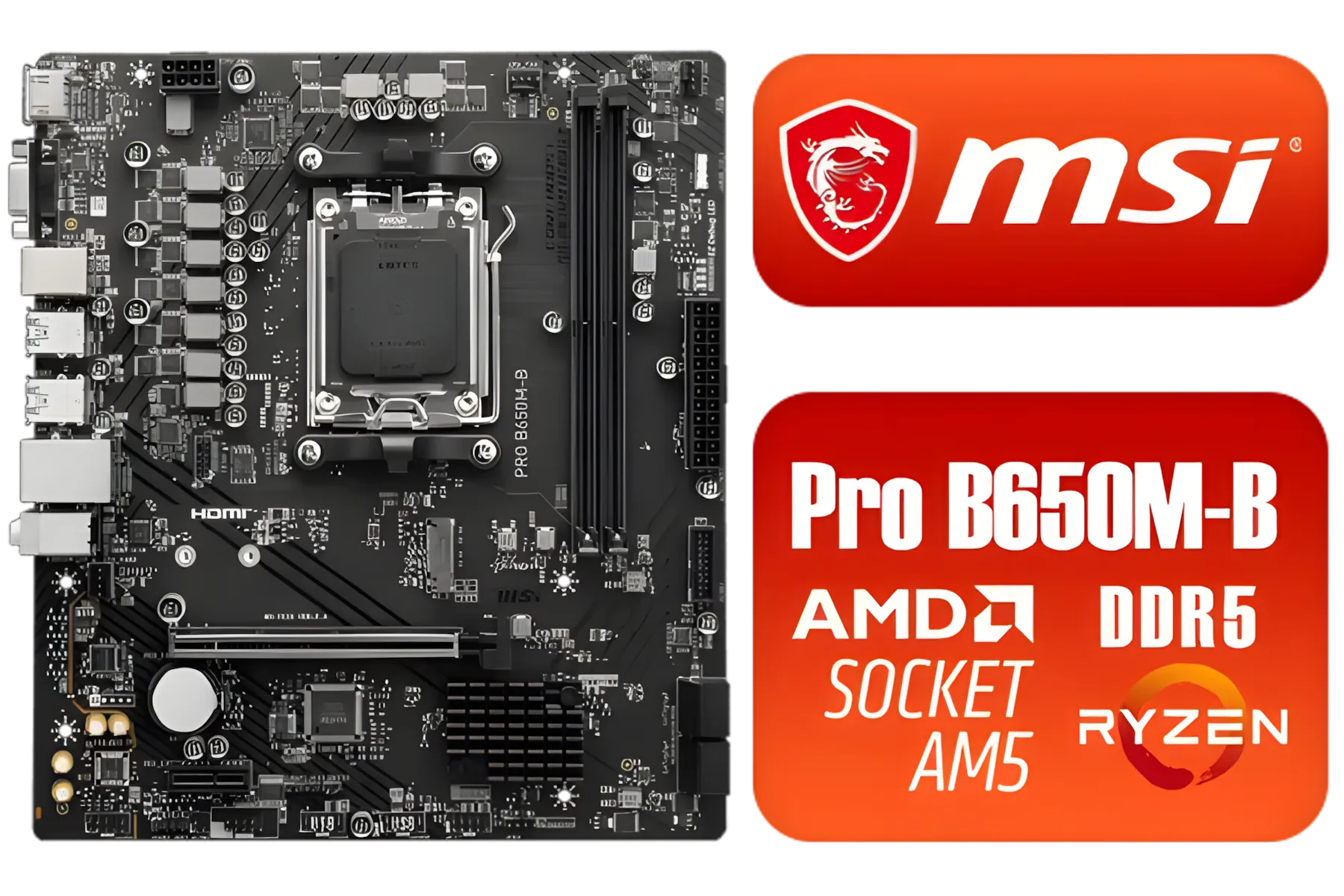
MSI Pro B650M-B AMD Ryzen Motherboard / AMD Socket AM5 / AMD B650 Chipset / 2 DIMMs, Dual Channel DDR5-6800+MHz (OC) /1x PCIe 4.0 x16 slot / 911-7E28-005
R2149.00In Stock
MSI PRO Z890-A Wi-Fi Intel Motherboard / ATX Motherboard / Supports Intel® Core™ Ultra Processors (Series 2) / LGA 1851 Socket / 4x DDR5 UDIMM Up to 256GB / Intel® Wi-Fi 7 / 911-7E32-004
R7899.00In Stock

MSI X870 Gaming Plus WIFI AMD Motherboard - AM5 Socket - Supports AMD Ryzen™ 9000/ 8000/ 7000 Series Desktop Processors - 4x DDR5 UDIMM - ATX Form Factor / 911-7E47-005
R6999.00In Stock
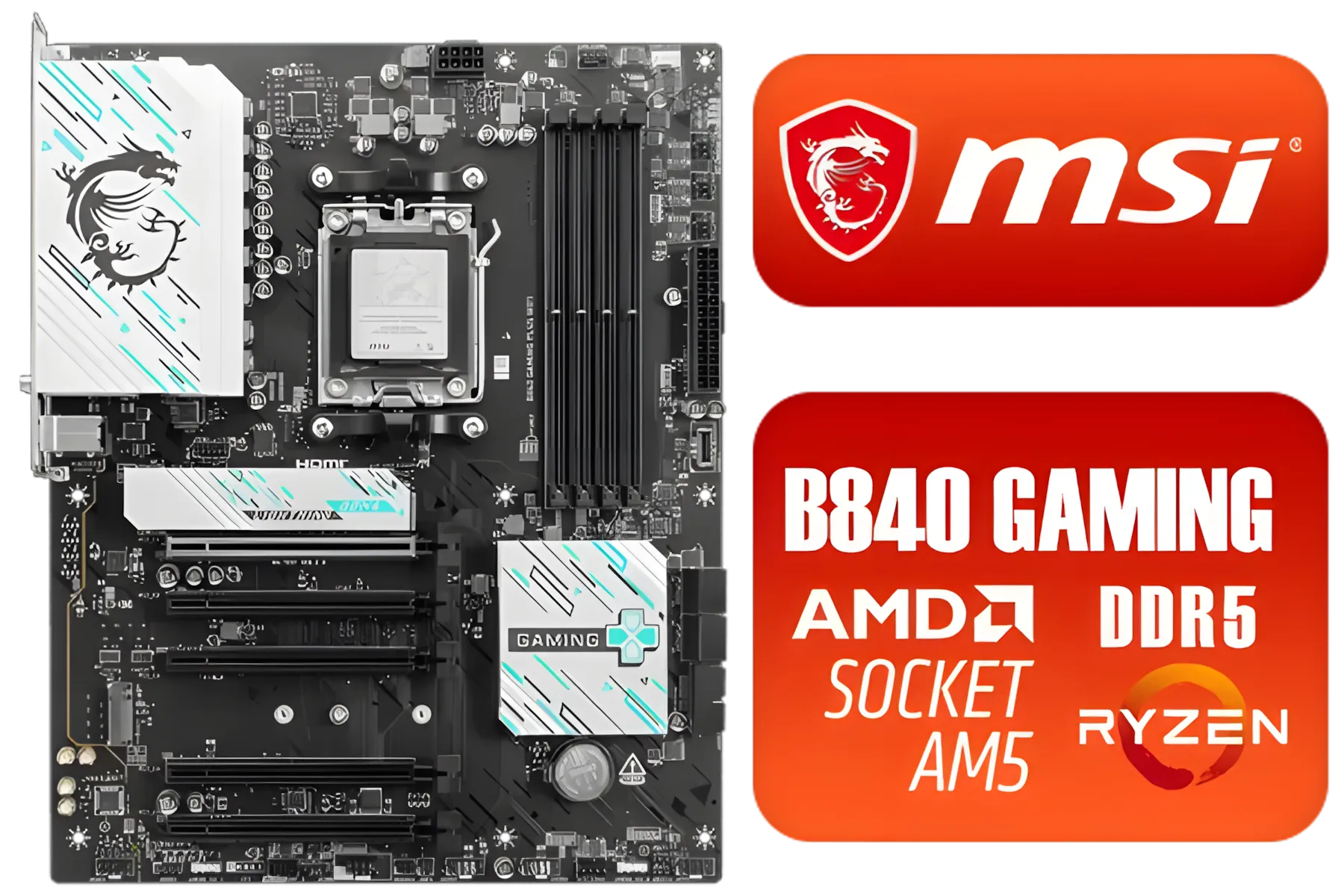
MSI B840 GAMING PLUS WIFI AMD Motherboard / AM5 Socket / ATX For Factor / 4x DDR5 DIMM Slots / Supports AMD Ryzen™ 9000/ 8000/ 7000 Series Desktop Processors / 911-7E57-002
R4899.00In Stock

ASRock B860 Steel Legend WiFi Intel Motherboard / ATX Form Factor / Supports Intel® Core™ Ultra Processors (Series 2) / LGA 1851 CPU Socket / 4x DDR5 DIMM Supporting up to 256GB / 90-MXBR30-A0UAYZ
R5599.00In Stock
Key Components for Your AAA Gaming PC Build
Before you start adding items to your cart, let's get the basics right. A powerful PC for AAA games hinges on a balanced trio of components: the Central Processing Unit (CPU), the Graphics Processing Unit (GPU), and Random Access Memory (RAM). Think of them as the brain, the eyes, and the short-term memory of your rig. A bottleneck in any one of these can hold back the others, turning your dream machine into a stuttering mess.
Choosing Your CPU & Motherboard: The Foundation
The CPU is the general-purpose brain of your PC. In AAA titles, it crunches numbers for everything from enemy AI to complex physics simulations. While the GPU does the heavy lifting for visuals, a weak CPU will leave it waiting for instructions, causing frustrating frame drops.
So, Team Red or Team Blue? Both AMD's Ryzen and Intel's Core series offer fantastic options for a modern build for AAA games. The key is pairing your chosen processor with a solid, compatible motherboard. This is the central nervous system connecting everything. You don't need the most expensive model, but a reliable matching motherboard ensures stability and provides the features you need, like enough ports and potential for future upgrades.
For instance, if you're leaning towards an Intel i5 or i7, you'll need to explore the range of Intel motherboards to find one with the right chipset and socket. Likewise, a powerful AMD Ryzen 7 build requires one of the many excellent AMD motherboards designed to unleash its full potential.

ASRock Phantom Gaming B860 Lightning WiFi Intel Motherboard / ATX Form Factor / Supports Intel® Core™ Ultra Processors (Series 2) / LGA 1851 CPU Socket / 4x DDR5 DIMM Supporting up to 256GB / 90-MXBR20-A0UAYZ
R5699.00In Stock
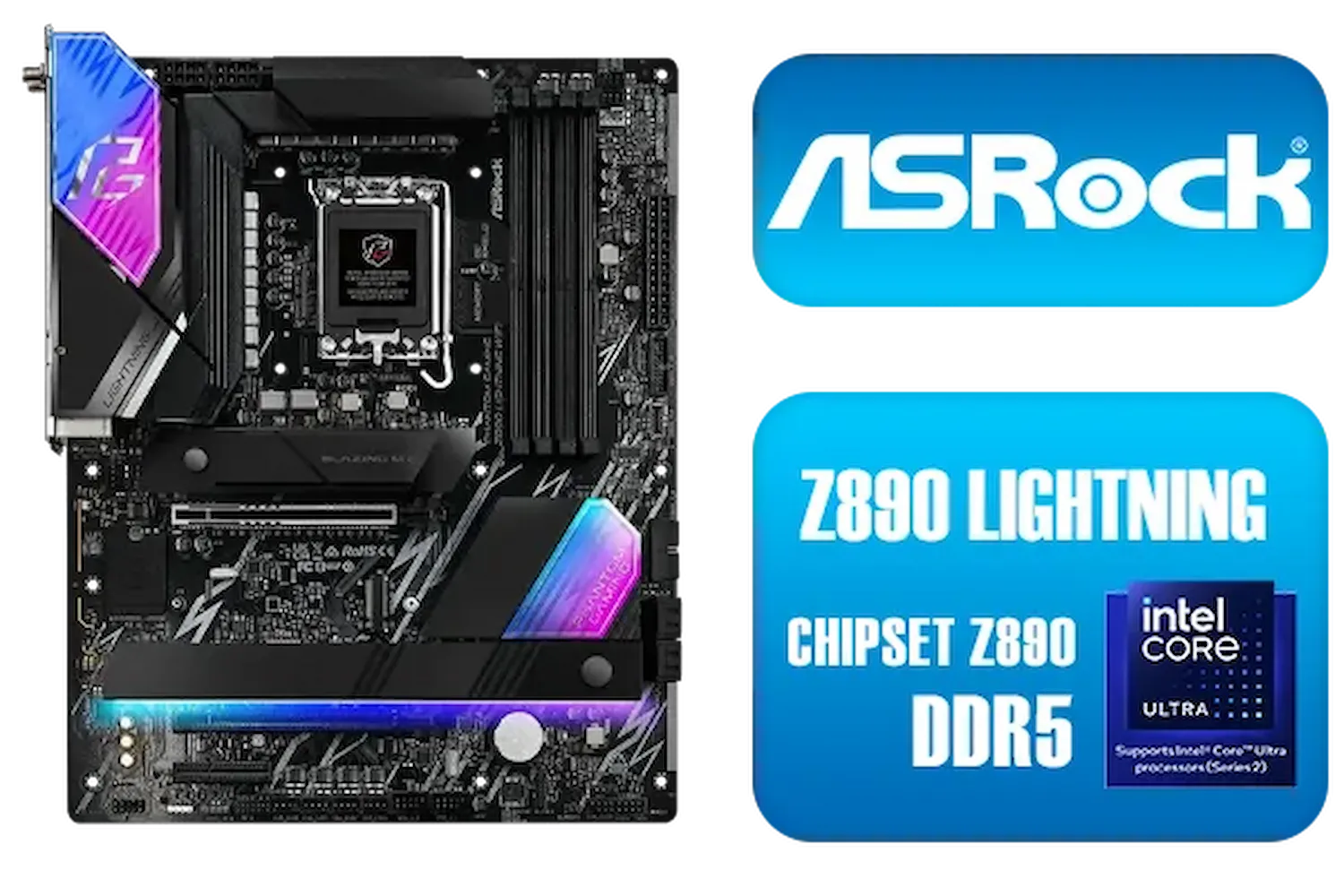
ASRock Phantom Gaming Z890 Lightning WiFi Intel Motherboard / ATX Form Factor / Supports Intel® Core™ Ultra Processors (Series 2) / LGA 1851 CPU Socket / 4x DDR5 DIMM Supporting up to 256GB / 90-MXBPG0-A0UAYZ
R6999.00In Stock

MSI Pro B860-P WIFI Intel Motherboard / 12+1+1+1 Duet Rail Power / Supports Intel Core Ultra Processors / PCIe 5.0 and Gen 5 M.2 / Thunderbolt 4 and Wi-Fi 7 / 911-7E41-001
R4799.00In Stock
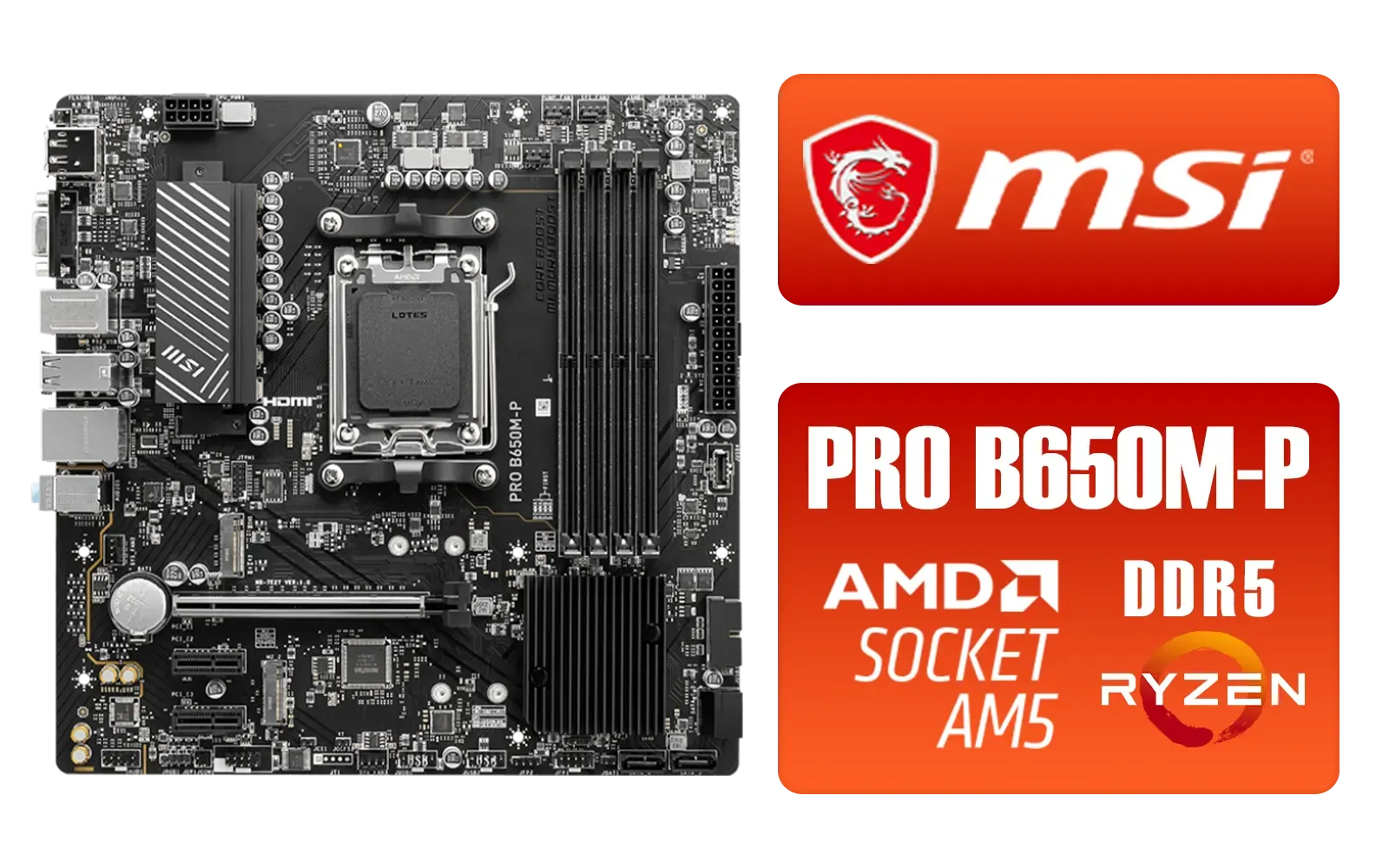
MSI PRO B650M-P PRO Series Motherboard (AMD AM5, mATX, DDR5, PCIe 4.0, M.2, SATA 6Gb/s, USB 3.2 Gen 2, HDMI/DP, AMD Ryzen 7000 Series Desktop Processors) - 911-7E27-001
R2499.00In Stock
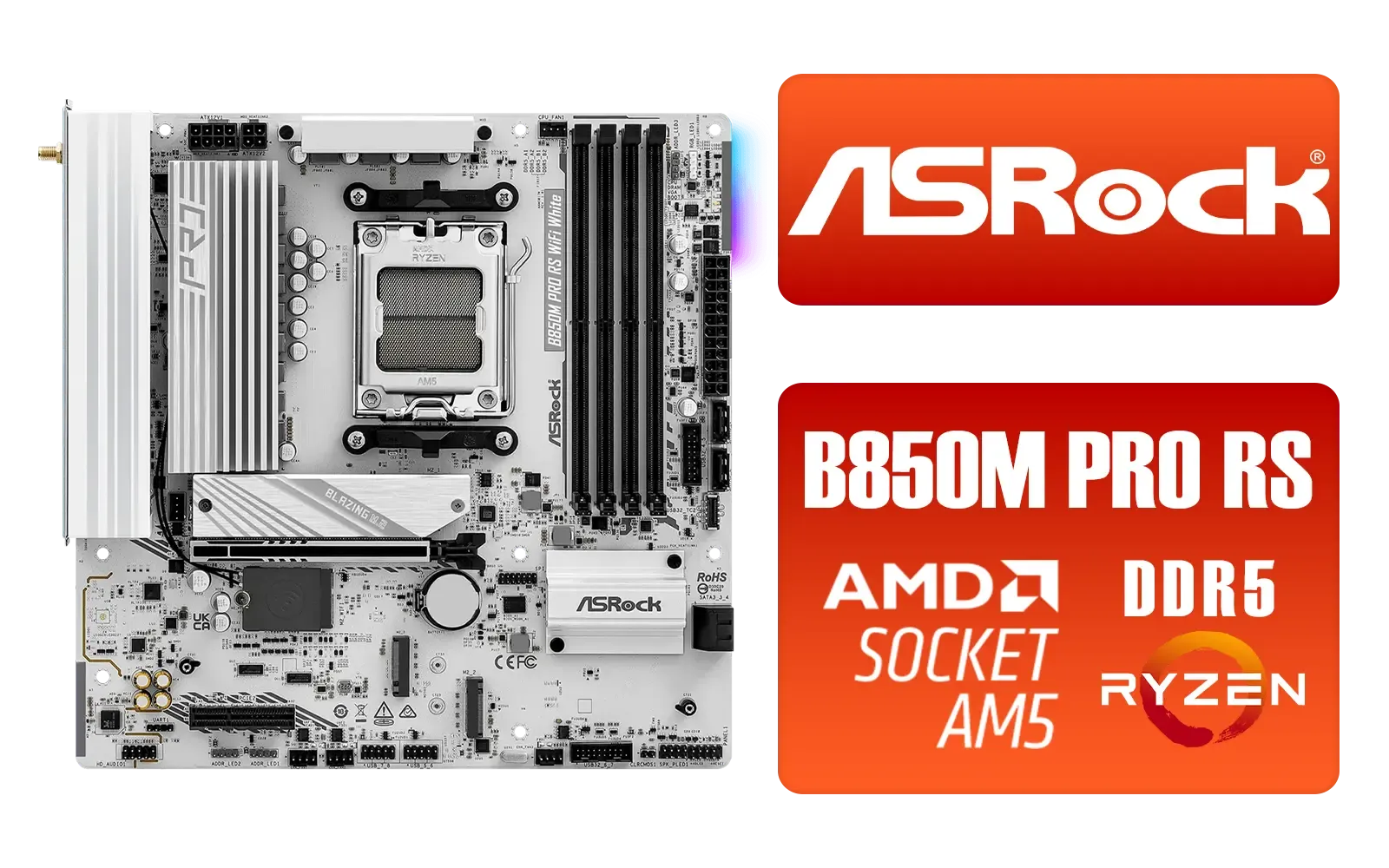
ASRock B850M Pro RS WiFi AMD Motherboard - White / Supports AMD Socket AM5 Ryzen™ 9000, 8000 and 7000 Series Processors / AMD B850 Chipset / PCIe Gen5 (Graphics, M.2) / Dual Channel DDR5 / 8+2+1 Power Phase Dr.MOS for VCore+SOC+MISC / 2.5G LAN & Wi-Fi 6E / 90-MXBT30-A0UAYZ
R3499.00In Stock
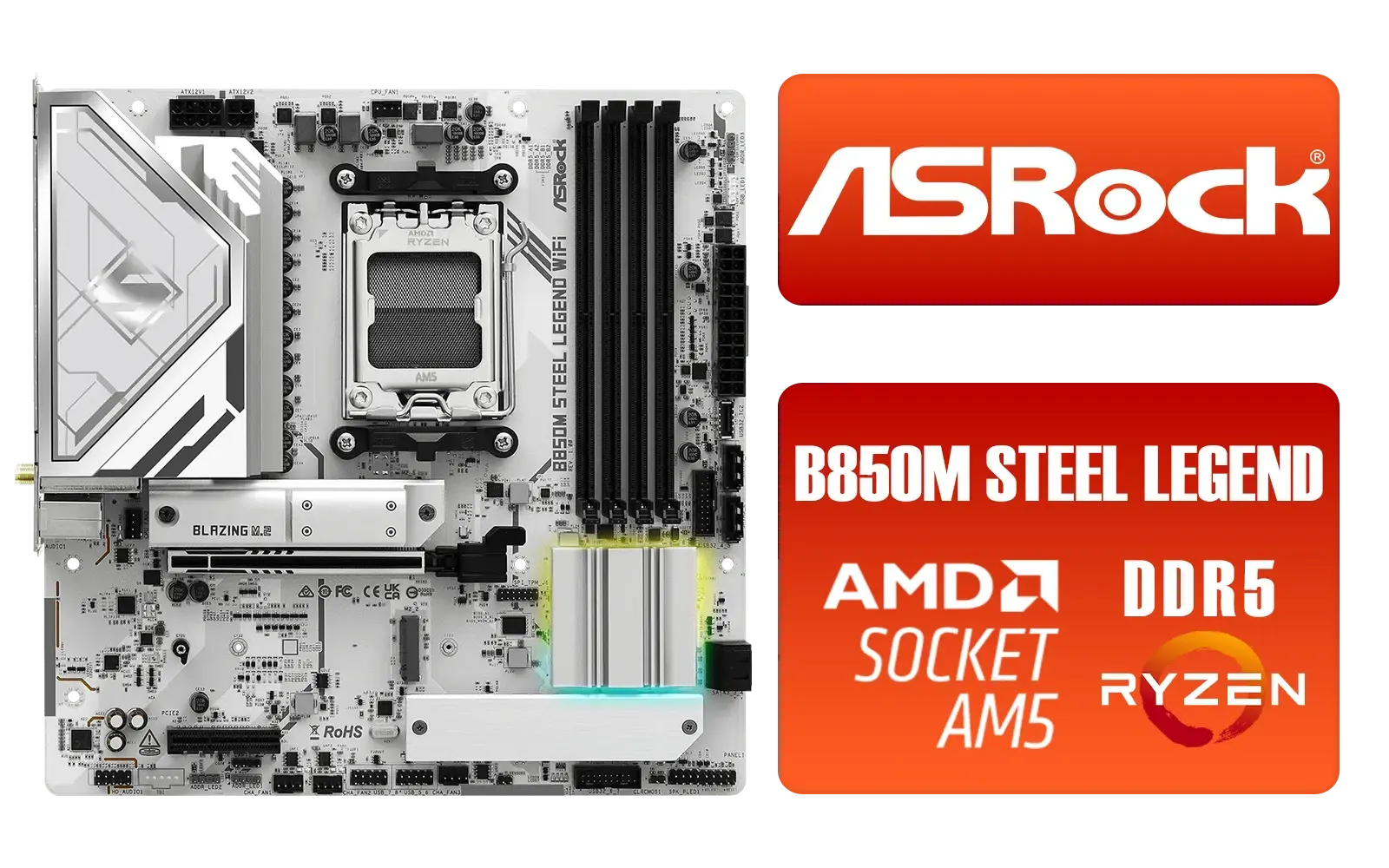
ASRock B850M Steel Legend WiFi AMD Motherboard / Supports AMD Socket AM5 Ryzen™ 9000, 8000 and 7000 Series Processors / AMD B850 Chipset / PCIe Gen5 (Graphics, M.2) / Dual Channel DDR5 / 2.5G LAN & Wi-Fi 7 / BIOS Flashback Button / 90-MXBS20-A0UAYZ
R3899.00In Stock
The GPU: Your Ticket to Glorious Visuals ✨
Let's be honest: this is the component you're most excited about. The GPU is the single most important part of a gaming PC for AAA games. It’s responsible for rendering the stunning worlds, realistic lighting, and high-resolution textures that make modern games so immersive.
When choosing a GPU, the most important spec to watch is VRAM (video memory). Games like Alan Wake 2 and Cyberpunk 2077 with path tracing can gobble up VRAM at 1440p or 4K resolutions. Aim for a card with at least 8GB of VRAM, with 12GB or more being a safer bet for future-proofing your build.
TIP FOR YOU
Check Your Benchmarks! 🔧
Before buying a GPU, search for video benchmarks of that exact card playing the games you love. Seeing how it performs in the real world is far more valuable than just looking at specs on paper. This helps you build a PC for AAA games that is perfectly tailored to your playlist.
Don't Forget RAM and Speedy Storage
Having a beastly CPU and GPU is great, but they're useless if they're starved for data. For a smooth AAA gaming PC, 16GB of DDR4 or DDR5 RAM is the absolute minimum today. It allows your system to keep game assets ready for quick access, reducing stutters and hitches. If your budget allows, jumping to 32GB is a smart move for heavy multitasking and future-proofing.
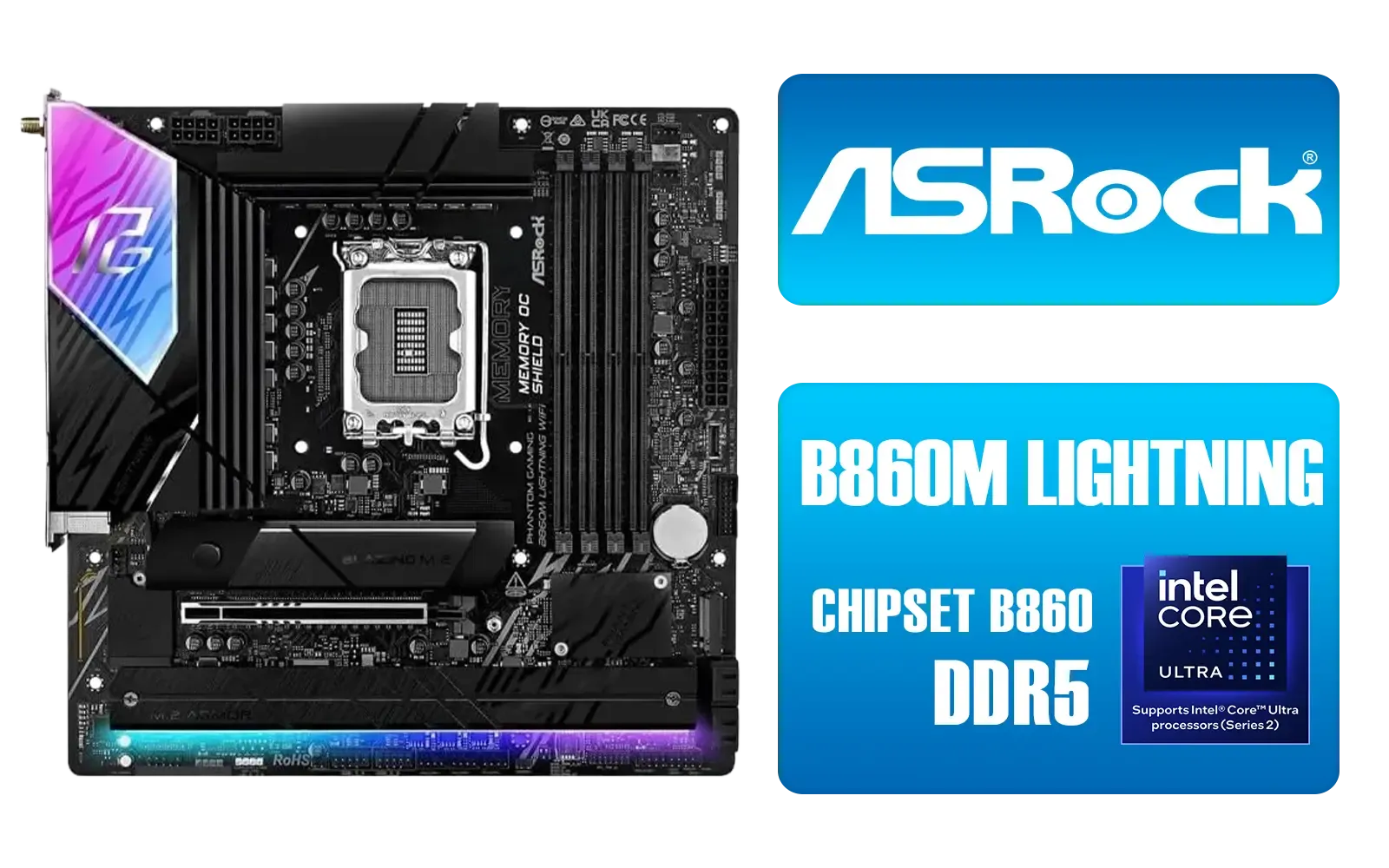
ASRock Phantom Gaming B860M Lightning WiFi Intel Motherboard / Micro-ATX Form Factor / Supports Intel® Core™ Ultra Processors (Series 2) / LGA 1851 CPU Socket / 4x PCIe Gen5 / Dual Channel DDR5 / Thunderbolt™ 4/USB4 Type-C (40 Gb/s) / Killer 2.5G LAN & Wi-Fi 6E / 90-MXBQG0-A0UAYZ
R4399.00In Stock

MSI PRO B760M-E DDR4 mATX Motherboard (Supports 12th/13th Gen Intel Processors, LGA 1700, DDR4, 4.0, M.2, Gigabit LAN, USB 3.2 Gen1, mATX) - 911-7D48-013
R2199.00In Stock
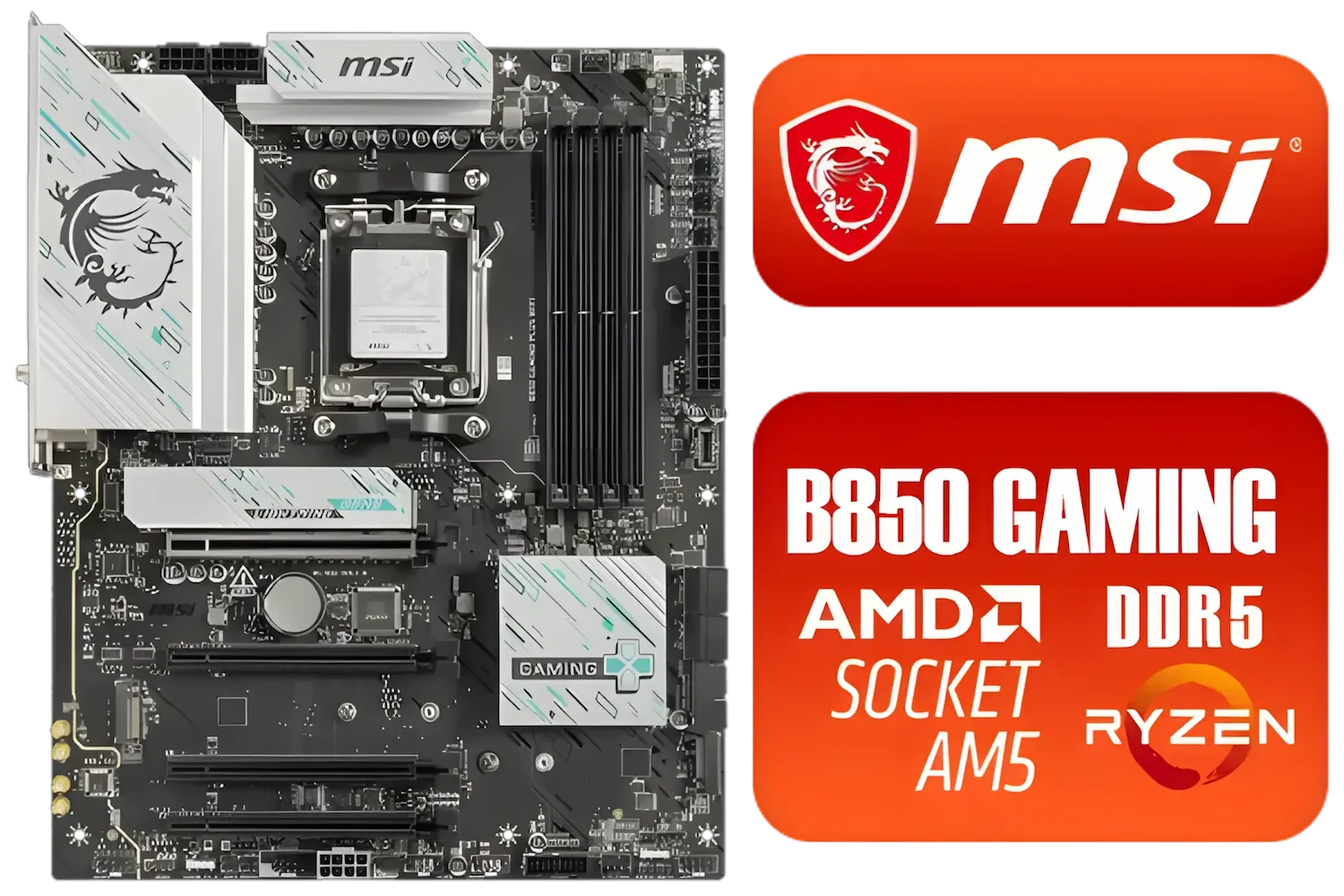
MSI B850 Gaming Plus WIFI AMD Motherboard - AM5 Socket - Supports AMD Ryzen™ 9000/ 8000/ 7000 Series Desktop Processors - 4x DDR5 UDIMM - ATX Form Factor / 911-7E56-001
R4999.00In Stock
ASRock Z890 Pro RS WiFi Intel Motherboard / ATX Form Factor / Supports Intel® Core™ Ultra Processors (Series 2) / LGA 1851 CPU Socket / 4x DDR5 DIMM Supporting up to 256GB / 90-MXBQC0-A0UAYZ
R5999.00In Stock
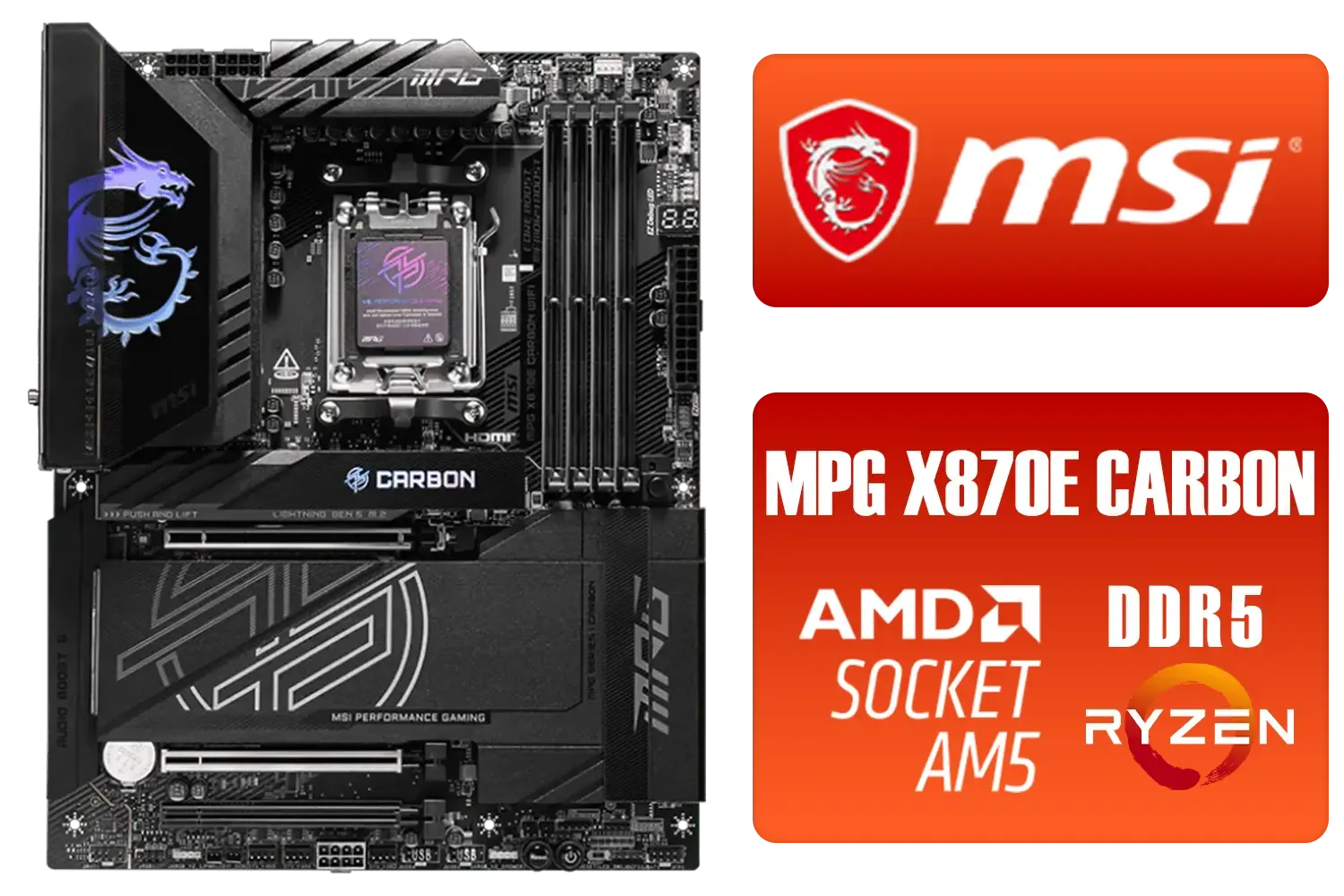
MSI MPG X870E Carbon Wi-Fi AMD Motherboard / ATX Motherboard / AMD X870 Chipset / Supports AMD Ryzen™ 9000/ 8000/ 7000 Series Desktop Processors / Socket AM5 / Lightning Gen 5 / DDR5 MEMORY SUPPORT / 3x PCI-E x16 slot / 4x M.2 Slots / Wi-Fi 7 / Supports Bluetooth® 5.4 / 911-7E49-001
R9399.00In Stock

MSI MPG Z890 EDGE TI WI-FI Intel Motherboard / LGA 1851 / Supports Intel® Core™ Ultra Processors (Series 2) / 4x DDR5 UDIMM Slots / ATX Form Factor / 911-7E19-002
R9999.00In Stock
And storage? Say goodbye to long loading screens. An NVMe SSD (Non-Volatile Memory Express Solid-State Drive) is essential. Installing your operating system and your favourite AAA titles on an NVMe drive means you'll be in the game in seconds, not minutes. It’s one of the most noticeable quality-of-life upgrades you can make.
Ready to Build Your AAA Dream Machine? The dream of ultra settings and silky-smooth frame rates is closer than you think. Whether you're picking individual parts or want a professionally built rig, we've got you covered. Explore our Custom PC Builder and Pre-Built Gaming Rigs and start your journey to epic performance.
Related Products
ASRock B850M Steel Legend WiFi AMD Motherboard / Supports AMD Socket AM5 Ryzen™ 9000, 8000 and 7000 Series Processors / AMD B850 Chipset / PCIe Gen5 (Graphics, M.2) / Dual Channel DDR5 / 2.5G LAN & Wi-Fi 7 / BIOS Flashback Button / 90-MXBS20-A0UAYZ
R3899.00In Stock
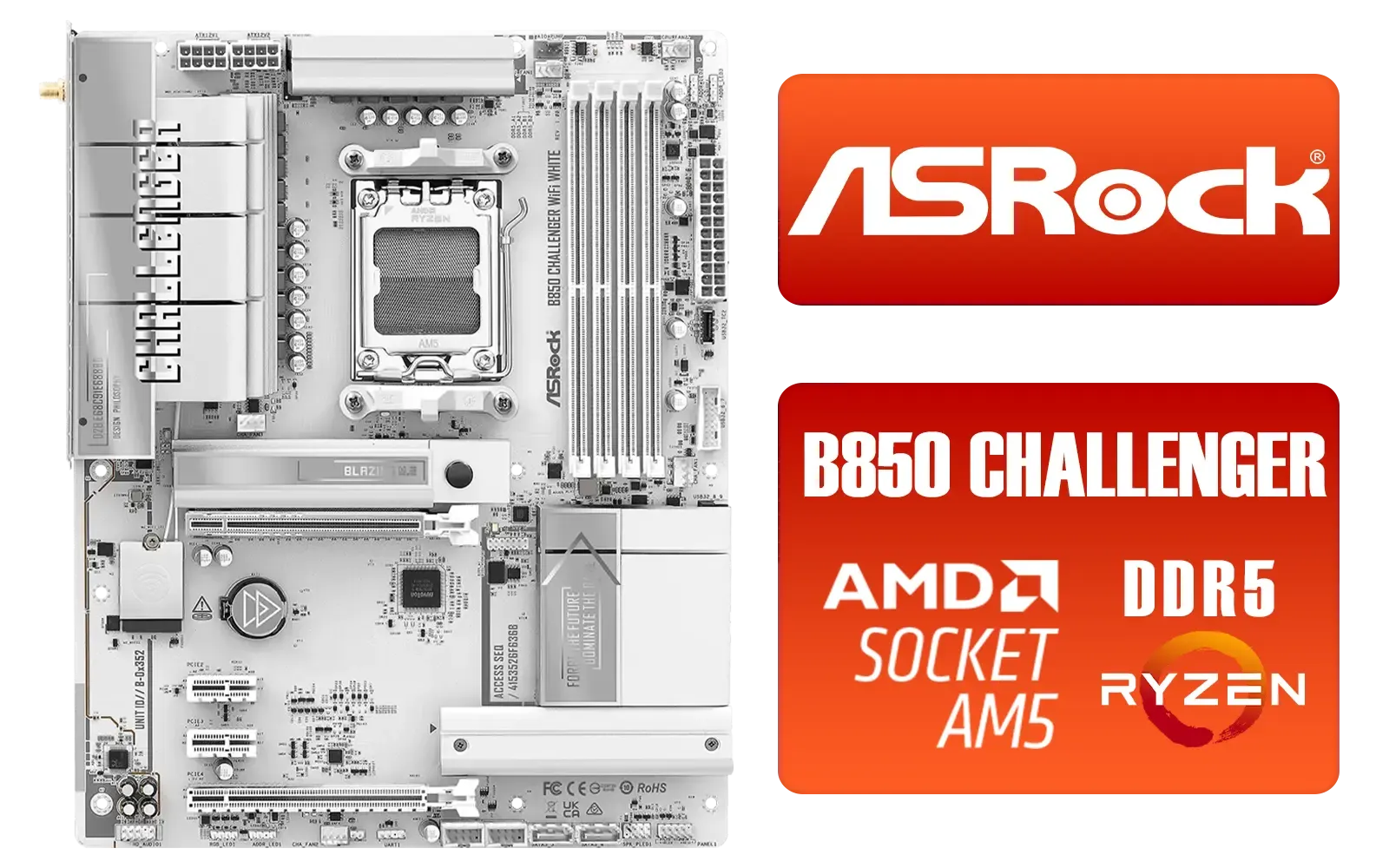
ASRock B850 Challenger WiFi AMD Motherboard - White / Supports AMD Socket AM5 Ryzen™ 9000, 8000 and 7000 Series Processors / AMD B850 Chipset / PCIe Gen5 (Graphics, M.2) / Dual Channel DDR5 / 90-MXBTF0-A0UAYZ
R4199.00In Stock

ASRock Phantom Gaming B850 Riptide WIFI AMD Ryzen Motherboard / Supports AMD Socket AM5 Ryzen™ 9000, 8000 and 7000 Series Processors / AMD B850 Chipset / USB4 Type-C (10Gbps) Connectivity / 90-MXBQT0-A0UAYZ
R4999.00In Stock
MSI Pro B860-P WIFI Intel Motherboard / 12+1+1+1 Duet Rail Power / Supports Intel Core Ultra Processors / PCIe 5.0 and Gen 5 M.2 / Thunderbolt 4 and Wi-Fi 7 / 911-7E41-001
R4799.00In Stock

ASRock X870E Taichi WIFI AMD Ryzen Motherboard / Supports AMD Socket AM5 Ryzen™ 9000, 8000 and 7000 Series Processors / AMD X870 Chipset / USB4 Type-C (40Gbps) Connectivity / 90-MXBP90-A0UAYZ
R10999.00In Stock

MSI PRO Z890-S Wi-Fi Intel Motherboard / ATX Motherboard / Supports Intel® Core™ Ultra Processors (Series 2) / LGA 1851 Socket / 4x DDR5 UDIMM Up to 256GB / Intel® Wi-Fi 7 / 911-7E54-001
R5999.00In Stock
GPU and CPU matter most; pair a strong GPU with a modern CPU, 16–32GB RAM, NVMe SSD, and a reliable PSU for stable AAA performance.
Yes — a budget gaming rig for AAA titles ZA can run many games at medium settings; prioritize GPU and storage for best value.
For AAA gaming 1440p, use a high single-thread CPU like current-gen Ryzen or Intel mid/high-tier models for consistent FPS.
Use at least a 1TB NVMe SSD; many AAA titles occupy 60–150GB each, so 1TB keeps load times low and installs manageable.
Check Evetech and other local pc suppliers south africa evetech for stock, pricing, and warranties before buying parts locally.
Select a quality PSU with 80 Plus Gold, 650–850W depending on GPU and overclocking; this meets common psu requirements for gaming pc build.
Lower shadows and post-processing, enable DLSS or FSR when available, and use optimize settings for AAA titles fps to balance visuals and performance.











