



Gaming PC for Educational Games: How to Build One
Plan learner-focused specs; balance budget and durability; choose quiet, long-life parts. Gaming PC for educational games: build a student-friendly rig that runs learning apps smoothly 🧠🎮
|
Loading tags...
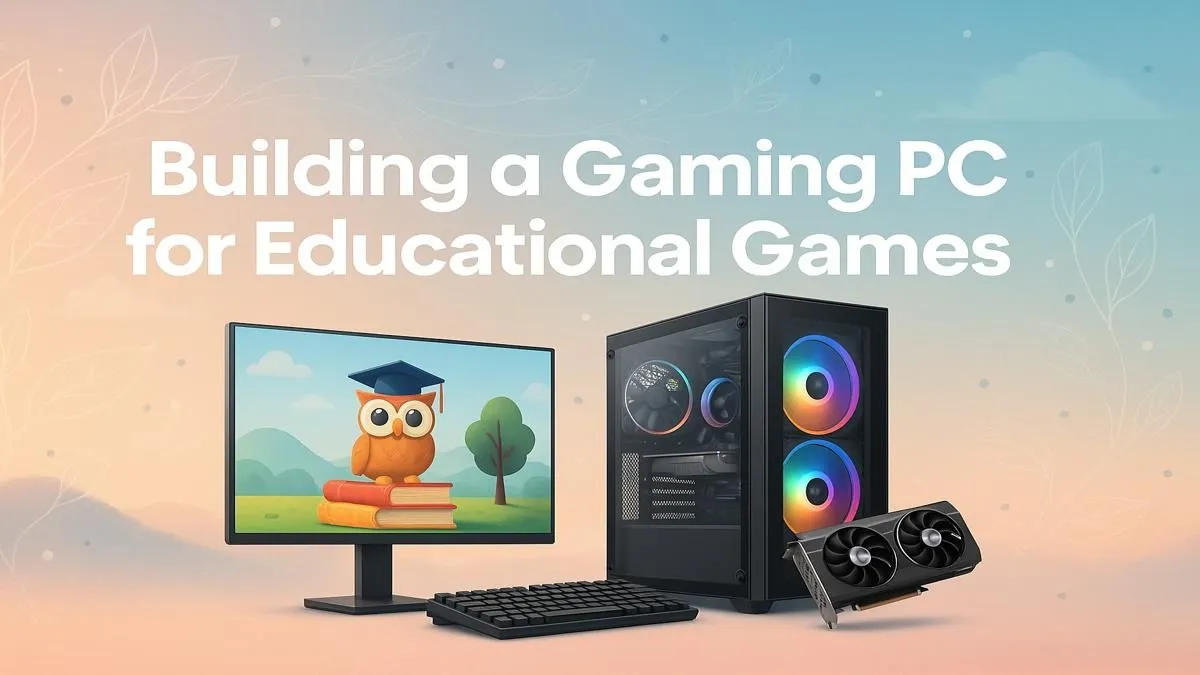
Think a "gaming PC" is just for racking up high scores? Think again. In South Africa, savvy parents and students are discovering that these powerful machines are incredible tools for learning. A purpose-built gaming PC for educational games isn't just about entertainment; it's a high-performance gateway to interactive history lessons, complex physics simulations, and creative software that a standard family computer simply can't handle. Let's explore how to build one. 🚀

Intel Core Ultra 5 225F 4.9GHz GT 710 2GB DDR5 PC
R11864.00In Stock

RYZEN 5 9600X 5.2GHz GT 710 2GB DDR5 PC
R14489.00In Stock
![[Pre Built] AMD RYZEN 5 5500 ARC A380 Gaming PC](https://img.evetech.co.za/repository/ProductImages/gamdias-talos-e3-gaming-case-ryzen-5-5500-arc-a380-gaming-pc-pbs-main-1600px-v1.webp)
[Pre Built] AMD RYZEN 5 5500 ARC A380 Gaming PC
R12494.00In Stock

RYZEN 7 9700X RTX Pro 2000 DDR5 Workstation PC
R35699.00In Stock

Intel Core Ultra 9 285K 5.7GHz RTX 5090 32GB DDR5 Gaming PC
R80114.00In Stock
![[Pre Built] Intel Core Ultra 7 265KF RX 9070 XT Gaming PC](https://img.evetech.co.za/repository/ProductImages/intel-core-ultra-7-265-kf-rx-9070-xt-gaming-pc-pbs-main-1600px-v1.webp)
[Pre Built] Intel Core Ultra 7 265KF RX 9070 XT Gaming PC
R42209.00In Stock
Why a Gaming PC is a Genius Move for Education
The secret lies in the hardware. The same components that render breathtaking worlds in Cyberpunk 2077 are perfect for running demanding educational software, coding environments, and content creation suites like Adobe Premiere Pro.
A modern educational journey isn't just about textbooks. It involves:
- Complex Simulations: Games like Kerbal Space Program teach orbital mechanics better than any lecture.
- Virtual Exploration: Titles like Assassin's Creed Discovery Tour offer stunning, historically accurate walkthroughs of ancient worlds.
- STEM & Coding: Minecraft: Education Edition provides a sandbox for learning coding logic, chemistry, and problem-solving.
A well-chosen gaming PC for educational games provides the versatility to excel in school projects during the day and unwind with top-tier gaming at night.
Core Components for Your Educational Gaming PC
Building a PC for learning and gaming is about finding a smart balance. You don't need the absolute top-of-the-line components, but focusing on a few key areas will ensure a smooth, future-proof experience.

RYZEN 7 9700X 5.5GHz RX 9070 XT 16GB DDR5 Gaming PC
R37484.00In Stock

RYZEN 5 9600X 5.2GHz ARC B580 12GB DDR5 Gaming PC
R21419.00In Stock

RYZEN 5 9600X 5.4GHz A1000 8GB DDR5 Workstation PC
R25199.00In Stock
![[Pre Built] AMD RYZEN 7 9700X RTX 5070 Gaming PC](https://img.evetech.co.za/repository/ProductImages/ryzen-7-9700-x-rtx-5070-gaming-pc-pbs-main-1600px-v1.webp)
[Pre Built] AMD RYZEN 7 9700X RTX 5070 Gaming PC
R35699.00In Stock

AMD RYZEN 5 3600 RTX 3050 Budget Gaming PC
R11024.00In Stock
[Pre Built] AMD RYZEN 5 5500 ARC A380 Gaming PC
R12494.00In Stock
The CPU: The Brains of the Operation
The Central Processing Unit (CPU) handles all the instructions. For a learning-focused build, a modern processor with at least 6 cores is ideal. This allows for seamless multitasking—think running a coding compiler, having 20 browser tabs open for research, and listening to music, all without a single stutter.
The GPU: Powering Visual Learning
The Graphics Processing Unit (GPU) is the star of any gaming rig, and it's just as crucial for educational apps. It renders the 3D models in engineering software, accelerates video editing projects, and brings virtual worlds to life. A solid mid-range GPU offers the best value, providing excellent performance without breaking the bank. For those looking to start on a tighter budget, you can find many solid budget gaming PCs that offer a great entry point.
TIP FOR YOU
Storage Speed Matters! ⚡
Always choose a Solid State Drive (SSD), specifically an NVMe SSD, for your operating system and key programs. The dramatic reduction in loading times for apps and games keeps frustration low and focus high. A 1TB NVMe SSD is the sweet spot for a new build in 2024.
RAM and Storage: The Multitasking Duo
16GB of RAM is the recommended minimum today. It gives you the headroom to run memory-intensive applications and games smoothly. Paired with a fast SSD, your entire system will feel incredibly responsive. You can find many powerful rigs under R20,000 that nail this sweet spot. For more demanding tasks like 4K video editing or advanced 3D modelling, investing in one of our future-proof PCs over R20,000 with 32GB of RAM is a wise choice.

RYZEN 5 8400F 4.7GHz GT 710 2GB DDR5 Workstation PC
R10079.00In Stock
RYZEN 5 9600X 5.2GHz A400 4GB DDR5 Workstation PC
R18164.00In Stock

AMD RYZEN 7 5700 4.6GHz RX 9070 16GB Gaming PC
R28349.00In Stock
![[Pre Built] AMD Ryzen 7 9800X3D RTX 5080 Gaming PC](https://img.evetech.co.za/repository/ProductImages/ryzen-7-9800-x-3-d-rtx-5080-gaming-pc-48-gb-main-1600px-v1.webp)
[Pre Built] AMD Ryzen 7 9800X3D RTX 5080 Gaming PC
R77699.00In Stock

AMD RYZEN 9 9950X 5.7GHz Quadro RTX 5000 Ada 32GB DDR5 Workstation PC
R128834.00In Stock
[Pre Built] AMD RYZEN 7 9700X RTX 5070 Gaming PC
R35699.00In Stock
Pre-Built vs. DIY: The Smartest Path for You
So, should you build it yourself or buy a pre-configured machine? 🔧
Building a PC from scratch is a fantastic learning experience. You get to hand-pick every component and understand exactly how it all fits together.
However, not everyone has the time or inclination for a DIY project. That's where pre-built PCs shine. They are assembled by experts, tested thoroughly, and come with a single, straightforward warranty. This hassle-free approach gets you up and running immediately. You can often find some of the best gaming PC deals in South Africa in this category. If you're looking for a reliable, ready-to-go solution, be sure to check out our current pre-built PC deals.
Ultimately, a gaming PC for educational games is one of the best investments you can make for a student's future, blending world-class entertainment with powerful learning capabilities.
Ready to Power Up Your Learning? A gaming PC is a powerful investment in education and creativity. From pre-built powerhouses to individual components for your dream build, Evetech has everything you need. Explore our massive range of gaming PCs and find the perfect machine to unlock your potential.
Related Products
AMD RYZEN 5 3600 4.2GHz A400 4GB Workstation PC
R9449.00In Stock

Intel Core Ultra 5 225F 4.9GHz RX 9060 XT 16GB DDR5 Gaming PC
R24464.00In Stock
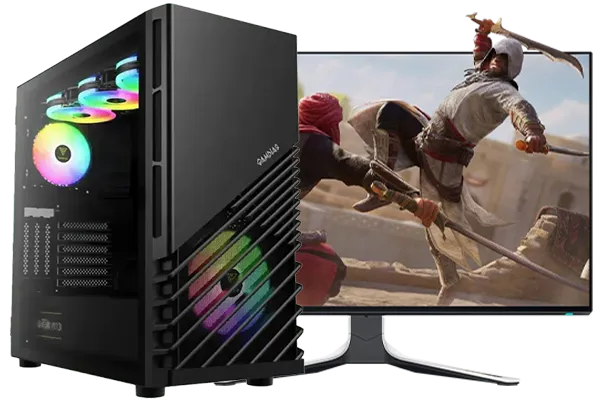
Intel Core Ultra 7 265K 5.3GHz RTX 5060 8GB DDR5 Gaming PC
R29399.00In Stock
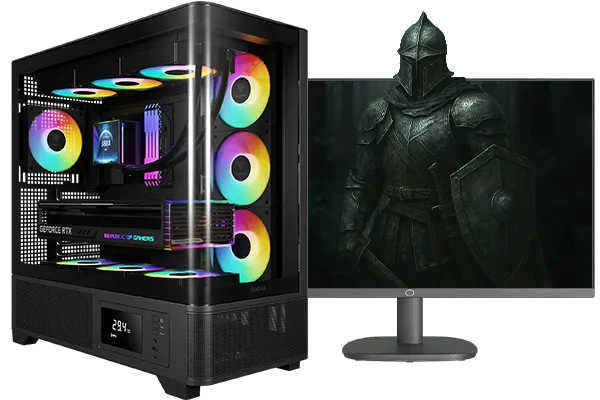
Intel Core Ultra 5 245K 5.2GHz RTX 5060 Ti 16GB DDR5 Gaming PC
R30449.00In Stock
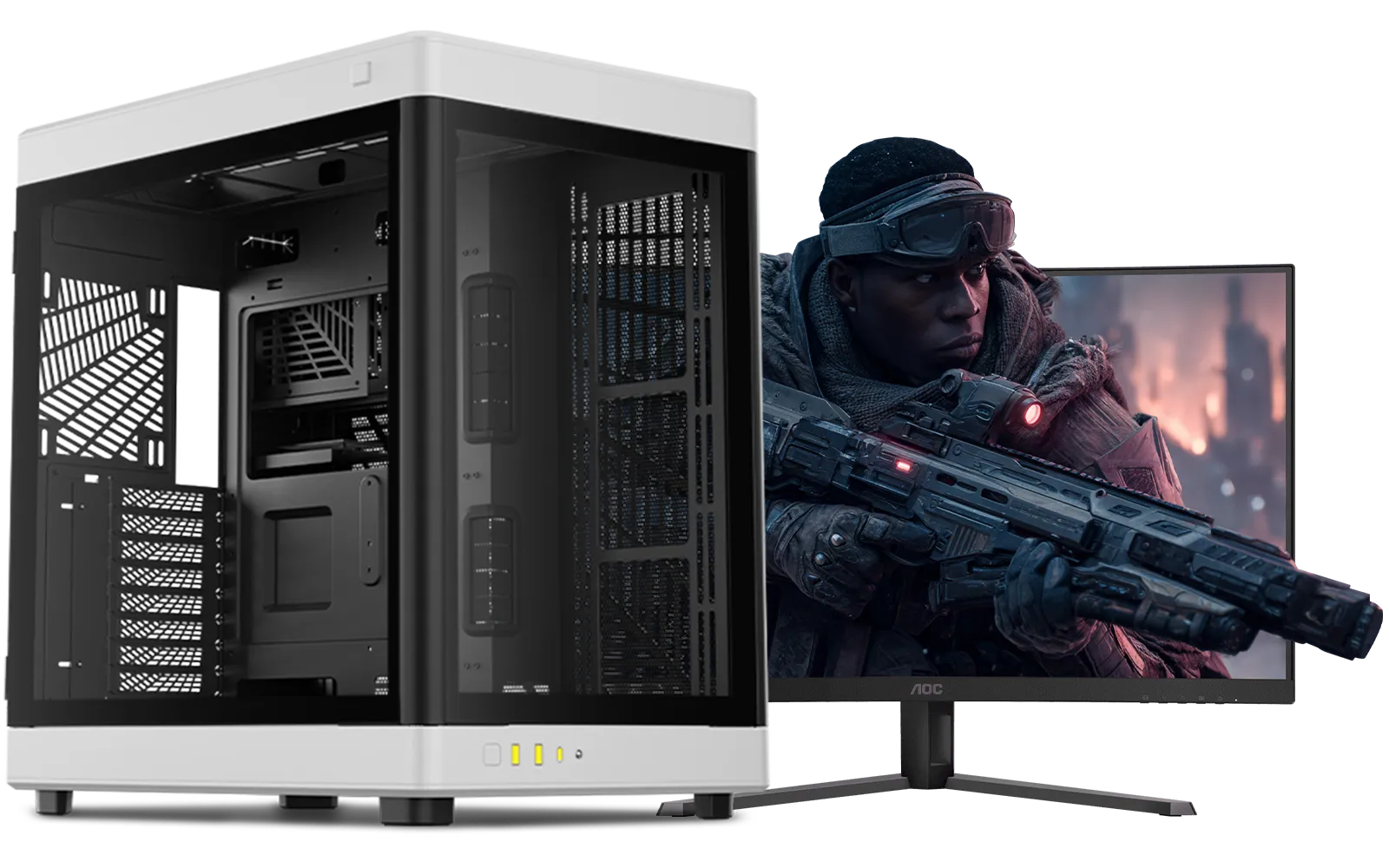
Intel Core Ultra 9 285K 5.7GHz RTX 5000 Ada 32GB DDR5 Workstation PC
R133349.00In Stock

AMD RYZEN 7 5700 4.6GHz RX 9060 XT 16GB Gaming PC
R19424.00In Stock
Aim for a quad-core CPU, 8–16GB RAM, SSD 256GB+, and a mid-range GPU. These educational game PC specifications balance performance and cost.
Yes. A budget build for students with a modern CPU, 8GB RAM, SSD, and integrated or entry GPU can run most educational titles.
Expect roughly $500–$900 for a capable student-focused gaming PC, depending on new parts and whether you need a discrete GPU.
An entry GPU like GTX 1650 or equivalent handles 2D and light 3D educational and creative apps well, balancing cost and performance.
8GB RAM is the minimum, 16GB ideal. Use an SSD (256GB+) for fast boot and app loads; add HDD or larger SSD for media-heavy coursework.
Desktops provide better cooling, upgradeability, and value per performance. Laptops win on portability but cost more for similar specs.
Enable SSD, update drivers, adjust power settings, and close background apps to optimize PC for educational software and learning games.











