



GDDR6 vs GDDR5: Why Memory Speed Matters
GDDR6 vs GDDR5: Understand how faster memory lifts FPS, reduces latency, and improves rendering. This guide breaks down benchmarks, power trade-offs, and upgrade tips. ⚡️🔧
|
Loading tags...
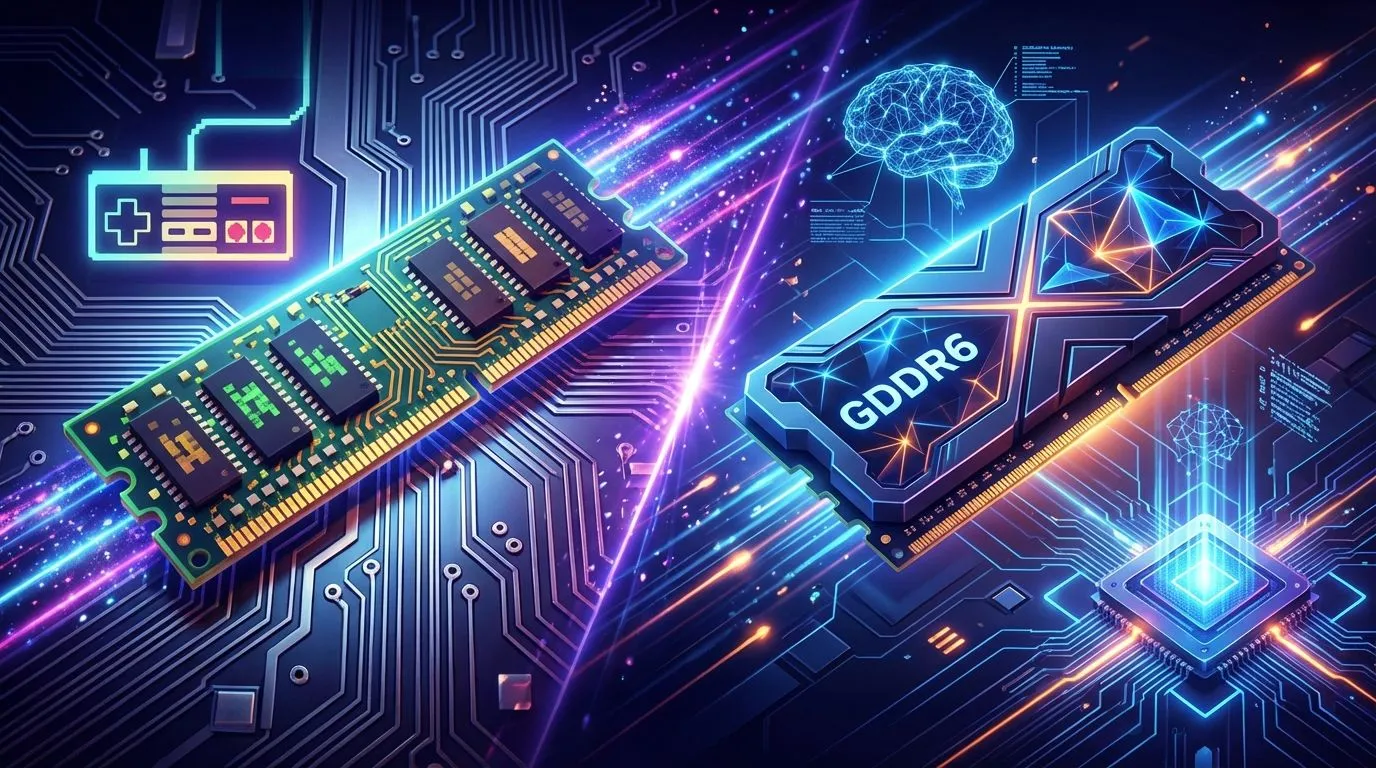
Stuttering frames in the middle of a tense firefight in Apex Legends? Textures popping in late as you cruise through the streets of Cyberpunk 2077? Before you blame your CPU or internet, your graphics card's memory might be the culprit. The debate of GDDR6 vs GDDR5 isn't just tech jargon… it's about the speed and bandwidth that determine whether your gaming experience is silky smooth or a frustrating mess. Let's dive in.
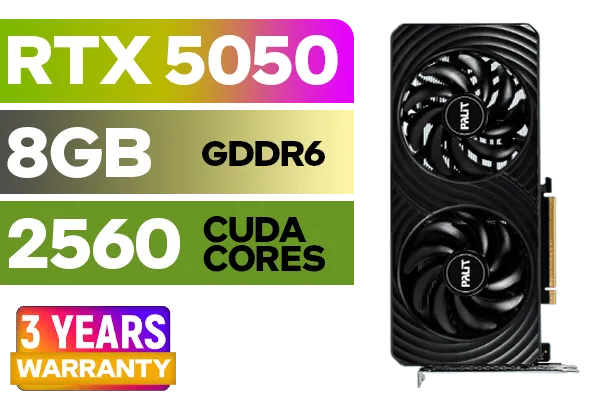
Palit GeForce RTX™ 5050 DUAL Graphics Card / 8GB GDDR6 / 2560 Cuda Cores / 128-bit Memory Interface / Boost Clock : 2572 MHz / PCI Express® Gen 5 / NE65050019P1-GB2070D
R5699.00In Stock

XFX Mercury AMD Radeon RX 9070 XT OC Magnetic Air Edition Graphics Card / 4096 Stream Processors / 256-bit Memory Interface / Boost Clock : 3100 MHz / AMD RDNA™ 4 Architecture / RX-97TMARGB9
R16299.00In Stock
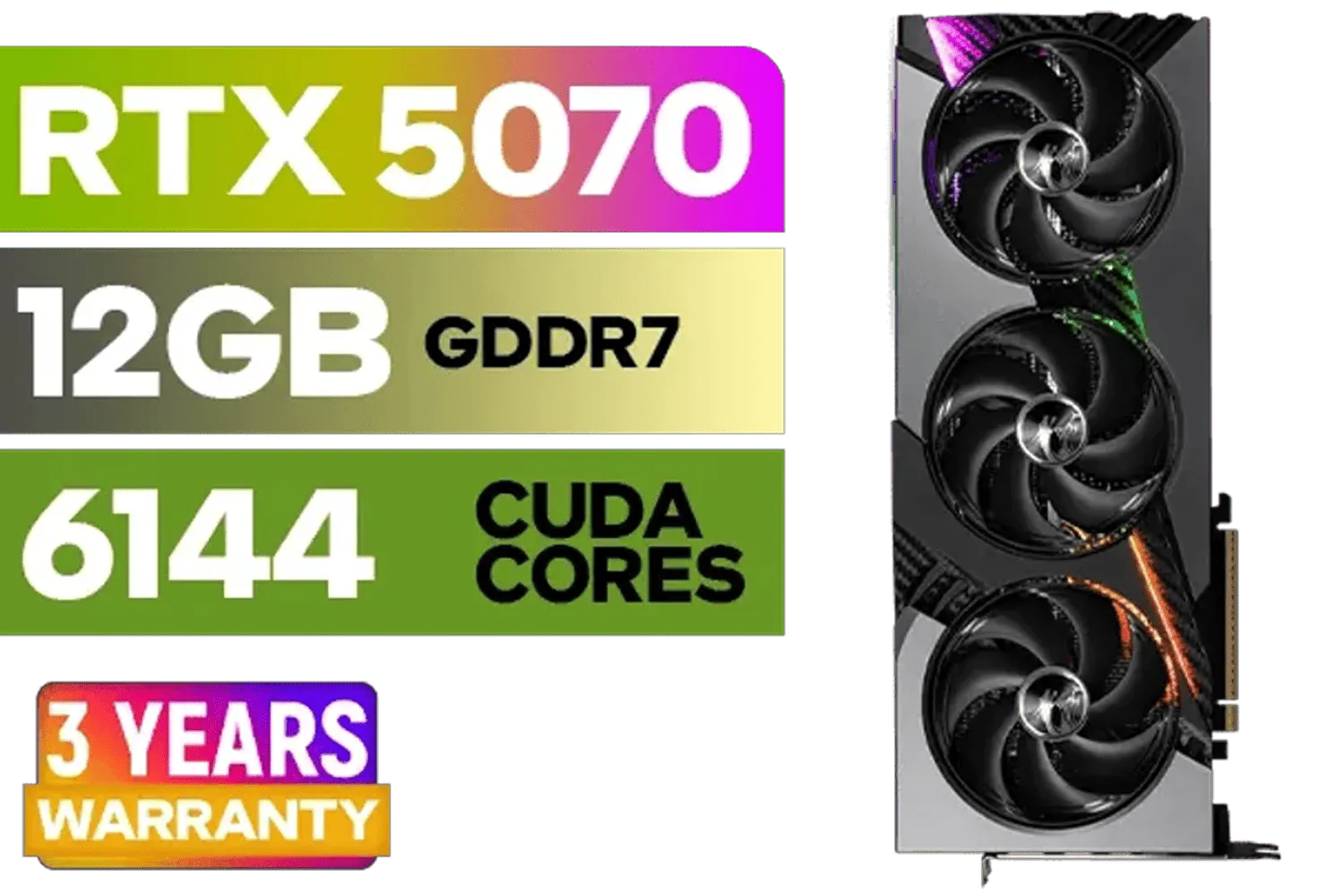
MSI GeForce RTX 5070 12GB VANGUARD SOC Launch Edition / 12GB GDDR7 / 6144 Cuda Cores / Boost: 2640 MHz / 28Gbps Memory Speed / PCI Express® Gen 5 / 912-V532-050
R15299.00In Stock
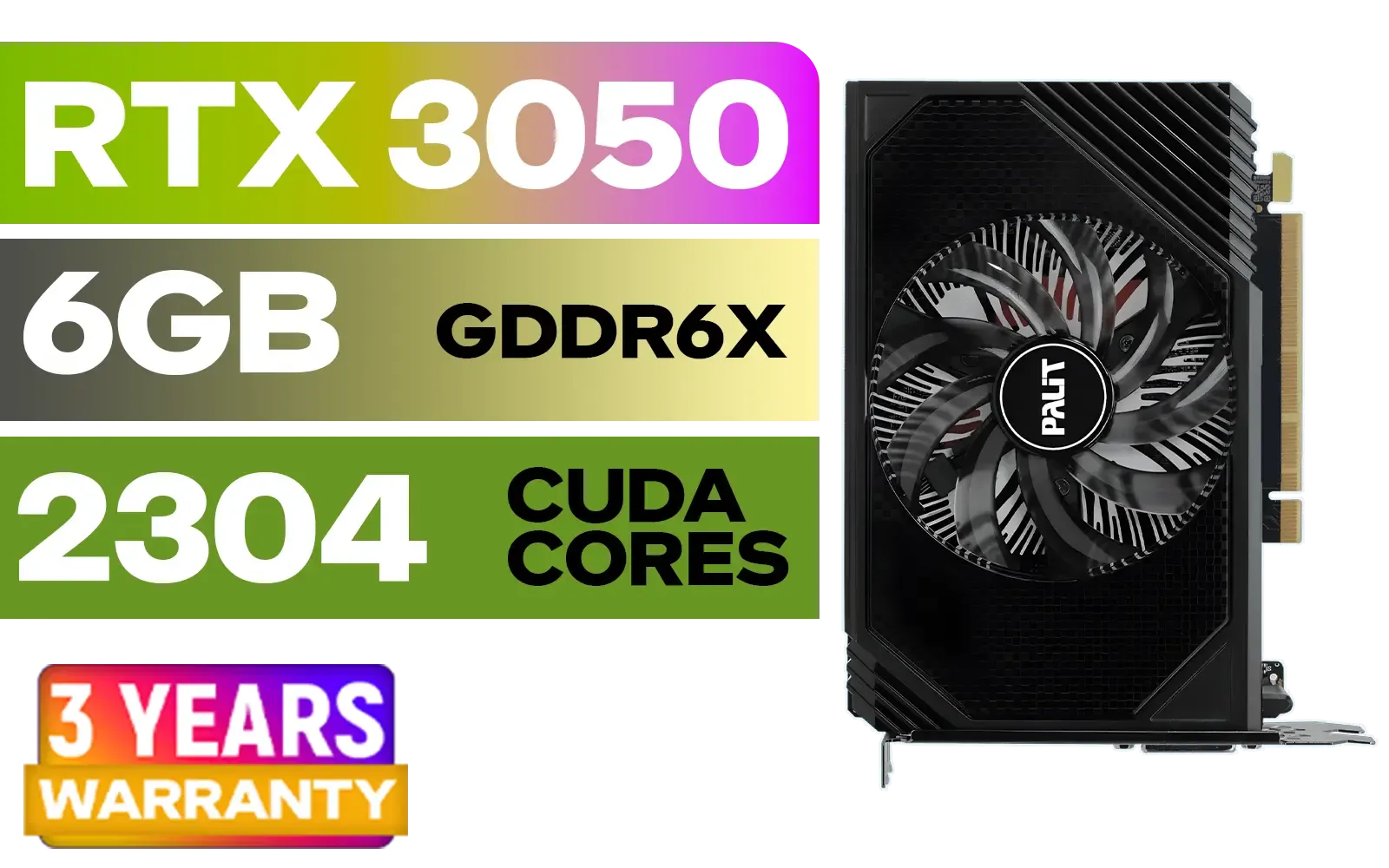
Palit GeForce RTX 3050 StormX 6GB GDDR6 Gaming Graphics Card / 2304 Cuda Core / 96-bit Memory Interface / Boost Clock : 1470MHz / Incredibly Fast Frame Rates / New Streaming Multiprocessors / NE63050018JE-1070F-SN
R3599.00In Stock
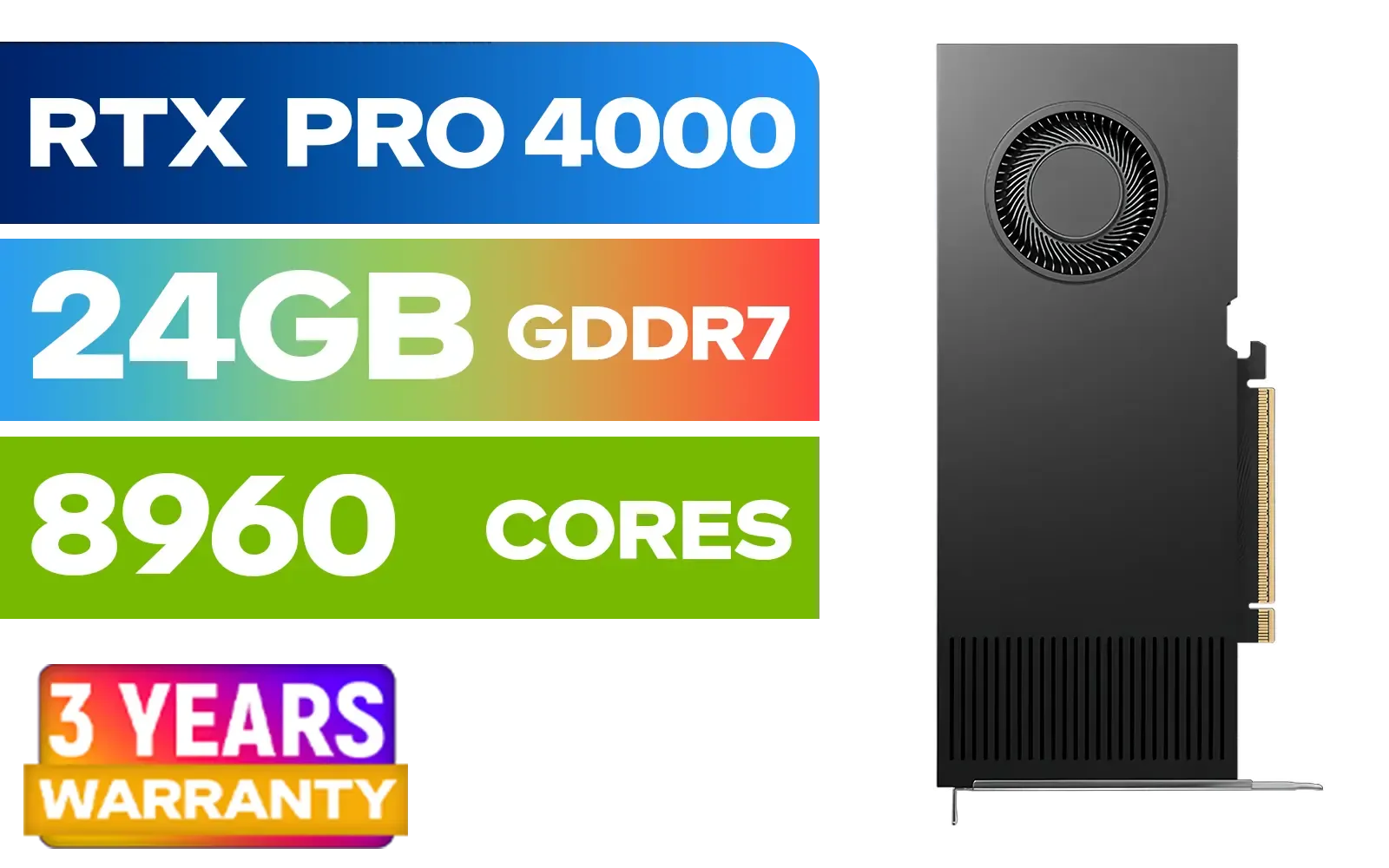
PNY RTX PRO 4000 Blackwell 24GB Graphics Card / 8960 CUDA CORES / 24GB GDDR7 with ECC / 192-bit Memory / VCNRTXPRO4000-PB
R31999.00In Stock
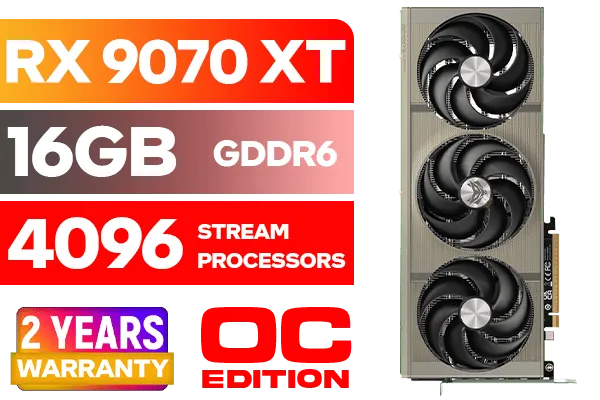
SAPPHIRE NITRO+ RX 9070 XT Gaming OC 16GB Graphics Card / 16GB GDDR6 Memory / 4096 Stream Processors / 256-bit Memory Interface / Boost Clock : 3060 MHz / AMD RDNA™ 4 Architecture / 64 Ray Accelerators / 11348-01-20G
R14999.00In Stock
Understanding VRAM: Your GPU's Super-Fast Workspace
Think of your computer's main RAM as a large pantry and your graphics card's VRAM (Video RAM) as the countertop right next to the stove. The GPU (the chef) needs immediate access to ingredients (game textures, models, and shaders) to cook up the beautiful visuals you see on screen.
VRAM is that ultra-fast, dedicated countertop. The bigger and faster it is, the more complex "ingredients" your GPU can handle at once without having to run back to the pantry. This is crucial for high-resolution gaming and detailed graphics.
The Main Event: GDDR6 vs GDDR5 Showdown
While both are types of graphics memory, the difference in the GDDR6 vs GDDR5 comparison is like comparing a B-road to a multi-lane highway.
The key metric here is bandwidth—how much data can be moved per second.
- GDDR5: The long-standing champion, offering speeds around 8 Gbps (gigabits per second). It powered a whole generation of legendary cards and is still a capable performer for 1080p gaming.
- GDDR6: The modern standard. It starts at around 14-16 Gbps and goes up from there, effectively doubling the data highway's width. This allows the GPU to be fed a constant stream of high-quality textures without bottlenecks.
Furthermore, GDDR6 achieves these incredible speeds more efficiently, often using less power than its predecessor. That means better performance without turning your PC into a space heater. This leap in performance is why all the latest AMD Radeon cards and NVIDIA's recent line-ups rely on it.

MSI GeForce RTX 5060 Ti 8G GAMING OC Graphics Card / 4608 Cuda Cores / 28Gbps Memory Speed / 8GB GDDR7 / 128-bit Memory Bus / 912-V536-026
R9499.00In Stock

MSI GeForce RTX 5070 12G Inspire 3X OC Graphics Card / 12GB GDDR7 / 6144 Cuda Cores / 192-bit Memory Interface / Boost Clock : 2542 MHz / NVIDIA Blackwell & DLSS 4 / 28Gbps Memory Speed / PCI Express® Gen 5 / 912-V532-017
R14499.00In Stock

Leadtek NVIDIA RTX 5000 ADA 32GB GDDR6 Workstation Graphics Card / 12800 Nvidia CUDA Cores / 576GB/s Memory Bandwidth / Ada Lovelace GPU architecture / 126V5000100
R96999.00In Stock

MSI GeForce RTX 5070 Ti 16G Ventus 3X OC / 16GB GDDR7 / 28Gbps Memory Speed / PCI Express® Gen 5 / 912-V531-092
R19999.00In Stock
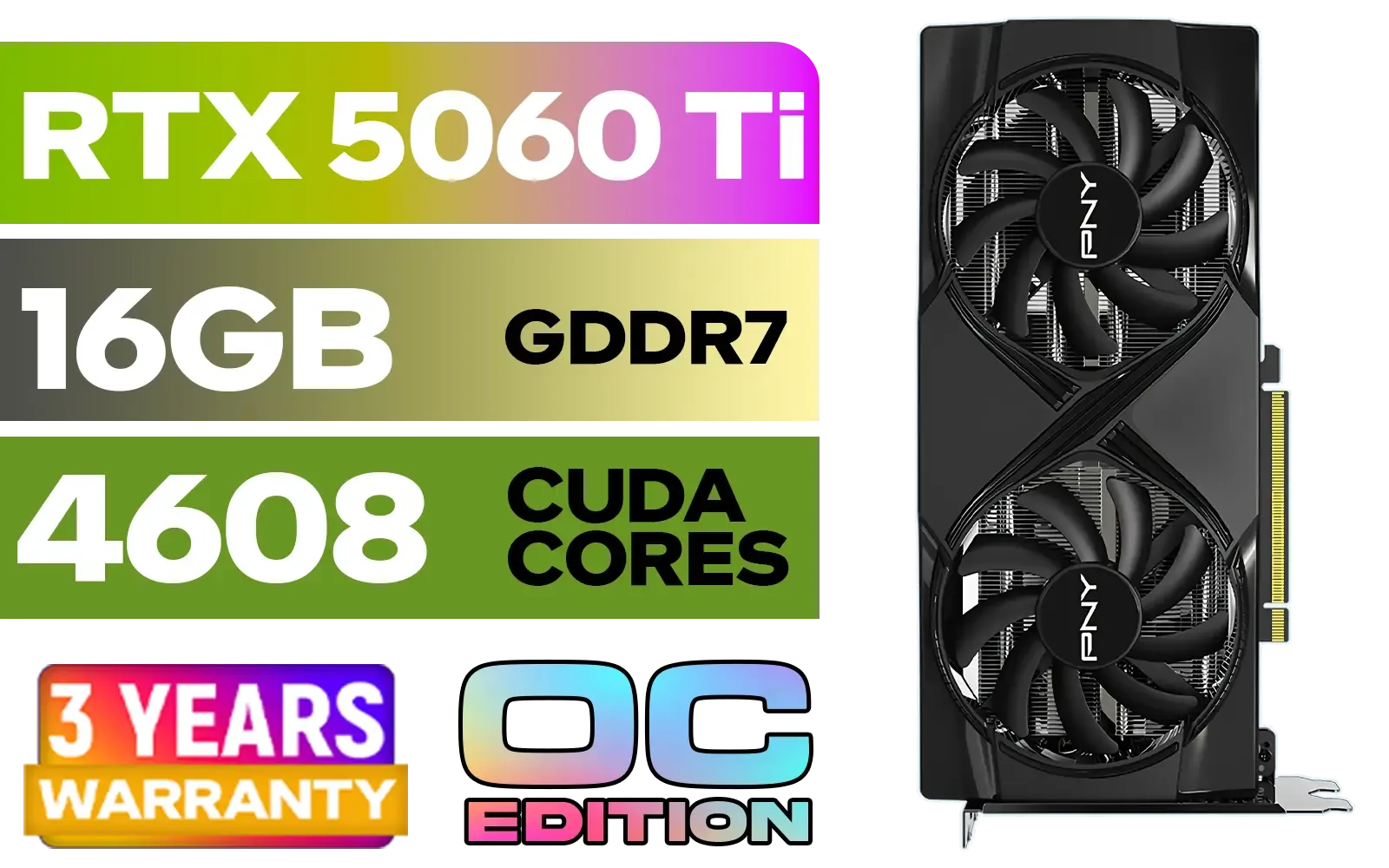
PNY GeForce RTX 5060 Ti 16GB OC Dual Fan Graphics Card / 16GB GDDR7 / 4608 CUDA Cores / 128-bit Memory Interface / Boost Clock: 2692 MHz / 28 Gbps Memory Speed / DisplayPort 2.1b (x3), HDMI® 2.1b / VCG5060T16DFXPB1-O
R10499.00In Stock

MSI GeForce RTX 5080 16G VENTUS 3X OC Plus Graphics Card / PCI Express Gen 5 / 10752 Cuda Cores / 16GB GDDR7 / Nickel-plated Copper Baseplate / 912-V531-293
R27999.00In Stock
How VRAM Speed Impacts Your Gaming Experience 🚀
So, what does all this technical talk mean for your frame rate? The jump from GDDR5 to GDDR6 has a tangible impact, especially when you push your settings.
- High-Resolution Gaming: At 1440p or 4K, game textures are massive. GDDR6's superior bandwidth is essential to load these detailed assets quickly, preventing stutter and ensuring a smooth experience.
- Maxed-Out Settings: Features like ray tracing and ultra-quality textures are incredibly memory-intensive. A GDDR6 card has the throughput to handle these demanding features without bringing your system to its knees.
- Professional Workloads: It's not just for gaming. Professionals using workstation graphics cards for 3D rendering or video editing see dramatically reduced project times thanks to the faster memory.
TIP FOR YOU
Check Your VRAM Usage 🔧
Want to see how much VRAM your games are actually using? Tools like MSI Afterburner or even the built-in Windows Game Bar (Win + G) can display an on-screen overlay showing VRAM consumption in real-time. If it's constantly maxed out at 95% or higher, it might be time for an upgrade!
Is a GDDR5 Graphics Card Still a Smart Buy in SA?
Absolutely… for the right person. If your focus is on esports titles like Valorant or CS2, or you're gaming on a 1080p monitor and are on a tight budget, a GDDR5 card can offer incredible value for your ZAR. Many great value MSI models with GDDR5 are still available and can handle hundreds of popular games perfectly well.
However, for anyone building a new rig today, aiming for GDDR6 is the smarter long-term play. It provides the headroom for upcoming titles and ensures you're not left behind. Even newer options like Intel's Arc series have adopted GDDR6, bringing its performance to more accessible price points.
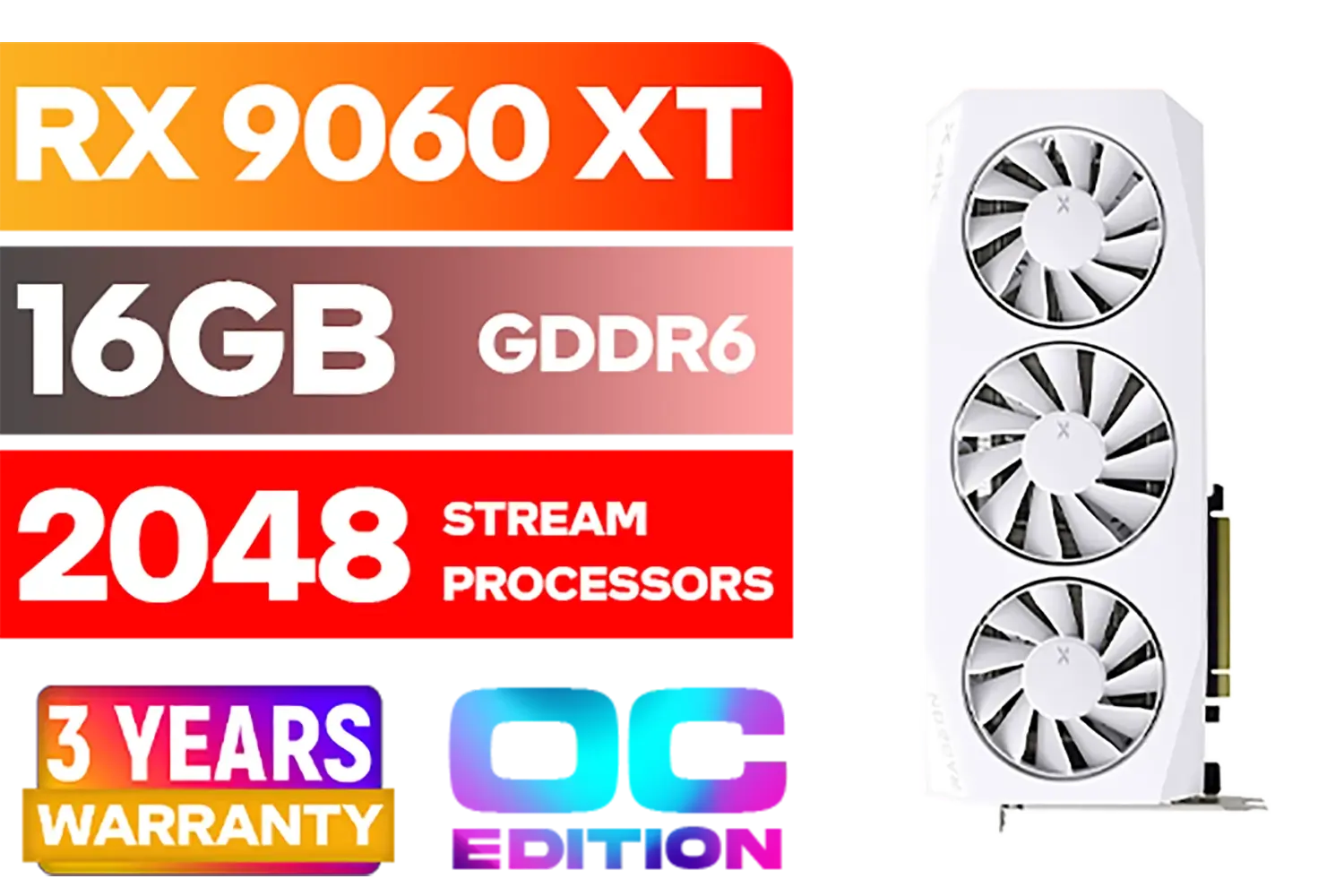
XFX Mercury AMD Radeon RX 9060XT OC White Gaming Edition with 16GB GDDR6 HDMI 2xDP, AMD RDNA 4 / RX-96TMERCW9
R9199.00In Stock
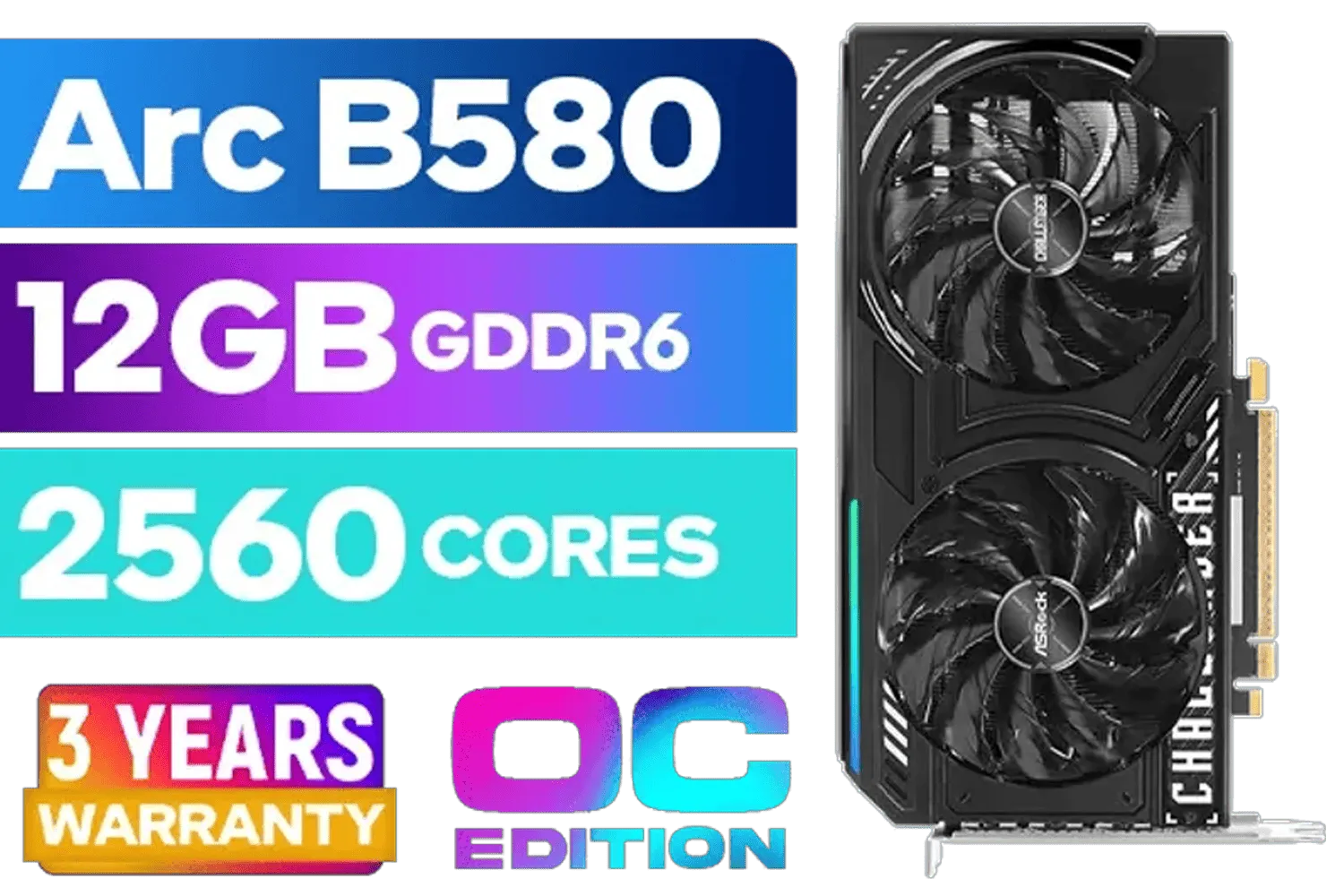
ASRock Intel ARC B580 Challenger OC Graphics Card / 12Gb 192-bit GDDR6 / DirectX 12 Ultimate / 2560 Cores / 2740MHz Engine Clock / 90-GA5LZZ-00UANF
R6499.00In Stock
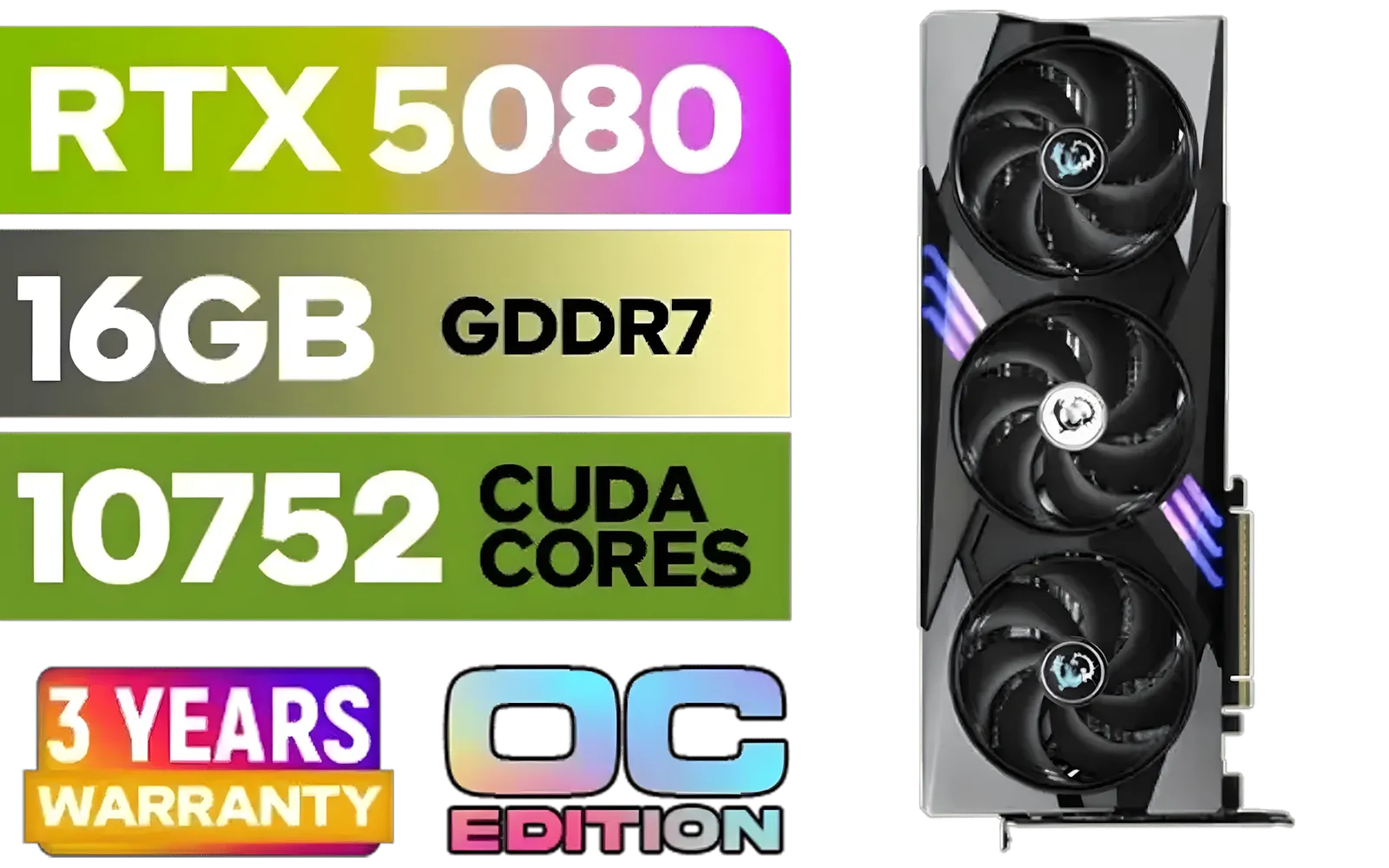
MSI GeForce RTX 5080 16G Gaming Trio OC Graphics Card - Precision Airflow Control - Nickel-Plated Copper Base - Metal Backplate - 16GB GDDR7 - 30Gbps Memory Speed - PCI Express® Gen 5 / 912-V531-026
R29499.00In Stock

MSI GeForce RTX 5070 12G Gaming Trio OC Graphics Card / 12GB GDDR7 / 6144 Cuda Cores / 192-bit Memory Interface / Boost Clock : 2610 MHz / NVIDIA Blackwell & DLSS 4 / TRI FROZR 4 Thermal Design / Metal with Airflow Vents / 912-V532-019
R15199.00In Stock
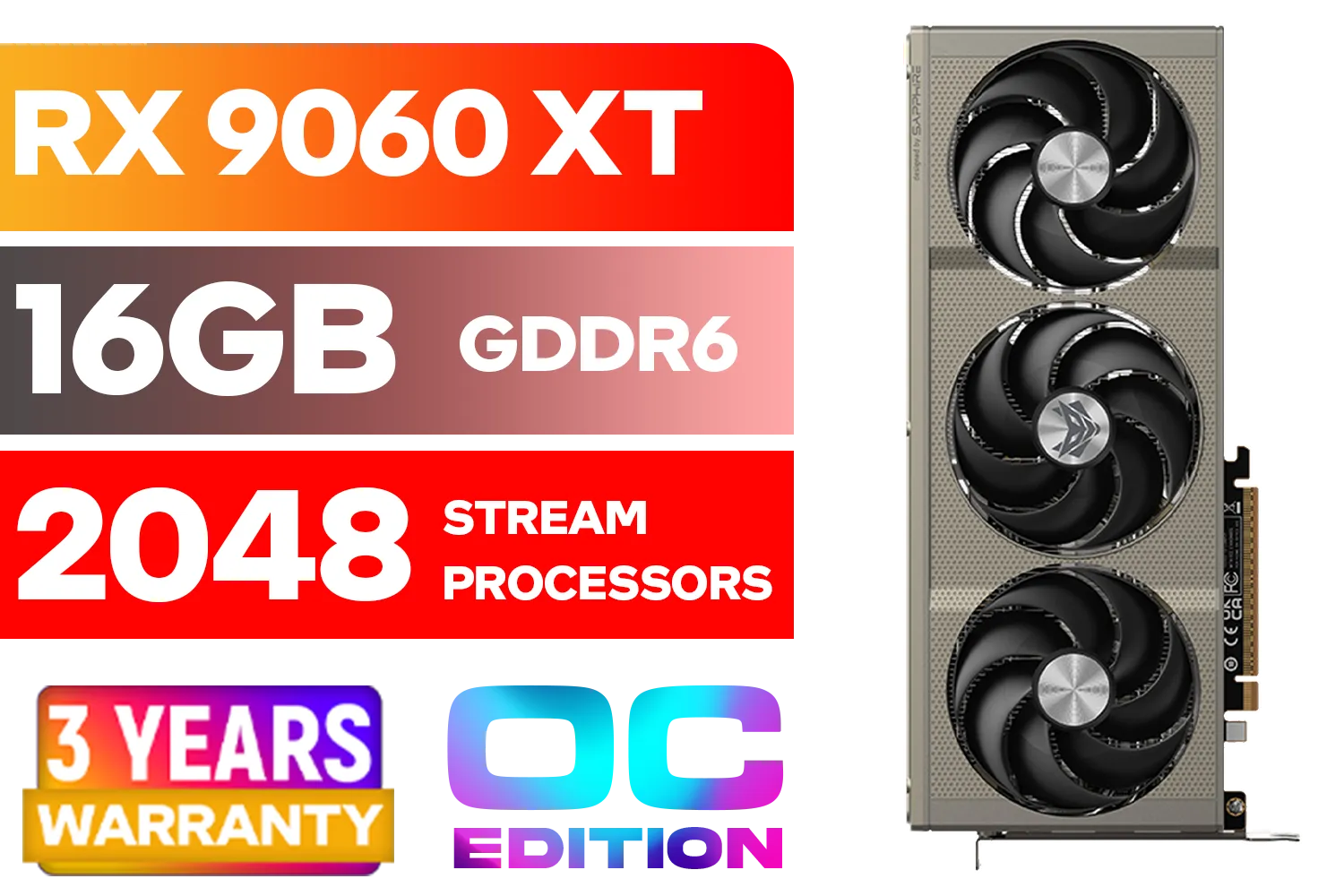
SAPPHIRE NITRO+ RX 9060 XT OC 16GB Graphics Card / 16GB GDDR6 Memory / 2048 Stream Processors / 128-bit Memory Interface / Boost Clock : 3320 MHz / AMD RDNA™ 4 Architecture / 32 Ray Accelerators / 11350-01-20G
R8899.00In Stock
PNY GeForce RTX 5060 Ti 16GB OC Dual Fan Graphics Card / 16GB GDDR7 / 4608 CUDA Cores / 128-bit Memory Interface / Boost Clock: 2692 MHz / 28 Gbps Memory Speed / DisplayPort 2.1b (x3), HDMI® 2.1b / VCG5060T16DFXPB1-O
R10499.00In Stock
The Final Verdict: Choosing Your Next GPU ✨
When weighing GDDR6 vs GDDR5, the choice is clear for most modern gamers. GDDR6 offers a significant performance uplift, better efficiency, and the future-proofing needed for next-gen games and high-resolution displays. While GDDR5 still holds its ground as a budget-friendly option for 1080p, investing in GDDR6 is the best way to prepare your rig for the future.
Ultimately, the best GPU is one that fits your budget and performance goals. Take a look at our entire range of graphics cards to compare specs and find the perfect fit for your setup.
Ready to Boost Your FPS? The GDDR6 vs GDDR5 choice comes down to your needs and budget. For future-proof performance that crushes modern titles, GDDR6 is the way to go. Explore our massive range of PC components and find the perfect GPU to level up your rig.
Related Products
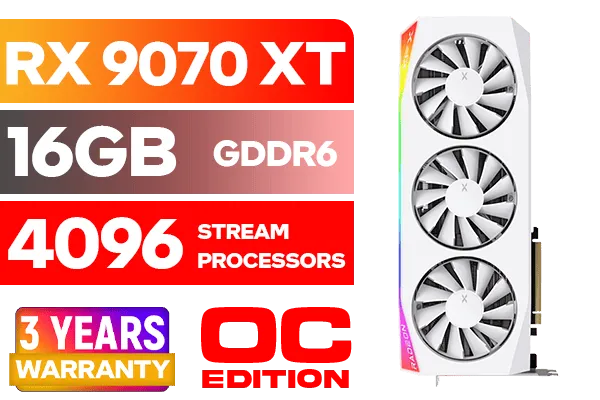
XFX Mercury AMD Radeon RX 9070 XT OC Magnetic Air Edition Graphics Card - White / 4096 Stream Processors / 256-bit Memory Interface / Boost Clock : 3100 MHz / AMD RDNA™ 4 Architecture / RX-97TMARGW9
R16299.00In Stock

MSI GeForce RTX 5060 Ti 8G VENTUS 2X OC Plus Graphics Card / 4608 Cuda Cores / 8GB GDDR7 / 128-Bit Memory Bus / 2602MHz Boost Core Clocks / 912-V536-024
R8999.00In Stock
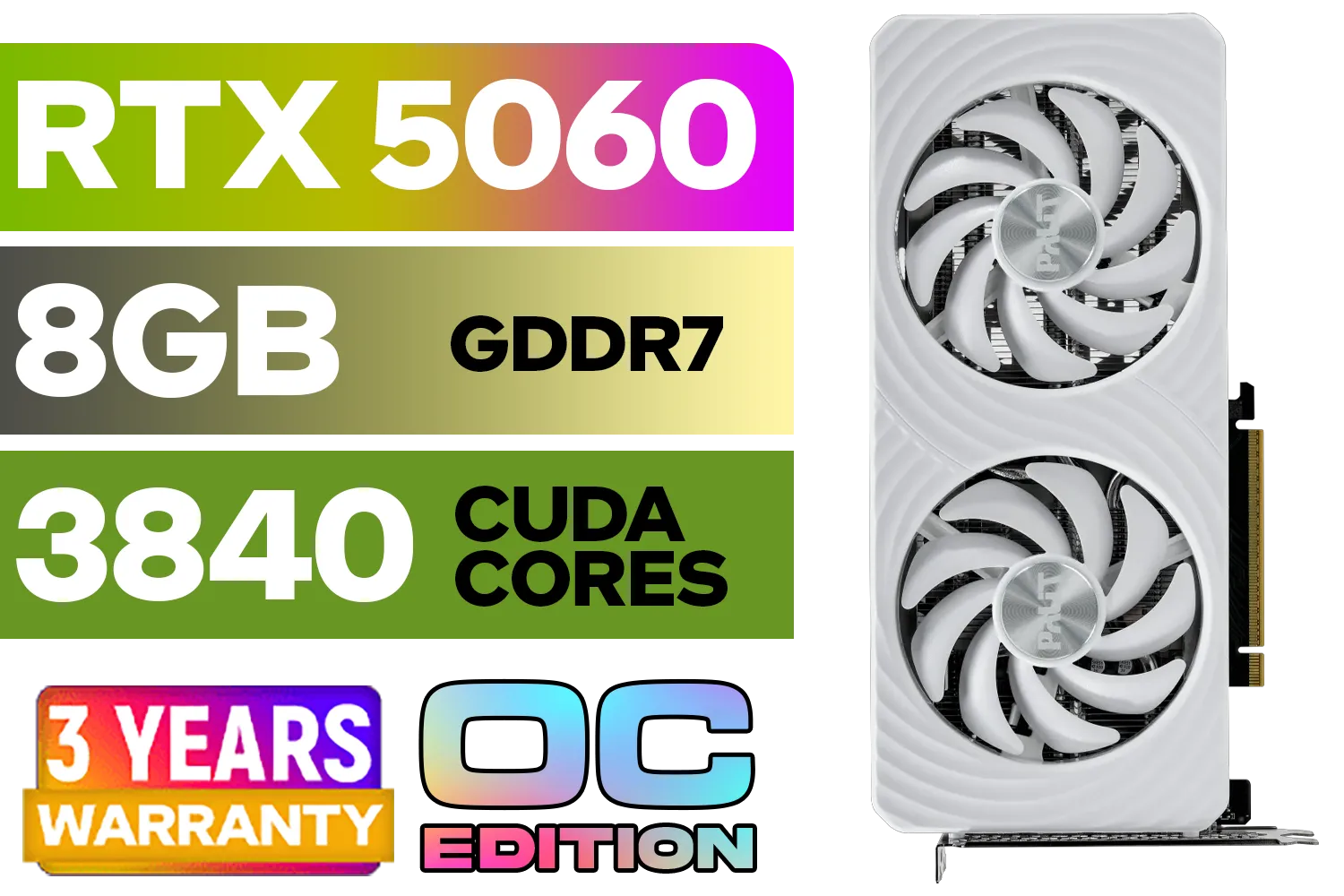
Palit GeForce RTX 5060 OC Graphics Card - White / 8GB GDDR7 / 3840 Cuda Cores / 128-bit Memory Interface / Boost Clock : 2497 MHz / PCI Express® Gen 5 / NE75060U19P1-GB2063M
R6999.00In Stock

Leadtek NVIDIA RTX A1000 8GB GDDR6 Workstation Graphics Card / 2304 Nvidia CUDA Cores / 192GB/s Memory Bandwidth / Nvidia Ampere Architecture / 126W8000100
R10999.00In Stock
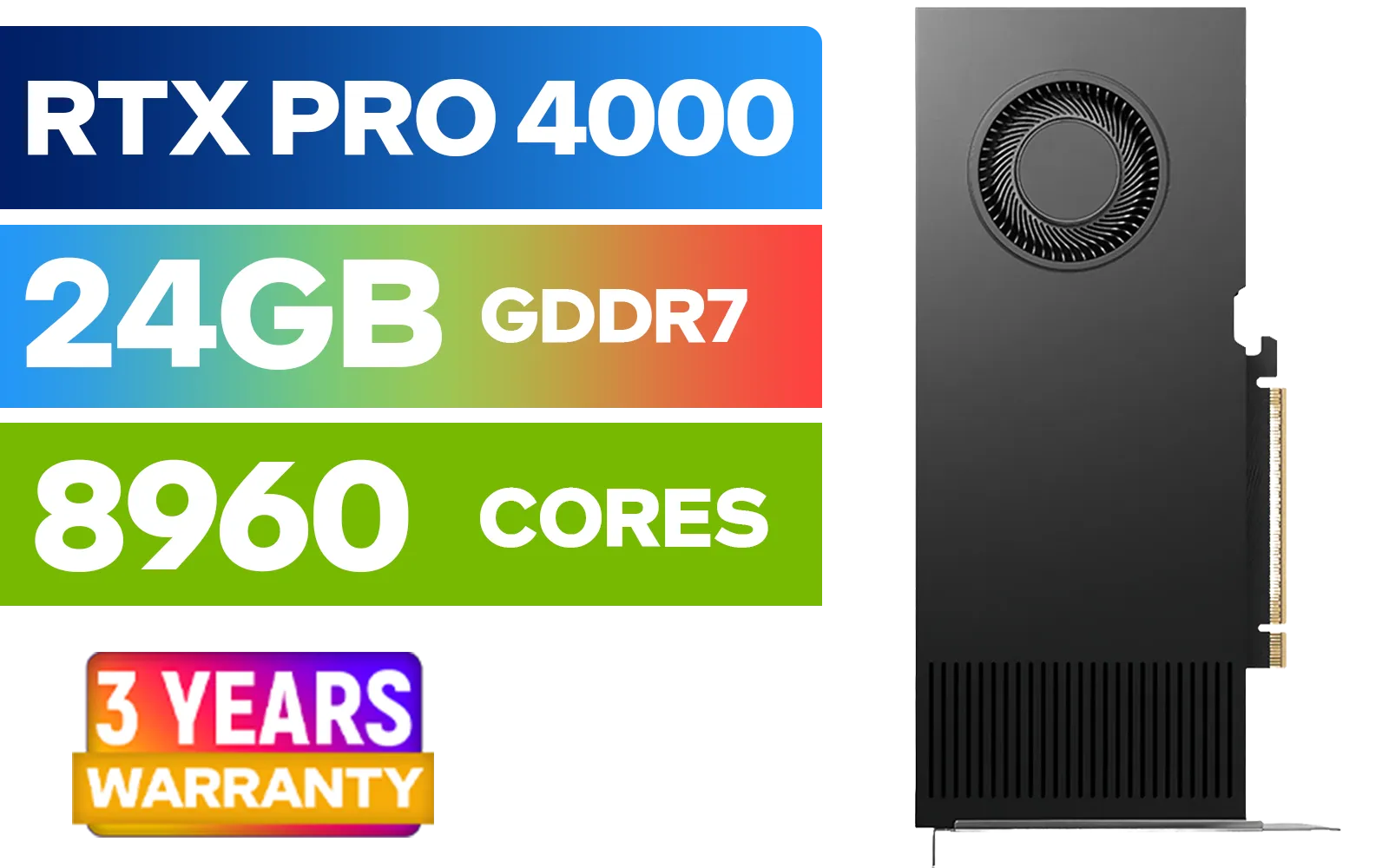
LEADTEK NVIDIA RTX PRO 4000 Blackwell 24GB GDDR7 Workstation Graphics Card / 8,960 Nvidia CUDA Cores / 672GB/s Memory Bandwidth / NVIDIA Blackwell Architecture / 126X4000100
R32999.00In Stock

SAPPHIRE NITRO+ RX 9070 Gaming OC 16GB Graphics Card / 16GB GDDR6 Memory / 3584 Stream Processors / 256-bit Memory Interface / Boost Clock : 2700 MHz / AMD RDNA™ 4 Architecture / 56 Ray Accelerators / 11349-01-20G
R13599.00In Stock
GDDR6 uses higher data rates and improved signaling vs GDDR5, delivering greater bandwidth and efficiency for gaming and compute tasks.
Typical GDDR6 offers roughly 1.5x to 2x the bandwidth of GDDR5 depending on configuration and clock, boosting throughput for GPUs.
Yes. Faster memory reduces bandwidth bottlenecks, improving FPS and reducing stutter in high-res or memory-heavy settings.
For rendering and large textures, GDDR6's higher throughput speeds up workloads and reduces render times, so it's often worth upgrading.
Higher-speed GDDR6 can raise power draw, but efficiency improvements and modern GPUs manage thermals better than older GDDR5 designs.
Yes. Benchmarks show GDDR6 improves bandwidth-bound tasks; search for gddr6 vs gddr5 benchmarks for GPU-specific results.
No. Memory type is soldered on GPUs. Upgrading requires a new GPU model that uses GDDR6 or a different memory architecture.











