



Gen4 vs Gen3 SSD: Which to Choose for Your Next PC Build
• Gen4 vs Gen3 SSD: compare speed & costs • Check compatibility & lanes • Match SSD to workload • Plan upgrade budget ✅ Make the right storage choice for faster builds 🚀

Building a new PC in South Africa? The storage choice can feel overwhelming. You're staring at two options: Gen3 and Gen4 NVMe SSDs. One promises blistering speed, the other offers incredible value. Making the wrong choice can mean bottlenecking your new rig or overspending where it doesn't count. So, when it comes to the great Gen4 vs Gen3 SSD debate, which drive is the right one for your build and your budget? Let's dive in.
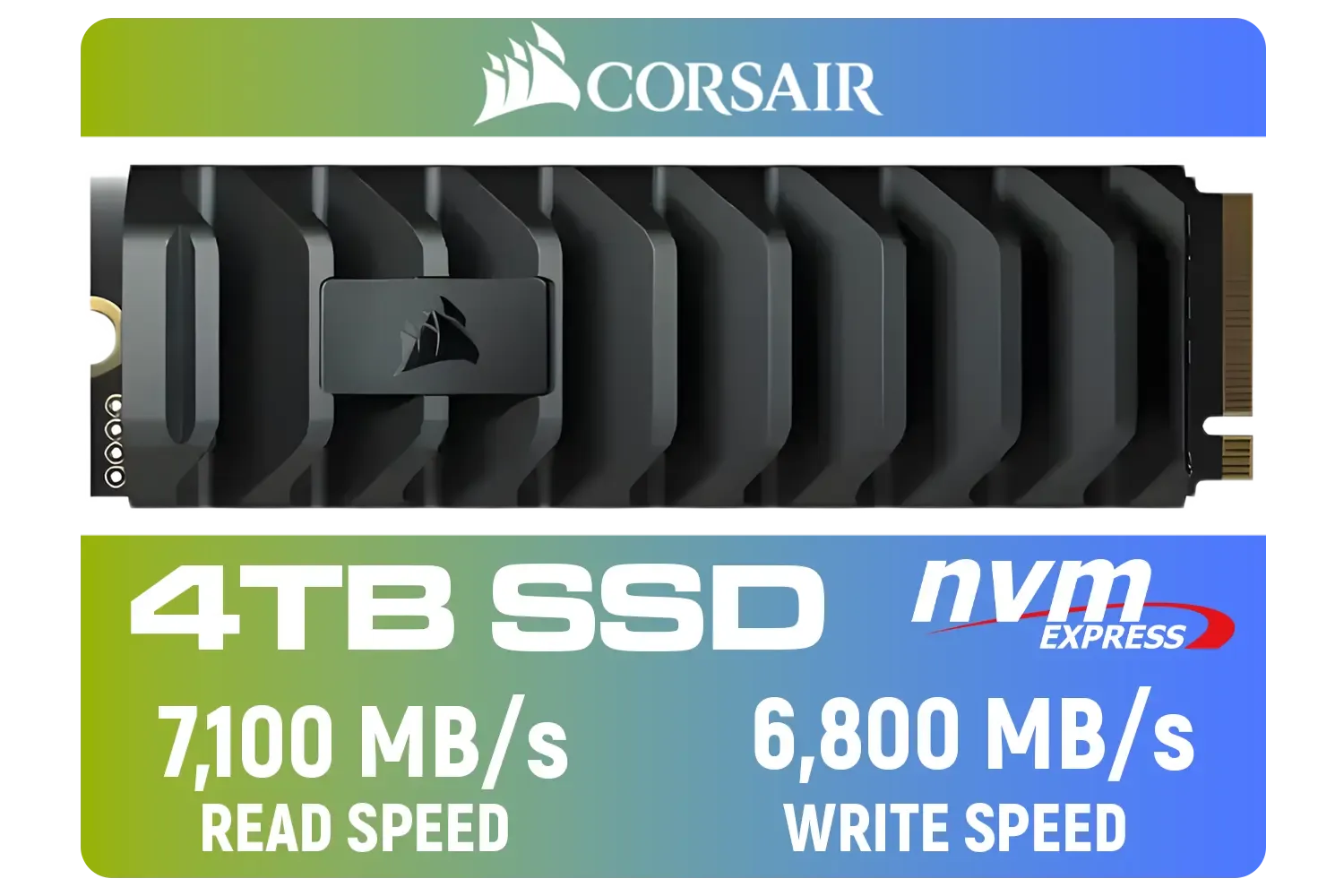
Corsair MP600 PRO XT 4TB PCIe Gen 4 x4 M.2 NVMe SSD / Maximum Read Speed 7,100 MB/s / Maximum Write Speed 6,800 MB/s / Backward compatible with PCIe Gen3 / Aluminum heatspreader for cooling / High-density 3D TLC NAND memory / CSSD-F4000GBMP600PXT
R8499.00In Stock

Corsair MP600 PRO NH 4TB PCIe Gen4 x4 NVMe M.2 SSD – High-Density TLC NAND – M.2 2280 – DirectStorage Compatible - Up to 7,000MB/sec - No Heatsink - Black / CSSD-F4000GBMP600PNH
R7499.00In Stock

Kingston XS1000 1TB SSD | Pocket-Sized | USB 3.2 Gen 2 | External Solid State Drive | Up to 1050MB/s | SXS1000/1000G
R1799.00In Stock

Kingston XS1000 2TB SSD / Pocket-Sized / USB 3.2 Gen 2 / External Solid State Drive / Up to 1050MB/s / SXS1000/2000G
R2899.00In Stock

Kingston KC3000 PCIe 4.0 NVMe M.2 2TB SSD - High-Performance Storage for Desktop and Laptop PCs -SKC3000D/2048G
R3999.00In Stock

Kingston IronKey Vault Privacy 80 1.92TB External SSD | FIPS 197 | XTS-AES 256GB Encrypted | Touch Screen PIN | Secure Data Protection | IKVP80ES/1920G
R6999.00In Stock
What's the Real Difference Between Gen3 and Gen4?
At its core, the difference between a Gen3 and a Gen4 SSD comes down to speed… lots of it. Think of it like a highway. A PCIe Gen3 interface has a certain number of lanes, allowing data to travel at speeds up to around 3,500MB/s. A PCIe Gen4 interface effectively doubles those lanes.
This means a Gen4 drive can hit staggering theoretical speeds of 7,000MB/s or even more. For you, this translates to faster file transfers, quicker application launches, and potentially a snappier overall system feel. The choice often comes down to balancing cutting-edge performance with proven, budget-friendly tech, with many users still finding great value across the full range of SSDs available.
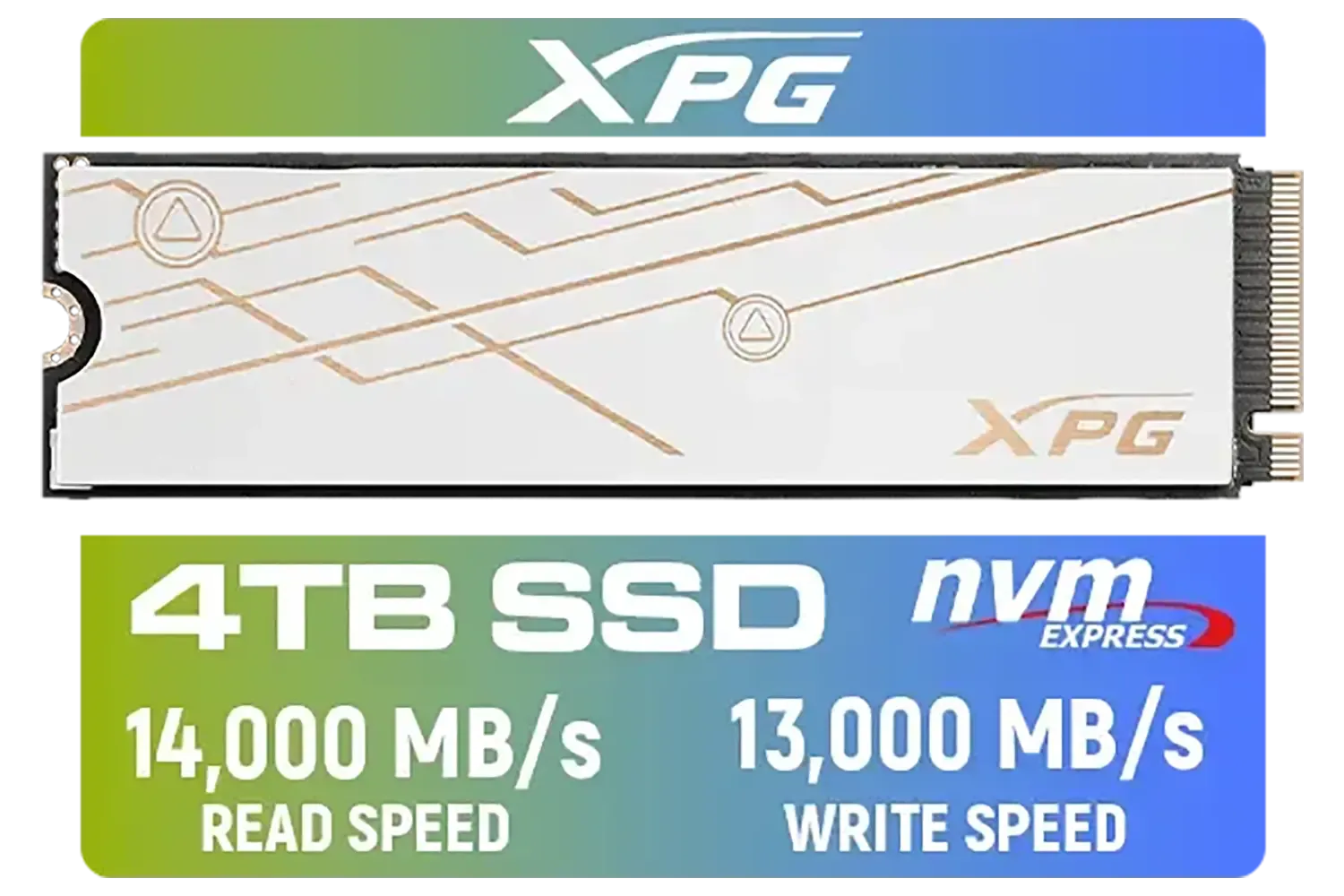
ADATA XPG Mars 980 Blade 4TB NVMe 5.0 Internal Solid State Drive / Up to 14,000MB/s Read Speed and Up to 13,000MB/s Write Speed / SMAR-980B-4TCS
R7999.00In Stock
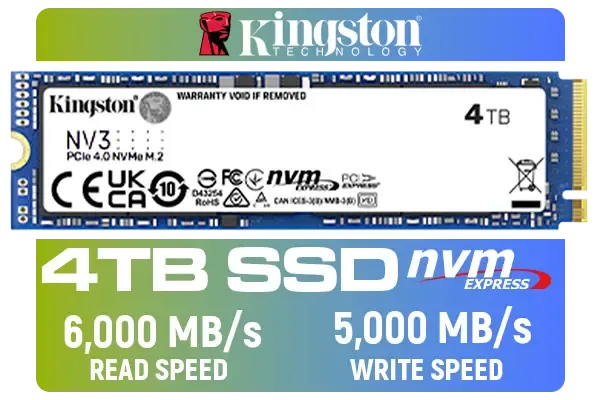
Kingston 4000G NV3 NVMe SSD / Up to 6,000MB/s Read / Up to 4,000MB/s Write / PCIe 4.0 x4 NVMe / M.2 2280 Form Factor / SNV3S/4000G
R6299.00In Stock

Corsair MP700 PRO 1TB with Air Cooler PCIe Gen5 x4 NVMe 2.0 M.2 SSD / Up to 11,700MB/s Sequential Read / Up to 9,600MB/s Sequential Write / M.2 2280 Form Factor / CSSD-F1000GBMP700PRO
R4199.00In Stock

Kingston Fury Renegade 1TB PCIe Gen 4.0 NVMe M.2 Internal Gaming SSD with Heat Sink | PS5 Ready | Up to 7300MB/s / SFYRSK/1000G
R2999.00In Stock

Kingston Fury Renegade 1TB PCIe Gen 5.0 NVMe M.2 Internal SSD / Maximum Read Speed 14,200 MB/s / Maximum Write Speed 11,000 MB/s / Advanced thermal design / SFYR2S/1T0
R4199.00In Stock

Corsair MP600 PRO NH 8TB PCIe Gen4 x4 NVMe M.2 SSD – High-Density TLC NAND – M.2 2280 – DirectStorage Compatible - Up to 7,000MB/sec - No Heatsink - Black / CSSD-F8000GBMP600PNH
R22999.00In Stock
How Gen4 Speed Impacts Your Gaming 🚀
So, does double the theoretical speed mean your games will load twice as fast? Not exactly, but the benefits are real, especially for future titles.
In the Gen3 vs Gen4 SSD showdown for gaming, the biggest advantage for Gen4 is its synergy with new technologies like Microsoft's DirectStorage API. This tech allows the GPU to load game assets directly from a super-fast NVMe SSD, bypassing the CPU. The result? Drastically reduced loading times and more detailed, seamless open worlds with less texture pop-in.
While many current games see only a modest one or two-second improvement in load times, future-proofing your rig with a Gen4 drive means you'll be ready to take full advantage of next-gen gaming experiences.
TIP FOR YOU
Check Your Compatibility! 🔧
Before you buy a Gen4 SSD, make sure your motherboard and CPU support the PCIe 4.0 standard. For Intel, you'll need an 11th Gen or newer CPU and a 500-series (or newer) chipset. For AMD, a Ryzen 3000 series (or newer) CPU and a B550 or X570 motherboard is required. Plugging a Gen4 drive into a Gen3 slot will work, but it will run at slower Gen3 speeds.
Gen3 SSDs: Still a Champion for Budget Builds?
Absolutely. Let's be honest, for many South African gamers, bang-for-buck is king. This is where the Gen3 SSD still shines brightly. A high-quality 1TB Gen3 NVMe SSD can often be found for a significantly lower price in ZAR than its Gen4 counterpart.
For a pure gaming rig where you're loading a game once and then playing for hours, the few seconds saved on a loading screen might not justify the extra cost. If your priority is getting more capacity for your money to store a huge Steam library, a Gen3 drive remains an incredibly smart and powerful choice. Brands like Klevv South Africa offer fantastic options in both generations, ensuring there's a reliable drive for every budget.
The Verdict: Which SSD Is Right for You?
Choosing between a Gen4 vs Gen3 SSD ultimately depends on your specific needs and build.
Choose a Gen4 SSD if:
- You're a hardcore enthusiast who demands the absolute fastest performance.
- You're a content creator who frequently moves massive video or design files.
- You want to future-proof your PC for upcoming games that leverage DirectStorage. A lightning-fast option like the Klevv Cras C925G 1TB is a perfect example of top-tier performance. ✨

Western Digital 500GB WD Blue SN5100 NVMe Internal Solid State Drive / M.2 2280 Form Factor / Read Speeds up to 6600MB/s / Write Speeds up to 5600MB/s / PCIe Gen 4.0 Interface / nCache™ 4.0 Technology / 3D CBA NAND / Includes Acronis® True Image™ & SanDisk Dashboard Software / WDS500G5B0E
R1199.00In Stock
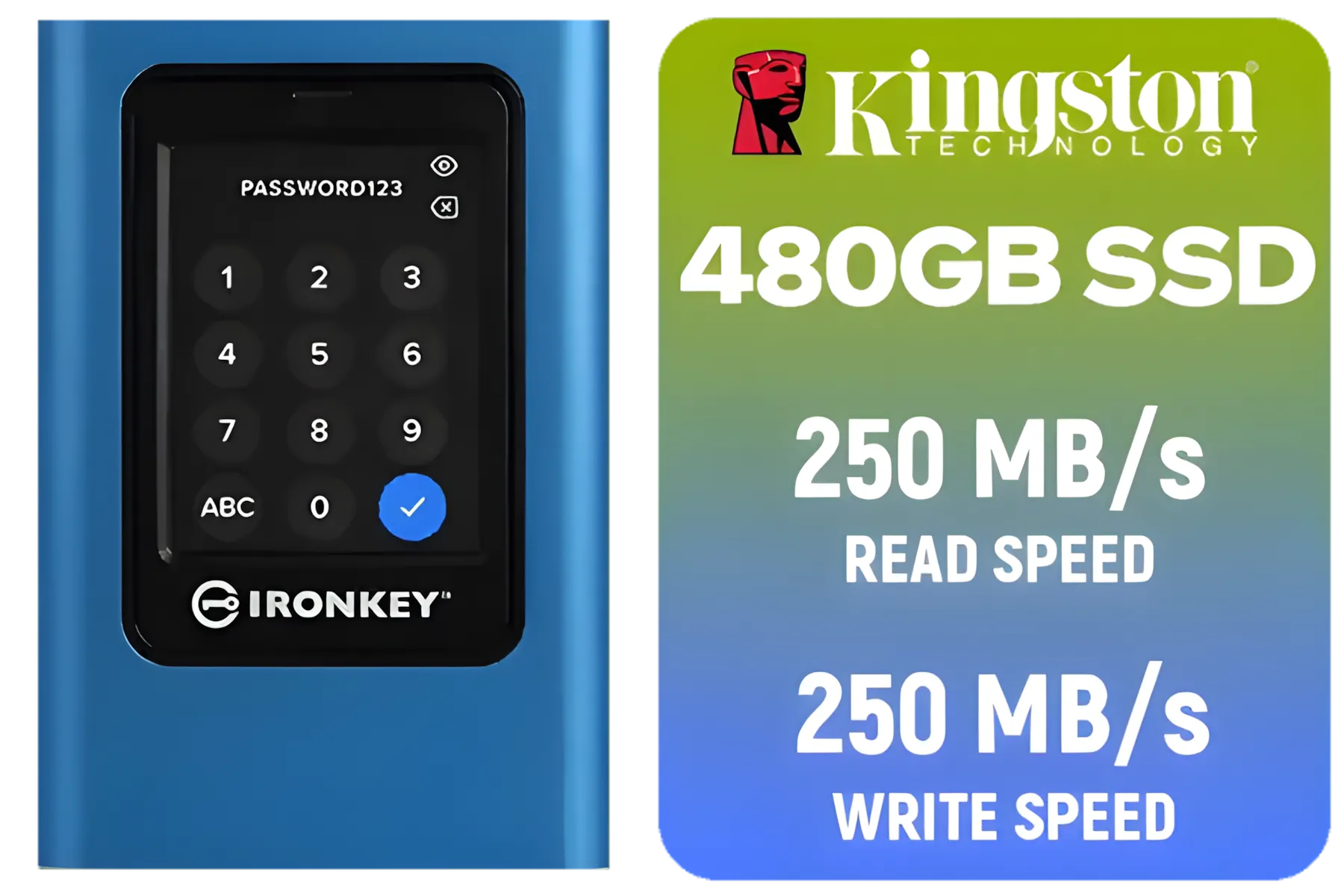
Kingston IronKey Vault Privacy 80 480GB External SSD | FIPS 197 | XTS-AES 256GB Encrypted | Touch Screen PIN | Secure Data Protection | IKVP80ES/480G
R4199.00In Stock
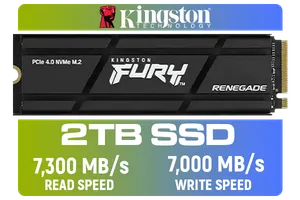
Kingston Fury Renegade 2TB PCIe Gen 4.0 NVMe M.2 Internal Gaming SSD with Heat Sink | PS5 Ready | Up to 7300MB/s | SFYRDK/2000G
R4199.00In Stock

XPG GAMMIX S70 Blade 8TB NVMe PCIe Gen4x4 Internal SSD / Sequential read/write speeds up to 7,400/6,800MB/s / Compatible with PC and PS5 / AGAMMIXS70B-8000G-CS
R15999.00In Stock
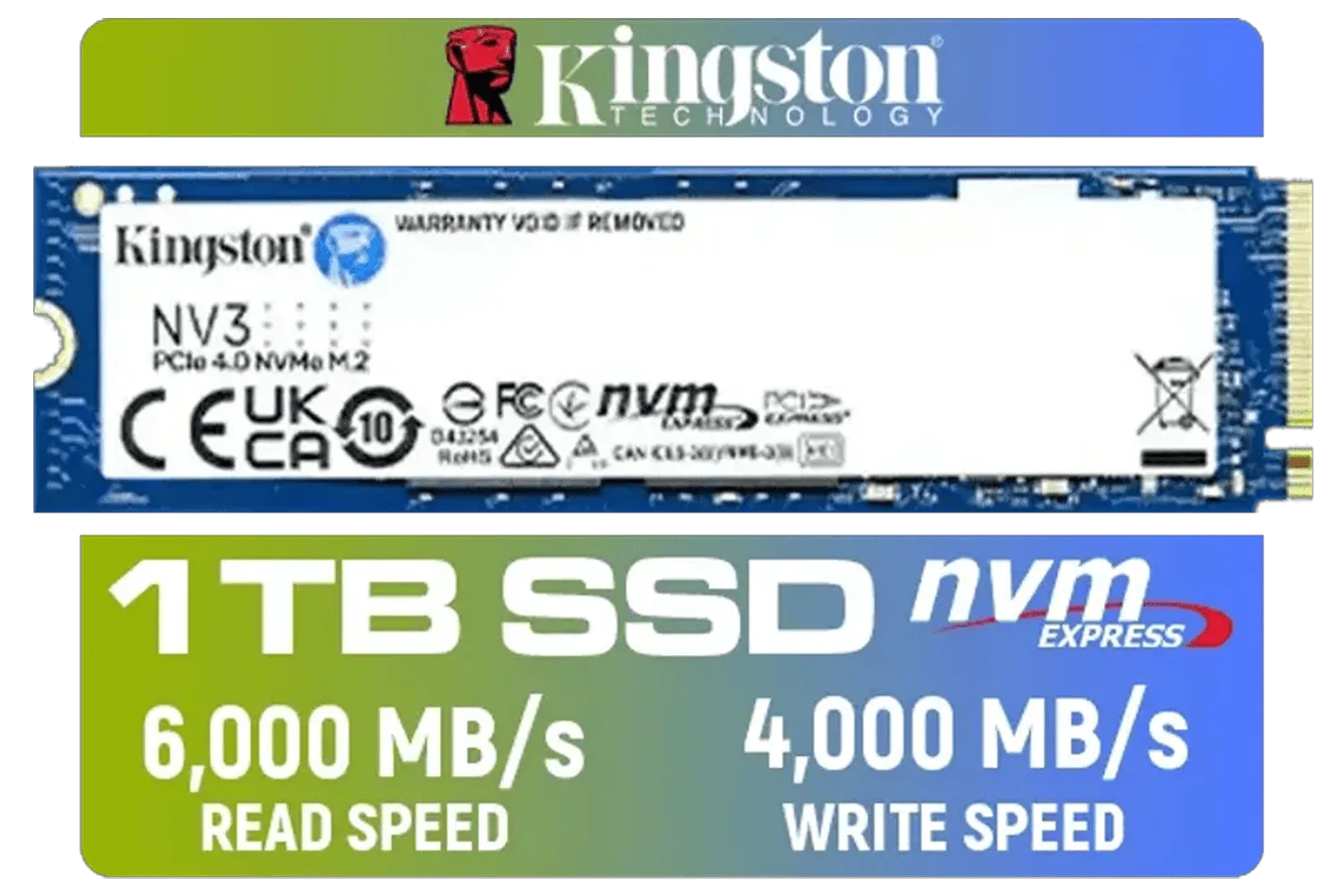
Kingston 1000G NV3 NVMe SSD / Up to 6,000MB/s Read / Up to 4,000MB/s Write / PCIe 4.0 x4 NVMe / M.2 2280 Form Factor / SNV3S/1000G
R1999.00In Stock
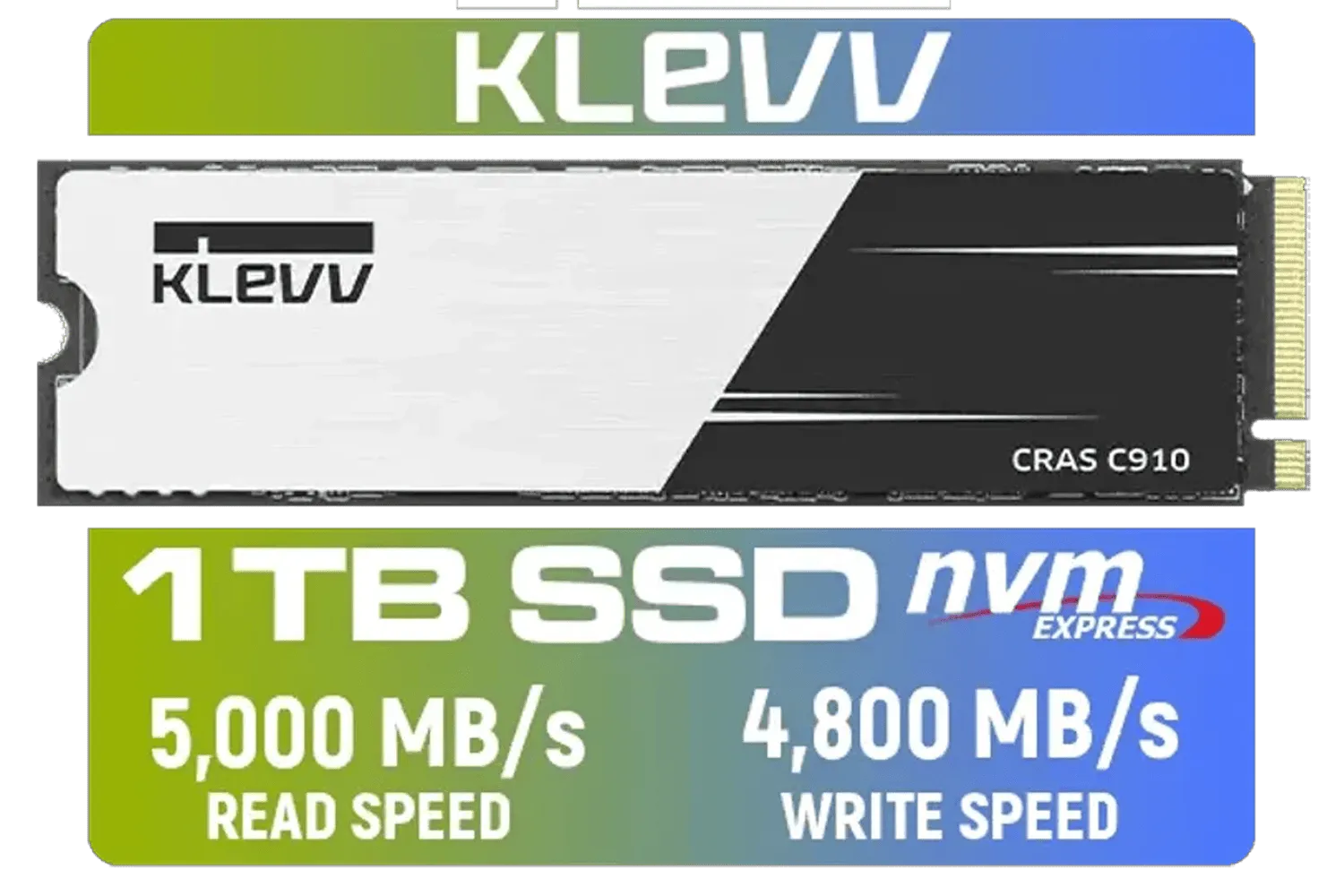
KLEVV CRAS C910 1TB M.2 NVMe PCIe Gen4x4 Internal SSD with Heatsink, up to 5000MB/s (K01TBM2SP0-C91)
R1799.00In Stock
Choose a Gen3 SSD if:
- You're on a tighter budget and want the best performance-per-Rand.
- Your motherboard doesn't support PCIe 4.0.
- You prioritise storage capacity over cutting-edge speed for your massive game library.
Both technologies offer a massive leap over old-school hard drives. The right decision is the one that best fits your system, your wallet, and your gaming style.
Ready to Supercharge Your Rig? The Gen4 vs Gen3 SSD debate comes down to your build and your budget. Making the right choice is the first step to an epic upgrade. Explore all PC components and find the perfect parts to build your dream machine.
Related Products
Kingston XS1000 2TB SSD / Pocket-Sized / USB 3.2 Gen 2 / External Solid State Drive / Up to 1050MB/s / SXS1000/2000G
R2899.00In Stock

ORICO i7500 M.2 NVMe SSD - 2TB / 3D NAND Flash / PCIe Gen4.0 x4 / Up to 7,200MB/s Read and 6,100MB/s Write Speeds / ORICO-i7500-2TB-GD-BP
R3599.00In Stock
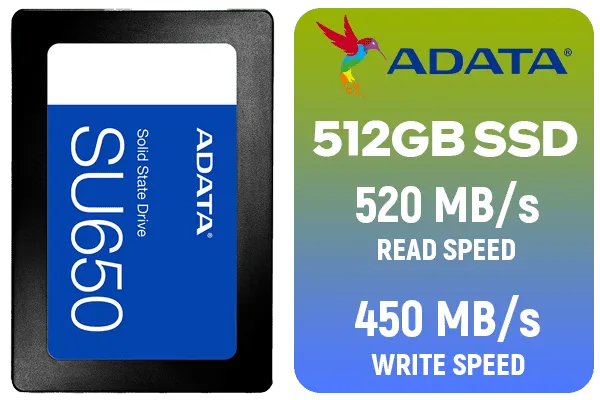
ADATA SU650 512GB 3D-NAND SATA 2.5 inch Internal SSD / ASU650SS-512GT-R
R799.00In Stock
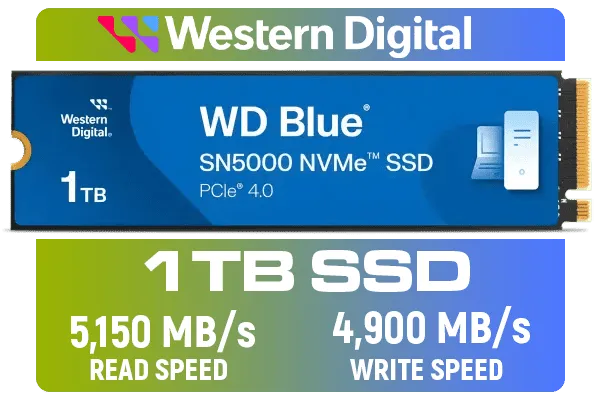
Western Digital 1TB WD Blue SN5000 NVMe Internal Solid State Drive SSD - PCIe Gen 4.0, M.2 2280, Up to 5,150 MB/s / WDS100T4B0E
R1999.00In Stock
Kingston 1000G NV3 NVMe SSD / Up to 6,000MB/s Read / Up to 4,000MB/s Write / PCIe 4.0 x4 NVMe / M.2 2280 Form Factor / SNV3S/1000G
R1999.00In Stock
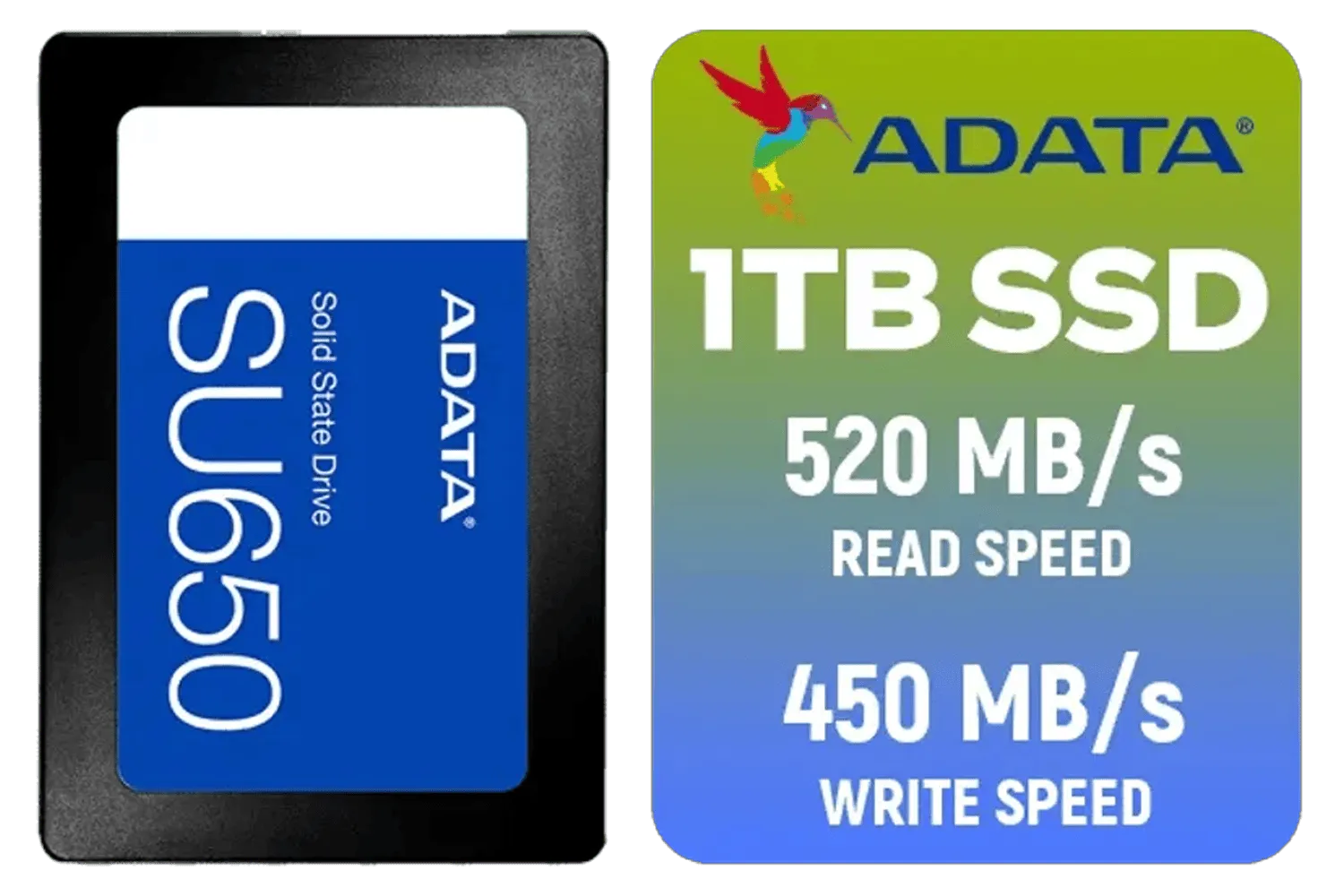
ADATA SU650 1TB 3D-NAND SATA 2.5 inch Internal SSD / ASU650SS-1TT-R
R1399.00In Stock
Gen4 SSDs speed load times and texture streaming. Choose gen4 for top gaming performance; gen3 often suffices for budget builds. (gen4 ssd benefits)
Gen4 NVMe can deliver up to about 2x sequential speeds versus Gen3. Real gains depend on workload and PCIe lane support. (nvme gen4 vs gen3)
You need an M.2 slot with PCIe Gen4 support and compatible CPU/motherboard lanes. Check your board specs for gen4 compatibility. (m.2 gen4)
Pick Gen4 NVMe for heavy video editing and large file transfers; Gen3 still works well for photo editing and lighter workloads. (gen4 nvme)
Yes. Gen4 SSDs cost more per GB but deliver higher throughput. Balance price versus performance for your use case. (budget ssd gen3 vs gen4)
In some storage heavy tasks, a slower SSD can limit performance. A fast CPU paired with Gen3 may show fewer gains than with Gen4. (ssd gen4 performance vs gen3)
Back up data, verify motherboard PCIe Gen4 support, clone or fresh install your OS, then install the Gen4 M.2 SSD. (pc build gen4 ssd guide)











