



GPU Cable Management: Optimize Airflow for Cooler GPUs
- Assess cabling; - Prioritize routing; - Reduce obstructions. GPU cable management improves airflow, lowers GPU temps, and boosts performance with practical routing and tool tips. 🧰❄️
|
Loading tags...

Is your gaming rig sounding more like a jet engine than a high-end PC during a heated match? Before you spend thousands on new cooling, take a peek inside your case. That tangled mess of wires isn't just ugly; it's actively choking your components. Proper GPU cable management is one of the most overlooked secrets to a healthier, cooler system. It’s time to optimise that airflow and let your graphics card finally breathe. 🌬️
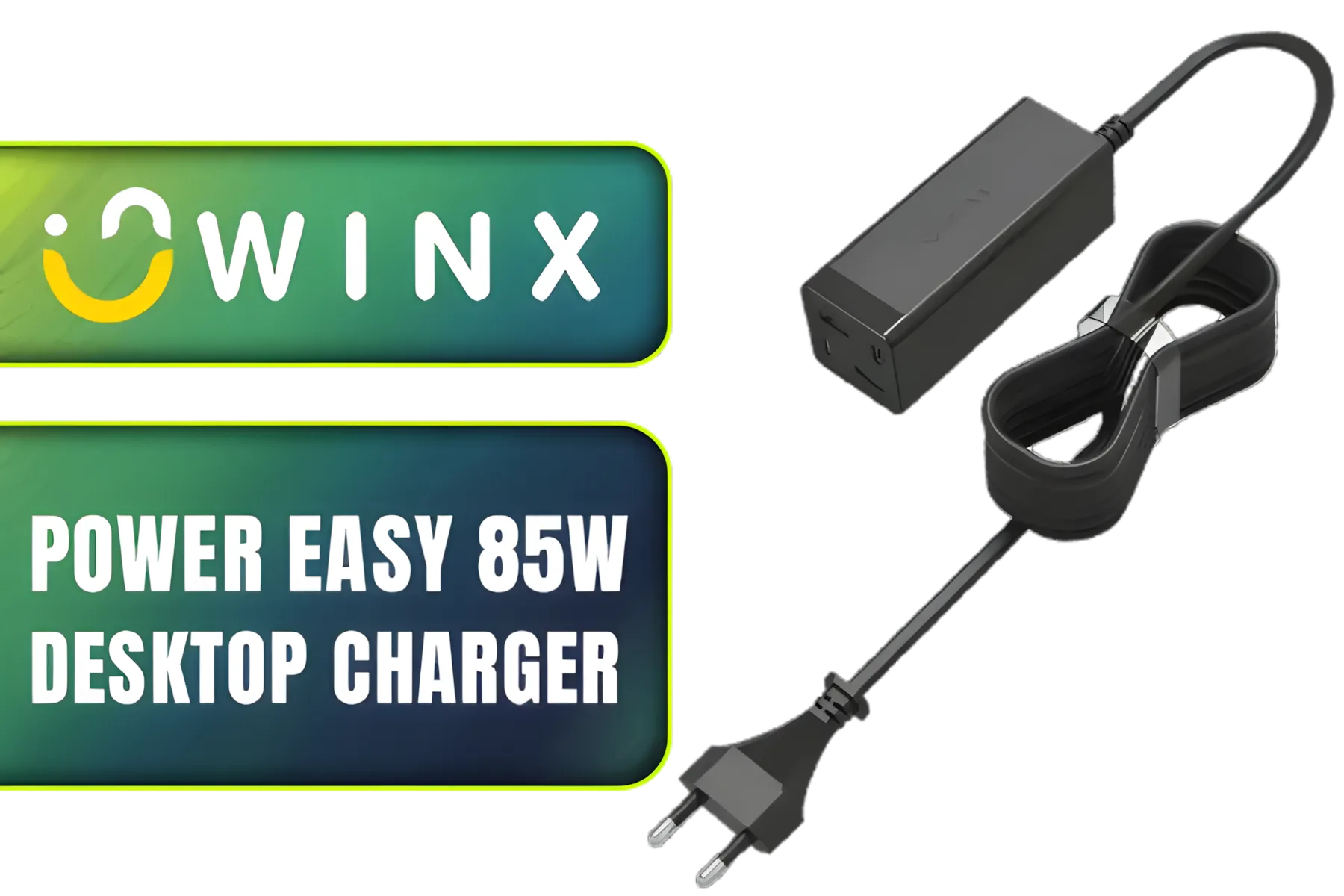
Winx Power Easy 85W Desktop Charger / Ultra-compact, space-saving design / Charge your notebooks, tablets, mobile phones, & handheld gaming devices / WX-DC101
R599.00In Stock

Promate 8k CrystalClarity™ UCB-C to HDMI Cable / 8K UHD Resolution @ 60Hz / Aluminum Shell / 48Gbps Max Link Bandwidth / 1.8m Cable / MEDIACORD-8K
R499.00In Stock
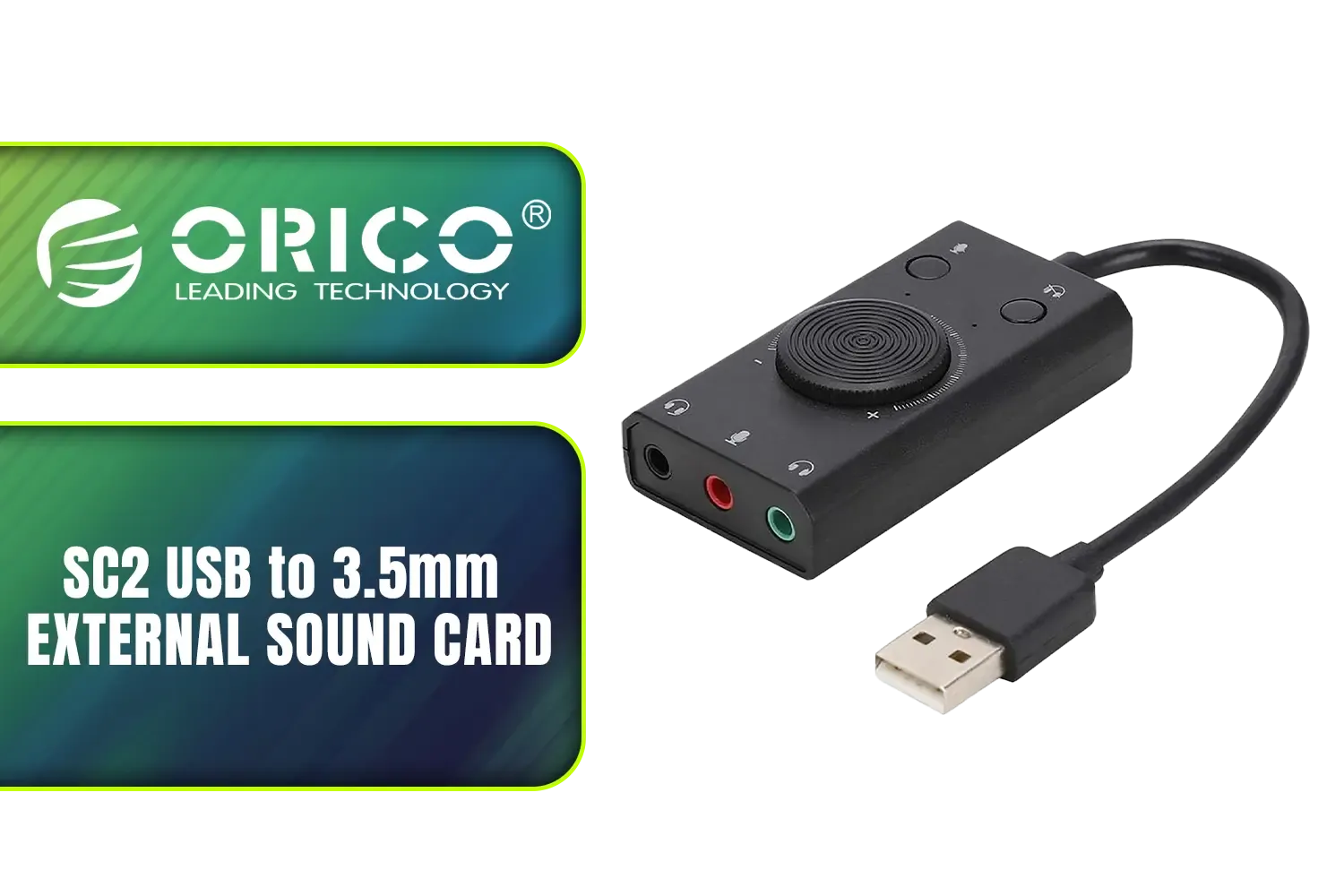
Orico SC2 USB to 3.5mm External Sound Card / High Fidelity: ≥80dB SNR, 15Hz–25kHz Response / Three Outputs: Headset + Headphones / ORICO-SC2-BK-BP
R249.00In Stock
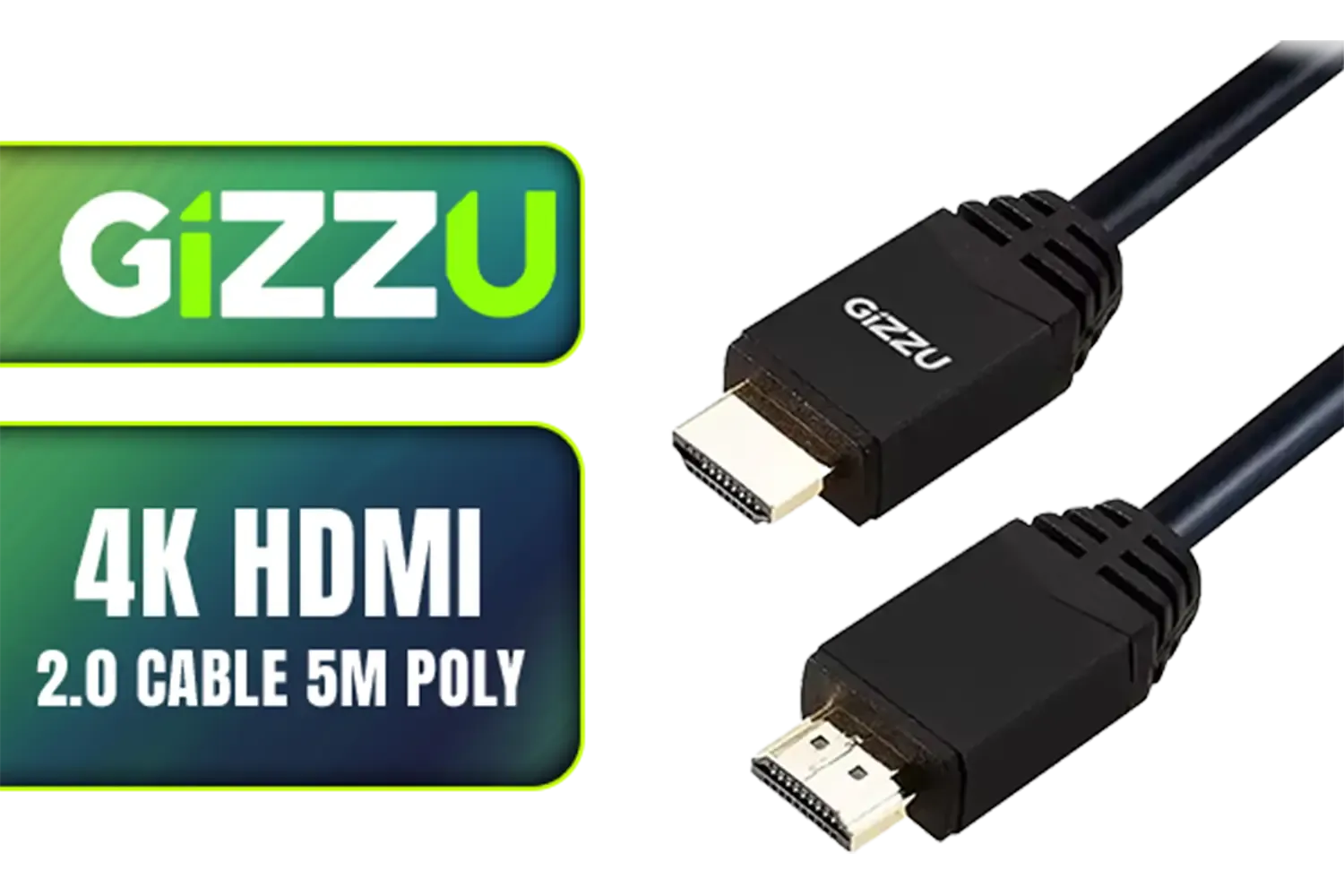
Gizzu 4K HDMI 2.0 Cable 5m Poly / Supports 4K at 60Hz Resolution / Up to 18Gbps Bandwidth / 3D and HDR for Vivid Colors / GCPHH5
R199.00In Stock

Microsoft Suraface Slim Pen 2 Charger / 8X2-00002
R799.00In Stock

WINX LINK Simple Type-C & USB Adapter Combo / WX-AD105
R179.00In Stock
Why GPU Airflow Is More Critical Than Ever
Modern graphics cards, especially the power-hungry beasts in the latest generations, produce a serious amount of heat. A "rat's nest" of cables in front of your intake fans acts like a solid wall, blocking cool air from reaching your GPU's heatsink and trapping hot air inside the case.
This simple obstruction can lead to:
- Higher Temperatures: Your GPU runs hotter, which can shorten its lifespan.
- Louder Fan Noise: The fans have to spin faster (and louder) to compensate for the poor airflow.
- Performance Loss: If temps get too high, your card will thermal throttle, automatically reducing its clock speed... and your framerates.
Effective GPU cable management isn't just for aesthetics; it's a fundamental part of ensuring your hardware performs at its peak.
Practical Steps for Flawless GPU Cable Management
Tidying up those cables might seem daunting, but a few key techniques can make a massive difference. The goal is to create the clearest possible path for air to travel from your front intake fans, over your components, and out the rear exhaust.

HP DHC-CT202 USB-C 3.1 to HDMI Adapter - Stable Picture Quality No Splash Screen - Notebook Connection Tv, Projector And More Display Device - Support 4K Resolution - Clear And Realistic Picture / DHC-CT202HP
R399.00In Stock

Mad Catz F.R.E.Q. DAC-L Digital-to-Analog Audio Converter - USB Type-C to 3.5 mm - AF00W3INBL001-0
R299.00In Stock
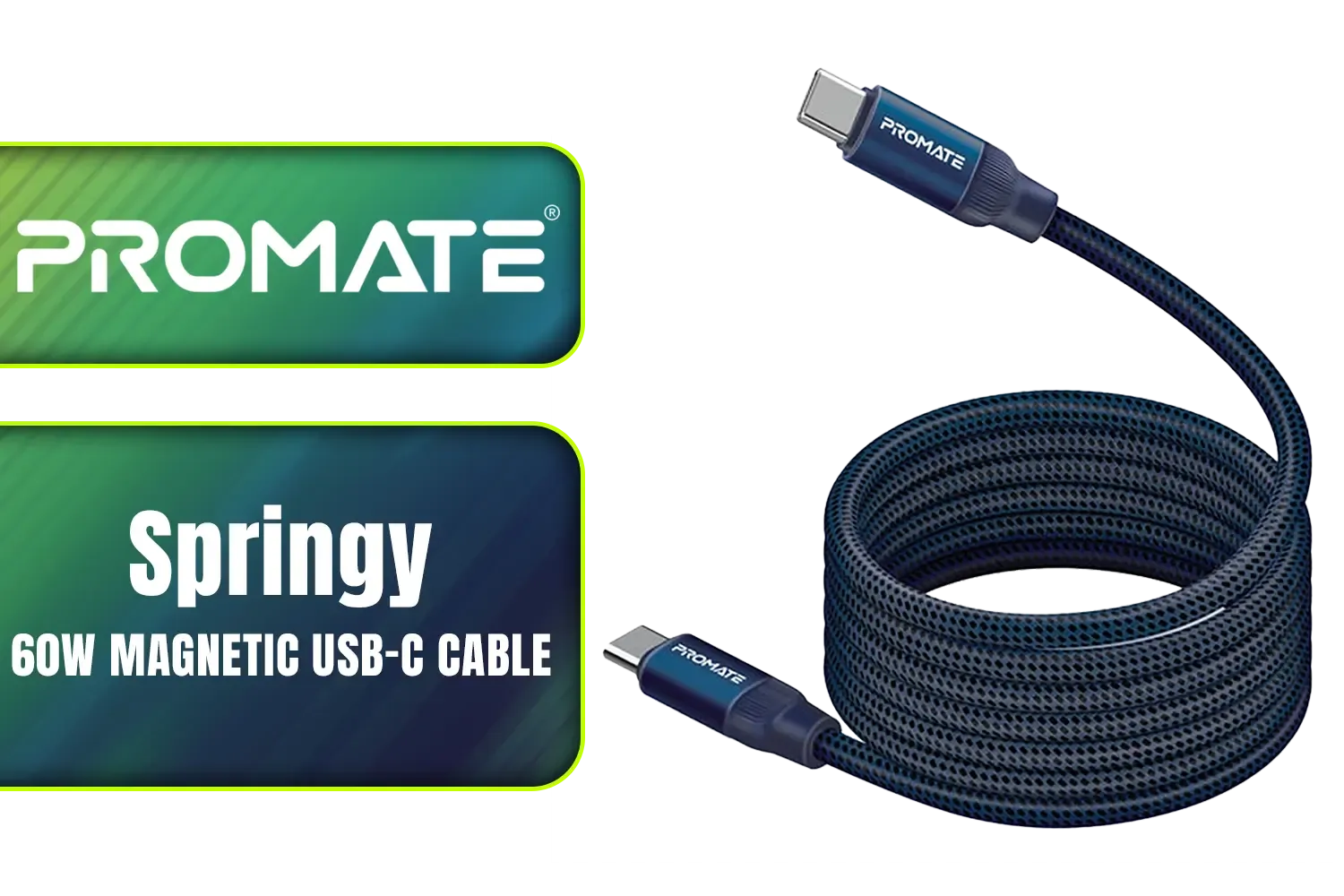
Promate Springy 60W Self-Organizing Magnetic USB-C Cable - Blue / Durable nylon braided thick copper core /480Mbps Data sync and charge / Springy.Blue
R199.00In Stock

ORICO USB 3.0 to VGA Adapter Black / UTV-BK-BP
R399.00In Stock
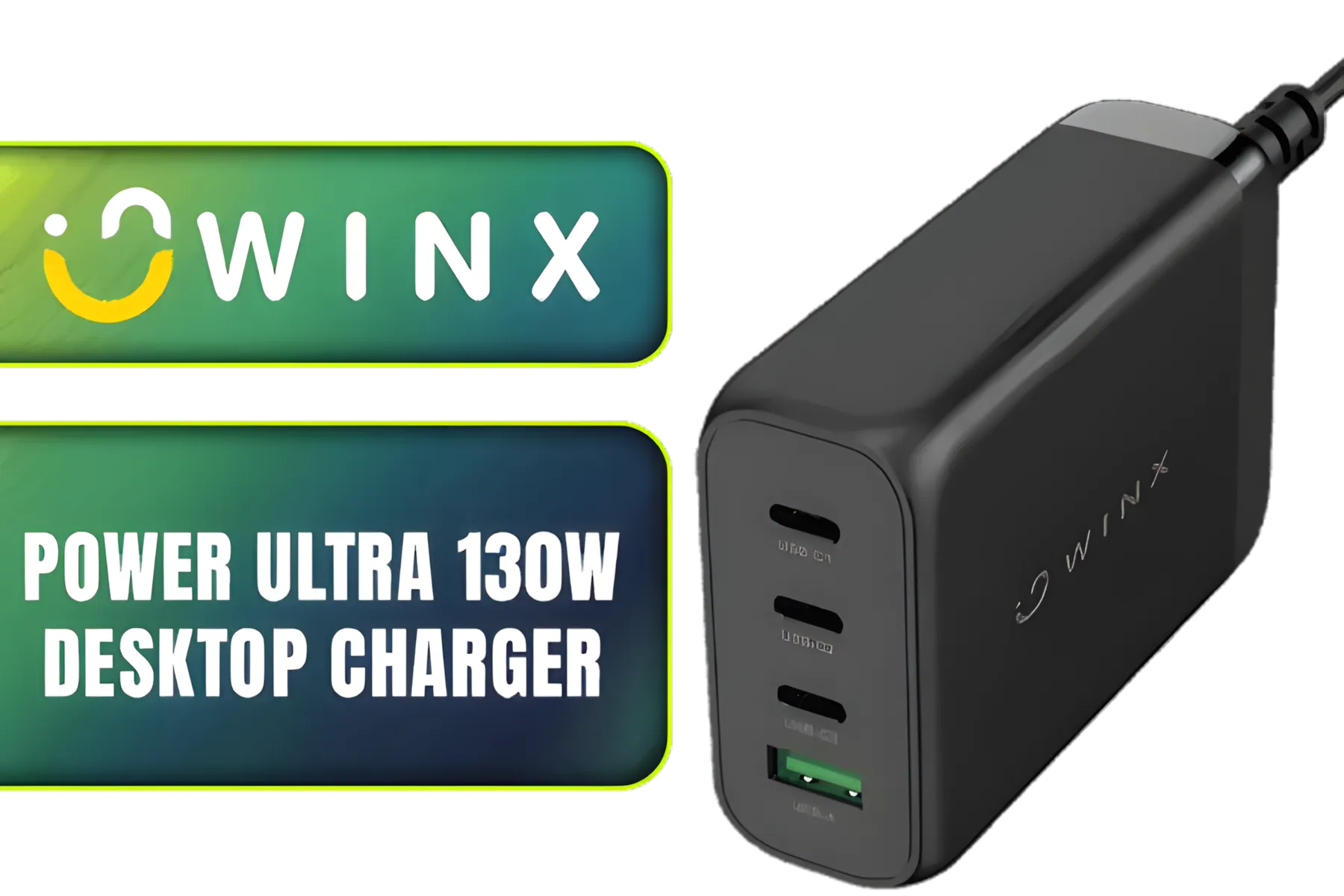
Winx Power Ultra 130W Desktop Charger / Ultra-compact, space-saving design/ Charge your notebooks, tablets, mobile phones, & handheld gaming devices / WX-DC102
R849.00In Stock

HP DHC-CT201 USB-C to VGA 1080P Adapter - Stable picture Quality Without Flickering - notebook Connection Tv, Projector And More Display Device - Aluminum Finish / DHC-CT201
R499.00In Stock
Plan Your Route & Use the Right Gear
Before you plug anything in, trace the path each cable will take. Most modern PC cases have dedicated channels and tie-down points behind the motherboard tray—use them! Stock PSU cables can be stiff and difficult to work with. For a truly professional look and much easier routing, consider upgrading to a set of individually sleeved premium cables. Their flexibility and sleek appearance make managing GPU cables a breeze.
TIP FOR YOU
Cable Training 101 🔧
Stiff new cables? Before installing, gently pre-bend them into the shape you need. Hold the curve for 30-60 seconds. This 'training' makes them much easier to route through tight channels and helps them hold their shape for a super clean look. It's especially useful for the thick 24-pin motherboard cable!
Taming the Latest Connectors
For gamers running the latest NVIDIA RTX 40-series cards, the bulky 12VHPWR power connector presents a new challenge. The included adapters are often stiff and can put stress on the GPU's power port. A dedicated extension like the GameMax 12VHPWR ARGB Cable not only provides a cleaner aesthetic but also ensures a more secure and flexible connection. Plus, a little extra RGB never hurts! ✨

Promate ProLink 2 Meter DisplayPort to HDMI® Cable / 4K UHD Output at 60Hz / Stable Signal with Advanced IC Chip / Durable, Corrosion-Resistant Construction / ProLink-DP200
R399.00In Stock
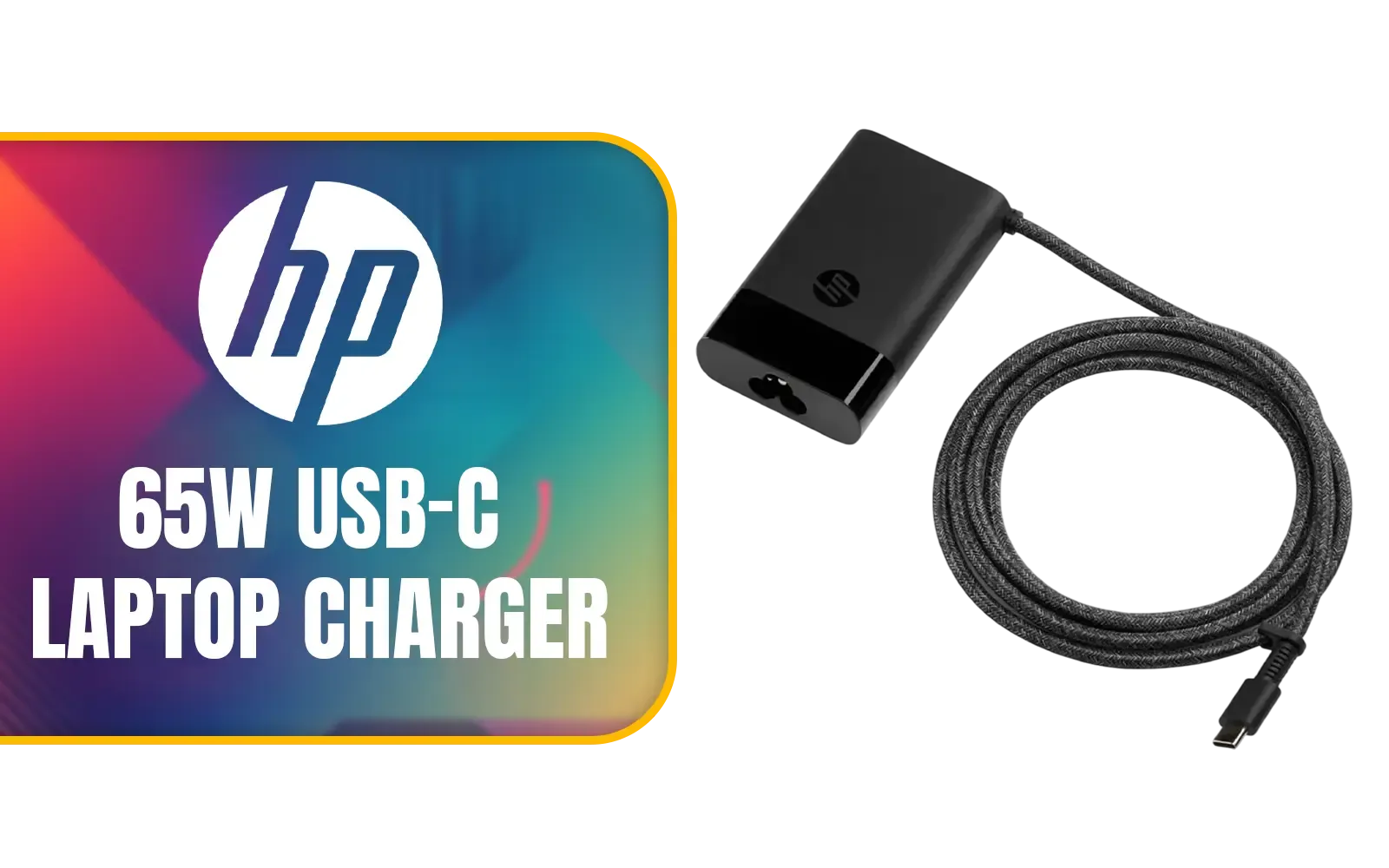
HP 65W USB-C Laptop Charger / AC power adapter USB Type-C cable / 671R2AA
R699.00In Stock
Winx Power Ultra 130W Desktop Charger / Ultra-compact, space-saving design/ Charge your notebooks, tablets, mobile phones, & handheld gaming devices / WX-DC102
R849.00In Stock

HP DHC HD02 3M Male to Male HDMI Cable, 8K 60Hz / 4K 120Hz Support Resolution, 48Gbps Data Transfer Rate, 24AWG Cable Cores, 3m Cable Length, Black / DHC-HD02-3M
R199.00In Stock

Promate 2 in 1 High-Speed Charging Cable - 1.2 Meter / 60W Power Delivery / High Tensile Strength Cable / MFi Certified / Data and Charge / 1.2 Meter Cable Length / 25000+ Bend Tested / PowerLink-CCi.Black
R249.00In Stock

HP DHC-TC105 USB 3.0 A Type C Adapter Cable for Data Transfer up to 5 GBPS White / DHC TC105
R199.00In Stock
The Payoff: A Cooler, Quieter Rig
So, what's the real-world result of all this effort? It’s the peace of mind that comes from knowing your expensive hardware is running optimally. It’s dropping into your favourite battle royale and hearing the in-game audio clearly, not the drone of your fans working overtime. Better GPU cable management transforms your PC from a functional box into a finely-tuned machine, giving you a tangible improvement in cooling, acoustics, and pride in your build. 🚀
Ready to Perfect Your Build? Great cable management is the hallmark of a pro build. From sleeved extensions to the latest connectors, having the right parts makes all the difference. Explore our massive range of PC components and find everything you need to build a cooler, cleaner, and more powerful rig.
Related Products
Promate ProLink 2 Meter DisplayPort to HDMI® Cable / 4K UHD Output at 60Hz / Stable Signal with Advanced IC Chip / Durable, Corrosion-Resistant Construction / ProLink-DP200
R399.00In Stock
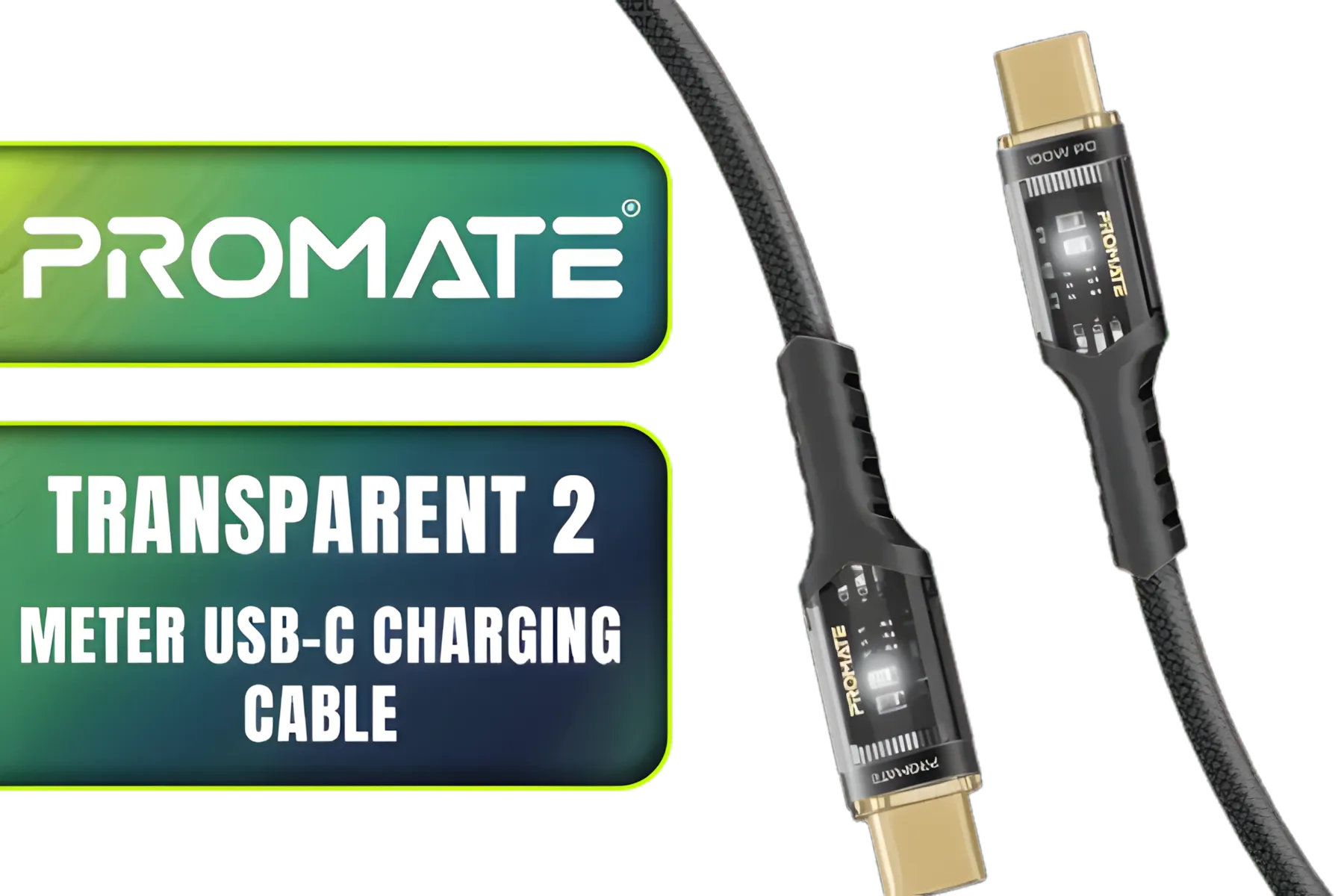
Promate Transparent 2 Meter Charging Cable with LED Light - Black / Rapid 100W Laptop & Phone Charging / Transparent LED Connectors / 480Mbps Data Transfer & Charging / Reinforced Nylon-Braided Durable Design / LUCIDLINE-CC200.BLACK
R149.00In Stock

Promate High Definition Display Port 2.0 Cable / 16K @ 60Hz / 2M Cable / 80Gbps Transfer Rate / DPLINK-16K
R299.00In Stock
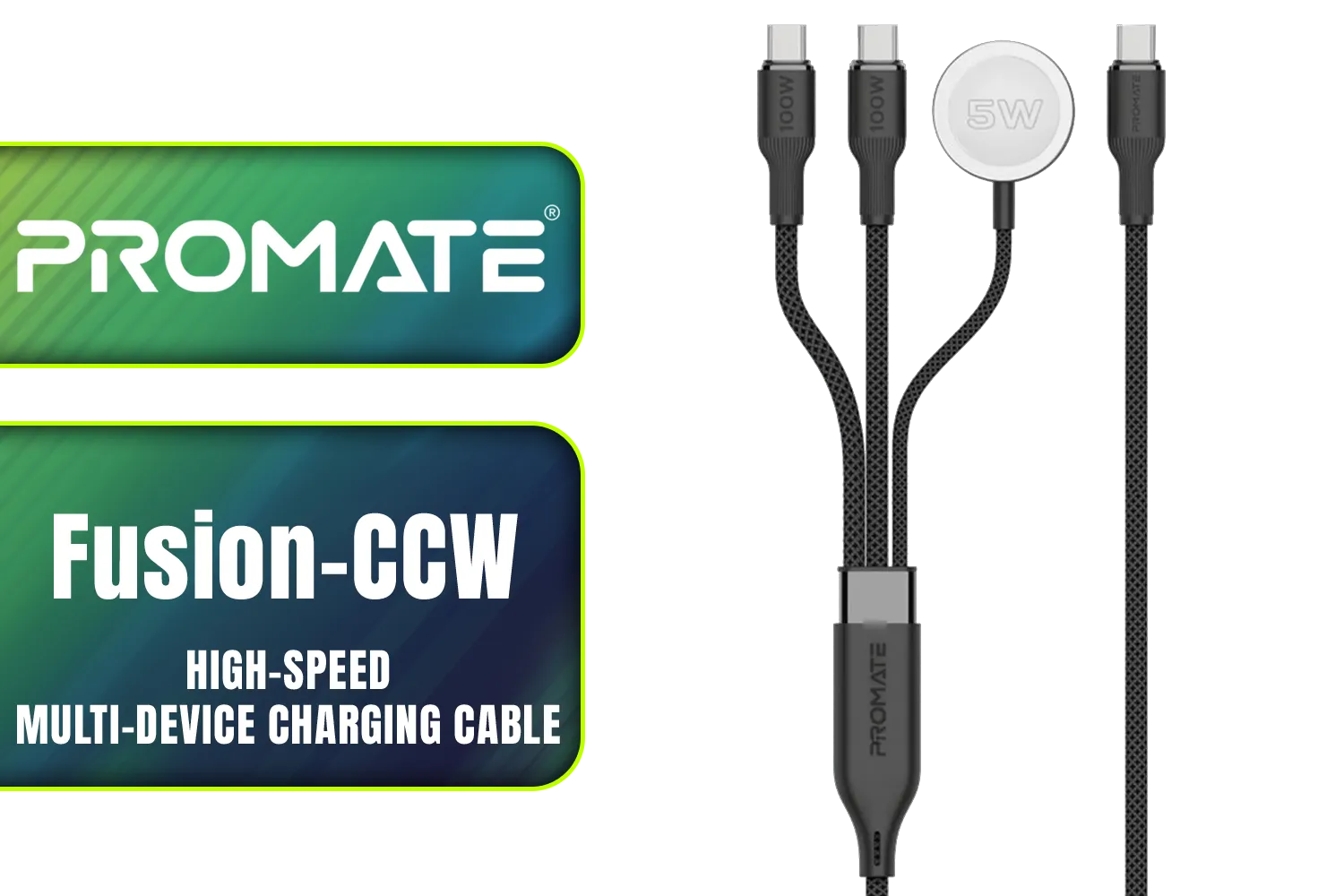
Promate Fusion-CCW High-Speed Nylon Braided Multi-Device Charging Cable - Black / Rapid 100W Multi-Device Charging / Apple Watch Charger / 480Mbps Data Transfer / Reinforced Nylon-Braided Durable Design / Fusion-CCW.Black
R399.00In Stock
Winx Power Easy 85W Desktop Charger / Ultra-compact, space-saving design / Charge your notebooks, tablets, mobile phones, & handheld gaming devices / WX-DC101
R599.00In Stock
Orico USB to Gigabit Ethernet Adapter / USB3.0 To Rj45 / 1000Mbps Transmission Speed / Compatible With Multiple Systems / ORICO-UTK-U3-BK-BP
R399.00In Stock
Proper GPU cable management reduces obstructions, improves case airflow, and lowers GPU temps for more consistent performance.
Route GPU power cables along case edges, use tie-down points, and avoid crossing intake/exhaust paths for best GPU cable routing and airflow.
Yes—shorten, tuck, or route excess behind the motherboard tray to remove obstructions and improve airflow around the GPU.
Cable combs tidy cables and prevent flutter, improving airflow slightly while making routing neater and easier to maintain.
Modular PSUs let you use only needed cables, reducing clutter and improving airflow compared to fixed wiring.
Yes. Clearing airflow pathways by managing GPU cables lowers temperatures and helps prevent thermal throttling under load.
Use zip ties, Velcro straps, cable combs, and angled adapters to route GPU cables cleanly and keep airflow paths clear.











