



So, you’ve just scored a beast of a graphics card. The excitement is real. You unbox that beautiful, multi-fan monster, ready to give your rig a massive performance boost... only to discover it’s a few millimetres too long for your case. Eish. It’s a heartbreaking, and surprisingly common, moment for PC builders. Getting the GPU case size right isn't just a detail; it's the foundation of a successful, stress-free build. Let's make sure your dream components actually fit together.
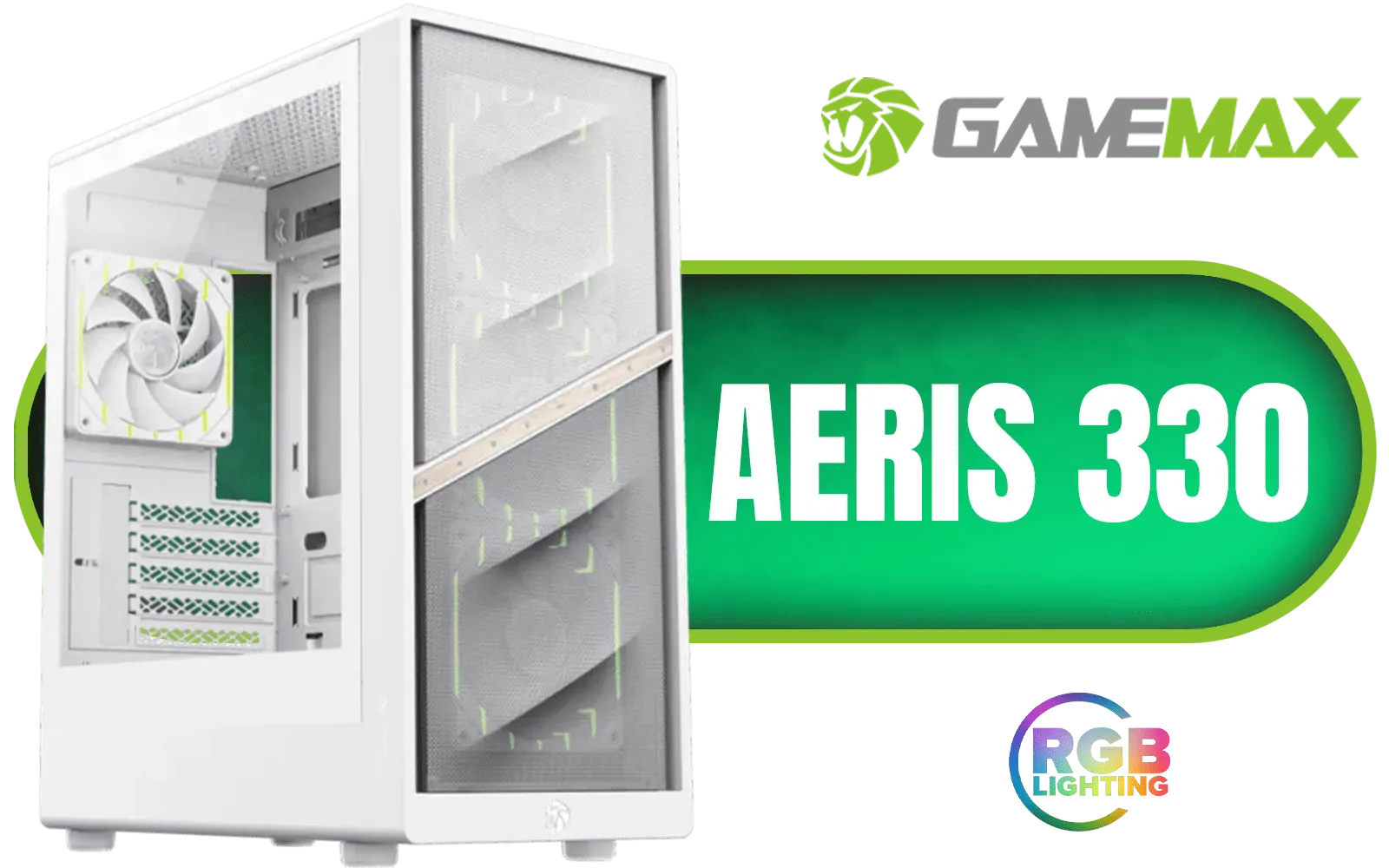
Gamemax AERIS 330 Micro-ATX Gaming Case - White / Supports M-ATX & ITX Motherboards / Supports up to 8x 120mm Fans / 4x 120mm ARGB Fand Pre-Installed / AERIS-330-MW
R999.00In Stock

COUGAR MG140 Air RGB (Black): Compact ARGB Mini Tower Case with Modern Patterned Air Vents / Supports Motherboards up to Mini ITX / Micro ATX / 3 x Pre-Installed ARGB Fans Included / 385JM80.0001
R1399.00In Stock
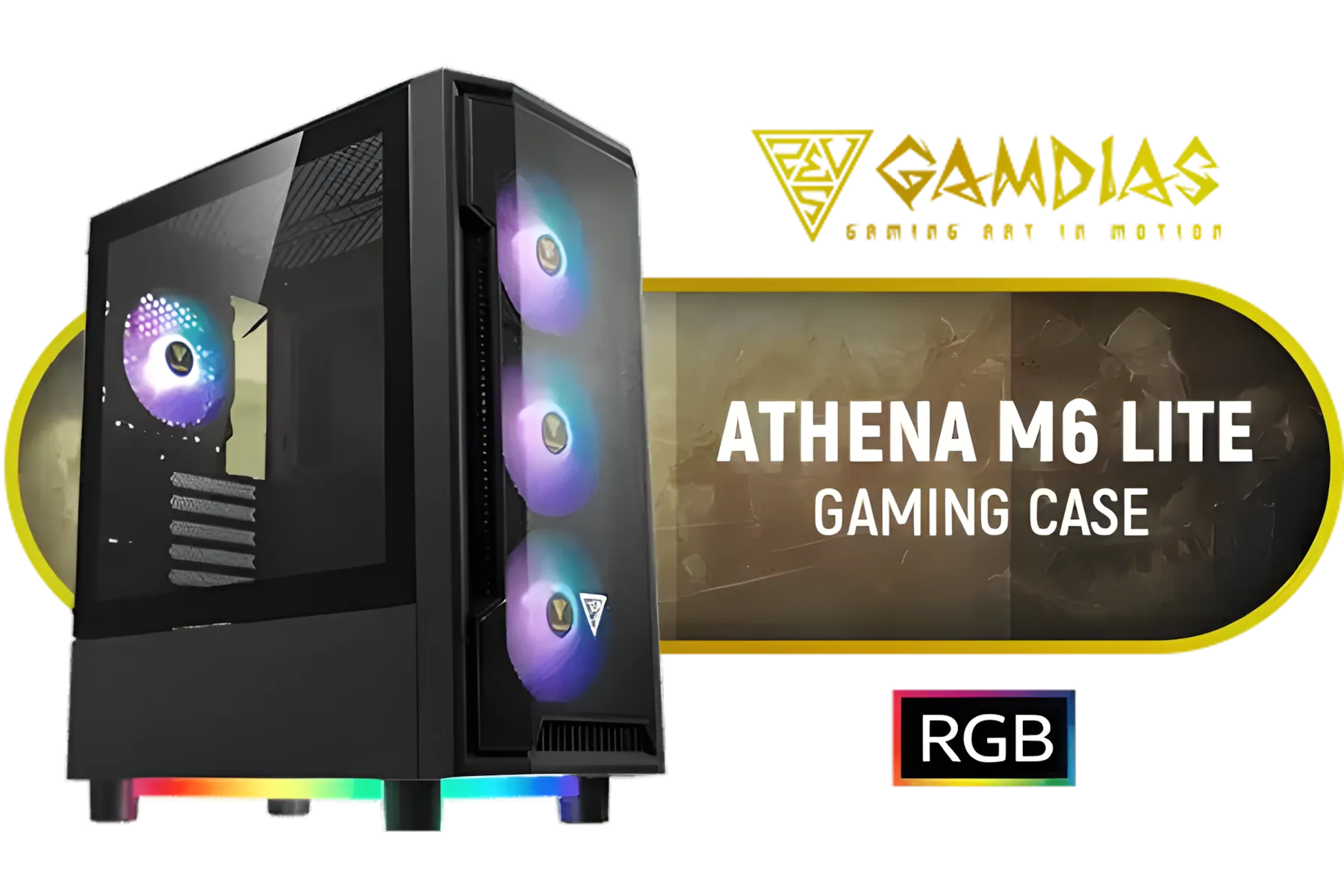
Gamdias Athena M6 Lite ATX Gaming Case - Black / Sync with Motherboard / Supports Motherboards up to ATX / Triple-sided Underglow / 4 Built-in 120mm ARGB Fans / Mesh Front Panel / Perforated Chassis / ATHENA M6 LITE
R999.00In Stock
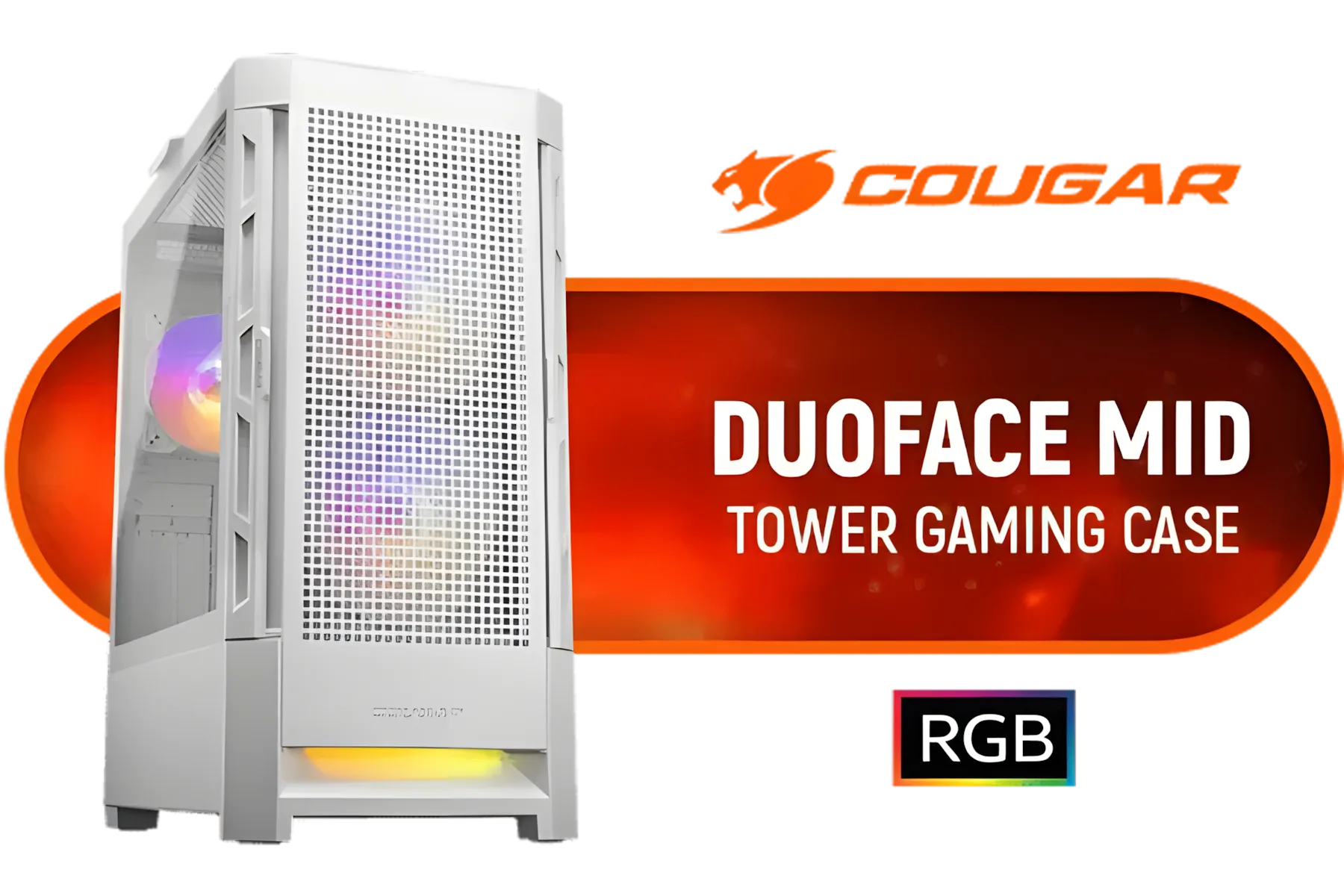
Cougar Duoface RGB Mid-Tower ATX Gaming Case - White / Tempered Glass Left Side Panel / 3 x Pre-Installed Fans Included / 385ZD10.0003
R1699.00In Stock

Antec Flux Pro White, 6 x PWM Fans Included, High-Airflow Front Panel with Birch Wood, iShift PSU 90° Mount, USB3.0 x 2, Type-C, 420mm Radiator Support, Temp. Display, Full-Tower E-ATX PC Case / 0-761345-10156-1
R2999.00In Stock

Antec AX85 ARGB Gaming Case - Black / Ripple Mesh Front Design / Tempered Glass Side Panel / ATX, Micro-ATX, Mini-ITX Support / 4 Pre-Installed 120mm ARGB Fans / 0-761345-10173-8
R1399.00In Stock
Why GPU Case Size Compatibility is Crucial
In the past, you could almost grab any mid-tower case and be confident your parts would fit. Not anymore. Modern high-end GPUs like NVIDIA's RTX 40-series and AMD's RX 7000-series are absolute units. They're longer, wider, and thicker than ever before, demanding much more internal space.
Choosing the right case for your GPU and cooler prevents physical incompatibility, but it also dictates your system's thermal performance. A card crammed into a tight space with no breathing room will throttle, negating the very performance you paid for. Proper GPU case size selection is your first step towards a cool and quiet gaming machine. 🔧
The Key Measurements You Can't Ignore
Before you add any case to your cart, you need to become a bit of a detective. Your two main suspects are the GPU's dimensions and the case's clearance specs. You can find these on the product pages for both components.
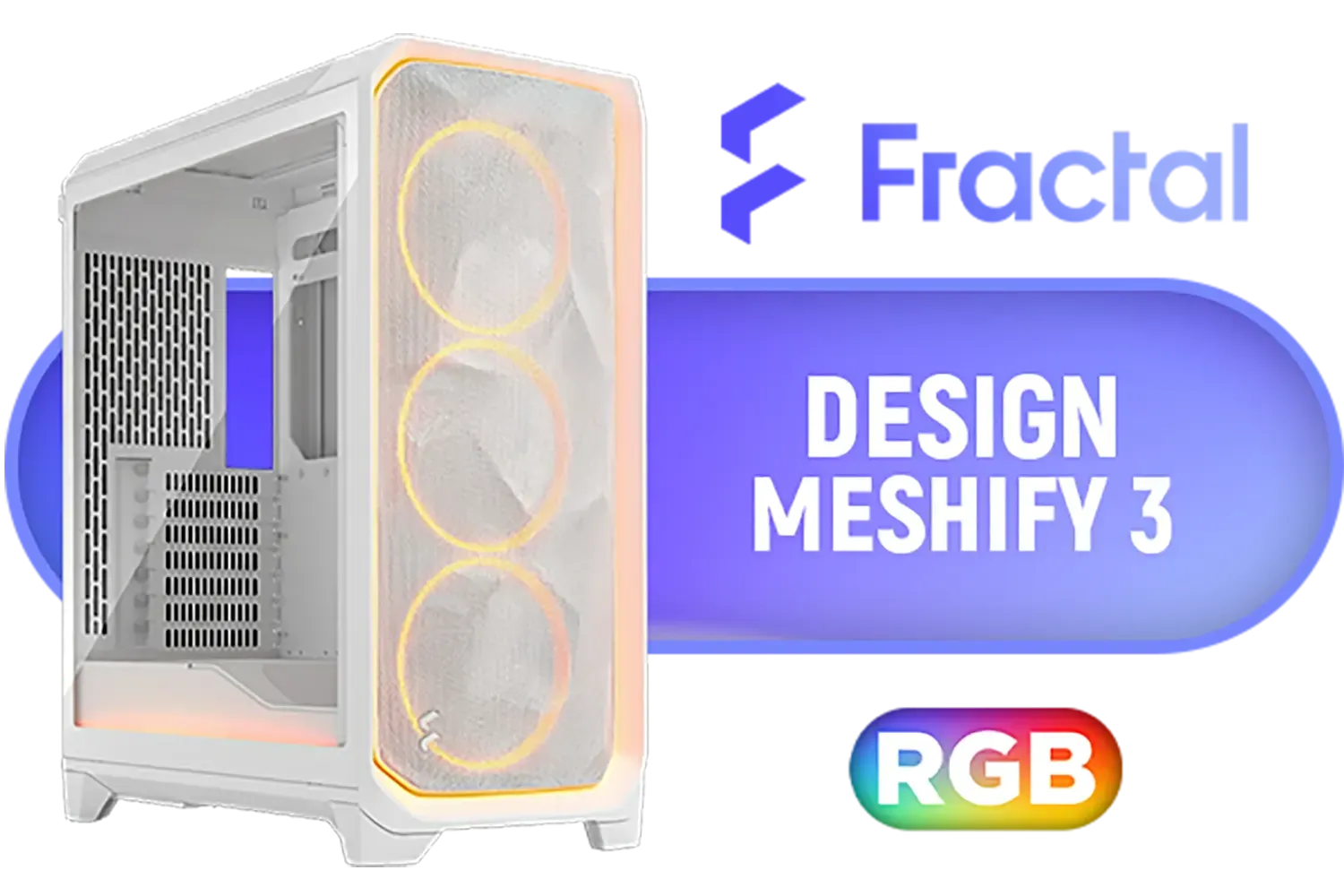
Fractal Design Meshify 3 Ambience Pro RGB White Tempered Glass Clear Tint E-ATX Mid-Tower Gaming Cabinet Case with Three Pre-Installed GP-14 Fans and Detachable Front & Top Filter - White / FD-C-MES3A-05
R3999.00In Stock

Antec C7 , 3 x 120mm ARGB PWM Reverse fans + 1 x 140mm ARGB PWM Fan, RTX 40 Compatible Type-C, 360mm Radiator Support, Seamless Tempered Glass Front & Side Panels, Mid-Tower E-ATX Gaming Case / 0-761345-10135-6
R2399.00In Stock
COUGAR MG140 Air RGB (Black): Compact ARGB Mini Tower Case with Modern Patterned Air Vents / Supports Motherboards up to Mini ITX / Micro ATX / 3 x Pre-Installed ARGB Fans Included / 385JM80.0001
R1399.00In Stock

Fractal Design Meshify 2 Compact (Black Solid) Gaming Case, ATX, Angular Mesh Front, 3 Fans, Detachable Front Filter, USB-C - FD-C-MES2C-01
R1999.00In Stock
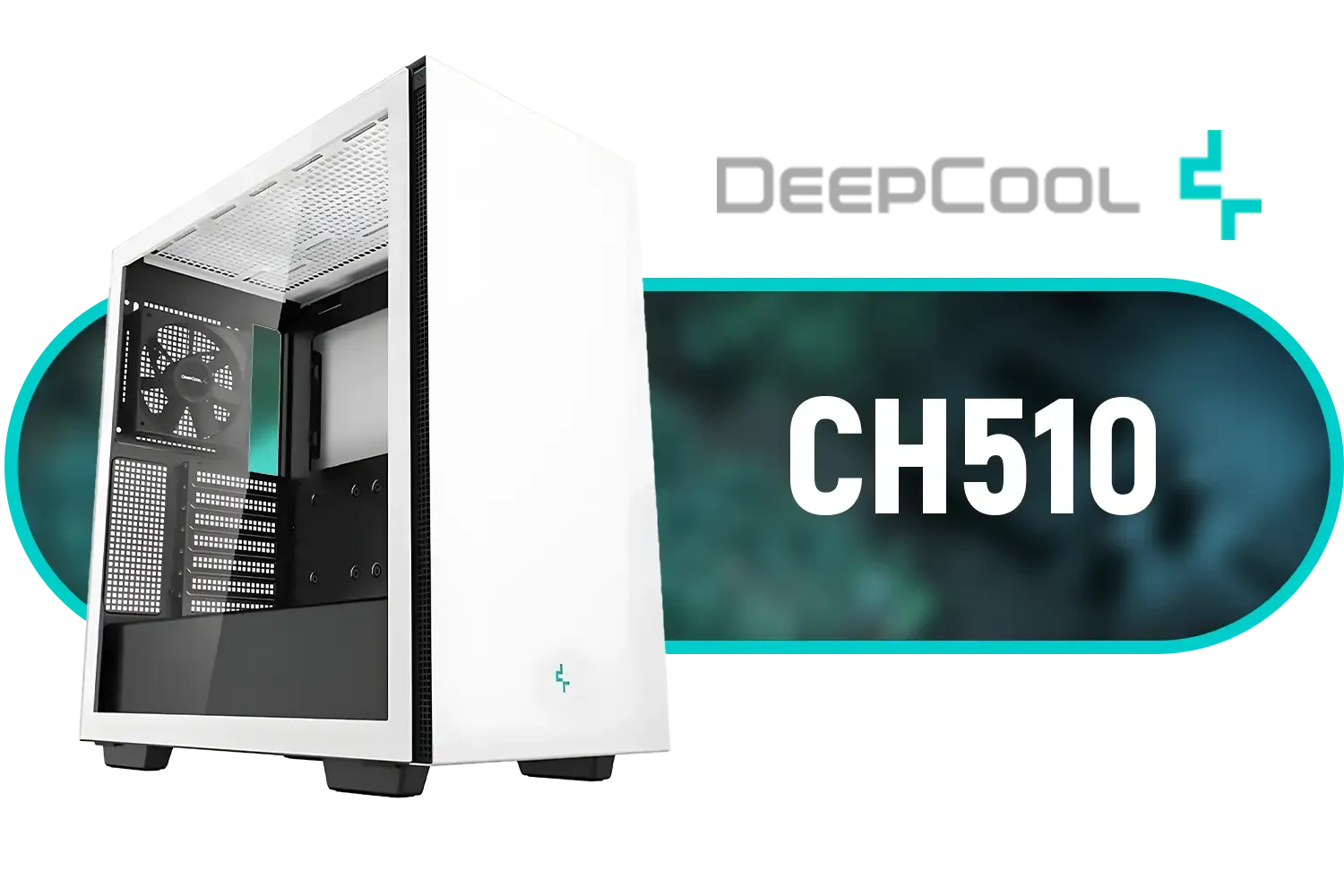
Deepcool CH510 Mid-Tower ATX Computer Case/ Gaming Cabinet - White | Support - Mini-ITX / Micro-ATX / ATX / E-ATX | Pre-Installed 1 x 120mm Rear Fan / CH510 WH
R1199.00In Stock

Corsair 6500X Mid-Tower Dual Chamber Gaming E-ATX PC Case - Black / Compatible with reverse connector motherboards / Supports Motherboards up to E-ATX / Tempered Glass / Wide cooling flexibility / No Fans Included / CC-9011257-WW
R2499.00In Stock
GPU Length Clearance
This is the big one. It's the maximum length of a graphics card that a case can accommodate, measured from the rear PCI-e bracket to the front fan mounts or drive cages. For example, a Zotac Gaming GeForce RTX 4080 SUPER is 355.9mm long. Your case must have a GPU clearance greater than this. Always leave a little wiggle room for easier installation.
GPU Width and Slot Count
Modern GPUs often occupy more than the standard two expansion slots. Many are 2.5, 3, or even 4 slots thick. This can interfere with other components on your motherboard or case. Ensure your chosen chassis has enough free horizontal slots to house your chunky new card. Many builders find that mid-towers from brands like GameMax offer excellent value with plenty of space.

CORSAIR iCUE 5000T RGB Tempered Glass Mid-Tower Gaming E-ATX PC Case - White / 3x L120 RGB Fans Included / Supports Motherboards up to E-ATX / Clean Cabling / Removable Airflow Panels / CC-9011231-WW
R6999.00In Stock
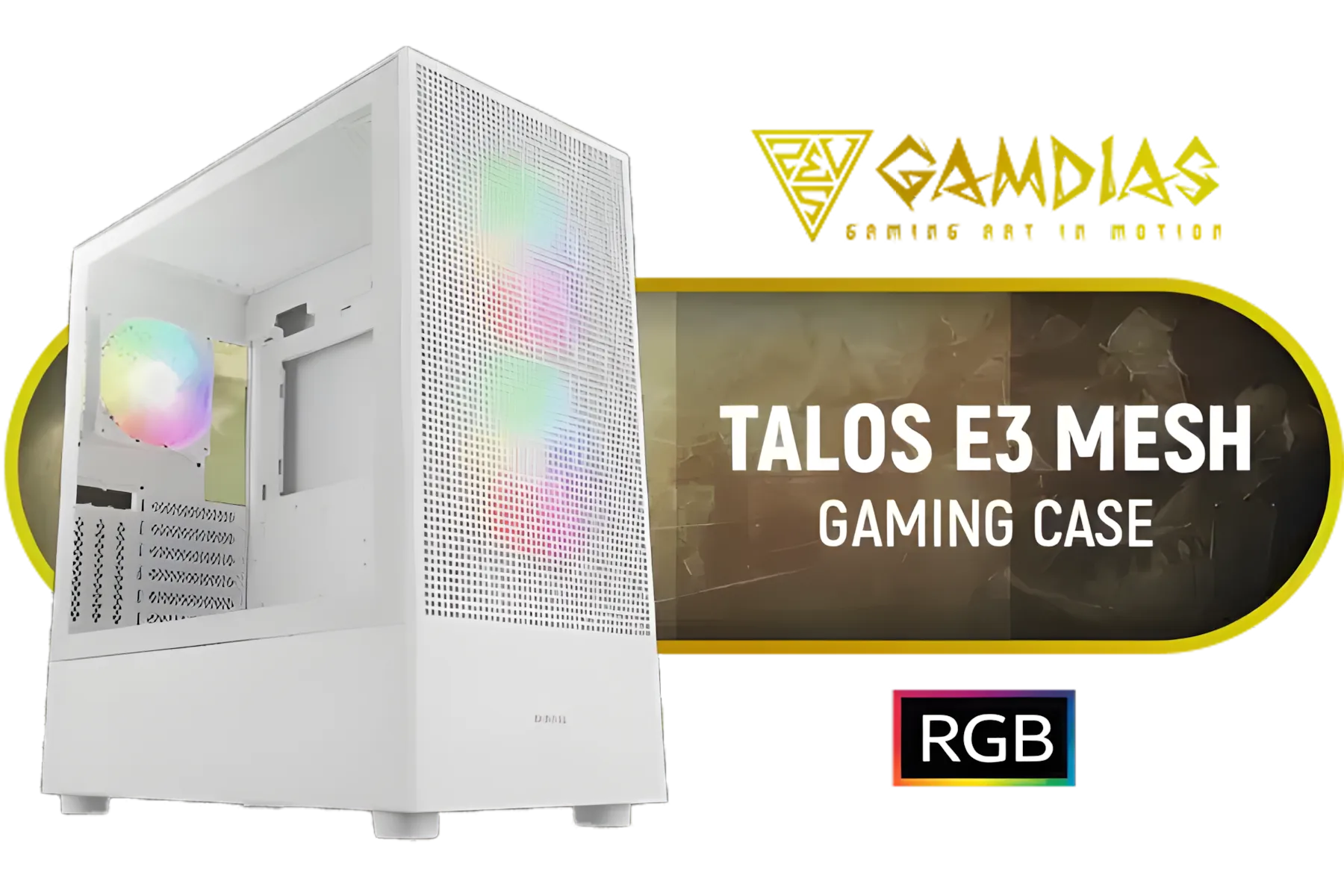
Gamdias TALOS E3 MESH Elite White ATX Gaming Case / Supports Motherboards up to ATX / Perforated Mesh Front Panel Provides Optimal Ventilation / 3 Built-in PWM ARGB Fans / TALOS-E3-MESH-Elite-WH
R1199.00In Stock
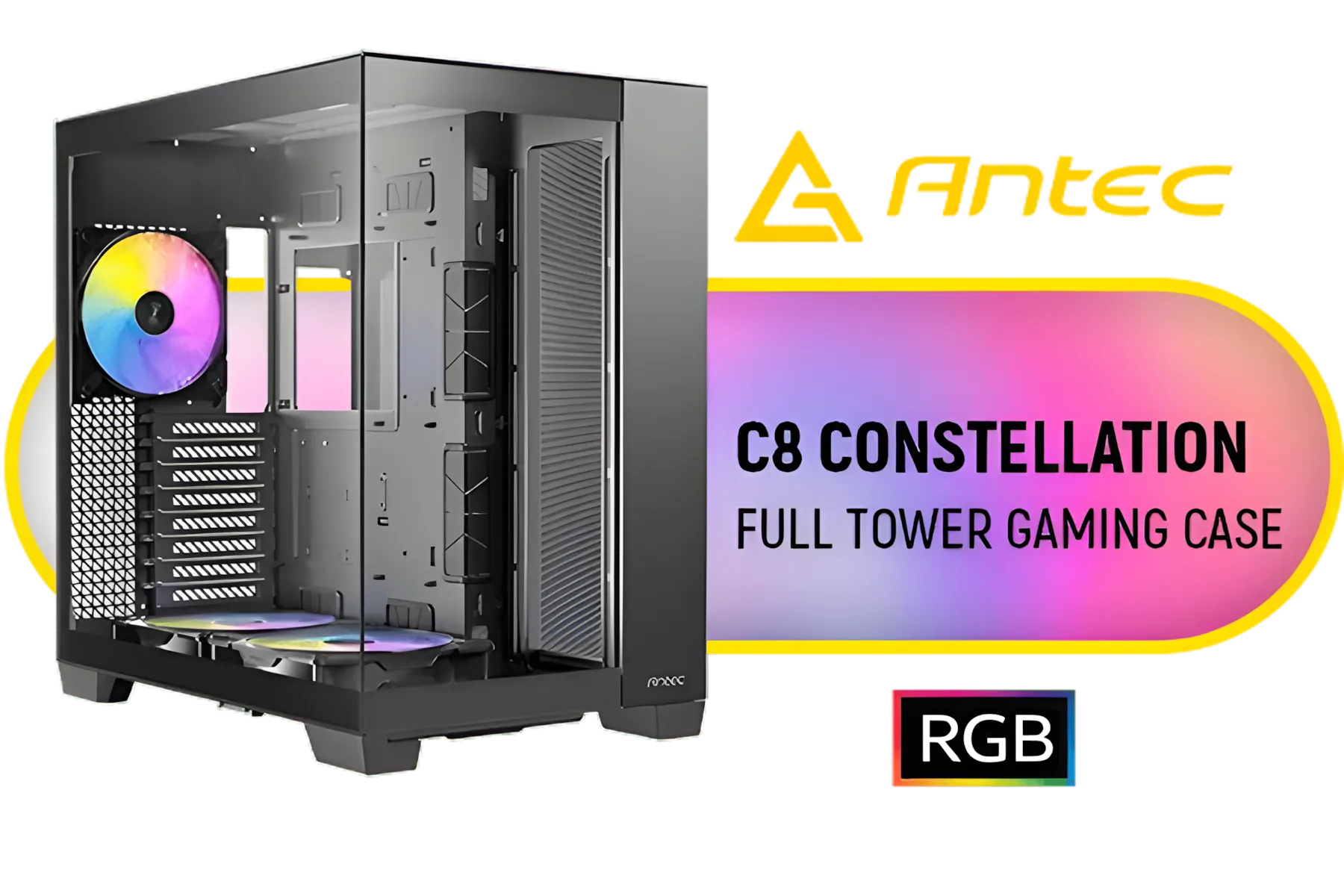
Antec C8, 2 x 160mm ARGB PWM Reverse fans + 1 x 140mm ARGB PWM Fan, RTX 40 Compatible, Dual-Chamber, tooless Design, Type-C, 360mm Radiator Support, Seamless Tempered Glass Front & Side Panels, High Airflow Full-Tower E-ATX PC Case / 0-761345-10022-9
R2999.00In Stock

Gamdias Atlas M1 Tempered Glass ATX Gaming Case - Black / Magnetic Dust Filter / Supports Motherboards up to ATX / 3 Built-in 120mm ARGB Fan / ATLAS-M1
R1699.00In Stock
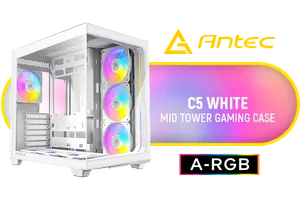
Antec C5 ARGB White, 7 x 120mm ARGB PWM Fans Included, Up to 10 Fans Simultaneously, Type-C 3.2 Gen 2 Port, Seamless Tempered Glass Front & Side Panels, 360mm Radiator Support, Mid-Tower ATX PC Case / 0-761345-10034-2
R2199.00In Stock

Fractal Design Era 2 Silver, 2 x 120 mm or 2 x 140, GPU max length of 326mm, ITX Motherboard Compatible / 1 x Pre-Installed Fan Included / FD-C-ERA2N-01
R1799.00In Stock
CPU Cooler Height
While we're focused on the GPU, don't forget its neighbour! If you're using a large air cooler for your CPU, like a Noctua NH-D15, you need to check the case's maximum CPU cooler height. A cooler that's too tall will prevent you from putting the side panel on. It’s another critical measurement in the puzzle of PC case compatibility.
TIP FOR YOU
Measure Twice, Buy Once 📏
Before you buy, always check the detailed specification sheets on the manufacturer's website for both your GPU and your potential case. They often provide detailed diagrams showing exact clearances, which can save you a massive headache and a return shipment.
Matching Form Factors to Your Build
PC cases come in several standard sizes, each with its own pros and cons regarding GPU case size and cooling potential.
Mini-ITX and Micro-ATX
These smaller cases are brilliant for compact builds that don't take up your entire desk. However, they present the biggest challenge for large GPUs. You have to be extremely diligent about checking clearances. Some modern designs are surprisingly accommodating, but it's a tight squeeze. For a compact yet capable build, compact options like the Cooler Master E301 Mini Tower are specifically designed for this balance.
ATX Mid-Tower
This is the sweet spot for most gamers and builders in South Africa. Mid-towers offer a fantastic balance of a reasonable footprint, broad component compatibility, and great airflow potential. The vast majority of GPUs will fit comfortably inside a modern mid-tower, which is why you'll find a wide range of Cooler Master cases in this category.

Xigmatek Cubi II Arctic Gaming Case, with 7 ARGB, Supports Motherboards up to E-ATX, Lights,USB-C x1,USB 3.0 Ports x2, HDD/SSD Slots (White) / 7 x Pre-Installed ARGB Fans Included / EN45493
R2199.00In Stock

MSI MAG VAMPIRIC 300R Mid Tower Gaming Computer Case 'Black, 1x 120mm ARGB Fan, USB Type-C, Tempered Glass, MSI Center, E-ATX, ATX, mATX, mini-ITX / 306-7G19R21-809
R2699.00In Stock
Cougar Duoface RGB Mid-Tower ATX Gaming Case - White / Tempered Glass Left Side Panel / 3 x Pre-Installed Fans Included / 385ZD10.0003
R1699.00In Stock

Gamdias TALOS E3 Tempered Glass ATX Gaming Case - Black / Supports Motherboards up to ATX / 3 Built-in 120mm ARGB Fans / Magnetic Dust Filter / Support Sync with 5V ARGB Motherboard / TALOS-E3
R1099.00In Stock

DeepCool CH360 Digital Computer Case - Black / 2x 140mm ARGB Fans + 1x 120mm ARGB Fan Pre-Installed / Supports Mini-ITX and Micro-ATX Motherboards / 320mm GPU Length Limit / CH360-DIGITAL
R899.00In Stock

Cooler Master HAF 500 High Airflow ATX Mid-Tower, Mesh Front Panel, Dual 200mm Customizable ARG Lighting Fans, Rotatable GPU Fan, USB 3.2 Gen 2 Type C and Tempered Glass / H500-KGNN-S00
R2499.00In Stock
Full-Tower
These are the giants. A full-tower case offers maximum space for the most extreme custom loops, multiple graphics cards, and enormous storage arrays. For most people, it's overkill, but if you want zero compromises on space and cooling, this is the way to go. ✨
Choosing the right case for your GPU is about more than just making it fit. It's about building a balanced, efficient system that allows your expensive components to perform at their peak. By checking your measurements and understanding form factors, you can build with confidence.
Ready to Find Your Perfect Match? Don't let a few millimetres ruin your dream build. The right case is waiting for you. Explore our massive range of computer cases and find the perfect chassis to house your components safely and stylishly.
Related Products
CORSAIR iCUE 5000T RGB Tempered Glass Mid-Tower Gaming E-ATX PC Case - White / 3x L120 RGB Fans Included / Supports Motherboards up to E-ATX / Clean Cabling / Removable Airflow Panels / CC-9011231-WW
R6999.00In Stock

Evetech RIX Mid-Tower ATX Gaming Case - Black / RGB LED Controller / Support USB 3.0 / Supports 7 Expansion Slot / 6 x Pre-Installed ARGB Fans Included / C1936B
R1999.00In Stock
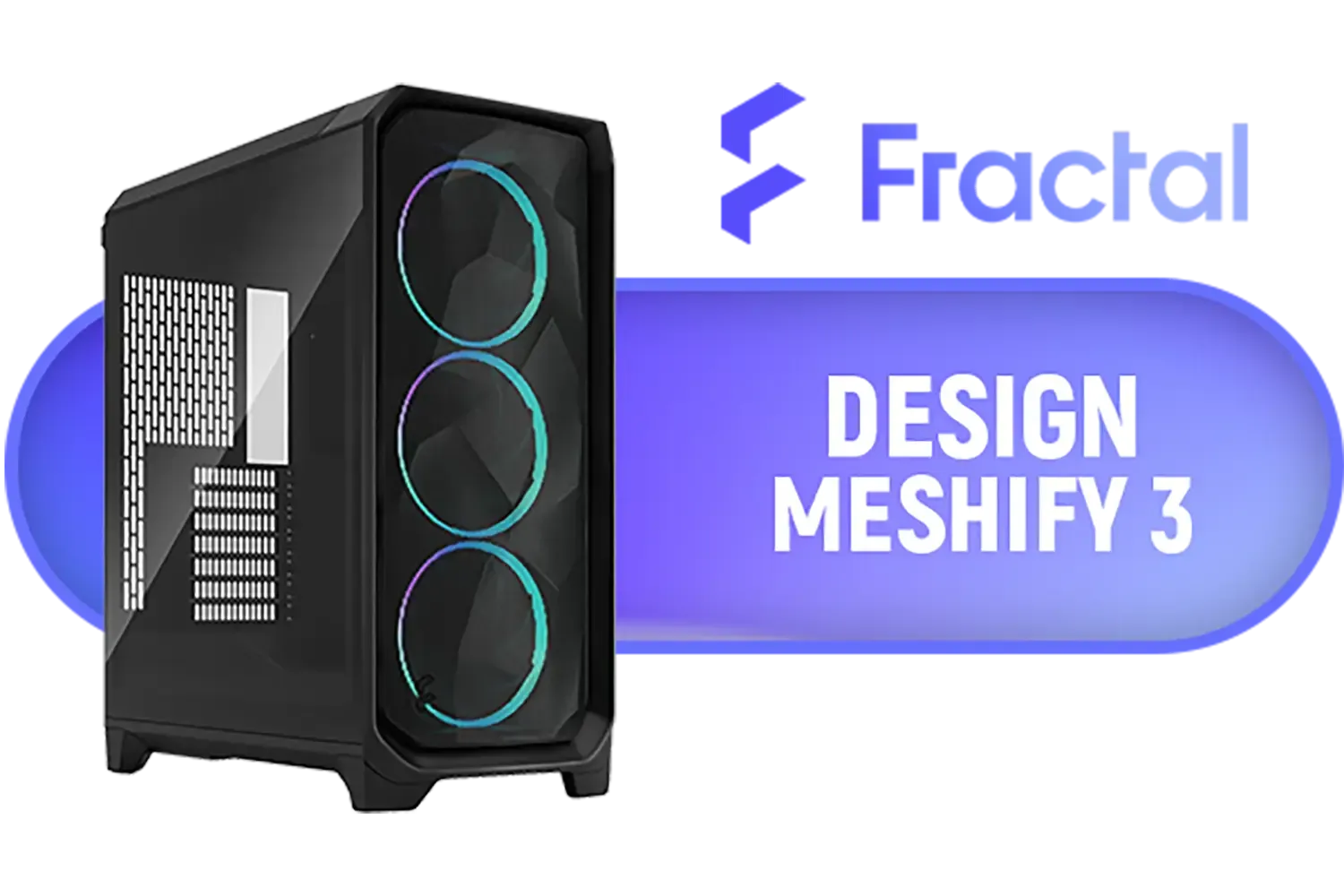
Fractal Design Meshify 3 Tempered Glass Light Tint E-ATX Mid-Tower Gaming Cabinet Case with Three Pre-Installed GP-14 Fans and Detachable Front & Top Filter - Black / FD-C-MES3A-02
R2799.00In Stock

Corsair iCUE LINK 5000T LX RGB Mid-Tower High-Performance Gaming E-ATX PC Case - White / Sleek, uniquely contoured steel chassis / Supports Motherboards up to E-ATX / Integrated Aurora RGB Light Strips / Removable mesh front and roof high airflow panels / 3 x Pre-Installed RGB Fan Included / CC-9011299-WW
R6399.00In Stock

Xigmatek Cubi II Gaming Case, with 7 ARGB Fans,USB-C x1,USB 3.0 Ports x2, HDD/SSD Slots (BLACK) / EN45486
R2099.00In Stock
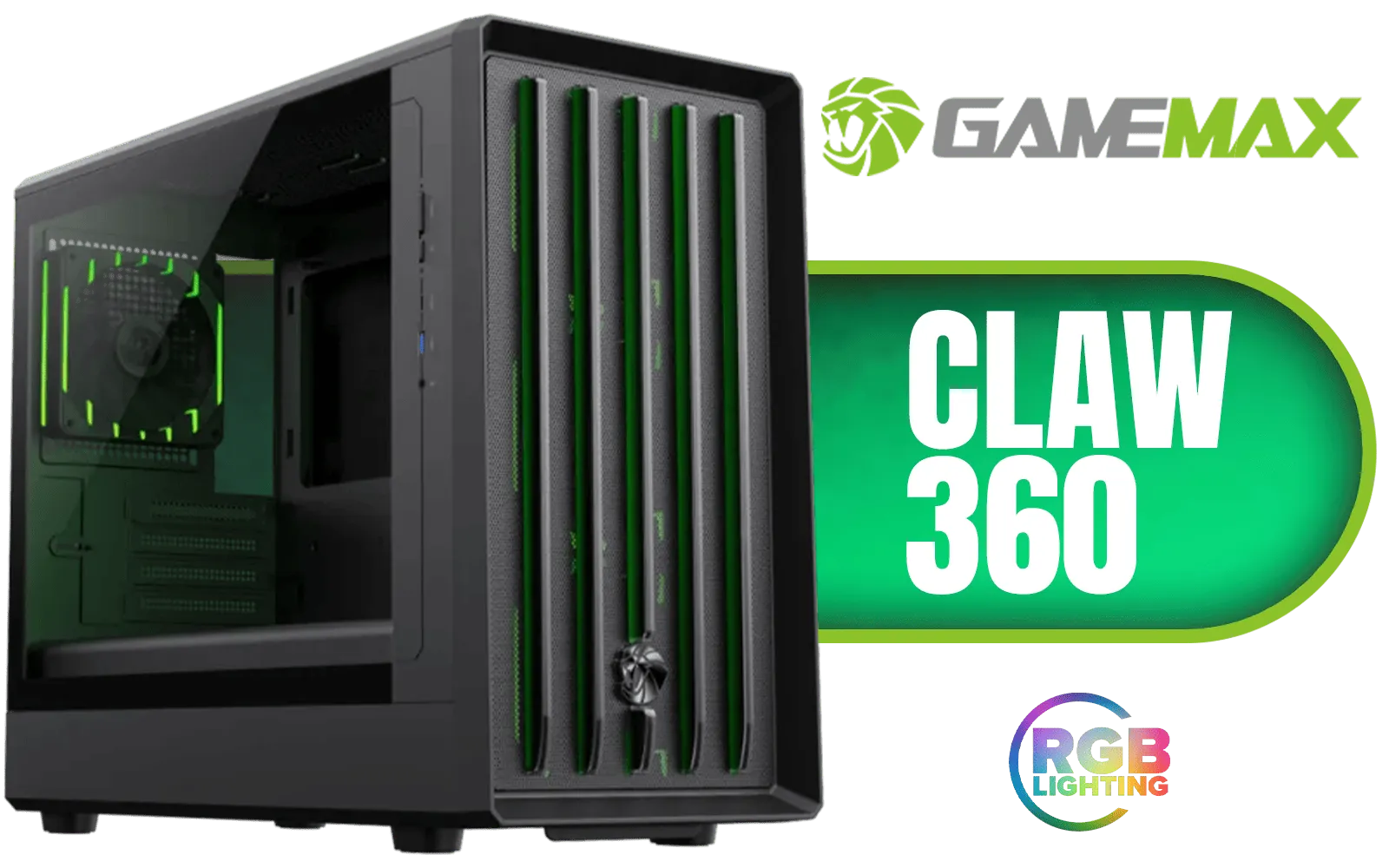
Gamemax CLAW 360 Micro-ATX Gaming Case - Black / Supports M-ATX & ITX Motherboards / Tool-Free Glass Side Panel / Supports up to 12x 120mm Fans / 4x 120mm ARGB Fans Pre-Installed / Integrated GPU Support Bracket / CLAW-360-BK
R1199.00In Stock
GPU case size is the internal space available for your graphics card and cooler; it affects fit, airflow and installation ease.
Measure from the rear PCI bracket to the nearest obstruction and compare to your GPU length; include cooler height and bracket space.
Form factor affects internal layout, not GPU length limits; always check the case's GPU clearance spec against your card.
Allow at least 20-40mm extra clearance for larger aftermarket coolers and airflow; check manufacturer cooler clearance details.
Yes. Vertical mount adapters need extra clearance and often reduce airflow, so confirm gpu vertical mount compatibility and clearance.
Not always, but many high-end cards need longer length and better airflow. Use a case that states it supports your GPU model.
Check GPU length, cooler height, PSU layout, drive cages, airflow paths and fan/radiator space to ensure pc case gpu cooler compatibility.











