



GtG vs MPRT Response Time: Gaming Monitor Specs Explained
Confused by monitor specs? 🖥️ We break down GtG vs MPRT response time to help you choose the perfect gaming display. Say goodbye to ghosting and motion blur! 🚀
|
Loading tags...

Ever lined up the perfect headshot in Valorant or Apex Legends, only for a blurry mess to ghost across your screen and ruin your shot? You’re not alone. When you shop for a new display, you see "1ms response time" everywhere. But then you notice two different specs: GtG and MPRT. What’s the difference, and which one actually stops that frustrating motion blur? Let's demystify these crucial gaming monitor specs so you can make the right choice.

ViewSonic 27” Full HD Monitor / Fast 1ms Response Time / 100Hz Refresh rate / IPS Panel / VA270-H
R2349.00In Stock
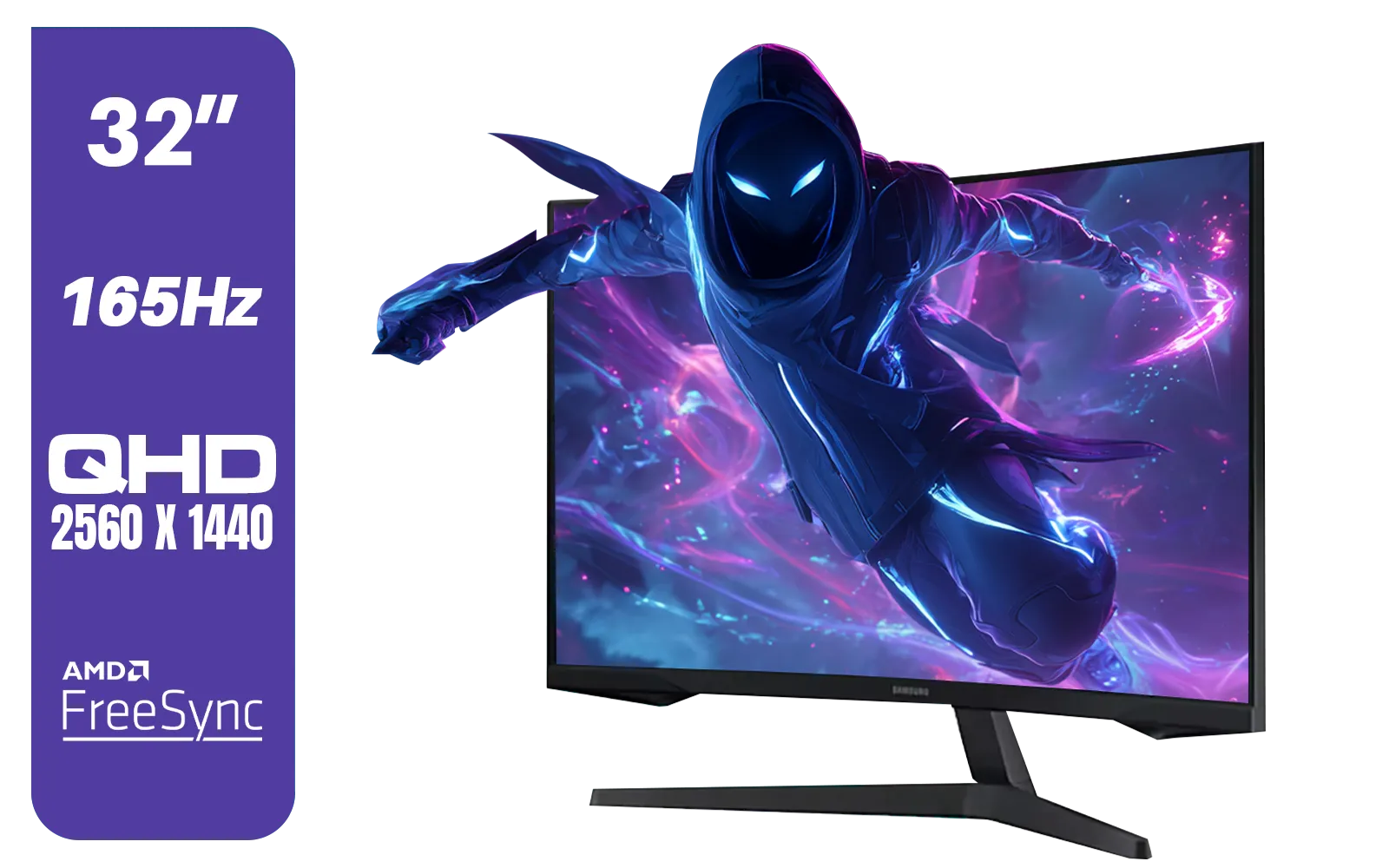
Samsung 32" Odyssey G55C QHD (2560 x 1440) Curved Gaming Monitor / 165Hz refresh rate & 1ms response time (MPRT) / 1000R Curved Screen / AMD FreeSync / LS32CG552EAXXA
R5999.00In Stock

HP 527SH G5 FHD Gaming Monitor - Black/Silver / 27" FHD (1920 x 1080) / IPS Panel / 1x HDMI 1.4, 1x VGA / Eye Ease with Eyesafe Certification / 94C50AS
R4799.00In Stock
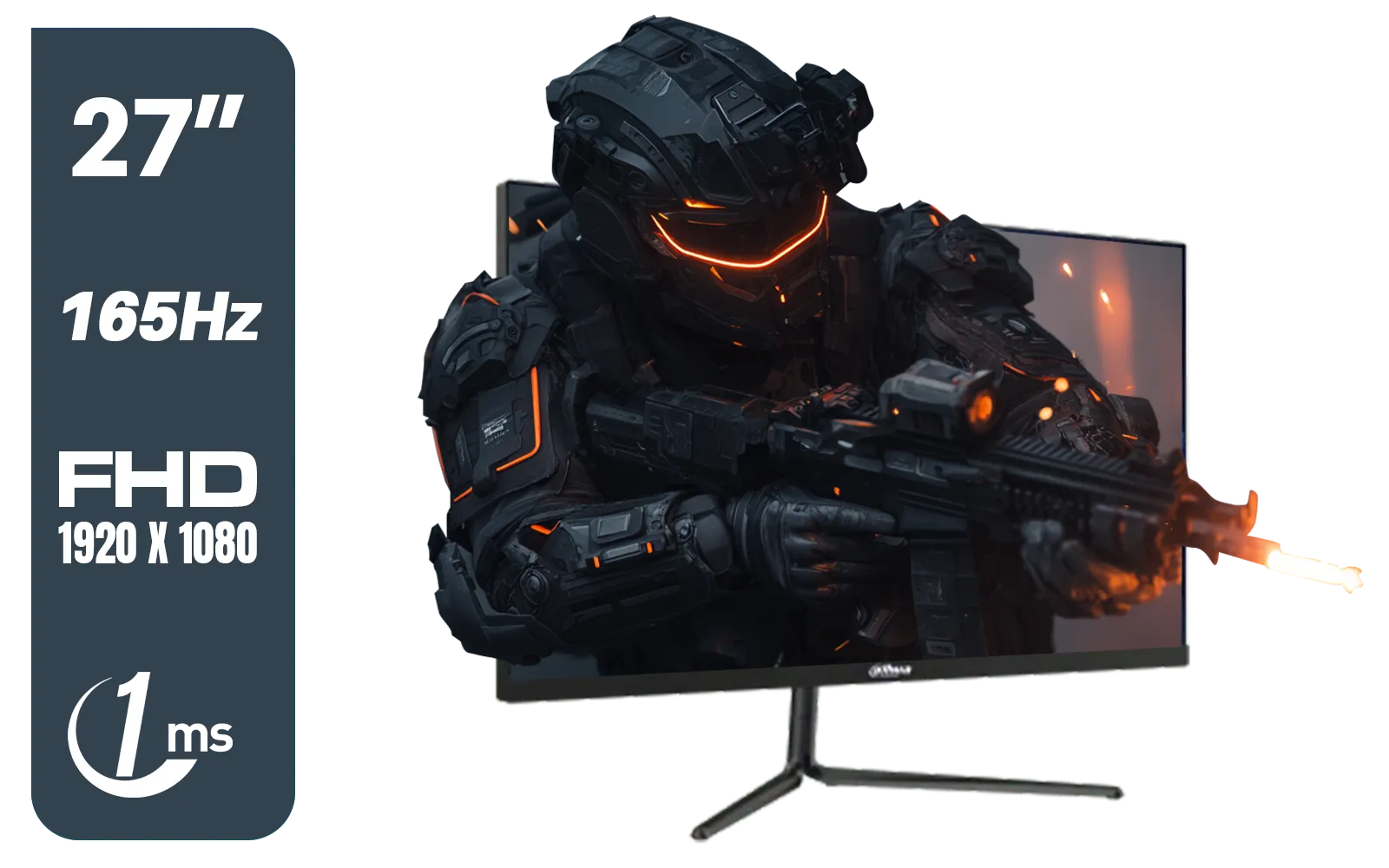
Dahua LM27-E231 27inch Gaming Monitor, 165Hz, 1ms, Adjustable stand, 100% sRGB, FPS/RTS Gaming Modes / DHI-LM27-E231
R3199.00In Stock

ViewSonic TD1655 15.6" Full HD (1920 x 1080) Portable Touchscreen Monitor / Ultra-portable Design / Advanced in-cell Capacitive Touchscreen / 2-Way Power With USB Type-C / Frameless Design / Portrait and Landscape Modes / dual integrated speakers / TD1655
R5199.00In Stock
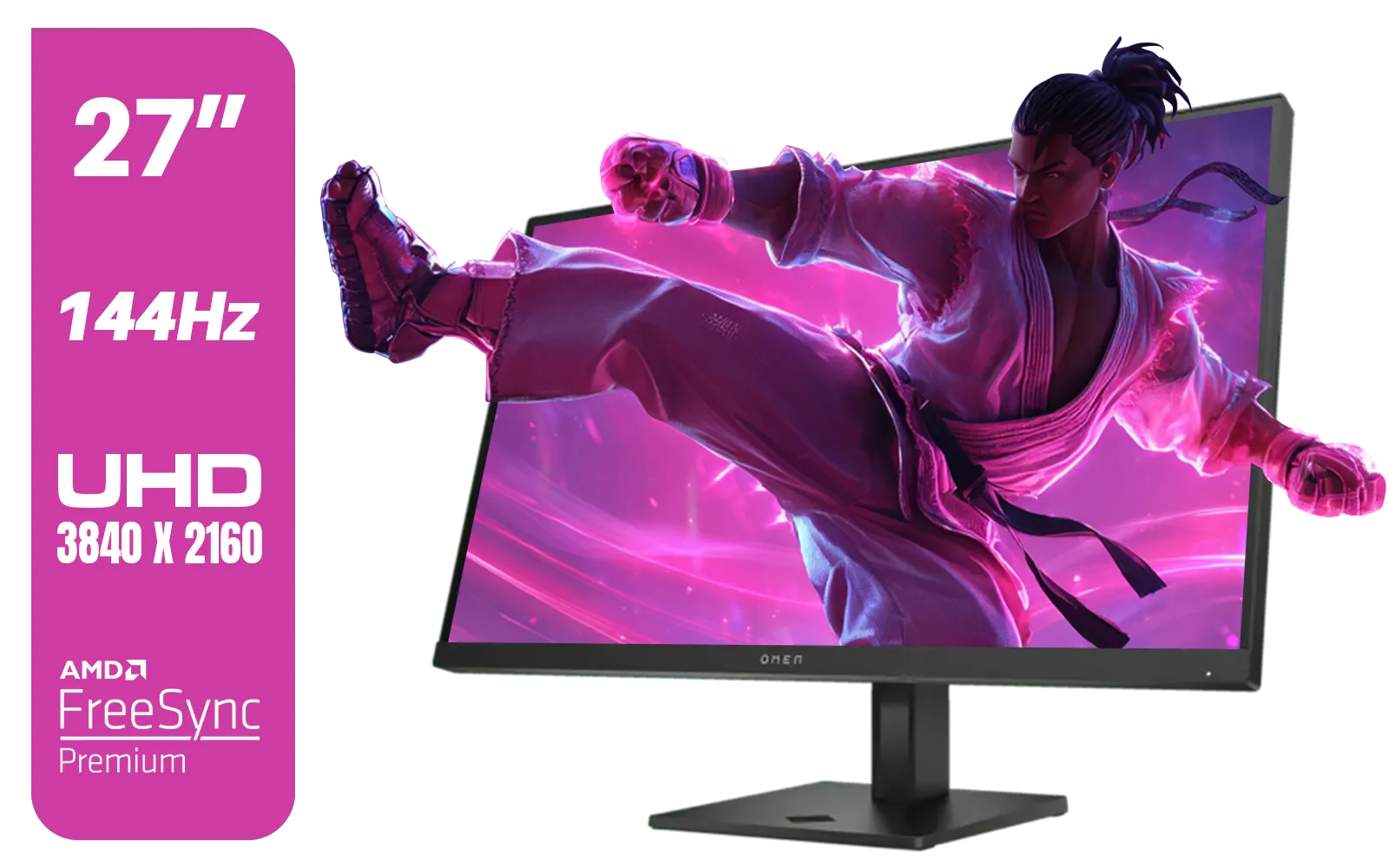
HP OMEN 27k UHD 144Hz Gaming Monitor - Black / 1ms / 27" 4K UHD (3840 x 2160) Anti-glare Display / AMD Freesync™ Premium / Integrated Speakers / Pivot Rotation and Height Adjustable / 780G8AS
R16499.00In Stock
Understanding Response Time: The Pixel's Need for Speed
Before we dive into the GtG vs MPRT response time debate, let's cover the basics. Response time, measured in milliseconds (ms), is how quickly a single pixel on your monitor can change colour. Think of it like a light switch. The faster you can flick it from off (black) to on (white), or between two different colours (grey shades), the sharper moving images will appear.
When pixels are too slow, you get visual artefacts. The most common ones are:
- Ghosting: A faint trail left behind moving objects.
- Motion Blur: A general smearing or lack of clarity during fast camera pans.
For gaming, especially at high refresh rates, a fast response time is non-negotiable for a clear, competitive edge. ⚡
GtG (Grey-to-Grey): The Classic Speed Test
GtG, or Grey-to-Grey, is the industry-standard measurement for pixel transition speed. It measures the time it takes for a pixel to shift from one shade of grey to another.
Why not black-to-white? Because grey-to-grey transitions are faster and more representative of the subtle colour shifts that happen constantly in games and videos. Manufacturers test multiple transitions and average them to get the advertised GtG value.
To achieve those ultra-low 1ms GtG times, many modern PC monitors use a technology called "overdrive," which applies a higher voltage to the liquid crystals to make them change state faster. However, if pushed too hard, overdrive can cause "inverse ghosting"—a bright or oddly coloured halo around moving objects. Finding the right balance in your monitor's settings is key.
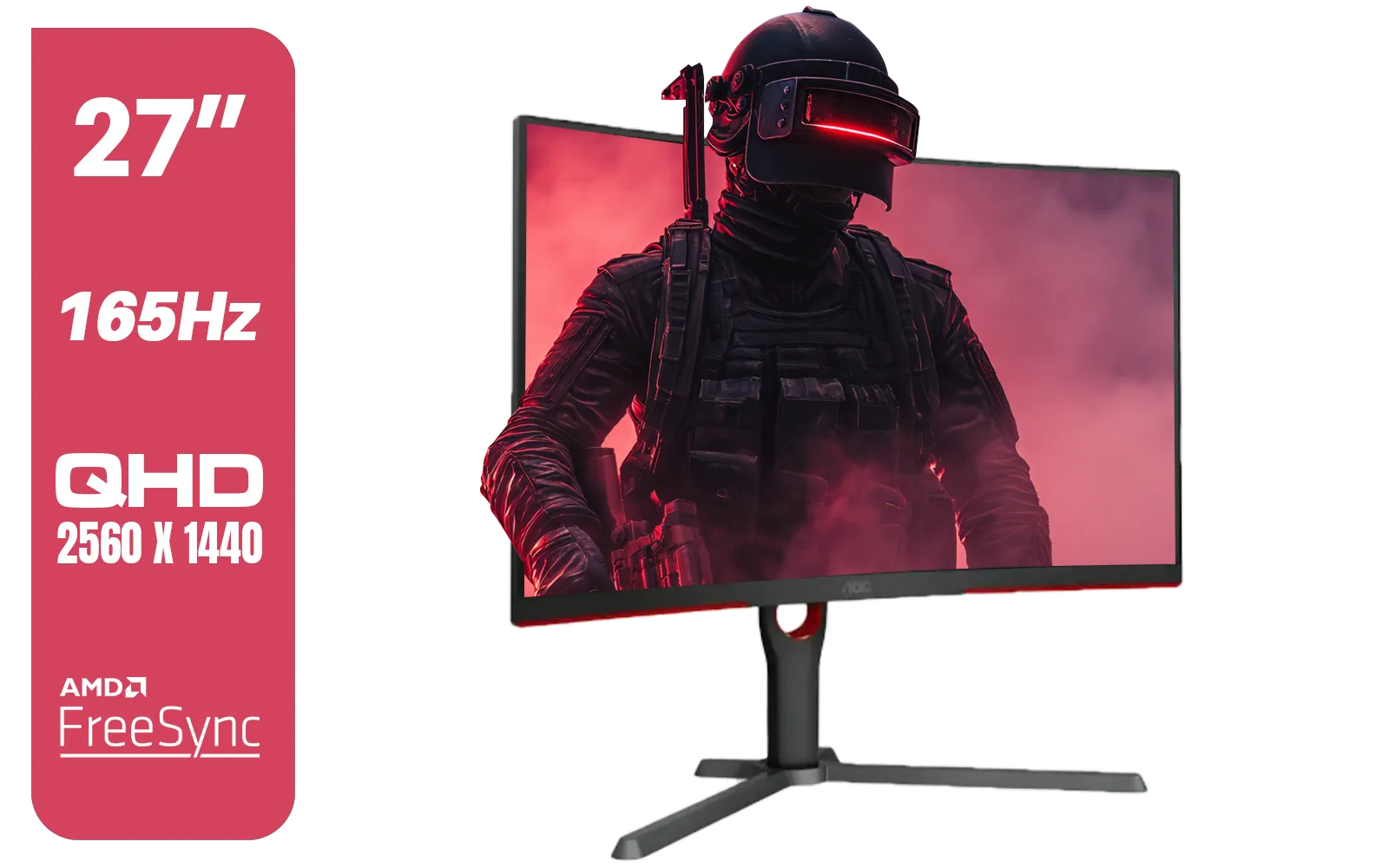
AOC CQ27G3S 27" QHD (2560x1440) 165Hz 1ms VA Curved FreeSync HDR Gaming Monitor / Superior High Quality Viewing / Ultra-smooth Tear-free Gaming / Enjoy top-tier Gaming Performance / Instant Response Times / Illuminate Your Visuals / Reducing Shortwave Blue Light / CQ27G3S
R6399.00In Stock

Samsung M70D 32″ Smart Monitor / UHD (3840 x 2160) Resolution / 60Hz refresh rate / 4ms response time / LS32DM702UAXXA
R7799.00In Stock
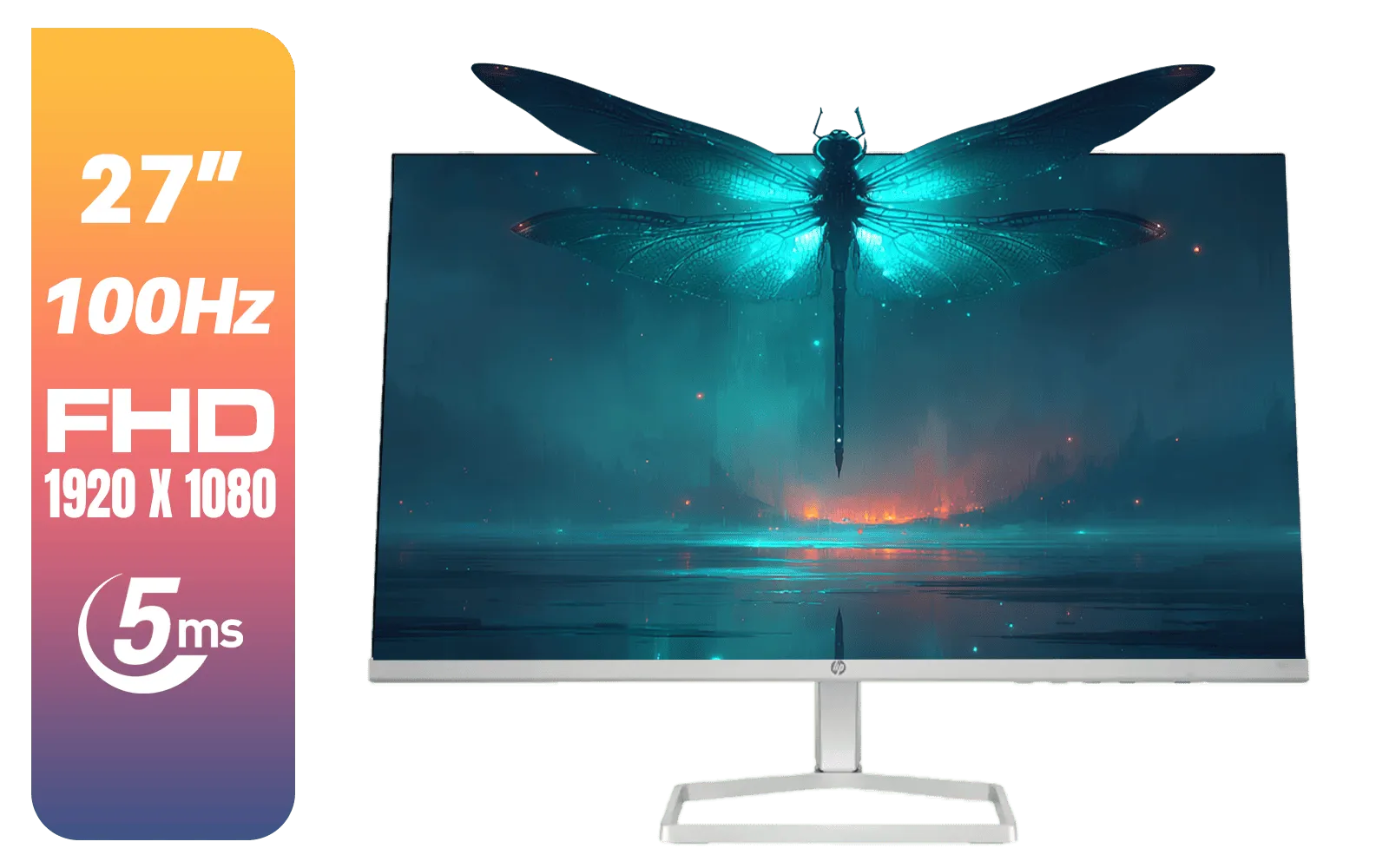
HP 527SF G5 FHD Gaming Monitor - Black/Silver / 27" FHD (1920 x 1080) / Anti-glare / 1x HDMI 1.4, 1x VGA / -5 to +25 degrees Adjustable Tilt / 94F44AS
R4499.00In Stock
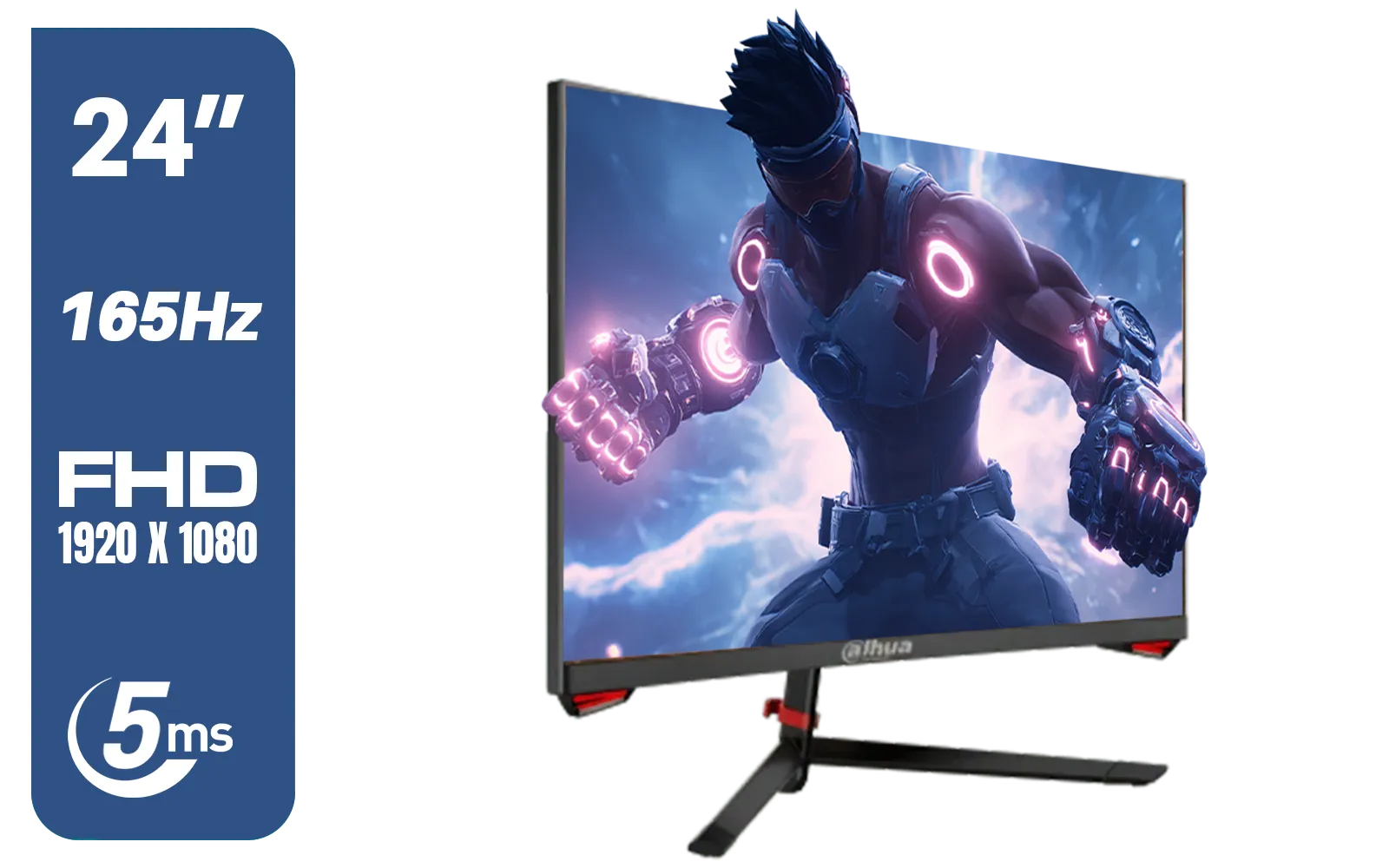
DAHUA LM24-E230C 24" FHD Gaming Monitor / Ultra-narrow Bezel / 165Hz / Adaptive sync / VA Panel / DHI-LM24-E230C
R2799.00In Stock

AOC 22B2HN, 21.5 Inch (54.6 cm) LED 1920 x 1080 Pixels Ultra Slim Monitor with 3 Sided Frameless Design, Va Panel, Hdmi/Vga Port, Full Hd, 7 Ms Response Time, 75 Hz Refresh Rate, Flicker Free, Black / AOC-22B2HN
R2099.00In Stock
HP OMEN 27k UHD 144Hz Gaming Monitor - Black / 1ms / 27" 4K UHD (3840 x 2160) Anti-glare Display / AMD Freesync™ Premium / Integrated Speakers / Pivot Rotation and Height Adjustable / 780G8AS
R16499.00In Stock
MPRT (Moving Picture Response Time): The Blur-Buster
While GtG measures how fast a pixel can change, MPRT (Moving Picture Response Time) measures how long a pixel is visible on screen. It’s not a measure of pixel speed, but a clever technique to improve perceived motion clarity.
MPRT is achieved through a feature often called Motion Blur Reduction (MBR), LightBoost, or ULMB (Ultra Low Motion Blur). This technology strobes the monitor's backlight, turning it off and on very rapidly between frame refreshes. By inserting a black frame, it clears the previous image from your eye's persistence of vision, effectively "hiding" the motion blur that occurs during pixel transitions.
The result? A moving image that looks significantly sharper and cleaner, much like old CRT monitors used to. The downside is that strobing the backlight can reduce overall brightness and may introduce noticeable flicker for some users. This is why you'll find this tech on most competitive gaming monitors where clarity trumps brightness.
TIP FOR YOU
Tuning Your Monitor 🔧
Your monitor's overdrive and MBR settings are usually found in its On-Screen Display (OSD) menu. Look for settings like "Trace Free," "Overdrive," "AMA," or "Response Time." For MBR, look for "ELMB," "VRB," or "Motion Blur Reduction." Experiment with different levels in-game to find the sweet spot between sharpness and inverse ghosting for your specific setup.
GtG vs MPRT: Which Spec Matters Most for Your Games?
So, the million-rand question: when you're comparing GtG vs MPRT response time, which one should you prioritise?
Here’s the simple breakdown:
- GtG is the foundation. A monitor must have a fast GtG response time to be a good gaming panel. You cannot fix a slow panel (high GtG) with MPRT. A low GtG (ideally under 4ms) ensures minimal ghosting at the hardware level.
- MPRT is a feature. It's a bonus that uses backlight strobing to enhance motion clarity even further. A 1ms MPRT rating doesn't mean the panel has a 1ms GtG time.
For Competitive Gamers (FPS, Racing, Fighting Games): Prioritise the lowest GtG you can find. A good MPRT mode is a huge advantage for tracking fast-moving targets, making it a must-have for serious players. You'll often find the best combinations on high-refresh-rate, immersive curved monitors designed for performance.
For Casual & Cinematic Gamers (RPGs, Strategy, Story-Driven Games): A low GtG is still vital for a crisp image, but you might not need a 1ms MPRT mode. For these games, the incredible detail and vibrant colours of stunning 4K monitors might be more important, and you'll likely want MBR turned off for maximum brightness and immersion. ✨
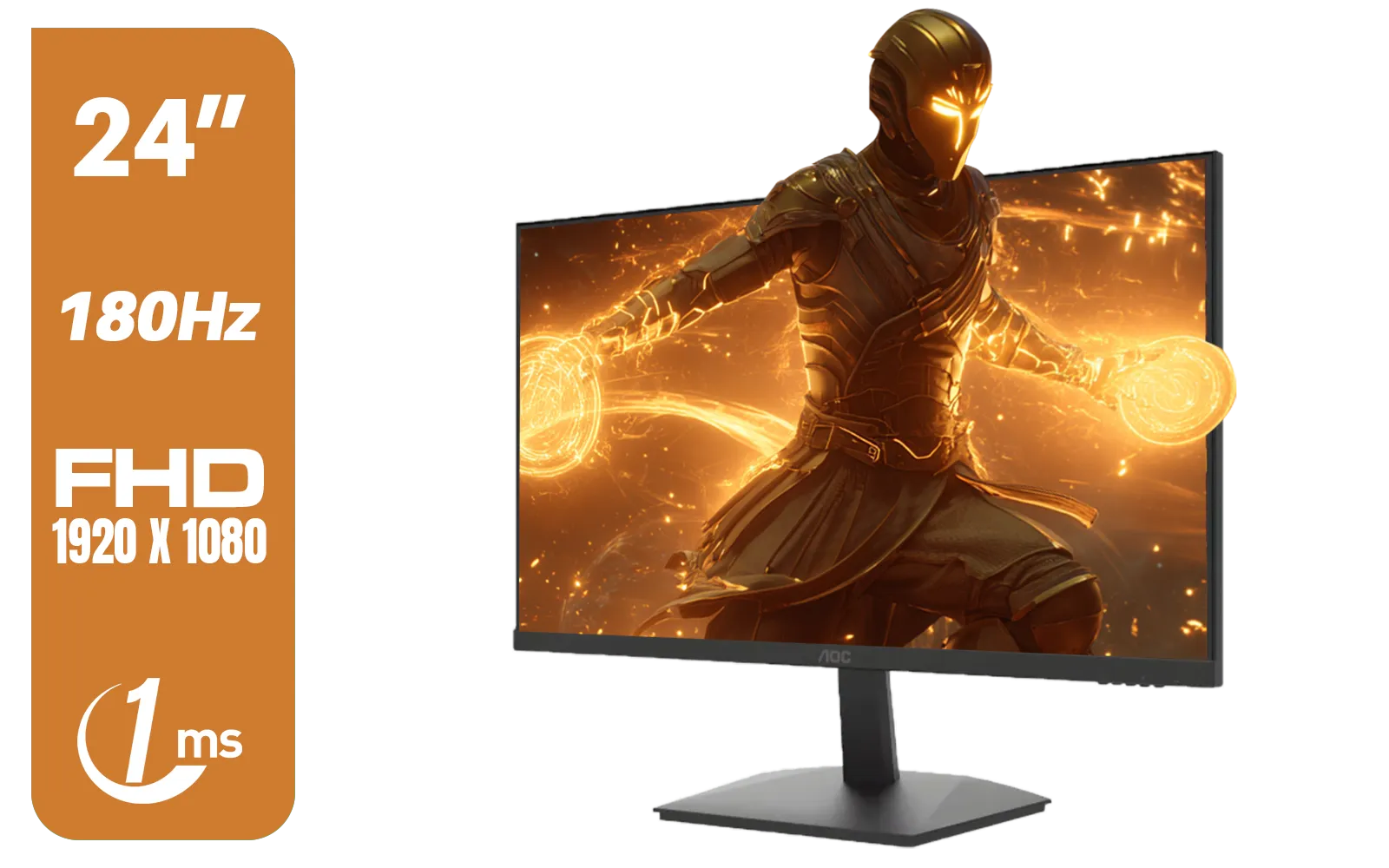
AOC 24G15N Gaming Monitor / 24" / VA FHD 1920x1080 / 180hz / 1ms / HDMI DP|VESA / Flicker Fee / Low Blue Mode / Adaptive Sync/ AOC-24G15N
R2299.00In Stock

HP 527SW G5 FHD Gaming Monitor - White/Silver / 27" FHD (1920 x 1080) / IPS Panel / 1x HDMI 1.4, 1x VGA / Eye Ease with Eyesafe Certification / 94F46AS
R4499.00In Stock
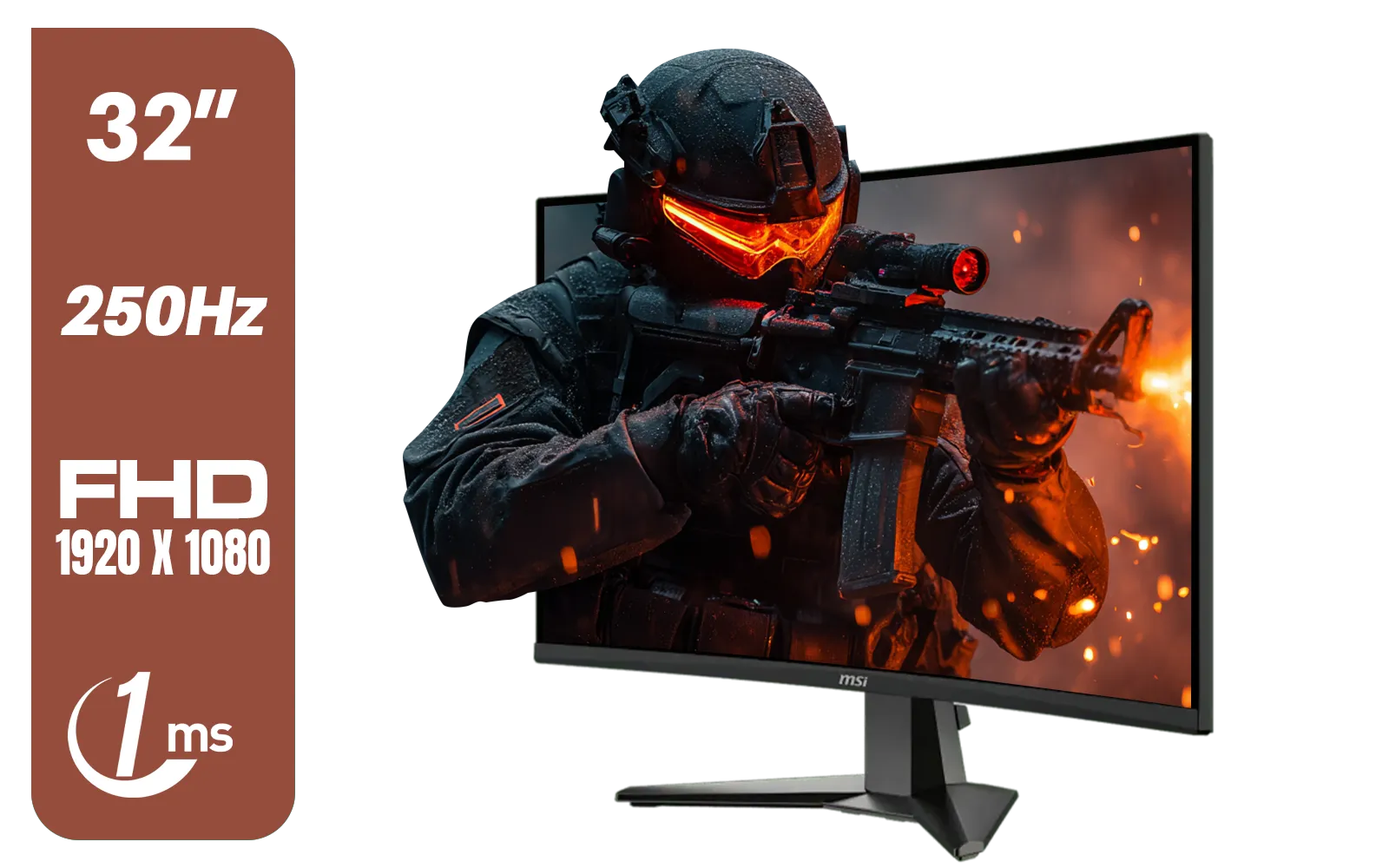
MSI MAG 32C6X 31.5-inch 1920 x 1080 (FHD) Computer Monitor, 250Hz, Adaptive-Sync, HDR Ready, HDMI, VGA Port, Display Port,VESA Mountable, Tilt, 1ms, Black / 9S6-3DD41M-027
R4799.00In Stock

VIEWSONIC VX2758A-2K-PRO-3 27" 2K Gaming Monitor / 240Hz Refresh Rate / 1ms MPRT Response Time / AMD FreeSync™ Premium & NVIDIA G-Sync Compatible / Dual HDMI & DisplayPort Inputs / VX2758A-2K-PRO-3
R5499.00In Stock
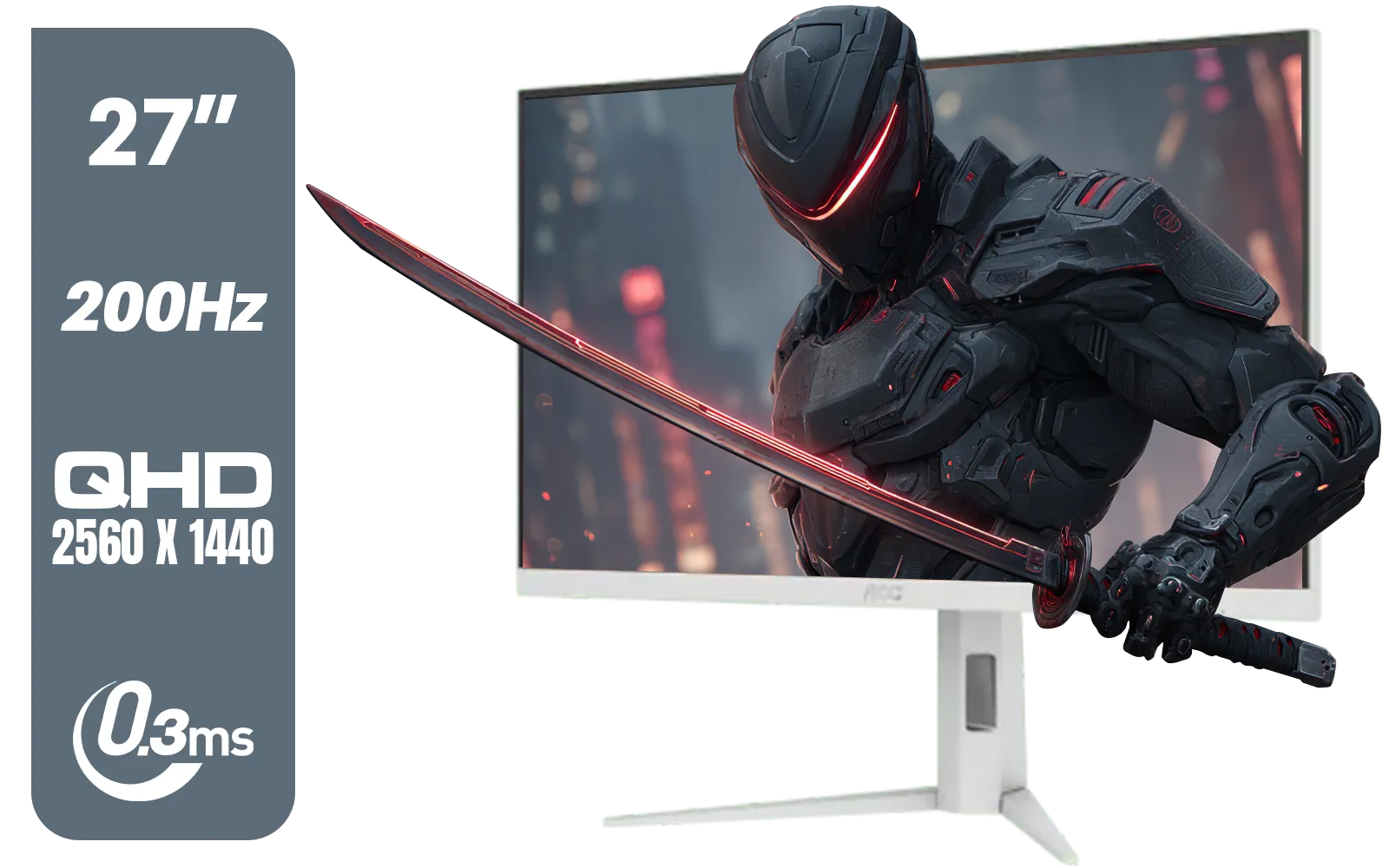
AOC Q27G4/WS 27" Gaming Monitor - White / QHD (2560 × 1440) / 200Hz Refresh Rate / 0.3ms Response Time / IPS-Level Display / Certified HDR400 / Support Adaptive Sync / Q27G4/WS
R4899.00In Stock
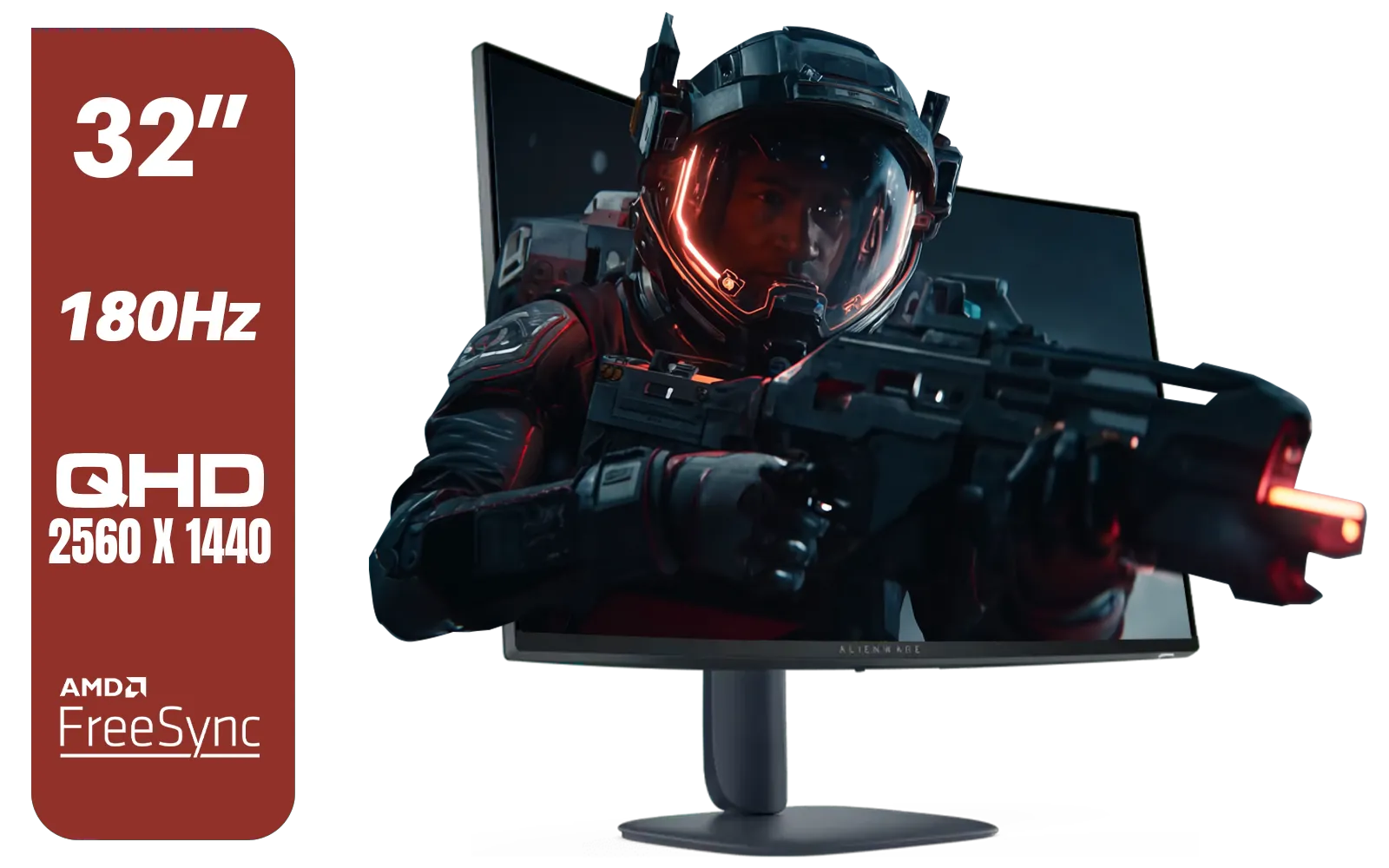
Alienware AW3225DM - 32" Curved Gaming Monitor / 180Hz Refresh Rate / QHD (2560x1440) / 1ms (GTG Extreme Mode) Response Time / AMD FreeSync / AW3225DM
R6499.00In Stock
Looking Beyond GtG and MPRT Response Time
Response time is a critical piece of the puzzle, but it doesn't exist in a vacuum. To get the best experience, you need to consider it alongside other specs:
- Refresh Rate (Hz): This is how many times your screen updates per second. A 144Hz monitor needs a GtG response time below 6.94ms to fully refresh a pixel within one cycle. A fast response time is useless without a high refresh rate to match.
- Panel Type: IPS panels offer the best colours, VA panels have superior contrast, and TN panels traditionally have the fastest GtG times (though modern IPS panels have caught up significantly).
- Cables & Connections: To enable high refresh rates and features like G-Sync/FreeSync, you need the right cable. Make sure you have the right monitor accessories, like a certified DisplayPort 1.4 cable, to unlock your monitor's full potential. The technology is even advancing so fast that even some portable monitors now boast high refresh rates and fast response times for gaming on the go. 🚀
Ultimately, understanding the difference between GtG and MPRT empowers you to see past the marketing and choose a monitor that truly delivers the performance you need.
Ready to Eliminate Motion Blur? The spec sheets can be confusing, but finding a monitor with a fast GtG and a great feature set makes all the difference. Explore our massive range of gaming monitors and find the perfect display to conquer your game.
Related Products

HP 524SW G5 FHD Gaming Monitor - White/Silver / 24" FHD (1920 x 1080) / IPS Panel / 1x HDMI 1.4, 1x VGA / Eye Ease with Eyesafe Certification / 94C21AS
R4299.00In Stock
AOC CQ27G3S 27" QHD (2560x1440) 165Hz 1ms VA Curved FreeSync HDR Gaming Monitor / Superior High Quality Viewing / Ultra-smooth Tear-free Gaming / Enjoy top-tier Gaming Performance / Instant Response Times / Illuminate Your Visuals / Reducing Shortwave Blue Light / CQ27G3S
R6399.00In Stock
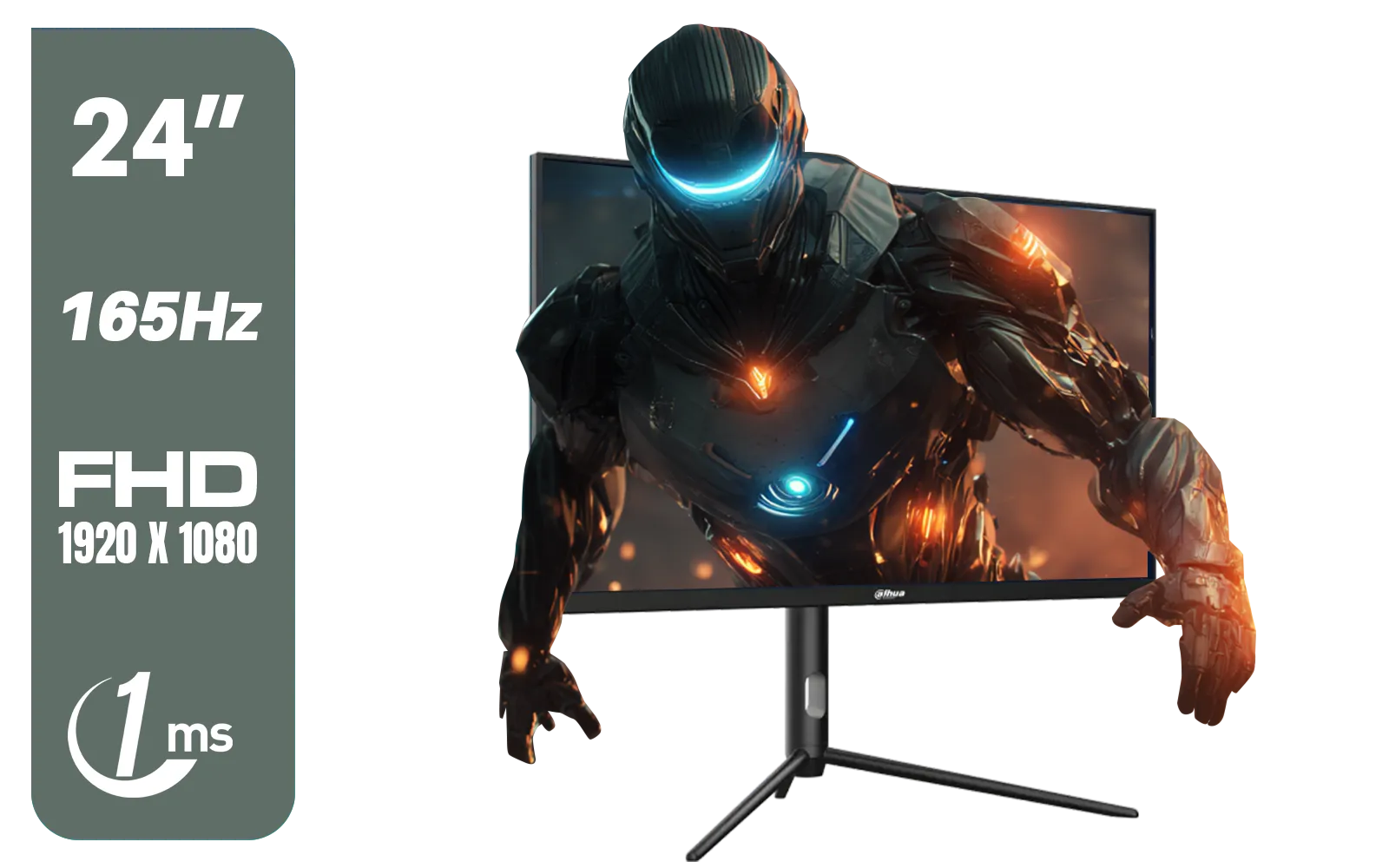
Dahua 24 inch FullHD IPS panel 165Hz 1ms fast response time Ultra-thin bezel Monitor with DisplayPort, HDMI, VGA, Height Adjustable Stand / DHI-LM24-E231A
R2899.00In Stock
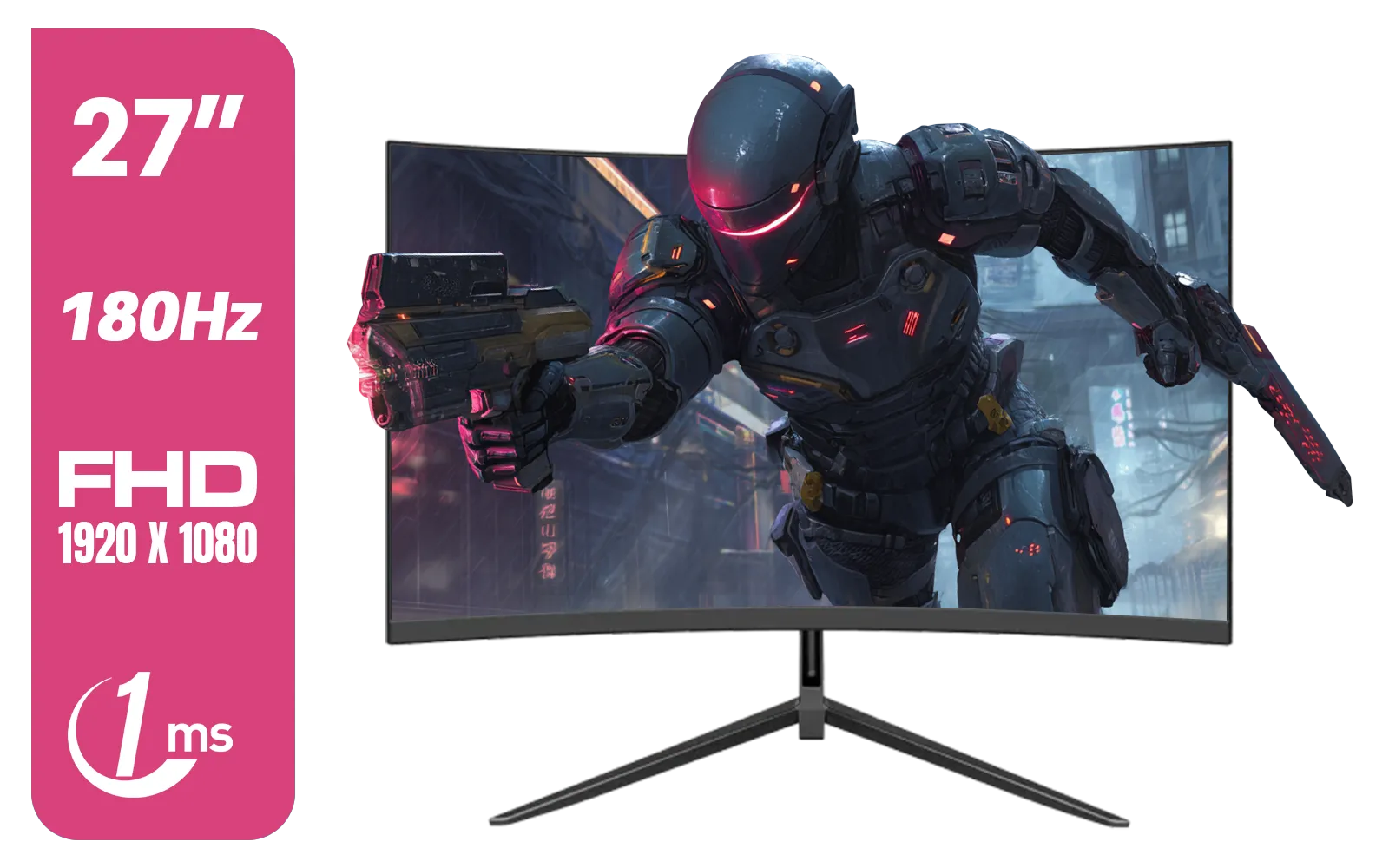
Dahua LM27-E230CN 27inch Gaming Monitor/ Ultra-narrow Bezel / 180Hz / VA Panel / DHI-LM27-E230CN
R2999.00In Stock

Dell SE2425HM Monitor 210-BQZT / FHD (1920 x 1080) Resolution / 5ms Response Time / IPS level Display / 178° Horizontal and Vertical Viewing Angles / SE2425HM
R1899.00In Stock
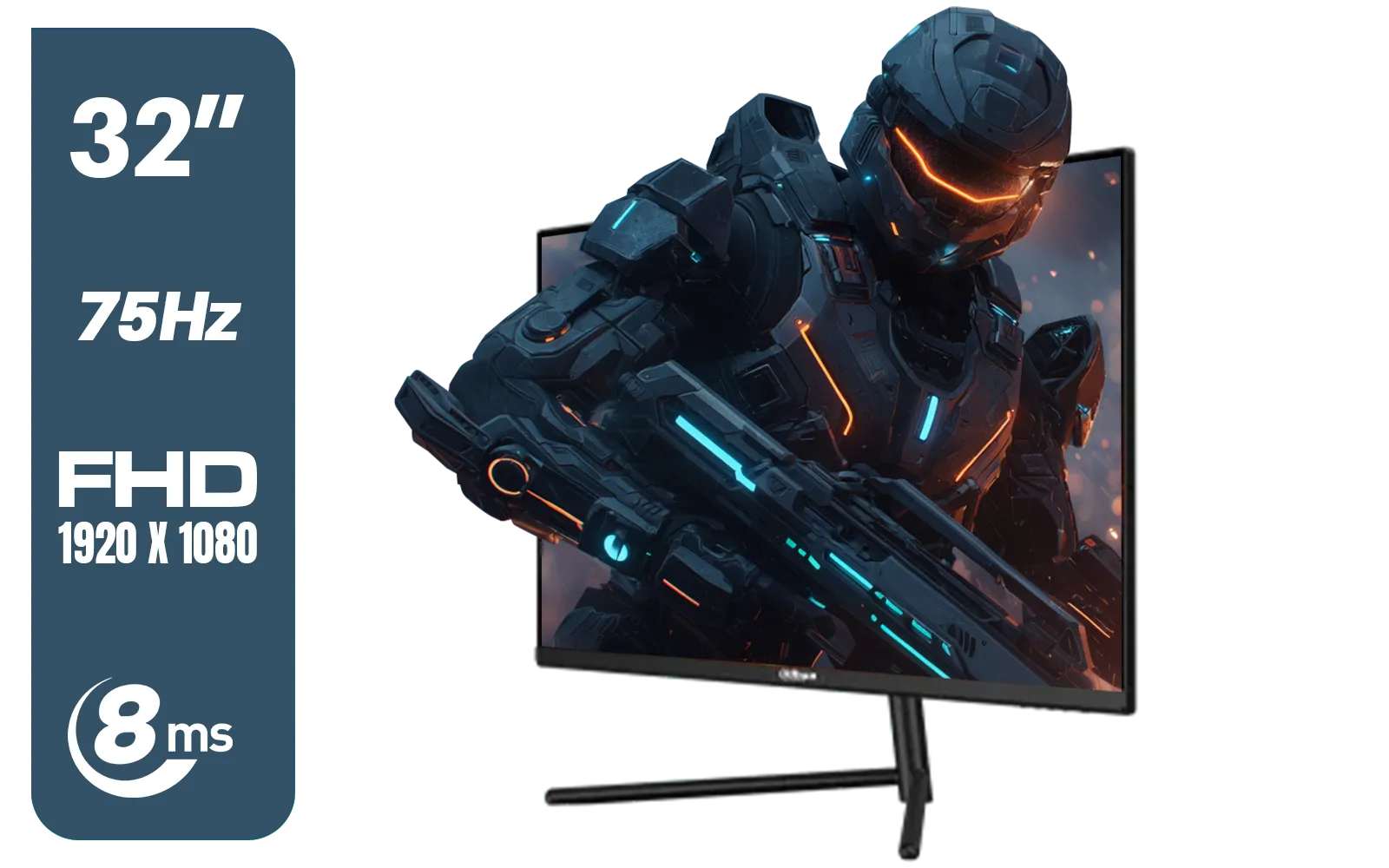
DAHUA DHI-LM32-A200X 32" LED MONITOR / Bezel-less Design / IPS Level-Display / 8ms Response Time / FHD 1920x1080 / 75Hz Refresh Rate / Low Blue Light / DHI-LM32-A200X
R3399.00In Stock
GtG measures pixel color transition speed, while MPRT measures how long a pixel remains visible. MPRT relates more directly to perceived motion blur.
Not necessarily. 1ms MPRT often uses backlight strobing which reduces brightness, while 1ms GtG indicates raw pixel speed without compromising luminance.
GtG is reliable for general pixel speed, but low MPRT is crucial for reducing motion blur in fast-paced FPS games to keep moving images sharp.
Yes, achieving low MPRT often involves backlight strobing (BFI), which can cause screen flickering that may bother sensitive users.
For competitive gaming, a GtG response time of 1ms or lower is ideal to minimize ghosting artifacts and ensure fluid visuals.
Often no. Many monitors disable Variable Refresh Rate (VRR) features like G-Sync or FreeSync when MPRT or strobing modes are active.











