



HDR10 Gaming: What to Expect on the LG 27GS75Q
HDR10 gaming explained for the LG 27GS75Q — learn expected brightness, color, tone mapping and quick tweaks to optimize PC and console play 🎮✨
|
Loading tags...

Tired of the murky shadows and washed-out skies in your favourite games? You're not alone. For years, we've chased higher frame rates, but what about better pixels? That's where HDR10 gaming comes in, transforming dull scenes into vibrant, lifelike worlds. It’s a visual upgrade that feels truly next-gen, and the new LG 27GS75Q monitor is a brilliant gateway into this stunning new reality. Let's dive in. ✨
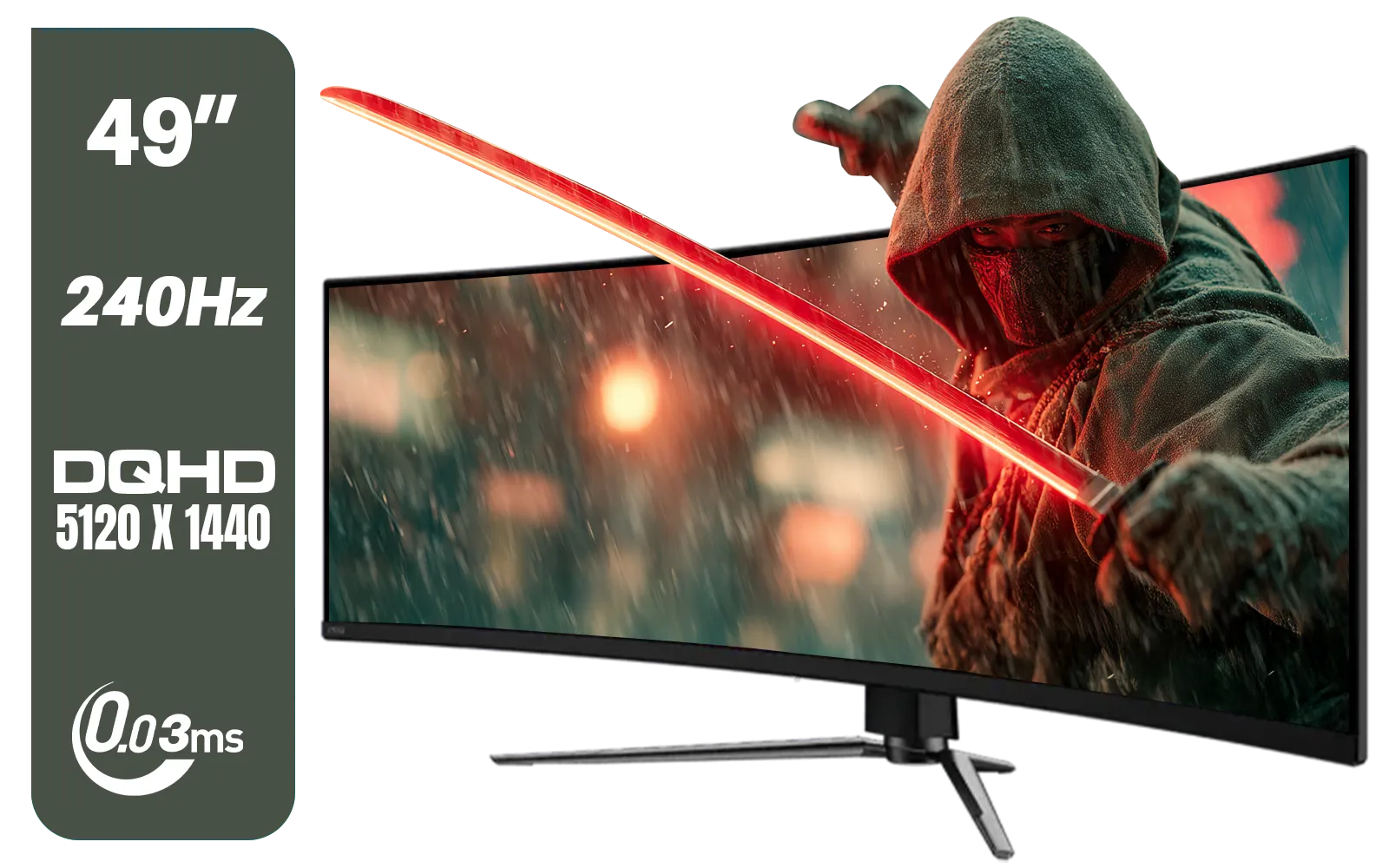
MSI MAG 491CQPX 49" DQHD (5120 x 1440) Curved Gaming Monitor / 0.03ms Response Time / 240Hz Refresh Rate / HDMI 2.1 Support / 9S6-3FA84T-040
R34999.00In Stock

VIEWSONIC VX3218C-2K 32" QHD Curved Gaming Monitor / 180Hz Refresh Rate / 1ms MPRT Response Time / 1500R Curvature / AMD FreeSync™ Premium / QHD 1440p Resolution / VX3218C-2K
R4999.00In Stock

HP OMEN 27 FHD 165Hz Gaming Monitor / AMD FreeSync™ Premium / Eyesafe® certified / Height adjustable for personalized comfort / Pivot rotation for flexible viewing angles / 780F9AS
R5999.00In Stock
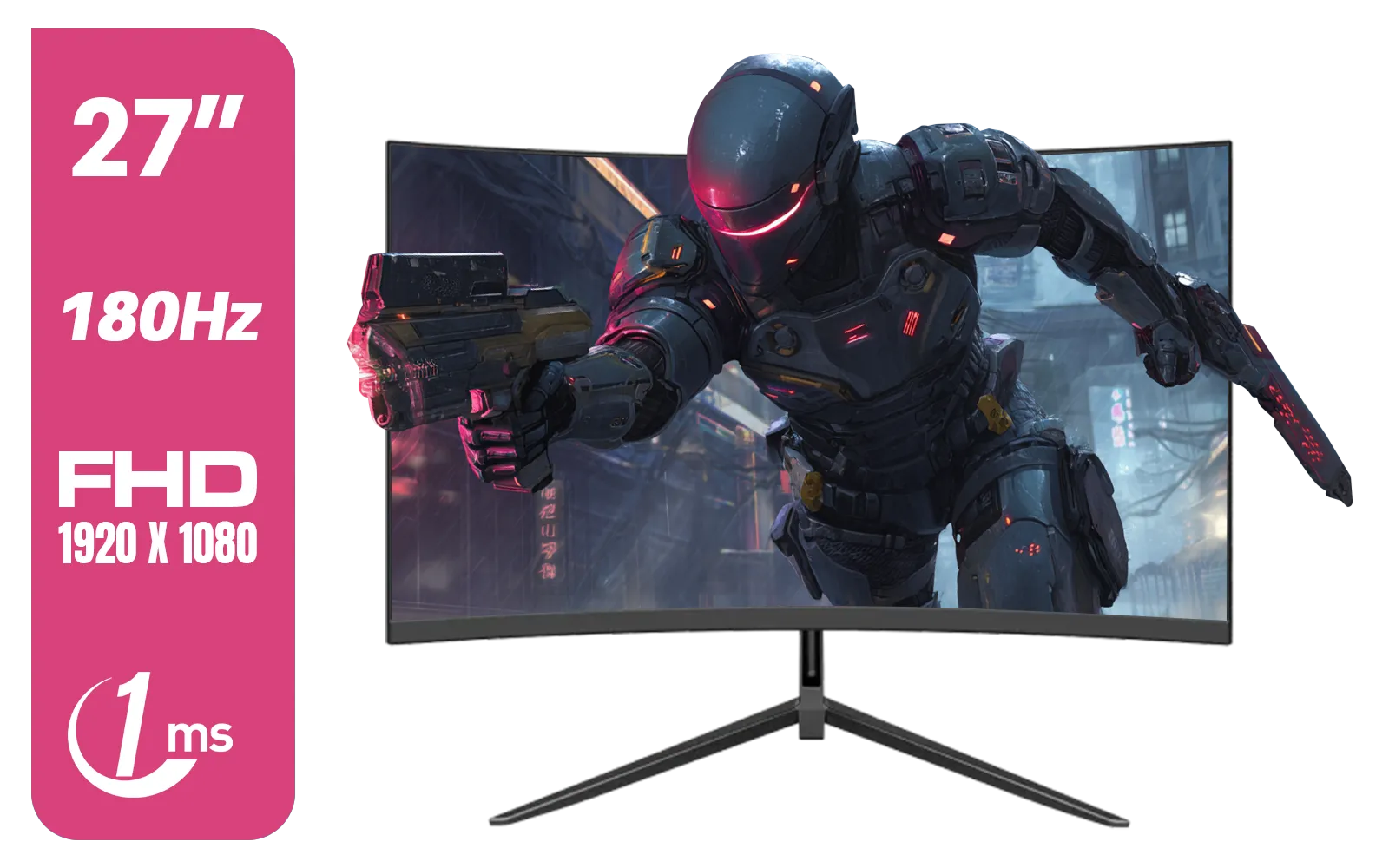
Dahua LM27-E230CN 27inch Gaming Monitor/ Ultra-narrow Bezel / 180Hz / VA Panel / DHI-LM27-E230CN
R2999.00In Stock
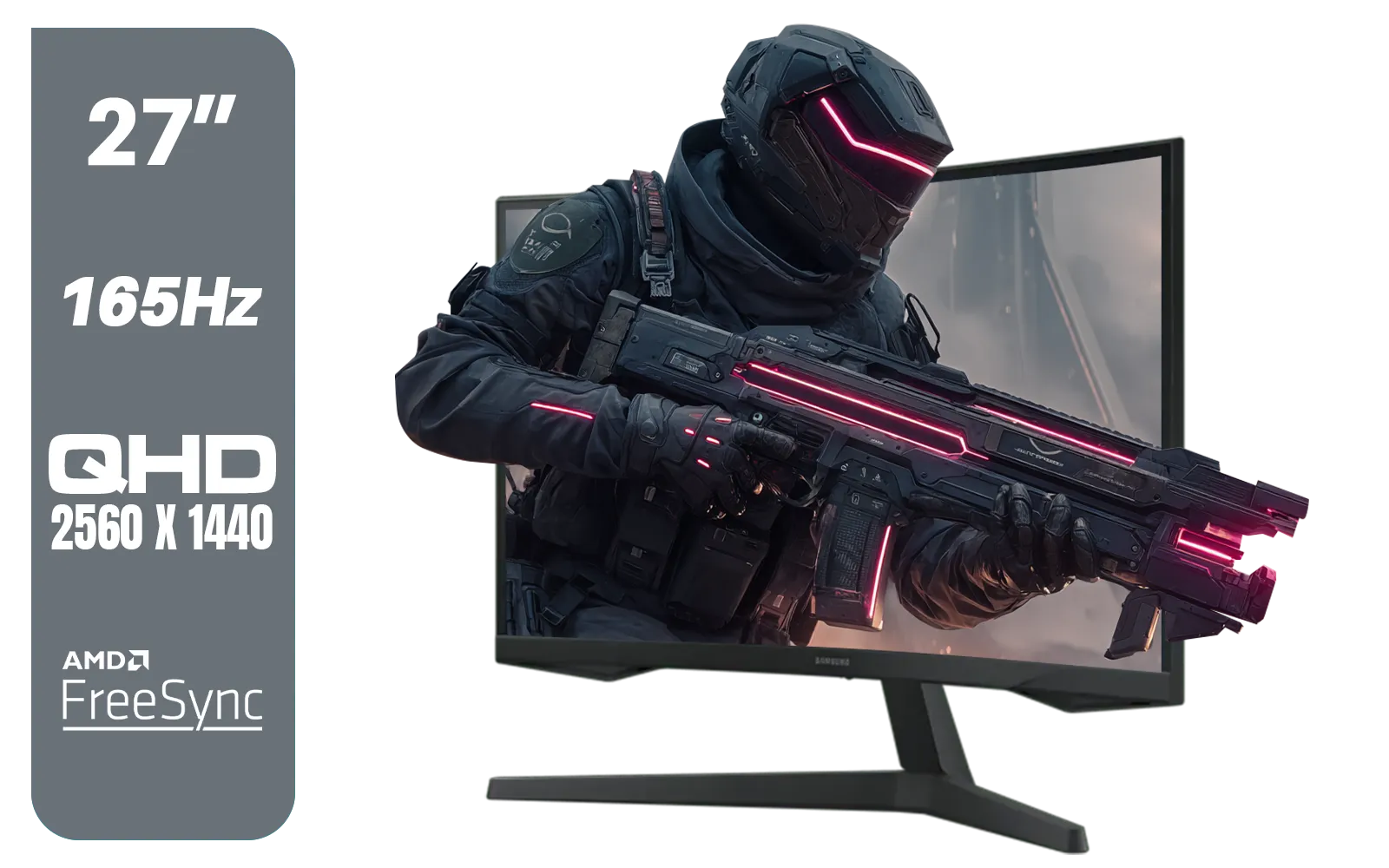
Samsung Odyssey G55C 27″ Curved Gaming Monitor / QHD resolution / 1000R curvature / 165Hz refresh rate / 1ms response time / AMD FreeSync / LS27CG552EAXXA
R4999.00In Stock
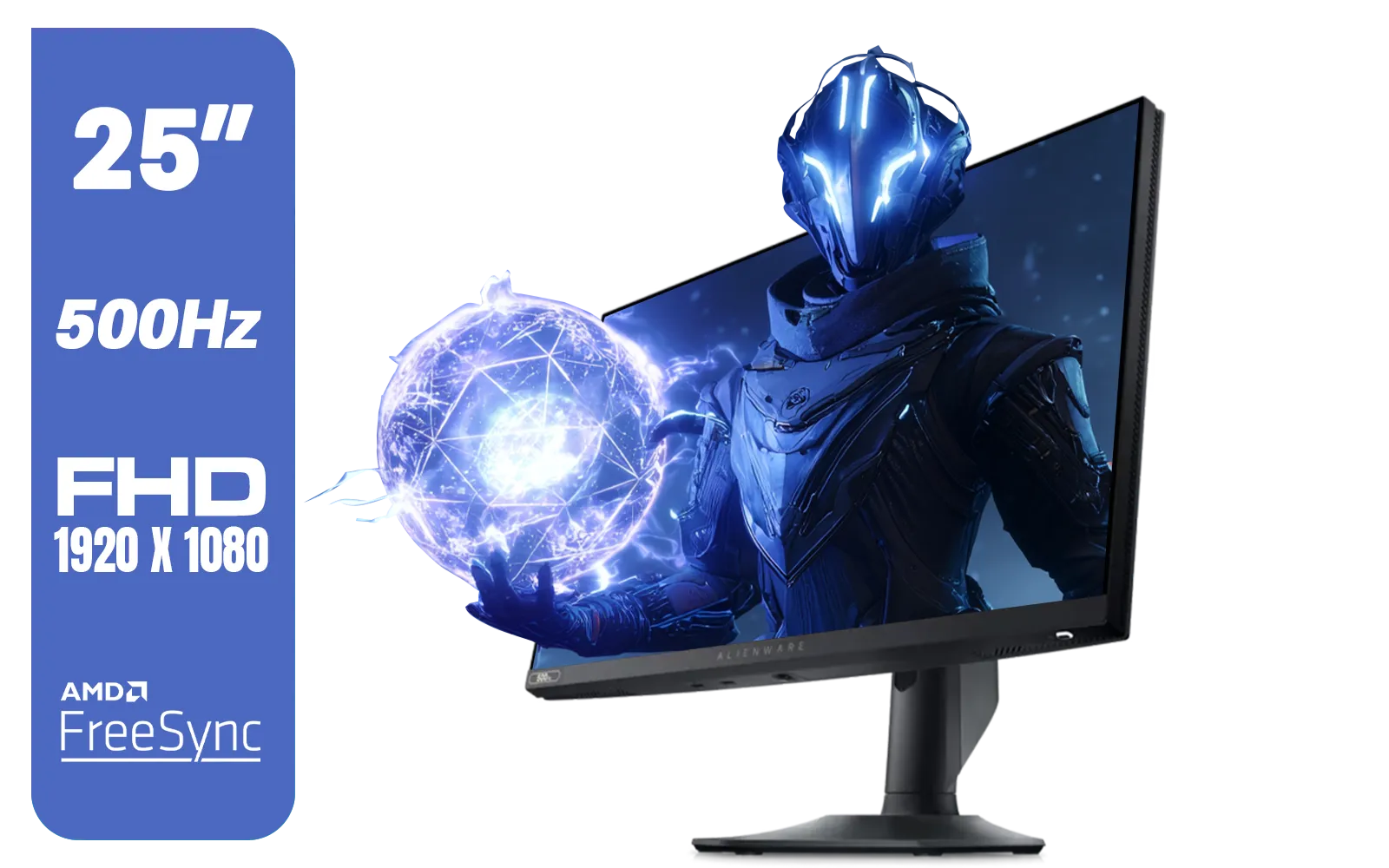
Alienware AW2524HF Gaming Monitor/ 25-inch / IPS Panel / Full HD (1920 x 1080)/ 500Hz refresh rate / 1 ms Response Time / VESA Adaptive-Sync, AMD FreeSync Premium / AW2524HF
R12999.00In Stock
What is HDR10 Gaming, Really?
Forget confusing tech jargon for a moment. Think of standard displays (SDR) as using a basic 8-pack of crayons. HDR (High Dynamic Range), on the other hand, is like having the full 128-crayon box with metallic and neon colours included. HDR10 gaming specifically allows for brighter highlights, deeper, more detailed blacks, and a massive range of colours in between.
The result? Sunlight in Forza Horizon 5 actually feels blindingly bright, while the neon-drenched streets of Cyberpunk 2077's Night City pop with incredible intensity. It adds a layer of depth and realism that makes virtual worlds feel more tangible. This technology is becoming a standard feature across many modern PC monitors, and for good reason.
The LG 27GS75Q: A Perfect Canvas for HDR
So, what makes the LG 27GS75Q a great choice for this visual feast? It starts with its 27-inch QHD (2560x1440) IPS panel. This combination delivers sharp details and, crucially for HDR, fantastic colour accuracy. The monitor is VESA DisplayHDR 400 certified, meaning it meets a specific standard for brightness and colour gamut needed to produce a genuine HDR effect.
When you're exploring the dark, treacherous dungeons of Baldur's Gate 3, you won't just see a black blob; you'll see subtle details in the shadows. The LG 27GS75Q makes these rich visuals accessible, standing out among the excellent range of LG monitors in South Africa. It’s an ideal starting point for anyone serious about experiencing proper HDR10 gaming.
TIP FOR YOU
Quick Windows 11 HDR Tip 🔧
To get the best HDR experience, make sure to calibrate your display! Go to Settings > System > Display > Use HDR. From there, click on HDR video streaming and run the Calibrate your display for HDR video tool. This simple step helps your monitor display colours and brightness exactly as game developers intended.
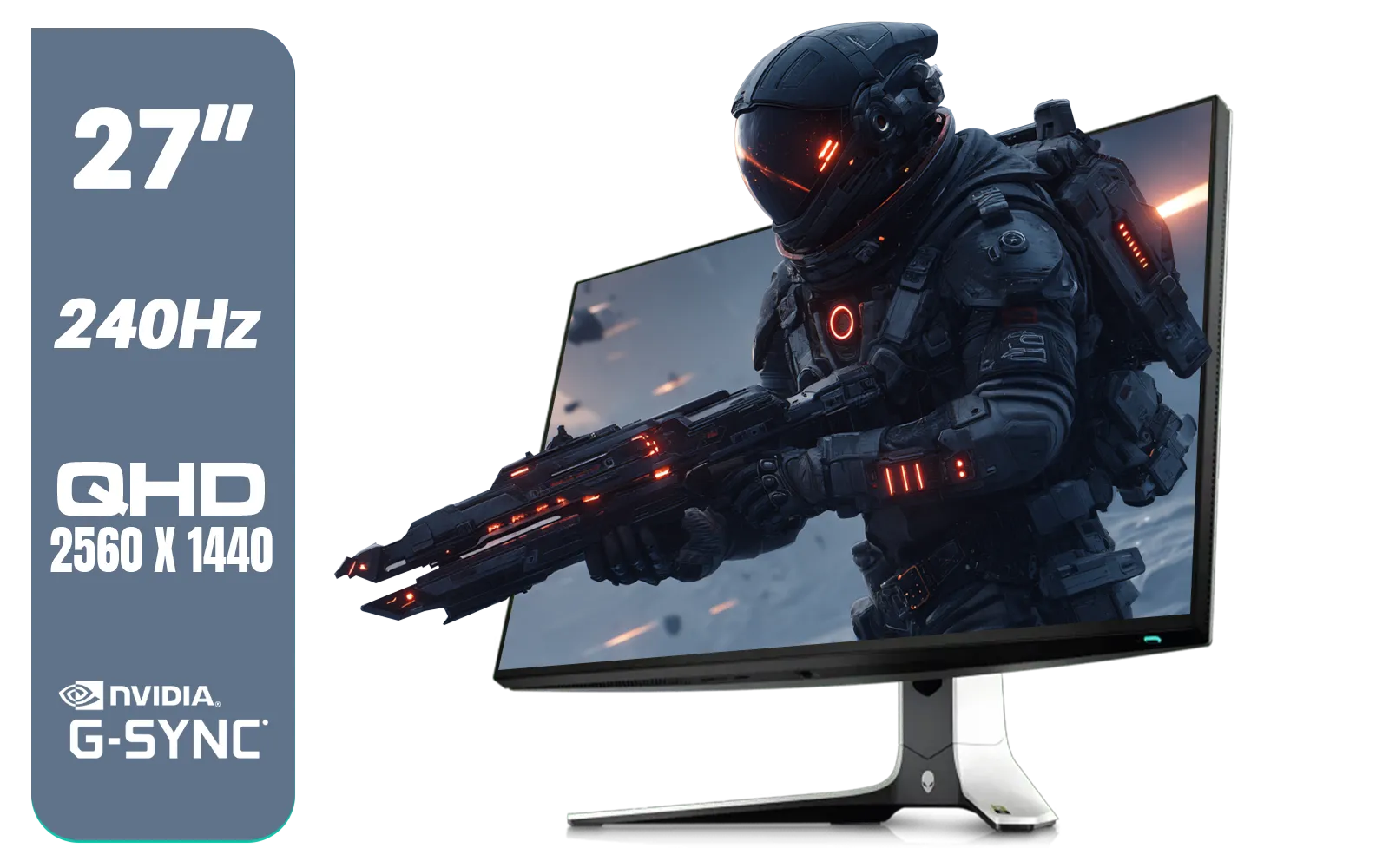
Alienware AW2723DF Gaming Monitor - 27-inch (2560 x 1440) 240Hz Display (DP 1.4), 1ms Response Time, NVIDIA G-Sync, Preset OSD Modes, Height/Tilt/Swivel/Pivot Adjustability - Lunar Light / AW2723DF
R8699.00In Stock

VIEWSONIC TD1630-3 15.6" 10-Pont Touch Screen Monitor / HD 768p Resolution / Projected Capacitive Touch / HDMI & VGA Inputs / Dual Integrated Speakers / Durable Scratch-Resistant Screen / TD1630-3
R4499.00In Stock
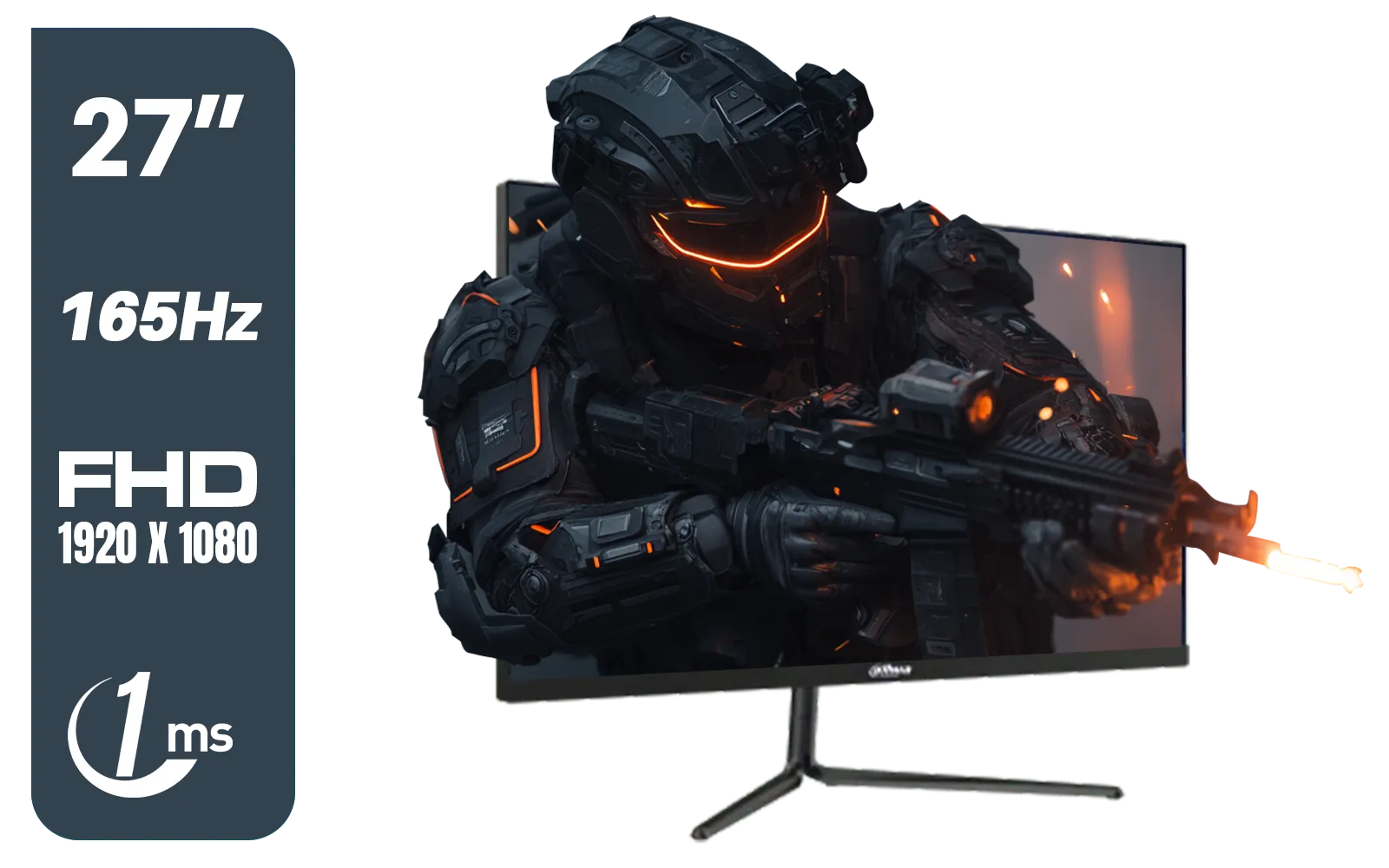
Dahua LM27-E231 27inch Gaming Monitor, 165Hz, 1ms, Adjustable stand, 100% sRGB, FPS/RTS Gaming Modes / DHI-LM27-E231
R3199.00In Stock
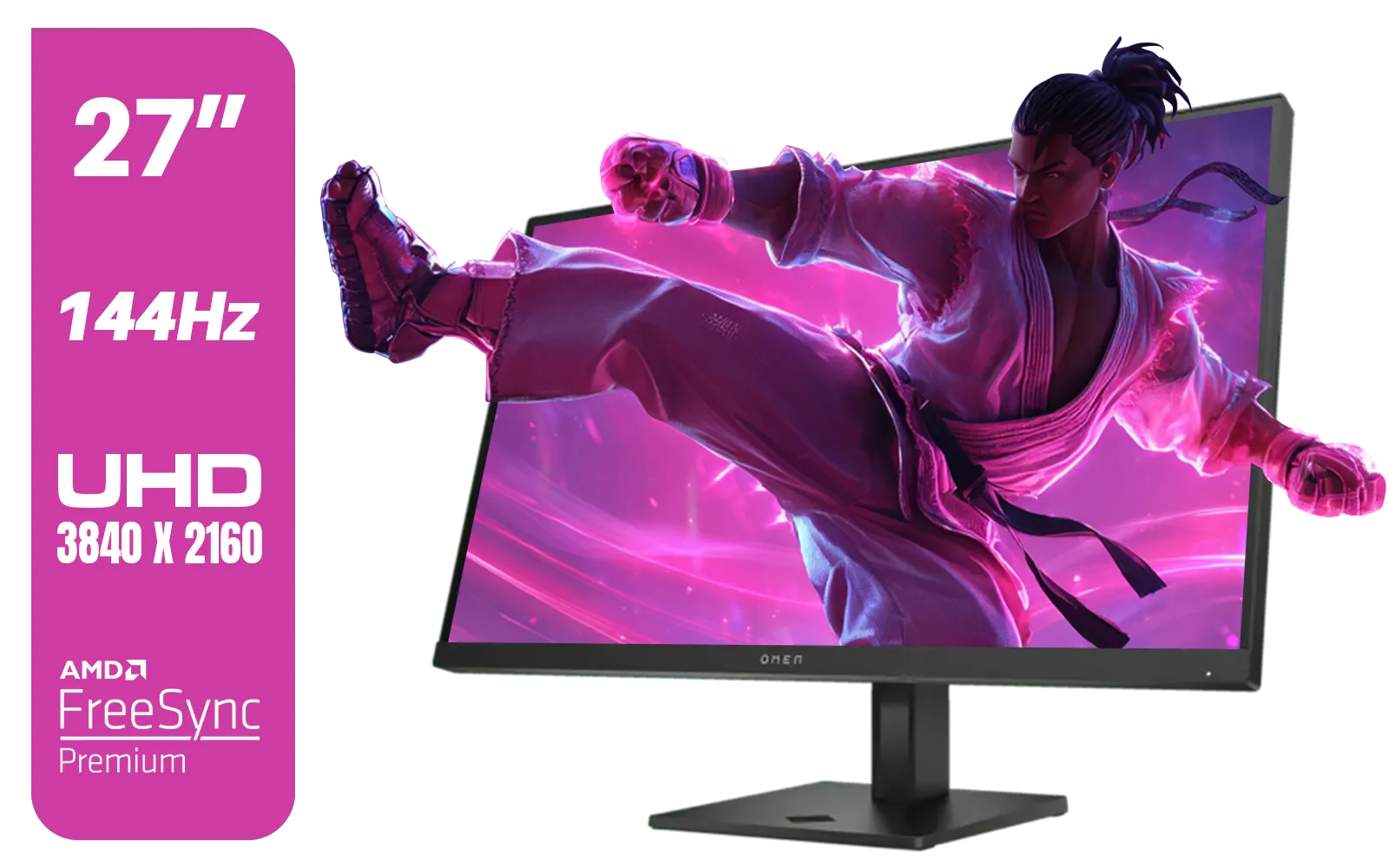
HP OMEN 27k UHD 144Hz Gaming Monitor - Black / 1ms / 27" 4K UHD (3840 x 2160) Anti-glare Display / AMD Freesync™ Premium / Integrated Speakers / Pivot Rotation and Height Adjustable / 780G8AS
R16499.00In Stock

HP Z27q G3 QHD Gaming Monitor - 27" QHD (2560 x 1440) - Ergonomic Adjustable and VESA Compatible - Versatile HDMI, DisplayPort, USB Ports - Flat IPS Edge-Lit Technology Display /1C4Z7AA
R11199.00In Stock
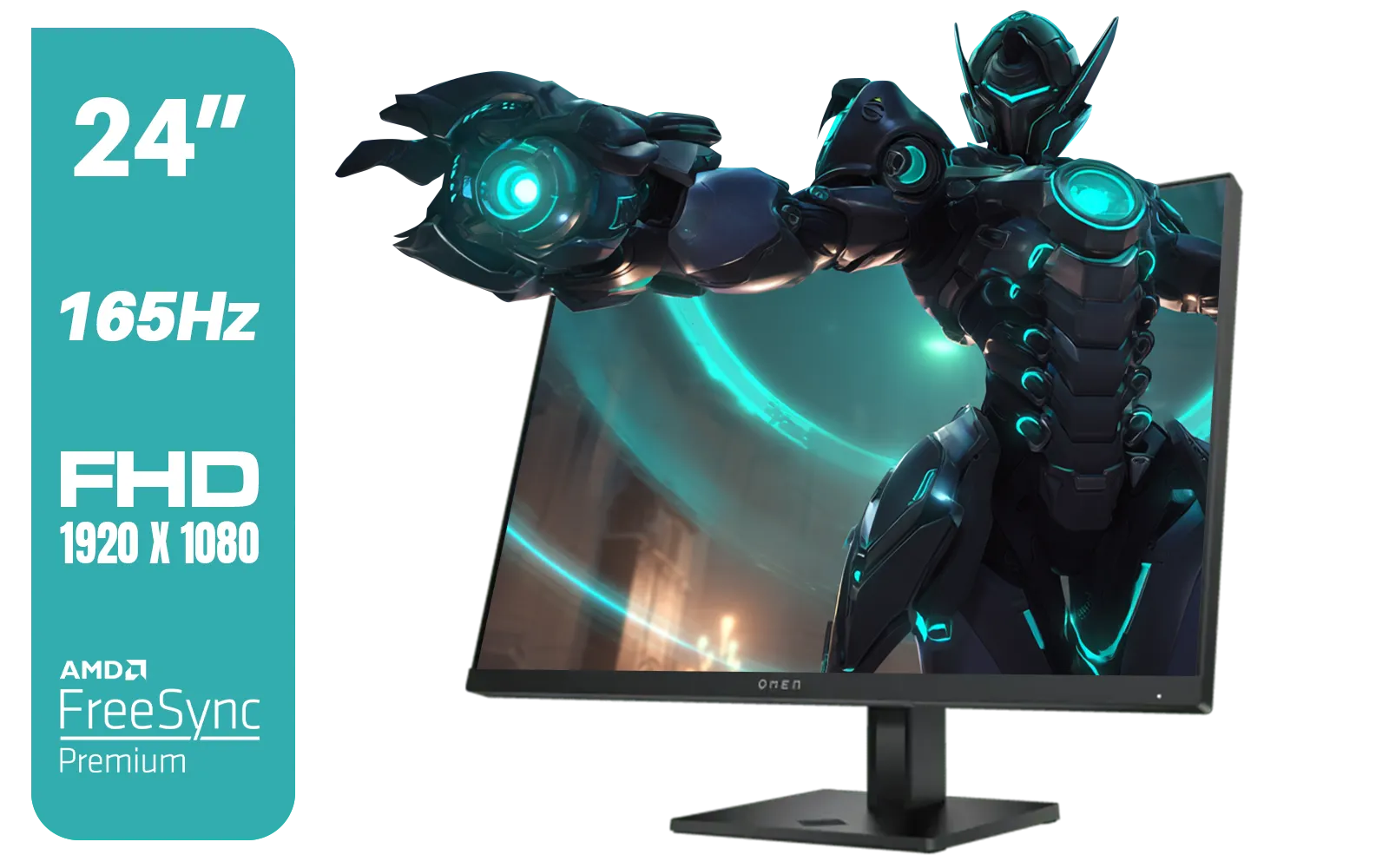
HP OMEN 24 FHD 165Hz Gaming Monitor - Black / 24" FHD (1920 x 1080) Anti-glare Display / AMD FreeSync Premium / Pivot Rotation and Height Adjustable / 780D9AS
R5199.00In Stock
Beyond Colour... Performance Matters Too
A beautiful picture means nothing if it's a stuttering, tearing mess. Thankfully, the LG 27GS75Q is built for smooth gameplay. With a zippy 180Hz refresh rate and a 1ms (GtG) response time, it keeps motion blur to a minimum, ensuring you can track fast-moving targets in Apex Legends or Call of Duty. 🚀
To eliminate screen tearing, it supports the most popular variable refresh rate technologies. Whether your rig is powered by an AMD or NVIDIA GPU, you're covered. It’s fully compatible with FreeSync (AMD) monitors and also works seamlessly with cards that require G-Sync (NVIDIA) compatibility. This wide support for Adaptive Sync displays ensures your gameplay is fluid and tear-free. Interestingly, some pro players still prefer monitors without adaptive sync to chase the absolute lowest possible input lag, but for the vast majority of gamers, the smoothness is a worthy trade-off.
Is the Jump to HDR10 Gaming Worth It?
Absolutely. If you play graphically rich, immersive single-player games or simply appreciate stunning visuals, upgrading to an HDR-capable monitor like the LG 27GS75Q is one of the most impactful changes you can make to your setup. The difference is immediately noticeable.
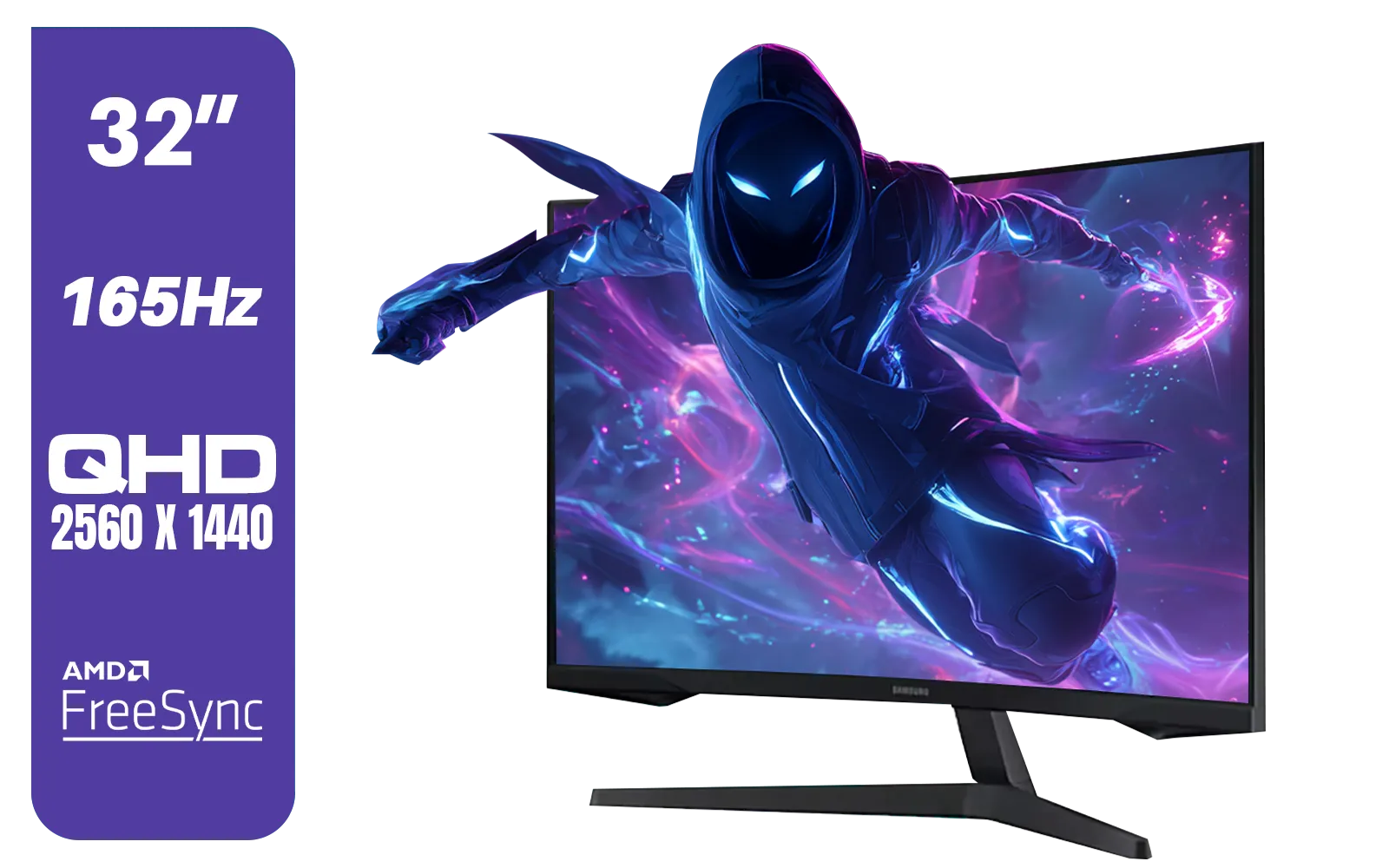
Samsung 32" Odyssey G55C QHD (2560 x 1440) Curved Gaming Monitor / 165Hz refresh rate & 1ms response time (MPRT) / 1000R Curved Screen / AMD FreeSync / LS32CG552EAXXA
R5999.00In Stock

AOC AGON AG275QXR 27" QHD 2K 170Hz Gaming Monitor - Pink - 2022 Edition ,IPS, Flicker-free technology, AMD FreeSync Premium, G-SYNC Compatible / AOC-AG275QXR
R6999.00In Stock
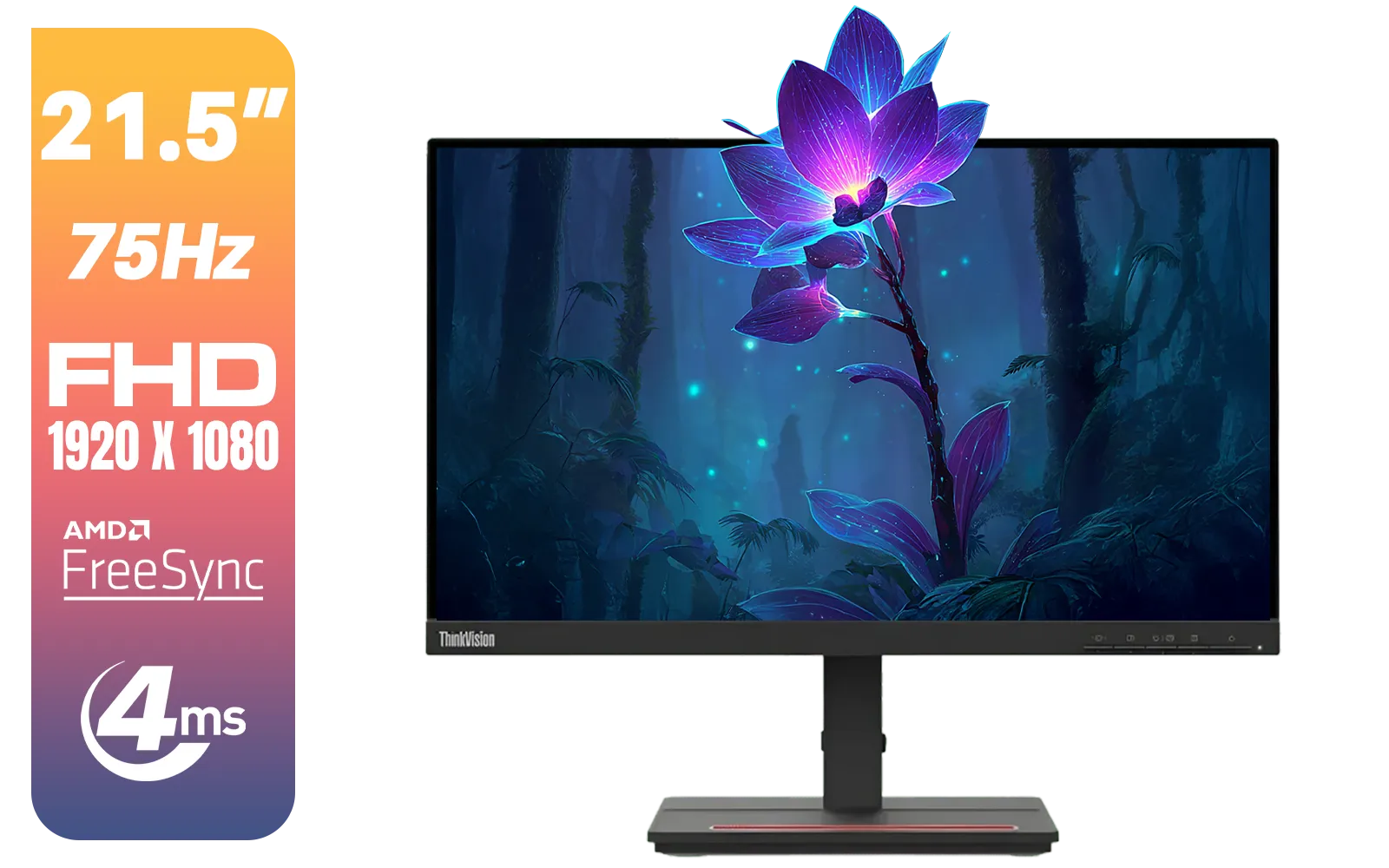
Lenovo ThinkVision Monitor S22E-20 21.5 Inch / 1920x1080 Resolution / Non Touch / 4 ms Response Time / 62C6KAT1SA
R2099.00In Stock
Alienware AW2723DF Gaming Monitor - 27-inch (2560 x 1440) 240Hz Display (DP 1.4), 1ms Response Time, NVIDIA G-Sync, Preset OSD Modes, Height/Tilt/Swivel/Pivot Adjustability - Lunar Light / AW2723DF
R8699.00In Stock
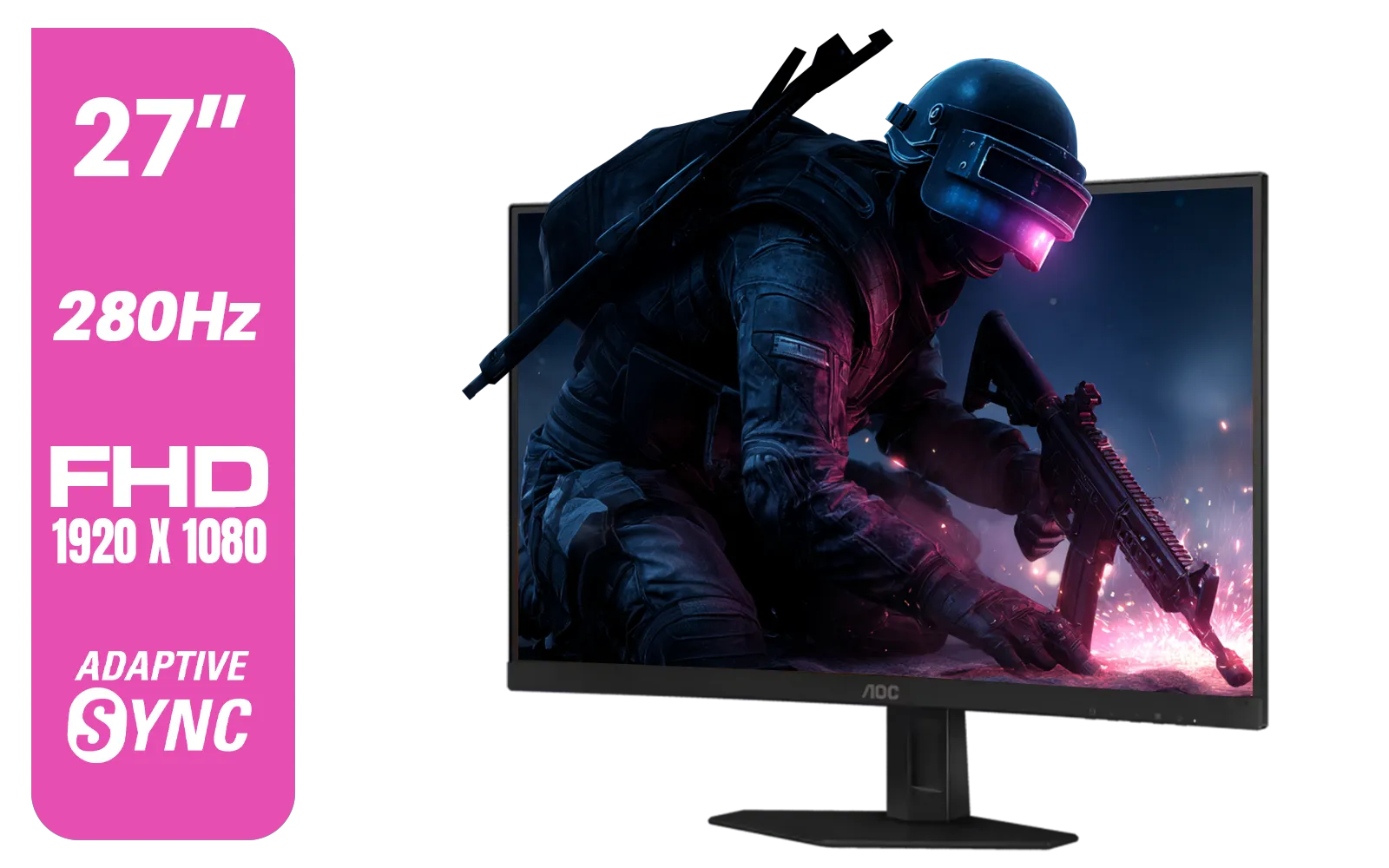
AOC C27G4ZE 27" 280Hz Curved Ultra-Fast Gaming Monitor, 1920 × 1080 (FHD), 0.3ms, Fast VA, 1500R, Adaptive Sync, Three-sided frameless design, Black / C27G4ZE
R4999.00In Stock

HP OMEN 32q QHD 165Hz Gaming Monitor - Black / 1ms / 32" QHD (2560 x 1440) / AMD Freesync™ Premium / 780K0AS
R9999.00In Stock
It’s more than just a feature on a spec sheet; it's a fundamental improvement to how you see and experience your games. The combination of vibrant HDR10 gaming and high-refresh-rate performance makes the LG 27GS75Q a seriously compelling option for any South African gamer looking to level up their visual experience without breaking the bank.
Ready to See the Difference for Yourself? Upgrading your monitor is one of the biggest improvements you can make to your gaming setup. From vibrant HDR visuals to lightning-fast refresh rates, the perfect screen awaits. Explore our massive range of PC monitors and find the perfect display to conquer your world.
Related Products

ViewSonic 27” Full HD Monitor / Fast 1ms Response Time / 100Hz Refresh rate / IPS Panel / VA270-H
R2349.00In Stock
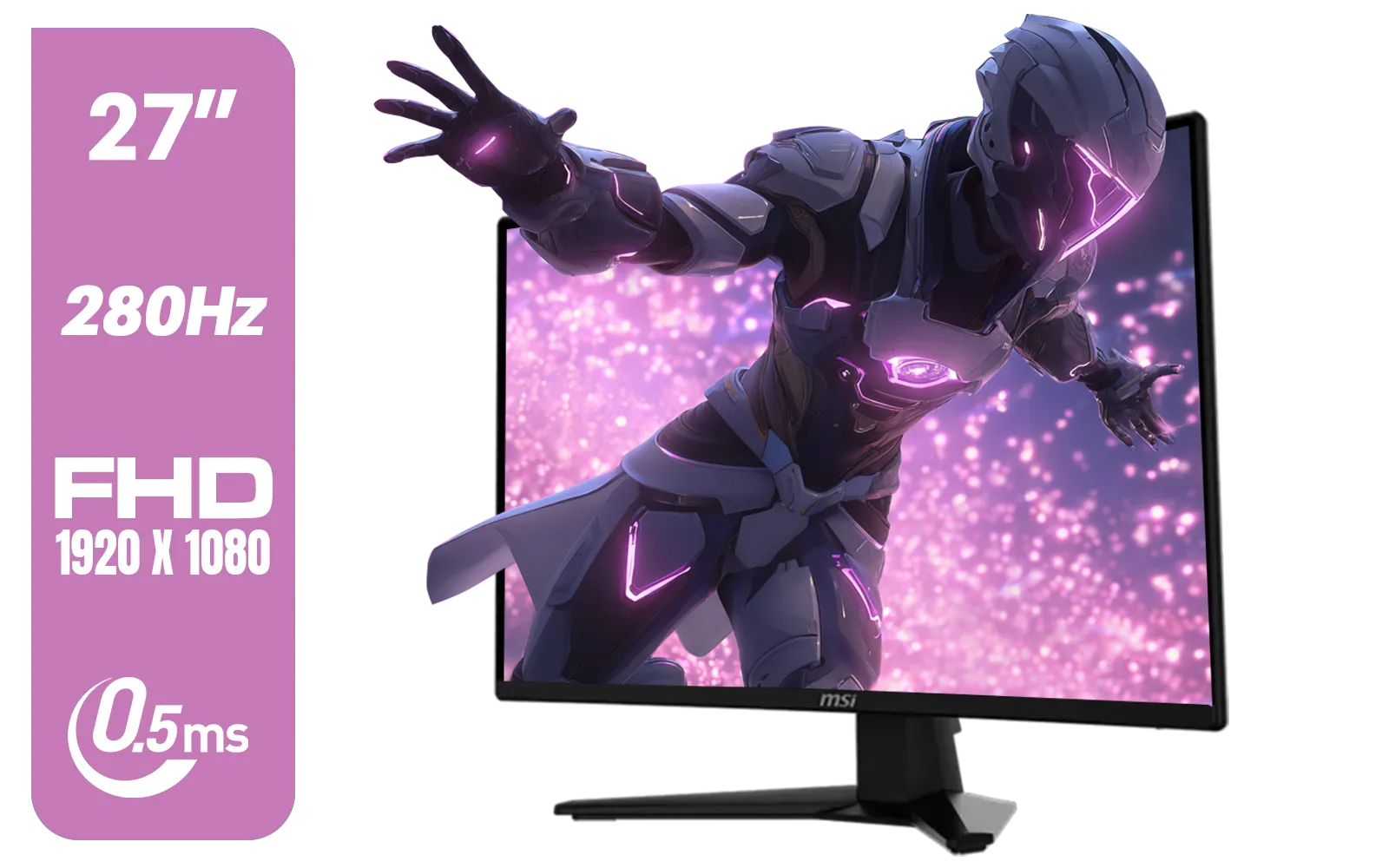
MSI MAG 274CXF Monitor / 27" FHD (1920x1080) Rapid VA Display / 280Hz Refresh Rate / Curved 1500R / 0.5ms Response Time / AMD FreeSync™ Premium / 9S6-3CE31T-028
R4999.00In Stock
Dahua LM32-E330CA 32" 180Hz LED Monitor / Adaptive-Sync Technology / 1ms Response Time / QHD 2560x1440 / 180Hz Refresh Rate / DHI-LM32-E330CA
R3999.00In Stock
Alienware AW3225DM - 32" Curved Gaming Monitor / 180Hz Refresh Rate / QHD (2560x1440) / 1ms (GTG Extreme Mode) Response Time / AMD FreeSync / AW3225DM
R6499.00In Stock

Samsung M70D 32″ Smart Monitor / UHD (3840 x 2160) Resolution / 60Hz refresh rate / 4ms response time / LS32DM702UAXXA
R7799.00In Stock
Dahua LM22-A200X 22" 100Hz LED Monitor / Ultra Narrow Bezel Design / 5ms Response Time / FHD 1920x1080 / 100Hz Refresh Rate / Anti Blue Light / DHI-LM22-A200X
R1399.00In Stock
HDR10 gaming expands dynamic range to show brighter highlights and deeper shadows, improving perceived color and contrast on supported monitors.
Yes. The LG 27GS75Q supports HDR10, but expect modest HDR impact unless peak brightness and tone mapping are strong.
Enable HDR in OS/console, pick the monitor HDR mode, raise peak brightness carefully and use game presets — hdr10 monitor settings for gaming matter.
HDR10 doesn't inherently cut FPS. Some processing can add tiny lag; use game mode or disable heavy post processing to keep latency low.
HDR10 is a content format; HDR400/HDR600 are brightness tiers. Better peak nits usually mean stronger HDR10 impact in games.
Yes. Enable HDR in Windows display settings, update GPU drivers and enable the monitor HDR input — follow pc hdr10 setup windows 10 steps.
Titles like Forza Horizon and Gears 5 highlight HDR10 on midrange monitors, but results vary by engine and in-game tone mapping.











