



Master the Hidden Connector PC Build for a Wire-Free Look
Want a flawless aesthetic? A hidden connector PC build eliminates visible clutter by moving ports to the back. 🛠️ Discover how ASUS BTF and MSI Project Zero components create the ultimate clean look for your gaming rig. ✨
|
Loading tags...
Tired of that rat’s nest of cables ruining your perfect PC build? We’ve all been there. You spend hours picking the best components, only for messy power and data cables to spoil the view through your tempered glass panel. What if you could make them... disappear? The hidden connector PC build isn’t magic; it’s the next evolution in clean, minimalist setups, and it’s more achievable for South African builders than you think. Let's get that wire-free look. ✨
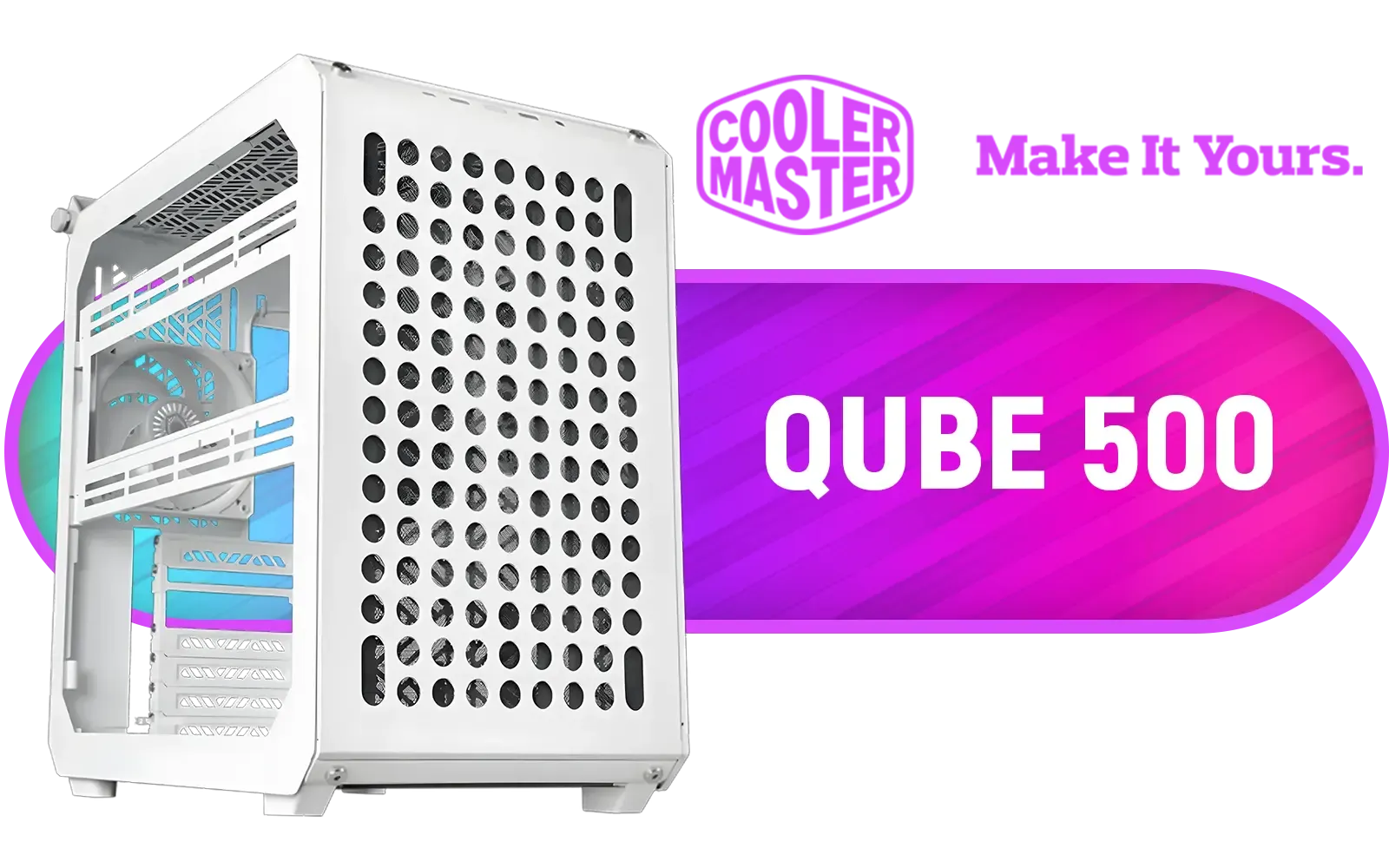
Cooler Master QUBE 500 Flatpack White Edition Gaming Case / Fully Modular / Flatpack Assembly / Swappable Side Panels / Supports Motherboards up to E-ATX / Highly Customizable / Accessory ecosystem / 1 x Pre-Installed Fans Included / Q500-WGNN-S00
R949.00In Stock

Gamdias TALOS E3 Tempered Glass ATX Gaming Case - Black / Supports Motherboards up to ATX / 3 Built-in 120mm ARGB Fans / Magnetic Dust Filter / Support Sync with 5V ARGB Motherboard / TALOS-E3
R1099.00In Stock

Fractal Design Era 2 Midnight Blue, 2 x 120 mm or 2 x 140, GPU max length 326mm, ITX Motherboard Compatible / 1 x Pre-Installed Fan Included / FD-C-ERA2N-03
R1799.00In Stock
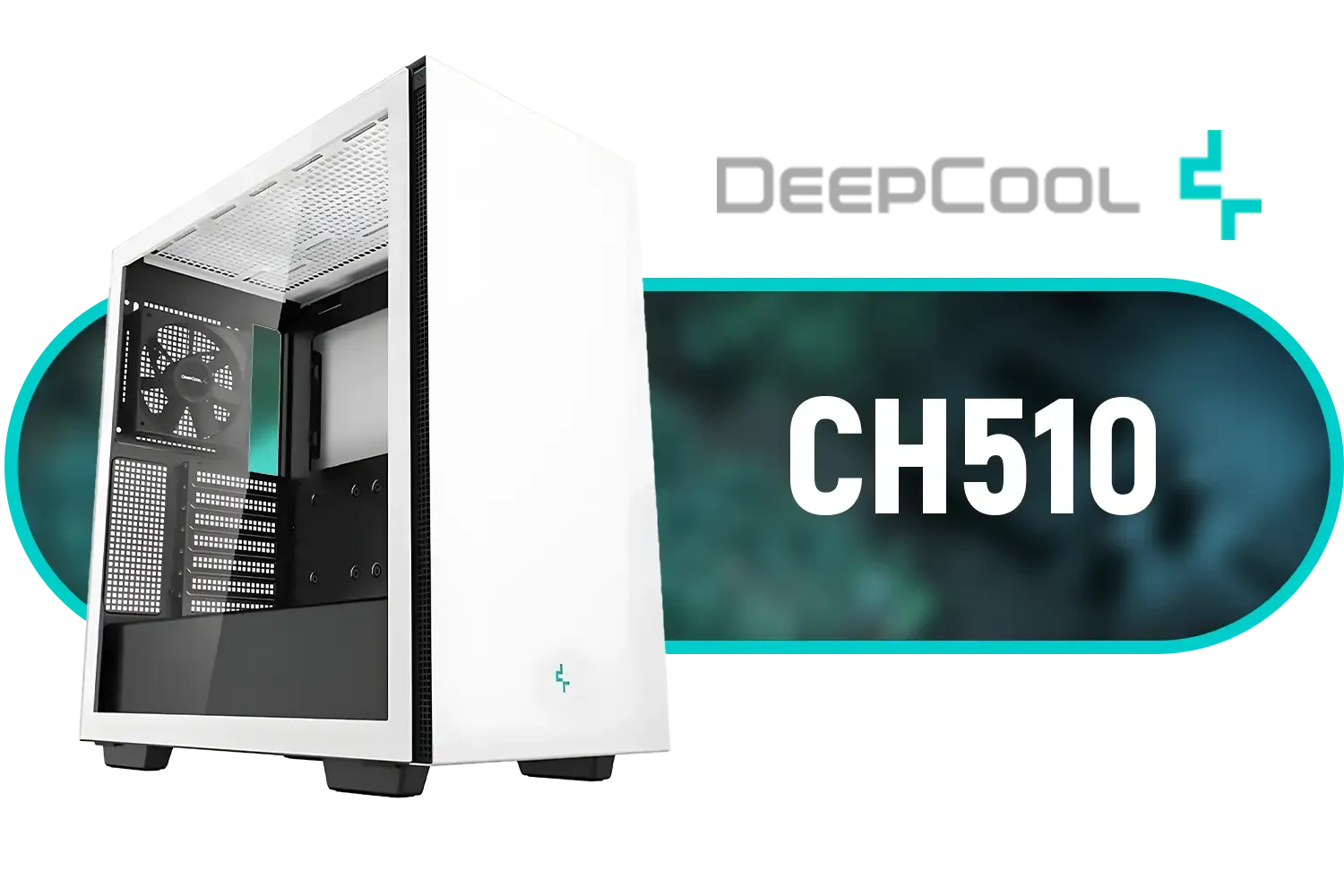
Deepcool CH510 Mid-Tower ATX Computer Case/ Gaming Cabinet - White | Support - Mini-ITX / Micro-ATX / ATX / E-ATX | Pre-Installed 1 x 120mm Rear Fan / CH510 WH
R1199.00In Stock

Corsair 4000D Airflow Tempered Glass Mid-Tower ATX Gaming Case - White / High-Airflow Front Panel / RapidRoute Cable Management / Supports Motherboards up to ATX / Two Included 120mm Fans(Non RGB) / Fits up to 6x 120mm or 4x 140mm Cooling Fans / Fits up to 2x SSDs and 2x HDDs / CC-9011201-WW
R1749.00In Stock

MSI MAG VAMPIRIC 300R Mid Tower Gaming Computer Case 'Black, 1x 120mm ARGB Fan, USB Type-C, Tempered Glass, MSI Center, E-ATX, ATX, mATX, mini-ITX / 306-7G19R21-809
R2699.00In Stock
What Exactly is a Hidden Connector PC Build?
At its core, a hidden connector PC build revolves around a simple but brilliant idea: move the motherboard's power, SATA, and fan connectors from the front to the back. Instead of plugging everything in on the visible side, you route all your cables behind the motherboard tray. This leaves the main chamber of your PC almost completely free of clutter, creating an incredibly clean, "wire-free" aesthetic that was once only possible with extreme modding.
Major brands are leading this charge with new standards like ASUS BTF (Back-to-the-Future) and MSI's Project Zero. These ecosystems include specialised motherboards, graphics cards, and cases designed to work together seamlessly. The result? A stunningly minimalist look that puts all the focus on your high-performance hardware.
The Key Components for Your Wire-Free Masterpiece
Pulling off this ultra-clean build requires a bit of planning, as you can't just use any old parts. Three components are absolutely critical for success.
The Motherboard & GPU
This is the heart of the operation. You'll need a motherboard specifically designed with reverse-mounted connectors. These boards are the foundation of any hidden connector PC build. Similarly, some high-end GPUs are now being released without visible power connectors, instead drawing power through a special slot on the motherboard. Compatibility is key, so always check that your chosen parts adhere to the same standard.

Antec Performance 1 FT, Full Tower, RTX40 Fully Compatible, Temp Display, 4 x Storm T3 PWM Fans, Type-C, Dual TG Side Panels, Removable Top Bracket, High Airflow Mesh Front Panel, E-ATX PC Gaming Case - 0-761345-10088-5
R2599.00In Stock
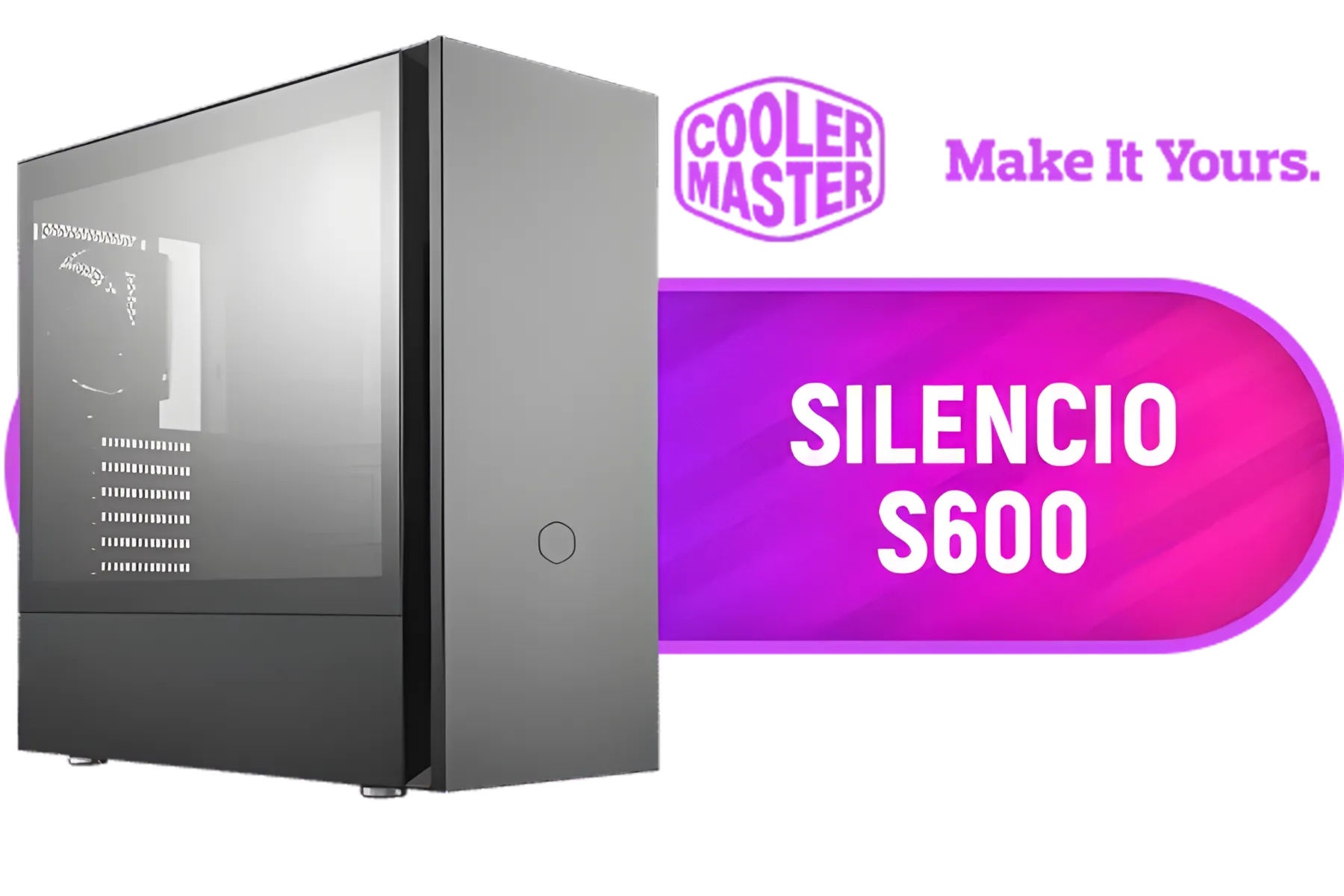
Cooler Master Silencio S600 ATX Gaming Case, Silencio Design, Two Silencio FP 120mm PWM fans, 2x USB 3.2 Gen 1,Sound Dampering Material / MCS-S600-KG5N-S00
R1999.00In Stock
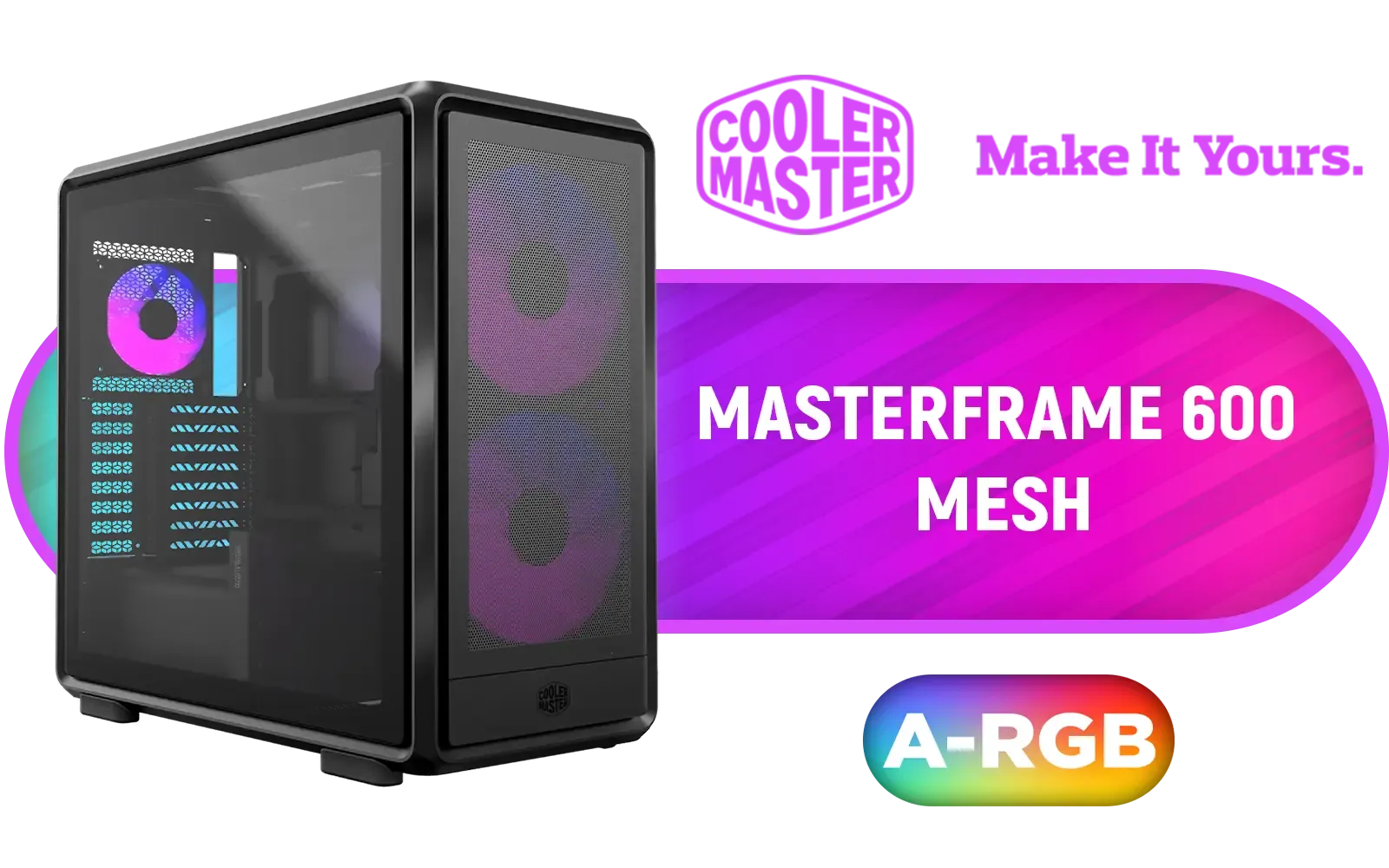
Cooler Master MasterFrame 600 Mesh ARGB Mid-Tower PC Case - Black / Tempered Glass Side Panel / Supports E-ATX Motherboards / FreeForm 2.0 Exo-Structure PC Case / Modular Open-Frame Design / 485mm GPU Clearance / Includes GPU Support Bracket / 2x SickleFlow 200 ARGB Pre-installed Fans / 1x SickleFlow 120 ARGB Pre-installed Fan / MF600M-KGNN-S01
R3299.00In Stock

Evetech TRIO Elite RGB Tempered Glass ATX Gaming Case / 6x Dual Ring RGB High-Speed PWM Fans Included / Support USB 3.0 & 2.0 / Syncs with MSI Mystic lighting & ASUS aura sync / 5mm Full Sized Tempered Glass / Optimized airflow / Supports 370mm (MAX) long Graphic Card installation
R2299.00In Stock

Fractal Design Pop Mini Air RGB White Core Tempered Glass Clear Tint - Up to 240mm front, top Radiator Support - Two HDDs, six SSDs Storage Compartments - Supports mATX, Mini ITX / 3 x Pre-Installed RGB Fans Included / FD-C-POR1M-01
R2199.00In Stock
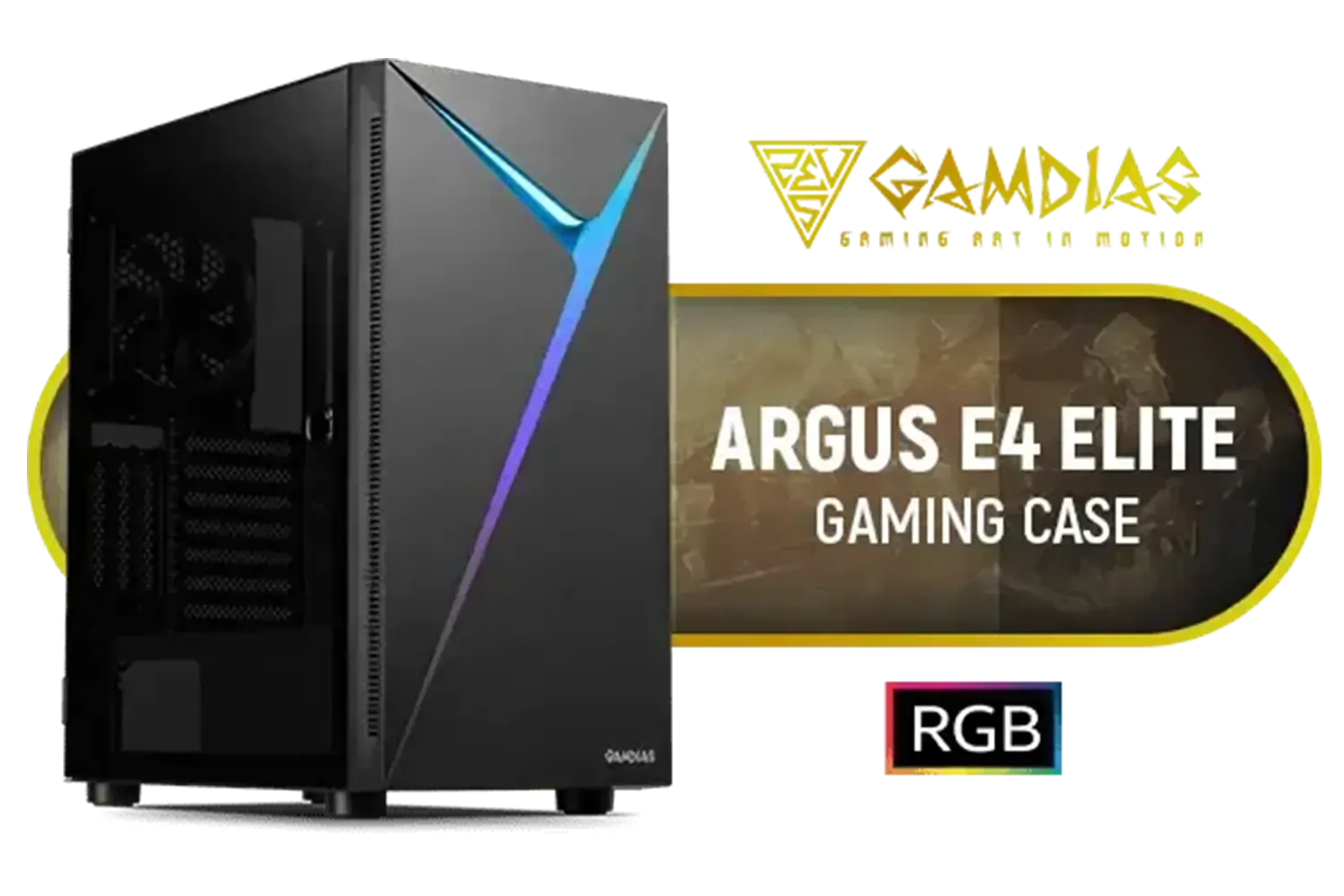
Gamdias Argus E4 Elite Tempered Glass ATX Gaming Case - Black / Supports Motherboards up to ATX / Sync with 5V ARGB Motherboard / RGB Streaming Lighting / 1 Built-in 120mm Rear Fan / Magnetic Dust Filter / ARGUS E4 Elite
R899.00In Stock
The All-Important Case
Your standard PC case won't work here. To access the connectors on the back of the motherboard, you need a chassis with strategic cutouts behind the motherboard tray. Without these, you simply won't be able to plug anything in. This is the most crucial part of achieving that wire-free look.
Luckily, the market is expanding, and finding the right computer case is getting easier. Industry pioneers like Cooler Master have already released compatible chassis. You'll also find great options from innovative brands like Gamemax and even exciting newcomers like TRYX Gaming Cases entering the space, giving builders more choice in style and price. Even if you aren't doing a full hidden-connector build, a well-designed case like a sleek option like the Cooler Master E301 Mini Tower can make cable management a breeze.
TIP FOR YOU
Planning Pro Tip 🔧
Before you buy, download the manuals for your chosen case and motherboard. Double-check that the case cutouts align perfectly with the motherboard's rear connector locations. A few minutes of research can save you hours of frustration and potential returns. This simple step is vital for a successful hidden connector PC build.
Assembling Your Hidden Connector PC
The building process is surprisingly similar to a traditional build, but with a twist. You'll spend most of your time working on the back of the case, plugging in the 24-pin power, CPU power, fan headers, and storage. While it seems backward, this approach simplifies cable routing in the main chamber immensely.
The biggest benefit? Improved airflow. 🚀 With no cables obstructing the path from your intake fans to your core components, your system can breathe easier. This can lead to lower temperatures for your CPU and GPU, potentially allowing for better performance and quieter operation. Building a wire-free PC isn't just about looks; it's about smarter design.
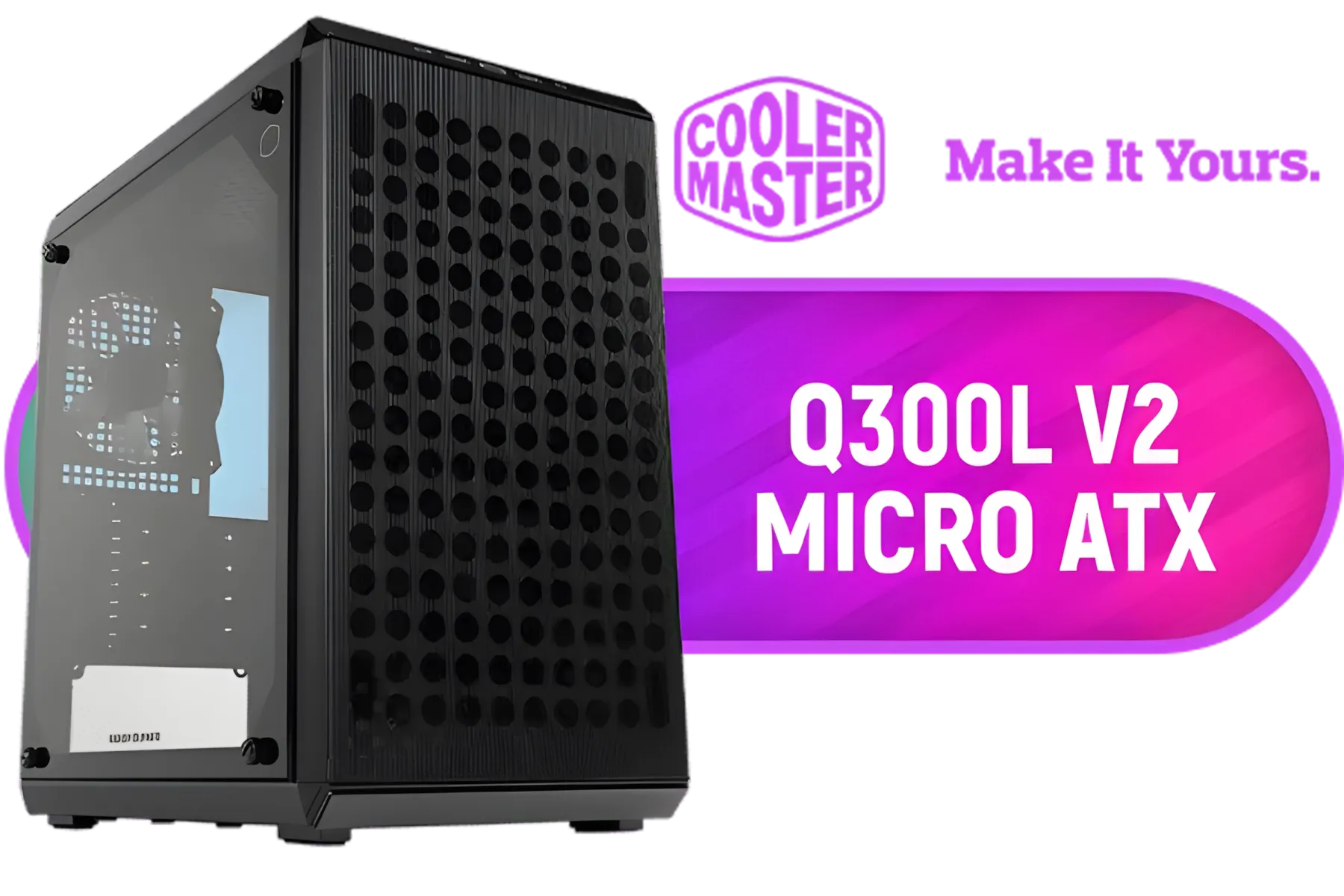
Cooler Master Q300L V2 ARGB Micro-ATX Tower, Magnetic Patterned Dust Filter, USB 3.2 Gen 2x2 (20GB), Tempered Glass Panel, CPU Coolers Max 159mm, GPU Max 360mm, Fully Ventilated Airflow, 1 x Pre-Installed Fan Included / Q300LV2-KGNN-S01
R1199.00In Stock
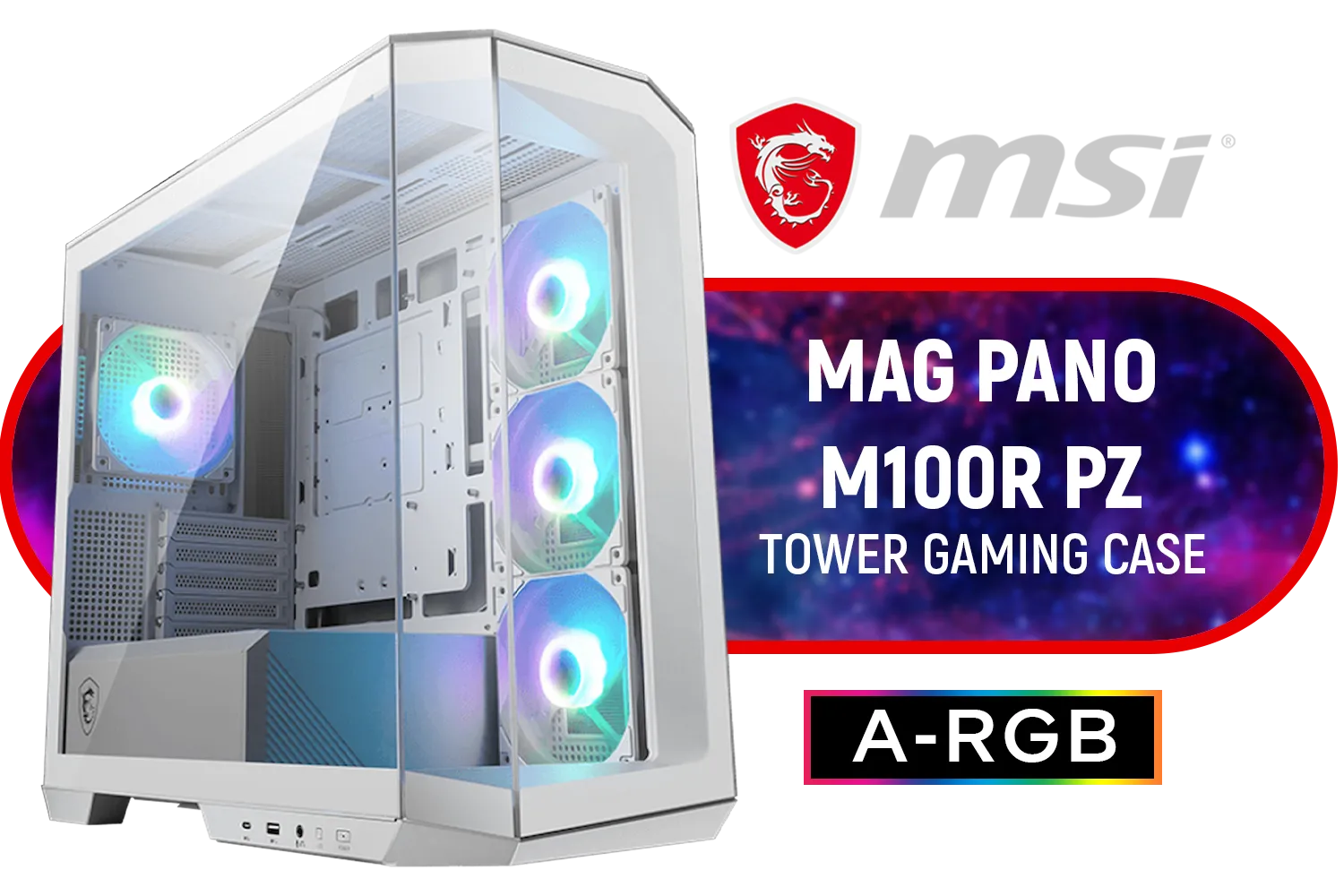
MSI MAG PANO M100R PZ Gaming Case - White / Micro-ATX Tower Case Form Factor / M-ATX (Back-connect supported), ITX / Pre-installed 3x 120mm (Reverse-blade), 1x 120mm ARGB Fans / Tempered Glass / 306-7G24W28-HH9
R1999.00In Stock

Xigmatek Pano Mid Tower Gaming Case - Black / Supports Motherboards up to E-ATX / 7 x Pre-Installed ARGB Fans Included / EN44250
R2199.00In Stock

DEEPCOOL CG530 - White / ITX, Micro-ATX, ATX - Mid Tower / Tempered Glass / 4x 120mm ARGB Fans Pre-installed / CPU Cooler Support up to 160mm, GPU Support up to 410mm / 7x PCI Slot / 360mm Radiator Supported / Front I/O: 2x USB, 1x Type C, HD Audio / CG530-4F-WH
R1299.00In Stock

Xigmatek Cubi M Arctic Mid Tower Gaming Case - White / Supports Motherboards up to M-ATX, Mini-ITX / 6 Pre-Installed ARGB Fans Included / EN42805
R1499.00In Stock
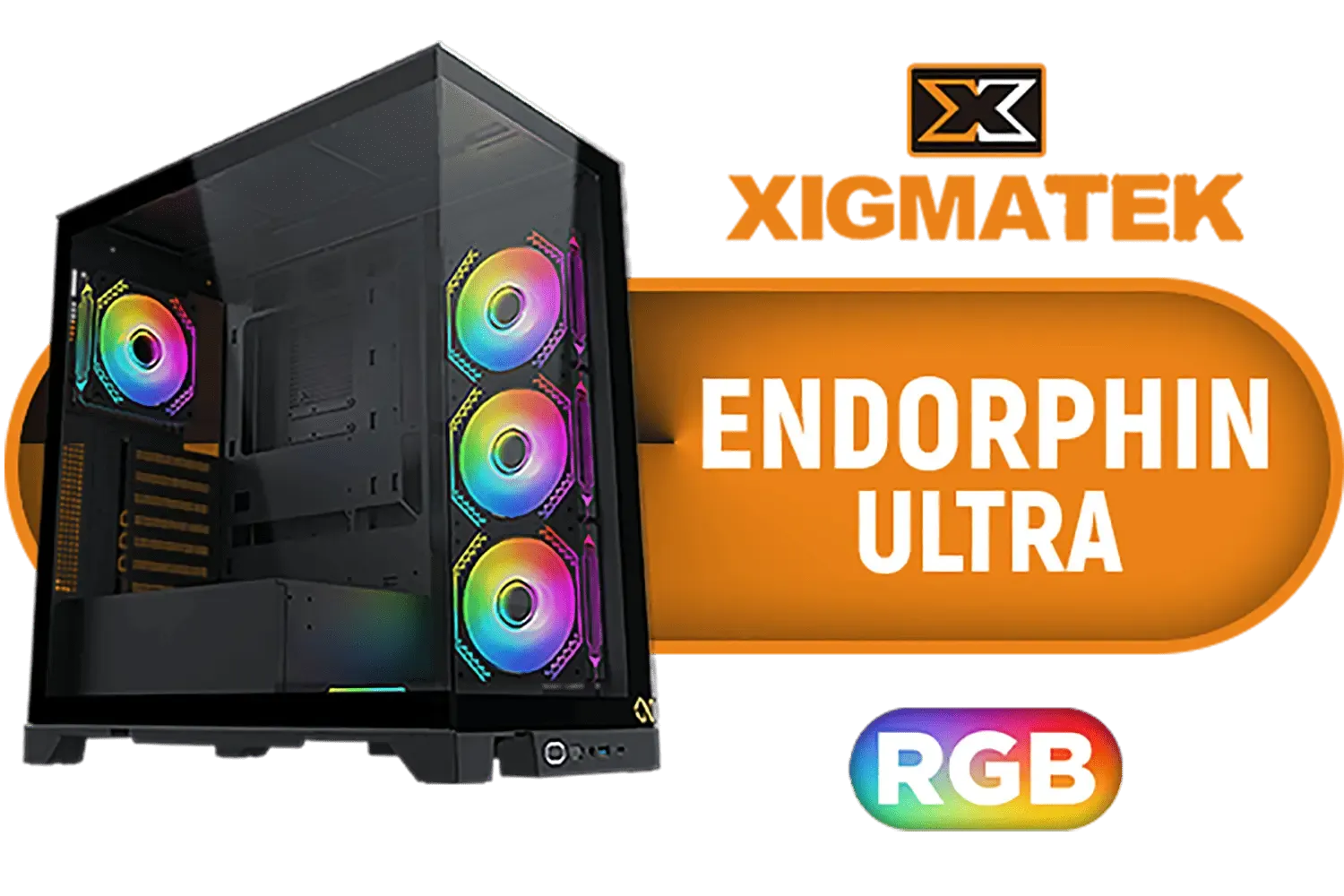
Xigmatek Endorphin Ultra RGB ATX Mid Tower Gaming Case - Black / 5 x Pre Installed ARGB Fans / EN41327
R2499.00In Stock
Is This Trend Worth It for South African Gamers?
So, is it time to jump on the hidden connector bandwagon?
The Pros:
- Unmatched Aesthetics: Nothing beats the ultra-clean, professional look.
- Improved Airflow: Fewer obstructions can lead to better thermal performance.
- Easier Maintenance: Dusting and cleaning the main chamber is simpler than ever.
The Cons:
- Limited Component Choice: The technology is still new, so your options for motherboards and cases are more limited.
- Potential Price Premium: Early-adopter tech can sometimes come with a slightly higher price tag.
For the enthusiast who craves the absolute pinnacle of PC aesthetics and wants a rig that truly stands out at a LAN, a hidden connector PC build is the ultimate statement. It represents the future of custom PC design, where clean lines and peak performance go hand-in-hand.
Ready to Build Your Ultimate Clean PC? The hidden connector PC build is the future of custom rigs, offering an unbelievably clean look. Stop hiding your cables and start planning your masterpiece. Explore our massive range of PC components and find everything you need to build a rig that truly stands out.
Related Products

Fractal Design Meshify 2 Compact Lite RGB Black ATX Flexible Light Tinted Tempered Glass Window Mid Tower Computer Case - Radiator Support Up to 360mm - Angular Mesh Design - Up to 4 Drive Mounting Options - 4 x Pre-Installed ARGB Fans Included - FD-C-MES2C-06
R2899.00In Stock

Antec C8 Aluminum White, Fans not Included, Aluminum Front Panel, Dual-Chamber Layout, Type-C, 360mm Radiator Support, Seamless TG Front & Side Panels, RTX 40 Compatible, Full-Tower E-ATX PC Case / No Fans Included / 0-761345-10093-9
R2599.00In Stock
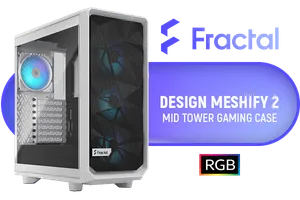
Fractal Design Meshify 2 Compact Lite White ATX Flexible Tempered Glass Clear tint Window Mid Tower Computer Case / 4 x Pre-Installed ARGB Fans Included / FD-C-MES2C-08
R2599.00In Stock
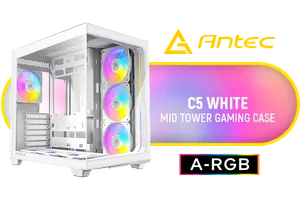
Antec C5 ARGB White, 7 x 120mm ARGB PWM Fans Included, Up to 10 Fans Simultaneously, Type-C 3.2 Gen 2 Port, Seamless Tempered Glass Front & Side Panels, 360mm Radiator Support, Mid-Tower ATX PC Case / 0-761345-10034-2
R2199.00In Stock

Corsair 6500X Mid-Tower Dual Chamber Gaming E-ATX PC Case - Black / Compatible with reverse connector motherboards / Supports Motherboards up to E-ATX / Tempered Glass / Wide cooling flexibility / No Fans Included / CC-9011257-WW
R2499.00In Stock

Antec Performance Series P20C White, Massive Metal Mesh Front Panel, 3 x 120mm PWM White Fans, Type-C 3.2 Gen2 Ready, 2 x 360 mm Radiator Simultaneously, GPU Bracket, Mid-Tower E-ATX PC Case - 0-761345-80108-9
R1799.00In Stock
It utilizes a back-connect motherboard where power and data ports face the rear, hiding cables behind the motherboard tray for a clean aesthetic.
Yes, you need a compatible chassis with specific cutouts aligned for ASUS BTF or MSI Project Zero motherboard layouts to access the rear ports.
Absolutely. Most cabling happens in the rear chamber, leaving the main glass viewing area completely wire-free and improving airflow.
Currently, ASUS (BTF series) and MSI (Project Zero) are the industry leaders providing compatible ecosystems for these wire-free builds.
Yes, but for a fully wire-free look, specific models like the ASUS Advanced BTF use a motherboard slot for power, removing the need for GPU cables.
They can be slightly pricier due to the specialized nature of the back-connect motherboard and compatible case, but the visual result is premium.











