



High-End 1080p Gaming: Is It Still Relevant for Modern GPUs?
Is high-end 1080p gaming dead or thriving? 🎮 We explore if pairing a beastly GPU with a Full HD monitor makes sense for competitive high-refresh rates. Discover the pros and cons of sticking to 1920x1080 in the age of 4K. 🚀
|
Loading tags...

You’ve just dropped some serious ZAR on a beastly new graphics card. The hype is real. But as you browse for a new screen, a question pops up: with 4K and 1440p everywhere, is sticking with high-end 1080p gaming a waste of that GPU power? Not so fast. For many South African gamers, especially in the competitive scene, 1080p isn't just relevant... it's the strategic choice for ultimate performance.
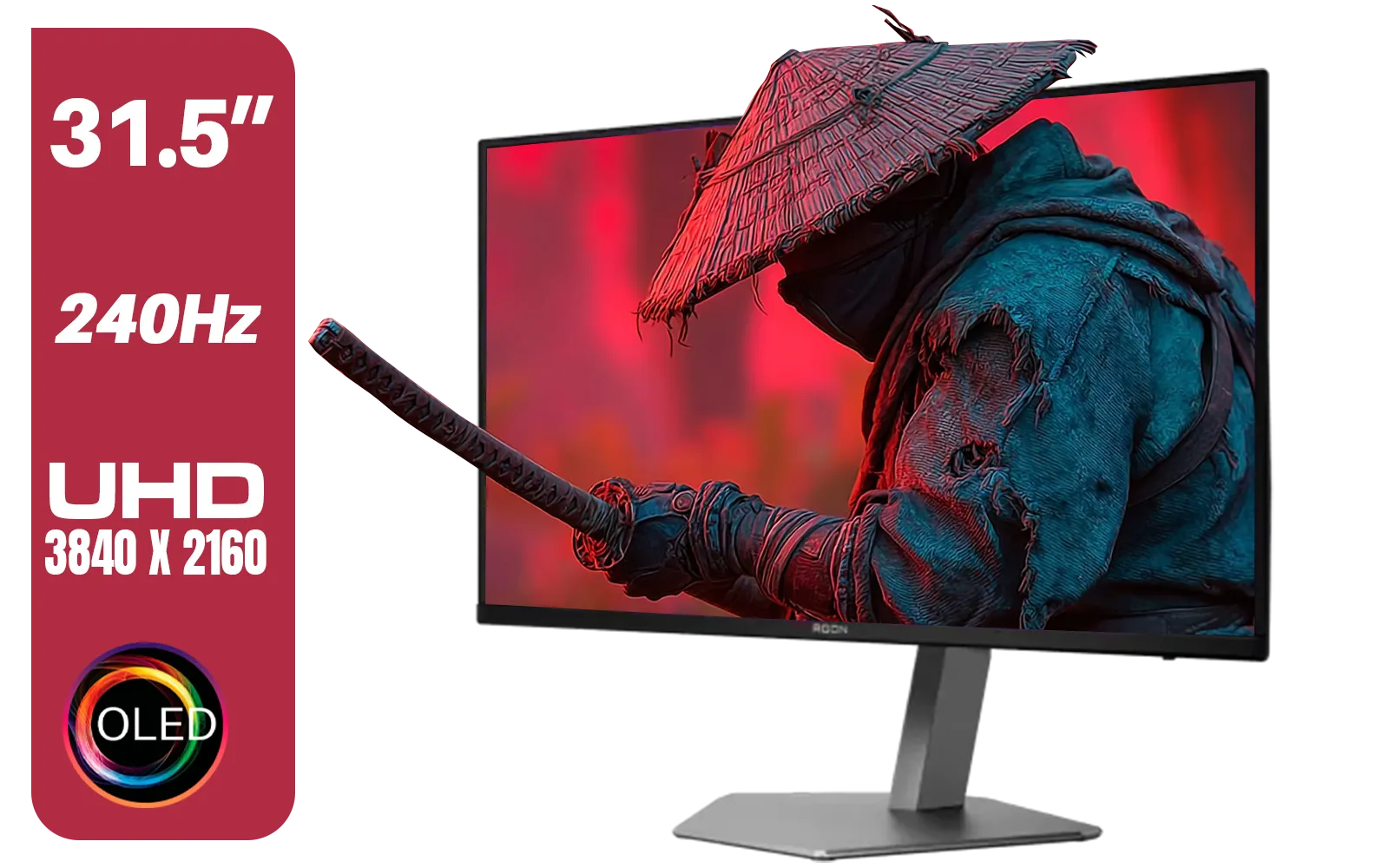
AOC Agon AG326UZD 31.5" Curved Gaming Monitor / UHD (3840x2160) OLED Display / 240Hz Refresh Rate / 0.03ms Response Time (GtG) / DisplayHDR True Black 400 / DisplayPort 2.1 / AG326UZD
R22999.00In Stock
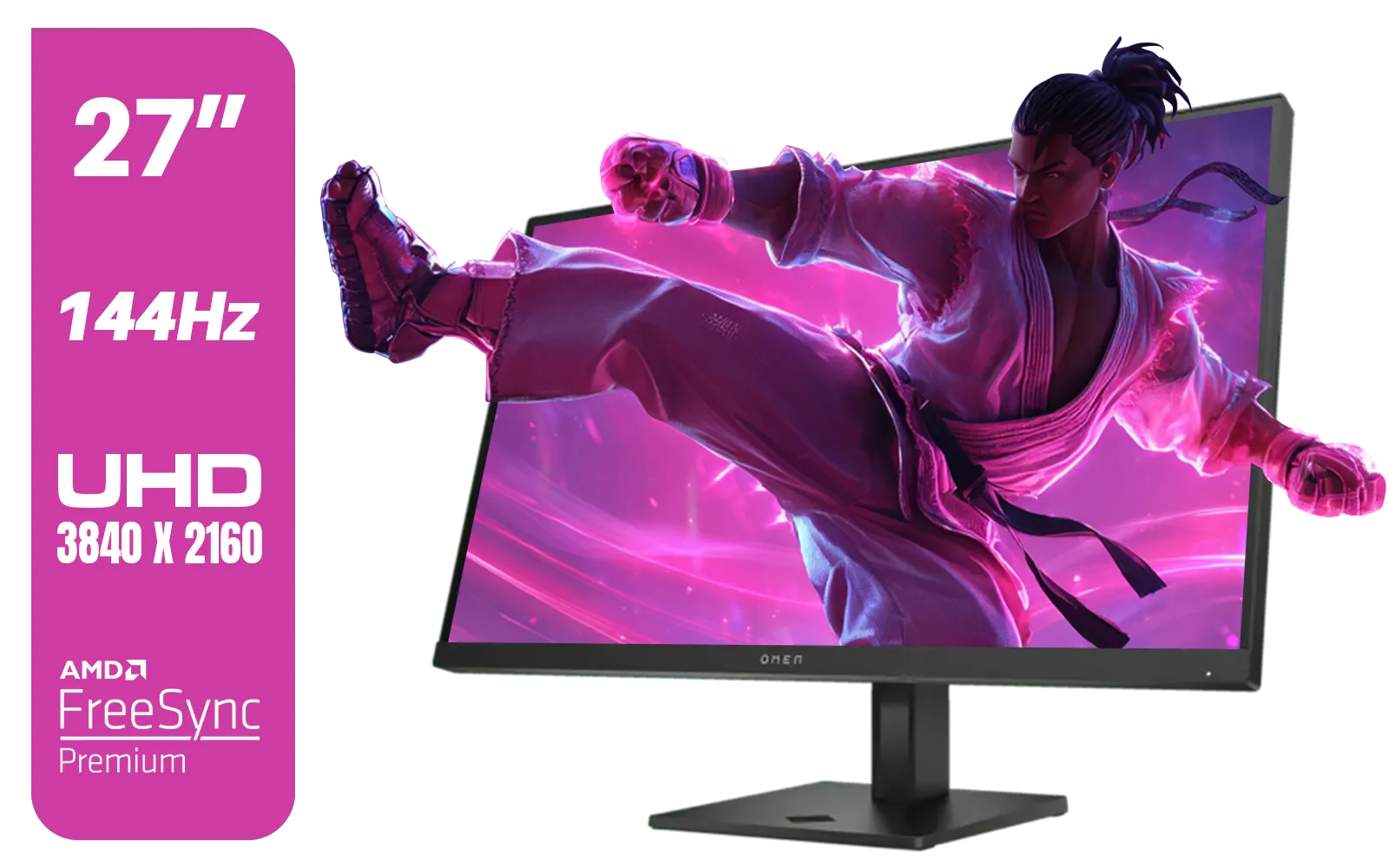
HP OMEN 27k UHD 144Hz Gaming Monitor - Black / 1ms / 27" 4K UHD (3840 x 2160) Anti-glare Display / AMD Freesync™ Premium / Integrated Speakers / Pivot Rotation and Height Adjustable / 780G8AS
R16499.00In Stock

Samsung Odyssey G55T 34" Ultra WQHD (3440 x 1440) 165Hz Curved Gaming Monitor / AMD FreeSync Premium / 165Hz Refresh Rate / 1ms Response Time / 1000R Curved Display / Futuristic Design / LC34G55TWWRXEN
R9999.00In Stock
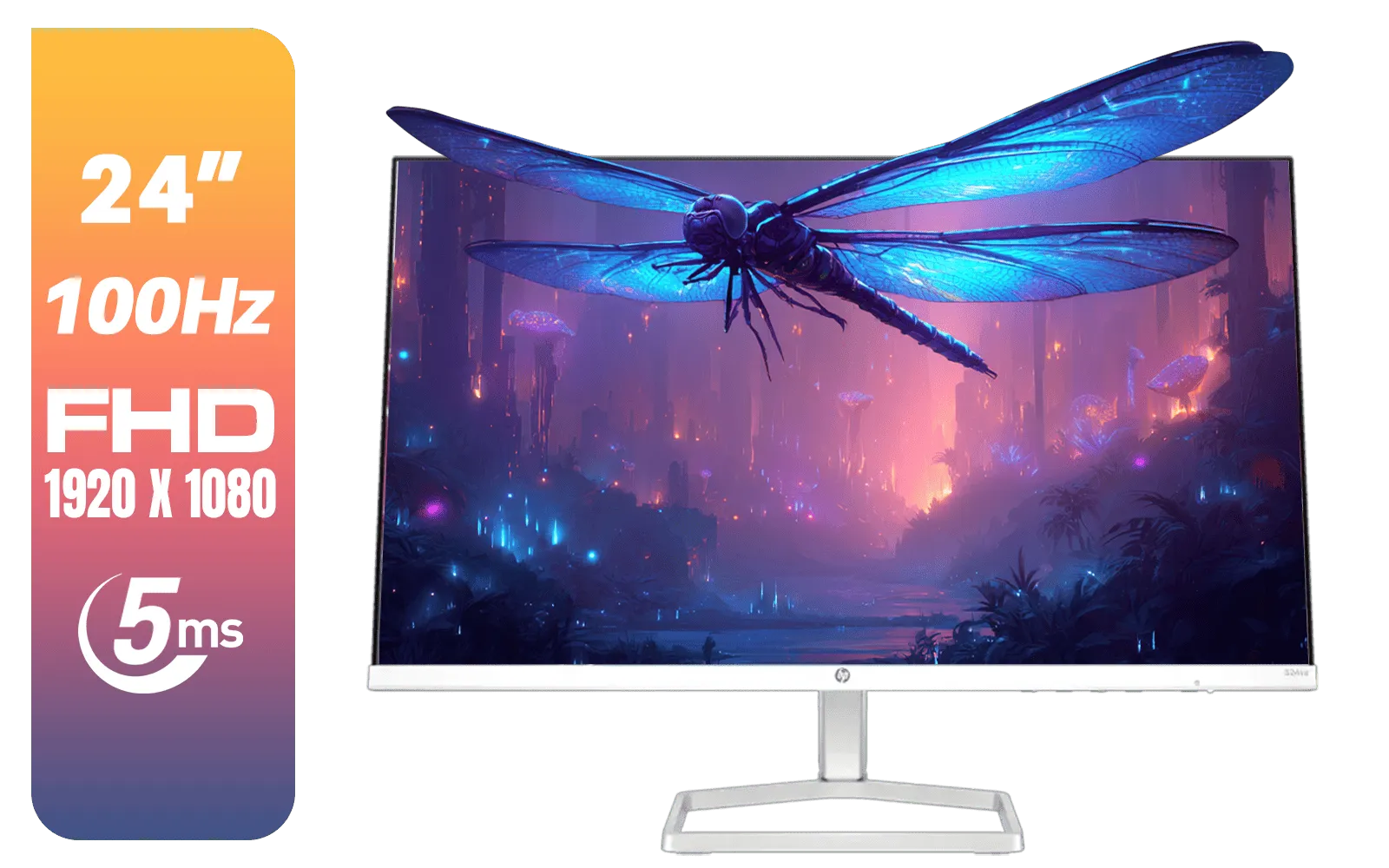
HP 524SA G5 FHD Gaming Monitor - White/Silver / 24" FHD (1920 x 1080) / IPS Panel / 1x HDMI 1.4, 1x VGA / Eye Ease with Eyesafe Certification / 94C36AS
R4199.00In Stock

HP 524SF G5 FHD Gaming Monitor - Black/Silver / 24" FHD (1920 x 1080) / Anti-glare / 1x HDMI 1.4, 1x VGA / -5 to +25 degrees Adjustable Tilt / 94C17AS
R3699.00In Stock
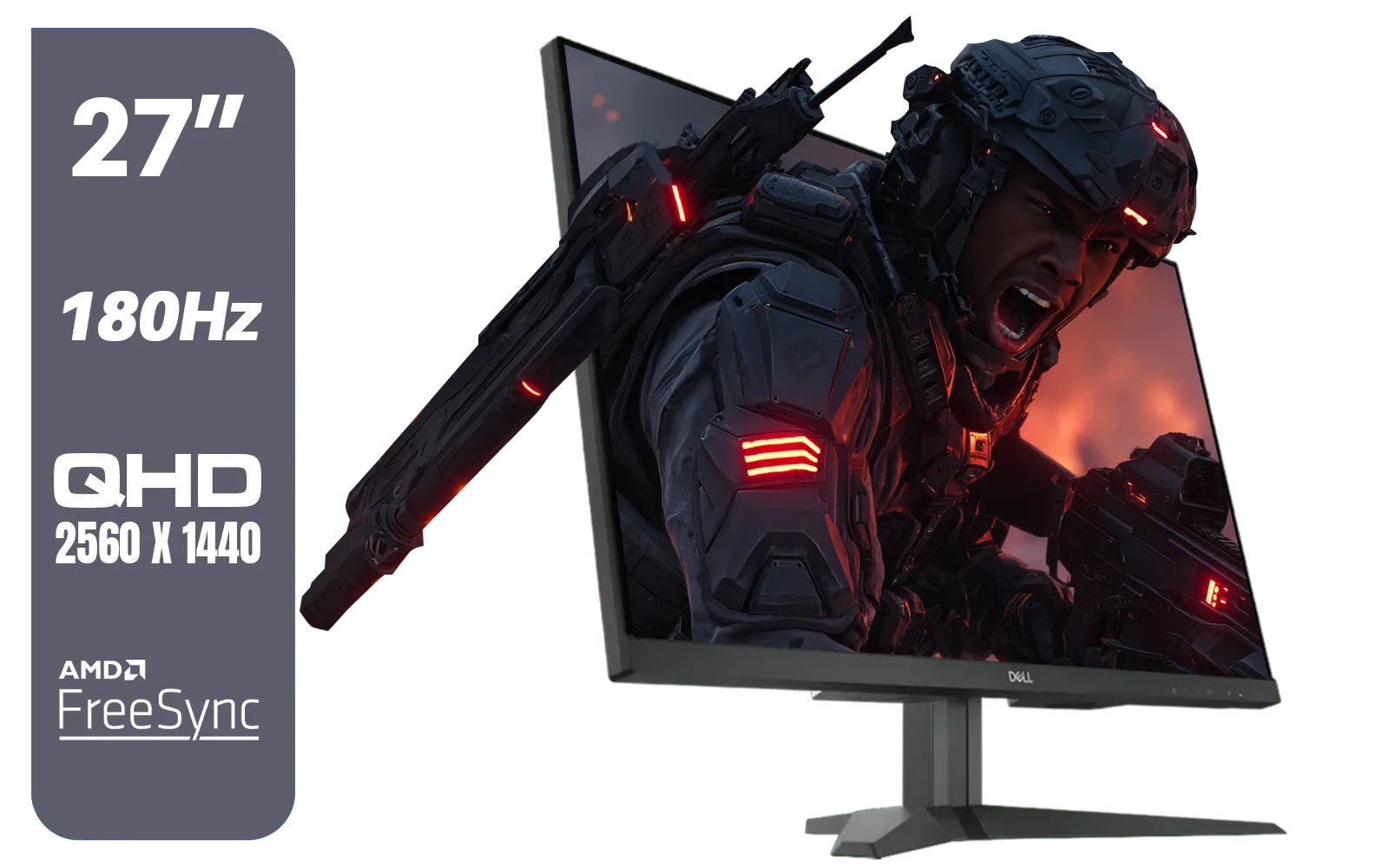
Dell G2725D 27" Gaming Monitor / QHD 2560 x 1440 / 180Hz Refresh Rate / AMD Freesync / 1ms Response Time / G2725D
R4299.00In Stock
The Unbeatable Edge of High-Refresh Rate 1080p
In the world of esports titles like Valorant, CS2, and Apex Legends, victory is measured in milliseconds. This is where high-end 1080p gaming shines brightest. Modern GPUs, from a solid RTX 4060 to a top-tier RTX 4080, can push astronomical frame rates at this resolution. We're talking 240, 360, or even 500 frames per second.
Why does this matter? More frames mean smoother motion, less input lag, and a clearer picture of your opponent as they peek around a corner. Pairing a powerful GPU with one of our high-refresh-rate gaming monitors gives you a tangible competitive advantage that a higher-resolution, lower-refresh-rate screen simply can't match. It's the reason pro players almost universally prioritise frame rate over pixel count. 🚀

Dell SE2425HM Monitor 210-BQZT / FHD (1920 x 1080) Resolution / 5ms Response Time / IPS level Display / 178° Horizontal and Vertical Viewing Angles / SE2425HM
R1899.00In Stock
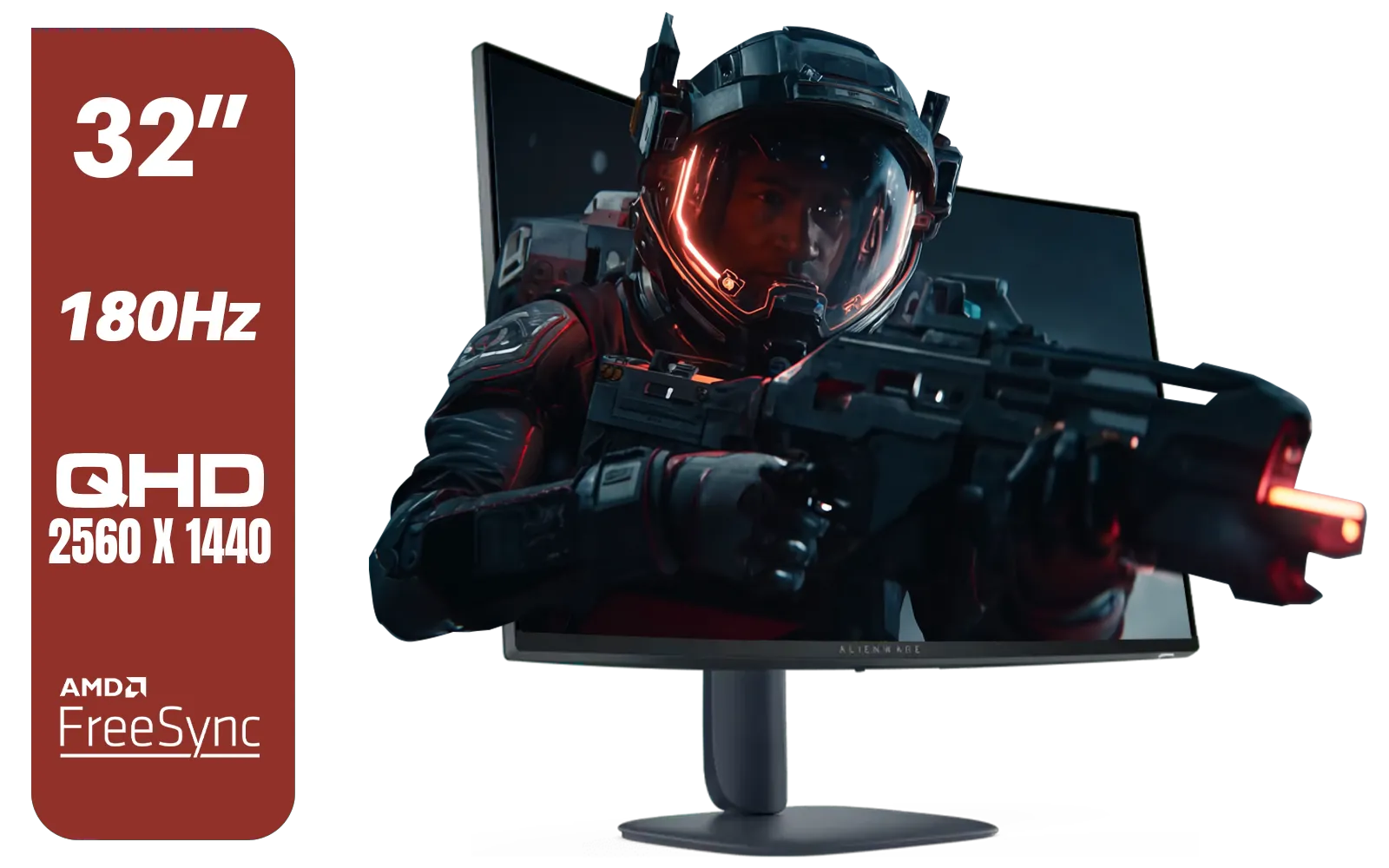
Alienware AW3225DM - 32" Curved Gaming Monitor / 180Hz Refresh Rate / QHD (2560x1440) / 1ms (GTG Extreme Mode) Response Time / AMD FreeSync / AW3225DM
R6499.00In Stock

ViewSonic TD1655 15.6" Full HD (1920 x 1080) Portable Touchscreen Monitor / Ultra-portable Design / Advanced in-cell Capacitive Touchscreen / 2-Way Power With USB Type-C / Frameless Design / Portrait and Landscape Modes / dual integrated speakers / TD1655
R5199.00In Stock
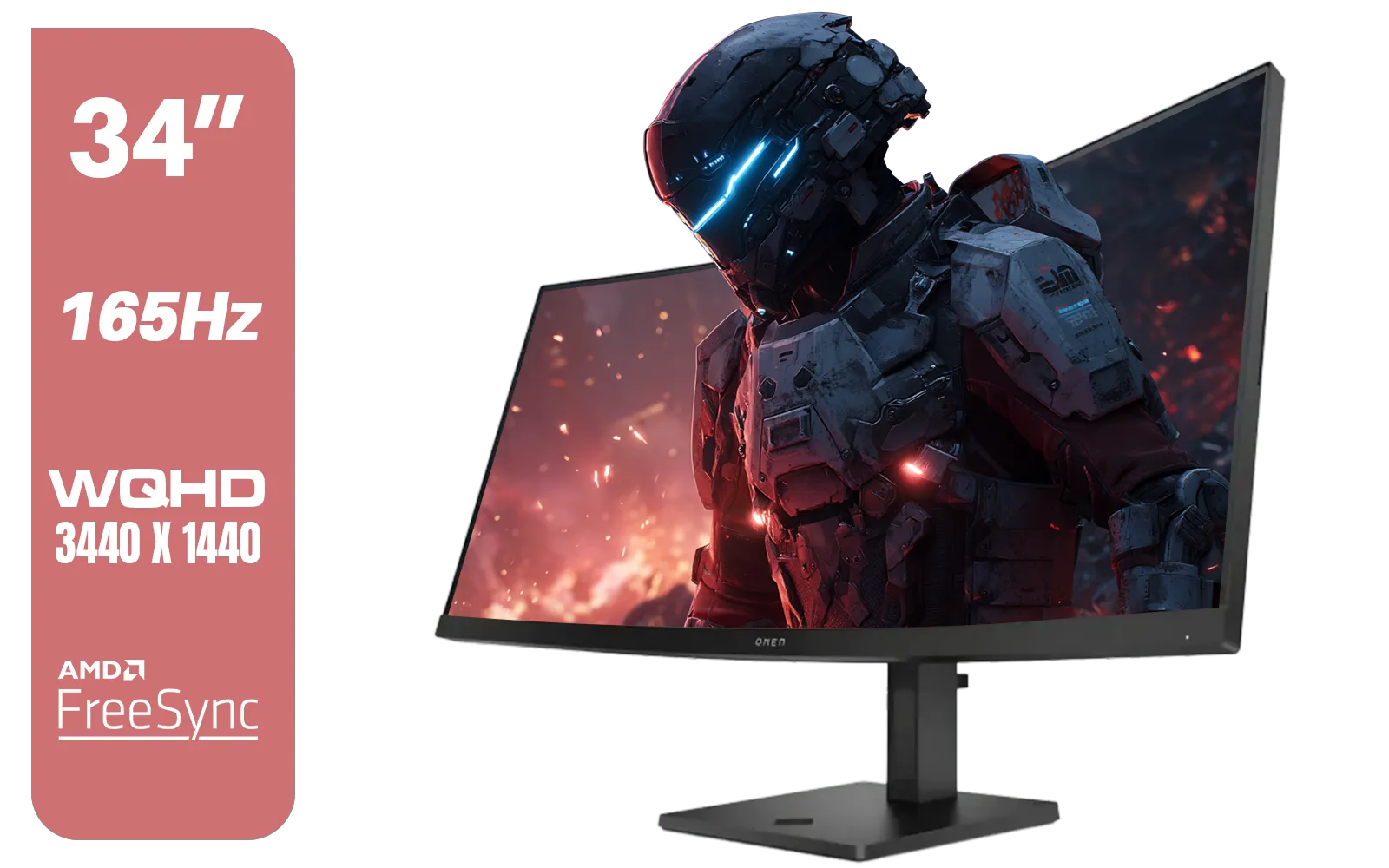
HP OMEN 34c Curved Monitor — 34' WQHD VA 165hz — Gaming Console Compatible — 2x HDMI 2.0 — 1x DisplayPort 1.4 — AMD FreeSync Premium — Dual Speakers — Tilt & height adjustments — VESA Mountable - Black / 780K8AS
R12999.00In Stock
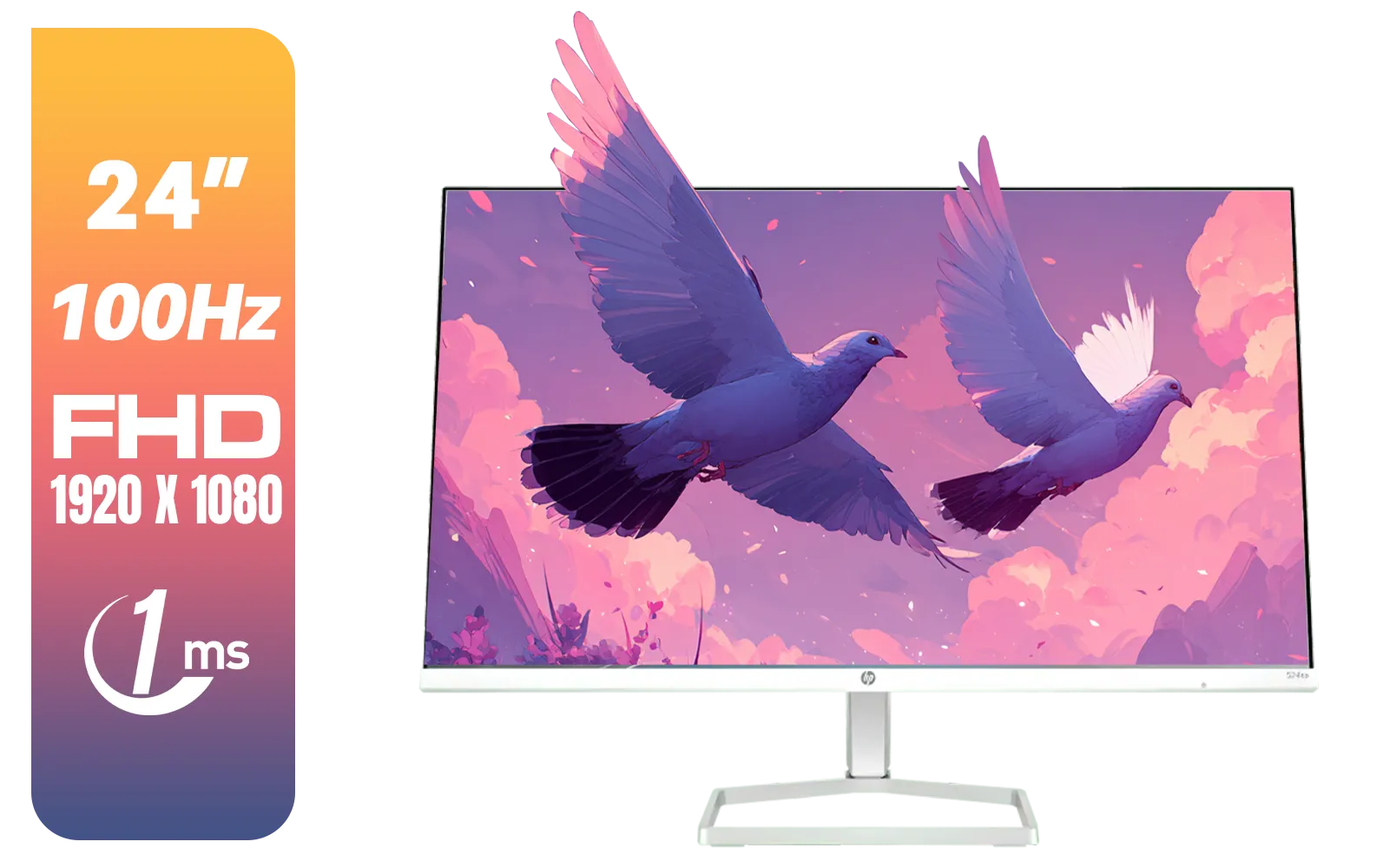
HP 527SA G5 FHD Gaming Monitor - White/Silver / 27" FHD (1920 x 1080) / IPS Panel / 1x HDMI 1.4, 1x VGA / Eye Ease with Eyesafe Certification / 94F48AS
R4999.00In Stock
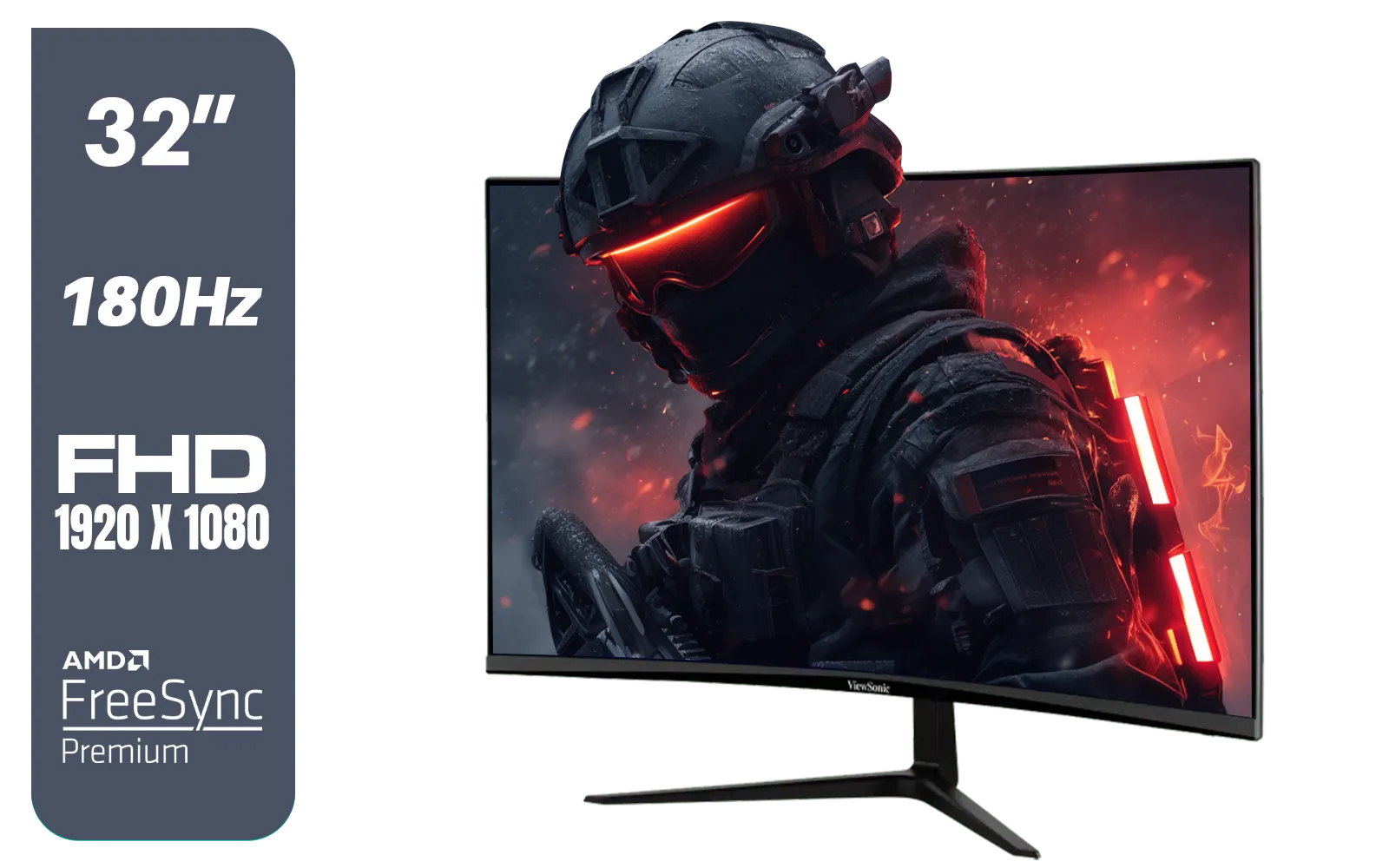
ViewSonic VX3218-PC-MHD 32" Full HD (1920 x 1080) 180Hz Curved Gaming Monitor / 180Hz Refresh Rate / 1ms MPRT Response Time / AMD Adaptive Sync Prevents Screen Tearing / 1500R Curve Ultimate Immersion / VX3218PCMHD
R3499.00In Stock
Unlocking Maximum Visual Fidelity with GPU "Headroom"
Think of your GPU's power as a budget. At 4K, every drop of performance is spent just pushing all those pixels. At 1080p, you have a massive performance surplus, or "headroom." This allows you to crank every single in-game setting to its absolute maximum without your frame rate taking a nosedive.
Want to experience Cyberpunk 2077 with path tracing fully enabled? Or see the stunning lighting in Alan Wake 2 without compromise? Gaming at 1080p with a modern GPU makes this possible. You get all the graphical bells and whistles—ray tracing, ultra textures, and advanced anti-aliasing—while maintaining a buttery-smooth experience. It's about achieving the best-looking and best-playing game, a balance that’s often tricky at higher resolutions. Have a look through Evetech's vast selection of PC monitors to find a panel that suits your specific needs.
TIP FOR YOU
Pro Tip: Unlock Your Speed ⚡
Just bought a high-refresh-rate monitor? Make sure you're using a DisplayPort cable, not just HDMI. While newer HDMI standards support high refresh rates, DisplayPort is generally the most reliable way to ensure you can access your monitor's full speed in your display settings. Don't leave performance on the table!
Knowing When to Move Beyond 1080p
Of course, 1080p isn't the perfect solution for everyone. There are a couple of scenarios where it might be holding your high-end rig back.

AOC AGON AG275QXR 27" QHD 2K 170Hz Gaming Monitor - Pink - 2022 Edition ,IPS, Flicker-free technology, AMD FreeSync Premium, G-SYNC Compatible / AOC-AG275QXR
R6999.00In Stock

AOC 22B2HN, 21.5 Inch (54.6 cm) LED 1920 x 1080 Pixels Ultra Slim Monitor with 3 Sided Frameless Design, Va Panel, Hdmi/Vga Port, Full Hd, 7 Ms Response Time, 75 Hz Refresh Rate, Flicker Free, Black / AOC-22B2HN
R2099.00In Stock
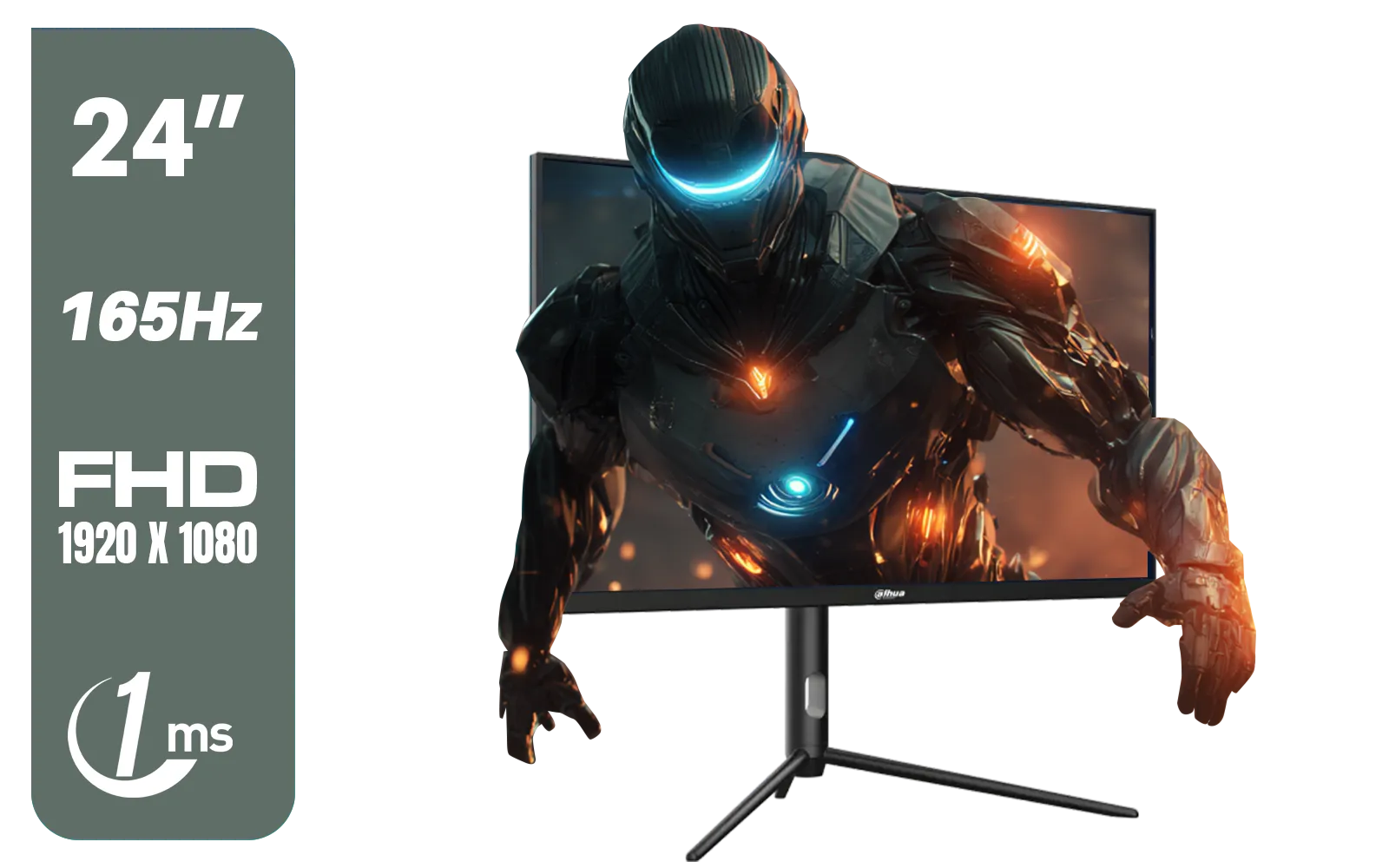
Dahua 24 inch FullHD IPS panel 165Hz 1ms fast response time Ultra-thin bezel Monitor with DisplayPort, HDMI, VGA, Height Adjustable Stand / DHI-LM24-E231A
R2899.00In Stock
HP OMEN 27k UHD 144Hz Gaming Monitor - Black / 1ms / 27" 4K UHD (3840 x 2160) Anti-glare Display / AMD Freesync™ Premium / Integrated Speakers / Pivot Rotation and Height Adjustable / 780G8AS
R16499.00In Stock
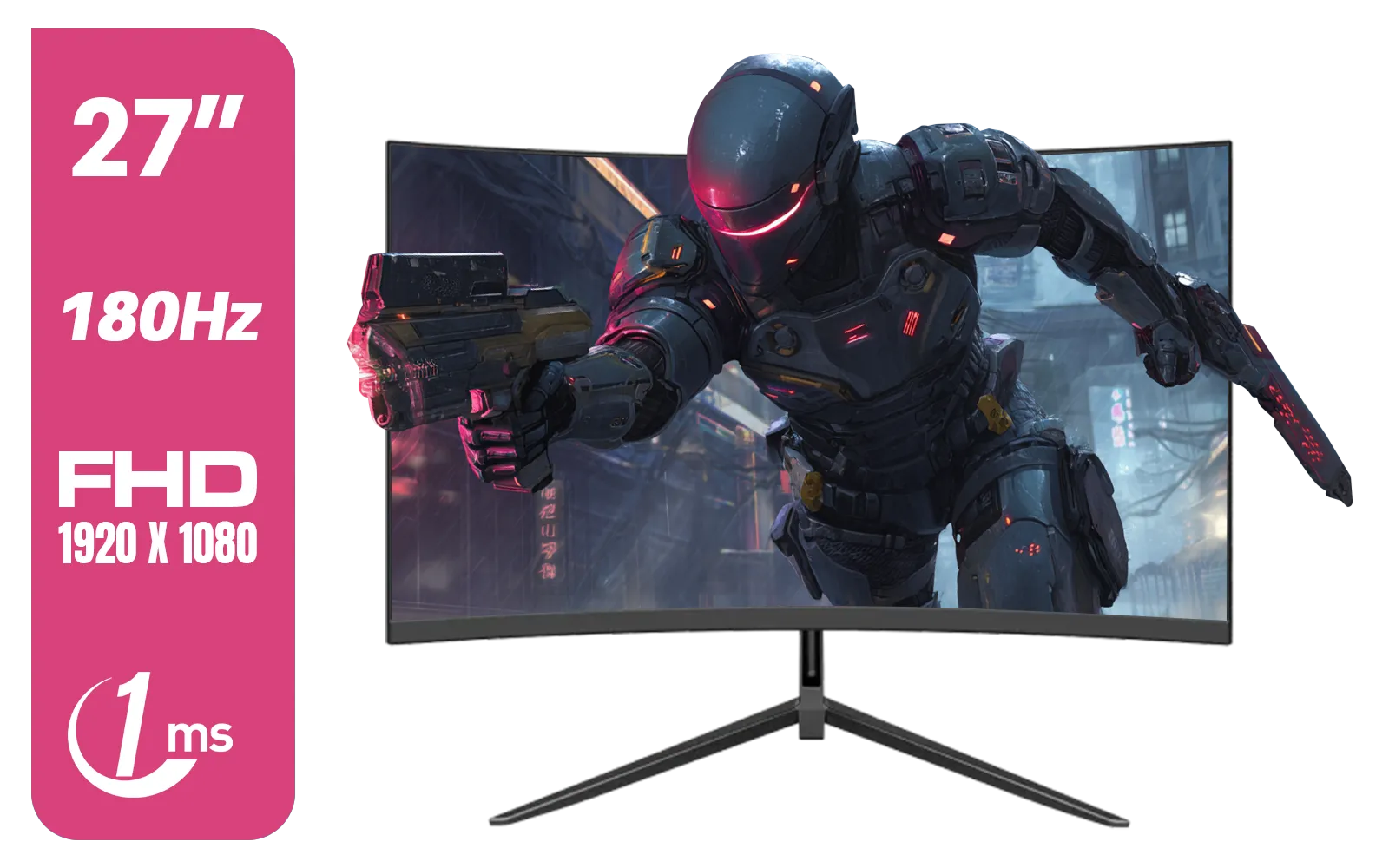
Dahua LM27-E230CN 27inch Gaming Monitor/ Ultra-narrow Bezel / 180Hz / VA Panel / DHI-LM27-E230CN
R2999.00In Stock
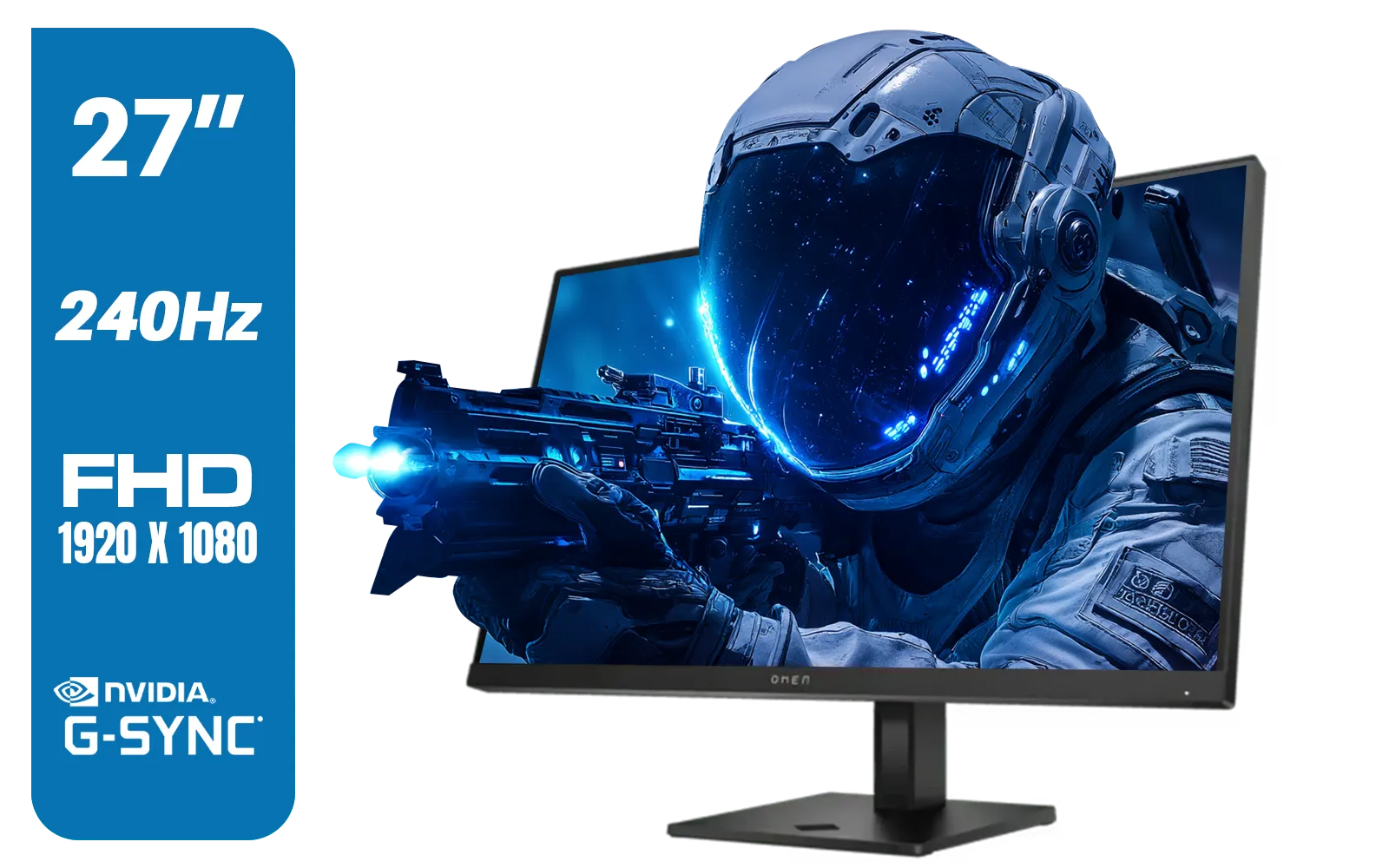
HP OMEN 27s FHD 240Hz Gaming Monitor - Black / VESA DisplayHDR 400 / NVIDIA® G-SYNC® Compatible / Integrated Dual 3W speakers / Customize aRGB lighting through OMEN Light Studio / 780G5AS
R8999.00In Stock
The CPU Bottleneck
At 1080p, the GPU can render frames so quickly that the CPU sometimes struggles to keep up, creating a "CPU bottleneck." This is more common with ultra-powerful cards like an RTX 4090 paired with a mid-range processor. The GPU is waiting for the CPU to issue new instructions, limiting your maximum frame rate.
Screen Size and Pixel Density
Pixel density is key. On a 24-inch monitor, 1080p looks crisp and sharp. Stretch that same resolution across a 27-inch or 32-inch screen, and you might start to see individual pixels. For larger screens, the sharper image from 1440p or the breathtaking detail you get when you step up to 4K monitors becomes much more appealing, especially for immersive, single-player adventures. Many gamers also find that immersive curved monitors add another layer of engagement to their favourite titles. ✨
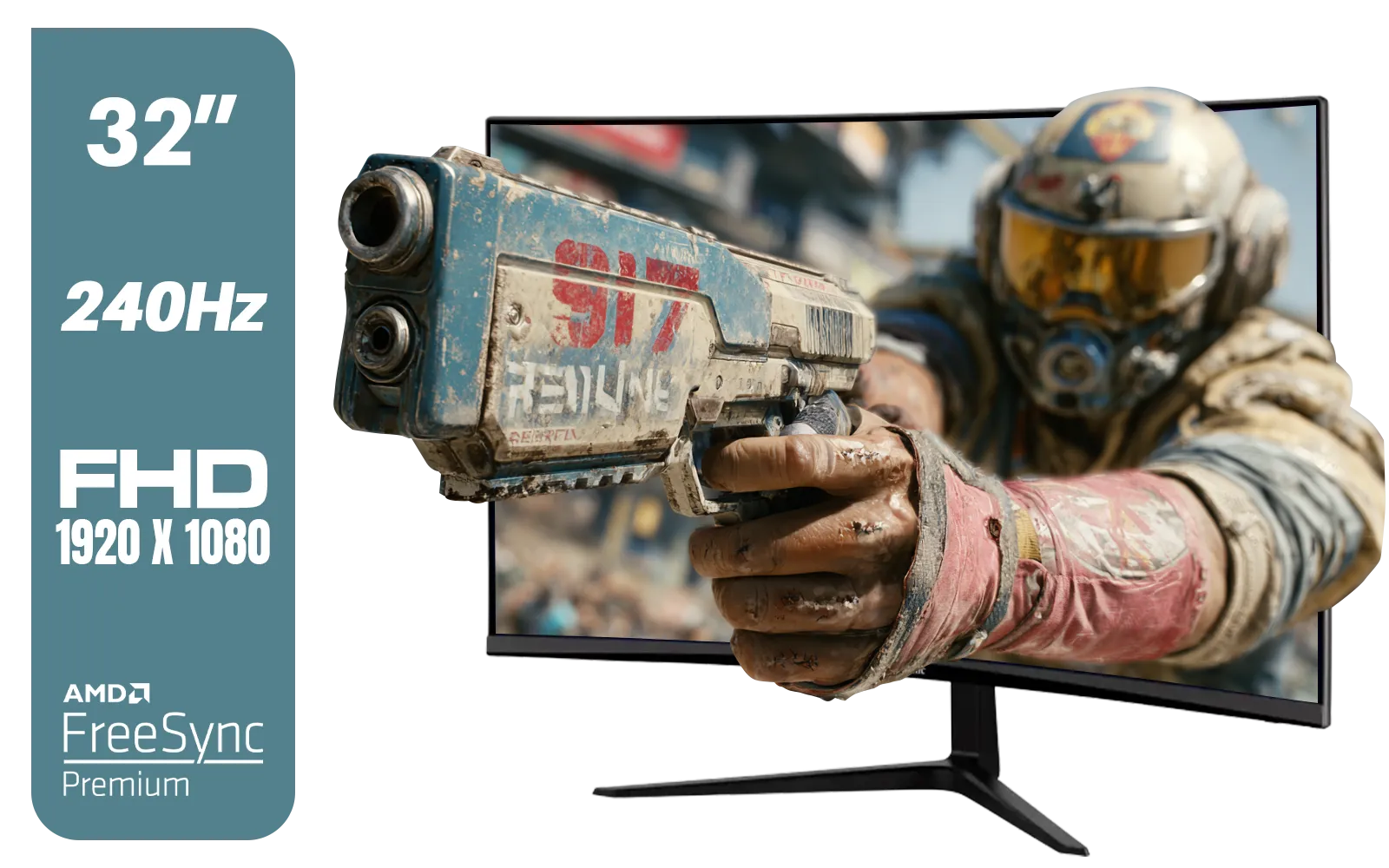
ViewSonic VX3219 32" Curved Gaming Monitor / Full HD (1920 x 1080) / 240Hz Refresh Rate / 1ms MPRT Response Time / Adaptive Sync Prevents Screen Tearing / 1500R Curve Ultimate Immersion / VX3219-PC-MHD-SN
R4899.00In Stock

VIEWSONIC 24" FHD Led Backlit Display / 120Hz Refresh Rate / Windows Hello–Certified 5MP Webcam With privacy cover / Dual Mics & Stereo Speakers / USB-C for Audio, Video & Data / USB 3.2 Hub with HDMI & DisplayPort / Ergonomic Adjustable Stand / VG2441V
R3699.00In Stock
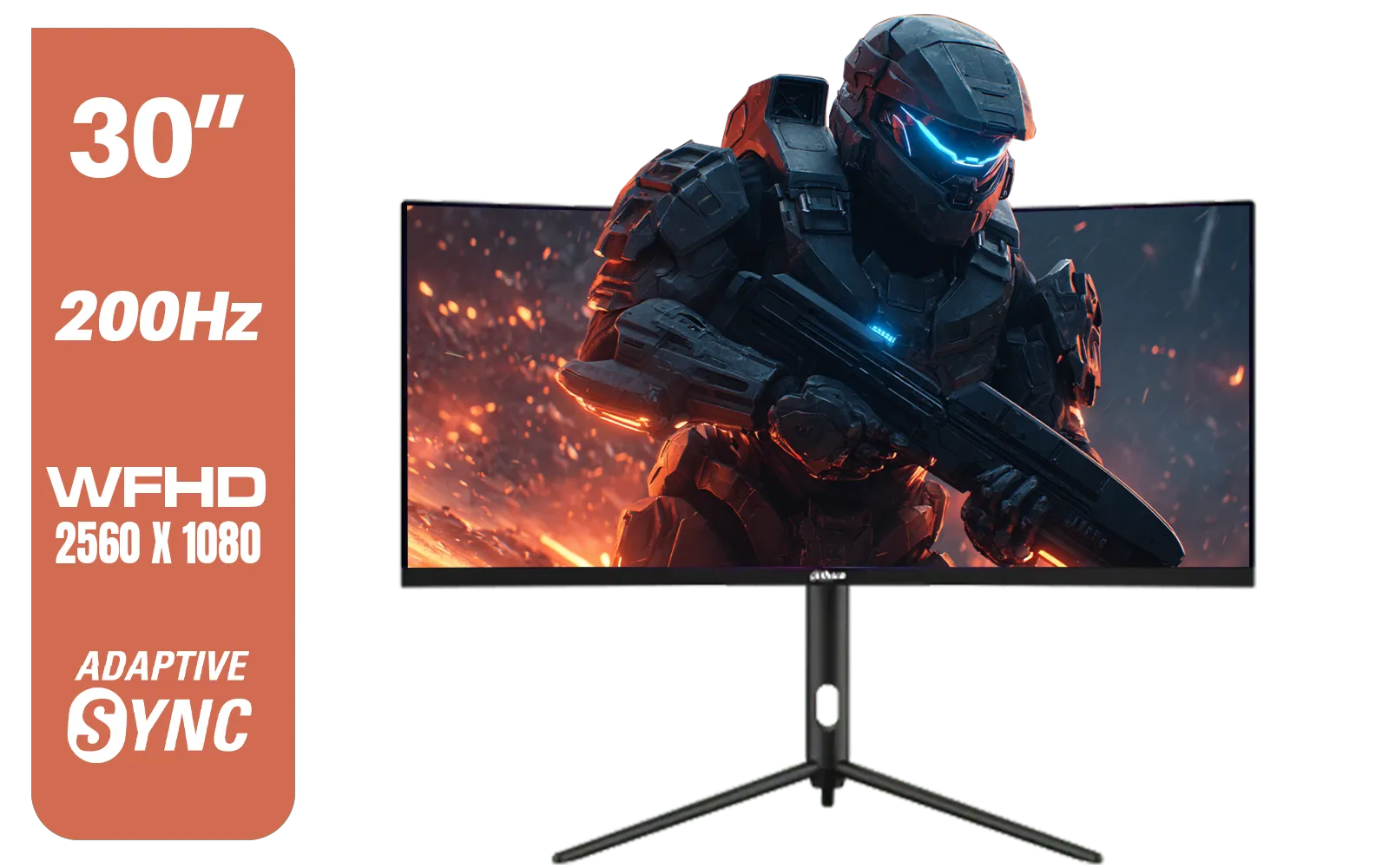
Dahua 30" Ultrawide WFHD 200Hz 1MS DCR Intelligent Adaptive-Sync HDMI DP VA Gaming Monitor Black / DHI-LM30-E330CA
R3999.00In Stock
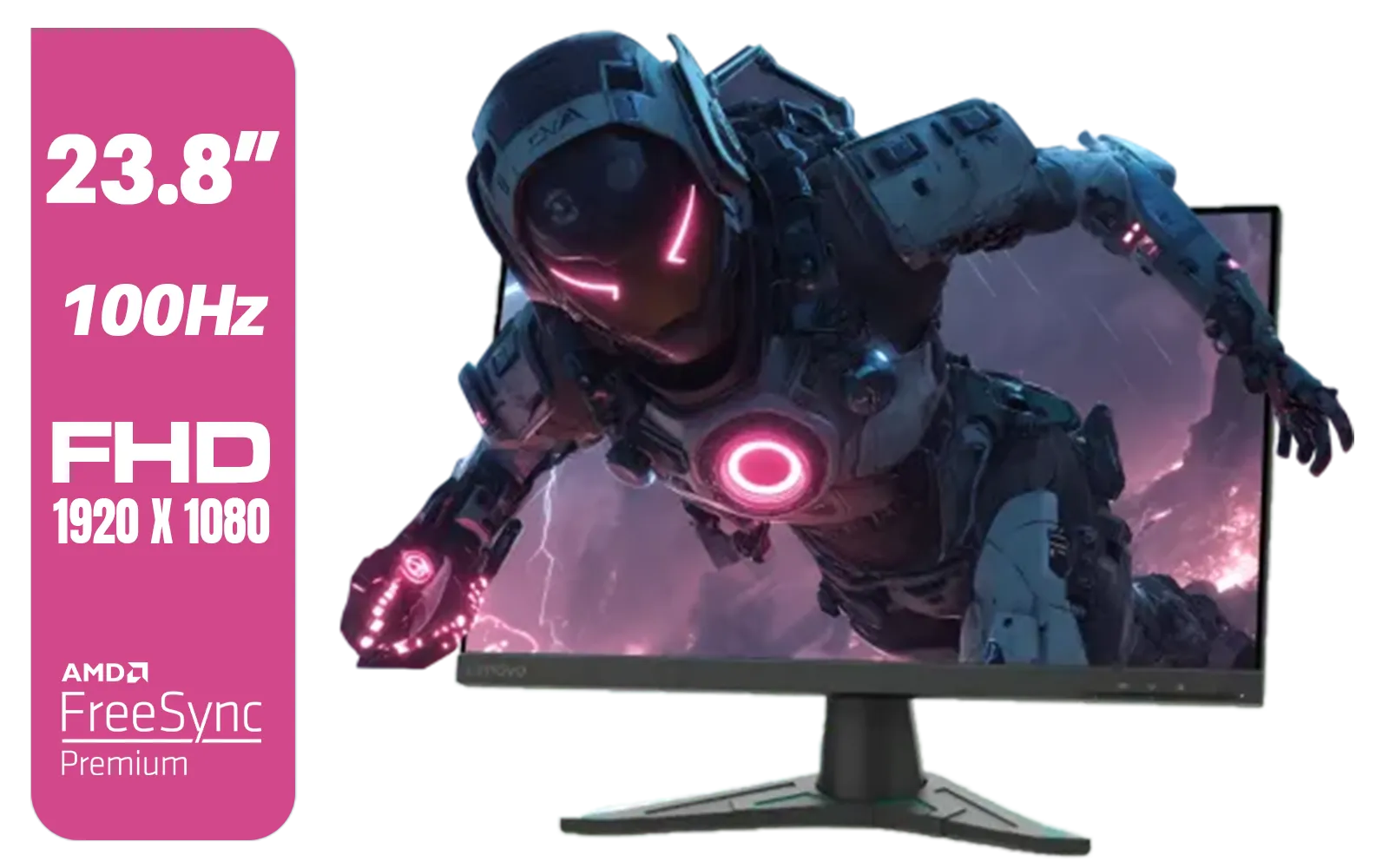
Lenovo G24e-20 23.8" 100Hz FHD WLED Gaming LCD Monitor - 16:9 - Black / 66D7GAR1SA
R1999.00In Stock

AOC 24B20JH2 IPS Panel Monitor, FHD 1920x1080, 100Hz, 106% sRGB, for Home and Office, HDMI x1, VGA ×1, Low Blue Mode, Black / AOC-24B20JH2
R2299.00In Stock
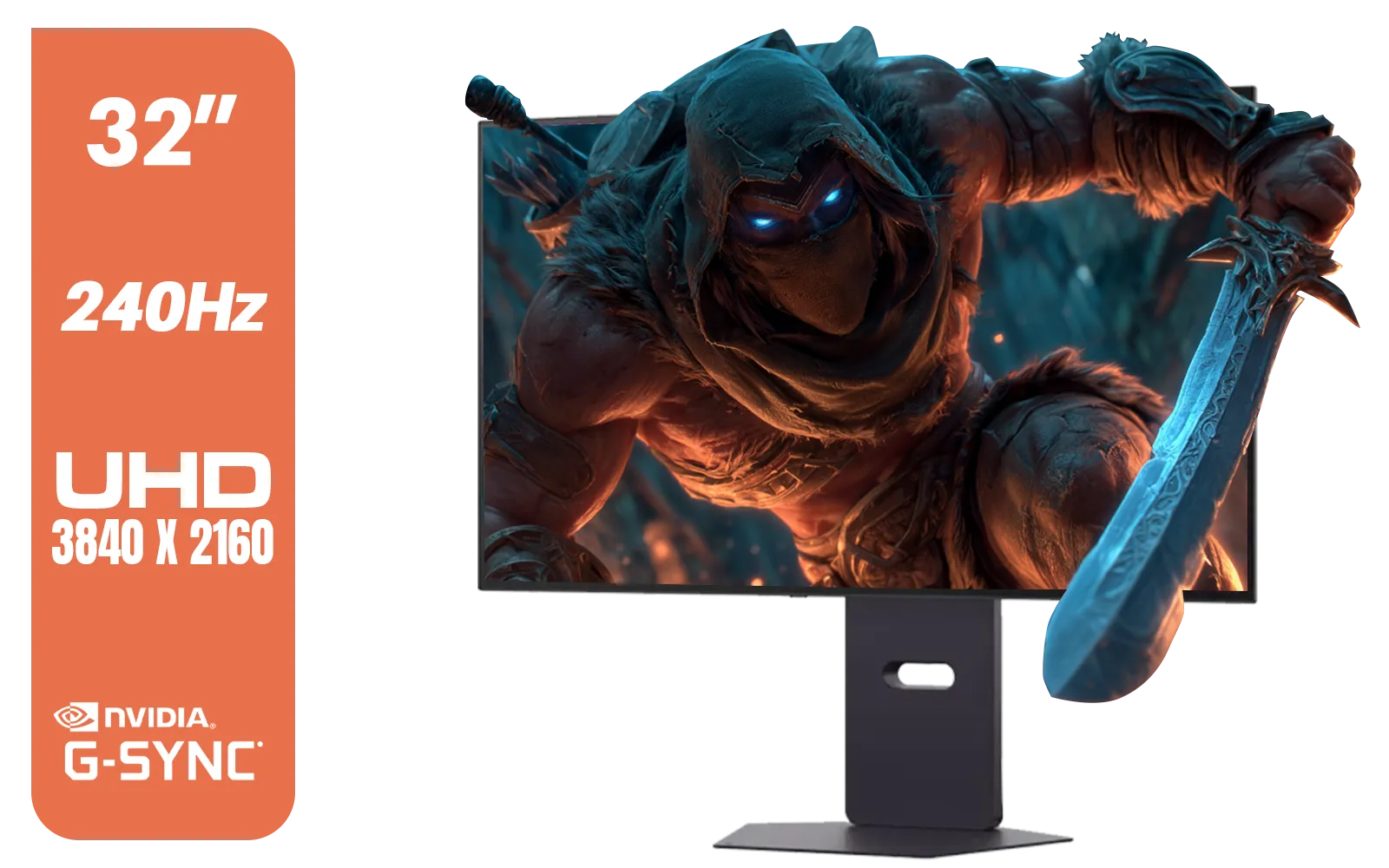
LG 32" UltraGear™ Dual-Mode OLED gaming monitor / 4K UHD / 0.03ms (GtG) / HDR Display True Black 400 / 32GS95UV-B.AFB
R27499.00In Stock
The Verdict: Is High-End 1080p Gaming for You?
So, is high-end 1080p gaming still relevant? Absolutely.
- For the Competitive Player: It's not just relevant; it's optimal. The focus on maximum frame rates for minimum input lag is the winning formula.
- For the Visual Enthusiast on a Budget: It allows you to max out every graphical setting your new GPU can handle, delivering a stunning visual experience without the cost of a 4K display.
Ultimately, the right choice depends on your games, your screen size, and your priorities. Whether you're building a LAN-ready rig with versatile portable monitors or perfecting your setup with quality monitor accessories, understanding this balance is crucial. For a huge portion of South African gamers, 1080p remains the undisputed king of performance.
Ready to Find Your Perfect Visual Edge? Whether you're chasing esports glory with high-refresh 1080p or soaking in the detail of 4K, the right monitor makes all the difference. Explore our massive range of gaming monitors and find the perfect screen to unleash your PC's power.
Related Products

VIEWSONIC VX3218C-2K 32" QHD Curved Gaming Monitor / 180Hz Refresh Rate / 1ms MPRT Response Time / 1500R Curvature / AMD FreeSync™ Premium / QHD 1440p Resolution / VX3218C-2K
R4999.00In Stock
AOC 24B20JH2 IPS Panel Monitor, FHD 1920x1080, 100Hz, 106% sRGB, for Home and Office, HDMI x1, VGA ×1, Low Blue Mode, Black / AOC-24B20JH2
R2299.00In Stock

HP 527SH G5 FHD Gaming Monitor - Black/Silver / 27" FHD (1920 x 1080) / IPS Panel / 1x HDMI 1.4, 1x VGA / Eye Ease with Eyesafe Certification / 94C50AS
R4799.00In Stock
HP 524SF G5 FHD Gaming Monitor - Black/Silver / 24" FHD (1920 x 1080) / Anti-glare / 1x HDMI 1.4, 1x VGA / -5 to +25 degrees Adjustable Tilt / 94C17AS
R3699.00In Stock
HP 524SA G5 FHD Gaming Monitor - White/Silver / 24" FHD (1920 x 1080) / IPS Panel / 1x HDMI 1.4, 1x VGA / Eye Ease with Eyesafe Certification / 94C36AS
R4199.00In Stock
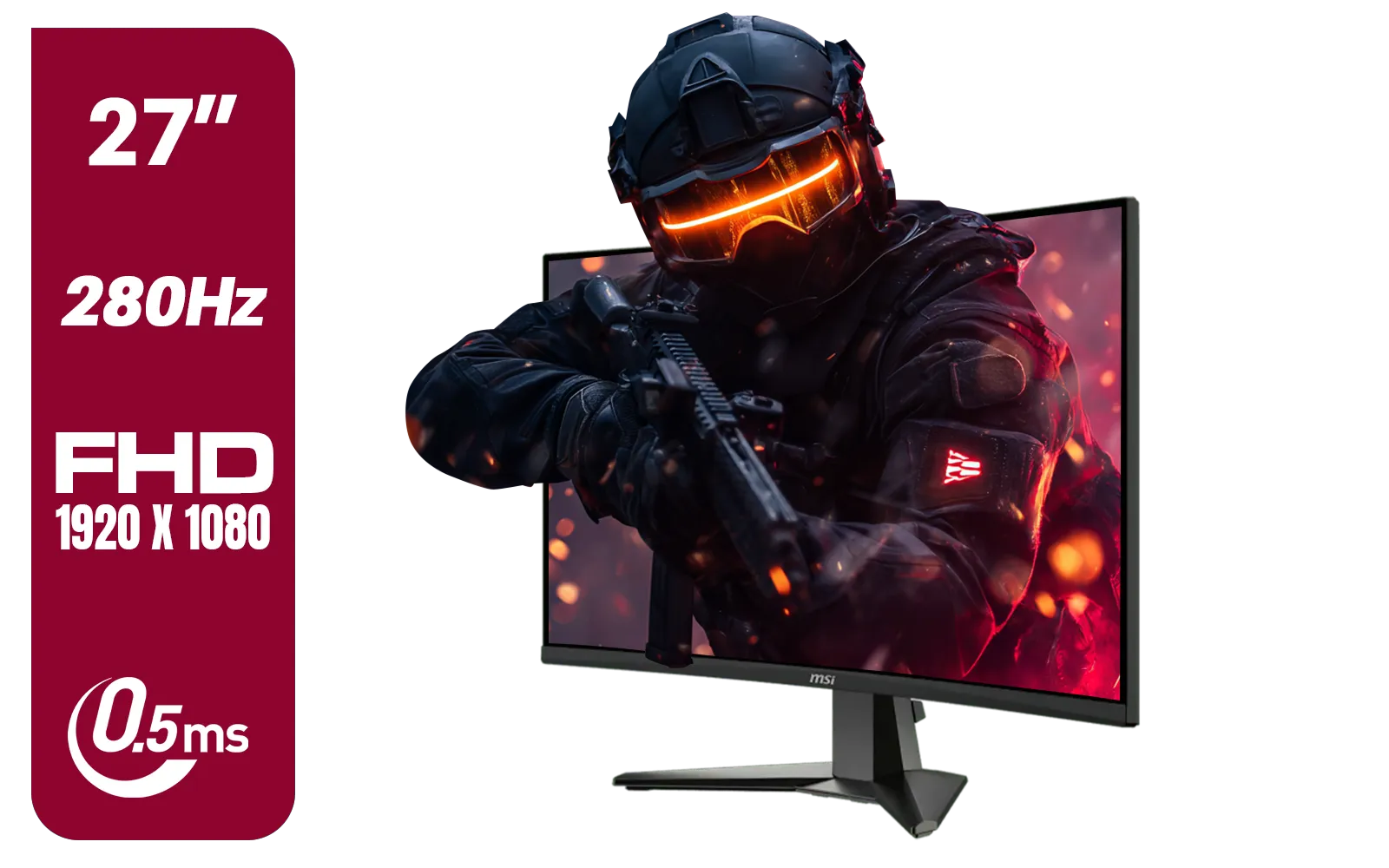
MSI MAG 276CXF 27-inch 1920 x 1080 (FHD) Curved Monitor, 280Hz, HDMI, DisplayPort, VGA Port, VESA Mountable, Tilt, Slim Bezel, 0.5ms, Black / 9S6-3CE01M-037
R4799.00In Stock
Yes, an RTX 4090 is generally overkill for 1080p unless you target 500Hz+ for professional eSports, as severe CPU bottlenecks will limit performance.
Pros prefer high-end 1080p gaming to maximize frame rates and minimize input lag, ensuring the smoothest motion clarity on 360Hz or higher monitors.
A CPU bottleneck occurs when the processor cannot keep up with the GPU's frame output, a common issue in high-end 1080p gaming with powerful graphics cards.
Yes, pixel density drops significantly on screens larger than 24 inches at 1080p, resulting in a grainier image compared to 1440p or 4K displays.
If you own a high-end GPU and play visual-heavy AAA titles, upgrading to 1440p offers a better balance of image sharpness and performance than 1080p.
Yes, enabling heavy ray tracing at 1080p allows mid-to-high-tier cards to maintain playable frame rates without relying excessively on upscaling technology.











