



Clean Gaming PC Guide: Maintenance for Dusty Environments
Learn how to clean gaming PC hardware safely to prevent overheating. Dust buildup kills performance, but our guide helps you keep your pre-built rig running cool in dusty environments. 🧹💨 protect your investment and extend your PC's lifespan today!
|
Loading tags...
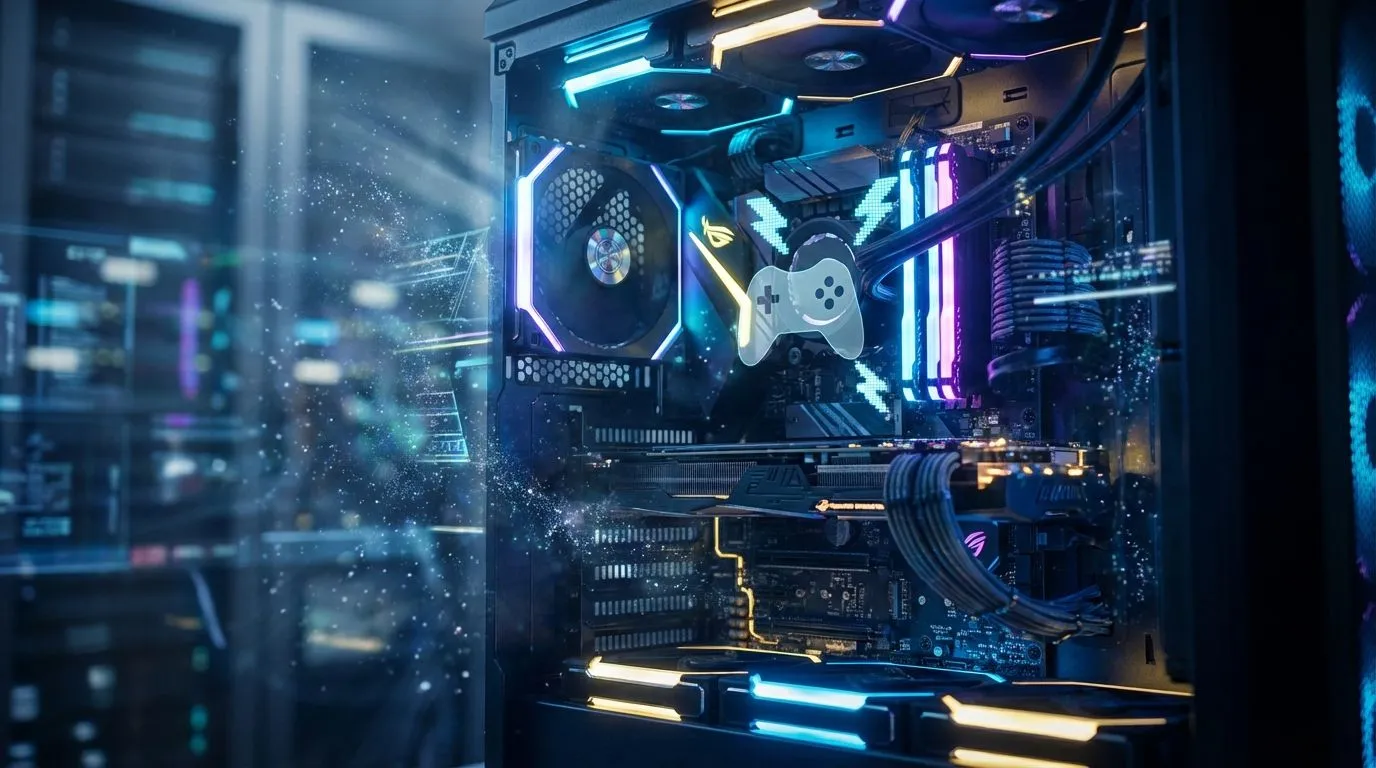
Is your gaming PC starting to sound more like a jet engine during a Highveld thunderstorm? That layer of dust blanketing your components isn't just ugly... it's a silent performance killer. In South Africa, dust is a constant battle, choking fans and cooking your precious hardware. A clean gaming PC isn't just about aesthetics; it's about reclaiming your FPS and ensuring your rig survives the heat. Let's get that machine running cool and quiet again. 🔧

RYZEN 5 9600X 5.2GHz RX 9060 XT 16GB DDR5 Gaming PC
R22679.00In Stock

AMD RYZEN 7 5700 4.6GHz RX 9070 16GB Gaming PC
R28349.00In Stock

Intel Core Ultra 5 225F 4.9GHz RTX 3050 6GB DDR5 Gaming PC
R16274.00In Stock

RYZEN 7 5700 4.6GHz RTX 5060 Ti 16GB Budget Gaming PC
R20264.00In Stock

RYZEN 5 8500G 5.0GHz with Vega Graphics DDR5 PC
R11024.00In Stock
![[Pre Built] AMD RYZEN 7 9700X RTX 5070 Gaming PC](https://img.evetech.co.za/repository/ProductImages/ryzen-7-9700-x-rtx-5070-gaming-pc-pbs-main-1600px-v1.webp)
[Pre Built] AMD RYZEN 7 9700X RTX 5070 Gaming PC
R35699.00In Stock
Why a Clean Gaming PC is Your Best Performance Upgrade
Think of dust as a tiny, fluffy jersey for your CPU and GPU. While that sounds cosy, it’s a nightmare for performance. Components generate heat under load, and your cooling system's job is to dissipate it. When dust clogs heatsink fins and chokes fan intakes, it traps that heat.
The result? Thermal throttling. Your hardware intelligently slows itself down to avoid damage, which means you experience sudden, frustrating frame drops in the middle of a firefight. A thorough PC maintenance routine is the cheapest and most effective way to maintain the performance of the best gaming PC deals, ensuring you get the power you paid for.
Your Essential Toolkit for PC Maintenance
Before you dive in, let's get your gear sorted. You don't need a fancy lab, just a few key items to perform a safe and effective clean.
- Can of Compressed Air: Your primary weapon against dust. It provides powerful, dry bursts of air to dislodge grime from tight spaces.
- Isopropyl Alcohol (99%): Perfect for cleaning thermal paste residue or stubborn smudges on non-porous surfaces.
- Microfibre Cloths: Essential for wiping down case panels and surfaces without leaving lint behind.
- Cotton Swabs & Soft Brushes: Great for getting into the nooks and crannies of fan blades and heatsinks.
- Patience: Don't rush it! A careful job is a good job.
TIP FOR YOU
Safety First! ⚡
Never use a standard vacuum cleaner inside your PC. They generate a surprising amount of static electricity, which can instantly fry sensitive components like your RAM or motherboard. Stick to compressed air for a risk-free clean.
The Step-by-Step Clean Gaming PC Guide
Ready to get hands-on? Follow these steps for a spotless rig. It's a similar process whether you're working on budget gaming PCs or a top-tier beast.
![[Pre Built] HP OMEN 35L B1ZR4EA Intel Core Ultra 7 265K RTX 4080 SUPER Gaming PC](https://img.evetech.co.za/repository/ProductImages/intel-core-ultra-7-265-k-rtx-4080-super-gaming-pc-pbs-main-1600px-v1.webp)
[Pre Built] HP OMEN 35L B1ZR4EA Intel Core Ultra 7 265K RTX 4080 SUPER Gaming PC
R49349.00In Stock

Intel Core Ultra 7 265K 5.3GHz Quadro A1000 8GB DDR5 Workstation PC
R33389.00In Stock
![[Pre Built] AMD RYZEN 5 5500 ARC A380 Gaming PC](https://img.evetech.co.za/repository/ProductImages/gamdias-talos-e3-gaming-case-ryzen-5-5500-arc-a380-gaming-pc-pbs-main-1600px-v1.webp)
[Pre Built] AMD RYZEN 5 5500 ARC A380 Gaming PC
R12494.00In Stock

Intel Core Ultra 5 225F 4.9GHz RX 9060 XT 16GB DDR5 Gaming PC
R24464.00In Stock

Intel Core Ultra 5 225F ARC A380 6GB Gaming PC
R14174.00In Stock
RYZEN 5 9600X 5.2GHz RX 9060 XT 16GB DDR5 Gaming PC
R22679.00In Stock
Step 1: Power Down and Prep Your Space
First things first. Completely shut down your PC. Switch off the power supply unit (PSU) at the back and unplug the power cable from the wall. Disconnect all your peripherals. It's best to move your PC to a well-ventilated area, like a garage or a balcony, to avoid blowing dust all over your room.
Step 2: The Exterior and Dust Filters
Start by wiping down the outside of your case with a microfibre cloth. Next, remove the dust filters. These are usually located at the front, top, and bottom (for the PSU) of your case. Give them a good rinse under a tap and let them dry completely before putting them back. This simple step makes a massive difference.
Step 3: Tackling the Interior ✨
With the side panel off, it's time for the main event.
- Hold The Fans: When using compressed air on your CPU, GPU, or case fans, gently hold the blades with a finger. Letting them spin freely can damage the fan motor.
- Systematic Blasts: Work from the top of the case downwards. Use short, controlled bursts of air to blow dust out of the case, not just around inside it. Pay special attention to the GPU's cooling fins and the CPU heatsink.
- Final Touches: Use a soft brush or cotton swabs to gently remove any stubborn dust that the air couldn't dislodge.
This regular care keeps gaming PCs under R20k running smoothly for years.
[Pre Built] AMD RYZEN 5 5500 ARC A380 Gaming PC
R12494.00In Stock

RYZEN 9 9900X 5.6GHz RTX 5070 Ti 16GB DDR5 Gaming PC
R41369.00In Stock
![[Pre Built] Intel Core Ultra 9 285K RTX 5080 Gaming PC](https://img.evetech.co.za/repository/ProductImages/intel-core-ultra-9-285-k-rtx-5080-gaming-pc-48-gb-main-1600px-v1.webp)
[Pre Built] Intel Core Ultra 9 285K RTX 5080 Gaming PC
R76649.00In Stock

RYZEN 5 9600X 5.2GHz ARC B580 12GB DDR5 Gaming PC
R21419.00In Stock
Intel Core Ultra 7 265K 5.3GHz RTX 5060 8GB DDR5 Gaming PC
R29399.00In Stock

AMD RYZEN 5 3600 4.2GHz GT 710 2GB PC
R6824.00In Stock
Proactive PC Maintenance for Dusty Environments
The best way to have a clean gaming PC is to stop it from getting so dusty in the first place. Keeping your PC up off the floor can drastically reduce dust intake.
Furthermore, ensuring your case has "positive air pressure" (more intake fans than exhaust fans) helps push air out of unfiltered cracks, preventing dust from settling. It’s a key design principle we consider in many of our expertly assembled pre-built PC deals, and it's just as crucial for the most powerful gaming PCs over R20k that need every bit of cooling performance. A quick filter clean every month and a deep clean like this every 3-6 months will keep your machine in peak condition. 🚀
Ready for a Dust-Free Domination? Keeping a PC clean is rewarding, but sometimes you just want a fresh start. A professionally built rig with optimised airflow and easy-to-clean filters can make all the difference. Explore our massive range of gaming PC deals and find a new machine built to conquer the dust.
Related Products

RYZEN 7 9700X 5.5GHz RX 9070 XT 16GB DDR5 Gaming PC
R37484.00In Stock
![[Pre Built] AMD RYZEN 7 9700X RX 9070 XT Gaming PC](https://img.evetech.co.za/repository/ProductImages/ryzen-7-9700-x-rx-9070-xt-gaming-pc-pbs-main-1600px-v2.png)
[Pre Built] AMD RYZEN 7 9700X RX 9070 XT Gaming PC
R39794.00In Stock
![[Pre Built] AMD RYZEN 9 9900X RTX 5070 Ti Gaming PC](https://img.evetech.co.za/repository/ProductImages/ryzen-9-9900-x-rtx-5070-ti-gaming-pc-pbs-main-1600px-v1.webp)
[Pre Built] AMD RYZEN 9 9900X RTX 5070 Ti Gaming PC
R44729.00In Stock
Intel Core Ultra 5 225F 4.9GHz RTX 3050 6GB DDR5 Gaming PC
R16274.00In Stock
Intel Core Ultra 7 265K RTX Pro 2000 DDR5 Workstation PC
R39689.00In Stock

AMD RYZEN 7 5700 RTX Pro 2000 Workstation PC
R26669.00In Stock
In dusty environments, clean your gaming PC every 3 to 6 months to prevent overheating and hardware throttling caused by severe dust buildup.
No, vacuums generate static electricity that can fry delicate components. Always use compressed air or an ESD-safe electric duster for PC maintenance.
Hold the fan blades stationary while spraying compressed air. Letting them spin too fast can damage the bearings or generate back-voltage that harms the motherboard.
For a deep clean, removing the GPU helps, but routine maintenance can be done by opening the side panel and using compressed air on the heatsinks and fans.
Remove the magnetic dust filters, wash them with warm water, and ensure they are 100% dry before reattaching them to your case to prevent moisture damage.
Yes, excessive dust clogs heatsinks, leading to higher temperatures. This causes thermal throttling, where the CPU or GPU slows down, reducing FPS.











