



HP 350 Multi-Device Keyboard: Simplify Work Across Devices
HP 350 Multi-Device Keyboard streamlines typing and device switching for hybrid workflows. Pair three devices, switch instantly, and boost productivity with long battery life and low-lag typing. 🔁⌨️
|
Loading tags...

Your phone buzzes. Your tablet pings. Your laptop demands attention. Sound familiar? Juggling devices is the new normal for many South Africans, turning a simple workflow into a chaotic mess. What if you could control them all with one sleek, unified tool? Enter the HP 350 Multi-Device Keyboard, a clever piece of tech designed to bring order to your desk and streamline your productivity across your entire digital ecosystem. 💻
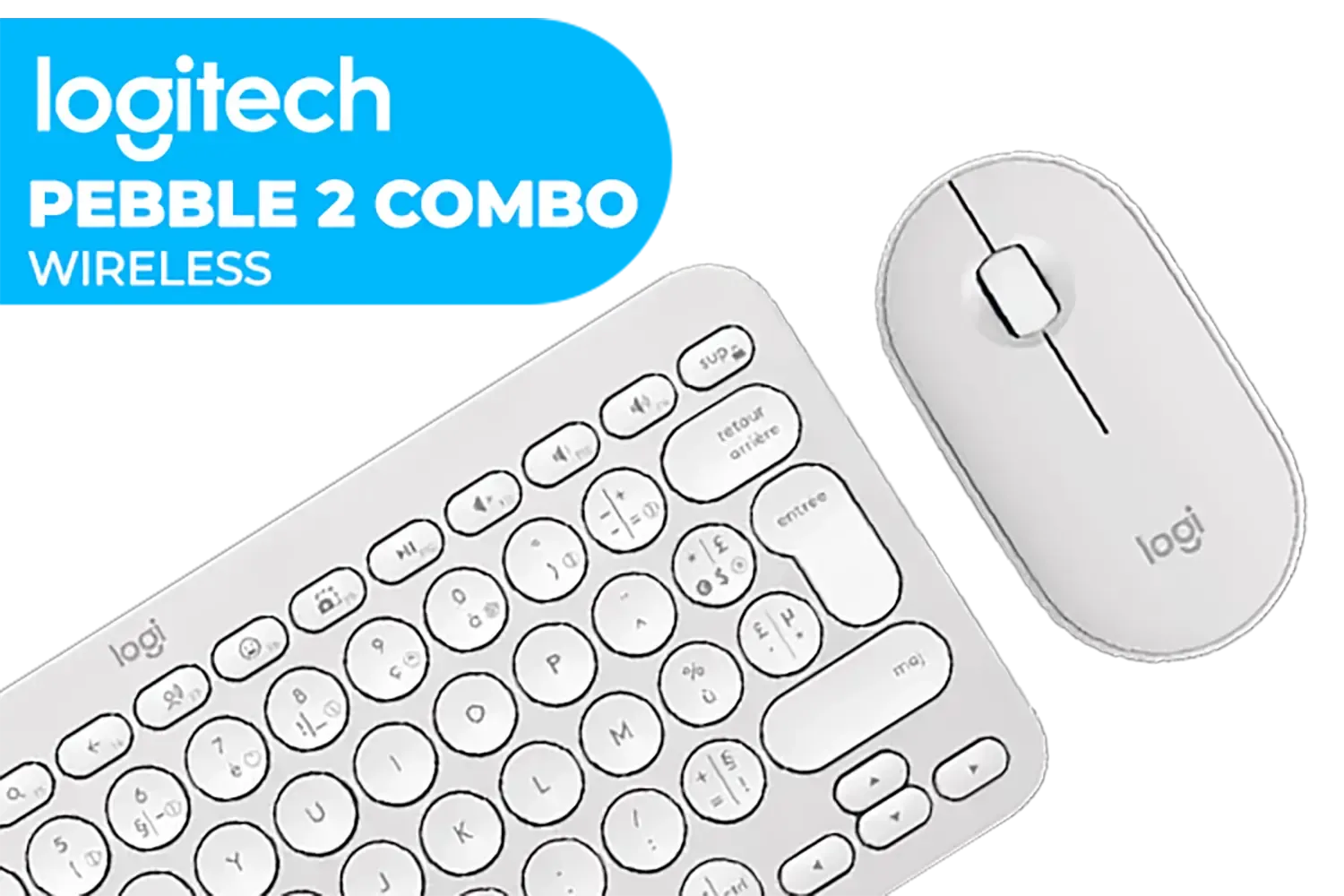
Logitech Pebble 2 Wireless Combo - Tonal White / Slim Keyboard / Multi-device Bluetooth / Keyboard and mouse / Customizable keys and button / Up to 10m / 920-012240
R1039.00In Stock

Logitech® MX Keys S Wireless Keyboard - Graphite / Smart White Backlit / Bluetooth Low Energy Technology / 2.4GHz Logi Bolt USB Receiver / 920-011587
R2399.00In Stock

Razer Mechanical Switches Replacement Pack for Gaming Keyboard: Gen-3 Green Clicky Switches - 1.9mm Actuation Point at 50g - Transparent Housing - 3 Pin - Box-Style Cross Stem - 36 pcs / RC21-02040200-R3M1
R699.00In Stock

Razer BlackWidow V4 X Wired Mechanical Gaming Keyboard - Green Switches Tactile & Clicky / 6 Dedicated Macro Keys / Chroma RGB / Doubleshot ABS Keycaps / Media Controls / Sound Dampening & Stabilizers / RZ03-04700100-R3M1
R3099.00In Stock
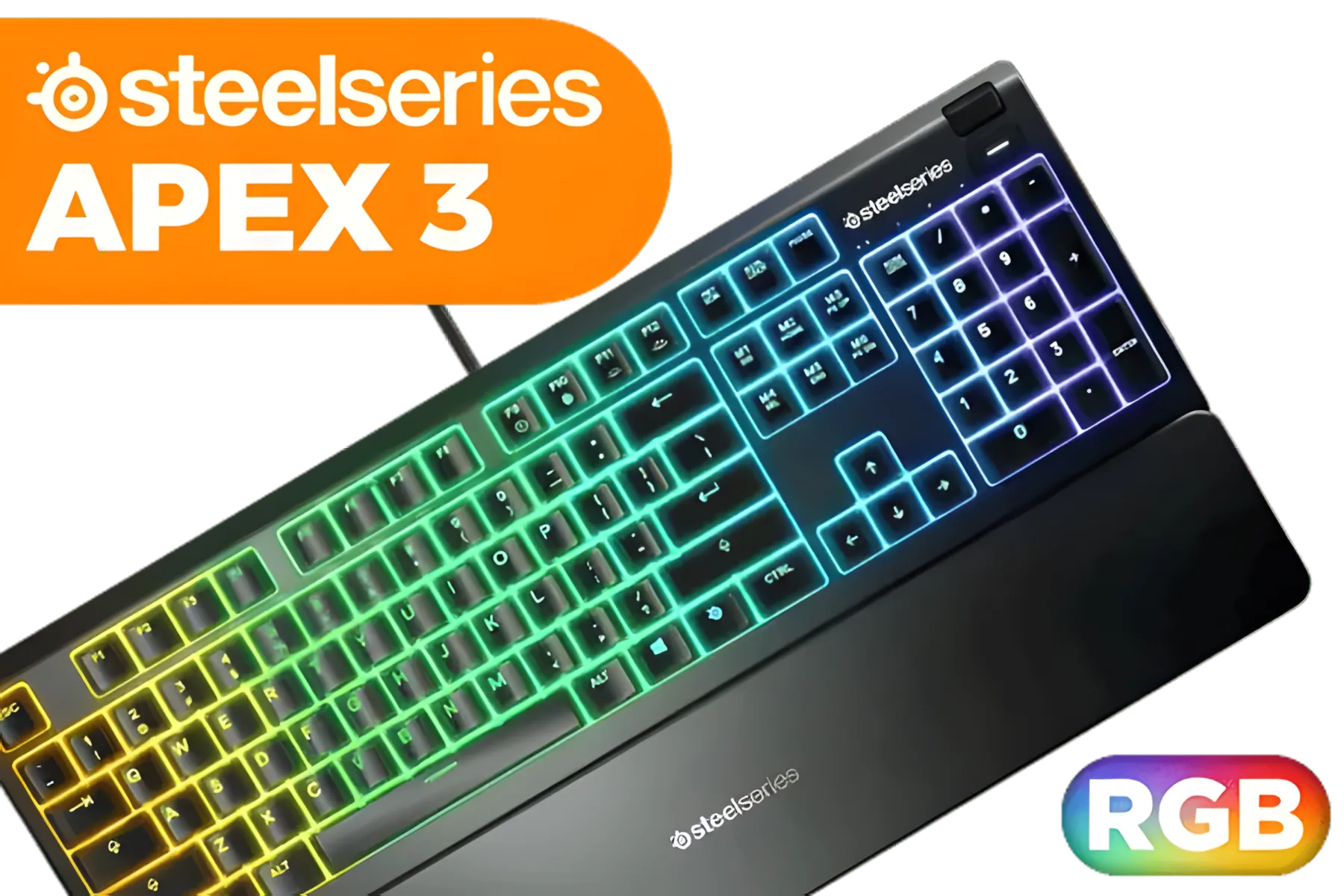
Steelseries APEX 3 Gaming Keyboard - Whisper Quiet Gaming Switches / Water resistant / Dedicated Multimedia Controls / Three-Way Cable Routing / 10-Zone RGB Illumination / 64795
R1199.00In Stock
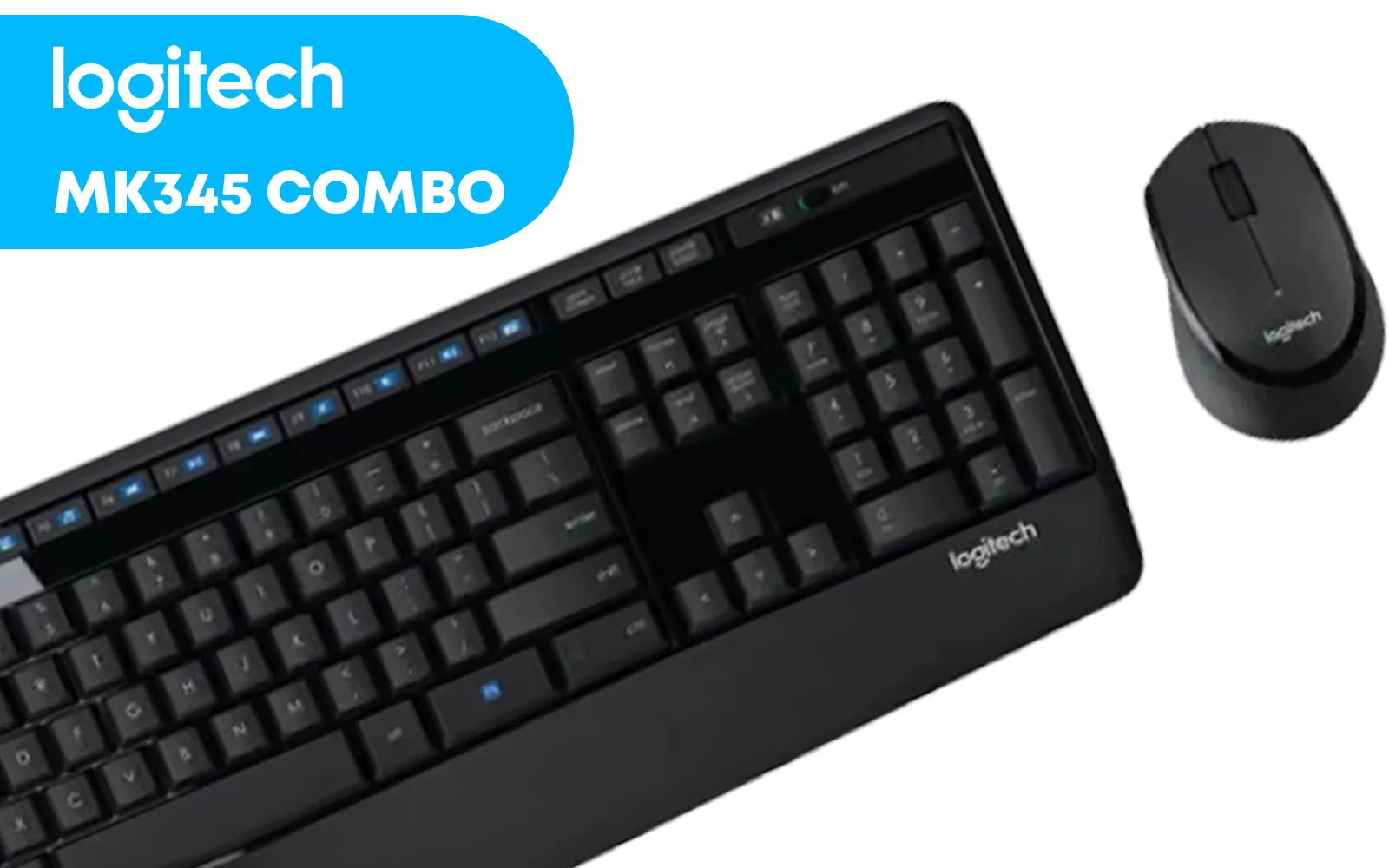
Logitech MK345 Wireless Combo Full-Sized Keyboard with Palm Rest and Comfortable Right-Handed Mouse, 2.4 GHz Wireless USB Receiver, Compatible with PC, Laptop / 920-006489
R699.00In Stock
First Impressions of the HP 350
Right out of the box, the HP 350 Multi-Device Keyboard impresses with its minimalist aesthetic. It's slim, lightweight, and features a dark grey colour scheme that looks professional on any desk. The build is solid plastic, but it feels durable enough for daily commutes between home and the office. It's a fantastic standalone product, but also a great starting point if you're looking to build a clean, wireless keyboard and mouse combo without breaking the bank.
The layout is compact but includes a full number pad, a feature often sacrificed on smaller keyboards. The keys themselves are low-profile with a chiclet style, offering a quiet and comfortable typing experience right from the start.
The Magic of Multi-Device Switching ✨
This is where the HP 350 truly shines. Using Bluetooth 5.2, you can pair the keyboard with up to three devices simultaneously. The magic lies in the F1, F2, and F3 keys—a single press instantly switches your connection between your PC, tablet, or phone.
Imagine this: you're typing up a report on your work laptop. A WhatsApp message comes through on your phone. Instead of picking up your phone and fumbling with the tiny on-screen keyboard, you simply press F2, type your reply on the full-sized HP 350, press F1, and you're right back to your report without missing a beat. This seamless transition is the core appeal of a quality multi-device keyboard, setting it apart from even some of the cheapest gaming keyboards in South Africa where the focus is pure speed, not versatility.

Glorious GMMK Pro Gasket-mounted 75% layout Gaming Keyboard - White Ice / Gasket Mounted Plate Design / Aesthetic High-Profile Frame / 16.8 million color RGB Lighting / Fully Programmable Knob / Controls Volume & Media by Default / GLO-GMMK-P75-RGB-W
R2999.00In Stock

Glorious Panda Mechanical Keyboard Switches - Tactile / Compatible with all GMMK Models / 36 switches per pack / SMD RGB light hole for RGB compatibility / GLO-SWT-HPANDA
R499.00In Stock

Glorious Stealth Edition Padded Mechanical Keyboard Wrist Rest - TKL / Size: 360 x 100 x 25.4mm / Smooth Cloth Surface / Reinforced With Dual Locked / Anti-slip Rubber Base / GWR-87-STEALTH
R349.00In Stock
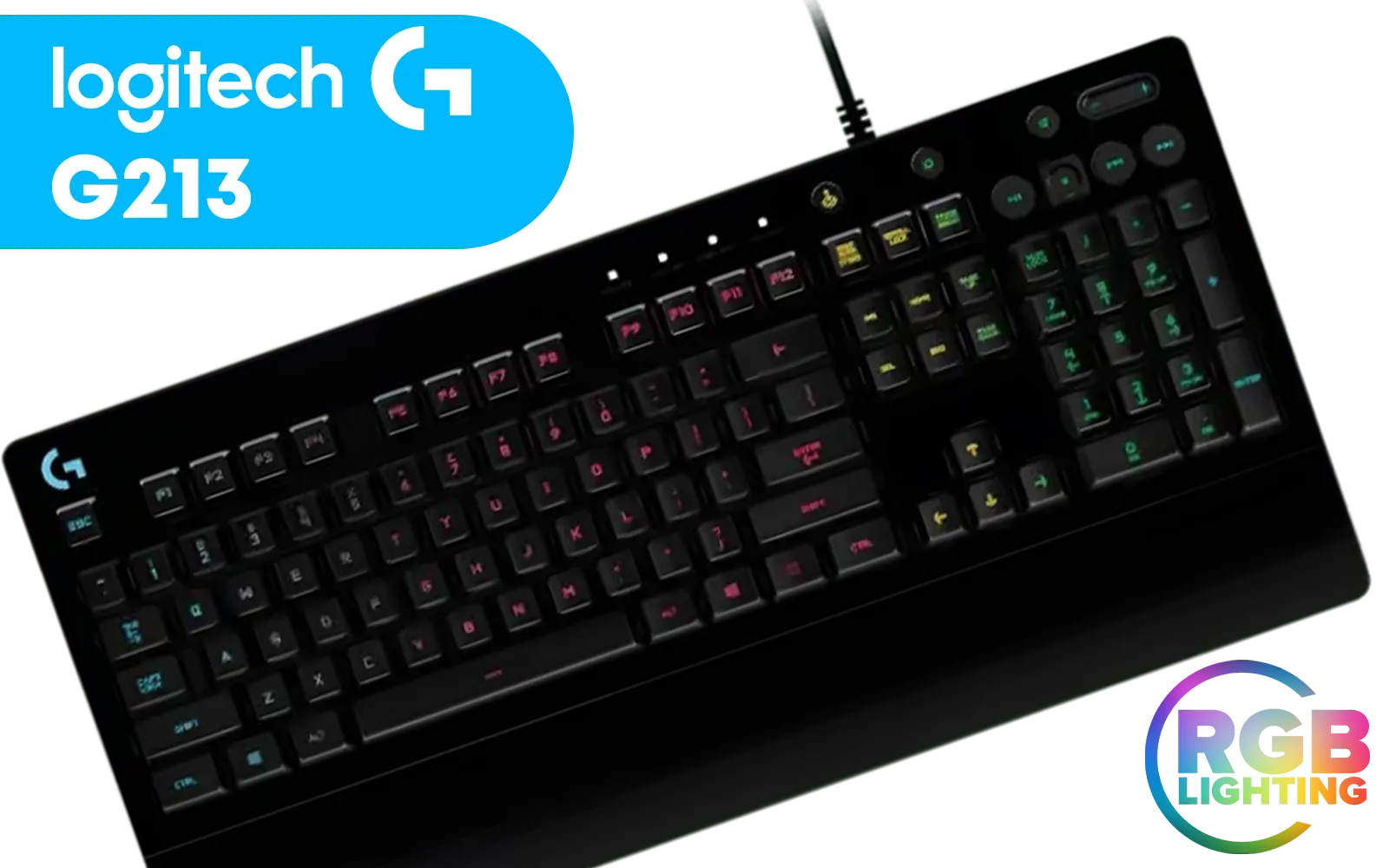
Logitech G213 Gaming Keyboard with Dedicated Media Controls, 16.8 Million Lighting Colors Backlit Keys, Spill-Resistant and Durable Design / 920-008093
R899.00In Stock

Glorious Kailh RED Mechanical Keyboard Switches / 120 Pack / Compatible with the GMMK & GMMK PRO / Compatible with Cherry/Gateron/Kailh based keyboards / Plate Mounted / Transparent Switch Housing / SMD Led Compatible / KAI-RED
R849.00In Stock

Razer Huntsman Mini Gaming Keyboard - Clicky Optical Purple Switches - Classic Black / Aluminum Construction / Standard Bottom Row Layout / 100 Million Keystroke Lifespan / Razer Synapse 3 Enabled / Fully programmable Keys / 1000 Hz Ultrapolling / RZ03-03390100-R3M1
R1799.00In Stock
Typing Feel and Everyday Performance
The HP 350 uses scissor-switch keys, similar to what you'd find on most modern laptops. They provide a satisfying, tactile bump with minimal travel and very little noise, making it an excellent choice for open-plan offices or quiet home environments.
This isn't a mechanical keyboard, so you won't be swapping out keyboard switches for a custom clicky or linear feel. Likewise, the design is fixed, so adding custom keyboard keycaps isn't an option. However, for a plug-and-play productivity tool, the out-of-the-box experience is superb. The keys are responsive and accurate, perfect for long sessions of writing emails, coding, or working on spreadsheets.
TIP FOR YOU
Ergonomics Tip 🔧
long typing sessions, posture is everything. Ensure your elbows are at a 90-degree angle and your wrists are straight. If you feel any strain, pairing your keyboard with a comfortable [wrist rest](https: www.evetech.co.za buy-wrist-rest x 1586.aspx) can make a massive difference to your long-term comfort and health.

Logitech MK950 Signature Slim Wireless Keyboard and Mouse Combo - Off-White / Sleek Design / Quiet Typing and Clicking / Switch Across Three Devices, Bluetooth, Multi-OS, Windows and Mac / QWERTY UK Layout / 920-012491
R2299.00In Stock

Glorious GPBT 114-Keys Premium PBT Mechanical Keyboard Keycaps - Arctic White / Compatible with GMMK PRO & GMMK 2 / Fits Most Full-size/TKL Compact Keyboards / Non-Transparent Keycaps / US Layout / <span style="color:red; font-size: 16px;">*Keyboard not Included*</span> / GLO-KC-GPBT-W
R799.00In Stock

Glorious Kailh BROWN Mechanical Keyboard Switches / 120 Pack / Compatible with the GMMK & GMMK PRO / Compatible with Cherry/Gateron/Kailh based keyboards / Plate Mounted / Transparent Switch Housing / SMD Led Compatible / KAI-BROWN
R849.00In Stock

Logitech MK120 Keyboard And Mouse Combo / Spill-Resistant Design Keyboard / Durable keys / Plug-And-Play USB Connections / Sturdy Adjustable Tilt legs / High Definition Optical Mouse / 920-002562
R199.00In Stock

Glorious Gaming Wooden Wrist Rest - TENKEYLESS (TKL) - Onyx/Black - Mechanical Keyboards Wood Ergonomic Palm Rest| 14x4 inches/19mm Thick (GV-87-DARK)
R499.00In Stock

Glorious Aura V2 145-Key PBT Mechanical Keyboard Keycaps - Black / Full-size standard 145 Key / PBT Keys / LED Light Compatible / US Layout / Fits most mechanical keyboards / Compatible with GMMK 2 & GMMK PRO / <span style="color:red; font-size: 16px;">*Keyboard not Included*</span> / GLO-KC-AURA2-B
R599.00In Stock
Who Should Buy the HP 350 Keyboard?
So, is the HP 350 Multi-Device Keyboard right for you? It's an ideal choice for:
- Remote Workers & Students: Anyone juggling a laptop, tablet, and phone will find the device switching invaluable.
- Office Professionals: The quiet keys and professional look fit perfectly in a corporate setting.
- Minimalists: If you value a clean, cable-free desk, this keyboard is a perfect fit.
However, if you're a serious gamer, this probably isn't the keyboard for you. The focus here is productivity, not performance. Gamers chasing millisecond response times, programmable macros, and vibrant RGB lighting should explore our range of dedicated best gaming keyboard deals for hardware built to win.
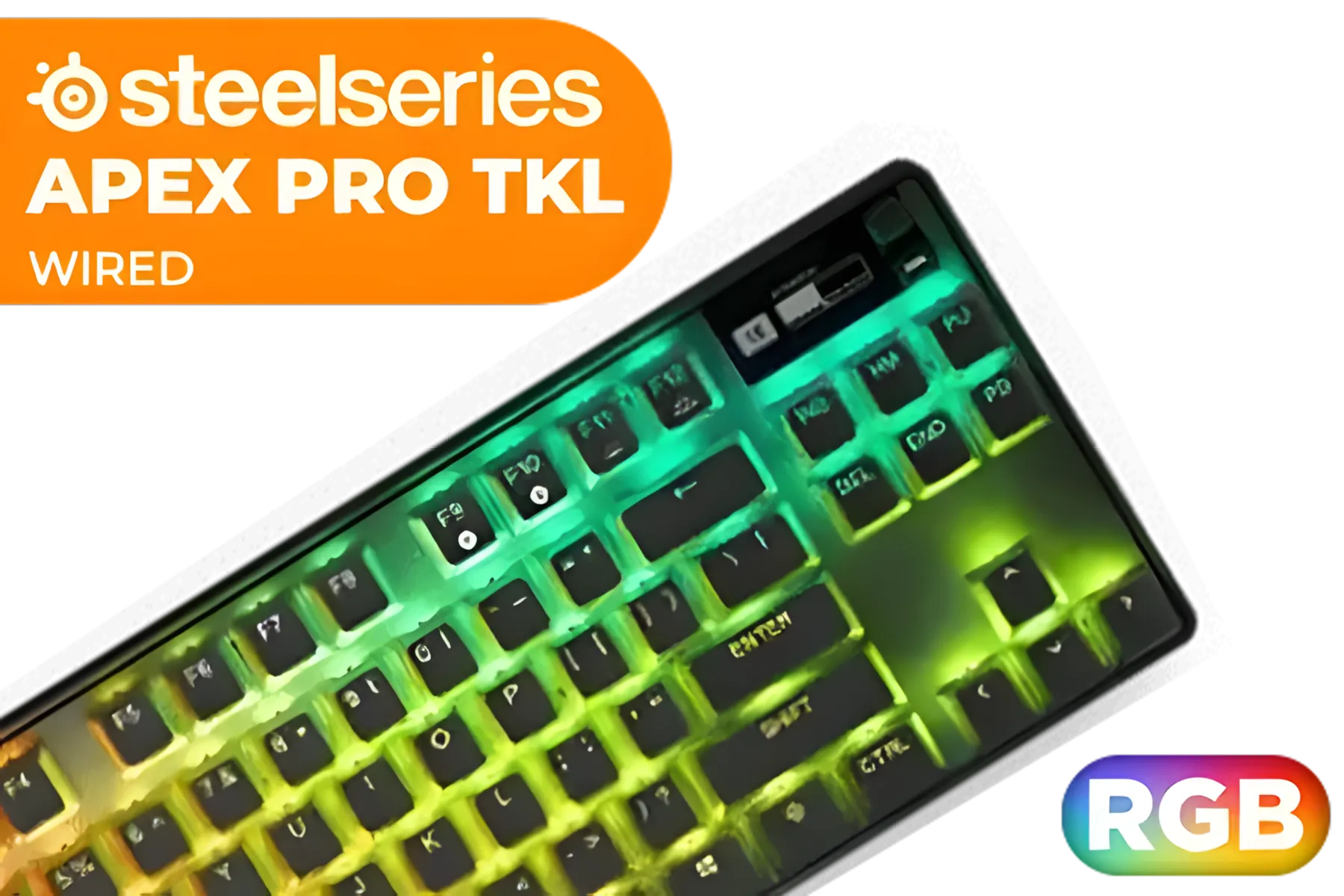
SteelSeries Apex Pro TKL 2023 Ed.- World's Fastest Mechanical Gaming Keyboard - Adjustable Actuation - Esports Tenkeyless - OLED Screen - RGB - PBT Keycaps - USB-C / 64856
R4899.00In Stock
Logitech G213 Gaming Keyboard with Dedicated Media Controls, 16.8 Million Lighting Colors Backlit Keys, Spill-Resistant and Durable Design / 920-008093
R899.00In Stock
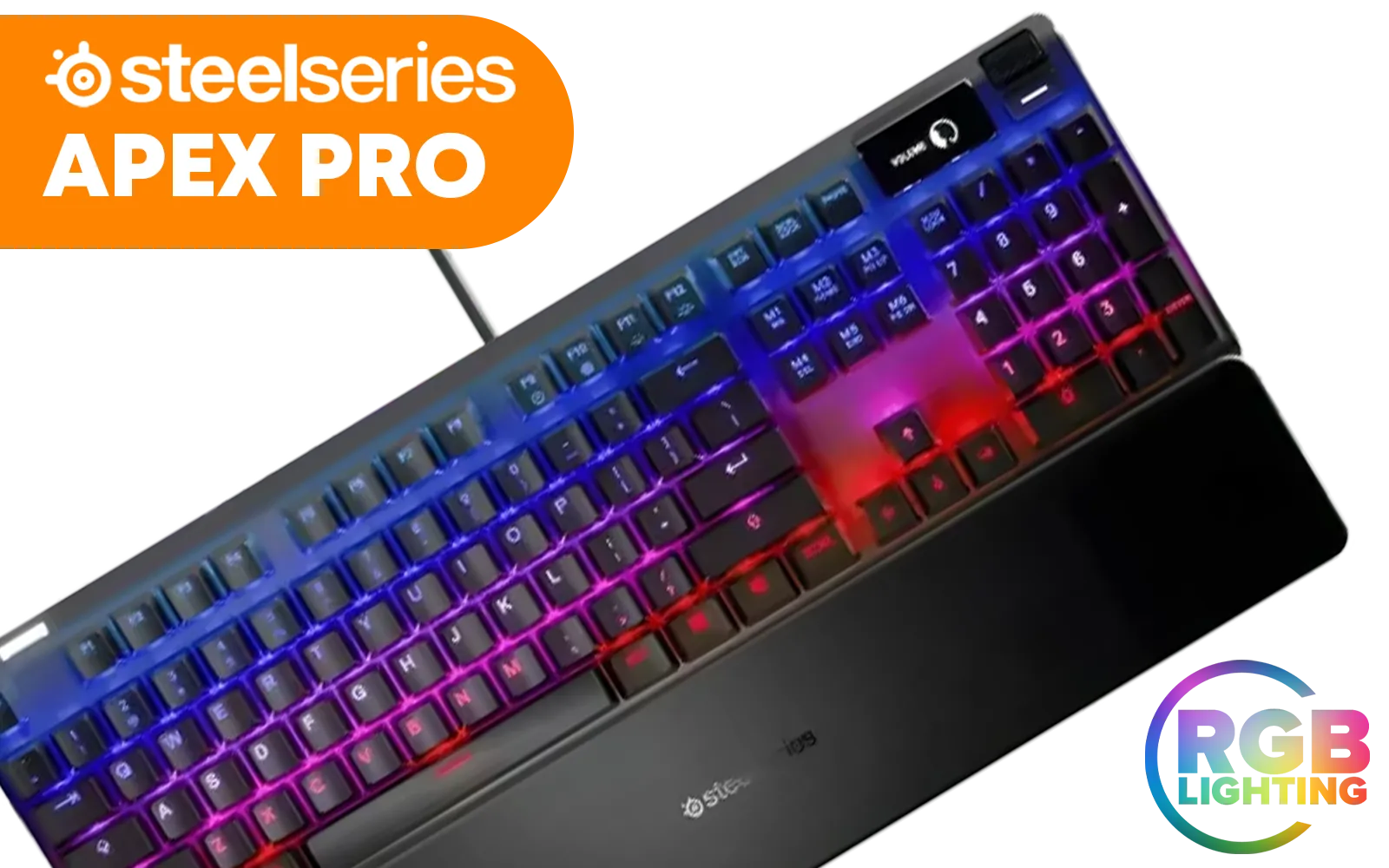
Steelseries Apex Pro RGB Mechanical Gaming Keyboard - OmniPoint Switch / OLED Smart Display / 8x Faster Response / 5x Faster Actuation / 2x Durability / Dynamic Per-Key RGB Illumination / Adjustable Mechanical Switches / Detachable soft-touch Magnetic wrist rest / SS64626
R4999.00In Stock

Glorious GPBT 114-Keys Premium PBT Mechanical Keyboard Keycaps - Rain Forest / Compatible with GMMK PRO & GMMK 2 / Fits Most Full-size/TKL Compact Keyboards / Non-Transparent Keycaps / US Layout / <span style="color:red; font-size: 16px;">*Keyboard not Included*</span> / GLO-KC-GPBT-RF
R799.00In Stock

Glorious GMMK Pro Gasket-mounted 75% layout Gaming Keyboard - Black Slate / Gasket Mounted Plate Design / Aesthetic High-Profile Frame / 16.8 million color RGB Lighting / Fully Programmable Knob / Controls Volume & Media by Default / GLO-GMMK-P75-RGB-B
R2999.00In Stock
Logitech MK120 Keyboard And Mouse Combo / Spill-Resistant Design Keyboard / Durable keys / Plug-And-Play USB Connections / Sturdy Adjustable Tilt legs / High Definition Optical Mouse / 920-002562
R199.00In Stock
For everyone else, the HP 350 offers a brilliant, affordable solution to a very modern problem. It simplifies your workflow, declutters your desk, and just makes life easier.
Ready to Simplify Your Setup? The HP 350 Multi-Device Keyboard is a masterclass in convenience. But if you need something else—more flash, more clicks, or more features—we've got you covered. Explore our massive range of keyboards and find the perfect tool to conquer your workday.
Related Products
Razer Mechanical Switches Replacement Pack for Gaming Keyboard: Gen-3 Green Clicky Switches - 1.9mm Actuation Point at 50g - Transparent Housing - 3 Pin - Box-Style Cross Stem - 36 pcs / RC21-02040200-R3M1
R699.00In Stock
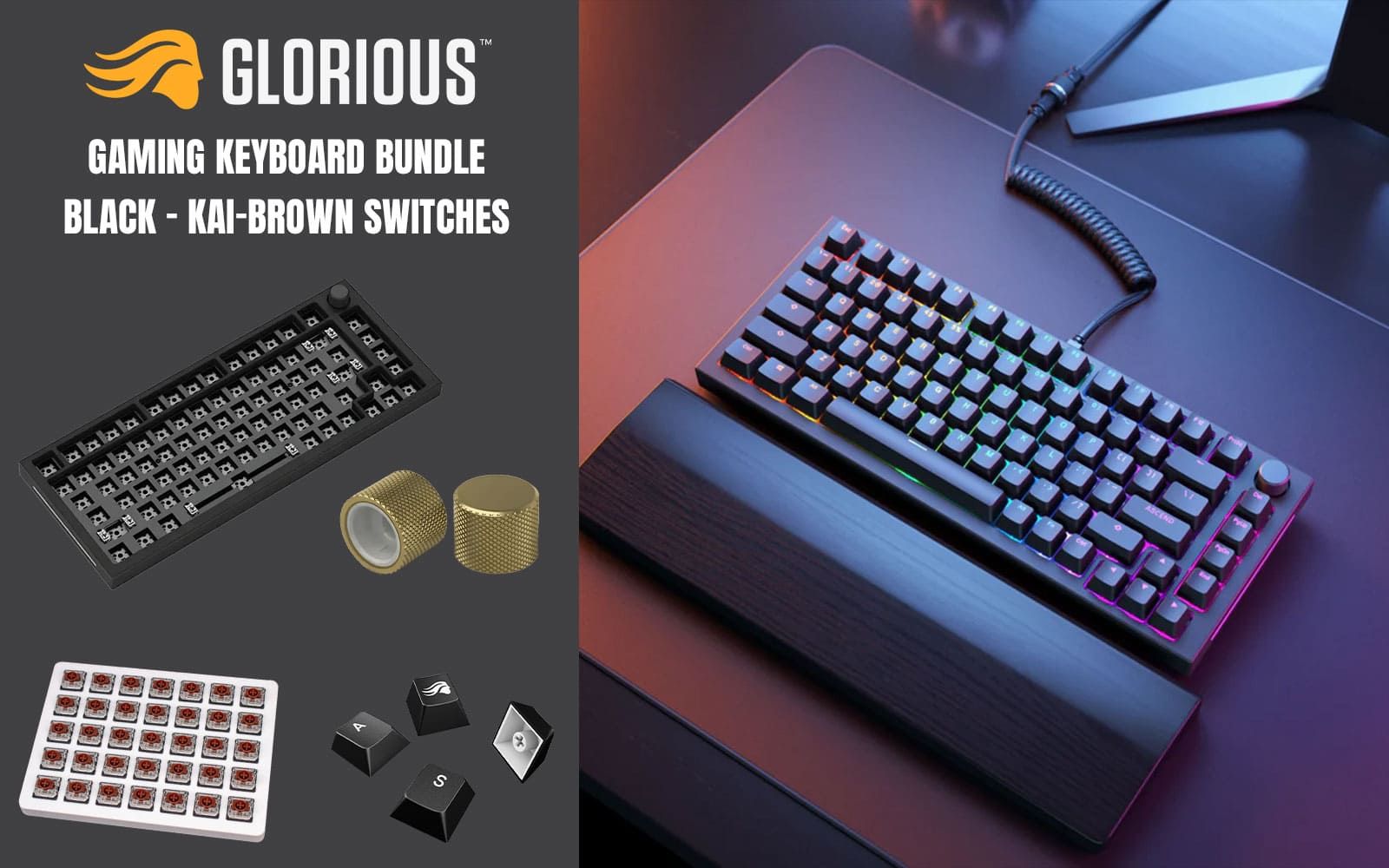
Glorious GMMK Pro Gaming Keyboard Bundle / GMMK Pro Gasket-mounted 75% layout Gaming Keyboard - Black, 16.8 million color RGB Lighting - GLO-GMMK-P75-RGB-B / Glorious Kailh BROWN Mechanical Keyboard Switches - KAI-BROWN / Mechanical Keycaps - Black - G-104-Black / GMMK PRO Rotary Knob - Gold - GLO-ACC-P75-RK-G
R2499.00In Stock
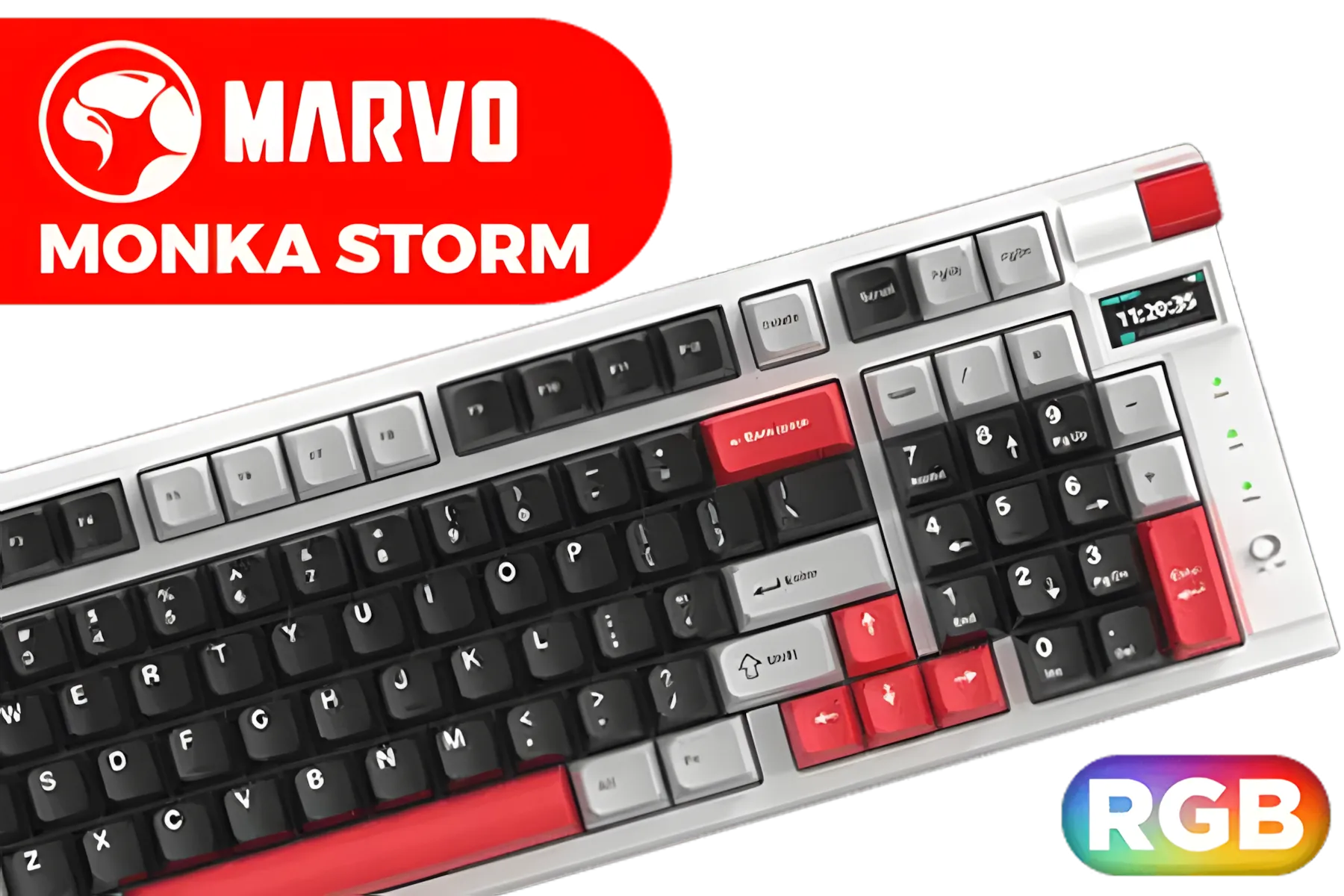
Marvo KG991W Monka Storm mechanical keyboard / 4000mAh Large Battery / RGB Backlight / 98% Layout / Hot Swappable / KG991W
R699.00In Stock

Razer Mechanical Switches Replacement Pack for Gaming Keyboard: Gen-3 Yellow Linear Switches - 1.2mm Reset Point at 45g - Transparent Housing - 3 Pin - Box-Style Cross Stem - 36 pcs / RC21-02040100-R3M1
R699.00In Stock

Glorious Stealth Edition Padded Mechanical Keyboard Wrist Rest - Compact / Size: 300 x 102 x 25.4mm / Smooth Cloth Surface / Reinforced With Dual Locked / Anti-slip Rubber Base / GWR-75-STEALTH
R399.00In Stock
Logitech G213 Gaming Keyboard with Dedicated Media Controls, 16.8 Million Lighting Colors Backlit Keys, Spill-Resistant and Durable Design / 920-008093
R899.00In Stock
A compact Bluetooth keyboard that pairs with up to three devices and offers instant switching, ideal for multitasking and seamless multi device setup.
Enable Bluetooth on your device, press the HP 350 pairing key, and select it in settings. See hp 350 keyboard multi device setup guides for step-by-step help.
Yes. The HP 350 Bluetooth keyboard supports Windows and macOS layouts, letting you switch between platforms quickly for cross-platform workflows.
The keyboard pairs with up to three devices simultaneously and lets you switch between them instantly to speed multitasking.
Expect long battery life for daily productivity; actual runtime depends on usage. Check hp 350 keyboard battery life tests for real-world figures.
The HP 350 delivers low-lag typing with responsive scissor keys and ergonomic spacing, making it suitable for long typing sessions.
Yes — its multi-device switching, reliable Bluetooth, and compact design make the HP 350 ideal for hybrid and remote work productivity.











