



i5-14400 Turbo Boost: How It Works and Performance Tips
i5-14400 Turbo Boost demystified — learn how Intel's boost tech scales clock speeds, affects thermals, and improves gaming and productivity. Get practical tuning tips and quick benchmarks. ⚡️
|
Loading tags...

Ever been in the middle of a tense firefight in Warzone and felt your PC just... keep up? That smooth performance under pressure isn't magic. For many South African gamers running Intel's latest hardware, it's the smart technology working behind the scenes. The Intel Core i5-14400 is a prime example, and its secret weapon is Intel Turbo Boost. This feature gives you a free, automatic performance kick right when you need it most.

Intel Core Ultra 5 245KF Desktop Processor / 14x (6P + 8E) Cores / 14x Threads / Up to 5.2GHz Turbo Boost / LGA 1851 Series Chipset 159W / Discrete Graphics Required / CPU Cooler Not Included / BX80768245KF
R4499.00In Stock
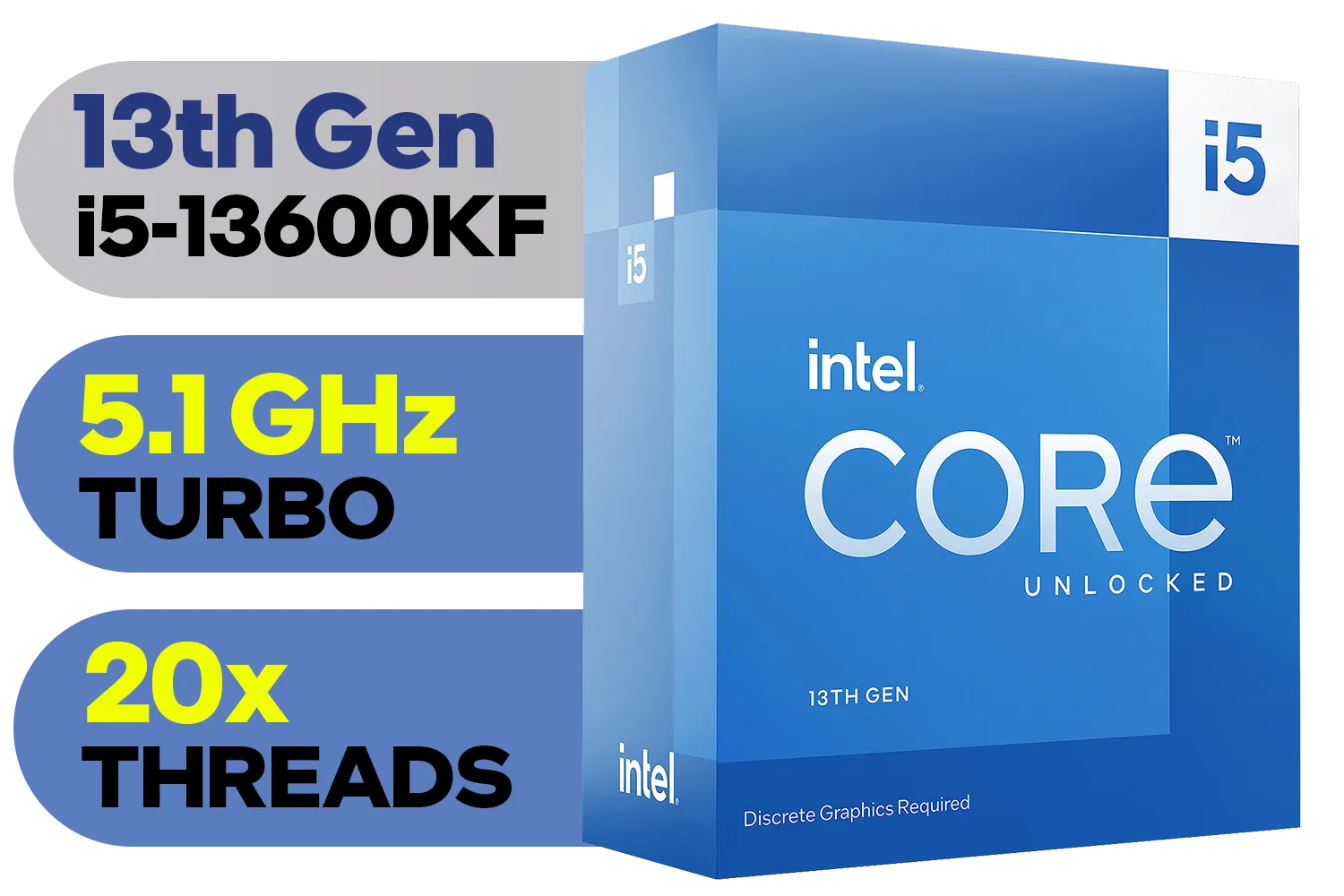
Intel 13th Gen Core i5-13600KF Desktop Processor 14 (6P+8E) Cores up to 5.10 GHz Unlocked LGA1700 Series Chipset 125W / <span style="color: red;" >Discrete Graphics Card Required</span> / BX8071513600KF
R6999.00In Stock
Intel 14th Gen Core i3-14100 Desktop Processor 4(4P+0E) Cores up to 4.70GHz Unlocked LGA1700 Series Chipset 60W / BX8071514100
R3449.00In Stock
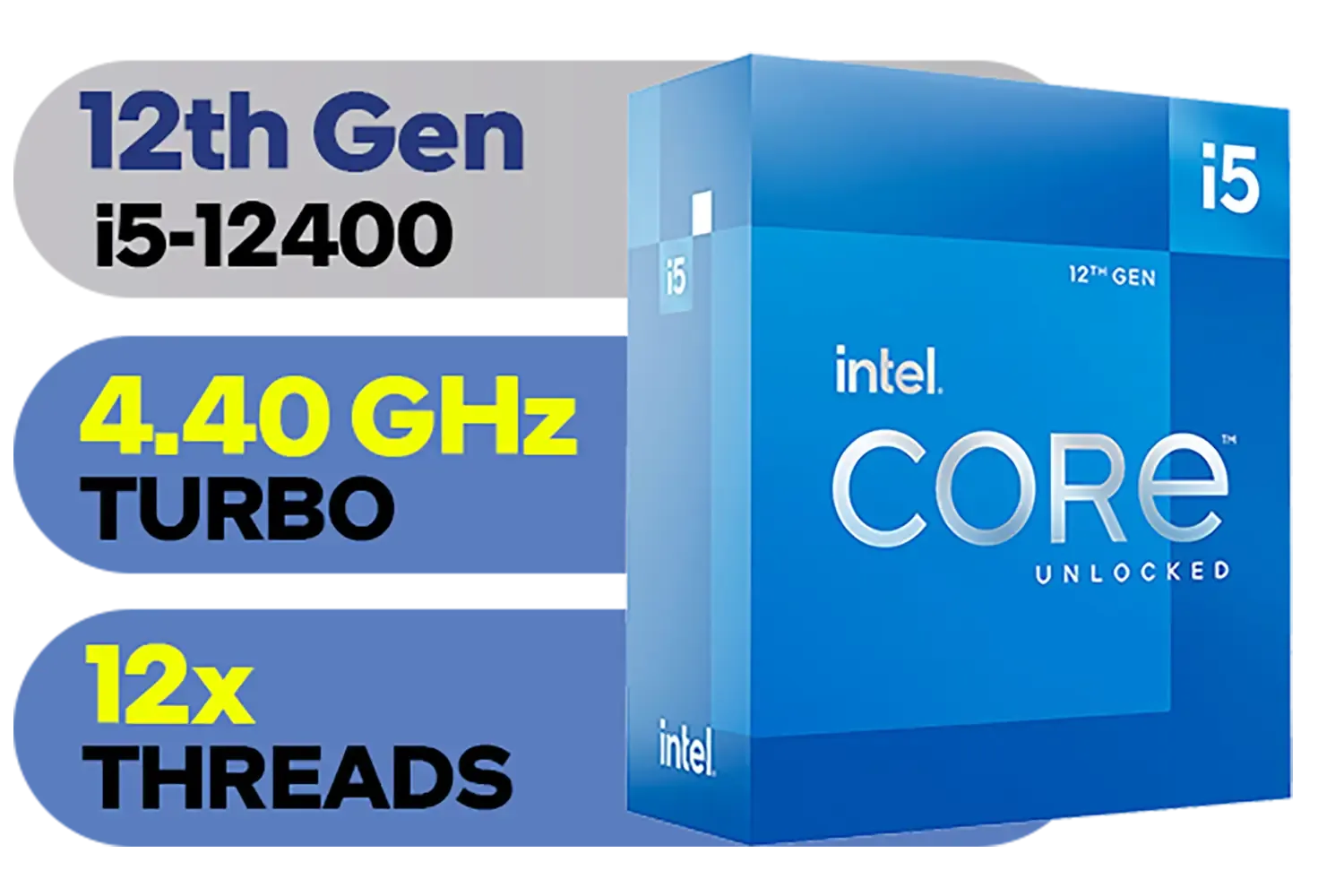
Intel 12th Gen Core i5-12400 up to 4.40 GHz Unlocked 18MB Cache LGA 1700 65W Desktop Processor / Intel® UHD Graphics 730 / Compatible With 600 Series Chipset / BX8071512400
R3999.00In Stock

AMD Ryzen 5 9600X 6-Core 12-Threads 3.9GHz (5.4GHz Max Boost) Socket AM5 65W Desktop Processor / Zen 5 Architecture / AMD Radeon™ Graphics / Cooler Not Included / 100-100001405WOF
R5199.00In Stock

AMD Ryzen 9 9950X 16-Core 32-Threads 4.3GHz (5.7GHz Max Boost) Socket AM5 170W Desktop Processor / Zen 5 Architecture / AMD Radeon™ Graphics / Cooler Not Included / 100-100001277WOF
R12899.00In Stock
What is Intel Turbo Boost, Exactly?
Think of Intel Turbo Boost Technology as your CPU's personal trainer, pushing it to perform better when the workout gets tough. At its core, it’s a clever feature that automatically increases the processor's clock speed above its base frequency. When your PC is just idling or doing light tasks like browsing, the i5-14400 hums along at its standard speed, saving power. But fire up a demanding game or start rendering a video, and Turbo Boost kicks in, giving you the extra horsepower you need. It’s the key to balancing efficiency with on-demand power, a crucial factor for modern CPU processors.
How the i5-14400 Turbo Boost Actually Works
So, how does this process unfold? It's not just a simple on/off switch. The i5-14400 is constantly monitoring itself. It checks several factors in real-time:
Intel 12th Gen Core i5-12400 up to 4.40 GHz Unlocked 18MB Cache LGA 1700 65W Desktop Processor / Intel® UHD Graphics 730 / Compatible With 600 Series Chipset / BX8071512400
R3999.00In Stock

AMD Ryzen 7 9700X 8-Core 16-Threads 3.8GHz (5.5GHz Max Boost) Socket AM5 65W Desktop Processor / Zen 5 Architecture / AMD Radeon™ Graphics / Cooler Not Included / 100-100001404WOF
R7199.00In Stock

Intel 14th Gen Core i3-14100F Desktop Processor 4(4P+0E) Cores up to 4.70GHz LGA1700 Series Chipset 58W / Discrete Graphics Card Required / BX8071514100F
R2049.00In Stock
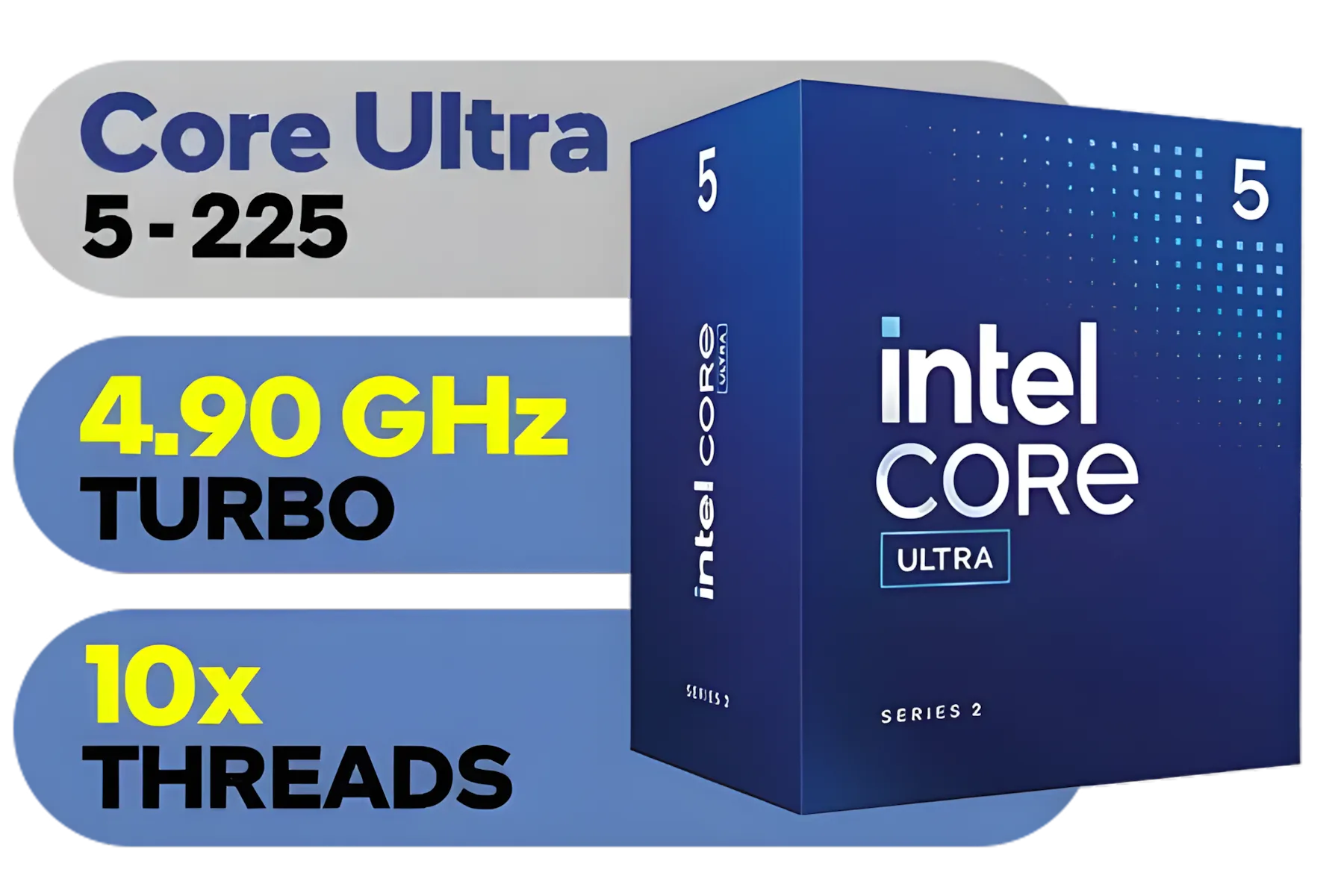
Intel Core Ultra 5 225 Processor / 10x (6P + 4E) Cores / 10x Threads / Up to 4.9GHz Turbo Boost / LGA 1851 Series Chipset 121W / AI Accelerator Technology / Integrated Graphics / BX80768225
R3999.00In Stock

AMD Ryzen 7 5700 8-Core 16-Threads 3.7GHz (4.6GHz Max Boost) Socket AM4 65W Desktop Processor / 20MB GameCache / 3rd Gen AMD Ryzen Desktop Processor / Discrete Graphics Card Required / 100-100000743BOX
R3399.00In Stock
AMD Ryzen 5 9600X 6-Core 12-Threads 3.9GHz (5.4GHz Max Boost) Socket AM5 65W Desktop Processor / Zen 5 Architecture / AMD Radeon™ Graphics / Cooler Not Included / 100-100001405WOF
R5199.00In Stock
- Temperature: Is the CPU cool enough to handle more speed?
- Power Usage: Is it operating within safe power limits?
- Number of Active Cores: Is the workload hitting just one core or all of them?
If the processor has thermal and power "headroom," it intelligently raises the clock speed of the active cores. For a task that only uses one or two cores, the i5-14400 Turbo Boost can push them to a higher frequency than if all cores are being stressed. This is why it’s so effective for gaming, as many games still rely heavily on the performance of a few primary cores. It’s this dynamic scaling that makes the latest Intel CPUs so versatile.
Performance Tips to Maximise Your Boost 🚀
While the i5-14400 Turbo Boost is automatic, you can create the ideal environment for it to stretch its legs and give you maximum performance. Getting this right is key to unlocking the full value of your chip.
Keep It Cool 🔧
This is the single most important factor. Turbo Boost will scale back aggressively if your CPU gets too hot. The stock cooler is adequate for basic use, but to maintain higher boost clocks for longer, a decent aftermarket air cooler or an All-in-One (AIO) liquid cooler makes a massive difference. Better cooling equals sustained performance.

Intel Core Ultra 5 245K Desktop Processor / 14x (6P + 8E) Cores / 14x Threads / Up to 5.2GHz Turbo Boost / LGA 1851 Series Chipset 159W / Integrated Intel® Graphics / CPU Cooler Not Included / BX80768245K
R4999.00In Stock
Intel 12th Gen Core i5-12400 up to 4.40 GHz Unlocked 18MB Cache LGA 1700 65W Desktop Processor / Intel® UHD Graphics 730 / Compatible With 600 Series Chipset / BX8071512400
R3999.00In Stock

Intel 11th Gen Core i7-11700K Rocket Lake up to 5.0GHz 16MB Cache LGA 1200 95W BX8070811700K Desktop Processor / Intel SpeedStep Technology / Intel Virtualization Technology (VT-x) / Intel® UHD Graphics 750 / Require 500 Series Chipset MB (Z590,B560,H570)
R7399.00In Stock
Intel Core Ultra 5 245KF Desktop Processor / 14x (6P + 8E) Cores / 14x Threads / Up to 5.2GHz Turbo Boost / LGA 1851 Series Chipset 159W / Discrete Graphics Required / CPU Cooler Not Included / BX80768245KF
R4499.00In Stock
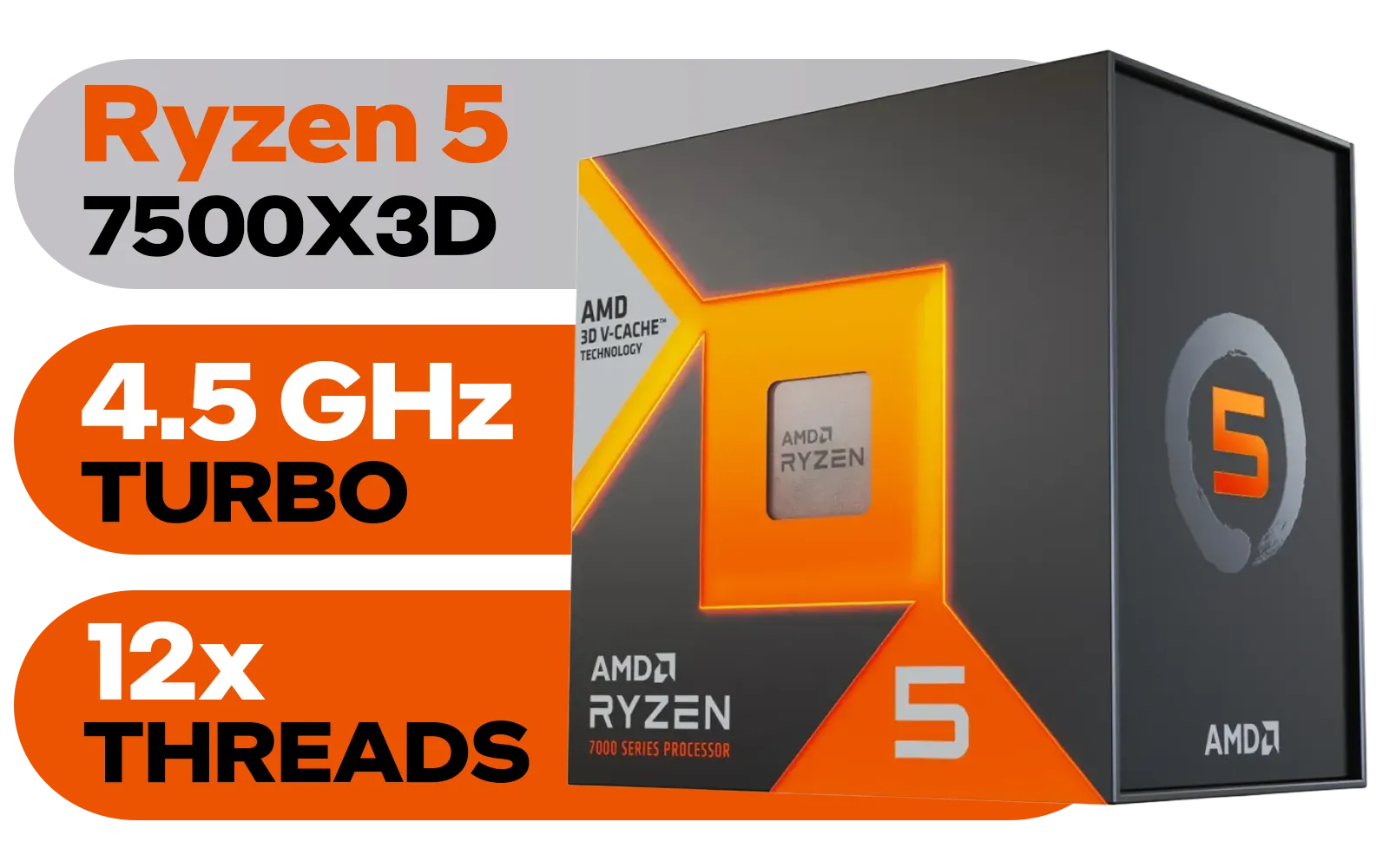
AMD Ryzen 5 7500X3D 6-Core 12-Threads 4.0GHz (4.5GHz Max Boost) Socket AM5 65W Desktop Processor / 102MB 3D V-Cache / AMD Ryzen 7000 Series Desktop Processor / No CPU Cooler Included / Integrated AMD Radeon Graphics / 100-100001904WOF
R6399.00In Stock

Intel Core Ultra 9 285K Desktop Processor / 24x (8P + 16E) Cores / 24x Threads / Up to 5.7GHz Turbo Boost / LGA 1851 Series Chipset 250W / Integrated Intel® Graphics / CPU Cooler Not Included / BX80768285K
R12699.00In Stock
Check Your BIOS Settings
Most motherboards have Intel Turbo Boost enabled by default. However, it's worth popping into your BIOS/UEFI (usually by pressing DEL on startup) to confirm it's active. While you're there, ensure any power-limiting features are set to your motherboard manufacturer's recommended specs to avoid throttling your 14400 performance.
Optimise Your Windows Power Plan
In Windows, navigate to Power Options and select the "High Performance" or "Ultimate Performance" plan. This tells the operating system to prioritise performance over power saving, ensuring your CPU is always ready to boost when called upon.
TIP FOR YOU
Monitor Your Boost Clocks ⚡
Want to see your i5-14400 Turbo Boost in action? Install a free tool like HWiNFO64 or CPU-Z. These utilities let you monitor your core clocks in real-time, so you can watch them ramp up during a gaming session or benchmark. It's the best way to confirm your cooling and settings are effective!
Maximising these settings ensures you get the most out of your investment, especially when building a powerful yet affordable rig with great value components like CPUs under R7000.
Is the i5-14400 the Right Choice for You?

AMD Ryzen 5 3400G Processor with Radeon Vega 11 Graphics / 4x Cores - 8x Threads / 3.7GHz Base Clock - Up to 4.2GHz Max. Boost Clock / 6MB Game Cache / Wraith Spire Cooler Included / Socket AM4 / 65W / YD3400C5FHBOX
R1499.00In Stock
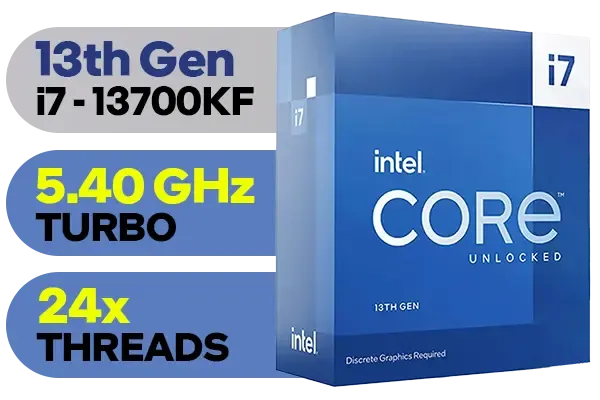
Intel 13th Gen Core i7 13700KF Desktop Processor 16 (8P+8E) Cores up to 5.40 GHz Unlocked LGA1700 Series Chipset 253W / <span style="color: red;" >Discrete Graphics Card Required</span> / BX8071513700KF
R9499.00In Stock
AMD Ryzen 7 9700X 8-Core 16-Threads 3.8GHz (5.5GHz Max Boost) Socket AM5 65W Desktop Processor / Zen 5 Architecture / AMD Radeon™ Graphics / Cooler Not Included / 100-100001404WOF
R7199.00In Stock
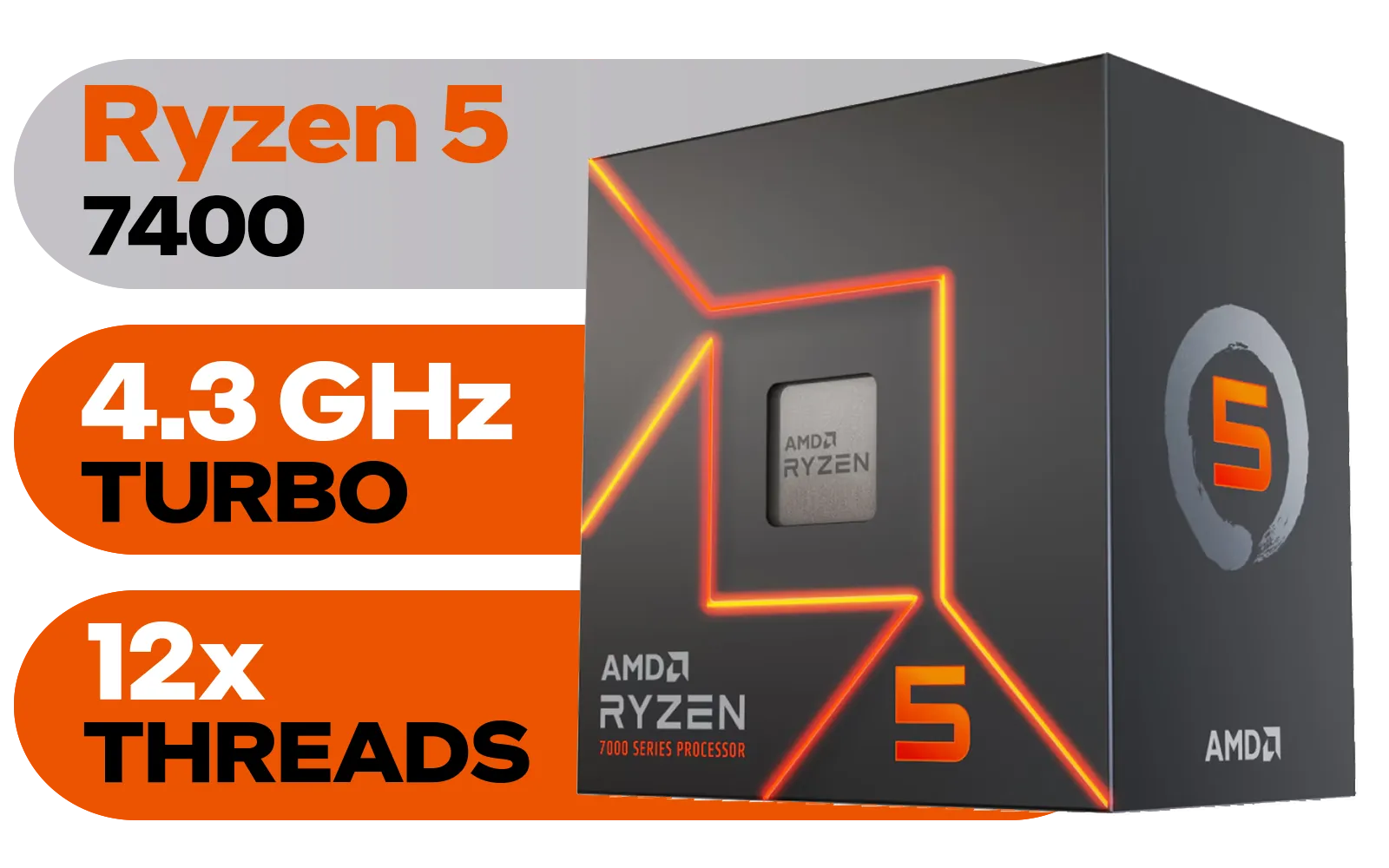
AMD Ryzen 5 7400 6-Core 12-Threads 3.3GHz (4.3GHz Max Boost) Socket AM5 65W Desktop Processor / 22MB Cache / AMD Ryzen 7000 Series Desktop Processor / Wraith Stealth CPU Cooler Included / Integrated AMD Radeon Graphics / 100-100001900BOX
R3299.00In Stock
Intel Core Ultra 5 225 Processor / 10x (6P + 4E) Cores / 10x Threads / Up to 4.9GHz Turbo Boost / LGA 1851 Series Chipset 121W / AI Accelerator Technology / Integrated Graphics / BX80768225
R3999.00In Stock

AMD Ryzen 9 9950X3D 16-Core 32-Threads 4.3GHz (5.7GHz Max Boost) Socket AM5 170W Desktop Processor / Zen 5 Architecture / AMD Radeon™ Graphics / Cooler Not Included / 100-100000719WOF
R15499.00In Stock
In the South African market, value is everything. The Core i5-14400 hits a sweet spot. It delivers fantastic multi-core performance for productivity and, thanks to its potent Turbo Boost, provides the high single-core speeds needed for high-refresh-rate gaming. It offers a significant portion of the performance of its more expensive K-series siblings without needing a high-end motherboard or cooler to get started.
When you look at the landscape, it holds its own remarkably well. While AMD's own offerings present stiff competition in the mid-range, the i5-14400's blend of Performance-cores and Efficient-cores, combined with its intelligent Turbo Boost, makes it an incredibly well-rounded and future-proof choice for gamers and creators alike. ✨
Ready to Unleash Your PC's Potential? The i5-14400 and its Turbo Boost technology offer an incredible blend of performance and value. Whether you're building a new gaming rig or upgrading an old one, finding the right CPU is the first step. Explore our complete range of Intel CPUs and give your PC the heart it deserves.
Related Products

Intel Core Ultra 7 265K Processor / 20x (8P + 12E) Cores / 20x Threads / Up to 5.5GHz Turbo Boost / LGA 1851 Series Chipset 159W / Integrated Intel® Graphics / CPU Cooler Not Included / BX80768265K
R6999.00In Stock
Intel Core Ultra 9 285K Desktop Processor / 24x (8P + 16E) Cores / 24x Threads / Up to 5.7GHz Turbo Boost / LGA 1851 Series Chipset 250W / Integrated Intel® Graphics / CPU Cooler Not Included / BX80768285K
R12699.00In Stock
Intel 14th Gen Core i3-14100F Desktop Processor 4(4P+0E) Cores up to 4.70GHz LGA1700 Series Chipset 58W / Discrete Graphics Card Required / BX8071514100F
R2049.00In Stock
Intel 12th Gen Core i5-12400 up to 4.40 GHz Unlocked 18MB Cache LGA 1700 65W Desktop Processor / Intel® UHD Graphics 730 / Compatible With 600 Series Chipset / BX8071512400
R3999.00In Stock
Intel Core Ultra 5 245K Desktop Processor / 14x (6P + 8E) Cores / 14x Threads / Up to 5.2GHz Turbo Boost / LGA 1851 Series Chipset 159W / Integrated Intel® Graphics / CPU Cooler Not Included / BX80768245K
R4999.00In Stock
AMD Ryzen 5 7400 6-Core 12-Threads 3.3GHz (4.3GHz Max Boost) Socket AM5 65W Desktop Processor / 22MB Cache / AMD Ryzen 7000 Series Desktop Processor / Wraith Stealth CPU Cooler Included / Integrated AMD Radeon Graphics / 100-100001900BOX
R3299.00In Stock
Intel's i5-14400 Turbo Boost temporarily raises core clock speeds above the base frequency to improve single-threaded and burst performance.
Boost peaks vary by workload, cooling, and power limits; single-core bursts hit higher clocks while sustained multi-core loads result in lower average boost.
Yes. Turbo Boost raises power draw and temps; monitor thermal limits and improve cooling to sustain higher boost clock speeds.
Yes. Use BIOS settings or Intel utilities to disable or tune Turbo Boost; adjusting power limits and fan curves balances performance and thermals.
Typically yes — higher single-core boost clocks often raise FPS in CPU-bound titles, but results depend on cooling and your GPU bottleneck.
Turbo Boost increases peak power draw during bursts; average efficiency for light tasks stays similar but expect higher consumption under sustained boost.
Run single-threaded and multi-threaded benchmarks, record boost clock speeds, temps, and power draw, and compare stock vs tuned settings for clear results.











