



i9-14900KF Cooling: How to Stay Cool in South Africa Heat
- Audit cooling options - Prioritise airflow and paste - Tune fan curves & voltages i9-14900KF cooling: Practical, heat-tested tips to lower CPU temps in South Africa. Choose AIOs, improve case airflow, and tune fans for stable performance. 🌡️🛠️
|
Loading tags...

So, you’ve got your hands on the Intel Core i9-14900KF, a silicon monster that eats benchmarks for breakfast. Lekker! But here in South Africa, our summer heat and surprise load shedding can turn this powerhouse into a pocket-sized sun. Effective i9-14900KF cooling isn't just a nice-to-have; it's the only way to guarantee you get the face-melting performance you paid for without your PC sounding like a jet engine. 🚀
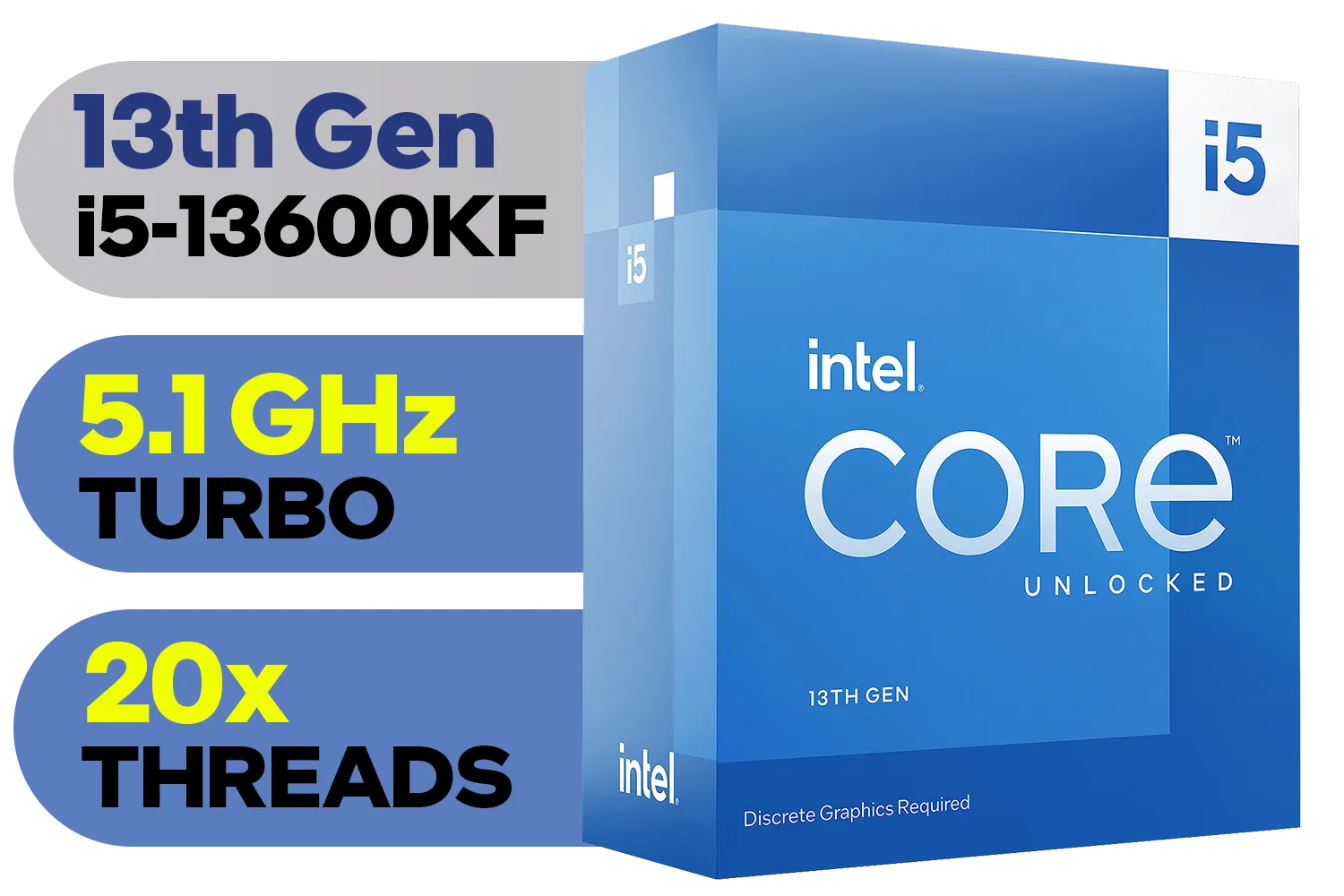
Intel 13th Gen Core i5-13600KF Desktop Processor 14 (6P+8E) Cores up to 5.10 GHz Unlocked LGA1700 Series Chipset 125W / <span style="color: red;" >Discrete Graphics Card Required</span> / BX8071513600KF
R6999.00In Stock

Intel 14th Gen Core i3-14100F Desktop Processor 4(4P+0E) Cores up to 4.70GHz LGA1700 Series Chipset 58W / Discrete Graphics Card Required / BX8071514100F
R2049.00In Stock
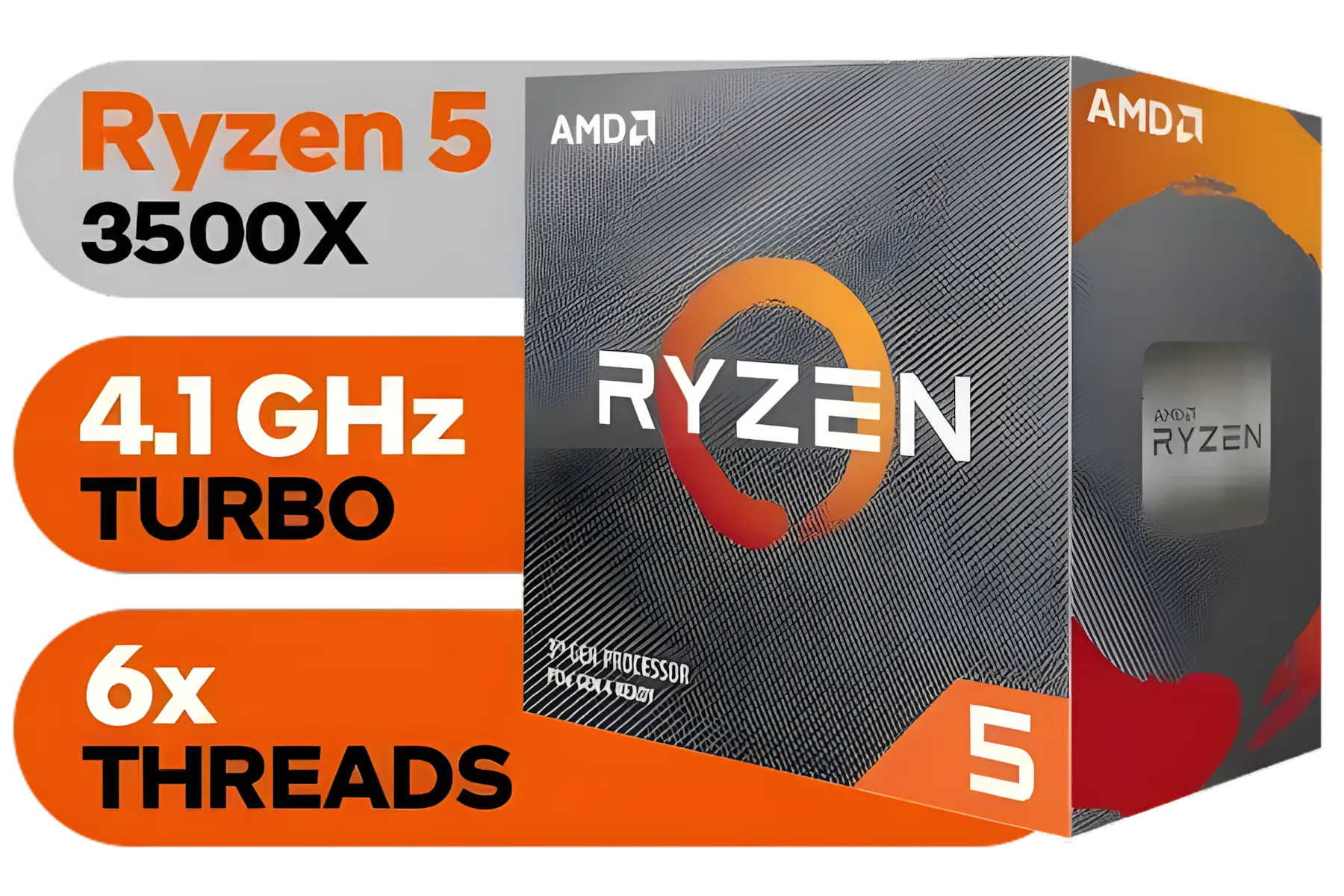
AMD Ryzen 5 3500X Boxed Processor / 6x Cores - 6x Threads / 3.60Ghz Base Clock / Up to 4.10GHz Max Boost Clock / AM4 Socket / 32MB L3 Cache / Discrete Graphics Card Required / 100-100000158BOX
R1699.00In Stock
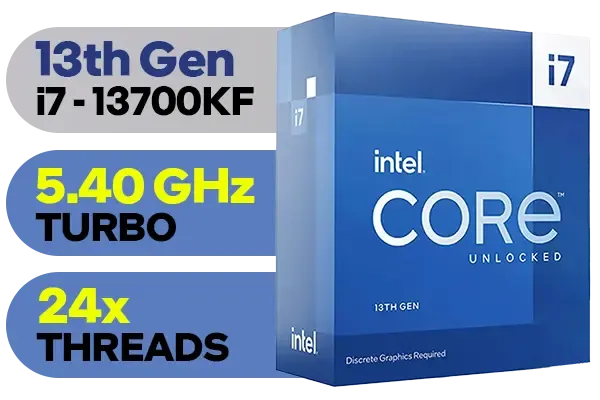
Intel 13th Gen Core i7 13700KF Desktop Processor 16 (8P+8E) Cores up to 5.40 GHz Unlocked LGA1700 Series Chipset 253W / <span style="color: red;" >Discrete Graphics Card Required</span> / BX8071513700KF
R9499.00In Stock

AMD Ryzen 9 9950X 16-Core 32-Threads 4.3GHz (5.7GHz Max Boost) Socket AM5 170W Desktop Processor / Zen 5 Architecture / AMD Radeon™ Graphics / Cooler Not Included / 100-100001277WOF
R12899.00In Stock
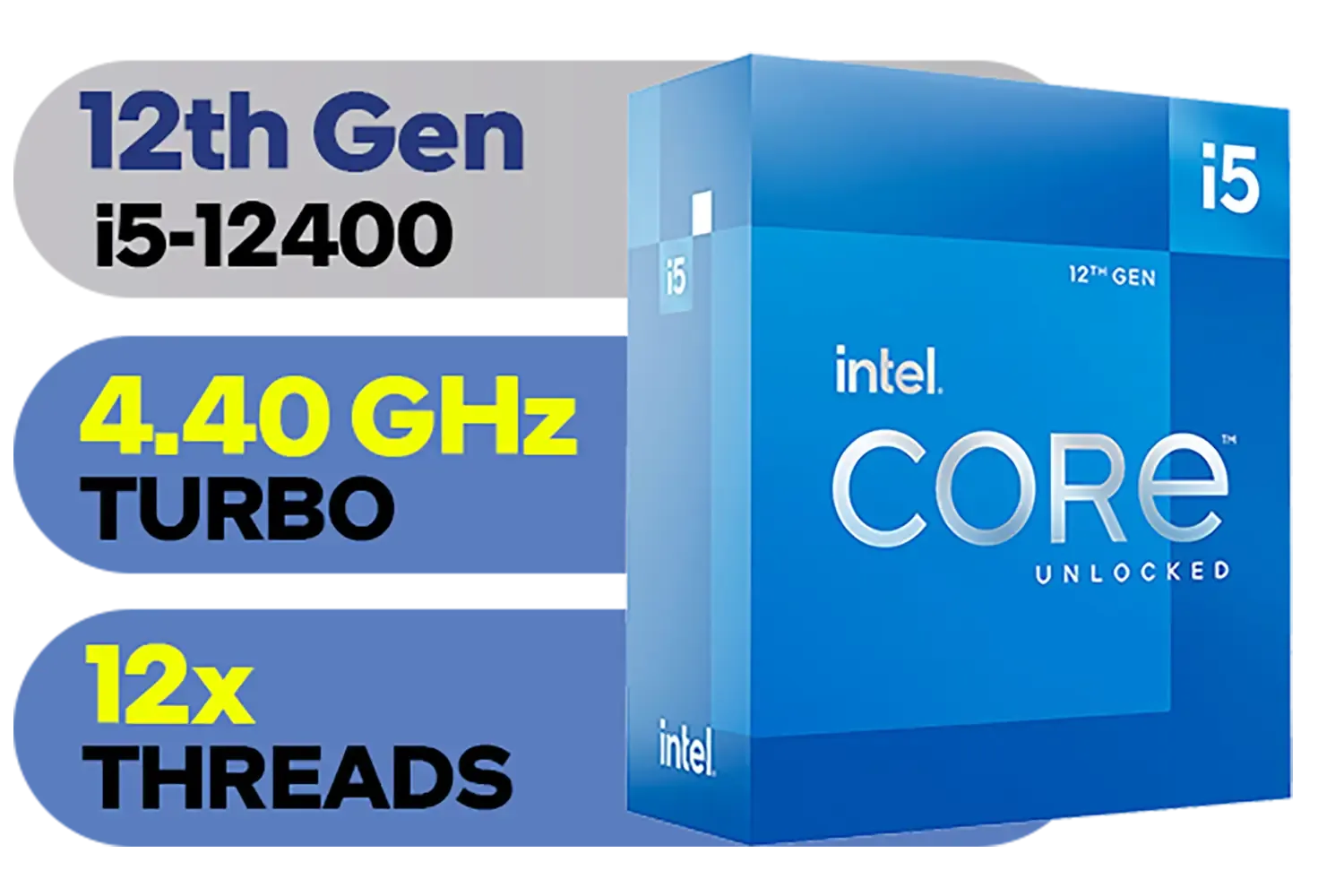
Intel 12th Gen Core i5-12400 up to 4.40 GHz Unlocked 18MB Cache LGA 1700 65W Desktop Processor / Intel® UHD Graphics 730 / Compatible With 600 Series Chipset / BX8071512400
R3999.00In Stock
Understanding the Heat: Why Your 14900KF Runs Hot
Before we dive into solutions, let's understand the problem. The i9-14900KF achieves its incredible speeds by drawing a significant amount of power, and where there's power, there's heat. When a CPU gets too hot, it automatically slows itself down to prevent damage—a process called thermal throttling. For a gamer, this means sudden frame drops and a frustrating experience.
Proper i9-14900KF cooling ensures your processor stays in its optimal temperature range. This isn't just about performance; it's about protecting your investment. When you buy CPU processors online, especially high-end Intel CPU models, planning your cooling strategy from the start is crucial.
Cooling Showdown: Air Coolers vs. Liquid AIOs ❄️
When it comes to taming this beast, you have two main choices. There’s no single "best" answer, as it depends on your case, budget, and performance goals.
High-Performance Air Coolers
Intel 13th Gen Core i7 13700KF Desktop Processor 16 (8P+8E) Cores up to 5.40 GHz Unlocked LGA1700 Series Chipset 253W / <span style="color: red;" >Discrete Graphics Card Required</span> / BX8071513700KF
R9499.00In Stock

Intel Core Ultra 5 245KF Desktop Processor / 14x (6P + 8E) Cores / 14x Threads / Up to 5.2GHz Turbo Boost / LGA 1851 Series Chipset 159W / Discrete Graphics Required / CPU Cooler Not Included / BX80768245KF
R4499.00In Stock

AMD Ryzen 9 9900X3D Processor / 12-Core 24-Threads / 4.4GHz Base Clock (Up to 5.5GHz) / Socket AM5 / Zen 5 Architecture / 140MB Cache / Integrated AMD Radeon™ Graphics / 100-100001368WOF
R12999.00In Stock

Intel Core Ultra 9 285K Desktop Processor / 24x (8P + 16E) Cores / 24x Threads / Up to 5.7GHz Turbo Boost / LGA 1851 Series Chipset 250W / Integrated Intel® Graphics / CPU Cooler Not Included / BX80768285K
R12699.00In Stock
AMD Ryzen 5 3500X Boxed Processor / 6x Cores - 6x Threads / 3.60Ghz Base Clock / Up to 4.10GHz Max Boost Clock / AM4 Socket / 32MB L3 Cache / Discrete Graphics Card Required / 100-100000158BOX
R1699.00In Stock

AMD Ryzen 5 3400G Processor with Radeon Vega 11 Graphics / 4x Cores - 8x Threads / 3.7GHz Base Clock - Up to 4.2GHz Max. Boost Clock / 6MB Game Cache / Wraith Spire Cooler Included / Socket AM4 / 65W / YD3400C5FHBOX
R1499.00In Stock
Don't underestimate modern air coolers. Top-tier models from brands like Noctua or be quiet! can handle the 14900KF at stock speeds just fine.
- Pros: Extremely reliable (no pump to fail), simpler installation, and often quieter at idle.
- Cons: Can be massive, potentially blocking RAM slots or looking bulky. May struggle with heavy overclocking in a warm room.
All-in-One (AIO) Liquid Coolers
For most South African enthusiasts aiming for peak performance, an AIO is the way to go. These sealed liquid cooling loops are incredibly efficient at moving heat away from the CPU and exhausting it from the case.
- Pros: Superior cooling performance, especially for overclocking. Sleeker look inside your case.
- Cons: More complex, with a pump as a potential point of failure.
For the 14900KF, we strongly recommend a 360mm or larger AIO to give you enough thermal headroom. A robust AIO is key to an effective i9-14900KF cooling setup that unlocks its full potential.
TIP FOR YOU
Thermal Paste 101 🔧
Don't reuse old thermal paste! When installing your new cooler, always clean both the CPU and the cooler base with isopropyl alcohol. Apply a pea-sized dot of high-quality thermal paste (like Thermal Grizzly Kryonaut or Arctic MX-4) to the centre of the CPU. The mounting pressure will spread it evenly for optimal heat transfer.
Beyond the Cooler: Your PC Case is Part of the System
Your CPU cooler doesn't work in a vacuum. A great cooler in a stuffy, closed-off case is like having air-con in a room with no windows. Here’s what else you need to optimise:
- Case Airflow: Choose a case with a mesh front panel. This allows your intake fans to breathe freely. A standard setup of three intake fans at the front and one exhaust at the back works wonders.
- Fan Curves: Head into your BIOS and set a custom fan curve. This tells your fans to spin up more aggressively as CPU temperatures rise, keeping things cool before they become a problem.
- Undervolting (For the Pros): Feeling adventurous? Undervolting reduces the voltage sent to the CPU without sacrificing clock speed. This can significantly lower temperatures and power consumption.
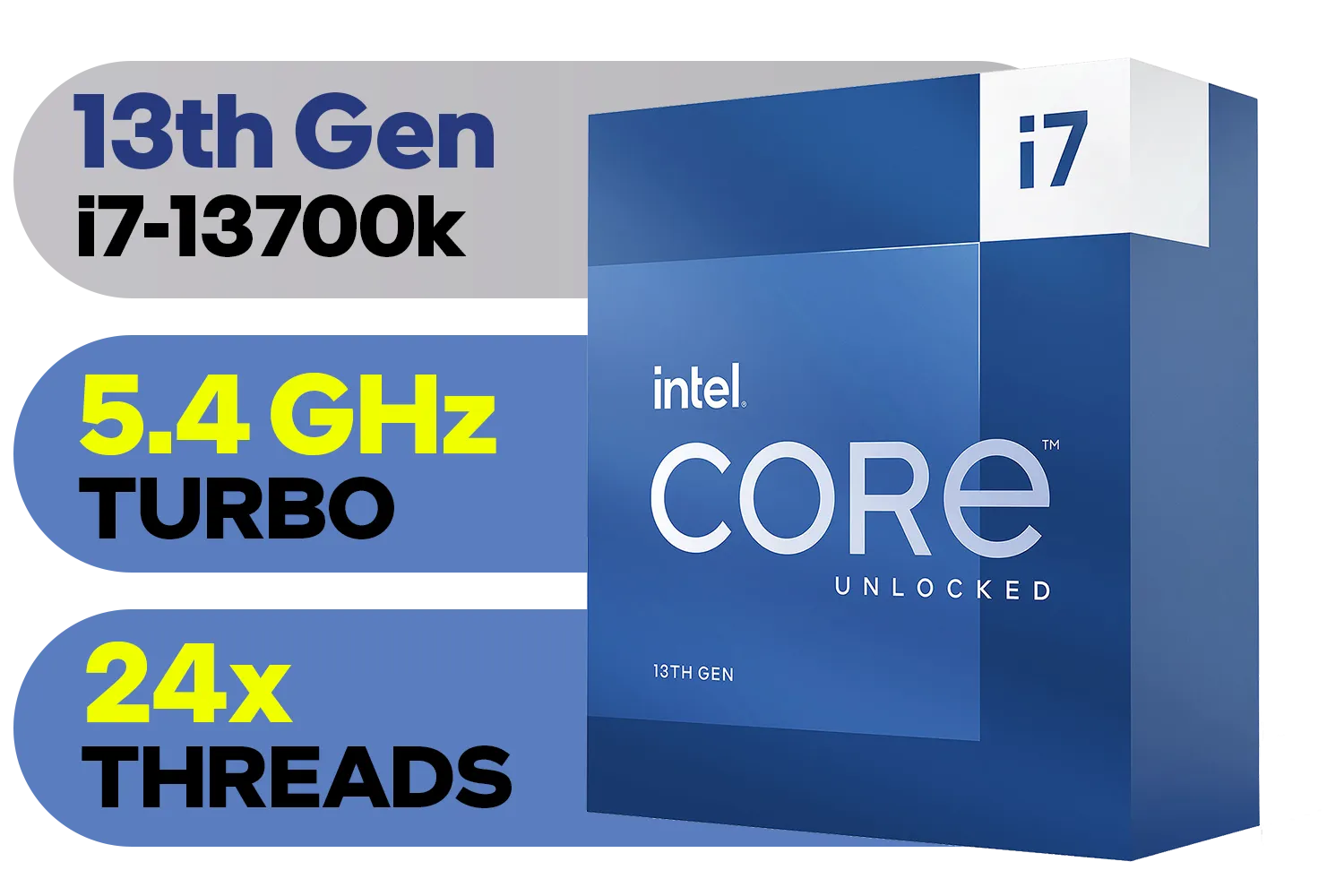
Intel 13th Gen Core i7 13700K Desktop Processor 16 (8P+8E) Cores up to 5.40 GHz Unlocked LGA1700 770 Series Chipset 125W / BX8071513700K
R9999.00In Stock
Intel 14th Gen Core i3-14100 Desktop Processor 4(4P+0E) Cores up to 4.70GHz Unlocked LGA1700 Series Chipset 60W / BX8071514100
R3449.00In Stock
Intel 14th Gen Core i3-14100F Desktop Processor 4(4P+0E) Cores up to 4.70GHz LGA1700 Series Chipset 58W / Discrete Graphics Card Required / BX8071514100F
R2049.00In Stock
Intel 13th Gen Core i5-13600KF Desktop Processor 14 (6P+8E) Cores up to 5.10 GHz Unlocked LGA1700 Series Chipset 125W / <span style="color: red;" >Discrete Graphics Card Required</span> / BX8071513600KF
R6999.00In Stock
Intel Core Ultra 9 285K Desktop Processor / 24x (8P + 16E) Cores / 24x Threads / Up to 5.7GHz Turbo Boost / LGA 1851 Series Chipset 250W / Integrated Intel® Graphics / CPU Cooler Not Included / BX80768285K
R12699.00In Stock
AMD Ryzen 5 3500X Boxed Processor / 6x Cores - 6x Threads / 3.60Ghz Base Clock / Up to 4.10GHz Max Boost Clock / AM4 Socket / 32MB L3 Cache / Discrete Graphics Card Required / 100-100000158BOX
R1699.00In Stock
These cooling principles are universal. While an Intel Core i7 is less demanding, good airflow is still key. Even as we look towards the efficiency of future chips like the Intel Core Ultra 9 series for laptops, the fundamental physics of heat transfer remain the same.
Ultimately, the goal of any good i9-14900KF cooling strategy is to create a stable, high-performance system that won't buckle under the pressure of a Johannesburg summer day. ✨
Ready to Build a Cool & Powerful Rig? Taming the i9-14900KF is the final step to unlocking its true potential. Whether you need a top-tier cooler or the processor itself, we've got you covered. Explore our massive range of CPU coolers and build a PC that beats the heat.
Related Products

AMD Ryzen 7 5700 8-Core 16-Threads 3.7GHz (4.6GHz Max Boost) Socket AM4 65W Desktop Processor / 20MB GameCache / 3rd Gen AMD Ryzen Desktop Processor / Discrete Graphics Card Required / 100-100000743BOX
R3399.00In Stock
AMD Ryzen 5 3400G Processor with Radeon Vega 11 Graphics / 4x Cores - 8x Threads / 3.7GHz Base Clock - Up to 4.2GHz Max. Boost Clock / 6MB Game Cache / Wraith Spire Cooler Included / Socket AM4 / 65W / YD3400C5FHBOX
R1499.00In Stock
AMD Ryzen 9 9900X3D Processor / 12-Core 24-Threads / 4.4GHz Base Clock (Up to 5.5GHz) / Socket AM5 / Zen 5 Architecture / 140MB Cache / Integrated AMD Radeon™ Graphics / 100-100001368WOF
R12999.00In Stock

AMD Ryzen 7 9800X3D 8-Core 16-Threads 4.7GHz (5.2GHz Max Boost) Socket AM5 120W Desktop Processor / Zen 5 Architecture / AMD Radeon™ Graphics / Cooler Not Included / 100-100001084WOF
R10499.00In Stock

AMD Ryzen 5 9600X 6-Core 12-Threads 3.9GHz (5.4GHz Max Boost) Socket AM5 65W Desktop Processor / Zen 5 Architecture / AMD Radeon™ Graphics / Cooler Not Included / 100-100001405WOF
R5199.00In Stock
AMD Ryzen 9 9950X 16-Core 32-Threads 4.3GHz (5.7GHz Max Boost) Socket AM5 170W Desktop Processor / Zen 5 Architecture / AMD Radeon™ Graphics / Cooler Not Included / 100-100001277WOF
R12899.00In Stock
Aim for 80°C or lower under sustained load; with proper i9-14900KF cooling you can often keep temps in the mid-70s in hot climates.
A 240mm or 360mm AIO usually outperforms air in high ambient temps; radiator placement and case airflow are crucial.
Ambient temperature can add roughly 1°C to CPU temps per 1°C rise; in SA heat, optimise case airflow and radiator intake.
Yes. Undervolting or power limit tuning reduces temps and power draw; follow an i9-14900KF undervolt guide and test stability.
Use front intake fans, top/rear exhaust, and dust filters. Positive airflow with focused intake helps case airflow in hot climates.
Choose a high-quality ceramic or metal-based thermal paste for better heat transfer and reapply when swapping coolers for best results.
Reduce heavy loads, schedule render tasks for cooler hours, and ensure unobstructed airflow; these keep systems safer during outages.











