



i9-14900KF Overclocking: Boost Your Gaming Edge
i9-14900KF overclocking can unlock higher FPS and tighter frame times for competitive gaming — learn safe settings, thermal tips, and benchmark results. 🚀🎮
|
Loading tags...

So, you’ve got Intel’s beastly Core i9-14900KF at the heart of your rig. That’s some serious silicon, boet. But letting it run at stock speeds is like owning a supercar and only driving it to the shops. True performance lies in pushing the limits. For South African gamers chasing every possible frame, a bit of careful i9-14900KF overclocking is the key to unlocking a noticeable, competitive edge in your favourite titles. 🚀

AMD Ryzen 7 5700 8-Core 16-Threads 3.7GHz (4.6GHz Max Boost) Socket AM4 65W Desktop Processor / 20MB GameCache / 3rd Gen AMD Ryzen Desktop Processor / Discrete Graphics Card Required / 100-100000743BOX
R3399.00In Stock

Intel 14th Gen Core i3-14100F Desktop Processor 4(4P+0E) Cores up to 4.70GHz LGA1700 Series Chipset 58W / Discrete Graphics Card Required / BX8071514100F
R2049.00In Stock

AMD Ryzen 9 9950X3D 16-Core 32-Threads 4.3GHz (5.7GHz Max Boost) Socket AM5 170W Desktop Processor / Zen 5 Architecture / AMD Radeon™ Graphics / Cooler Not Included / 100-100000719WOF
R15499.00In Stock

Intel Core Ultra 5 245KF Desktop Processor / 14x (6P + 8E) Cores / 14x Threads / Up to 5.2GHz Turbo Boost / LGA 1851 Series Chipset 159W / Discrete Graphics Required / CPU Cooler Not Included / BX80768245KF
R4499.00In Stock

AMD Ryzen 5 3400G Processor with Radeon Vega 11 Graphics / 4x Cores - 8x Threads / 3.7GHz Base Clock - Up to 4.2GHz Max. Boost Clock / 6MB Game Cache / Wraith Spire Cooler Included / Socket AM4 / 65W / YD3400C5FHBOX
R1499.00In Stock
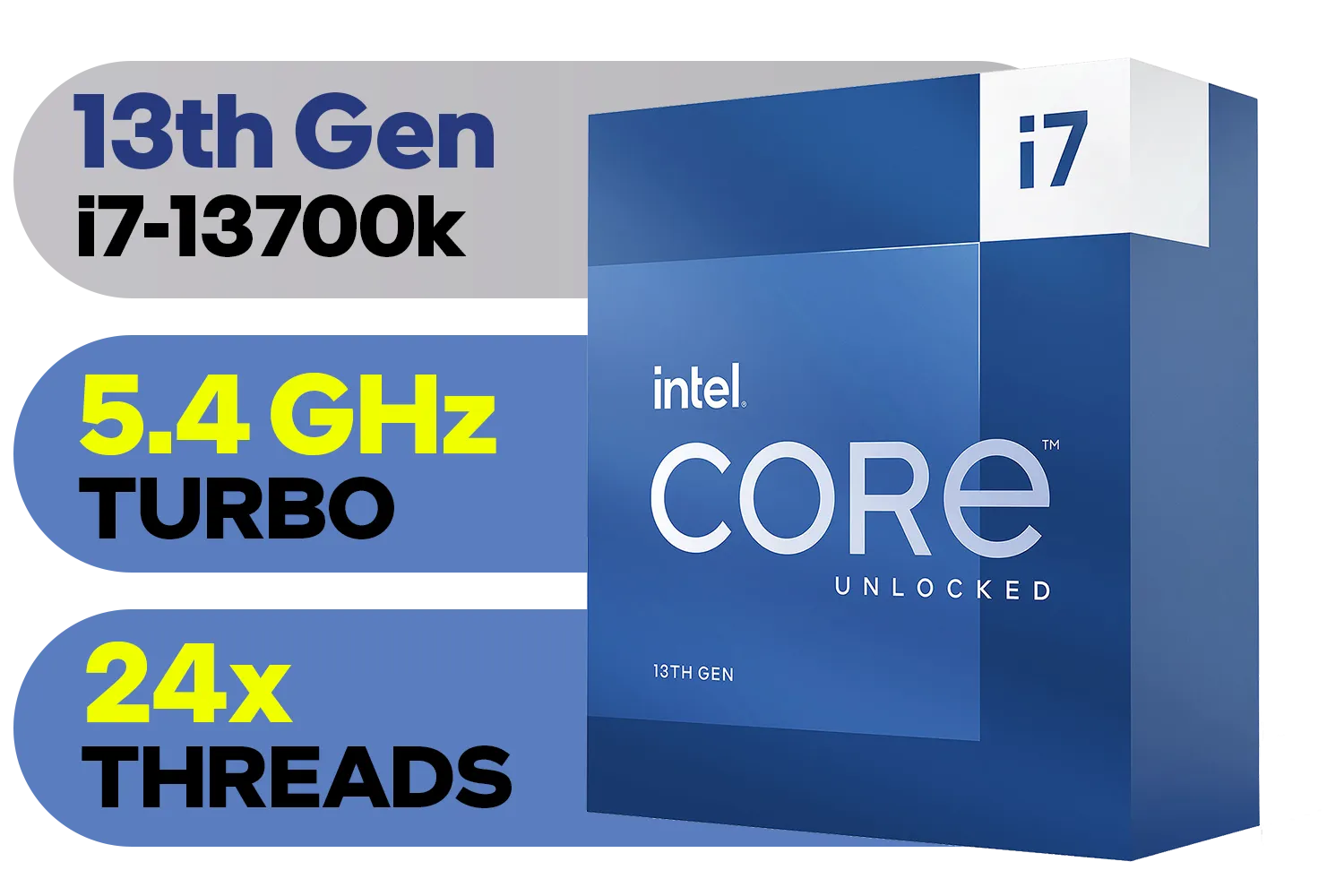
Intel 13th Gen Core i7 13700K Desktop Processor 16 (8P+8E) Cores up to 5.40 GHz Unlocked LGA1700 770 Series Chipset 125W / BX8071513700K
R9999.00In Stock
Why Bother with i9-14900KF Overclocking?
First, let's decode that name. The "K" means the processor is "unlocked," giving you the freedom to tweak its clock speeds. The "F" means it needs a separate graphics card... which, for any serious gamer, is a given.
The real reason to get your hands dirty with performance tuning is simple: more frames per second (FPS). In CPU-intensive games like Counter-Strike 2 or Valorant, where reaction time is everything, pushing your clock speeds higher can smooth out gameplay and give you a clearer picture in chaotic fights. It's about squeezing every drop of value from your hardware. While the latest Intel CPUs are incredibly fast out of the box, overclocking is a rewarding way to gain that extra 5-10% performance.
The Essentials for a Safe Overclock 🔧
Before you even think about touching your BIOS settings, let's talk about the non-negotiables. The i9-14900KF is a power-hungry chip that generates significant heat, even at its default settings. Pushing it harder means you absolutely need two things:
- A High-Quality Motherboard: A Z790 chipset motherboard is your best bet. These boards are built with robust Voltage Regulator Modules (VRMs) designed to deliver clean, stable power under the heavy load that i9-14900KF overclocking demands.
- Exceptional Cooling: A basic air cooler won't cut it here. You need a top-tier solution, like a 360mm All-In-One (AIO) liquid cooler or one of the largest high-performance air coolers on the market. Without proper cooling, your CPU will overheat and "throttle" (slow itself down), completely defeating the purpose.
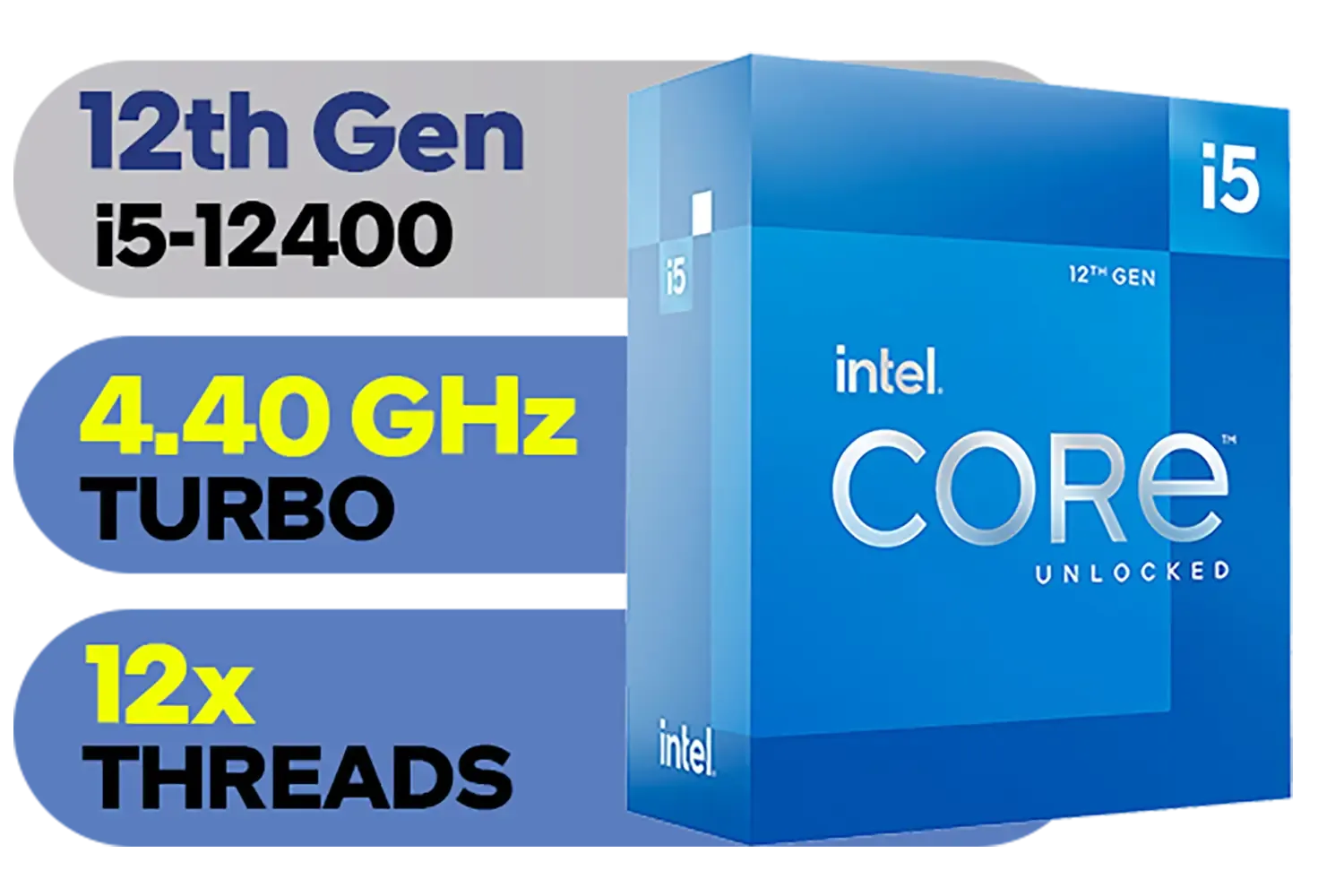
Intel 12th Gen Core i5-12400 up to 4.40 GHz Unlocked 18MB Cache LGA 1700 65W Desktop Processor / Intel® UHD Graphics 730 / Compatible With 600 Series Chipset / BX8071512400
R3999.00In Stock
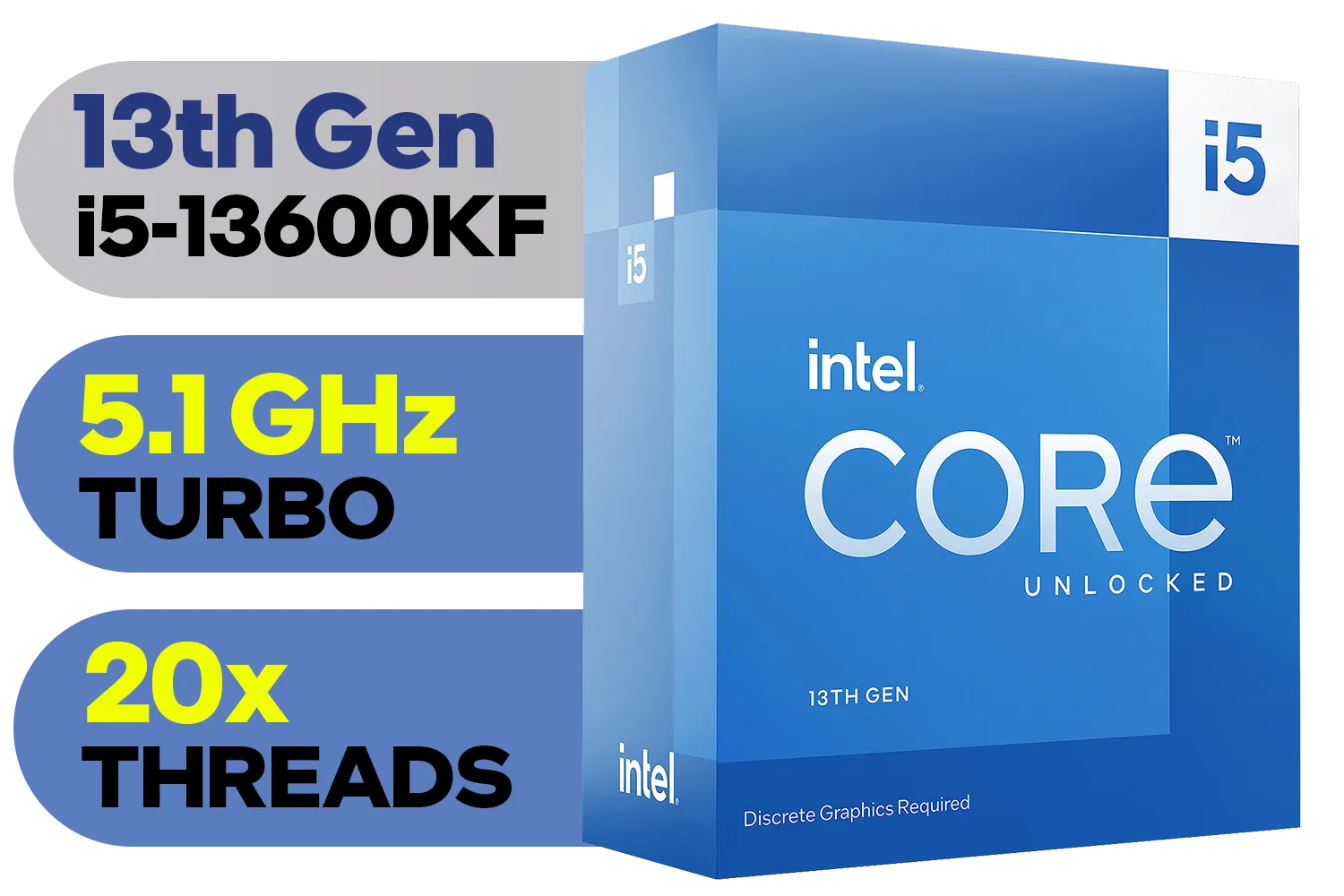
Intel 13th Gen Core i5-13600KF Desktop Processor 14 (6P+8E) Cores up to 5.10 GHz Unlocked LGA1700 Series Chipset 125W / <span style="color: red;" >Discrete Graphics Card Required</span> / BX8071513600KF
R6999.00In Stock
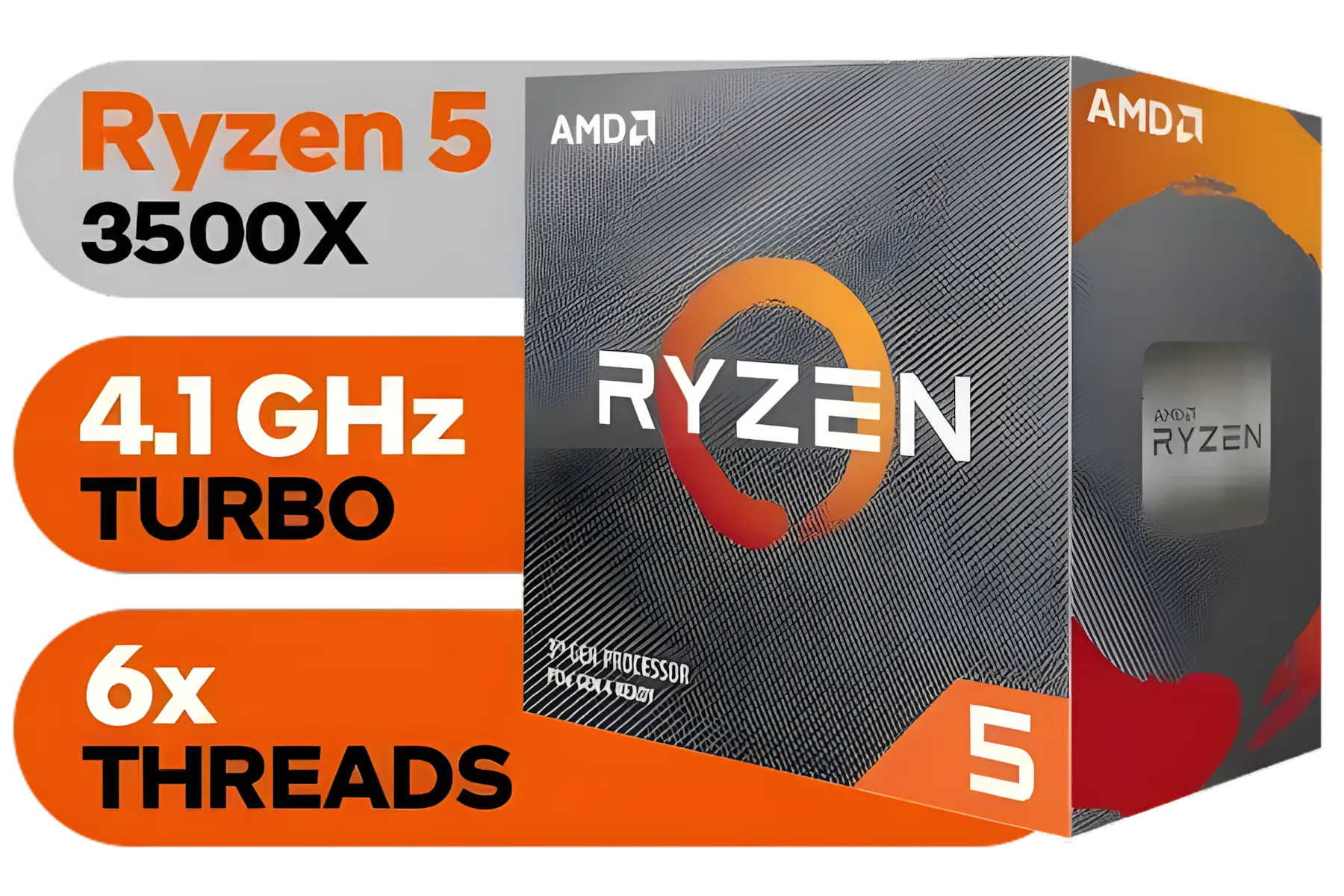
AMD Ryzen 5 3500X Boxed Processor / 6x Cores - 6x Threads / 3.60Ghz Base Clock / Up to 4.10GHz Max Boost Clock / AM4 Socket / 32MB L3 Cache / Discrete Graphics Card Required / 100-100000158BOX
R1699.00In Stock
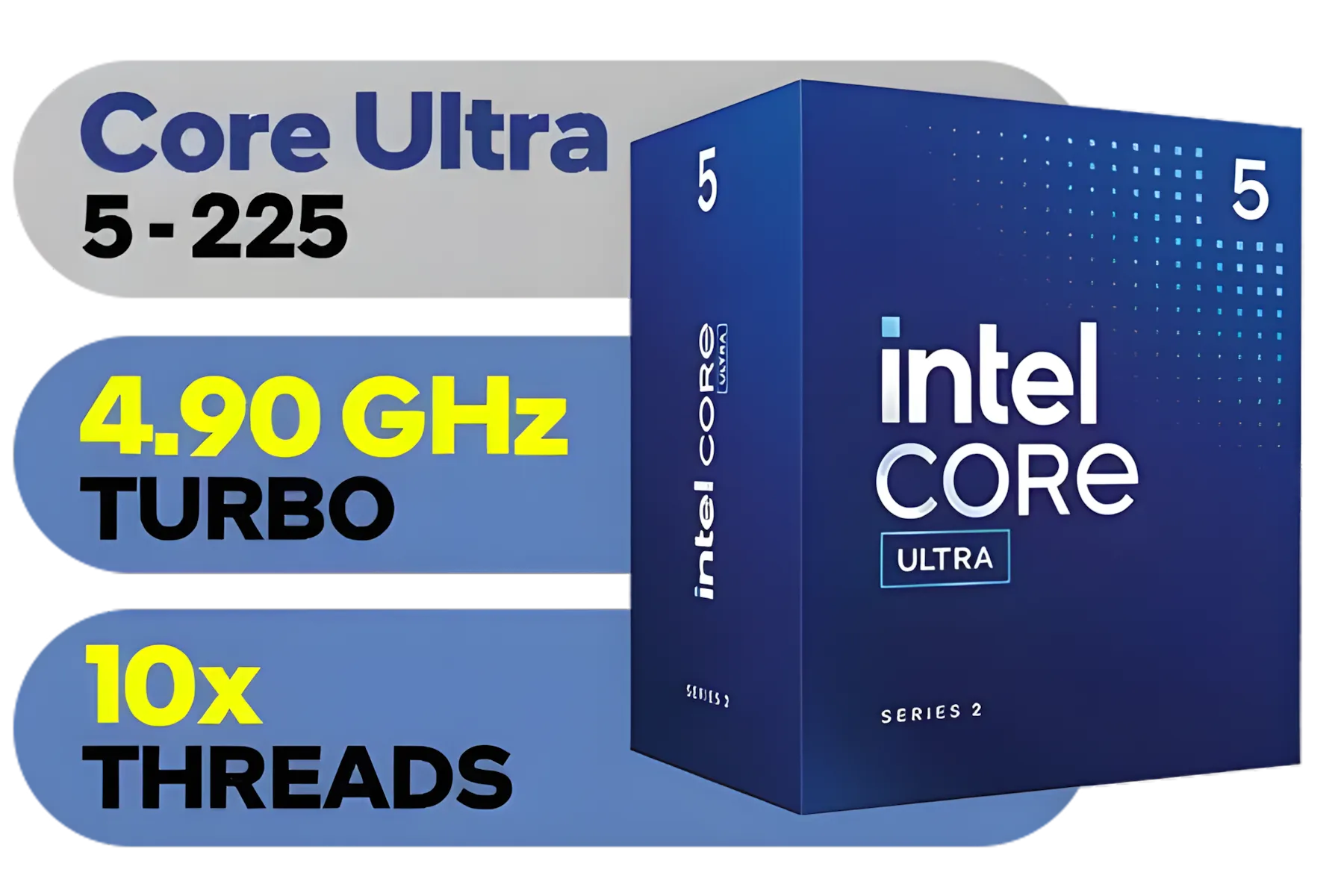
Intel Core Ultra 5 225 Processor / 10x (6P + 4E) Cores / 10x Threads / Up to 4.9GHz Turbo Boost / LGA 1851 Series Chipset 121W / AI Accelerator Technology / Integrated Graphics / BX80768225
R3999.00In Stock
Intel 14th Gen Core i3-14100F Desktop Processor 4(4P+0E) Cores up to 4.70GHz LGA1700 Series Chipset 58W / Discrete Graphics Card Required / BX8071514100F
R2049.00In Stock

AMD Ryzen 9 9950X 16-Core 32-Threads 4.3GHz (5.7GHz Max Boost) Socket AM5 170W Desktop Processor / Zen 5 Architecture / AMD Radeon™ Graphics / Cooler Not Included / 100-100001277WOF
R12899.00In Stock
Getting these foundational components right is crucial. If you're planning a new build, you can explore our full range of CPU processors and pair them with the perfect motherboard and cooler.
Your First Steps into Overclocking
Diving into the BIOS can seem intimidating, but a methodical approach makes it manageable. We're not aiming for world records here... just a stable, noticeable performance boost for gaming.
A Simplified Starting Guide:
- Get a Baseline: Before you change anything, run a benchmark like Cinebench R23. Note your score and peak temperature. This is your starting point.
- Enter the BIOS: Restart your PC and press the designated key (usually Del or F2) to enter the BIOS/UEFI.
- Tweak the P-Cores: Find the "CPU Ratio" or "Core Ratio" setting. Start by increasing the Performance-core (P-core) ratio by a small increment. If it's at 57 (for 5.7 GHz), try bumping it to 58. Leave the E-cores alone for now.
- Test for Stability: Save your settings and boot into Windows. Run Cinebench again. Did it complete the run? If yes, congratulations! Check your new score and temperatures. If it crashed, you may need to slightly increase the CPU core voltage or simply dial the clock speed back.
TIP FOR YOU
Essential Monitoring Tip ⚡
Keep a close eye on your system's health. Download and run a free tool like HWiNFO64 in the background. It gives you a detailed, real-time look at your CPU core temperatures, clock speeds, and power draw. For overclocking, knowledge is power... and safety!
This process of small changes and testing is the core of manual overclocking. It takes patience, but the results are worth it. The i9's massive overclocking potential is what sets it apart from some of its excellent siblings, like the ever-popular Intel Core i7 family, which offers a different balance of price and performance.

Intel Core Ultra 7 265K Processor / 20x (8P + 12E) Cores / 20x Threads / Up to 5.5GHz Turbo Boost / LGA 1851 Series Chipset 159W / Integrated Intel® Graphics / CPU Cooler Not Included / BX80768265K
R6999.00In Stock

AMD Ryzen 5 9600X 6-Core 12-Threads 3.9GHz (5.4GHz Max Boost) Socket AM5 65W Desktop Processor / Zen 5 Architecture / AMD Radeon™ Graphics / Cooler Not Included / 100-100001405WOF
R5199.00In Stock
Intel 13th Gen Core i7 13700K Desktop Processor 16 (8P+8E) Cores up to 5.40 GHz Unlocked LGA1700 770 Series Chipset 125W / BX8071513700K
R9999.00In Stock
AMD Ryzen 9 9950X3D 16-Core 32-Threads 4.3GHz (5.7GHz Max Boost) Socket AM5 170W Desktop Processor / Zen 5 Architecture / AMD Radeon™ Graphics / Cooler Not Included / 100-100000719WOF
R15499.00In Stock

Intel Core Ultra 5 225F Processor / 10x (6P + 4E) Cores / 10x Threads / Up to 4.9GHz Turbo Boost / LGA 1851 Series Chipset 121W / AI Accelerator Technology / Discrete Graphics Required / BX80768225F
R3699.00In Stock
Intel 13th Gen Core i5-13600KF Desktop Processor 14 (6P+8E) Cores up to 5.10 GHz Unlocked LGA1700 Series Chipset 125W / <span style="color: red;" >Discrete Graphics Card Required</span> / BX8071513600KF
R6999.00In Stock
Is Manual Tuning Always the Best Path?
Honestly? Not for everyone. Many modern Z790 motherboards come with AI Overclocking or automatic tuning profiles. These tools analyse your specific CPU and cooling solution to apply a safe, one-click overclock. ✨
This is a fantastic starting point and often gets you 90% of the way there with none of the hassle. While desktop warriors are busy with manual i9-14900KF overclocking, the mobile world is being transformed by chips like the new Intel Core Ultra 9 series, which focus more on AI-driven efficiency and performance-per-watt. It just shows there's a perfect solution for every type of user.
For the ultimate enthusiast, however, manual tuning remains king for extracting that last bit of performance.
Ready to Unleash Maximum Power? The i9-14900KF is an enthusiast's dream, but getting the most from it starts with the right foundation. Whether you're building from scratch or upgrading your core components, we've got the hardware to fuel your next victory. Explore our full range of CPU processors and build a rig that leaves the competition in the dust.
Related Products
AMD Ryzen 7 5700 8-Core 16-Threads 3.7GHz (4.6GHz Max Boost) Socket AM4 65W Desktop Processor / 20MB GameCache / 3rd Gen AMD Ryzen Desktop Processor / Discrete Graphics Card Required / 100-100000743BOX
R3399.00In Stock
Intel 12th Gen Core i5-12400 up to 4.40 GHz Unlocked 18MB Cache LGA 1700 65W Desktop Processor / Intel® UHD Graphics 730 / Compatible With 600 Series Chipset / BX8071512400
R3999.00In Stock

AMD Ryzen 7 9800X3D 8-Core 16-Threads 4.7GHz (5.2GHz Max Boost) Socket AM5 120W Desktop Processor / Zen 5 Architecture / AMD Radeon™ Graphics / Cooler Not Included / 100-100001084WOF
R10499.00In Stock
AMD Ryzen 5 3400G Processor with Radeon Vega 11 Graphics / 4x Cores - 8x Threads / 3.7GHz Base Clock - Up to 4.2GHz Max. Boost Clock / 6MB Game Cache / Wraith Spire Cooler Included / Socket AM4 / 65W / YD3400C5FHBOX
R1499.00In Stock
Intel 14th Gen Core i3-14100 Desktop Processor 4(4P+0E) Cores up to 4.70GHz Unlocked LGA1700 Series Chipset 60W / BX8071514100
R3449.00In Stock
AMD Ryzen 5 3500X Boxed Processor / 6x Cores - 6x Threads / 3.60Ghz Base Clock / Up to 4.10GHz Max Boost Clock / AM4 Socket / 32MB L3 Cache / Discrete Graphics Card Required / 100-100000158BOX
R1699.00In Stock
Yes. i9-14900KF overclocking can raise average FPS and lower frame times in CPU-bound scenarios when paired with a capable GPU.
Start conservative: incrementally raise core voltage while monitoring temps. Use community-tested values and stress test for stability.
Run extended CPU stress tests and real-game benchmarks, then watch for crashes, thermal throttling, or frame drops.
Absolutely. Proper cooling and airflow are essential to control temps and sustain higher frequencies safely.
Stock cooling limits headroom. For meaningful gains, use high-end air or AIO liquid cooling to manage temperatures.
Yes — enabling XMP and tuning memory timings can complement CPU overclock gains and improve gaming frame times.
Yes. Benchmarks show notable gains in CPU-bound titles; check published i9-14900KF benchmark results for real comparisons.











