



Install 32GB KLEVV CRAS V DDR5: Step-by-Step Guide
Install 32GB KLEVV CRAS V DDR5 with this clear step-by-step guide 🛠️⚡ Learn safe DIMM seating, BIOS XMP setup, compatibility checks, and verification tips.
|
Loading tags...
Got your hands on a shiny new 32GB KLEVV CRAS V DDR5 kit? Lekker! You're just a few simple steps away from unlocking smoother frame rates and beastly multitasking performance. This isn't some complex, hours-long mission; it's one of the quickest, most satisfying PC upgrades you can do. This guide will show you exactly how to install your 32GB KLEVV CRAS V DDR5 RAM and get you back in the game, faster. 🚀
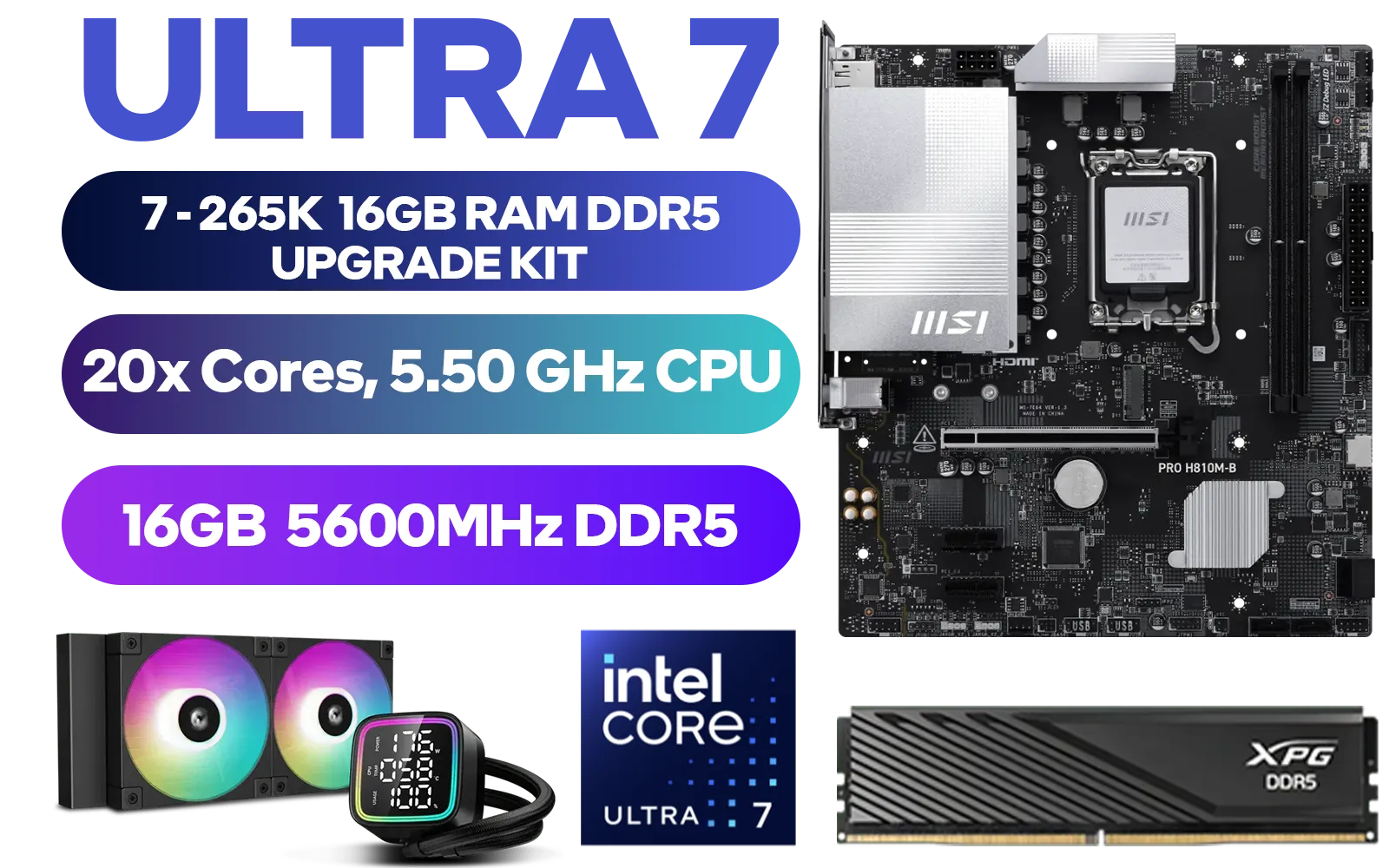
Intel Core Ultra 7 265K MSI PRO H810M-B 16GB DDR5 5600MHz Upgrade Kit - MSI PRO H810M-B Intel Micro ATX Motherboard + Intel Core Ultra 7 265K Up to 5.50GHz CPU + ADATA XPG Lancer Blade 16GB (1 x 16GB) DDR5 5600MHz Desktop Memory + DeepCool LD240 Liquid Cooler
R12999.00In Stock
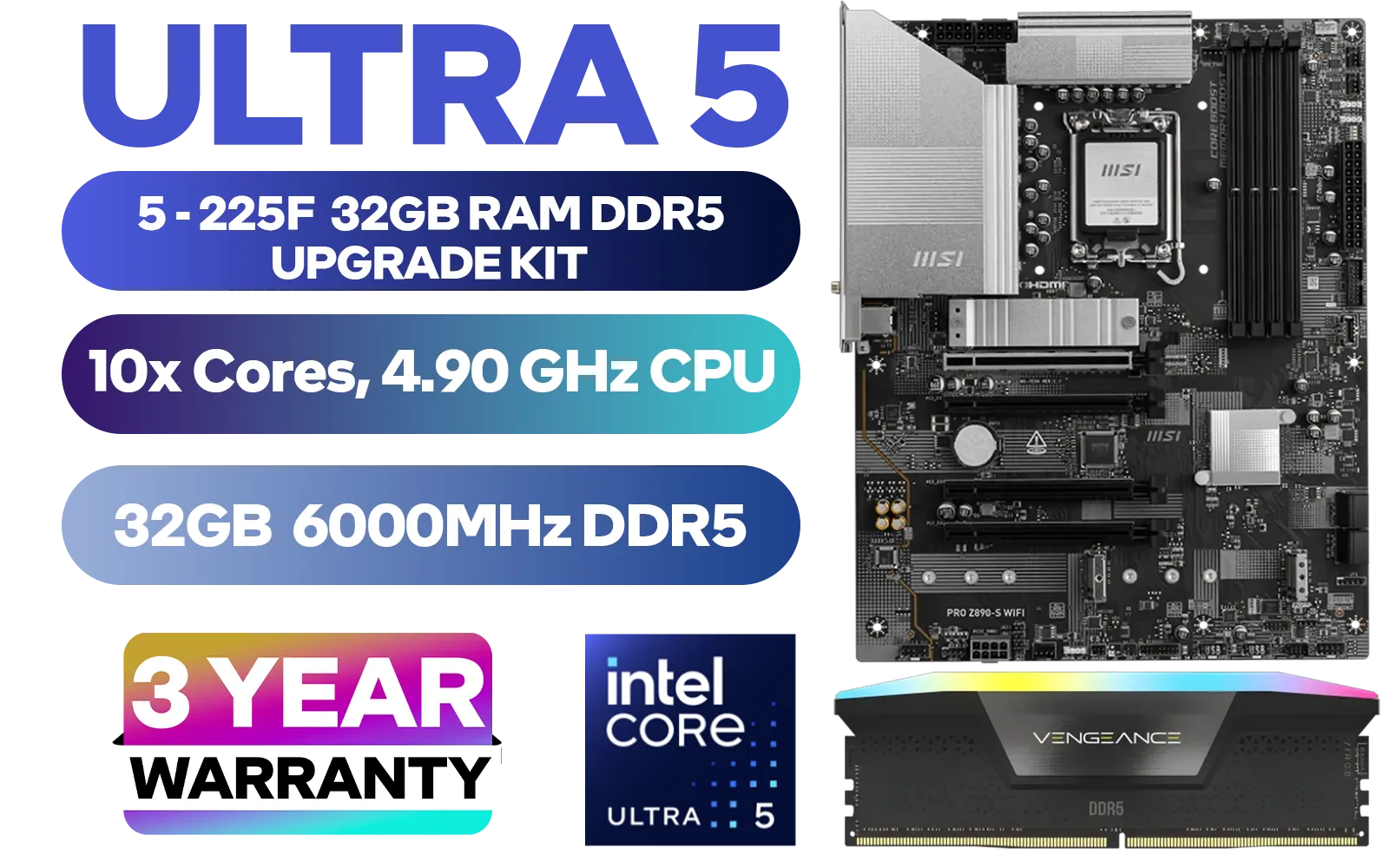
Intel Core Ultra 5 225F Z890-S Wi-Fi 32GB RGB DDR5 6000MHz Upgrade Kit - MSI PRO Z890-S Wi-Fi Intel ATX Motherboard + Intel Core Ultra 5 225F Up to 4.90GHz CPU + Corsair Vengeance RGB DDR5 32GB 6000MHz Desktop Memory / Discrete GPU Required - No Integrated Graphics
R13999.00In Stock

AMD RYZEN 7 5700 Phantom Gaming B550 32GB 3600MHz Upgrade Kit - ASRock Phantom Gaming B550 AMD ATX Motherboard + AMD RYZEN 7 5700 20MB Game Cache Up to 4.6GHz CPU + KLEVV BOLT X 32GB 3600MHz DDR4 Desktop Memory + DeepCool LS520S Zero Dark Liquid Cooler / Discrete GPU Required - No Integrated Graphics
R7499.00In Stock
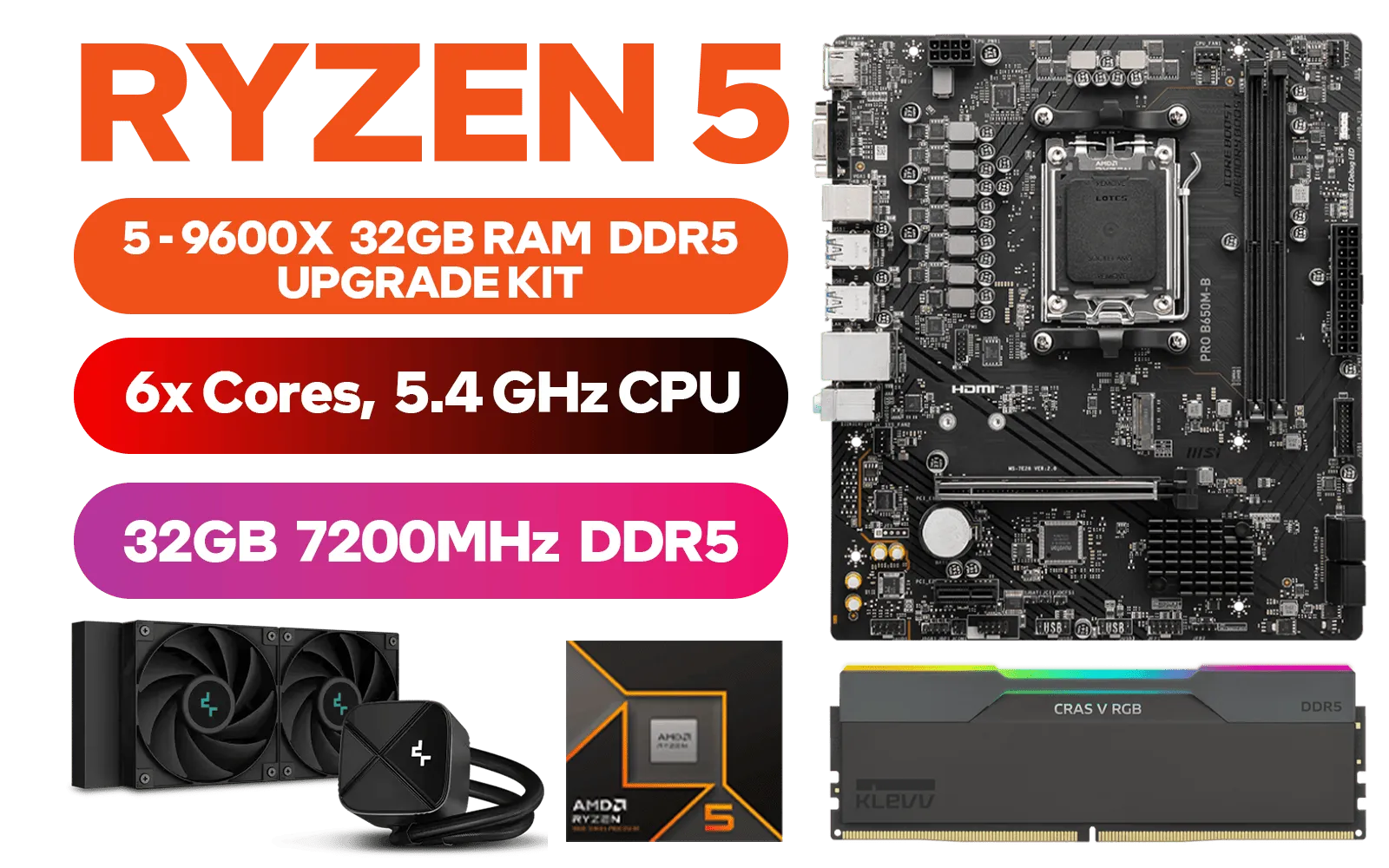
AMD RYZEN 5 9600X PRO B650M-B 32GB DDR5 7200MHz Upgrade Kit - MSI Pro B650M-B AMD Ryzen Motherboard + AMD RYZEN 5 9600X 38MB GameCache Up to 5.4GHz CPU (OEM No Packaging) + KLEVV CRAS V RGB 32GB Kit 7200MHz Gaming Memory + DeepCool LS520S Zero Dark Liquid Cooler
R13899.00In Stock
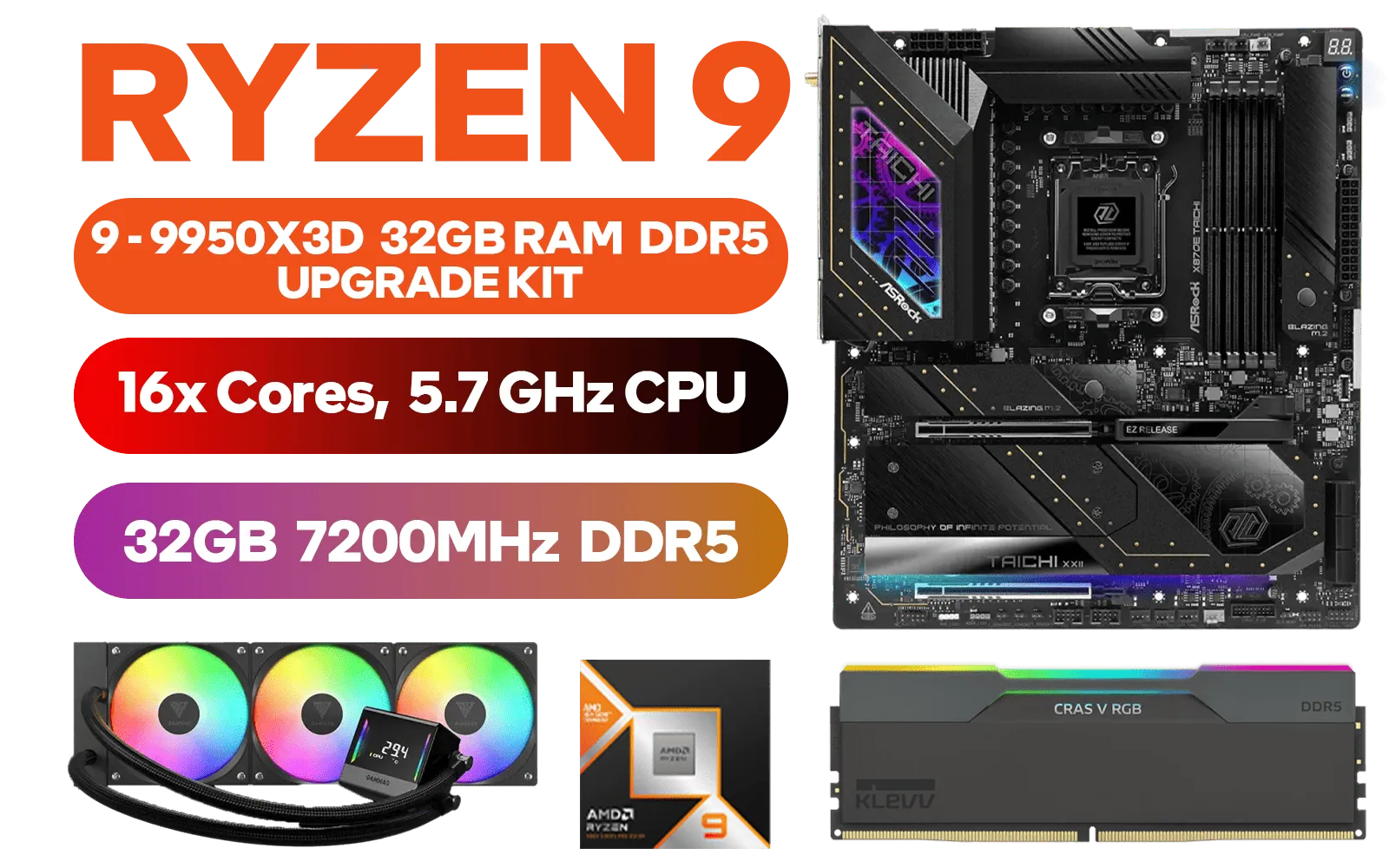
AMD RYZEN 9 9950X3D ASRock X870E Taichi WIFI 32GB DDR5 7200MHz Upgrade Kit - ASRock X870E Taichi WIFI AMD Ryzen Motherboard + AMD RYZEN 9 9950X3D 144MB GameCache Up to 5.7GHz CPU + KLEVV CRAS V RGB 32GB Kit 7200MHz Gaming Memory + Gamdias Chione E4-360 Liquid Cooler
R34899.00In Stock
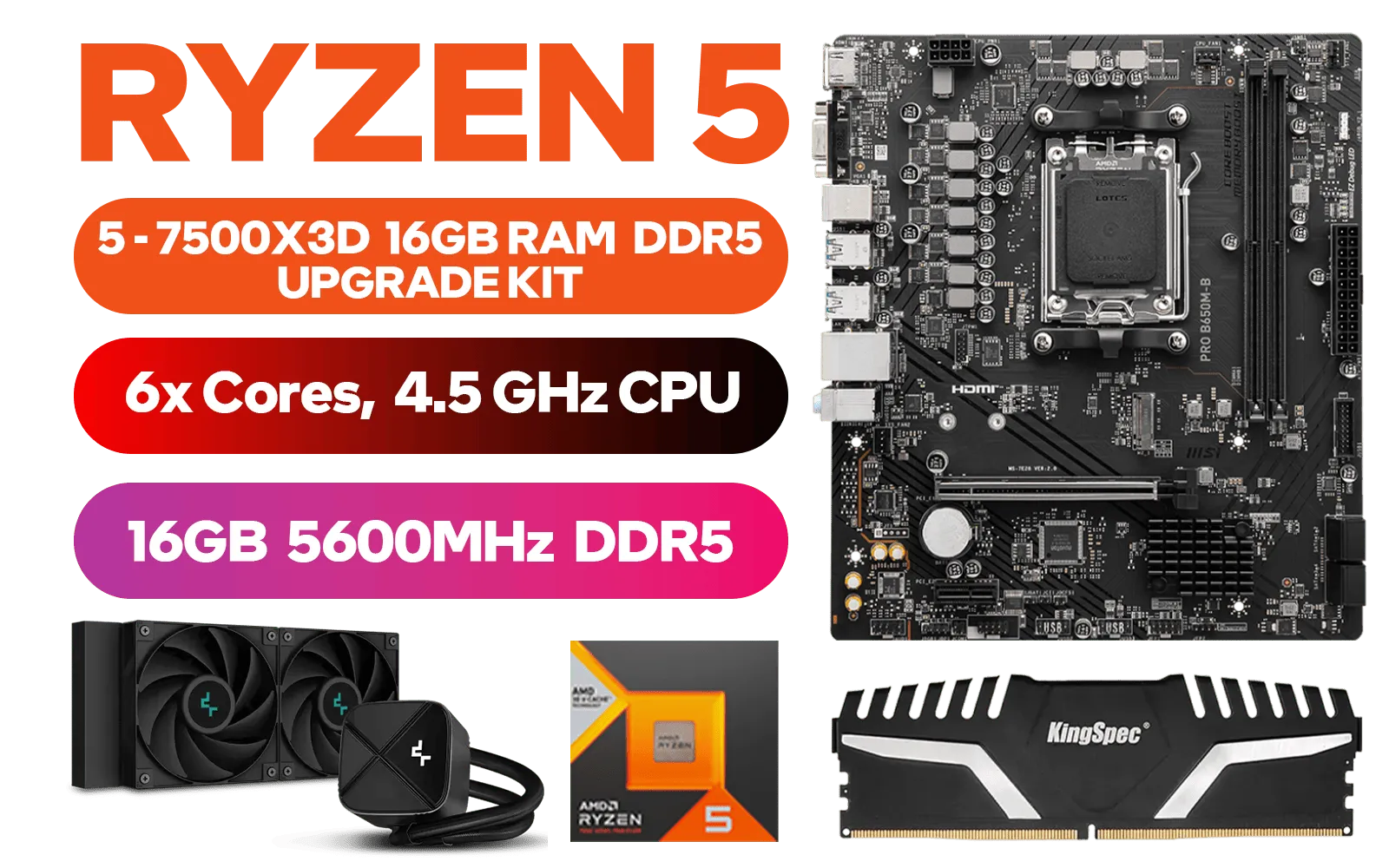
AMD RYZEN 5 7500X3D PRO B650M-B 16GB DDR5 5600MHz Upgrade Kit - MSI Pro B650M-B AMD Ryzen Motherboard + AMD RYZEN 5 7500X3D 102MB GameCache Up to 4.5GHz CPU + Kingspec 16GB Kit (16GB x1) 5600MHz Gaming Memory + DeepCool LS520S Zero Dark Liquid Cooler
R10999.00In Stock
Pre-Installation Checks & Safety First
Before you even touch a screwdriver, let's cover the basics. A successful installation starts with preparation.
First, compatibility is key. DDR5 memory is not backwards compatible with DDR4 slots. Ensure your motherboard and CPU support DDR5 RAM. If you're building from scratch or planning a major overhaul, starting with one of our up-to-date Intel barebone kits is a great way to guarantee compatibility from the get-go.
Next, safety!
- Power Down: Completely shut down your PC.
- Unplug Everything: Disconnect the main power cable from the back of your power supply.
- Ground Yourself: Static electricity is the enemy of PC components. Touch a metal part of your unplugged PC case to discharge any static buildup before you begin. For extra peace of mind, an anti-static wrist strap is a worthy investment.
A Step-by-Step Guide to Install 32GB KLEVV CRAS V DDR5
Alright, let's get to the main event. With your PC prepped, it's time to perform the upgrade. The process to install the 32GB KLEVV CRAS V DDR5 modules is straightforward.
Step 1: Open Your PC Case
Place your PC tower on a flat, stable surface. Remove the side panel—usually held on by two thumbscrews at the back—to get access to the motherboard.
Step 2: Locate the RAM Slots
The RAM slots are long, thin channels located near the CPU socket. Most motherboards have four slots. To enable dual-channel mode for the best performance, you'll typically install your two RAM sticks in the second and fourth slots (often labelled A2 and B2). Always check your motherboard manual to be sure!
Step 3: Prepare the Slots & Align the RAM
Open the retaining clips at one or both ends of the RAM slots you'll be using. They should click outwards. Now, pick up a KLEVV CRAS V DDR5 module. Notice the small notch on the bottom row of gold contacts? This is crucial—it's designed to align with a bump in the RAM slot, making it impossible to install incorrectly.
Step 4: Seat the Memory Module
Align the notch on the RAM stick with the bump in the slot and press down firmly and evenly on both ends. You'll hear a satisfying click as the retaining clips snap back into place, securing the module. That's it! ✨
Repeat the process for the second stick in the correct corresponding slot.
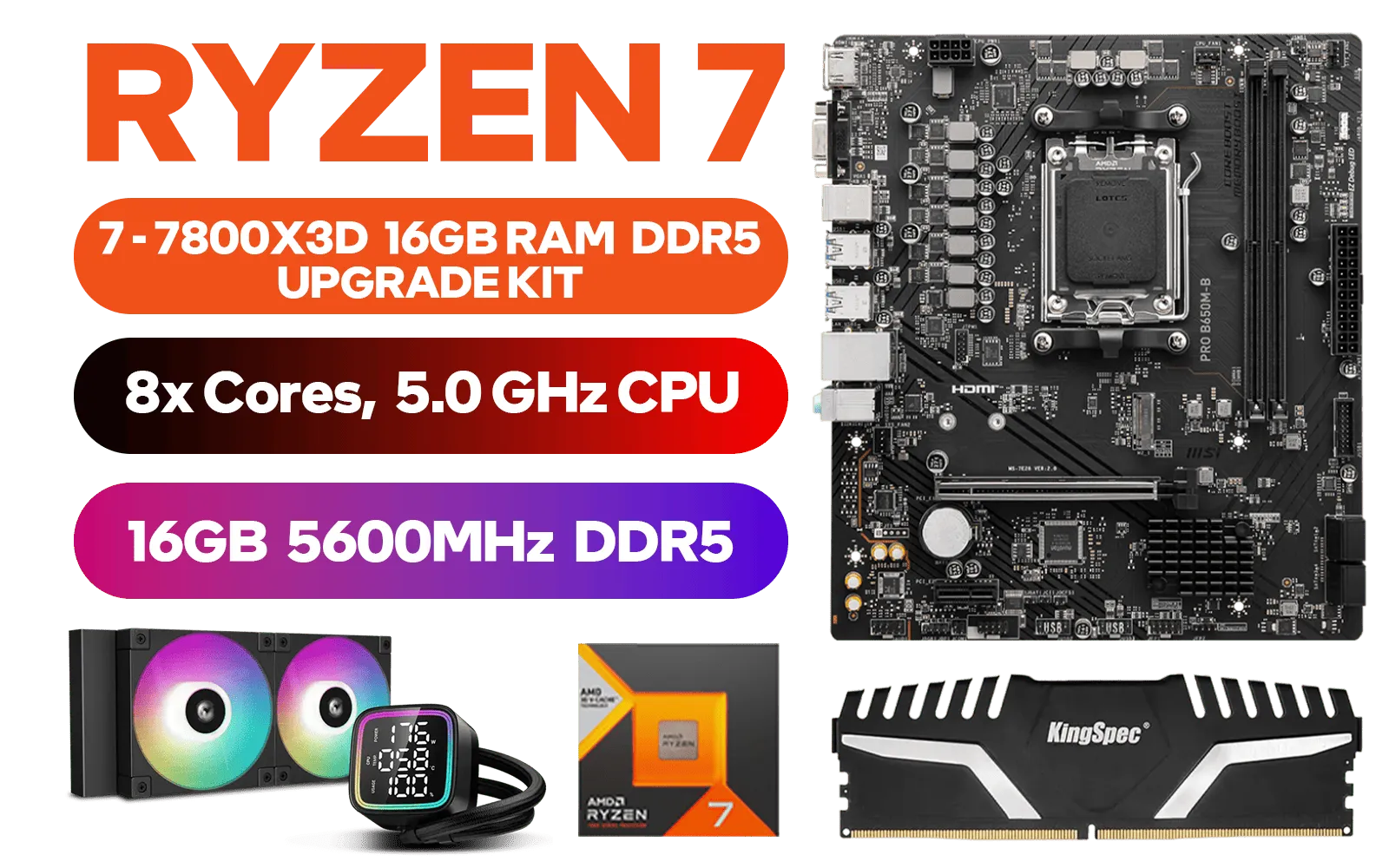
AMD RYZEN 7 7800X3D PRO B650M-B 16GB DDR5 5600MHz Upgrade Kit - MSI PRO B650M-B AMD Ryzen Motherboard + AMD RYZEN 7 7800X3D 100MB GameCache Up to 5.0GHz CPU (OEM No Packaging) + Kingspec 16GB Kit (16GB x1) 5600MHz Gaming Memory + DeepCool LD240 CPU Liquid Cooler
R12999.00In Stock
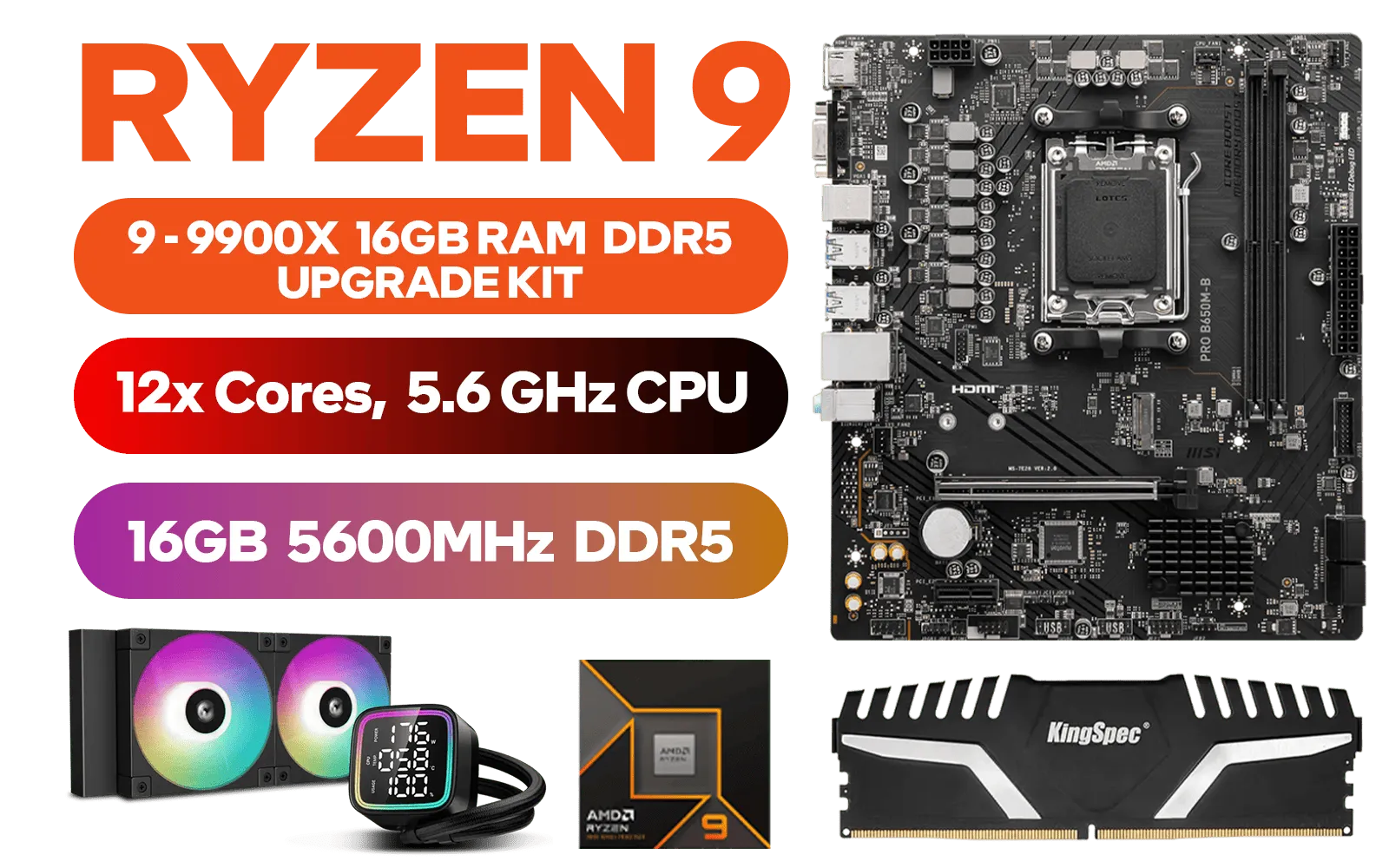
AMD RYZEN 9 9900X PRO B650M-B 16GB DDR5 5600MHz Upgrade Kit - MSI PRO B650M-B AMD Ryzen Motherboard + AMD RYZEN 9 9900X 76MB GameCache Up to 5.6GHz CPU (OEM No Packaging) + Kingspec 16GB Kit (16GB x1) 5600MHz Gaming Memory + DeepCool LD240 Liquid Cooler - Black
R13799.00In Stock
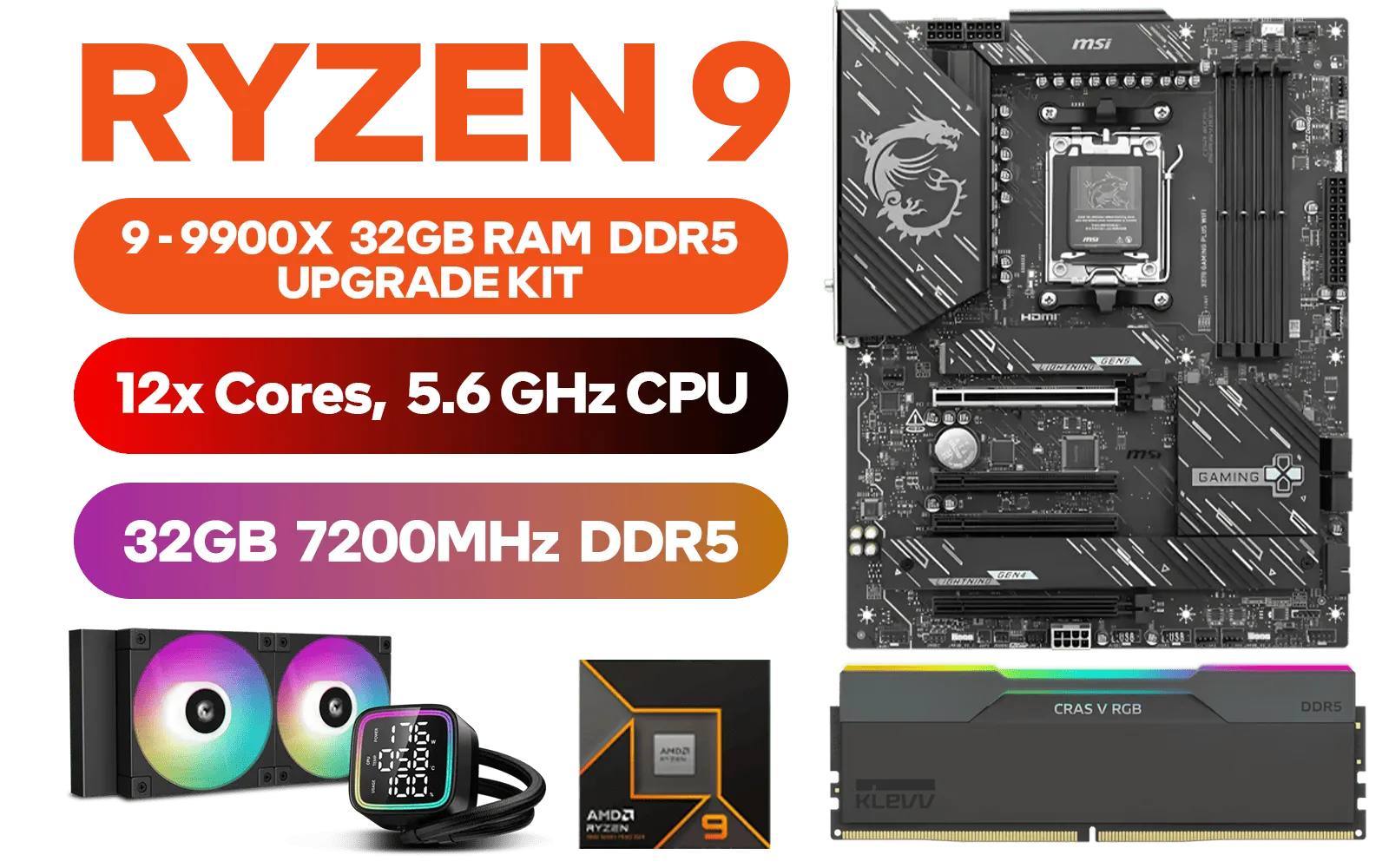
AMD RYZEN 9 9900X MIS X870 Gaming Plus WIFI 32GB DDR5 7200MHz Upgrade Kit - MSI X870 Gaming Plus WIFI AMD Ryzen Motherboard + AMD RYZEN 9 9900X 76MB GameCache Up to 5.6GHz CPU (OEM No Packaging) + KLEVV CRAS V RGB 32GB Kit 7200MHz Gaming Memory + DeepCool LD240 Liquid Cooler - Black
R21299.00In Stock
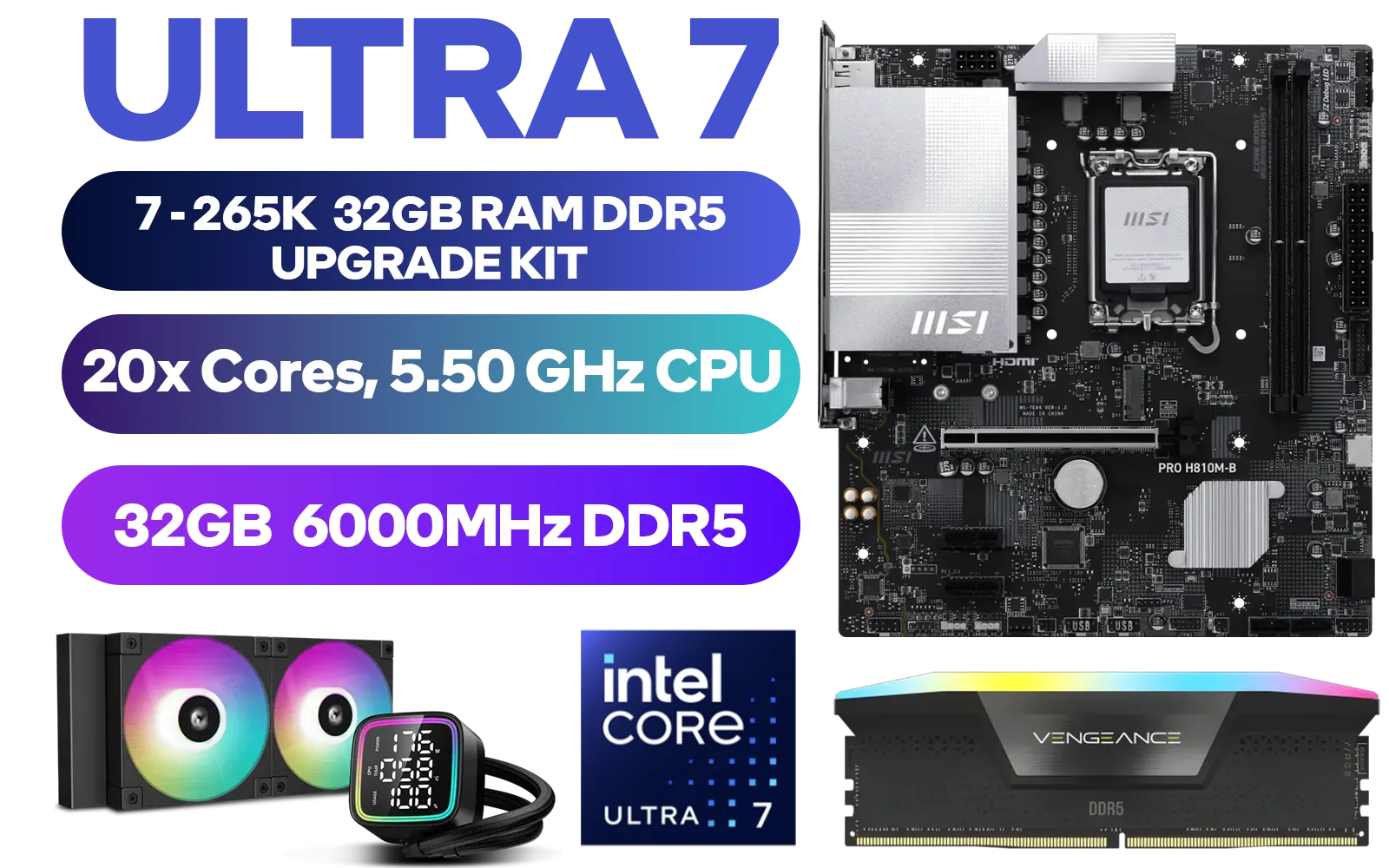
Intel Core Ultra 7 265K MSI PRO H810M-B 32GB DDR5 RGB 6000MHz Upgrade Kit - MSI PRO H810M-B Intel Micro ATX Motherboard + Intel Core Ultra 7 265K Up to 5.50GHz CPU + Corsair Vengeance RGB 32GB Kit 6000MHz Gaming Memory + DeepCool LD240 Liquid Cooler
R16299.00In Stock
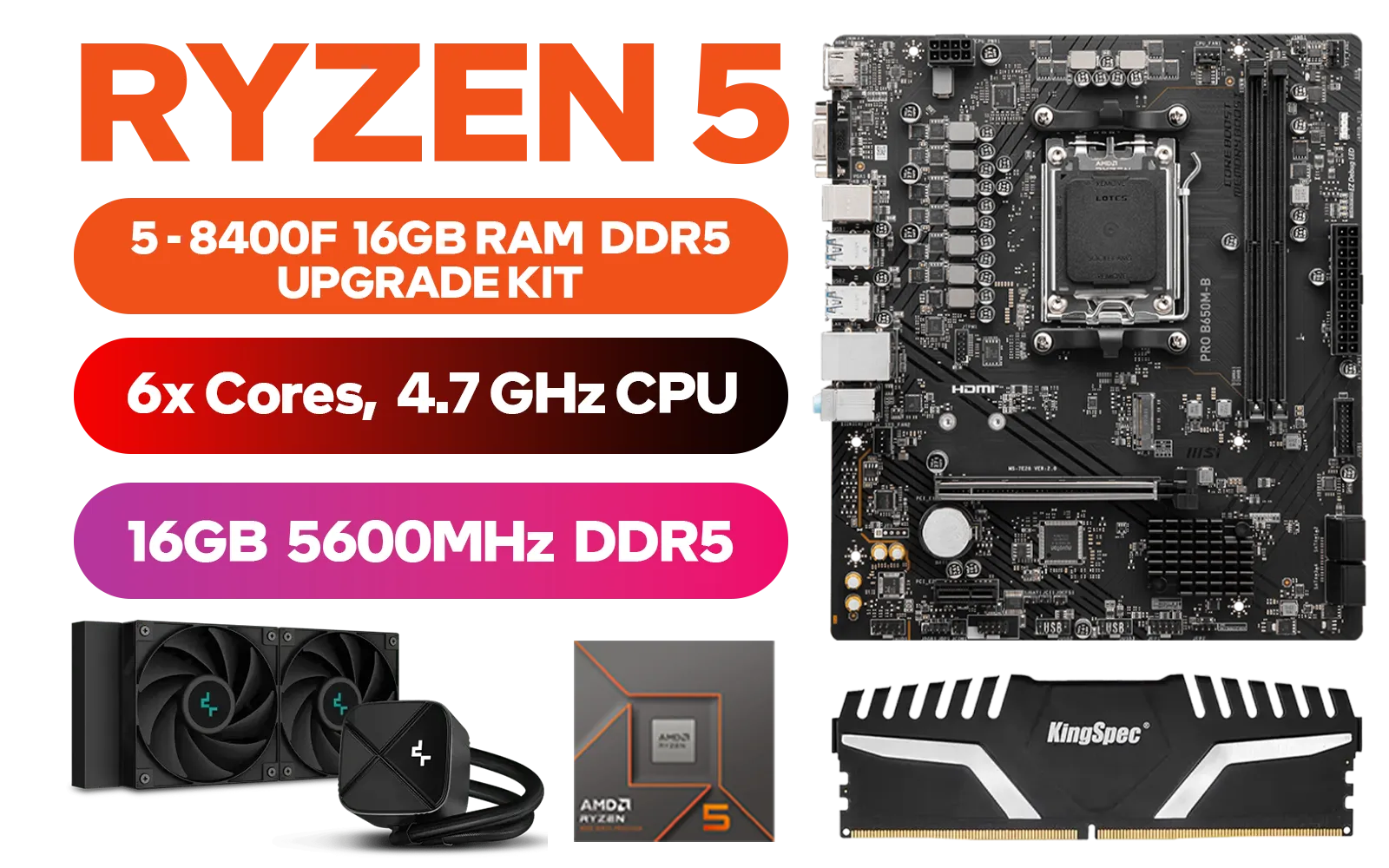
AMD RYZEN 5 8400F PRO B650M-B 16GB DDR5 5600MHz Upgrade Kit - MSI Pro B650M-B AMD Ryzen Motherboard + AMD RYZEN 5 8400F 19MB GameCache Up to 4.7GHz CPU (OEM No Packaging) + Kingspec 16GB Kit (16GB x1) 5600MHz Gaming Memory + DeepCool LS520S Zero Dark Liquid CPU Cooler / Discrete GPU Required - No Integrated Graphics
R6999.00In Stock
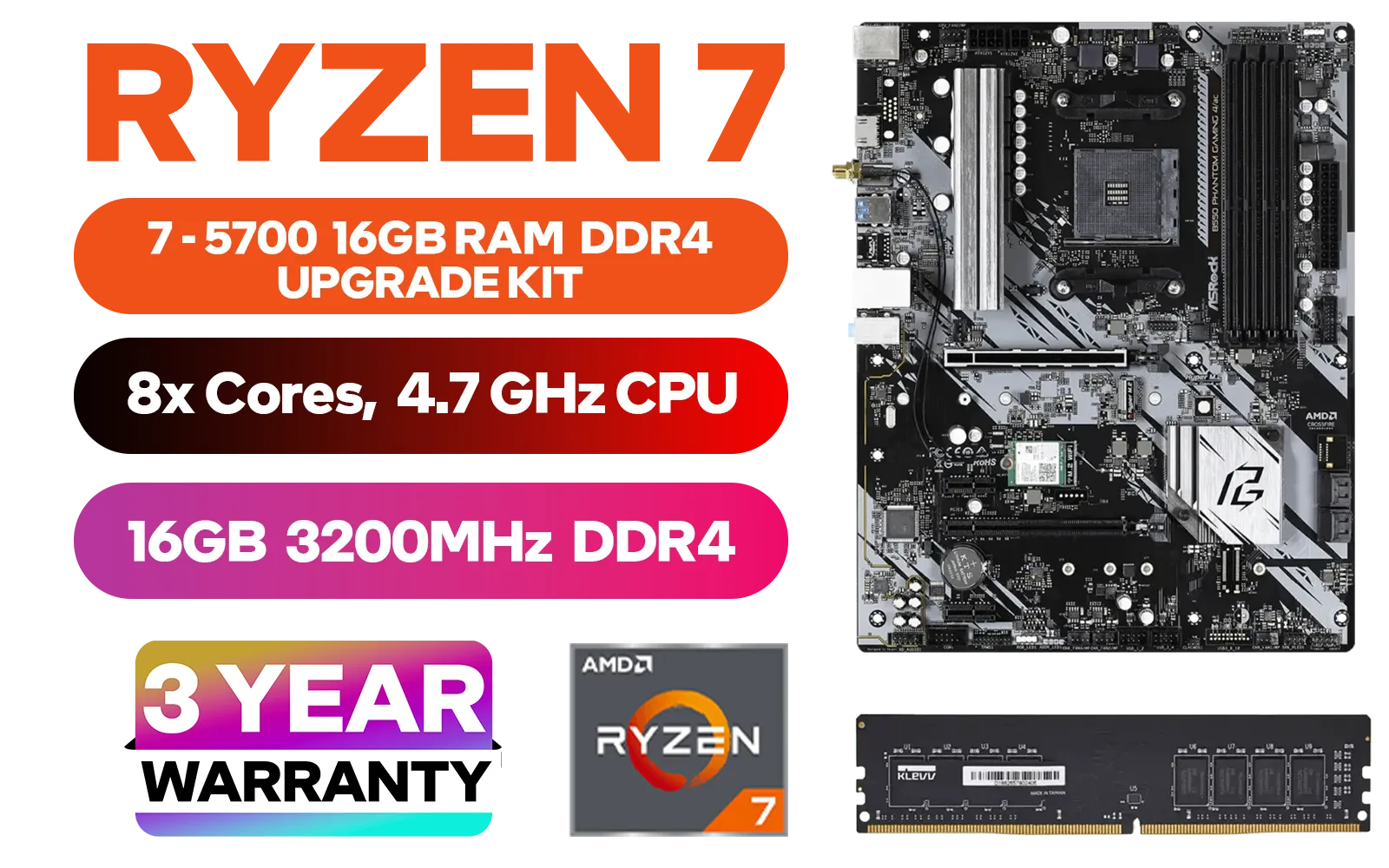
AMD RYZEN 7 5700 Phantom Gaming B550 16GB 3200MHz Upgrade Kit - ASRock Phantom Gaming B550 AMD ATX Motherboard + AMD RYZEN 7 5700 20MB Game Cache Up to 4.6GHz CPU + KLEVV 16GB 3200MHz DDR4 Desktop Memory (OEM No Packaging) / Discrete GPU Required - No Integrated Graphics + Standard Cooler
R6199.00In Stock
Post-Installation: First Boot & Performance Optimisation
Once the modules are securely installed, put your side panel back on, plug everything in, and power up your PC. Don't panic if it takes a little longer to boot the first time; your system is recognising the new hardware.
Head straight into your system's BIOS/UEFI (usually by pressing DEL or F2 during startup). Here, you should see the system correctly reports 32GB of installed memory. The final step is to enable its full speed. Processors like those in high-performance AMD Ryzen 7 bundles thrive on fast memory, so you don't want to skip this.
TIP FOR YOU
Unlocking Full Speed ⚡
Your new DDR5 RAM will likely run at a default JEDEC speed, not its advertised speed. To fix this, find the setting called "XMP" (for Intel) or "EXPO" (for AMD) in your BIOS. Enable the profile to instantly overclock your RAM to its maximum rated performance. Save your settings and reboot.
Why This Upgrade Matters for SA Gamers
So, why go through the effort to install a 32GB KLEVV CRAS V DDR5 kit? It's about future-proofing and raw power. Modern games, streaming software, and even having a few dozen browser tabs open can eat up memory. With 32GB, you eliminate bottlenecks, ensuring smoother gameplay in titles like Warzone or Apex Legends and snappier performance across your entire system. It's a foundational upgrade for any serious rig, whether you're starting with AMD barebone kits or upgrading an existing machine.

Intel Core Ultra 7 265K Z890-S Wi-Fi 32GB RGB DDR5 7200MHz Upgrade Kit - MSI PRO Z890-S Wi-Fi Intel ATX Motherboard + Intel Core Ultra 7 265K Up to 5.50GHz CPU + KLEVV CRAS V RGB 32GB Kit 7200MHz Gaming Memory + DeepCool LD240 Liquid Cooler - Black
R18699.00In Stock
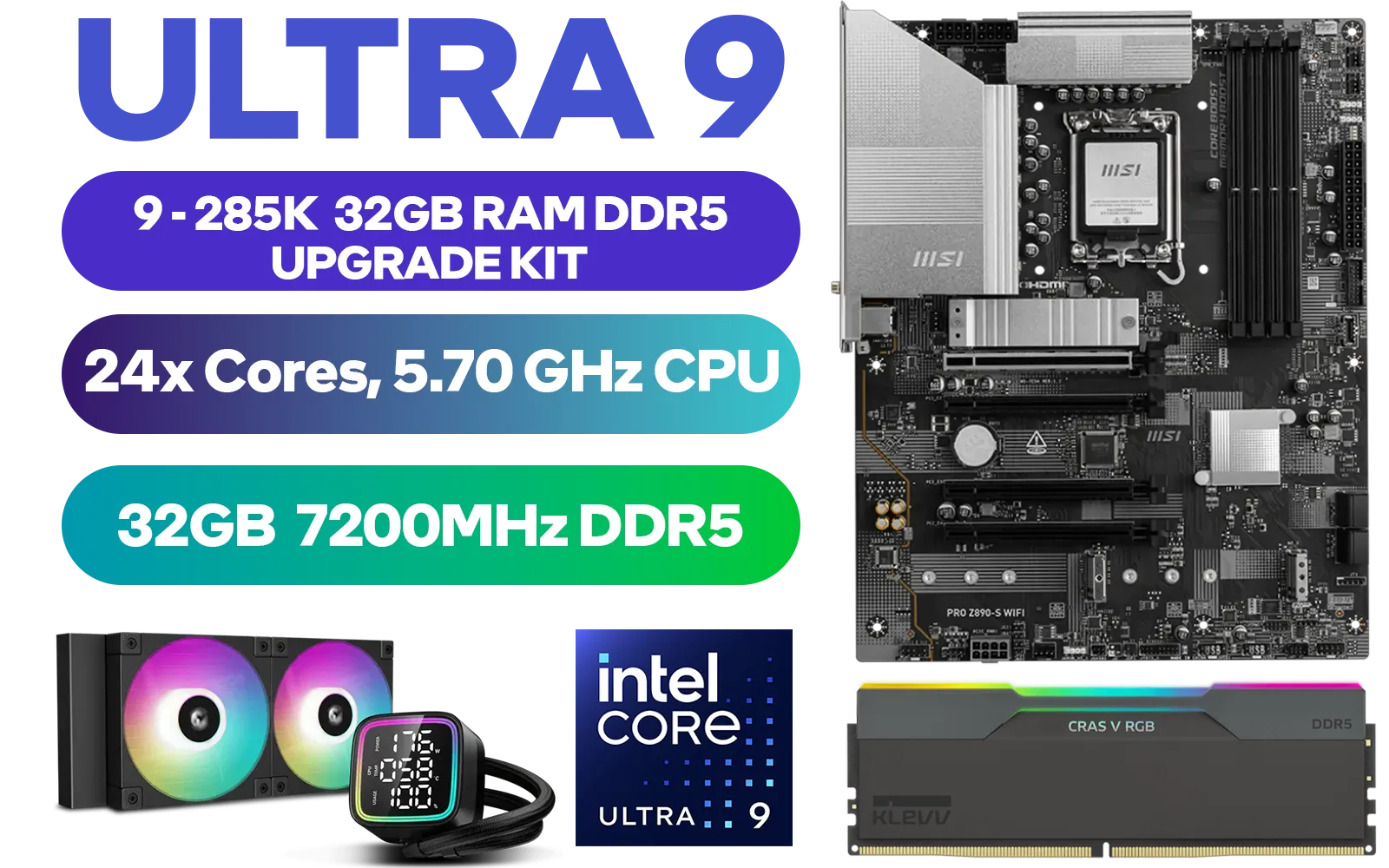
Intel Core Ultra 9 285K Z890-S Wi-Fi 32GB RGB DDR5 7200MHz Upgrade Kit - MSI PRO Z890-S Wi-Fi Intel ATX Motherboard + Intel Core Ultra 9 285K Up to 5.70GHz CPU (OEM No Packaging) + KLEVV CRAS V RGB 32GB Kit 7200MHz Gaming Memory + DeepCool LD240 Liquid Cooler - Black
R25199.00In Stock
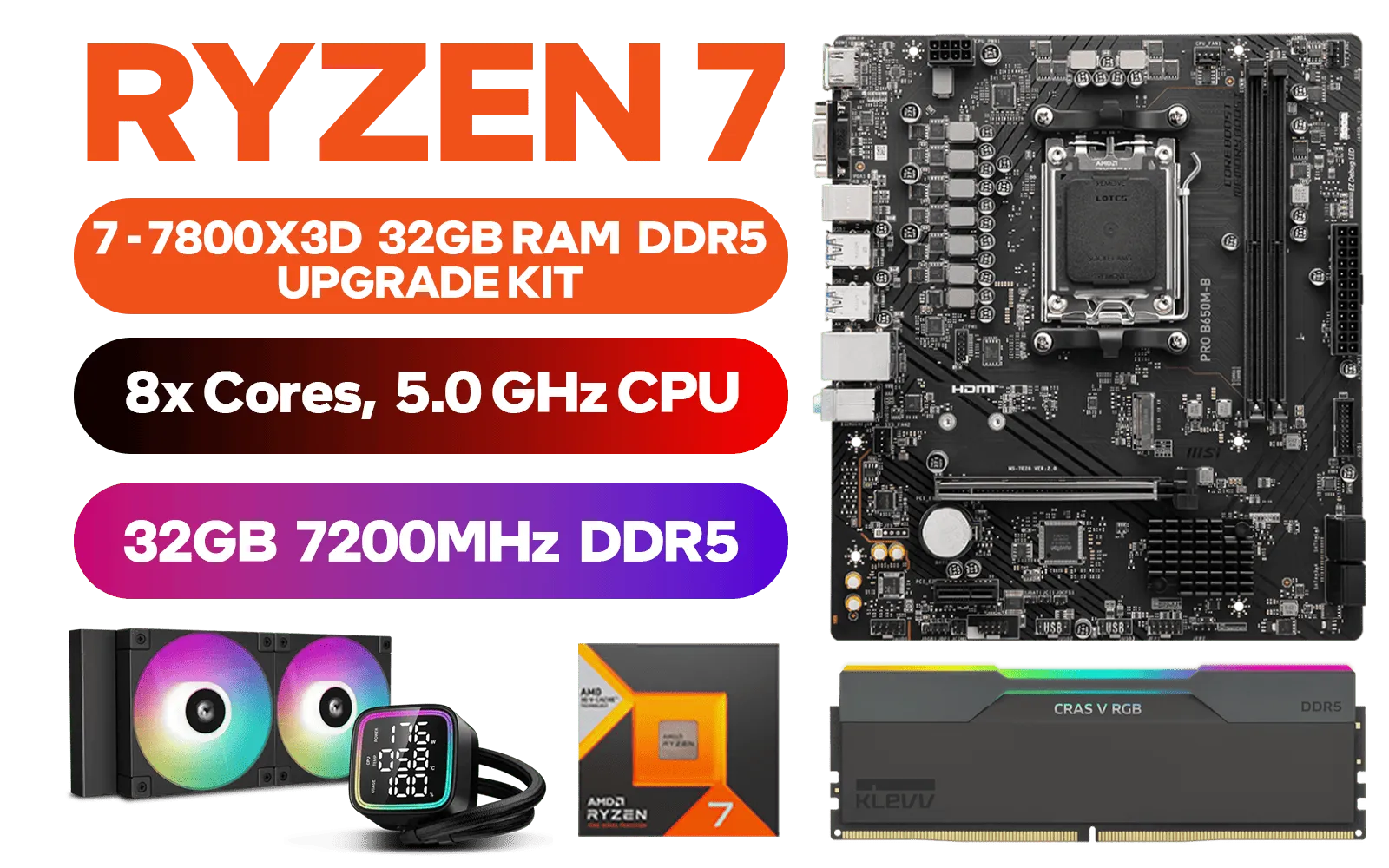
AMD RYZEN 7 7800X3D PRO B650M-B 32GB DDR5 7200MHz Upgrade Kit - MSI PRO B650M-B AMD Ryzen Motherboard + AMD RYZEN 7 7800X3D 100MB GameCache Up to 5.0GHz CPU (OEM No Packaging) + KLEVV CRAS V RGB 32GB 7200MHz Gaming Memory + DeepCool LD240 CPU Liquid Cooler
R15899.00In Stock
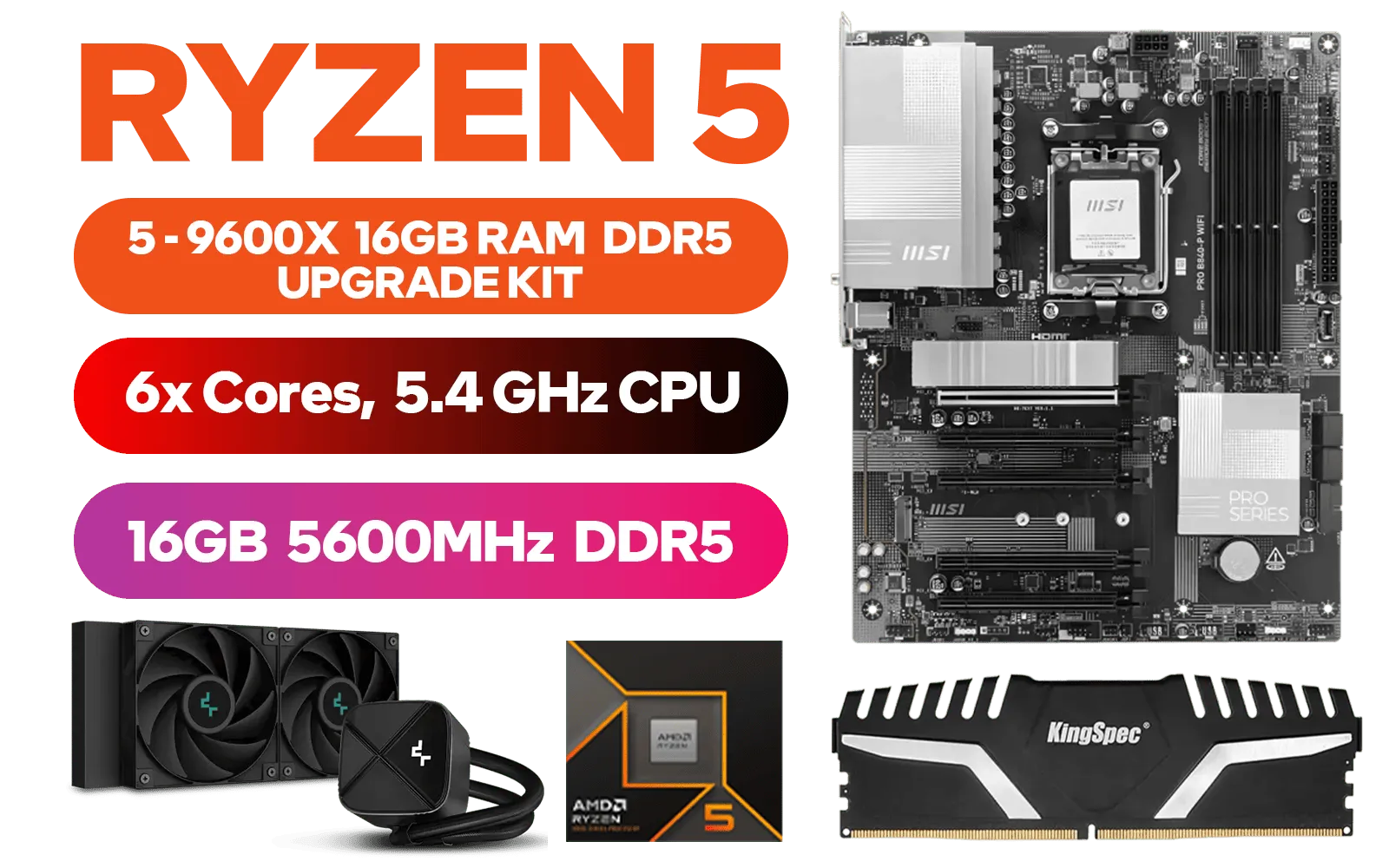
AMD RYZEN 5 9600X PRO B840-P WiFi 16GB DDR5 5600MHz Upgrade Kit - MSI PRO B840-P WIFI AMD Ryzen Motherboard + AMD RYZEN 5 9600X 38MB GameCache Up to 5.4GHz CPU (OEM No Packaging) + Kingspec 16GB Kit (16GB x1) 5600MHz Gaming Memory + DeepCool LS520S Zero Dark Liquid Cooler
R12299.00In Stock
Intel Core Ultra 5 225F Z890-S Wi-Fi 32GB RGB DDR5 6000MHz Upgrade Kit - MSI PRO Z890-S Wi-Fi Intel ATX Motherboard + Intel Core Ultra 5 225F Up to 4.90GHz CPU + Corsair Vengeance RGB DDR5 32GB 6000MHz Desktop Memory / Discrete GPU Required - No Integrated Graphics
R13999.00In Stock
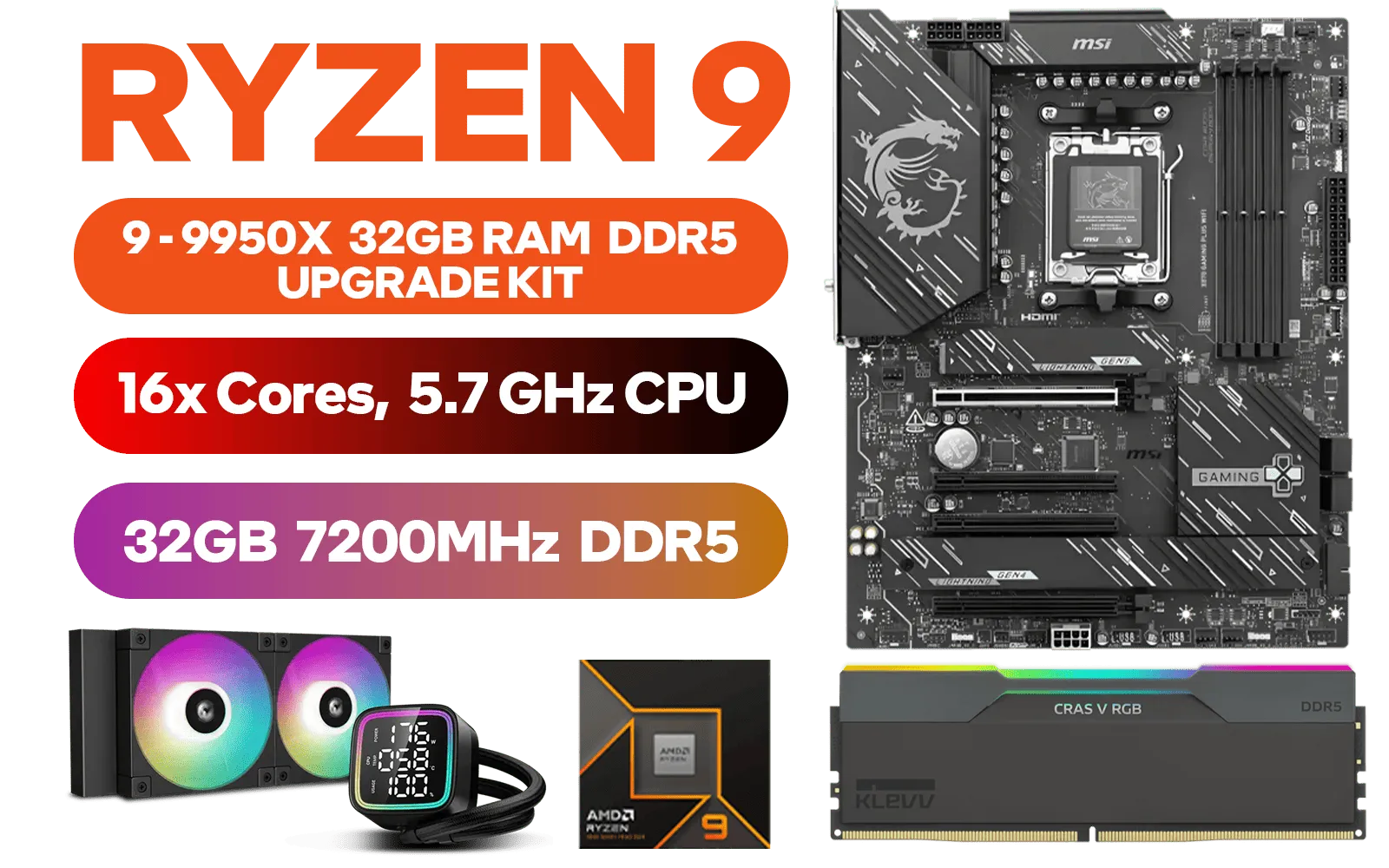
AMD RYZEN 9 9950X MSI X870 Gaming Plus WIFI 32GB DDR5 7200MHz Upgrade Kit - MSI X870 Gaming Plus WIFI AMD Ryzen Motherboard + AMD RYZEN 9 9950X 80MB GameCache Up to 5.7GHz CPU + KLEVV CRAS V RGB 32GB Kit 7200MHz Gaming Memory + DeepCool LD240 Liquid Cooler - Black
R26799.00In Stock
This simple installation paves the way for a superior gaming and productivity experience. For those looking to build a new PC from the ground up, exploring pre-configured Intel and AMD based bundle packs can save you time and ensure all your parts work together perfectly from day one.
Ready to Unleash Your PC's Potential? 🚀 Installing new RAM is a gateway to incredible performance. If this upgrade has you hungry for more, explore our massive range of PC components and build the rig you've always dreamed of.
Related Products
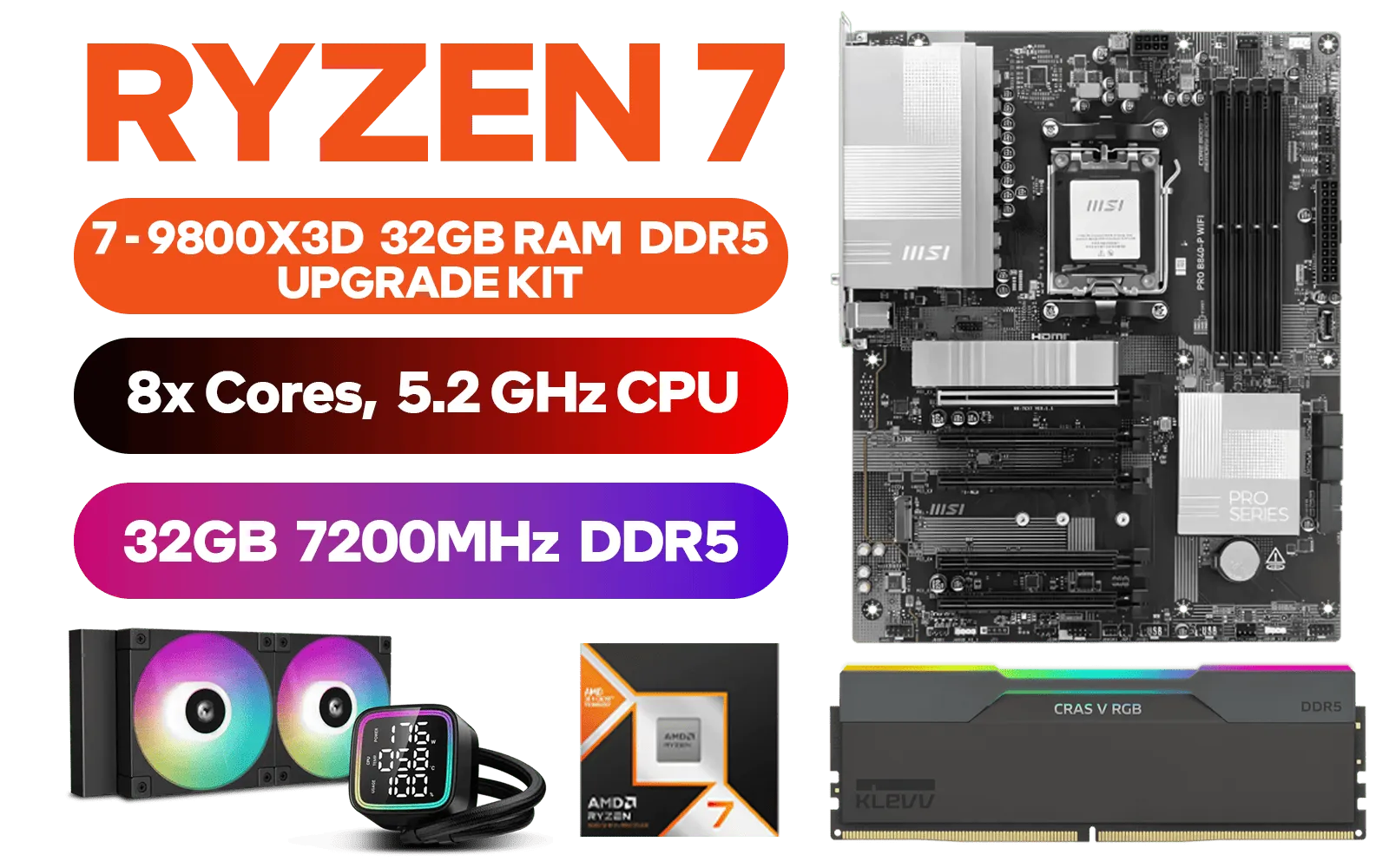
AMD RYZEN 7 9800X3D PRO B840-P WiFi 32GB DDR5 7200MHz Upgrade Kit - MSI PRO B840-P WiFi AMD Ryzen Motherboard + AMD RYZEN 7 9800X3D 104MB GameCache Up to 5.2GHz CPU (OEM No Packaging) + KLEVV CRAS V RGB 32GB Kit 7200MHz Gaming Memory + DeepCool LD240 Liquid Cooler - Black
R19999.00In Stock
AMD RYZEN 5 9600X PRO B650M-B 32GB DDR5 7200MHz Upgrade Kit - MSI Pro B650M-B AMD Ryzen Motherboard + AMD RYZEN 5 9600X 38MB GameCache Up to 5.4GHz CPU (OEM No Packaging) + KLEVV CRAS V RGB 32GB Kit 7200MHz Gaming Memory + DeepCool LS520S Zero Dark Liquid Cooler
R13899.00In Stock
AMD RYZEN 7 5700 Phantom Gaming B550 16GB 3200MHz Upgrade Kit - ASRock Phantom Gaming B550 AMD ATX Motherboard + AMD RYZEN 7 5700 20MB Game Cache Up to 4.6GHz CPU + KLEVV 16GB 3200MHz DDR4 Desktop Memory (OEM No Packaging) / Discrete GPU Required - No Integrated Graphics + Standard Cooler
R6199.00In Stock

AMD RYZEN 9 9950X PRO B840-P WiFi 16GB DDR5 5600MHz Upgrade Kit - MSI PRO B840-P WiFi AMD Ryzen Motherboard + AMD RYZEN 9 9950X 80MB GameCache Up to 5.7GHz CPU (OEM No Packaging) + Kingspec 16GB Kit (16GB x1) 5600MHz Gaming Memory + DeepCool LD240 Liquid Cooler - Black
R18699.00In Stock
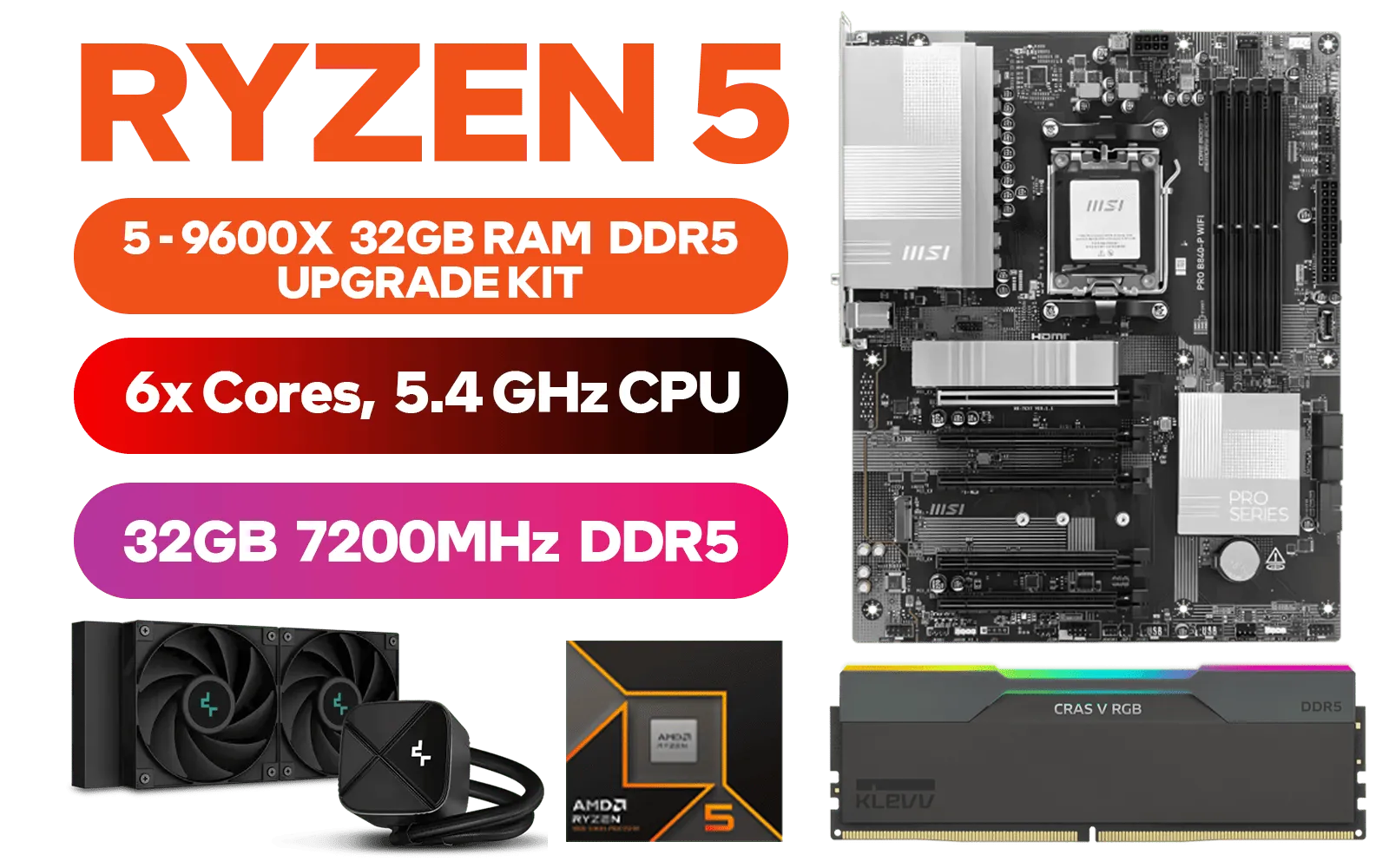
AMD RYZEN 5 9600X PRO B840-P WiFi 32GB DDR5 7200MHz Upgrade Kit - MSI Pro B840-P WiFi AMD Ryzen Motherboard + AMD RYZEN 5 9600X 38MB GameCache Up to 5.4GHz CPU (OEM No Packaging) + KLEVV CRAS V RGB 32GB Kit 7200MHz Gaming Memory + DeepCool LS520S Zero Dark Liquid Cooler
R15199.00In Stock
AMD RYZEN 9 9950X MSI X870 Gaming Plus WIFI 32GB DDR5 7200MHz Upgrade Kit - MSI X870 Gaming Plus WIFI AMD Ryzen Motherboard + AMD RYZEN 9 9950X 80MB GameCache Up to 5.7GHz CPU + KLEVV CRAS V RGB 32GB Kit 7200MHz Gaming Memory + DeepCool LD240 Liquid Cooler - Black
R26799.00In Stock
Power off and unplug, ground yourself, open the case, seat each KLEVV CRAS V DDR5 module in the correct DIMM slots, latch clips, enable XMP in BIOS, then test to install ddr5 ram 32gb.
Use the motherboard's recommended paired slots for dual-channel operation; consult the manual for exact slots to enable dual channel ddr5 setup 32gb.
Yes. Enable the XMP/EXPO profile in BIOS to run KLEVV CRAS V at rated speed — follow the memory settings to enable xmp for ddr5 memory.
Check your motherboard QVL and CPU memory specs; consult Evetech and the klevv cras v compatibility guide for confirmed support and max capacity.
Boot into the OS and run MemTest86 or Windows Memory Diagnostic, then stress with Prime95 or AIDA64 to verify ddr5 memory stability memtest.
Use anti-static precautions, handle modules by the edges, avoid touching contacts, and seat gently in slots during ddr5 memory kit installation.
Mixing different RAM is not recommended; mismatched speeds and timings can cause instability. Refer to the klevv cras v compatibility guide and match specs.











