



intel core i9-14900kf: Unlock Performance for Creators & Streamers
intel core i9-14900kf powers creative workflows—optimize settings, cooling, and streaming pipelines to boost multi-app performance for creators and streamers. ⚙️🎥
|
Loading tags...

Staring at a render bar that barely moves? Dropping frames mid-stream while your PC sounds like it’s about to take off? For South African creators and streamers, these frustrations are all too real. But what if your CPU could handle everything you throw at it... and then some? The Intel Core i9-14900KF is here to do just that, offering raw, unadulterated power designed to obliterate bottlenecks and unlock your creative potential. 🚀
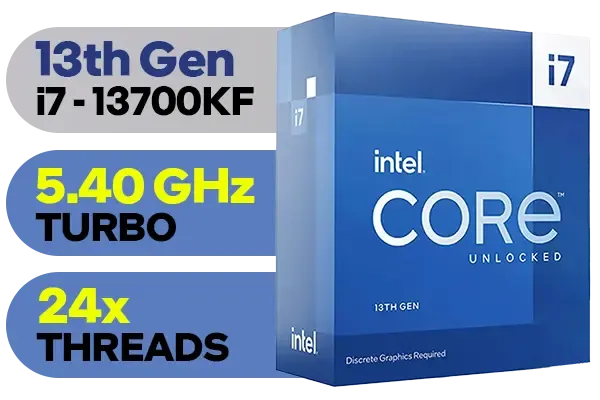
Intel 13th Gen Core i7 13700KF Desktop Processor 16 (8P+8E) Cores up to 5.40 GHz Unlocked LGA1700 Series Chipset 253W / <span style="color: red;" >Discrete Graphics Card Required</span> / BX8071513700KF
R9499.00In Stock

Intel 14th Gen Core i3-14100F Desktop Processor 4(4P+0E) Cores up to 4.70GHz LGA1700 Series Chipset 58W / Discrete Graphics Card Required / BX8071514100F
R2049.00In Stock

AMD Ryzen 9 9900X3D Processor / 12-Core 24-Threads / 4.4GHz Base Clock (Up to 5.5GHz) / Socket AM5 / Zen 5 Architecture / 140MB Cache / Integrated AMD Radeon™ Graphics / 100-100001368WOF
R12999.00In Stock

AMD Ryzen 9 9900X 12-Core 24-Threads 4.4GHz (5.6GHz Max Boost) Socket AM5 120W Desktop Processor / Zen 5 Architecture / AMD Radeon™ Graphics / Cooler Not Included / 100-100000662WOF
R9299.00In Stock

AMD Ryzen 9 9950X 16-Core 32-Threads 4.3GHz (5.7GHz Max Boost) Socket AM5 170W Desktop Processor / Zen 5 Architecture / AMD Radeon™ Graphics / Cooler Not Included / 100-100001277WOF
R12899.00In Stock
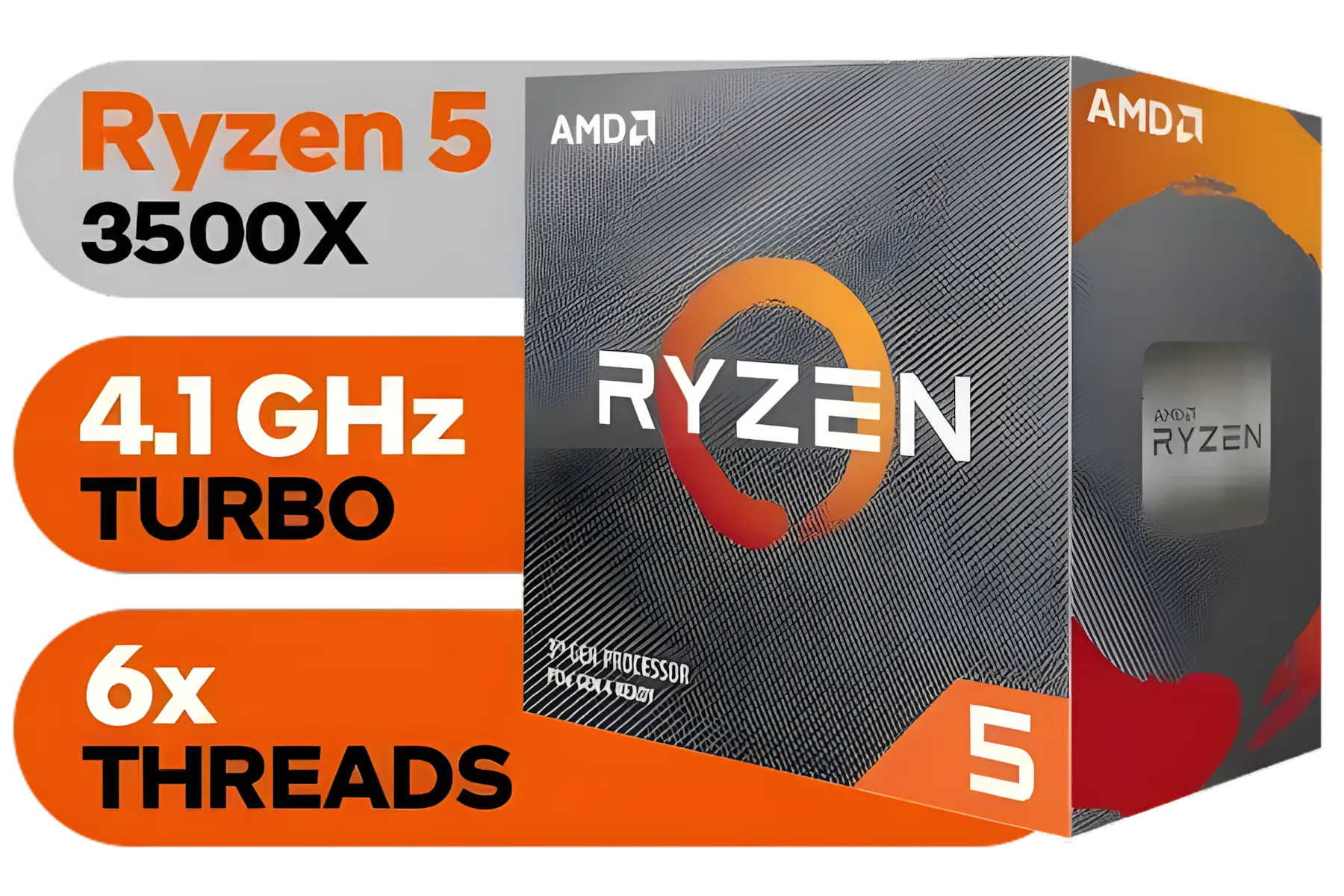
AMD Ryzen 5 3500X Boxed Processor / 6x Cores - 6x Threads / 3.60Ghz Base Clock / Up to 4.10GHz Max Boost Clock / AM4 Socket / 32MB L3 Cache / Discrete Graphics Card Required / 100-100000158BOX
R1699.00In Stock
The Powerhouse Behind Your Next Big Project
So, what makes the Intel Core i9-14900KF tick? It’s all about the architecture. This beast packs 24 cores and 32 threads, split between powerful Performance-cores for heavy lifting and efficient E-cores for background tasks. For you, this means rendering a 4K video in Adobe Premiere Pro while prepping your next stream in OBS, all without a stutter. With boost clock speeds hitting a blistering 6.0 GHz, your workflow won't just be smooth; it’ll be lightning-fast. When you're looking for top-tier performance, browsing the latest CPU processors is the first step to building a rig that won't hold you back.
Why Streamers Need the Intel Core i9-14900KF
For a streamer, the CPU is the command centre. It has to juggle a high-fidelity game, encoding software like OBS, Discord, and multiple browser tabs... all at once. This is where the i9-14900KF truly shines. Its high core count ensures that your gameplay remains silky smooth for your audience, even when you’re streaming at a high bitrate. The "KF" designation means it doesn't have integrated graphics, which is perfect for gamers who already have a powerful dedicated GPU. This small detail helps to optimise costs, letting you invest more in what matters. ✨ Check out the full range of Intel CPUs to see how this model fits into the lineup.
Accelerating Creative Workflows in South Africa

Intel 11th Gen Core i7-11700K Rocket Lake up to 5.0GHz 16MB Cache LGA 1200 95W BX8070811700K Desktop Processor / Intel SpeedStep Technology / Intel Virtualization Technology (VT-x) / Intel® UHD Graphics 750 / Require 500 Series Chipset MB (Z590,B560,H570)
R7399.00In Stock
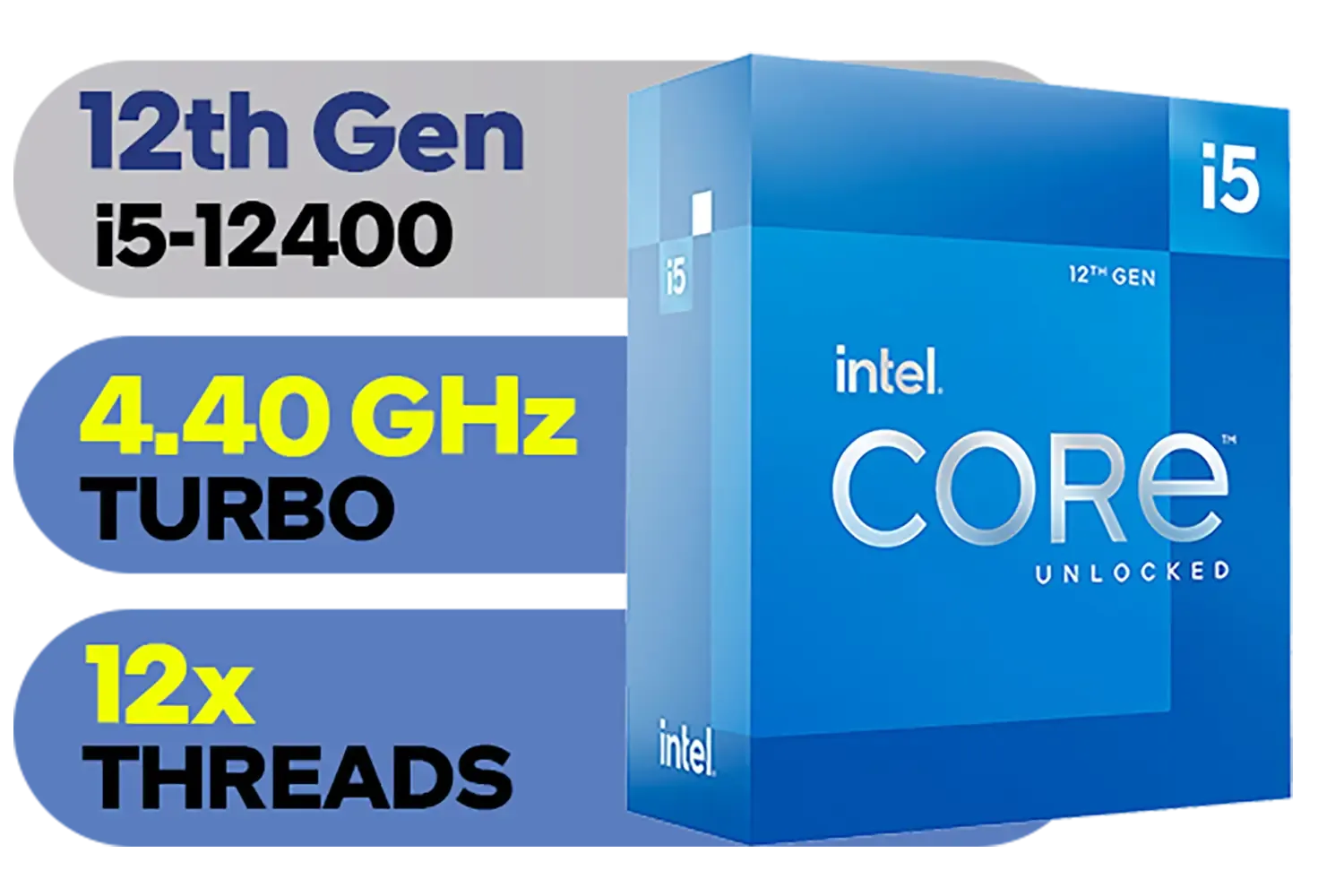
Intel 12th Gen Core i5-12400 up to 4.40 GHz Unlocked 18MB Cache LGA 1700 65W Desktop Processor / Intel® UHD Graphics 730 / Compatible With 600 Series Chipset / BX8071512400
R3999.00In Stock

Intel Core Ultra 5 245K Desktop Processor / 14x (6P + 8E) Cores / 14x Threads / Up to 5.2GHz Turbo Boost / LGA 1851 Series Chipset 159W / Integrated Intel® Graphics / CPU Cooler Not Included / BX80768245K
R4999.00In Stock

Intel Core Ultra 7 265K Processor / 20x (8P + 12E) Cores / 20x Threads / Up to 5.5GHz Turbo Boost / LGA 1851 Series Chipset 159W / Integrated Intel® Graphics / CPU Cooler Not Included / BX80768265K
R6999.00In Stock

AMD Ryzen 5 3400G Processor with Radeon Vega 11 Graphics / 4x Cores - 8x Threads / 3.7GHz Base Clock - Up to 4.2GHz Max. Boost Clock / 6MB Game Cache / Wraith Spire Cooler Included / Socket AM4 / 65W / YD3400C5FHBOX
R1499.00In Stock

Intel Core Ultra 9 285K Desktop Processor / 24x (8P + 16E) Cores / 24x Threads / Up to 5.7GHz Turbo Boost / LGA 1851 Series Chipset 250W / Integrated Intel® Graphics / CPU Cooler Not Included / BX80768285K
R12699.00In Stock
Ever felt that creative spark fade while waiting for a timeline to scrub smoothly? The Intel Core i9-14900KF is your solution. In applications like Blender, DaVinci Resolve, and the Adobe Creative Suite, the extra cores and high clock speeds translate directly into saved time. Imagine finishing a client's video edit an hour ahead of schedule simply because your machine kept up with your ideas. This isn't just a component; it's a tool that respects your time.
TIP FOR YOU
Cooling is Key 🔧
The i9-14900KF is a performance monster, and with great power comes the need for great cooling. To get the most out of it without thermal throttling, a high-quality 280mm or 360mm All-In-One (AIO) liquid cooler is highly recommended. Ensure your case also has excellent airflow to keep temperatures in check during those long rendering sessions.
For many creators, upgrading from a powerful Intel Core i7 is the logical next step when multitasking becomes a daily bottleneck. The jump in core count on the i9 makes a tangible difference.
AMD Ryzen 5 3400G Processor with Radeon Vega 11 Graphics / 4x Cores - 8x Threads / 3.7GHz Base Clock - Up to 4.2GHz Max. Boost Clock / 6MB Game Cache / Wraith Spire Cooler Included / Socket AM4 / 65W / YD3400C5FHBOX
R1499.00In Stock
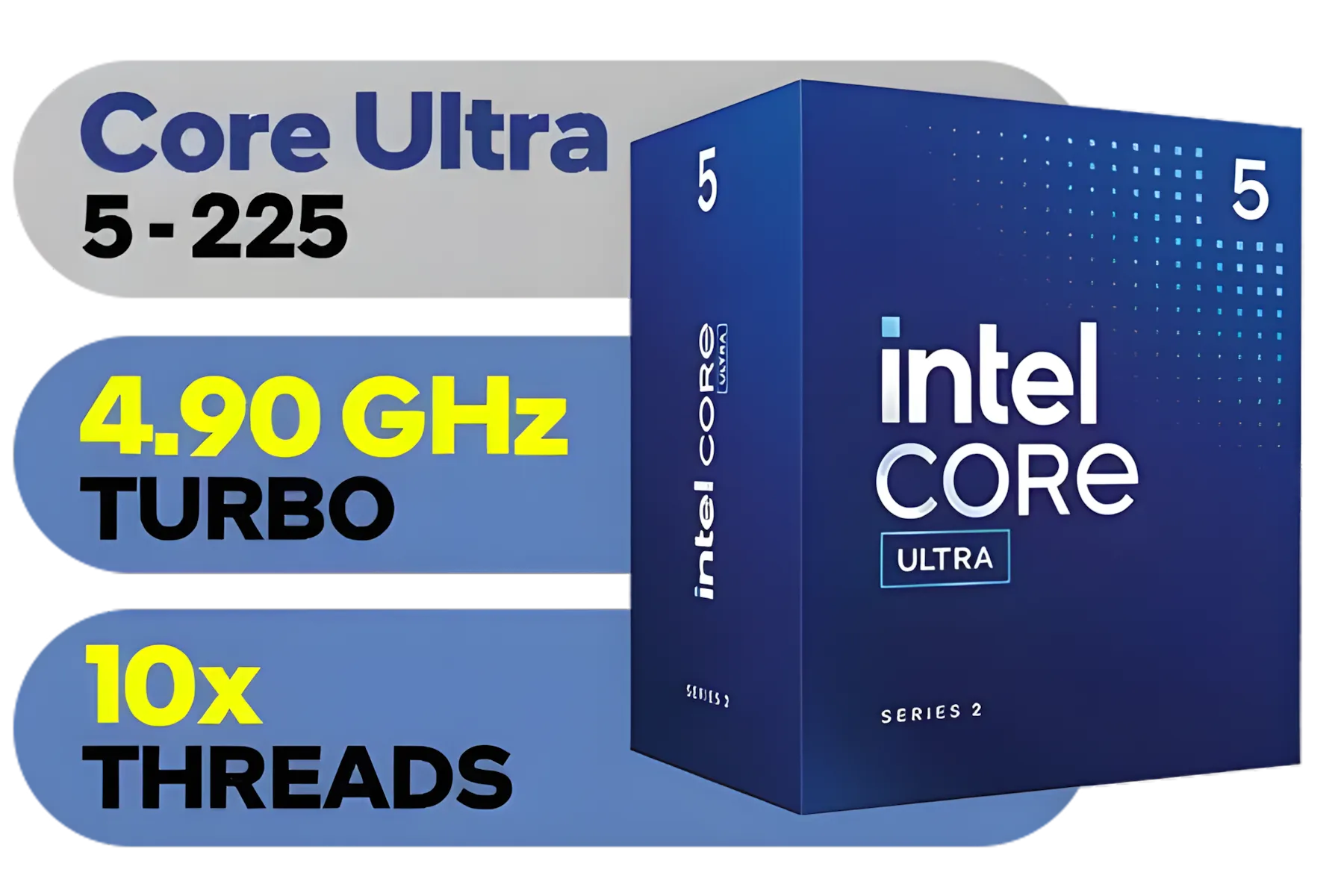
Intel Core Ultra 5 225 Processor / 10x (6P + 4E) Cores / 10x Threads / Up to 4.9GHz Turbo Boost / LGA 1851 Series Chipset 121W / AI Accelerator Technology / Integrated Graphics / BX80768225
R3999.00In Stock
Intel 11th Gen Core i7-11700K Rocket Lake up to 5.0GHz 16MB Cache LGA 1200 95W BX8070811700K Desktop Processor / Intel SpeedStep Technology / Intel Virtualization Technology (VT-x) / Intel® UHD Graphics 750 / Require 500 Series Chipset MB (Z590,B560,H570)
R7399.00In Stock

AMD Ryzen 9 9950X3D 16-Core 32-Threads 4.3GHz (5.7GHz Max Boost) Socket AM5 170W Desktop Processor / Zen 5 Architecture / AMD Radeon™ Graphics / Cooler Not Included / 100-100000719WOF
R15499.00In Stock

AMD Ryzen 7 9800X3D 8-Core 16-Threads 4.7GHz (5.2GHz Max Boost) Socket AM5 120W Desktop Processor / Zen 5 Architecture / AMD Radeon™ Graphics / Cooler Not Included / 100-100001084WOF
R10499.00In Stock
Intel 14th Gen Core i3-14100F Desktop Processor 4(4P+0E) Cores up to 4.70GHz LGA1700 Series Chipset 58W / Discrete Graphics Card Required / BX8071514100F
R2049.00In Stock
Finding the Right Intel CPU for Your Build
Is the Intel Core i9-14900KF the ultimate choice for everyone? While it sits at the pinnacle of desktop performance, it’s important to match your components to your needs. If your primary focus is pure gaming without heavy streaming or content creation, a different CPU might offer better value for your specific build. And the innovation doesn't stop at the desktop; with emerging options like the Intel Core Ultra 9 for laptops, high performance is becoming more accessible across different form factors. The key is to analyse your workflow and choose the processor that best serves it.
Ready to Unleash True Performance? The Intel Core i9-14900KF is a monster CPU built for serious work and play. But is it the right heart for your new rig? Explore our massive range of Intel CPUs and find the perfect processor to conquer your world.
Related Products
AMD Ryzen 7 9800X3D 8-Core 16-Threads 4.7GHz (5.2GHz Max Boost) Socket AM5 120W Desktop Processor / Zen 5 Architecture / AMD Radeon™ Graphics / Cooler Not Included / 100-100001084WOF
R10499.00In Stock
Intel Core Ultra 7 265K Processor / 20x (8P + 12E) Cores / 20x Threads / Up to 5.5GHz Turbo Boost / LGA 1851 Series Chipset 159W / Integrated Intel® Graphics / CPU Cooler Not Included / BX80768265K
R6999.00In Stock
AMD Ryzen 5 3400G Processor with Radeon Vega 11 Graphics / 4x Cores - 8x Threads / 3.7GHz Base Clock - Up to 4.2GHz Max. Boost Clock / 6MB Game Cache / Wraith Spire Cooler Included / Socket AM4 / 65W / YD3400C5FHBOX
R1499.00In Stock
AMD Ryzen 9 9900X 12-Core 24-Threads 4.4GHz (5.6GHz Max Boost) Socket AM5 120W Desktop Processor / Zen 5 Architecture / AMD Radeon™ Graphics / Cooler Not Included / 100-100000662WOF
R9299.00In Stock
AMD Ryzen 9 9900X3D Processor / 12-Core 24-Threads / 4.4GHz Base Clock (Up to 5.5GHz) / Socket AM5 / Zen 5 Architecture / 140MB Cache / Integrated AMD Radeon™ Graphics / 100-100001368WOF
R12999.00In Stock
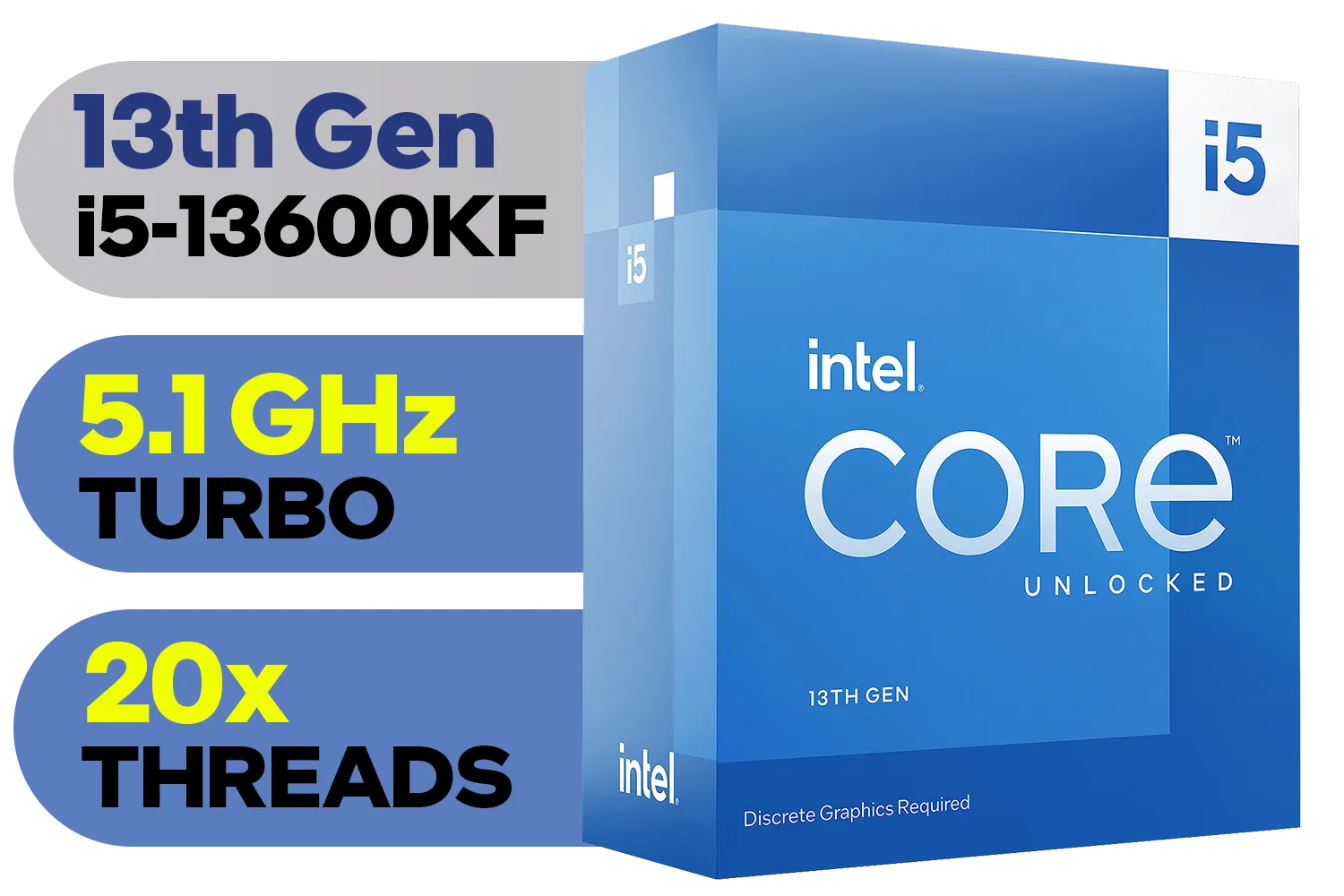
Intel 13th Gen Core i5-13600KF Desktop Processor 14 (6P+8E) Cores up to 5.10 GHz Unlocked LGA1700 Series Chipset 125W / <span style="color: red;" >Discrete Graphics Card Required</span> / BX8071513600KF
R6999.00In Stock
The intel core i9-14900kf delivers top single-core and strong multi-core performance for streaming and editing, giving smooth OBS encoding and faster timeline renders.
Use a high-performance AIO 240/360mm or custom loop to keep sustained loads in check; prioritize case airflow and quality thermal paste for i9-14900KF thermal management.
Yes—modest overclocks boost performance with proper cooling and power delivery. Follow an i9-14900KF overclock guide and stress-test for stability and temps.
Pick high-end Z790 or Z890 boards with robust VRMs, active VRM cooling and PCIe 5.0 support. See best motherboard for i9-14900KF lists for creator-focused features.
Expect peak draws around 250–330W in heavy multi-core workloads; real power consumption i9-14900KF depends on clocks, voltage and any overclocking.
Use dual or quad-channel DDR5 at 5200–6400MHz and NVMe Gen4/5 SSDs for fast scrubbing, caching and exports—best RAM for i9-14900KF improves responsiveness.
i9-14900KF often wins single-thread and many creative workloads, but compare i9-14900KF vs Ryzen for creators based on software optimization and budget needs.











