



5 Signs You Need an Intel Core Ultra 5 Desktop for Your Home Office
Is your current setup slowing you down? 📉 Discover why an Intel Core Ultra 5 desktop is the ultimate upgrade for your home office. From AI-boosted productivity to superior energy efficiency, here are the 5 signs it's time to make the switch! 🚀
|
Loading tags...

Is your home office PC starting to feel… a bit sluggish? That slight stutter on a video call, the groaning fan during a simple file transfer, the extra seconds waiting for an app to open. These aren't just minor annoyances; they're productivity killers. If your daily grind feels more like a slow crawl, it might be time to consider an upgrade. An Intel Core Ultra 5 desktop could be the powerful, efficient engine your workspace desperately needs.
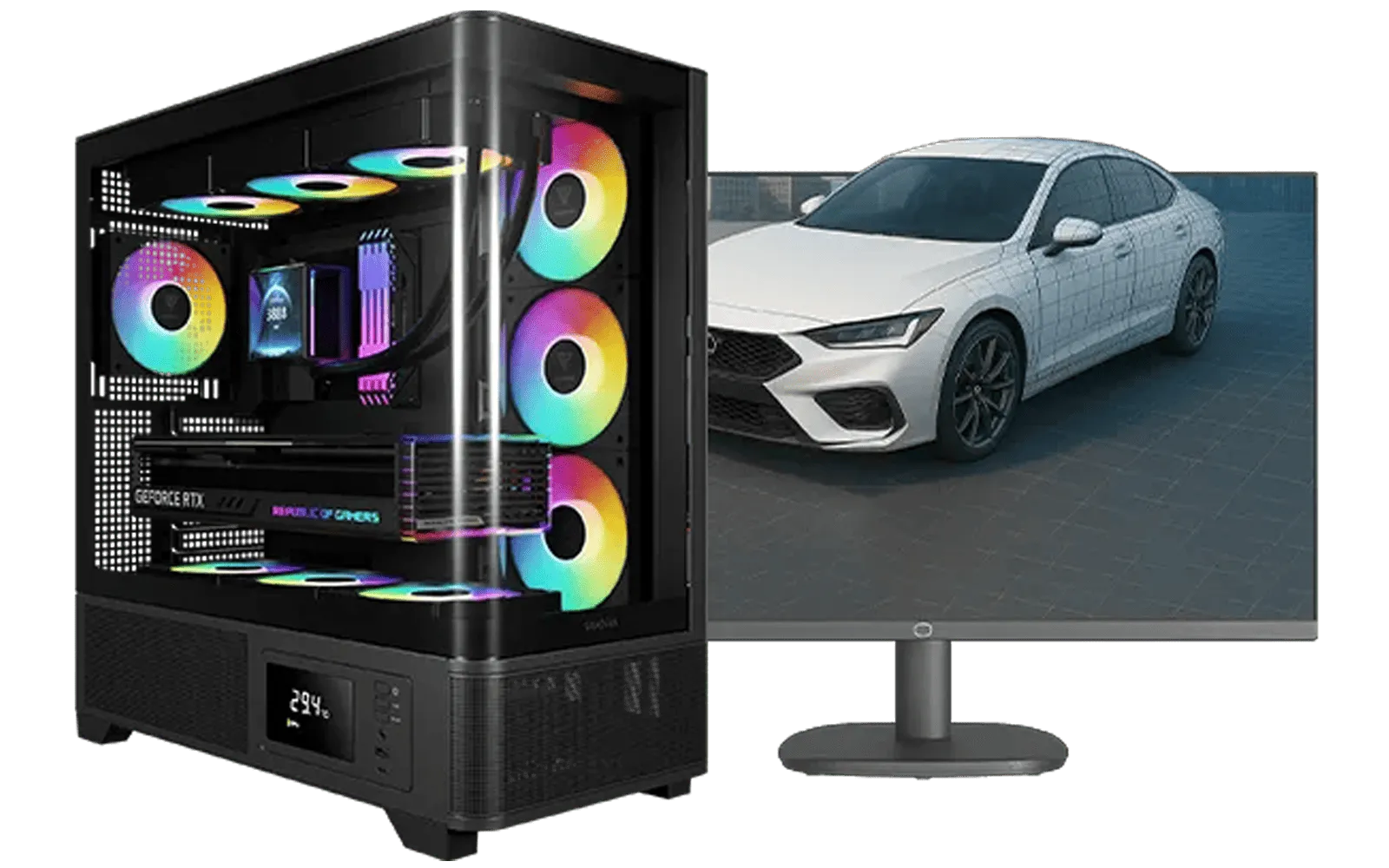
AMD RYZEN 7 5700 RTX Pro 2000 Workstation PC
R26669.00In Stock

RYZEN 7 9700X 5.5GHz RX 9070 XT 16GB DDR5 Gaming PC
R37484.00In Stock

RYZEN 5 9600X 5.2GHz GT 710 2GB DDR5 PC
R14489.00In Stock

AMD RYZEN 9 9900X 5.6GHz RTX 4000 Blackwell 24GB DDR5 Workstation PC
R56174.00In Stock

AMD RYZEN 9 9950X 5.7GHz Quadro RTX 5000 Ada 32GB DDR5 Workstation PC
R128834.00In Stock

RYZEN 5 8400F 4.7GHz GT 710 2GB DDR5 Workstation PC
R10079.00In Stock
1. Your PC Chokes on Multitasking
Remember when having ten browser tabs open felt like a superpower? Now, with Teams, Slack, Spotify, and your actual work running simultaneously, your old PC is likely begging for mercy. If switching between apps causes a noticeable lag or your mouse starts to skip, your processor can't keep up.
An Intel Core Ultra 5 desktop is built for this exact scenario. It uses a hybrid architecture with Performance-cores (P-cores) for demanding tasks and Efficient-cores (E-cores) for background processes. This means your video call stays smooth while files download seamlessly in the background. For professionals who live in their browser and apps, a powerful machine from our PCs above R20k range can completely transform your workflow.
![[Pre Built] AMD RYZEN 5 5500 ARC A380 Gaming PC](https://img.evetech.co.za/repository/ProductImages/gamdias-talos-e3-gaming-case-ryzen-5-5500-arc-a380-gaming-pc-pbs-main-1600px-v1.webp)
[Pre Built] AMD RYZEN 5 5500 ARC A380 Gaming PC
R12494.00In Stock
AMD RYZEN 9 9900X 5.6GHz RTX 4000 Blackwell 24GB DDR5 Workstation PC
R56174.00In Stock

RYZEN 5 9600X 5.2GHz RX 9060 XT 16GB DDR5 Gaming PC
R22679.00In Stock
![[Pre Built] AMD Ryzen 7 9800X3D RX 9070 XT Gaming PC](https://img.evetech.co.za/repository/ProductImages/ryzen-7-9800-x-3-d-rx-9070-xt-gaming-pc-48-gb-main-1600px-v1.webp)
[Pre Built] AMD Ryzen 7 9800X3D RX 9070 XT Gaming PC
R67199.00In Stock
![[Pre Built] AMD RYZEN 7 9700X RX 9070 XT Gaming PC](https://img.evetech.co.za/repository/ProductImages/ryzen-7-9700-x-rx-9070-xt-gaming-pc-pbs-main-1600px-v2.png)
[Pre Built] AMD RYZEN 7 9700X RX 9070 XT Gaming PC
R39794.00In Stock
RYZEN 9 9900X 5.6GHz RTX PRO 6000 96GB DDR5 Next Gen Workstation PC
R210524.00In Stock
2. AI-Powered Features Feel Anything But Intelligent
Modern software is getting smarter. Windows Copilot, Adobe's AI-powered tools, and even some web apps now use artificial intelligence to speed things up. On an older machine, these features can ironically slow you down.
This is where the Core Ultra's dedicated Neural Processing Unit (NPU) comes in. Think of it as a special brain for AI tasks. It handles these complex calculations efficiently without bogging down the main processor. The result? AI features run instantly, making your Intel Core Ultra 5 PC feel genuinely futuristic and responsive. ✨
TIP FOR YOU
Productivity Pro Tip ⚡
On Windows, use the PowerToys FancyZones utility to create custom snap layouts. It's a lifesaver for managing multiple apps, letting you perfectly organise your documents, browser, and communication apps on a single screen without constantly resizing windows.
3. Your Electricity Bill is Climbing
In South Africa, we're all too aware of our power consumption. An older desktop PC, especially one with power-hungry components, can be a surprising drain on your electricity... even when idle. If your machine runs hot and your office feels like a small heater is always on, it's wasting energy.
[Pre Built] AMD RYZEN 7 9700X RX 9070 XT Gaming PC
R39794.00In Stock
![[Pre Built] AMD RYZEN 7 5700 RTX 5060 Gaming PC](https://img.evetech.co.za/repository/ProductImages/ryzen-7-5700-rtx-5060-gaming-pc-pbs-main-1600px-v1.webp)
[Pre Built] AMD RYZEN 7 5700 RTX 5060 Gaming PC
R18794.00In Stock
![[Pre Built] Intel Core Ultra 9 285K RTX 5080 Gaming PC](https://img.evetech.co.za/repository/ProductImages/intel-core-ultra-9-285-k-rtx-5080-gaming-pc-48-gb-main-1600px-v1.webp)
[Pre Built] Intel Core Ultra 9 285K RTX 5080 Gaming PC
R76649.00In Stock
AMD RYZEN 7 5700 4.6GHz A1000 8GB Workstation PC
R20159.00In Stock

Intel Core Ultra 9 285K 5.7GHz RTX 5090 32GB DDR5 Gaming PC
R80114.00In Stock

Intel Core Ultra 5 225F 4.9GHz A400 4GB DDR5 Workstation PC
R14174.00In Stock
The efficiency of an Intel Core Ultra 5 desktop is a massive advantage. The E-cores sip power for low-intensity tasks, significantly reducing your PC's overall energy footprint. This smarter power management means lower running costs and a cooler, quieter workspace. You can find incredibly efficient and powerful options in our selection of PCs under R20k, offering a fantastic performance-per-watt value.
4. "After-Hours Gaming" is More like a Slideshow
Your work PC should also let you unwind. But if firing up a game like Valorant or Fortnite after your last email results in choppy frame rates and low-quality graphics, your integrated graphics are likely from a different era.
While not a replacement for a dedicated graphics card, the Intel Arc graphics built into Core Ultra processors are a huge leap forward. They provide enough horsepower for smooth 1080p gaming in many popular titles, turning your work machine into a respectable entertainment hub. Of course, for more serious players, exploring the best gaming PC deals is always the top-tier choice. 🚀
AMD RYZEN 7 9800X3D RTX Pro 4500 DDR5 Workstation PC
R78644.00In Stock
![[Pre Built] AMD RYZEN 9 9900X RX 9070 XT Gaming PC](https://img.evetech.co.za/repository/ProductImages/ryzen-9-9900-x-rx-9070-xt-gaming-pc-pbs-main-1600px-v1.webp)
[Pre Built] AMD RYZEN 9 9900X RX 9070 XT Gaming PC
R42524.00In Stock
![[Pre Built] AMD RYZEN 7 9700X RTX 5070 Gaming PC](https://img.evetech.co.za/repository/ProductImages/ryzen-7-9700-x-rtx-5070-gaming-pc-pbs-main-1600px-v1.webp)
[Pre Built] AMD RYZEN 7 9700X RTX 5070 Gaming PC
R35699.00In Stock

RYZEN 7 5700 4.6GHz RTX 5060 Ti 16GB Budget Gaming PC
R20264.00In Stock

AMD RYZEN 5 3600 4.2GHz A400 4GB Workstation PC
R9449.00In Stock

Intel Core Ultra 5 225F ARC A380 6GB Gaming PC
R14174.00In Stock
5. Your PC is Louder Than a Hadeda at Dawn
That constant whirring and spinning fan noise isn't just background sound; it's a sign of a system under strain. Older processors generate more heat to perform tasks, forcing your cooling fans to work overtime. This creates a distracting and often stressful work environment.
Because a new Intel Core Ultra 5 system runs so much more efficiently, it generates less heat. Less heat means the fans don't need to spin as fast or as often. The result is a blissfully quiet home office where you can actually hear yourself think. Many of our budget gaming PCs are built with excellent cooling, ensuring they stay quiet even when you're pushing them.
Ready for a Real Upgrade? A slow PC doesn't just waste time; it kills momentum. An Intel Core Ultra 5 desktop is the smart, efficient, and powerful heart your home office deserves. Explore our range of pre-built PC deals and find the perfect machine to conquer your workday.
Related Products

Intel Core Ultra 5 225F 4.9GHz RX 9060 XT 16GB DDR5 Gaming PC
R24464.00In Stock
RYZEN 5 8500G 5.0GHz with Vega Graphics DDR5 PC
R11024.00In Stock

AMD RYZEN 5 3600 RTX 3050 Budget Gaming PC
R11024.00In Stock
[Pre Built] AMD RYZEN 9 9900X RX 9070 XT Gaming PC
R42524.00In Stock
[Pre Built] AMD RYZEN 7 9700X RX 9070 XT Gaming PC
R39794.00In Stock

AMD RYZEN 7 5700 4.6GHz RX 9070 16GB Gaming PC
R28349.00In Stock
The Intel Core Ultra 5 features a dedicated NPU for AI tasks, ensuring smooth multitasking and energy efficiency perfect for daily office workloads.
Yes, the Core Ultra 5 architecture offers significantly better power efficiency and integrated AI capabilities compared to previous Core i5 generations.
Absolutely. With integrated Intel Arc graphics, it handles casual gaming and content creation efficiently alongside standard office tasks.
The Neural Processing Unit (NPU) handles AI workloads locally, freeing up the CPU and GPU for faster overall system performance during work hours.
Yes, these chips typically use the new LGA 1851 socket, so a compatible motherboard is required for your home office PC upgrade.
Yes, its tile-based architecture optimizes power usage, resulting in cooler operation and lower electricity bills for your home office setup.











