



Keyboard Switch Types: Optical vs Mechanical vs Hall Effect
Checklist: • Identify Keyboard Switch Types keyword • Generate long-tail keywords • Map user intent • Create on-page SEO. Keyboard Switch Types: compare optical, mechanical, and Hall effect switches to pick the best for gaming or typing. 🔎⌨️
|
Loading tags...
You’re pinned down in a 1v3 clutch on Anubis. You jiggle-peek, press E to throw your smoke, but… nothing. Your key didn’t register. In South Africa's fiercely competitive gaming scene, that single millisecond can cost you the match. The secret weapon isn't just your aim; it's under your fingertips.
But with terms like optical, mechanical, and Hall effect, choosing a keyboard can feel overwhelming. Let’s decode the tech behind keyboard switch types and find your perfect match. 🚀

Glorious Kailh RED Mechanical Keyboard Switches / 120 Pack / Compatible with the GMMK & GMMK PRO / Compatible with Cherry/Gateron/Kailh based keyboards / Plate Mounted / Transparent Switch Housing / SMD Led Compatible / KAI-RED
R849.00In Stock

Glorious GMMK Pro Polycarbonate Switch Plate / Ideal for Tactile or Clicky Switches / 83 Keys / US Layout / GLO-ACC-P75-SP-PC
R349.00In Stock

Razer Mechanical Switches Replacement Pack for Gaming Keyboard: Gen-3 Green Clicky Switches - 1.9mm Actuation Point at 50g - Transparent Housing - 3 Pin - Box-Style Cross Stem - 36 pcs / RC21-02040200-R3M1
R699.00In Stock
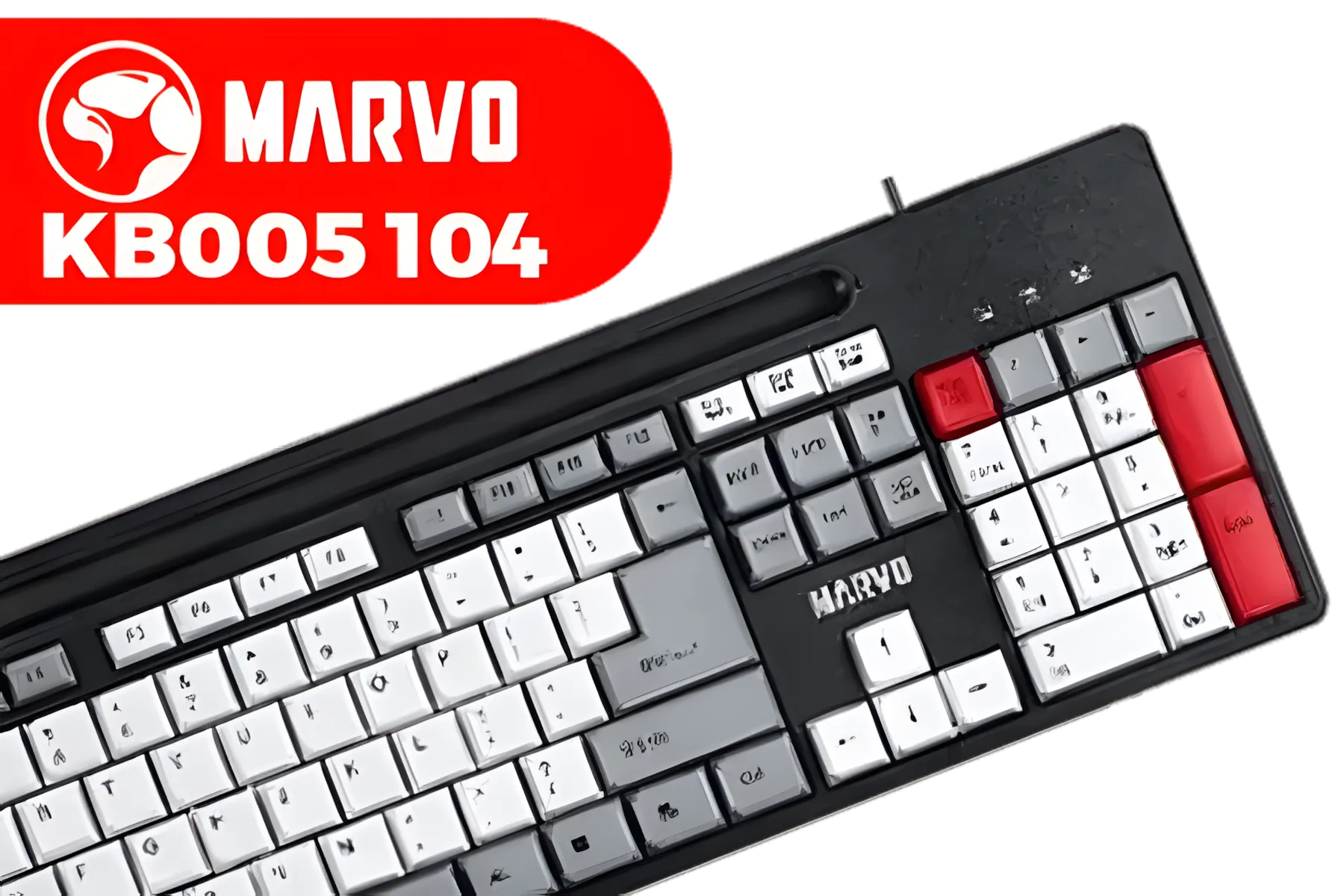
Marvo KB005 104 Keys Office Keyboard (Red-Black) / Cable length 1.5M / 12 multimedia shortcut / KB005
R299.00In Stock
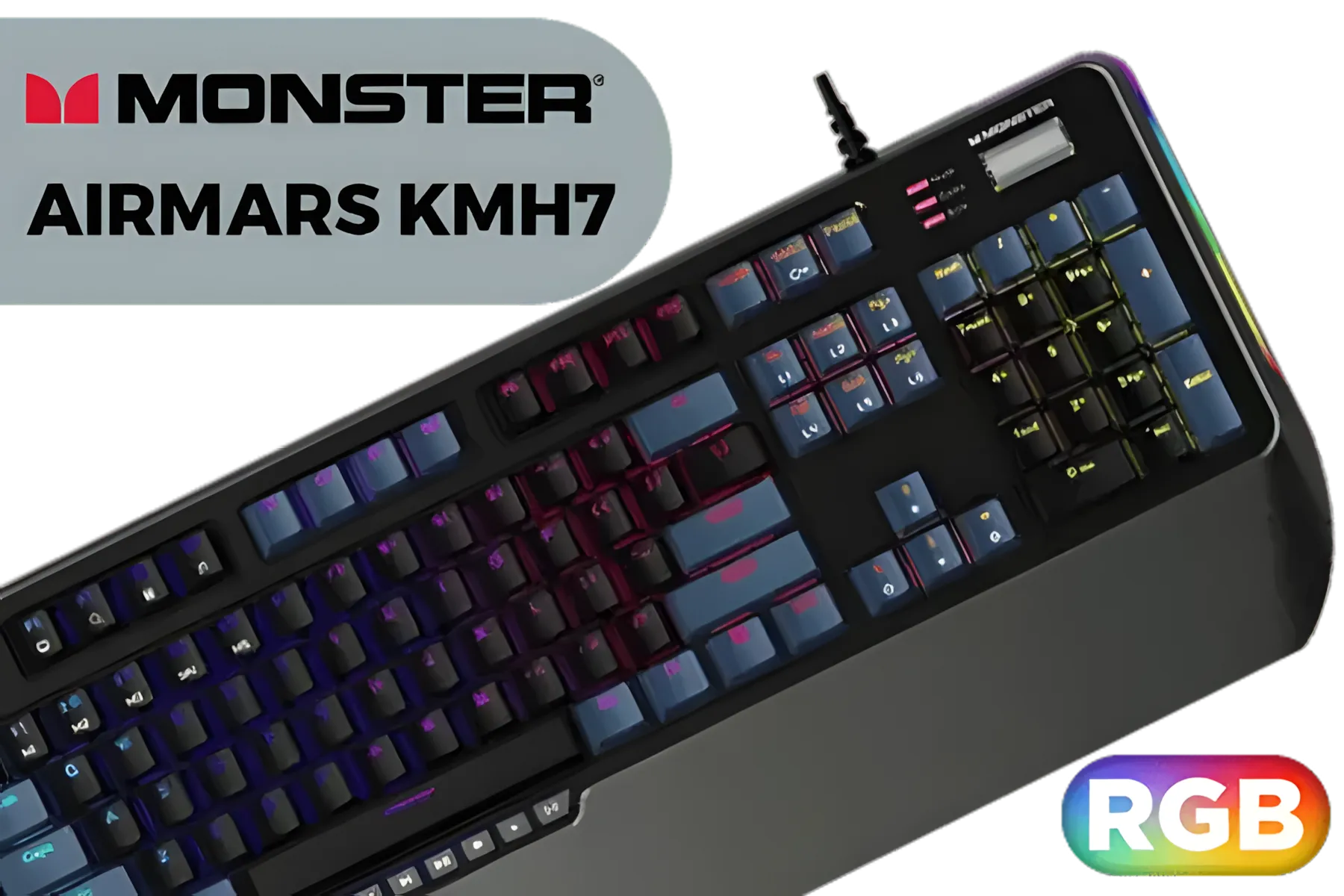
MONSTER Airmars KMH7 USB Mechanical Gaming Keyboard / Full key Without Conflict / Monster Optical Mechanical Axis / Waterproof Protect / Double Color Injection Molded Keycap / AIRMARS-KMH7-KB
R1399.00In Stock

SteelSeries Apex Pro TKL Wireless Gen 3 OmniPoint 3.0 HyperMagnetic Switches / Adjustable Actuation / Rapid Trigger / Game-Ready Presets / Protection Mode / Rapid Tap/SOCD OLED RGB PBT Keycaps / USB-C / 64871
R7499.00In Stock
The Classic Feel: A Deep Dive into Mechanical Switches
For years, mechanical switches have been the gold standard for gamers and typists. When you press a key, two physical metal contacts touch, completing a circuit and sending the signal. It’s that classic, satisfying clack that many have come to love.
The magic is in the variety:
- Linear (e.g., Cherry MX Red): A smooth, consistent press from top to bottom. Perfect for rapid-fire actions where you don't want any bumps hindering your speed.
- Tactile (e.g., Cherry MX Brown): A noticeable bump halfway through the press lets you know the key has been activated. Great for a mix of typing and gaming.
- Clicky (e.g., Cherry MX Blue): A tactile bump paired with an audible "click" sound. Incredibly satisfying for typing, but maybe not for your sleeping family or teammates on Discord!
The biggest advantage of mechanicals is the sheer customisation. Brands like Glorious have perfected the hot-swappable keyboard, allowing you to pull out switches and pop in new ones without any soldering. This means you can create a truly personalised feel. If you love to tinker and dial in your setup, exploring the world of Glorious gaming keyboards is a fantastic place to start.
The Speed of Light: Understanding Optical Switches ⚡
Optical switches ditch the metal-on-metal contact. Instead, pressing the key lowers a stem that breaks a beam of infrared light, instantly triggering the keystroke. This simple change has massive implications for gaming.

Razer BlackWidow V4 X Wired Mechanical Gaming Keyboard - Green Switches Tactile & Clicky / 6 Dedicated Macro Keys / Chroma RGB / Doubleshot ABS Keycaps / Media Controls / Sound Dampening & Stabilizers / RZ03-04700100-R3M1
R3099.00In Stock
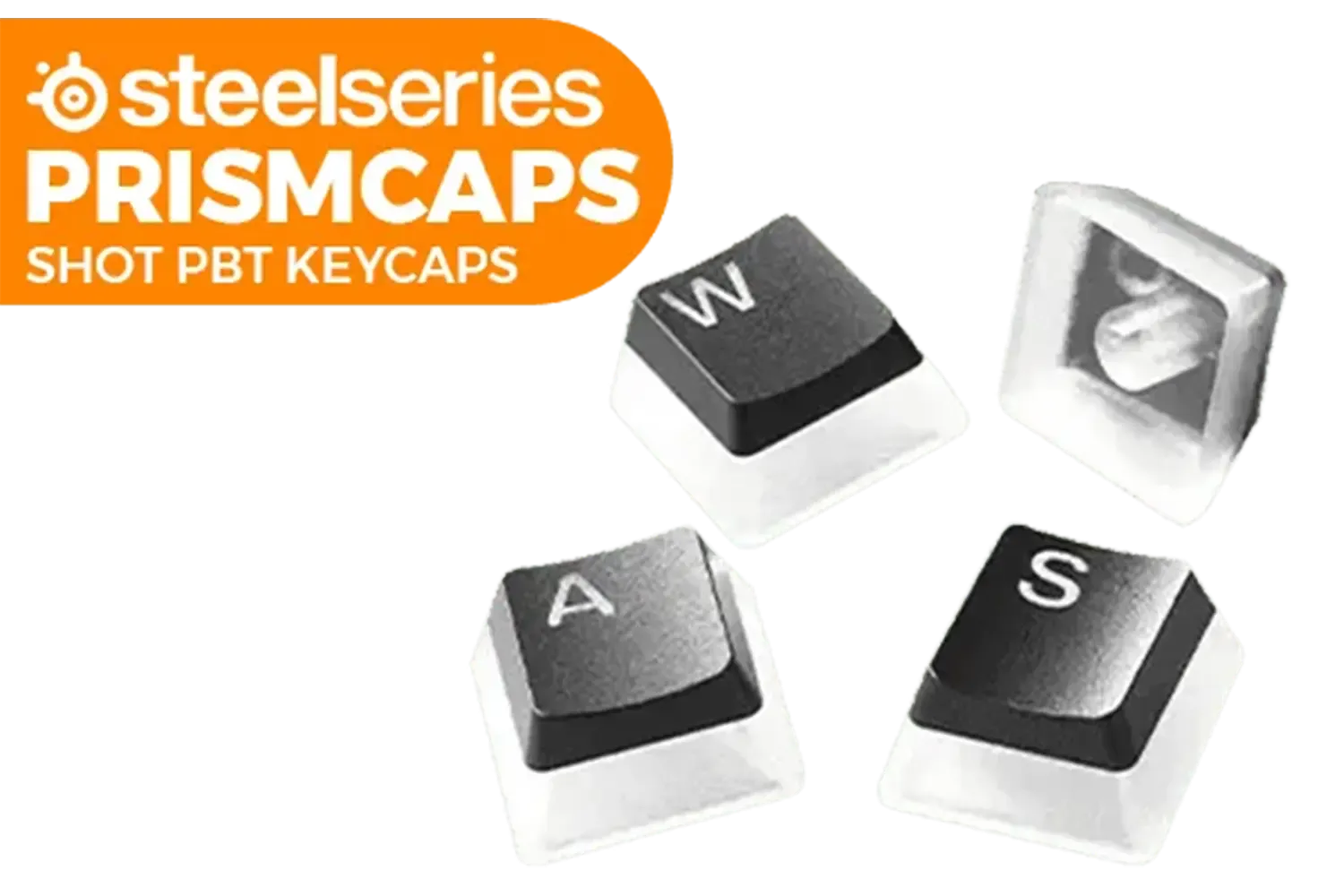
SteelSeries Prismcaps Double Shot PBT Keycaps - Black / Extreme Durability / Compatible With Most Mechanical Keyboards / Thermoplastic PBT Keycaps / 60200
R949.00In Stock
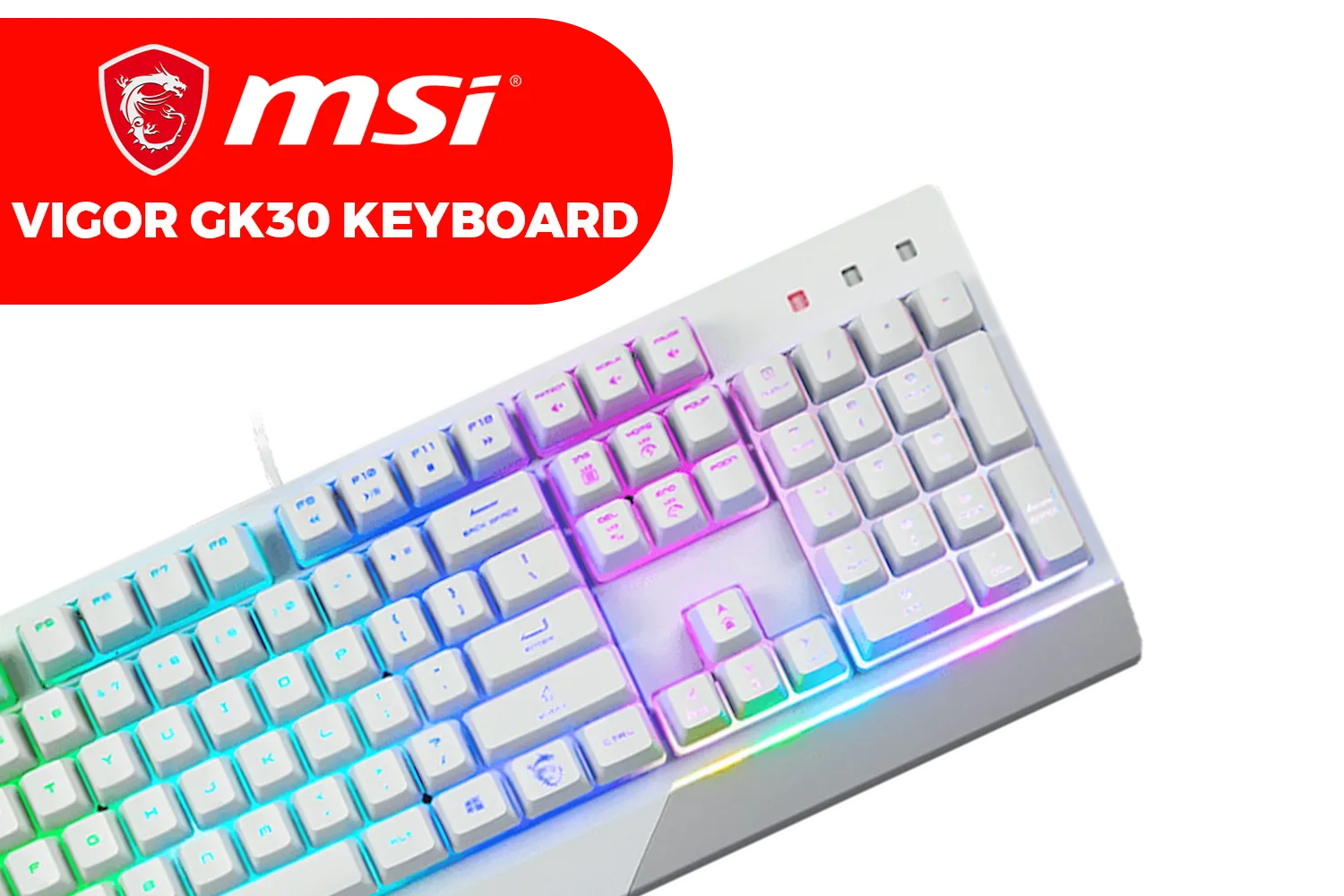
MSI Vigor GK30 Gaming Keyboard - White / Plunger Switch / 6 Keys Rollover / 20 Keys Anti-Ghosting / S11-04US318-CLA
R699.00In Stock

Glorious Gaming Wooden Mouse Wrist Rest - Onyx/Black - for Gaming Mice, Wood Ergonomic Palm Rest| 8x4x0.75 inches/19mm Thick (GV-M-Dark)
R349.00In Stock

Glorious Gaming Wrist Pad/Rest - Compact - Mechanical Keyboards, Stitched Edges, Ergonomic | 12x4 inches/ (0.7in/17mm) Thickness (GSW-75)
R349.00In Stock
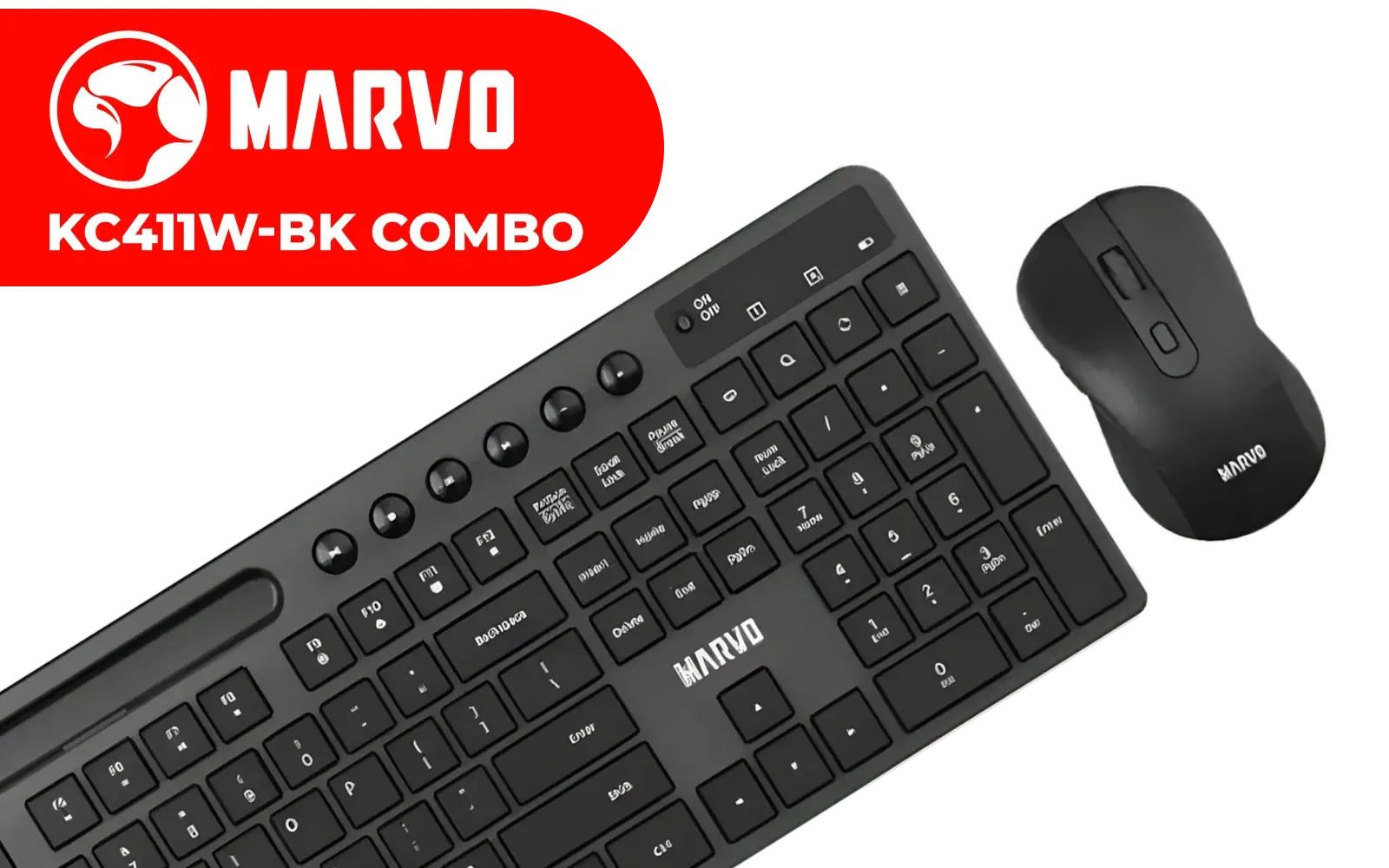
MARVO KC411W-EN-BK Wireless Keyboard & Mouse Combo / Supports up to 1600 DPI / KC411W-EN-BK
R399.00In Stock
Because there's no physical contact required for actuation, there's zero debounce delay—a tiny lag in mechanical switches needed to prevent accidental double-presses. This makes optical switches technically faster. They are also incredibly durable, as there are no metal contacts to wear out over time, often rated for 100 million keystrokes or more.
Razer has been a huge pioneer in this space, and their optical switches are a top choice for esports pros. Many popular Razer gaming keyboards use this tech for its raw speed and reliability, often paired with stunning aesthetics. If you're after peak performance with a light show to match, Razer's RGB gaming keyboards are hard to beat.
TIP FOR YOU
Switch Maintenance Pro Tip 🔧
Got a sticky key or some gunk from a late-night snack? For most mechanical and optical keyboards, you can safely remove the keycaps with a keycap puller. Use a can of compressed air to blow out dust and a small, clean brush to gently scrub away any grime. This simple clean-up can make your keyboard feel brand new.
The Future is Now: What are Hall Effect Switches? ✨
The latest innovation in keyboard switch types is the Hall effect switch. This tech sounds complex, but the idea is brilliant. Instead of a physical contact or a light beam, these switches use magnets and sensors. As you press the key, a magnet on the stem gets closer to a sensor on the keyboard's circuit board, which measures the change in the magnetic field to determine how far the key has been pressed.
This opens up two incredible features:
- Adjustable Actuation: You can customise the exact point at which a keypress registers. Want a hair-trigger for movement in VALORANT? Set the actuation to a super-short 0.4mm. Need to avoid accidental ultimates? Set that key to a deep 3.6mm press.
- Rapid Trigger: This allows you to reset and re-press a key faster than any other switch type. The key resets the instant it starts traveling upwards, not after it passes a fixed reset point. For rhythm games or intense strafing, this is a massive advantage.

Logitech® G515 TKL Lightspeed Wireless Gaming Keyboard - Tactile Switches / Factory-Lubed Switches / Low-Profile Double-Shot PBT Keycaps / Tri-Mode Connectivity / Lightsync RGB — Black / 920-012538
R2779.00In Stock
MONSTER Airmars KMH7 USB Mechanical Gaming Keyboard / Full key Without Conflict / Monster Optical Mechanical Axis / Waterproof Protect / Double Color Injection Molded Keycap / AIRMARS-KMH7-KB
R1399.00In Stock
Glorious GMMK Pro Polycarbonate Switch Plate / Ideal for Tactile or Clicky Switches / 83 Keys / US Layout / GLO-ACC-P75-SP-PC
R349.00In Stock

Glorious GSW-100 Full Size Slim Keyboard Wrist Rest - Black / GSW-100
R349.00In Stock

Steelseries APEX 5 Mechanical Gaming Keyboard - Hybrid Mechanical RGB Switches / OLED Smart Display / Dynamic Per-Key RGB Illumination / Premium Magnetic Wrist Rest / Dedicated Multimedia Controls / Three-Way Cable Routing / 64532-SN
R1699.00In Stock
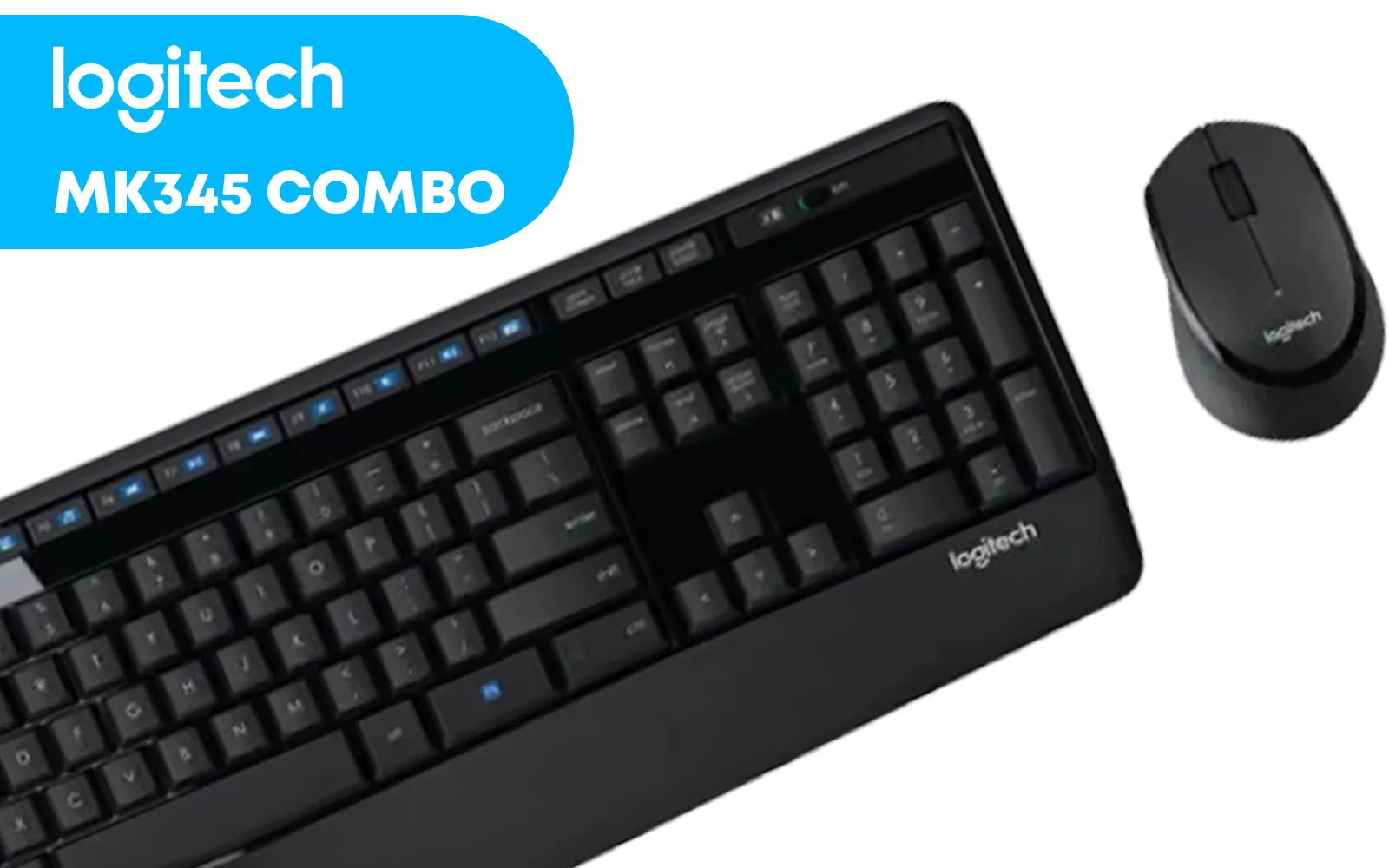
Logitech MK345 Wireless Combo Full-Sized Keyboard with Palm Rest and Comfortable Right-Handed Mouse, 2.4 GHz Wireless USB Receiver, Compatible with PC, Laptop / 920-006489
R699.00In Stock
So, Which Switch is Your Champion?
Choosing between optical vs mechanical vs Hall effect comes down to personal preference and your primary use case.
- For the Hardcore Competitor: Hall effect switches offer the ultimate in speed and customisation with Rapid Trigger. Optical switches are a close second, providing raw, reliable speed.
- For the Tactile Enthusiast: If you live for that satisfying feel and sound, a mechanical keyboard is your best bet. The sheer variety of tactile and clicky switches is unmatched.
- For the All-Rounder: A hot-swappable mechanical board gives you the freedom to experiment, while a quality optical board offers a great balance of speed for gaming and comfort for typing.
Ultimately, there's no single "best" switch. The goal is to find what feels right for you. No matter your preference, finding the right board is the final step, and Evetech has a massive selection of gaming keyboards to browse.
Ready to Find Your Perfect Match? The debate between optical, mechanical, and Hall effect switches is intense, but the perfect feel is personal. Your keyboard is a critical part of your setup. Explore our massive range of gaming keyboards and find the switch that'll level up your game.
Related Products
Logitech MK220 Wireless Keyboard And Mouse Combo / Long Battery Life / 10 re-programmable keys / Full-size, spill-resistant keyboard / Instant media Access / Logitech Unifying Receiver / 920-003161
R449.00In Stock

Glorious Gaming Wooden Wrist Rest - Full Standard Size - Brown - Mechanical Keyboard, Wood Ergonomic Palm Rest| 17.5x4 inches/19mm Thick (GV-100-BROWN)
R499.00In Stock

Razer Huntsman V3 Pro TKL Esports Gaming Keyboard / Analog Optical Switches w/Rapid Trigger & Adjustable Actuation / Media Keys & Dial / Doubleshot PBT Keycaps / Aluminum Top Plate / Wrist Rest / RZ03-04980100-R3M1
R4899.00In Stock
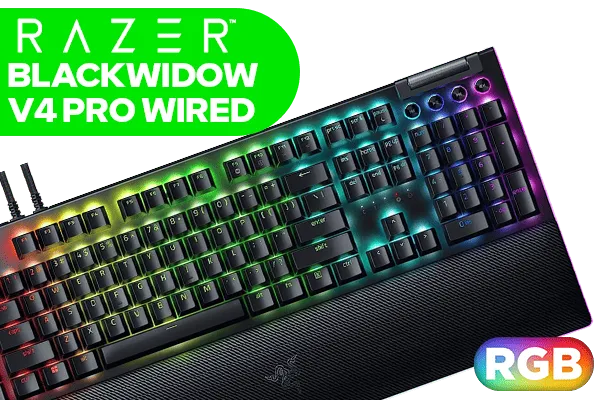
Razer BlackWidow V4 Pro Wired Mechanical Gaming Keyboard: Yellow Mechanical Switches - Linear & Silent - Doubleshot ABS Keycaps - Command Dial - Programmable Macros - Chroma RGB - Magnetic Wrist Rest / RZ03-04681800-R3M1
R5199.00In Stock
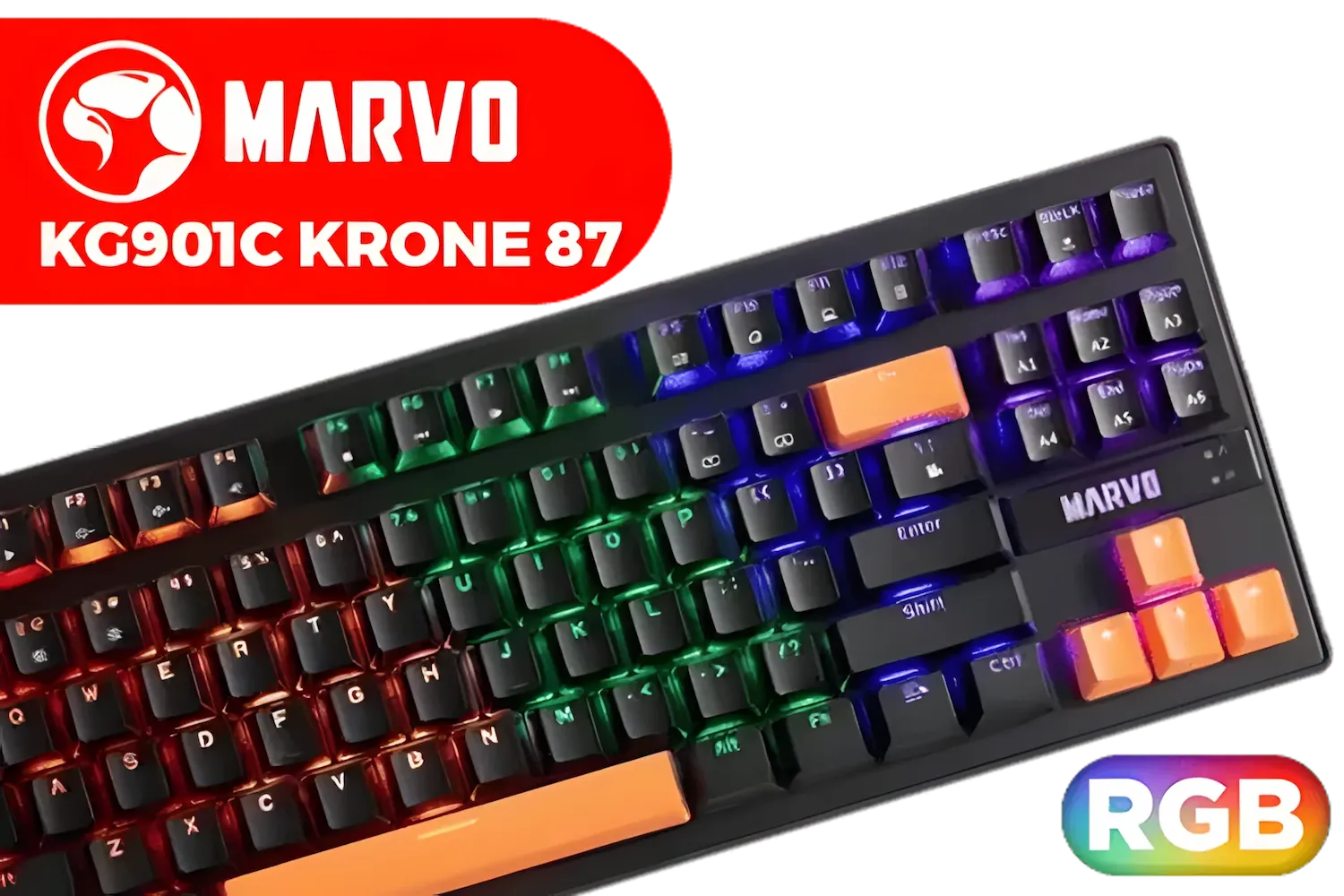
MARVO KG901C Krone 87 Mechanical Gaming Keyboard - Blue Switch / Switch rating: 50 million presses / Backlight: 21 kinds of backlight / Anti-ghosting Support / KG901C
R299.00In Stock
Razer BlackWidow V4 X Wired Mechanical Gaming Keyboard - Green Switches Tactile & Clicky / 6 Dedicated Macro Keys / Chroma RGB / Doubleshot ABS Keycaps / Media Controls / Sound Dampening & Stabilizers / RZ03-04700100-R3M1
R3099.00In Stock
The main types are mechanical, optical, and Hall effect switches. Each differs in actuation, feel, and durability to fit gaming or typing needs.
Optical and linear mechanical switches often excel for gaming thanks to fast actuation and low debounce. Try both to match your playstyle.
Yes. Hall effect switches use magnetic sensing and often offer very high durability and consistency compared to standard mechanical switches.
Optical switches can lower debounce delay because they use light-based actuation, improving response for competitive gaming.
Look for silent or dampened mechanical switches and optical variants with O-rings. Quiet mechanical switches work well in shared spaces.
Many hot-swappable boards support optical switches; check compatibility. Hot-swappable optical keyboards make testing switches easy.
Prioritise feel (tactile vs linear) if typing comfort matters; prioritise Hall effect or high-rated mechanical switches for long-term durability.











