



Kingston Fury Beast RGB RAM: Style and Speed for Your Rig
Kingston Fury Beast RGB RAM brings vivid lighting and low-latency performance to your PC, boosting FPS and aesthetics in one simple upgrade ⚡️✨
|
Loading tags...

Is your gaming rig feeling a bit... bland? Or worse, struggling to keep up with the latest titles? A simple RAM upgrade can fix both. The Kingston Fury Beast RGB RAM doesn't just inject blistering speed into your system for smoother gameplay; it transforms your PC's internals into a vibrant light show. It’s the perfect blend of performance and personality for any South African gamer looking to level up their setup. 🚀

ADATA XPG Lancer Neon 32GB (2 x 16GB) DDR5 DRAM 8000MHz Desktop Memory / High-Quality Materials / On-die ECC error correction / Supports Intel® XMP 3.0 / AX5U8000C3816G-DCLANRSG
R7999.00In Stock

KLEVV BOLT X 16GB (16GB x 1) 3600MHz DDR4 Desktop Gaming Memory / 288-Pin / Performance Enhancing / Best-in-class Memory Chips / Aluminum Heat Spreader / Ecosystem Compatibility / KD4AGU880-36A180T
R2199.00In Stock

Kingston FURY Beast RGB 16GB (8GB x 2) 3600MT/s DDR4 CL17 DIMM Computer Memory KF436C17BB2AK2/16
R2399.00In Stock

KLEVV Bolt X DDR4 16GB (16GB x 1) 3200MHz Gaming Desktop RAM / Pure Aluminum Heatspreader / Ultra-Efficient Power Use / QVL Approved / Intel XMP 2.0 & AMD EXPO Ready / KD4AGUA80-32A160T
R1999.00In Stock

XPG Lancer Blade RGB DDR5 6000MHz CL30 32GB (2x16GB) PC5-48000 RAM 288-Pins UDIMM Desktop Memory Kit Black Heatsink / AX5U6000C3016G-DTLABRBK
R5999.00In Stock

Kingston Fury Renegade RGB 32GB (16GB x 2) 6400Mhz DDR5 Desktop Memory - White / Kit of 2 / 18 Customisable RGB Effects / Infrared Sync Technology / KF564C32RWAK2-32
R6499.00In Stock
Why the Kingston Fury Beast RGB RAM is a Smart Upgrade
When building or upgrading a PC, it’s easy to focus on the CPU and GPU. But your RAM (Random Access Memory) is the short-term memory of your rig, and skimping on it can create a serious bottleneck. The Kingston Fury Beast RGB RAM series offers a dual-threat solution: it provides the high-speed performance needed to feed your processor data without delay, while its stunning RGB lighting gives your build a customised, premium look.
Even if you're upgrading from an older system that used modules like DDR3 gaming RAM, the leap in responsiveness and multitasking capability is massive. You'll notice it immediately, from faster game-loading screens to a snappier experience when alt-tabbing.

CORSAIR Dominator Titanium RGB DDR5 96GB – Black / (2x48GB) / DDR5 7000MHz / CL40 Intel XMP / iCUE Compatible Computer Memory / CMP96GX5M2B7000C40
R16999.00In Stock
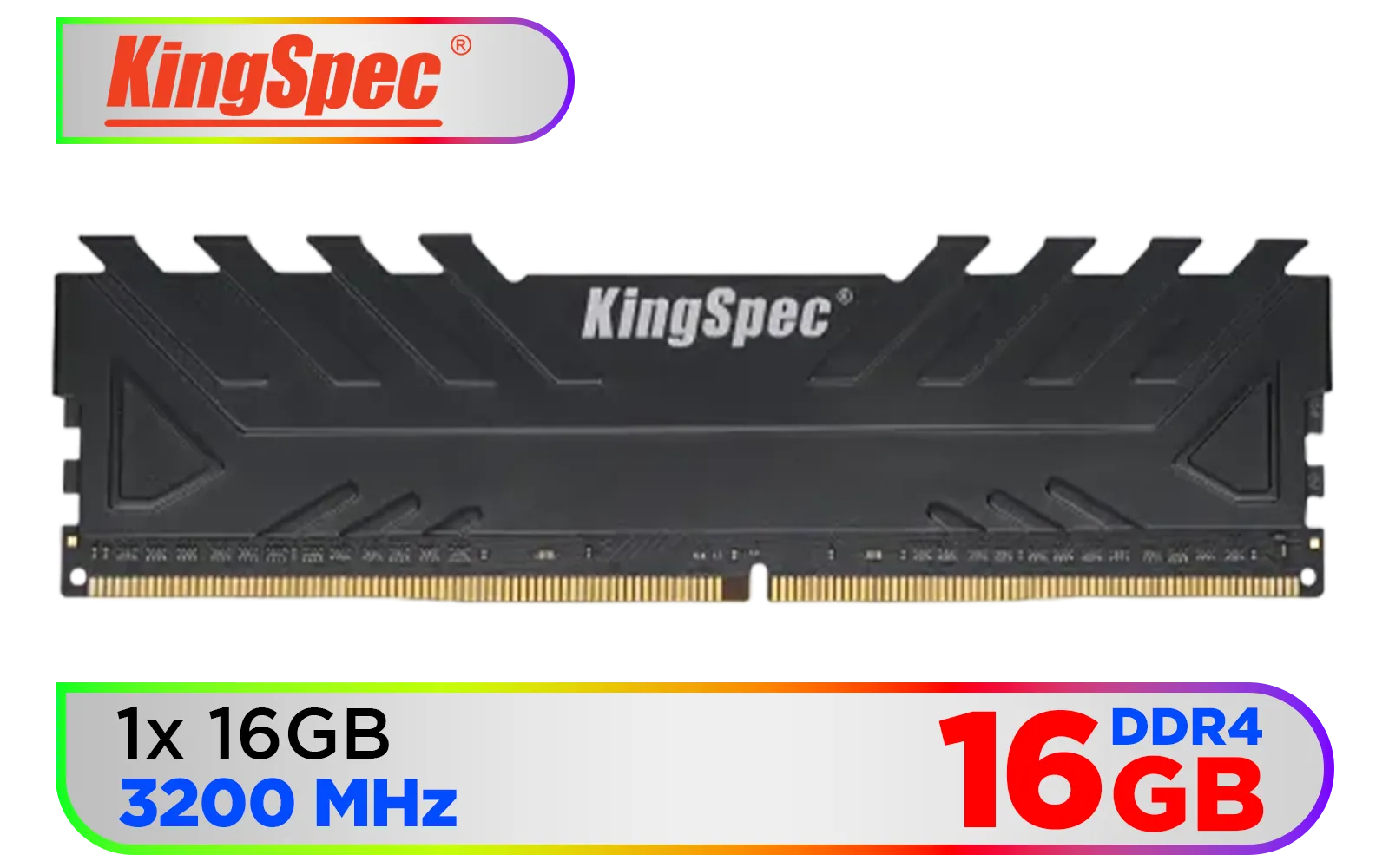
KingSpec 16GB (16x1) 3200mhz DDR4 Desktop Memory - Black / Premium 3D NAND Flash Memory / 1.2V Power-Saving Technology / Hollow Structure Metal Heatsink / KS3200D4M13516G
R1899.00In Stock

Teamgroup T-Force VULCAN 32GB DDR5 Desktop Memory - Black / 32GB (2x16GB) / 6000MHz / CL38 / FLBD532G6000HC38ADC01
R5499.00In Stock
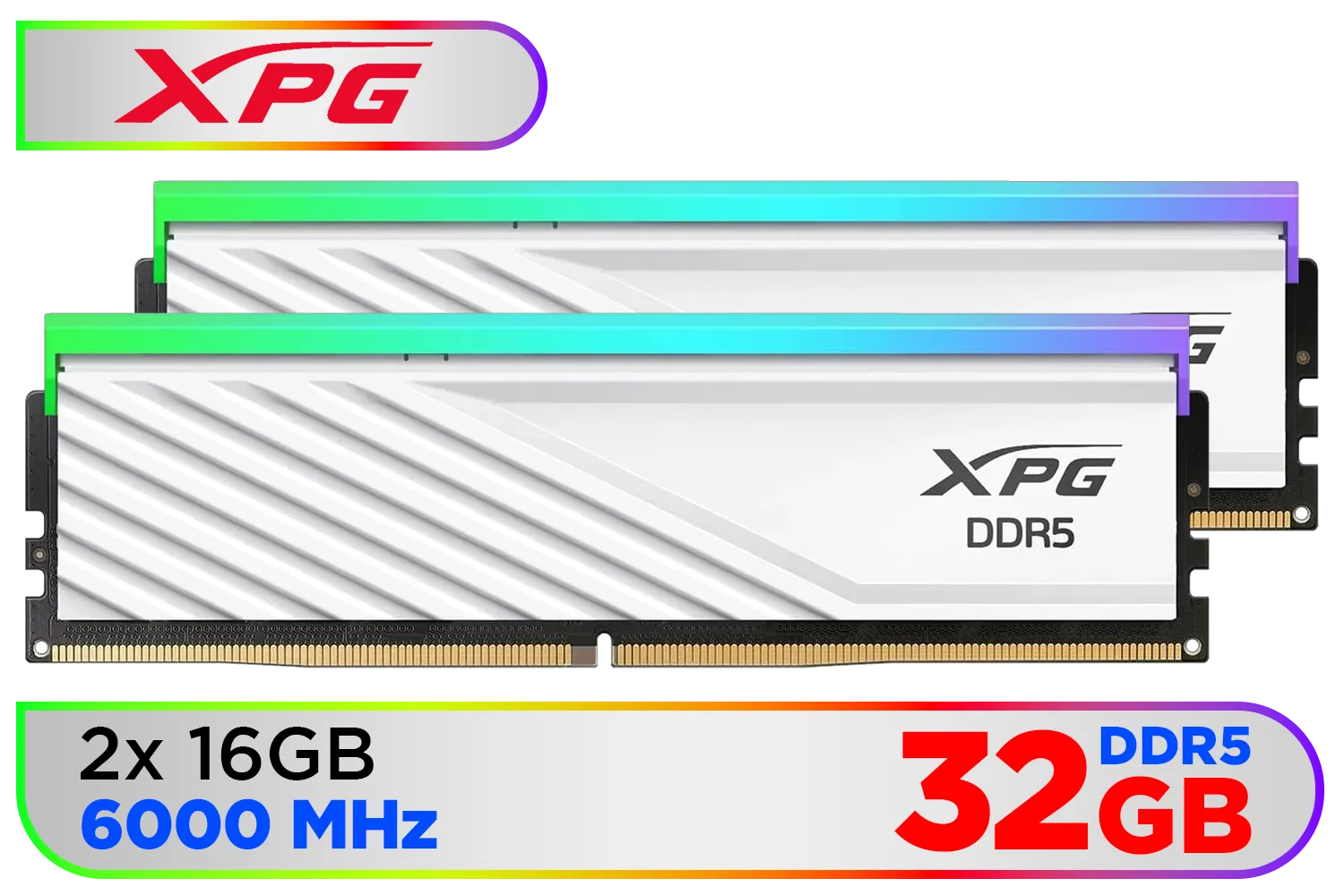
XPG Lancer Blade RBG DDR5 6000MHz CL30 32GB (2x16GB) PC5-48000 RAM 288-Pins UDIMM Desktop Memory Kit White Heatsink / AX5U6000C3016G-DTLABRWH
R5999.00In Stock

KLEVV CRAS V RGB 32GB Kit (16GB x2) 7200MHz Gaming Memory DDR5 RAM XMP 3.0/AMD EXPO High Performance Overclocking / KD5AGUA80-72B340G
R5899.00In Stock
ADATA XPG Lancer Neon 32GB (2 x 16GB) DDR5 DRAM 8000MHz Desktop Memory / High-Quality Materials / On-die ECC error correction / Supports Intel® XMP 3.0 / AX5U8000C3816G-DCLANRSG
R7999.00In Stock
Unleashing Speed: DDR5 vs DDR4 Performance
The beauty of the Fury Beast series is choice. Are you on a modern platform that supports the latest and greatest? Then the Kingston Fury Beast RGB in DDR5 Memory (RAM) is your ticket to the future. With starting speeds that double the previous generation, DDR5 is built for next-gen gaming, 4K video editing, and heavy-duty content creation.
But don't worry if your motherboard is still on the ultra-reliable AM4 or LGA 1200/1700 sockets. The DDR4 Memory version of the Fury Beast RGB still packs a massive punch, offering fantastic performance and value that will handle any AAA title you throw at it.
TIP FOR YOU
RGB Sync Pro Tip 💡
Before installing your new RAM, make sure your motherboard's BIOS is up to date. This often includes improved memory compatibility and stability profiles (like XMP or EXPO). Once installed, download your motherboard's native RGB software (like Armoury Crate for ASUS or Mystic Light for MSI) to sync your Kingston Fury Beast RGB RAM with the rest of your components for a seamless light show.
More Than Just a Pretty Face: The Tech Behind the Glow
Kingston didn't just slap some LEDs on a memory stick. The lighting is powered by their patented Infrared Sync Technology, ensuring the dynamic RGB effects stay perfectly harmonised across all modules without needing extra cables. It just works. ✨

Corsair Vengeance 32GB (1 x 32GB) 5600MHz DDR5 C40 Memory - Black / Dynamic Multi-Zone / Speed Rating PC5-44800 / Voltage 1.1V / Aluminum Heat Spreader / CMK32GX5M1B5600C40
R5199.00In Stock
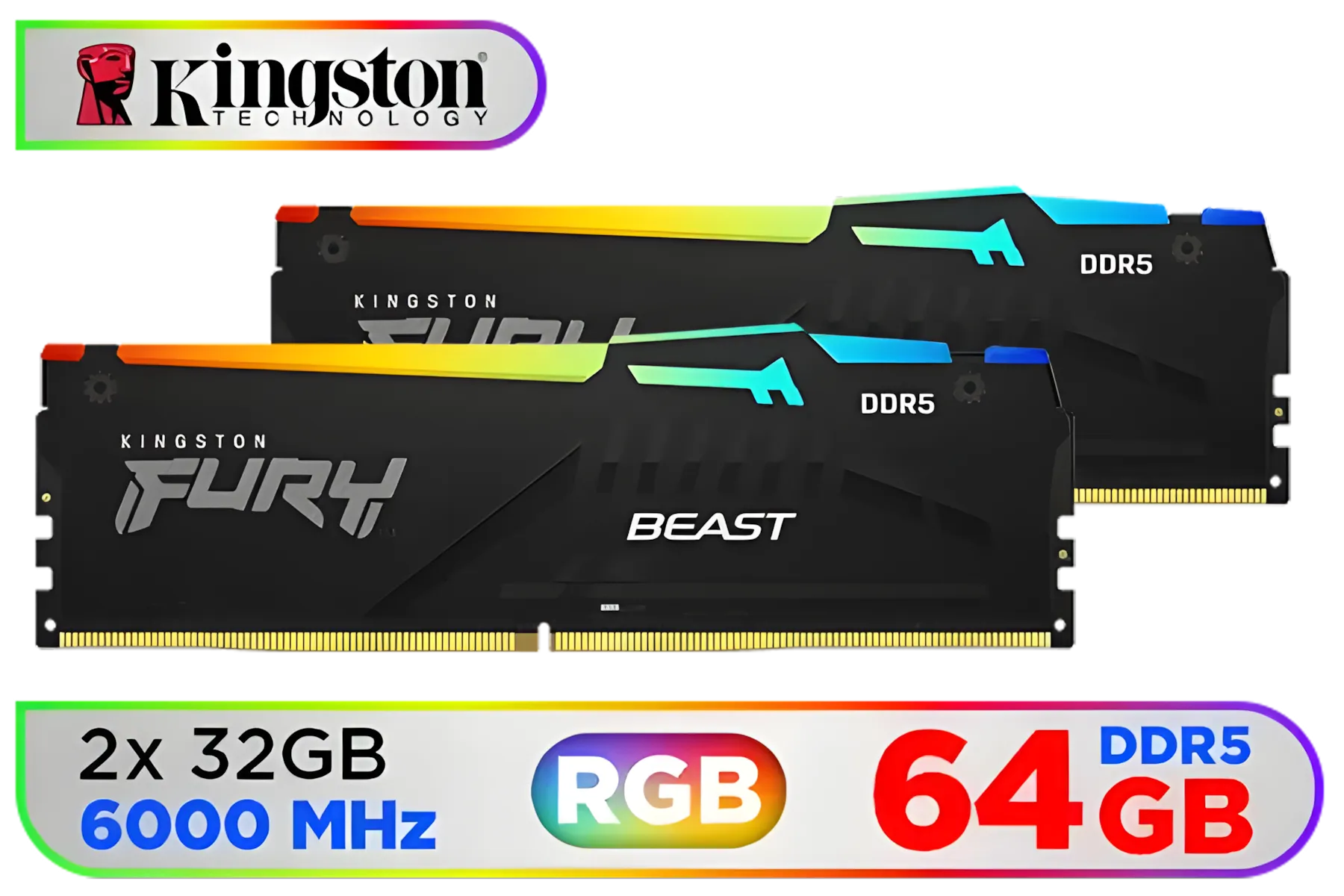
Kingston Fury Beast RGB 64GB (2x32GB) 6000MT/s DDR5 CL36 Desktop Memory / AMD Expo / Plug N Play / Kit of 2 / KF560C36BBEAK2-64
R11499.00In Stock

Kingston Fury Beast White 64GB (2 x 32GB) 5200MT/s DDR5 CL36 Desktop Memory Kit of 2 / KF552C36BWEAK2-64
R10999.00In Stock

Corsair Vengeance RGB DDR5 32GB (2x16GB) 6000MHz C36 Intel Optimized Desktop Memory (Dynamic Ten-Zone RGB Lighting, Onboard Voltage Regulation, Custom XMP 3.0 Profiles, Tight Response Times) Black / CMH32GX5M2E6000C36
R5999.00In Stock
![[OEM] KLEVV 16GB (16GB x 1) 3200MHz DDR4 Desktop Memory / Reliable SK Hynix Chips / Performance Enhancing / Touch of Delicate Design / Compatible With all Mainstream Motherboards / KD4AGUA80-32N220E](https://img.evetech.co.za/repository/ProductImages/klevv-16gb-3200mhz-ddr4-desktop-memory-1500px-v1.webp)
[OEM] KLEVV 16GB (16GB x 1) 3200MHz DDR4 Desktop Memory / Reliable SK Hynix Chips / Performance Enhancing / Touch of Delicate Design / Compatible With all Mainstream Motherboards / KD4AGUA80-32N220E
R1799.00In Stock

CORSAIR VENGEANCE RGB DDR5 RAM 128GB (4x32GB) 5600MHz CL40 Intel XMP iCUE Compatible Computer Memory - Black / CMH128GX5M4B5600C40
R21499.00In Stock
The stylish, low-profile heat spreader also serves a critical purpose. It’s engineered to efficiently dissipate heat, keeping your modules cool and stable even during intense overclocking or marathon gaming sessions in the South African summer. This focus on thermal performance is a key reason why Kingston has built such a strong reputation for reliability among PC builders. While competitors like ADATA also offer great RGB options, Kingston's blend of plug-and-play sync tech and robust build quality makes the Fury Beast a standout choice.
Ready to Unleash the Beast? Style, speed, and reliability... the Kingston Fury Beast RGB RAM delivers on all fronts. Whether you're building a new PC from scratch or giving your current rig a much-needed boost, the right memory is crucial. Explore our massive range of gaming RAM and find the perfect kit to dominate the competition.
Related Products
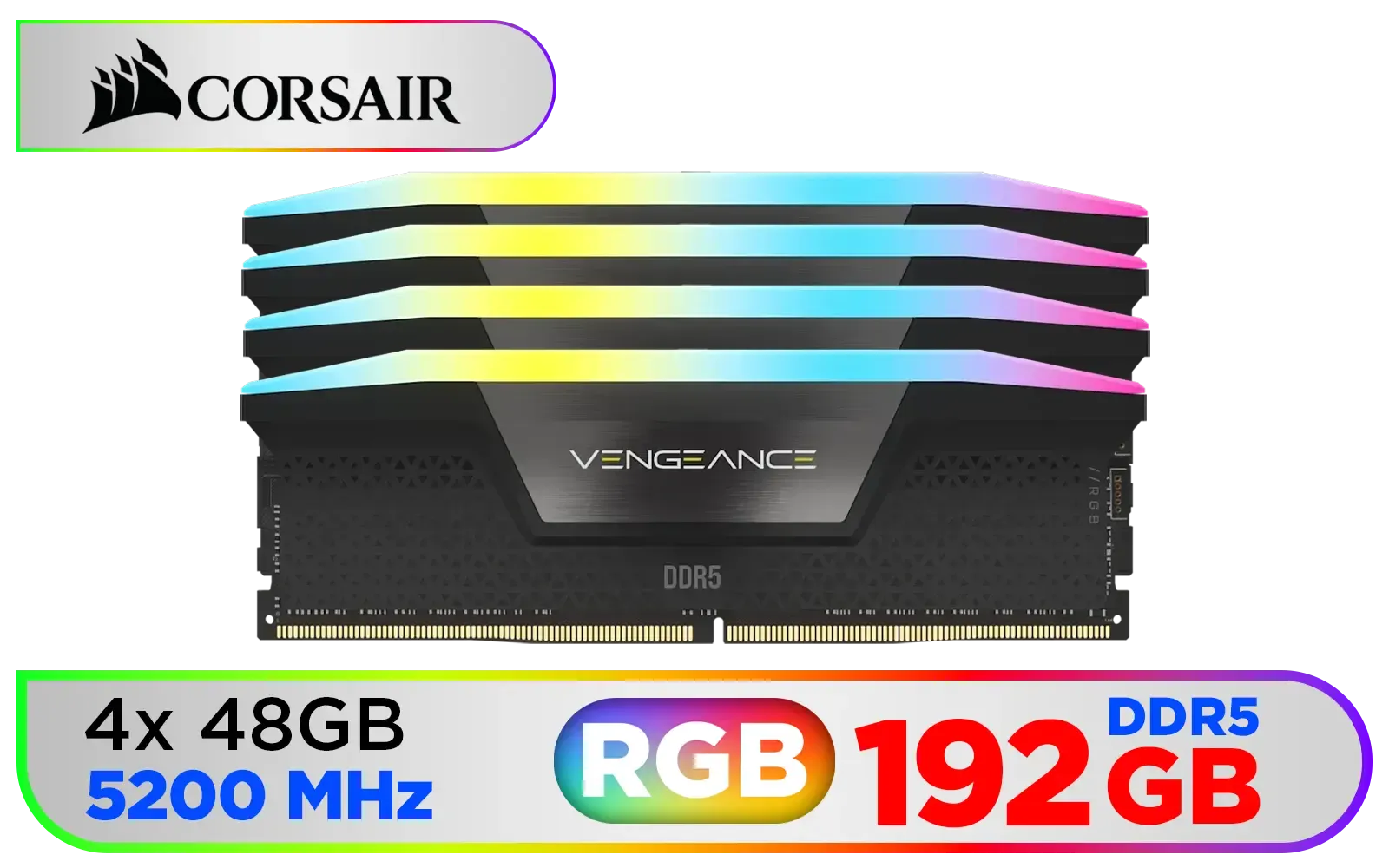
Corsair Vengeance RGB DDR5 192GB (4x48GB) DDR5 5200MHz CL38 Memory – Black / Ten-zone panoramic RGB lighting / Custom Intel XMP 3.0 profiles / Onboard voltage regulation / CMH192GX5M4B5200C38
R19499.00In Stock
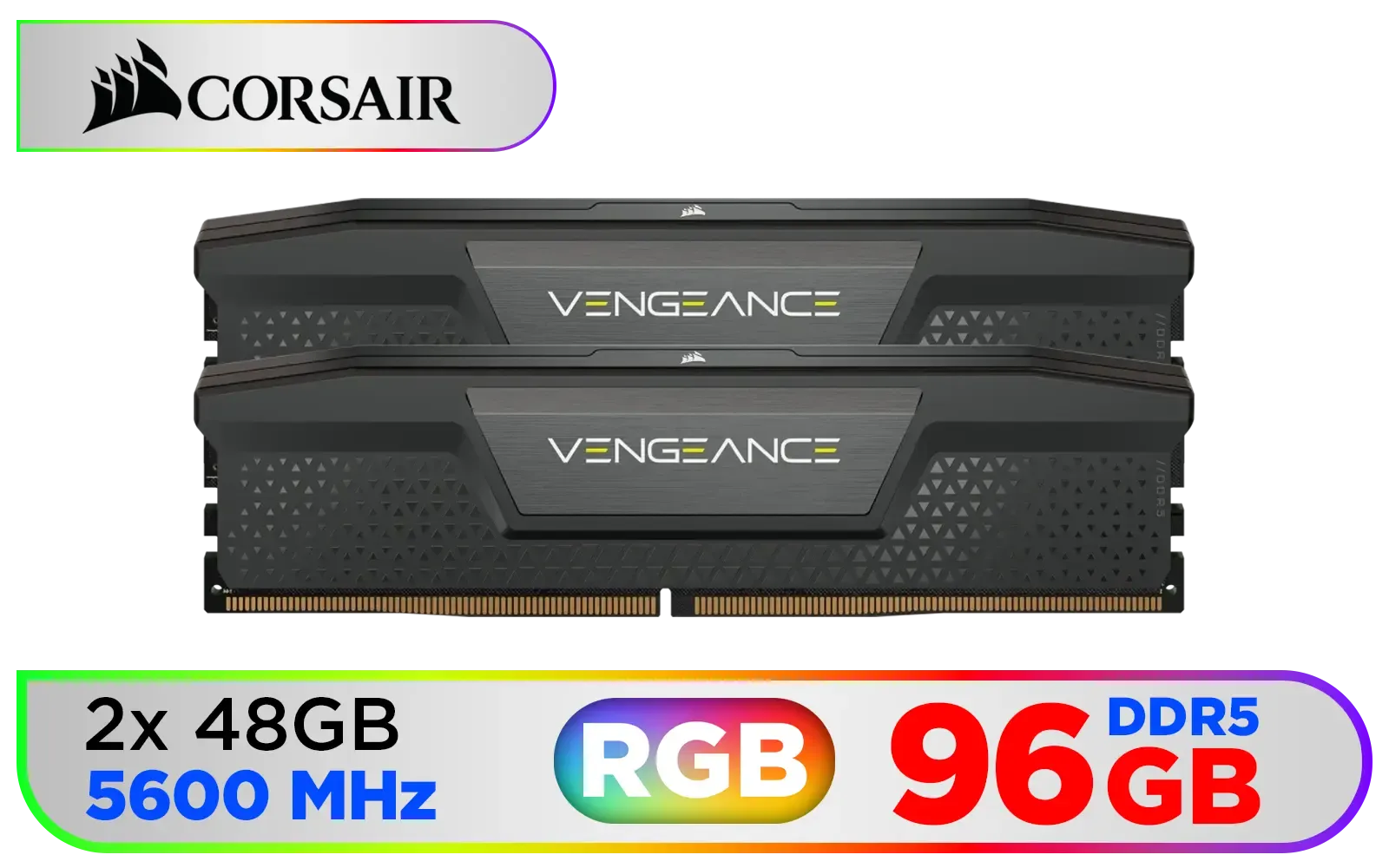
Corsair Vengeance DDR5 96GB (2x48GB) 5600MHz C40 Desktop Memory - Black / Onboard Voltage Regulation / Custom XMP 3.0 Profiles / Compact Form-Factor / Solid Aluminum Heatspreader / CMK96GX5M2B5600C40
R13999.00In Stock
CORSAIR VENGEANCE RGB DDR5 RAM 128GB (4x32GB) 5600MHz CL40 Intel XMP iCUE Compatible Computer Memory - Black / CMH128GX5M4B5600C40
R21499.00In Stock
KLEVV BOLT X 16GB (16GB x 1) 3600MHz DDR4 Desktop Gaming Memory / 288-Pin / Performance Enhancing / Best-in-class Memory Chips / Aluminum Heat Spreader / Ecosystem Compatibility / KD4AGU880-36A180T
R2199.00In Stock
ADATA Premier 32GB (32GB x 1) 5600MHz DDR5 Desktop Memory / Higher Capacities / Improved Stability / Energy-Efficient / AD5U560032G-B
R4999.00In Stock

KLEVV CRAS V RGB DDR5 32GB (2x16GB) 7200MHz CL34 A-DIE 1.4V Gaming Desktop Ram Memory SK Hynix Chip XMP 3.0 / AMD Expo Ready - White / KD5AGUA80-72B340J
R5799.00In Stock
Kingston Fury Beast RGB RAM is a performance DDR4/DDR5 module with addressable RGB lighting, tuned for gaming and enthusiast builds.
Expect modest FPS improvements from higher frequency or lower latency kits; gains vary by game and CPU. See Fury Beast benchmarks for details.
Check your motherboard's QVL and DDR generation support. Kingston Fury Beast compatibility depends on DDR4 vs DDR5 model and BIOS support.
Use your motherboard RGB software (ASUS Aura, MSI Mystic, Gigabyte RGB Fusion) to sync Kingston Fury Beast RGB RAM lighting.
Enable the XMP/EXPO profile in BIOS for rated speed. Manual tuning can further lower latency or increase stability for overclockers.
Most modules have low-profile heat spreaders, but check module height if you use large air coolers or compact cases.
Power off, open the DIMM clips, align the notch, press the module into the slot until clips latch. See installation guides for step-by-step help.











