



Kingston Fury DDR5: From DDR4 Powerhouse to DDR5 Game Changer
Kingston Fury DDR5 leads the shift from DDR4 to next-gen memory — discover performance gains, benchmarks, and upgrade tips for gamers and creators 🔧⚡
|
Loading tags...
Remember when DDR4 RAM felt like the final word in PC performance? For years, it was the undisputed king. But the tech world never sleeps, and now there's a new monarch on the motherboard: DDR5. If you're building a new rig in South Africa or eyeing a serious upgrade, understanding this shift is crucial. We're diving deep into the Kingston Fury DDR5 lineup to see how this legendary brand has once again raised the bar for speed and responsiveness. 🚀

KLEVV Bolt X DDR4 16GB (16GB x 1) 3200MHz Gaming Desktop RAM / Pure Aluminum Heatspreader / Ultra-Efficient Power Use / QVL Approved / Intel XMP 2.0 & AMD EXPO Ready / KD4AGUA80-32A160T
R1999.00In Stock

Kingston Fury Renegade 96GB (48GB x2) 6400Mhz DDR5 Desktop Memory / Kit of 2 / Intel® XMP 3.0 Certified / Supports Extreme Overclocking Potential / Aluminum Heat Spreader Design / KF564C32RSK2-96
R14999.00In Stock

KLEVV CRAS V RGB 32GB Kit (16GB x2) 7200MHz Gaming Memory DDR5 RAM XMP 3.0/AMD EXPO High Performance Overclocking / KD5AGUA80-72B340G
R5899.00In Stock

Corsair Vengeance 32GB (1 x 32GB) 5600MHz DDR5 C40 Memory - Black / Dynamic Multi-Zone / Speed Rating PC5-44800 / Voltage 1.1V / Aluminum Heat Spreader / CMK32GX5M1B5600C40
R5199.00In Stock

KLEVV CRAS V RGB DDR5 32GB (2x16GB) 7200MHz CL34 A-DIE 1.4V Gaming Desktop Ram Memory SK Hynix Chip XMP 3.0 / AMD Expo Ready - White / KD5AGUA80-72B340J
R5799.00In Stock

Teamgroup T-Force XTREEM 32GB DDR5 Desktop Memory - Black / 32GB (2x16GB) / 8000MHz / CL38 / FFXD532G8000HC38DDC01
R7799.00In Stock
What Makes Kingston Fury DDR5 a True Upgrade?
Let's get straight to the point. The move from DDR4 to DDR5 isn't just a small number bump; it's a fundamental architectural shift. The Kingston Fury DDR5 series, like the Beast and Renegade, leverages this by delivering more than just higher clock speeds. We're talking about a massive increase in memory bandwidth, thanks to a dual 32-bit channel design on each module.
What does this mean for your daily use in SA?
- For Gamers: Smoother frame rates in CPU-intensive games like Cyberpunk 2077 or Starfield, especially at 1080p and 1440p where the CPU can be a bottleneck.
- For Creators: Faster video rendering, quicker multitasking between Adobe Premiere and After Effects, and a more responsive workflow overall.
It's about feeding your powerful new CPU and GPU the data they crave… without delay.
Decoding DDR5 Speeds and Sweet Spots
When you browse for the latest DDR5 memory kits, you'll see a dizzying array of speeds. Should you go for a popular sweet spot like cost-effective 6000MHz options, or push the limits with blazing-fast 7200MHz kits?
For most gamers and creators using AMD Ryzen 7000 or modern Intel platforms, 6000MHz with tight timings (low CAS Latency) offers the best bang-for-your-buck. It’s the performance sweet spot where you get a huge uplift over DDR4 without paying a premium for enthusiast-grade speeds. However, for those chasing every last frame or benchmark score, pushing higher is where the magic happens. The key is ensuring your motherboard and CPU can handle it. ✨

Kingston FURY Beast RGB 16GB (8GB x 2) 3600MT/s DDR4 CL17 DIMM Computer Memory KF436C17BB2AK2/16
R2399.00In Stock

CORSAIR Dominator Titanium RGB DDR5 96GB – Black / (2x48GB) / DDR5 7000MHz / CL40 Intel XMP / iCUE Compatible Computer Memory / CMP96GX5M2B7000C40
R16999.00In Stock

Kingston Fury Beast RGB 32GB (2x16GB) 6400MT/s DDR5 CL32 Desktop Memory / AMD Expo/Intel XMP / Plug N Play / Kit of 2 / KF564C32BBEAK2-32
R6499.00In Stock
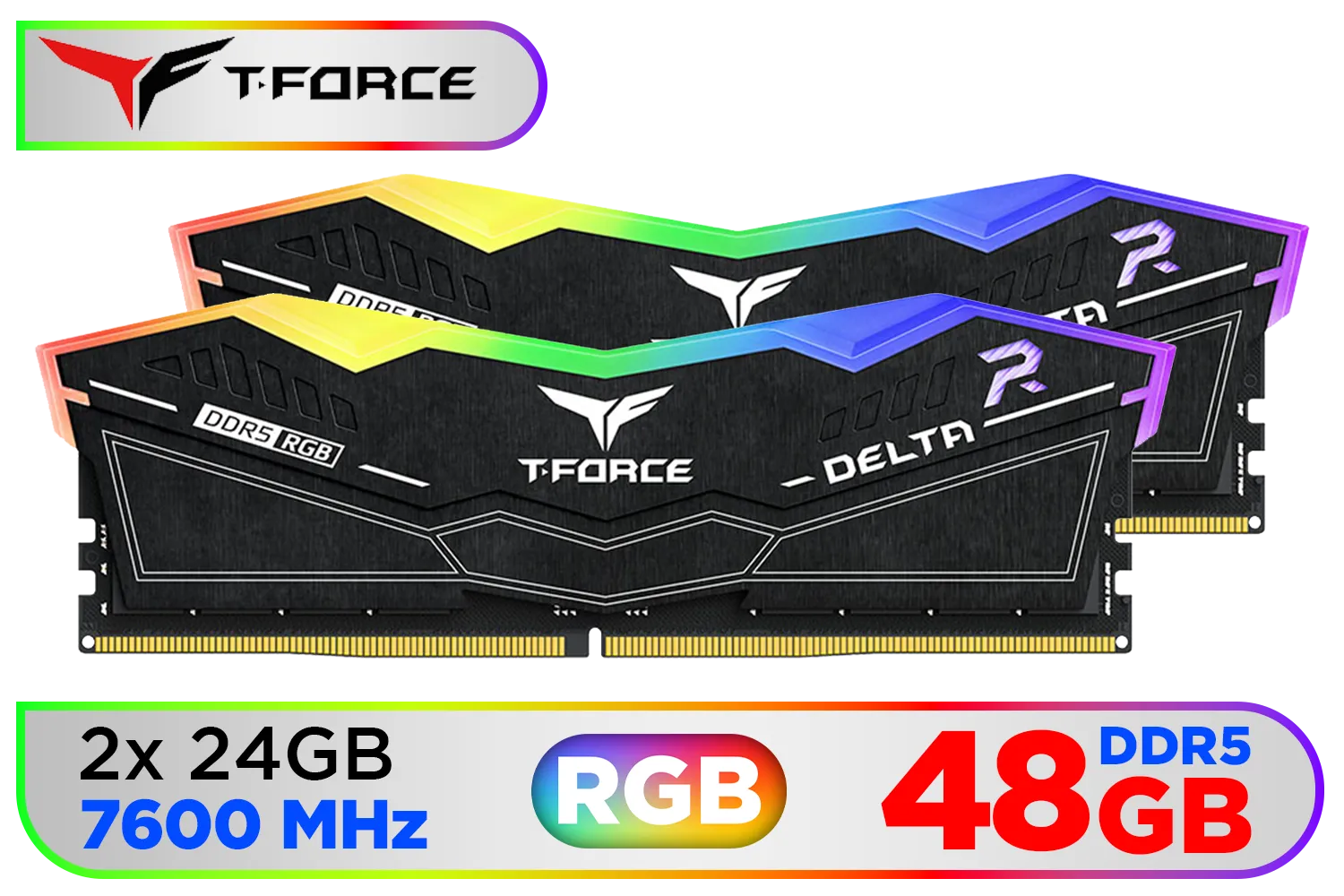
Teamgroup T-Force DELTA RGB 48GB DDR5 Desktop Memory - Black / 48GB (2x24GB) / 7600MHz / CL36 / FF3D548G7600HC36EDC01
R8699.00In Stock

ADATA XPG Lancer Neon 32GB (2 x 16GB) DDR5 DRAM 8000MHz Desktop Memory / High-Quality Materials / On-die ECC error correction / Supports Intel® XMP 3.0 / AX5U8000C3816G-DCLANRSG
R7999.00In Stock

Teamgroup T-Force DELTA RGB 32GB DDR5 Desktop Memory - Black / 32GB (2x16GB) / 7200MHz / CL34 / FF3D532G7200HC34ADC01
R6199.00In Stock
TIP FOR YOU
Pro Tip: Don't Forget to Enable XMP! 🔧
Your new Kingston Fury DDR5 RAM won't run at its advertised speed out of the box. You need to enter your PC's BIOS UEFI (usually by pressing DEL or F2 on startup) and enable the XMP (for Intel) or EXPO (for AMD) profile. It's a single click that unlocks all the performance you paid for. Without it, you're leaving a ton of speed on the table!
Compatibility and the Bigger Picture
Upgrading to DDR5 isn't just about the RAM sticks. It requires a compatible ecosystem. You'll need a motherboard with a DDR5-ready chipset (like Intel's Z690/Z790 or AMD's B650/X670 series) and a corresponding CPU. This is a platform-level commitment.
While we're focusing on the excellent performance offered by Kingston's full DDR5 lineup, it's worth noting the market is healthy and competitive. You can also find excellent options from brands like ADATA, which helps keep prices competitive for South African builders. This competition ensures that no matter your choice, you're getting cutting-edge tech.
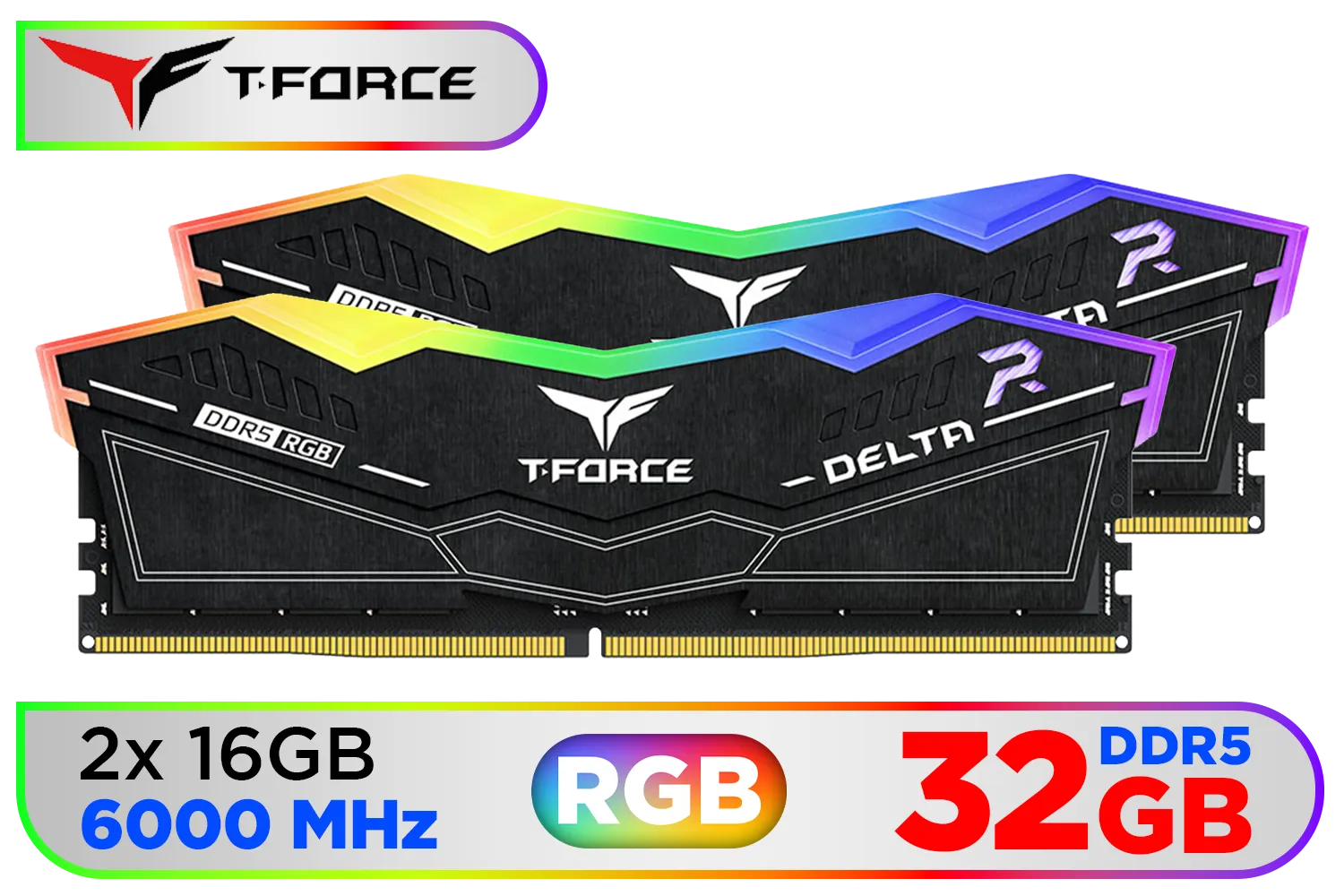
Teamgroup T-Force DELTA RGB 32GB DDR5 CL38 Desktop Memory - Black / 32GB (2x16GB) / 6000MHz / CL38 / FF3D532G6000HC38ADC01
R5499.00In Stock

Corsair Vengeance RGB DDR5 64GB (4x16GB) 6000MHz C36 Intel Optimized Desktop Memory (Dynamic Ten-Zone RGB Lighting, Onboard Voltage Regulation, Custom XMP 3.0 Profiles, Tight Response Times) Black / CMH32GX5M2E6000C36x2
R11299.00In Stock
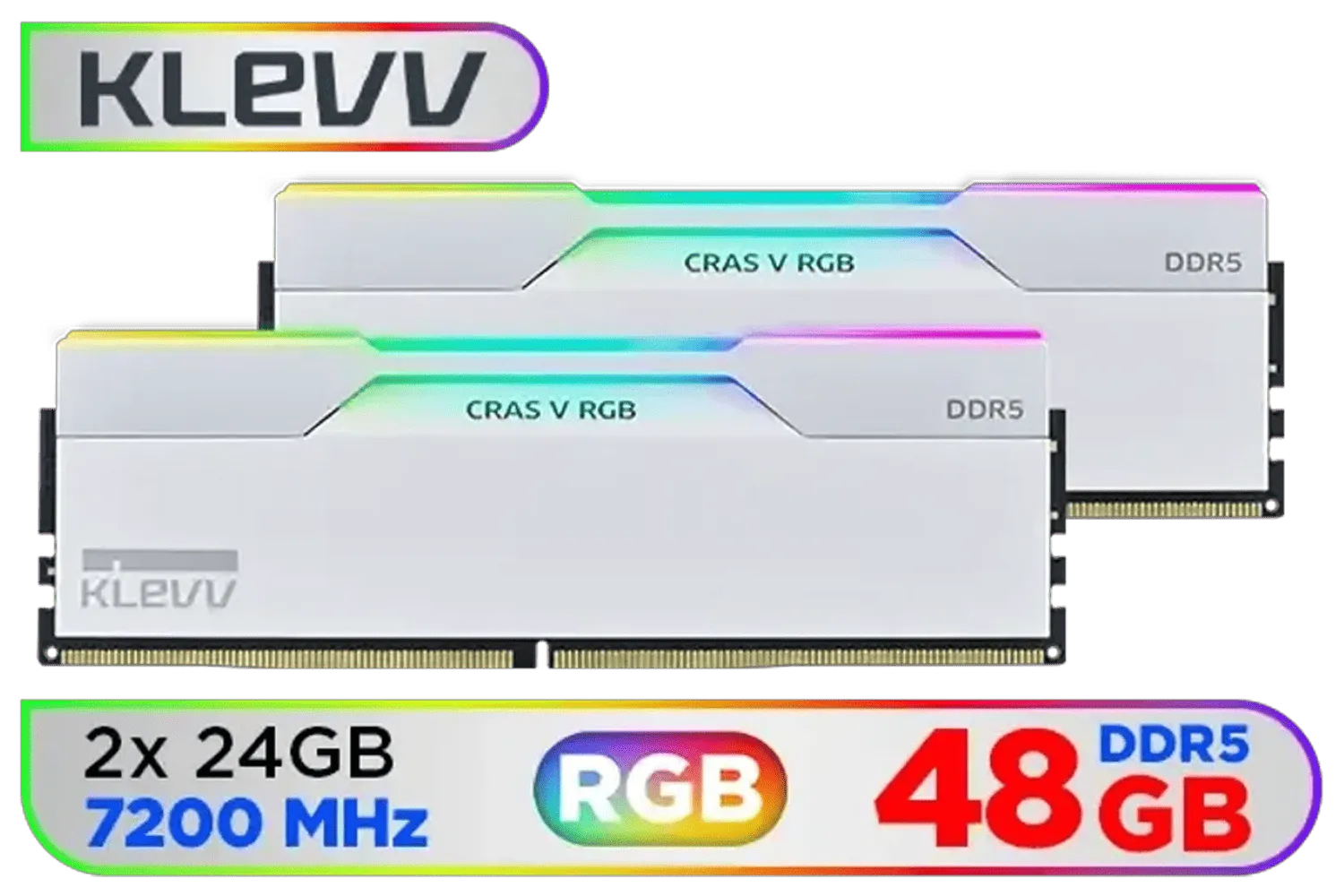
KLEVV CRAS V RGB DDR5 48GB (2x24GB) 7200MHz CL34 Gaming Desktop RAM - White / SK Hynix Chip / XMP 3.0 / AMD Expo Ready / KD5KGUD80-72B340J
R7499.00In Stock
Corsair Vengeance 32GB (1 x 32GB) 5600MHz DDR5 C40 Memory - Black / Dynamic Multi-Zone / Speed Rating PC5-44800 / Voltage 1.1V / Aluminum Heat Spreader / CMK32GX5M1B5600C40
R5199.00In Stock
Teamgroup T-Force DELTA RGB 32GB DDR5 Desktop Memory - Black / 32GB (2x16GB) / 7200MHz / CL34 / FF3D532G7200HC34ADC01
R6199.00In Stock

Teamgroup T-Force XTREEM 32GB DDR5 Desktop Memory - Black / 32GB (2x16GB) / 7600MHz / CL36 / FFXD532G7600HC36FDC01
R5699.00In Stock
So, Is This Upgrade the Right Move for You?
Let's break it down. If you're building a brand-new PC today with a current-generation Intel or AMD processor, choosing Kingston Fury DDR5 is a no-brainer. It future-proofs your rig, unlocks the full potential of your other components, and provides a noticeably snappier experience in everything from booting up Windows to loading the next map in Apex Legends.
If you're still on a solid DDR4 system, the decision is tougher. The performance jump is real, but it requires a costly motherboard and CPU upgrade. For now, your DDR4 powerhouse is still a contender. But for your next build... DDR5 is the undeniable path forward, and Kingston is helping lead the charge.
Ready to Unleash Next-Gen Speed? Choosing the right RAM is the final piece of the performance puzzle. A Kingston Fury DDR5 kit can unlock the true power of your CPU and GPU. Explore our massive range of PC components and find the perfect parts to conquer your world.
Related Products
Corsair Vengeance 32GB (1 x 32GB) 5600MHz DDR5 C40 Memory - Black / Dynamic Multi-Zone / Speed Rating PC5-44800 / Voltage 1.1V / Aluminum Heat Spreader / CMK32GX5M1B5600C40
R5199.00In Stock
Kingston FURY Beast RGB 16GB (8GB x 2) 3600MT/s DDR4 CL17 DIMM Computer Memory KF436C17BB2AK2/16
R2399.00In Stock

Kingston Fury Beast RGB 64GB (2x32GB) 6400MT/s DDR5 CL32 Desktop Memory / AMD Expo/Intel XMP / Plug N Play / Kit of 2 / KF564C32BBEAK2-64
R12499.00In Stock

Teamgroup T-Force XTREEM 48GB DDR5 Desktop Memory - Black / 48GB (2x24GB) / 8000MHz / CL38 / FFXD548G8000HC38EDC01
R9999.00In Stock
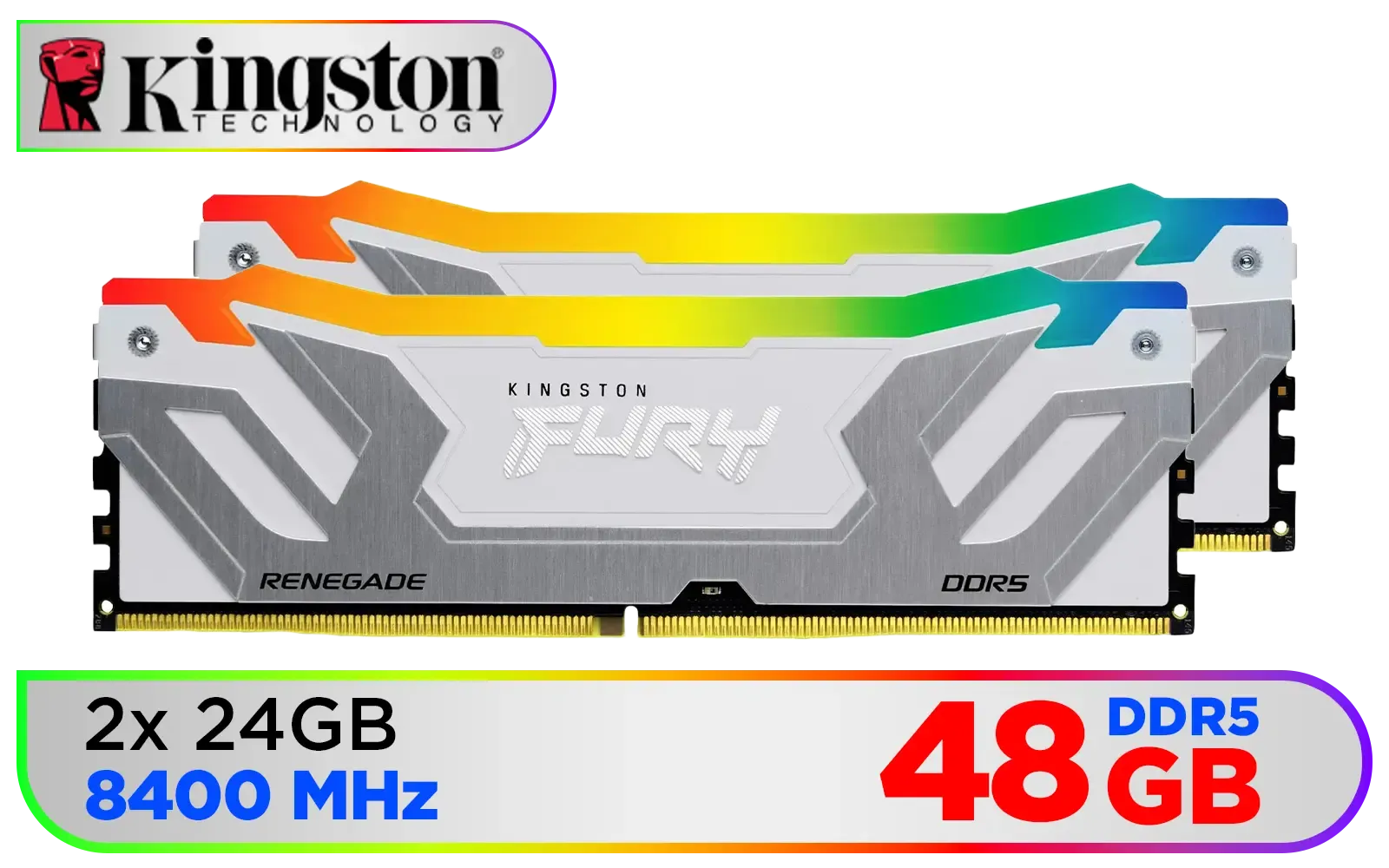
Kingston Fury Renegade RGB 48GB (24GB x 2) 8400Mhz DDR5 Desktop Memory - White / Kit of 2 / 18 Customisable RGB Effects / Intel® XMP 3.0 Certified / Qualified by the world’s leading motherboard manufacturers / Patented Kingston FURY Infrared Sync Technology / KF584CU40RWAK2-48
R11499.00In Stock
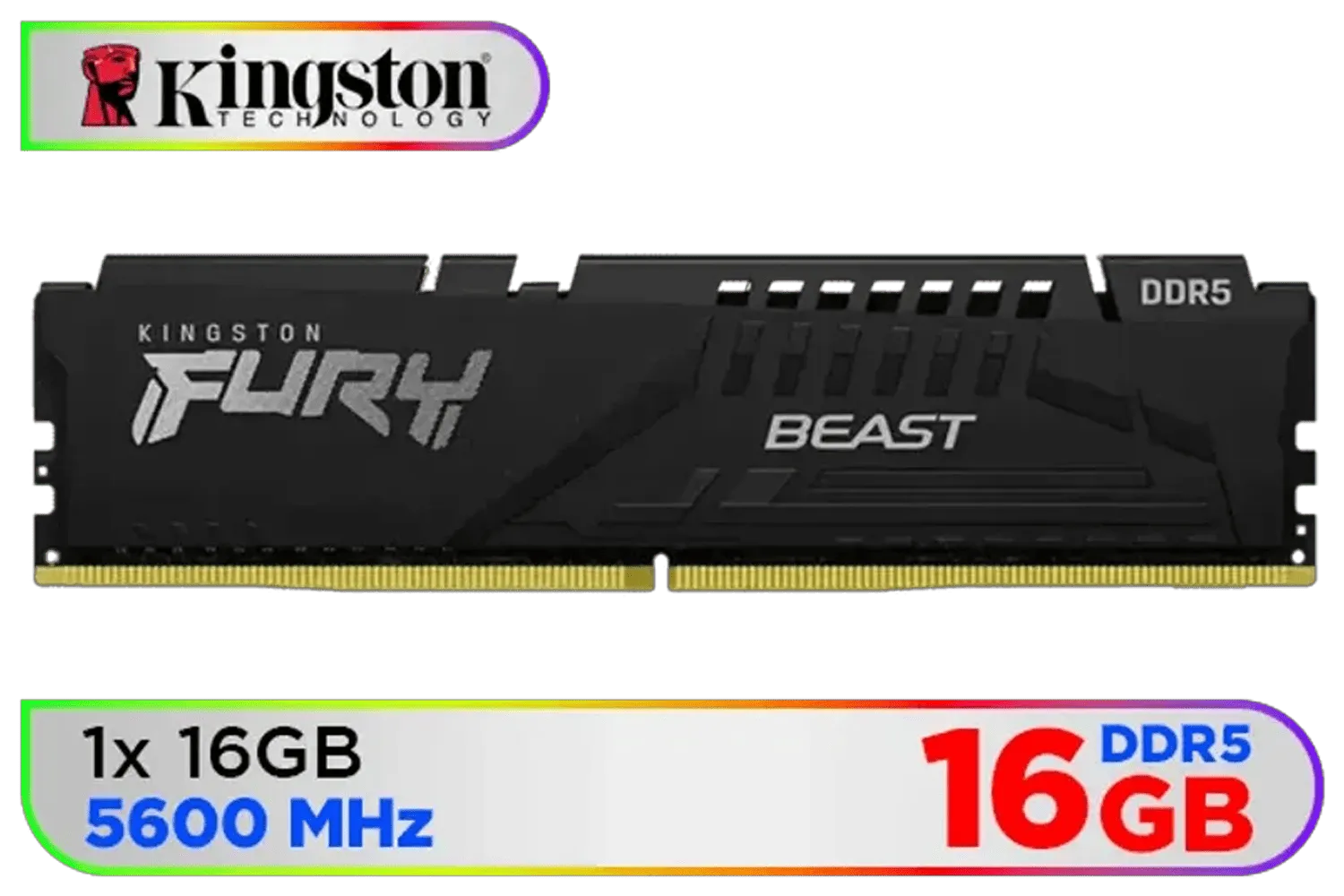
Kingston Fury Beast 16GB 5600MHz DDR5 CL40 DIMM Single Module Desktop Memory KF556C40BB-16 Black
R2999.00In Stock
Kingston Fury DDR5 boosts bandwidth and multi-threaded throughput, improving gaming and content workflows compared to DDR4. See benchmarks for exact FPS gains.
Yes — Kingston Fury DDR5 often delivers measurable FPS and loading improvements, especially in CPU-limited titles. Check compatibility and benchmarks before upgrading.
Upgrading requires a DDR5-compatible motherboard and CPU. Backup data, install Fury DDR5 modules, enable XMP or profiles, and test stability with benchmarks.
Kingston Fury DDR5 supports XMP and manual tuning. Use the kingston fury overclocking ddr5 guide and stress tests to find stable frequency and timings.
Kingston Fury DDR5 arrives in single modules and kits up to high capacities for gaming and workstation builds; check the kingston fury ddr5 capacities and modules listings.
DDR5 can draw more power at peak clocks; Kingston Fury ddr5 modules mitigate heat with improved PCB and heatsinks. Monitor power consumption under load.
Look for independent lab tests and gaming benchmarks that compare kingston fury ddr5 benchmarks 2025 across CPUs and GPUs to see real-world gains.











