



Kingston Fury Renegade DDR5: Maximize Gaming Performance
Kingston Fury Renegade DDR5 — Checklist: • Optimize BIOS & XMP; • Tune timings and overclock; • Improve cooling and stability; • Benchmark and validate gains 🎯⚙️
|
Loading tags...

That infuriating micro-stutter just as you line up the perfect headshot… we’ve all been there. In today's fast-paced games, your PC's memory can be the unsung hero or the silent villain. For South African gamers demanding buttery-smooth frame rates and zero compromises, upgrading to high-performance RAM like the Kingston Fury Renegade DDR5 isn't just a luxury... it's a competitive necessity. Let's dive into why this memory is a must-have for your rig. 🚀
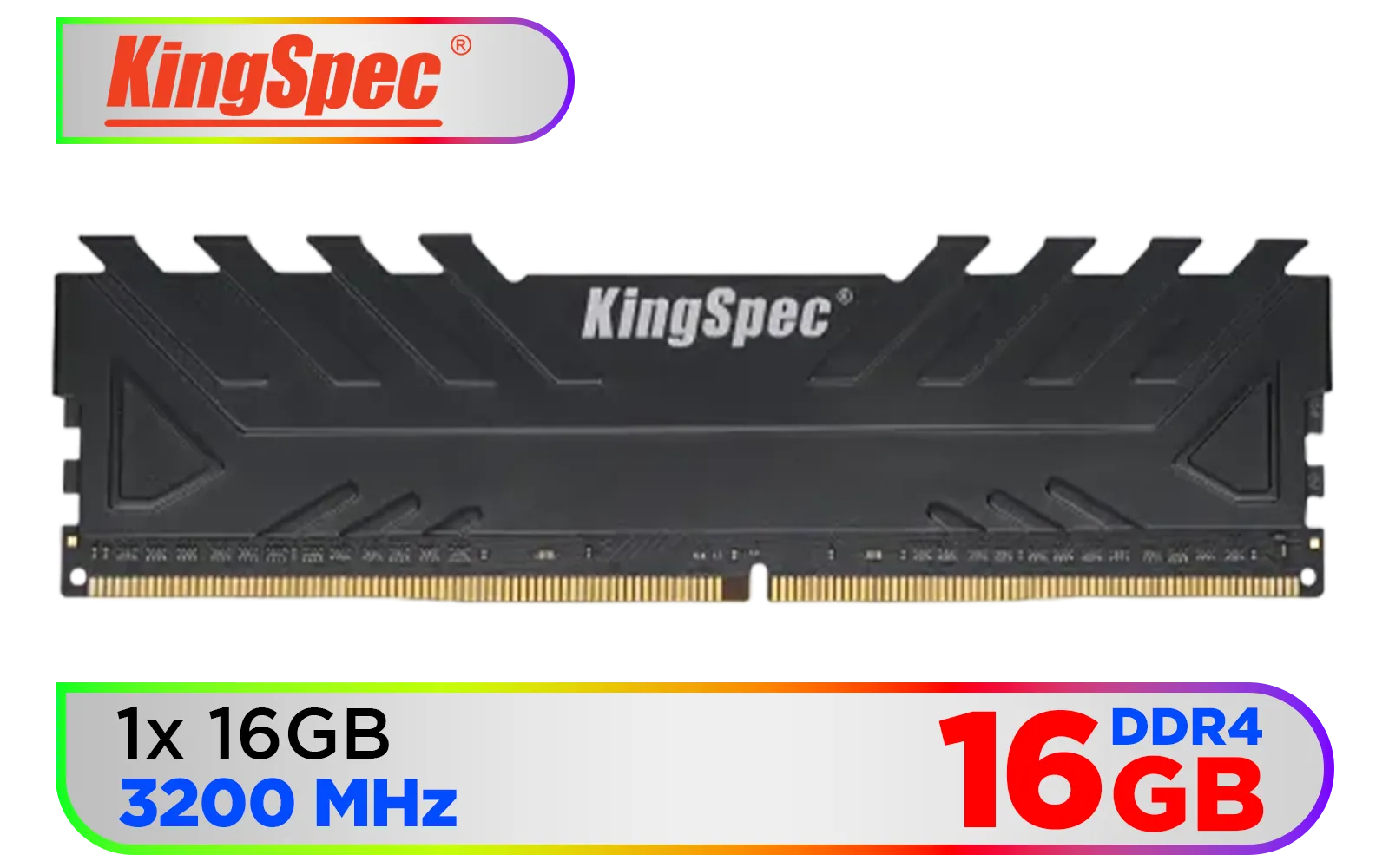
KingSpec 16GB (16x1) 3200mhz DDR4 Desktop Memory - Black / Premium 3D NAND Flash Memory / 1.2V Power-Saving Technology / Hollow Structure Metal Heatsink / KS3200D4M13516G
R1899.00In Stock
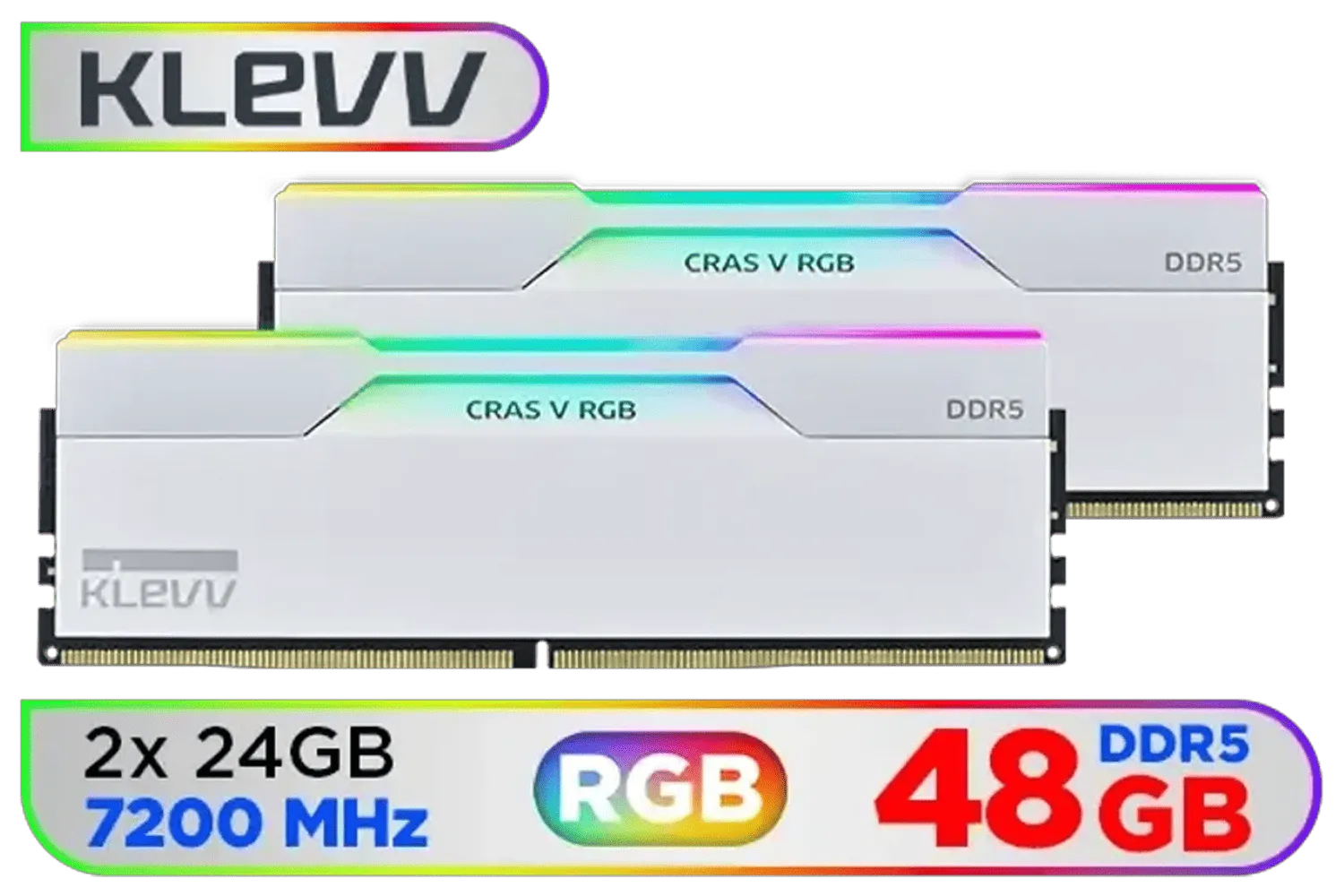
KLEVV CRAS V RGB DDR5 48GB (2x24GB) 7200MHz CL34 Gaming Desktop RAM - White / SK Hynix Chip / XMP 3.0 / AMD Expo Ready / KD5KGUD80-72B340J
R7499.00In Stock

XPG Lancer Blade RGB DDR5 6000MHz CL30 32GB (2x16GB) PC5-48000 RAM 288-Pins UDIMM Desktop Memory Kit Black Heatsink / AX5U6000C3016G-DTLABRBK
R5999.00In Stock

KLEVV CRAS V RGB 32GB Kit (16GB x2) 7200MHz Gaming Memory DDR5 RAM XMP 3.0/AMD EXPO High Performance Overclocking / KD5AGUA80-72B340G
R5899.00In Stock
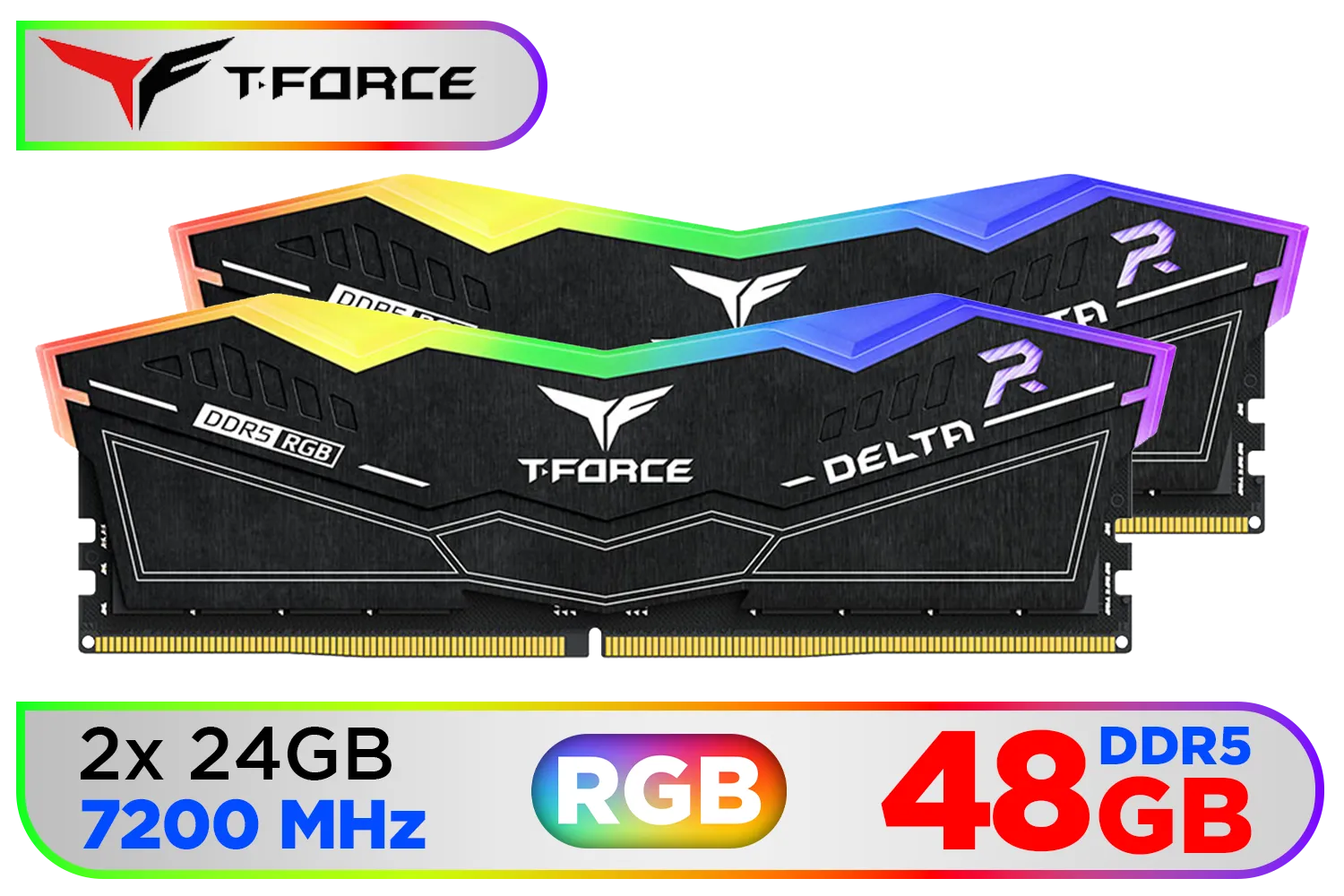
Teamgroup T-Force DELTA RGB 48GB DDR5 Desktop Memory - Black / 48GB (2x24GB) / 7200MHz / CL34 / FF3D548G7200HC34ADC01
R7599.00In Stock
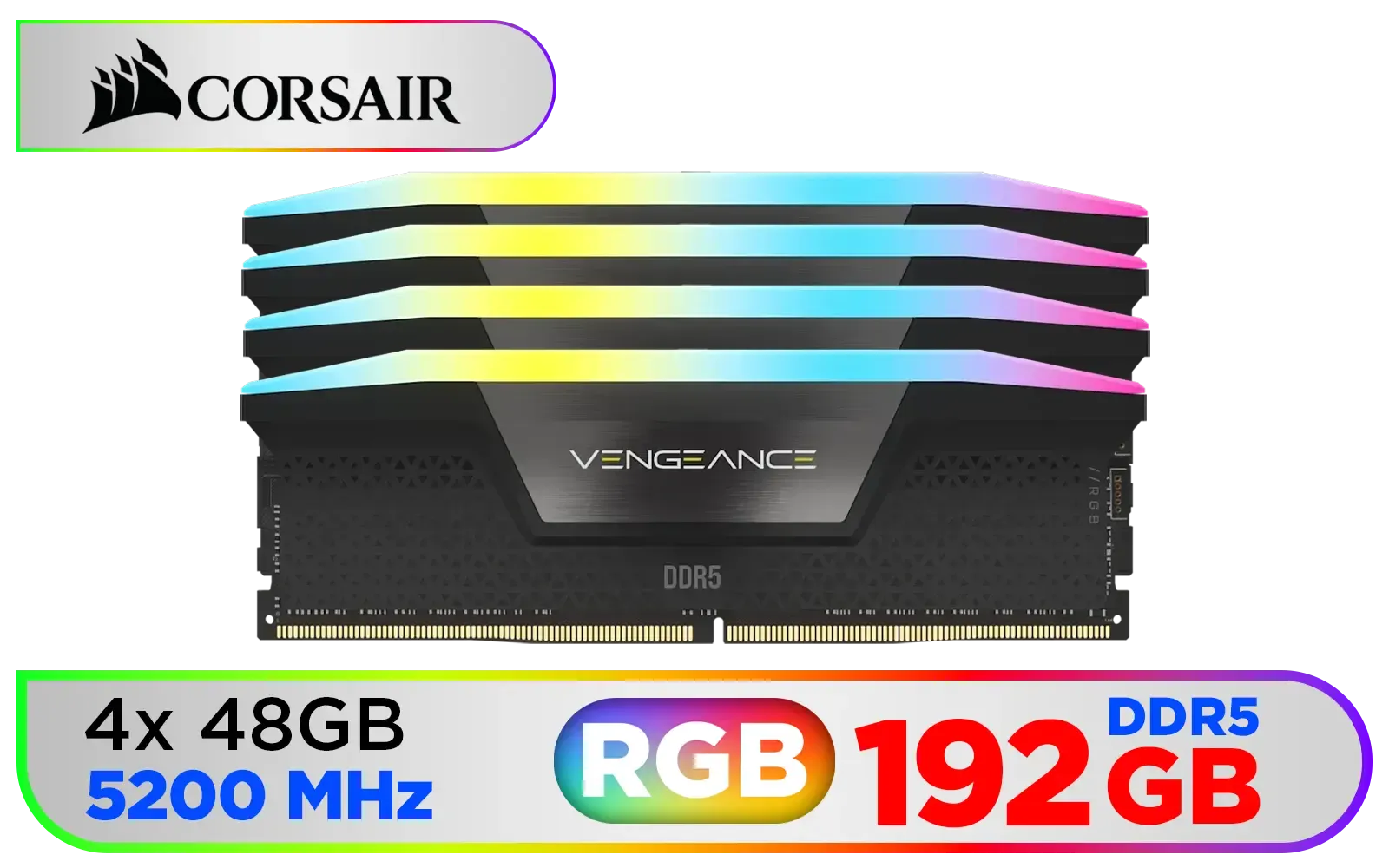
Corsair Vengeance RGB DDR5 192GB (4x48GB) DDR5 5200MHz CL38 Memory – Black / Ten-zone panoramic RGB lighting / Custom Intel XMP 3.0 profiles / Onboard voltage regulation / CMH192GX5M4B5200C38
R19499.00In Stock
Why DDR5 Unlocks Next-Gen Gaming Power
For years, DDR4 was the trusty workhorse in our gaming PCs. But as CPUs and GPUs have become more powerful, they need data fed to them faster than ever before. This is where DDR5 steps in. Think of it as widening the highway for your data. With significantly higher bandwidth and more efficient power management, DDR5 allows your processor to access game assets and instructions at lightning speed.
The result for you? Smoother gameplay, reduced loading times, and a more responsive system, especially when you're multitasking… like running Discord and streaming while in a heavy firefight. It’s a foundational upgrade that elevates the entire system, and it's clear why so many builders are exploring the latest DDR5 memory options.
The Kingston Fury Renegade DDR5 Edge
Not all DDR5 is created equal, and this is where the Kingston Fury Renegade DDR5 series truly shines. Engineered specifically for gamers and enthusiasts who refuse to settle, these modules are built for one thing: pure, unadulterated performance.
Featuring aggressive, low-latency timings and blazing speeds, the Renegade series is designed to push Intel and AMD platforms to their absolute limits. With its sleek, low-profile aluminium heat spreader, it not only performs coolly under pressure but also looks incredible in any build. For those who want to maximize gaming performance without complex manual tuning, the Intel XMP 3.0 certification means you get stable, top-tier speed with a single click in your BIOS. It’s a testament to their engineering, and you can see the full Kingston memory lineup here.
Finding the Perfect Speed: 6000MHz vs 7200MHz
Choosing the right speed is crucial for balancing your budget and performance goals. The Kingston Fury Renegade DDR5 lineup offers fantastic choices at key performance tiers.
KLEVV CRAS V RGB 32GB Kit (16GB x2) 7200MHz Gaming Memory DDR5 RAM XMP 3.0/AMD EXPO High Performance Overclocking / KD5AGUA80-72B340G
R5899.00In Stock

ADATA XPG Lancer Neon 32GB (2 x 16GB) DDR5 DRAM 8000MHz Desktop Memory / High-Quality Materials / On-die ECC error correction / Supports Intel® XMP 3.0 / AX5U8000C3816G-DCLANRSG
R7999.00In Stock

Corsair Vengeance RGB DDR5 64GB (4x16GB) 6000MHz C36 Intel Optimized Desktop Memory (Dynamic Ten-Zone RGB Lighting, Onboard Voltage Regulation, Custom XMP 3.0 Profiles, Tight Response Times) Black / CMH32GX5M2E6000C36x2
R11299.00In Stock

Kingston Fury Beast RGB 32GB (2x16GB) 6400MT/s DDR5 CL32 Desktop Memory / AMD Expo/Intel XMP / Plug N Play / Kit of 2 / KF564C32BBEAK2-32
R6499.00In Stock

ADATA XPG Lancer Blade DDR5 5600MHz CL46 32GB (32GB) PC5-44800 RAM 288-Pins UDIMM Desktop Memory Black Heatsink / AX5U5600C4632G-SLABBK
R5199.00In Stock

CORSAIR Vengeance RGB DDR5 96GB (2x48GB) DDR5 7000MHz CL40 Intel XMP iCUE Compatible Computer Memory – Black / CMH96GX5M2B7000C40
R15999.00In Stock
The Sweet Spot: 6000MHz
For the vast majority of high-end gaming rigs, a kit of DDR5 6000MHz RAM hits the perfect sweet spot. It provides a massive performance uplift over DDR4 and early DDR5 kits, delivering crisp, stable frame rates in demanding titles like Cyberpunk 2077 and Apex Legends. It’s the go-to choice for a powerful, no-fuss build.
For the Ultimate Enthusiast: 7200MHz
But what if you're an overclocking enthusiast or a competitive gamer chasing every single frame? This is where a top-tier DDR5 7200MHz kit is where the magic happens. Paired with a high-end CPU and motherboard, these speeds can provide that extra 5-10% performance edge that makes a real difference in competitive scenarios. ✨
TIP FOR YOU
Pro Tip: Check Your QVL! 🔧
Before buying ultra-fast RAM like the Renegade 7200MHz kit, always check your motherboard's Qualified Vendor List (QVL) on the manufacturer's website. This list confirms which specific RAM kits have been tested and are guaranteed to work at their advertised speeds with your board. It's a five-minute check that can save you hours of troubleshooting headaches.
How the Renegade Compares in a Crowded Field

Teamgroup T-Force XTREEM 32GB DDR5 Desktop Memory - Black / 32GB (2x16GB) / 7600MHz / CL36 / FFXD532G7600HC36FDC01
R5699.00In Stock
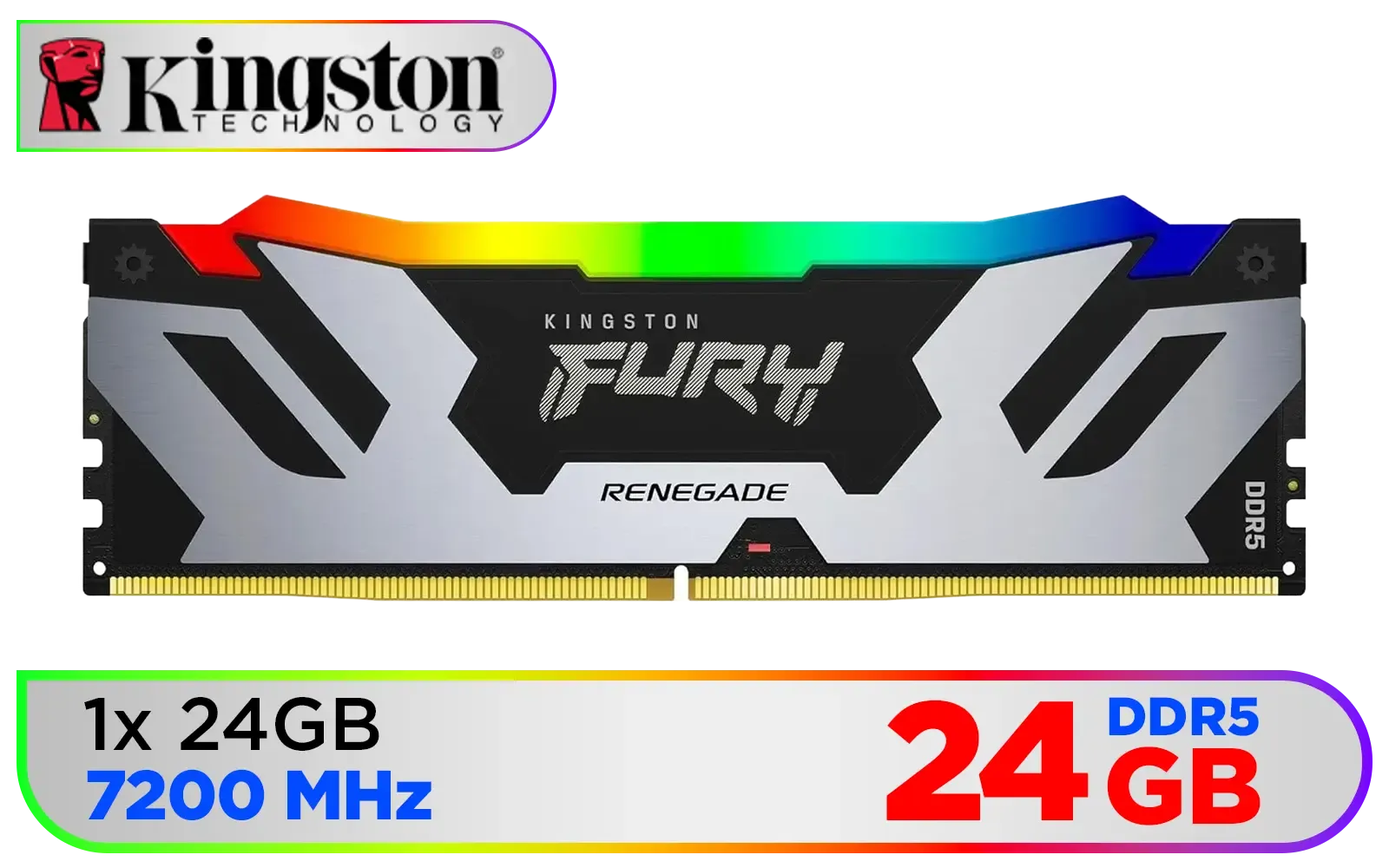
Kingston Fury Renegade RGB 24GB (24GB x 1) 7200Mhz DDR5 Desktop Memory - Black / 18 Customisable RGB Effects / Infrared Sync Technology / Intel XMP 3.0 certified / KF572C38RSA-24
R3999.00In Stock
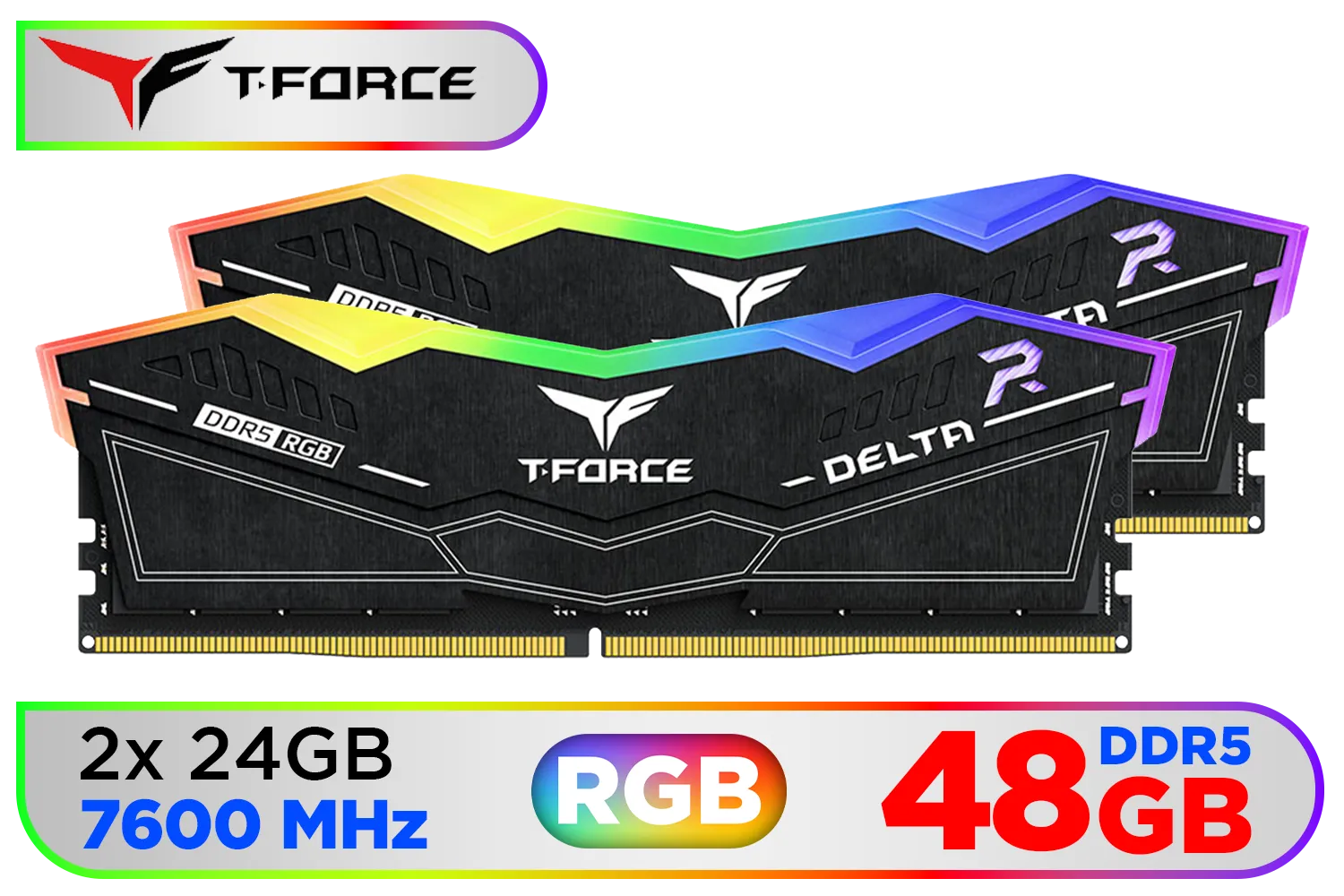
Teamgroup T-Force DELTA RGB 48GB DDR5 Desktop Memory - Black / 48GB (2x24GB) / 7600MHz / CL36 / FF3D548G7600HC36EDC01
R8699.00In Stock
KingSpec 16GB (16x1) 3200mhz DDR4 Desktop Memory - Black / Premium 3D NAND Flash Memory / 1.2V Power-Saving Technology / Hollow Structure Metal Heatsink / KS3200D4M13516G
R1899.00In Stock
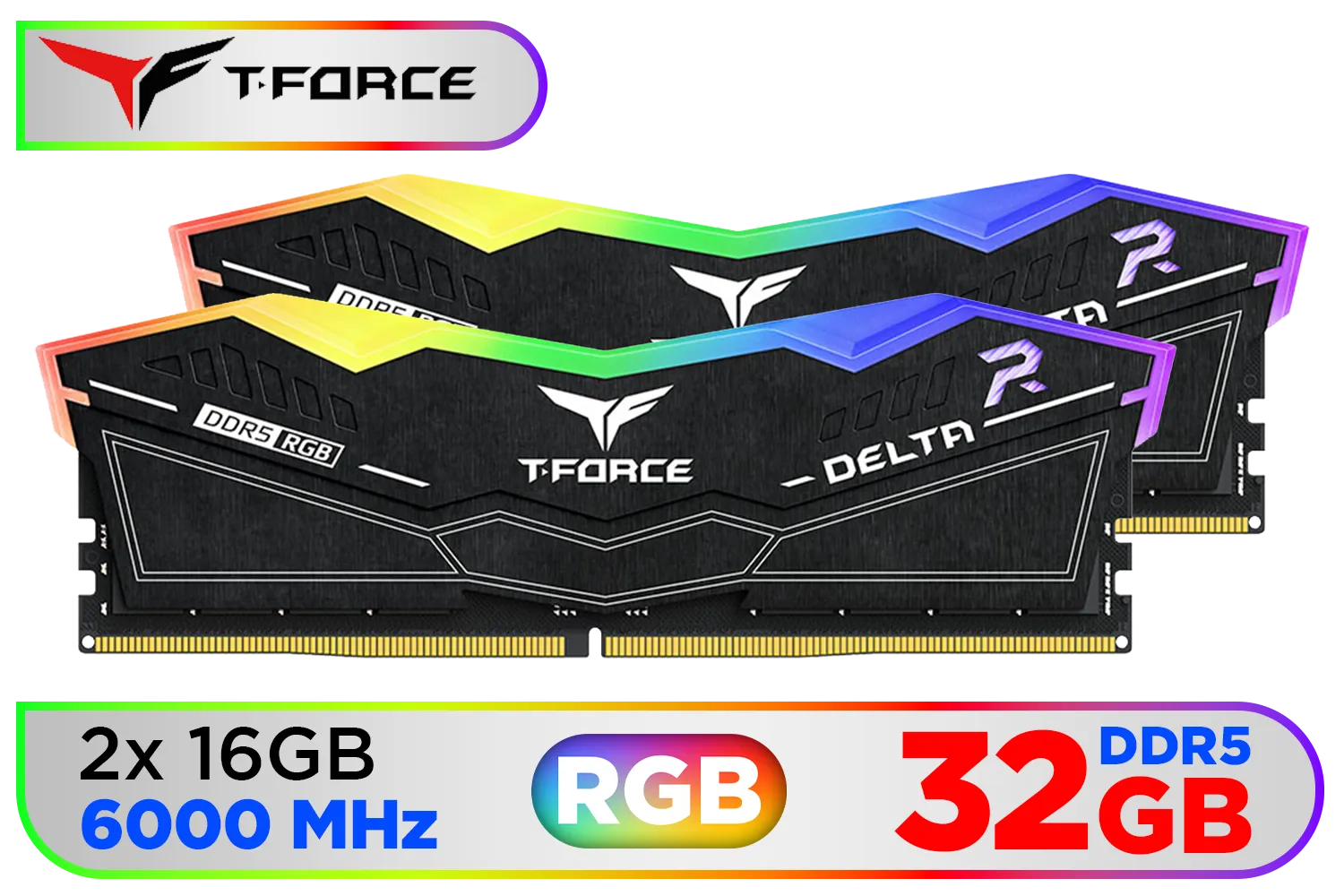
Teamgroup T-Force DELTA RGB 32GB DDR5 Desktop Memory - Black / 32GB (2x16GB) / 6000MHz / CL30 / FF3D532G6000HC30DC01
R5999.00In Stock
Corsair Vengeance RGB DDR5 192GB (4x48GB) DDR5 5200MHz CL38 Memory – Black / Ten-zone panoramic RGB lighting / Custom Intel XMP 3.0 profiles / Onboard voltage regulation / CMH192GX5M4B5200C38
R19499.00In Stock
The PC component market in South Africa is fiercely competitive. While the Kingston Fury Renegade DDR5 often leads the pack for its raw gaming prowess and reliability, it’s worth knowing the landscape. Solid alternatives from brands like ADATA also offer compelling performance, sometimes at a different price point.
However, Kingston's rigorous testing, lifetime warranty, and laser focus on stability at extreme speeds give the Renegade series a trusted position. When your goal is to simply install your RAM, enable XMP, and get back to gaming with maximum stability, it's an investment in peace of mind.
Ready to Eliminate Bottlenecks for Good? Don't let slow memory hold back your high-end CPU and GPU. Upgrading is one of the most effective ways to maximize gaming performance and achieve the smooth, responsive gameplay you deserve. Explore our massive range of DDR5 memory kits and find the perfect upgrade for your rig today.
Related Products

ADATA XPG Lancer Neon 32GB (2 x 16GB) DDR5 7200MHz Desktop Memory / High-Quality Materials / On-die ECC error correction / Supports Intel® XMP 3.0 / AX5U7200C3416G-DCLANRSG
R6499.00In Stock

ADATA XPG Lancer RGB 48GB (2 x 24GB) DDR5 DRAM 7200MHz Desktop Memory - Black / High-Quality Materials / Customizable RGB light effects / Supports Intel® XMP 3.0 / AX5U7200C3424G-DCLARBK
R7599.00In Stock

Kingston Fury Renegade 96GB (48GB x2) 6400Mhz DDR5 Desktop Memory / Kit of 2 / Intel® XMP 3.0 Certified / Supports Extreme Overclocking Potential / Aluminum Heat Spreader Design / KF564C32RSK2-96
R14999.00In Stock
KLEVV CRAS V RGB DDR5 48GB (2x24GB) 7200MHz CL34 Gaming Desktop RAM - White / SK Hynix Chip / XMP 3.0 / AMD Expo Ready / KD5KGUD80-72B340J
R7499.00In Stock

Kingston Fury Renegade RGB 32GB (16GB x 2) 6400Mhz DDR5 Desktop Memory - White / Kit of 2 / 18 Customisable RGB Effects / Infrared Sync Technology / KF564C32RWAK2-32
R6499.00In Stock

KLEVV BOLT X 16GB (16GB x 1) 3600MHz DDR4 Desktop Gaming Memory / 288-Pin / Performance Enhancing / Best-in-class Memory Chips / Aluminum Heat Spreader / Ecosystem Compatibility / KD4AGU880-36A180T
R2199.00In Stock
Enter BIOS, enable the XMP/DOCP profile for your Kingston Fury Renegade DDR5, then save and reboot. This applies optimized frequency and timings.
Yes—upgrading and tuning Kingston Fury Renegade DDR5 can reduce stutters and raise minimum FPS, especially in CPU-bound or memory-heavy titles.
Aim for high frequency with tightened CAS latency when stable. Test configs like 6000–7200 MT/s and lower CL with benchmarking tools.
Yes—use incremental voltage and timing changes, stress-test after each step. Proper cooling and motherboard support reduce risk during overclocking.
Improve case airflow, add a top or front intake, and use heatsinks or RAM fans. Cooler modules maintain stability during intense gaming or overclocking.
Use real-game FPS tests, 3DMark, AIDA64 memory benchmarks and real-world load times to validate Kingston Fury Renegade DDR5 improvements.
Yes—a quality motherboard with robust memory trace design and BIOS options unlocks better Kingston Fury Renegade DDR5 overclocking and stability.











