



Kingston Fury Renegade DDR5 Boosts Streamer Multitasking
- Assess multitasking gains - Test stutter and encoding - Compare latency and bandwidth - Recommend streamer builds Kingston Fury Renegade DDR5 delivers high bandwidth and low latency so streamers can game, encode, and chat at once with fewer dropped frames. ⚡🎥
|
Loading tags...

Juggling OBS, Discord, and a high-refresh-rate game? If your stream stutters when the action heats up, your RAM is likely the bottleneck. For South African streamers, the leap to DDR5, specifically how the Kingston Fury Renegade DDR5 boosts streamer multitasking, isn't just an upgrade... it's a strategic move. This memory is built for the intense workload modern streaming demands, ensuring your gameplay stays silky smooth while your audience gets a flawless broadcast. 🚀
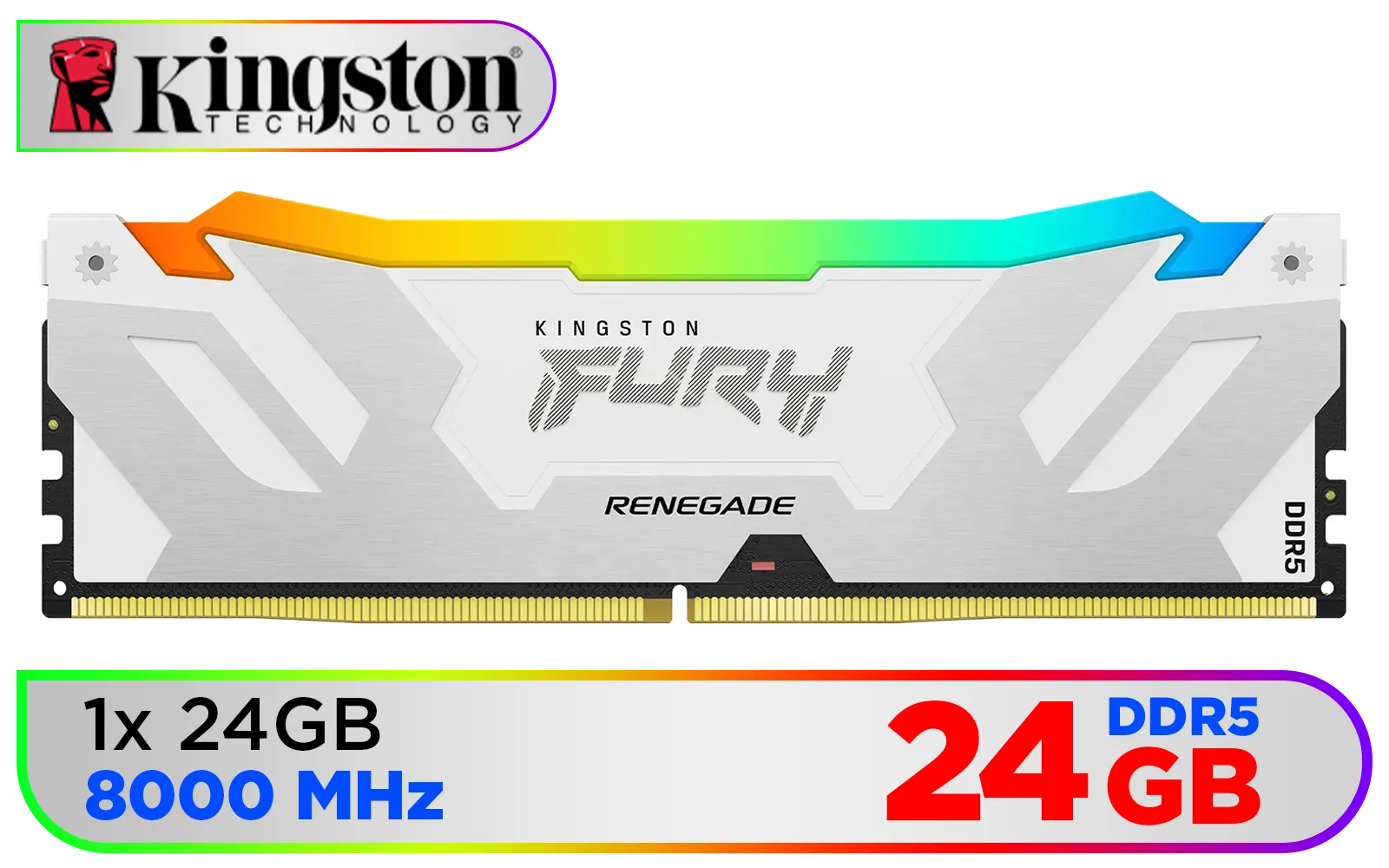
Kingston Fury Renegade 24GB DDR5 RGB Gaming Memory - Silver/White / Intel XMP Certified / 1x 24GB 8000MT/s / CL38 Latency / KF580C38RWA-24
R4499.00In Stock

Teamgroup T-Force XTREEM 48GB DDR5 Desktop Memory - Black / 48GB (2x24GB) / 8000MHz / CL38 / FFXD548G8000HC38EDC01
R9999.00In Stock
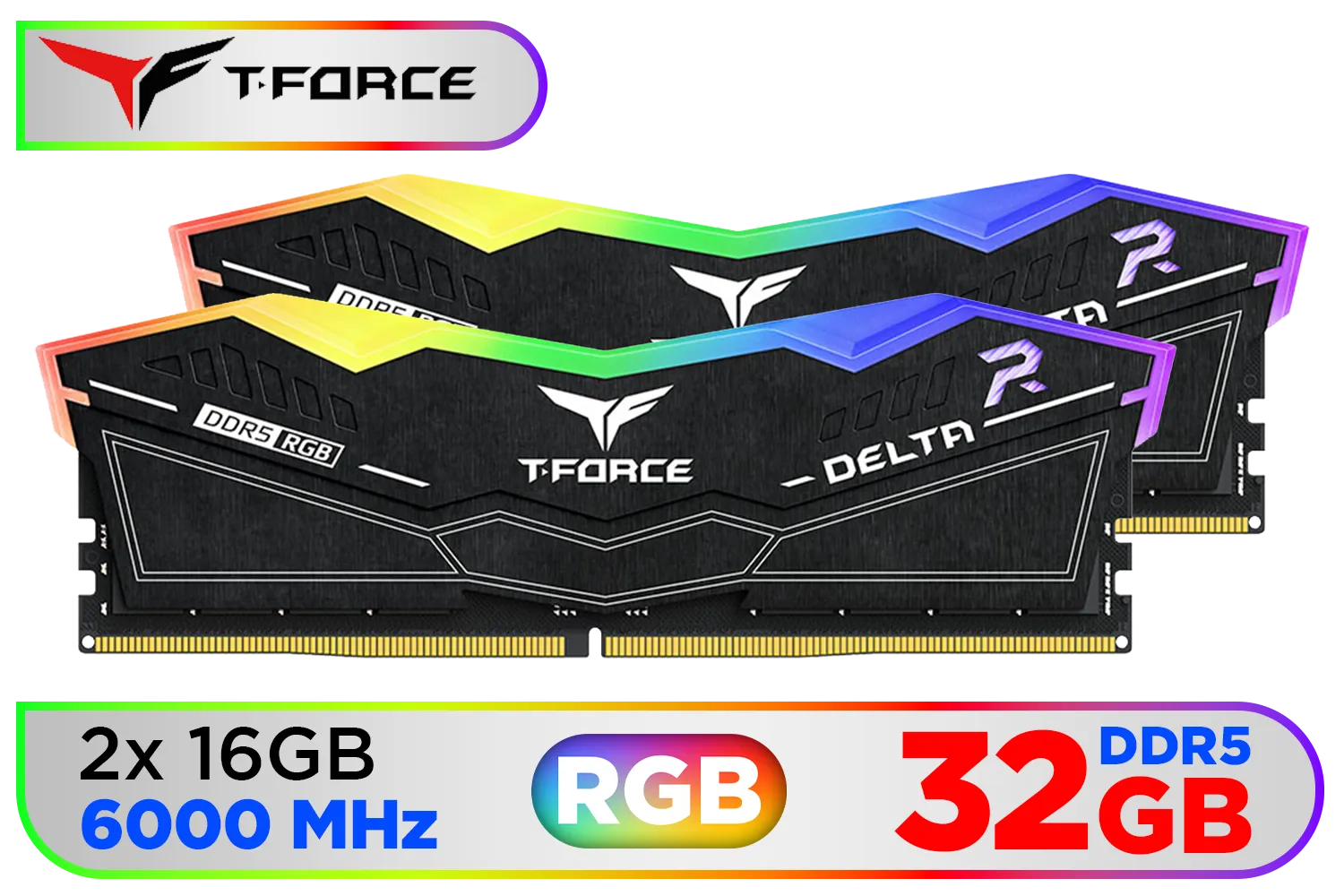
Teamgroup T-Force DELTA RGB 32GB DDR5 Desktop Memory - Black / 32GB (2x16GB) / 6000MHz / CL30 / FF3D532G6000HC30DC01
R5999.00In Stock
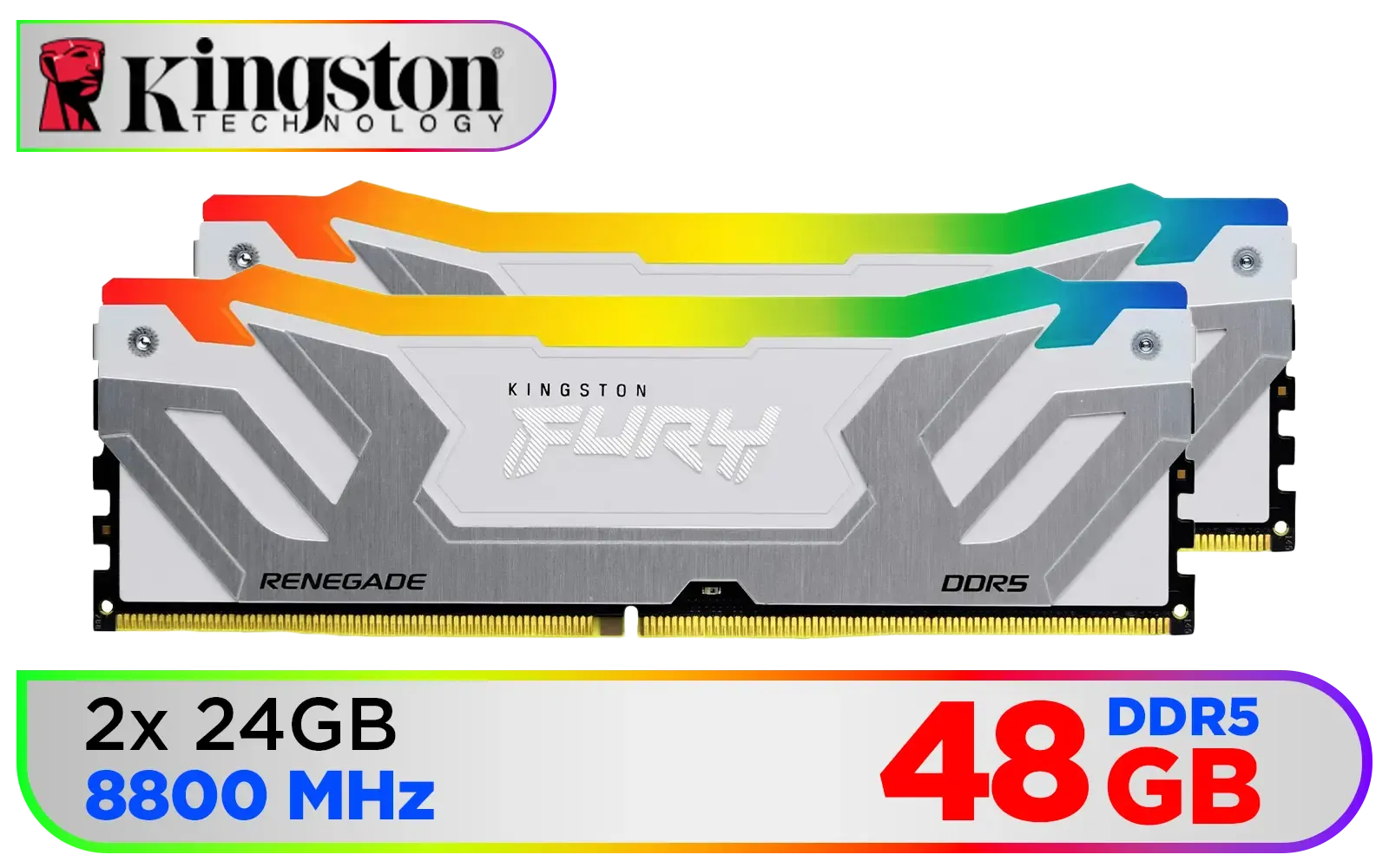
Kingston Fury Renegade RGB 48GB (24GB x 2) 8800Mhz DDR5 Desktop Memory - White / Kit of 2 / 18 Customisable RGB Effects / Intel® XMP 3.0 Certified / Qualified by the world’s leading motherboard manufacturers / Patented Kingston FURY Infrared Sync Technology / KF588CU42RWAK2-48
R12499.00In Stock
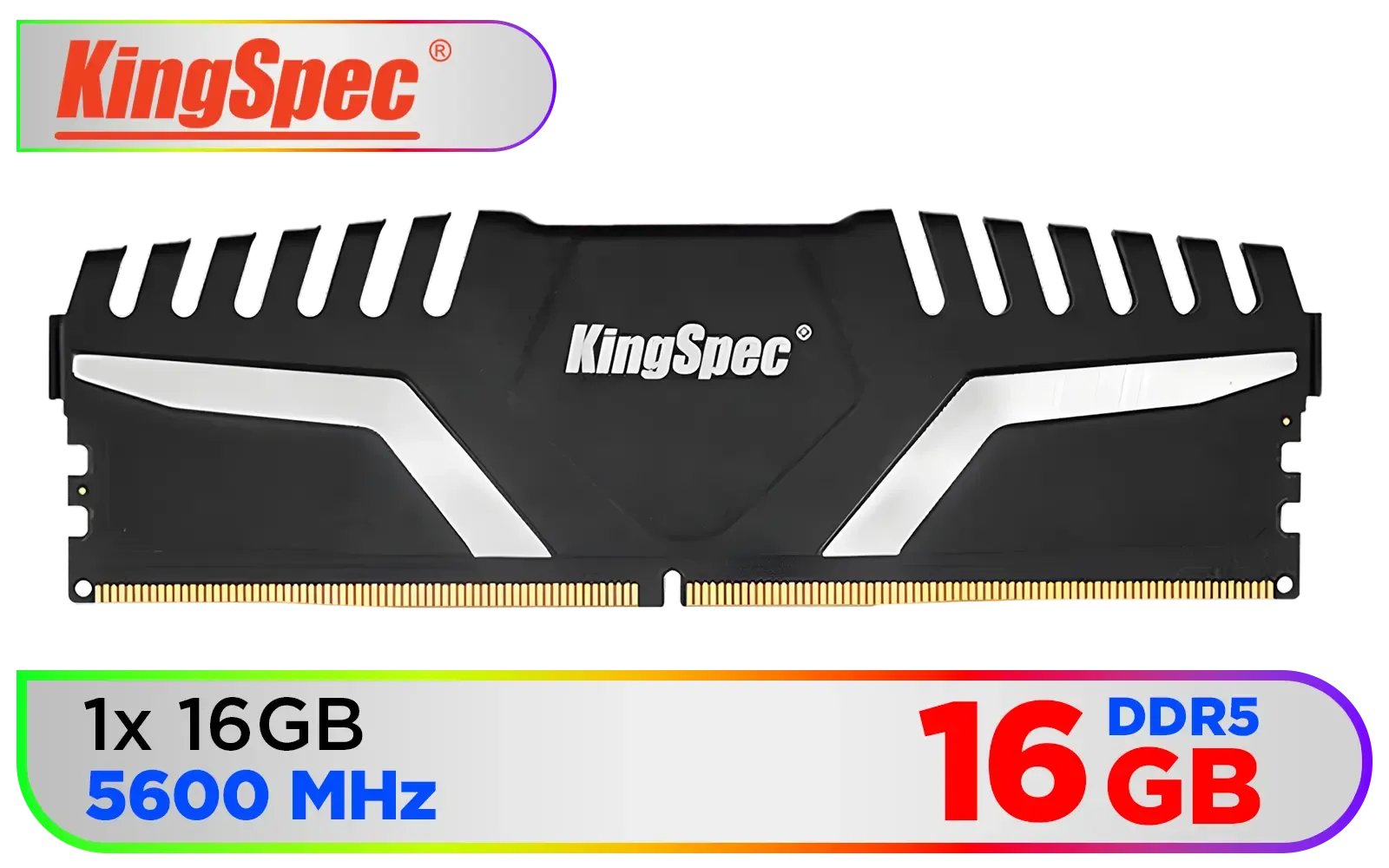
KingSpec KS5600D5M13516G 16GB (16x1) 5600mhz DDR5 Desktop Memory - Black / 3D Hollow & Breathable Heatsink Design / Single Rank 288-Pin UDIMM DDR5 / KS5600D5M12516G
R2799.00In Stock
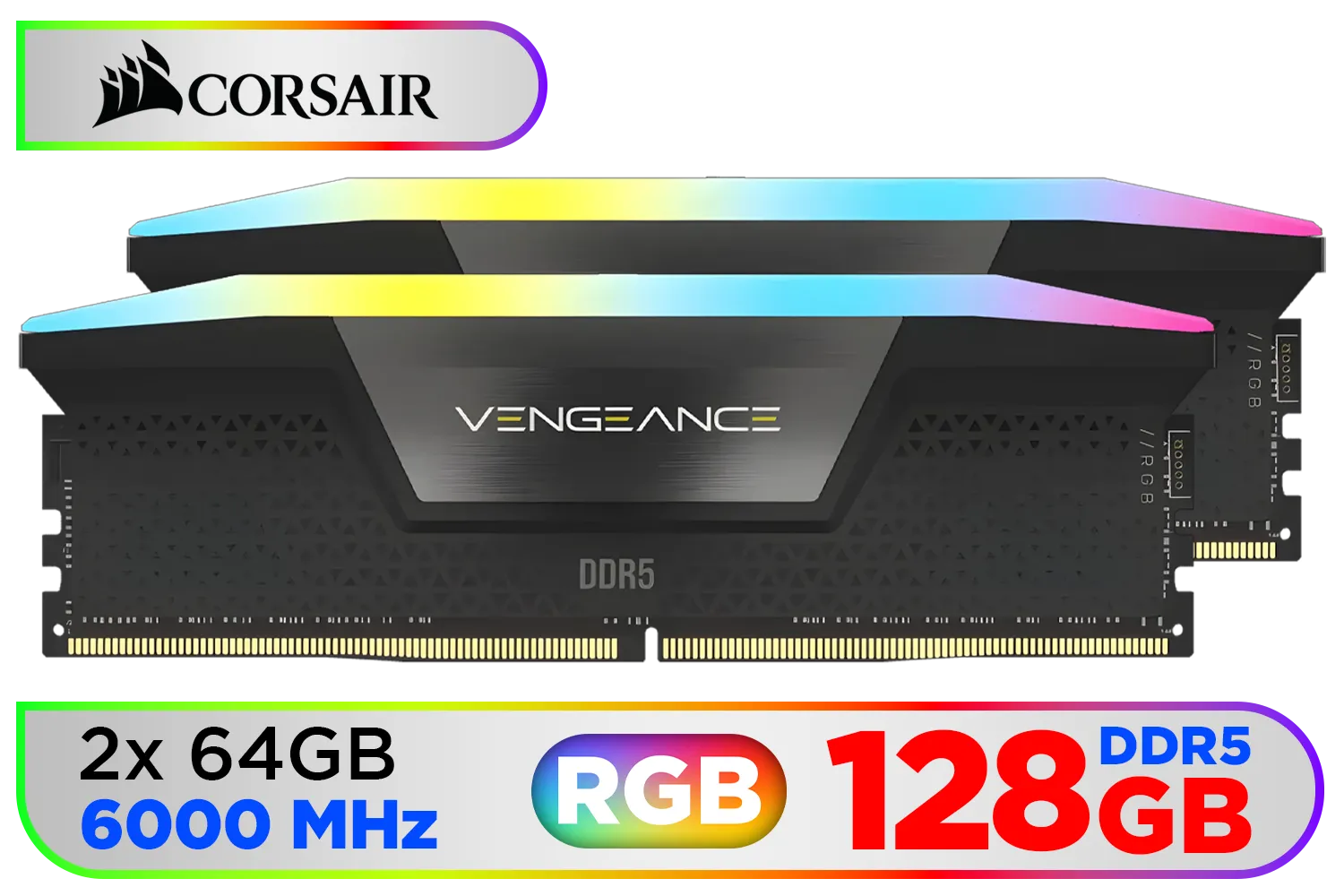
Corsair Vengeance RGB DDR5 128GB (2x64GB) 6000MHz C40 Desktop Memory - Black / Intel Optimized / Dynamic Ten-Zone RGB Lighting / Onboard Voltage Regulation / Custom XMP 3.0 Profiles / Tight Response Times / CMH128GX5M2D6000C40
R22999.00In Stock
Why Streamer Multitasking Pushes RAM to its Limits
Ever tried streaming a demanding title like Apex Legends or Warzone while managing your community on Discord and keeping an eye on donation alerts? Each application is fighting for a slice of your system's memory.
Your PC is constantly juggling:
- The Game: Consuming gigabytes of RAM for textures, assets, and game logic.
- Streaming Software (OBS/Streamlabs): Encoding your gameplay in real-time is memory-intensive.
- Browser Tabs: For your dashboard, alerts, and music.
- Voice Comms: Like Discord or TeamSpeak.
When your RAM can't keep up, you get stuttering, input lag, and worst of all... dropped frames on your stream. It's a massive leap from the demands placed on older systems running now-vintage DDR3 gaming RAM modules. The multitasking load has grown exponentially.
How Kingston Fury Renegade DDR5 Delivers Smooth Performance
This is where the Kingston Fury Renegade DDR5 changes the equation. It’s not just about having more RAM; it's about having faster RAM. With blistering speeds starting at 6000MT/s, this memory provides the massive bandwidth needed to feed your CPU data from multiple sources at once without breaking a sweat.
Think of it like upgrading a two-lane highway to an eight-lane super-highway. More data can move simultaneously, which means your game, your encoding software, and your background apps all run smoothly. While reliable DDR4 memory is still a solid choice for many gaming rigs, for the serious creator, the bandwidth advantage of high-speed DDR5 is undeniable. The performance uplift provided by the Kingston Fury Renegade DDR5 is specifically tailored for these demanding creative workloads. ✨
![[OEM] KLEVV 16GB (16GB x 1) 3200MHz DDR4 Desktop Memory / Reliable SK Hynix Chips / Performance Enhancing / Touch of Delicate Design / Compatible With all Mainstream Motherboards / KD4AGUA80-32N220E](https://img.evetech.co.za/repository/ProductImages/klevv-16gb-3200mhz-ddr4-desktop-memory-1500px-v1.webp)
[OEM] KLEVV 16GB (16GB x 1) 3200MHz DDR4 Desktop Memory / Reliable SK Hynix Chips / Performance Enhancing / Touch of Delicate Design / Compatible With all Mainstream Motherboards / KD4AGUA80-32N220E
R1799.00In Stock
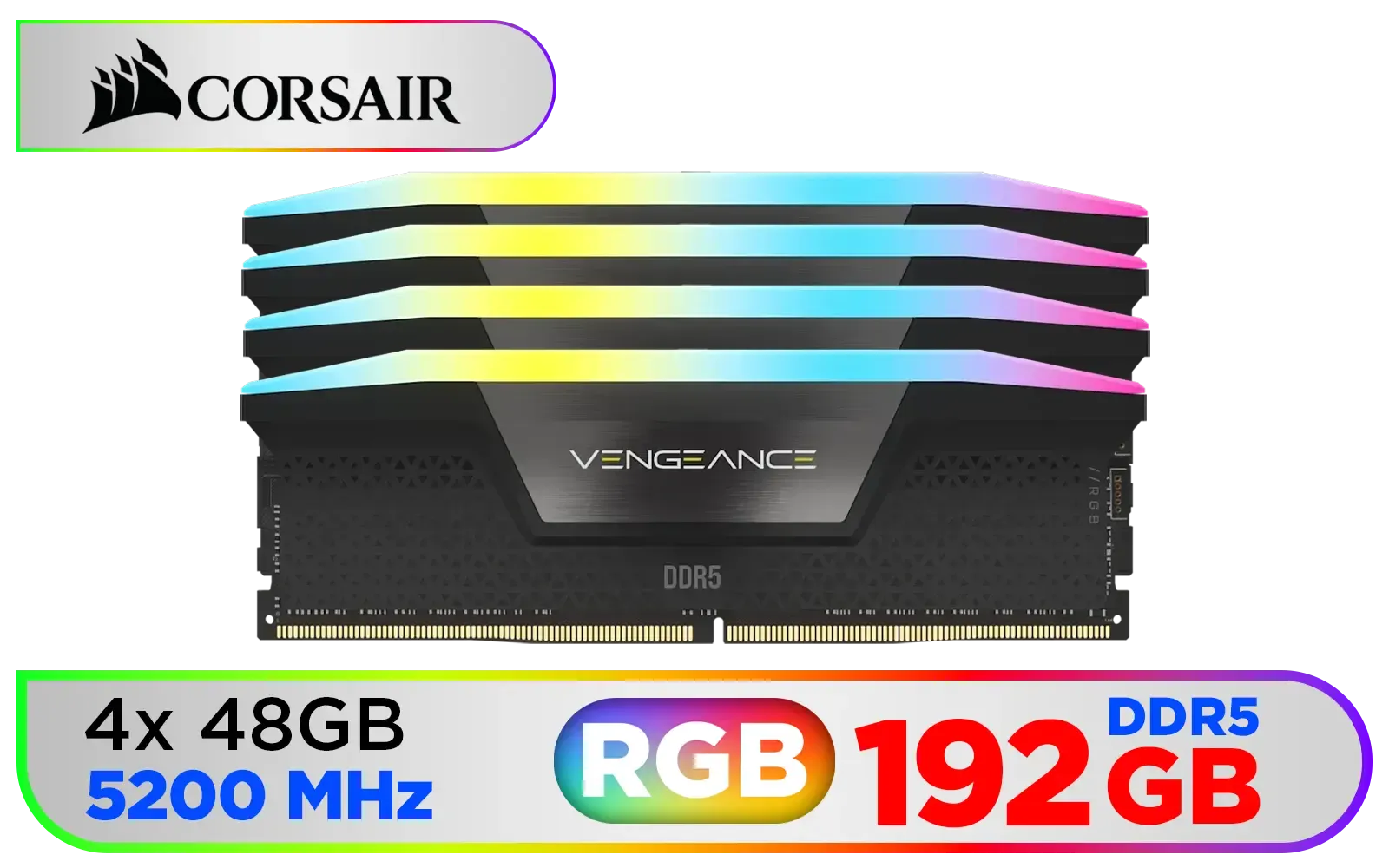
Corsair Vengeance RGB DDR5 192GB (4x48GB) DDR5 5200MHz CL38 Memory – Black / Ten-zone panoramic RGB lighting / Custom Intel XMP 3.0 profiles / Onboard voltage regulation / CMH192GX5M4B5200C38
R19499.00In Stock
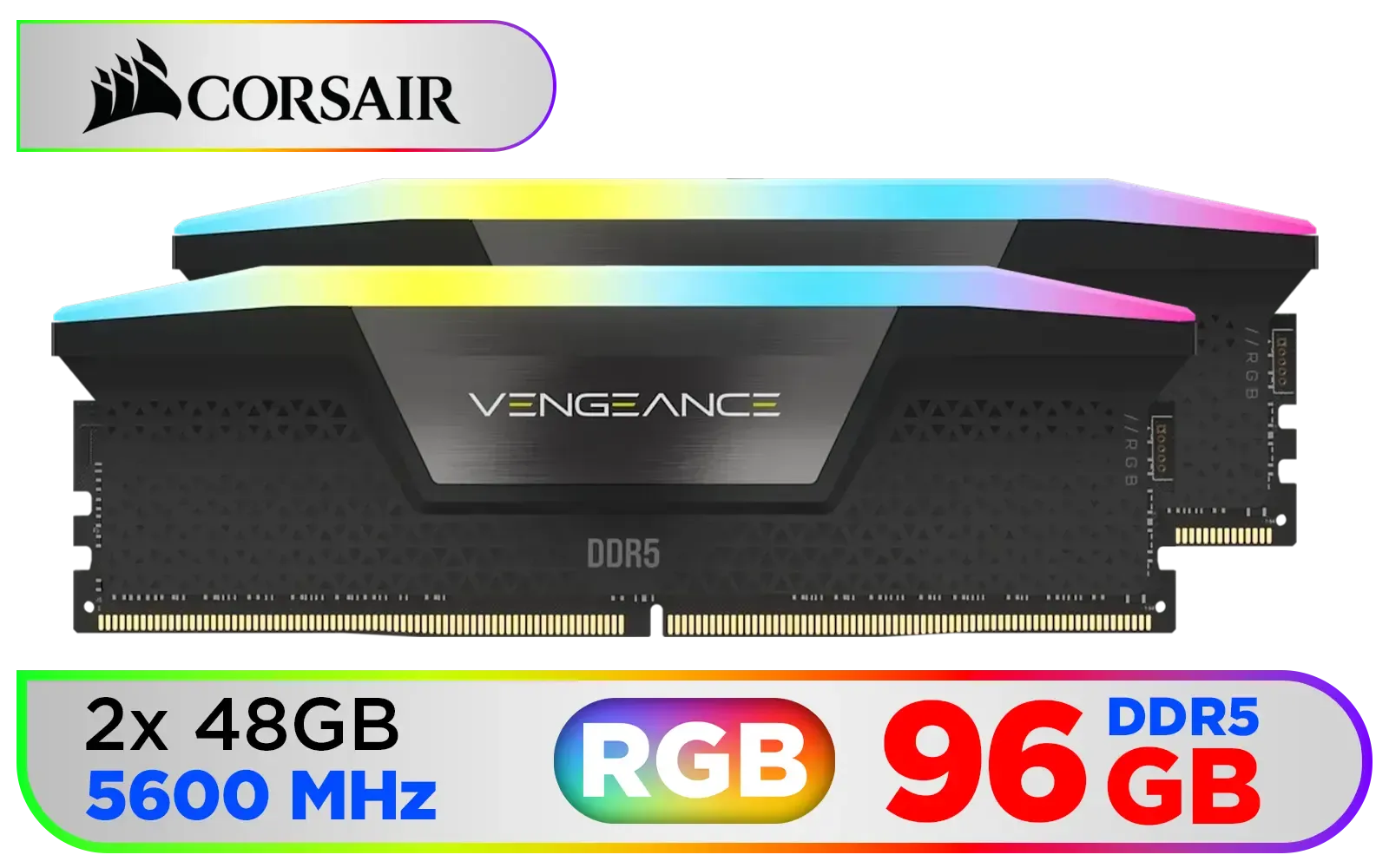
Corsair Vengeance RGB DDR5 96GB (2x48GB) DDR5 5600MHz CL40 Memory – Black / Ten-zone panoramic RGB lighting / Custom Intel XMP 3.0 profiles / Onboard voltage regulation / CMH96GX5M2B5600C40
R14499.00In Stock

Kingston Fury Beast RGB 32GB (2x16GB) 6000MT/s DDR5 CL36 Desktop Memory - White / AMD Expo/Intel XMP / Plug N Play / Kit of 2 / KF560C36BWE2AK2-32
R6199.00In Stock

XPG Lancer Blade RGB DDR5 6000MHz CL30 32GB (2x16GB) PC5-48000 RAM 288-Pins UDIMM Desktop Memory Kit Black Heatsink / AX5U6000C3016G-DTLABRBK
R5999.00In Stock
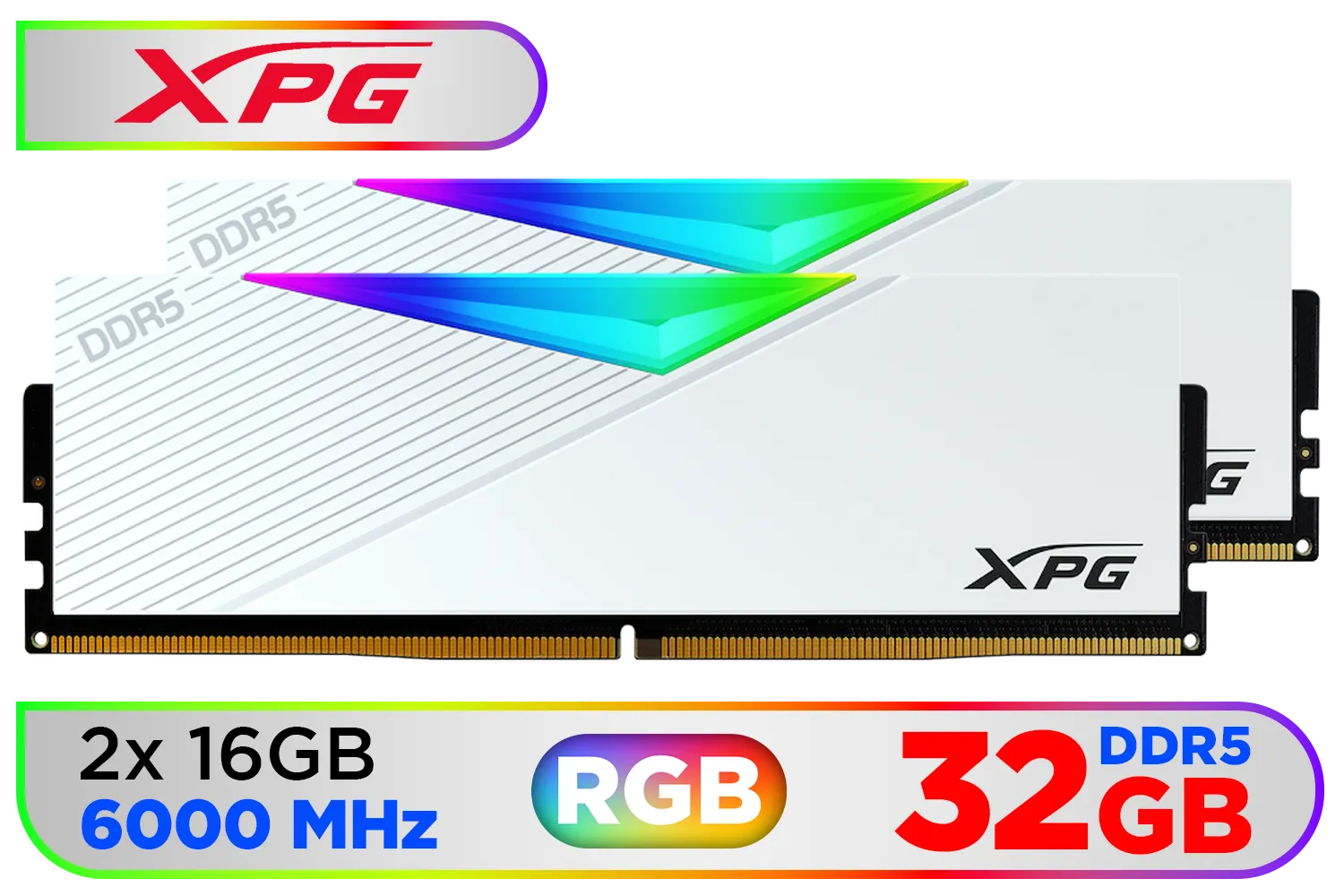
ADATA XPG Lancer 32GB (2x16GB) DDR5 RGB Memory - White / 6000MHz / CL30 / RGB Heat Sink / AX5U6000C3016G-DCLARWH
R6199.00In Stock
Beyond Speed… Why Capacity is Crucial
Speed is only half the story. For seamless multitasking, capacity is king. A few years ago, a standard 16GB DDR4 kit was the gold standard for gaming. Today, for a streamer, that's often the bare minimum.
With a high-resolution game, OBS, and a few browser tabs open, it's easy to see memory usage creep past 16GB. Pushing to 32GB or even 64GB with a Kingston Fury Renegade DDR5 kit gives your system incredible headroom. This prevents your PC from having to use the much slower page file on your SSD, which is a common cause of micro-stuttering that can ruin a broadcast. It’s a testament to the brand's performance focus, building on Kingston's long history of reliable memory.
TIP FOR YOU
Stream Optimisation Tip 🔧
In OBS Studio, navigate to Settings > Advanced. Under the 'Video' section, ensure your 'Colour Format' is set to 'NV12' and 'Colour Space' is 'Rec. 709'. These are the broadcast standards and using them can slightly reduce CPU GPU load compared to other settings, freeing up resources for your game.
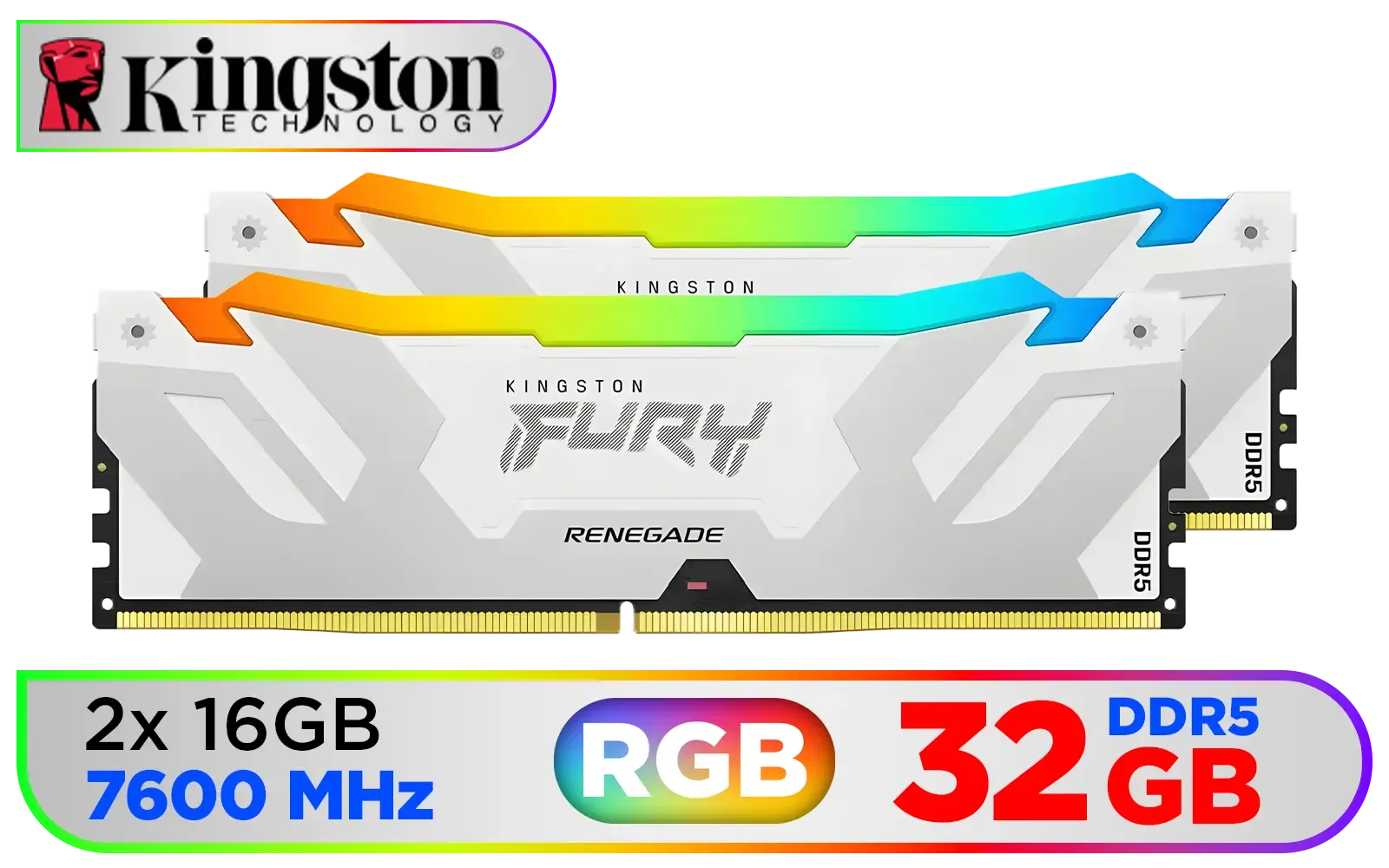
Kingston Fury Renegade RGB 32GB (2x16GB) 7600Mhz DDR5 Desktop Memory - White / Kit of 2 / 18 Customisable RGB Effects / Infrared Sync Technology / KF576C38RWAK2-32
R6999.00In Stock

Teamgroup T-Force XTREEM 32GB DDR5 Desktop Memory - Black / 32GB (2x16GB) / 7600MHz / CL36 / FFXD532G7600HC36FDC01
R5699.00In Stock

ADATA XPG Lancer Neon 32GB (2 x 16GB) DDR5 DRAM 8000MHz Desktop Memory / High-Quality Materials / On-die ECC error correction / Supports Intel® XMP 3.0 / AX5U8000C3816G-DCLANRSG
R7999.00In Stock
Teamgroup T-Force XTREEM 48GB DDR5 Desktop Memory - Black / 48GB (2x24GB) / 8000MHz / CL38 / FFXD548G8000HC38EDC01
R9999.00In Stock

Teamgroup T-Force XTREEM 48GB DDR5 Desktop Memory - Black / 48GB (2x24GB) / 7600MHz / CL36 / FFXD548G7600HC36EDC01
R7999.00In Stock

ADATA Premier 64GB (64GB x 1) 5600MHz DDR5 Desktop Memory / Higher Capacities / Improved Stability / Energy-Efficient / AD5U560064G-B
R11999.00In Stock
Is the DDR5 Upgrade Worth It for You?
If you're serious about growing your stream and providing a professional-quality broadcast, the answer is a resounding yes. The fluid multitasking enabled by Kingston Fury Renegade DDR5 memory translates directly into a better experience for both you and your viewers. No more apologising for lag or dropped frames during a clutch moment.
Of course, moving to DDR5 requires a compatible motherboard and CPU (like Intel s 12th Gen or newer, or AMD's Ryzen 7000 series or newer). But as a long-term investment in your content creation career, it’s one of the most impactful upgrades you can make. If you're ready to leave performance bottlenecks behind, it's time to explore the latest DDR5 memory options and build a rig that can truly keep up with your ambitions.
Ready to Banish Stream Lag? A memory upgrade is one of the most impactful changes you can make to your rig. The Kingston Fury Renegade DDR5 is a top-tier choice for creators who demand flawless multitasking. Explore our full range of high-performance DDR5 RAM and give your stream the power it deserves.
Related Products

Kingston Fury Beast White 64GB (2 x 32GB) 5200MT/s DDR5 CL36 Desktop Memory Kit of 2 / KF552C36BWEAK2-64
R10999.00In Stock
Kingston Fury Renegade RGB 32GB (2x16GB) 7600Mhz DDR5 Desktop Memory - White / Kit of 2 / 18 Customisable RGB Effects / Infrared Sync Technology / KF576C38RWAK2-32
R6999.00In Stock
Teamgroup T-Force XTREEM 48GB DDR5 Desktop Memory - Black / 48GB (2x24GB) / 8000MHz / CL38 / FFXD548G8000HC38EDC01
R9999.00In Stock
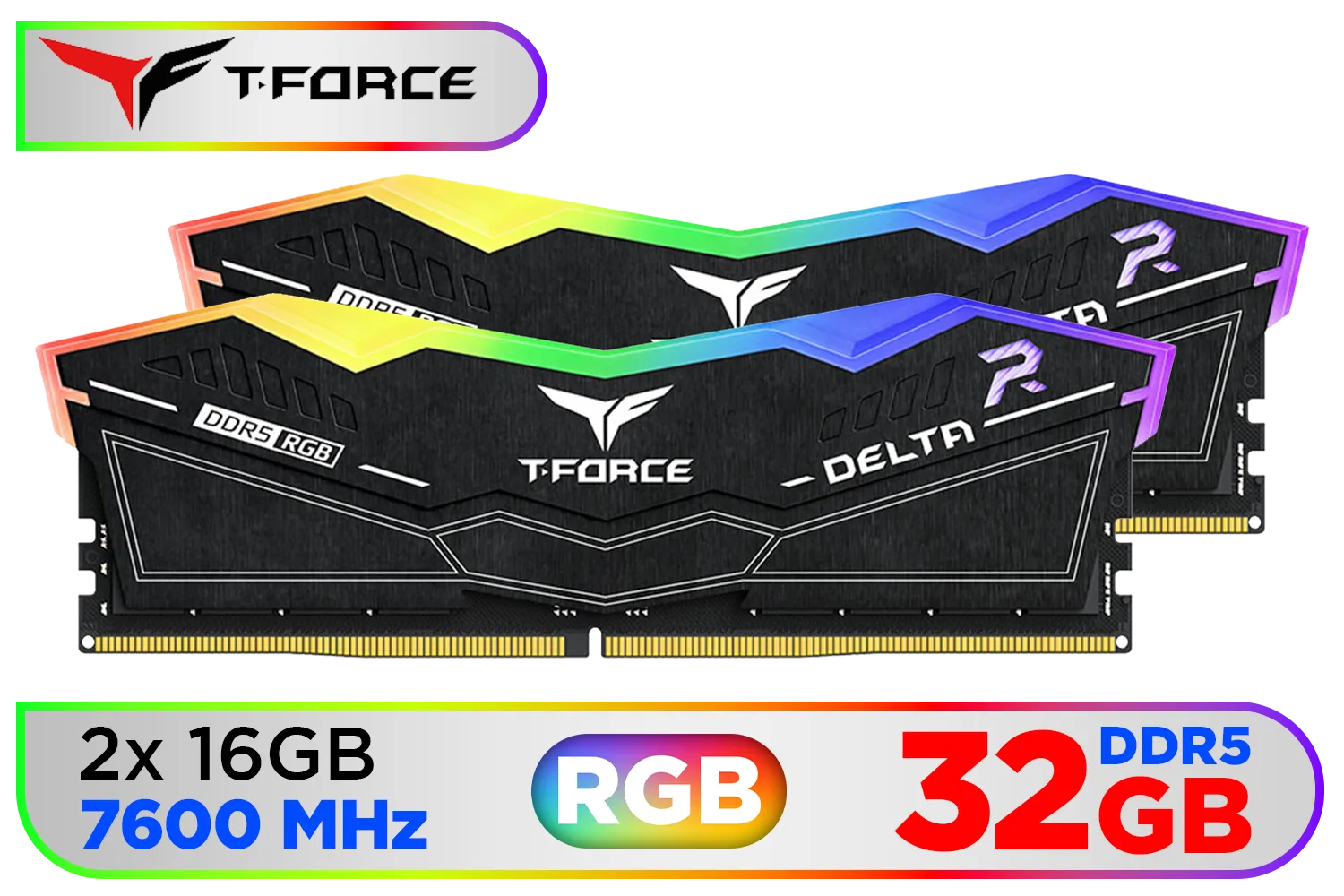
Teamgroup T-Force DELTA RGB 32GB DDR5 Desktop Memory - Black / 32GB (2x16GB) / 7600MHz / CL36 / FF3D532G7600HC36DDC01
R6999.00In Stock
KingSpec KS5600D5M13516G 16GB (16x1) 5600mhz DDR5 Desktop Memory - Black / 3D Hollow & Breathable Heatsink Design / Single Rank 288-Pin UDIMM DDR5 / KS5600D5M12516G
R2799.00In Stock
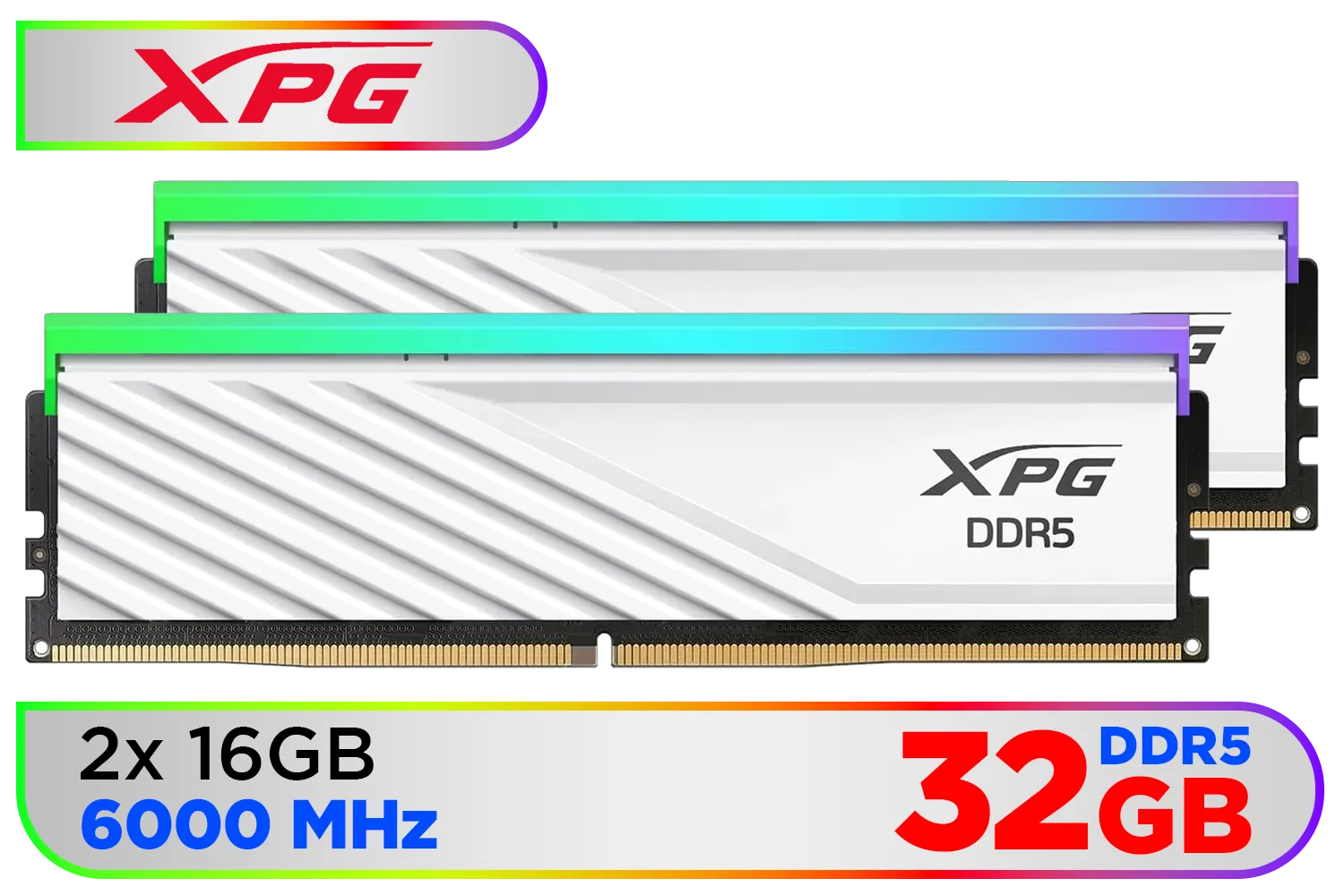
XPG Lancer Blade RBG DDR5 6000MHz CL30 32GB (2x16GB) PC5-48000 RAM 288-Pins UDIMM Desktop Memory Kit White Heatsink / AX5U6000C3016G-DTLABRWH
R5999.00In Stock
It raises memory bandwidth and lowers latency so gaming, encoding, and chat run concurrently with fewer stutters and faster scene switches.
Yes. High DDR5 bandwidth speeds up software encoding and reduces CPU bottlenecks, improving frame stability during live streams.
Focus on frequency, CAS latency, and capacity; higher MHz and lower latency boost multitasking for streaming and content capture.
Upgrading can reduce dropped frames by improving memory throughput, especially when running games, overlays, and encoders together.
Yes, moderate overclocking can improve DDR5 multitasking performance, but test stability for encoders and streaming software first.
Start at 32GB dual-channel; 64GB benefits heavy multitasking, multiple browser tabs, and high bitrate recording.
Look for streamer-focused benchmarks comparing DDR5 memory for streamers, showing encoding, game FPS, and scene-change performance.











