



Kingston Fury Renegade RGB RAM PC Builds
Kingston Fury Renegade RGB RAM PC Builds: Compare 6 optimized gaming and creator rigs using Fury Renegade RGB, with parts lists, motherboard picks, and overclock tips 🎮💡
|
Loading tags...
Power Up Your Play: Building with Kingston Fury Renegade RGB RAM
Struggling to get that competitive edge? Dream of a rig that not only obliterates frame rates but looks like a futuristic command centre? South African gamers know performance and aesthetics go hand-in-hand. When it comes to blazing-fast memory that lights up your world, Kingston Fury Renegade RGB RAM PC builds are where it’s at. Let’s dive into how you can elevate your setup.
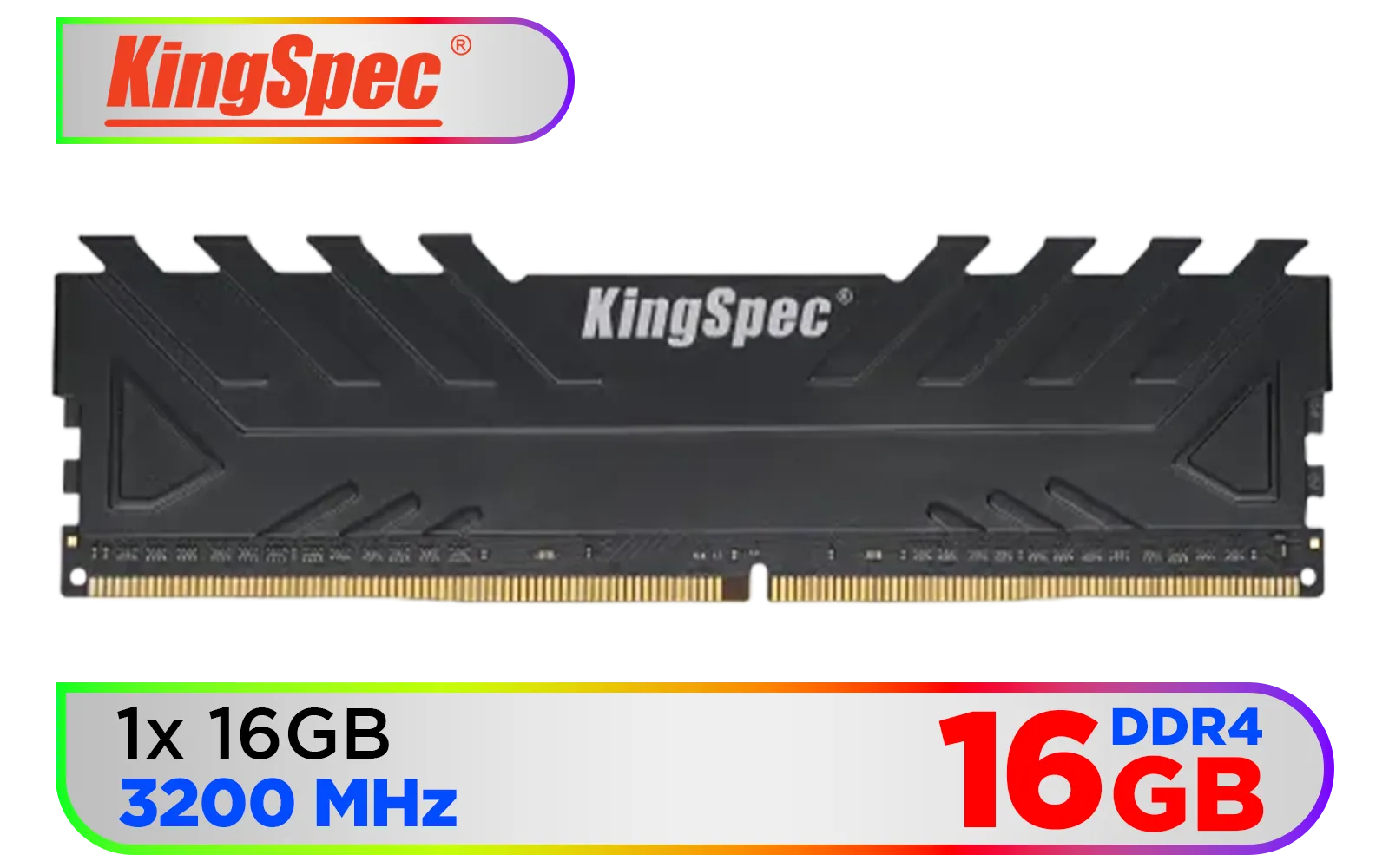
KingSpec 16GB (16x1) 3200mhz DDR4 Desktop Memory - Black / Premium 3D NAND Flash Memory / 1.2V Power-Saving Technology / Hollow Structure Metal Heatsink / KS3200D4M13516G
R1899.00In Stock
ADATA Premier 32GB (32GB x 1) 5600MHz DDR5 Desktop Memory / Higher Capacities / Improved Stability / Energy-Efficient / AD5U560032G-B
R4999.00In Stock

Kingston Fury Renegade 96GB (48GB x2) 6400Mhz DDR5 Desktop Memory / Kit of 2 / Intel® XMP 3.0 Certified / Supports Extreme Overclocking Potential / Aluminum Heat Spreader Design / KF564C32RSK2-96
R14999.00In Stock

Corsair Vengeance 32GB (1 x 32GB) 5600MHz DDR5 C40 Memory - Black / Dynamic Multi-Zone / Speed Rating PC5-44800 / Voltage 1.1V / Aluminum Heat Spreader / CMK32GX5M1B5600C40
R5199.00In Stock

KLEVV CRAS V RGB DDR5 32GB (2x16GB) 7200MHz CL34 A-DIE 1.4V Gaming Desktop Ram Memory SK Hynix Chip XMP 3.0 / AMD Expo Ready - White / KD5AGUA80-72B340J
R5799.00In Stock

Kingston FURY Beast RGB 16GB DDR5 5200MT/s - Black / CL36 CAS Latency / AMD EXPO / 1x 16GB DIMM / KF552C36BBEA-16
R3299.00In Stock
Why Kingston Fury Renegade RGB RAM is Your Next Upgrade
Remember that time your game stuttered during a crucial boss fight? Or when your streaming setup felt sluggish? Fast RAM isn't just a number; it’s the difference between glory and frustration. Kingston Fury Renegade RGB RAM offers uncompromising speed, low latencies, and dazzling, customisable lighting. These modules are the heart of many high-performance Kingston Fury Renegade RGB RAM PC builds we see today, engineered for peak performance and visual flair.
Choosing the Right Modules for Your Renegade Build
Getting started with your ultimate build means making smart choices. Compatibility is key: ensure your motherboard and CPU support your chosen RAM generation. Evetech offers an extensive range, from cutting-edge DDR5 memory modules to reliable DDR4 options. Consider your usage:
- Gaming: Aim for higher speeds and sufficient capacity (16GB is a sweet spot).
- Streaming/Content Creation: Prioritise larger capacities like 16GB DDR4 RAM or more, paired with good speeds.
The right choice of Kingston Fury Renegade RAM is crucial for unlocking your system's full potential. Don't compromise on speed or capacity; your future self will thank you. ✨
TIP FOR YOU
Optimise Your RAM Speed
Always enable XMP (Extreme Memory Profile) in your BIOS to ensure your Kingston Fury Renegade RGB RAM runs at its advertised speeds, unlocking its full performance potential. It’s a simple tweak for a noticeable performance boost!
KingSpec 16GB (16x1) 3200mhz DDR4 Desktop Memory - Black / Premium 3D NAND Flash Memory / 1.2V Power-Saving Technology / Hollow Structure Metal Heatsink / KS3200D4M13516G
R1899.00In Stock

Teamgroup T-Force XTREEM 32GB DDR5 Desktop Memory - Black / 32GB (2x16GB) / 7600MHz / CL36 / FFXD532G7600HC36FDC01
R5699.00In Stock

KLEVV BOLT X 16GB (16GB x 1) 3600MHz DDR4 Desktop Gaming Memory / 288-Pin / Performance Enhancing / Best-in-class Memory Chips / Aluminum Heat Spreader / Ecosystem Compatibility / KD4AGU880-36A180T
R2199.00In Stock
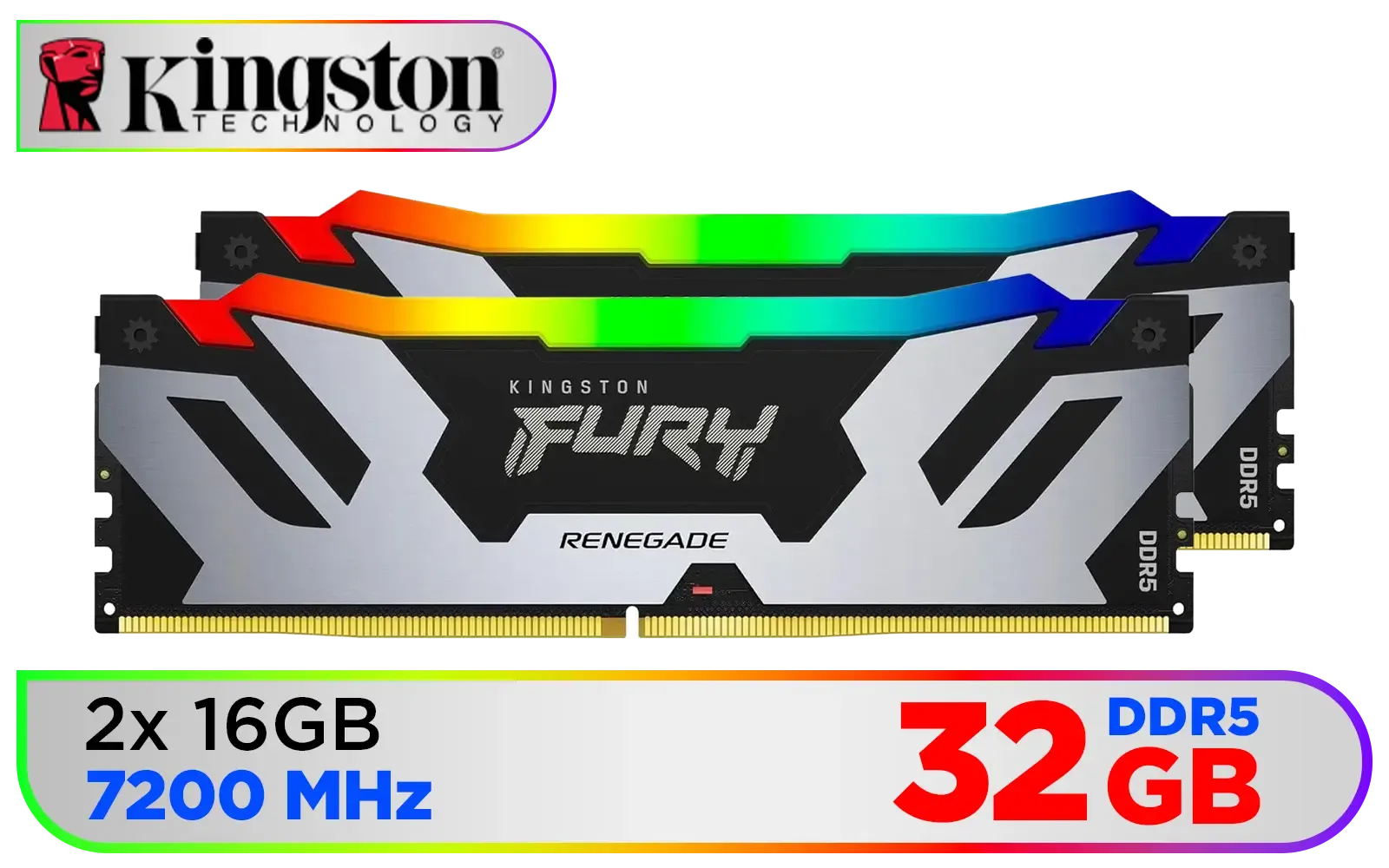
Kingston Fury Renegade RGB 32GB (16GB x 2) 7200Mhz DDR5 Desktop Memory - Black / Kit of 2 / 18 Customisable RGB Effects / Infrared Sync Technology / Intel XMP 3.0 certified / KF572C38RSAK2-32
R6299.00In Stock
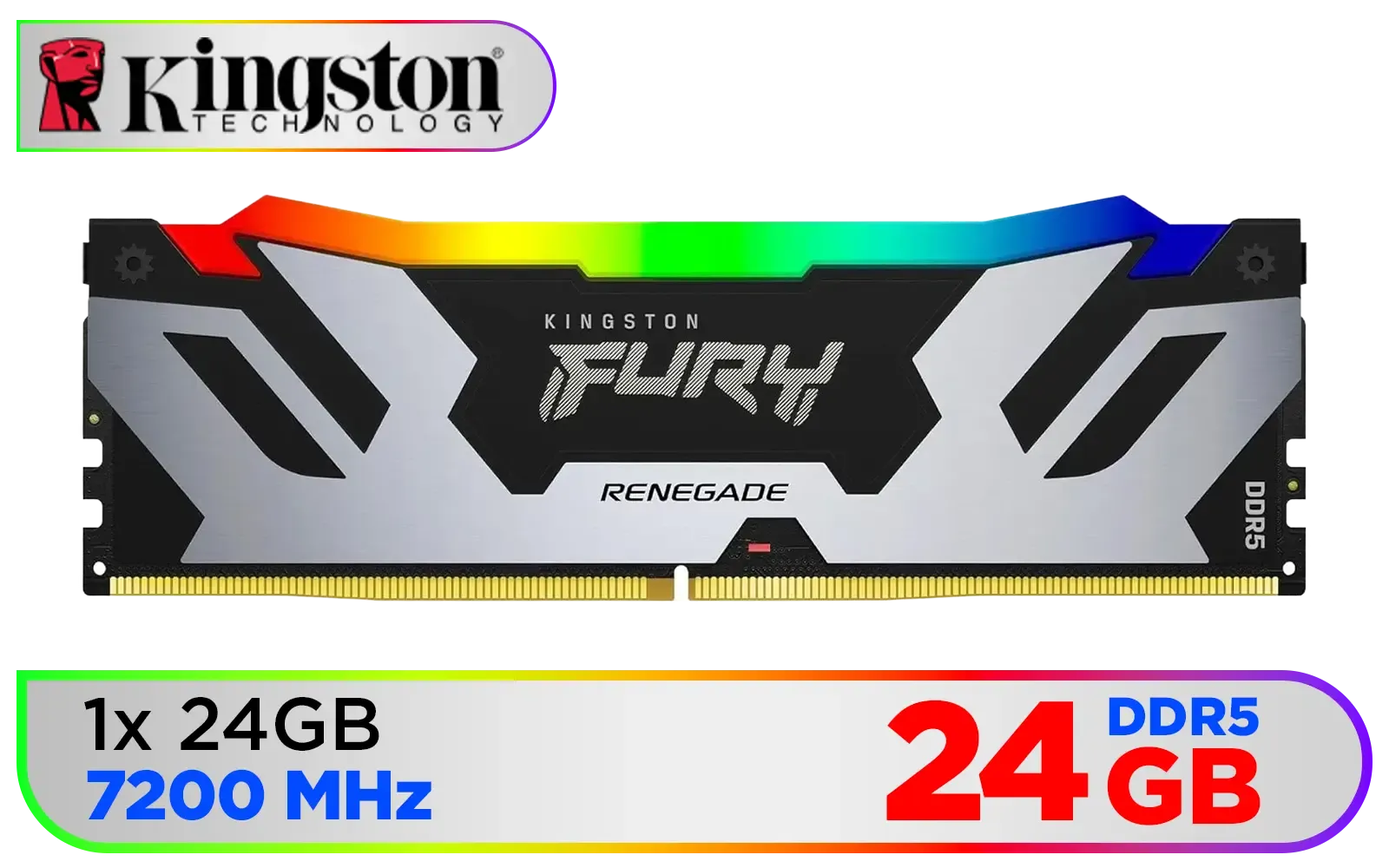
Kingston Fury Renegade RGB 24GB (24GB x 1) 7200Mhz DDR5 Desktop Memory - Black / 18 Customisable RGB Effects / Infrared Sync Technology / Intel XMP 3.0 certified / KF572C38RSA-24
R3999.00In Stock
![[OEM] KLEVV 16GB (16GB x 1) 3200MHz DDR4 Desktop Memory / Reliable SK Hynix Chips / Performance Enhancing / Touch of Delicate Design / Compatible With all Mainstream Motherboards / KD4AGUA80-32N220E](https://img.evetech.co.za/repository/ProductImages/klevv-16gb-3200mhz-ddr4-desktop-memory-1500px-v1.webp)
[OEM] KLEVV 16GB (16GB x 1) 3200MHz DDR4 Desktop Memory / Reliable SK Hynix Chips / Performance Enhancing / Touch of Delicate Design / Compatible With all Mainstream Motherboards / KD4AGUA80-32N220E
R1799.00In Stock
Unleashing the Full Potential of Your RGB RAM
Once your Renegade RGB is installed, it’s time to truly unleash its power. Enabling XMP (Extreme Memory Profile) in your BIOS is non-negotiable for achieving the advertised speeds. This simple step can dramatically improve game load times and overall system responsiveness. For the RGB aspect, Kingston's FURY CTRL software, or your motherboard's sync software (like ASUS Aura Sync or MSI Mystic Light), allows you to perfectly orchestrate the lighting effects across your entire system. Imagine your RAM, GPU, and fans all pulsing in perfect harmony! 🤩
Expanding Your Horizons with Evetech

CORSAIR VENGEANCE RGB DDR5 RAM 128GB (4x32GB) 5600MHz CL40 Intel XMP iCUE Compatible Computer Memory - Black / CMH128GX5M4B5600C40
R21499.00In Stock
ADATA Premier 32GB (32GB x 1) 5600MHz DDR5 Desktop Memory / Higher Capacities / Improved Stability / Energy-Efficient / AD5U560032G-B
R4999.00In Stock
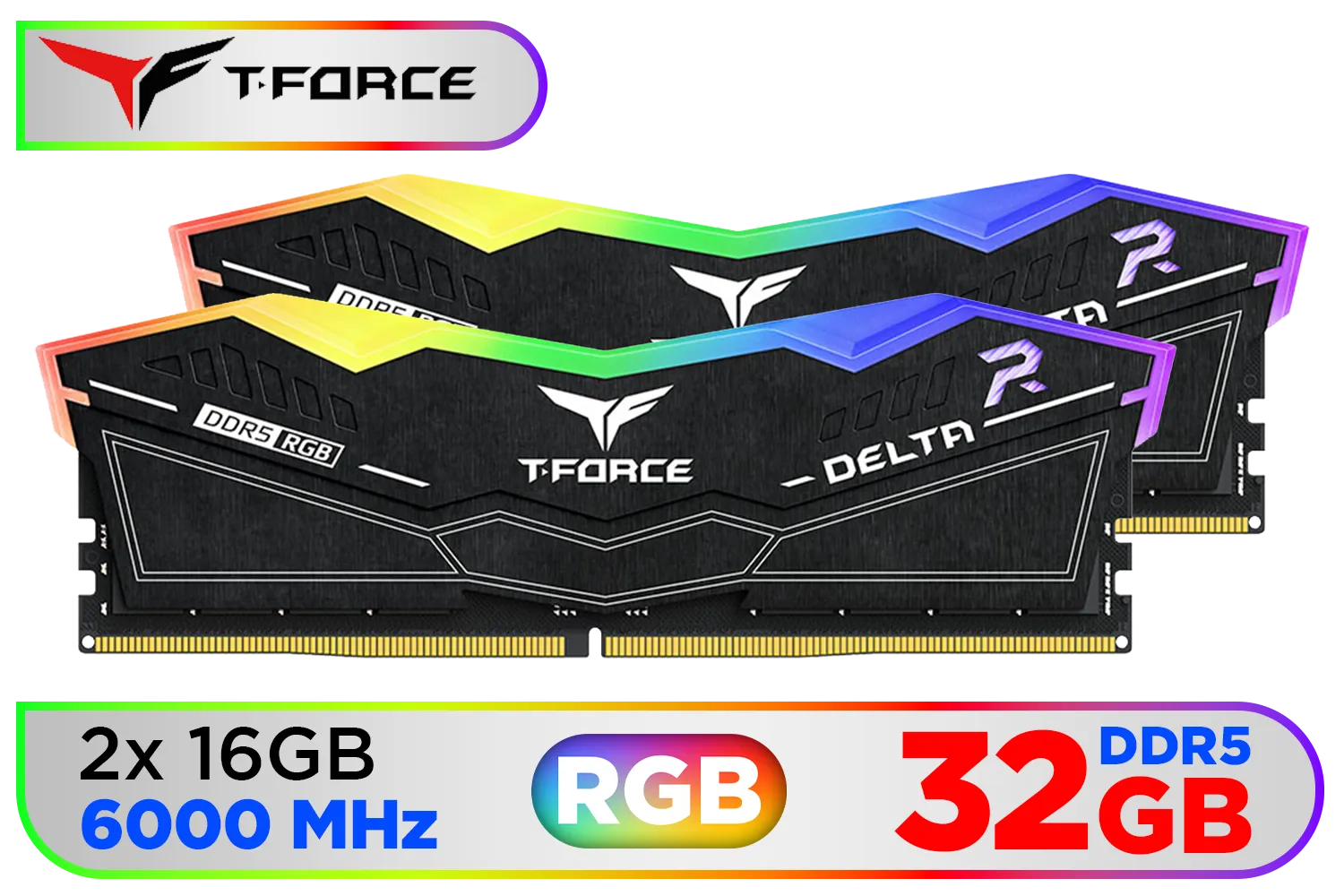
Teamgroup T-Force DELTA RGB 32GB DDR5 Desktop Memory - Black / 32GB (2x16GB) / 6000MHz / CL30 / FF3D532G6000HC30DC01
R5999.00In Stock

ADATA XPG Lancer Neon 32GB (2 x 16GB) DDR5 DRAM 8000MHz Desktop Memory / High-Quality Materials / On-die ECC error correction / Supports Intel® XMP 3.0 / AX5U8000C3816G-DCLANRSG
R7999.00In Stock
Teamgroup T-Force XTREEM 32GB DDR5 Desktop Memory - Black / 32GB (2x16GB) / 7600MHz / CL36 / FFXD532G7600HC36FDC01
R5699.00In Stock
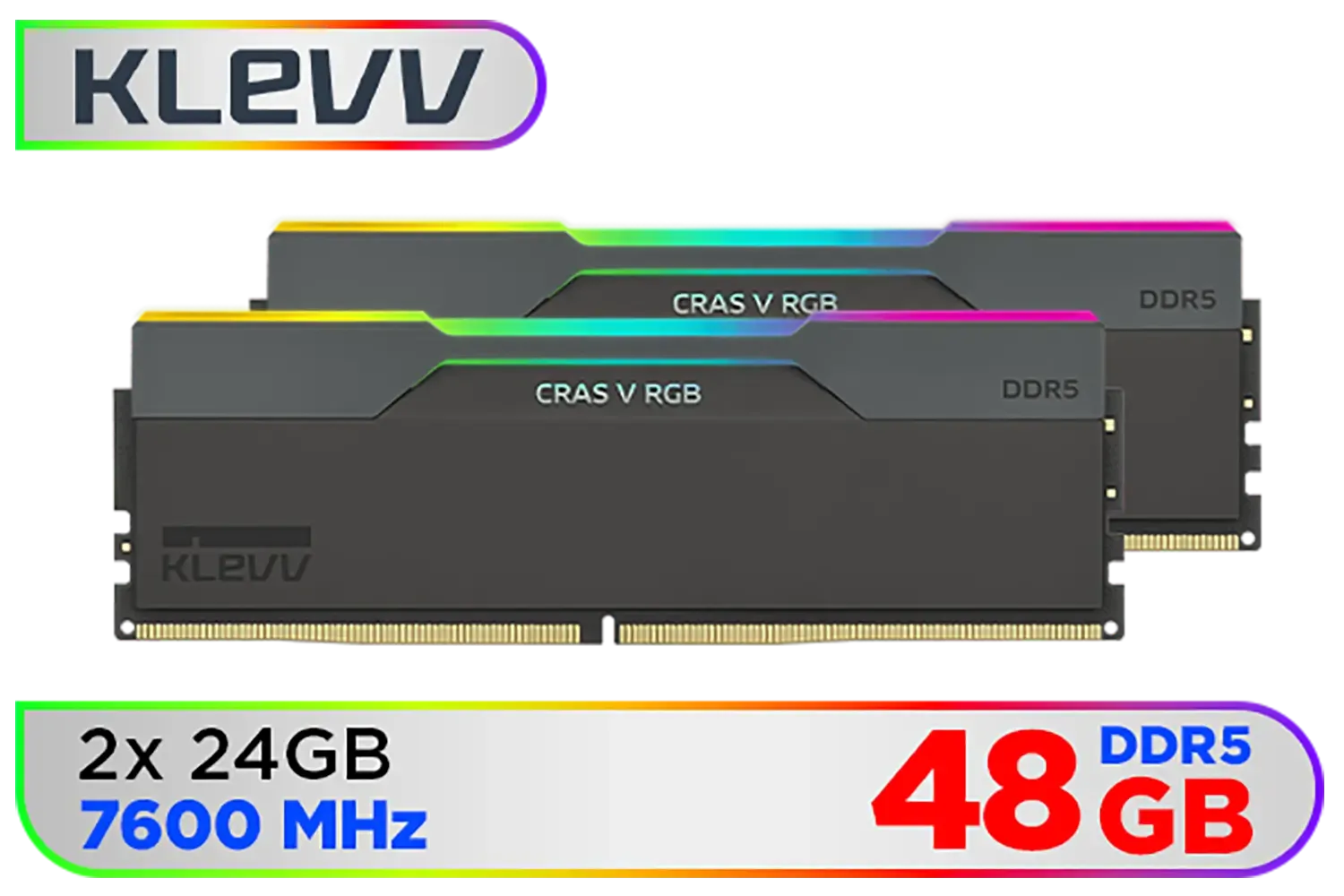
KLEVV CRAS V RGB 48GB Kit (24GB x2) 7600MHz Gaming Memory DDR5 RAM XMP 3.0/AMD EXPO High Performance Overclocking / KD5KGUD80-76B360G
R8499.00In Stock
While the focus here is on modern, high-performance Kingston Fury Renegade RGB RAM PC builds, Evetech understands that every gamer's journey is unique. We pride ourselves on offering a comprehensive range of components to suit every budget and build type. Whether you’re looking to upgrade an existing system with DDR3 gaming RAM modules or specifically searching for Kingston DDR3 options to breathe new life into an older rig, we’ve got you covered. Our commitment is to provide quality components that empower South African gamers to build their dream machines. 🛠️
Ready to Build Your Beast? Don’t let slow memory hold you back. Explore Evetech’s extensive range of Kingston Fury Renegade RGB RAM and other top-tier components today, and experience the performance and aesthetics you deserve. Shop now at Evetech for performance that leaves lag in the dust.
Related Products
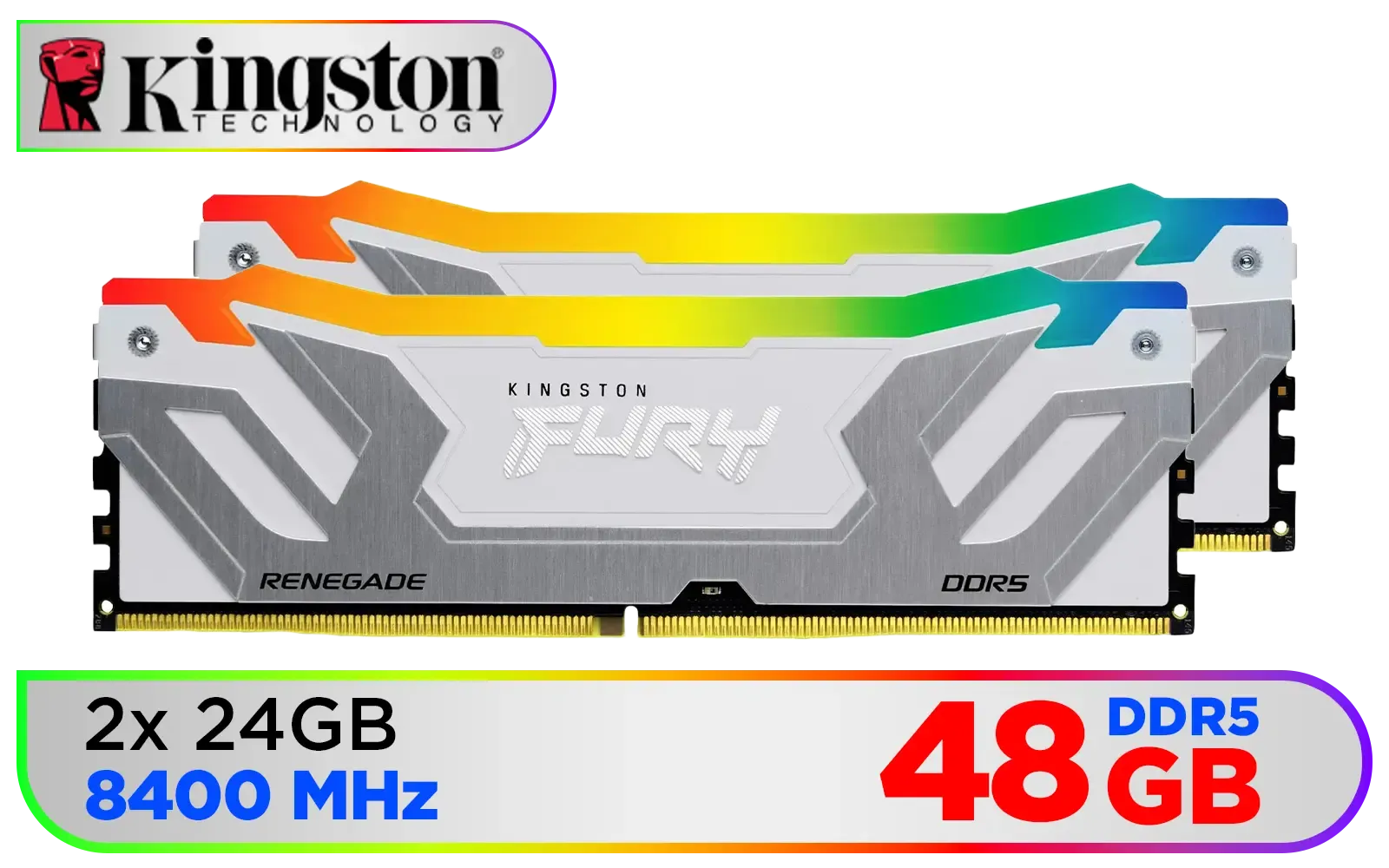
Kingston Fury Renegade RGB 48GB (24GB x 2) 8400Mhz DDR5 Desktop Memory - White / Kit of 2 / 18 Customisable RGB Effects / Intel® XMP 3.0 Certified / Qualified by the world’s leading motherboard manufacturers / Patented Kingston FURY Infrared Sync Technology / KF584CU40RWAK2-48
R11499.00In Stock

Kingston Fury Renegade RGB 32GB (16GB x 2) 6400Mhz DDR5 Desktop Memory - White / Kit of 2 / 18 Customisable RGB Effects / Infrared Sync Technology / KF564C32RWAK2-32
R6499.00In Stock
KLEVV CRAS V RGB DDR5 32GB (2x16GB) 7200MHz CL34 A-DIE 1.4V Gaming Desktop Ram Memory SK Hynix Chip XMP 3.0 / AMD Expo Ready - White / KD5AGUA80-72B340J
R5799.00In Stock

ADATA XPG Lancer Blade DDR5 5600MHz CL46 32GB (32GB) PC5-44800 RAM 288-Pins UDIMM Desktop Memory Black Heatsink / AX5U5600C4632G-SLABBK
R5199.00In Stock

Kingston Fury Beast 64GB (32GB x 2) 6000MHz DDR5 CL36 Desktop Memory / Kit of 2 / Intel® XMP 3.0 & AMD EXPO™ Certified / Low-Profile Heat Spreader / KF560C36BBEK2-64
R9999.00In Stock
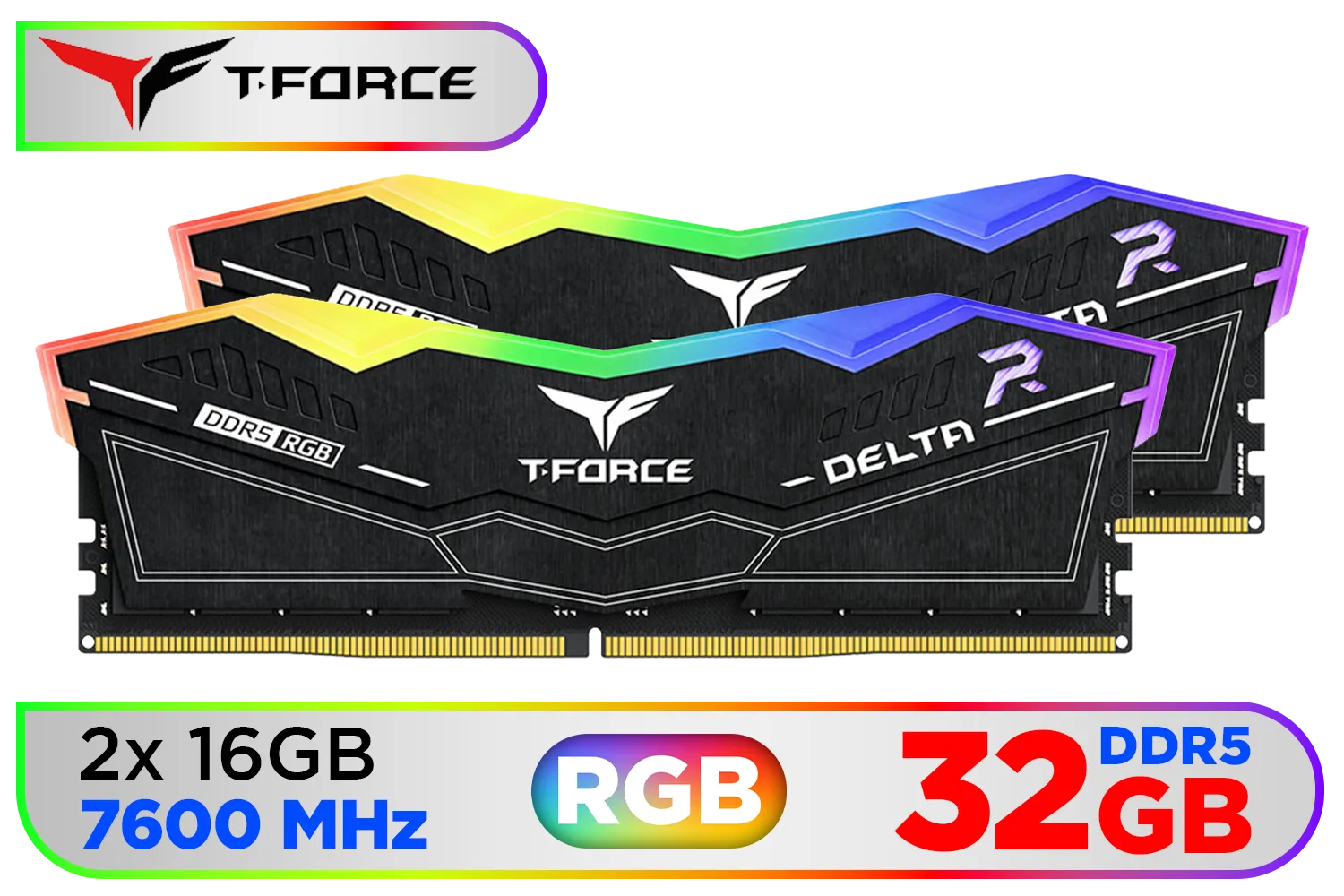
Teamgroup T-Force DELTA RGB 32GB DDR5 Desktop Memory - Black / 32GB (2x16GB) / 7600MHz / CL36 / FF3D532G7600HC36DDC01
R6999.00In Stock
High core count CPUs like AMD Ryzen 7000 series and Intel 13/14th Gen pair well; use supported motherboards and XMP/EXPO profiles for best results.
Enable XMP or EXPO, raise frequency in small steps, test stability with memtest or stress tools, and monitor temps for safe overclocks.
Most modern AMD B650/X670 and Intel Z690/Z790/Z890 boards support Fury Renegade RGB; confirm QVL and update BIOS for best compatibility.
Yes. High frequency and low latency improve FPS and render times, especially with dual channel 32GB Fury Renegade setups for gaming and content creation.
Standard case airflow is usually enough; add targeted airflow or low-profile RAM coolers when pushing high frequency RGB RAM overclocks.
Aim for 32GB (2x16GB) for gaming plus streaming or 16GB (2x8GB) for single-player; always use dual channel kits for best performance.
Older motherboards may work but check supported frequencies, BIOS updates, and the RAM QVL; compatibility varies by board.











