



Kingston Fury Renegade RGB sync with ASUS, MSI, Gigabyte
Kingston Fury Renegade RGB sync lets you unify RAM lighting with ASUS Aura, MSI Mystic Light, and Gigabyte RGB Fusion. Follow clear steps, fix mismatches, and save profiles. ⚙️✨
|
Loading tags...
You've just installed your slick new Kingston Fury Renegade RGB RAM. The performance is epic, but the lighting… it's doing its own thing, completely ignoring your motherboard's colour scheme. Sound familiar? Getting your RAM to play nicely with your rig's aesthetic can be frustrating. But don't stress, we've got the simple fix to get your Kingston Fury Renegade RGB sync sorted with ASUS, MSI, or Gigabyte software. Let's get those colours unified! ✨
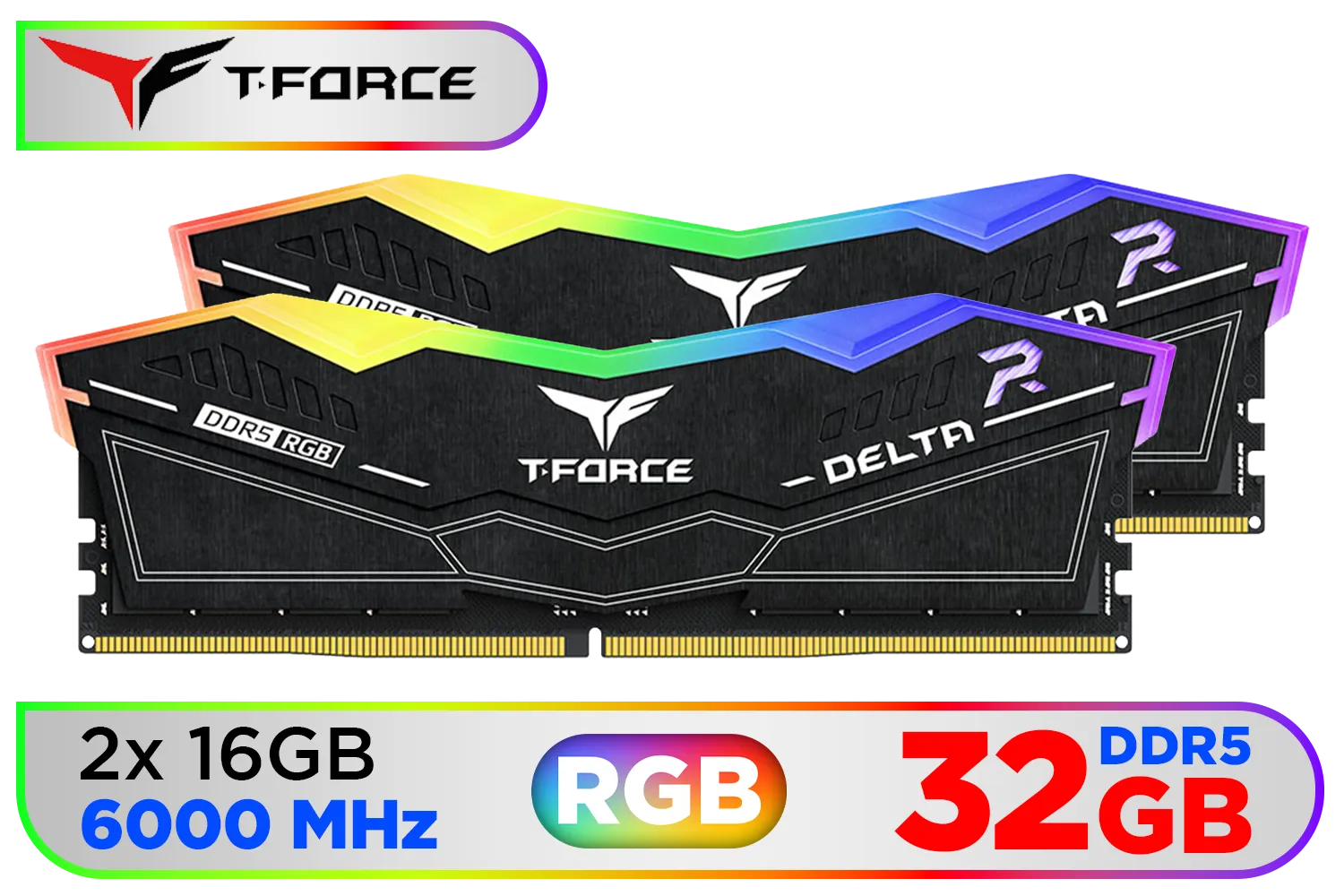
Teamgroup T-Force DELTA RGB 32GB DDR5 Desktop Memory - Black / 32GB (2x16GB) / 6000MHz / CL30 / FF3D532G6000HC30DC01
R5999.00In Stock

Kingston Fury Beast White 64GB (2 x 32GB) 5200MT/s DDR5 CL36 Desktop Memory Kit of 2 / KF552C36BWEAK2-64
R10999.00In Stock

Corsair Vengeance RGB DDR5 32GB (2x16GB) 6000MHz C36 Intel Optimized Desktop Memory (Dynamic Ten-Zone RGB Lighting, Onboard Voltage Regulation, Custom XMP 3.0 Profiles, Tight Response Times) Black / CMH32GX5M2E6000C36
R5999.00In Stock
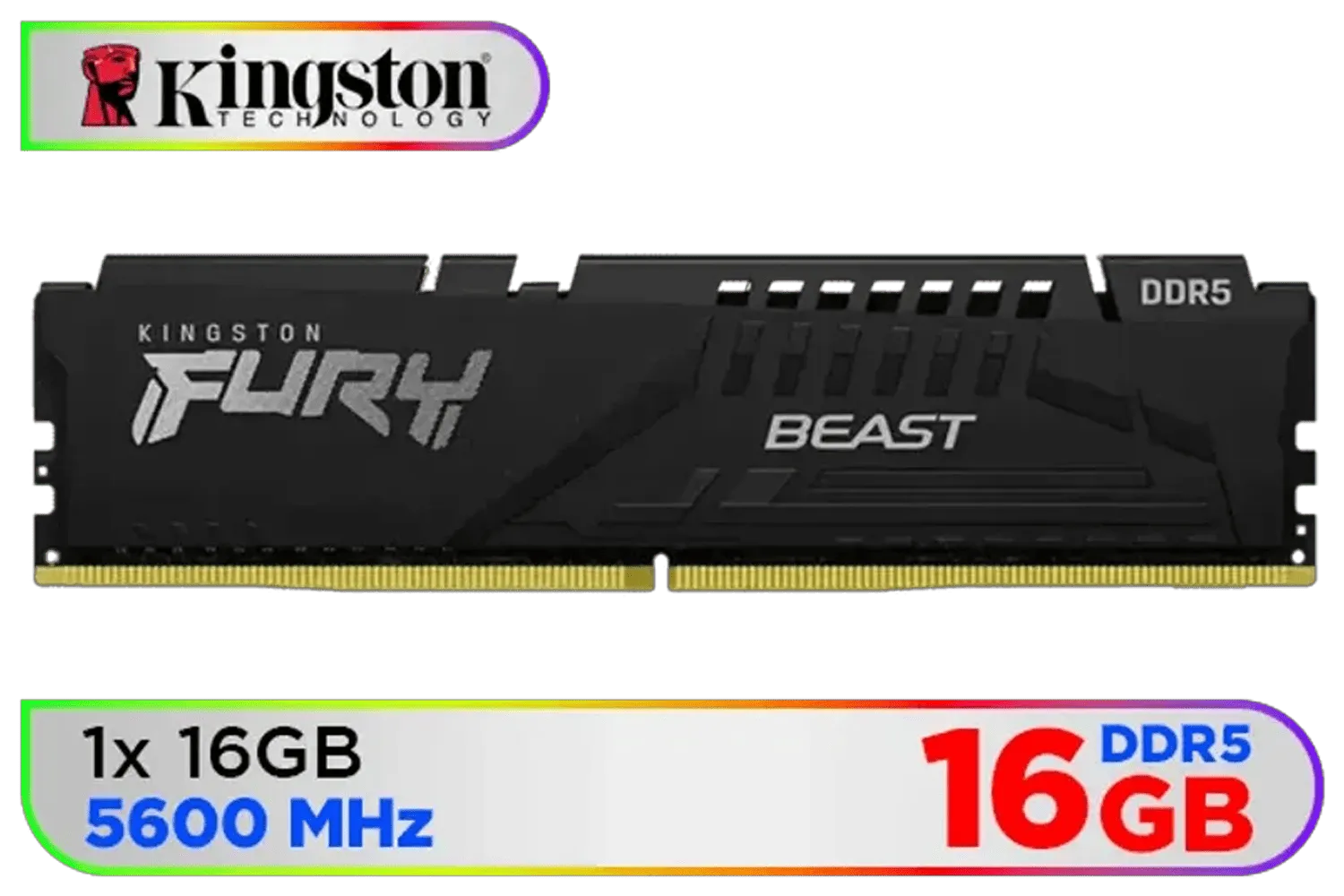
Kingston Fury Beast 16GB 5600MHz DDR5 CL40 DIMM Single Module Desktop Memory KF556C40BB-16 Black
R2999.00In Stock

XPG Lancer Blade RGB DDR5 6000MHz CL30 32GB (2x16GB) PC5-48000 RAM 288-Pins UDIMM Desktop Memory Kit Black Heatsink / AX5U6000C3016G-DTLABRBK
R5999.00In Stock
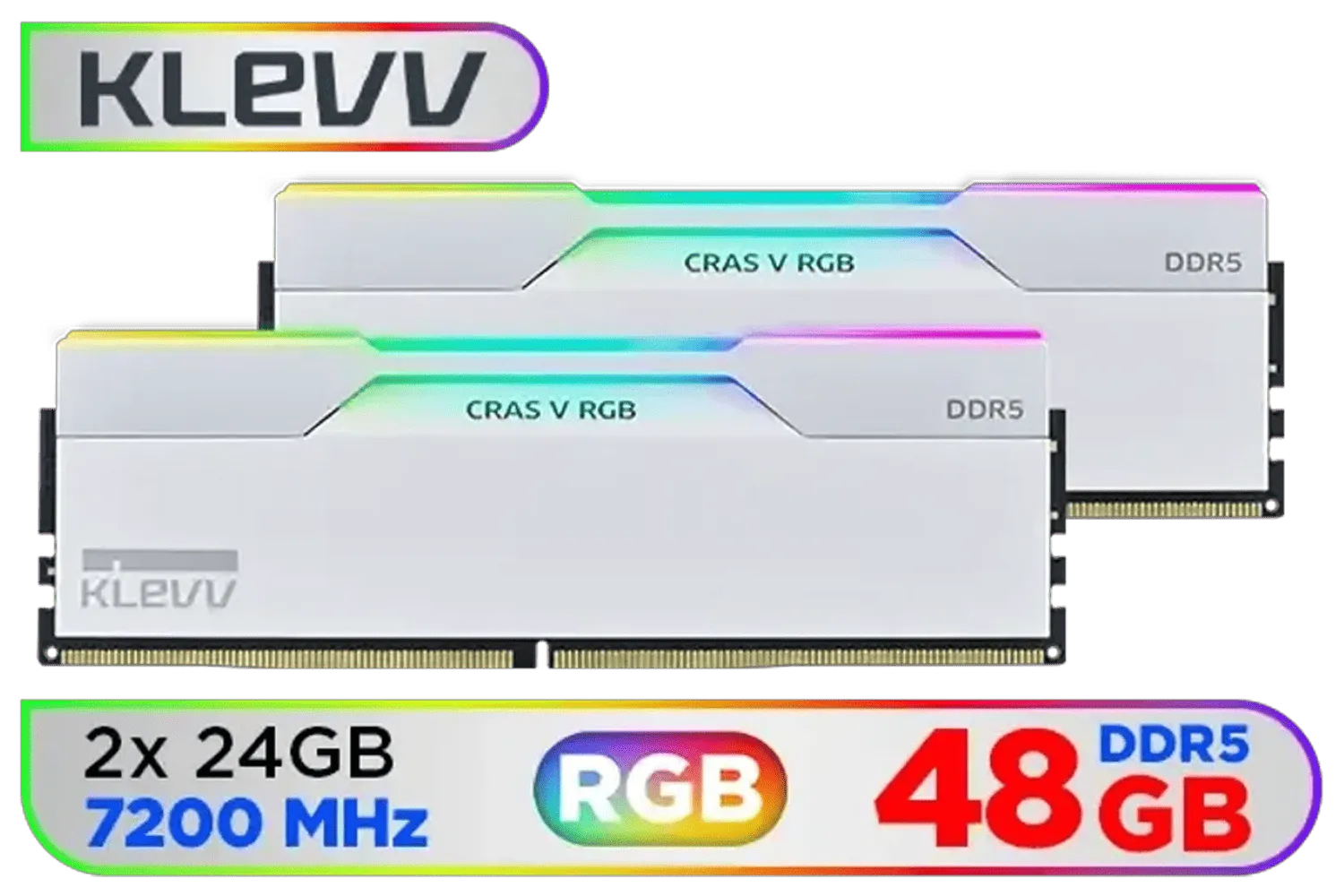
KLEVV CRAS V RGB DDR5 48GB (2x24GB) 7200MHz CL34 Gaming Desktop RAM - White / SK Hynix Chip / XMP 3.0 / AMD Expo Ready / KD5KGUD80-72B340J
R7499.00In Stock
Why a Unified RGB Setup Matters
Let's be honest, a PC build is a form of self-expression. You've spent your hard-earned ZAR on components that not only perform but also look the part. Mismatched RGB lighting can make an otherwise clean build look chaotic. A synchronised lighting scheme, however, creates a cohesive, immersive atmosphere that ties your entire setup together, from your motherboard to your memory.
Unlike older, non-configurable DDR3 gaming RAM modules, modern RGB kits offer incredible customisation. The goal is to get all those components talking the same colour language. Thankfully, achieving a perfect Kingston Fury Renegade RGB sync is easier than you think.
Step-by-Step Sync Guide for Your Motherboard
The secret to seamless integration lies in understanding how Kingston's Infrared Sync Technology works with your motherboard's native RGB software. While Kingston offers its own FURY CTRL software for direct customisation, the real magic happens when you let your motherboard take the lead. This ensures one app controls everything.
The Fury Renegade series is a popular choice for new builds, whether you're using the latest DDR5 memory on an AM5 platform or powerful DDR4 memory for an Intel or AM4 rig. Here’s how to get it working with the big three.
TIP FOR YOU
Pro Tip for Smooth Syncing 🔧
Before you start, make sure your motherboard's BIOS and RGB control software (Aura Sync, Mystic Light, or RGB Fusion) are updated to their latest versions. Manufacturers often release updates that improve hardware compatibility, which can solve syncing issues before they even begin.
Syncing with ASUS Aura Sync

Kingston Technology Fury Beast Black 32GB 5600MT/s DDR5 CL40 XMP 3.0 Ready Computer Memory Single Module KF556C40BB-32
R5199.00In Stock

Kingston FURY Beast RGB 16GB (8GB x 2) 3600MT/s DDR4 CL17 DIMM Computer Memory KF436C17BB2AK2/16
R2399.00In Stock
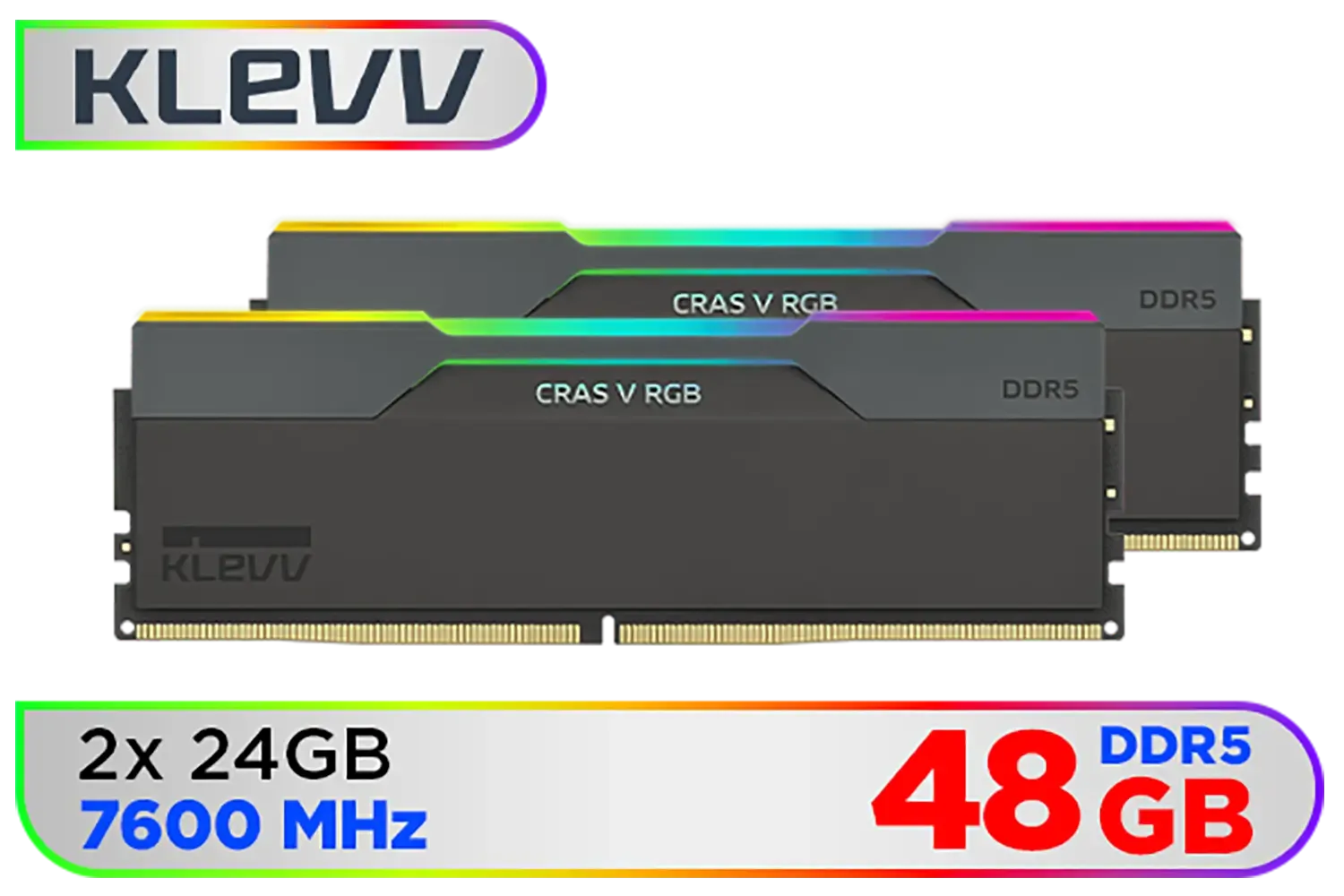
KLEVV CRAS V RGB 48GB Kit (24GB x2) 7600MHz Gaming Memory DDR5 RAM XMP 3.0/AMD EXPO High Performance Overclocking / KD5KGUD80-76B360G
R8499.00In Stock
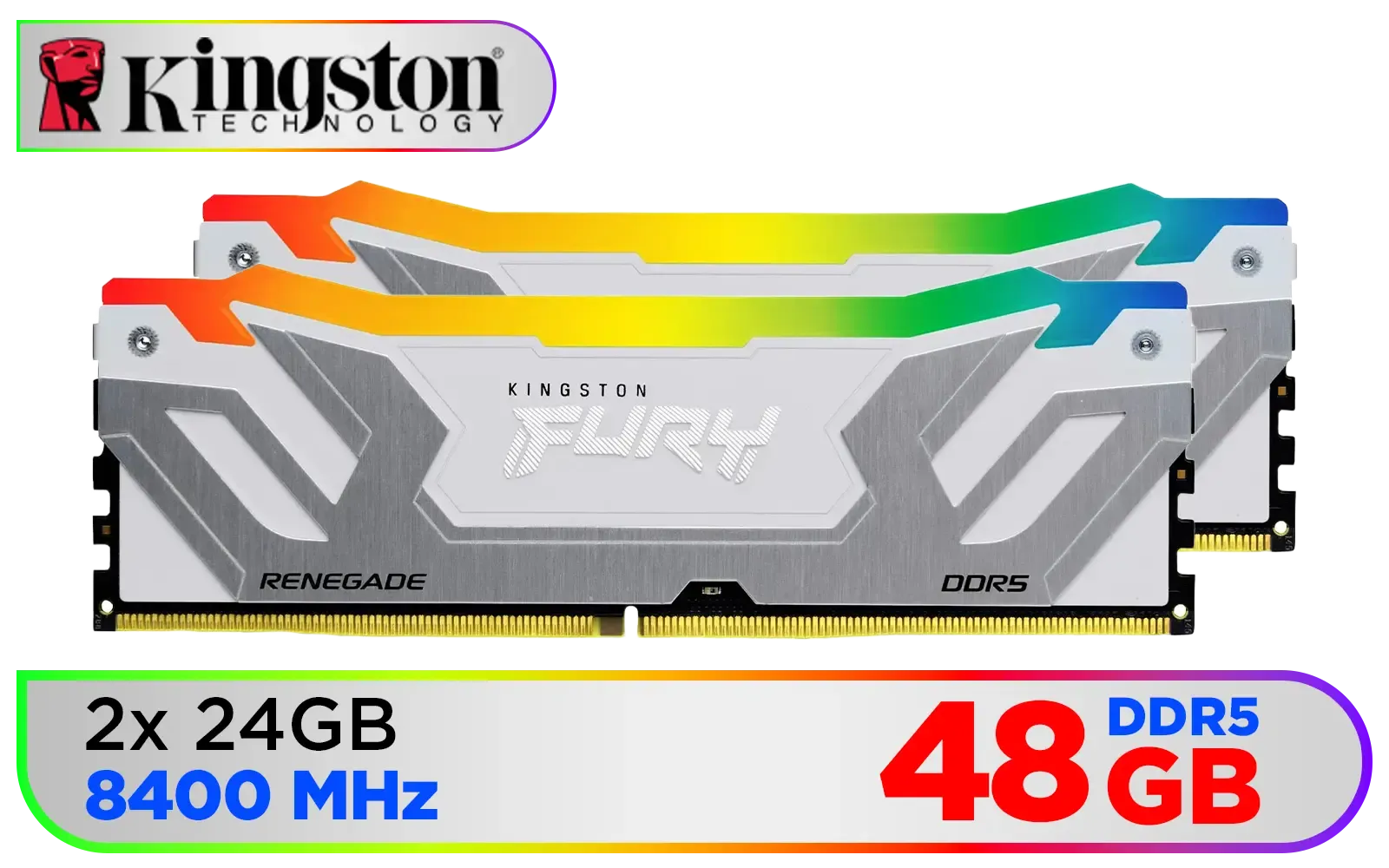
Kingston Fury Renegade RGB 48GB (24GB x 2) 8400Mhz DDR5 Desktop Memory - White / Kit of 2 / 18 Customisable RGB Effects / Intel® XMP 3.0 Certified / Qualified by the world’s leading motherboard manufacturers / Patented Kingston FURY Infrared Sync Technology / KF584CU40RWAK2-48
R11499.00In Stock

ADATA XPG Lancer Neon 32GB (2 x 16GB) DDR5 DRAM 8000MHz Desktop Memory / High-Quality Materials / On-die ECC error correction / Supports Intel® XMP 3.0 / AX5U8000C3816G-DCLANRSG
R7999.00In Stock

CORSAIR VENGEANCE RGB DDR5 RAM 128GB (4x32GB) 5600MHz CL40 Intel XMP iCUE Compatible Computer Memory - Black / CMH128GX5M4B5600C40
R21499.00In Stock
ASUS motherboards are a popular foundation for many gaming PCs. Getting your Kingston RAM to listen to Aura Sync is straightforward.
- Install Armoury Crate: This is ASUS's all-in-one software suite. Make sure the Aura Sync module is installed and updated.
- Restart Your PC: A classic but crucial step. This allows the system to properly detect the new RAM modules.
- Open Armoury Crate: Navigate to the
Aura Synctab. Your Kingston Fury Renegade RAM should appear as a syncable device. - Link and Customise: Select the RAM, link it with your other components, and apply your desired effect. It's that simple!
Syncing with MSI Mystic Light
For Team Red Dragon, the process is just as painless. MSI Center is your command hub.
- Install MSI Center: From the official MSI website, download and install the main software.
- Add Mystic Light: Inside MSI Center, go to the
Featuressection and install the Mystic Light utility. - Reboot: Give your PC a quick restart to ensure all drivers are loaded correctly.
- Control in Mystic Light: Open Mystic Light. Your Kingston RAM should be detected automatically. You can now include it in your global lighting profiles. From a powerful 32GB setup to a popular 16GB DDR4 kit, Mystic Light will handle it.
Syncing with Gigabyte RGB Fusion 2.0
Gigabyte users can get their light show in order using the Gigabyte Control Center (GCC) or the standalone RGB Fusion 2.0 app.
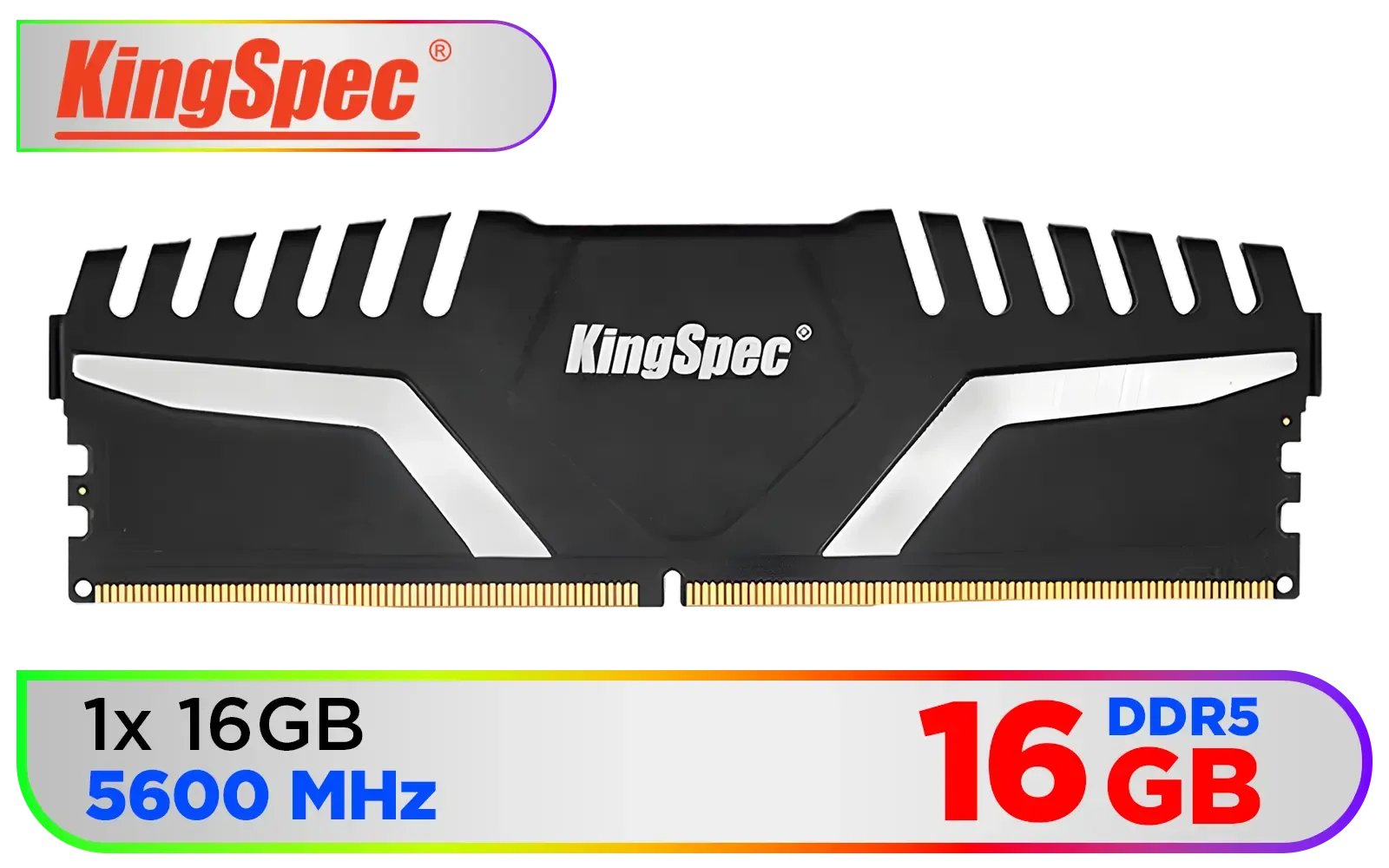
KingSpec KS5600D5M13516G 16GB (16x1) 5600mhz DDR5 Desktop Memory - Black / 3D Hollow & Breathable Heatsink Design / Single Rank 288-Pin UDIMM DDR5 / KS5600D5M12516G
R2799.00In Stock

Kingston Fury Beast RGB 64GB (2x32GB) 6400MT/s DDR5 CL32 Desktop Memory / AMD Expo/Intel XMP / Plug N Play / Kit of 2 / KF564C32BBEAK2-64
R12499.00In Stock
CORSAIR VENGEANCE RGB DDR5 RAM 128GB (4x32GB) 5600MHz CL40 Intel XMP iCUE Compatible Computer Memory - Black / CMH128GX5M4B5600C40
R21499.00In Stock
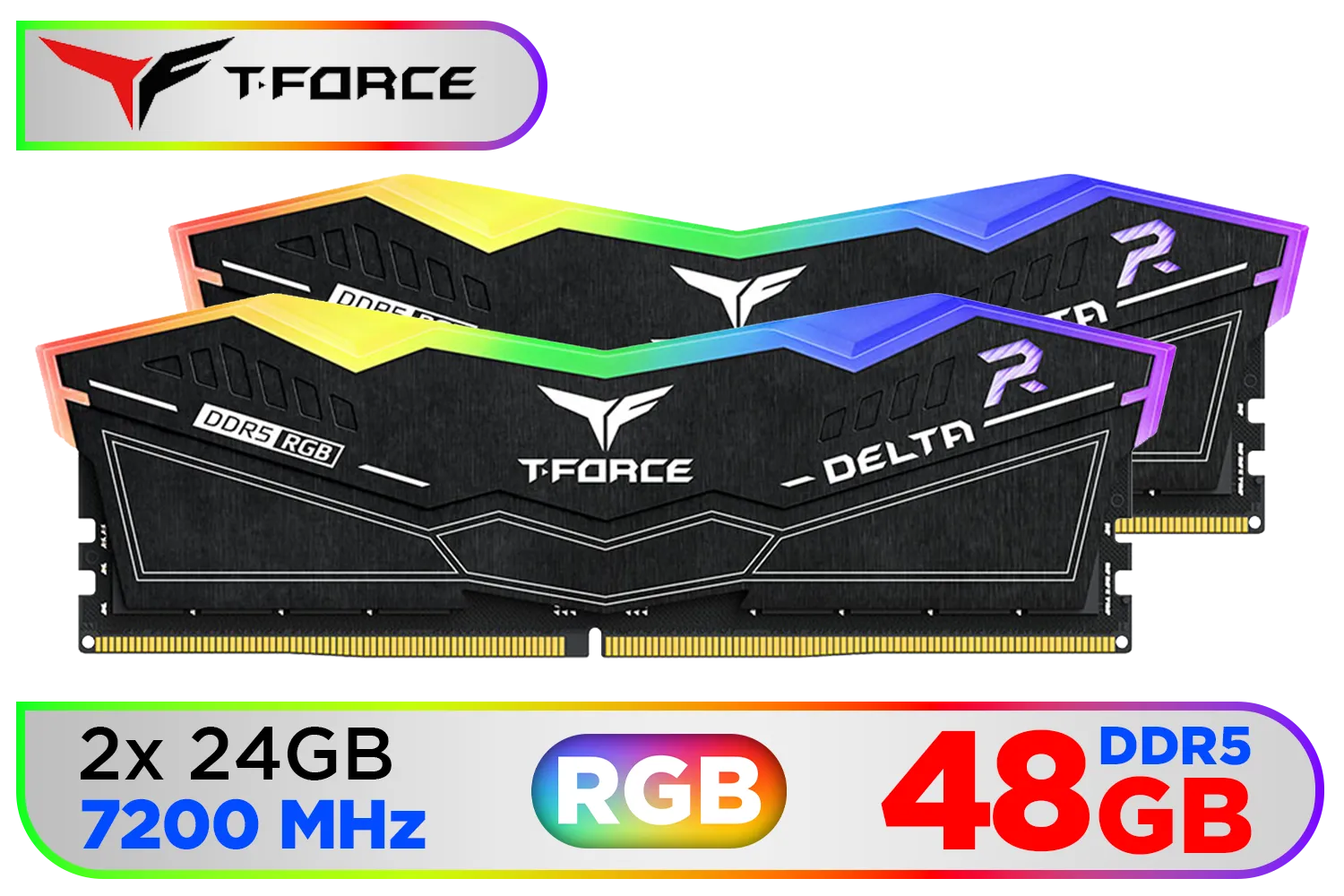
Teamgroup T-Force DELTA RGB 48GB DDR5 Desktop Memory - Black / 48GB (2x24GB) / 7200MHz / CL34 / FF3D548G7200HC34ADC01
R7599.00In Stock
Kingston Fury Renegade RGB 48GB (24GB x 2) 8400Mhz DDR5 Desktop Memory - White / Kit of 2 / 18 Customisable RGB Effects / Intel® XMP 3.0 Certified / Qualified by the world’s leading motherboard manufacturers / Patented Kingston FURY Infrared Sync Technology / KF584CU40RWAK2-48
R11499.00In Stock
Kingston Technology Fury Beast Black 32GB 5600MT/s DDR5 CL40 XMP 3.0 Ready Computer Memory Single Module KF556C40BB-32
R5199.00In Stock
- Install Gigabyte Software: Download and install either GCC (for newer boards) or RGB Fusion 2.0. We recommend GCC if your board supports it.
- Update and Restart: Run the software and let it update all necessary components, then restart your system.
- Find Your RAM: Open the software and navigate to the lighting control section. Your Fury Renegade modules will be listed. Kingston has a long history of quality, and their modern RGB kits are a far cry from the simple Kingston DDR3 modules of the past.
- Sync and Save: Select the RAM, choose your colours and effects, and hit apply. Your entire rig should now be glowing in perfect harmony. 🚀
Getting your hardware to look as good as it performs is the final, satisfying step of any PC build. With these simple steps, your rig will be perfectly synchronised and ready for the spotlight.
Ready to Light Up Your Build? Getting your RGB in perfect harmony is the final touch on a masterfully built PC. Whether you're upgrading your memory or planning a new rig from scratch, Evetech has the components to bring your vision to life. Explore our complete range of PC components and find the perfect kit to complete your masterpiece.
Related Products

Kingston Fury Beast RGB 32GB (2x16GB) 6400MT/s DDR5 CL32 Desktop Memory / AMD Expo/Intel XMP / Plug N Play / Kit of 2 / KF564C32BBEAK2-32
R6499.00In Stock

Kingston Fury Renegade RGB 32GB (16GB x 2) 6400Mhz DDR5 Desktop Memory - White / Kit of 2 / 18 Customisable RGB Effects / Infrared Sync Technology / KF564C32RWAK2-32
R6499.00In Stock

Teamgroup T-Force XTREEM 48GB DDR5 Desktop Memory - Black / 48GB (2x24GB) / 8000MHz / CL38 / FFXD548G8000HC38EDC01
R9999.00In Stock
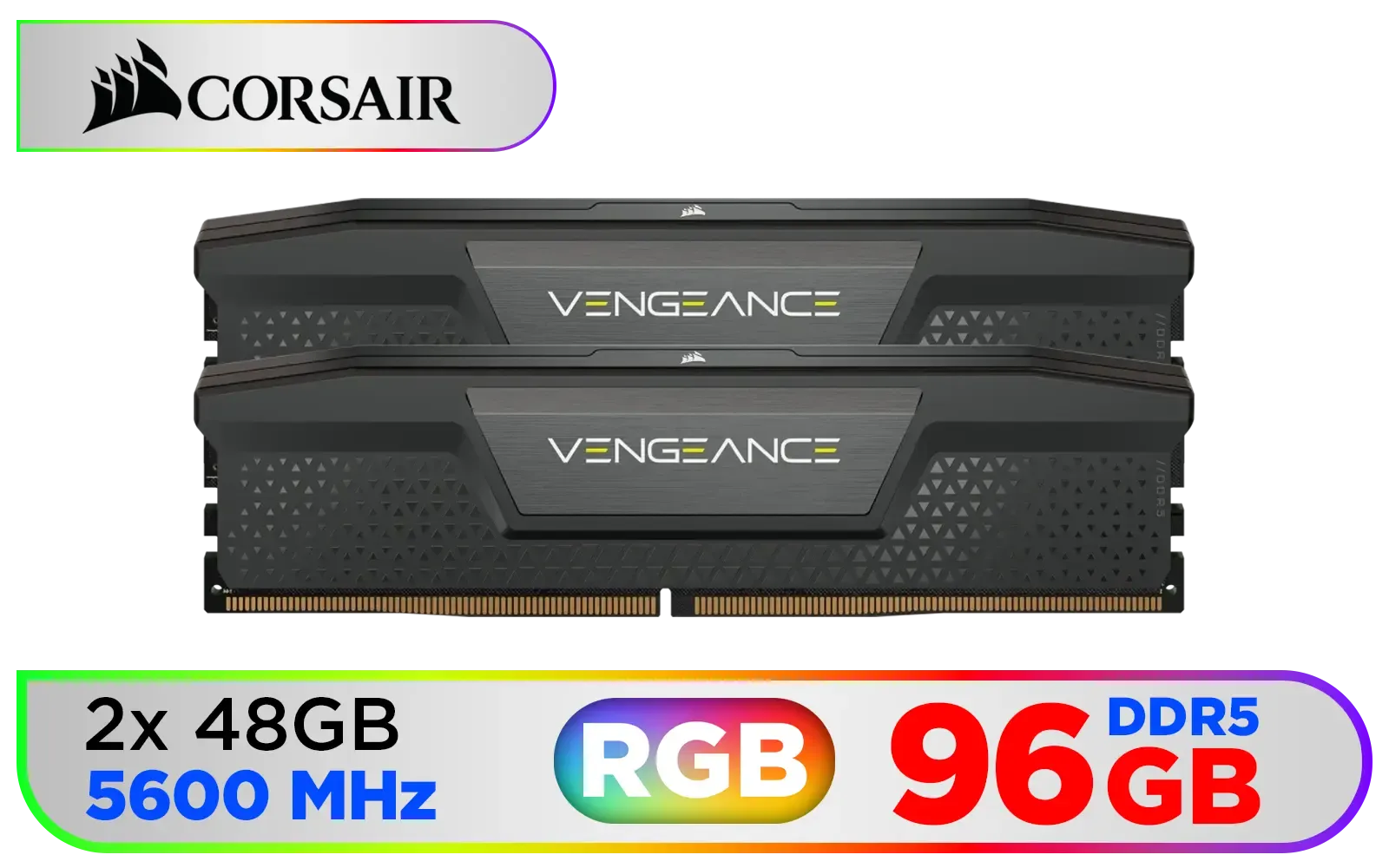
Corsair Vengeance DDR5 96GB (2x48GB) 5600MHz C40 Desktop Memory - Black / Onboard Voltage Regulation / Custom XMP 3.0 Profiles / Compact Form-Factor / Solid Aluminum Heatspreader / CMK96GX5M2B5600C40
R13999.00In Stock
![[OEM] KLEVV 16GB (16GB x 1) 3200MHz DDR4 Desktop Memory / Reliable SK Hynix Chips / Performance Enhancing / Touch of Delicate Design / Compatible With all Mainstream Motherboards / KD4AGUA80-32N220E](https://img.evetech.co.za/repository/ProductImages/klevv-16gb-3200mhz-ddr4-desktop-memory-1500px-v1.webp)
[OEM] KLEVV 16GB (16GB x 1) 3200MHz DDR4 Desktop Memory / Reliable SK Hynix Chips / Performance Enhancing / Touch of Delicate Design / Compatible With all Mainstream Motherboards / KD4AGUA80-32N220E
R1799.00In Stock
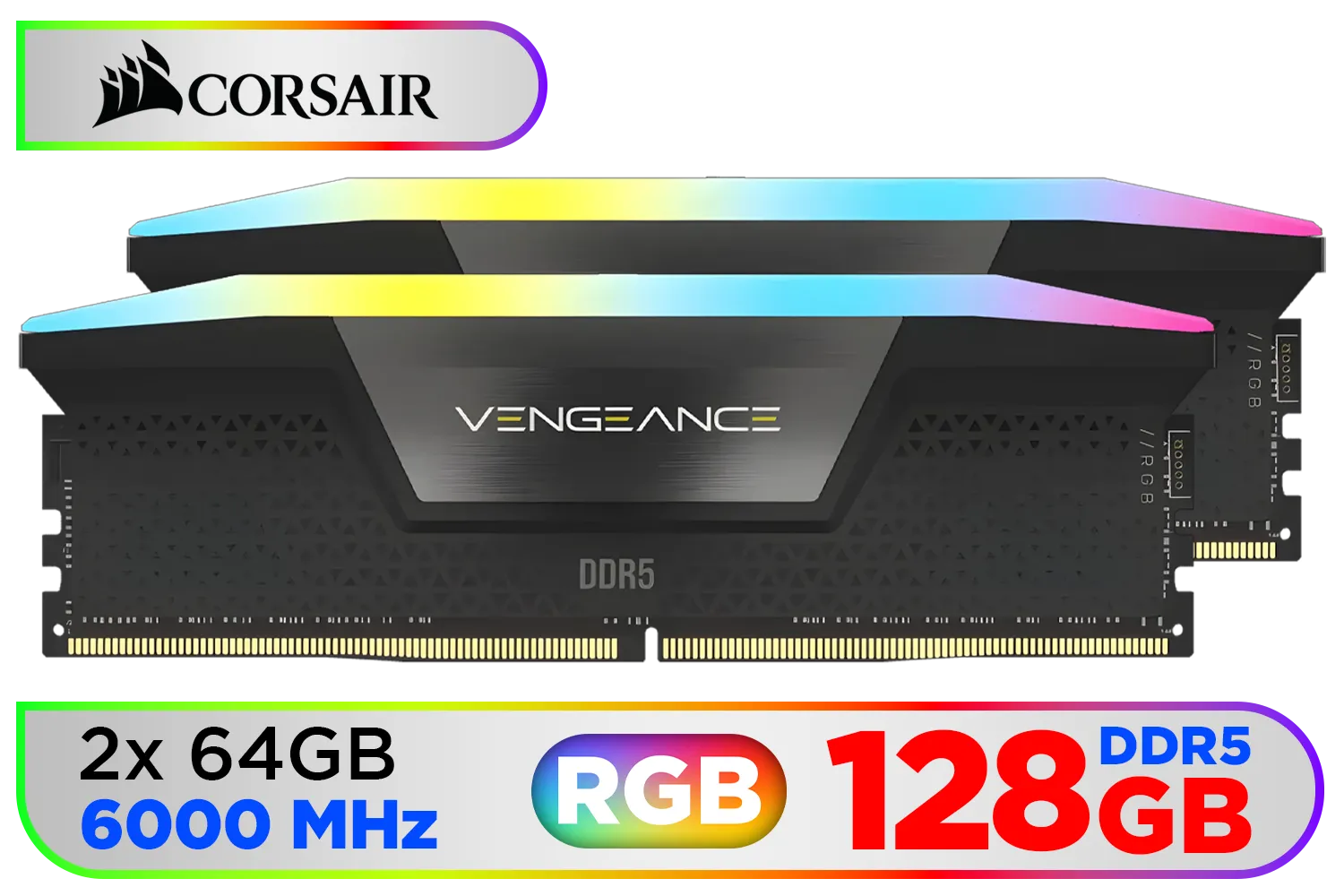
Corsair Vengeance RGB DDR5 128GB (2x64GB) 6000MHz C40 Desktop Memory - Black / Intel Optimized / Dynamic Ten-Zone RGB Lighting / Onboard Voltage Regulation / Custom XMP 3.0 Profiles / Tight Response Times / CMH128GX5M2D6000C40
R22999.00In Stock
Install ASUS Aura, enable RGB control in BIOS, set Kingston Fury RGB sync in Aura, then restart to apply the lighting profile.
Update MSI Mystic Light and RAM firmware, enable RGB control in BIOS, and ensure the memory is listed in Mystic Light's device tab.
Yes. Use RGB Fusion, enable memory RGB in BIOS, and pick the Kingston Fury profile or create a custom lighting effect.
Often yes. Updating Kingston Fury firmware and motherboard RGB software fixes detection and improves sync stability.
Disable conflicting RGB apps, update drivers, reapply profiles, and test one app at a time for Kingston Fury RGB sync.
Enabling XMP shouldn't block RGB sync, but check BIOS RGB settings after enabling XMP to ensure Kingston Fury lighting stays active.
Find presets in ASUS Aura, MSI Mystic Light, or Gigabyte RGB Fusion or download Kingston Fury lighting profiles from official support pages.











