



Lenovo Legion Go SSD Upgrade Guide: How to Expand Storage Safely
Master the Lenovo Legion Go SSD upgrade with our easy guide! 🎮 Swap your drive for massive storage gains without voiding your warranty. We cover tools, cloning, and installation steps to level up your handheld gaming library today. 🚀
|
Loading tags...
Why Upgrade Your Lenovo Legion Go SSD? Unlock More Storage Potential ⚡
For South African gamers, the Lenovo Legion Go handheld console is a sleek powerhouse. But if you’re running out of space for your favourite titles or hefty game updates, an SSD upgrade could be the key. Expanding storage safely lets you keep your smooth gaming sessions uninterrupted and your library growing without compromises. Ready to dive into our Lenovo Legion Go SSD upgrade guide? Let’s make your device stream faster and store more ⚙️.

Logitech F710 Wireless Gaming Gamepad / 2.4GHz Wireless / Broad Game Support / Familiar Button Layout / 940-000142
R849.00In Stock
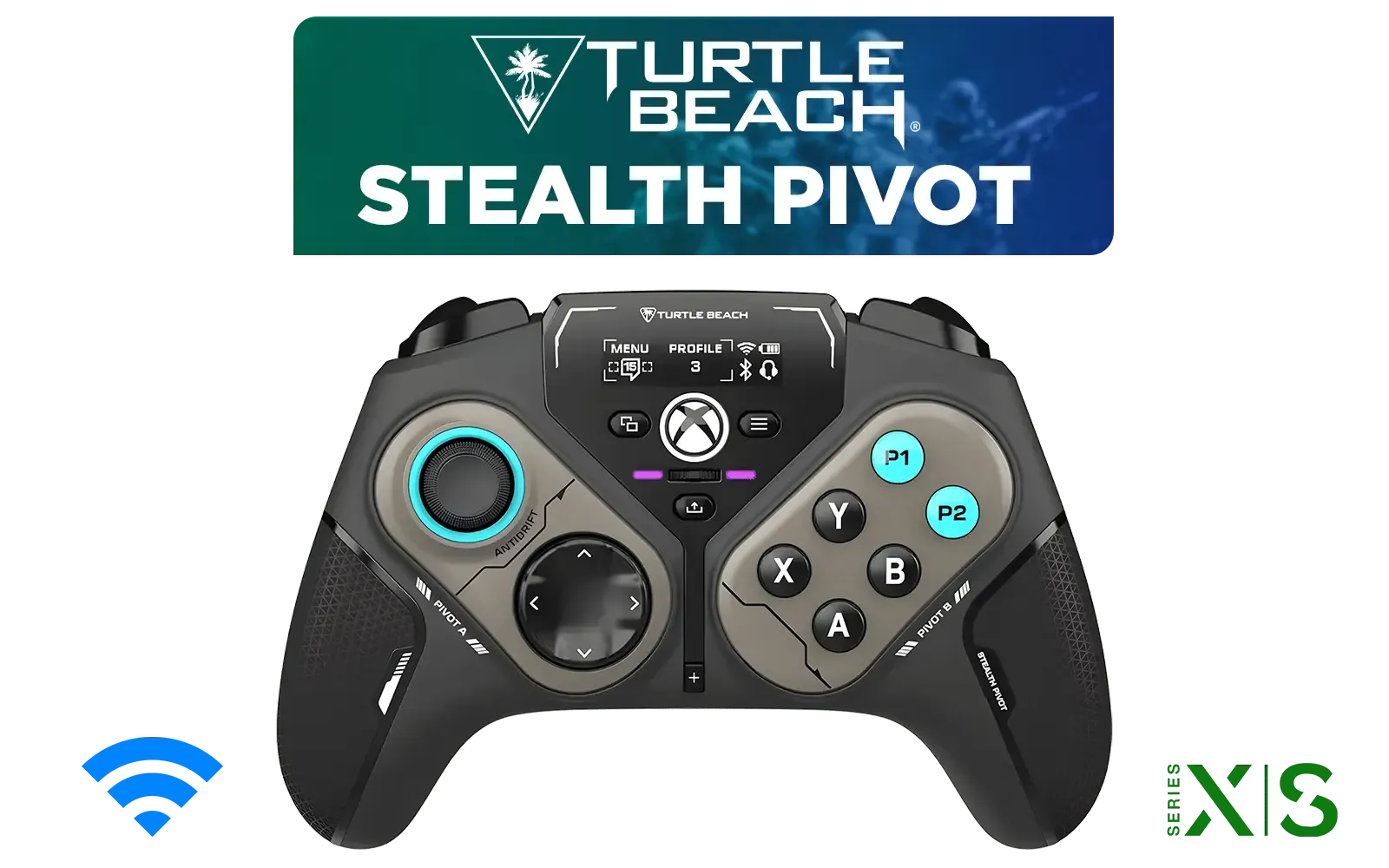
Turtle Beach Stealth Pivot Wireless Smart Game Controller for Windows PC, Wired for Xbox Series X|S & Xbox One – Rotating Modules, Display Dashboard, Hall-Effect Sticks, Remappable Buttons, Bluetooth / TBS-0120-05
R3199.00In Stock
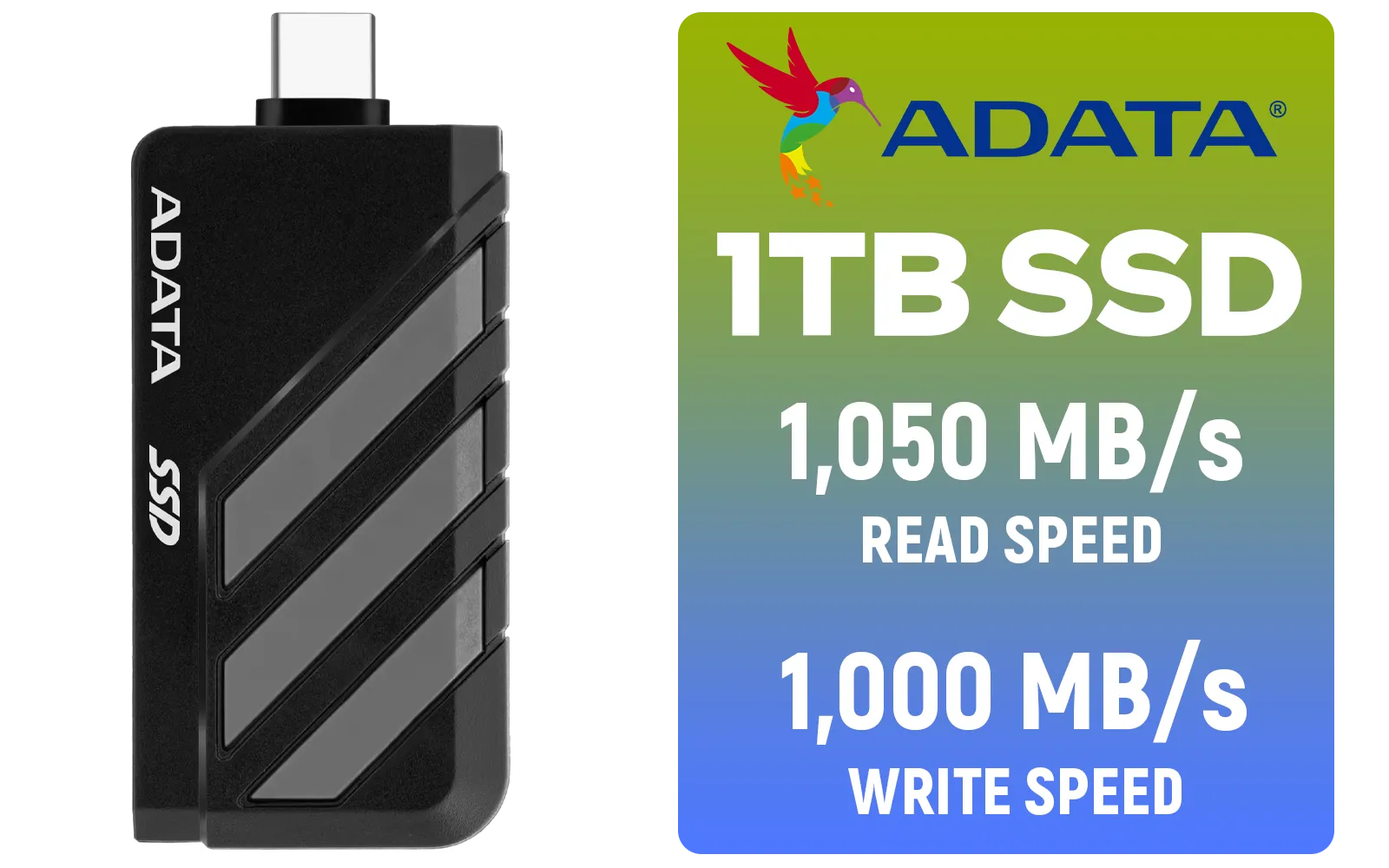
Adata SC735 1TB High-Performance External SSD with USB-C / 1,050MB/s Read & 1,000MB/s Write Speeds / Cable-Free Mobile Phone Compatibility / Gaming Handheld Compatible / Supports Latest Game Consoles / Multi-OS Support / SC735-1000G-CCBK/GY
R2199.00In Stock
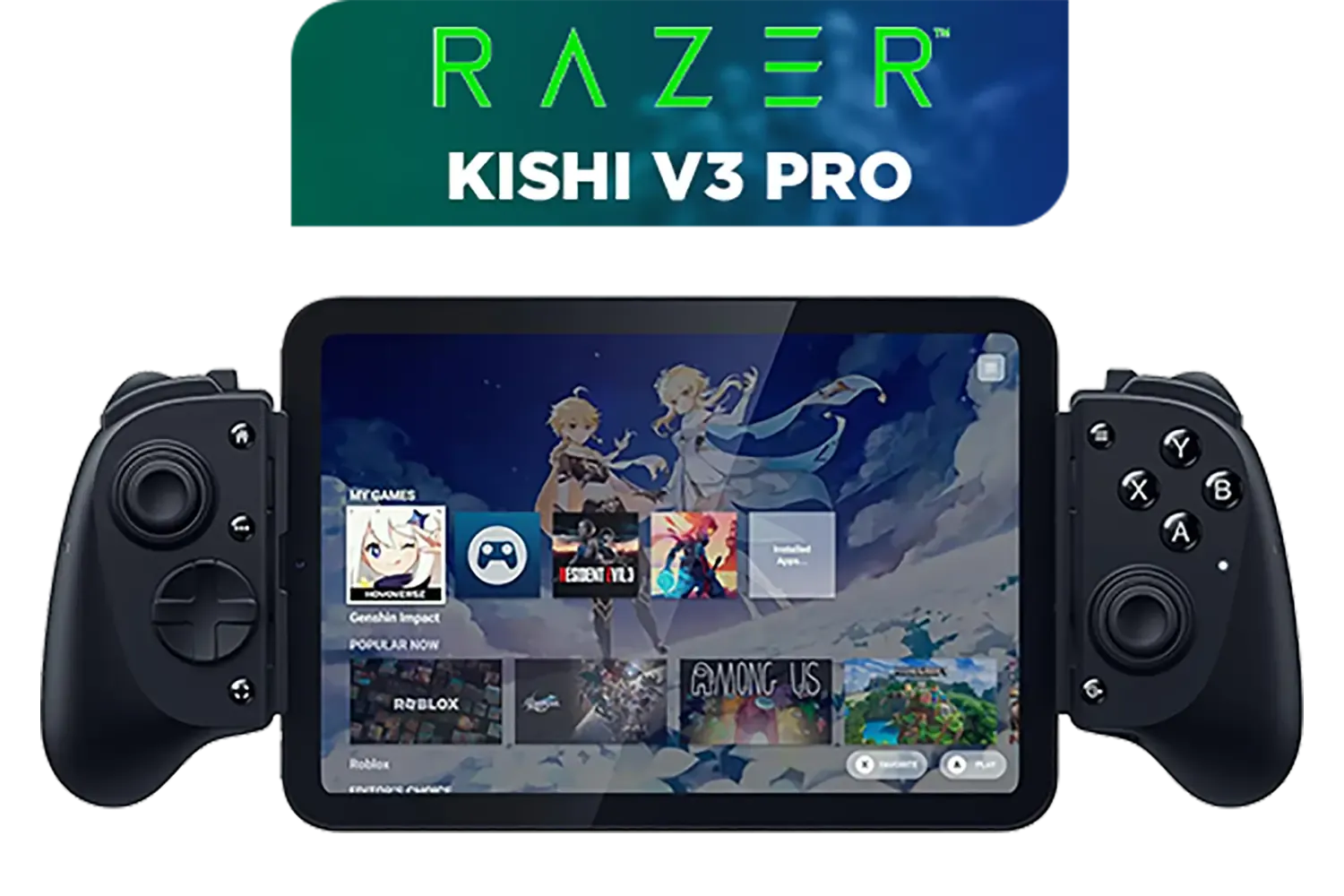
Razer Kishi V3 Pro Gaming Controller / Supports Android, iPhone & iPad Mini / Full-Sized Console-Style Controller / Fits Phones and Tablets up to 8” / Razer Sensa HD Immersive Haptics / RZ06-05460100-R3M1
R4199.00In Stock
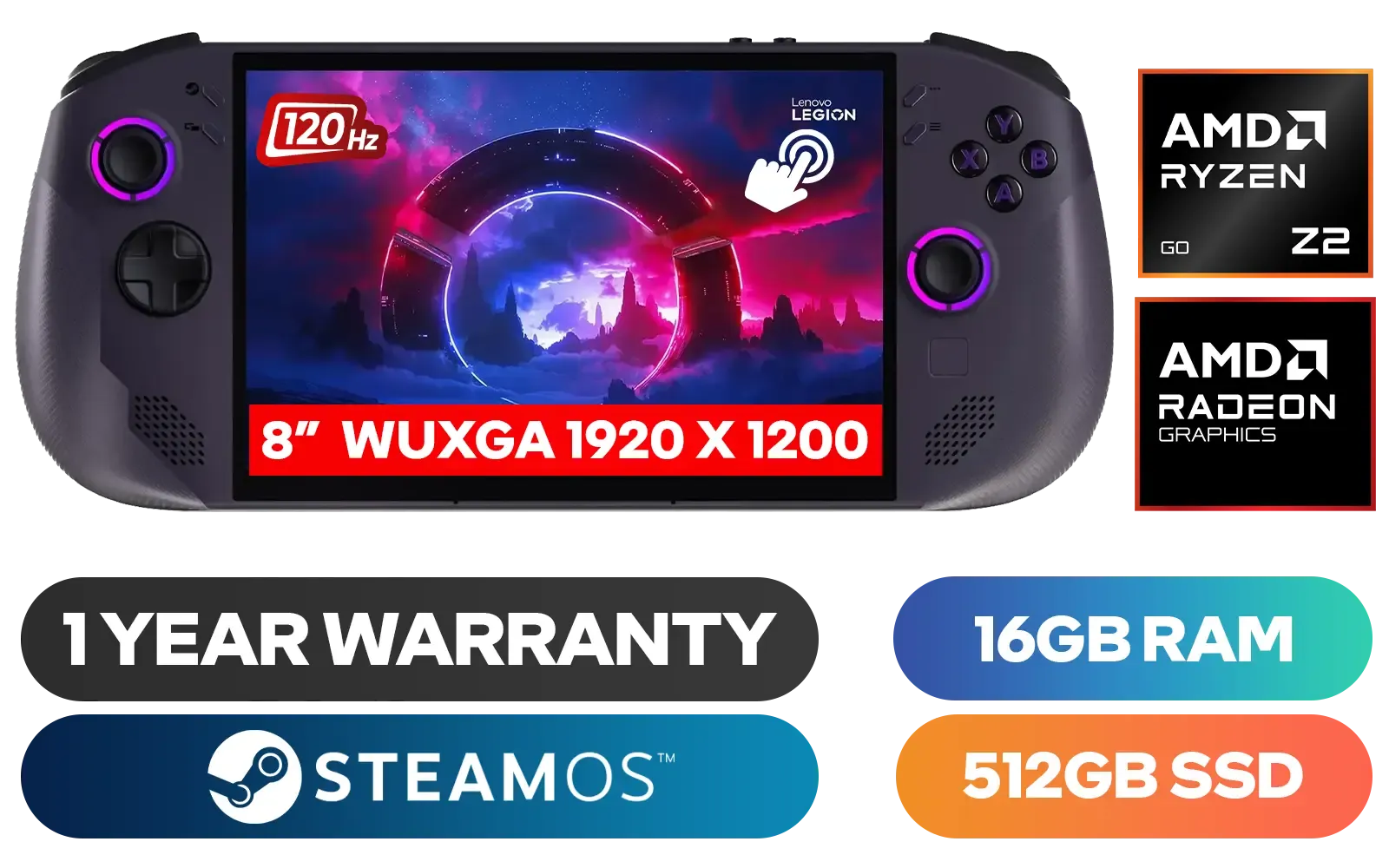
Lenovo Legion Go S 8ARP1 Handheld Touchscreen Gaming Console - Black / AMD Ryzen™ Z2 Go / 16GB LPDDR5X RAM / 512B NVMe SSD / 8.8" WUXGA (1920 x 1200), Touch Screen, 100% sRGB(Typical), 500nits(Typical), IPS-Level Display/ Integrated AMD Radeon™ Graphics / 2x USB Type-C support (DisplayPort™ 1.4 / Power Delivery 3.0) / 1 x Card Reader / 1 x Headphone and Microphone combo jack / AMD Wi-Fi® 6E RZ616 Wireless / Bluetooth 5.3 / SteamOS / 2 Stereo Speakers / 4-Cell, Li-ion, 55.5Whr Battery / 1 Year Warranty / 83L3004VSA
R13499.00In Stock

Microsoft Xbox Wireless Controller - Carbon Black / Hybrid D-Pad / 3.5mm Stereo Headset Jack / Textured Triggers And Bumpers / Compatible for Xbox Series X|S, Xbox One, Android And iOS / QAT-00009
R1599.00In Stock
Understanding the Lenovo Legion Go SSD Upgrade Options
The Legion Go comes equipped with a solid state drive designed for speed and reliability. But the built-in storage can fill up fast, especially if you’re a fan of AAA titles or stream content. Upgrading your SSD means choosing the right capacity and compatible hardware without risking your console’s warranty or performance.
Look for SSDs that match the console’s SSD slot type and NVMe protocol. This ensures you won’t encounter bottlenecks or incompatibility errors. Different from generic drives, these models optimise read/write speeds to keep your gaming lag-free.
Check out these handheld gaming consoles on Evetech’s store for compatible SSDs, including the Lenovo Legion Go and others from trusted brands tailored for portability and speed: handheld gaming consoles selection.
Safely Expanding Storage: Step-by-Step Tips 🔧
Upgrading isn't just about plugging in a new SSD. Here’s how to expand your Lenovo Legion Go storage safely:
1. Back Up Your Data
Before you touch any hardware, back up your games and saved data. Use cloud saves or external storage options to avoid losing precious progress. Lenovo’s official support also recommends backing up firmware settings.
2. Select the Right SSD Size and Brand
For South African gamers, a 1TB or 2TB NVMe SSD hits the sweet spot—balancing storage, speed, and price. Trusted brands like ASUS, MSI, and Lenovo themselves offer drives tested for handheld consoles. You can browse compatible options directly here:
- Lenovo brand handheld gaming consoles
- ASUS handheld consoles and compatible hardware
- MSI portable gaming devices
3. Use Anti-Static Equipment
Prevent hardware damage and ensure safe swapping by grounding yourself with an anti-static wristband or touching grounded metal surfaces.
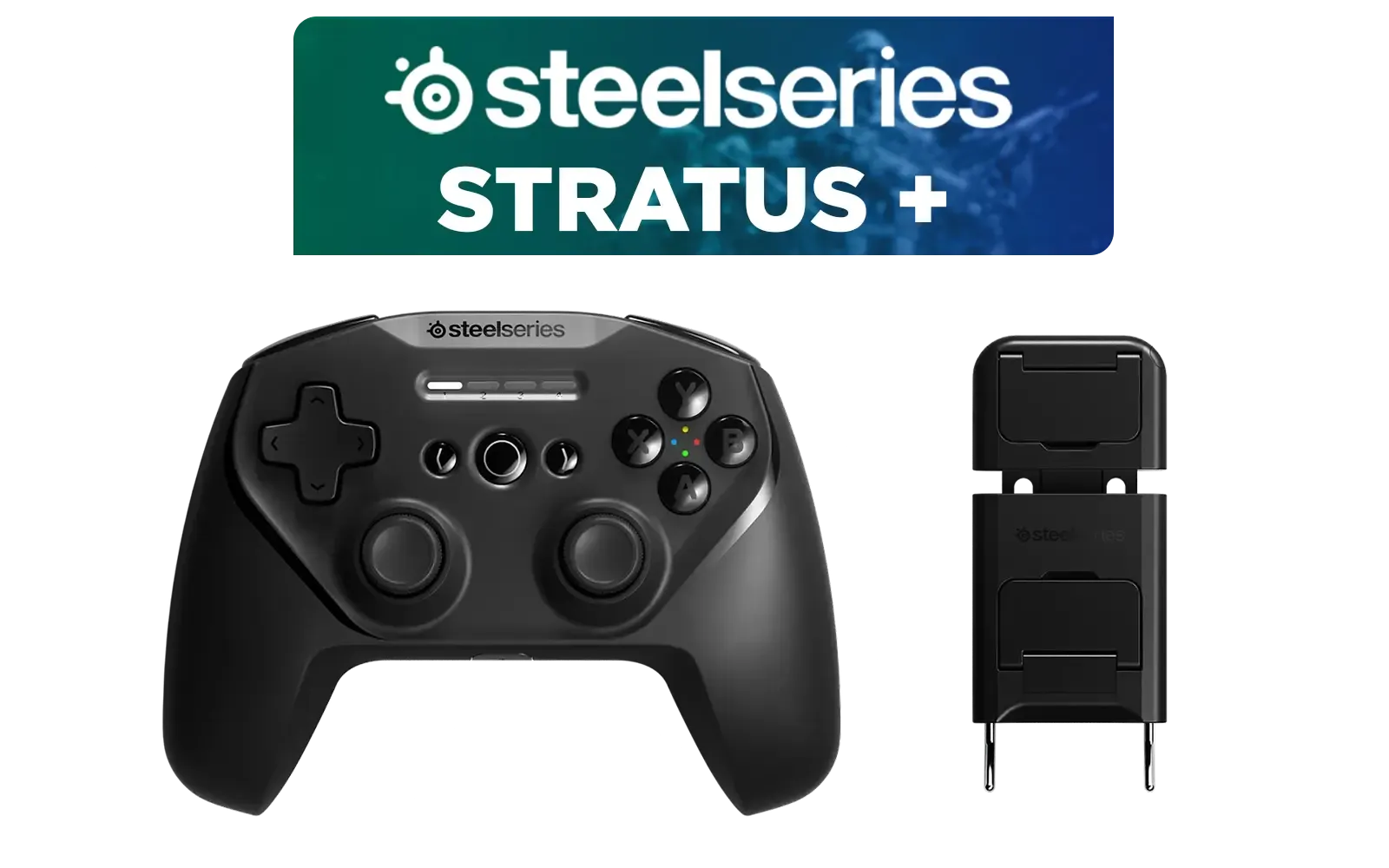
SteelSeries Stratus + Wireless Anroid Controller / Android & Chromebook Wireless Gaming Controller / Bluetooth LE + USB-C PC Support / Adjustable Slim Phone Mount Included / 90-Hour Battery Life with Fast Charge (15 min = 12 hrs) / ALPS Thumbsticks with L3/R3 / Hall Effect Magnetic Triggers for Lifetime Precision / 69076
R999.00In Stock
Turtle Beach Stealth Pivot Wireless Smart Game Controller for Windows PC, Wired for Xbox Series X|S & Xbox One – Rotating Modules, Display Dashboard, Hall-Effect Sticks, Remappable Buttons, Bluetooth / TBS-0120-05
R3199.00In Stock
Adata SC735 1TB High-Performance External SSD with USB-C / 1,050MB/s Read & 1,000MB/s Write Speeds / Cable-Free Mobile Phone Compatibility / Gaming Handheld Compatible / Supports Latest Game Consoles / Multi-OS Support / SC735-1000G-CCBK/GY
R2199.00In Stock
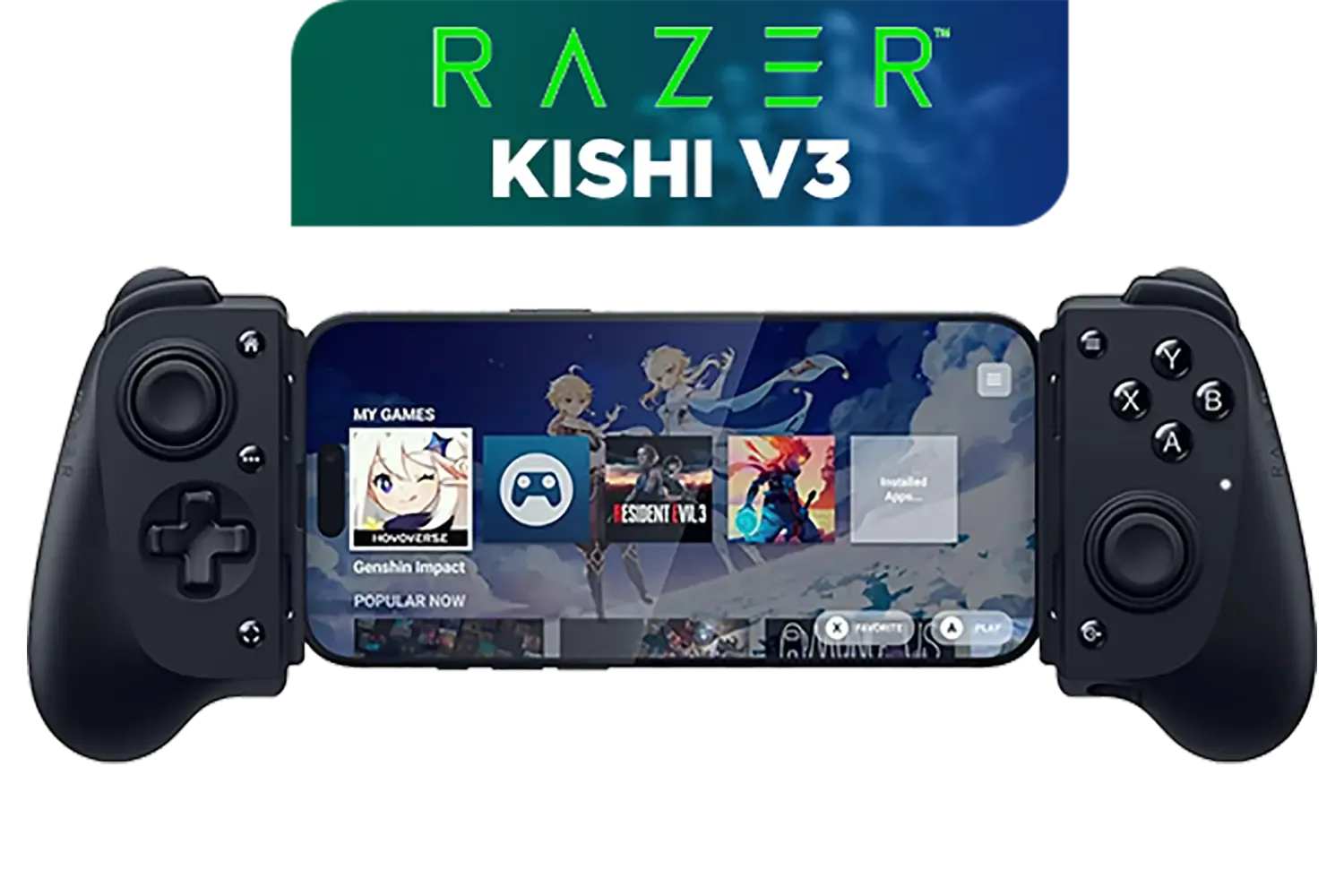
Razer Kishi V3 Gaming Controller / Supports Android and iPhone / Full-Sized Console-Style Controller / Dual mouse-click back buttons / Razer Sensa HD Immersive Haptics / RZ06-03550100-R3M1
R2999.00In Stock
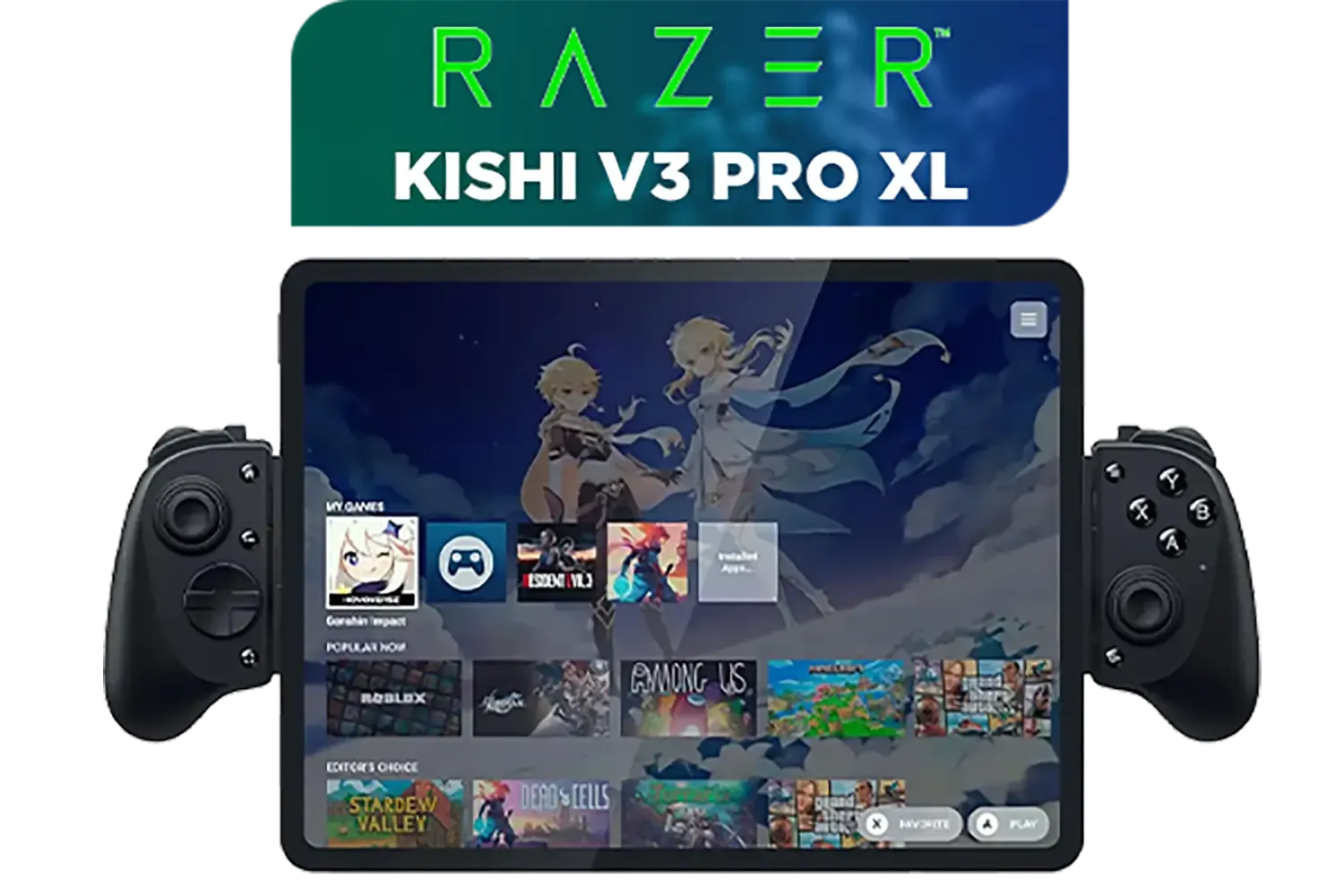
Razer Kishi V3 Pro XL iPad & Android Tablet Gaming Controller / Full-Sized Console-Style Controller / Fits Phones and Tablets up to 10” / Razer Sensa HD Immersive Haptics / RZ06-05470100-R3M1
R5199.00In Stock

Turtle Beach Atom Mobile Game Controller with Bluetooth for Cloud Gaming on Android Mobile Devices with Compact Shape, Console Style Controls, Low Latency Bluetooth - Red / TBS-0766-05
R2499.00In Stock
4. Follow Official Disassembly Guides
Always check Lenovo’s official teardown instructions before opening the Legion Go. It prevents warranty voids and hardware mishaps.
5. Update Your Firmware Post-Upgrade
After installing, update your Legion Go’s firmware through official Lenovo channels to support the new SSD and enhance performance.
TIP FOR YOU
Pro Gamer Tip
Upgrading to a faster NVMe SSD not only gives you more storage but also cuts down load times drastically. Plus, keeping games on an SSD helps maintain stable frame rates during intense sessions.
Maximising Your Upgraded Storage: Game Management Insights 🚀
After upgrading, keep your SSD health in check by using storage management software. Uninstall games you rarely play to maintain space and speed. Consider storing less-used titles on external drives or cloud services where possible. South African gamers familiar with fibre speeds will appreciate how this keeps gameplay silky-smooth without stutters.
Also, regularly monitor SSD temperature and performance using free tools. Excess heat can shorten your SSD’s lifespan and reduce speed.
Lenovo Legion Go S 8ARP1 Handheld Touchscreen Gaming Console - Black / AMD Ryzen™ Z2 Go / 16GB LPDDR5X RAM / 512B NVMe SSD / 8.8" WUXGA (1920 x 1200), Touch Screen, 100% sRGB(Typical), 500nits(Typical), IPS-Level Display/ Integrated AMD Radeon™ Graphics / 2x USB Type-C support (DisplayPort™ 1.4 / Power Delivery 3.0) / 1 x Card Reader / 1 x Headphone and Microphone combo jack / AMD Wi-Fi® 6E RZ616 Wireless / Bluetooth 5.3 / SteamOS / 2 Stereo Speakers / 4-Cell, Li-ion, 55.5Whr Battery / 1 Year Warranty / 83L3004VSA
R13499.00In Stock
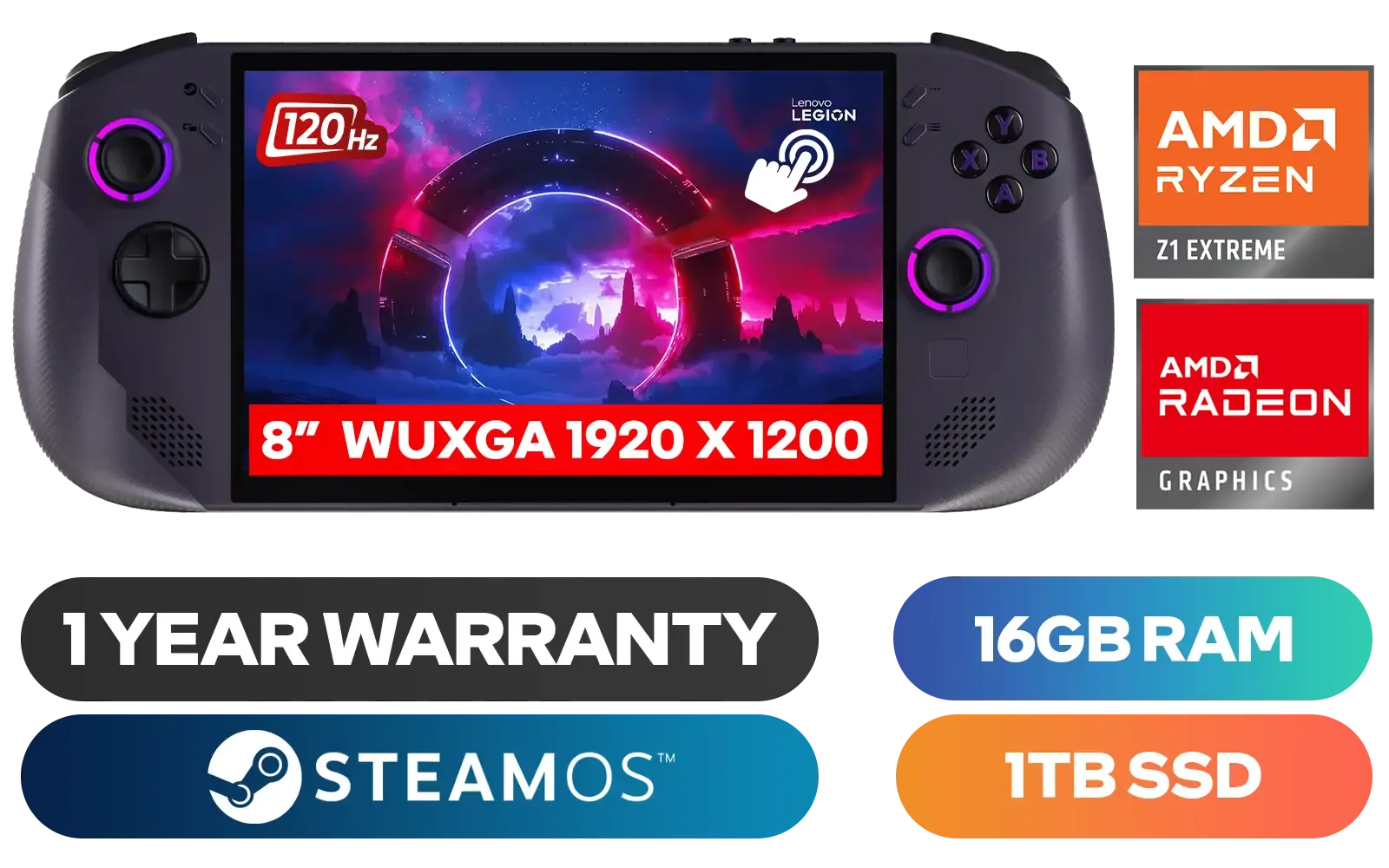
Lenovo Legion Go S 8APU1 Handheld Touchscreen Gaming Console - Black / AMD Ryzen™ Z1 Extreme / 16GB LPDDR5X RAM / 1TB NVMe SSD / 8.8" WUXGA (1920 x 1200), Touch Screen, 100% sRGB(Typical), 500nits(Typical), IPS-Level Display/ Integrated AMD Radeon™ Graphics / 2x USB Type-C support (DisplayPort™ 1.4 / Power Delivery 3.0) / 1 x Card Reader / 1 x Headphone and Microphone combo jack / AMD Wi-Fi® 6E RZ616 Wireless / Bluetooth 5.3 / SteamOS / 2 Stereo Speakers / 4-Cell, Li-ion, 55.5Whr Battery / 1 Year Warranty / 83N6002ESA
R17499.00In Stock
Razer Kishi V3 Gaming Controller / Supports Android and iPhone / Full-Sized Console-Style Controller / Dual mouse-click back buttons / Razer Sensa HD Immersive Haptics / RZ06-03550100-R3M1
R2999.00In Stock
Razer Kishi V3 Pro Gaming Controller / Supports Android, iPhone & iPad Mini / Full-Sized Console-Style Controller / Fits Phones and Tablets up to 8” / Razer Sensa HD Immersive Haptics / RZ06-05460100-R3M1
R4199.00In Stock
SteelSeries Stratus + Wireless Anroid Controller / Android & Chromebook Wireless Gaming Controller / Bluetooth LE + USB-C PC Support / Adjustable Slim Phone Mount Included / 90-Hour Battery Life with Fast Charge (15 min = 12 hrs) / ALPS Thumbsticks with L3/R3 / Hall Effect Magnetic Triggers for Lifetime Precision / 69076
R999.00In Stock
Turtle Beach Atom Mobile Game Controller with Bluetooth for Cloud Gaming on Android Mobile Devices with Compact Shape, Console Style Controls, Low Latency Bluetooth - Red / TBS-0766-05
R2499.00In Stock
Choosing the Right Console for Your Upgrade Path
While the Lenovo Legion Go is a top pick for handheld gaming in SA, you might also explore other handheld consoles tailored for upgradeability and power. Evetech stock includes a wide range from MSI, ASUS and Lenovo to fulfil the needs of diverse gamers looking to tweak performance and storage: check the full handheld gaming consoles range.
Whether you want a fast upgrade on your Lenovo Legion Go or want to compare models with easy upgrade options, you’ll find what you need at Evetech.
Upgrade Your Gaming Storage Today Ready to expand your Lenovo Legion Go’s SSD with confidence? Discover the best handheld gaming consoles and upgrade options Shop now at Evetech for performance that leaves lag in the dust.
Related Products
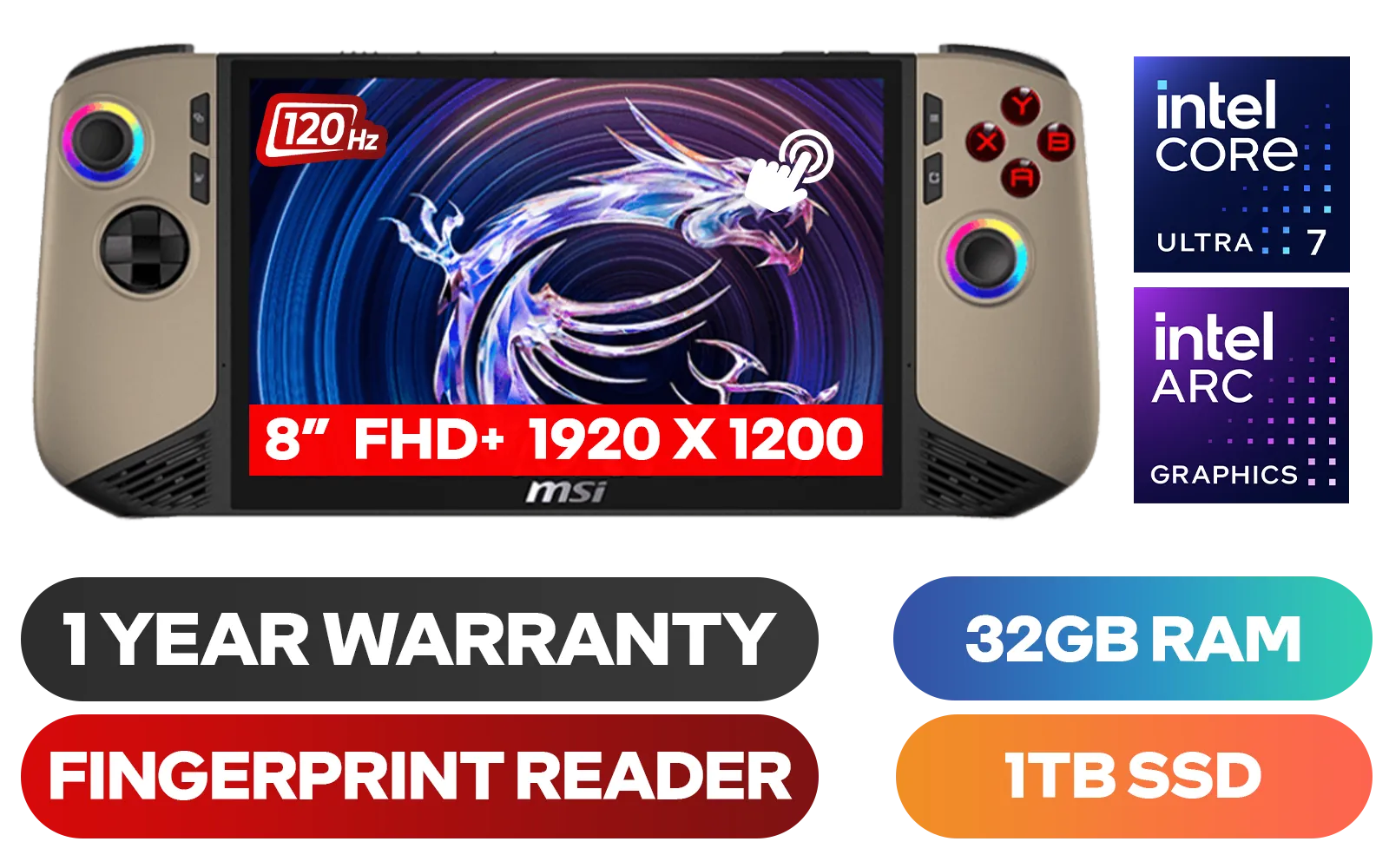
MSI Claw 8 AI+ A2VM Handheld Touchscreen Gaming Console / Intel Core Ultra 7 258V / 32GB LPDDR5X RAM / 1TB NVMe SSD / 8" FHD+ (1920 x 1200), 120 Hz, Touchscreen Display / Intel® Arc 140V Graphics / 2 x USB Type-C (Supports Thunderbolt 4 / DisplayPort / Power Delivery 3.0) / 1 x Micro SD Card Reader / 1 x Headphone and Microphone combo jack / 1x Fingerprint Reader / Intel® Killer Wi-Fi 7 BE1750 Wireless LAN / Bluetooth 5.4 / Windows 11 Home (64bit) / 2 × 2W Speakers, Hi-Res Audio ready / 6-Cell, 80Whr Battery / 1 Year Warranty / CLAW-8-AI-A2VM-067ZA
R18999.00In Stock
Lenovo Legion Go S 8APU1 Handheld Touchscreen Gaming Console - Black / AMD Ryzen™ Z1 Extreme / 16GB LPDDR5X RAM / 1TB NVMe SSD / 8.8" WUXGA (1920 x 1200), Touch Screen, 100% sRGB(Typical), 500nits(Typical), IPS-Level Display/ Integrated AMD Radeon™ Graphics / 2x USB Type-C support (DisplayPort™ 1.4 / Power Delivery 3.0) / 1 x Card Reader / 1 x Headphone and Microphone combo jack / AMD Wi-Fi® 6E RZ616 Wireless / Bluetooth 5.3 / SteamOS / 2 Stereo Speakers / 4-Cell, Li-ion, 55.5Whr Battery / 1 Year Warranty / 83N6002ESA
R17499.00In Stock
Razer Kishi V3 Pro XL iPad & Android Tablet Gaming Controller / Full-Sized Console-Style Controller / Fits Phones and Tablets up to 10” / Razer Sensa HD Immersive Haptics / RZ06-05470100-R3M1
R5199.00In Stock
Logitech F710 Wireless Gaming Gamepad / 2.4GHz Wireless / Broad Game Support / Familiar Button Layout / 940-000142
R849.00In Stock
Microsoft Xbox Wireless Controller - Carbon Black / Hybrid D-Pad / 3.5mm Stereo Headset Jack / Textured Triggers And Bumpers / Compatible for Xbox Series X|S, Xbox One, Android And iOS / QAT-00009
R1599.00In Stock
SteelSeries Stratus + Wireless Anroid Controller / Android & Chromebook Wireless Gaming Controller / Bluetooth LE + USB-C PC Support / Adjustable Slim Phone Mount Included / 90-Hour Battery Life with Fast Charge (15 min = 12 hrs) / ALPS Thumbsticks with L3/R3 / Hall Effect Magnetic Triggers for Lifetime Precision / 69076
R999.00In Stock
The Lenovo Legion Go strictly uses a single-sided M.2 2242 NVMe PCIe Gen 4 SSD. You must buy the compact 2242 form factor rather than the standard 2280 desktop size.
Generally, opening the device to perform a storage upgrade does not void the warranty, provided you do not damage any internal components during the process.
Use an external NVMe USB enclosure and cloning software like Macrium Reflect to copy your OS and games to the new M.2 2242 drive before opening the device.
You will need a precision Phillips #0 screwdriver, a plastic pry tool (or guitar pick) to open the backplate, and an external SSD enclosure if you plan to clone data.
Yes, you can use a smaller M.2 2230 SSD with a 2230-to-2242 extender bracket, though a native 2242 drive is often preferred for better thermal stability.
While often sold with 512GB or 1TB, the Legion Go hardware supports up to 2TB M.2 2242 SSDs, significantly expanding your portable AAA game library.











