



LG 27GS75Q Monitor: Smoother Gameplay and Better Visuals
• Assess features • Tune settings • Optimize streams — LG 27GS75Q monitor boosts streamers with 240Hz refresh, Nano IPS color, and low input lag for smoother gameplay and sharper visuals. 🎮✨
|
Loading tags...

Stuck with a monitor that can't keep up? In fast-paced games like Apex Legends or Valorant, a laggy, blurry screen means you're at a disadvantage before the round even starts. It's a common frustration for South African gamers. The LG 27GS75Q monitor is engineered to fix that, offering a crisp QHD display with the speed you need for smoother gameplay and better visuals, turning near-misses into decisive victories. Let's dive in.
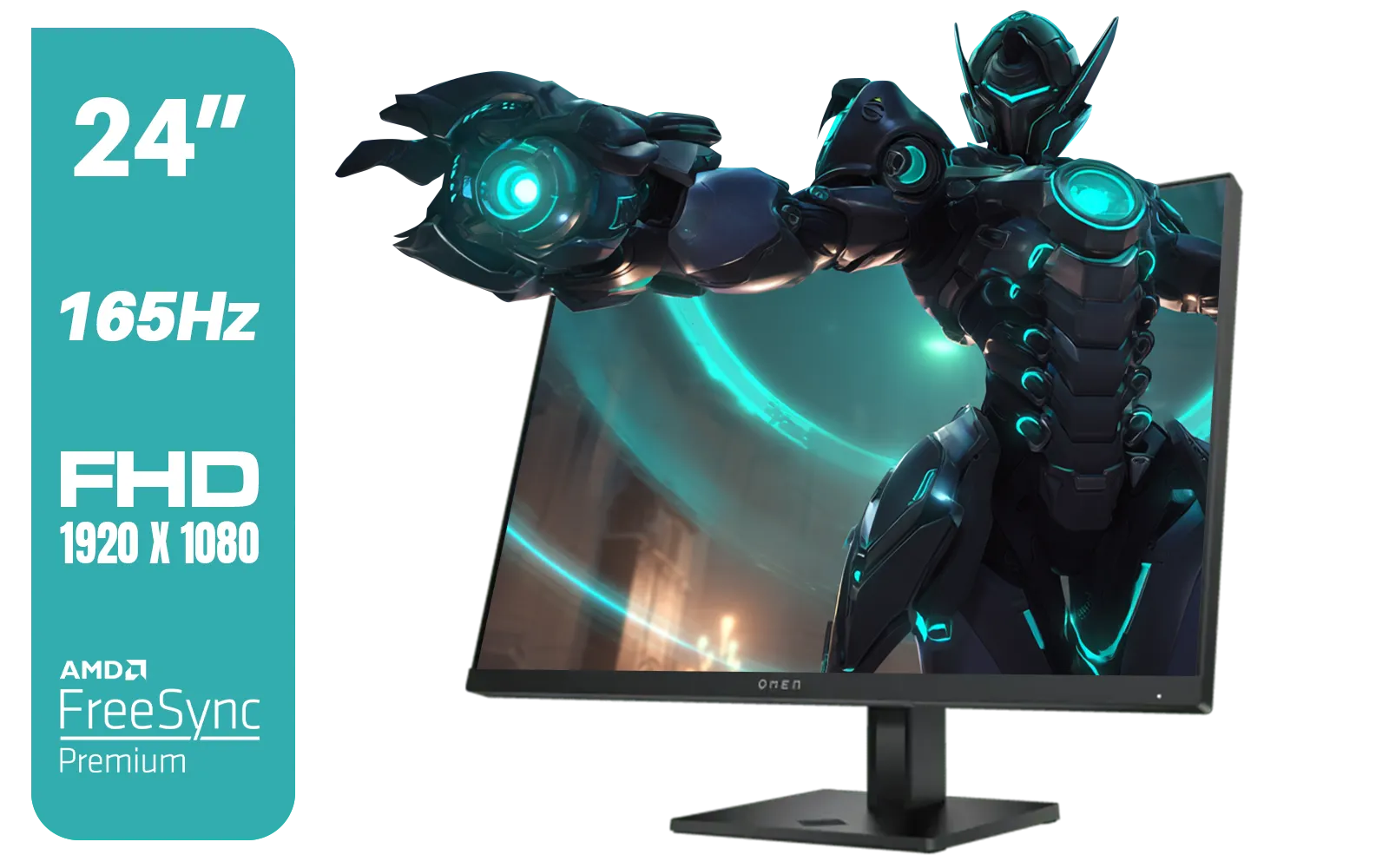
HP OMEN 24 FHD 165Hz Gaming Monitor - Black / 24" FHD (1920 x 1080) Anti-glare Display / AMD FreeSync Premium / Pivot Rotation and Height Adjustable / 780D9AS
R5199.00In Stock
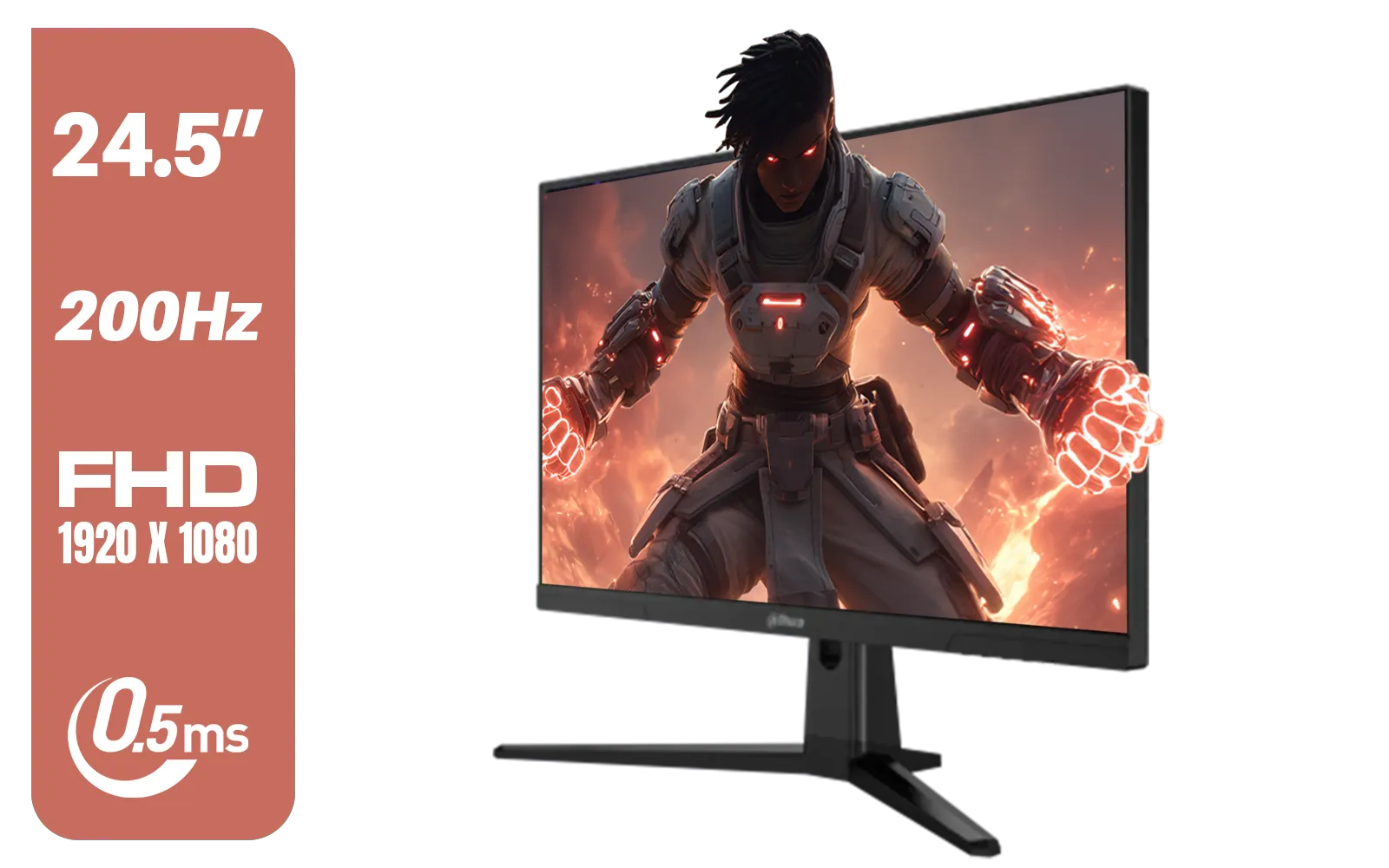
Dahua LM25-E231BN 24.5" Monitor / FHD 1920 x 1080 / 200Hz Refresh Rate / 0.5ms Response Time / DHI-LM25-E231BN
R2199.00In Stock
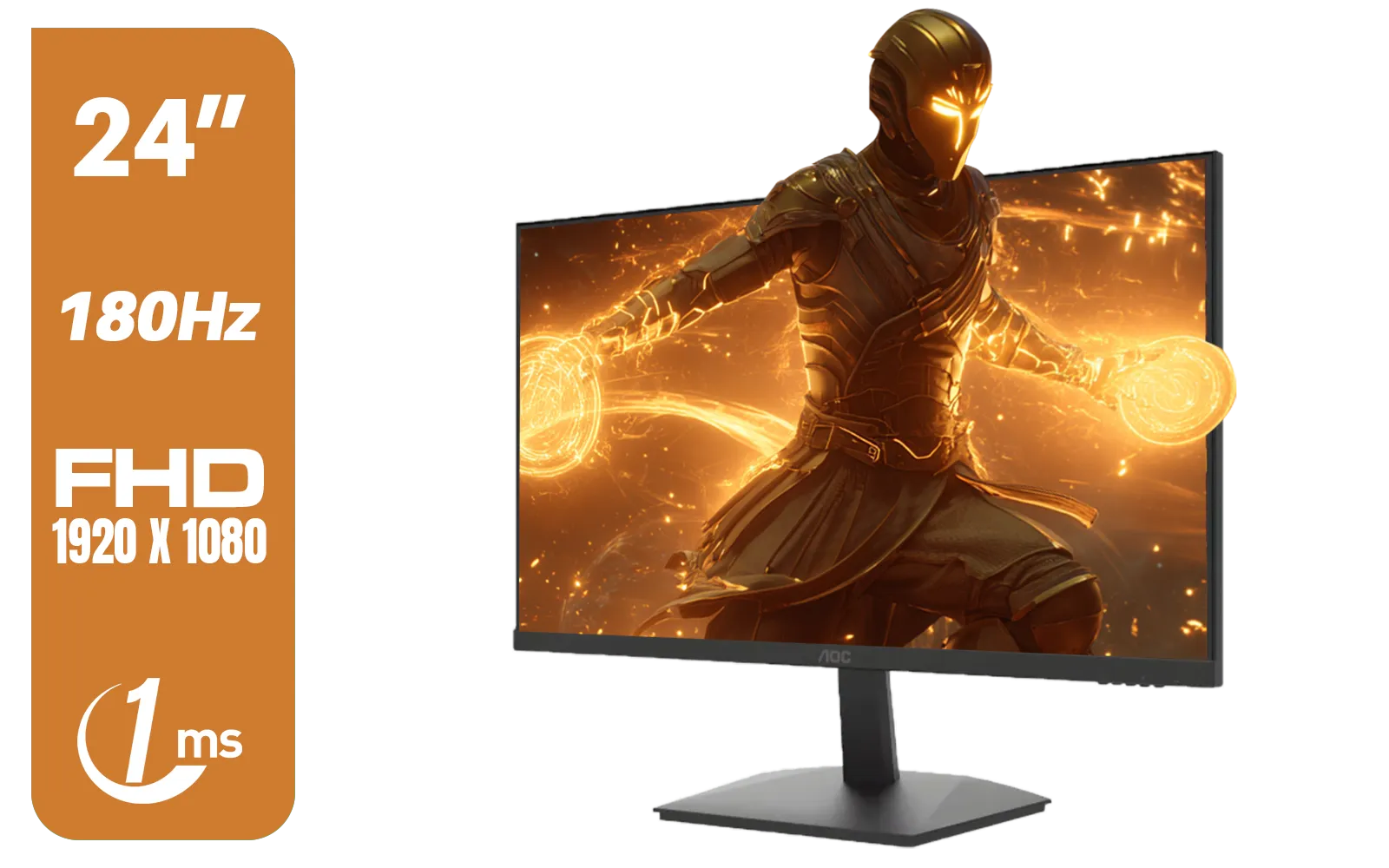
AOC 24G15N Gaming Monitor / 24" / VA FHD 1920x1080 / 180hz / 1ms / HDMI DP|VESA / Flicker Fee / Low Blue Mode / Adaptive Sync/ AOC-24G15N
R2299.00In Stock

AOC 24B20JH2 IPS Panel Monitor, FHD 1920x1080, 100Hz, 106% sRGB, for Home and Office, HDMI x1, VGA ×1, Low Blue Mode, Black / AOC-24B20JH2
R2299.00In Stock

Dell SE2425HM Monitor 210-BQZT / FHD (1920 x 1080) Resolution / 5ms Response Time / IPS level Display / 178° Horizontal and Vertical Viewing Angles / SE2425HM
R1899.00In Stock
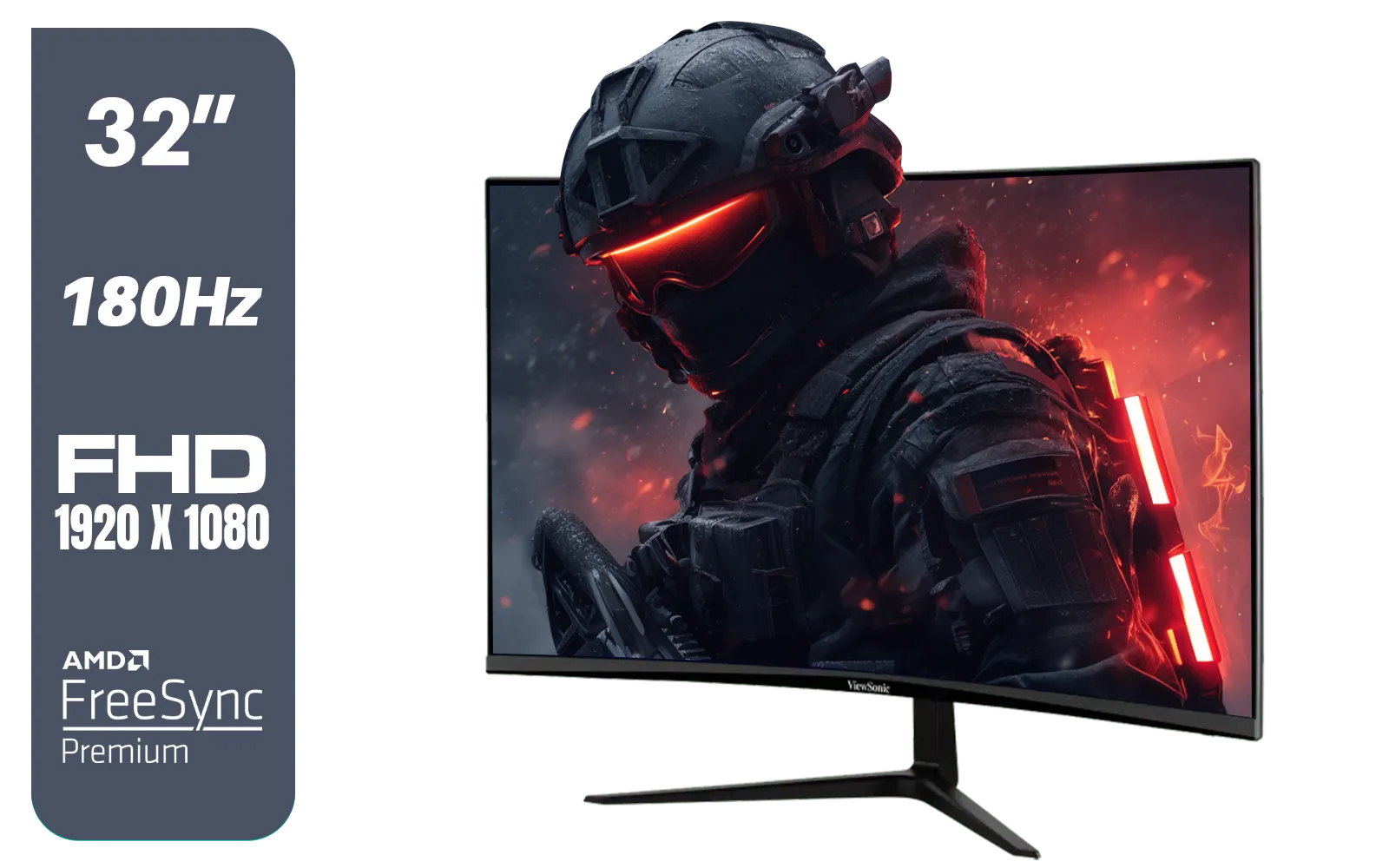
ViewSonic VX3218-PC-MHD 32" Full HD (1920 x 1080) 180Hz Curved Gaming Monitor / 180Hz Refresh Rate / 1ms MPRT Response Time / AMD Adaptive Sync Prevents Screen Tearing / 1500R Curve Ultimate Immersion / VX3218PCMHD
R3499.00In Stock
Why the LG 27GS75Q Delivers Smoother Gameplay
The secret to fluid, responsive gaming lies in two key specs: refresh rate and response time. The LG 27GS75Q monitor excels here with a blistering 180Hz refresh rate and a 1ms (GtG) response time. What does this mean for you? The screen updates 180 times per second, drastically reducing motion blur and making enemy movements easier to track. You see it happen, you react... there's no perceptible delay. ⚡
To eliminate screen tearing and stuttering, this monitor supports both AMD FreeSync Premium and is also NVIDIA G-Sync Compatible. This is a massive improvement over older screens, many of which had no adaptive sync technology at all, leading to frustrating visual glitches. By synchronising the monitor's refresh rate with your graphics card's output, you get a consistently smooth experience, making it one of the most versatile Adaptive Sync displays available.
Experience Better Visuals with This Display
Speed is nothing without a great picture. The LG 27GS75Q monitor uses a 27-inch QHD (2560x1440) IPS panel, hitting the sweet spot for detail and performance. This resolution gives you a sharper image than standard 1080p without demanding the extreme GPU power of 4K.
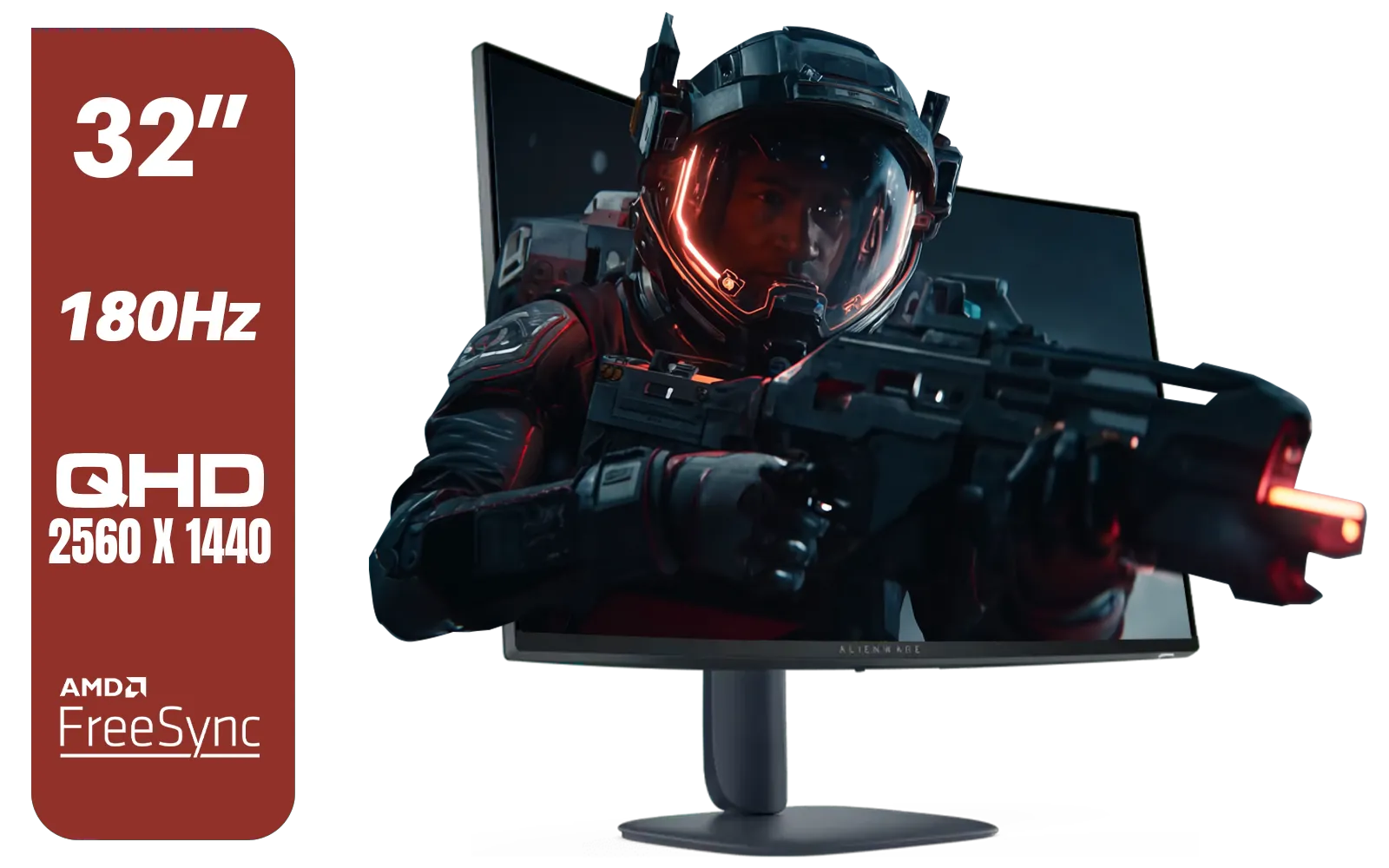
Alienware AW3225DM - 32" Curved Gaming Monitor / 180Hz Refresh Rate / QHD (2560x1440) / 1ms (GTG Extreme Mode) Response Time / AMD FreeSync / AW3225DM
R6499.00In Stock
Dahua LM25-E231BN 24.5" Monitor / FHD 1920 x 1080 / 200Hz Refresh Rate / 0.5ms Response Time / DHI-LM25-E231BN
R2199.00In Stock

AOC 22B2HN, 21.5 Inch (54.6 cm) LED 1920 x 1080 Pixels Ultra Slim Monitor with 3 Sided Frameless Design, Va Panel, Hdmi/Vga Port, Full Hd, 7 Ms Response Time, 75 Hz Refresh Rate, Flicker Free, Black / AOC-22B2HN
R2099.00In Stock
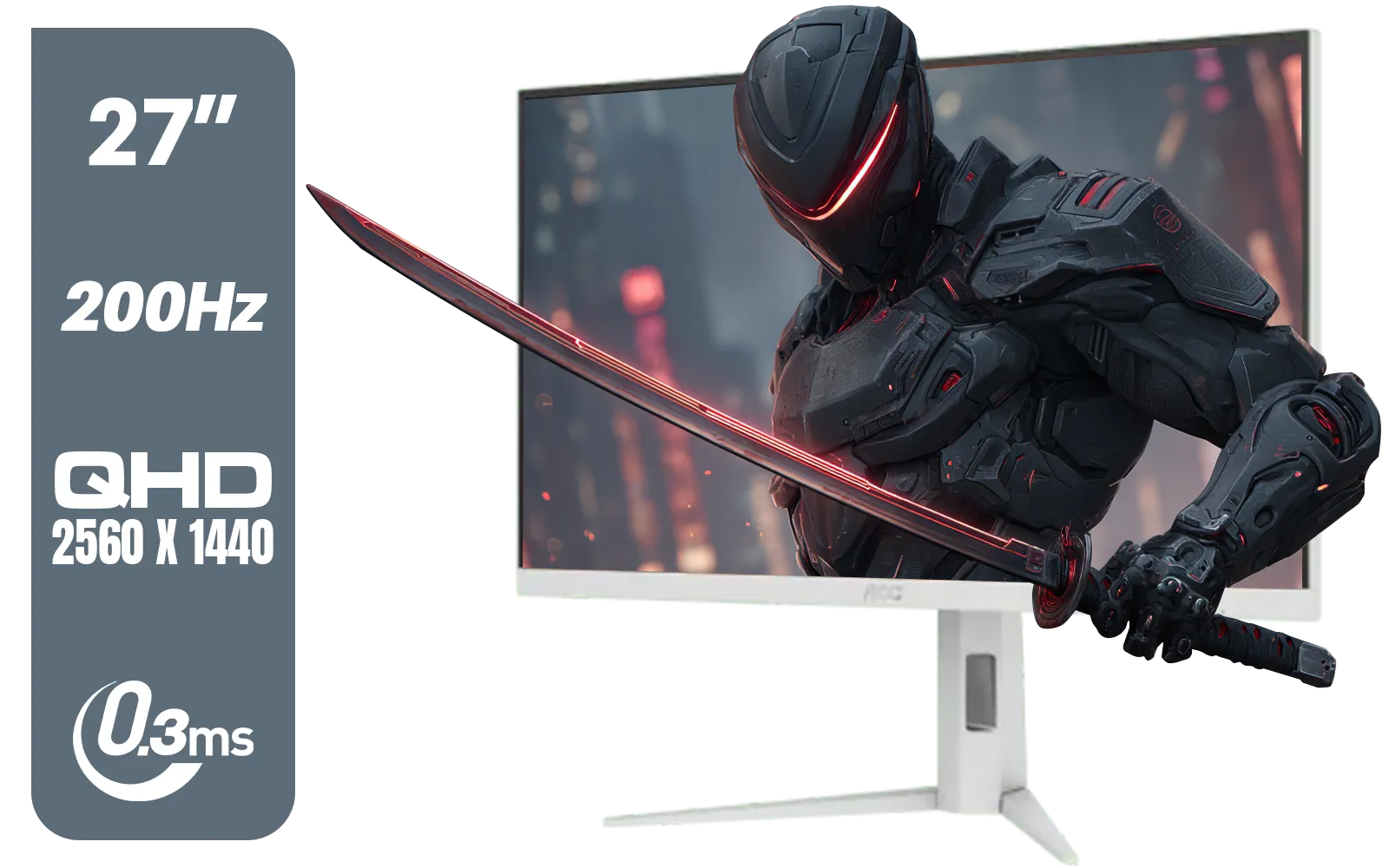
AOC Q27G4/WS 27" Gaming Monitor - White / QHD (2560 × 1440) / 200Hz Refresh Rate / 0.3ms Response Time / IPS-Level Display / Certified HDR400 / Support Adaptive Sync / Q27G4/WS
R4899.00In Stock
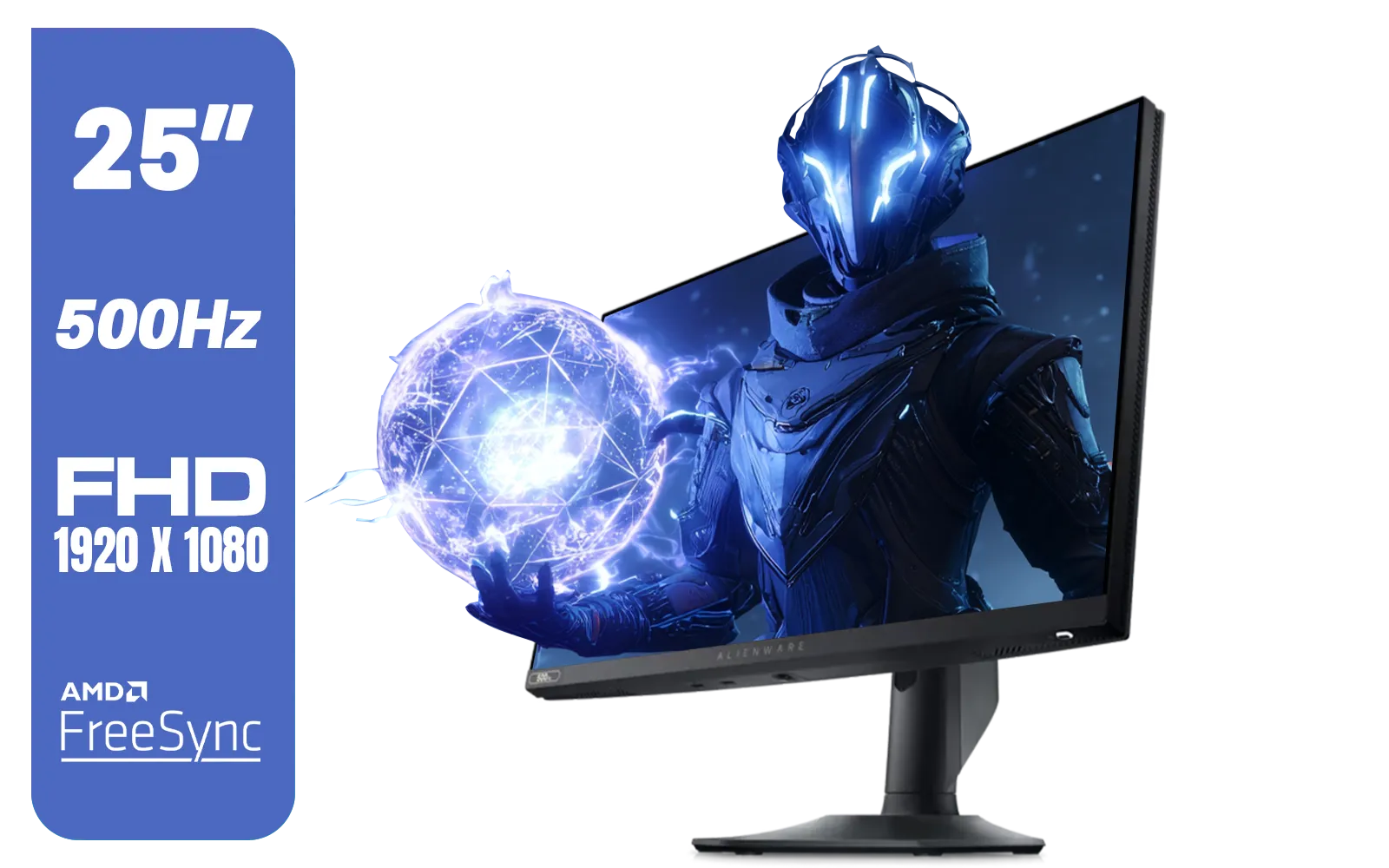
Alienware AW2524HF Gaming Monitor/ 25-inch / IPS Panel / Full HD (1920 x 1080)/ 500Hz refresh rate / 1 ms Response Time / VESA Adaptive-Sync, AMD FreeSync Premium / AW2524HF
R12999.00In Stock
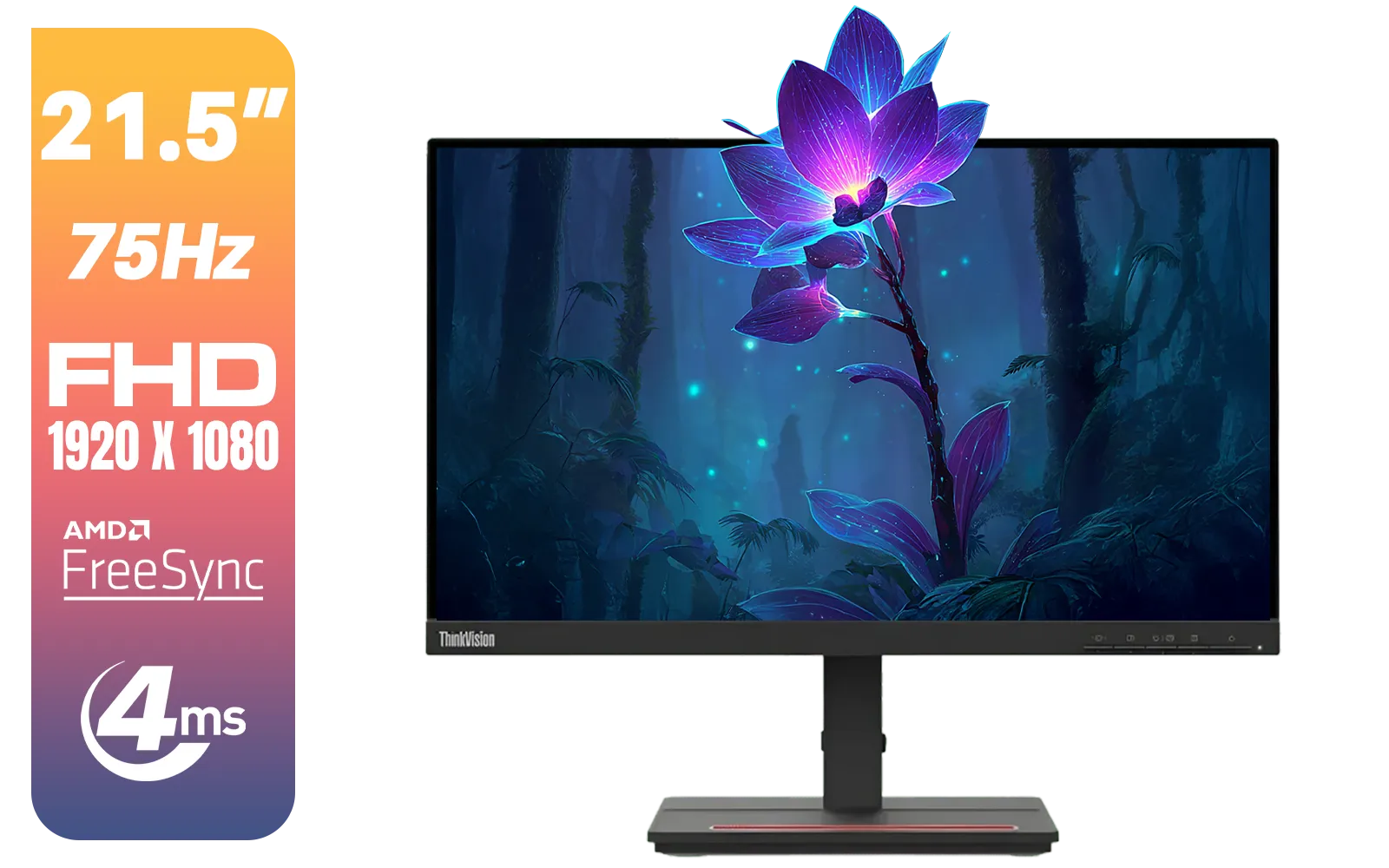
Lenovo ThinkVision Monitor S22E-20 21.5 Inch / 1920x1080 Resolution / Non Touch / 4 ms Response Time / 62C6KAT1SA
R2099.00In Stock
The IPS technology ensures fantastic viewing angles and vibrant colours, covering 99% of the sRGB colour gamut. Whether you're exploring the neon-drenched streets of Night City or just browsing the web, colours look rich and accurate. Support for HDR10 further enhances contrast, making bright areas pop and dark scenes reveal more detail. This feature provides a significant boost to visual fidelity, making it one of the standout LG monitors in South Africa.
TIP FOR YOU
Quick Colour Calibration Tip ✨
Out of the box, most monitors are set a bit too bright. For more accurate colours, navigate to your monitor's OSD (On-Screen Display) menu. Select a preset like "Gamer 1" or "sRGB mode". Then, slightly lower the brightness to about 75% and adjust the contrast to find a comfortable balance for your room's lighting. This simple tweak can make a huge difference!
Is This the Right Monitor For Your Setup?
For the price, the LG 27GS75Q monitor packs in features usually found on more expensive models. With its 3-side virtually borderless design, it looks sleek and is perfect for multi-monitor setups. It offers essential connectivity with two HDMI 2.0 ports and one DisplayPort 1.4 port, catering to both PC and console gamers.

HP 527SW G5 FHD Gaming Monitor - White/Silver / 27" FHD (1920 x 1080) / IPS Panel / 1x HDMI 1.4, 1x VGA / Eye Ease with Eyesafe Certification / 94F46AS
R4499.00In Stock
AOC Agon Pro AG276QZD2 27" 240Hz Gaming Monitor / QHD (2560x1440) OLED Display / 0.03 ms Response Time / G-SYNC Compatible / USB 3.2 Gen 1, USB Hub, USB Downstream / AG276QZD2
R15499.00In Stock
Dahua 24 inch FullHD IPS panel 165Hz 1ms fast response time Ultra-thin bezel Monitor with DisplayPort, HDMI, VGA, Height Adjustable Stand / DHI-LM24-E231A
R2899.00In Stock
MSI MAG 272QP 27" 2560 x 1440 (WQHD) QD-OLED Monitor / 0.03ms GtG Response Time / 500Hz Refresh Rate / VESA DisplayHDR True Black 500 / Optimized for PS5 & Xbox / 9S6-3CD79A-071
R18999.00In Stock

Targus 24-inch USB-C Docking Computer Monitor w/ 100W PD, Adjustable Height Mac PC Monitor 360 Degree Rotating 24 inch Monitor Gaming Monitor w/Dock, Dual Monitor Compatible / DM4240PUSZ
R1699.00In Stock
DAHUA DHI-LM32-A200X 32" LED MONITOR / Bezel-less Design / IPS Level-Display / 8ms Response Time / FHD 1920x1080 / 75Hz Refresh Rate / Low Blue Light / DHI-LM32-A200X
R3399.00In Stock
If you're upgrading from an older 1080p 60Hz screen, the jump to 1440p at 180Hz is monumental. You'll not only enjoy smoother gameplay but also appreciate the better visuals in everything you do. It's a smart investment that will completely revitalise your gaming experience, making it one of the best value PC monitors on the market today. 🚀
Ready for a Visual Upgrade? Choosing the right display can make all the difference. The LG 27GS75Q monitor offers a fantastic blend of speed and colour for an unbeatable price. Explore our full range of PC monitors and find the perfect screen to dominate your game.
Related Products
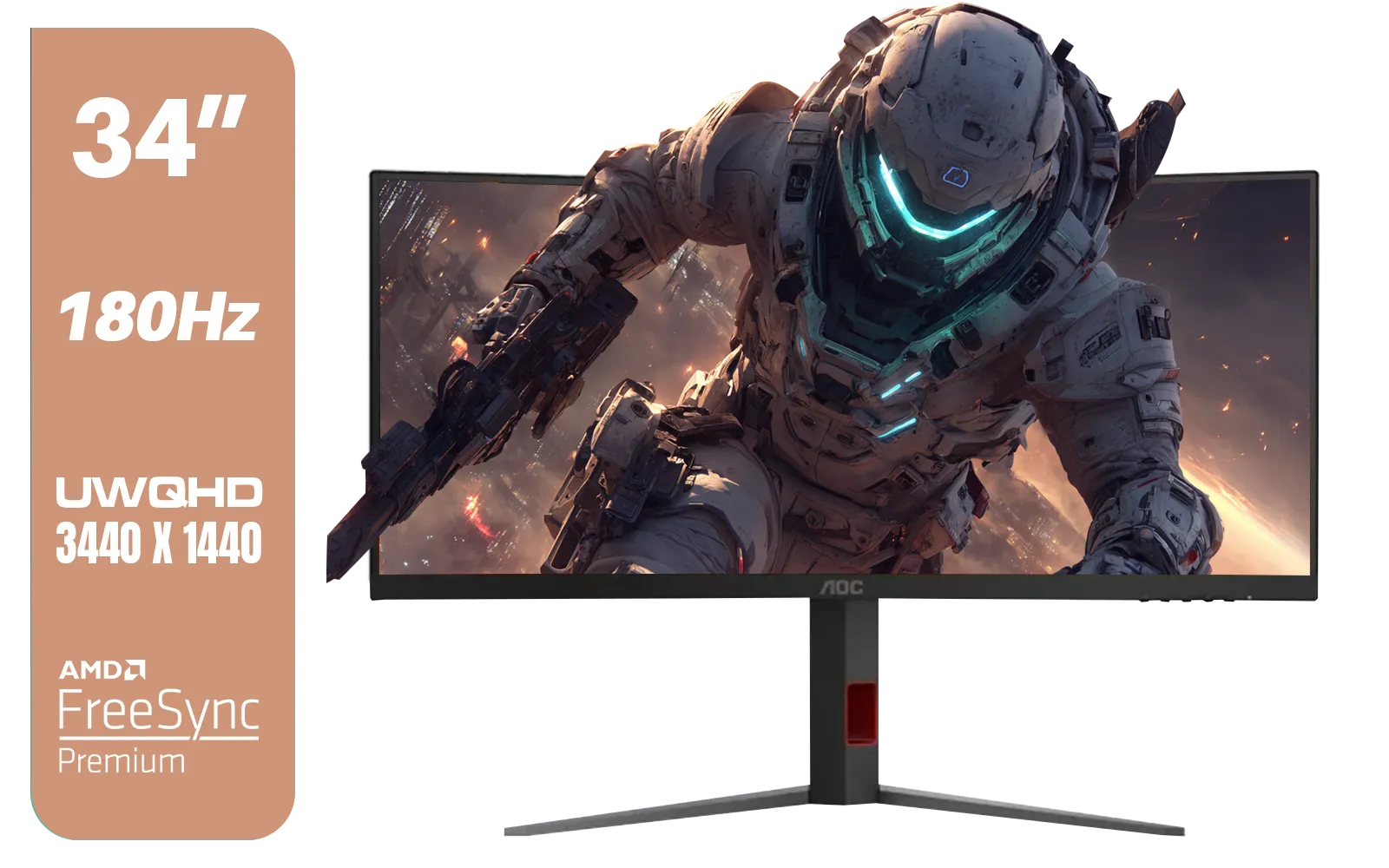
AOC CU34G4 34" Curved Gaming Monitor / UWQHD (3440x1440) / 180Hz Refresh Rate / 1ms Response Time (MPRT) / HDR10 / Adaptive Sync / CU34G4
R6999.00In Stock
Alienware AW3225DM - 32" Curved Gaming Monitor / 180Hz Refresh Rate / QHD (2560x1440) / 1ms (GTG Extreme Mode) Response Time / AMD FreeSync / AW3225DM
R6499.00In Stock
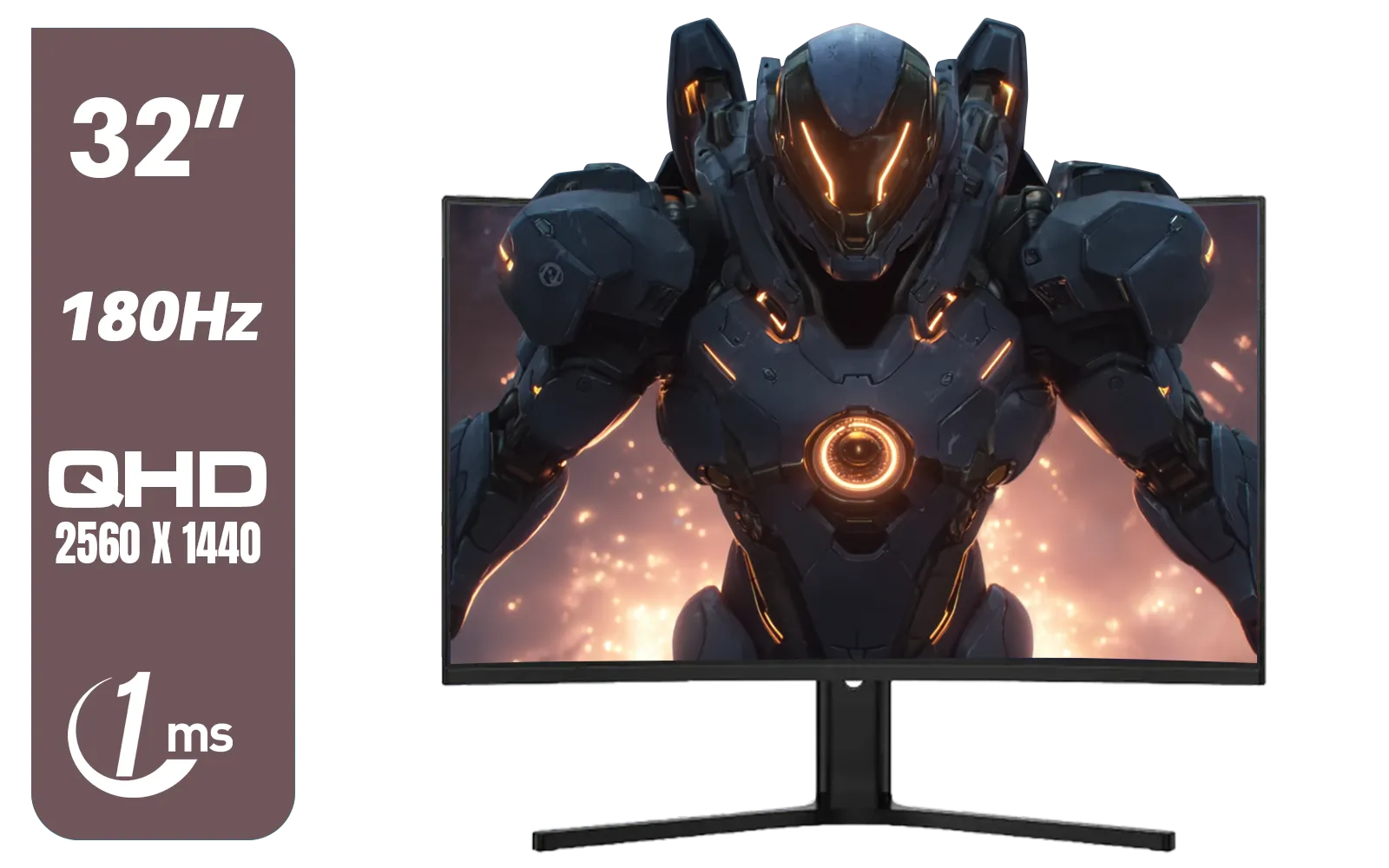
Dahua LM32-E330CA 32" 180Hz LED Monitor / Adaptive-Sync Technology / 1ms Response Time / QHD 2560x1440 / 180Hz Refresh Rate / DHI-LM32-E330CA
R3999.00In Stock
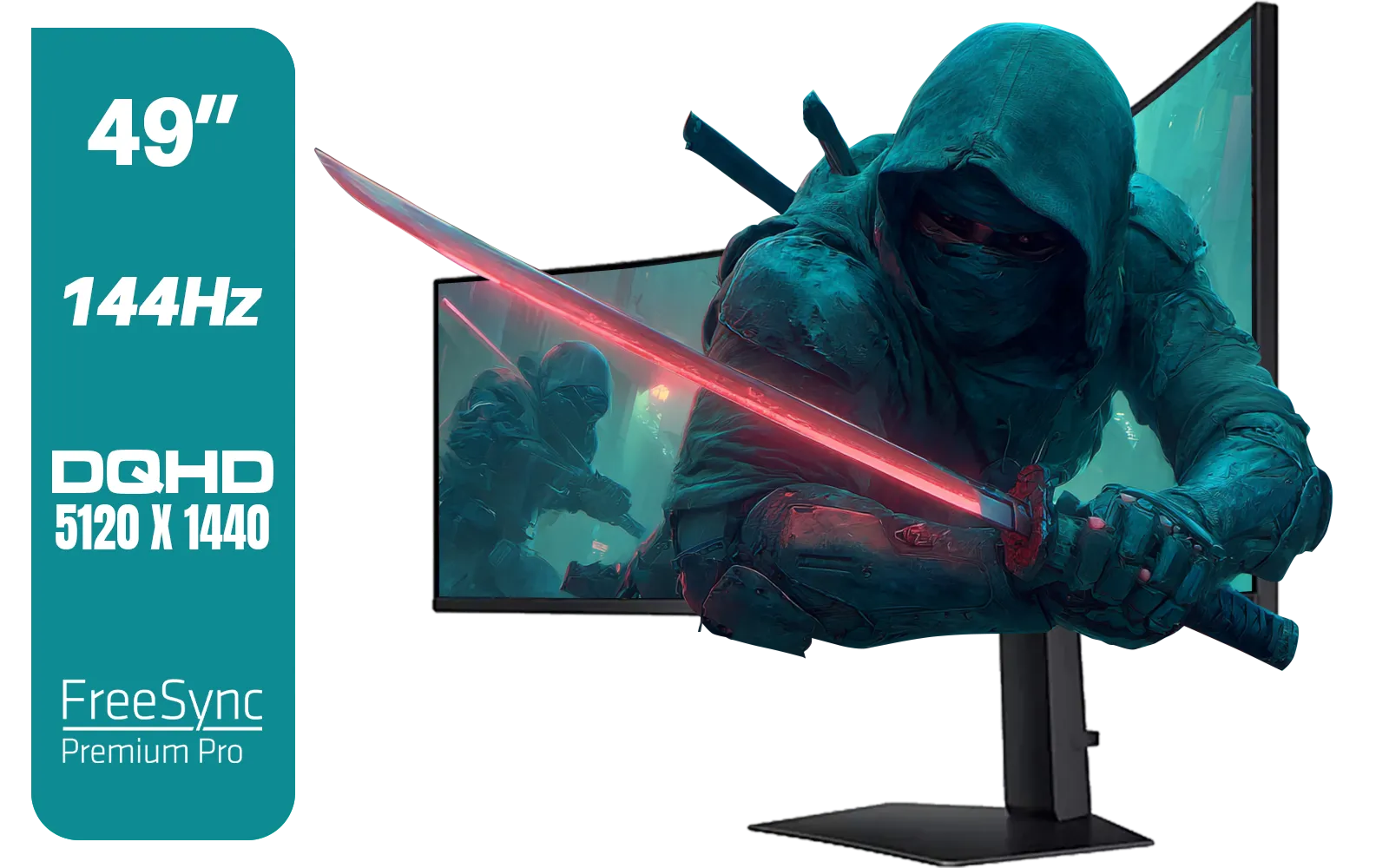
SAMSUNG Odyssey G9 Gaming 49" Monitor / DQHD (5120 x 1440) / 144Hz / GtG 1ms / FreeSync Premium Pro / LS49FG910EUXEN
R30899.00In Stock
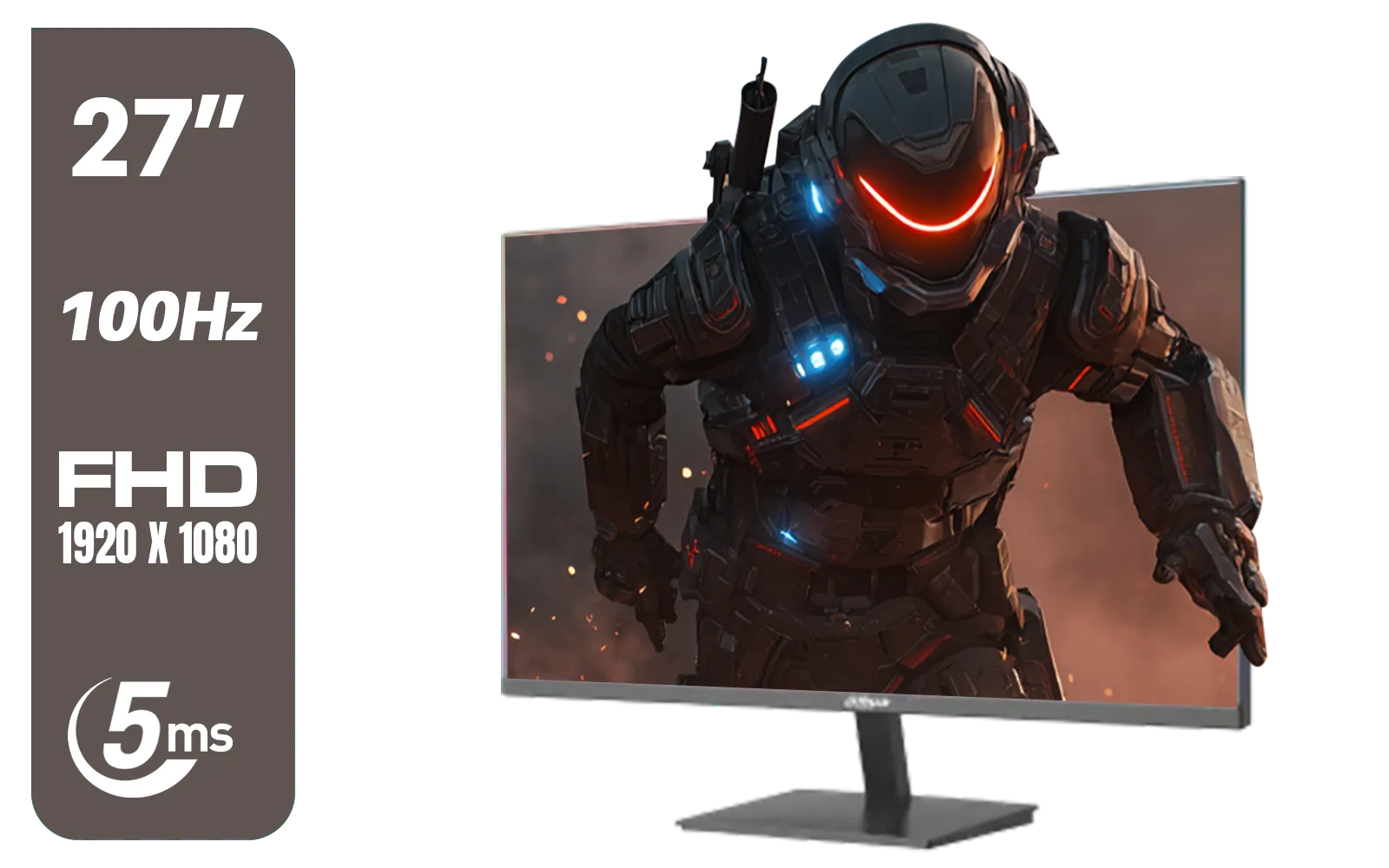
DAHUA DHI-LM27-A201X 27" LED Monitor / Ultra-narrow bezel / IPS Level-Display / 5ms Response Time / FHD 1920x1080 / 100Hz Refresh Rate / Low Blue Light / DHI-LM27-A201X
R2399.00In Stock
AOC Q27G4/WS 27" Gaming Monitor - White / QHD (2560 × 1440) / 200Hz Refresh Rate / 0.3ms Response Time / IPS-Level Display / Certified HDR400 / Support Adaptive Sync / Q27G4/WS
R4899.00In Stock
Yes. The LG 27GS75Q delivers 240Hz refresh, improving frame fluidity and smoothing gameplay for competitive streaming setups. (lg 27gs75q 240hz performance)
The LG 27GS75Q offers very low input lag suitable for streamers and pro players, helping reduce delay and improve responsiveness. (lg 27gs75q input lag)
Yes. Nano IPS panels and HDR support deliver better color accuracy and dynamic range for clearer captures and vibrant streams. (lg 27gs75q hdr and color accuracy)
The LG 27GS75Q is G-SYNC compatible/adaptive sync ready, reducing screen tearing during variable frame rates for smoother visuals. (lg 27gs75q g-sync compatible)
Use 240Hz in display settings, enable low input lag mode, calibrate color, and match capture settings to the monitor for best stream quality. (how to set up lg 27gs75q for streaming)
The LG 27GS75Q balances 240Hz speed and strong color, making it a top choice over many 27 inch models aimed strictly at office or casual use. (best monitor for streamers 27 inch)
Yes. Its low response time minimizes ghosting and motion blur, improving clarity in fast-paced games for live streams. (lg 27gs75q response time for gaming)











