



LG UltraGear 27GS75Q: A Future-Proof Monitor for Next-Gen GPUs
LG UltraGear 27GS75Q leads with HDMI 2.1, 1440p 240Hz, low input lag and adaptive sync — future-proof your PC or console for next-gen GPUs ⚡✅
|
Loading tags...
Just dropped a small fortune on a new NVIDIA or AMD graphics card, only to find your games still look... meh? It’s a classic Mzansi gamer problem. Your old 1080p screen is bottlenecking your powerful new rig, leaving performance on the table. Before you get buyers' remorse, consider the real solution: a monitor built for today's hardware. The LG UltraGear 27GS75Q is engineered to unleash that power, making it a truly future-proof monitor for next-gen GPUs.
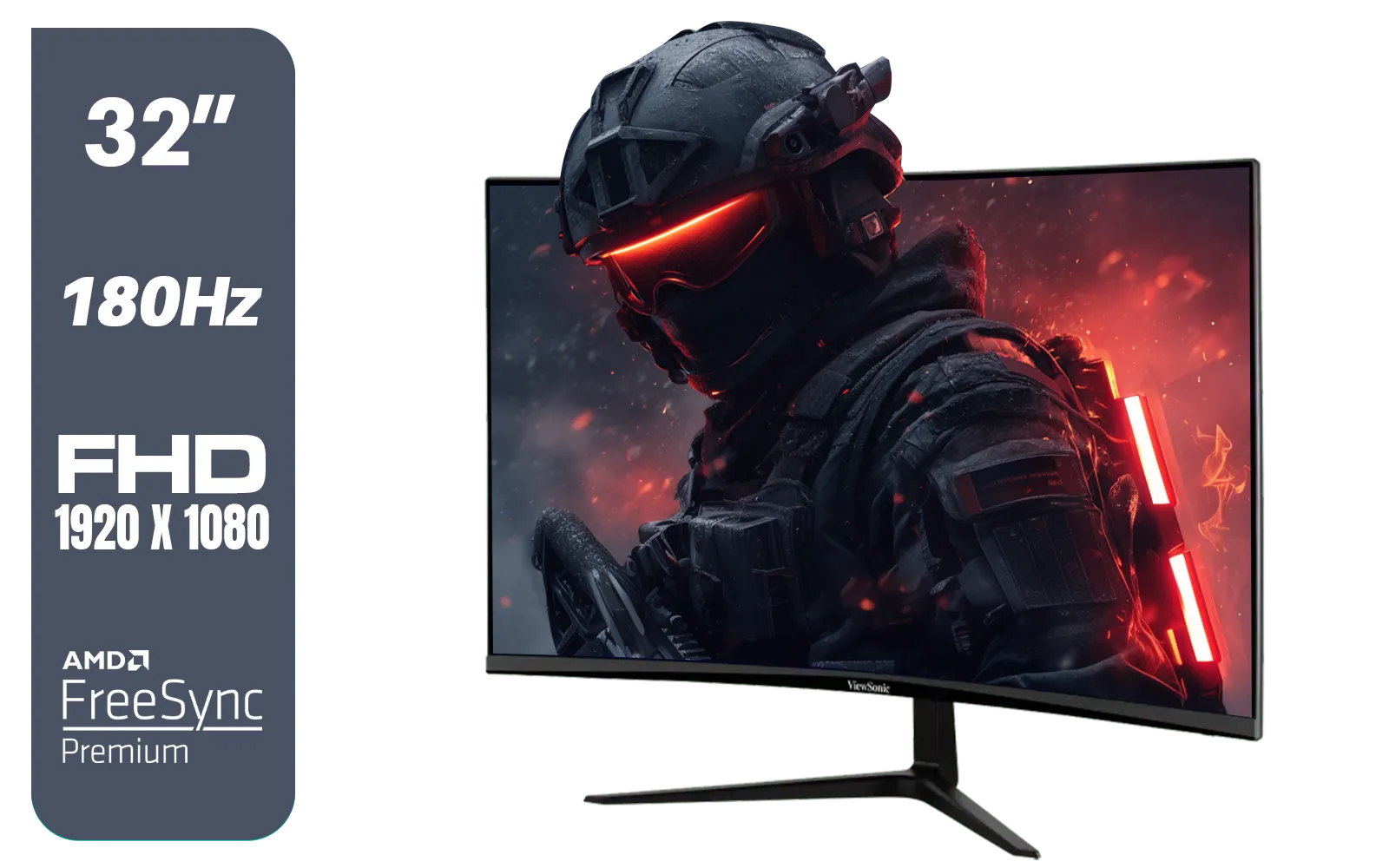
ViewSonic VX3218-PC-MHD 32" Full HD (1920 x 1080) 180Hz Curved Gaming Monitor / 180Hz Refresh Rate / 1ms MPRT Response Time / AMD Adaptive Sync Prevents Screen Tearing / 1500R Curve Ultimate Immersion / VX3218PCMHD
R3499.00In Stock
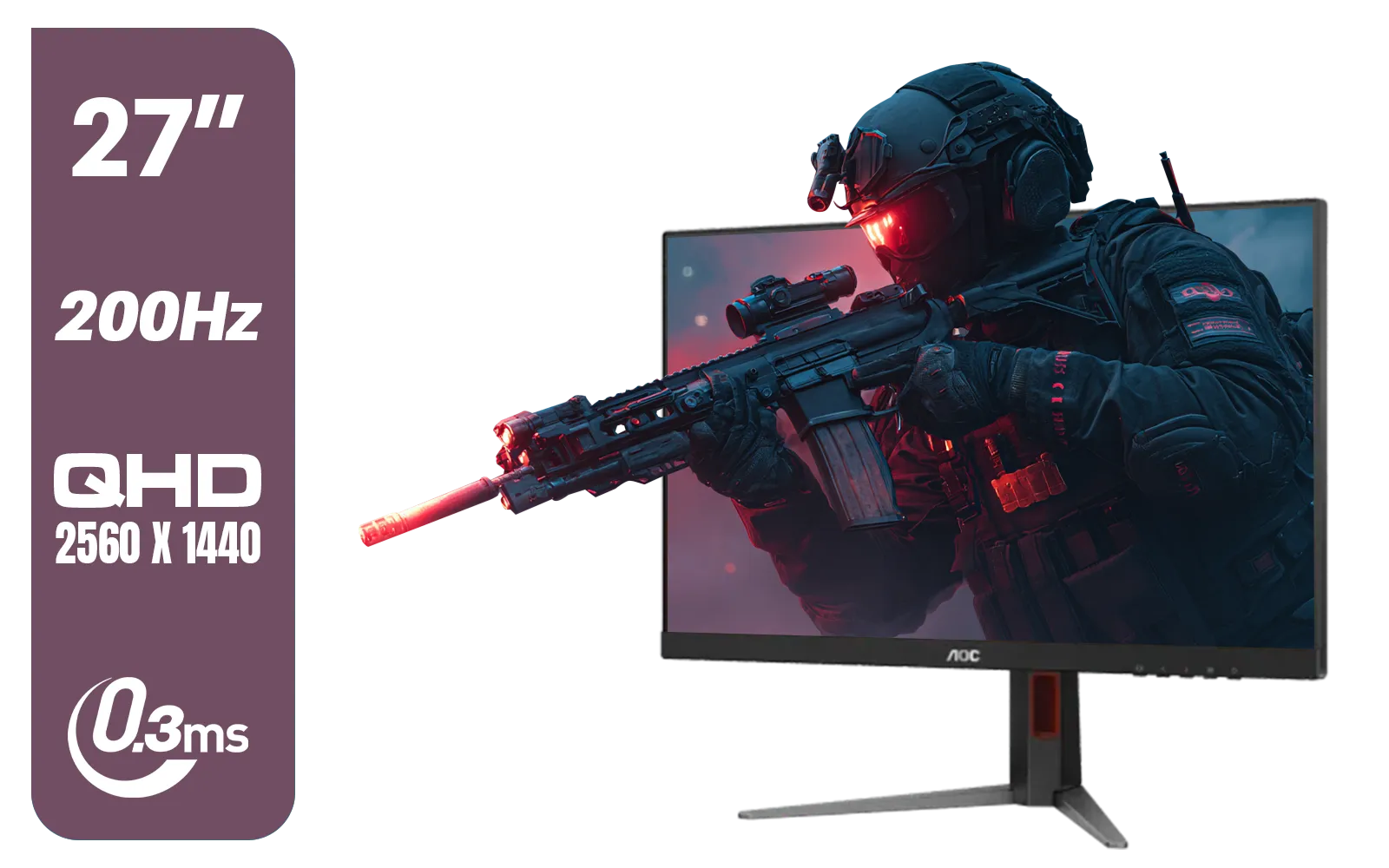
AOC Q27G4/D 27" Gaming Monitor / QHD (2560 × 1440) / 200Hz Refresh Rate / 0.3ms Response Time / IPS-Level Display / Certified HDR400 / Support Adaptive Sync / Q27G4/D
R3899.00In Stock

Dell SE2425HM Monitor 210-BQZT / FHD (1920 x 1080) Resolution / 5ms Response Time / IPS level Display / 178° Horizontal and Vertical Viewing Angles / SE2425HM
R1899.00In Stock
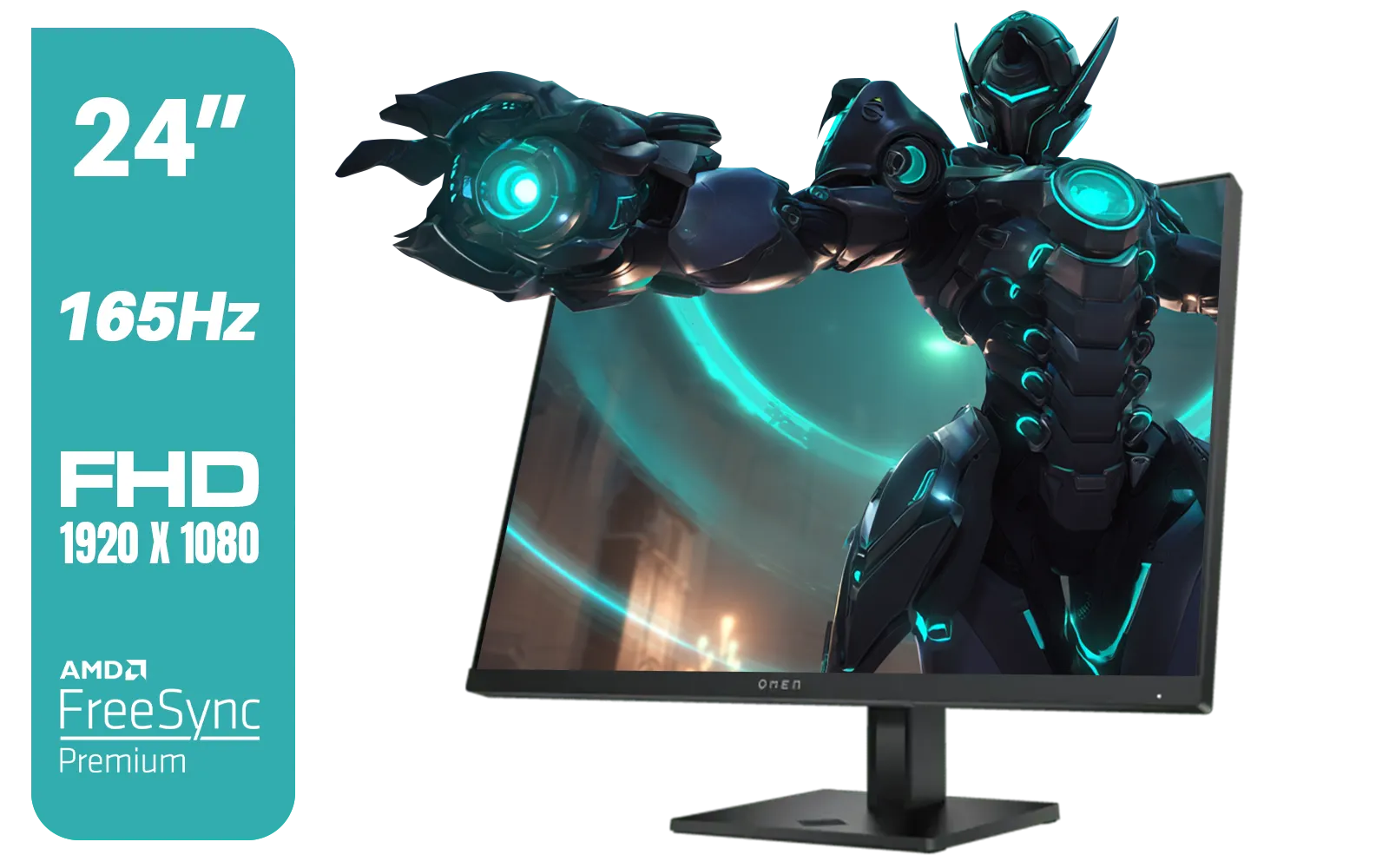
HP OMEN 24 FHD 165Hz Gaming Monitor - Black / 24" FHD (1920 x 1080) Anti-glare Display / AMD FreeSync Premium / Pivot Rotation and Height Adjustable / 780D9AS
R5199.00In Stock
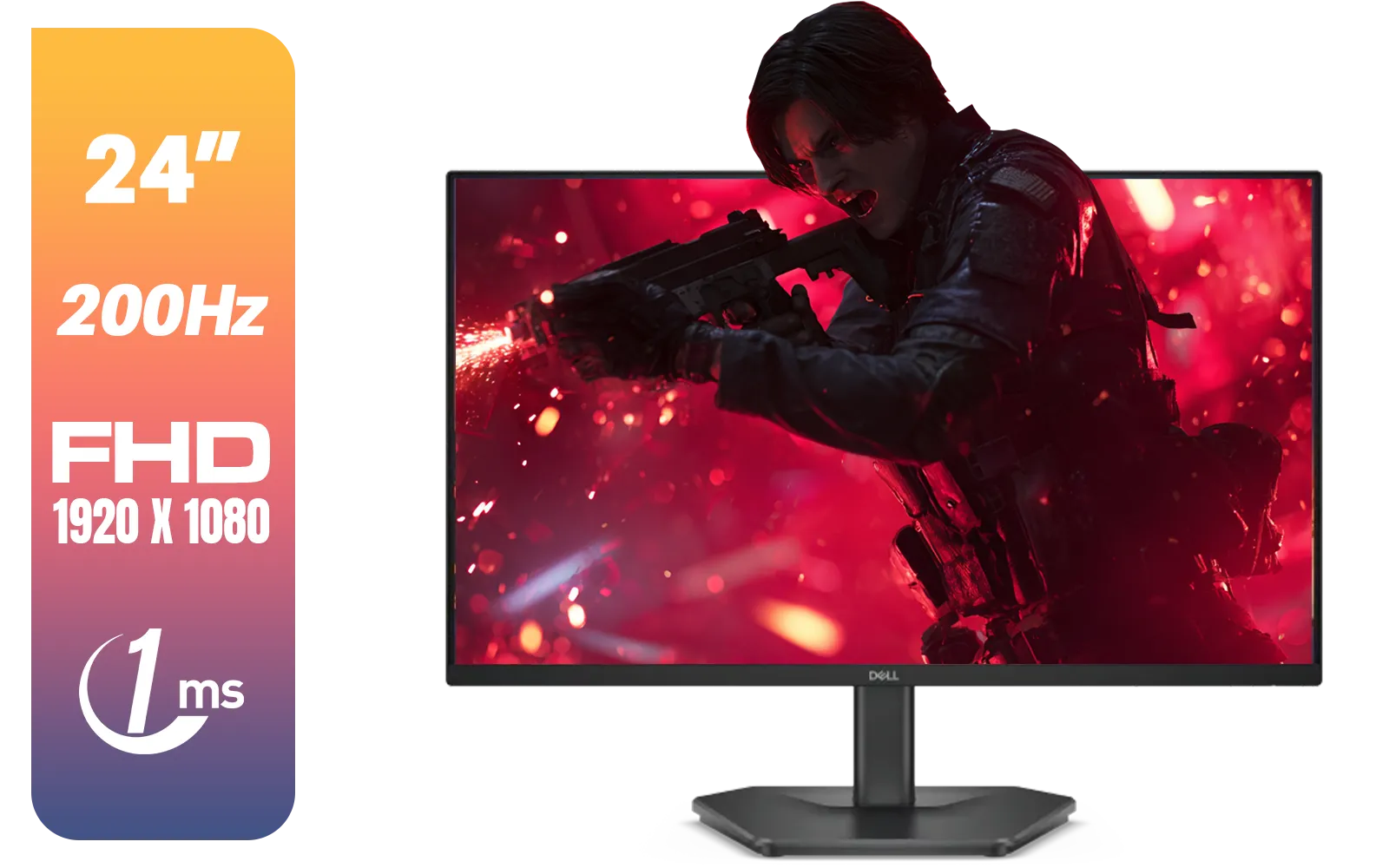
Dell SE2425HG 24" FHD IPS Gaming Monitor / FHD (1920 x 1080) Resolution / 200Hz Refresh Rate / 1ms Response Time / IPS level Display / 178° Horizontal and Vertical Viewing Angles / SE2425HG
R2599.00In Stock
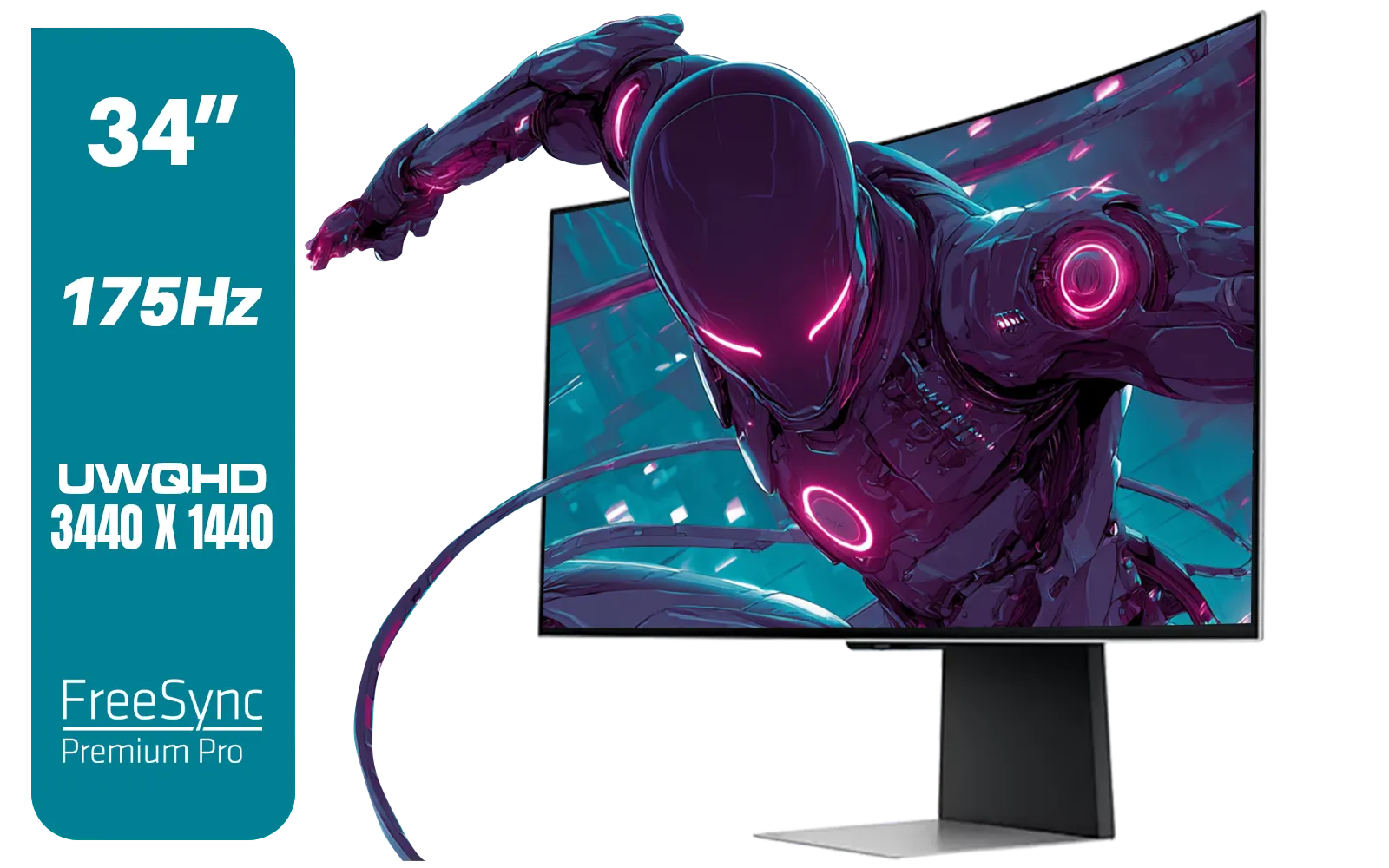
SAMSUNG Odyssey G8 Gaming 34" Monitor / 3440 x 1440 1800R OLED / 175Hz / GtG 0.03ms / FreeSync Premium Pro / G-Sync Compatible / LS34DG852SAXXA
R24999.00In Stock
Why the LG UltraGear 27GS75Q Hits the Sweet Spot
Finding the perfect display often feels like a compromise. You want speed, but you also want a beautiful picture. The LG UltraGear 27GS75Q brilliantly balances the most important features for a modern gaming setup, making it one of the smartest upgrades you can make. It’s part of a fantastic lineup of LG monitors known for quality and performance.
QHD Resolution: The New Standard ✨
Forget 1080p. The jump to QHD (2560 x 1440) resolution is massive. On this 27-inch screen, it delivers a razor-sharp image without demanding the extreme horsepower of a 4K display. This means your new GPU can push incredible visuals in games like Alan Wake 2 or Cyberpunk 2077 while still maintaining high frame rates. It's the perfect resolution for crisp details and smooth gameplay.
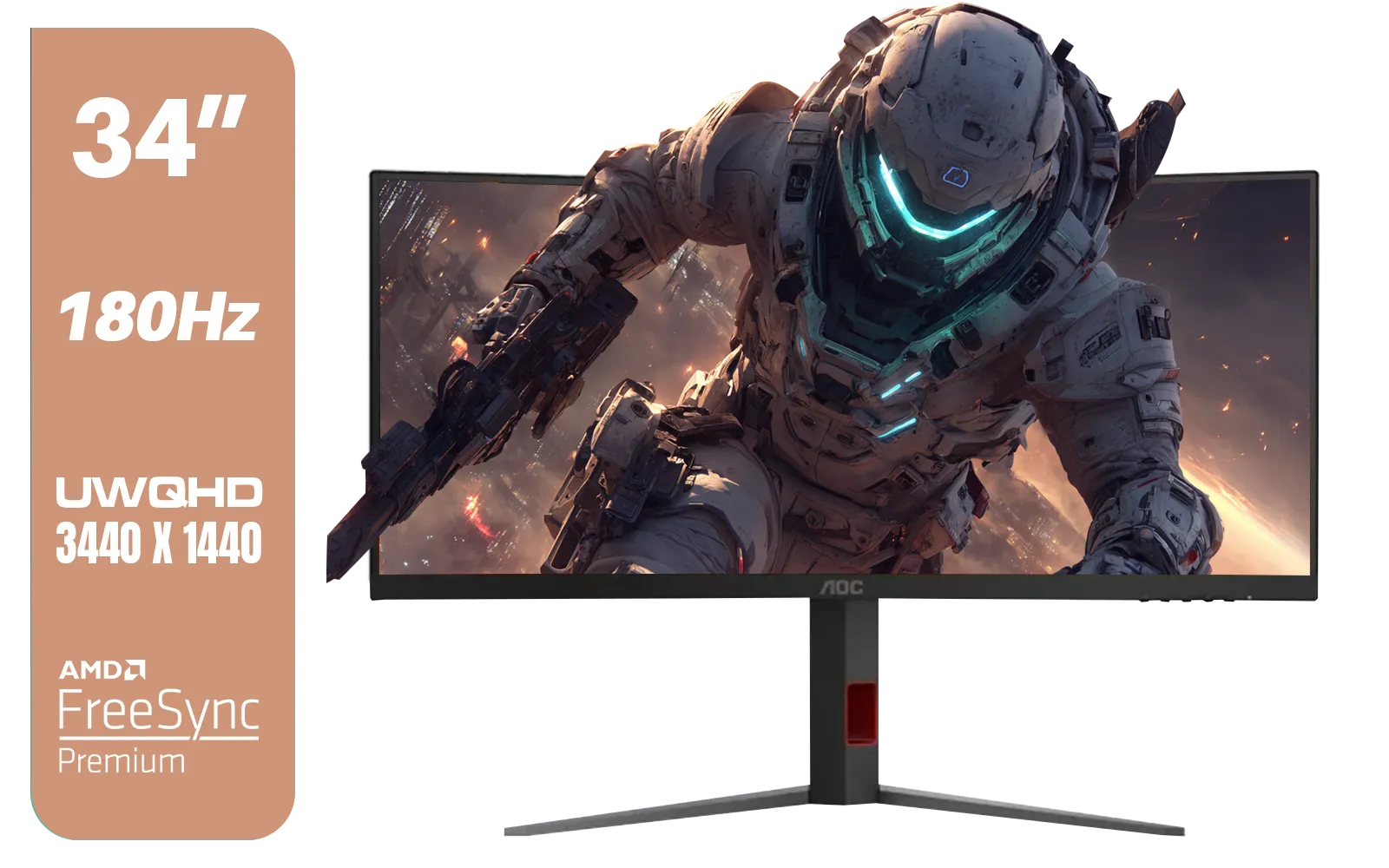
AOC CU34G4 34" Curved Gaming Monitor / UWQHD (3440x1440) / 180Hz Refresh Rate / 1ms Response Time (MPRT) / HDR10 / Adaptive Sync / CU34G4
R6999.00In Stock
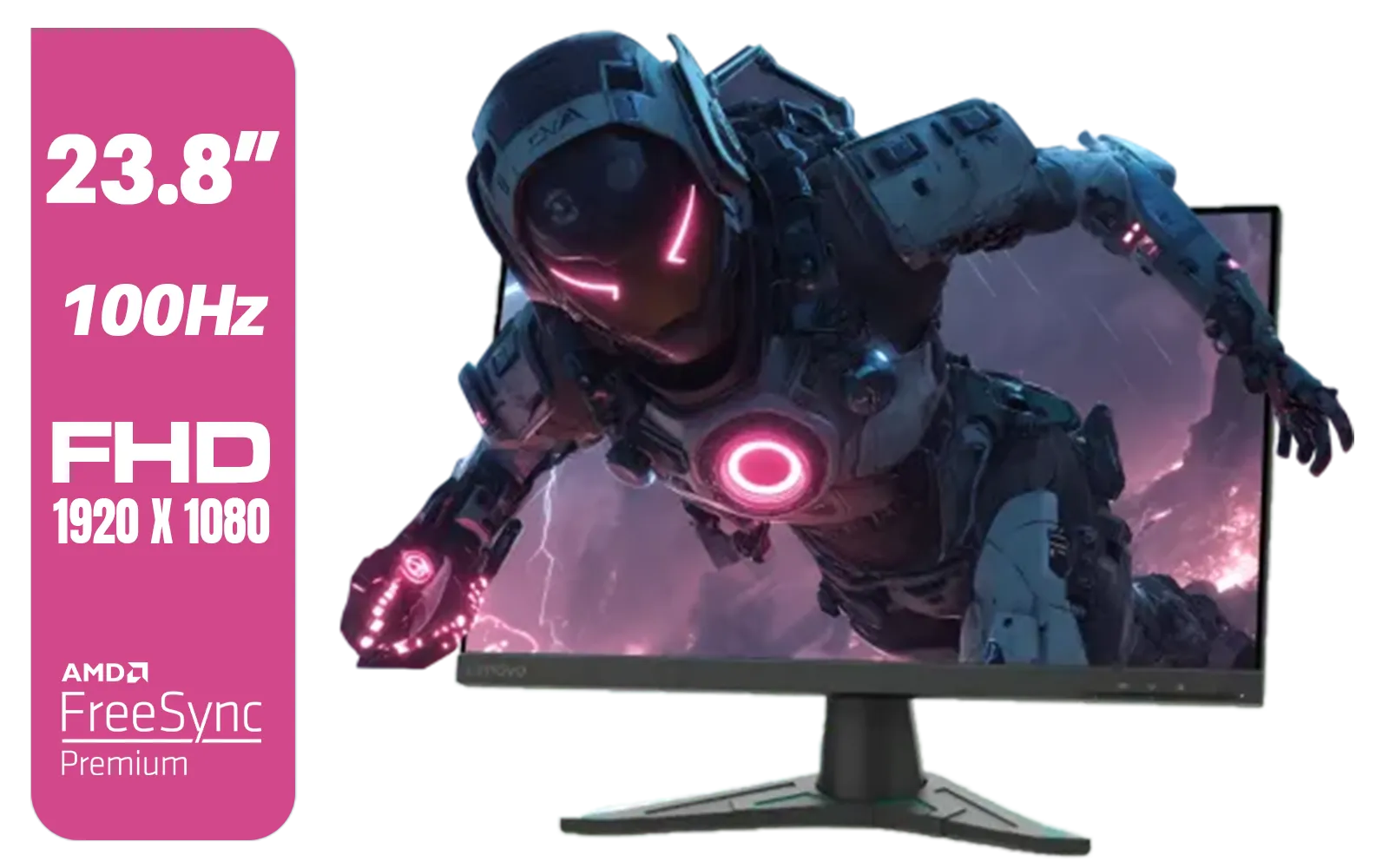
Lenovo G24e-20 23.8" 100Hz FHD WLED Gaming LCD Monitor - 16:9 - Black / 66D7GAR1SA
R1999.00In Stock
AOC Q27G4/D 27" Gaming Monitor / QHD (2560 × 1440) / 200Hz Refresh Rate / 0.3ms Response Time / IPS-Level Display / Certified HDR400 / Support Adaptive Sync / Q27G4/D
R3899.00In Stock
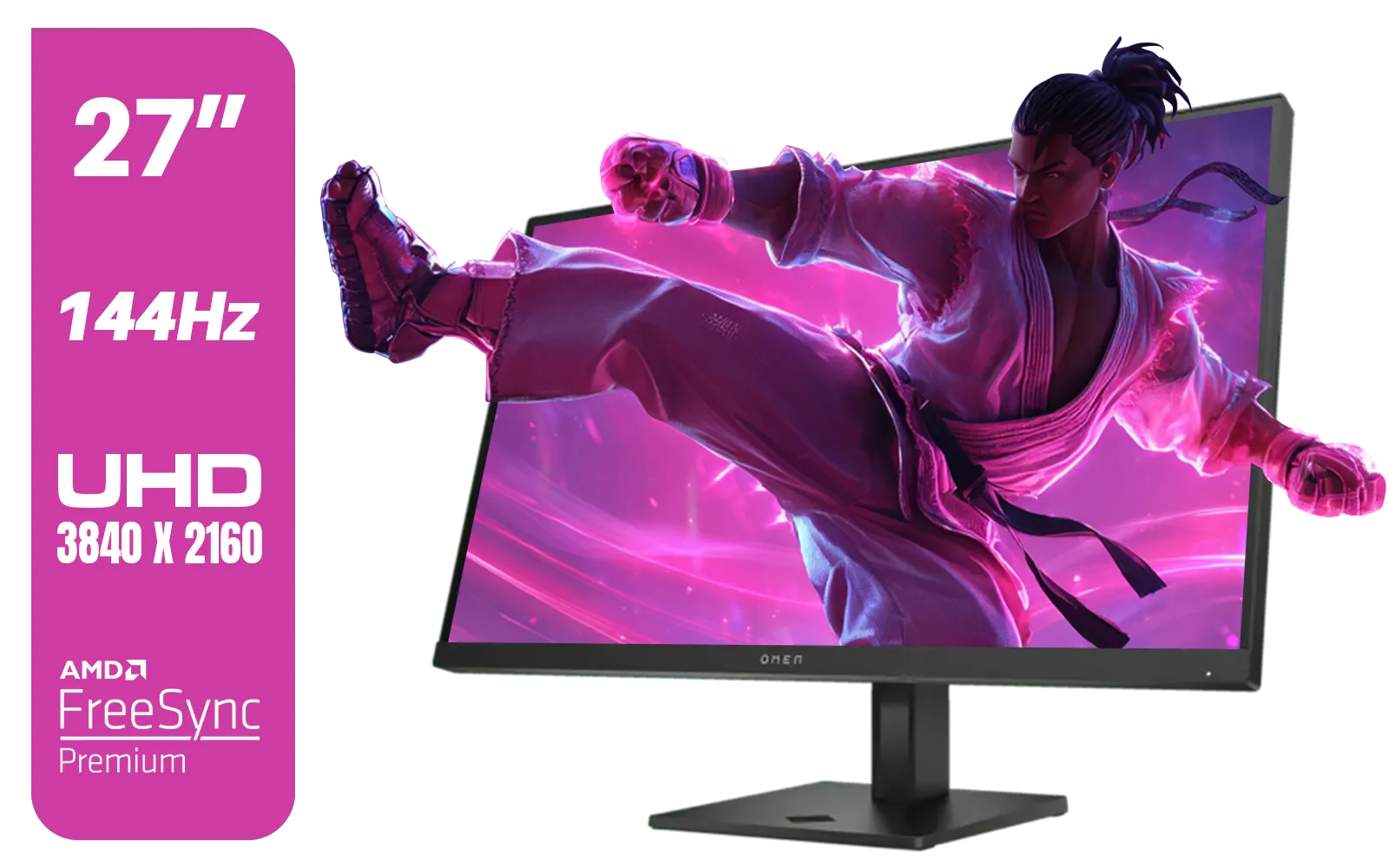
HP OMEN 27k UHD 144Hz Gaming Monitor - Black / 1ms / 27" 4K UHD (3840 x 2160) Anti-glare Display / AMD Freesync™ Premium / Integrated Speakers / Pivot Rotation and Height Adjustable / 780G8AS
R16499.00In Stock
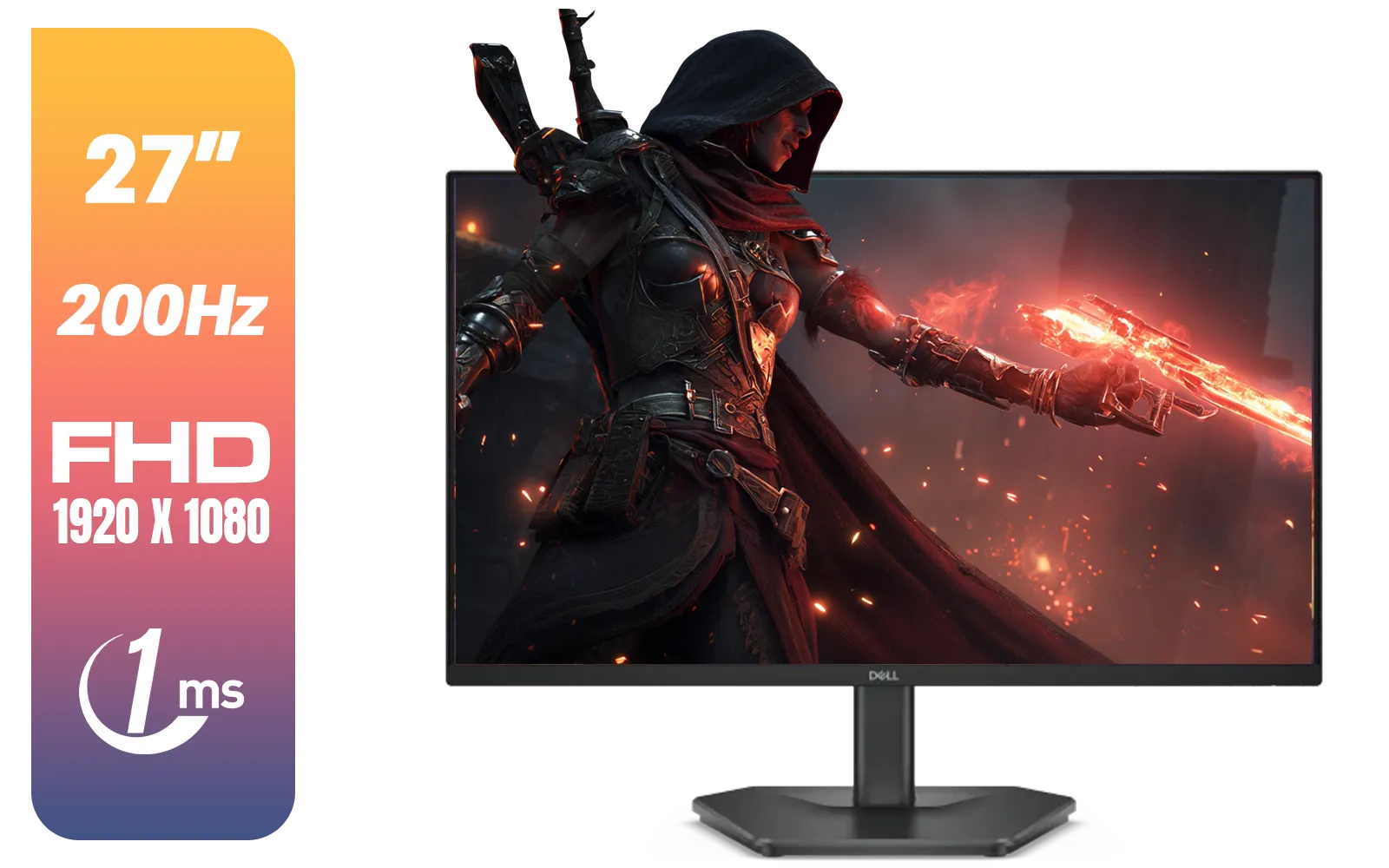
Dell SE2725HG 27" FHD IPS Gaming Monitor / FHD (1920 x 1080) Resolution / 200Hz Refresh Rate / 1ms Response Time / IPS level Display / 178° Horizontal and Vertical Viewing Angles / SE2725HG
R3199.00In Stock
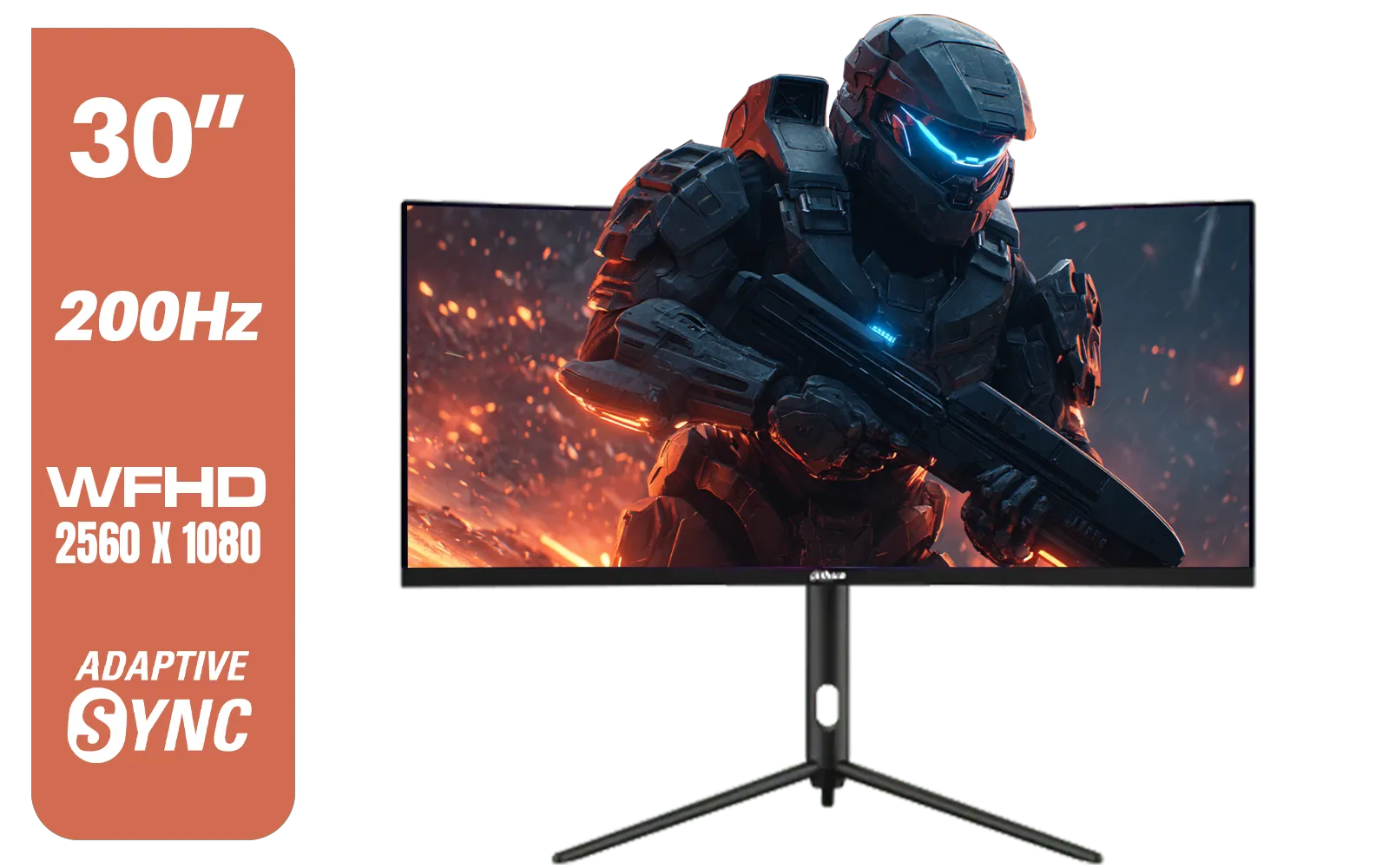
Dahua 30" Ultrawide WFHD 200Hz 1MS DCR Intelligent Adaptive-Sync HDMI DP VA Gaming Monitor Black / DHI-LM30-E330CA
R3999.00In Stock
180Hz Refresh Rate & 1ms Response Time 🚀
In competitive titles like Valorant or Apex Legends, every millisecond counts. A 180Hz refresh rate means the image on your screen updates 180 times per second, giving you a buttery-smooth experience with significantly less motion blur. Paired with a 1ms Gray-to-Gray (GtG) response time, you get near-instantaneous pixel changes, ensuring your actions translate to the screen without any perceptible delay or ghosting.
TIP FOR YOU
Pro Tip: Activate Your Refresh Rate ⚡
Your new monitor won't automatically run at 180Hz out of the box! Right-click your desktop, go to 'Display settings' > 'Advanced display', and select the highest available refresh rate from the dropdown menu. For NVIDIA AMD users, you can also confirm this setting in your GPU's control panel to ensure you're getting the speed you paid for.
No More Tearing: The Magic of Adaptive Sync
There’s nothing worse than screen tearing—that ugly horizontal line that appears when your monitor’s refresh rate and GPU’s frame output go out of sync. The LG UltraGear 27GS75Q solves this with robust support for the latest sync technologies.
This display is officially NVIDIA G-Sync Compatible, meaning it’s been tested and verified to provide a tear-free, low-latency experience with GeForce GPUs. It also supports AMD FreeSync Premium for a similarly smooth experience on Radeon cards. This broad Adaptive Sync capability ensures that no matter which brand your GPU is, you get flawless visuals. Trying to game with None of these technologies on a high-end card is just asking for a frustrating time. Whether you're Team Green with G-Sync (NVIDIA) or Team Red with FreeSync (AMD), this monitor has you covered.

MSI PRO MP275 E2 27-inch IPS 1920 x 1080 (FHD) Gaming Office Monitor, 120Hz, Free-Synch, HDMI, DisplayPort, VGA Port, VESA Mountable, Tilt, Speaker, 4-Side Slim Bezel 1ms, Black / 9S6-3PD3CM-029
R2599.00In Stock
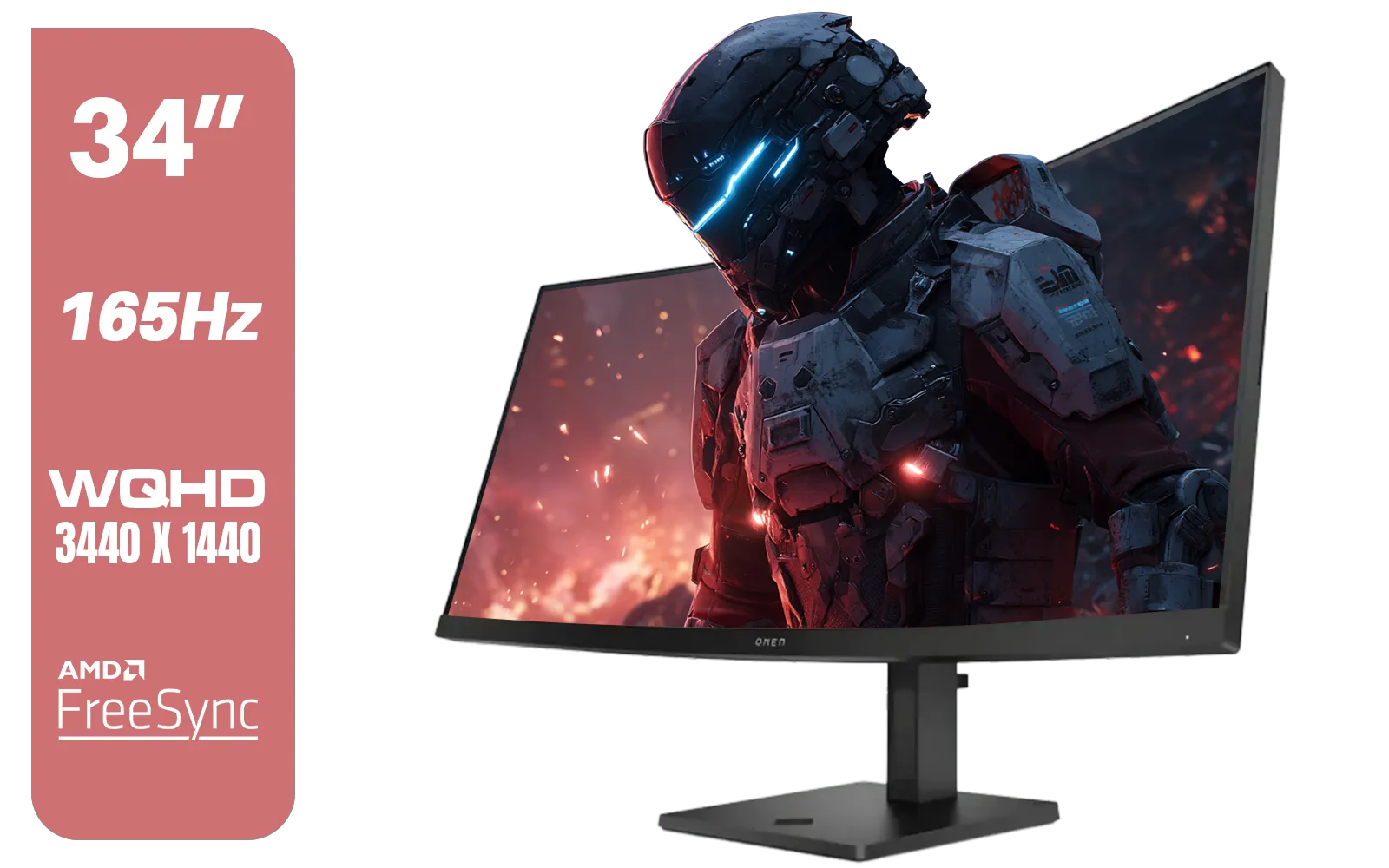
HP OMEN 34c Curved Monitor — 34' WQHD VA 165hz — Gaming Console Compatible — 2x HDMI 2.0 — 1x DisplayPort 1.4 — AMD FreeSync Premium — Dual Speakers — Tilt & height adjustments — VESA Mountable - Black / 780K8AS
R12999.00In Stock

ViewSonic TD1655 15.6" Full HD (1920 x 1080) Portable Touchscreen Monitor / Ultra-portable Design / Advanced in-cell Capacitive Touchscreen / 2-Way Power With USB Type-C / Frameless Design / Portrait and Landscape Modes / dual integrated speakers / TD1655
R5199.00In Stock
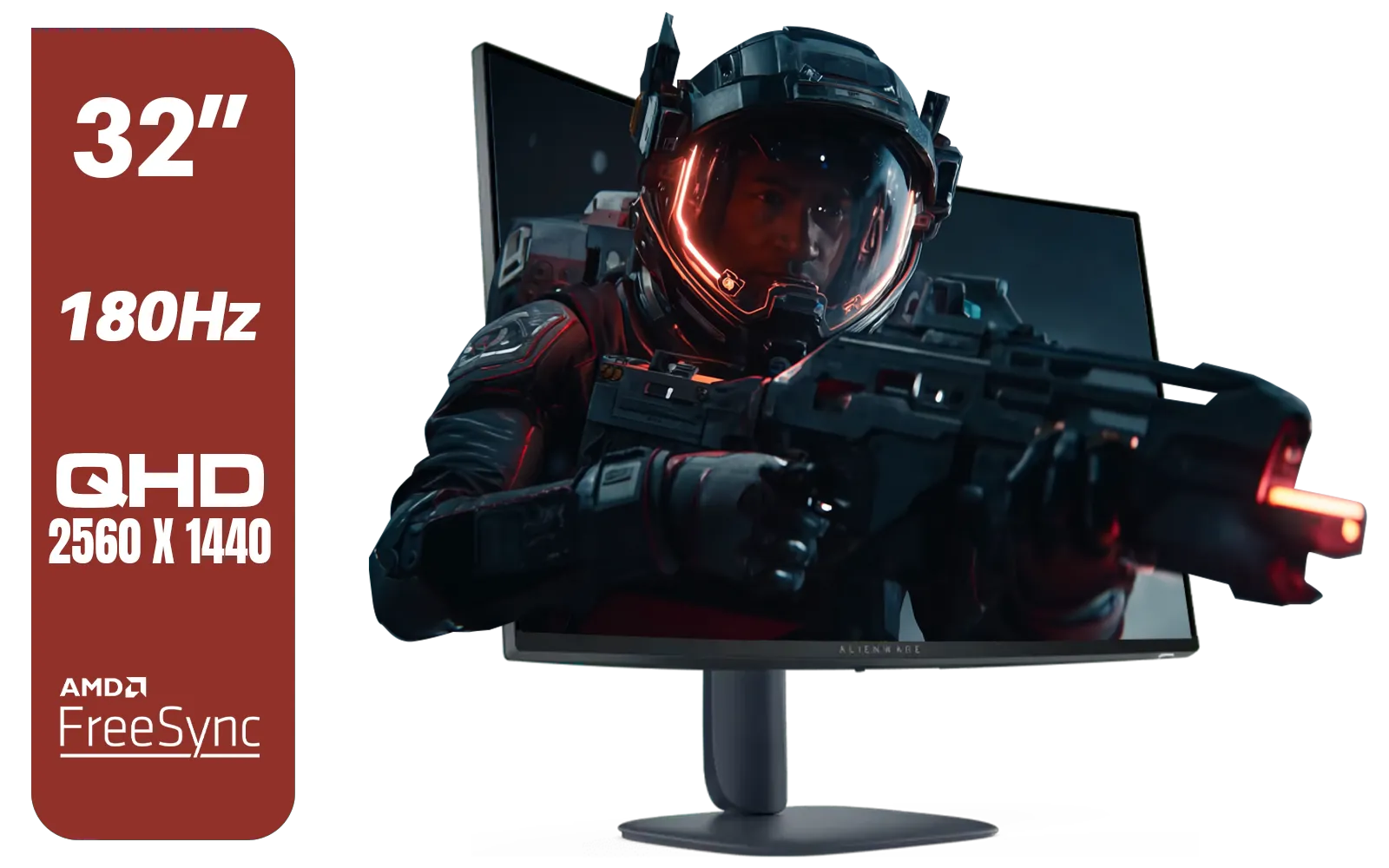
Alienware AW3225DM - 32" Curved Gaming Monitor / 180Hz Refresh Rate / QHD (2560x1440) / 1ms (GTG Extreme Mode) Response Time / AMD FreeSync / AW3225DM
R6499.00In Stock
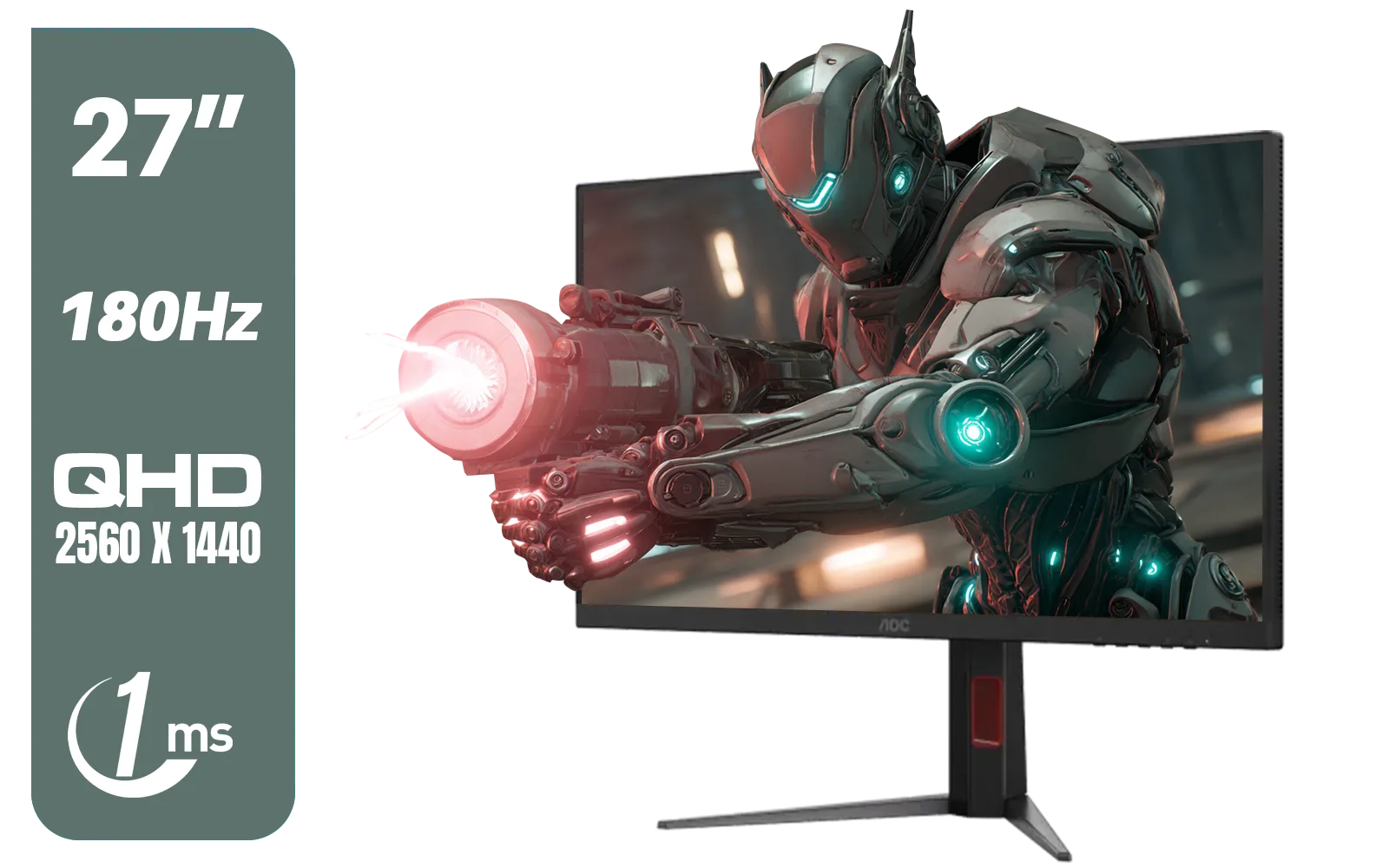
AOC Q27G4XM 27" Mini-LED Gaming Monitor / QHD (2560 × 1440) Resolution / 180Hz Refresh Rate / 1ms Response Time / Fast IPS Panel / Display HDR 1000 / Q27G4XM
R10,799Out of Stock
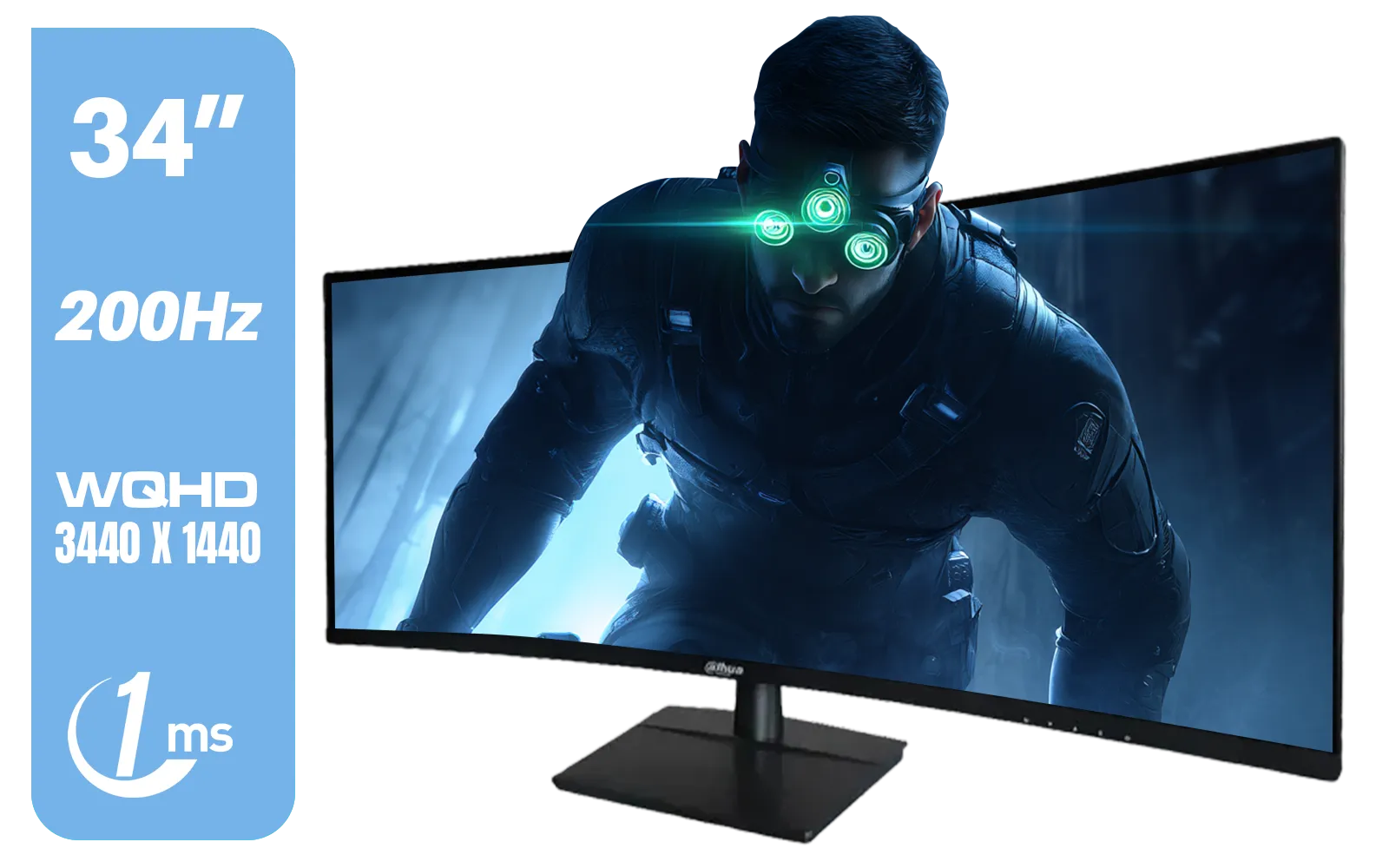
Dahua LM34-E330CN 34" LED Monitor / Adaptive-Sync Technology / 1ms Response Time / WQHD 3440x1440 / 200Hz Refresh Rate / HDR400 ready / 1500R Curvature / DHI-LM34-E330CN
R4699.00In Stock
A Smart Investment for Your Setup
The best part about the LG UltraGear 27GS75Q is its value. It provides next-gen features without the eye-watering price tag of a 4K OLED display. This monitor is a long-term investment that will keep up not just with your current GPU, but likely your next one too. With its stunning IPS panel offering vibrant, accurate colours and VESA DisplayHDR 400 support, it's also brilliant for content creation, watching movies, or everyday productivity. It’s one of the most versatile PC monitors available in South Africa today.
Ready to Unleash Your GPU's True Power? The right monitor is the final piece of the puzzle for an elite gaming experience. Don't let your screen be the weakest link. Explore our massive range of PC monitors and find the perfect display to conquer your world.
Related Products
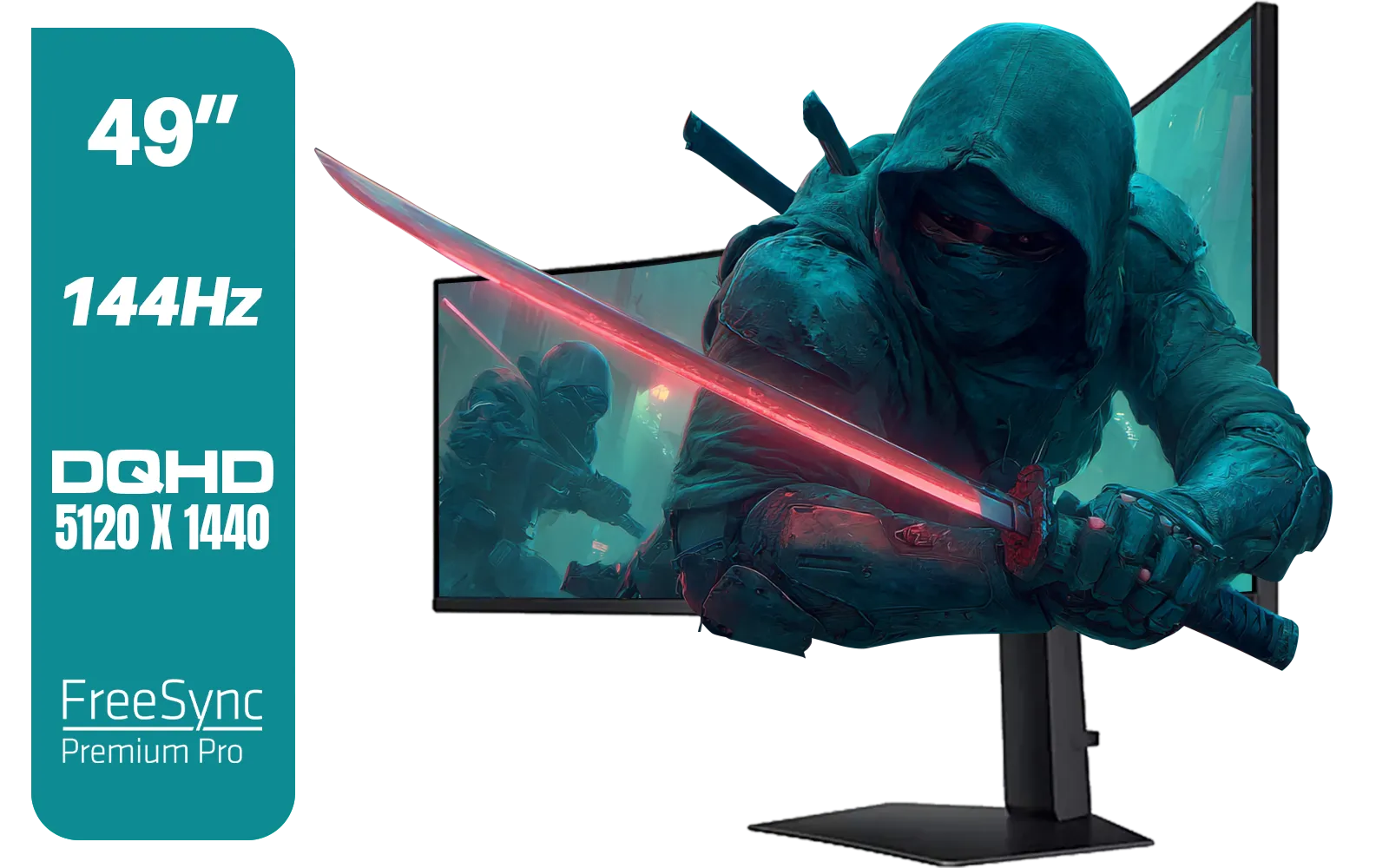
SAMSUNG Odyssey G9 Gaming 49" Monitor / DQHD (5120 x 1440) / 144Hz / GtG 1ms / FreeSync Premium Pro / LS49FG910EUXEN
R30899.00In Stock
ViewSonic VX3218-PC-MHD 32" Full HD (1920 x 1080) 180Hz Curved Gaming Monitor / 180Hz Refresh Rate / 1ms MPRT Response Time / AMD Adaptive Sync Prevents Screen Tearing / 1500R Curve Ultimate Immersion / VX3218PCMHD
R3499.00In Stock
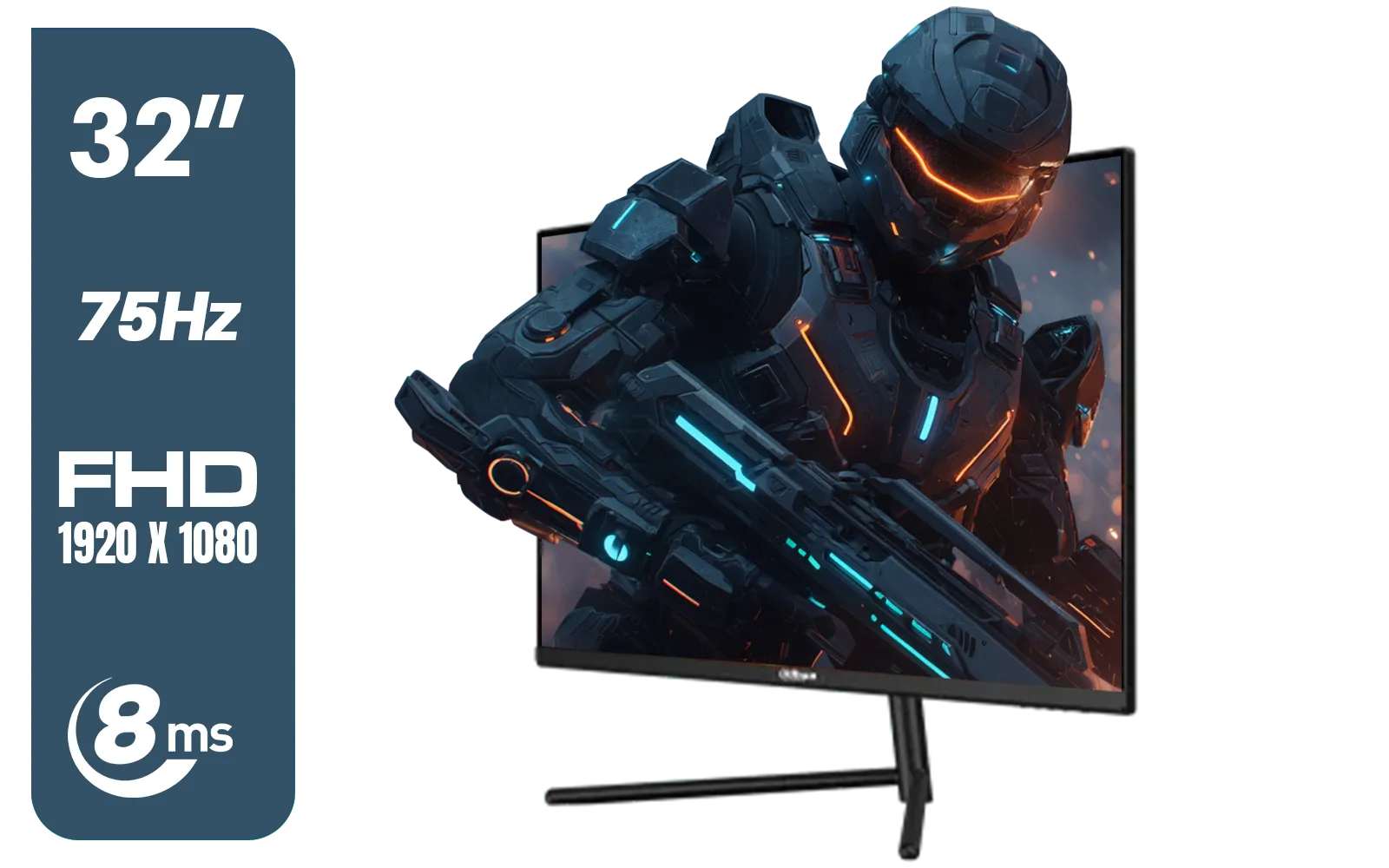
DAHUA DHI-LM32-A200X 32" LED MONITOR / Bezel-less Design / IPS Level-Display / 8ms Response Time / FHD 1920x1080 / 75Hz Refresh Rate / Low Blue Light / DHI-LM32-A200X
R3399.00In Stock
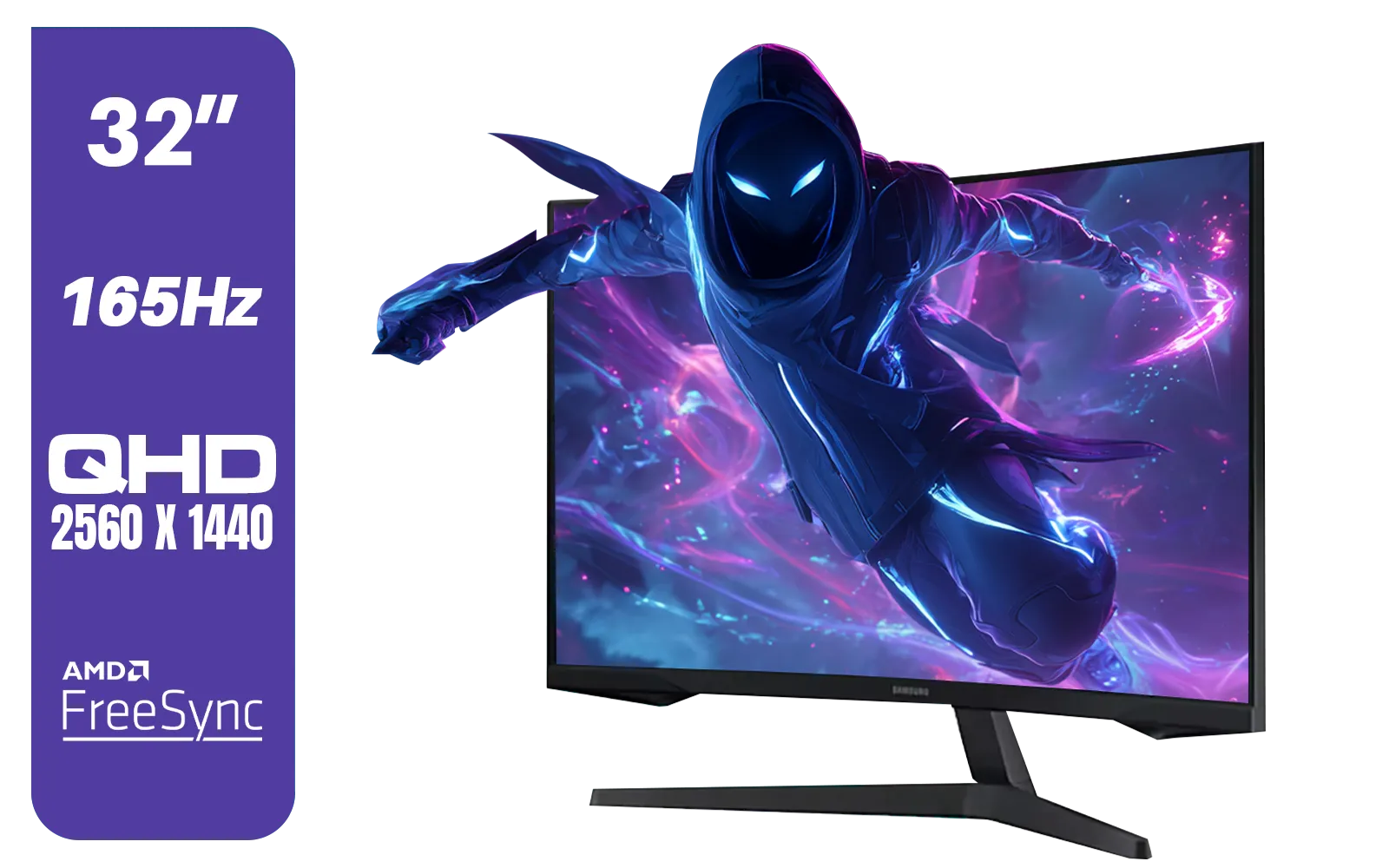
Samsung 32" Odyssey G55C QHD (2560 x 1440) Curved Gaming Monitor / 165Hz refresh rate & 1ms response time (MPRT) / 1000R Curved Screen / AMD FreeSync / LS32CG552EAXXA
R5999.00In Stock

HP 524SF G5 FHD Gaming Monitor - Black/Silver / 24" FHD (1920 x 1080) / Anti-glare / 1x HDMI 1.4, 1x VGA / -5 to +25 degrees Adjustable Tilt / 94C17AS
R3699.00In Stock
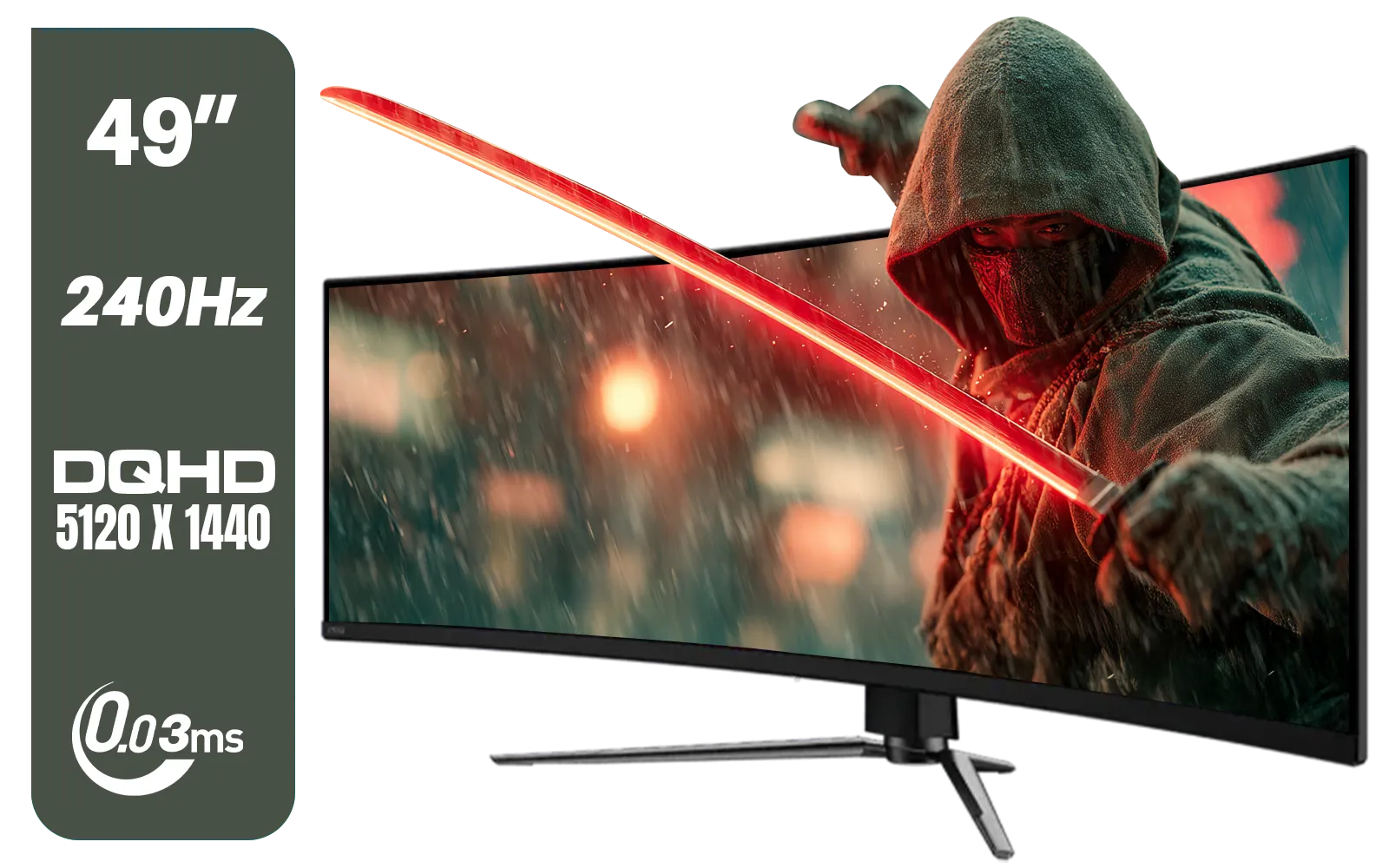
MSI MAG 491CQPX 49" DQHD (5120 x 1440) Curved Gaming Monitor / 0.03ms Response Time / 240Hz Refresh Rate / HDMI 2.1 Support / 9S6-3FA84T-040
R34999.00In Stock
Yes. The LG UltraGear 27GS75Q supports HDMI 2.1 and adaptive sync, making it compatible with modern GPUs and consoles for high frame rates.
Yes. HDMI 2.1 on the 27GS75Q enables 1440p at high refresh rates for consoles and GPUs that support the standard.
The 27GS75Q delivers very low input lag optimized for competitive play, meeting the needs of high FPS setups and esports builds.
Absolutely. 1440p 240Hz balances clarity and speed, letting next-gen GPUs deliver high frame rates without sacrificing resolution.
The 27GS75Q is G-SYNC compatible and supports adaptive sync, reducing stutter and tearing with modern GPUs.
Yes. With HDMI 2.1, adaptive sync, and 240Hz 1440p, the 27GS75Q pairs well with RTX 40 series and upcoming GPUs.
Yes. Its HDMI 2.1 support and fast refresh make the 27GS75Q ideal for high-performance PC and next-gen console gaming.











