



M.2 NVMe SSD Upgrade: The Ultimate Speed Boost Guide
Ready for a massive speed boost? An M.2 NVMe SSD upgrade transforms your PC's performance instantly. 🚀 Learn how to choose and install the right drive for lightning-fast gaming and boot times. 💾
|
Loading tags...
Staring at another loading screen while your squad is already dropping? We've all been there. That frustrating lag between clicking "Play" and actually joining the action can feel like an eternity. For South African gamers, a slow drive is the ultimate bottleneck. But what if the single most effective performance boost for your PC is also one of the easiest? An M.2 NVMe SSD upgrade is exactly that... a pure shot of adrenaline for your entire system. 🚀

Corsair MP600 PRO NH 4TB PCIe Gen4 x4 NVMe M.2 SSD – High-Density TLC NAND – M.2 2280 – DirectStorage Compatible - Up to 7,000MB/sec - No Heatsink - Black / CSSD-F4000GBMP600PNH
R7499.00In Stock
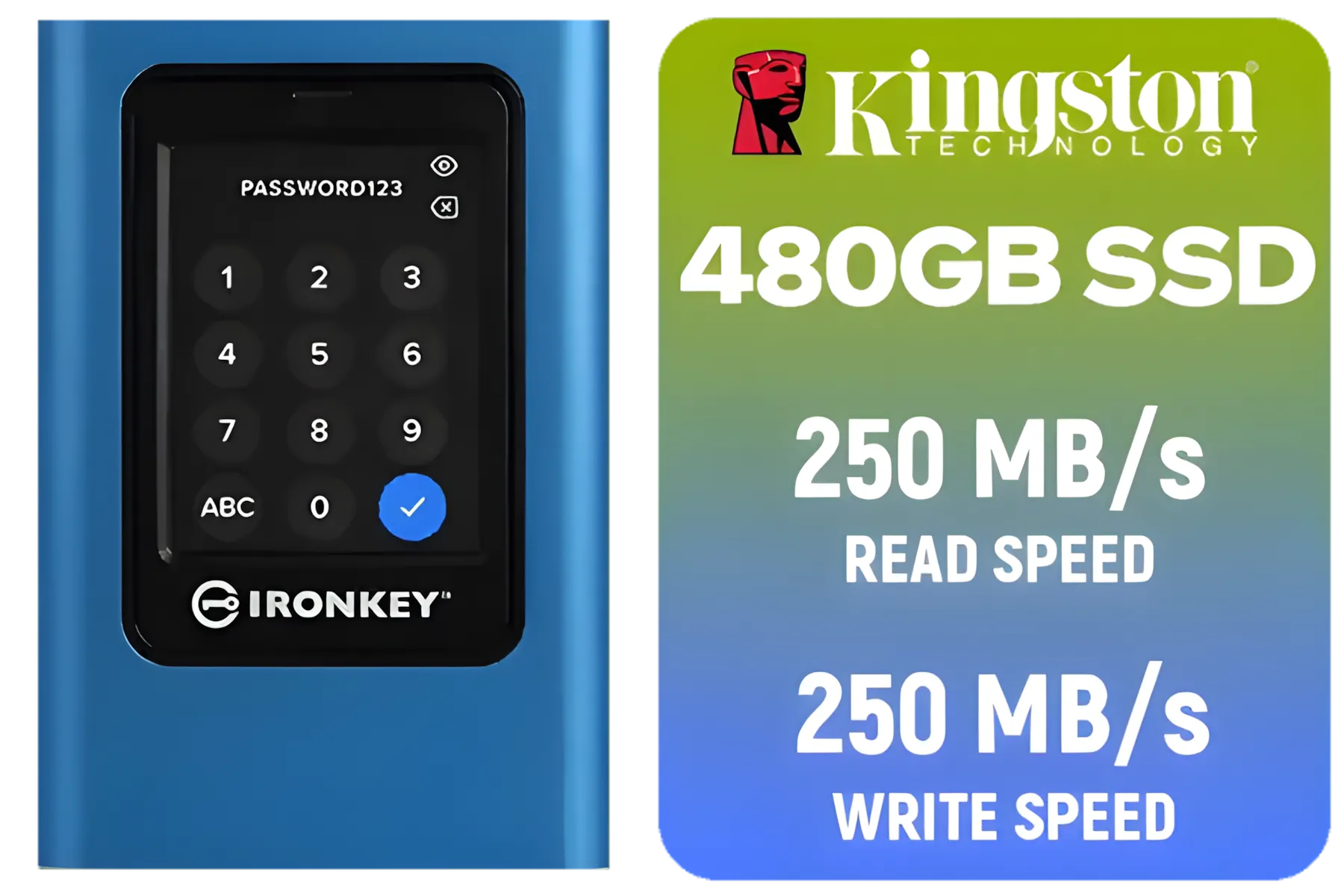
Kingston IronKey Vault Privacy 80 480GB External SSD | FIPS 197 | XTS-AES 256GB Encrypted | Touch Screen PIN | Secure Data Protection | IKVP80ES/480G
R4199.00In Stock
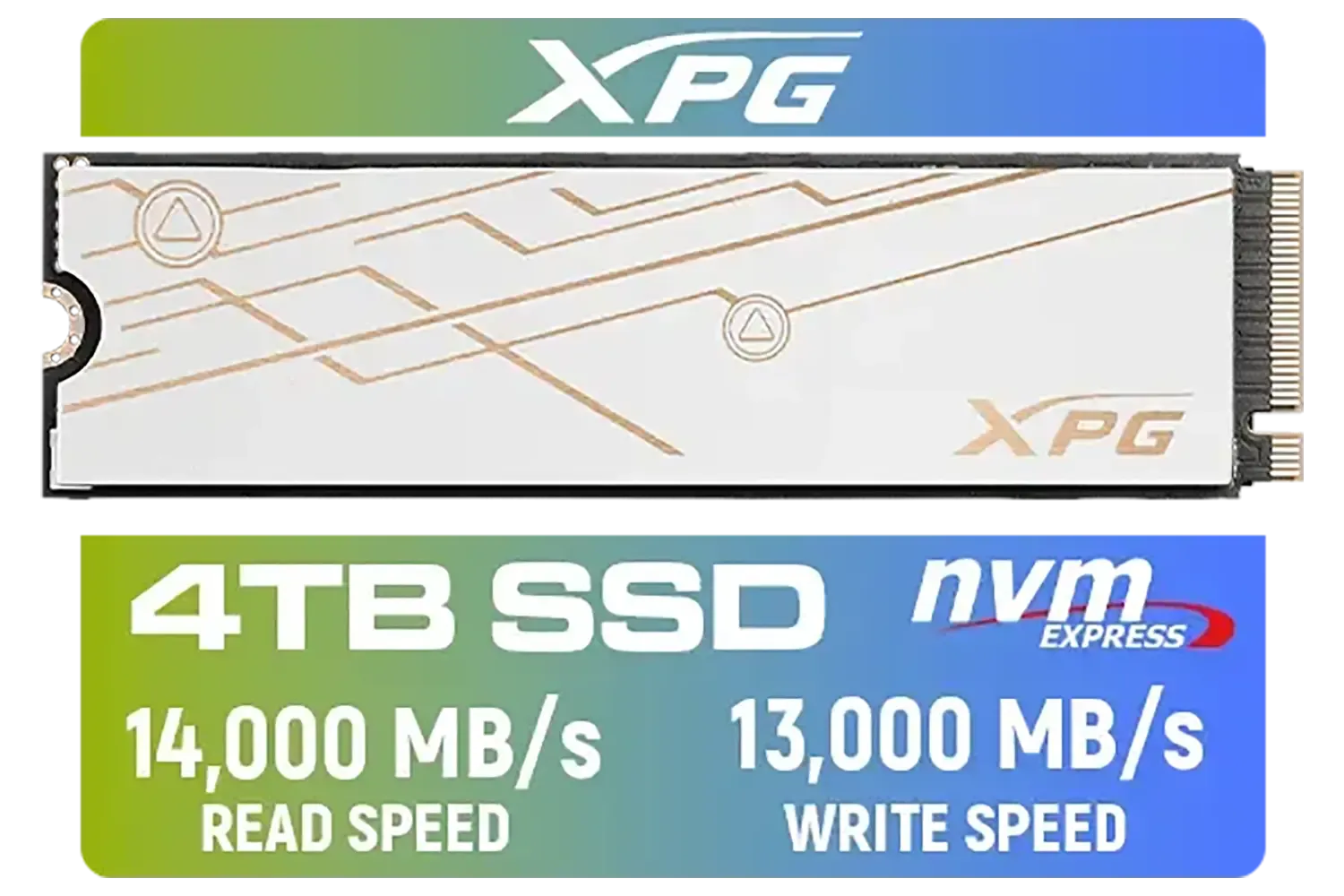
ADATA XPG Mars 980 Blade 4TB NVMe 5.0 Internal Solid State Drive / Up to 14,000MB/s Read Speed and Up to 13,000MB/s Write Speed / SMAR-980B-4TCS
R7999.00In Stock
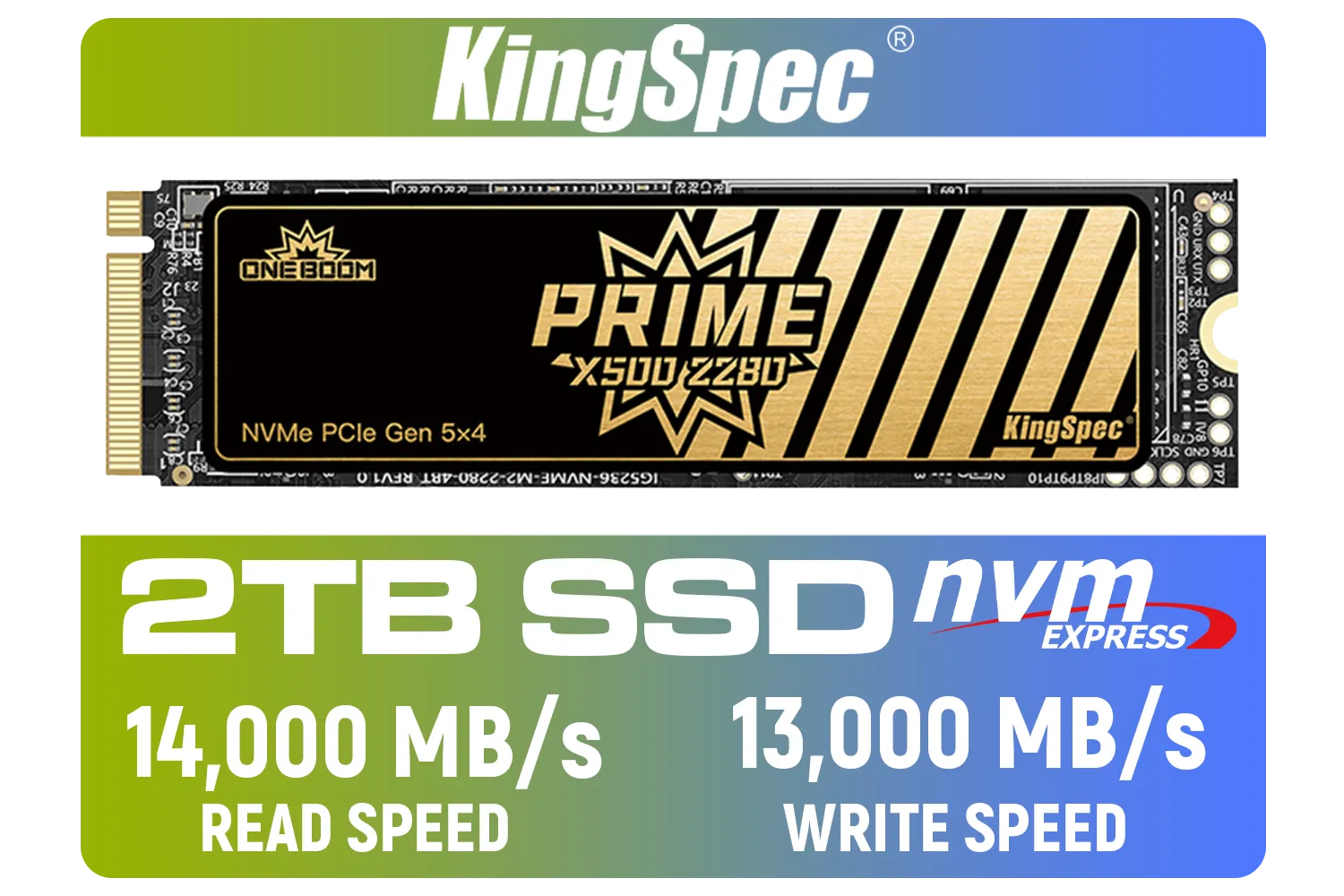
KingSpec X500 2TB NVMe Internal Solid State Drive / 3D NAND Flash Memory / PCIe Gen 5.0, M.2 2280, Up to 14 00MB/s/13 000MB/s Read/Write Speeds / X500-2280-2TB
R4499.00In Stock
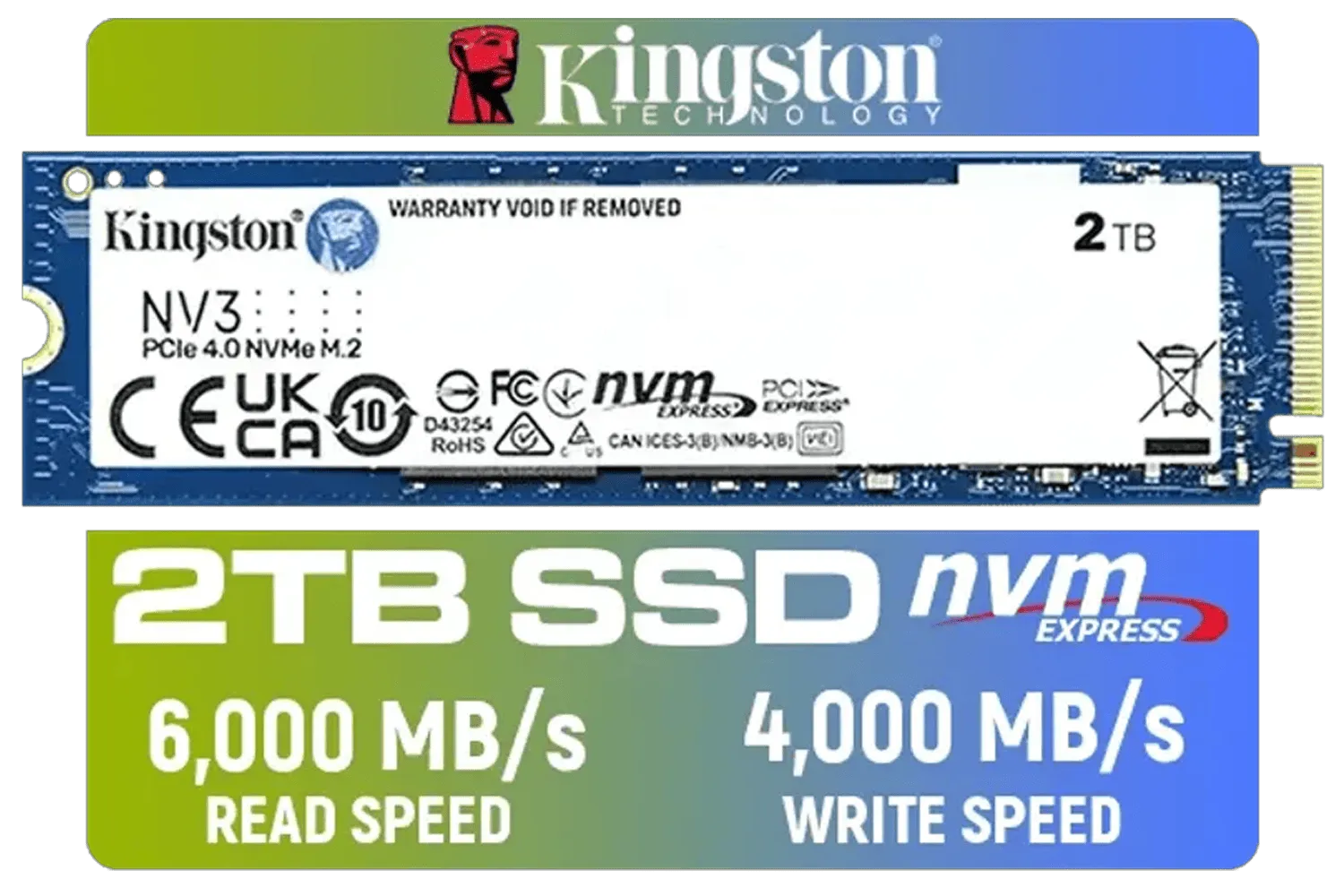
Kingston 2000G NV3 NVMe SSD / Up to 6,000MB/s Read / Up to 4,000MB/s Write / PCIe 4.0 x4 NVMe / M.2 2280 Form Factor / SNV3S/2000G
R3499.00In Stock
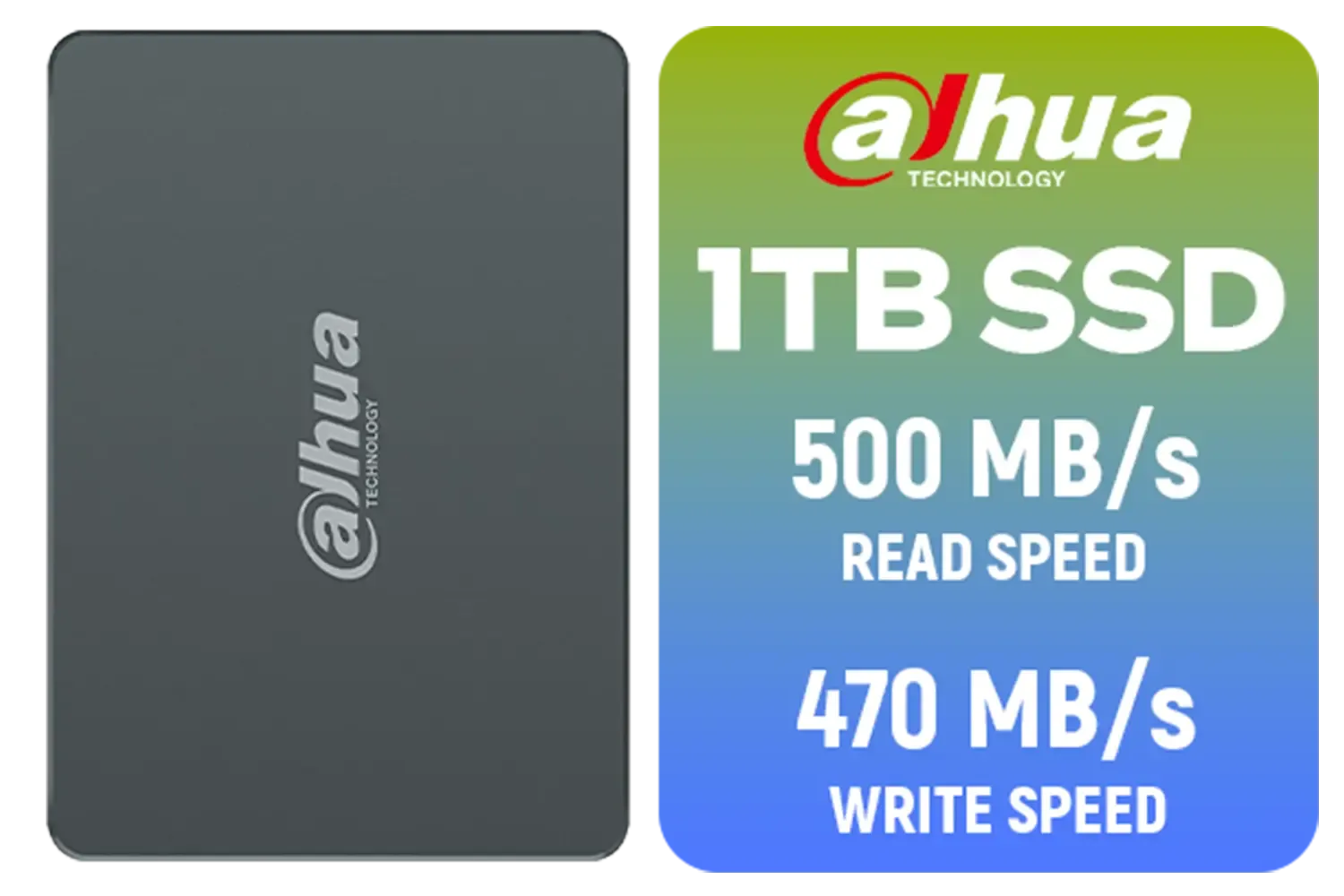
Dahua C800A 1TB 2.5" SATA 3.0 6 Gb/s 3D NAND Solid State Drive (SSD) / Read Speed Up to 500 MB/s / Write Speed Up to 470 MB/s / DHI-SSD-C800AS1TB
R1299.00In Stock
Why Your Gaming PC Deserves an M.2 NVMe SSD Upgrade
If you're still running on an old hard disk drive (HDD) or even an older SATA SSD, you're leaving a massive amount of performance on the table. Think of it like this: an HDD is a dirt road, a SATA SSD is a paved two-lane road, but an M.2 NVMe SSD is a multi-lane F1 track. It plugs directly into your motherboard, using PCIe lanes to deliver mind-blowing read and write speeds.
This isn't just about faster boot times. An M.2 NVMe SSD upgrade means:
- Instant Game Loading: Levels in titles like Baldur's Gate 3 or Starfield load in a fraction of the time.
- No More Stutter: Assets in open-world games stream seamlessly, eliminating that annoying texture pop-in.
- Snappier System: Everything from opening apps to transferring files feels instantaneous.
It's the upgrade that you feel every single time you use your PC.
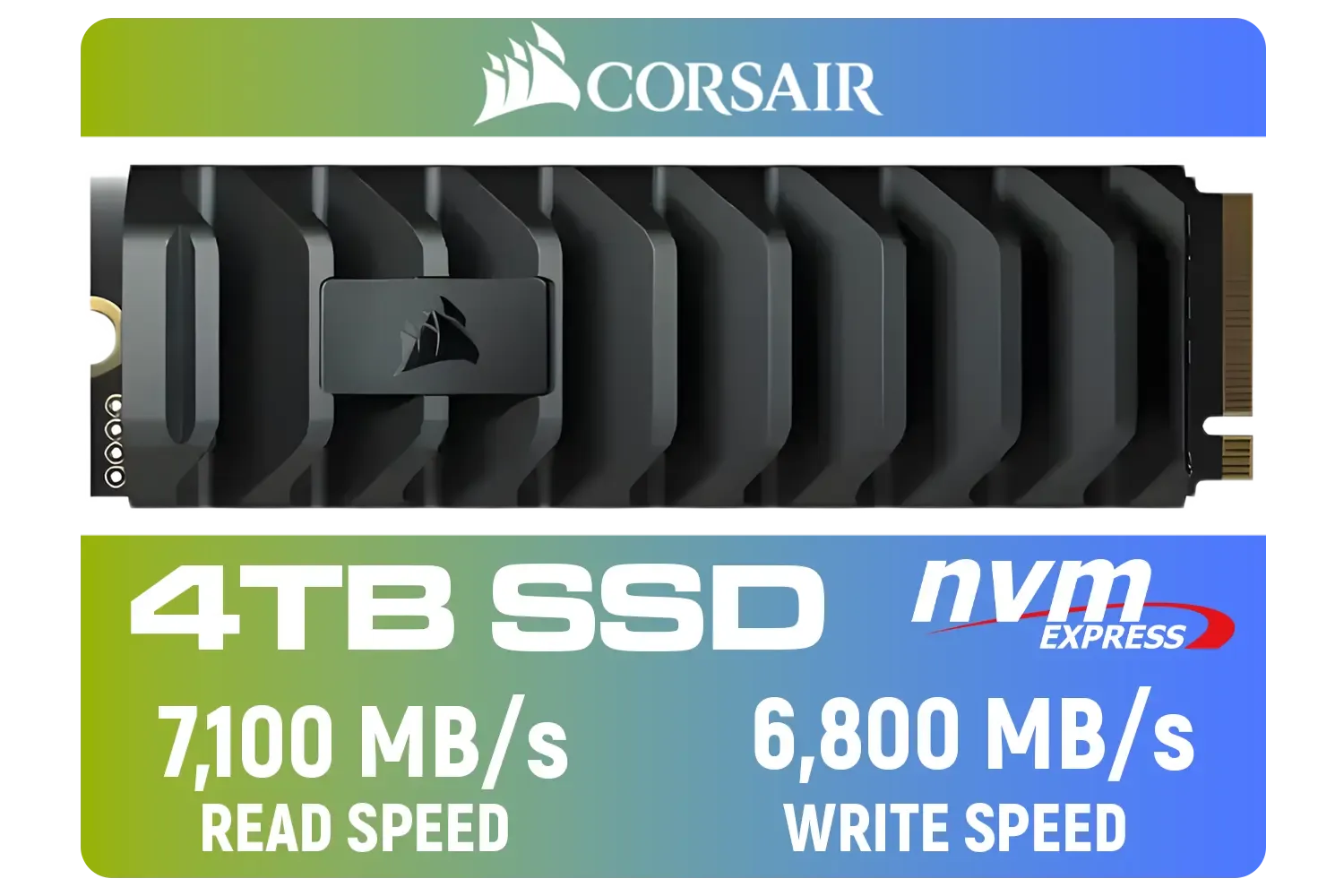
Corsair MP600 PRO XT 4TB PCIe Gen 4 x4 M.2 NVMe SSD / Maximum Read Speed 7,100 MB/s / Maximum Write Speed 6,800 MB/s / Backward compatible with PCIe Gen3 / Aluminum heatspreader for cooling / High-density 3D TLC NAND memory / CSSD-F4000GBMP600PXT
R8499.00In Stock

Orico X7000 4TB NVMe Internal Solid State Drive SSD / Versatile storage for multiple platforms / PCIe Gen 4.0, M.2 2280 / Up to 7100MB/s Read Speed / Up to 6500MB/s Write Speed / ORICO-X7000-4TB-RD-BP
R6199.00In Stock

Teamgroup T-Force VULCAN Z 1TB SSD / Up to 550MB/s Sequential Read Speed / Up to 500 MB/s Sequential Write Speed / Shock + Vibration-Resistant, and Reduced Noise Interference / T253TZ001T0C101
R1899.00In Stock
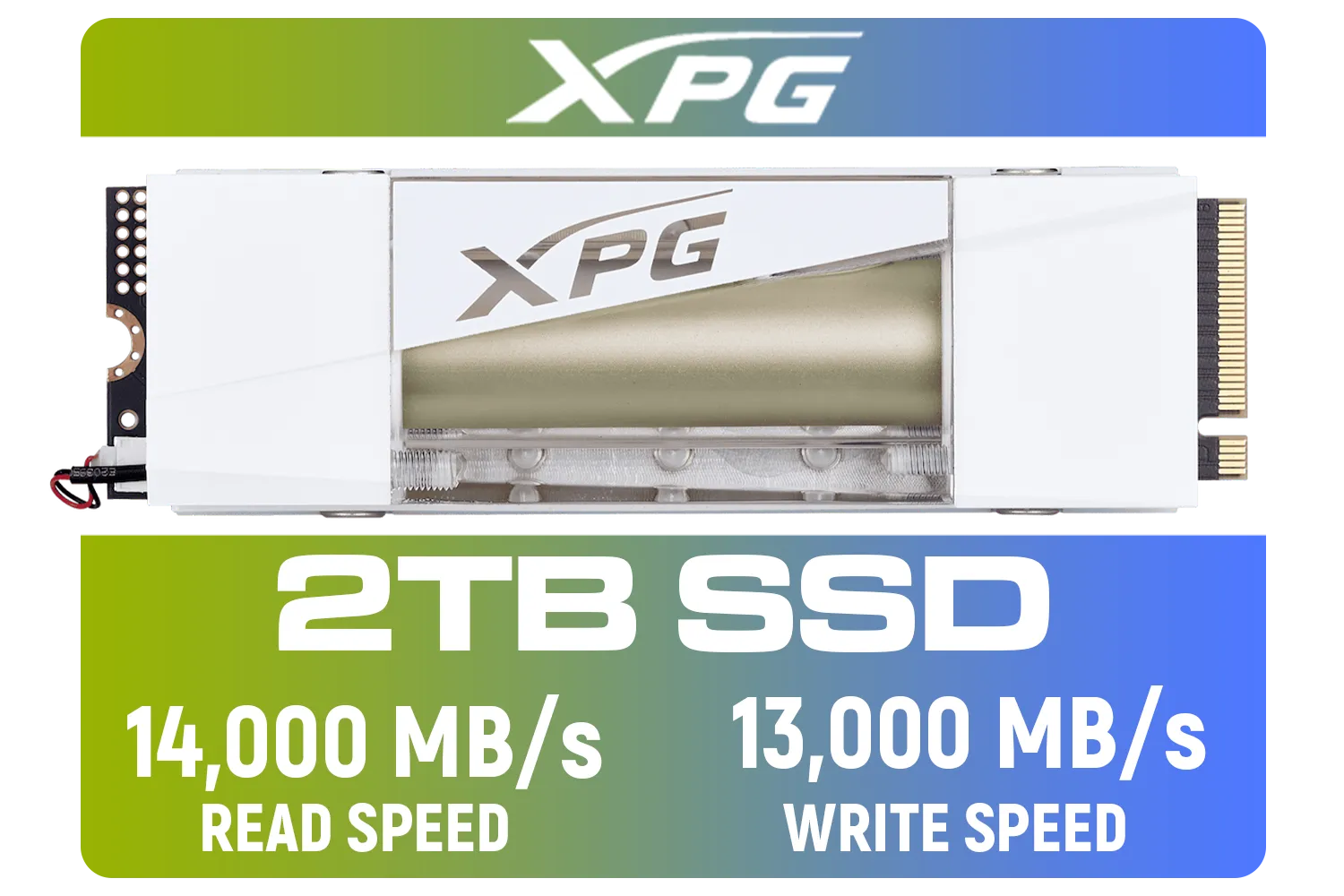
Adata Mars 980 Storm 2TB NVMe SSD / PCIe Gen5 x4 / Up to 14,000MB/s - 13,000MB Sequential Read/Write / SMAR-980S-2TCI
R4499.00In Stock

Kingston NV3 2TB NVMe SSD / Up to 6,000MB/s Read / Up to 5,000MB/s Write / PCIe 4.0 x4 NVMe / M.2 2230 Form Factor / SNV3SM3/2T0
R3299.00In Stock

Kingston IronKey Vault Privacy 80 1.92TB External SSD | FIPS 197 | XTS-AES 256GB Encrypted | Touch Screen PIN | Secure Data Protection | IKVP80ES/1920G
R6999.00In Stock
Choosing the Right Drive: Gen4, Capacity, and Brands
When you start browsing for a new drive, you'll see terms like "Gen3" and "Gen4". This refers to the generation of the PCIe interface. Gen4 drives offer roughly double the potential speed of Gen3 drives, making them the top choice for enthusiasts who want the absolute best performance. For most gamers, a 1TB drive offers a great sweet spot for your operating system and a healthy library of games.
Brands like Klevv have become incredibly popular in South Africa for offering fantastic performance without the hefty price tag. By focusing on high-quality components, Klevv South Africa delivers reliability that gamers can trust.
TIP FOR YOU
Check Your Motherboard First! 🔧
you buy, pull up your motherboard's spec sheet online. You need to confirm two things: that you have a free M.2 slot (look for an 'M-Key' type), and whether it supports PCIe Gen4. A Gen4 drive will work in a Gen3 slot, but you'll be limited to Gen3 speeds, so it's best to match them for maximum value.
A Quick Look at a Top Contender
Getting a top-tier M.2 NVMe SSD upgrade doesn't have to break the bank. For example, a drive like the Klevv Cras C925G 1TB Gen4 NVMe SSD offers incredible speeds that will dramatically cut down loading times, all for a seriously competitive ZAR price. It's a perfect example of a Gen4 drive that delivers a massive performance uplift for your gaming rig or workstation.
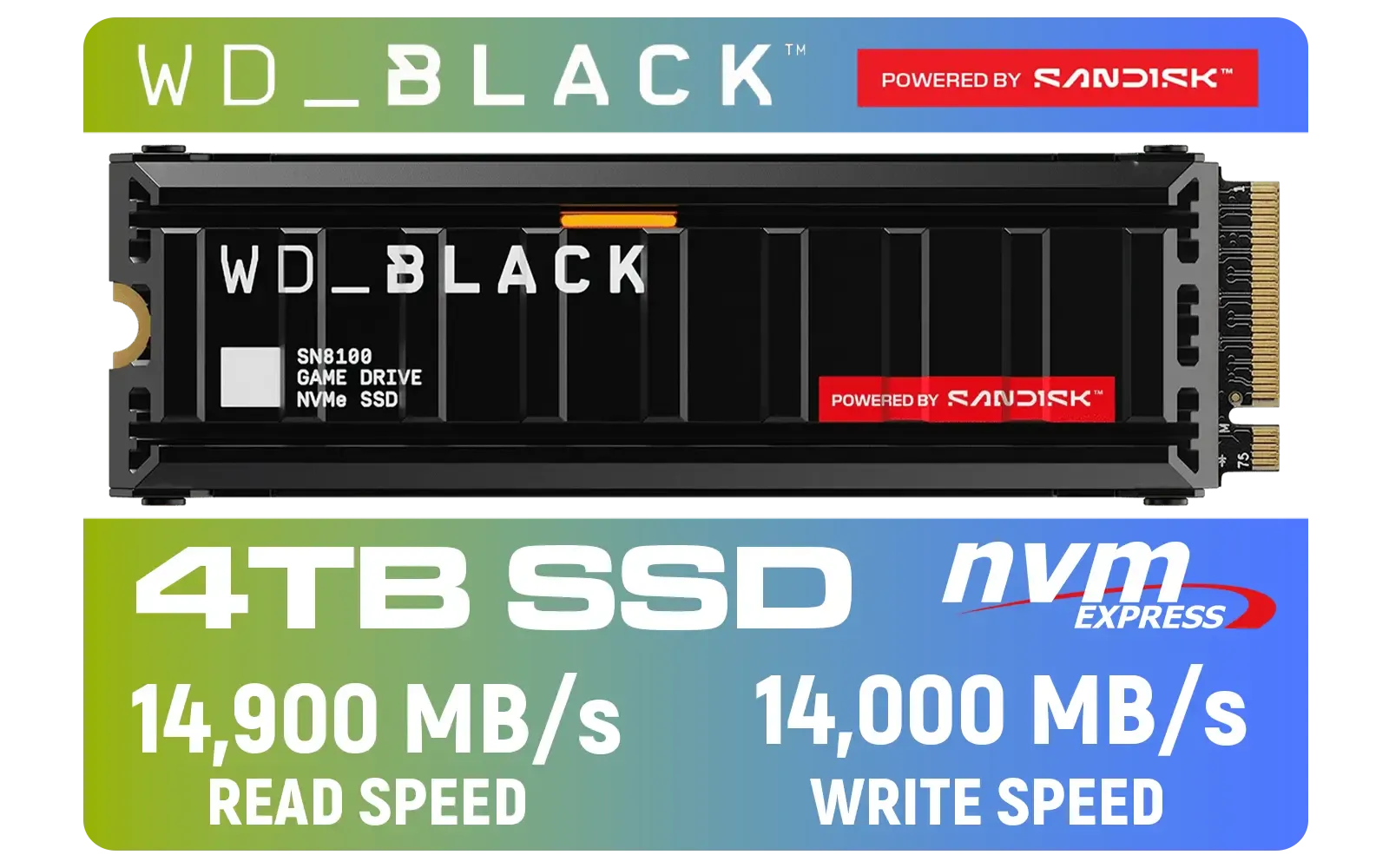
Western Digital SN8100 4TB NVMe Internal Solid State Drive with Heatsink / Read Speeds up to 14,900 MB/s / Write Speeds up to 14,000 MB/s / TCG Opal Security Encryption / nCache™ 4.0, Game Mode, and Adaptive Cooling / Includes SanDisk Dashboard & Acronis® True Image™ Software / WDS400T1XHM
R10499.00In Stock
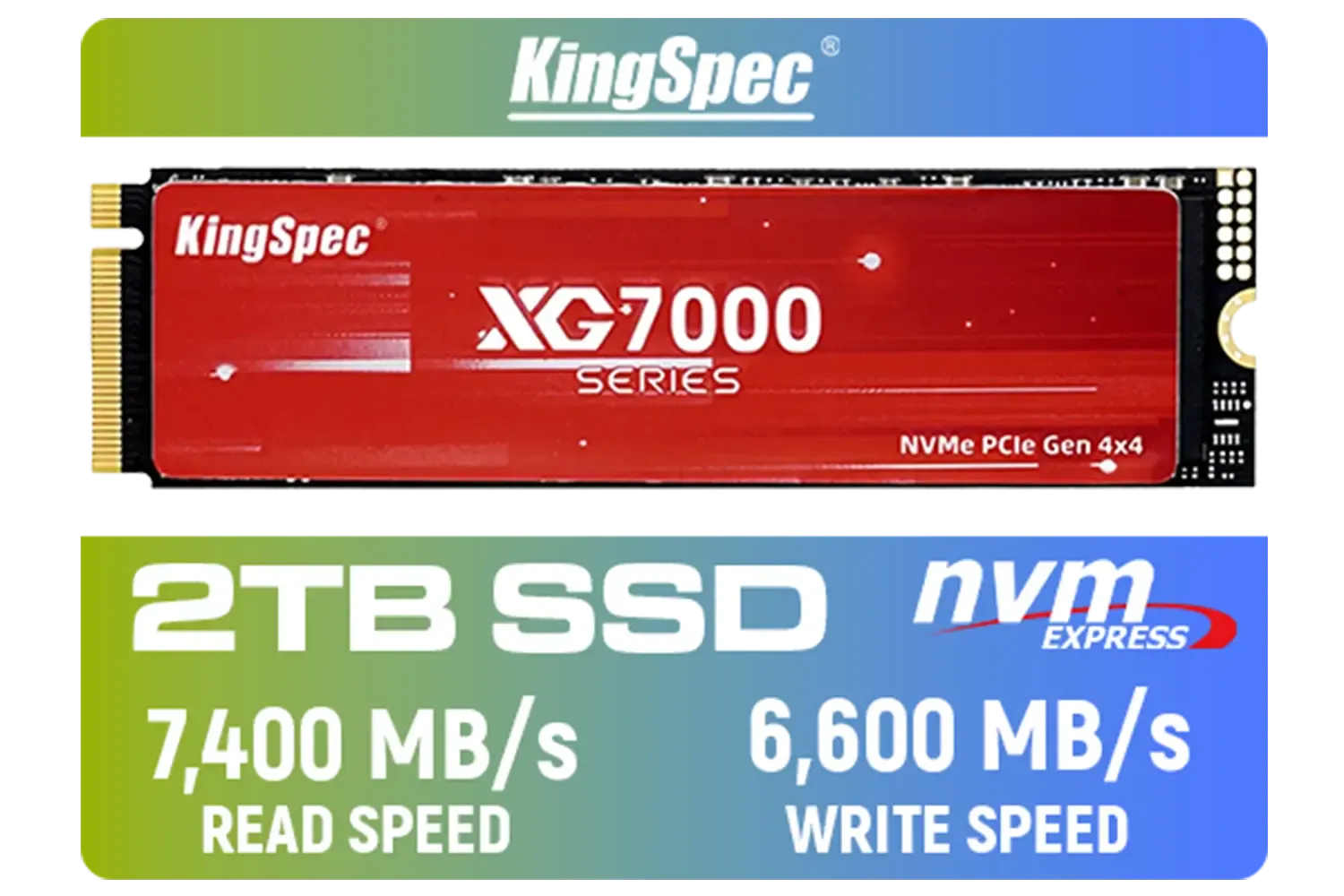
KingSpec XG7000 2TB NVMe Internal Solid State Drive SSD / QLC NAND flash memory / PCIe Gen 4.0, M.2 2280, Up to 7400MB/s/6600MB/s Read/Write Speeds / XG7000-2280-2TB
R3499.00In Stock
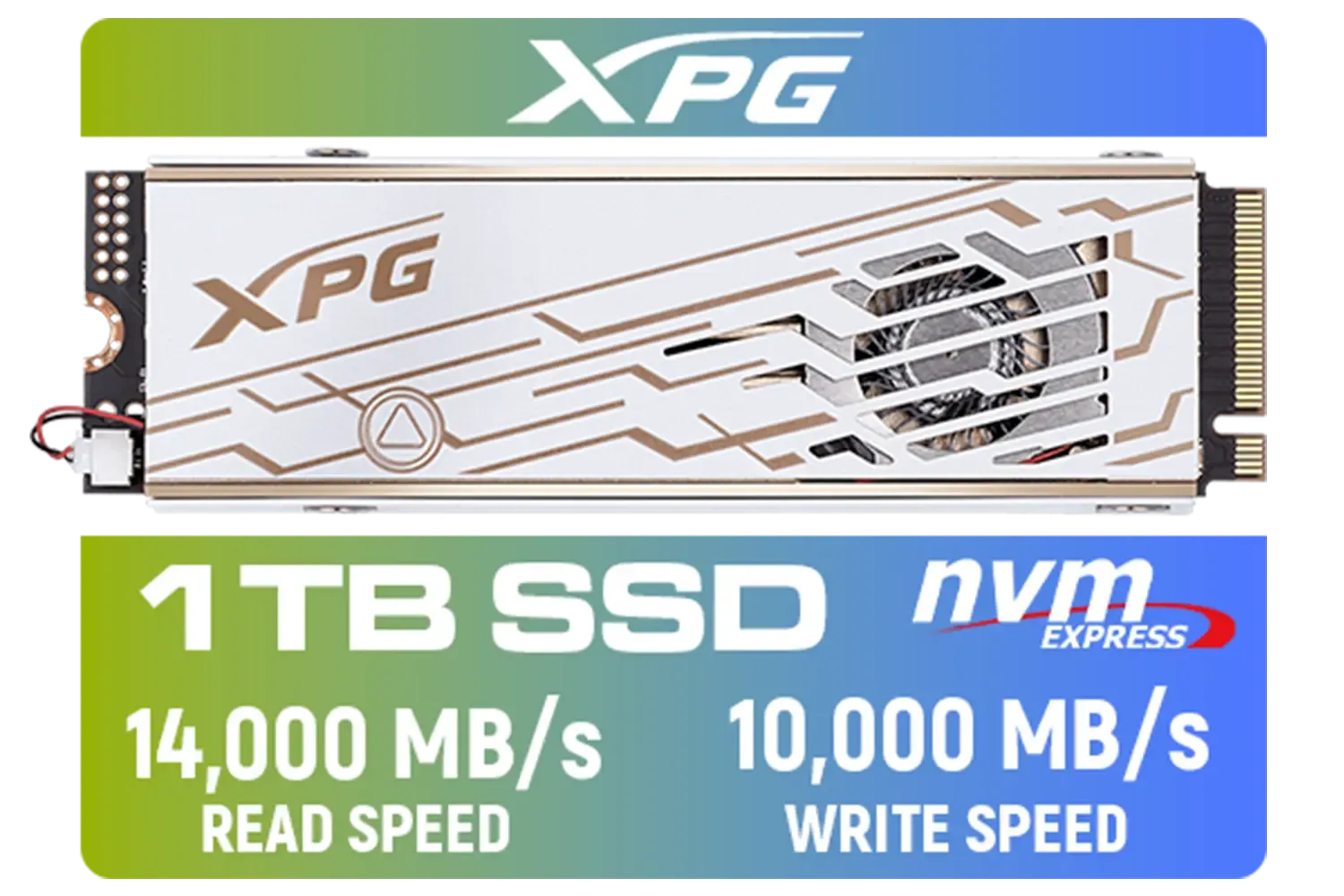
ADATA XPG Mars 980 Pro 1TB NVMe 5.0 Internal Solid State Drive / Up to 14,000MB/s Read Speed and Up to 10,000MB/s Write Speed / SMAR-980P-1TCI
R2999.00In Stock
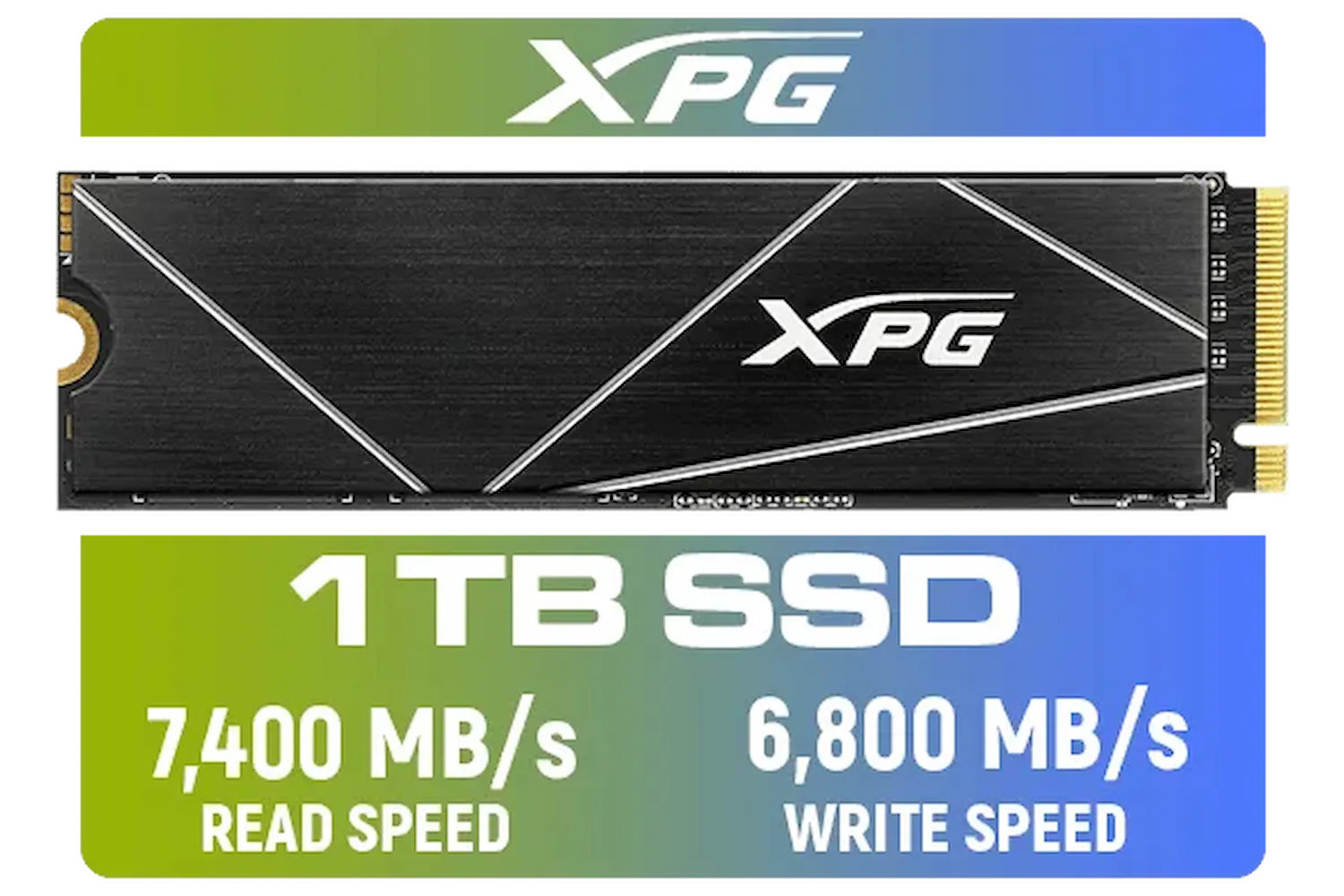
ADATA XPG 1TB GAMMIX S70 Blade - Works with Playstation 5, PCIe Gen4 M.2 2280 Internal Gaming SSD Up to 7,400 MB/s / AGAMMIXS70B-1T-CS
R2599.00In Stock
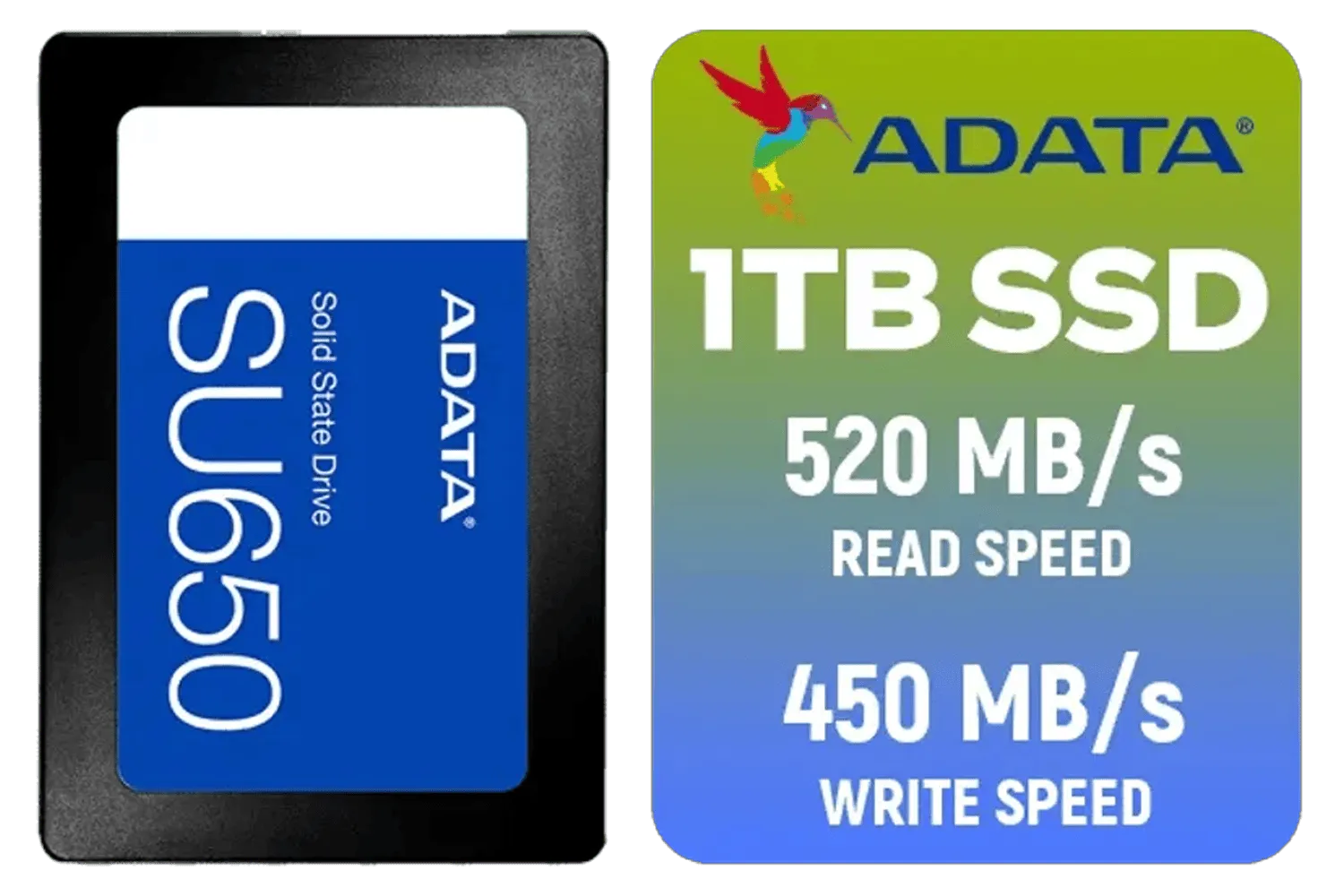
ADATA SU650 1TB 3D-NAND SATA 2.5 inch Internal SSD / ASU650SS-1TT-R
R1399.00In Stock

Kingston XS1000 1TB SSD | Pocket-Sized | USB 3.2 Gen 2 | External Solid State Drive | Up to 1050MB/s | SXS1000/1000G
R1799.00In Stock
Installing it is surprisingly simple... it usually involves loosening one screw, carefully inserting the drive into the M.2 slot on your motherboard, and tightening the screw again. After that, you can either clone your old drive or do a fresh installation of Windows for that brand-new PC feel. ✨
The difference you'll feel after this simple upgrade is immediate and impressive. From booting up your PC to loading into the most demanding games, everything just happens faster. It’s arguably the most noticeable performance enhancement you can make today.
Ready for a Lightning-Fast PC? An M.2 NVMe SSD upgrade is one of the most impactful investments you can make for your gaming experience. Stop waiting and start playing. Explore our huge range of high-speed SSDs and find the perfect drive to unleash your PC's true potential.
Related Products

Corsair MP700 PRO 1TB with Air Cooler PCIe Gen5 x4 NVMe 2.0 M.2 SSD / Up to 11,700MB/s Sequential Read / Up to 9,600MB/s Sequential Write / M.2 2280 Form Factor / CSSD-F1000GBMP700PRO
R4199.00In Stock
KingSpec X500 2TB NVMe Internal Solid State Drive / 3D NAND Flash Memory / PCIe Gen 5.0, M.2 2280, Up to 14 00MB/s/13 000MB/s Read/Write Speeds / X500-2280-2TB
R4499.00In Stock

Corsair MP600 PRO NH 8TB PCIe Gen4 x4 NVMe M.2 SSD – High-Density TLC NAND – M.2 2280 – DirectStorage Compatible - Up to 7,000MB/sec - No Heatsink - Black / CSSD-F8000GBMP600PNH
R22999.00In Stock
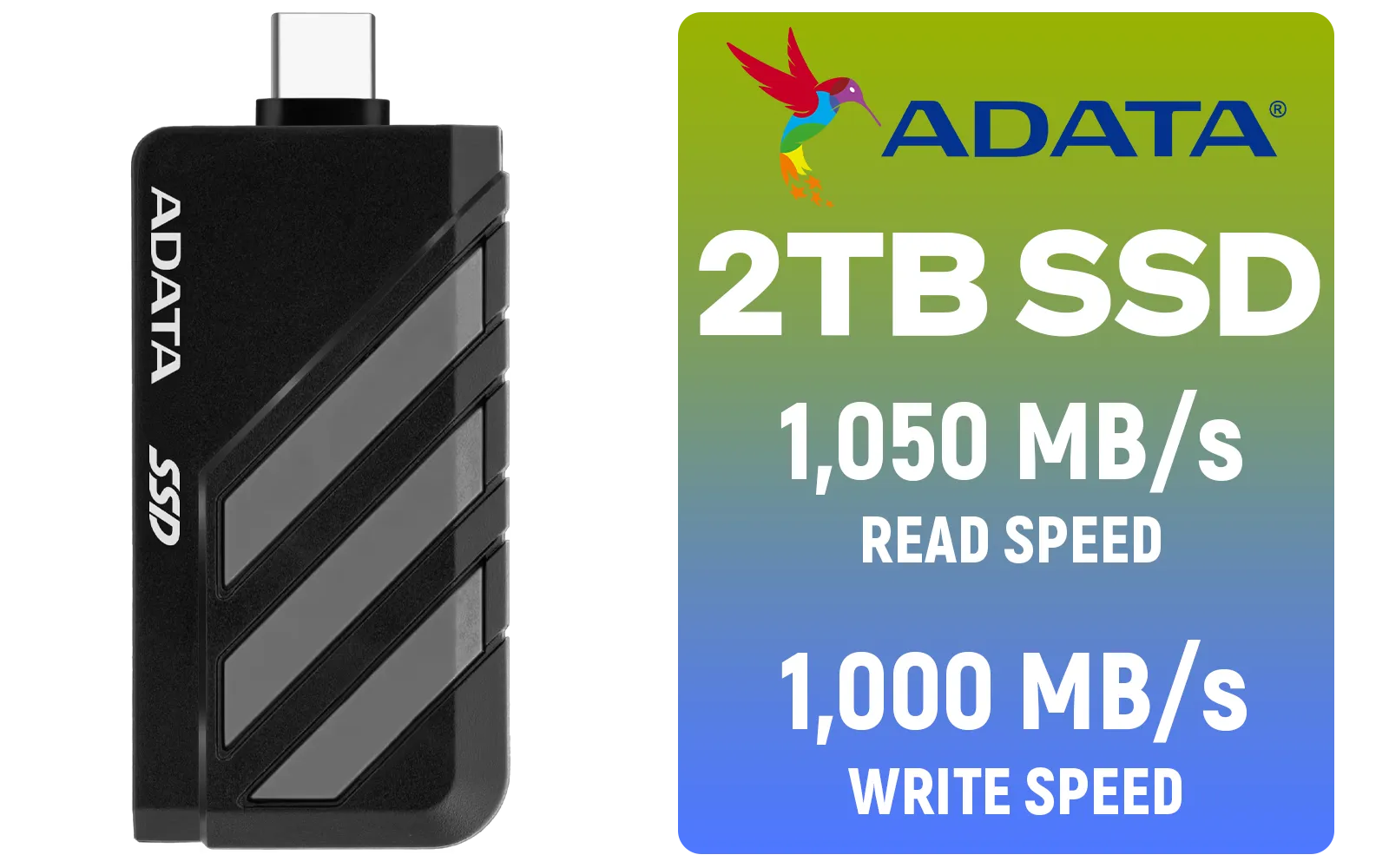
Adata SC735 2TB High-Performance External SSD with USB-C / 1,050MB/s Read & 1,000MB/s Write Speeds / Cable-Free Mobile Phone Compatibility / Gaming Handheld Compatible / Supports Latest Game Consoles / Multi-OS Support / SC735-2000G-CCBK/GY
R3899.00In Stock
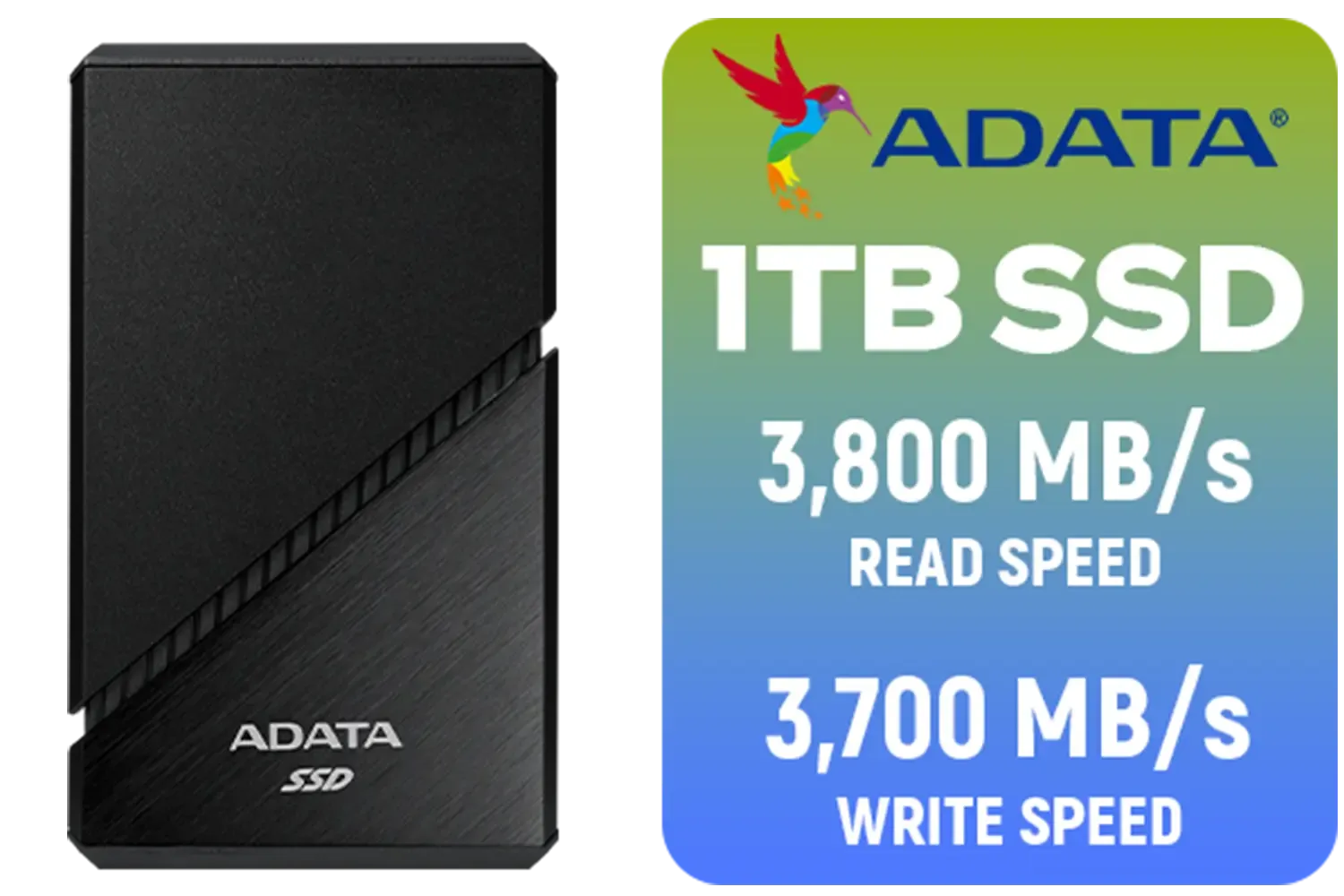
ADATA SE920 1TB External Solid State Drive / Up to 2000 MB/s Read Speed / Up to 3,700 MB/s Write Speed(3,200 MB/s with Thunderbolt 4) / USB4 USB-C Interface (Backwards Compatible with USB 3.2/2.0) / SE920-1TCBK
R2999.00In Stock
Corsair MP600 PRO XT 4TB PCIe Gen 4 x4 M.2 NVMe SSD / Maximum Read Speed 7,100 MB/s / Maximum Write Speed 6,800 MB/s / Backward compatible with PCIe Gen3 / Aluminum heatspreader for cooling / High-density 3D TLC NAND memory / CSSD-F4000GBMP600PXT
R8499.00In Stock
Upgrading offers read/write speeds up to 30x faster than traditional HDDs, drastically reducing boot times and eliminating lag in modern games.
Consult your motherboard manual for an M.2 slot supporting PCIe or NVMe protocols. Look for M-key slots, which are standard for high-speed storage.
For high-performance PCIe Gen4 or Gen5 drives, a heatsink is recommended to prevent thermal throttling during heavy workloads like gaming.
Yes, you can use disk cloning software to migrate your OS and files to the new drive, or use the new NVMe as a secondary game drive.
While they look similar, NVMe uses the faster PCIe interface for superior bandwidth, whereas SATA M.2 is limited to older SATA speeds (max 600MB/s).
Not at all. It involves inserting the drive into the slot at a 45-degree angle and securing it with a single screw or latch mechanism.











