




Your sleek mini-tower PC looks amazing on your desk, but is it starting to sound like a jet engine during intense gaming sessions? You're not alone. Mastering mini-tower case airflow is crucial for unlocking quiet, cool operation and hitting peak performance. It’s a common hurdle for South African gamers who love compact builds but still demand powerful hardware. Let's dive in and fix that thermal throttling for good. 🔧
Understanding the Mini-Tower Airflow Challenge
Unlike their larger counterparts, mini-tower cases have less internal volume. This means components are packed closer together, leaving less room for air to circulate. Your powerful GPU and CPU generate a lot of heat in a small space, which can quickly lead to performance issues if not managed correctly. Effective cooling isn't just a luxury... it's essential for protecting your investment and ensuring smooth, lag-free gameplay.
The goal is to create a clear, unobstructed path for air to travel through your chassis, collecting heat from your components and exhausting it efficiently.

DEEPCOOL CG530 Black ATX Mid Tower Gaming Case / Tempered Glass / 4x 120mm ARGB Fans Pre-installed / CPU Cooler Support Up to 160mm / GPU Support Upto 410mm / 7x PCI Slot, 360mm Radiator Supported / Front I/O: 2x USB / 1x Type C / HD Audio / CG530-4F
R1299.00In Stock
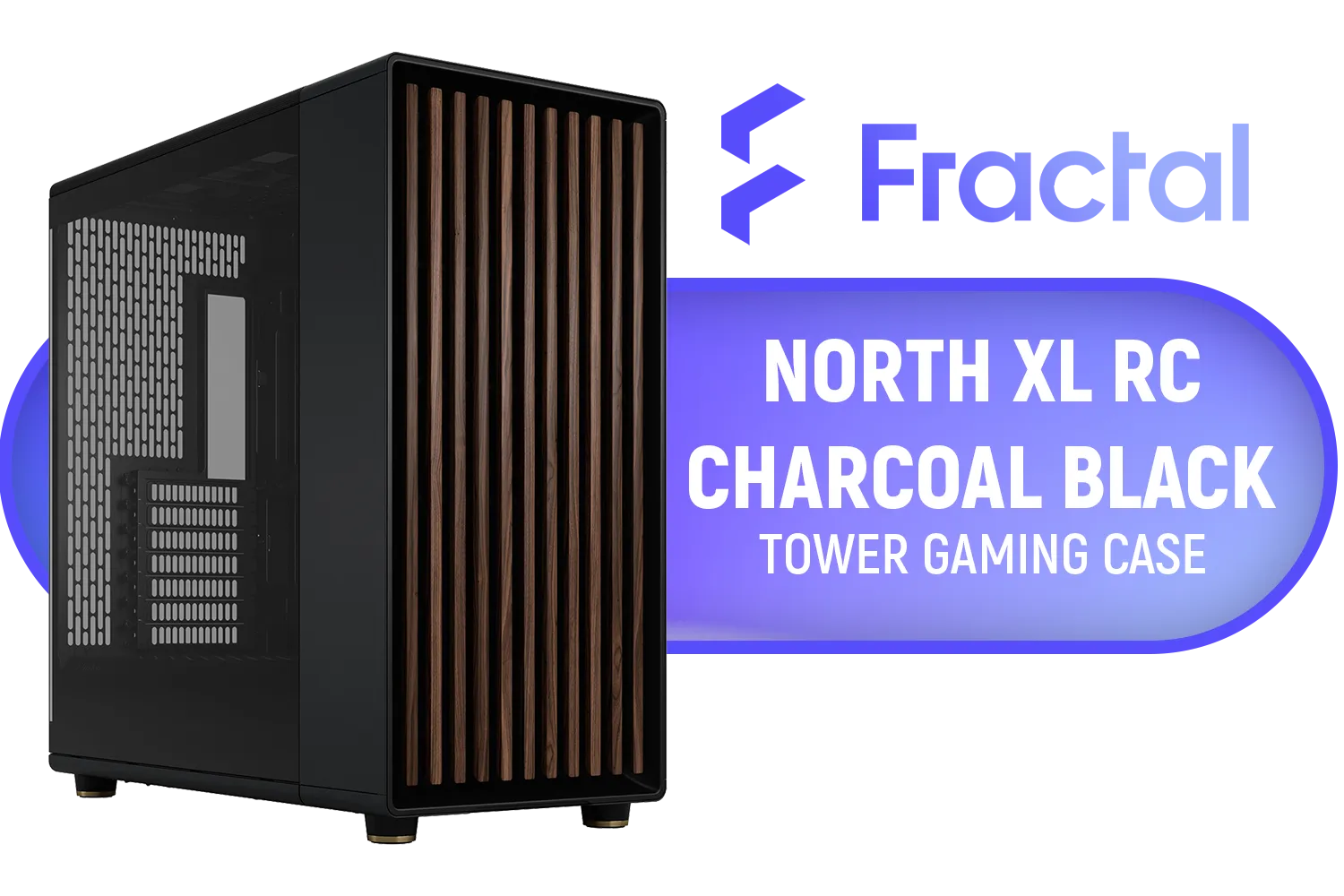
Fractal North XL RC Charcoal Black TG Dark PC Case / ATX and mATX with rear-facing connectors, Mini-ITX Motherboard Compatibility / 3x Included Aspect 140 mm fans / Tempered Glass / FD-C-NOR1X-05
R3199.00In Stock
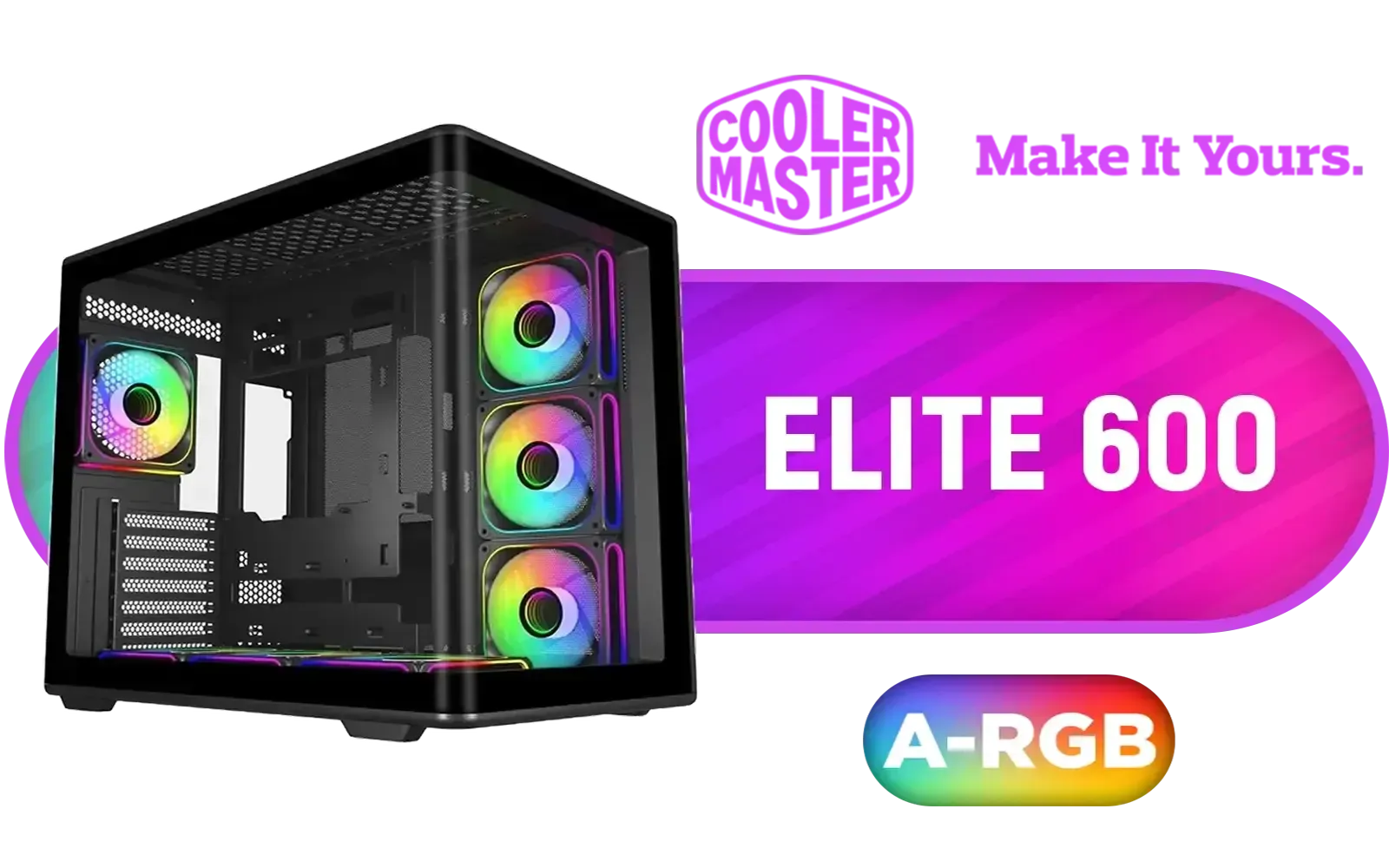
Cooler Master Elite 600 Mid-Tower PC Case - Black / Tempered Glass Side Panel / Supports ATX Motherboards / USB 3.2 Gen 2x2 Type-C / Dual 360mm Radiator Support / Full-Size GPU Support up to 425mm / Tool-Free Access Design / Versatile Multi-Fan Cooling Options / 4x Pre-Installed 120mm ARGB Fans / E600-KGNN-S02
R1899.00In Stock
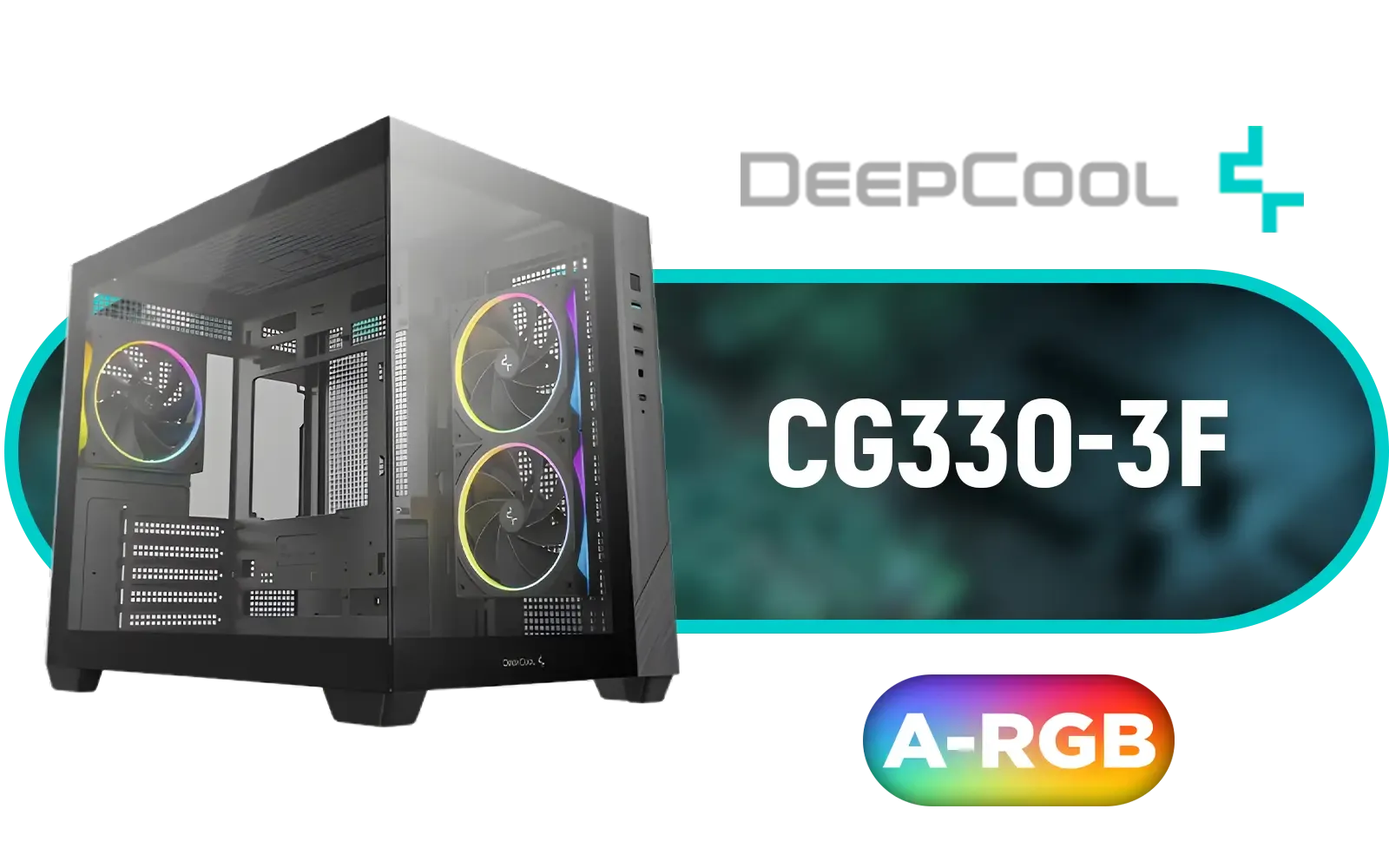
DEEPCOOL CG330 3F Micro-ATX Case - Black / Panoramic Dual-Chamber Design / 3x ARGB Fans Pre-installed / 360mm Radiator Support / GPU Support Up to 410mm / ITX & Micro-ATX Support / Tempered Glass / Front I/O: USB 3.0 x1, USB 2.0 x2, Audio / CG330-3F
R1199.00In Stock
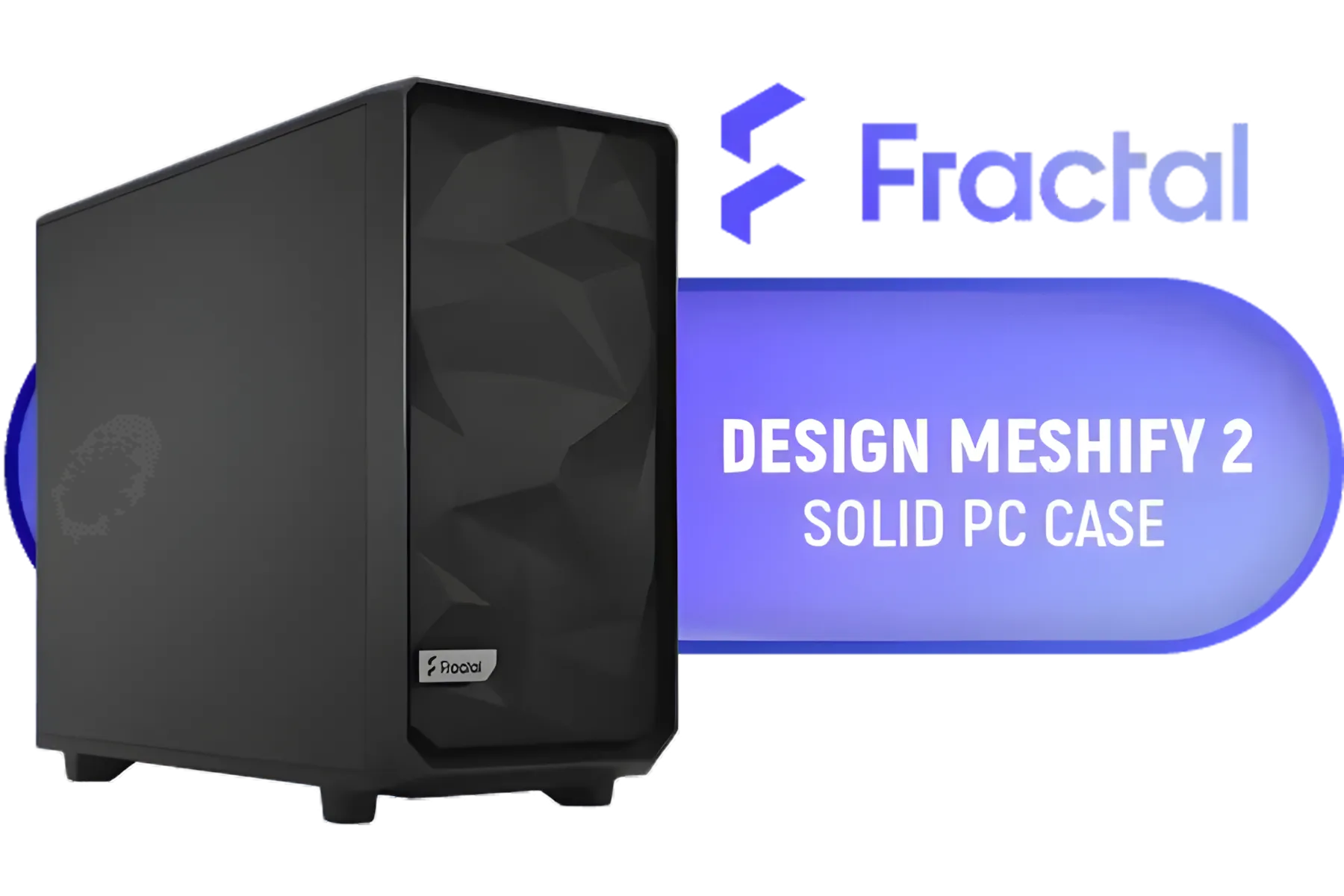
Fractal Design Meshify 2 Black ATX Flexible Mid Tower Computer Case - Stealth-inspired filtered airflow - Fits up to 285mm E-ATX - Fits Radiators Up to 420mm top - 2 x Pre-Installed Fans Included - FD-C-MES2A-01
R2499.00In Stock
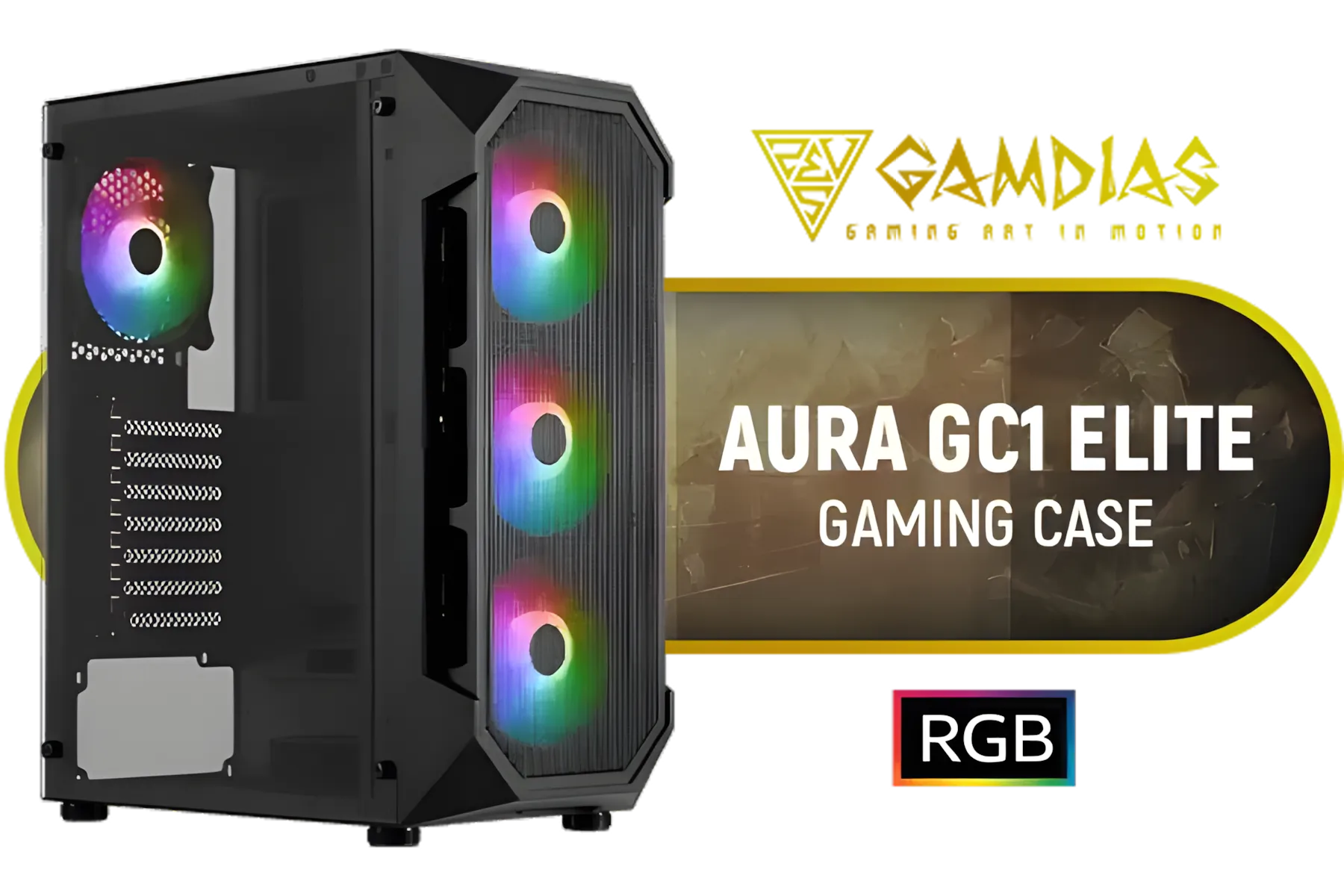
GAMDIAS AURA-GC1-ELITE ATX Mid Tower PC Gaming Case with Side Tempered Glass / 4 Built-in 120mm Fixed RGB Fans / Supports Motherboards up to ATX / Compatible with 340mm GPU / AURA-GC1-ELITE
R999.00In Stock
Core Principles for Optimising Airflow
Before you start moving fans around, it's vital to understand the basic concept of air pressure. In a PC case, you're aiming for either neutral or slightly positive air pressure.
- Positive Pressure: More air is being pushed into the case by intake fans than is being pulled out by exhaust fans. This helps to reduce dust buildup as air is forced out of every unfiltered crack and crevice.
- Negative Pressure: More air is being exhausted than is being taken in. This can be effective at cooling but tends to pull dust into the case through unfiltered openings.
For most builds, a slight positive pressure is the ideal starting point for great mini-tower case airflow.
TIP FOR YOU
Fan Facts: Static Pressure vs. Airflow 💨
Not all fans are created equal. Airflow-optimised fans are designed to move large volumes of unrestricted air, making them perfect for case intake or exhaust. Static pressure-optimised fans are built to force air through restrictions like radiators or dense heatsinks. Using the right fan for the job is a key part of improving your cooling.
Actionable Steps to Improve Cooling Performance
Ready to roll up your sleeves? These practical steps can dramatically improve the thermal performance of your compact build.
Antec C8 White, 2 x 160mm ARGB PWM Reverse fans + 1 x 140mm ARGB PWM Fan, RTX 40 Compatible, Dual-Chamber, tooless Design, Type-C, 360mm Radiator Support, Seamless Tempered Glass Front & Side Panels, High Airflow Full-Tower E-ATX PC Case / 0-761345-10028-1
R3199.00In Stock

Antec Performance 1 FT, Full Tower, RTX40 Fully Compatible, Temp Display, 4 x Storm T3 PWM Fans, Type-C, Dual TG Side Panels, Removable Top Bracket, High Airflow Mesh Front Panel, E-ATX PC Gaming Case - 0-761345-10088-5
R2599.00In Stock
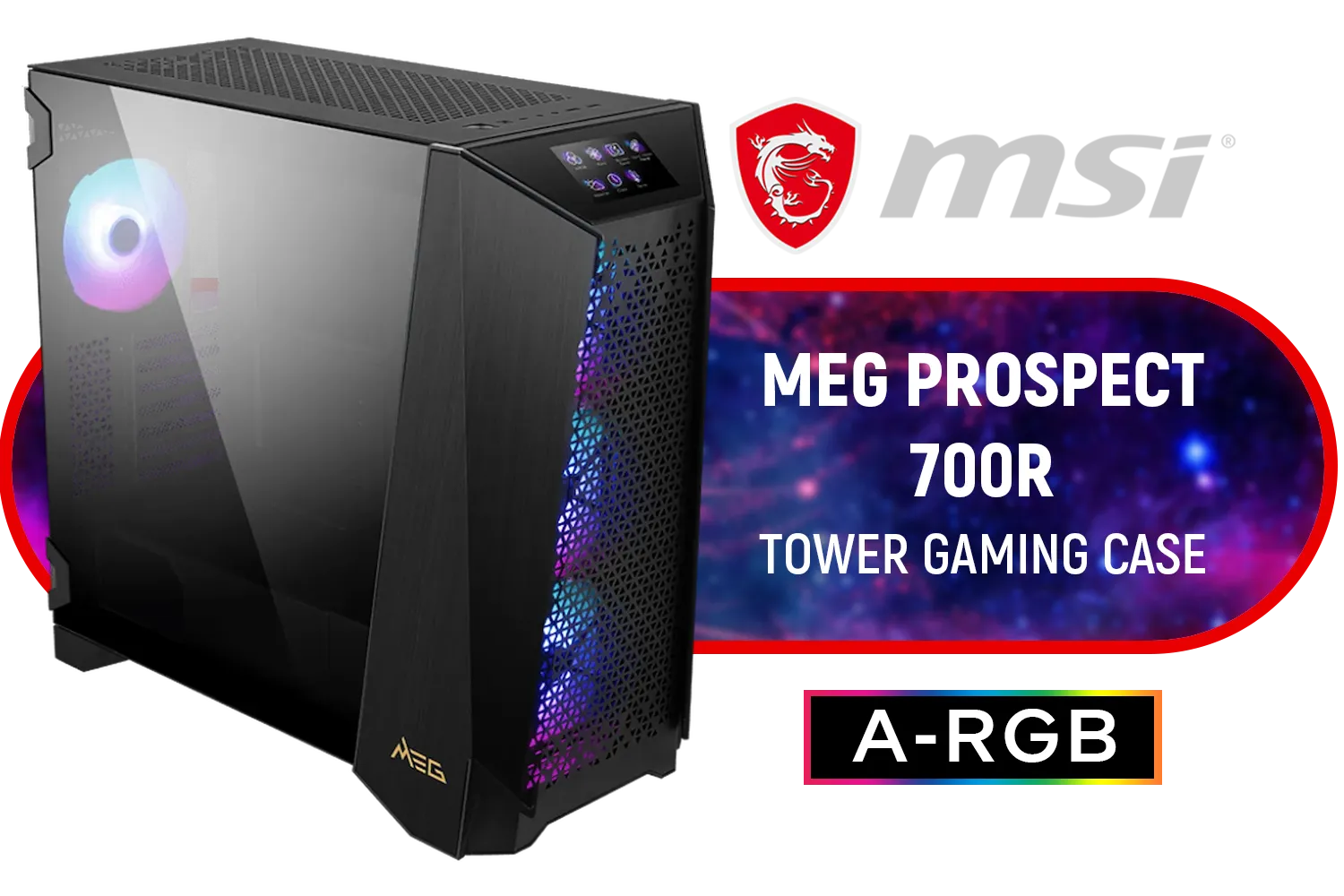
MSI MEG PROSPECT 700R Gaming Case / Mid-Tower Case Form Factor / EATX, ATX, M-ATX, ITX / Pre-installed 4x 140mm ARGB Fans / Tempered Glass / 306-7G15R21-W57
R6499.00In Stock

Corsair 3500X ARGB Mid-Tower Gaming E-ATX PC Case - Black / 3x Pre-installed RS120 ARGB fans / Supports up to 10x 120mm Fans / Supports up 360mm Radiator / Supports Motherboards up to E-ATX / Removable Glass Panels / Supports Reverse Connection Motherboards / CC-9011278-WW
R2199.00In Stock
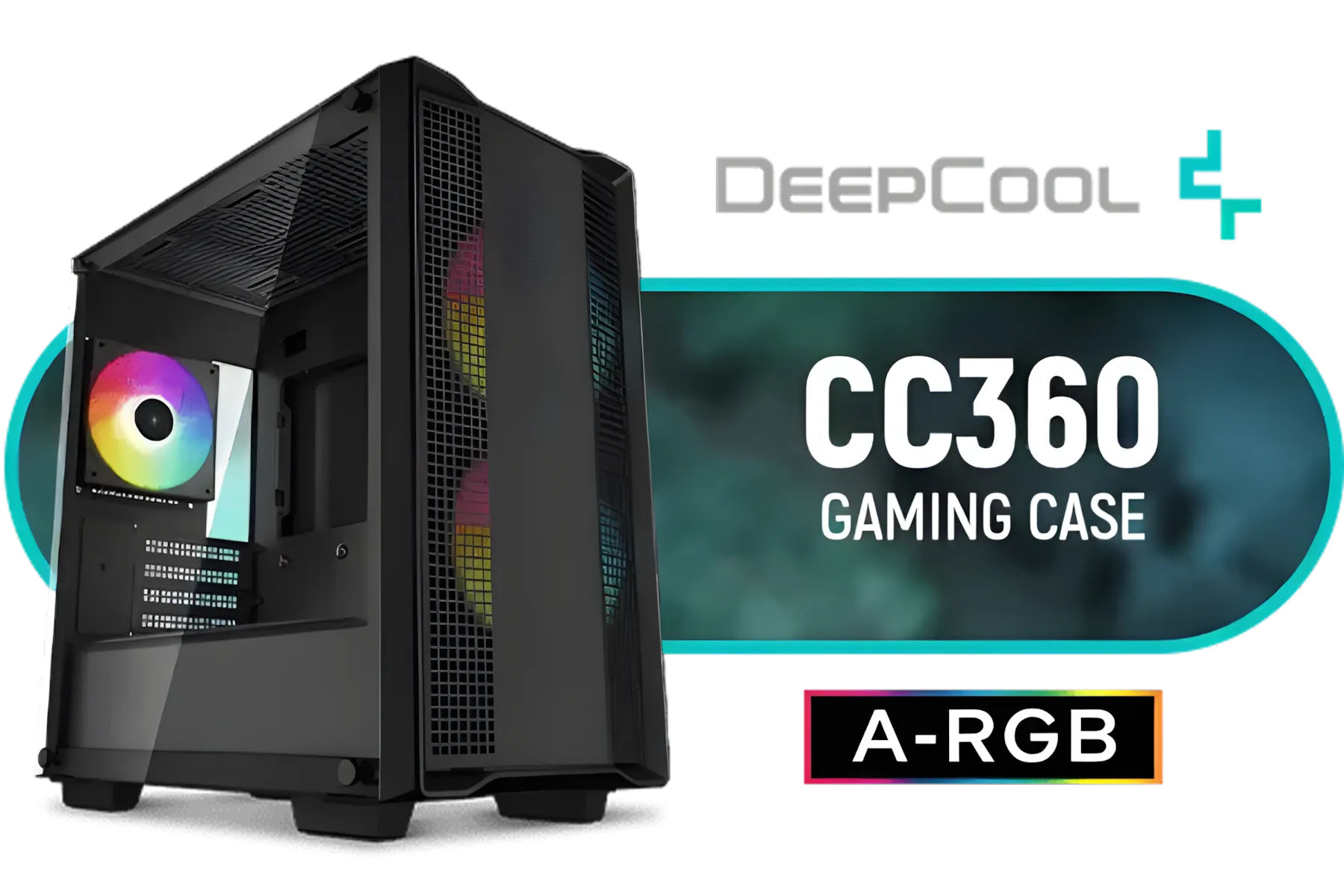
DeepCool CC360 ARGB Tempered Glass Side Panel Gaming Case Black, Supports Motherboards up to Mini-ITX / Micro-ATX / 3 x Pre-Installed ARGB Fans Included / CC360 ARGB
R999.00In Stock

Cooler Master HAF 500 High Airflow ATX Mid-Tower, Mesh Front Panel, Dual 200mm Customizable ARG Lighting Fans, Rotatable GPU Fan, USB 3.2 Gen 2 Type C and Tempered Glass / H500-KGNN-S00
R2499.00In Stock
1. Tidy Up Your Cables
This is the easiest and cheapest fix. Messy, tangled cables are the number one enemy of good airflow. They obstruct the path from your intake fans to your hot components. Take 30 minutes to unplug everything, re-route your cables behind the motherboard tray, and use cable ties or velcro straps to bundle them neatly. Many modern GameMax Computer Cases include features specifically designed to make this process easier.
2. Configure Your Fans Correctly
The most common and effective fan configuration for a mini-tower is simple:
- Intake: Fans at the front of the case, pulling cool air in.
- Exhaust: Fans at the rear and/or top of the case, pushing hot air out.
This creates a wind tunnel effect that draws cool air over your motherboard, CPU, and GPU before being expelled. Avoid having fans fighting each other, like a side intake fan right next to a front intake fan. Consistency is key to optimising your mini-tower case airflow.

Corsair iCUE LINK 6500X RGB Mid-Tower ATX Dual Chamber Gaming E-ATX PC Case - Black / Compatible with reverse connector motherboards / Supports Motherboards up to E-ATX / Tempered Glass / iCUE LINK Fan Bundle included / 3 x Pre-Installed RGB Fan Included / CC-9011269-WW
R5599.00In Stock
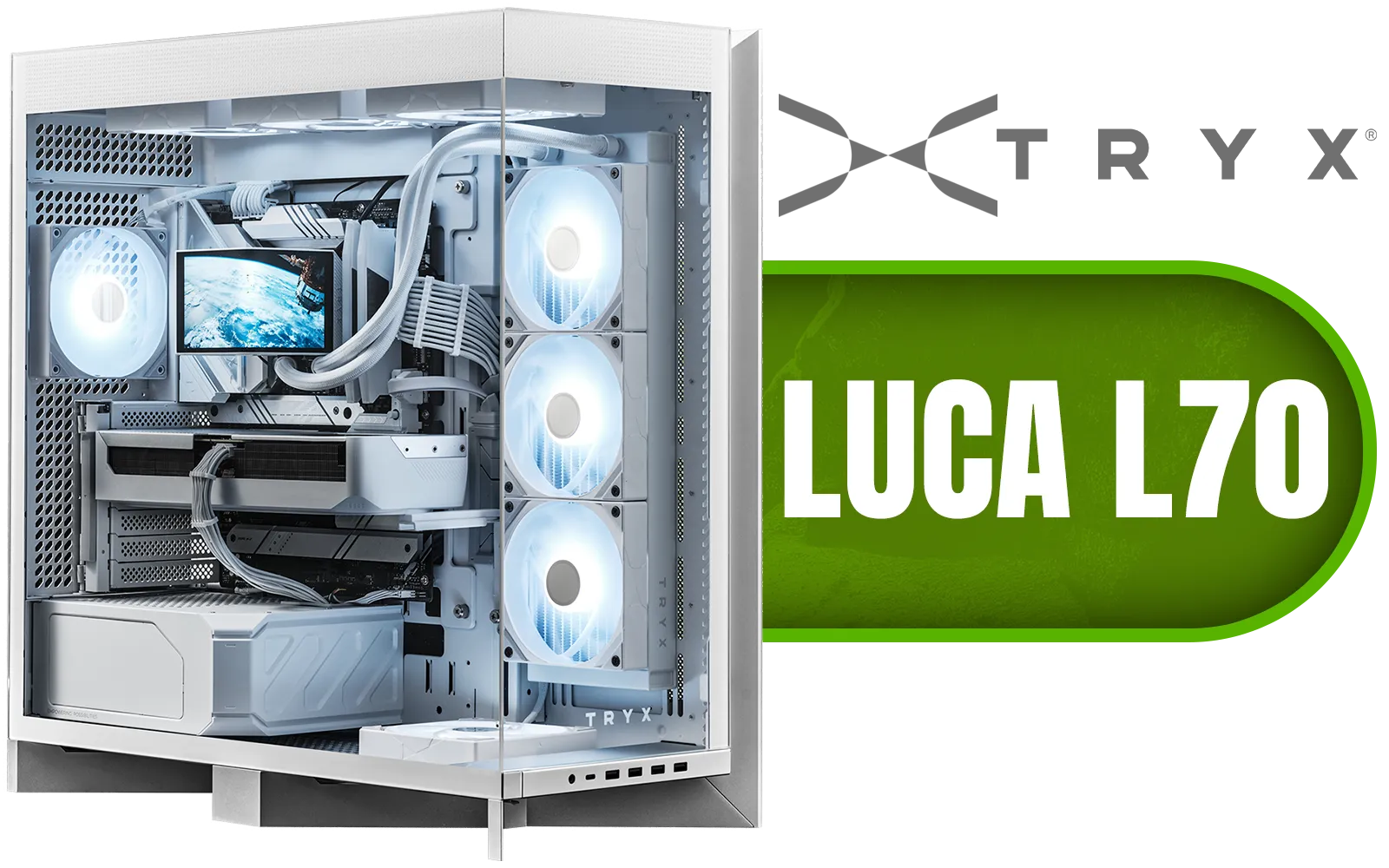
TRYX LUCA L70 Mid-Tower E-ATX Gaming Case - White / Tempered Glass Side Panel / Support ATX & M-ATX BTF Motherboards / Support E-ATX, ATX, Micro-ATX, Mini-ITX Motherboards / Support Vertical GPU Mounting / 40mm Raised X-Shaped base / Adjustable Motherboard Tray / Support up to 8x 140mm + 1x 120mm Fans / C-L700N-NN0H-G0W
R6299.00In Stock
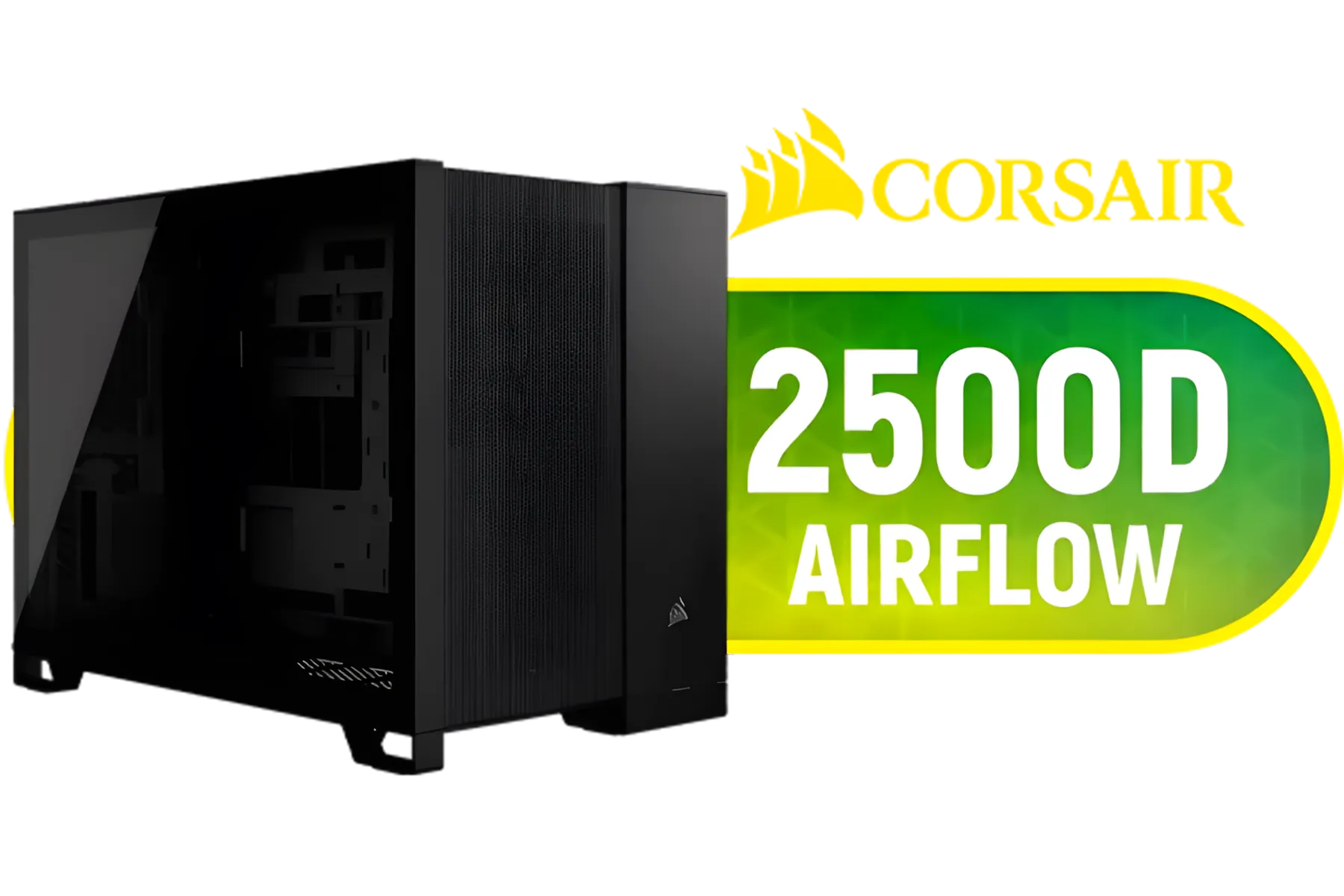
Corsair 2500D AIRFLOW Mid-Tower Dual Chamber PC Case - Black / Compatible with reverse connector motherboards / Supports Motherboards up to Mini-ITX, Micro-ATX / Wide-Ranging Cooling Options / Tempered Glass / Wide cooling flexibility / CC-9011263-WW
R1499.00In Stock

Fractal Design Torrent Compact White - Clear Tint Tempered Glass Side Panel - Open Grille for Maximum air Intake - Two 180mm PWM Fans Included - Type C - ATX Airflow Mid Tower PC Gaming Case - FD-C-TOR1C-03
R2999.00In Stock

DeepCool CH360 Digital Computer Case - White / 2x 140mm ARGB Fans + 1x 120mm ARGB Fan Pre-Installed / Supports Mini-ITX and Micro-ATX Motherboards / 320mm GPU Length Limit / CH360-DIGITAL-WH
R1799.00In Stock
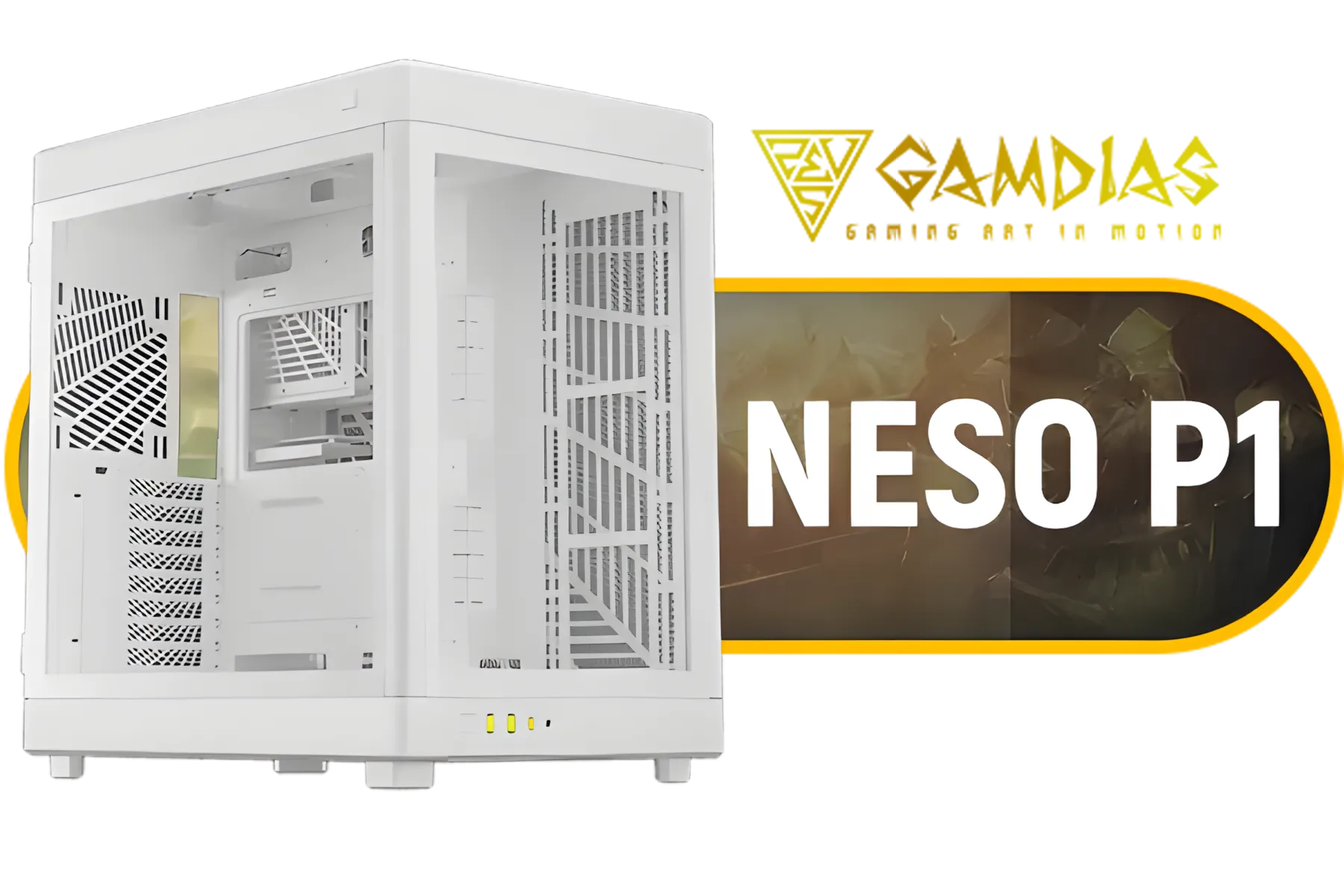
Gamdias Neso P1 Prime Lifestyle E-ATX Gaming Case - White / Modular Orientation / Full Panoramic Display / Supports Motherboards up to E-ATX / Trapezoid Shaped for Horizontal Desktop and Vertical Tower Setup, No Fans Included / NESO-P1-WW
R1299.00In Stock
3. Consider an Upgrade When Necessary 🌡️
Sometimes, you can do everything right, but your case's design is the limiting factor. Older cases often lack sufficient ventilation, mesh front panels, or proper fan mounts. If your temperatures are still high after optimising, it might be time for a new chassis.
A modern case like the Cooler Master E301 Mini Tower Case is engineered with airflow as a priority, featuring a mesh front panel and smart internal layout. Brands like Cooler Master consistently focus on thermal performance, offering excellent options for every budget. A new case is often the most significant single upgrade you can make for better cooling.
Ready to Upgrade Your Airflow? A cool PC is a happy PC. If your current case is holding you back, a modern upgrade is the surest way to lower temps and boost performance. Explore our massive range of computer cases and find the perfect chassis to build your dream rig in.
Related Products
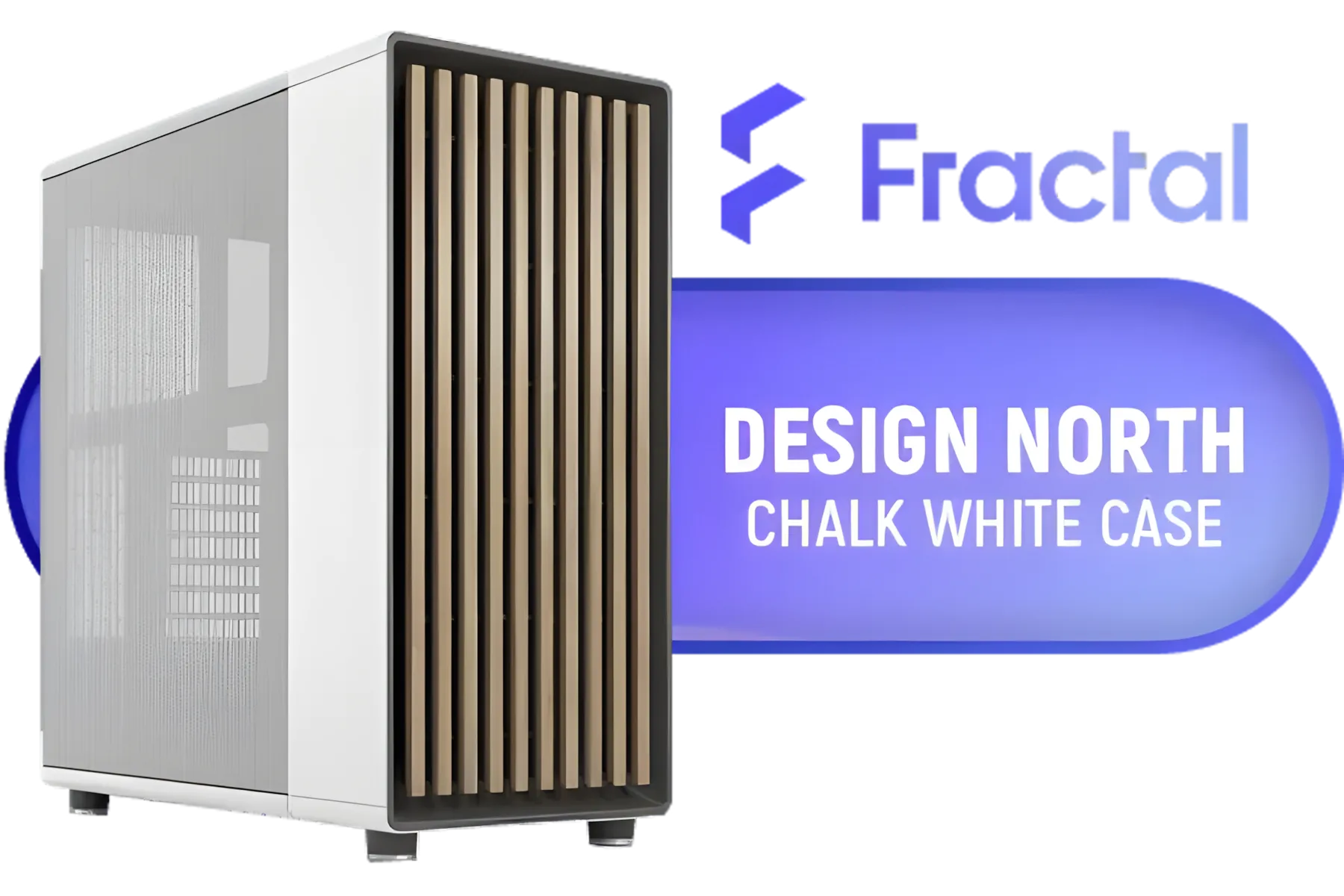
Fractal Design North Chalk White With Mesh Side Panel Case - Sleek wood and alloy for Enhanced Aesthetics - ATX, mATX, ITX Compatible - Easy-release design - Fits GPU Up to 355mm - No Fans Included - FD-C-NOR1C-03
R2999.00In Stock

DEEPCOOL CC560 MESH V2 Mid-Tower Case - White That Supports - Mini-ITX / Micro-ATX / ATX With Pre-Installed 3 x 120mm Fans in Front and 1 x 120mm Fan in Rear / CC560-MESH-WH-V2
R1199.00In Stock

Gamdias Talos E3 Mesh Tempered Glass ATX Gaming Case - Camo / Sync with 5V ARGB Motherboard / 3 Built-in 120mm ARGB Fans / Tempered Glass SIde Panel / Supports Motherboards up to ATX / TALOS-E3-MESH-CAMO
R1199.00In Stock
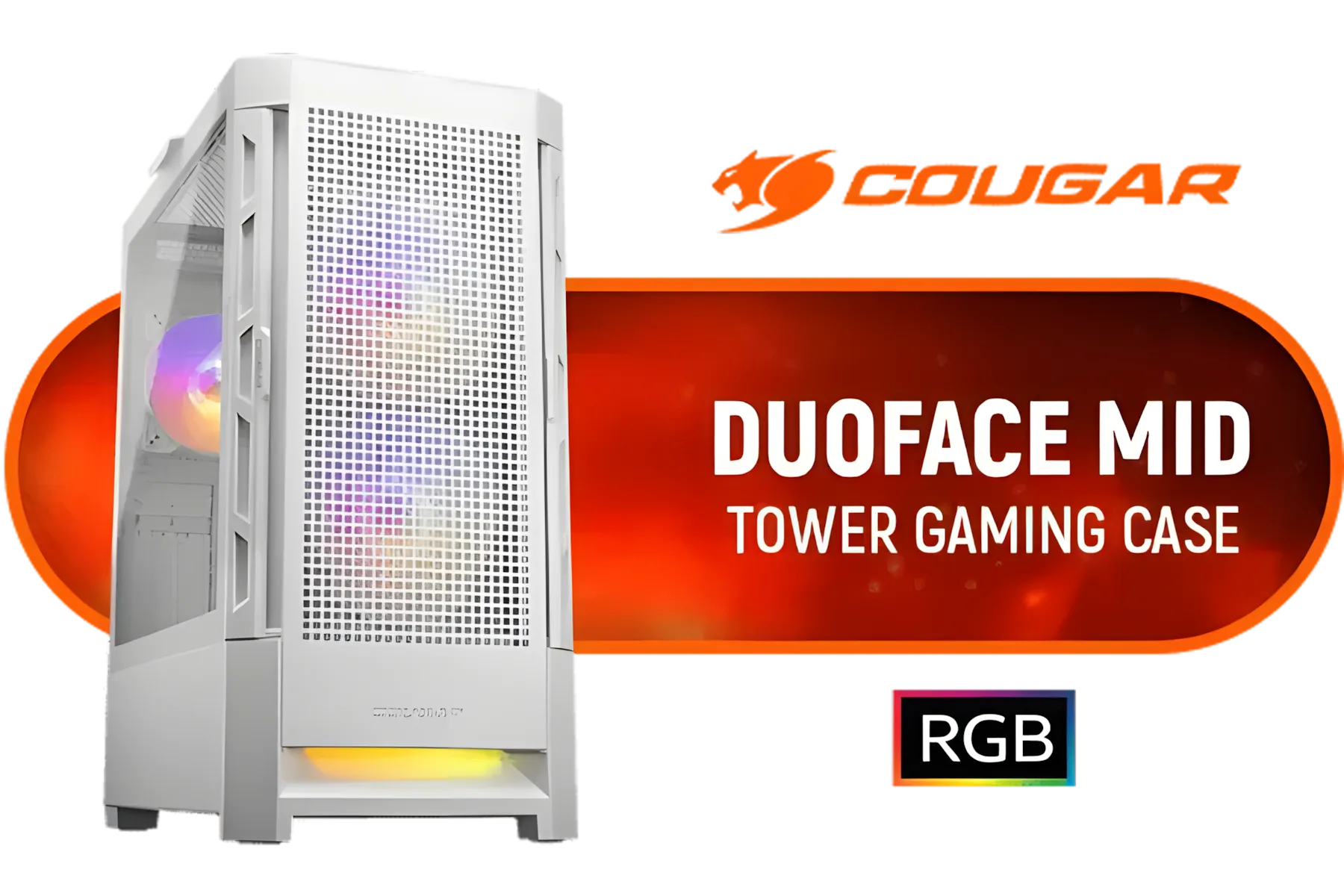
Cougar Duoface RGB Mid-Tower ATX Gaming Case - White / Tempered Glass Left Side Panel / 3 x Pre-Installed Fans Included / 385ZD10.0003
R1699.00In Stock

Antec AX83 RGB Elite Mid-Tower Computer Case/Gaming Cabinet - Black | Support ATX, M-ATX, ITX | Pre- Installed 3 x 120mm Front and 1 x 120mm Rear Rainbow Fans / 0-761345-10042-7
R749.00In Stock
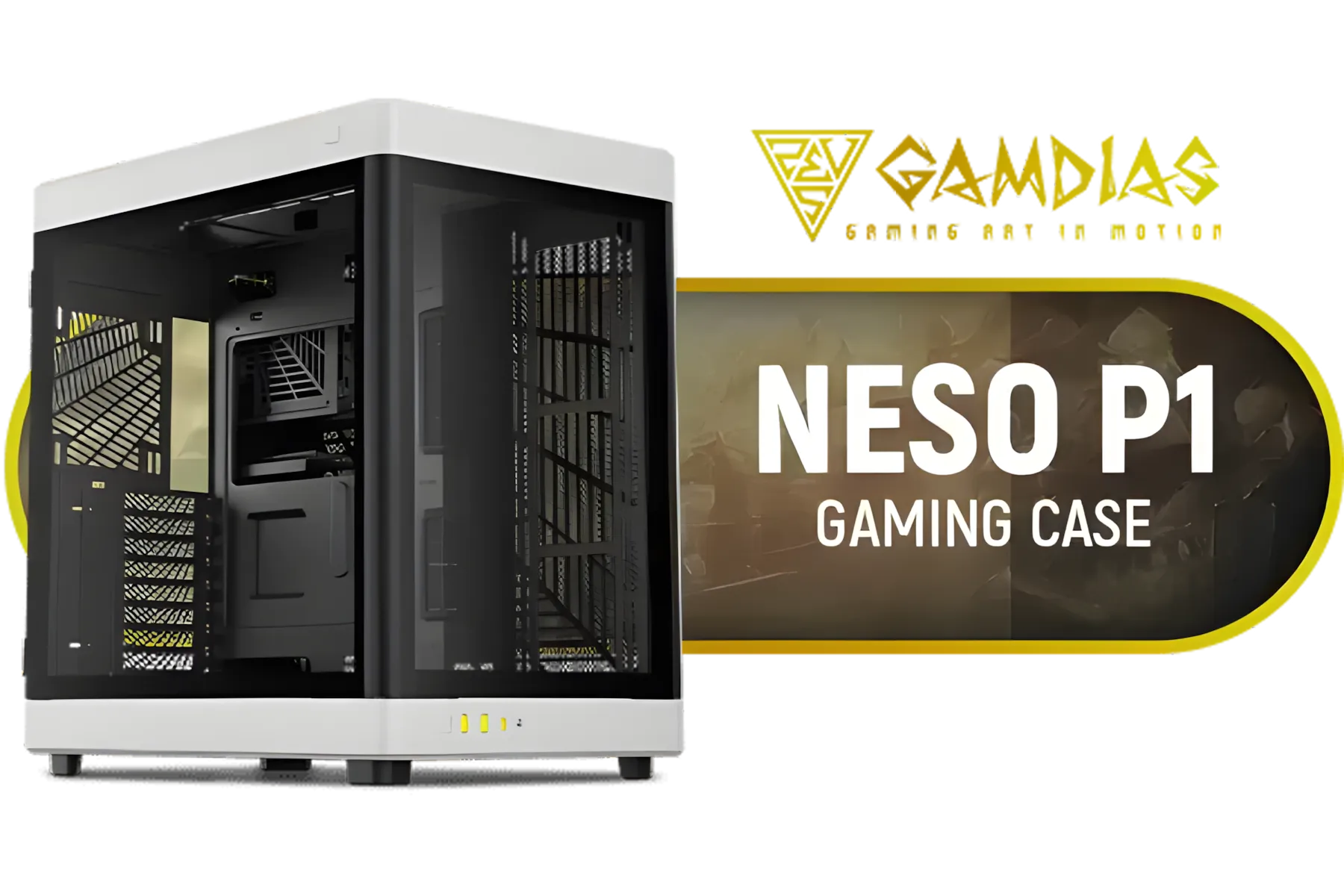
GAMDIAS NESO P1 BW Prime Lifestyle E-ATX Gaming Case - Black/White / Modular Orientation / Full Panoramic Display / Supports Motherboards up to E-ATX / One-touch Release Mechanism / Next-level Airflow Design / No Fans Included / NESO-P1-BW
R2499.00In Stock
Rearrange fans for clear intake and exhaust, tidy cables, remove unused drive cages, use low-profile coolers, and keep dust filters clean. (mini tower airflow tips)
Front intake with top or rear exhaust and a balanced intake:exhaust ratio creates the most efficient airflow path. (best fan layout for mini-tower)
Filters slightly reduce static airflow but prevent dust buildup that hurts cooling long-term. Clean filters regularly. (filters and airflow small case)
Messy cables block airflow and create hotspots. Route cables behind the tray and tie them to keep direct airflow paths clear. (cable management mini case airflow)
Positive pressure often limits dust and helps cooling in compact cases by having more intake than exhaust, but test based on your layout. (positive pressure mini case)
RGB is cosmetic. Choose fans for high static pressure and CFM—RGB doesn't inherently reduce airflow. (case fans for mini tower)
Yes—optimize fan placement, upgrade to higher-efficiency fans, remove obstructions, improve cable routing, or switch to a better CPU cooler. (improve airflow in small PC case)











