



Mini-Tower PC Build for Gaming and Work
Mini-Tower PC Build for Gaming and Work — a step-by-step guide to build a compact, powerful dual-purpose PC with parts lists, cooling tips, and benchmarks 🎮💼

Tired of that massive PC tower hogging all your desk space? In South Africa, where a clean setup is everything, a bulky rig just doesn’t cut it anymore. A mini-tower PC build offers the perfect solution: immense power for the latest games and demanding work, all packed into a stylish, space-saving chassis. It’s time to think smaller without sacrificing performance. Let’s dive into how you can build a compact beast that conquers both work and play. 🚀
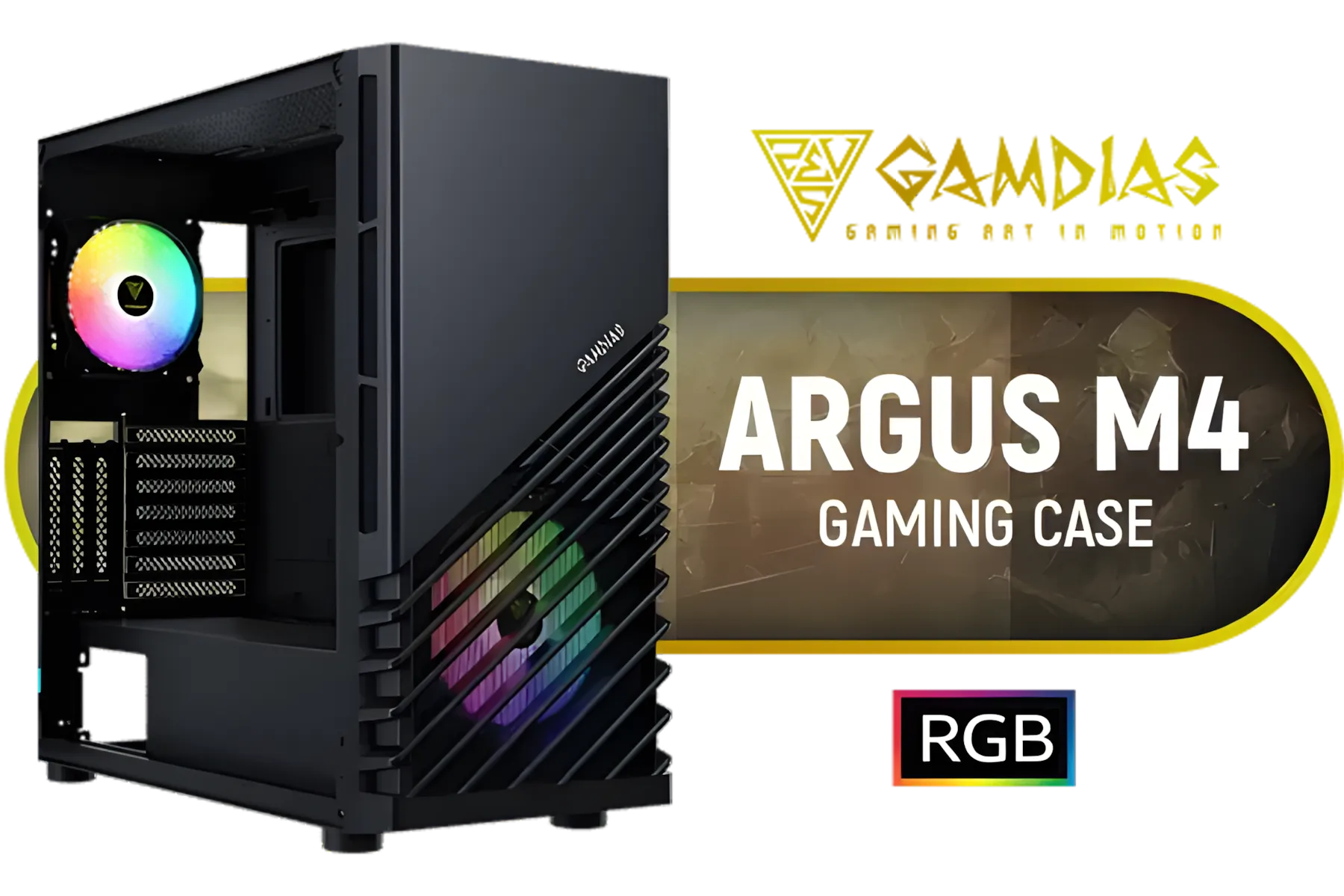
Gamdias Argus M4 Tempered Glass ATX Gaming Case - Black / Supports Motherboards up to ATX / Compatible with Dual 360mm Radiator (Top & Front) / RGB Streaming Lighting / 1 Built-in 140mm Front Fan and 120mm Rear Fan / Magnetic Dust Filter / ARGUS-M4
R1199.00In Stock
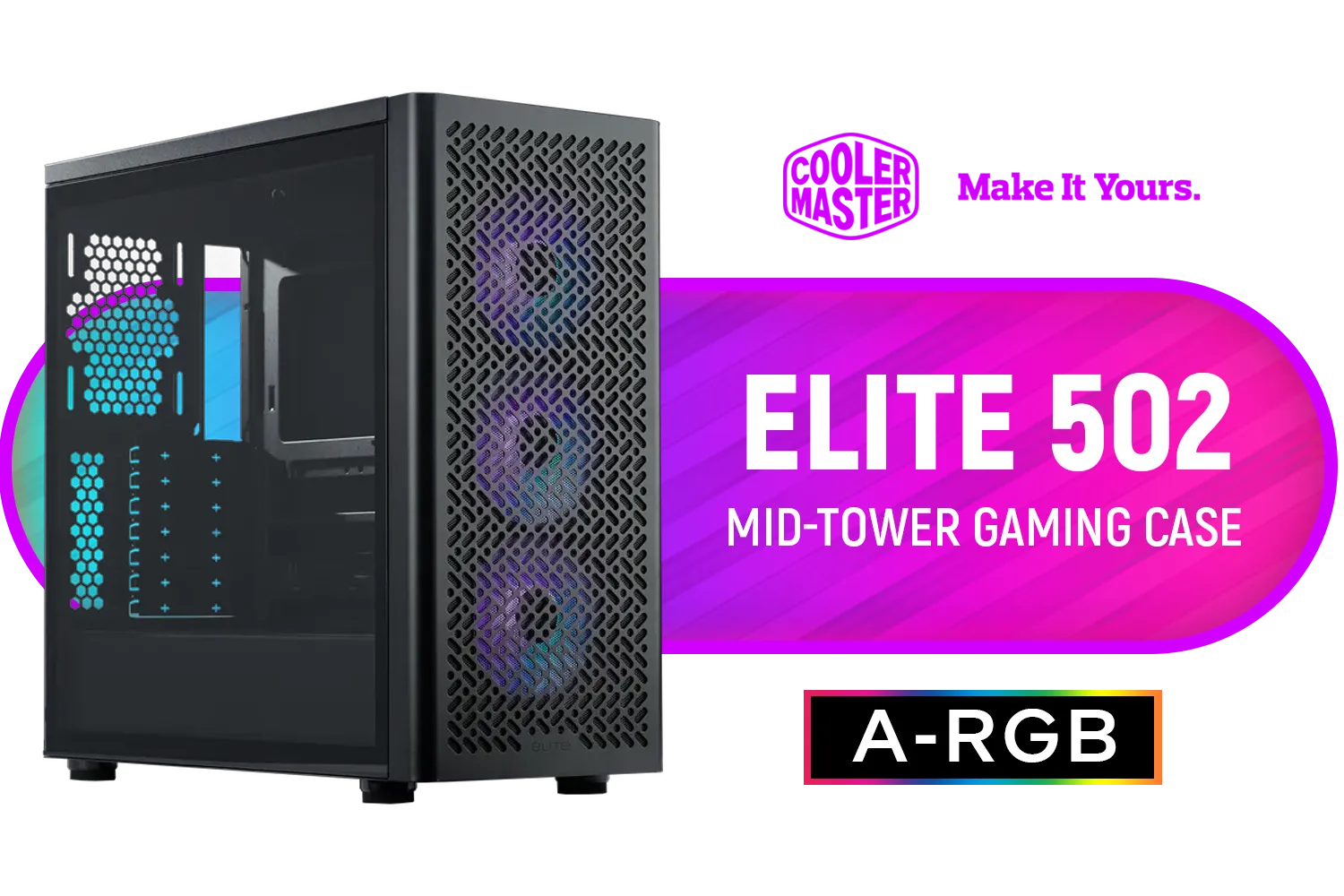
Cooler Master Elite 502 Mid-Tower Gaming Case - Black / ITX, Micro-ATX, ATX (Supporting Back-connector Motherboard), E-ATX Motherboard Support / Up to 7 Case Fans / Pre-installed 3x 120mm ARGB Fans / E502-KGNN-S00
R1199.00In Stock

Xigmatek Overtake Tempered Glass RGB Super Tower EATX Gaming Case / 4 x Pre Installed RGB Fans / EN46416
R2599.00In Stock

Gamdias TALOS M3 MESH E-ATX Gaming Case - Black / Perforated Mesh Front Panel Provides Optimal Ventilation / 3 Built-in PWM ARGB Fans / Supports Motherboards up to E-ATX / TALOS-M3-MESH
R1299.00In Stock
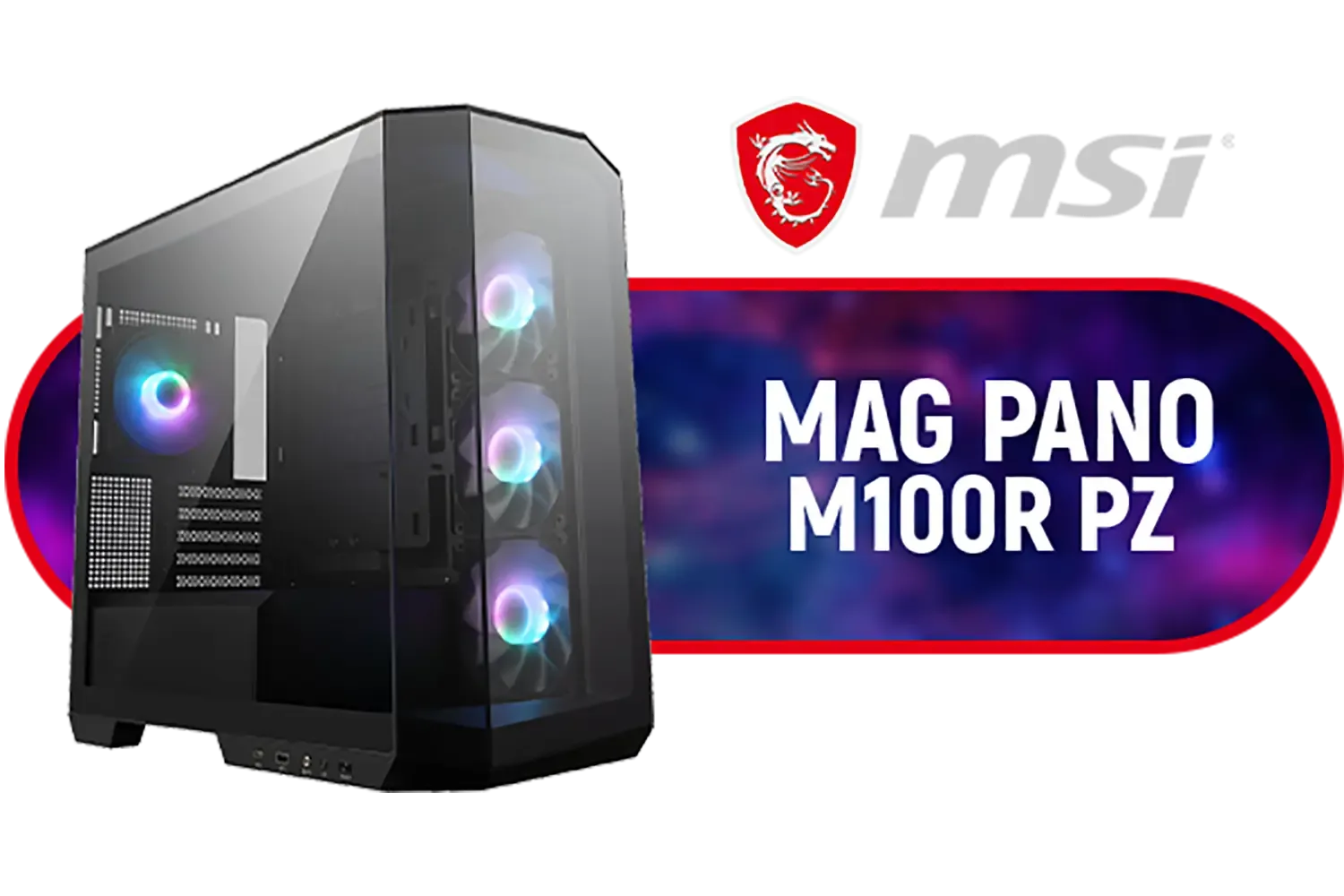
MSI MAG PANO M100R PZ CASE - Black / Supports Micro-ATX & ITX Motherboards / 270° Panoramic Display / 4x Pre-Installed Fans / 175mm Maximum CPU Cooler Height / 390mm Maximum GPU Length / 306-7G24R16-HH9
R1999.00In Stock

GAMDIAS ATHENA M3 E-ATX Mid Tower PC Case, 4 x 120mm ARGB PWM Fan w/Hub, Supports Motherboards up to E-ATX, Front Airflow Mesh, Tool-Free Tempered Glass Side Panel, MB Sync Ready, Black / ATHENA-M3
R1299.00In Stock
Why a Mini-Tower PC Build is Your Next Big Upgrade
Let's be honest, the days of needing a colossal tower to house top-tier components are long gone. A modern mini-tower PC build delivers a powerful punch in a much smaller footprint. The primary benefit is obvious: you reclaim valuable desk real estate. This makes your entire setup look cleaner, more organised, and far more modern.
But it's not just about size. A compact build is often more portable, making it easier to move for a LAN party or just to reorganise your room. Plus, the focused design of these cases often leads to clever engineering and a unique aesthetic that stands out from the crowd. It’s the smart choice for anyone looking to optimise their space without compromising on power.
Choosing the Right Parts for Your Compact Powerhouse
Building in a smaller form factor requires a bit more planning, but the results are well worth it. Your choice of case is the foundation of your entire mini-tower PC build.
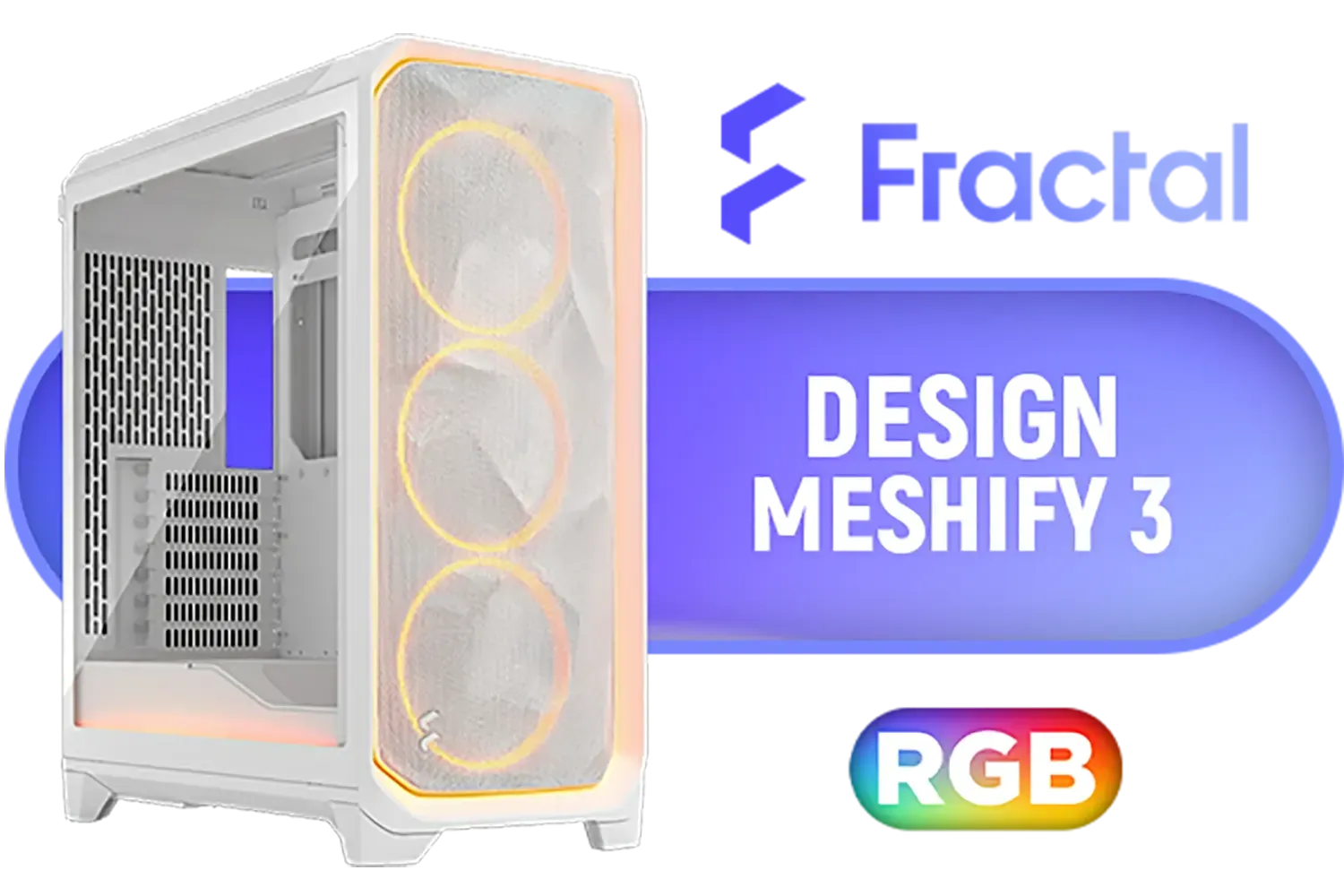
Fractal Design Meshify 3 Ambience Pro RGB White Tempered Glass Clear Tint E-ATX Mid-Tower Gaming Cabinet Case with Three Pre-Installed GP-14 Fans and Detachable Front & Top Filter - White / FD-C-MES3A-05
R3999.00In Stock
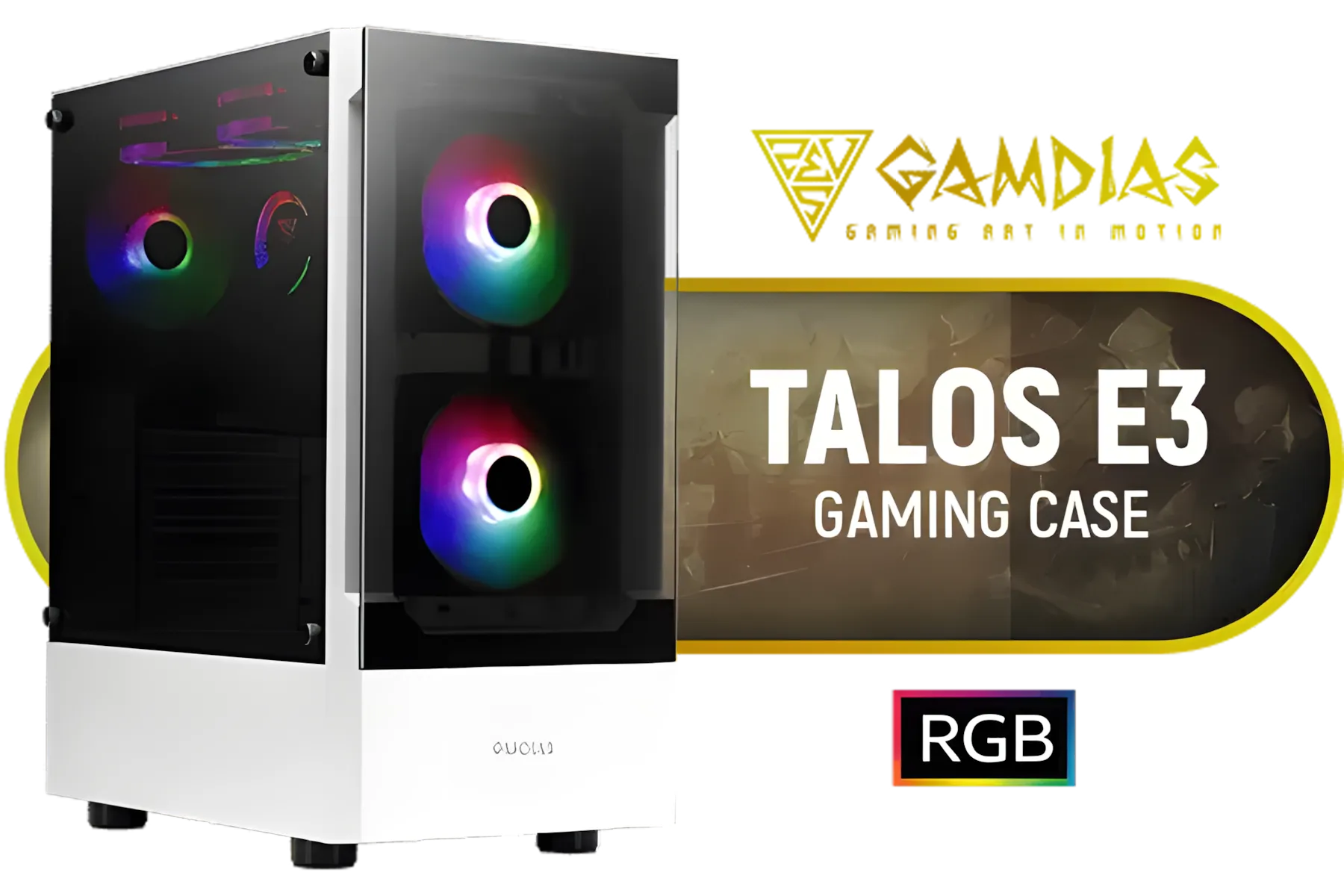
Gamdias TALOS E3 Tempered Glass ATX Gaming Case - White / 3 Built-in 120mm ARGB Fans / Supports Motherboards up to ATX / Magnetic Dust Filter / Support Sync with 5V ARGB Motherboard / TALOS-E3-WHITE
R999.00In Stock
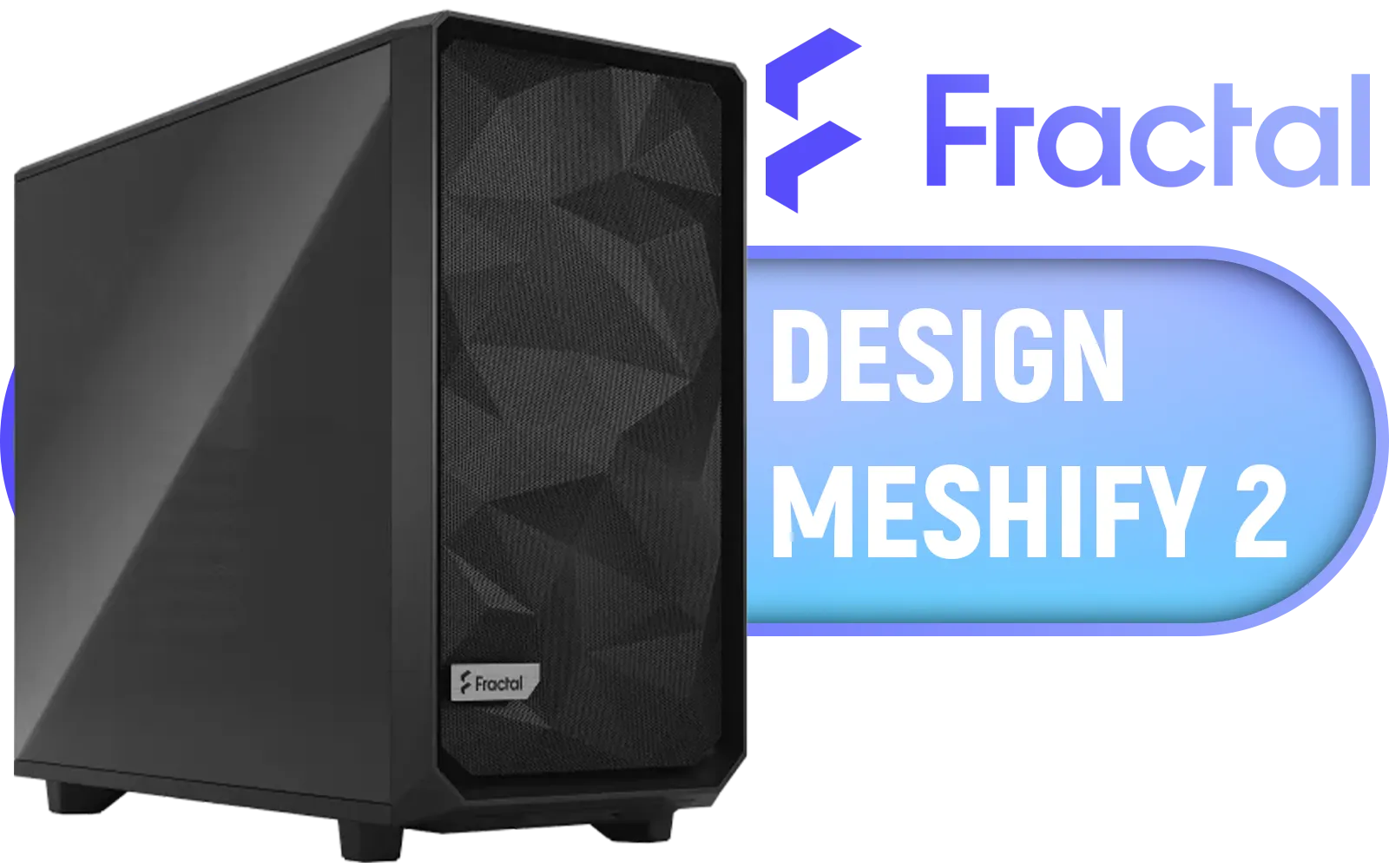
Fractal Design Meshify 2 Black ATX Flexible Light Tinted Tempered Glass Window Mid Tower Computer Case / 3 x Pre-Installed Fans Included / FD-C-MES2A-03
R2699.00In Stock
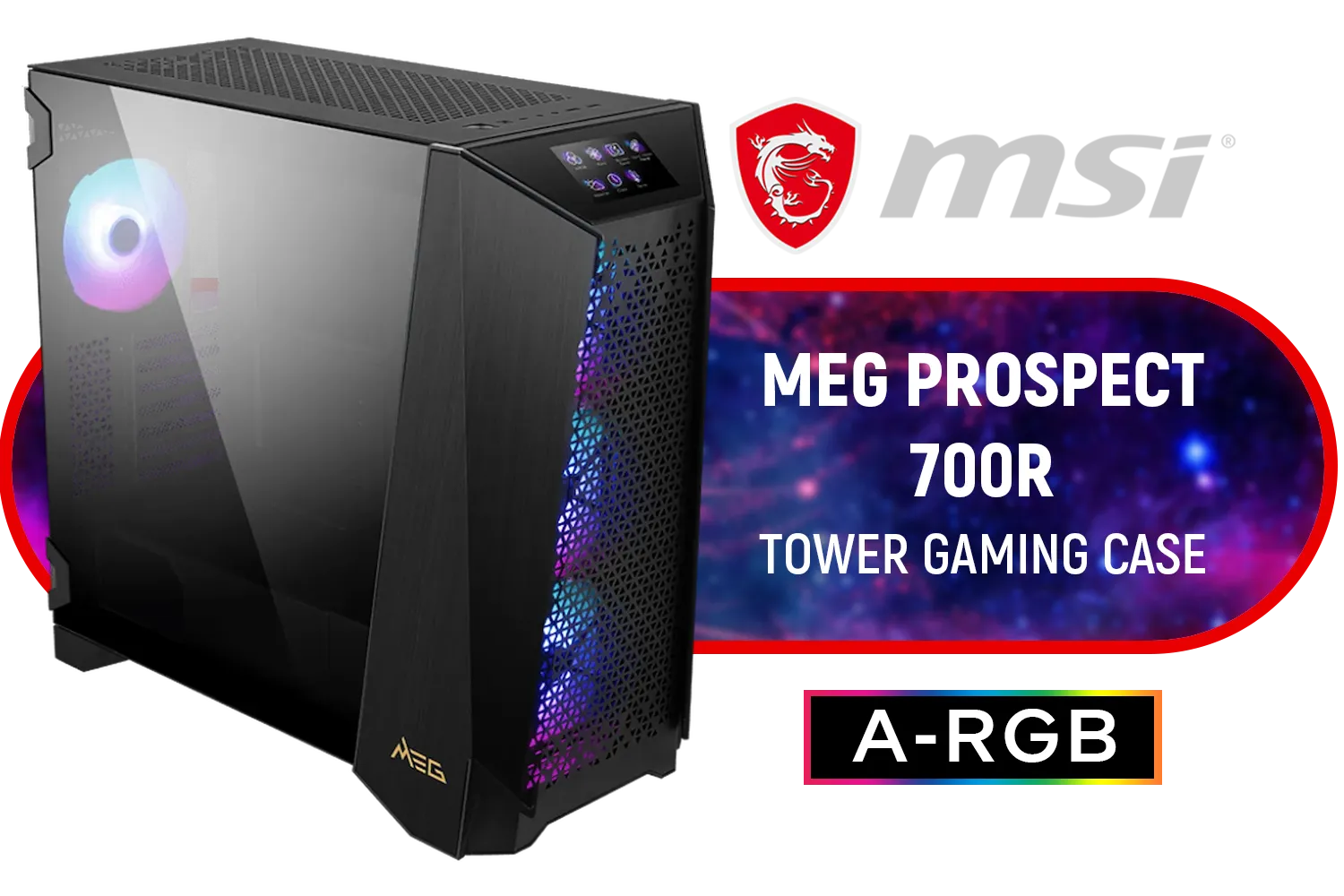
MSI MEG PROSPECT 700R Gaming Case / Mid-Tower Case Form Factor / EATX, ATX, M-ATX, ITX / Pre-installed 4x 140mm ARGB Fans / Tempered Glass / 306-7G15R21-W57
R6499.00In Stock

Antec Flux Pro White, 6 x PWM Fans Included, High-Airflow Front Panel with Birch Wood, iShift PSU 90° Mount, USB3.0 x 2, Type-C, 420mm Radiator Support, Temp. Display, Full-Tower E-ATX PC Case / 0-761345-10156-1
R2999.00In Stock
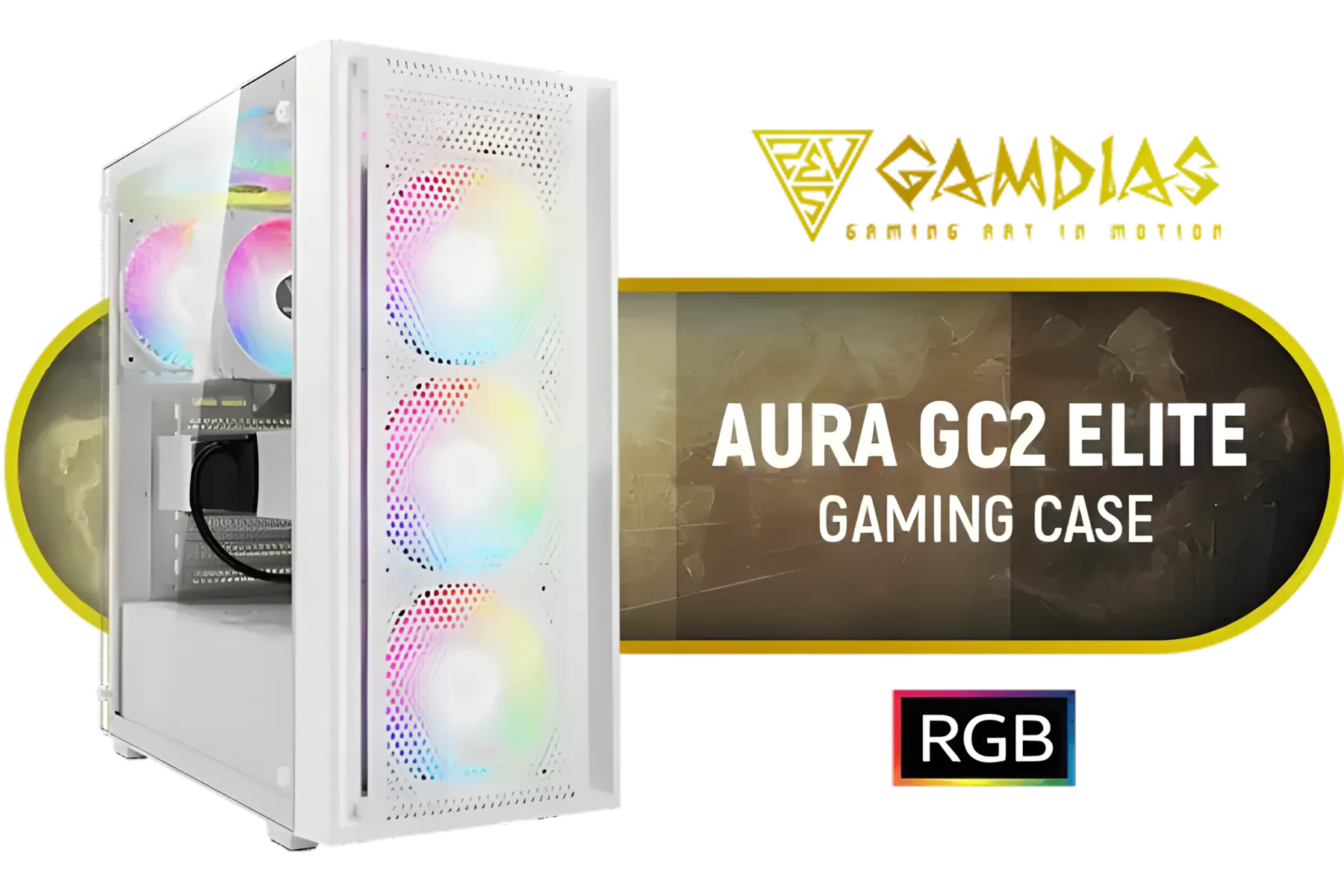
GAMDIAS Aura GC2 Elite White ATX Mid Tower Gaming PC Case / Supports Motherboards up to ATX / Tempered Glass, Support Up to 340mm GPU, 4X 120mm RGB Case Fans, ATX Motherboards / AURA-GC2-ELITE-WH
R499.00In Stock
The Chassis: Your Build's Foundation
The case dictates which components you can use, so choose wisely. You need something with excellent airflow to keep your high-performance parts cool in a confined space. Look for features like mesh front panels and smart fan placement. A great example with solid airflow and a touch of RGB flair is the Cooler Master E301 Mini Tower.
Of course, style is personal, so it pays to browse the full range of Cooler Master cases to find one that matches your vibe. Just remember to check compatibility for your motherboard (usually Micro-ATX for mini-towers), GPU length, and PSU size.
TIP FOR YOU
Measure Twice, Build Once! 📏
Before you buy any component for your mini-tower PC build, double-check its dimensions. Pay close attention to GPU length, CPU cooler height, and PSU size. The case manufacturer's website is your best friend here. A few minutes of research can save you hours of frustration and the hassle of returning a part that just won't fit.
Assembling Your Mini-Tower: Tips for a Clean Build
Working inside a compact case can be a bit tricky, but it’s incredibly satisfying. The key is patience and a solid plan.
First, think about cable management from the start. A modular power supply is a huge help here, as you only need to connect the cables you actually use. Route your cables carefully behind the motherboard tray if possible. This isn't just for looks... good cable management is crucial for airflow in a small build. ✨
Second, consider your build order. It's often easiest to install the CPU, RAM, and M.2 SSD onto the motherboard before mounting it inside the case. This gives you much more room to work. Whether you're on a tight budget or looking for specific features, you can find excellent value from a variety of brands, including the popular lineup of GameMax Computer Cases.

Fractal Design Meshify 2 Lite RGB White ATX Flexible Light Tinted Tempered Glass Window Mid Tower Computer Case / 4 x Pre-Installed ARGB Fans Included / FD-C-MES2A-08
R2999.00In Stock
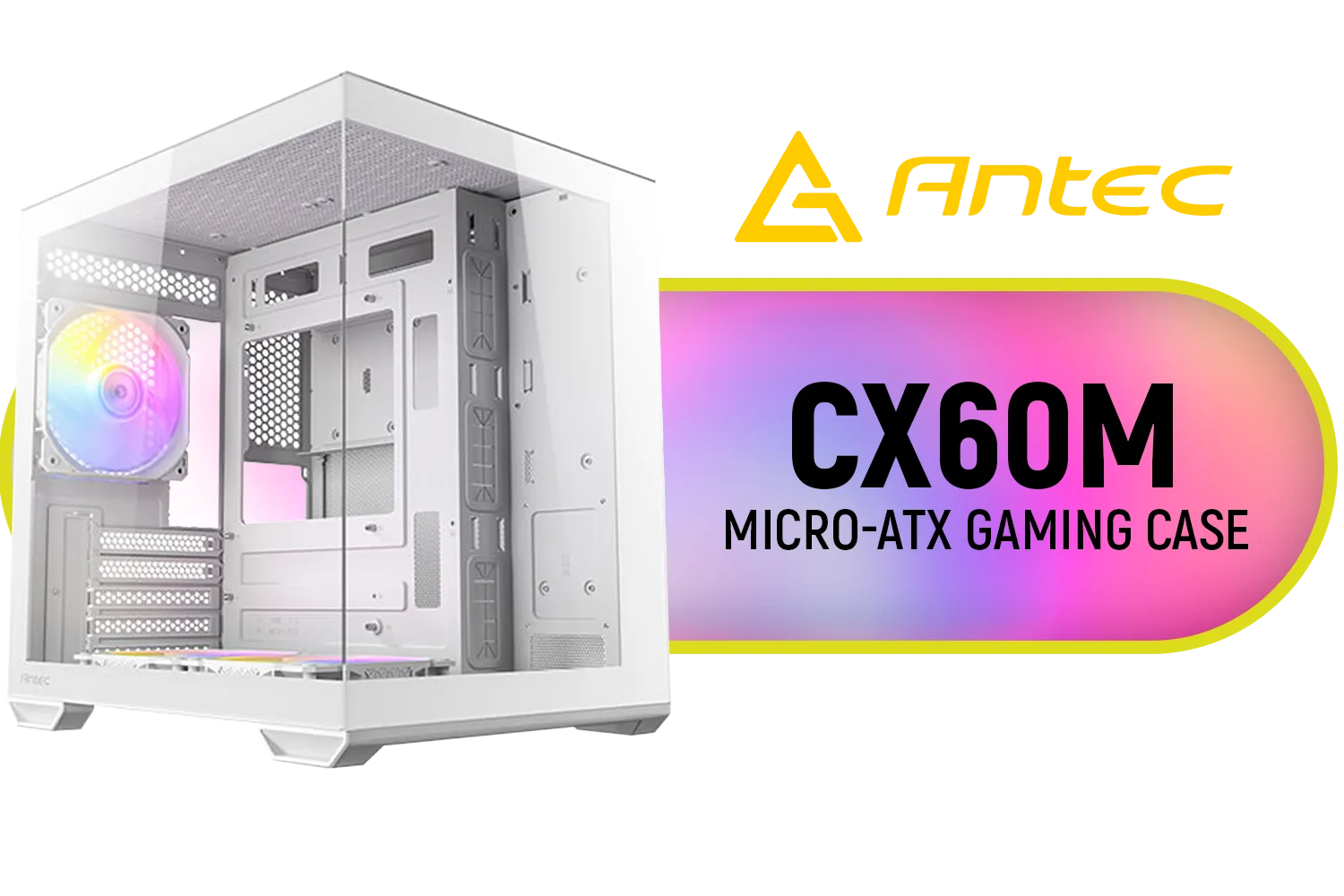
Antec CX60M ARGB Gaming Case - White / Panoramic 270° View / Dual Chamber / Mini Tower / Micro-ATX, ITX / Supports Up to 5 Cooling Fans / 3 ARGB Fans Included / 0-761345-10218-6
R1199.00In Stock
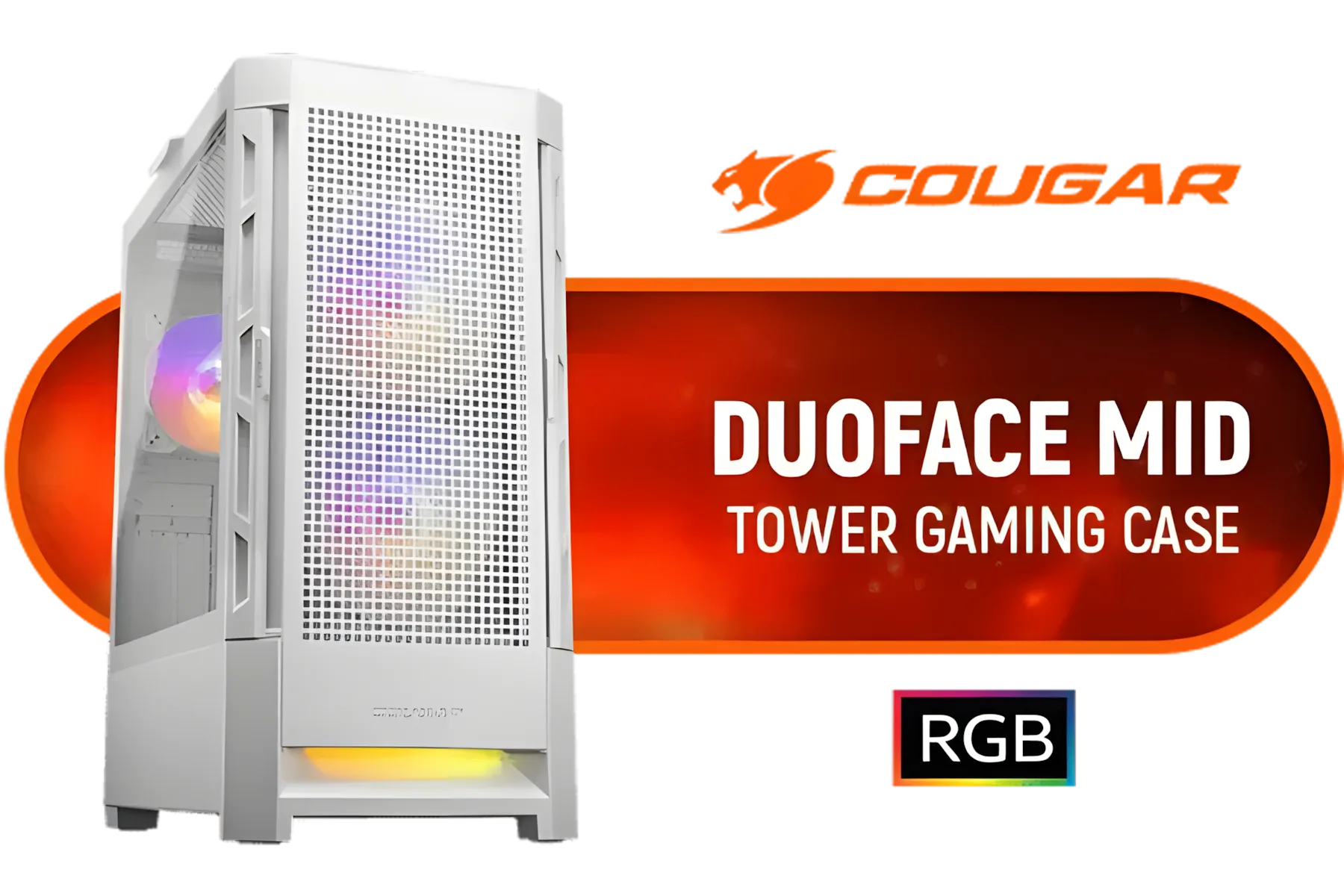
Cougar Duoface RGB Mid-Tower ATX Gaming Case - White / Tempered Glass Left Side Panel / 3 x Pre-Installed Fans Included / 385ZD10.0003
R1699.00In Stock

Evetech TRIO Elite RGB Tempered Glass ATX Gaming Case / 6x Dual Ring RGB High-Speed PWM Fans Included / Support USB 3.0 & 2.0 / Syncs with MSI Mystic lighting & ASUS aura sync / 5mm Full Sized Tempered Glass / Optimized airflow / Supports 370mm (MAX) long Graphic Card installation
R2299.00In Stock
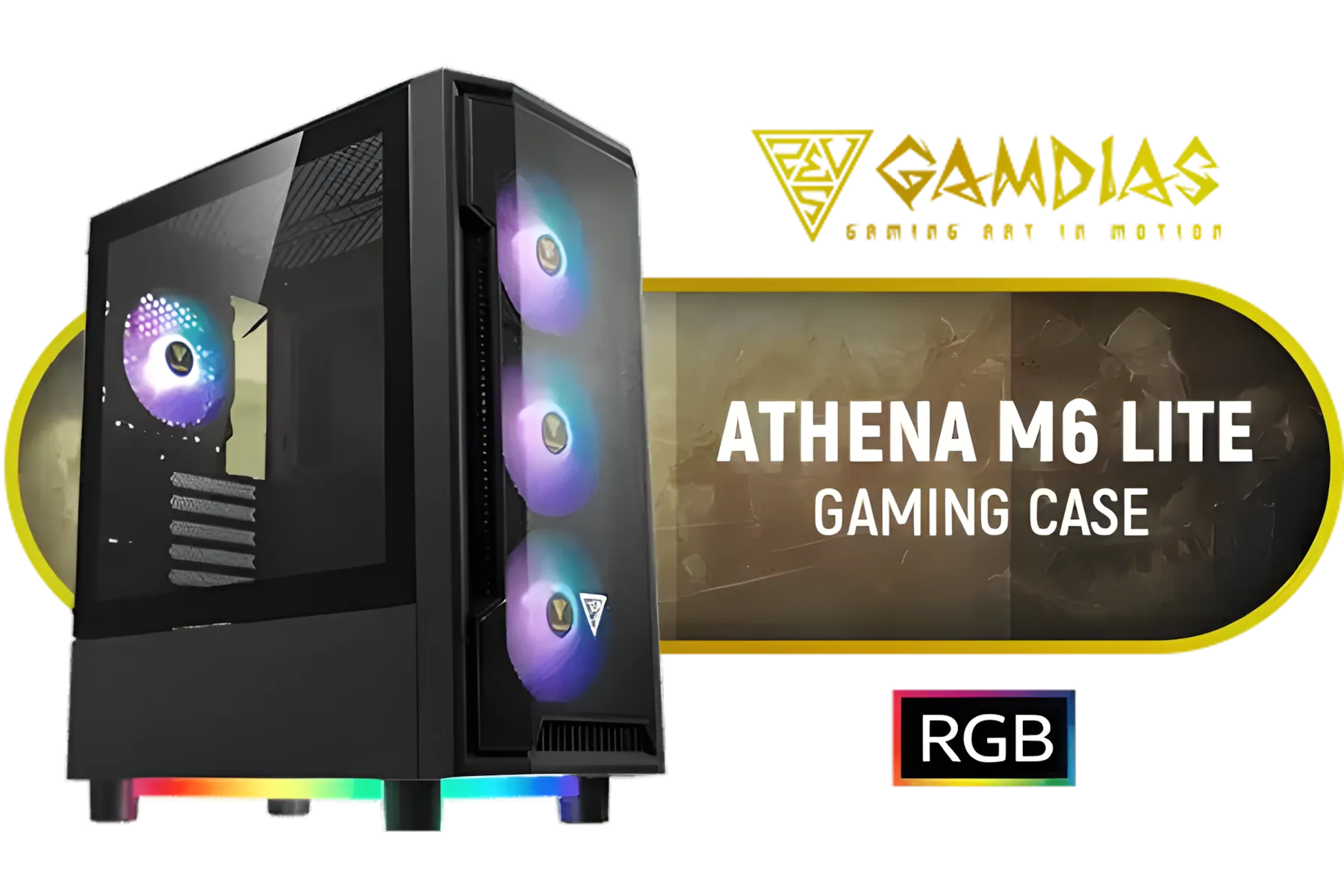
Gamdias Athena M6 Lite ATX Gaming Case - Black / Sync with Motherboard / Supports Motherboards up to ATX / Triple-sided Underglow / 4 Built-in 120mm ARGB Fans / Mesh Front Panel / Perforated Chassis / ATHENA M6 LITE
R999.00In Stock

Fractal Design Pop Silent Black - Tempered Glass Clear Tint – Bitumen panel and sound-dampening foam – TG side panel - Three 120 mm Aspect 12 fans included - ATX Silent Mid Tower PC Case / FD-C-POS1A-02
R1899.00In Stock
The Best of Both Worlds: Gaming and Productivity
The ultimate appeal of a mini-tower PC build is its versatility. This isn't just a gaming rig or a workstation... it's both. One moment you’re dominating in Apex Legends with silky-smooth frame rates, and the next you’re editing high-resolution video for a work project without a single stutter.
By carefully selecting your components, you create a powerful, all-in-one machine that fits seamlessly into your life. It proves that you don't need a massive, power-hungry machine to get serious work done and enjoy elite-level gaming. Ready to see the possibilities? Take a look at the massive selection of computer cases available and start imagining your perfect compact build.
Ready to Build Small and Win Big? The satisfaction of creating your own powerful, compact PC is unmatched. It's the perfect way to get exactly the performance you need in a size that fits your space. Start designing your dream PC with the Evetech PC Builder and bring your perfect mini-tower build to life.
Related Products

Gamdias TALOS E3 Tempered Glass ATX Gaming Case - Black / Supports Motherboards up to ATX / 3 Built-in 120mm ARGB Fans / Magnetic Dust Filter / Support Sync with 5V ARGB Motherboard / TALOS-E3
R1099.00In Stock

Fractal Design North Charcoal Black TG Dark - ATX, mATX, ITX. Compatibility - Quick-release panels - Elegant, modern design crafted with Wood and Alloy - Fits GPU Up to 355mm - No Fans Included - FD-C-NOR1C-02
R2449.00In Stock

Xigmatek Aqua Ultra Air Mid Tower Gaming Case - White / Supports Motherboards up to E-ATX / 430mm VGA Support / 7 x Pre-Installed ARGB Fans Included / EN41914
R2499.00In Stock

DEEPCOOL CC560 MESH V2 Mid-Tower Case - White That Supports - Mini-ITX / Micro-ATX / ATX With Pre-Installed 3 x 120mm Fans in Front and 1 x 120mm Fan in Rear / CC560-MESH-WH-V2
R1199.00In Stock
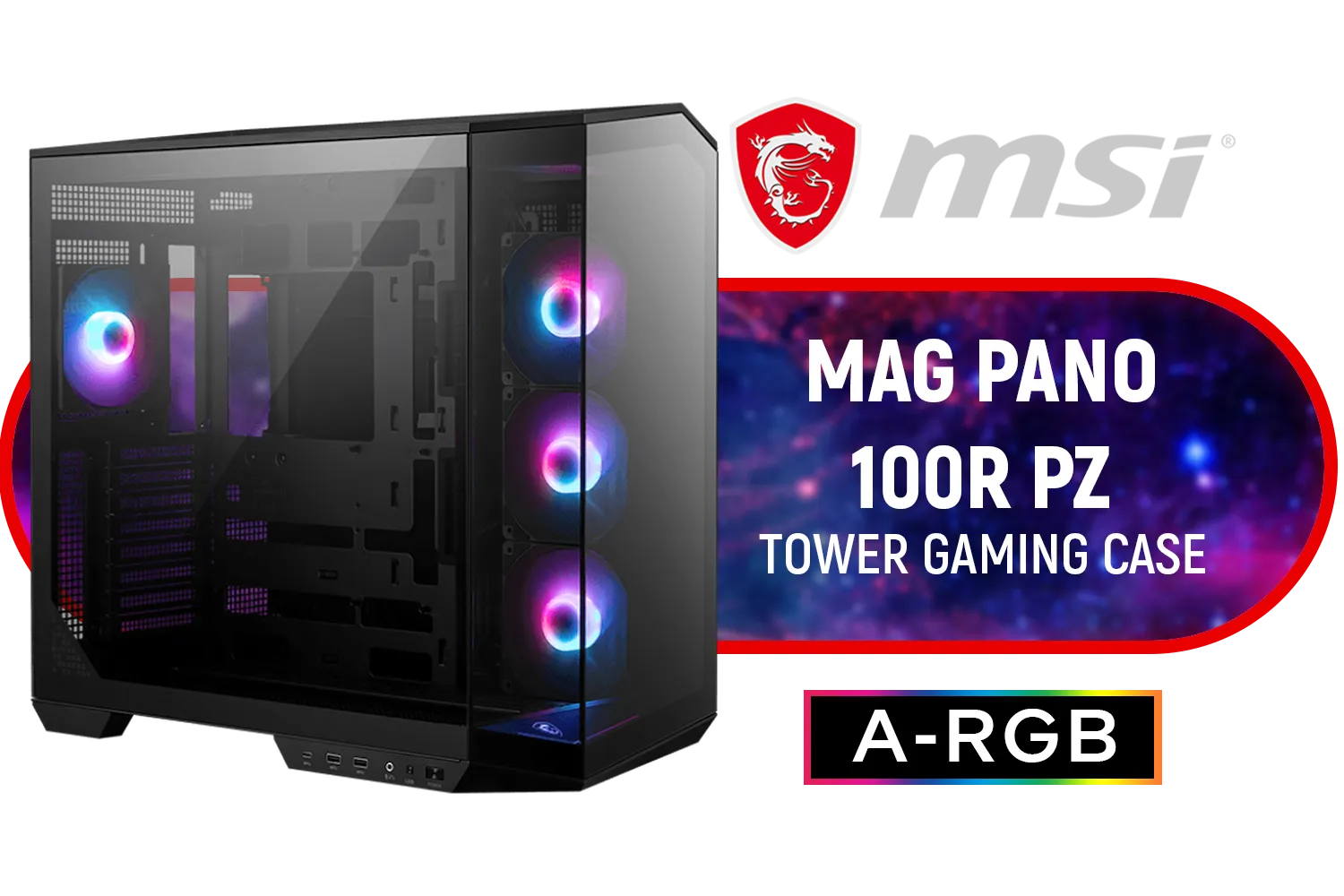
MSI MAG PANO 100R PZ Gaming Case / Mid-Tower Case Form Factor / ATX, Micro-ATX, Mini-ITX / Pre-installed 3x 120mm (Reverse-blade), 1x 120mm ARGB Fans / Tempered Glass / 306-7G26R21-HH9
R2899.00In Stock

GAMDIAS AURA GC7 ATX Mid Tower PC Gaming Case with Side Tempered Glass / Supports Motherboards up to ATX / 3 Built-in 120mm Fixed RGB Fans / AURA-GC7-ARGB
R699.00In Stock
A balanced mini-tower PC build pairs a mid-range CPU, a compact GPU, 16–32GB RAM, NVMe storage, and efficient cooling to handle gaming and productivity.
Yes — with a capable GPU, modern CPU, and good cooling a mini-tower can run AAA games and edit video; consider a compact high-wattage cooler and airflow-focused case.
Mini-ITX motherboards fit most mini-tower builds and support powerful CPUs and modern connectivity while saving space for a compact workstation.
Use efficient airflow layouts, low-profile or SFF AIO coolers, quality thermal paste, and cable management to reduce temperatures in a small chassis.
Prioritise CPU and SSD first, choose a last-gen GPU for savings, reuse a quality PSU, and select a case with good airflow to cut costs without big performance hits.
Choose a high-efficiency SFX or SFX-L PSU sized for your GPU peak draw and future upgrades to ensure stable power in a compact build.
Plan for upgrades by choosing a modular PSU, leave GPU and RAM headroom, and pick a case with removable drive cages for easier component swaps.











