



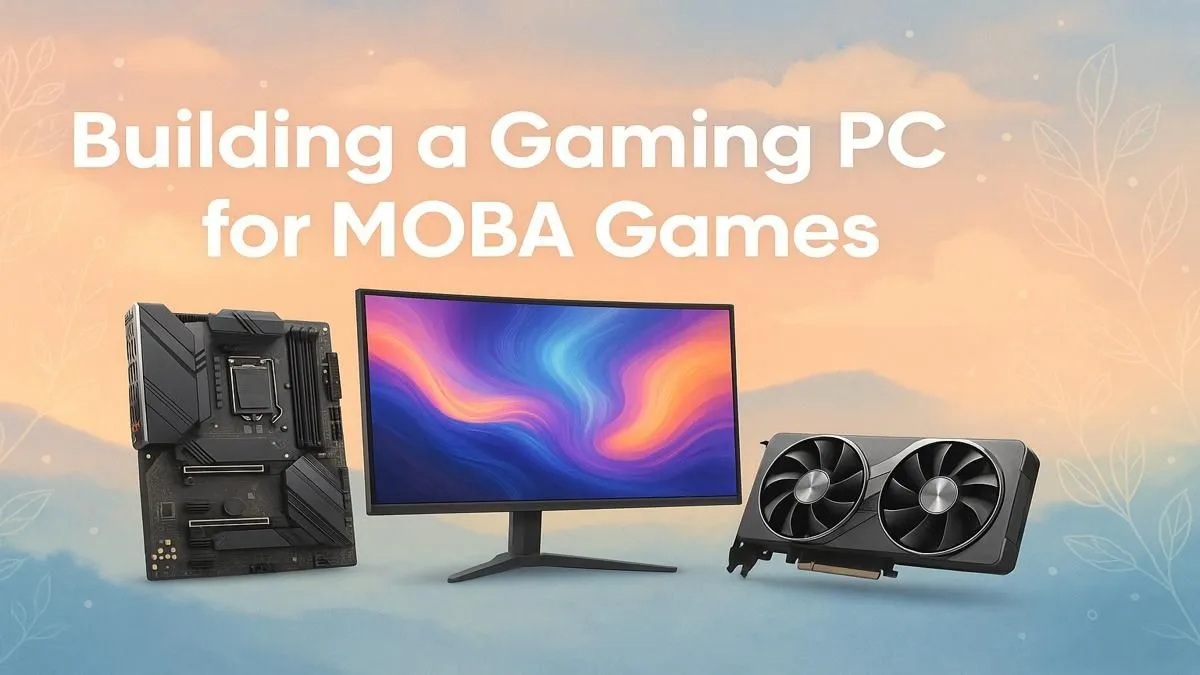
That split-second stutter before a team fight... we've all been there. In the world of Dota 2 and League of Legends, performance isn't a luxury; it's the difference between a glorious victory and a frustrating defeat. Building the perfect MOBA PC build in South Africa doesn't mean you have to empty your wallet. It’s about smart choices that prioritise what truly matters: lightning-fast responsiveness and buttery-smooth frame rates when it counts the most.

RYZEN 5 8400F 4.7GHz GT 710 2GB DDR5 Workstation PC
R10079.00In Stock
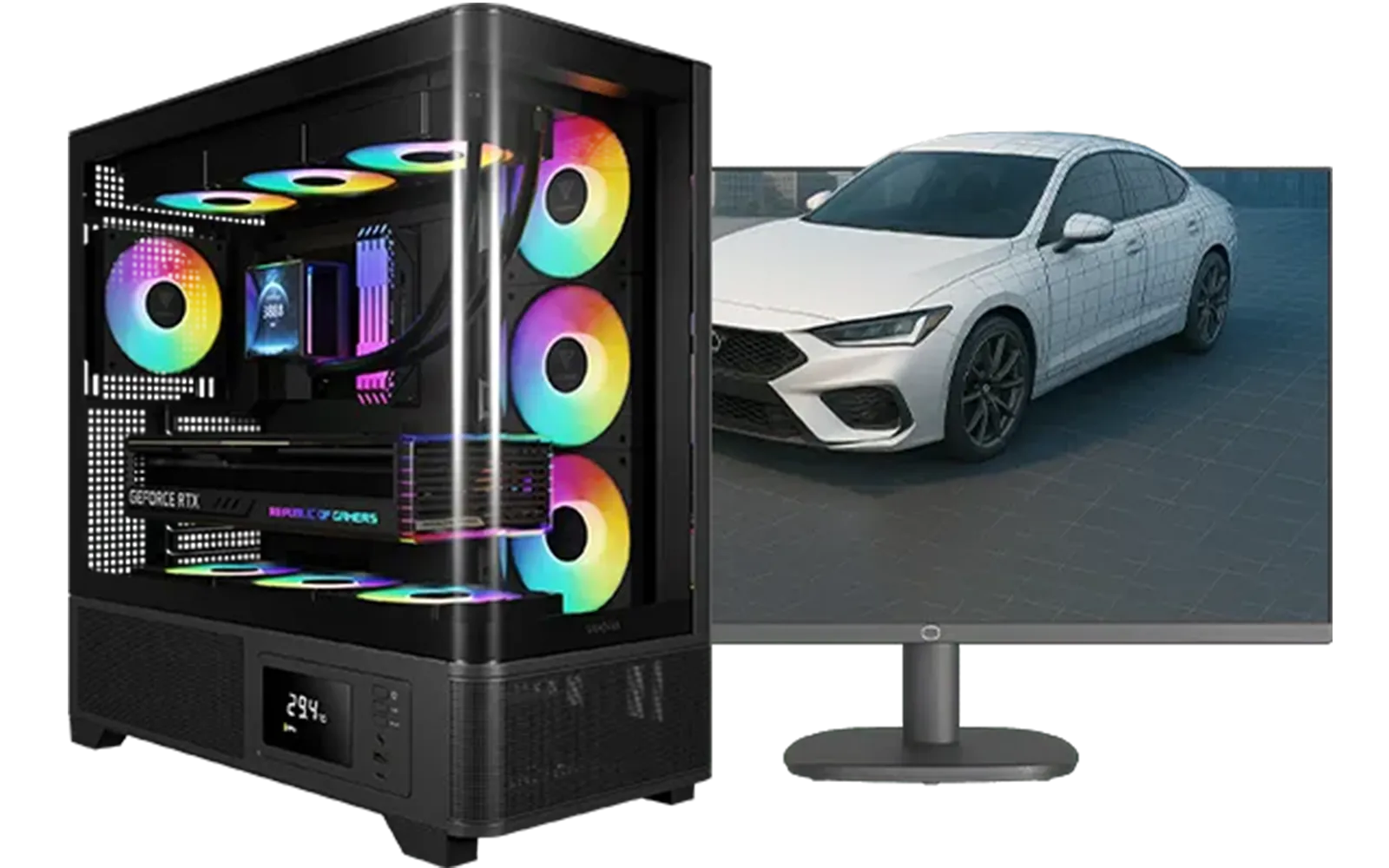
Intel Core Ultra 7 265K RTX Pro 4500 DDR5 Workstation PC
R77909.00In Stock

AMD RYZEN 7 5700 4.6GHz RX 9060 XT 16GB Gaming PC
R19424.00In Stock
![[Pre Built] Intel Core Ultra 7 265KF RX 9070 XT Gaming PC](https://img.evetech.co.za/repository/ProductImages/intel-core-ultra-7-265-kf-rx-9070-xt-gaming-pc-pbs-main-1600px-v1.webp)
[Pre Built] Intel Core Ultra 7 265KF RX 9070 XT Gaming PC
R42209.00In Stock

RYZEN 7 9700X RTX Pro 2000 DDR5 Workstation PC
R35699.00In Stock

RYZEN 5 9600X 5.2GHz A400 4GB DDR5 Workstation PC
R18164.00In Stock
What Really Matters in a MOBA PC Build? 🔧
Unlike demanding AAA titles that push your graphics card to its limits, MOBAs like Dota 2 and League of Legends are often more reliant on your processor (CPU). These games need to calculate tons of actions, abilities, and unit positions in real-time. A strong CPU with high single-core speed ensures your game runs without a hitch, even when the screen is exploding with spells and heroes.
Here's a quick breakdown of the essentials for your next MOBA PC build:
- CPU (Processor): This is your top priority. A modern Intel Core i5 or AMD Ryzen 5 is the sweet spot, delivering incredible performance without a massive price tag.
- RAM (Memory): 16GB is the gold standard for gaming today. It gives you plenty of headroom for the game, Discord, and a few browser tabs without slowing down.
- Storage (SSD): A Solid-State Drive is non-negotiable. It dramatically cuts down loading times, getting you into the game faster so you don't miss the first creep wave.
- GPU (Graphics Card): You don't need a top-of-the-line beast. A solid entry-level or mid-range card will easily push well over 144 frames per second (FPS) at 1080p, which is the goal for a super-responsive experience.
Getting the right balance is key, and you can find a fantastic starting point by exploring some of the best gaming PC deals available right now.

RYZEN 7 9800X3D 5.2GHz RTX 5080 16GB DDR5 Gaming PC
R51869.00In Stock

Intel Core Ultra 5 225F ARC A380 6GB Gaming PC
R14174.00In Stock

Intel Core Ultra 7 265K 5.5GHz RX 9070 XT 16GB DDR5 Gaming PC
R40109.00In Stock

Intel Core Ultra 5 225F 4.9GHz RTX 3050 6GB DDR5 Gaming PC
R16274.00In Stock

Intel Core Ultra 9 285K 5.7GHz RTX 5090 32GB DDR5 Gaming PC
R80114.00In Stock

RYZEN 7 5700 4.6GHz RTX 5060 Ti 16GB Budget Gaming PC
R20264.00In Stock
The Budget Brawler: Dominating Lanes Under R15,000
You absolutely can build a killer PC for MOBA games on a tight budget. The goal here is to achieve a stable 100+ FPS at 1080p with competitive settings. This tier is perfect for aspiring pros, students, or anyone who wants a pure, no-frills MOBA machine that just works.
A great budget MOBA PC focuses on a strong, modern CPU and pairs it with a capable, value-oriented graphics card. Think of a recent-generation Intel Core i3 or an AMD Ryzen 5 paired with a GPU like the NVIDIA GeForce RTX 3050. This combination provides more than enough power to handle chaotic team fights without dropping frames. For those who want a ready-made solution, our range of budget gaming PCs offers professionally assembled systems that are optimised for performance from the get-go.
TIP FOR YOU
Pro Settings Tip ✨
Most MOBA pros turn down graphics settings like shadows and anti-aliasing. This not only boosts your FPS but also reduces visual clutter, making it easier to spot enemy abilities and track targets. In your video settings, prioritise "High" texture quality but set shadows to "Medium" or "Low" for a competitive edge.
The Sweet Spot: The Best MOBA PC Build for Most Players
This is where performance meets value head-on. For a budget under R20,000, you can build a PC that not only crushes MOBAs at 144+ FPS on a 144Hz monitor but also handles streaming and playing newer AAA games with impressive quality. This is the ideal MOBA rig for the serious, competitive player.
In this tier, we're looking at powerful CPUs like the Intel Core i5-13400F or AMD Ryzen 5 7600. Paired with a GPU like the NVIDIA GeForce RTX 4060, this setup becomes a 1080p and 1440p powerhouse. You get the high frame rates needed for competitive play, with the graphical muscle to make everything look stunning. If you're looking for the ultimate value, exploring the options in our PCs under R20k section is a brilliant move. And for those who prefer a hassle-free setup, our pre-built PC deals often feature perfectly balanced builds in this exact price range.
Intel Core Ultra 7 265K 5.3GHz Quadro A1000 8GB DDR5 Workstation PC
R33389.00In Stock
RYZEN 5 8400F 4.7GHz GT 710 2GB DDR5 Workstation PC
R10079.00In Stock
![[Pre Built] AMD RYZEN 5 5500 ARC A380 Gaming PC](https://img.evetech.co.za/repository/ProductImages/gamdias-talos-e3-gaming-case-ryzen-5-5500-arc-a380-gaming-pc-pbs-main-1600px-v1.webp)
[Pre Built] AMD RYZEN 5 5500 ARC A380 Gaming PC
R12494.00In Stock

RYZEN 5 8500G 5.0GHz with Vega Graphics DDR5 PC
R11024.00In Stock
RYZEN 5 9600X 5.4GHz A1000 8GB DDR5 Workstation PC
R25199.00In Stock

RYZEN 7 9700X 5.5GHz RX 9070 XT 16GB DDR5 Gaming PC
R37484.00In Stock
The High-End Hero: A MOBA Rig for Streaming and Beyond 🚀
Ready to go pro? Or perhaps you're a content creator who needs to stream, game, and edit videos without a single hiccup? A high-end MOBA PC build is about more than just frame rates... it's about total system dominance. This is for the player who wants zero compromises.
Here, we step up to top-tier processors like the Intel Core i7/i9 or AMD Ryzen 7/9 series. These CPUs have the extra cores and threads to effortlessly handle streaming software like OBS while you're gaming. For graphics, an NVIDIA GeForce RTX 4070 SUPER or higher will let you max out settings at 1440p or even 4K, all while maintaining the incredibly high FPS that gives you a competitive advantage. These systems are an investment in your gaming and content creation future. You can see what's possible by browsing our selection of premium PCs above R20k, designed for ultimate performance.
Ready to Dominate the Lanes? Whether you're a casual player or a competitive champion, the right MOBA PC build is waiting for you. It's all about matching the hardware to your goals and budget. Explore our massive range of custom and pre-built gaming PCs and find the perfect machine to secure your next victory.
Related Products
![[Pre Built] AMD Ryzen 7 9800X3D RX 9070 XT Gaming PC](https://img.evetech.co.za/repository/ProductImages/ryzen-7-9800-x-3-d-rx-9070-xt-gaming-pc-48-gb-main-1600px-v1.webp)
[Pre Built] AMD Ryzen 7 9800X3D RX 9070 XT Gaming PC
R67199.00In Stock
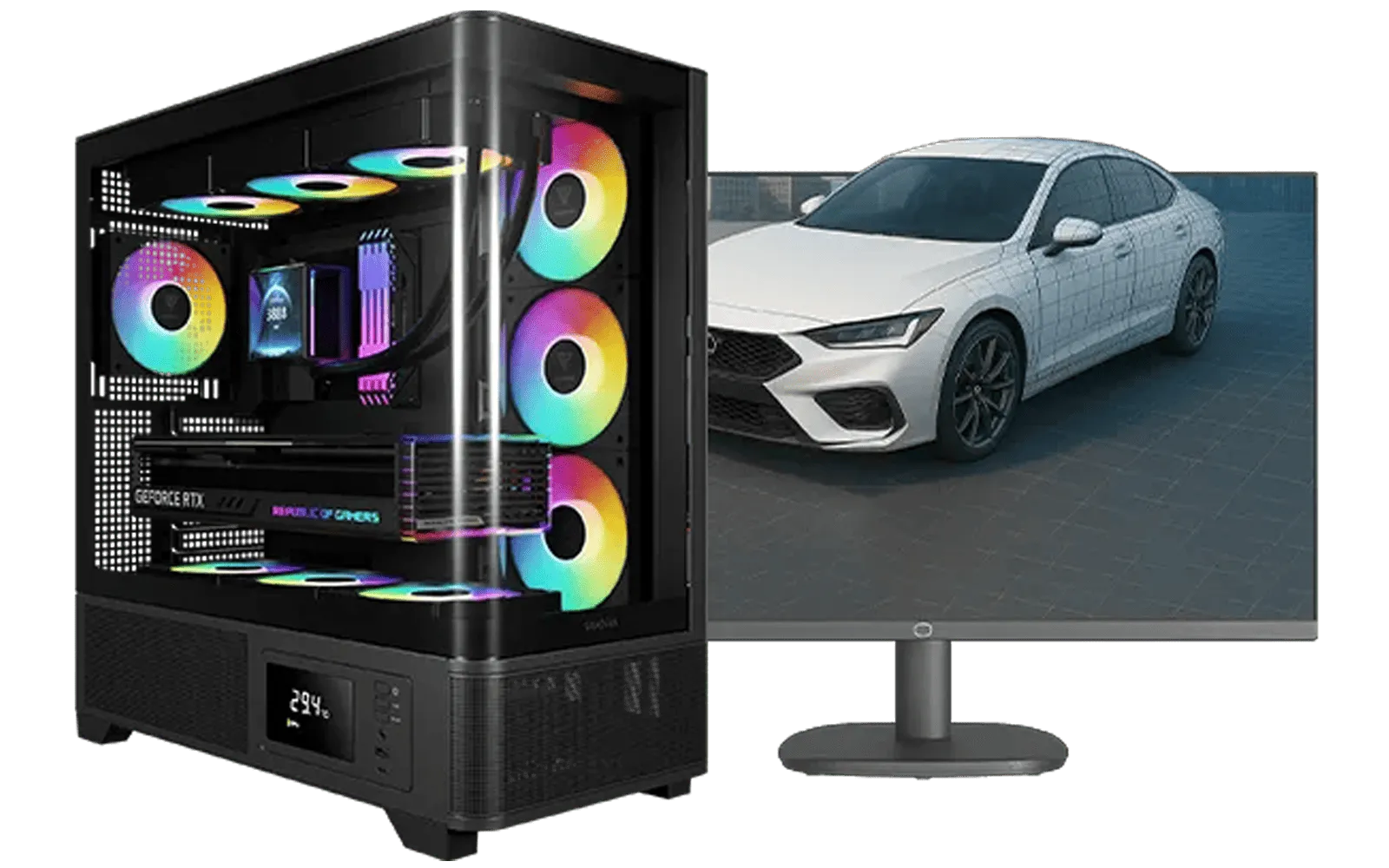
AMD RYZEN 7 5700 RTX Pro 2000 Workstation PC
R26669.00In Stock
RYZEN 7 5700 4.6GHz RTX 5060 Ti 16GB Budget Gaming PC
R20264.00In Stock
![[Pre Built] AMD RYZEN 9 9900X RX 9070 XT Gaming PC](https://img.evetech.co.za/repository/ProductImages/ryzen-9-9900-x-rx-9070-xt-gaming-pc-pbs-main-1600px-v1.webp)
[Pre Built] AMD RYZEN 9 9900X RX 9070 XT Gaming PC
R42524.00In Stock

Ryzen 7 9700X 5.5GHz RTX 5060 Ti 16GB DDR5 Gaming PC
R29399.00In Stock
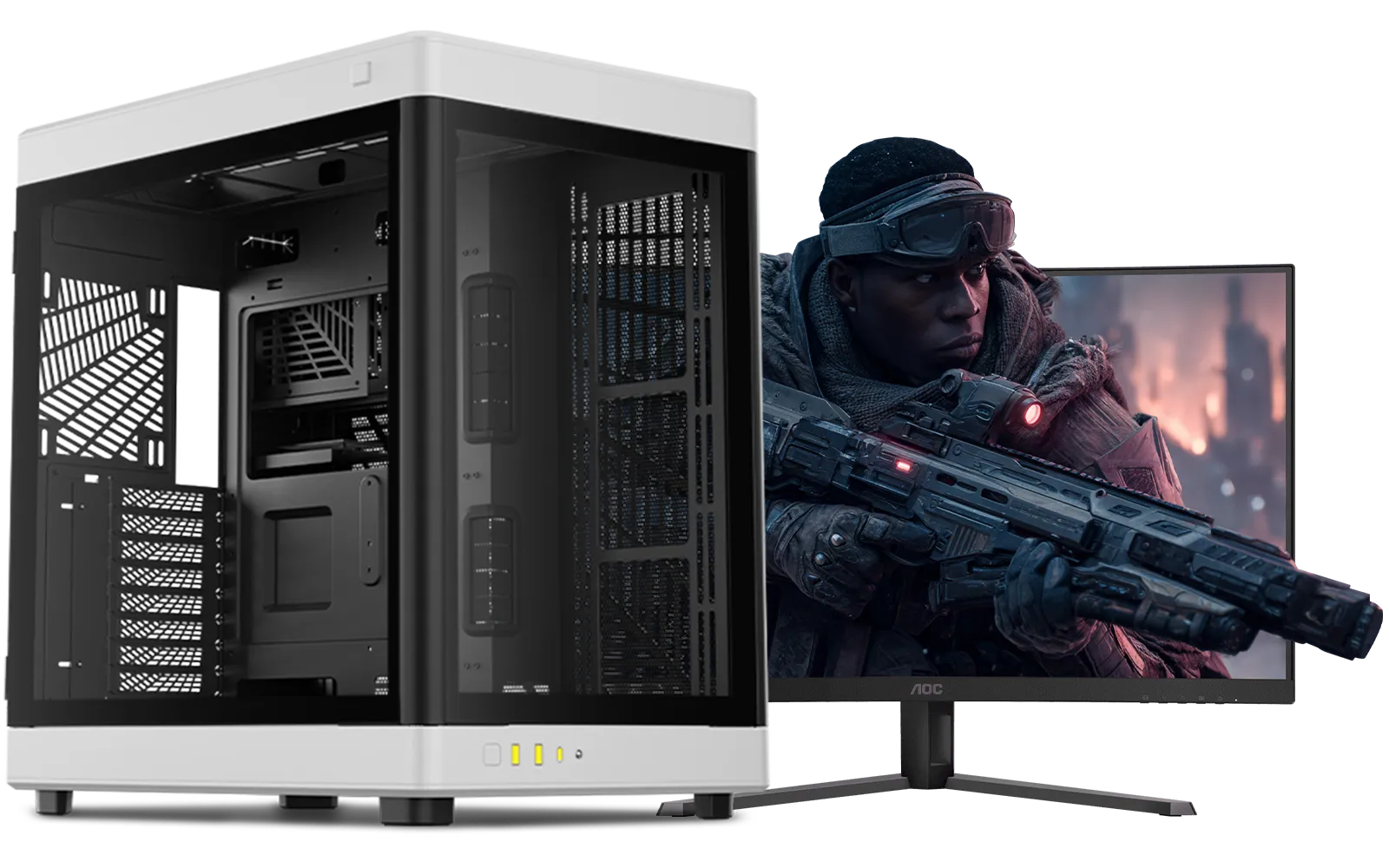
Intel Core Ultra 9 285K 5.7GHz RTX 5000 Ada 32GB DDR5 Workstation PC
R133349.00In Stock
CPU, RAM, and a responsive GPU matter most; prioritize single-core CPU performance and 16GB RAM for smooth MOBA play.
Yes — a budget moba pc build with a midrange CPU, 8–16GB RAM, and an entry GPU can hit high FPS at 1080p.
For MOBA titles, value GPUs like midrange models provide excellent FPS; choose based on price-to-performance and VRAM needs.
Aim for 16GB RAM for multitasking and stability; 8GB can work for strict budgets but limits background apps.
Yes — an SSD reduces load times and system responsiveness; use an NVMe SSD for the fastest game and OS performance.
Use a wired mouse, optimize network settings, enable game mode, and pick low-latency components to cut input lag.
Overclocking isn't required; modest CPU or GPU tuning can boost FPS, but ensure proper cooling and stability.











