



Mounting Large Curved Monitors: The VESA Arm Guide
Mounting large curved monitors requires robust heavy-duty VESA arms to handle the shifted center of gravity. 🖥️ Secure your ultrawide investment and maximize desk space with our expert installation tips and gear recommendations. 🛠️
|
Loading tags...

That new ultrawide monitor looks absolutely epic, right? You’ve unboxed it, marvelled at the glorious curve, and then… you see the stand. It’s a beast, eating up half your desk space before you’ve even plugged it in. What if you could reclaim that space and get the perfect viewing angle? This is where mastering the art of mounting large curved monitors comes in. A good VESA arm isn't just an accessory; it's a total setup upgrade. 🚀
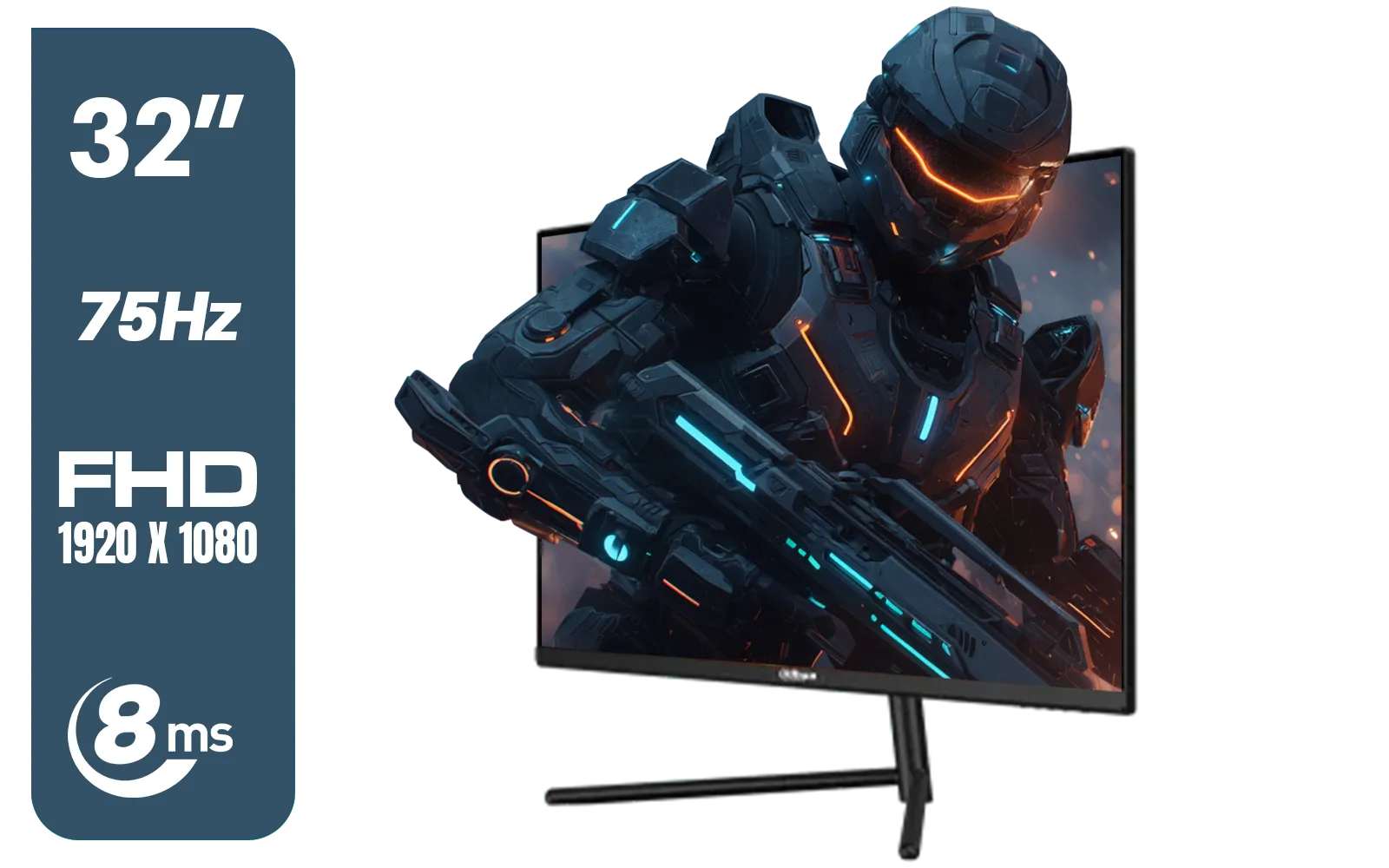
DAHUA DHI-LM32-A200X 32" LED MONITOR / Bezel-less Design / IPS Level-Display / 8ms Response Time / FHD 1920x1080 / 75Hz Refresh Rate / Low Blue Light / DHI-LM32-A200X
R3399.00In Stock
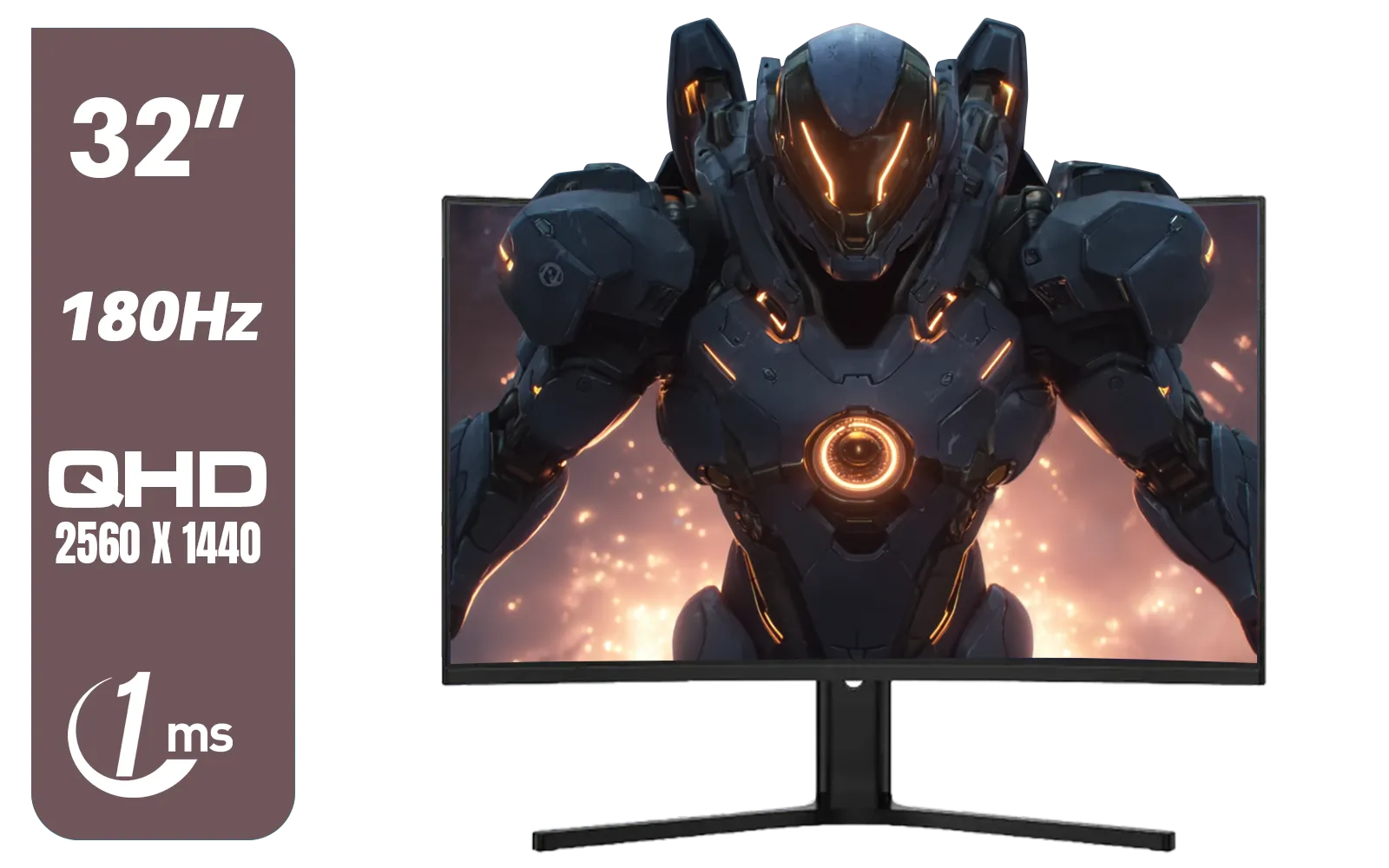
Dahua LM32-E330CA 32" 180Hz LED Monitor / Adaptive-Sync Technology / 1ms Response Time / QHD 2560x1440 / 180Hz Refresh Rate / DHI-LM32-E330CA
R3999.00In Stock

VIEWSONIC 24" FHD Led Backlit Display / 120Hz Refresh Rate / Windows Hello–Certified 5MP Webcam With privacy cover / Dual Mics & Stereo Speakers / USB-C for Audio, Video & Data / USB 3.2 Hub with HDMI & DisplayPort / Ergonomic Adjustable Stand / VG2441V
R3699.00In Stock

ViewSonic 27” Full HD Monitor / Fast 1ms Response Time / 100Hz Refresh rate / IPS Panel / VA270-H
R2349.00In Stock
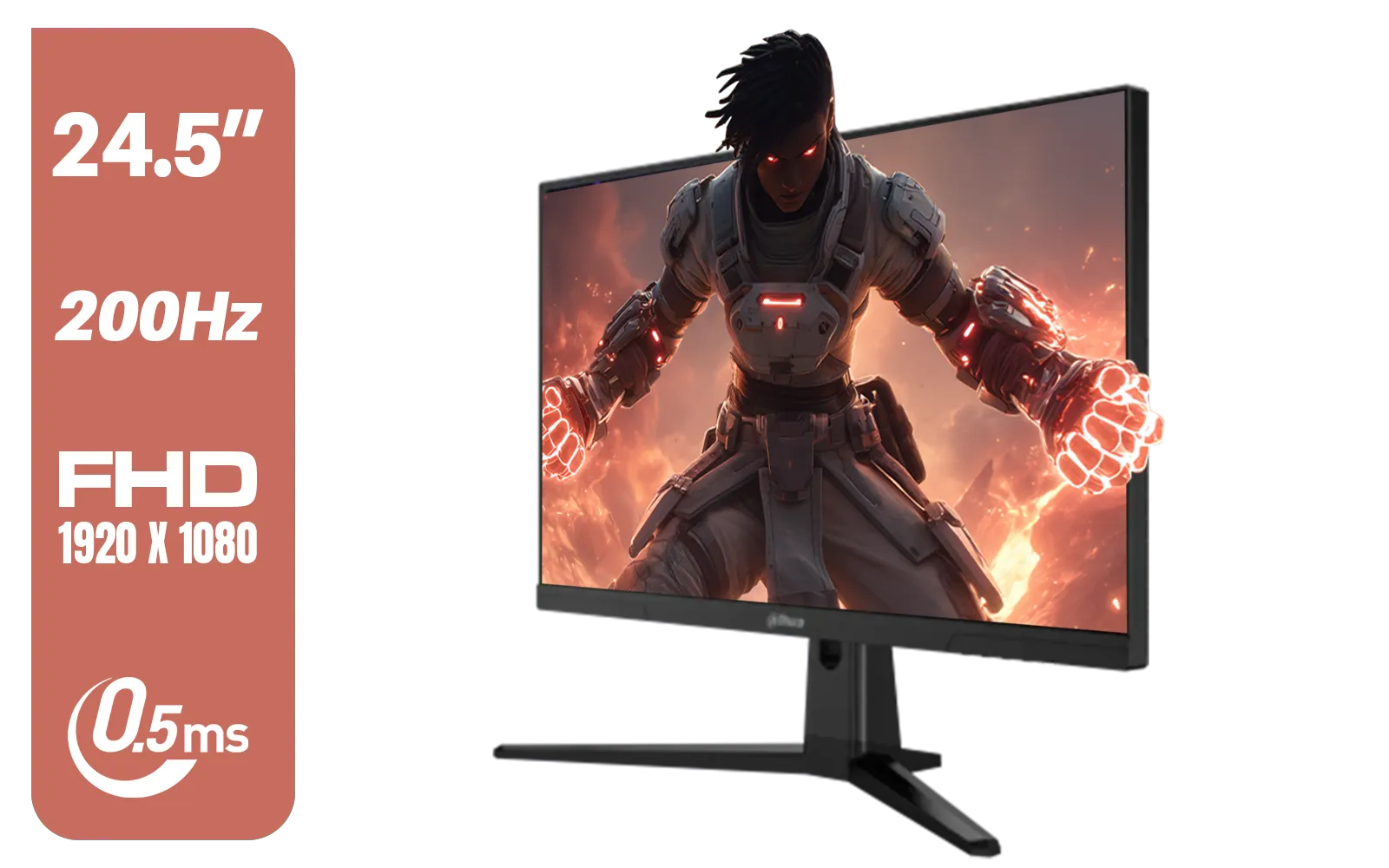
Dahua LM25-E231BN 24.5" Monitor / FHD 1920 x 1080 / 200Hz Refresh Rate / 0.5ms Response Time / DHI-LM25-E231BN
R2199.00In Stock
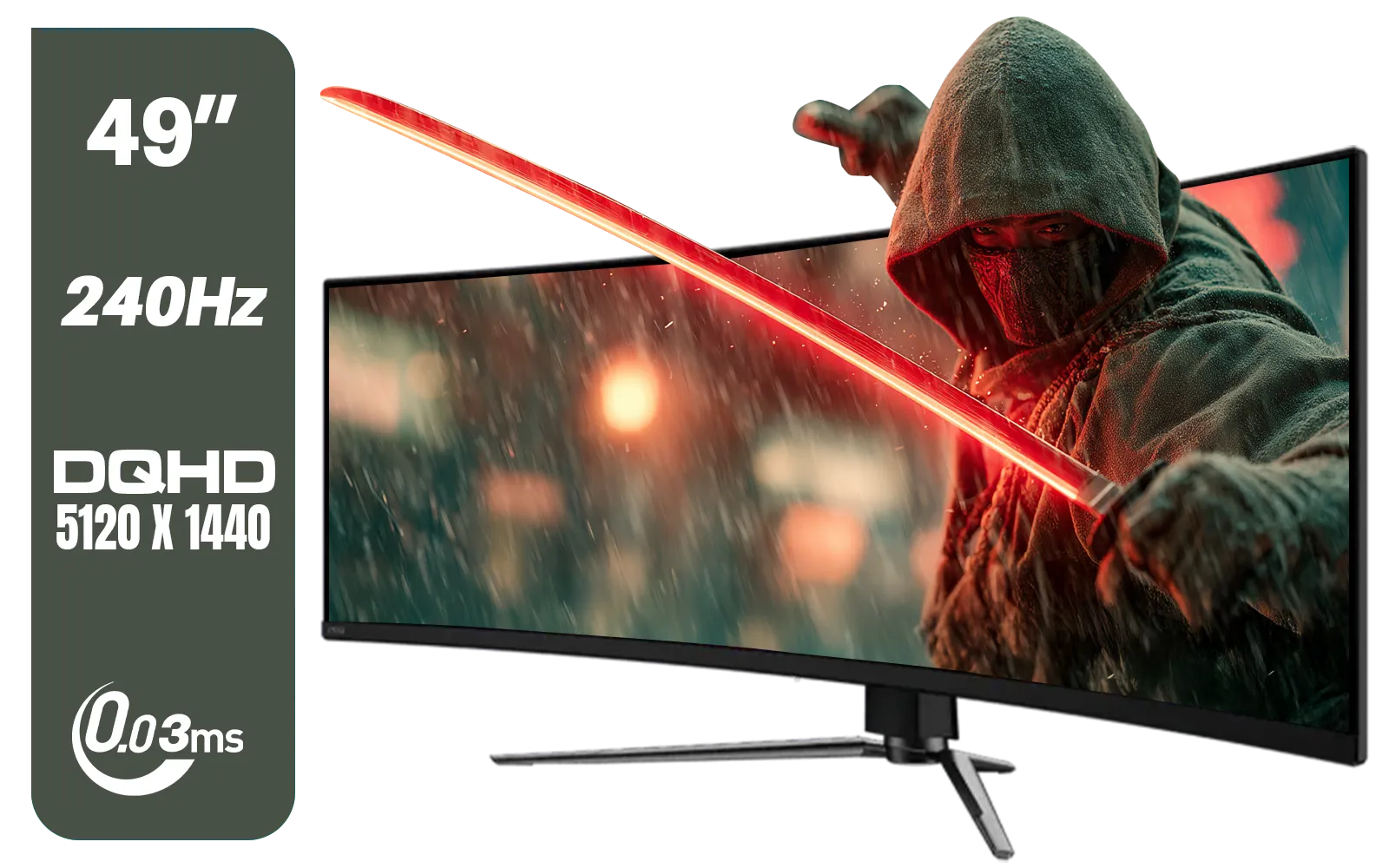
MSI MAG 491CQPX 49" DQHD (5120 x 1440) Curved Gaming Monitor / 0.03ms Response Time / 240Hz Refresh Rate / HDMI 2.1 Support / 9S6-3FA84T-040
R34999.00In Stock
Why VESA Mounting Your Curved Monitor is a Smart Move
Before we get into the "how," let's talk about the "why." That massive stand that came with your screen is often a one-size-fits-all compromise. Mounting your curved monitor on a VESA arm instantly elevates your entire gaming or work environment.
First, there's the space. You get a huge chunk of your desk back, perfect for your keyboard, mousepad, and other gear. Second, ergonomics. A monitor arm gives you complete freedom to adjust the height, tilt, and swivel. No more slouching or neck strain… you can position the screen perfectly for your posture. Finally, it just looks cleaner. A floating monitor creates a minimalist, professional aesthetic that’s hard to beat. It’s a simple change that makes any of the latest PC monitors look even better.
The Pre-Flight Check: What to Know Before You Mount
Jumping straight into mounting a large curved monitor without a plan can lead to frustration. A few quick checks will ensure a smooth and secure installation. Think of this as your pre-launch checklist. 🔧
VESA Compatibility is Key
The VESA standard is a set of universal patterns for mounting holes found on the back of most screens. The most common sizes are 75x75mm and 100x100mm. Before buying an arm, flip your monitor around and check its VESA pattern. Almost all modern curved monitors and high-resolution 5K and 4K monitors will have these four screw holes ready to go. If not, you might need a special adapter.
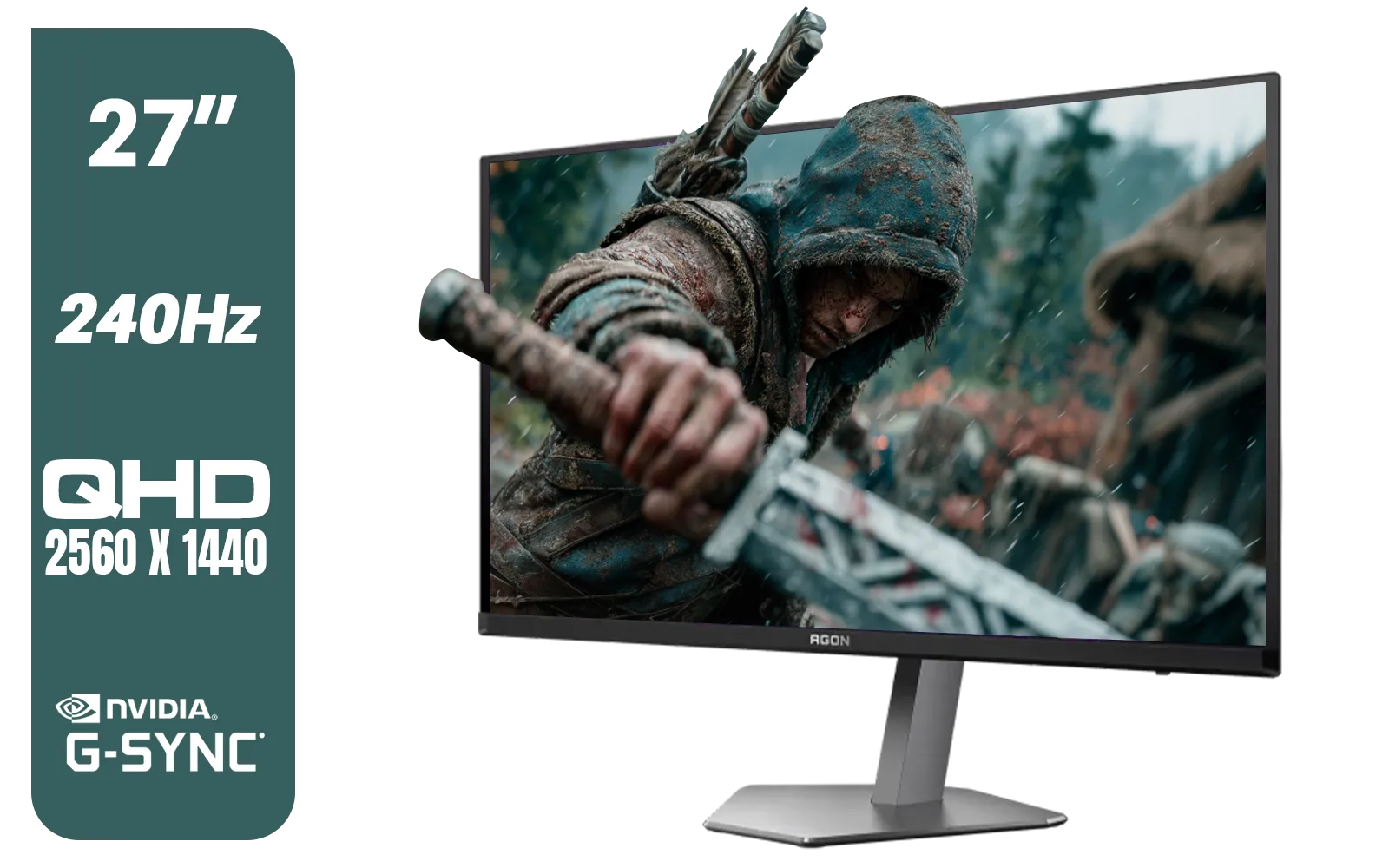
AOC Agon Pro AG276QZD2 27" 240Hz Gaming Monitor / QHD (2560x1440) OLED Display / 0.03 ms Response Time / G-SYNC Compatible / USB 3.2 Gen 1, USB Hub, USB Downstream / AG276QZD2
R15499.00In Stock
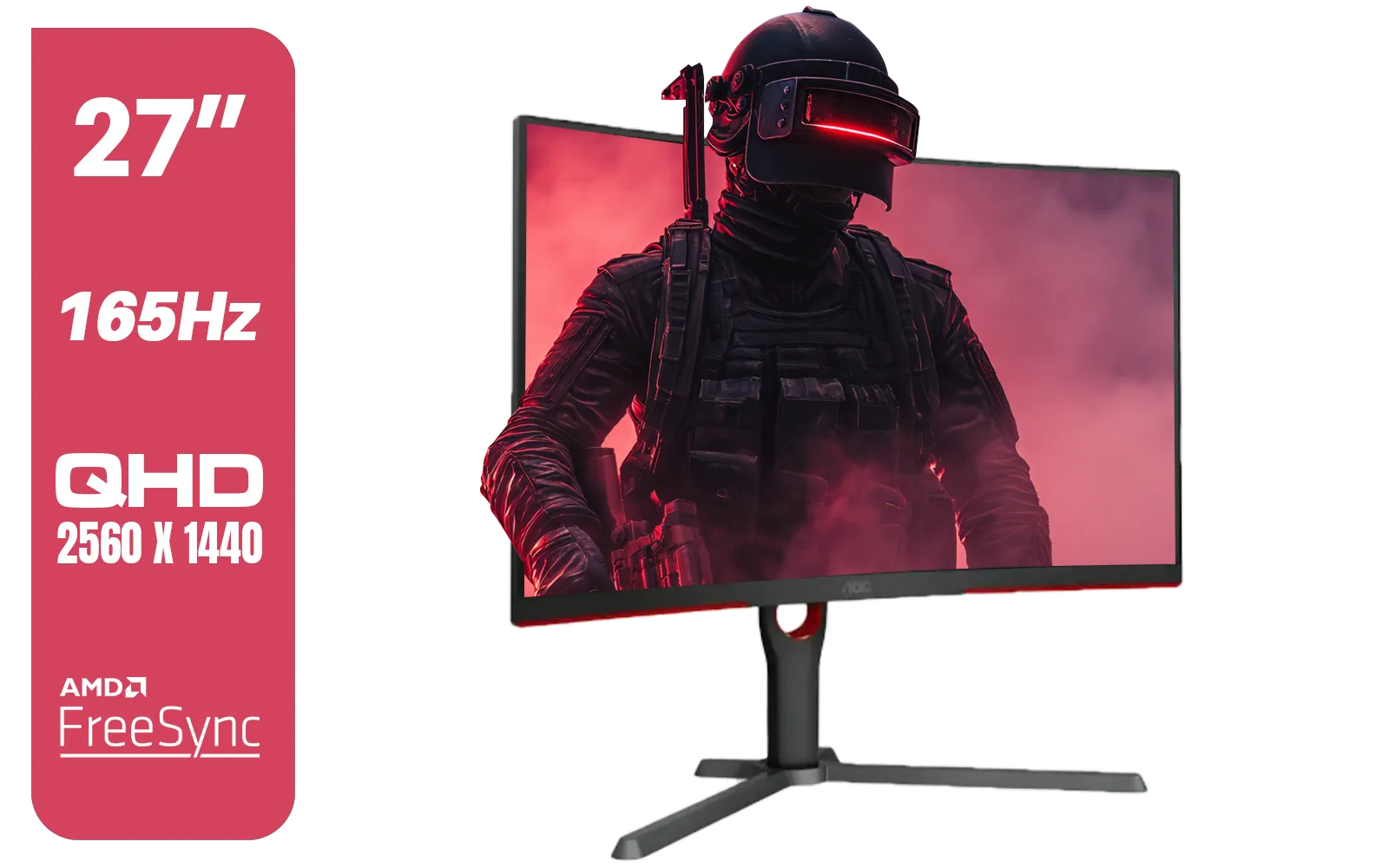
AOC CQ27G3S 27" QHD (2560x1440) 165Hz 1ms VA Curved FreeSync HDR Gaming Monitor / Superior High Quality Viewing / Ultra-smooth Tear-free Gaming / Enjoy top-tier Gaming Performance / Instant Response Times / Illuminate Your Visuals / Reducing Shortwave Blue Light / CQ27G3S
R6399.00In Stock
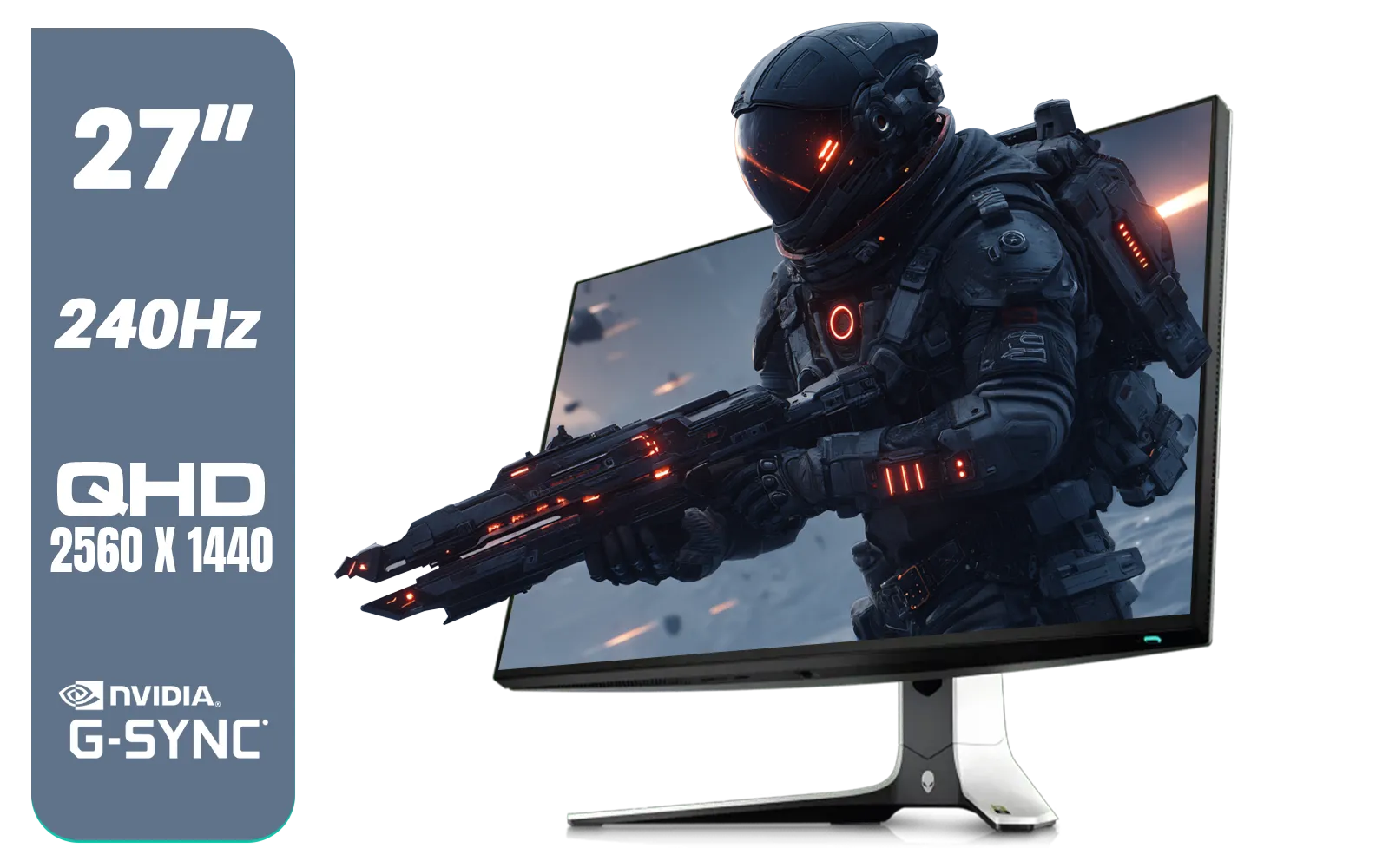
Alienware AW2723DF Gaming Monitor - 27-inch (2560 x 1440) 240Hz Display (DP 1.4), 1ms Response Time, NVIDIA G-Sync, Preset OSD Modes, Height/Tilt/Swivel/Pivot Adjustability - Lunar Light / AW2723DF
R8699.00In Stock
VIEWSONIC 24" FHD Led Backlit Display / 120Hz Refresh Rate / Windows Hello–Certified 5MP Webcam With privacy cover / Dual Mics & Stereo Speakers / USB-C for Audio, Video & Data / USB 3.2 Hub with HDMI & DisplayPort / Ergonomic Adjustable Stand / VG2441V
R3699.00In Stock
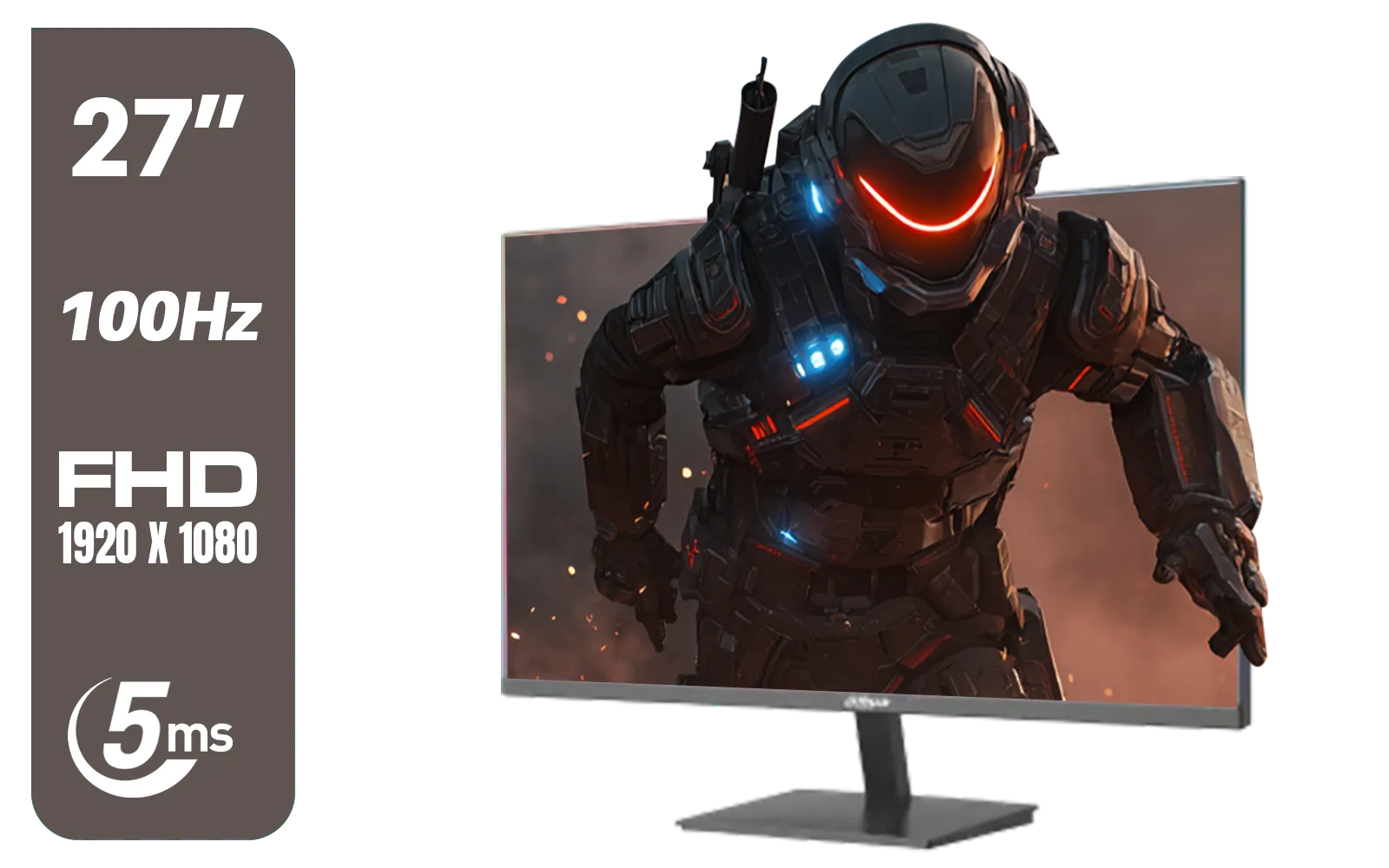
DAHUA DHI-LM27-A201X 27" LED Monitor / Ultra-narrow bezel / IPS Level-Display / 5ms Response Time / FHD 1920x1080 / 100Hz Refresh Rate / Low Blue Light / DHI-LM27-A201X
R2399.00In Stock
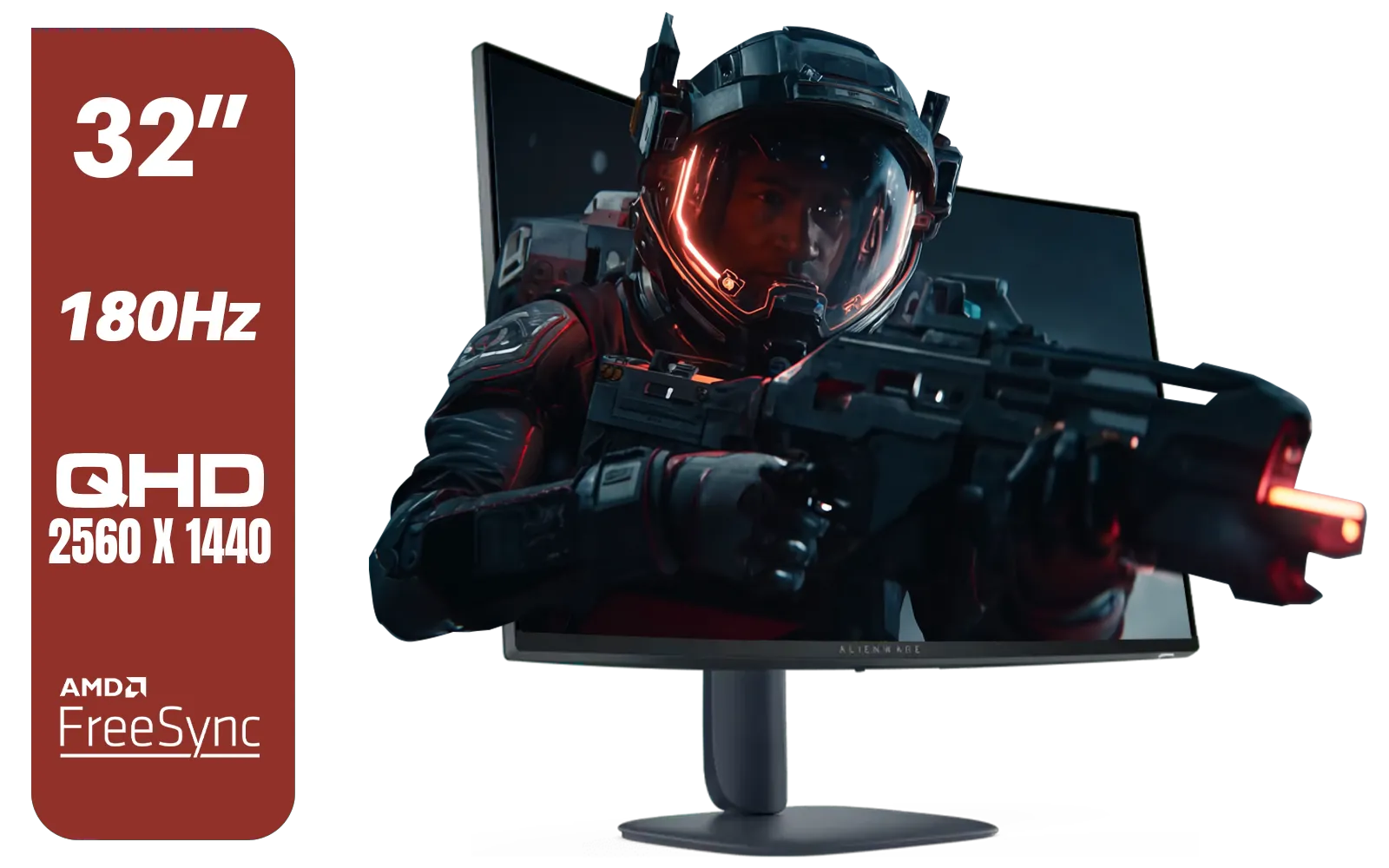
Alienware AW3225DM - 32" Curved Gaming Monitor / 180Hz Refresh Rate / QHD (2560x1440) / 1ms (GTG Extreme Mode) Response Time / AMD FreeSync / AW3225DM
R6499.00In Stock
Weight and Size Really Matter
This is the most critical step in this VESA arm guide. Curved monitors, especially the big 34-inch and larger models, are heavier than their flat counterparts. Every monitor arm has a maximum weight and screen size it can safely support. Always check the arm's specifications and compare it to your monitor's weight without its original stand. Exceeding the weight limit can lead to sagging, drooping, or worse… a catastrophe.
TIP FOR YOU
Pro Tip: Don't Forget the Curve! ⚡
When choosing an arm for a deeply curved monitor (like a 1000R), consider its depth. The curve shifts the centre of gravity forward. Some arms are specifically designed to handle this, offering better stability and preventing wobble. Always double-check the arm’s product page for compatibility notes on ultrawide or curved screens.
Your Simple Guide to Mounting the Monitor
Got the right arm for the job? Awesome. The actual monitor mounting process is straightforward. While every arm is slightly different, the core steps are generally the same.
- Prep Your Area: Lay a soft towel or the original foam packaging on your desk to protect the screen.
- Attach the VESA Plate: Remove the monitor's original stand. Gently lay the screen face-down and screw the VESA plate from your new arm onto the back.
- Secure the Arm: Clamp or bolt the monitor arm securely to your desk or wall. Give it a good wiggle to ensure it’s solid.
- Lift and Lock: This is a two-person job! Have a friend help you lift the monitor and slot it onto the arm. Secure any locking screws or clips.
- Tidy the Cables: Route your power and display cables along the arm's built-in channels for that ultra-clean look.
This process applies to nearly all modern screens, making it a great skill to have whether you're setting up one of the latest gaming monitors or a professional display.
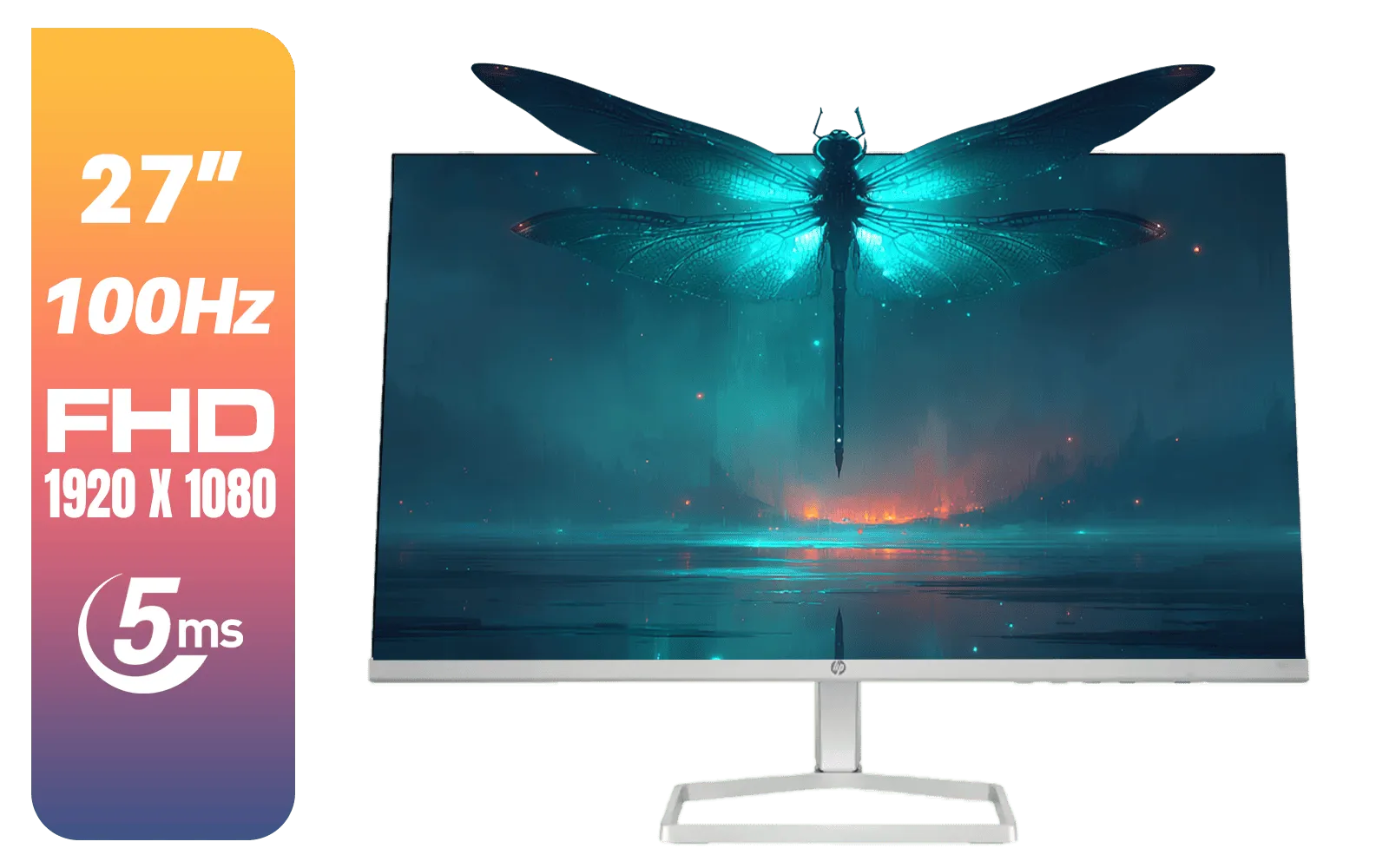
HP 527SF G5 FHD Gaming Monitor - Black/Silver / 27" FHD (1920 x 1080) / Anti-glare / 1x HDMI 1.4, 1x VGA / -5 to +25 degrees Adjustable Tilt / 94F44AS
R4499.00In Stock
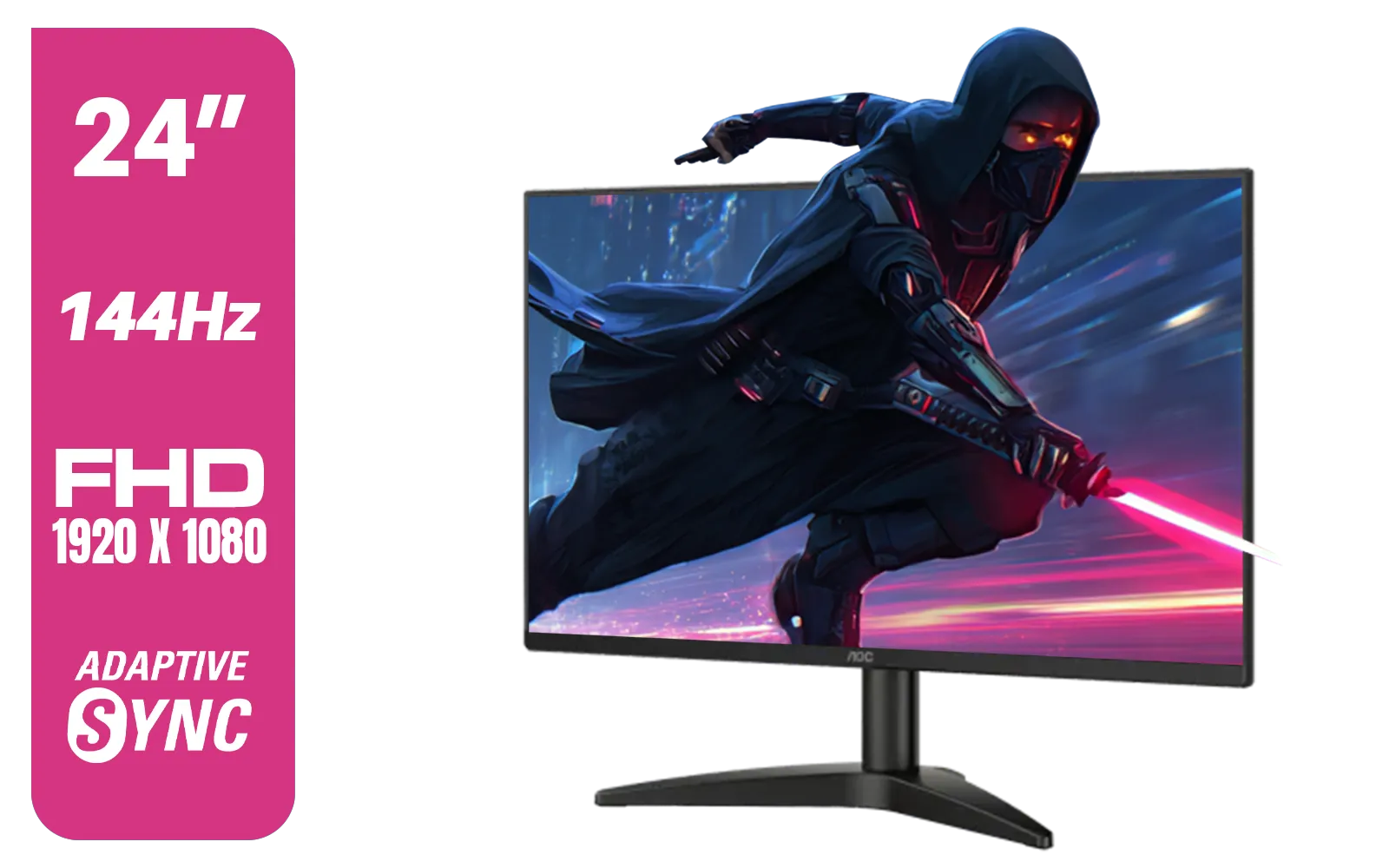
AOC 24B36X 24" Gaming Monitor / FHD (1920 x 1080) / 144Hz Refresh Rate / 0.5ms Response Time / IPS-Level Display / Support HDR10 / Support Adaptive Sync / 24B36X
R1999.00In Stock
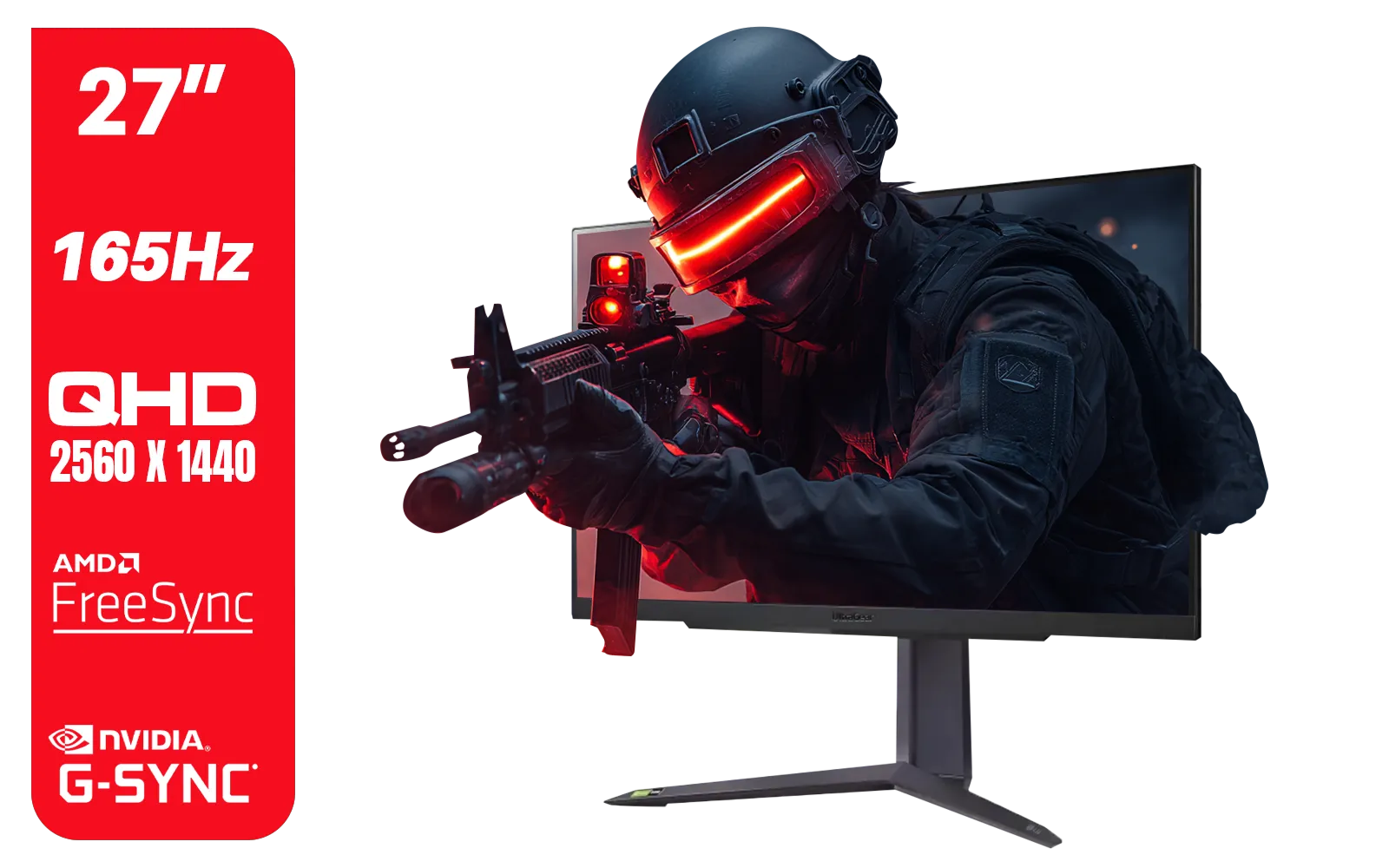
LG UltraGear Gaming Monitor 27GR75Q, 27 inch, 1440p, 165Hz, 1ms GtG, IPS Display, HDR 10, NVIDIA G-Sync & AMD FreeSync compatible, Smart Energy Saving, Displayport, HDMI / 27GR75Q
R5499.00In Stock

AOC 22B2HN, 21.5 Inch (54.6 cm) LED 1920 x 1080 Pixels Ultra Slim Monitor with 3 Sided Frameless Design, Va Panel, Hdmi/Vga Port, Full Hd, 7 Ms Response Time, 75 Hz Refresh Rate, Flicker Free, Black / AOC-22B2HN
R2099.00In Stock
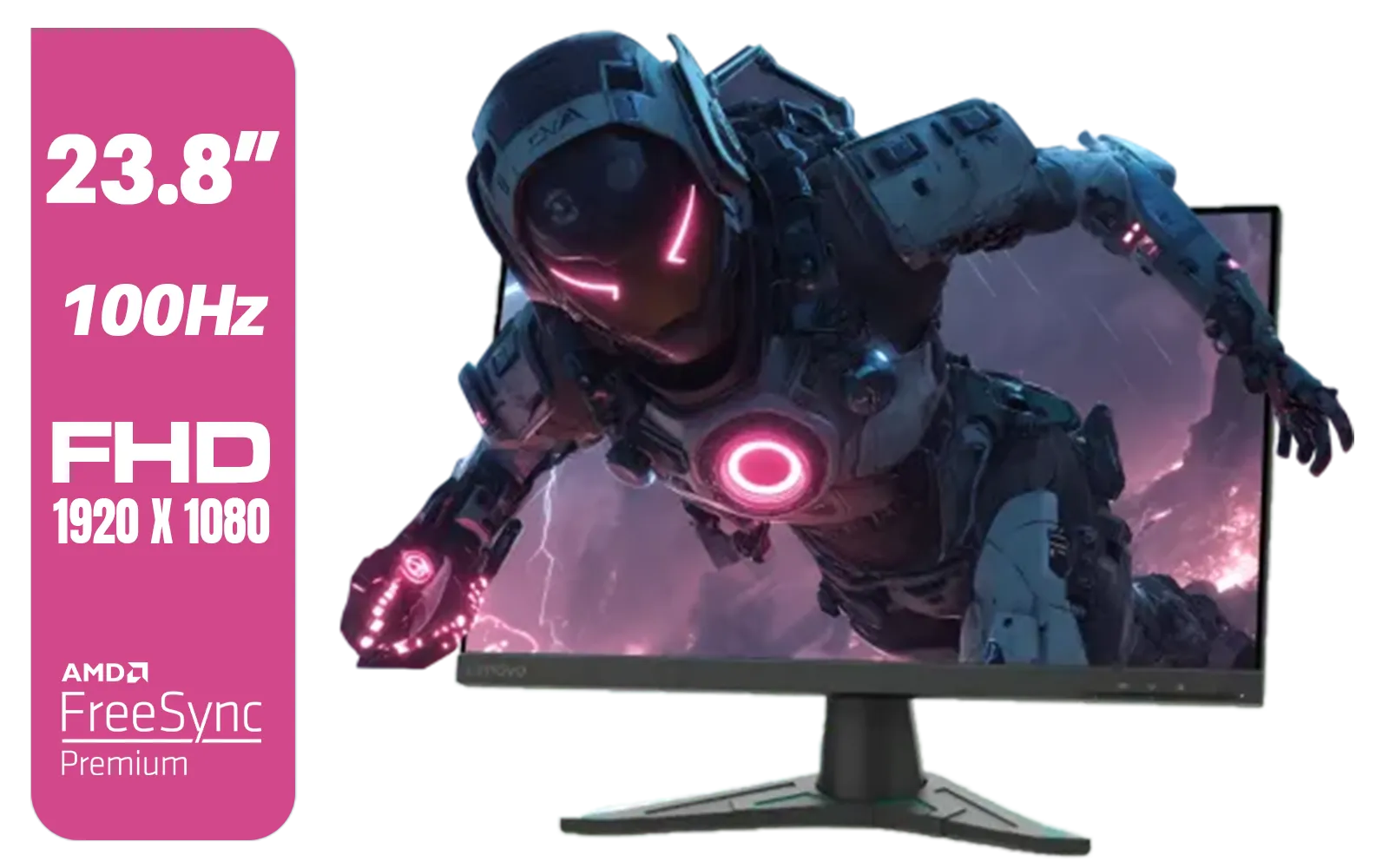
Lenovo G24e-20 23.8" 100Hz FHD WLED Gaming LCD Monitor - 16:9 - Black / 66D7GAR1SA
R1999.00In Stock

Samsung Odyssey G55T 34" Ultra WQHD (3440 x 1440) 165Hz Curved Gaming Monitor / AMD FreeSync Premium / 165Hz Refresh Rate / 1ms Response Time / 1000R Curved Display / Futuristic Design / LC34G55TWWRXEN
R9999.00In Stock
Expanding Your Battlestation ✨
One of the best side-effects of mounting your large curved monitor is the sudden explosion of usable desk space. What will you do with it all? Besides a cleaner look, it opens up possibilities for a more powerful setup. You might now have the perfect spot for a stream deck, audio interface, or even a second screen. Many gamers find the extra room ideal for adding one of today's incredibly useful portable monitors to display Discord, OBS, or Spotify without cluttering their main view.
Ready to Elevate Your Setup? Reclaiming your desk space and perfecting your ergonomics is easier than you think. A VESA arm transforms your setup from cluttered to clean, giving your awesome monitor the floating finish it deserves. Explore our range of monitor arms and accessories and find the perfect match for your screen.
Related Products
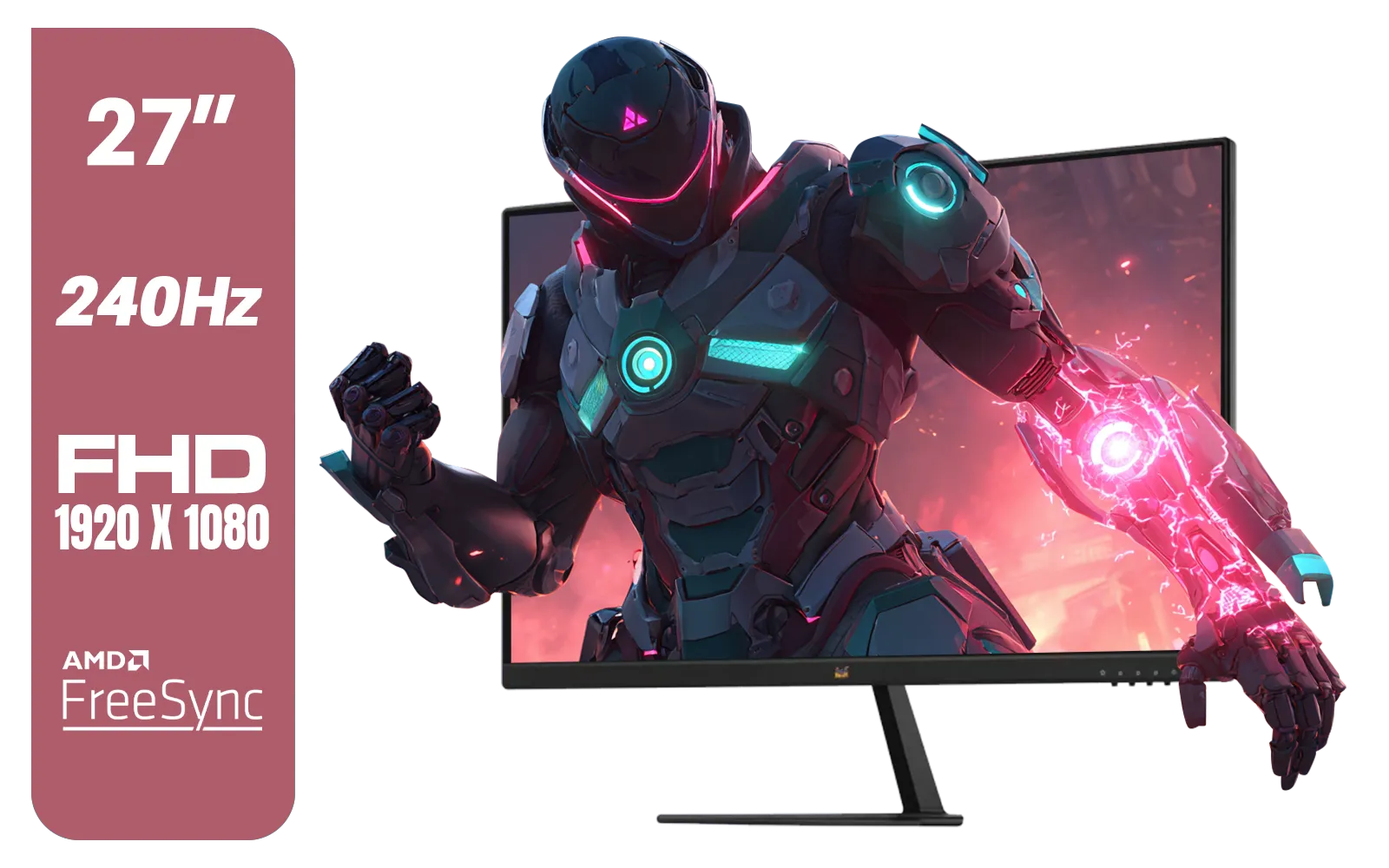
ViewSonic VX2779A-HD-PRO 27" Gaming Monitor / IPS-Level Display / 240Hz Refresh Rate / 1ms MPRT / AMD FreeSync / HDR10 / VX2779A-HD-PRO
R4099.00In Stock
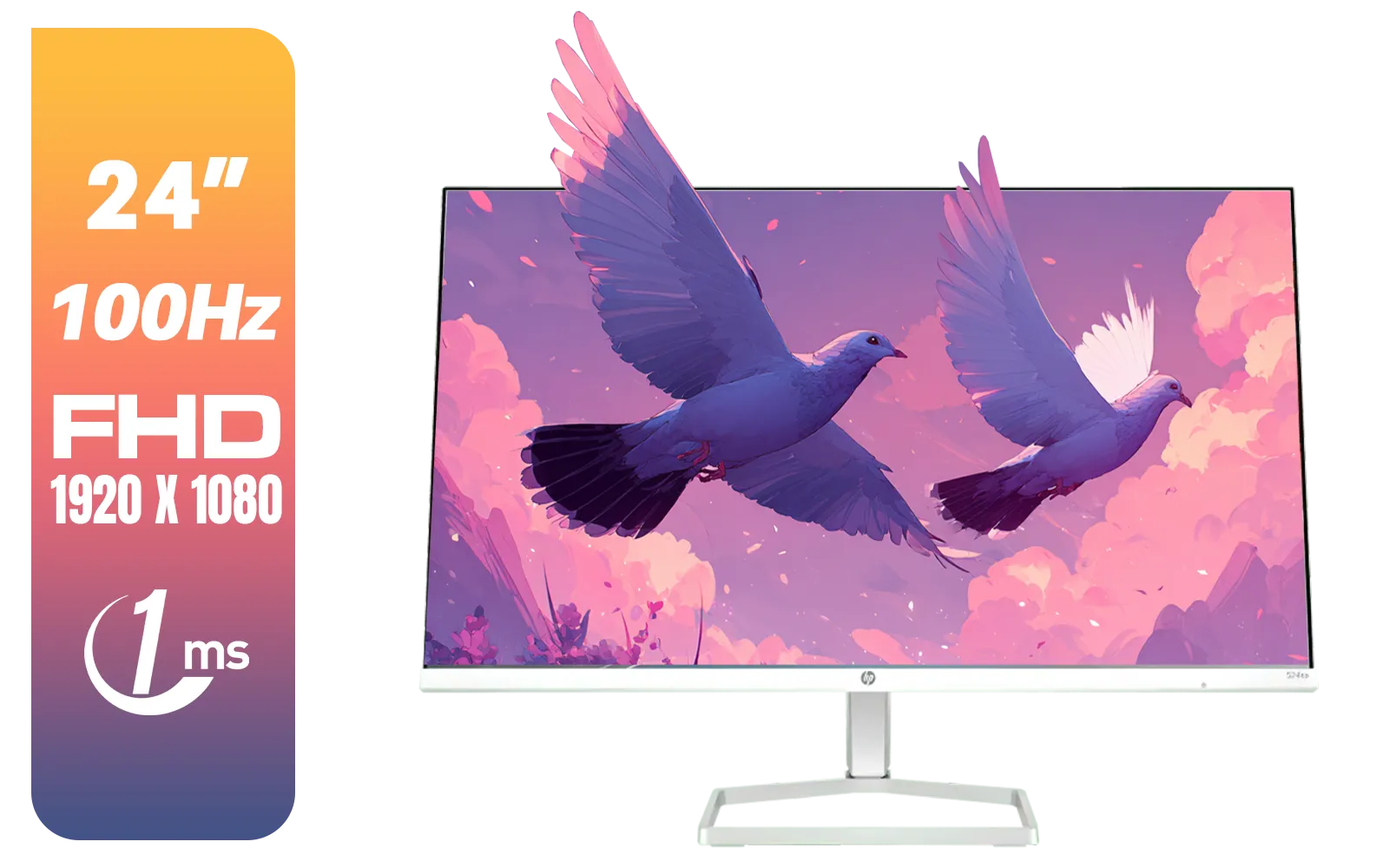
HP 527SA G5 FHD Gaming Monitor - White/Silver / 27" FHD (1920 x 1080) / IPS Panel / 1x HDMI 1.4, 1x VGA / Eye Ease with Eyesafe Certification / 94F48AS
R4999.00In Stock

MSI PRO MP275W E2 27-inch IPS 1920 x 1080 (FHD) Gaming Office Monitor, 120Hz, Free-Synch, HDMI, DisplayPort, VGA Port, VESA Mountable, Tilt, Speaker, 4-Side Slim Bezel 1ms, White / 9S6-3PD3CM-030
R3199.00In Stock
Alienware AW3225DM - 32" Curved Gaming Monitor / 180Hz Refresh Rate / QHD (2560x1440) / 1ms (GTG Extreme Mode) Response Time / AMD FreeSync / AW3225DM
R6499.00In Stock
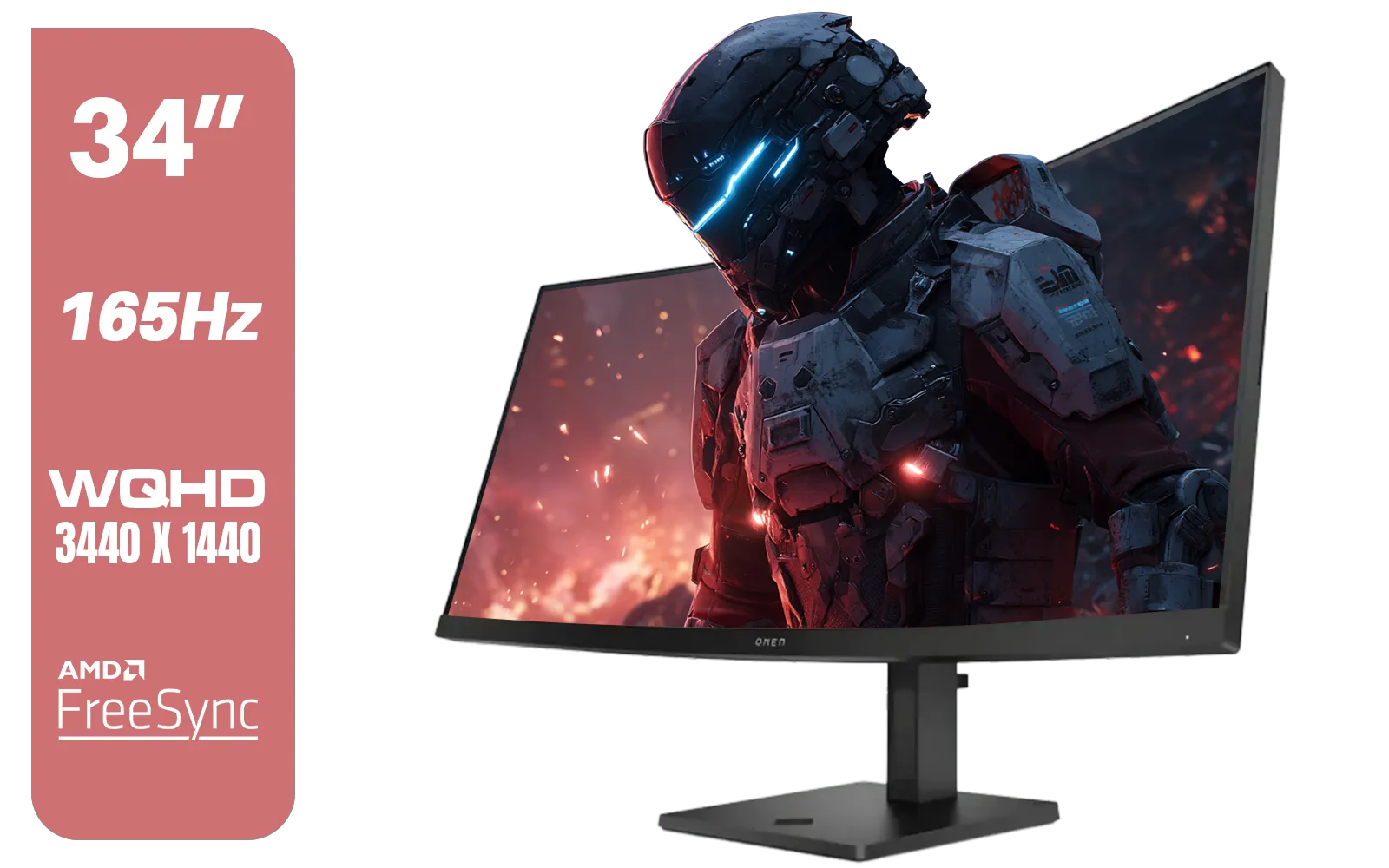
HP OMEN 34c Curved Monitor — 34' WQHD VA 165hz — Gaming Console Compatible — 2x HDMI 2.0 — 1x DisplayPort 1.4 — AMD FreeSync Premium — Dual Speakers — Tilt & height adjustments — VESA Mountable - Black / 780K8AS
R12999.00In Stock

HP OMEN 27 FHD 165Hz Gaming Monitor / AMD FreeSync™ Premium / Eyesafe® certified / Height adjustable for personalized comfort / Pivot rotation for flexible viewing angles / 780F9AS
R5999.00In Stock
Yes. Due to the shifted center of gravity, mounting large curved monitors requires heavy-duty arms with stronger tilt mechanisms than standard flat panel mounts.
Check the back panel for a square 4-hole pattern (usually 75x75mm or 100x100mm). Some ultrawides require a specific bracket adapter included in the box.
Always choose an arm rated for 20-30% more than your monitor's weight. This extra headroom prevents sagging, especially when the arm is fully extended.
Absolutely. Wall mounting large curved monitors works well, provided you use a heavy-duty mount anchored into studs to support the leverage and weight.
This is 'monitor droop.' It happens when the tilt pivot isn't strong enough to support the forward center of gravity found in deep 1000R or 1500R curves.
Gas springs offer smoother adjustments for heavy screens, making them ideal for mounting large curved monitors that you plan to move or reposition frequently.











