



NVIDIA Reflex: How It Cuts Latency for Competitive Gaming
NVIDIA Reflex slashes system latency to sharpen aim and responsiveness in competitive gaming. Learn how it works, how to enable it, and measurable gains 🎮⚡
|
Loading tags...

Ever been absolutely certain you clicked first in a Valorant duel, only to end up spectating your team? That split-second delay between your action and the screen's reaction is system latency, the silent enemy of every competitive gamer in South Africa. But what if you could shrink that delay? That’s exactly what NVIDIA Reflex technology is designed to do, giving you back the competitive edge you deserve. 🚀

MSI GeForce RTX 5080 16G VENTUS 3X OC Plus Graphics Card / PCI Express Gen 5 / 10752 Cuda Cores / 16GB GDDR7 / Nickel-plated Copper Baseplate / 912-V531-293
R27999.00In Stock
MSI GeForce RTX 5080 16G VENTUS 3X OC / PCI Express Gen 5 / 10752 Cuda Cores / 16GB GDDR7 / DirectX 12 Ultimate / 912-V531-262
R26999.00In Stock
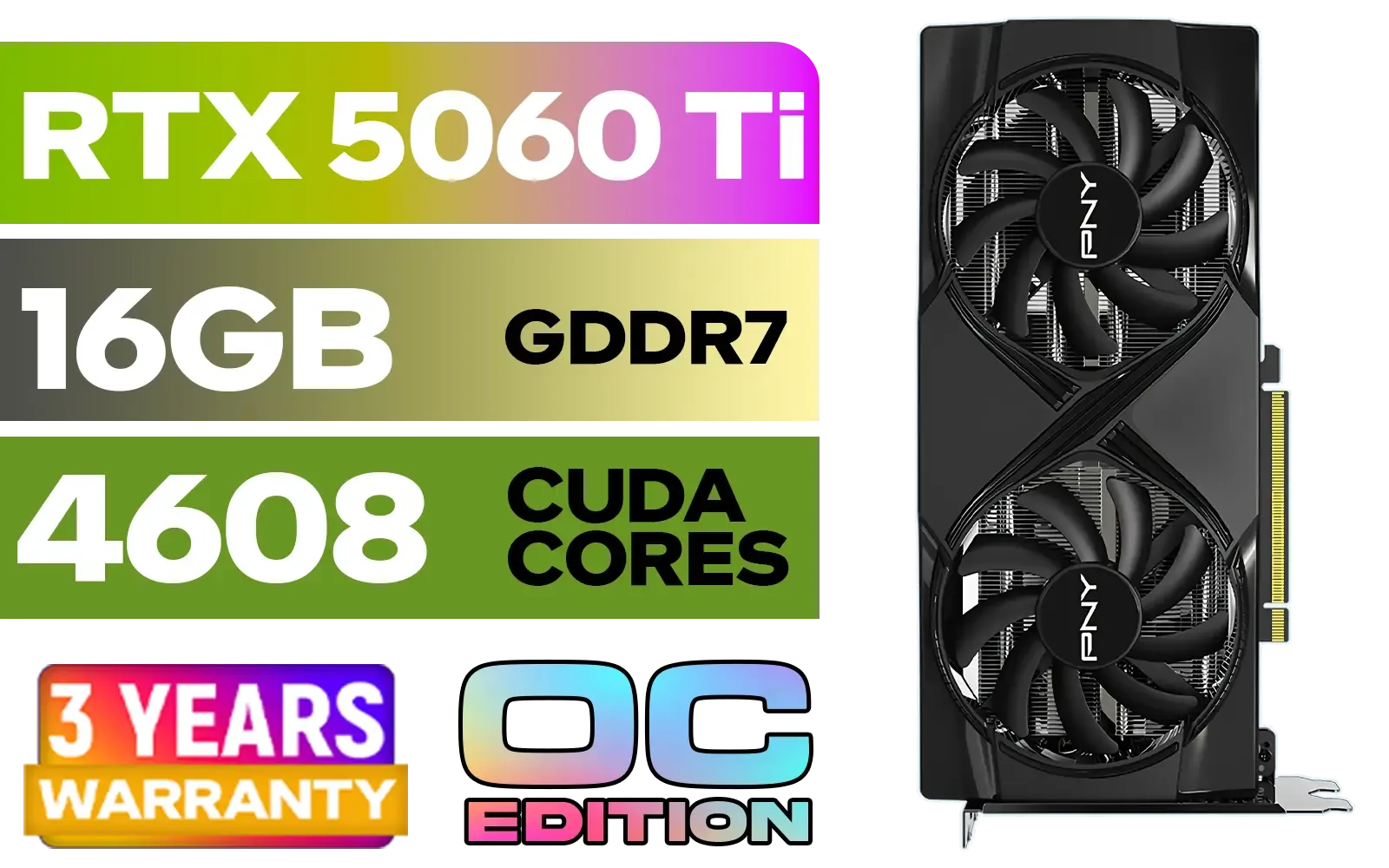
PNY GeForce RTX 5060 Ti 16GB OC Dual Fan Graphics Card / 16GB GDDR7 / 4608 CUDA Cores / 128-bit Memory Interface / Boost Clock: 2692 MHz / 28 Gbps Memory Speed / DisplayPort 2.1b (x3), HDMI® 2.1b / VCG5060T16DFXPB1-O
R10499.00In Stock
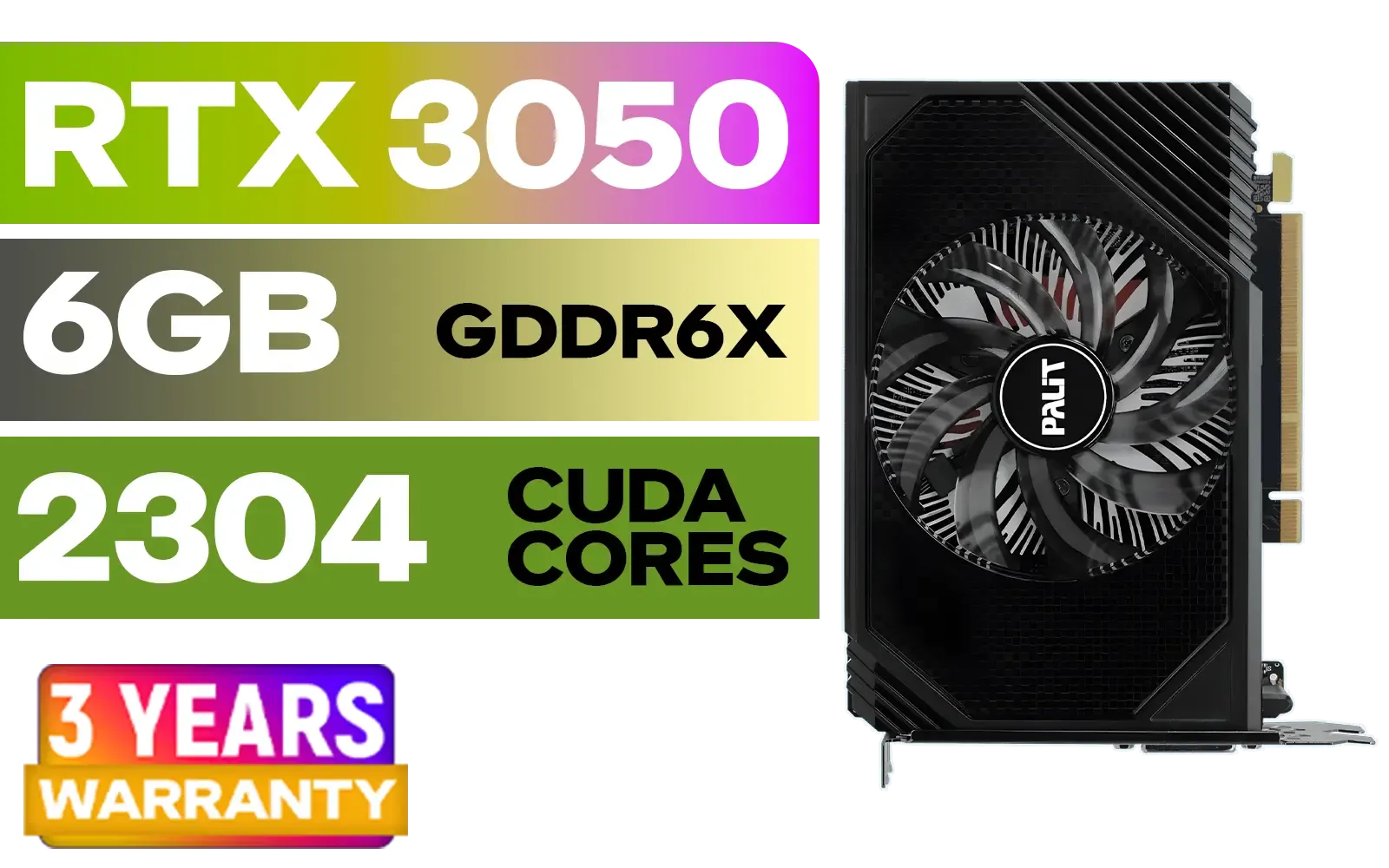
Palit GeForce RTX 3050 StormX 6GB GDDR6 Gaming Graphics Card / 2304 Cuda Core / 96-bit Memory Interface / Boost Clock : 1470MHz / Incredibly Fast Frame Rates / New Streaming Multiprocessors / NE63050018JE-1070F-SN
R3599.00In Stock
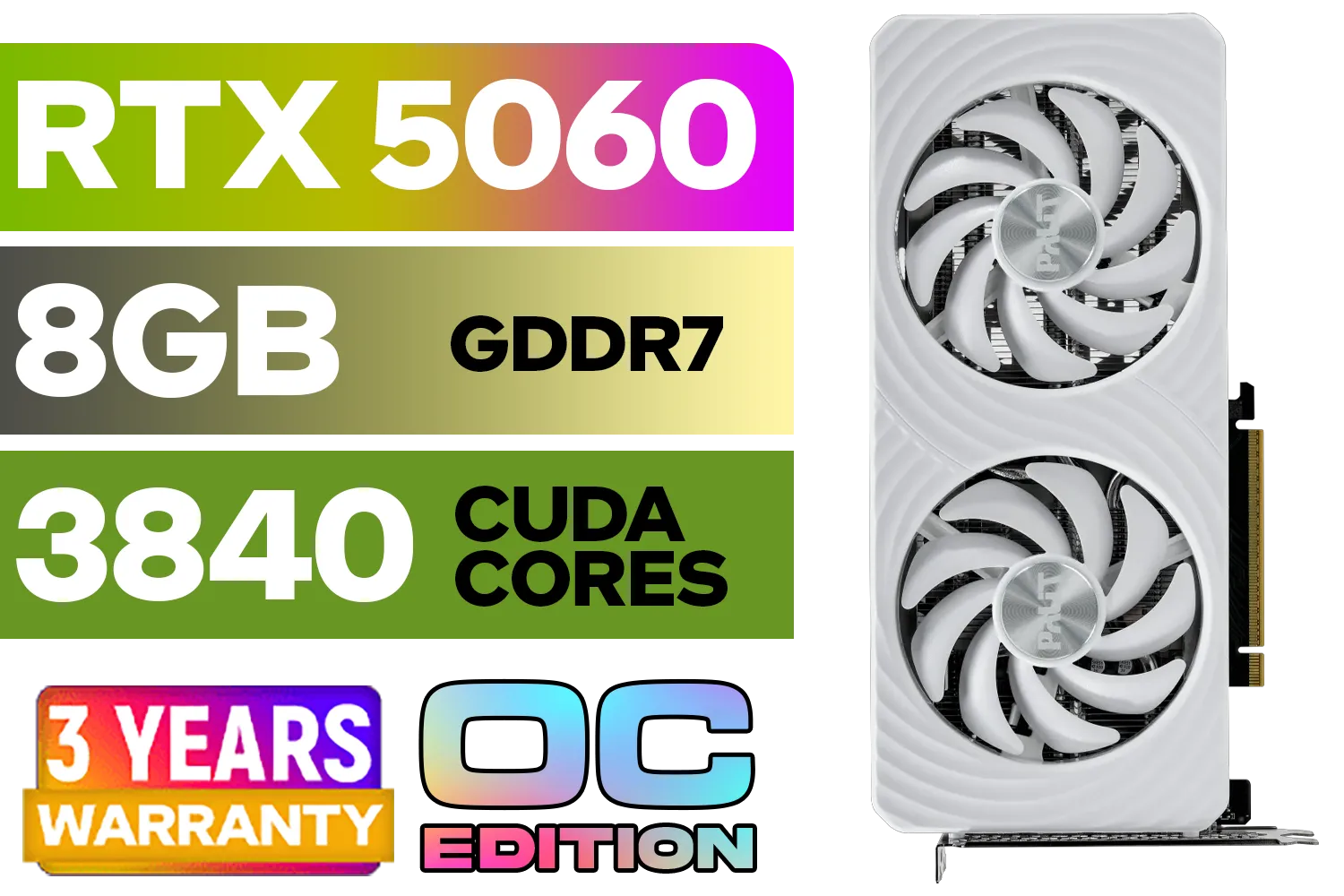
Palit GeForce RTX 5060 OC Graphics Card - White / 8GB GDDR7 / 3840 Cuda Cores / 128-bit Memory Interface / Boost Clock : 2497 MHz / PCI Express® Gen 5 / NE75060U19P1-GB2063M
R6999.00In Stock

XFX Mercury AMD Radeon RX 9070 XT OC Magnetic Air Edition Graphics Card / 4096 Stream Processors / 256-bit Memory Interface / Boost Clock : 3100 MHz / AMD RDNA™ 4 Architecture / RX-97TMARGB9
R16299.00In Stock
What Exactly is NVIDIA Reflex?
At its core, NVIDIA Reflex is a suite of technologies that optimises and measures your PC's responsiveness in games. Think of it as a direct line of communication between your CPU and GPU. Traditionally, your CPU prepares frames for the GPU in a "render queue." If this queue gets too long, it creates a buffer... a delay. This is system latency.
NVIDIA Reflex cleverly clears this pipeline, allowing the CPU to deliver frames to the GPU just in time for rendering. This process significantly cuts latency for competitive gaming, making your in-game actions feel almost instantaneous. It’s not about boosting your FPS; it's about making the frames you have arrive faster and feel more responsive.
Why Lower Latency is Crucial for Competitive Gaming
In fast-paced games like Apex Legends, Call of Duty: Warzone, or Fortnite, milliseconds matter. Lower latency, powered by a technology like NVIDIA Reflex, gives you a tangible advantage.
Sharpen Your Aim and Win More Duels
With less delay between your mouse movement and the crosshair's response on-screen, your aim becomes more precise and consistent. You're not fighting your hardware anymore; you're just playing the game. This is the secret weapon that makes a high-end NVIDIA GeForce graphics card feel so incredibly responsive.
Gain the Peeker's Advantage
Ever been eliminated by an opponent who appeared out of thin air? That's peeker's advantage, and high latency makes it worse. By reducing your system's overall delay, NVIDIA Reflex helps you see opponents sooner as they round a corner, giving you that critical fraction of a second to react first. It's an essential tool for anyone serious about climbing the ranks.

MSI GeForce RTX 5060 Ti 8G GAMING OC Graphics Card / 4608 Cuda Cores / 28Gbps Memory Speed / 8GB GDDR7 / 128-bit Memory Bus / 912-V536-026
R9499.00In Stock

MSI GeForce RTX 5070 Ti 16G Gaming Trio OC Graphics Card / 16GB GDDR7 / 8960 Cuda Cores / 256-bit Memory Interface / Boost Clock : 2572 MHz / PCI Express® Gen 5 / 912-V531-272
R21199.00In Stock
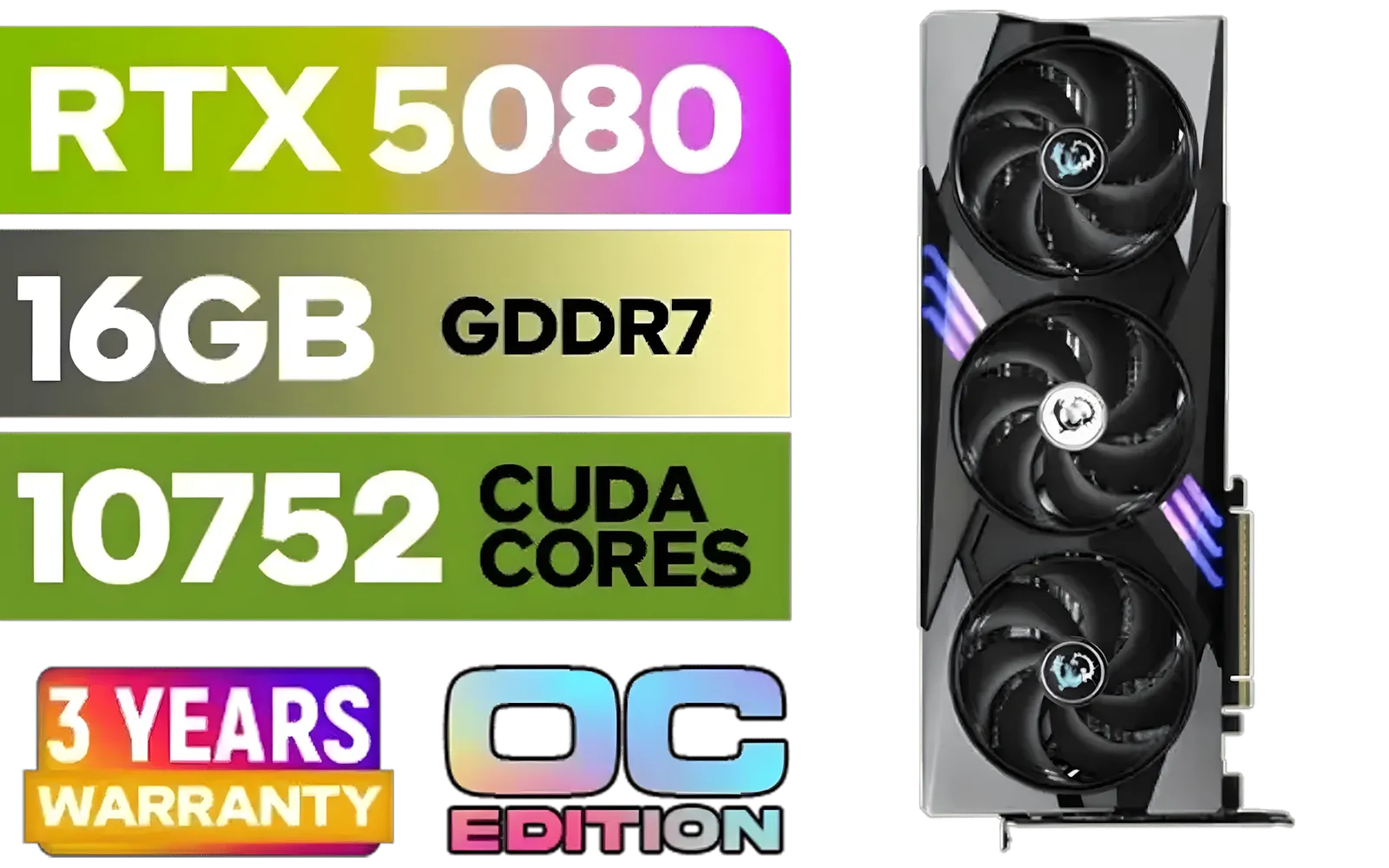
MSI GeForce RTX 5080 16G Gaming Trio OC Graphics Card - Precision Airflow Control - Nickel-Plated Copper Base - Metal Backplate - 16GB GDDR7 - 30Gbps Memory Speed - PCI Express® Gen 5 / 912-V531-026
R29499.00In Stock

MSI GeForce RTX 5070 12G Inspire 3X OC Graphics Card / 12GB GDDR7 / 6144 Cuda Cores / 192-bit Memory Interface / Boost Clock : 2542 MHz / NVIDIA Blackwell & DLSS 4 / 28Gbps Memory Speed / PCI Express® Gen 5 / 912-V532-017
R14499.00In Stock

XFX Swift AMD Radeon RX 9070 OC Graphics Card - White / 3584 Stream Processors / 256-bit Memory Interface / Boost Clock :2700 MHz / AMD RDNA™ 4 Architecture / RX-97SWFB3W9
R13499.00In Stock

ASRock Intel ARC B580 Steel Legend OC Graphics Card / 12Gb 192-bit GDDR6 / DirectX 12 Ultimate / 2560 Cores / 2800MHz Engine Clock / 90-GA5CZZ-00UANF
R6999.00In Stock
How to Enable and Use NVIDIA Reflex
Getting started is surprisingly simple. You don't need to be a tech wizard to start cutting latency. ✨
- Check Your Hardware: NVIDIA Reflex is supported on GeForce 900 Series GPUs and newer.
- Update Your Drivers: Make sure you have the latest NVIDIA Game Ready Driver installed via GeForce Experience.
- Activate in-game: Launch a supported game (there are over 100!) and navigate to the video or graphics settings. You'll find the NVIDIA Reflex Low Latency option.
You typically have two choices: "On" and "On + Boost." "On" is the standard setting for maximum latency reduction. "On + Boost" keeps your GPU clocks higher, which can help in CPU-bound scenarios, potentially offering an even greater reduction at the cost of slightly more power usage. This feature is available on most modern GeForce GPUs, from entry-level cards to powerhouse MSI models designed for 4K gaming.
TIP FOR YOU
Check Your Latency In-Game 🔧
Want to see the magic happen in real-time? If you have GeForce Experience installed, press Alt + R in-game to bring up the performance overlay. You can configure it to show your "Render Latency," giving you instant feedback on how NVIDIA Reflex is optimising your system's performance. It's the best way to confirm your settings are working!
Is NVIDIA Reflex Worth It for You?
For any competitive gamer in South Africa, the answer is a resounding yes. It's a free performance upgrade that directly translates to better gameplay. While NVIDIA Reflex leads the charge, the entire industry is focused on latency. Team Red's own offerings, found in their latest AMD Radeon graphics cards, include features like Anti-Lag to compete.

XFX SWIFT AMD Radeon RX 9070 XT Triple Fan 16GB GDDR6 GPU - White / AMD RDNA 4 Architecture / 3rd Gen Radeon Raytracing Accelerators/ AMD Fidelity FX Super Resolution 4.0 Upscaling Technology / RX-97TSWF3W9
R14799.00In Stock
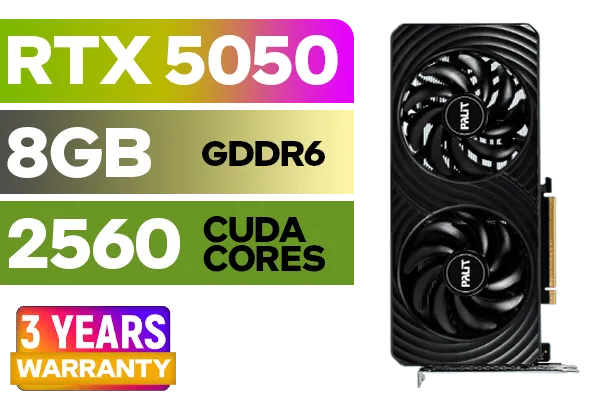
Palit GeForce RTX™ 5050 DUAL Graphics Card / 8GB GDDR6 / 2560 Cuda Cores / 128-bit Memory Interface / Boost Clock : 2572 MHz / PCI Express® Gen 5 / NE65050019P1-GB2070D
R5699.00In Stock
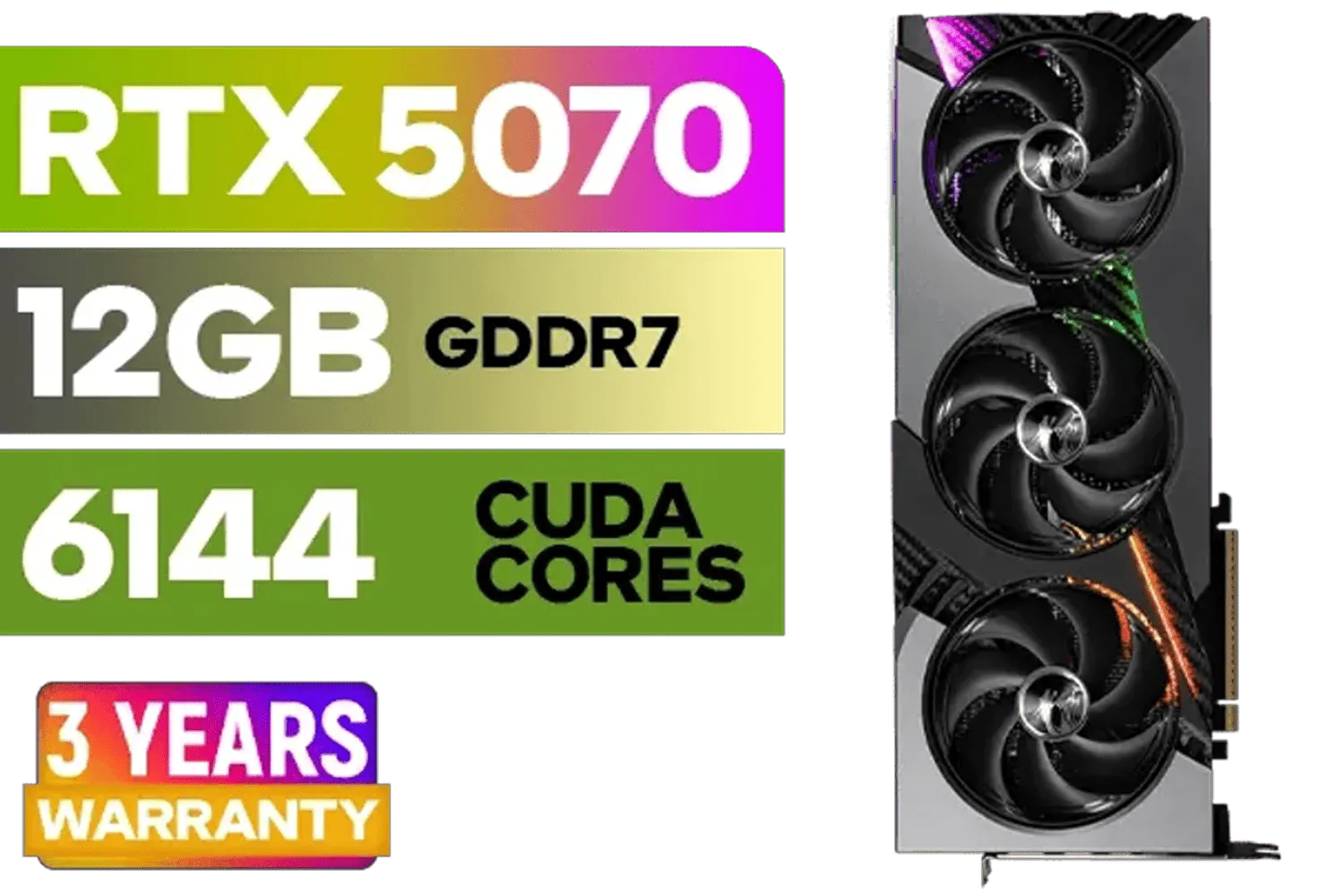
MSI GeForce RTX 5070 12GB VANGUARD SOC Launch Edition / 12GB GDDR7 / 6144 Cuda Cores / Boost: 2640 MHz / 28Gbps Memory Speed / PCI Express® Gen 5 / 912-V532-050
R15299.00In Stock
ASRock Intel ARC B580 Steel Legend OC Graphics Card / 12Gb 192-bit GDDR6 / DirectX 12 Ultimate / 2560 Cores / 2800MHz Engine Clock / 90-GA5CZZ-00UANF
R6999.00In Stock

Palit GeForce RTX 5070 Infinity 3 12GB Graphics Card / 12GB GDDR7 / 6144 Cuda Cores / 192-bit Memory Interface / Boost Clock : 2512 MHz / NVIDIA Blackwell & DLSS 4 / NE75070019K9-GB2050S
R10799.00In Stock

MSI Geforce RTX 5070 Ventus 2X 12G OC Graphics Card / 12GB GDDR7 / 6144 Cuda Cores / 192-bit Memory Interface / Boost Clock : 2542 MHz / NVIDIA Blackwell & DLSS 4 / 28Gbps Memory Speed / PCI Express® Gen 5 / 912-V532-009
R13999.00In Stock
Even new players like Intel with their ARC graphics cards are pushing the market forward, which is great news for gamers. It's important to remember that these gaming technologies are distinct from the hardware used in professional environments, where a dedicated workstation graphics card is optimised for stability and precision in creative apps, not raw twitch-reflex performance.
Ultimately, if you're playing games where every shot counts, enabling NVIDIA Reflex is one of the smartest moves you can make to improve your performance without spending an extra Rand.
Ready to Eliminate Lag and Dominate the Leaderboard? NVIDIA Reflex is a powerful tool, but it needs the right hardware to shine. For the ultimate low-latency experience in South Africa, a powerful GPU is non-negotiable. Explore our massive range of NVIDIA graphics cards and find the perfect GPU to conquer your game.
Related Products
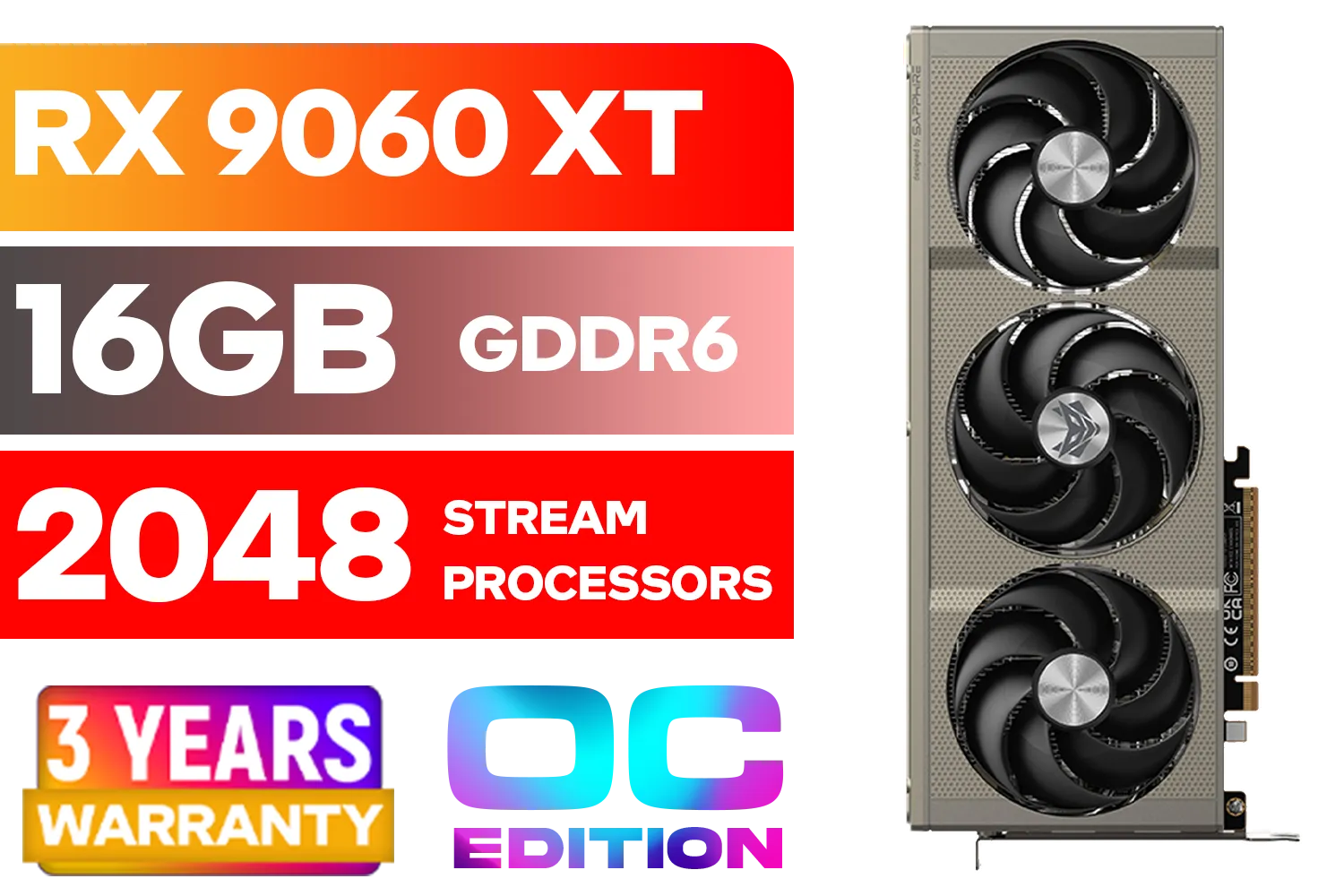
SAPPHIRE NITRO+ RX 9060 XT OC 16GB Graphics Card / 16GB GDDR6 Memory / 2048 Stream Processors / 128-bit Memory Interface / Boost Clock : 3320 MHz / AMD RDNA™ 4 Architecture / 32 Ray Accelerators / 11350-01-20G
R8899.00In Stock

MSI GeForce RTX 5070 12GB Shadow 2X OC Graphics Card / 6144 Cuda Cores / 192-bit Memory Interface / Boost Clock : 2542 MHz / NVIDIA Blackwell & DLSS 4 / TORX Fan 5.0 / Nickel-Plated Copper Baseplate / 912-V532-011
R11999.00In Stock

Palit GeForce RTX 5070 Ti GameRock 16G / 16GB GDDR7 / 28Gbps Memory Speed / PCI Express® Gen 5 / NE7507T019T2-GB2030G
R17999.00In Stock
MSI GeForce RTX 5080 16G VENTUS 3X OC / PCI Express Gen 5 / 10752 Cuda Cores / 16GB GDDR7 / DirectX 12 Ultimate / 912-V531-262
R26999.00In Stock

XFX SWIFT AMD Radeon RX 9060 XT OC Triple Fan 16GB GDDR6 GPU - White / AMD RDNA 4 Architecture / 3rd Gen Radeon Raytracing Accelerators/ AMD Fidelity FX Super Resolution 4.0 Upscaling Technology / RX-96TS316W7
R8499.00In Stock
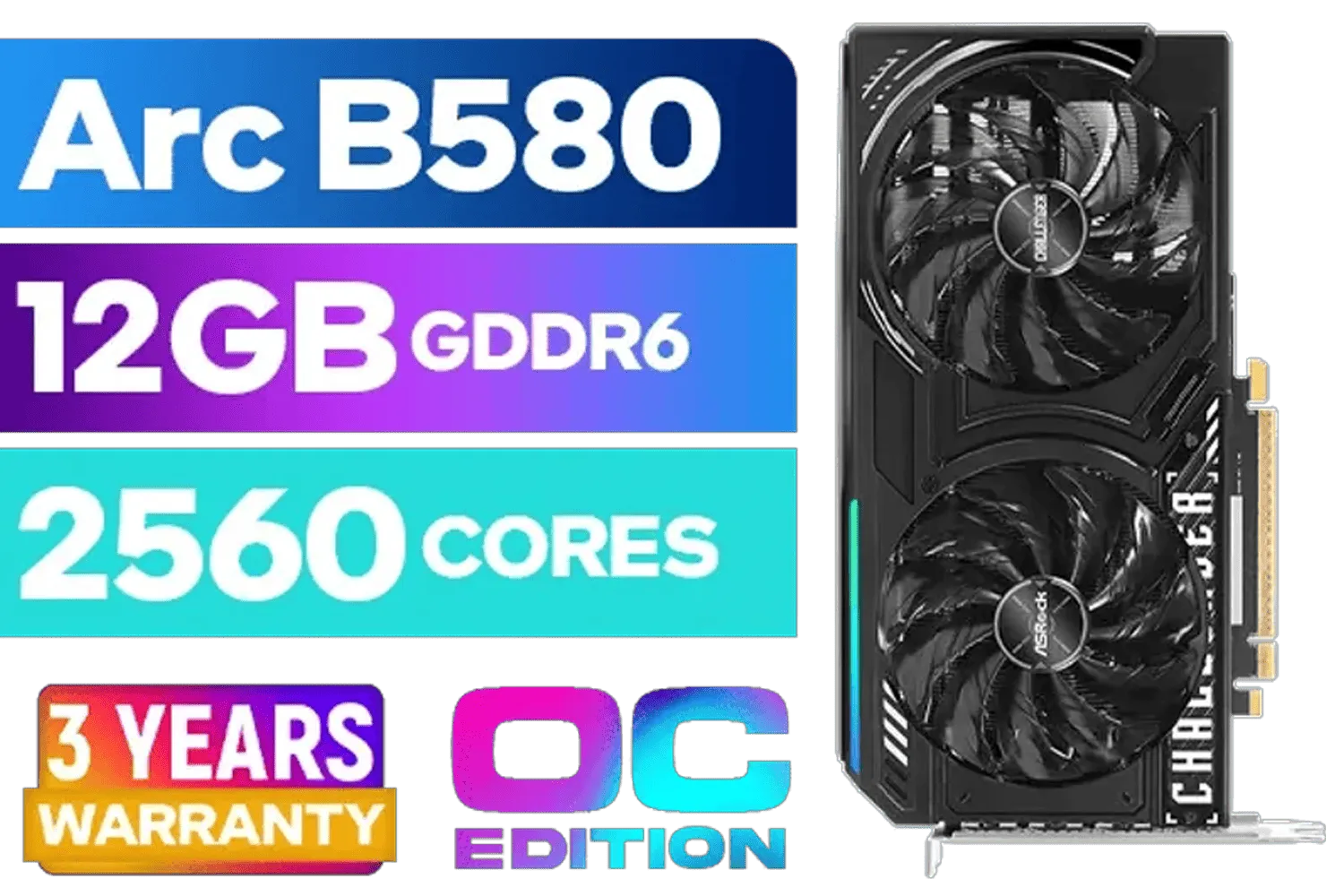
ASRock Intel ARC B580 Challenger OC Graphics Card / 12Gb 192-bit GDDR6 / DirectX 12 Ultimate / 2560 Cores / 2740MHz Engine Clock / 90-GA5LZZ-00UANF
R6499.00In Stock
NVIDIA Reflex is a latency reduction suite that trims system and render latency to improve responsiveness and aim for competitive gamers.
Open your game's graphics settings and enable the Reflex option, often labelled 'Low Latency' or 'Reflex'. Use in-game guides to verify.
Typical gains range from 10–40% depending on GPU, CPU, and settings. Benchmarks on 144Hz and higher monitors show the clearest benefits.
Reflex works best on supported NVIDIA GPUs and monitors with low latency or G-SYNC; check the NVIDIA Reflex compatibility list for exact models.
Use NVIDIA Reflex where supported; compare Reflex vs Radeon anti-lag in benchmarks to choose the best low latency solution for your setup.
Yes. Use the Reflex Latency Analyzer or in-game benchmarks to quantify system latency improvements and confirm input lag reduction.
Pair Reflex with high refresh rate monitors, wired gaming mice, and optimized CPU/GPU settings for the best competitive performance.











