



NVMe 5.0 vs NVMe 4.0: Is the ADATA XPG Mars 980 Blade Worth It?
• Compare NVMe 5.0 vs NVMe 4.0 performance • Evaluate ADATA XPG Mars 980 Blade benefits • Check compatibility, heat, price • Recommend who should upgrade 🔍💾
|
Loading tags...
Staring at a loading screen in Starfield while your mates are already exploring Neon City? We’ve all been there. That frustrating delay often comes down to your storage speed. With PCIe 5.0 motherboards now common, the big question for South African gamers is here: is it time to jump on the next-gen storage train? Let's dive into the NVMe 5.0 vs NVMe 4.0 debate and see if the brand-new ADATA XPG Mars 980 Blade is worth your hard-earned Rands.

Orico X7000 4TB NVMe Internal Solid State Drive SSD / Versatile storage for multiple platforms / PCIe Gen 4.0, M.2 2280 / Up to 7100MB/s Read Speed / Up to 6500MB/s Write Speed / ORICO-X7000-4TB-RD-BP
R6199.00In Stock
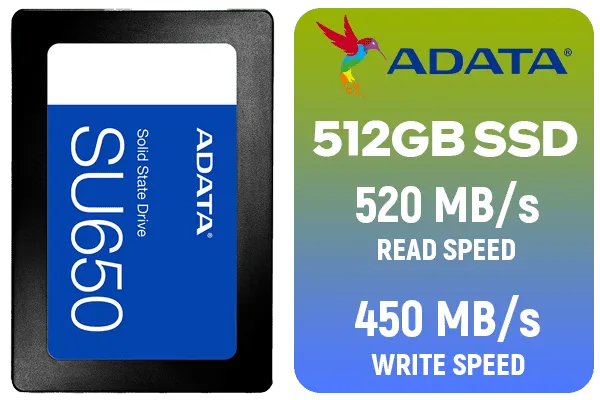
ADATA SU650 512GB 3D-NAND SATA 2.5 inch Internal SSD / ASU650SS-512GT-R
R799.00In Stock
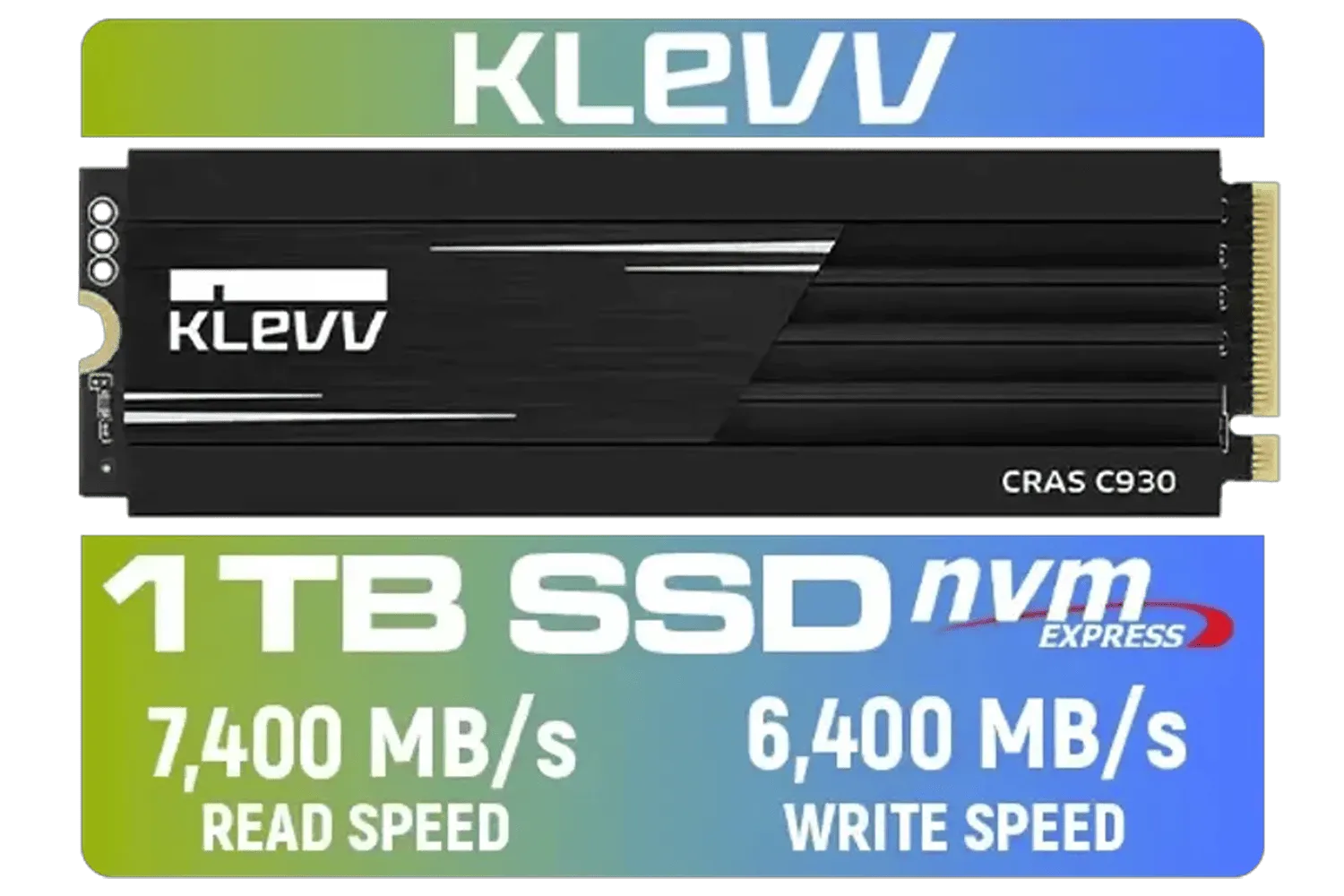
KLEVV CRAS C930 1TB M.2 NVMe PCIe Gen4x4 Internal Gaming SSD with Heatsink / Compatible with PS5 / up to 7400MB/s with DRAM Cash / K01TBM2SP0-C93
R2299.00In Stock

Corsair MP700 PRO 1TB with Air Cooler PCIe Gen5 x4 NVMe 2.0 M.2 SSD / Up to 11,700MB/s Sequential Read / Up to 9,600MB/s Sequential Write / M.2 2280 Form Factor / CSSD-F1000GBMP700PRO
R4199.00In Stock

ADATA SD810 2000G USB-C 2TB External Solid State Drive - Black / IP68 Water Resistance / Up to 2000 MB/s Read/Write Speeds / USB 3.2 Gen 2 for iPhone 15/Pro/Max, Android / SD810-2000G-CBK
R3199.00In Stock
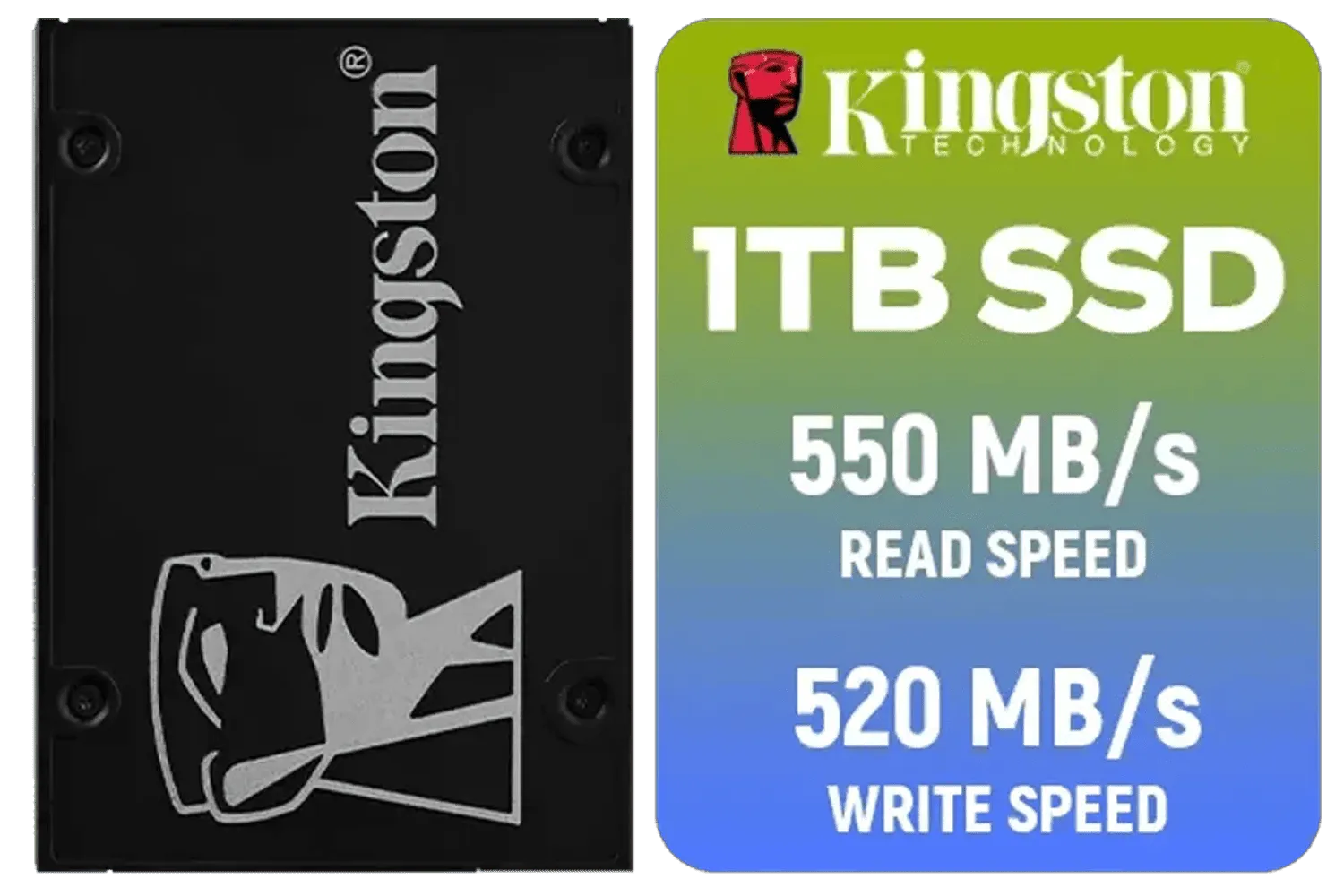
Kingston KC600 SSD 1024G Internal SSD 2.5", SATA Rev 3.0, 3D TLC, XTS-AES 256-bit encryption / SKC600/1024G
R2199.00In Stock
The Raw Speed Difference: NVMe 5.0 vs NVMe 4.0 on Paper
On paper, the leap from Gen 4 to Gen 5 is massive. A top-tier NVMe 4.0 drive might hit sequential read speeds of around 7,000 MB/s. An NVMe 5.0 drive, like the ADATA XPG Mars 980 Blade, can theoretically double that, pushing towards a mind-boggling 14,000 MB/s. 🚀
This means faster file transfers, quicker application launches, and potentially lower game load times. For content creators moving massive 4K video files, this difference is immediately noticeable. For gamers, the benefit is a bit more nuanced, but it's a key part of building a truly cutting-edge rig with blazing-fast solid-state drives.
Does This Speed Actually Matter for Your Gaming?
So, will upgrading from NVMe 4.0 to 5.0 cut your loading times in half? Not exactly… at least, not yet. Most current games aren't optimised to take full advantage of these insane speeds. The real potential lies in upcoming titles that leverage Microsoft's DirectStorage API. This tech allows the GPU to directly stream assets from the SSD, bypassing the CPU and drastically reducing load times and in-game stuttering.
Choosing a Gen 5 drive is about future-proofing your build. You're buying into the next era of gaming performance before it becomes the standard. When you look at ADATA's latest offerings, you're seeing the foundation for tomorrow's smoothest gaming experiences.
TIP FOR YOU
Check Your Motherboard! 🔧
Before you even think about buying a Gen 5 SSD, check your motherboard's specifications. You need a dedicated PCIe 5.0 M.2 slot to unlock its full speed. Plugging an NVMe 5.0 drive into a 4.0 slot will work, but it will be limited to Gen 4 speeds, defeating the purpose of the premium you paid.
Spotlight on the ADATA XPG Mars 980 Blade
Kingston KC600 SSD 1024G Internal SSD 2.5", SATA Rev 3.0, 3D TLC, XTS-AES 256-bit encryption / SKC600/1024G
R2199.00In Stock

Kingston KC3000 PCIe 4.0 NVMe M.2 2TB SSD - High-Performance Storage for Desktop and Laptop PCs -SKC3000D/2048G
R3999.00In Stock

Kingston Fury Renegade 1TB PCIe Gen 5.0 NVMe M.2 Internal SSD / Maximum Read Speed 14,200 MB/s / Maximum Write Speed 11,000 MB/s / Advanced thermal design / SFYR2S/1T0
R4199.00In Stock

XPG GAMMIX S70 Blade 8TB NVMe PCIe Gen4x4 Internal SSD / Sequential read/write speeds up to 7,400/6,800MB/s / Compatible with PC and PS5 / AGAMMIXS70B-8000G-CS
R15999.00In Stock
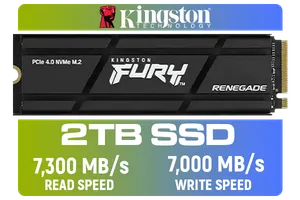
Kingston Fury Renegade 2TB PCIe Gen 4.0 NVMe M.2 Internal Gaming SSD with Heat Sink | PS5 Ready | Up to 7300MB/s | SFYRDK/2000G
R4199.00In Stock
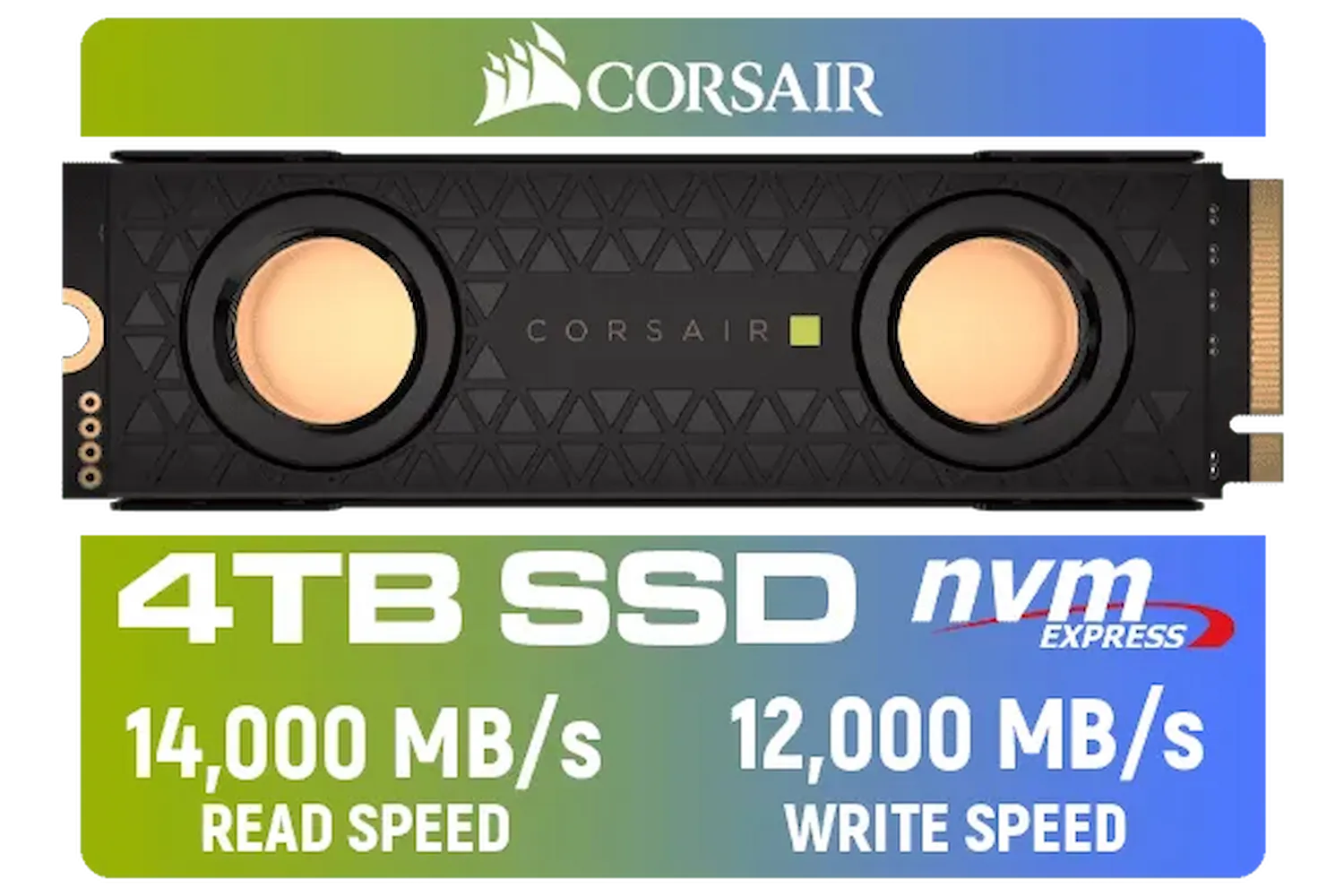
Corsair MP700 PRO SE Hydro X Series 4TB M.2 PCIe Gen5 x4 NVMe 2.0 SSD – M.2 2280 – Up to 14,000MB/sec Sequential Read – High-Density TLC NAND – Pre-Installed Water Block – Black / CSSD-F4000GBMP700PHXS
R13499.00In Stock
The ADATA XPG Mars 980 Blade is a beast, designed for enthusiasts who want zero compromises. It's not just about the raw speed; it also requires robust cooling to maintain performance without throttling under heavy load. This is a critical factor in the NVMe 5.0 vs NVMe 4.0 discussion—Gen 5 drives run hotter.
Is it worth it? If you're building a top-of-the-line PC for 4K gaming, streaming, and content creation, and you want to be ready for the next five years of gaming tech, the answer is a resounding yes. Pairing it with a high-end CPU and GPU creates a system with virtually no bottlenecks, especially if you opt for a spacious 2TB NVMe SSD to house your growing library. ✨
The Smart Money: When NVMe 4.0 Still Wins
Let's be realistic. For most gamers in South Africa right now, an NVMe 4.0 drive hits the sweet spot of price and performance. The performance uplift from a SATA SSD to an NVMe 4.0 is life-changing, while the jump from 4.0 to 5.0 is currently more subtle for gaming.
The money you save by sticking with a tried-and-tested Gen 4 drive could be invested in a better graphics card or more RAM, which would give you a more immediate and noticeable performance boost in-game. Top-tier brands like Kingston and performance-focused options from CORSAIR offer incredible value and speed that will keep you happy for years to come.
The Verdict: So, Is the ADATA XPG Mars 980 Blade Worth It?

DAHUA M.2 PCIe Gen4x4 1TB NVMe SSD / PCIe Gen4.0x4 Supported / Read: Up to 6290 MB/s Write: Up to 5680 MB/s / DHI-SSD-C970VN1TB
R1949.00In Stock

Teamgroup T-Force G70 PRO 1TB NVMe Internal Solid State Drive / Up to 7,000 Read Speed / Up to 5,500 Write Speed / Multiple Caching Systems Available / Patented Graphene Heatsink Technology / TM8FFH001T0C129
R2499.00In Stock
Corsair MP700 PRO 1TB with Air Cooler PCIe Gen5 x4 NVMe 2.0 M.2 SSD / Up to 11,700MB/s Sequential Read / Up to 9,600MB/s Sequential Write / M.2 2280 Form Factor / CSSD-F1000GBMP700PRO
R4199.00In Stock

DAHUA M.2 PCIe Gen4x4 2TB NVMe SSD / PCIe Gen4.0x4 Supported / Read: Up to 7200 MB/s Write: Up to 6400 MB/s / DHI-SSD-C970VN2TB
R3399.00In Stock
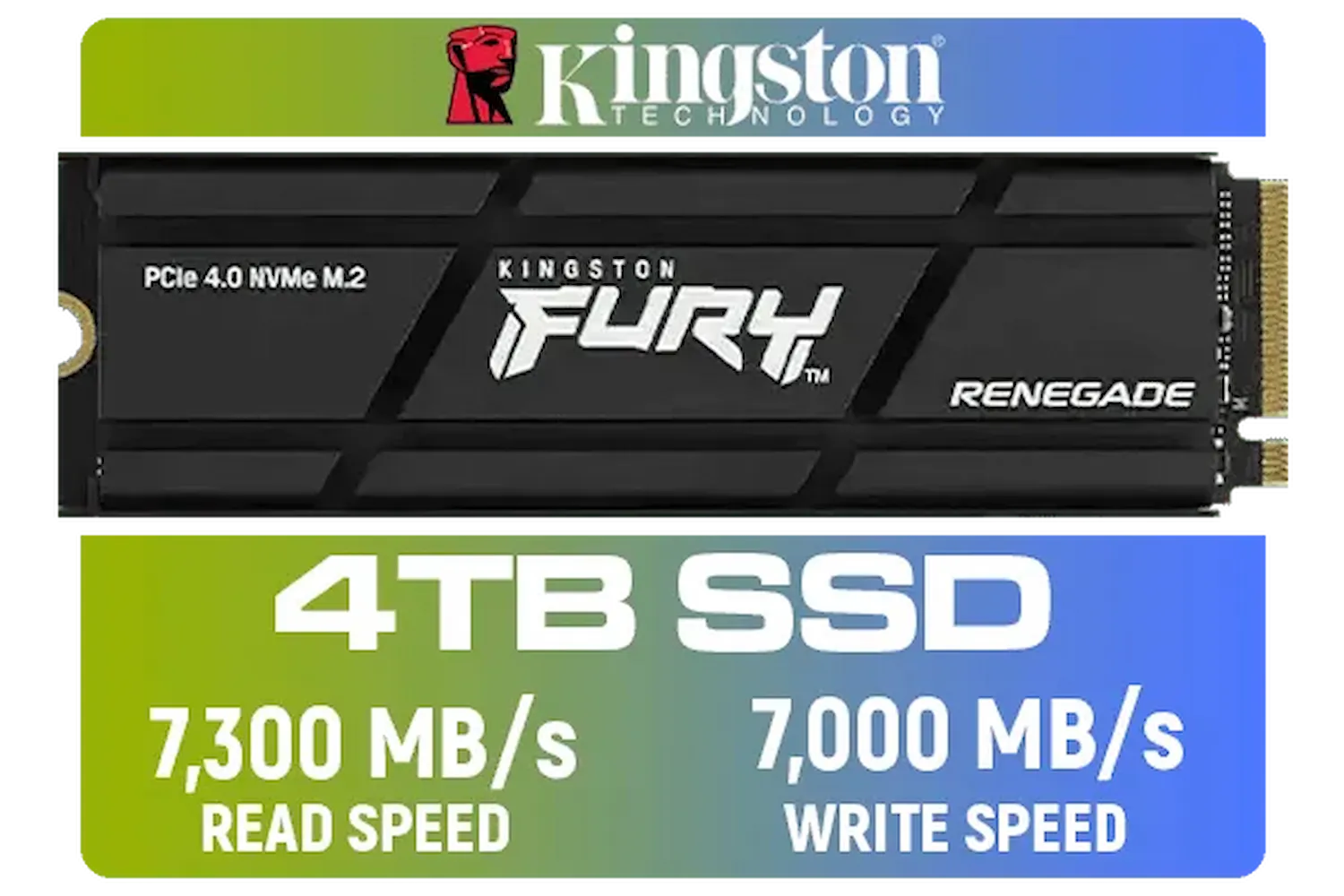
Kingston Fury Renegade 4TB PCIe Gen 4.0 NVMe M.2 Internal Gaming SSD with Heat Sink | PS5 Ready | Up to 7300MB/s | SFYRDK/4000G
R7299.00In Stock

Dahua L7 M.2 512GB NVMe SSD / Read: Up to 1,050 MB/s Write: Up to 895 MB/s / Shock-resistant and drop-resistant design / Aluminum body with heat dissipation / Dual Type-C/Type-A cable included / DHI-PSSD-L7-512GB
R899.00In Stock
The NVMe 5.0 vs NVMe 4.0 debate comes down to your budget and goals.
- Go for the ADATA XPG Mars 980 Blade (NVMe 5.0) if: You are an enthusiast building a high-end, future-proof machine and want the absolute best performance, no matter the cost. You're ready for DirectStorage and work with huge files.
- Stick with a quality NVMe 4.0 drive if: You are a savvy gamer looking for the best performance-per-Rand. You want lightning-fast load times for today's games and prefer to put more of your budget towards your GPU.
Ultimately, both are fantastic technologies. The choice depends on whether you're building for the now or for what's coming next.
Ready to Obliterate Loading Screens? Whether you're future-proofing with Gen 5 or grabbing the best value with Gen 4, the right NVMe drive is waiting for you. Explore our massive range of SSDs and give your PC the speed it deserves.
Related Products

Corsair MP600 PRO NH 8TB PCIe Gen4 x4 NVMe M.2 SSD – High-Density TLC NAND – M.2 2280 – DirectStorage Compatible - Up to 7,000MB/sec - No Heatsink - Black / CSSD-F8000GBMP600PNH
R22999.00In Stock
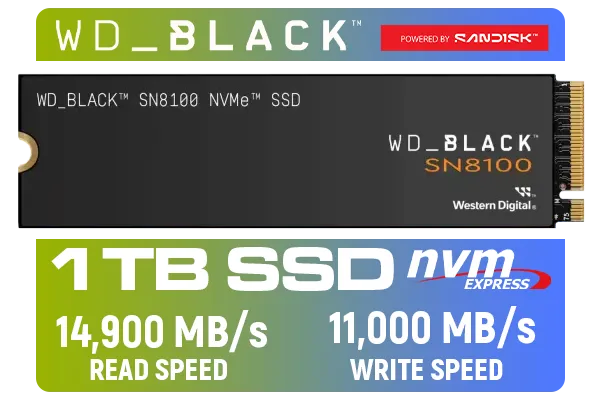
Western Digital SN8100 NVMe Internal Solid State Drive - 1TB / Sequential Read, Write Performance - 14900MB/s, 11000MB/s / PCIe Gen 5 / WDS100T1X0M
R3999.00In Stock
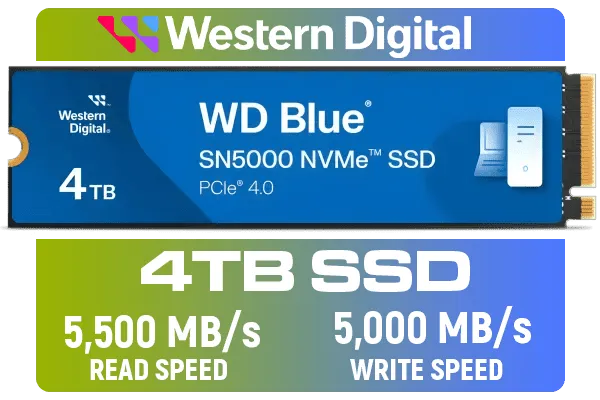
Western Digital 4TB WD Blue SN5000 NVMe Internal Solid State Drive SSD - PCIe Gen 4.0, M.2 2280, Up to 5,500 MB/s / WDS400T4B0E
R6249.00In Stock
Kingston Fury Renegade 2TB PCIe Gen 4.0 NVMe M.2 Internal Gaming SSD with Heat Sink | PS5 Ready | Up to 7300MB/s | SFYRDK/2000G
R4199.00In Stock

Orico X7000 2TB NVMe Internal Solid State Drive SSD / Versatile storage for multiple platforms / PCIe Gen 4.0, M.2 2280 / Up to 7100MB/s Read Speed / Up to 6500MB/s Write Speed / ORICO-X7000-2TB-RD-BP
R3599.00In Stock

Kingston SNV3S 1TB NVMe SSD / Up to 6,000MB/s Read / Up to 4,000MB/s Write / PCIe 4.0 x4 NVMe / M.2 2230 Form Factor / SNV3SM3/1T0
R1999.00In Stock
Yes — NVMe 5.0 can deliver up to roughly double peak sequential read/write bandwidth versus NVMe 4.0, but real-world gains depend on workload and system support.
If you need top-tier sequential bandwidth for editing or large file transfers, the Mars 980 Blade shows strong benchmarks and can justify an upgrade.
You need a PCIe Gen5 M.2 slot or a Gen5-capable CPU and motherboard. Check your board specs for PCIe Gen5 M.2 support before buying.
Higher bandwidth NVMe 5.0 SSDs can run hotter; the Mars 980 Blade benefits from active cooling or a robust heatsink to sustain peak performance.
NVMe 5.0 can draw more power under heavy load. Expect higher peak power during sustained transfers; idle and light use often remain similar to NVMe 4.0.
NVMe 5.0 is pricier per GB today. Choose NVMe 5.0 if you need the speed; for general use, NVMe 4.0 offers better value for many users.
Large 4K/8K video editing, massive file transfers, and high-throughput workstation workloads see the clearest gains from a Mars 980 Blade NVMe 5.0 SSD.











