



NVMe SSDs for Streamers and Content Creators - Work Faster
- Highlight benefits; - Recommend top NVMe models; - Show workflow boosts; - Tune tips. NVMe SSDs for Streamers and Content Creators speed up load times, editing, and live capture 🚀🎥
|
Loading tags...

Staring at a loading bar while your creative spark fades? For South African streamers and content creators, every second counts. That sluggish hard drive isn't just slow... it's a bottleneck costing you time, flow, and maybe even viewers. Upgrading to a modern NVMe SSD is one of the most impactful ways to make your entire PC feel faster, from booting up to exporting that final 4K render. It’s time to stop waiting and start creating.
![[OEM] Dahua V800 512GB 2.5" SATA 3.0 6 Gb/s 3D NAND Solid State Drive / Read Speed Up to 530 MB/s / Write Speed Up to 320 MB/s / High-Quality Wafer-Level Chip / TRIM & NCQ Performance Boost / Low Power Consumption / Safe & Reliable Data Transfer / Stable 24/7 Read-Write for XVR (No Frame Loss) / DHI-SSD-V800S512G](https://img.evetech.co.za/repository/ProductImages/dahua-v800-512gb-oem-sata-ssd-1600px-v1-001.webp)
[OEM] Dahua V800 512GB 2.5" SATA 3.0 6 Gb/s 3D NAND Solid State Drive / Read Speed Up to 530 MB/s / Write Speed Up to 320 MB/s / High-Quality Wafer-Level Chip / TRIM & NCQ Performance Boost / Low Power Consumption / Safe & Reliable Data Transfer / Stable 24/7 Read-Write for XVR (No Frame Loss) / DHI-SSD-V800S512G
R999.00In Stock
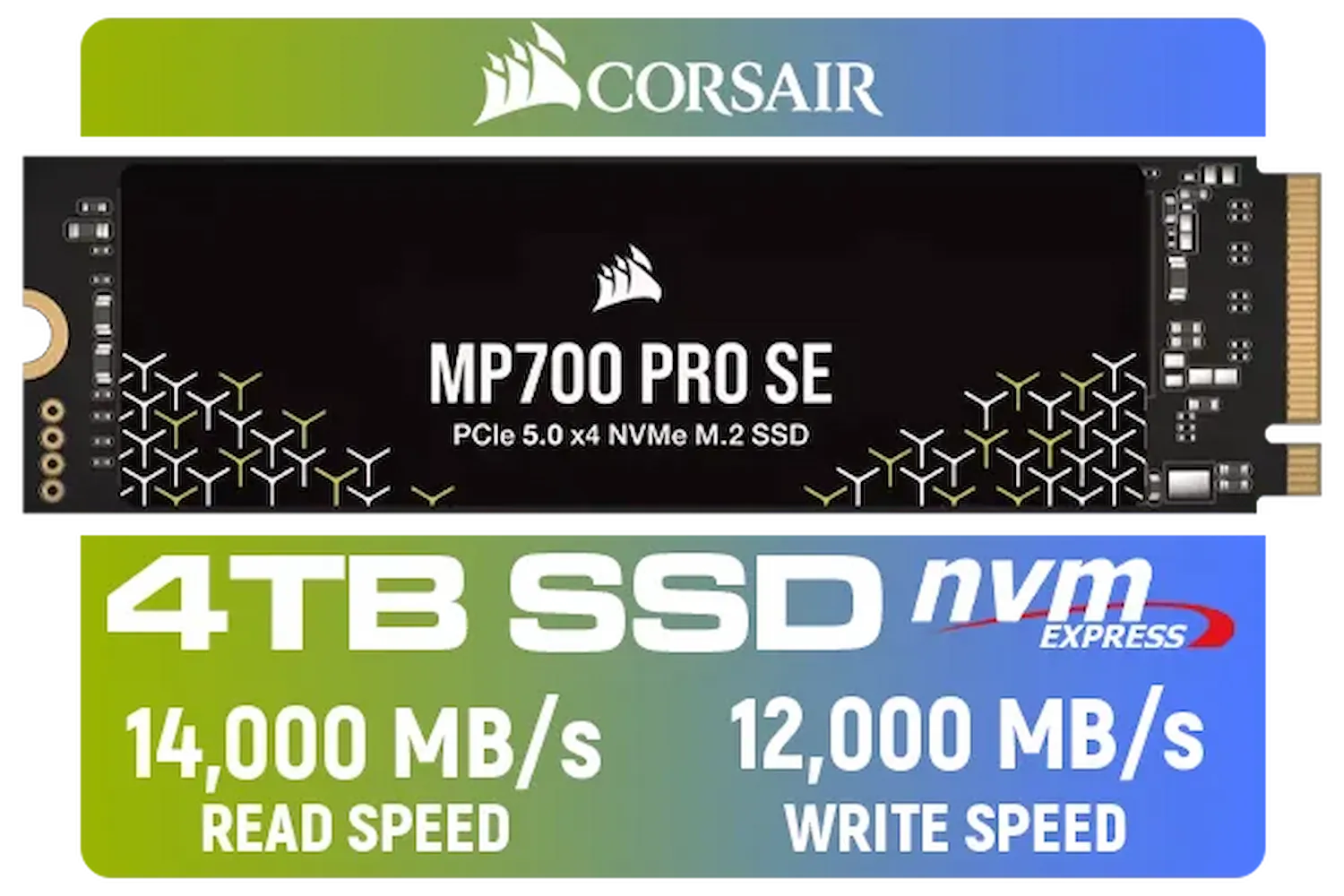
Corsair MP700 PRO SE 4TB PCIe 5.0 x4 NVMe M.2 SSD / Up to 14,000MB/s Sequential Read / Up to 12,000MB/s Sequential Write / M.2 2280 Form Factor / CSSD-F4000GBMP700PNHS
R10999.00In Stock

Kingston KC3000 PCIe 4.0 NVMe M.2 512GB SSD - High-Performance Storage for Desktop and Laptop PCs / 7,000MB/s Read, 3,900MB/s Write / Includes Acronis cloning software / SKC3000S/512G
R1399.00In Stock

XPG 4TB GAMMIX S70 Blade PCIe Gen4 M.2 2280 Internal Gaming SSD Up to 7,400 MB/s - Works with Playstation 5 / AGAMMIXS70B-4T-CS
R6999.00In Stock
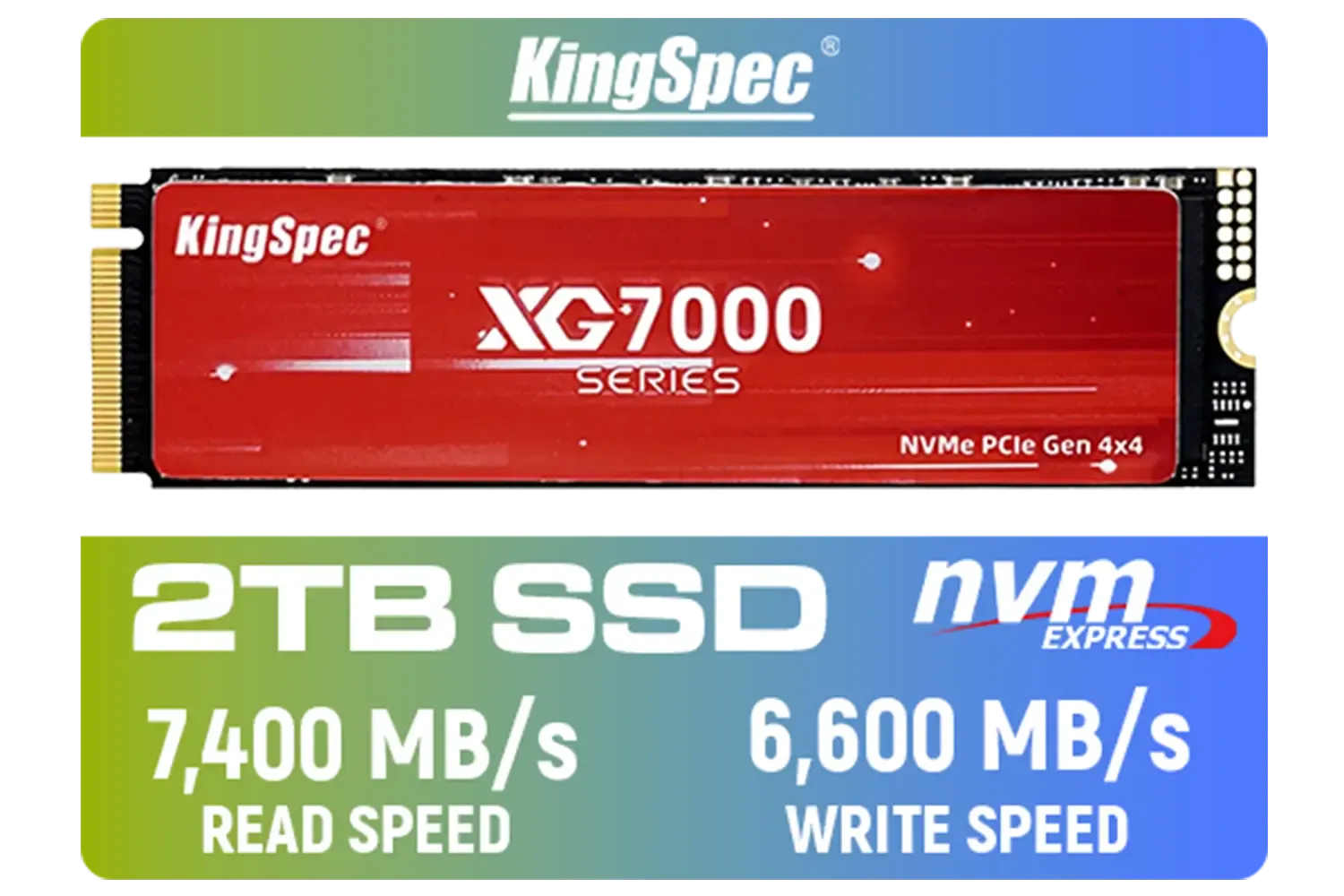
KingSpec XG7000 2TB NVMe Internal Solid State Drive SSD / QLC NAND flash memory / PCIe Gen 4.0, M.2 2280, Up to 7400MB/s/6600MB/s Read/Write Speeds / XG7000-2280-2TB
R3499.00In Stock
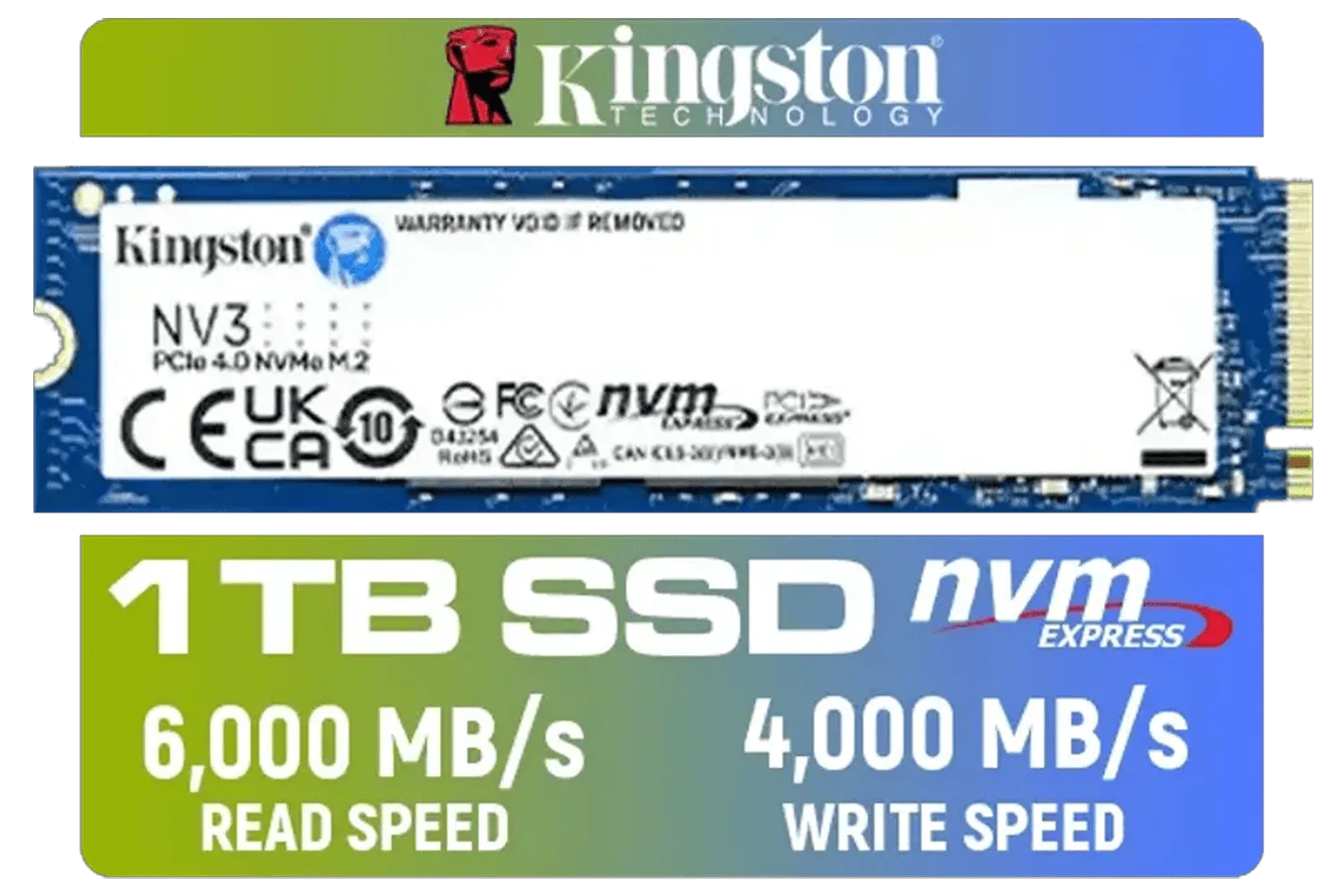
Kingston 1000G NV3 NVMe SSD / Up to 6,000MB/s Read / Up to 4,000MB/s Write / PCIe 4.0 x4 NVMe / M.2 2280 Form Factor / SNV3S/1000G
R1999.00In Stock
Why Your Old Drive is a Performance Bottleneck
Let's be honest, that old spinning hard drive (HDD) or even an early SATA SSD just can't keep up with the demands of modern creative work. Think of it like trying to sip a thick milkshake through a tiny straw. An NVMe (Non-Volatile Memory Express) SSD is like swapping that straw for a fire hose. ⚡
It connects directly to your motherboard's PCIe lanes—the same super-fast highway your graphics card uses. This direct connection obliterates the speed limits of older storage, resulting in dramatically faster load times for everything. For anyone working with large video files or game assets, upgrading to one of our high-capacity 2TB drives is a must.
The NVMe Advantage for Content Creators
For content creators, the benefits of an NVMe SSD are immediate and profound. It’s not just about numbers on a benchmark; it’s about a smoother, more fluid workflow that lets you stay in the creative zone. 🚀
Lightning-Fast Video Editing
Scrubbing through a 4K or even 8K video timeline on an old drive is a painful, stuttery mess. With an NVMe, your timeline becomes buttery smooth. Previewing effects in real-time becomes possible, and rendering your final project can be completed in a fraction of the time. This speed is crucial when you're on a tight deadline. High-performance drives from brands like these top-tier Corsair models are built specifically for these demanding workloads.
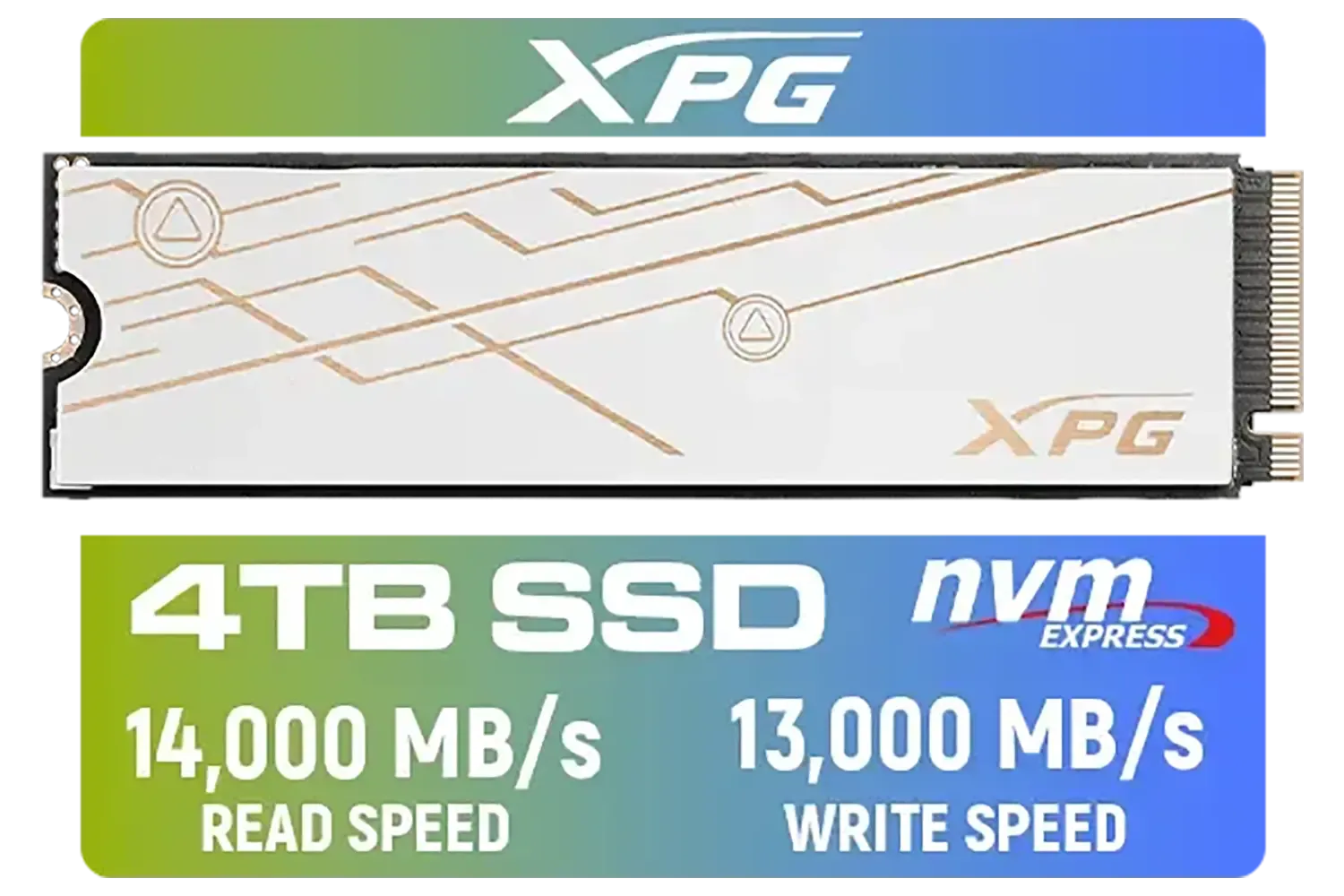
ADATA XPG Mars 980 Blade 4TB NVMe 5.0 Internal Solid State Drive / Up to 14,000MB/s Read Speed and Up to 13,000MB/s Write Speed / SMAR-980B-4TCS
R7999.00In Stock
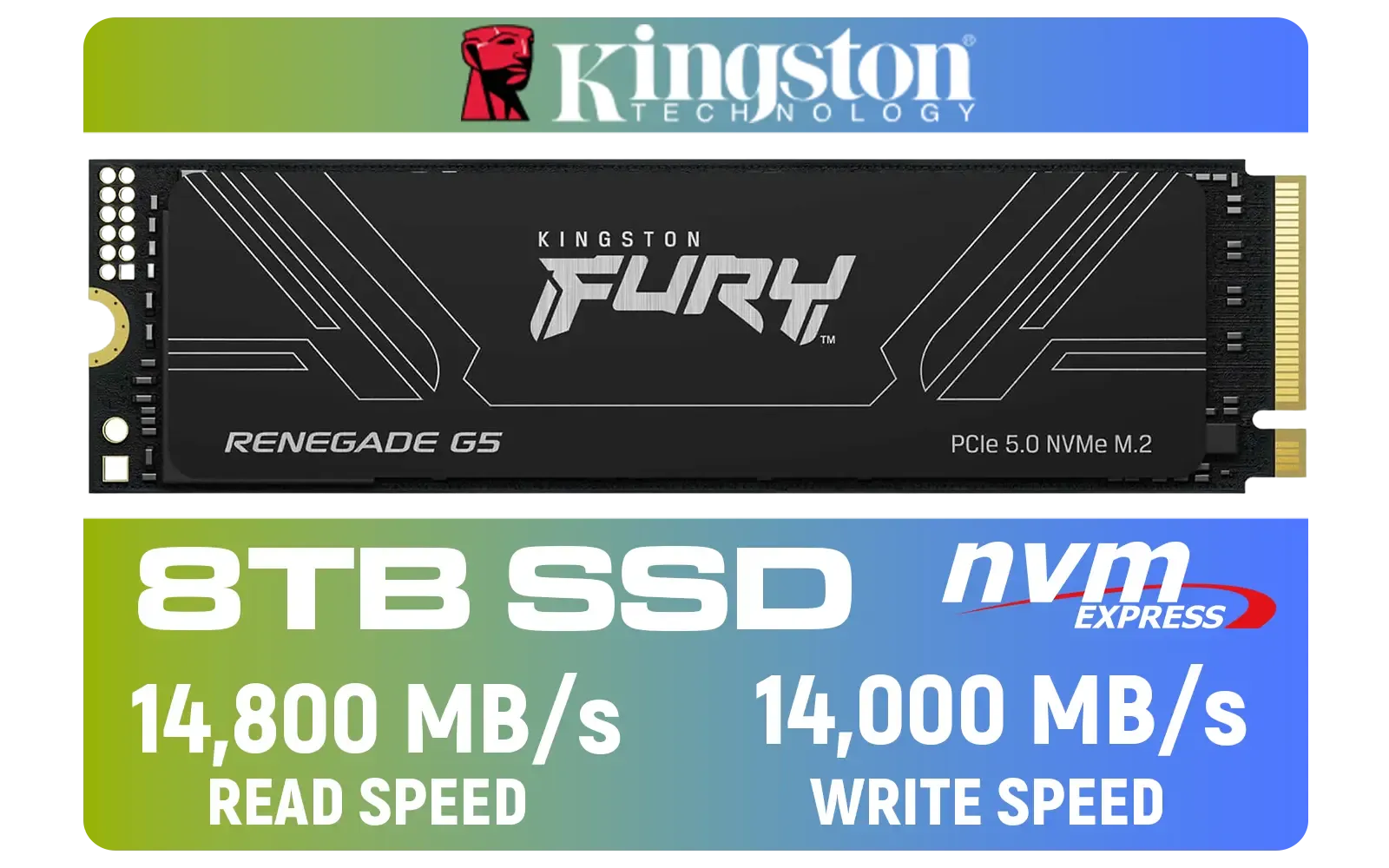
Kingston Fury Renegade G5 8TB PCIe Gen 5.0 NVMe M.2 Internal SSD / Maximum Read Speed 14,800 MB/s / Maximum Write Speed 14,000 MB/s / Advanced thermal design / SFYR2D/8T1
R17899.00In Stock
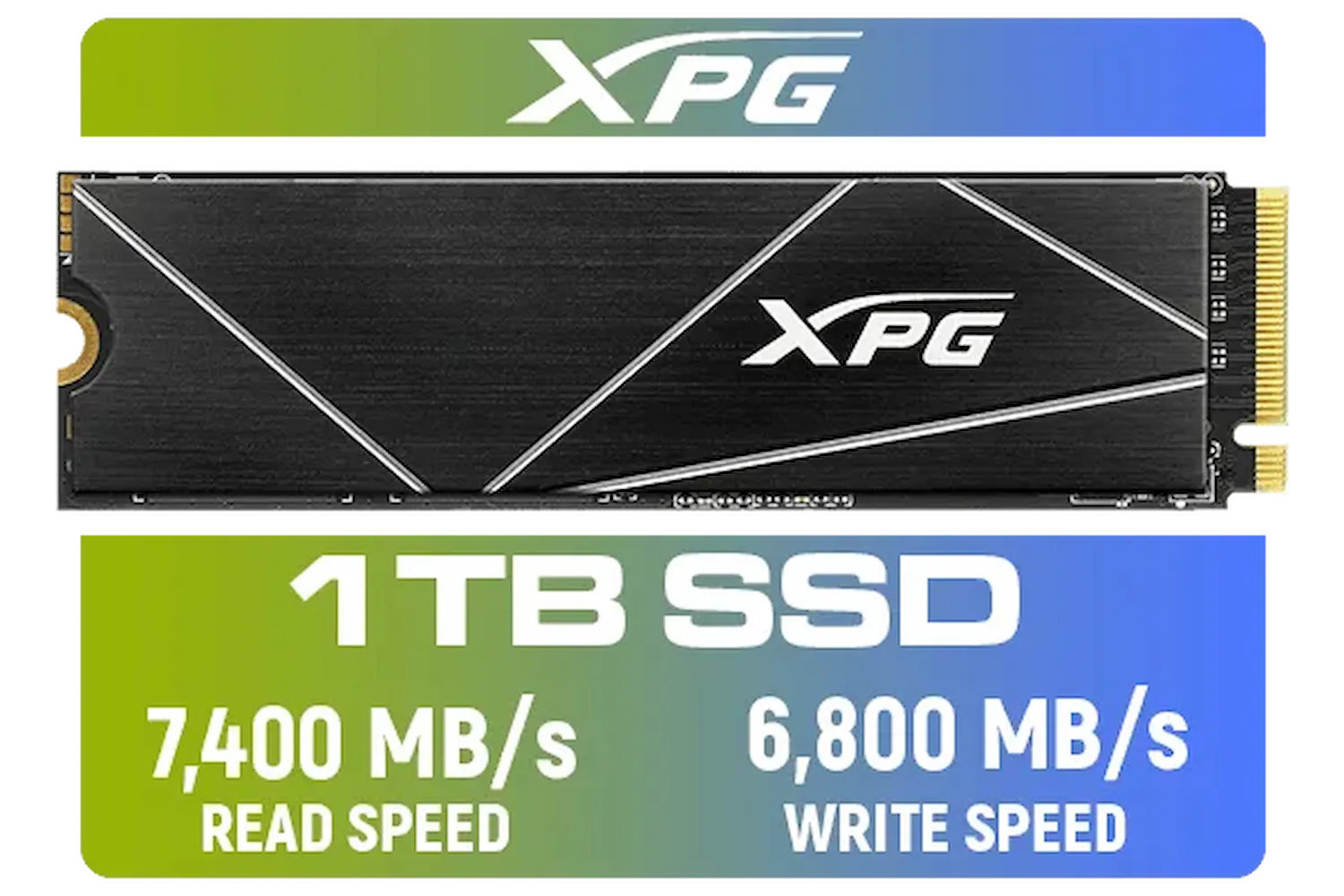
ADATA XPG 1TB GAMMIX S70 Blade - Works with Playstation 5, PCIe Gen4 M.2 2280 Internal Gaming SSD Up to 7,400 MB/s / AGAMMIXS70B-1T-CS
R2599.00In Stock

Corsair MP700 PRO 1TB with Air Cooler PCIe Gen5 x4 NVMe 2.0 M.2 SSD / Up to 11,700MB/s Sequential Read / Up to 9,600MB/s Sequential Write / M.2 2280 Form Factor / CSSD-F1000GBMP700PRO
R4199.00In Stock
[OEM] Dahua V800 512GB 2.5" SATA 3.0 6 Gb/s 3D NAND Solid State Drive / Read Speed Up to 530 MB/s / Write Speed Up to 320 MB/s / High-Quality Wafer-Level Chip / TRIM & NCQ Performance Boost / Low Power Consumption / Safe & Reliable Data Transfer / Stable 24/7 Read-Write for XVR (No Frame Loss) / DHI-SSD-V800S512G
R999.00In Stock
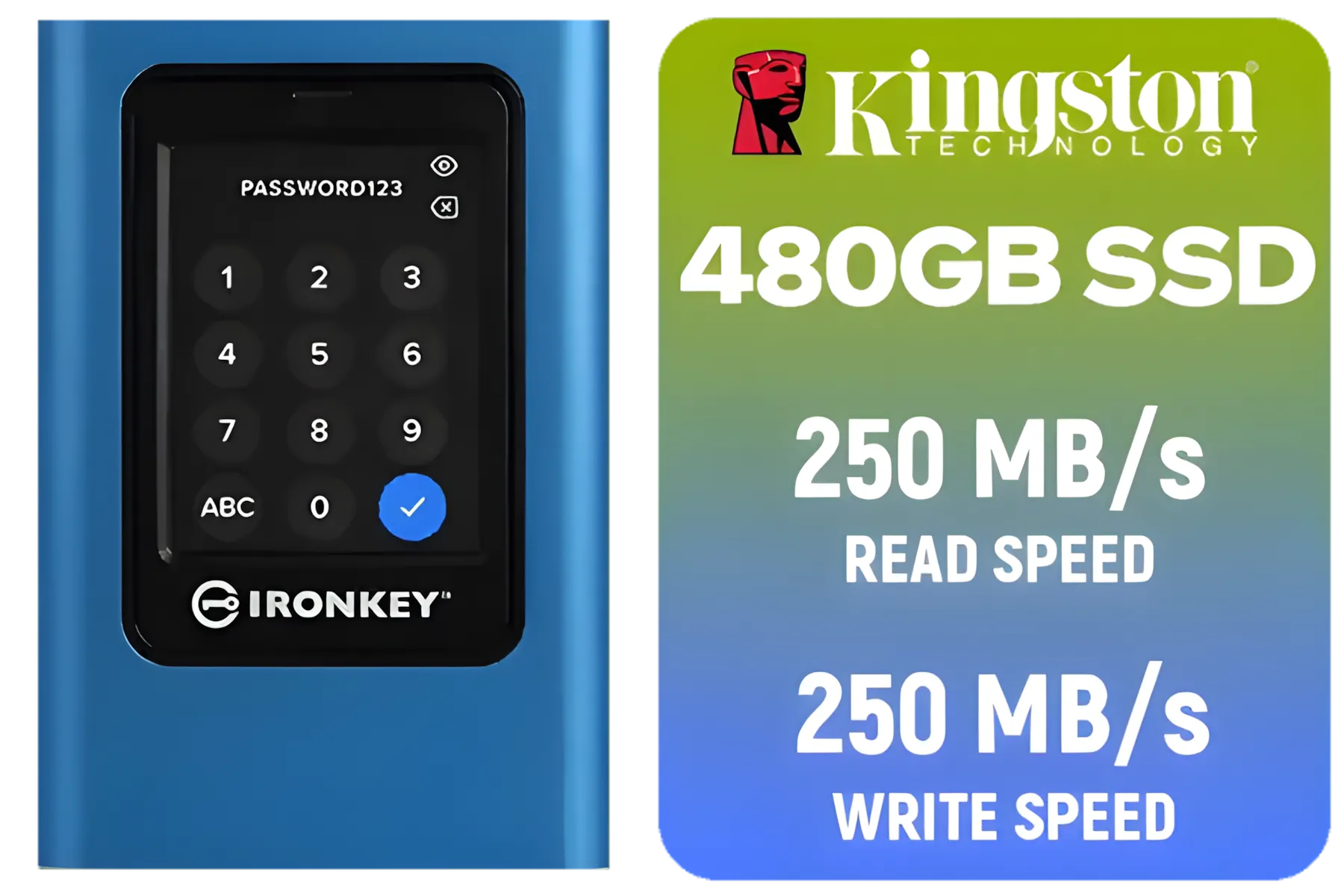
Kingston IronKey Vault Privacy 80 480GB External SSD | FIPS 197 | XTS-AES 256GB Encrypted | Touch Screen PIN | Secure Data Protection | IKVP80ES/480G
R4199.00In Stock
Seamless Asset Management
Are you a 3D artist loading complex scenes, or a music producer with massive sample libraries? An NVMe SSD means your assets load in a flash. No more making a cup of coffee while Photoshop loads a gigabyte-sized PSD file. This instant access to your tools and files is essential for maintaining creative momentum.
TIP FOR YOU
Productivity Pro Tip 🔧
For the ultimate setup, use two NVMe SSDs. Install your operating system and most-played games on the primary drive. Use a second, dedicated NVMe as a 'scratch disk' for your streaming software's video recordings and instant replays. This prevents read write conflicts, ensuring both your game and your recording stay perfectly smooth.
What Streamers Need from an NVMe SSD
For streamers, a fast SSD is a non-negotiable part of a professional setup. Your gaming PC is doing multiple jobs at once: running the game, encoding your stream, and often recording a high-quality local copy. An NVMe SSD ensures your storage isn't the weak link in that chain.
It means your games load faster, getting you into the action quicker and reducing your audience's wait time. More importantly, it helps eliminate in-game stuttering caused by the system trying to load new textures from a slow drive while you're in a firefight. For rock-solid performance, many local streamers rely on reliable Kingston SSDs to keep their games and system running smoothly.

Dahua L7 M.2 512GB NVMe SSD / Read: Up to 1,050 MB/s Write: Up to 895 MB/s / Shock-resistant and drop-resistant design / Aluminum body with heat dissipation / Dual Type-C/Type-A cable included / DHI-PSSD-L7-512GB
R899.00In Stock

KLEVV CRAS C930 2TB M.2 NVMe PCIe Gen4x4 Internal Gaming SSD with Heatsink, Compatible with PS5, up to 7400MB/s with DRAM Cash / K02TBM2SP0-C93
R3999.00In Stock
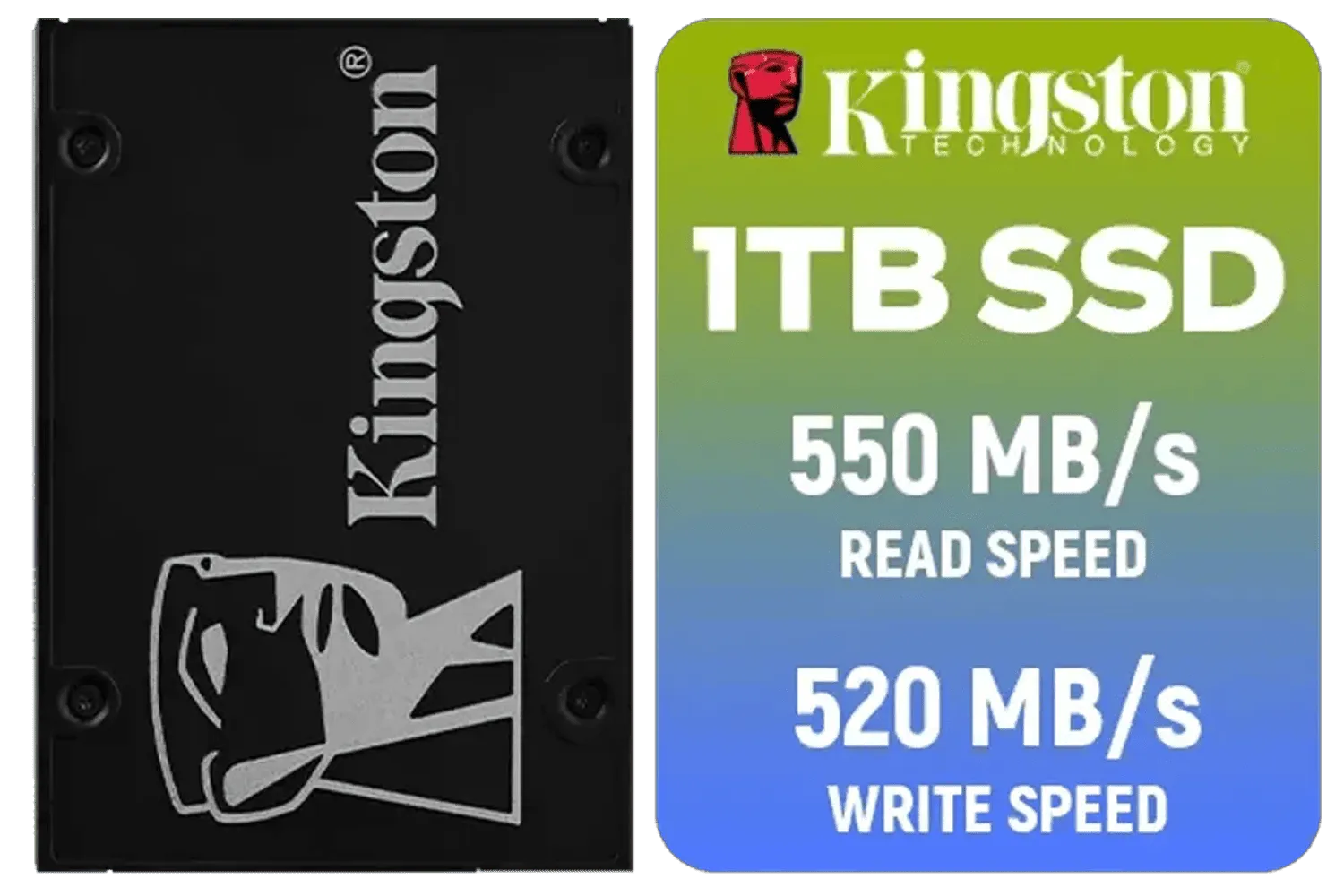
Kingston KC600 SSD 1024G Internal SSD 2.5", SATA Rev 3.0, 3D TLC, XTS-AES 256-bit encryption / SKC600/1024G
R2199.00In Stock
Kingston 1000G NV3 NVMe SSD / Up to 6,000MB/s Read / Up to 4,000MB/s Write / PCIe 4.0 x4 NVMe / M.2 2280 Form Factor / SNV3S/1000G
R1999.00In Stock
ADATA XPG 1TB GAMMIX S70 Blade - Works with Playstation 5, PCIe Gen4 M.2 2280 Internal Gaming SSD Up to 7,400 MB/s / AGAMMIXS70B-1T-CS
R2599.00In Stock

Crucial P310 2TB NVMe Internal Solid State Drive SSD / Sequential read/write speeds up to 7,100/6,000MB/s / Integrated power loss immunity / Error correction code (ECC) / CT2000P310SSD8
R3799.00In Stock
Choosing the Right Drive for Your Rig
Okay, so you're convinced. But which drive is right for you? Here’s a quick breakdown. ✨
Look at the PCIe Generation. PCIe Gen4 is the current sweet spot for most South African gamers and creators, offering incredible speeds at a great price. PCIe Gen5 is the new top-dog but requires a very modern motherboard to take full advantage of its speed. For capacity, 1TB is a good starting point, but 2TB is becoming the standard for serious creators. Brands are constantly pushing the envelope, with performance-focused ADATA drives offering excellent speed and value for your hard-earned Rands.
Ready to Stop Waiting and Start Creating? An NVMe SSD is one of the most satisfying upgrades you can make to your PC. The difference in speed and responsiveness is something you'll feel every single day. Explore our massive range of NVMe SSDs and find the perfect drive to unleash your creative potential.
Related Products
Dahua L7 M.2 512GB NVMe SSD / Read: Up to 1,050 MB/s Write: Up to 895 MB/s / Shock-resistant and drop-resistant design / Aluminum body with heat dissipation / Dual Type-C/Type-A cable included / DHI-PSSD-L7-512GB
R899.00In Stock
XPG 4TB GAMMIX S70 Blade PCIe Gen4 M.2 2280 Internal Gaming SSD Up to 7,400 MB/s - Works with Playstation 5 / AGAMMIXS70B-4T-CS
R6999.00In Stock
Corsair MP700 PRO 1TB with Air Cooler PCIe Gen5 x4 NVMe 2.0 M.2 SSD / Up to 11,700MB/s Sequential Read / Up to 9,600MB/s Sequential Write / M.2 2280 Form Factor / CSSD-F1000GBMP700PRO
R4199.00In Stock

Teamgroup T-Force G70 PRO 1TB NVMe Internal Solid State Drive / Up to 7,000 Read Speed / Up to 5,500 Write Speed / Multiple Caching Systems Available / Patented Graphene Heatsink Technology / TM8FFH001T0C129
R2499.00In Stock

Kingston KC3000 PCIe 4.0 NVMe M.2 2TB SSD - High-Performance Storage for Desktop and Laptop PCs -SKC3000D/2048G
R3999.00In Stock
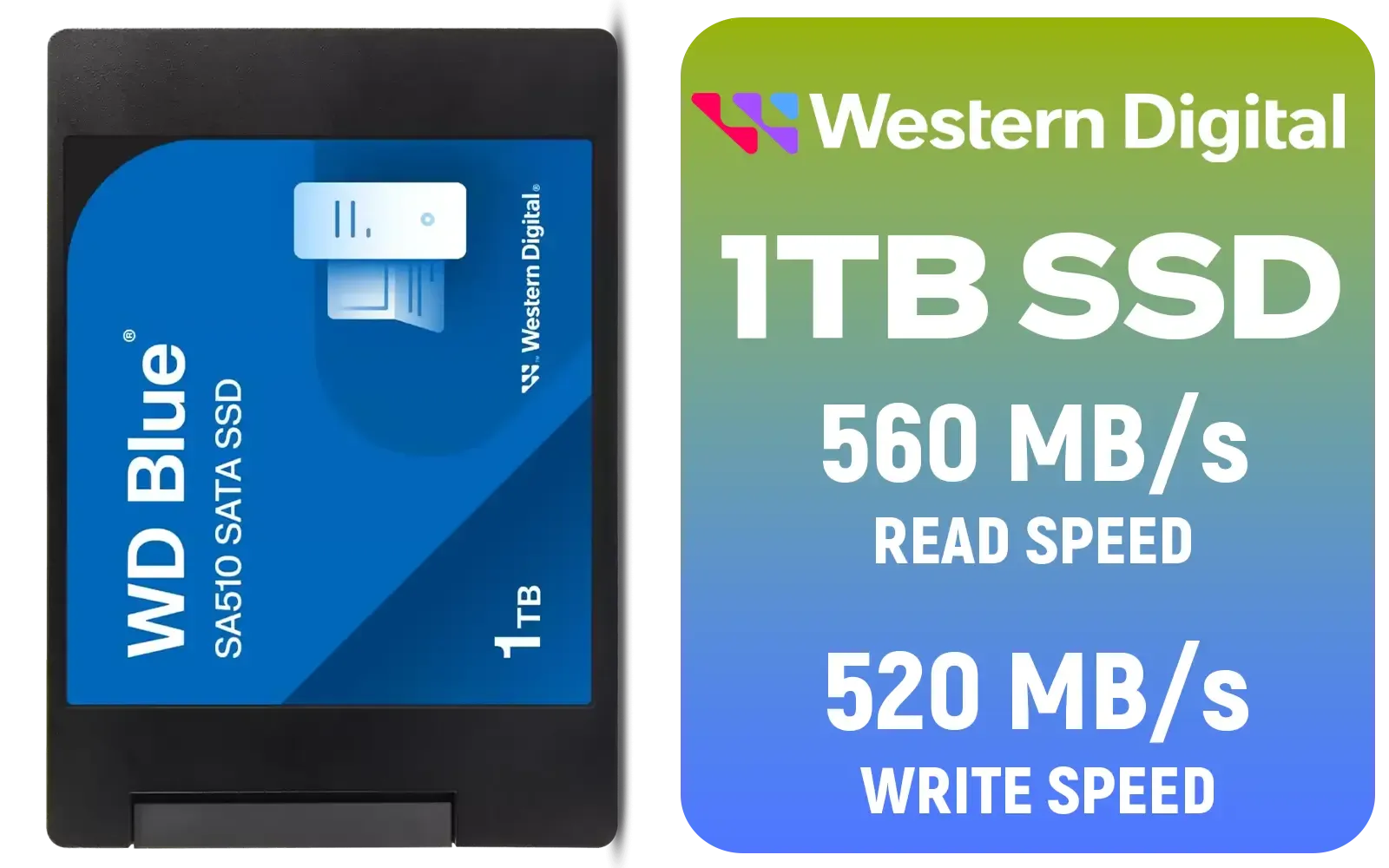
Western Digital Blue SA510 1TB 2.5" Solid State Drive (SSD) / Superior Performance / Multitasking / WD F.I.T. Lab Certified / WDS100T3B0A
R1499.00In Stock
Yes. NVMe SSDs cut load and buffer times and smooth live capture, especially when using an NVMe SSD for live streaming PC setups.
Significantly faster for media loads and scrubbing. NVMe SSDs reduce file open and render waits versus SATA in video editing workflows.
Look for high sustained write speeds and TLC or better NAND. See guides on the best NVMe SSD for streaming to match your bitrate and project size.
Yes. NVMe SSD streaming performance supports high concurrent writes and low latency for multi-camera live captures and multi-track recording.
Often recommended. A heatsink maintains peak NVMe SSD streaming performance during long sessions and prevents thermal throttling.
NVMe helps by reducing read/write bottlenecks, speeding exports and render prep—especially with large media on an NVMe SSD for video editing workflows.
Many modern laptops support M.2 NVMe. Check compatibility and opt for the best NVMe drive for creators to boost portability and performance.











