



Optimize Gaming PC for Loadshedding — Keep Performance
Optimize Gaming PC for Loadshedding: proven steps to keep FPS and responsiveness during outages — UPS picks, power profiles, GPU/CPU tweaks, and portable power tips. ⚡🛠️
|
Loading tags...

The lights flicker. Your screen goes black. Eskom strikes again, right in the middle of a clutch play. Sound familiar? For South African gamers, loadshedding is more than an inconvenience… it's the ultimate boss battle. But what if you could keep your frames high and your PC running smoothly, even when the power grid isn't? This guide will show you exactly how to optimise your gaming PC for loadshedding, ensuring you stay in the game. 🚀
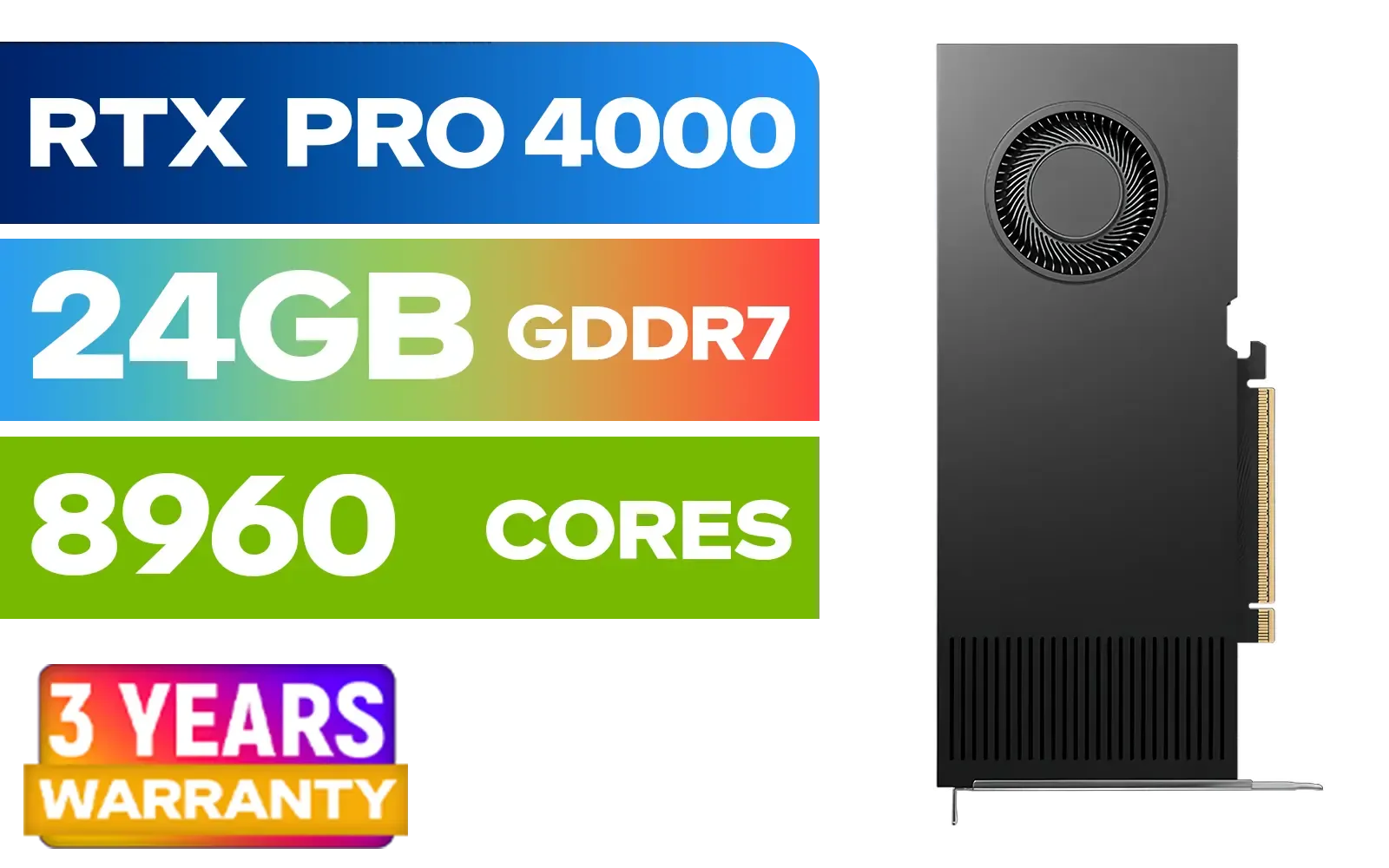
PNY RTX PRO 4000 Blackwell 24GB Graphics Card / 8960 CUDA CORES / 24GB GDDR7 with ECC / 192-bit Memory / VCNRTXPRO4000-PB
R31999.00In Stock

MSI GeForce RTX 5070 12G Gaming Trio OC Graphics Card / 12GB GDDR7 / 6144 Cuda Cores / 192-bit Memory Interface / Boost Clock : 2610 MHz / NVIDIA Blackwell & DLSS 4 / TRI FROZR 4 Thermal Design / Metal with Airflow Vents / 912-V532-019
R15199.00In Stock
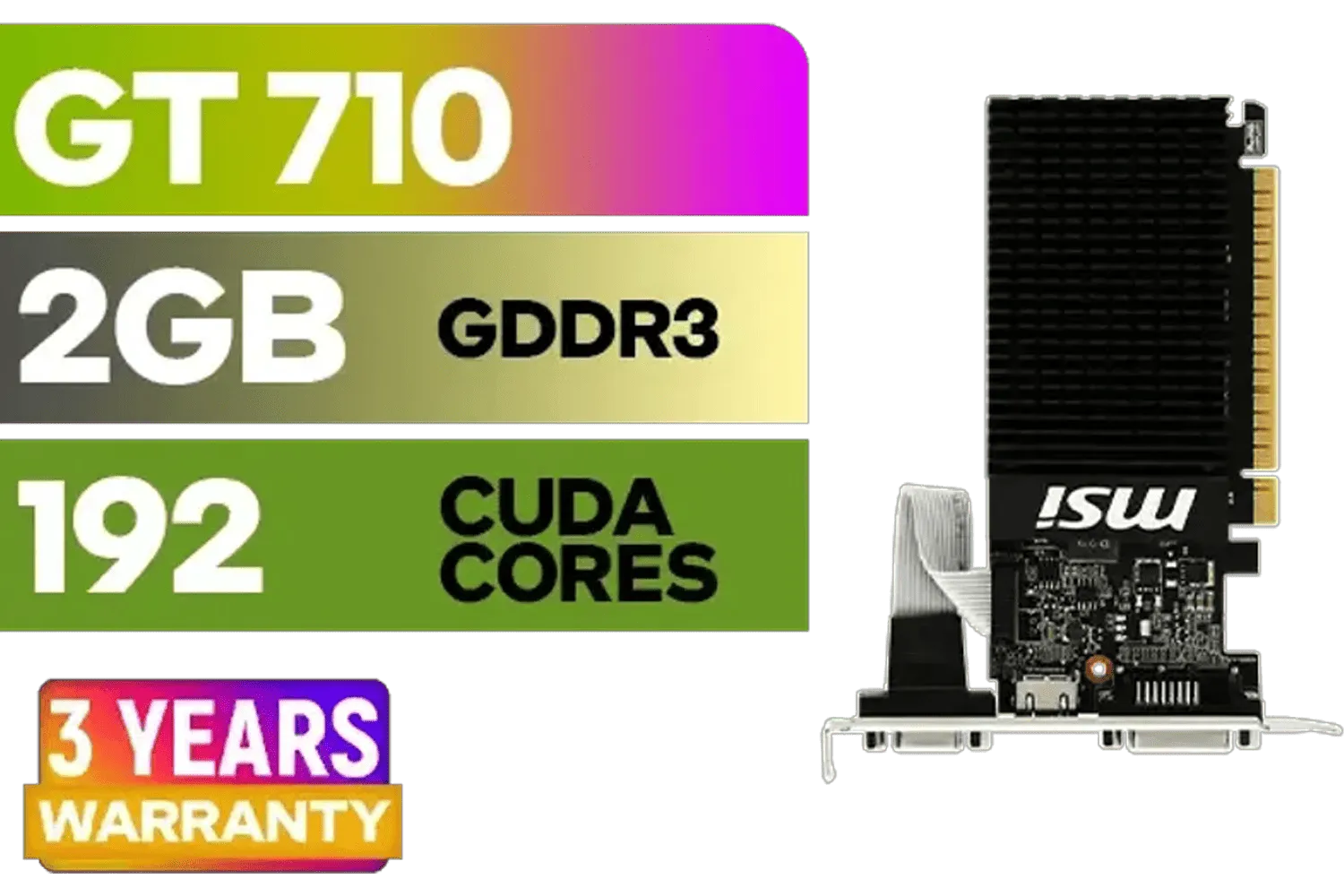
MSI GeForce GT 710 2GD3H LP 2GB DDR3 Graphics Card / 192 CUDA CORES / 64-bit Memory / 1x HDMI / 1x Dual-link DVI-D / 1x D-Sub / 912-V809-4217
R1099.00In Stock

MSI GeForce RTX 5080 16G VENTUS 3X OC Plus Graphics Card / PCI Express Gen 5 / 10752 Cuda Cores / 16GB GDDR7 / Nickel-plated Copper Baseplate / 912-V531-293
R27999.00In Stock
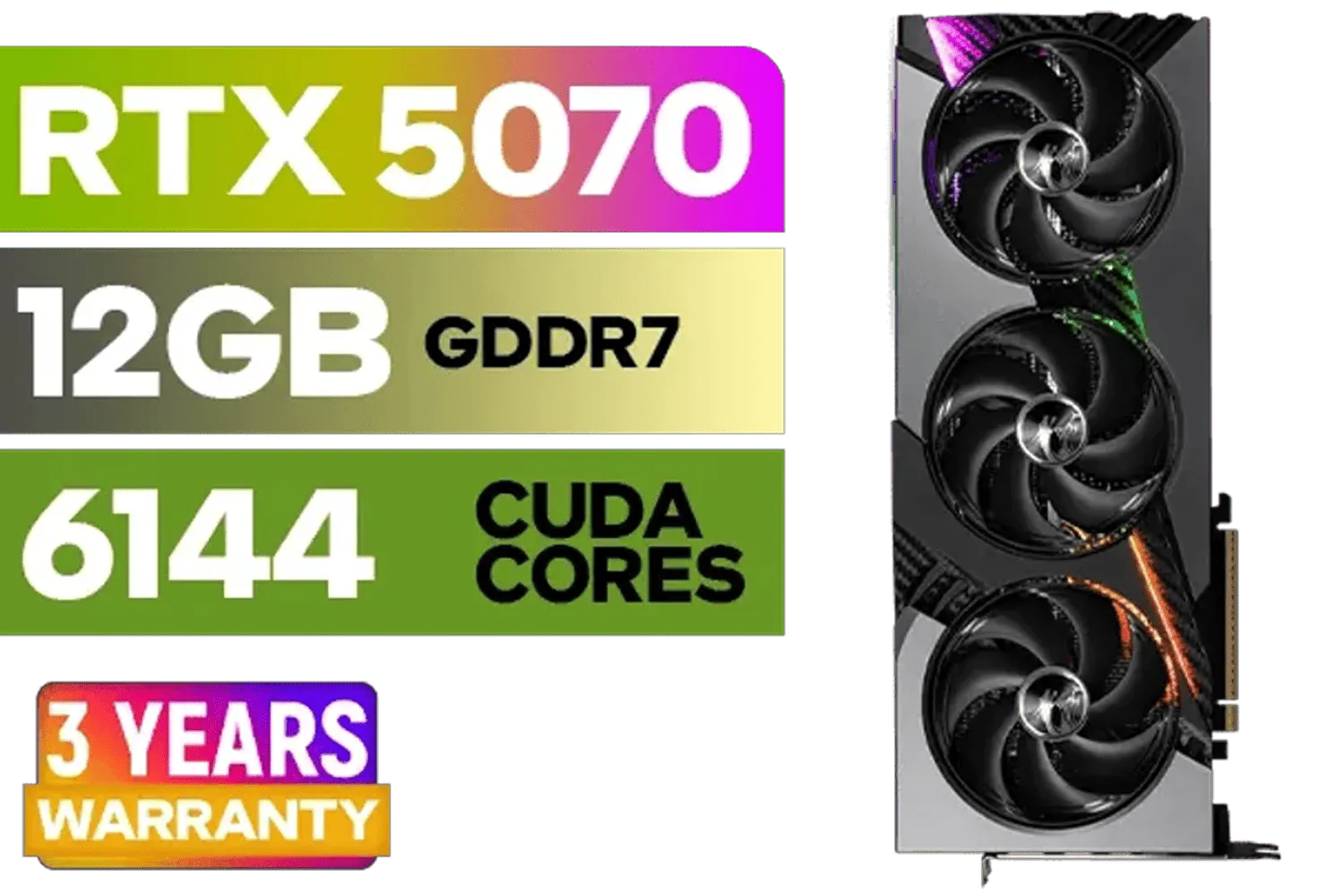
MSI GeForce RTX 5070 12GB VANGUARD SOC Launch Edition / 12GB GDDR7 / 6144 Cuda Cores / Boost: 2640 MHz / 28Gbps Memory Speed / PCI Express® Gen 5 / 912-V532-050
R15299.00In Stock

MSI GeForce RTX 5070 Ti 16G Gaming Trio OC Graphics Card / 16GB GDDR7 / 8960 Cuda Cores / 256-bit Memory Interface / Boost Clock : 2572 MHz / PCI Express® Gen 5 / 912-V531-272
R21199.00In Stock
Your First Line of Defence: The Right Power Backup
Before we even touch your software settings, let's talk hardware. You can't optimise a gaming PC for loadshedding without a reliable Uninterruptible Power Supply (UPS). It's the non-negotiable foundation that gives you the crucial minutes to either save and shut down safely or ride out a short outage.
When choosing a UPS, ignore the big "VA" number for a moment and look for the "Watts" rating. Your PC's power supply unit (PSU) is rated in watts, so you need a UPS with a watt rating that exceeds your system's peak power draw. For a decent gaming rig, a 600W-900W UPS is a great starting point.
Crucially, always opt for a Pure Sine Wave UPS. Gaming PCs have sensitive, high-end components, and the clean, stable power from a pure sine wave unit prevents potential damage that a cheaper, simulated sine wave model could cause over time.
TIP FOR YOU
Check Your Wattage ⚡
Not sure how much power your PC uses? Install a free tool like HWiNFO64. Run it while you're playing a demanding game and check the "Total System Power" or GPU CPU power draw sensors. This gives you a real-world idea of your peak consumption, helping you buy the right size UPS without overspending.
Smart Tweaks to Optimise Performance During Outages
Once your UPS is sorted, you can focus on software and settings. The goal here is to reduce your PC's power consumption without tanking your performance. Less power draw means more runtime on your UPS battery.
MSI GeForce RTX 5080 16G VENTUS 3X OC Plus Graphics Card / PCI Express Gen 5 / 10752 Cuda Cores / 16GB GDDR7 / Nickel-plated Copper Baseplate / 912-V531-293
R27999.00In Stock

MSI GeForce RTX 5060 8G Gaming Trio OC Graphics Card / 8GB GDDR7 / 3840 Cuda Cores / 128-bit Memory Interface / Boost Clock : 2625 MHz / PCI Express® Gen 5 / 912-V537-021
R8499.00In Stock
MSI GeForce RTX 5070 Ti 16G Gaming Trio OC Graphics Card / 16GB GDDR7 / 8960 Cuda Cores / 256-bit Memory Interface / Boost Clock : 2572 MHz / PCI Express® Gen 5 / 912-V531-272
R21199.00In Stock
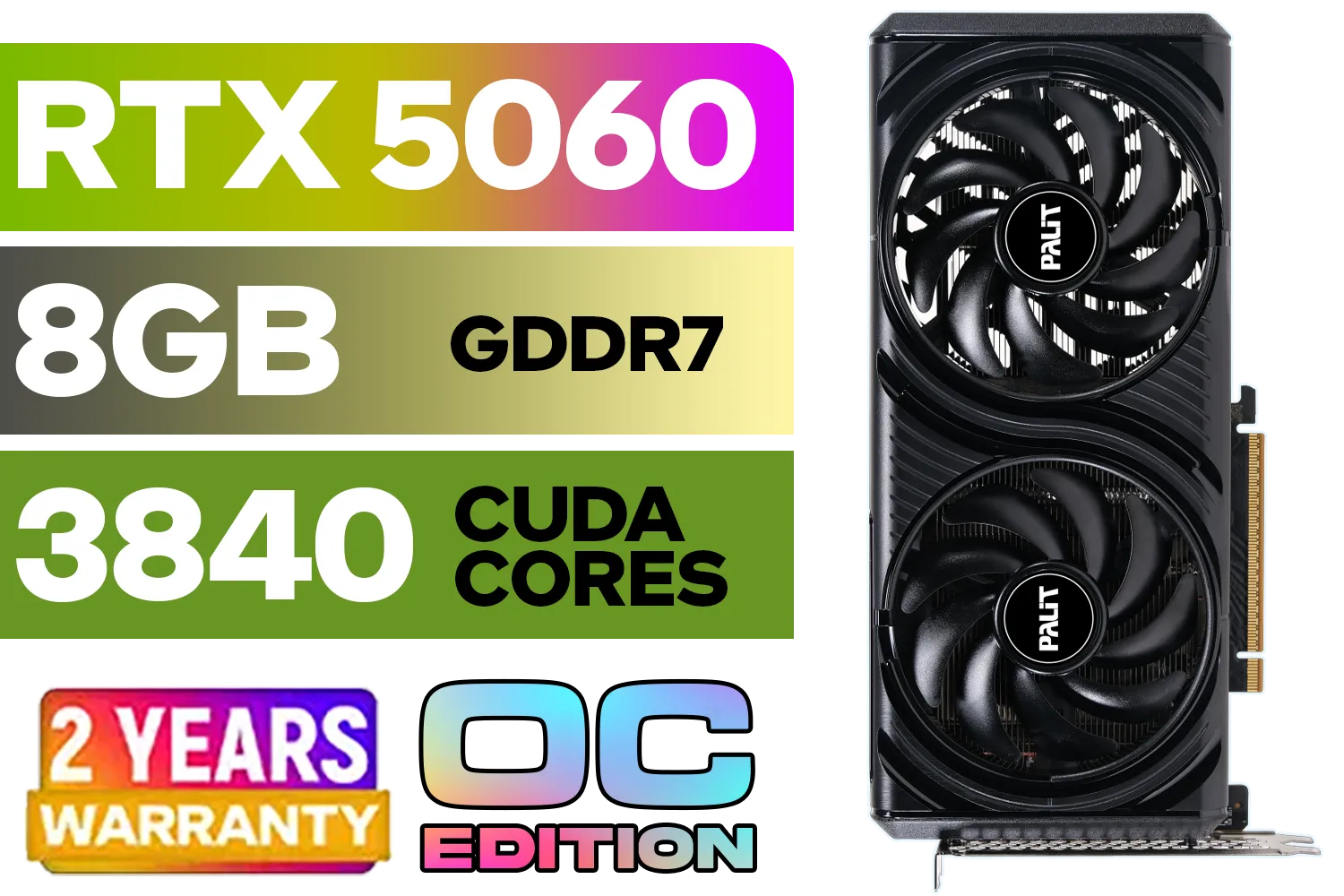
Palit GeForce RTX 5060 Infinity 2 OC 8GB GDDR7 / 28Gbps Memory Speed / PCI Express® Gen 5 / NE75060V19P1-GB2063L
R7999.00In Stock
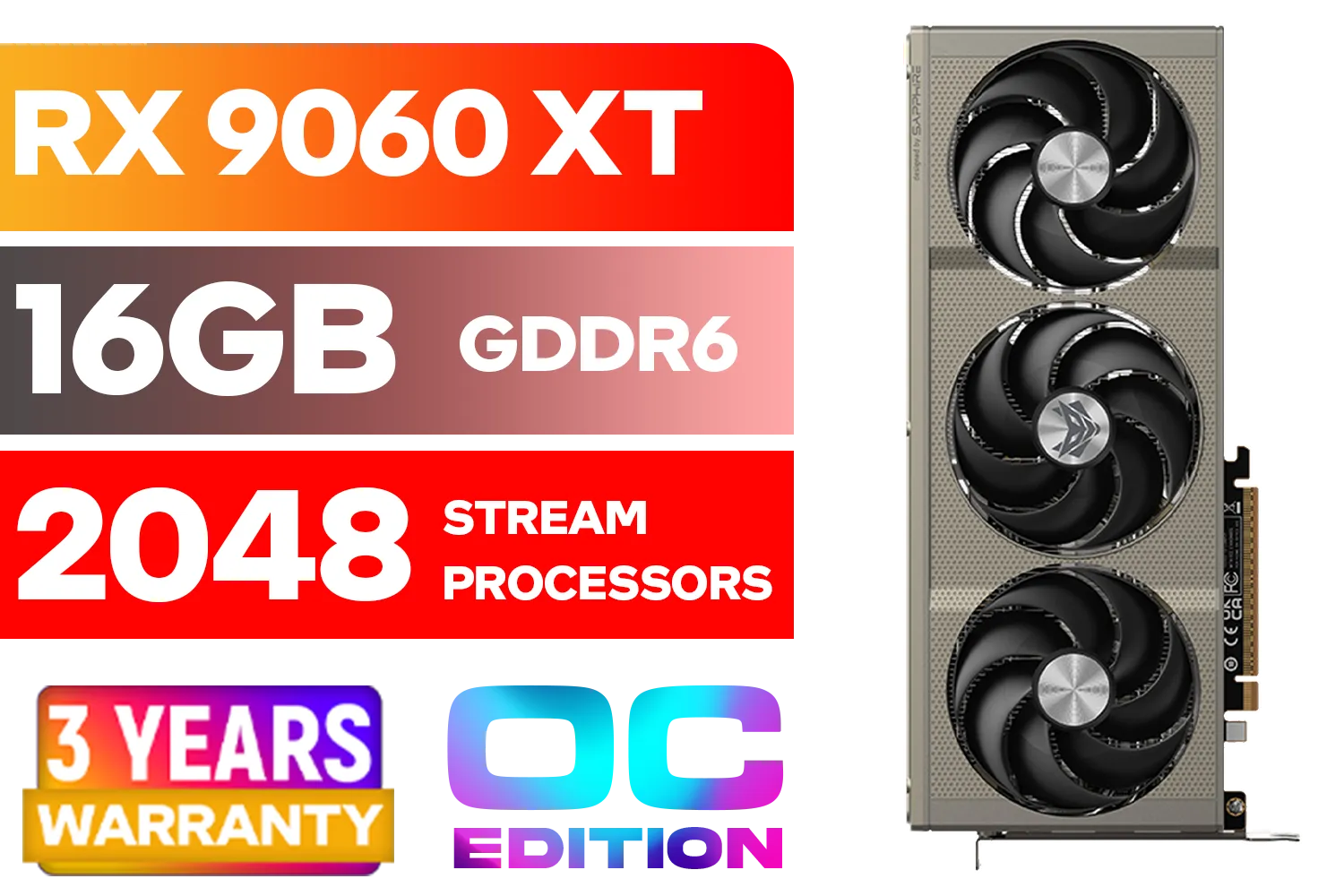
SAPPHIRE NITRO+ RX 9060 XT OC 16GB Graphics Card / 16GB GDDR6 Memory / 2048 Stream Processors / 128-bit Memory Interface / Boost Clock : 3320 MHz / AMD RDNA™ 4 Architecture / 32 Ray Accelerators / 11350-01-20G
R8899.00In Stock

ASRock Intel ARC B580 Steel Legend OC Graphics Card / 12Gb 192-bit GDDR6 / DirectX 12 Ultimate / 2560 Cores / 2800MHz Engine Clock / 90-GA5CZZ-00UANF
R6999.00In Stock
Undervolting Your Graphics Card
Undervolting sounds technical, but it's surprisingly simple. It means giving your GPU slightly less voltage to run at the same (or nearly the same) clock speed. The result? A cooler, quieter, and significantly less power-hungry graphics card. Using tools like MSI Afterburner, you can fine-tune the voltage curve to find the sweet spot. This single tweak can be one of the most effective ways to keep performance while lowering energy use, which is ideal for a loadshedding gaming setup. Exploring our wide selection of graphics cards can help you find modern, efficient options that respond well to these tweaks.
Cap Your Frame Rates
Does your PC push 200 FPS in Valorant on a 144Hz monitor? While impressive, those extra frames are just drawing unnecessary power. Capping your frame rate to match your monitor's refresh rate (e.g., 144 FPS on a 144Hz screen) in the NVIDIA Control Panel or in-game settings is a brilliant way to optimise your gaming PC for loadshedding. Your GPU works just as hard as it needs to, saving precious watts for your UPS battery.
Hardware Choices That Make a Difference 🔧
Long-term, building with power efficiency in mind is the ultimate strategy. Modern components are often designed to deliver more performance-per-watt than older generations.
For example, upgrading from an older GTX card to a newer model can provide a huge performance uplift at a similar or even lower power draw. The architecture in a modern, efficient card like the MSI GeForce RTX 5060 Ti is built for this kind of efficiency. This focus on efficiency across the board is a key reason why it's worth exploring NVIDIA's GeForce lineup when planning your next build or upgrade. An 80 Plus Gold or Platinum rated PSU also ensures less energy is wasted as heat, directly contributing to a more efficient and loadshedding-resilient rig. ✨

SAPPHIRE NITRO+ RX 9070 Gaming OC 16GB Graphics Card / 16GB GDDR6 Memory / 3584 Stream Processors / 256-bit Memory Interface / Boost Clock : 2700 MHz / AMD RDNA™ 4 Architecture / 56 Ray Accelerators / 11349-01-20G
R13599.00In Stock

XFX Mercury AMD Radeon RX 9070 XT OC Magnetic Air Edition Graphics Card / 4096 Stream Processors / 256-bit Memory Interface / Boost Clock : 3100 MHz / AMD RDNA™ 4 Architecture / RX-97TMARGB9
R16299.00In Stock

XFX Swift AMD Radeon RX 9070 OC Graphics Card - White / 3584 Stream Processors / 256-bit Memory Interface / Boost Clock :2700 MHz / AMD RDNA™ 4 Architecture / RX-97SWFB3W9
R13499.00In Stock
SAPPHIRE NITRO+ RX 9060 XT OC 16GB Graphics Card / 16GB GDDR6 Memory / 2048 Stream Processors / 128-bit Memory Interface / Boost Clock : 3320 MHz / AMD RDNA™ 4 Architecture / 32 Ray Accelerators / 11350-01-20G
R8899.00In Stock

XFX SWIFT AMD Radeon RX 9060 XT OC Triple Fan 16GB GDDR6 GPU - White / AMD RDNA 4 Architecture / 3rd Gen Radeon Raytracing Accelerators/ AMD Fidelity FX Super Resolution 4.0 Upscaling Technology / RX-96TS316W7
R8499.00In Stock
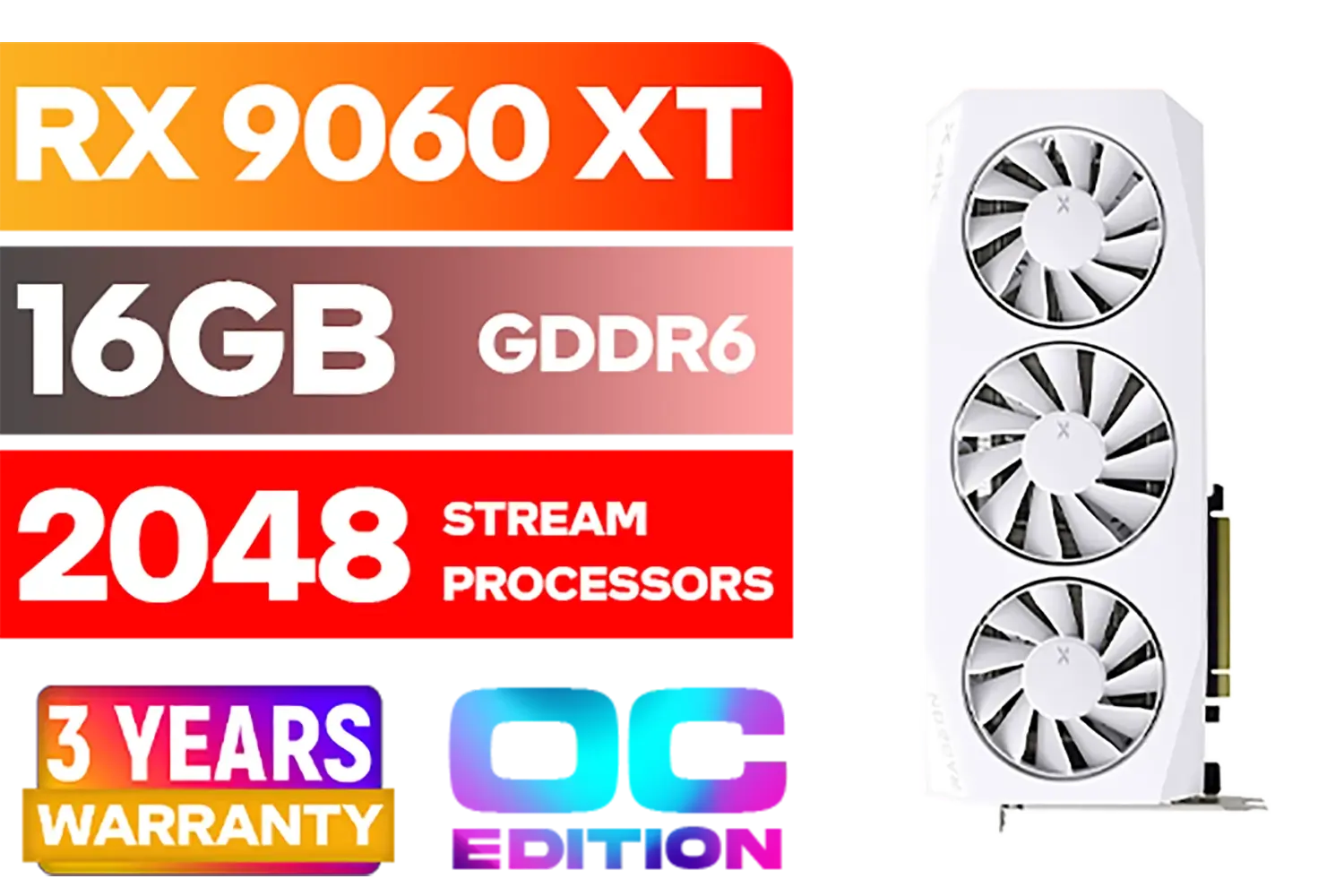
XFX Mercury AMD Radeon RX 9060XT OC White Gaming Edition with 16GB GDDR6 HDMI 2xDP, AMD RDNA 4 / RX-96TMERCW9
R9199.00In Stock
Ready to Build a Loadshedding-Proof Rig? Don't let power cuts dictate your K/D ratio. Investing in an efficient power supply and a modern GPU can make all the difference. Explore our massive range of PC components and build a machine that's ready for anything.
Related Products
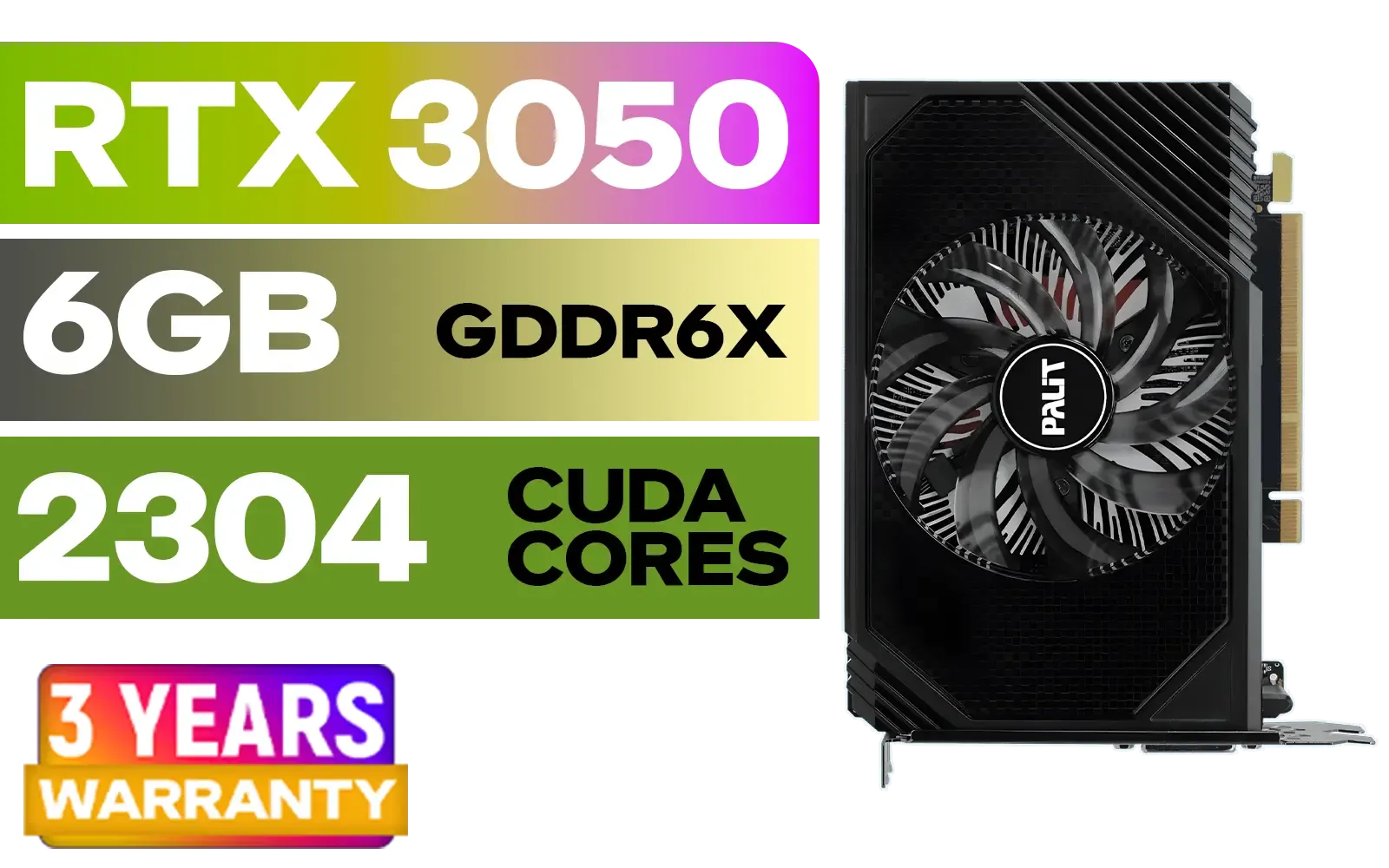
Palit GeForce RTX 3050 StormX 6GB GDDR6 Gaming Graphics Card / 2304 Cuda Core / 96-bit Memory Interface / Boost Clock : 1470MHz / Incredibly Fast Frame Rates / New Streaming Multiprocessors / NE63050018JE-1070F-SN
R3599.00In Stock
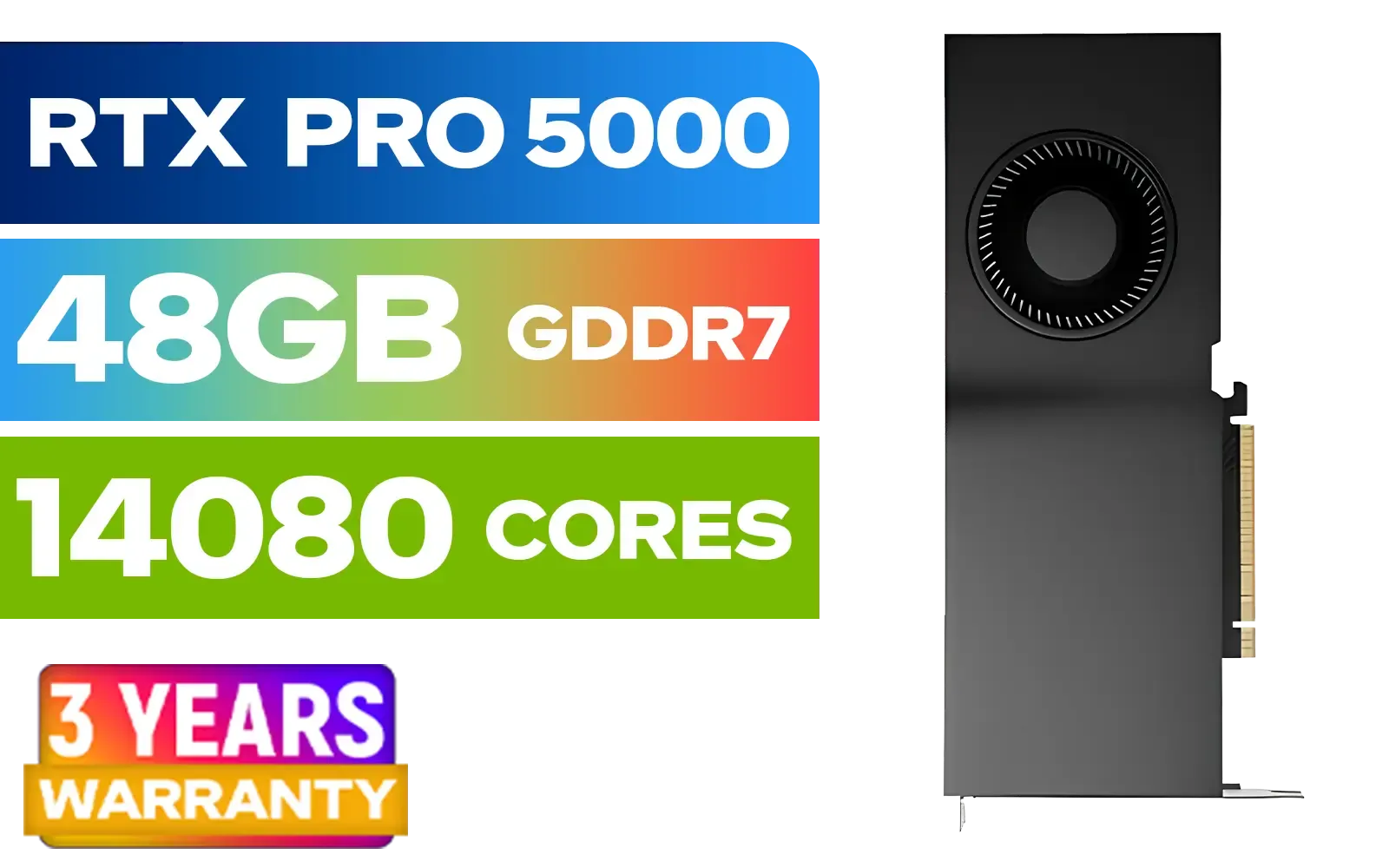
LEADTEK NVIDIA RTX PRO 5000 Blackwell 48GB GDDR7 Workstation Graphics Card / 14,080 Nvidia CUDA Cores / 1,344GB/s Memory Bandwidth / NVIDIA Blackwell Architecture / 126X2000100
R93999.00In Stock

Leadtek NVIDIA RTX A1000 8GB GDDR6 Workstation Graphics Card / 2304 Nvidia CUDA Cores / 192GB/s Memory Bandwidth / Nvidia Ampere Architecture / 126W8000100
R10999.00In Stock
XFX Swift AMD Radeon RX 9070 OC Graphics Card - White / 3584 Stream Processors / 256-bit Memory Interface / Boost Clock :2700 MHz / AMD RDNA™ 4 Architecture / RX-97SWFB3W9
R13499.00In Stock
XFX Mercury AMD Radeon RX 9060XT OC White Gaming Edition with 16GB GDDR6 HDMI 2xDP, AMD RDNA 4 / RX-96TMERCW9
R9199.00In Stock
MSI GeForce RTX 5060 8G Gaming Trio OC Graphics Card / 8GB GDDR7 / 3840 Cuda Cores / 128-bit Memory Interface / Boost Clock : 2625 MHz / PCI Express® Gen 5 / 912-V537-021
R8499.00In Stock
Use a UPS sized for your PC and monitor, enable power-saving profiles, reduce GPU power limit, and consider a portable battery or inverter for longer outages.
Choose a UPS with pure sine wave output and enough VA to cover PSU peak draw; look for gaming-friendly features like AVR and short transfer time.
Smart tweaks like lowering background processes and using efficient power profiles preserve most FPS while significantly reducing power draw.
Modern gaming laptops can bridge short outages, but expect lower performance; use Steam Remote Play or Moonlight to stream from a standby PC.
Add your PSU wattage, monitor draw, and extras, then choose a UPS with 25–30% headroom and runtime charts to match outage length.
Inverters can work but require proper pure sine models and deep cycle batteries to safely run sensitive gaming hardware without damaging components.
Cap frame rate, enable adaptive sync, lower unnecessary background tasks, set GPU power limit, and use game mode or efficiency drivers.











