



PC Build Budget: Prioritize Component Purchases
PC build budget made simple: know which parts matter most, cut waste, and plan smart upgrades. 🎯 Get balanced FPS, speed, and value without overspending. 💡
|
Loading tags...
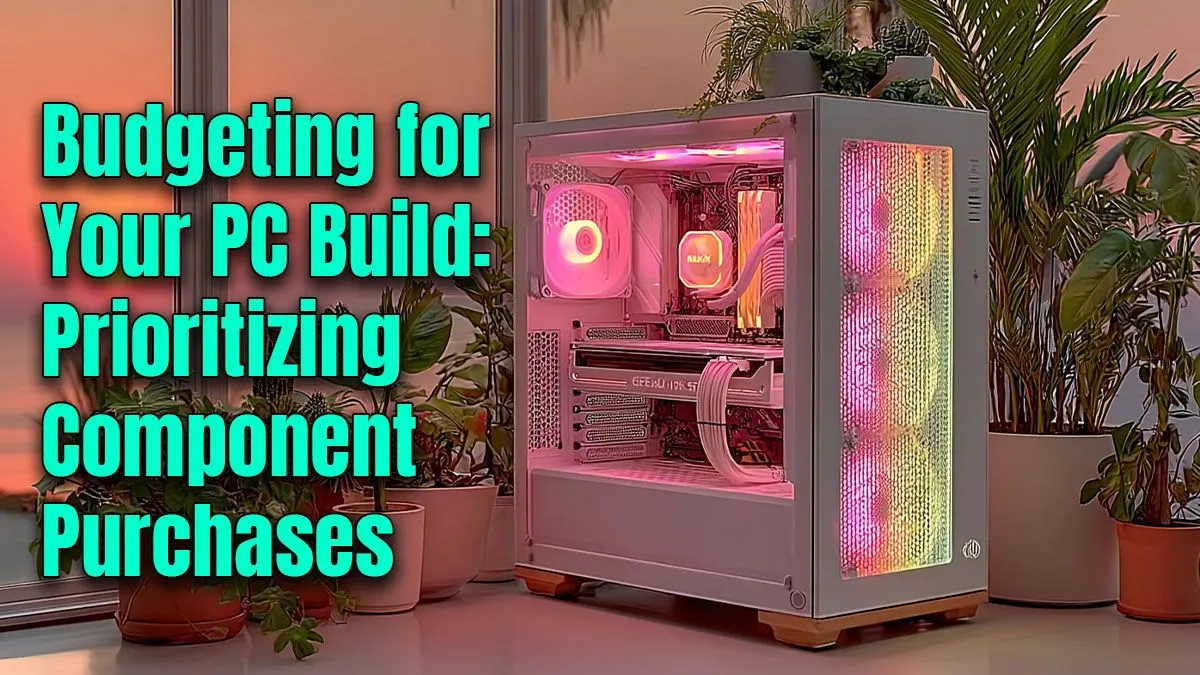
So, you’re ready to build a new gaming rig. Awesome! But then you look at your bank account, and the dream of a 4K beast meets the reality of a tight budget. We get it. Crafting the perfect PC build budget in South Africa can feel like a mission. The secret isn't just finding cheap parts; it's about spending your hard-earned Rands where they make the biggest impact. Let's break down how to prioritise your component purchases. 🔧

RYZEN 7 9700X RTX Pro 2000 DDR5 Workstation PC
R35699.00In Stock

Intel Core Ultra 5 225F ARC A380 6GB Gaming PC
R14174.00In Stock

Ryzen 7 9700X 5.5GHz RTX 5060 Ti 16GB DDR5 Gaming PC
R29399.00In Stock

AMD RYZEN 9 9900X 5.6GHz RTX 4000 Blackwell 24GB DDR5 Workstation PC
R56174.00In Stock

Intel Core Ultra 7 265K 5.5GHz RX 9070 XT 16GB DDR5 Gaming PC
R40109.00In Stock

Intel 14th Gen Core i3 14100F 4.7GHz ARC A380 6GB Gaming PC
R12599.00In Stock
The Heart of Your PC Build Budget: GPU & CPU
If your PC was a superhero team, the Graphics Card (GPU) and Central Processing Unit (CPU) would be your heavy hitters. For gaming, they are non-negotiable. You should allocate the largest portion of your budget—often 50-60% combined—right here.
The GPU is the single most important component for frame rates and visual quality. It renders the beautiful worlds you explore and the fast-paced action you dominate. Whether you're aiming for 1080p high-refresh-rate gaming or dipping your toes into 1440p, investing in the best graphics card you can afford will pay the biggest dividends.
The CPU is the brain, handling game logic, physics, and background tasks. A weak CPU will bottleneck a powerful GPU, leading to stuttering and poor performance. A solid mid-range CPU from Intel or AMD is the sweet spot for most gaming-focused PC build budgets.
Smart Spending: Motherboard & RAM
Once your core performers are chosen, it's time to build a reliable foundation without overspending.
Intel Core Ultra 9 285K 5.7GHz RTX 5000 Ada 32GB DDR5 Workstation PC
R133349.00In Stock

AMD RYZEN 5 3600 RTX 3050 Budget Gaming PC
R11024.00In Stock

RYZEN 7 9700X 5.5GHz RX 9070 XT 16GB DDR5 Gaming PC
R37484.00In Stock
AMD RYZEN 7 5700 RTX Pro 2000 Workstation PC
R26669.00In Stock

RYZEN 5 8400F 4.7GHz GT 710 2GB DDR5 Workstation PC
R10079.00In Stock

RYZEN 7 9700X 5.5GHz RTX 5070 12GB DDR5 Gaming PC
R34334.00In Stock
Finding the Right Motherboard
It's easy to get tempted by flashy motherboards with RGB lighting and a dozen USB ports. But do you really need all that? Focus on the essentials: a compatible chipset for your CPU, enough RAM slots for future upgrades (four is ideal), and decent power delivery (VRMs) to keep your system stable. A quality B-series (AMD) or H/B-series (Intel) board is often more than enough for a great gaming experience.
TIP FOR YOU
Budget Pro Tip 💰
fantastic way to streamline your PC component budget and guarantee compatibility is by looking at bundles. Evetech's pre-selected [CPU, motherboard, and RAM bundles](https: www.evetech.co.za components intel-amd-based-bundle-packs-42.aspx) take the guesswork out of the equation and can often save you a few hundred Rand compared to buying the parts separately.
How Much RAM is Enough?
For modern gaming, 16GB of DDR4 or DDR5 RAM is the gold standard. It provides plenty of headroom for games, Discord, and a few browser tabs. While faster RAM can offer a slight performance boost, ensuring you have enough capacity is the first priority. You can find a wide variety of reliable RAM modules that fit any budget, so there’s no need to break the bank here.
The Unsung Heroes: Power & Storage
Never, ever skimp on your Power Supply Unit (PSU). It’s the one component that, if it fails, can take your entire system down with it. A cheap, unrated PSU is a massive risk. Look for a unit from a trusted brand with at least an 80+ Bronze efficiency rating. This ensures stable, clean power for all your expensive components. Investing in one of these quality Corsair power supplies is one of the smartest decisions you can make for your build's longevity.
For storage, a fast NVMe SSD for your operating system and favourite games is a must for quick boot times and loading screens. You can supplement this with a larger, more affordable SATA SSD or even a traditional hard drive for your bigger game library.
![[Pre Built] AMD RYZEN 7 9700X RX 9070 XT Gaming PC](https://img.evetech.co.za/repository/ProductImages/ryzen-7-9700-x-rx-9070-xt-gaming-pc-pbs-main-1600px-v2.png)
[Pre Built] AMD RYZEN 7 9700X RX 9070 XT Gaming PC
R39794.00In Stock

RYZEN 5 9600X 5.2GHz A400 4GB DDR5 Workstation PC
R18164.00In Stock

AMD RYZEN 7 5700 4.6GHz A1000 8GB Workstation PC
R20159.00In Stock

RYZEN 5 9600X 5.2GHz ARC B580 12GB DDR5 Gaming PC
R21419.00In Stock
![[Pre Built] Intel Core Ultra 7 265K RTX 5070 Gaming PC](https://img.evetech.co.za/repository/ProductImages/intel-core-ultra-7-265-kf-rtx-5070-gaming-pc-pbs-main-1600px-v1.webp)
[Pre Built] Intel Core Ultra 7 265K RTX 5070 Gaming PC
R38114.00In Stock
RYZEN 7 9700X 5.5GHz RTX 5070 12GB DDR5 Gaming PC
R34334.00In Stock
Where You Can Save Some Cash ✨
Now for the fun part… where can you trim the fat from your PC build budget without hurting performance?
- The Case: A fancy chassis with tempered glass and wild designs looks cool, but it won't give you more FPS. A well-designed, affordable computer case with good airflow will protect your components just as effectively for a fraction of the price.
- CPU Cooling: Unless you're planning on heavy overclocking, the stock cooler included with many CPUs is perfectly adequate. You can always upgrade to a more powerful, quieter aftermarket CPU cooler down the line when your budget allows.
By prioritising your spending this way, you can build a powerful, reliable gaming PC that respects your wallet.
Ready to Build Your Perfect Rig? A smart PC build budget is all about making strategic choices. For maximum performance and value in South Africa, focusing on the right parts is key. Explore our massive range of PC components and start piecing together the machine that will conquer your world.
Related Products
RYZEN 7 9700X 5.5GHz RTX 5070 12GB DDR5 Gaming PC
R34334.00In Stock
![[Pre Built] AMD Ryzen 7 9800X3D RX 9070 XT Gaming PC](https://img.evetech.co.za/repository/ProductImages/ryzen-7-9800-x-3-d-rx-9070-xt-gaming-pc-48-gb-2-tb-nvme-main-1600px-v1.webp)
[Pre Built] AMD Ryzen 7 9800X3D RX 9070 XT Gaming PC
R69299.00In Stock
AMD RYZEN 5 8400F 4.7GHz RX 9060 XT 16GB DDR5 Budget Gaming PC
R19949.00In Stock

Intel Core Ultra 5 225F 4.9GHz A400 4GB DDR5 Workstation PC
R14174.00In Stock

Intel 14th Gen Core i3 14100F 4.7GHz GT 710 2GB PC
R9869.00In Stock
RYZEN 5 8400F 4.7GHz GT 710 2GB DDR5 Workstation PC
R10079.00In Stock
Set a target resolution. For gaming, CPU vs GPU budget priority often favors 40-50% GPU, 20-30% CPU, then RAM/SSD. Adjust using a pc build cost breakdown.
The GPU leads. For 1080p vs 1440p build budget, spend more on GPU; pair with a capable CPU to avoid bottlenecks and keep a future-proof pc on a budget.
Use a budget gaming pc parts list: pick 16-32GB RAM, a SATA SSD for bulk, a reliable 80+ Bronze PSU, and a B-series motherboard; skip RGB to cut cost.
Yes, with care. Used vs new pc parts budget works for GPU/CPU with warranty and testing. Avoid used PSUs or SSDs with high TBW to reduce risk.
Size via a psu and motherboard budget guide: aim 40-50% headroom over peak draw, pick 80+ Bronze or Gold, and get ATX 3.x if your GPU needs it.
Plan an upgrade path for budget pc: start with a strong CPU/GPU platform, add RAM/SSD later, then monitor; avoid dead-end sockets and low-watt PSUs.
Balance CPU/GPU, match RAM speed to platform, and follow a pc build cost breakdown. Use tools to check compatibility and thermals before buying.











