



PC Toolkit South Africa: Complete Guide for Enthusiasts
PC toolkit South Africa: Build, maintain, and upgrade your PC with a curated checklist of essential tools, local buying tips, and budget-to-pro picks. 🇿🇦🛠️
|
Loading tags...

Building a PC in South Africa is a rite of passage for any true tech enthusiast. But there's a moment of pure panic when you’re staring at a pile of expensive parts with the wrong screwdriver. Forget that stress. The most important upgrade you can make is investing in a proper PC toolkit. This guide covers the essential gear every local builder needs to assemble their rig with confidence and precision. 🔧
![[Pre Built] AMD RYZEN 7 5700 RTX 5060 Gaming PC](https://img.evetech.co.za/repository/ProductImages/ryzen-7-5700-rtx-5060-gaming-pc-pbs-main-1600px-v1.webp)
[Pre Built] AMD RYZEN 7 5700 RTX 5060 Gaming PC
R19949.00In Stock

RYZEN 5 9600X 5.2GHz GT 710 2GB DDR5 PC
R14489.00In Stock

Intel Core Ultra 5 225F ARC A380 6GB Gaming PC
R14174.00In Stock
![[Pre Built] AMD RYZEN 7 9700X RX 9070 XT Gaming PC](https://img.evetech.co.za/repository/ProductImages/ryzen-7-9700-x-rx-9070-xt-gaming-pc-pbs-main-1600px-v2.png)
[Pre Built] AMD RYZEN 7 9700X RX 9070 XT Gaming PC
R39794.00In Stock
![[Pre Built] Intel Core Ultra 7 265KF RX 9070 XT Gaming PC](https://img.evetech.co.za/repository/ProductImages/intel-core-ultra-7-265-kf-rx-9070-xt-gaming-pc-pbs-main-1600px-v1.webp)
[Pre Built] Intel Core Ultra 7 265KF RX 9070 XT Gaming PC
R42209.00In Stock

AMD RYZEN 5 3600 RTX 3050 Budget Gaming PC
R11024.00In Stock
Your Essential PC Building Toolkit
Before you even think about motherboards and graphics cards, you need the physical tools. A comprehensive PC toolkit for South African builders doesn't need to cost a fortune, but it must have the basics.
At a minimum, you need:
- A set of Phillips head screwdrivers: Specifically, a PH2 for most case and component screws and a smaller PH1 for M.2 drives. A magnetic tip is a lifesaver.
- Cable ties or Velcro straps: For taming the cable monster. Good cable management isn't just for looks; it improves airflow, which is critical for keeping temps down.
- Flush cutters: For snipping the ends of those cable ties neatly.
- An anti-static wrist strap: Essential for protecting your sensitive components from electrostatic discharge, especially on dry Highveld days.
This basic PC toolkit is the foundation for a smooth and successful build, preventing stripped screws and fried components.
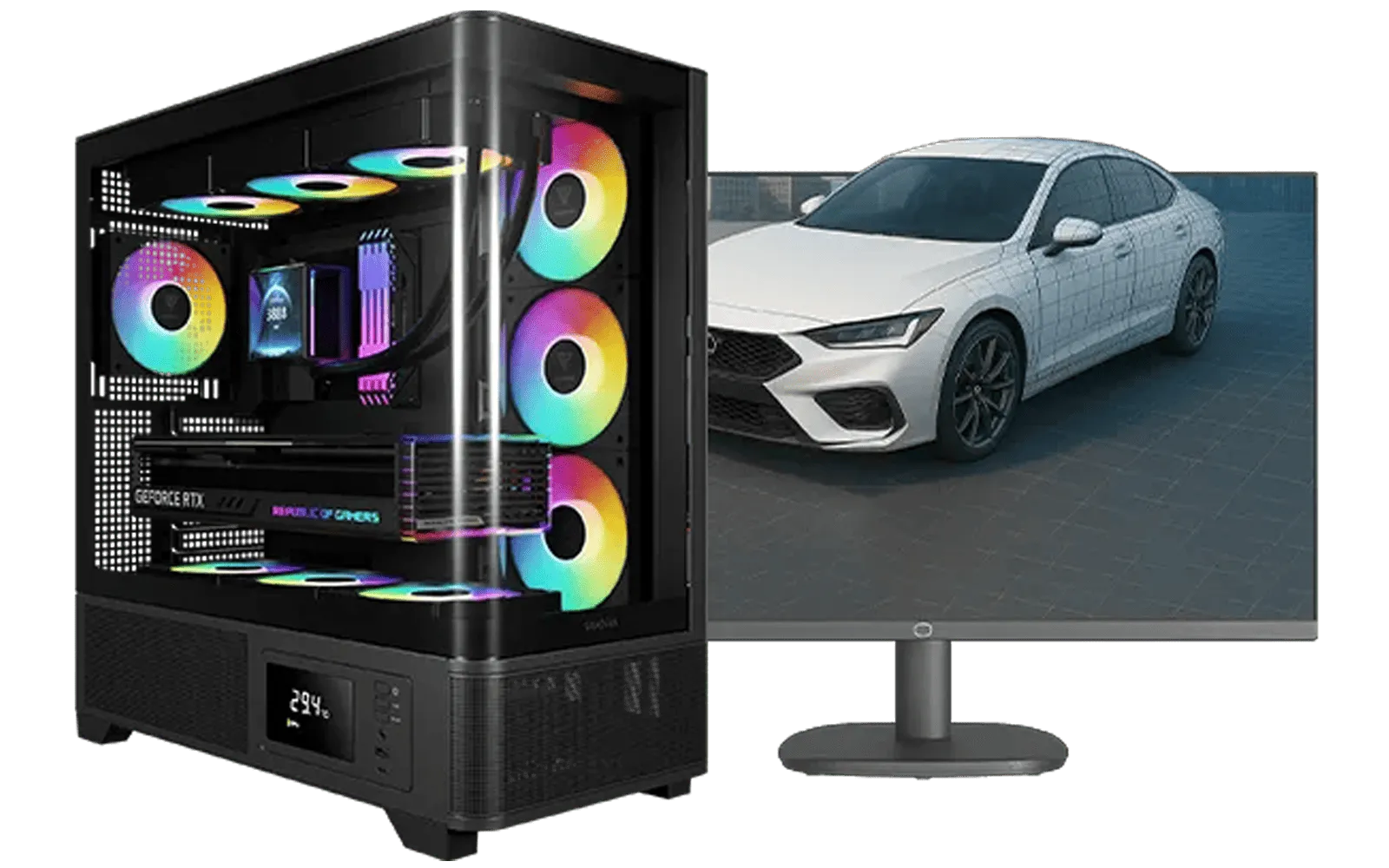
AMD RYZEN 7 5700 RTX Pro 2000 Workstation PC
R26669.00In Stock

RYZEN 5 9600X 5.2GHz A400 4GB DDR5 Workstation PC
R18164.00In Stock

AMD RYZEN 5 3600 4.2GHz GT 710 2GB PC
R6824.00In Stock
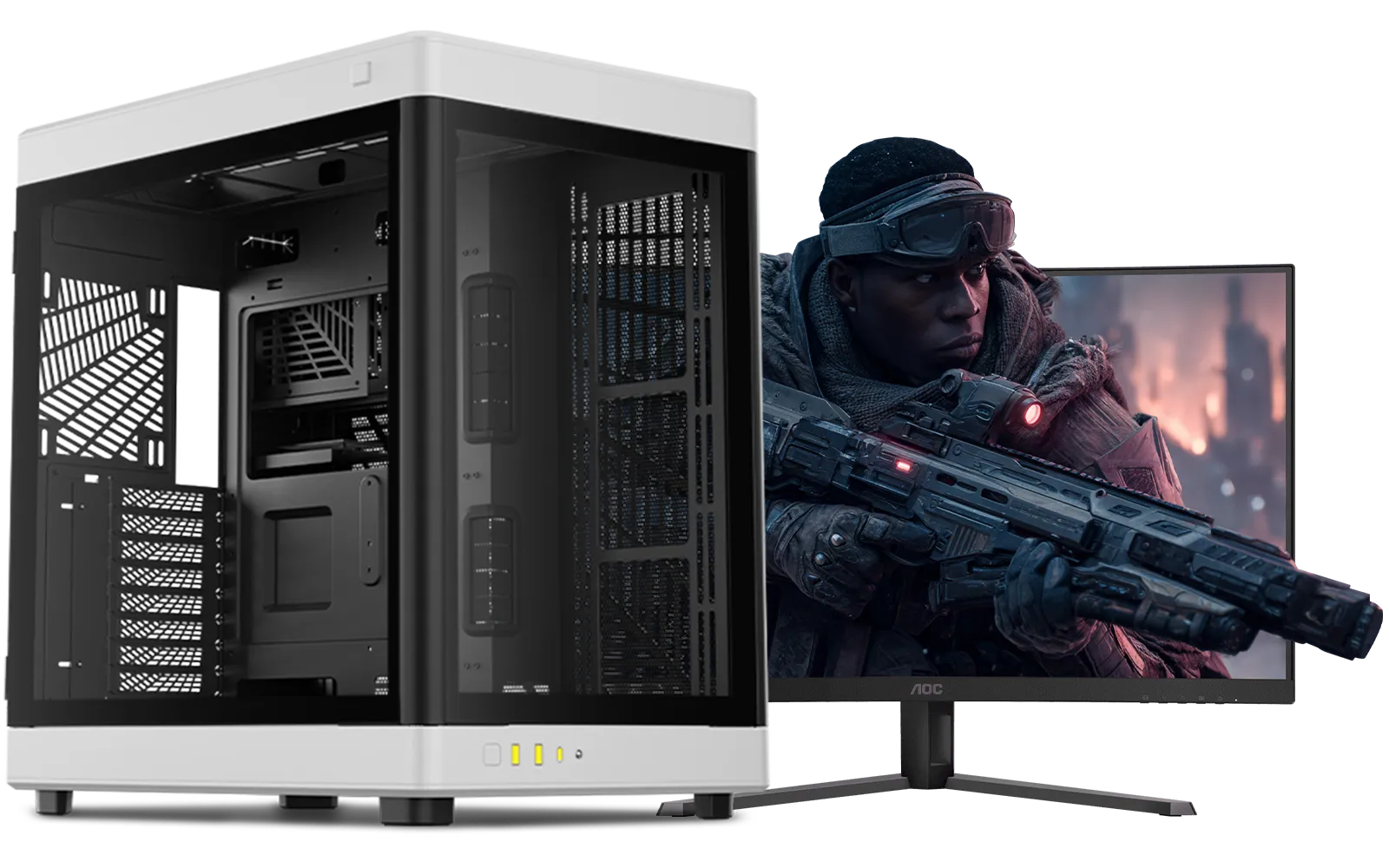
Intel Core Ultra 9 285K 5.7GHz RTX 5000 Ada 32GB DDR5 Workstation PC
R133349.00In Stock

Intel Core Ultra 5 225F 4.9GHz A400 4GB DDR5 Workstation PC
R14174.00In Stock
Intel Core Ultra 7 265K 5.3GHz Quadro A1000 8GB DDR5 Workstation PC
R33389.00In Stock
The "Toolkit" Inside Your Case: Core Components
Think of your components as the second half of your toolkit… the parts that do the actual work. Choosing the right ones is just as important as using the right screwdriver. A balanced system is key to unlocking maximum performance for gaming, streaming, or content creation.
The Foundation: Case & Motherboard
Everything starts with the chassis. A modern PC case offers smart layouts, ample room for cable management, and optimised airflow. Your choice of Intel and AMD motherboards then dictates everything else, acting as the central nervous system for your build. It connects every component, from your CPU to your storage.
TIP FOR YOU
First-Timer Tip: The Golden Triangle złotych
Every CPU and motherboard socket has a tiny triangle printed on one corner. Before you lower the CPU into the socket, make sure those two triangles are aligned perfectly. It's a simple visual check that prevents bent pins and a very, very bad day.
The Power Trio: CPU, Cooler & GPU
This is where the magic happens. While a great CPU is the brain, the real heart of any gaming rig is one of today's powerful NVIDIA or AMD graphics cards, rendering beautiful worlds at blistering frame rates. To keep your processor boosting to its highest speeds, a high-performance CPU cooler is non-negotiable. Stock coolers often just don't cut it for serious gaming or workloads.
![[Pre Built] Intel Core Ultra 7 265K RTX 5070 Gaming PC](https://img.evetech.co.za/repository/ProductImages/intel-core-ultra-7-265-kf-rtx-5070-gaming-pc-pbs-main-1600px-v1.webp)
[Pre Built] Intel Core Ultra 7 265K RTX 5070 Gaming PC
R38114.00In Stock

Intel 14th Gen Core i3 14100F 4.7GHz ARC A380 6GB Gaming PC
R12599.00In Stock

RYZEN 7 5700 4.6GHz RTX 5060 Ti 16GB Budget Gaming PC
R20264.00In Stock

Ryzen 7 9700X 5.5GHz RTX 5060 Ti 16GB DDR5 Gaming PC
R29399.00In Stock
Intel Core Ultra 5 225F 4.9GHz RTX 3050 6GB DDR5 Gaming PC
R16274.00In Stock

AMD RYZEN 7 5700 4.6GHz RX 9070 16GB Gaming PC
R28349.00In Stock
Power & Memory: The Unsung Heroes
You can have the best parts in the world, but they're nothing without stable electricity and fast memory. Don't skimp on your power supply unit (PSU). A quality Corsair power supply provides clean, reliable power, protecting your entire investment. Likewise, having the right gaming RAM modules ensures your CPU isn't left waiting for data, keeping your whole system snappy. To make these choices easier and guarantee compatibility, our CPU, Mobo, and RAM bundle packs are an incredible value proposition for South African builders.
Putting it all together inside a well-designed chassis makes the build process smoother and results in a cleaner, cooler-running machine. 🚀
Ready to Build Your Dream Rig? Having the right PC toolkit is the first step. Now it's time for the fun part... choosing the components. Explore our massive range of PC components and start piecing together the ultimate machine to conquer your world.
Related Products

AMD RYZEN 7 9800X3D RTX Pro 4500 DDR5 Workstation PC
R78644.00In Stock
Intel 14th Gen Core i3 14100F 4.7GHz GT 710 2GB PC
R9869.00In Stock

RYZEN 5 9600X 5.2GHz ARC B580 12GB DDR5 Gaming PC
R21419.00In Stock

Intel Core Ultra 7 265K 5.3GHz RTX 5070 12GB DDR5 Gaming PC
R30344.00In Stock
RYZEN 5 8500G 5.0GHz with Vega Graphics DDR5 PC
R11024.00In Stock

RYZEN 7 9700X 5.5GHz RX 9070 XT 16GB DDR5 Gaming PC
R37484.00In Stock
A toolkit should include precision screwdrivers, anti-static wrist strap, tweezers, thermal paste, cable ties, and a basic diagnostic USB. See our pc building essentials list.
Buy from Evetech, Takealot, local computer stores, or specialist hardware suppliers; compare prices and shipping for where to buy pc tools south africa.
Choose a magnetic precision set with Phillips, flat, and Torx heads and a comfortable handle — ideal described under screwdriver set for pc builders south africa.
Yes. An anti-static wrist strap south africa protects components from electrostatic discharge during builds and maintenance.
Popular options include Arctic MX-4 and Noctua NT-H1; check local stock for thermal paste options south africa before buying.
Yes. A compact portable toolkit for lan parties south africa with essential screwdrivers, spare screws and thermal paste is recommended.
Perform basic maintenance every 3–6 months: clean dust, check thermal paste, tighten cables, and run diagnostics with your pc maintenance toolkit south africa.











