



PCIe 5.0 SSDs: Boost Load Times & Frame Rates
PCIe 5.0 SSDs cut game load times and improve frame-rate stability — learn setup, cooling and tuning tips plus how the ADATA XPG Mars 980 Blade delivers real gains ⚡🎮
|
Loading tags...

Staring at a loading screen while your squad is already dropping into the hot zone? We’ve all been there. That frustrating delay can be the difference between getting the best loot and getting sent back to the lobby. But what if you could virtually eliminate those loading bars? The latest PCIe 5.0 SSDs are here in South Africa, promising speeds that don’t just shorten wait times... they can even help boost your frame rates. ⚡

Teamgroup T-Force G70 PRO 1TB NVMe Internal Solid State Drive / Up to 7,000 Read Speed / Up to 5,500 Write Speed / Multiple Caching Systems Available / Patented Graphene Heatsink Technology / TM8FFH001T0C129
R2499.00In Stock

Kingston Fury Renegade 1TB PCIe Gen 4.0 NVMe M.2 Internal Gaming SSD with Heat Sink | PS5 Ready | Up to 7300MB/s / SFYRSK/1000G
R2999.00In Stock
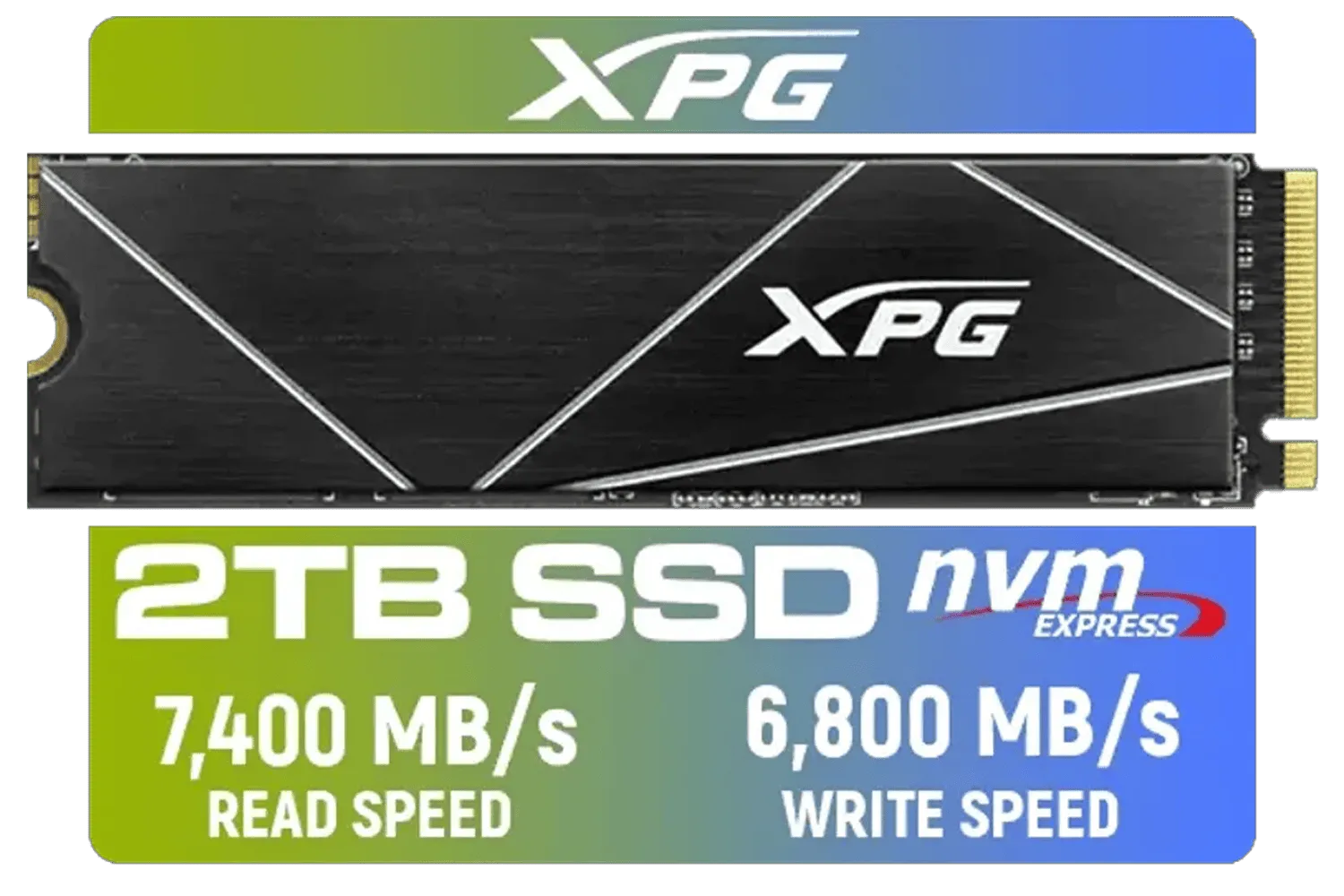
XPG 2TB GAMMIX S70 Blade - Works with Playstation 5, PCIe Gen4 M.2 2280 Internal Gaming SSD Up to 7,400 MB/s (AGAMMIXS70B-2T-CS)
R3699.00In Stock

ADATA 1TB SSD Legend 900 PCIe Gen4x4 NVMe M.2 internal gaming SSD up to 7,000MB/s PS5 compatible (SLEG-900-1TCS)
R2299.00In Stock
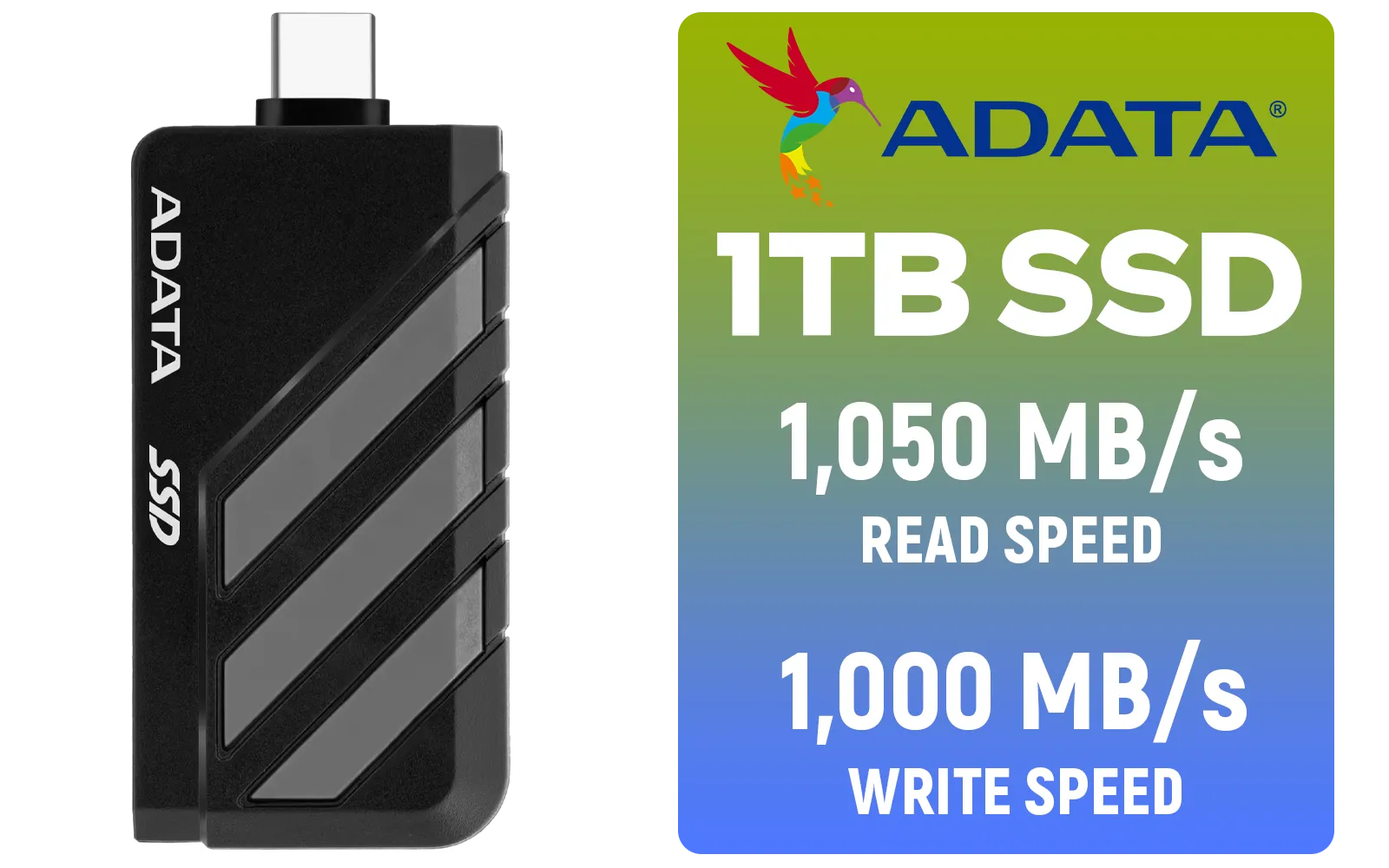
Adata SC735 1TB High-Performance External SSD with USB-C / 1,050MB/s Read & 1,000MB/s Write Speeds / Cable-Free Mobile Phone Compatibility / Gaming Handheld Compatible / Supports Latest Game Consoles / Multi-OS Support / SC735-1000G-CCBK/GY
R2199.00In Stock

ADATA SU650 2TB 3D-NAND SATA 2.5 inch Internal SSD / 520MBs/450MBs - Read/Write Speed / ASU650SS-2TT-R
R1999.00In Stock
So, What Are PCIe 5.0 SSDs Anyway?
Think of the connection between your storage drive and the rest of your PC as a highway. For years, PCIe 4.0 was a fast, multi-lane highway, allowing for impressive speeds. Now, PCIe 5.0 SSDs have effectively doubled the number of lanes.
While a top-tier Gen 4 drive might peak at around 7,000 MB/s, a new Gen 5 drive can scream past 12,000 MB/s. This incredible leap in bandwidth means your games, applications, and operating system can access data almost instantaneously. It's not just a small step up; it’s a massive performance jump for anyone serious about their PC’s responsiveness. For a look at the current landscape, you can browse a wide variety of blazing-fast solid-state drives to see the difference for yourself.
How a PCIe 5.0 SSD Annihilates Load Times 🚀
The most obvious benefit of all this speed is how it impacts loading. With a PCIe 5.0 SSD, games that rely on streaming massive open worlds—like Starfield or Cyberpunk 2077—load in a fraction of the time. Fast-travel becomes genuinely fast, and booting up a competitive match in Apex Legends or Warzone means you’re ready for action while others are still waiting.
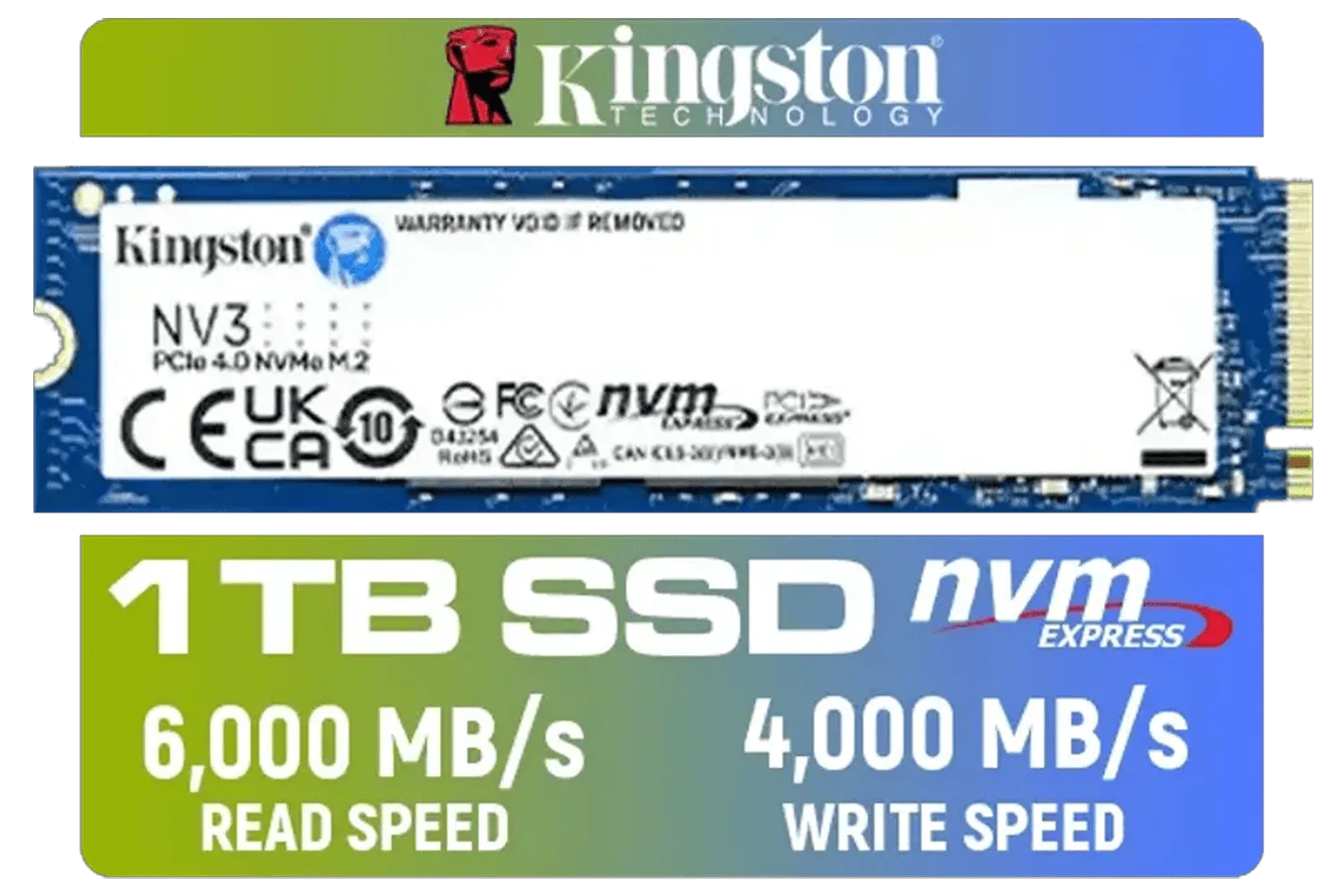
Kingston 1000G NV3 NVMe SSD / Up to 6,000MB/s Read / Up to 4,000MB/s Write / PCIe 4.0 x4 NVMe / M.2 2280 Form Factor / SNV3S/1000G
R1999.00In Stock
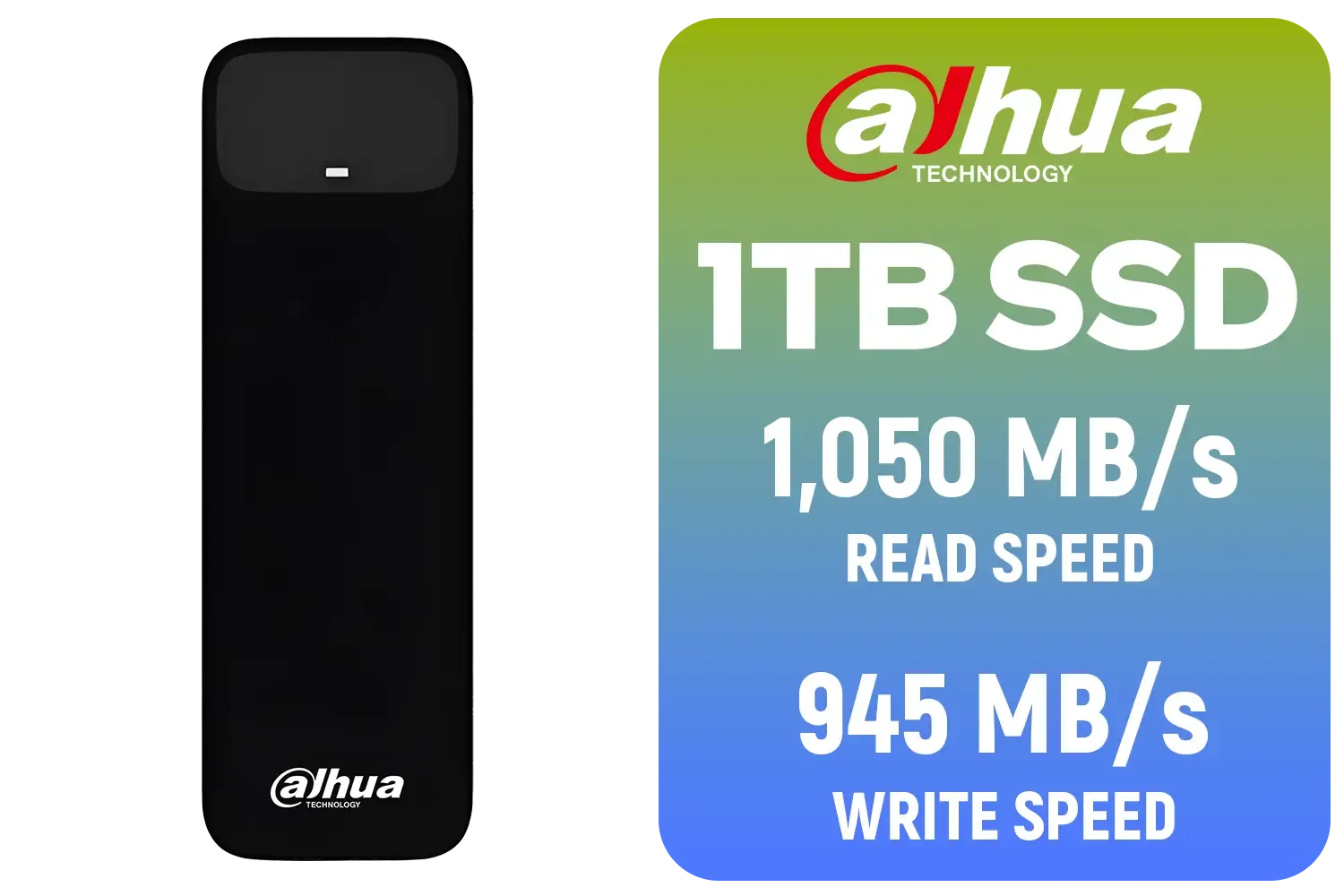
Dahua L7 M.2 1TB NVMe SSD / Read: Up to 1,050 MB/s Write: Up to 945 MB/s / Shock-resistant and drop-resistant design / Aluminum body with heat dissipation / Dual Type-C/Type-A cable included / DHI-PSSD-L7-1TB
R1499.00In Stock
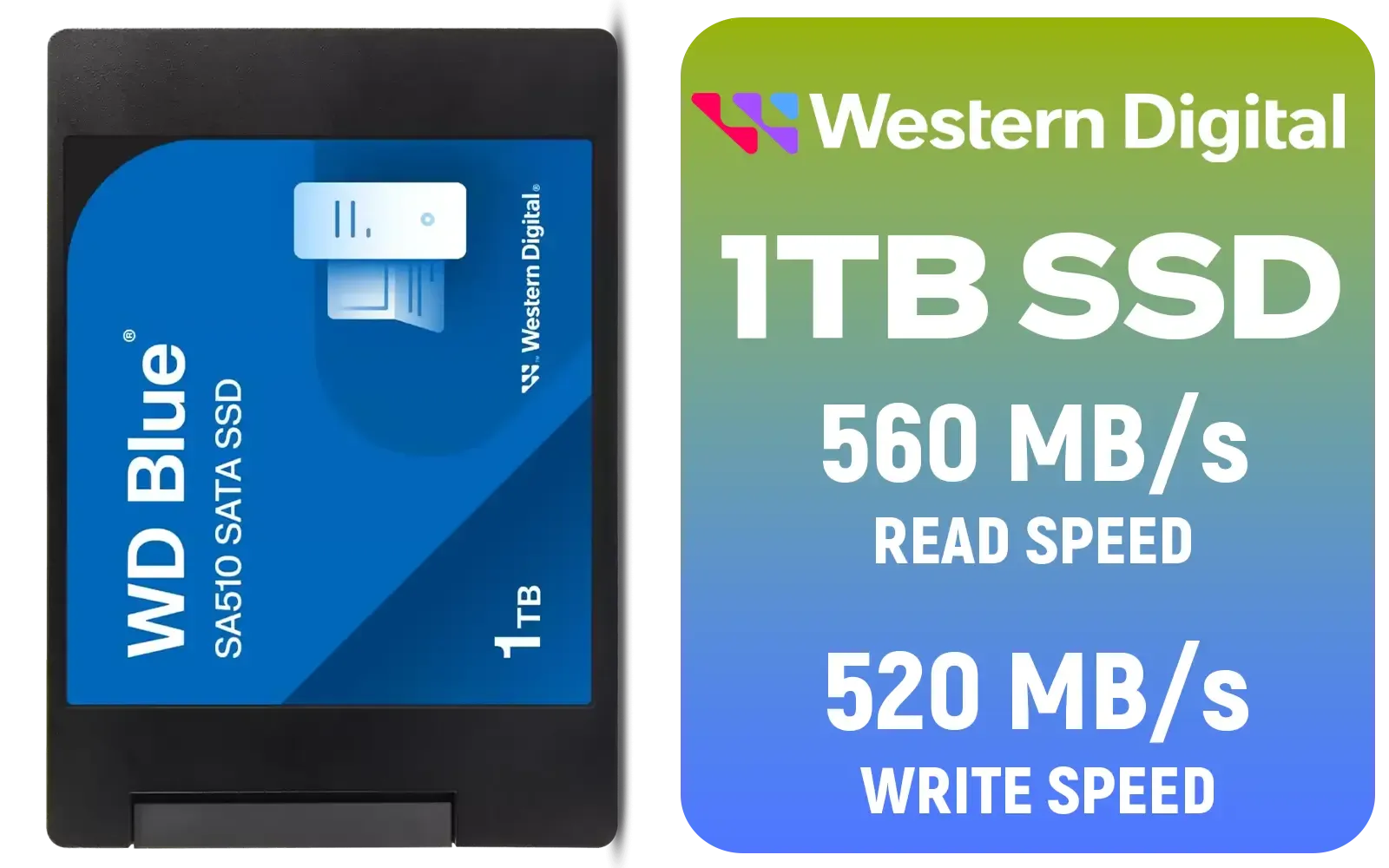
Western Digital Blue SA510 1TB 2.5" Solid State Drive (SSD) / Superior Performance / Multitasking / WD F.I.T. Lab Certified / WDS100T3B0A
R1499.00In Stock

Kingston KC3000 PCIe 4.0 NVMe M.2 2TB SSD - High-Performance Storage for Desktop and Laptop PCs -SKC3000D/2048G
R3999.00In Stock
Kingston Fury Renegade 1TB PCIe Gen 4.0 NVMe M.2 Internal Gaming SSD with Heat Sink | PS5 Ready | Up to 7300MB/s / SFYRSK/1000G
R2999.00In Stock
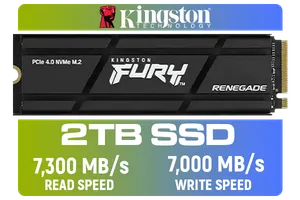
Kingston Fury Renegade 2TB PCIe Gen 4.0 NVMe M.2 Internal Gaming SSD with Heat Sink | PS5 Ready | Up to 7300MB/s | SFYRDK/2000G
R4199.00In Stock
This is made even more powerful by technologies like Microsoft’s DirectStorage, which allows your graphics card to pull game assets directly from the SSD, bypassing the CPU and further cutting down on bottlenecks. Upgrading means you spend more time playing and less time waiting. Brands are pushing the limits of this technology, with top-tier options from ADATA leading the charge.
TIP FOR YOU
Check Your Rig First! 🔧
Before you invest in a PCIe 5.0 SSD, make sure your motherboard is ready. You'll need a modern Intel (Z690 Z790) or AMD (X670 B650) motherboard with a dedicated Gen 5 M.2 slot to unlock the drive's maximum potential. Check your motherboard’s manual to confirm compatibility!
The Hidden FPS Boost: Better Frame Rates Through Storage
Here’s where it gets really interesting. While an SSD won't magically give your GPU more processing power, it can lead to a smoother, more stable gaming experience. How? By improving your 1% low frame rates.
In huge, detailed game worlds, your PC is constantly loading new textures and assets in the background. A slower drive can’t feed the GPU data fast enough, causing noticeable stuttering or "hitching," especially when you quickly turn or move into a new area. A PCIe 5.0 SSD delivers that data so quickly that these hitches disappear. Your average FPS might stay the same, but the feel of the game is significantly smoother because those jarring frame drops are gone. This consistency is crucial for competitive play, where every frame counts. You can find excellent options among reliable Kingston drives that help stabilise performance.
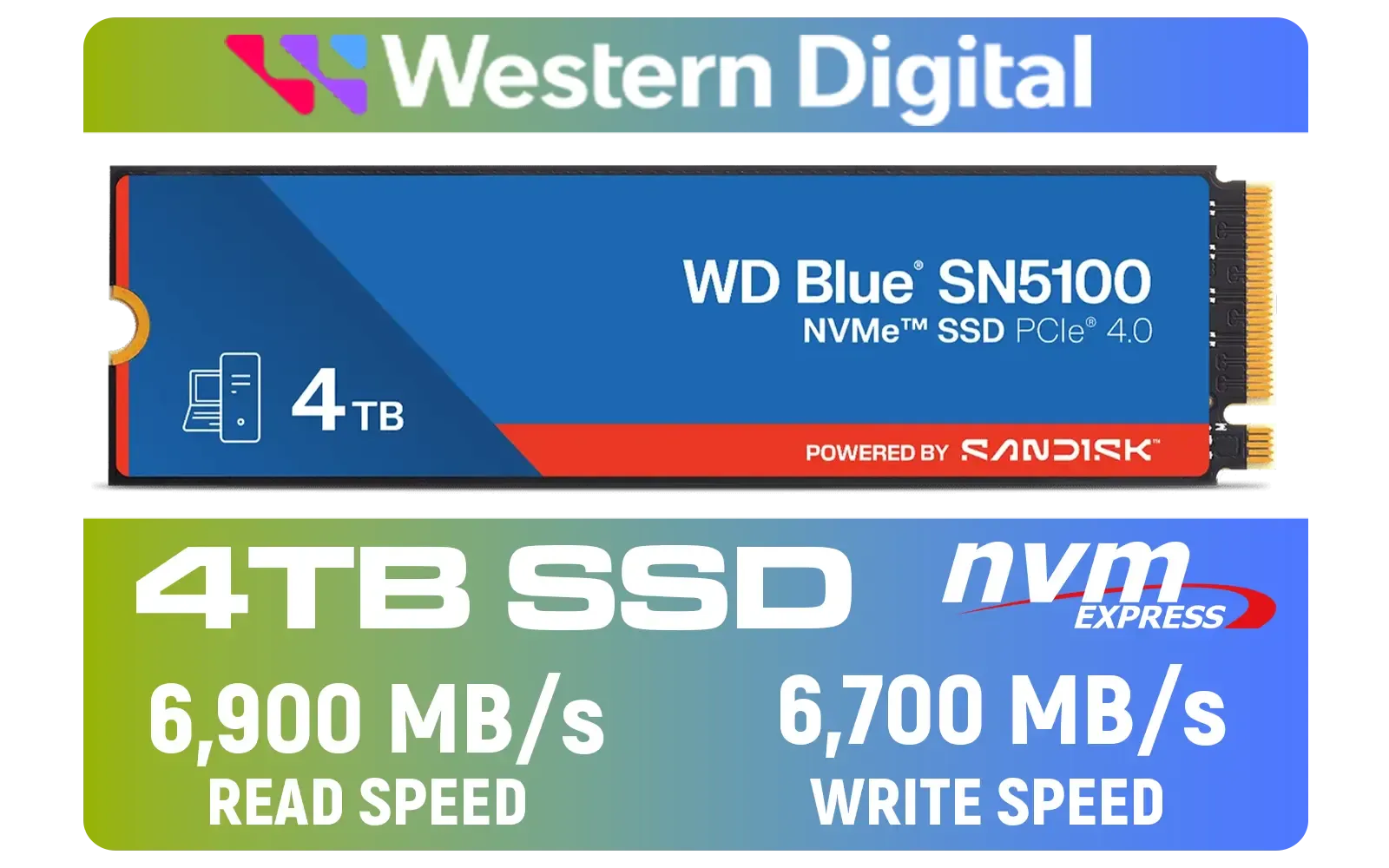
Western Digital 4TB WD Blue SN5100 NVMe Internal Solid State Drive / M.2 2280 Form Factor / Read Speeds up to 6900MB/s / Write Speeds up to 6700MB/s / PCIe Gen 4.0 Interface / nCache™ 4.0 Technology / 3D CBA NAND / Includes Acronis® True Image™ & SanDisk Dashboard Software / WDS400T5B0E
R6999.00In Stock
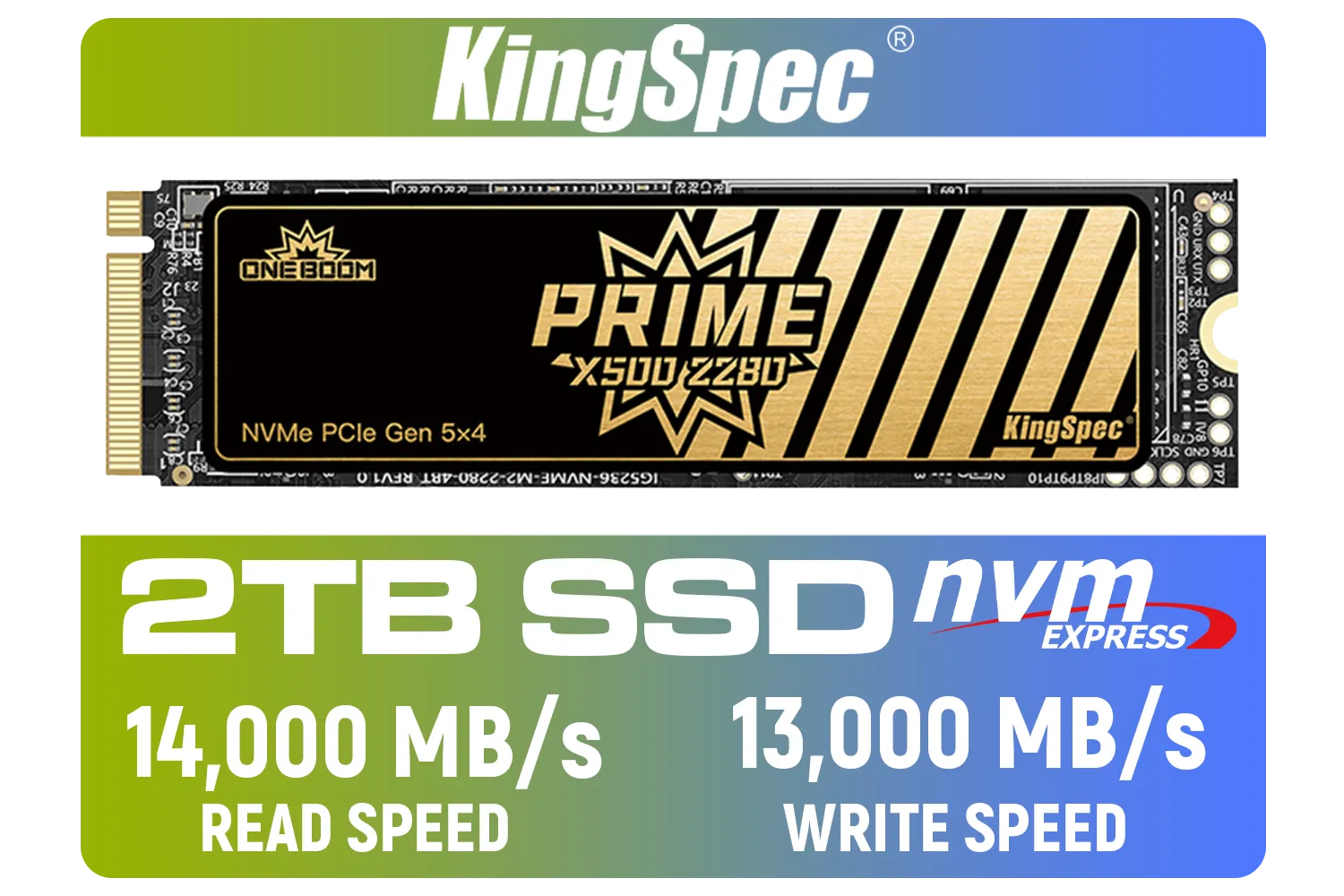
KingSpec X500 2TB NVMe Internal Solid State Drive / 3D NAND Flash Memory / PCIe Gen 5.0, M.2 2280, Up to 14 00MB/s/13 000MB/s Read/Write Speeds / X500-2280-2TB
R4499.00In Stock

DAHUA M.2 PCIe Gen4x4 1TB NVMe SSD / PCIe Gen4.0x4 Supported / Read: Up to 6290 MB/s Write: Up to 5680 MB/s / DHI-SSD-C970VN1TB
R1949.00In Stock
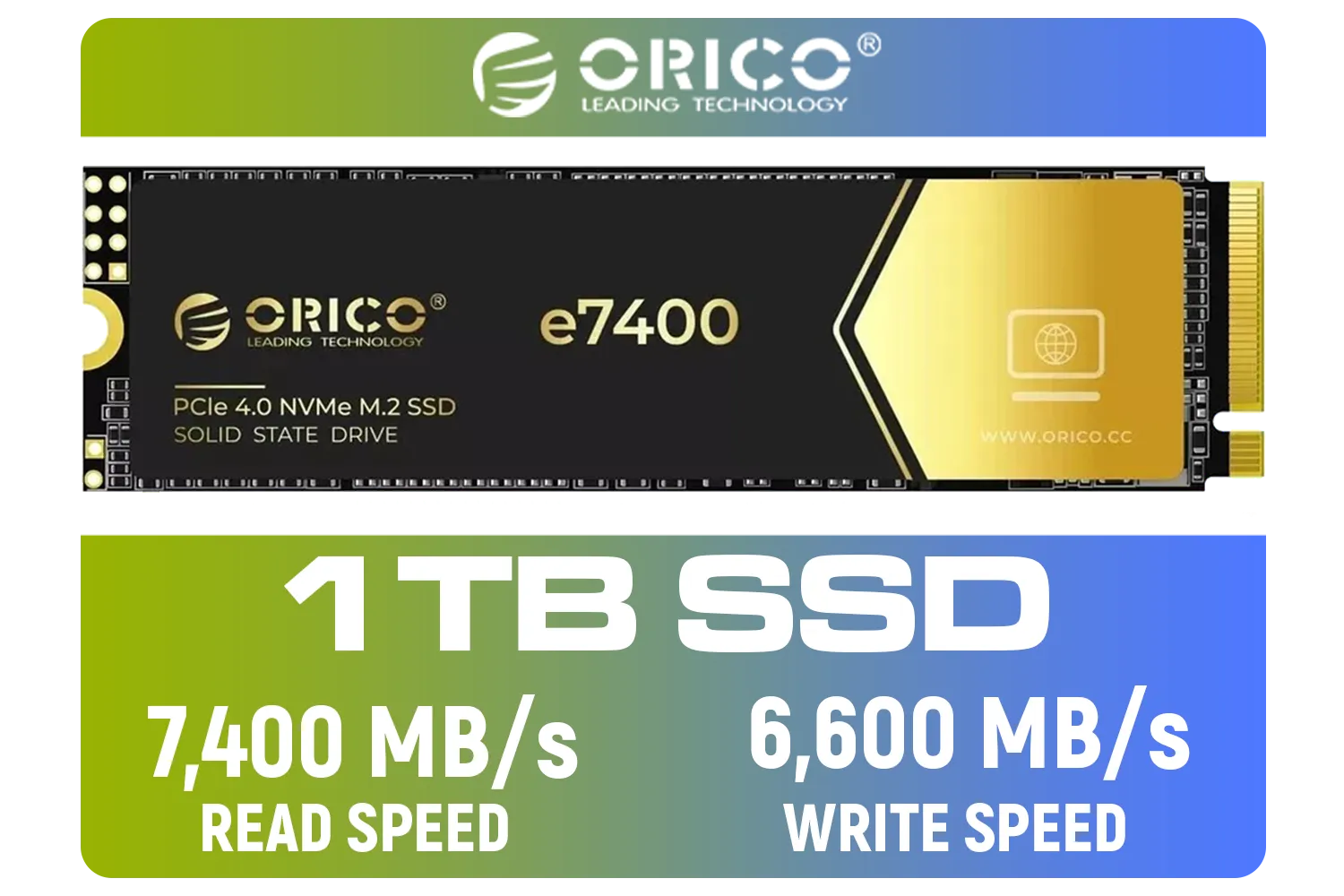
ORICO e7400 M.2 NVMe SSD - 1TB / PS5 Compatible / PCIe Gen4.0 x4 / Up to 7,400MB/s Read and 6,600MB/s Write Speeds / ORICO-e7400-1TB-GD-BP
R2299.00In Stock

Orico X7000 4TB NVMe Internal Solid State Drive SSD / Versatile storage for multiple platforms / PCIe Gen 4.0, M.2 2280 / Up to 7100MB/s Read Speed / Up to 6500MB/s Write Speed / ORICO-X7000-4TB-RD-BP
R6199.00In Stock
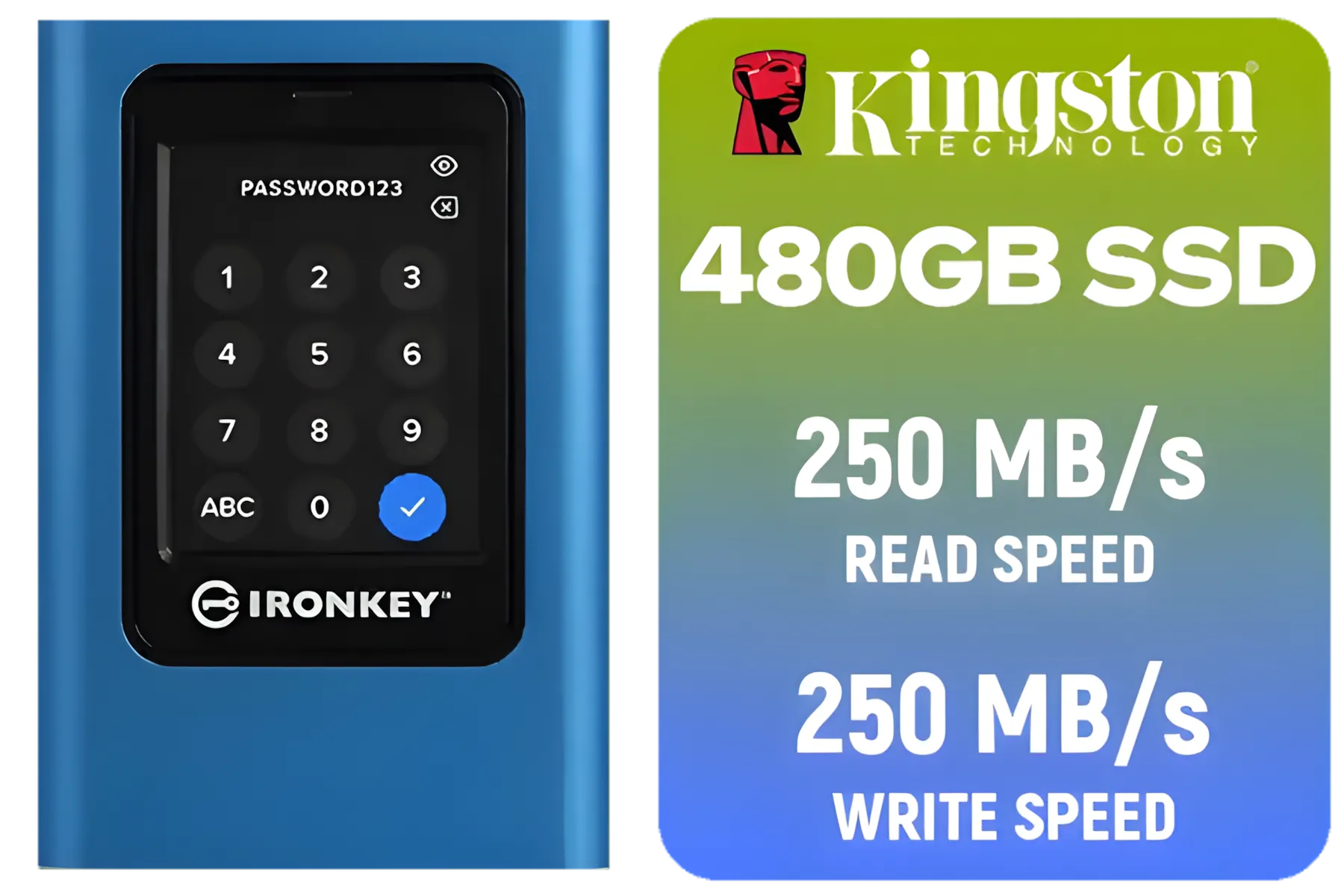
Kingston IronKey Vault Privacy 80 480GB External SSD | FIPS 197 | XTS-AES 256GB Encrypted | Touch Screen PIN | Secure Data Protection | IKVP80ES/480G
R4199.00In Stock
Is a Gen 5 Upgrade Worth the ZAR for You?
Let's be honest: PCIe 5.0 SSDs represent the cutting edge, and they come with a premium price tag. So, who should be upgrading right now?
- Hardcore Enthusiasts: If you have a top-of-the-line rig and demand zero compromises, a Gen 5 drive is the final piece of the performance puzzle.
- Content Creators: Anyone working with massive 4K or 8K video files will see a dramatic reduction in project load times and smoother timeline scrubbing.
- Future-Proofers: If you're building a new PC today, investing in a Gen 5 SSD ensures your storage won't be a bottleneck for years to come.
For many gamers, a high-quality PCIe 4.0 drive still offers fantastic performance. But if you want the absolute fastest, smoothest experience possible, the new generation is unmatched. High-performance Corsair SSDs are a popular choice for enthusiasts, and grabbing a spacious 2TB SSD ensures you have plenty of room for your growing game library. ✨
Ready to End the Wait? A fast SSD is one of the most impactful upgrades you can make to your PC. Banish loading screens and smooth out your gameplay by exploring our massive range of SSDs. Find the perfect drive for your rig at Evetech and get back in the game, faster.
Related Products
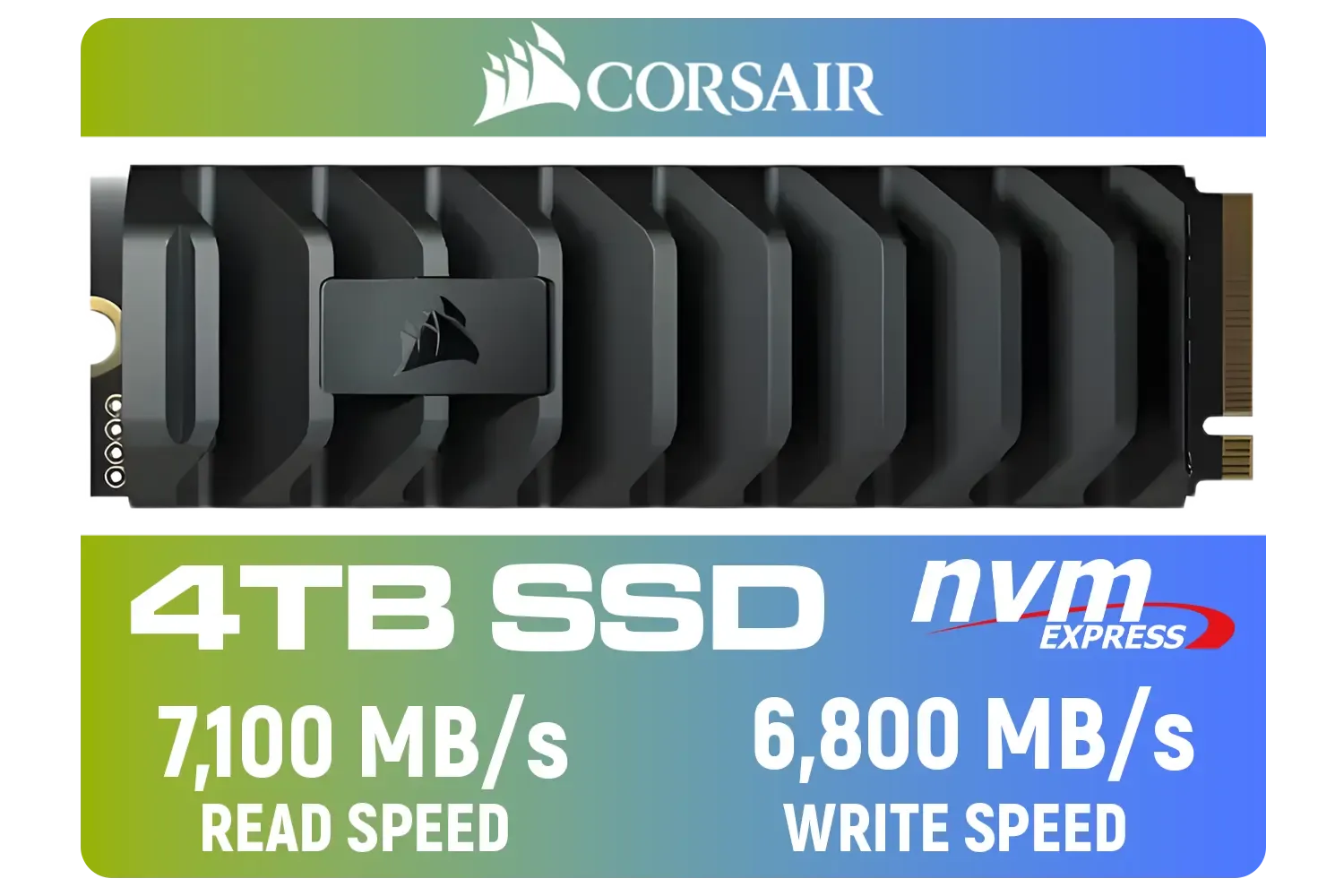
Corsair MP600 PRO XT 4TB PCIe Gen 4 x4 M.2 NVMe SSD / Maximum Read Speed 7,100 MB/s / Maximum Write Speed 6,800 MB/s / Backward compatible with PCIe Gen3 / Aluminum heatspreader for cooling / High-density 3D TLC NAND memory / CSSD-F4000GBMP600PXT
R8499.00In Stock

DAHUA M.2 PCIe Gen4x4 512GB NVMe SSD / PCIe Gen4.0x4 Supported / Read: Up to 7000 MB/s Write: Up to 4300 MB/s / DHI-SSD-C970VN512G
R1299.00In Stock
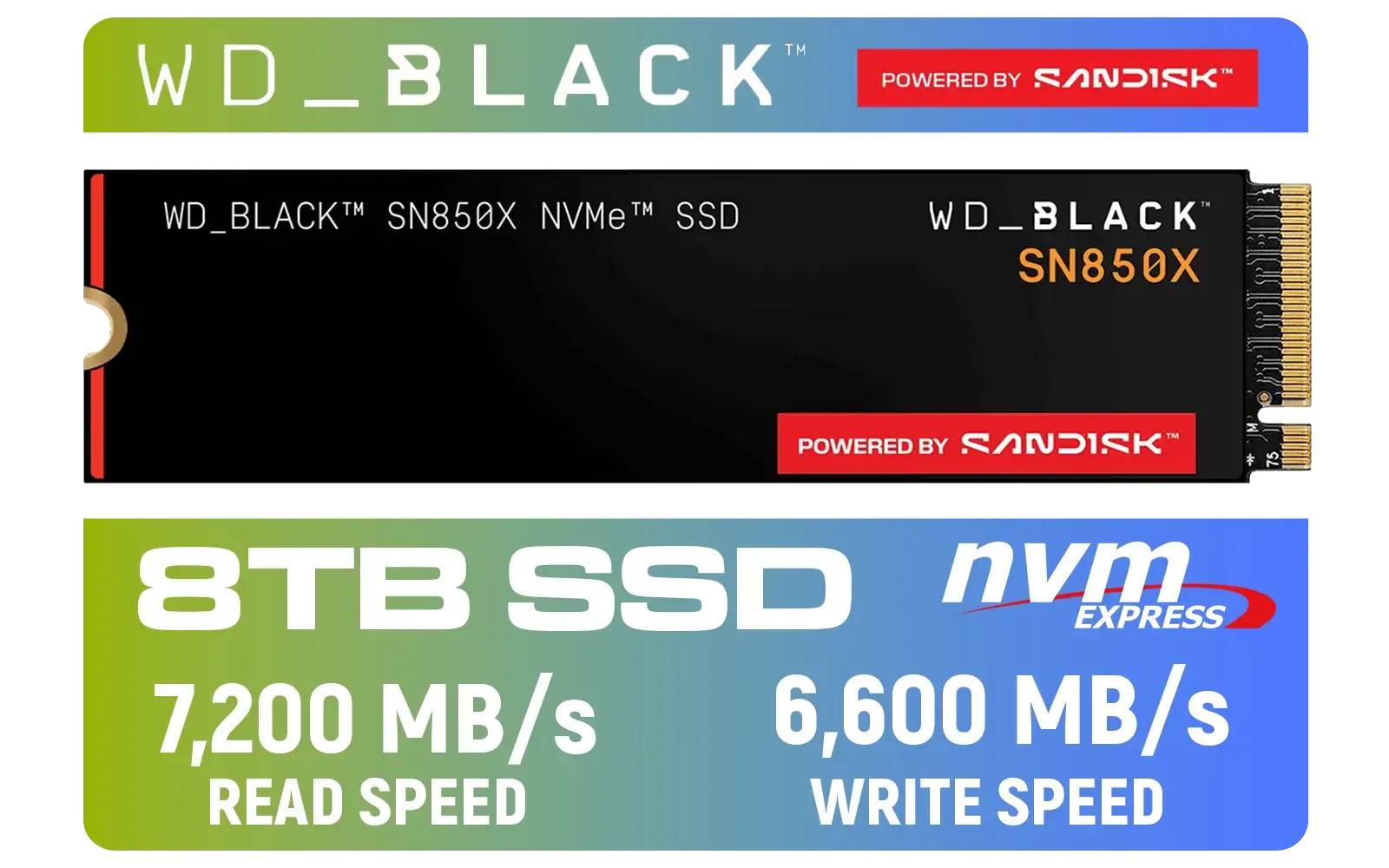
Western Digital SN850X NVMe Internal Solid State Drive - 8TB / Sequential Read, Write Performance - 7200MB/s, 6600MB/s / PCIe Gen 4 / WDS800T2X0E
R12699.00In Stock

Kingston KC3000 PCIe 4.0 NVMe M.2 1TB SSD - High-Performance Storage for Desktop and Laptop PCs / SKC3000S/1024G
R2799.00In Stock
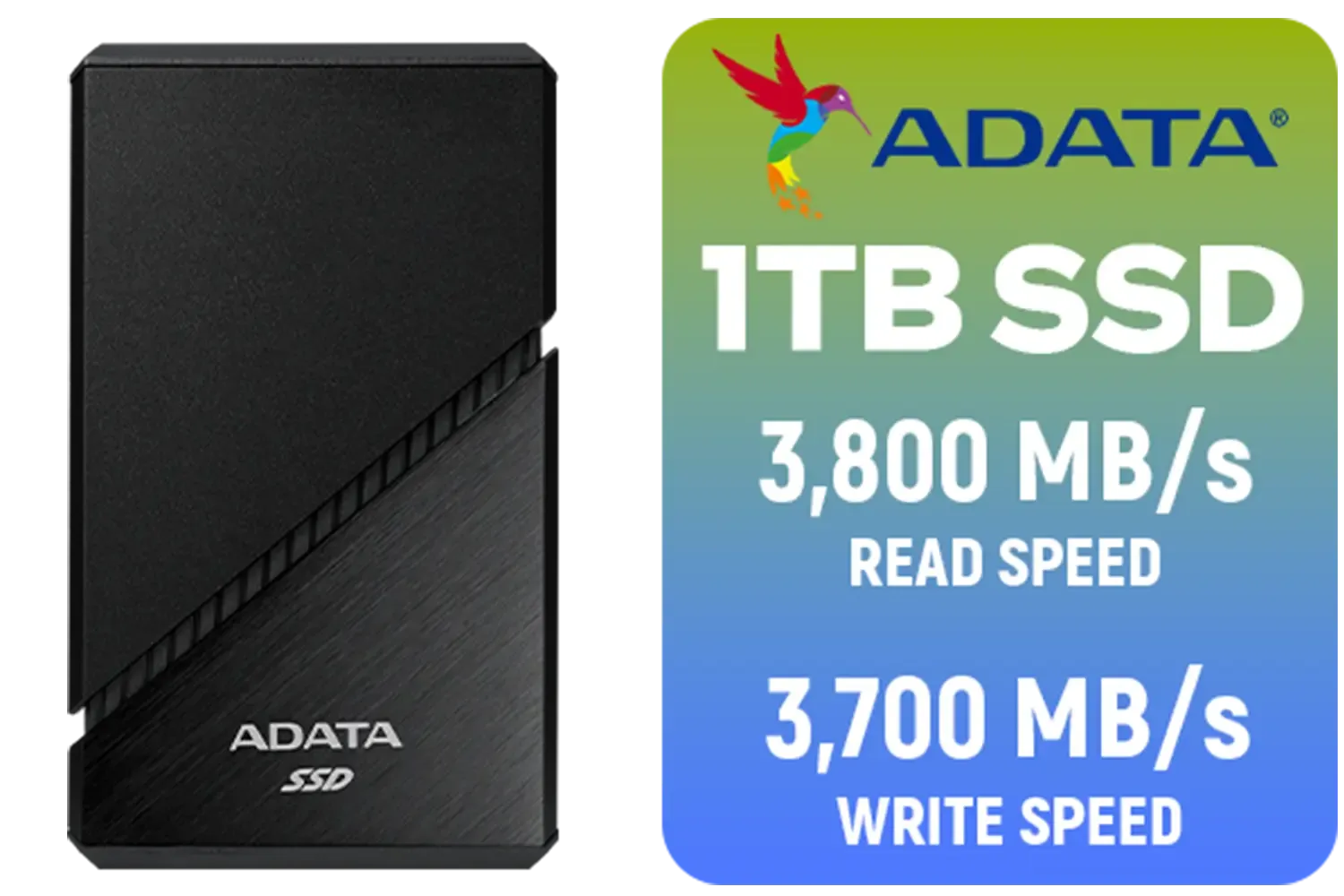
ADATA SE920 1TB External Solid State Drive / Up to 2000 MB/s Read Speed / Up to 3,700 MB/s Write Speed(3,200 MB/s with Thunderbolt 4) / USB4 USB-C Interface (Backwards Compatible with USB 3.2/2.0) / SE920-1TCBK
R2999.00In Stock
DAHUA M.2 PCIe Gen4x4 1TB NVMe SSD / PCIe Gen4.0x4 Supported / Read: Up to 6290 MB/s Write: Up to 5680 MB/s / DHI-SSD-C970VN1TB
R1949.00In Stock
PCIe 5.0 SSDs boost sequential and random read speeds, speeding asset streaming and cutting level load times; see NVMe PCIe 5.0 benchmarks for real gains.
You won't usually see big raw FPS increases, but PCIe 5.0 SSDs improve frame rate stability and reduce stutters during streaming.
Install in a PCIe 5.0 M.2 slot, enable NVMe in BIOS, update firmware, and add a heatsink to avoid thermal throttling for peak PCIe 5.0 SSD performance.
Yes. To reach full PCIe 5.0 SSD speeds you need a compatible CPU and motherboard; check motherboard compatibility PCIe 5.0 and BIOS updates.
Use M.2 heatsinks, thermal pads and good case airflow. Proper cooling preserves peak NVMe PCIe 5.0 benchmarks and sustained performance.
For faster loads and smoother streaming, yes—especially in open-world titles. Search best PCIe 5.0 SSD for gamers when buying.
Some consoles require specific form factors and firmware. Check PS5 PCIe 5.0 SSD compatibility before buying the XPG Mars 980 Blade.











