



PCIe 5.0 Storage Explained: The Next Step in Gaming
PCIe 5.0 storage unlocks faster game loads and higher NVMe bandwidth—learn how it reduces load times, boosts responsiveness, and which SSDs to consider. 🚀🎮
|
Loading tags...

Tired of staring at loading screens while your mates are already dropping in? That frustrating wait is becoming a thing of the past. Enter PCIe 5.0 storage, the next massive leap in PC speed. It’s not just an upgrade; it’s a fundamental change in how your games will load, run, and feel. Let's break down what this new tech means for your gaming rig right here in South Africa.
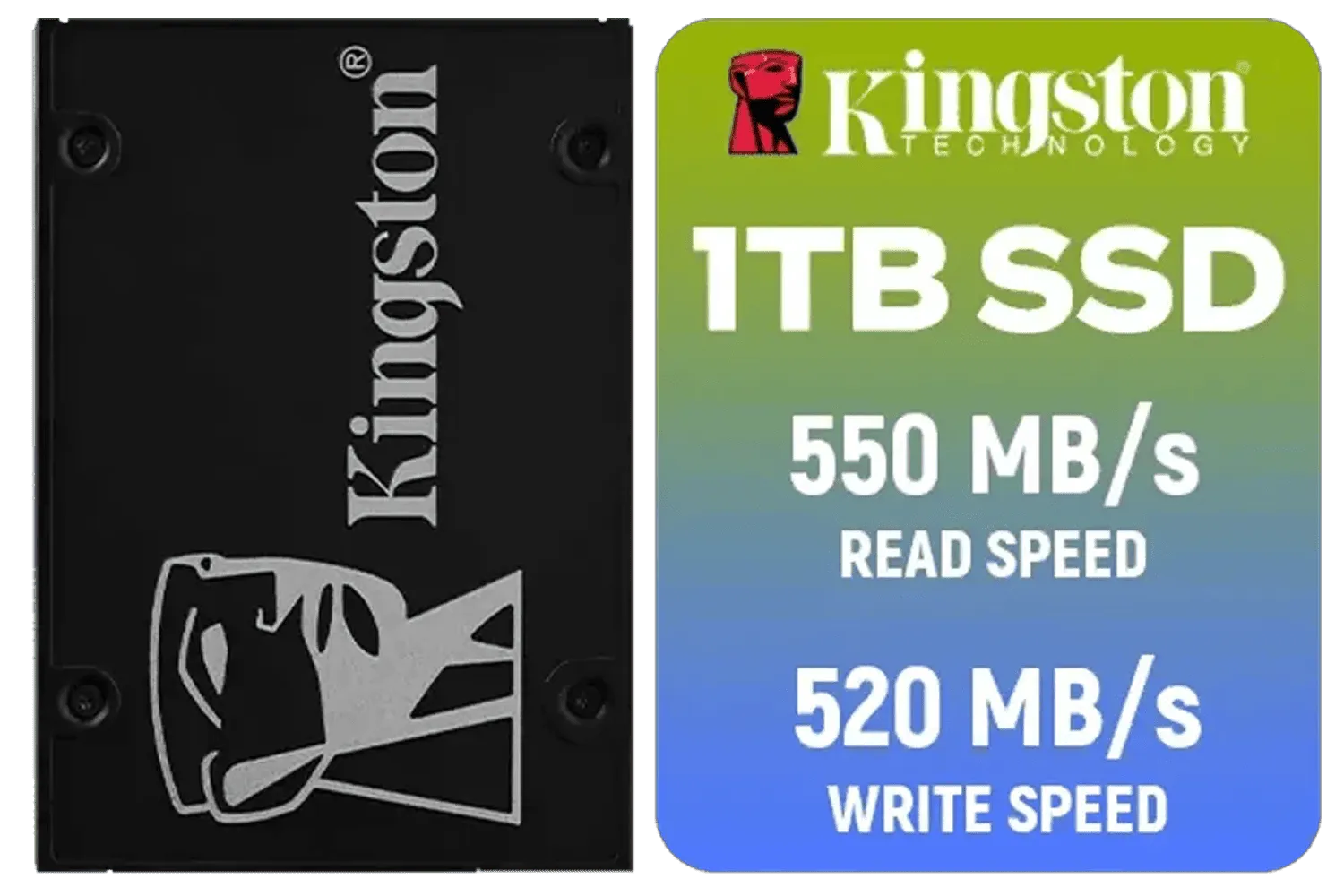
Kingston KC600 SSD 1024G Internal SSD 2.5", SATA Rev 3.0, 3D TLC, XTS-AES 256-bit encryption / SKC600/1024G
R2199.00In Stock

Kingston KC3000 PCIe 4.0 NVMe M.2 2TB SSD - High-Performance Storage for Desktop and Laptop PCs -SKC3000D/2048G
R3999.00In Stock

Corsair MP600 PRO NH 8TB PCIe Gen4 x4 NVMe M.2 SSD – High-Density TLC NAND – M.2 2280 – DirectStorage Compatible - Up to 7,000MB/sec - No Heatsink - Black / CSSD-F8000GBMP600PNH
R22999.00In Stock
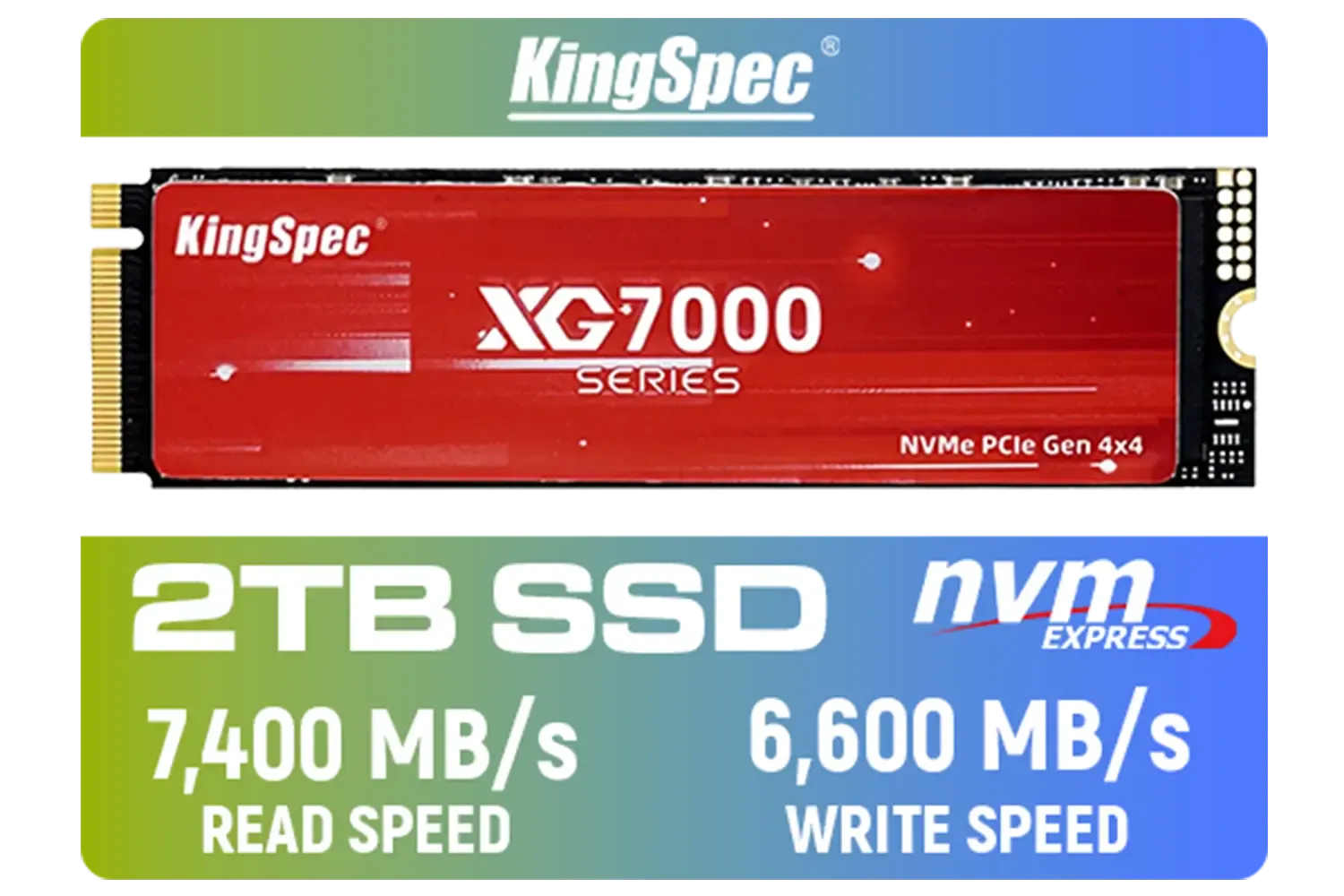
KingSpec XG7000 2TB NVMe Internal Solid State Drive SSD / QLC NAND flash memory / PCIe Gen 4.0, M.2 2280, Up to 7400MB/s/6600MB/s Read/Write Speeds / XG7000-2280-2TB
R3499.00In Stock
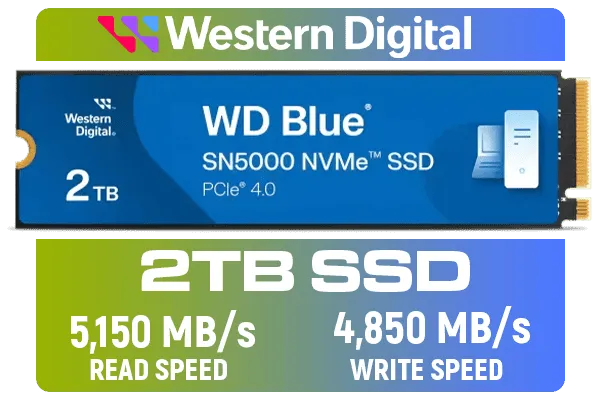
Western Digital 2TB WD Blue SN5000 NVMe Internal Solid State Drive SSD - PCIe Gen 4.0, M.2 2280, Up to 5,150 MB/s / WDS200T4B0E
R3499.00In Stock
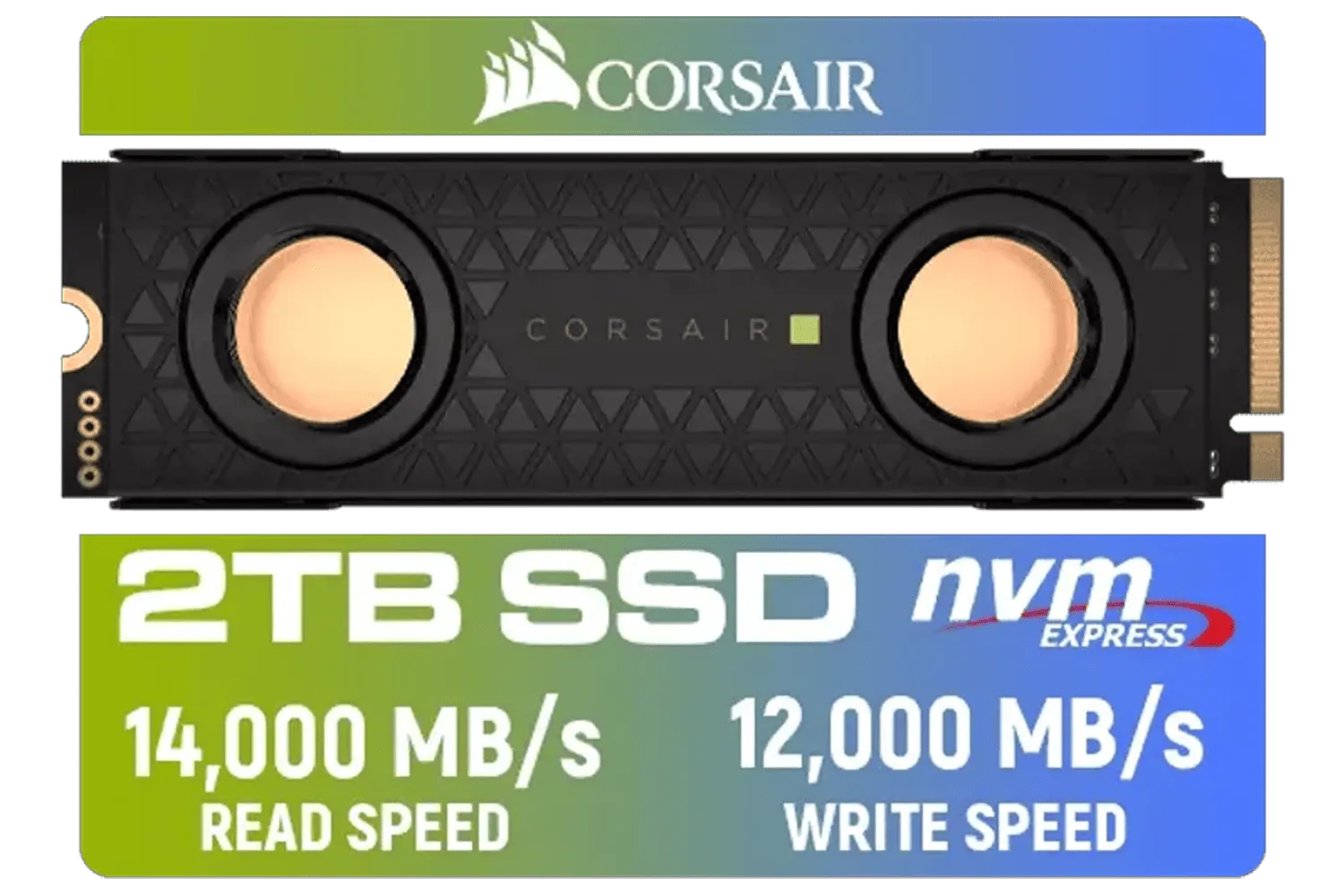
Corsair MP700 PRO SE Hydro X Series 2TB M.2 PCIe Gen5 x4 NVMe 2.0 SSD – M.2 2280 – Up to 14,000MB/sec Sequential Read – High-Density TLC NAND – Pre-Installed Water Block – Black / CSSD-F2000GBMP700PHXS
R7499.00In Stock
So, What is PCIe 5.0 Storage Anyway?
Think of the connections inside your PC like highways. For years, the fastest highway for your storage drive was called PCIe 4.0. Now, PCIe 5.0 storage is here, and it’s basically a new super-highway that’s twice as wide and twice as fast. 🚀
This technology allows new Solid State Drives (SSDs) to read and write data at mind-blowing speeds… we’re talking over 10,000 megabytes per second (MB/s). To put that in perspective, a standard SATA SSD (the older, blocky kind) tops out around 550 MB/s. Even a great PCIe 4.0 drive usually sits around 7,000 MB/s. This massive bandwidth jump is the core of what makes PCIe 5.0 SSDs the next step in gaming performance.
How Gen5 Storage Will Transform Your Gaming
Faster numbers on a box are cool, but what does it actually mean for your in-game experience? It’s about more than just faster loading.
Say Goodbye to Loading Screens
This is the most obvious benefit. With a PCIe 5.0 SSD, games that support modern loading tech can pull you into the action almost instantly. Imagine booting up a massive world like in Starfield or Baldur's Gate 3 in just a few seconds. That’s the power we’re talking about.

Kingston KC3000 PCIe 4.0 NVMe M.2 4TB SSD / High-Performance Storage for Desktop and Laptop PCs / SKC3000D/4096G
R8499.00In Stock

Kingston Fury Renegade 1TB PCIe Gen 4.0 NVMe M.2 Internal Gaming SSD with Heat Sink | PS5 Ready | Up to 7300MB/s / SFYRSK/1000G
R2999.00In Stock

Kingston Fury Renegade 1TB PCIe Gen 5.0 NVMe M.2 Internal SSD / Maximum Read Speed 14,200 MB/s / Maximum Write Speed 11,000 MB/s / Advanced thermal design / SFYR2S/1T0
R4199.00In Stock
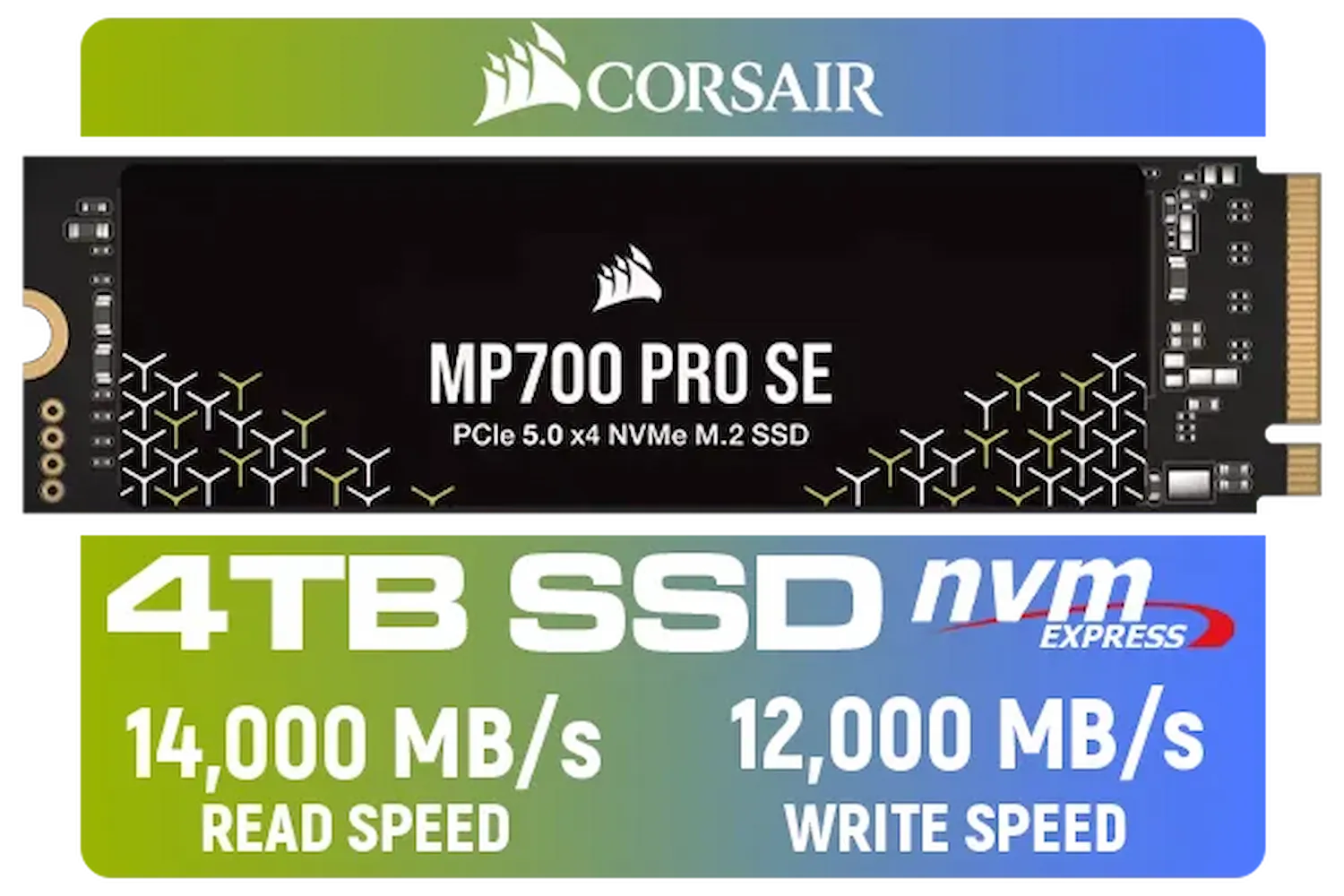
Corsair MP700 PRO SE 4TB PCIe 5.0 x4 NVMe M.2 SSD / Up to 14,000MB/s Sequential Read / Up to 12,000MB/s Sequential Write / M.2 2280 Form Factor / CSSD-F4000GBMP700PNHS
R10999.00In Stock
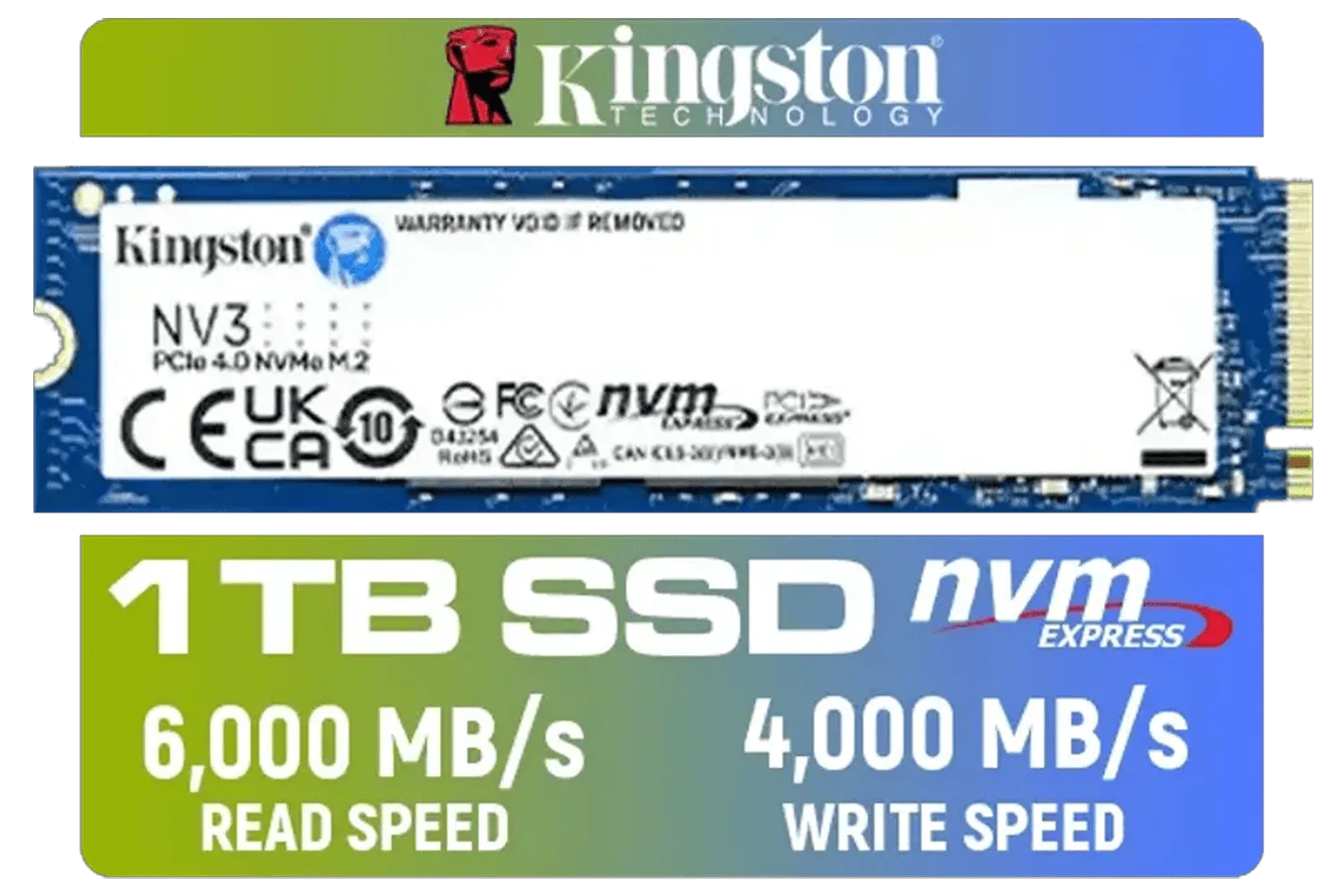
Kingston 1000G NV3 NVMe SSD / Up to 6,000MB/s Read / Up to 4,000MB/s Write / PCIe 4.0 x4 NVMe / M.2 2280 Form Factor / SNV3S/1000G
R1999.00In Stock
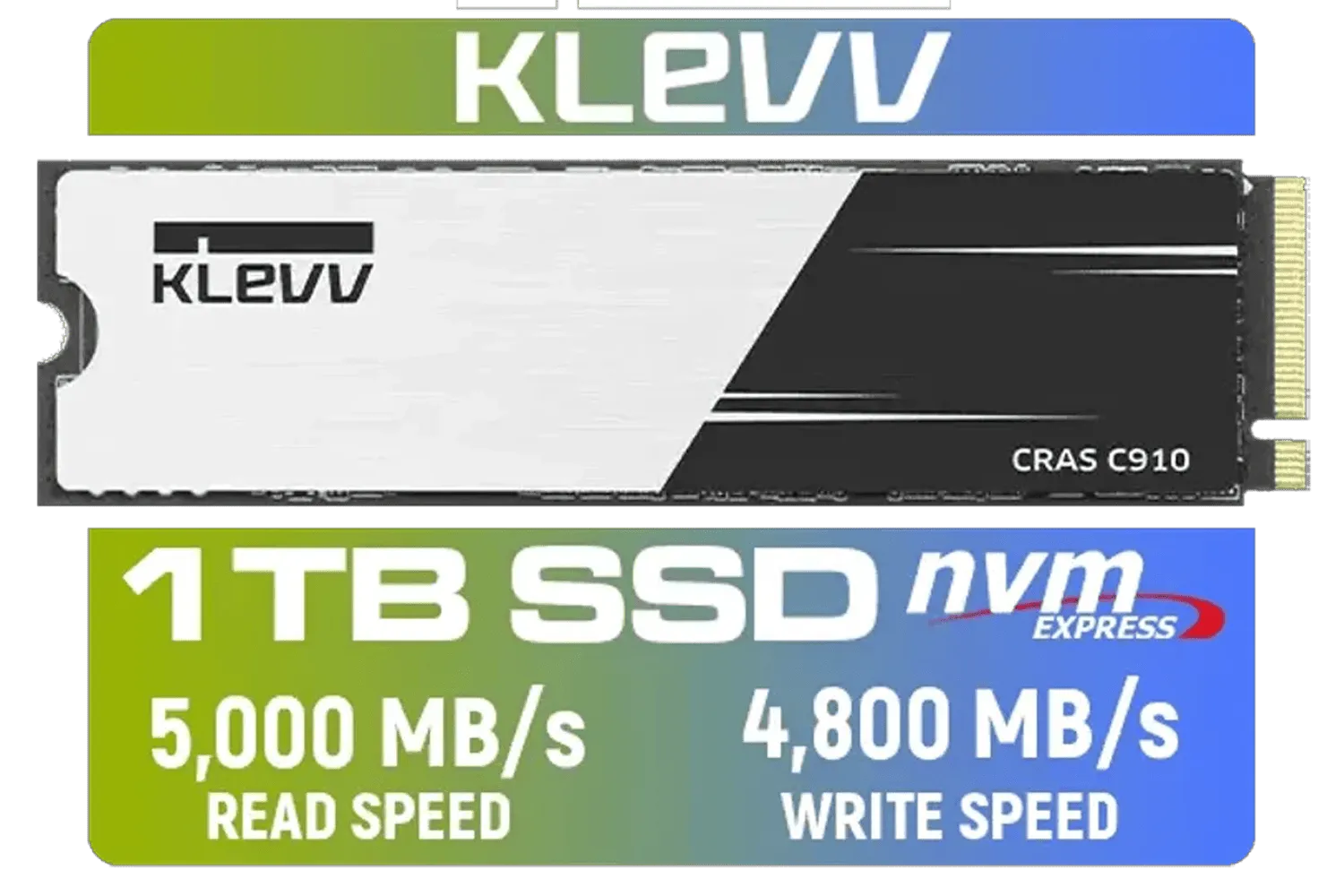
KLEVV CRAS C910 1TB M.2 NVMe PCIe Gen4x4 Internal SSD with Heatsink, up to 5000MB/s (K01TBM2SP0-C91)
R1799.00In Stock
Seamless Open Worlds ✨
Ever sprinted through a city in a game only to see textures pop in a second too late? That’s your PC struggling to load assets from the drive fast enough. With the blistering speed of a Gen5 SSD, games can stream textures, models, and environments in real-time, creating a smoother, more immersive world with no jarring pop-in. This is especially crucial as game worlds become bigger and more detailed. The current market for solid state drives is packed with amazing value, but Gen5 is where the future is heading.
Future-Proofing Your Rig
Technologies like Microsoft’s DirectStorage are specifically designed to let your graphics card pull game assets directly from your SSD, bypassing the CPU. This dramatically speeds up data access and is set to become standard in future AAA titles. Investing in PCIe 5.0 storage now means your rig will be ready to take full advantage of these next-generation gaming technologies. Pioneering brands like ADATA are already pushing the boundaries of what these drives can do.
Do You Need to Upgrade Today? The Real Talk

ADATA 1TB SSD Legend 900 PCIe Gen4x4 NVMe M.2 internal gaming SSD up to 7,000MB/s PS5 compatible (SLEG-900-1TCS)
R2299.00In Stock
Kingston Fury Renegade 1TB PCIe Gen 4.0 NVMe M.2 Internal Gaming SSD with Heat Sink | PS5 Ready | Up to 7300MB/s / SFYRSK/1000G
R2999.00In Stock
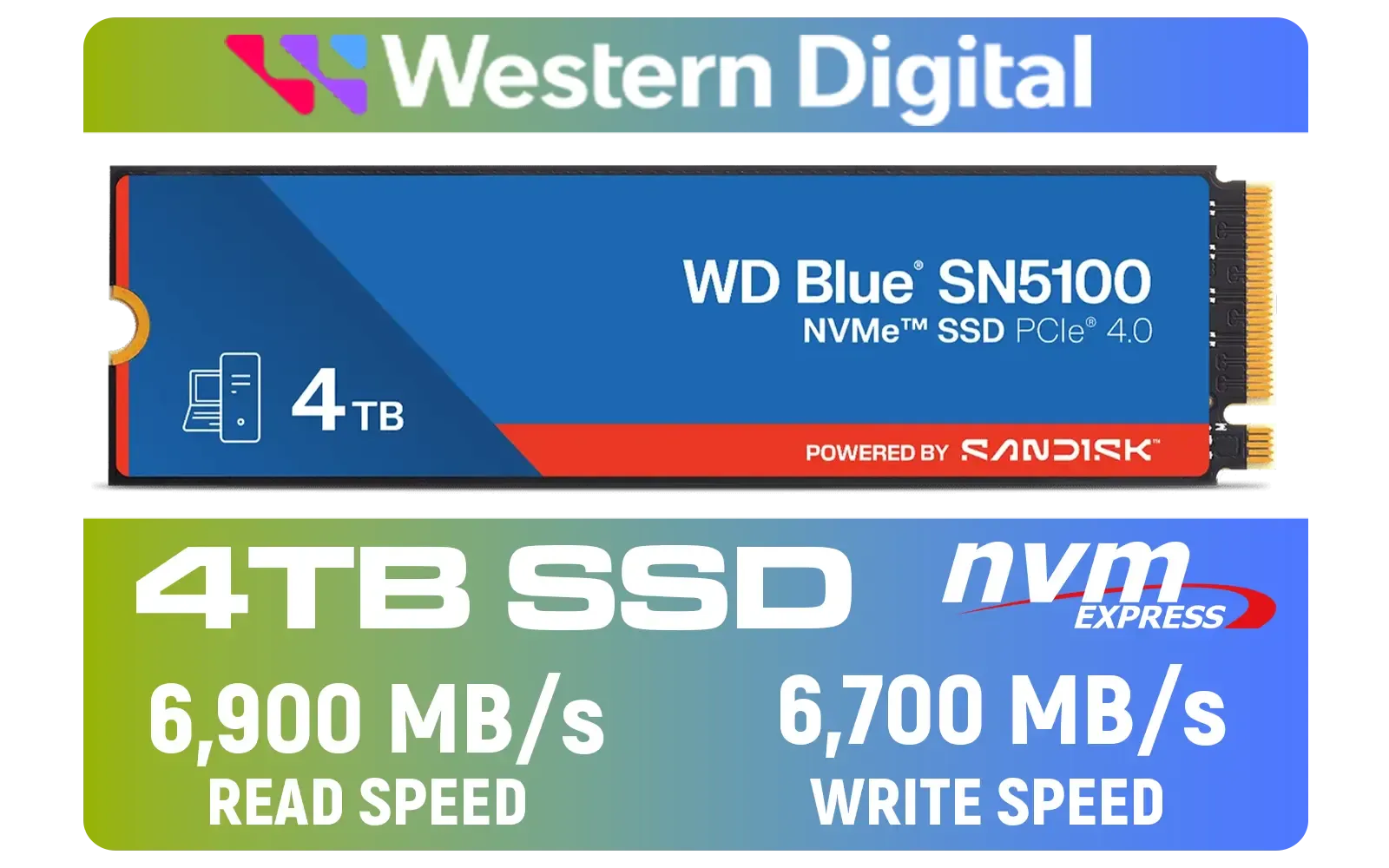
Western Digital 4TB WD Blue SN5100 NVMe Internal Solid State Drive / M.2 2280 Form Factor / Read Speeds up to 6900MB/s / Write Speeds up to 6700MB/s / PCIe Gen 4.0 Interface / nCache™ 4.0 Technology / 3D CBA NAND / Includes Acronis® True Image™ & SanDisk Dashboard Software / WDS400T5B0E
R6999.00In Stock
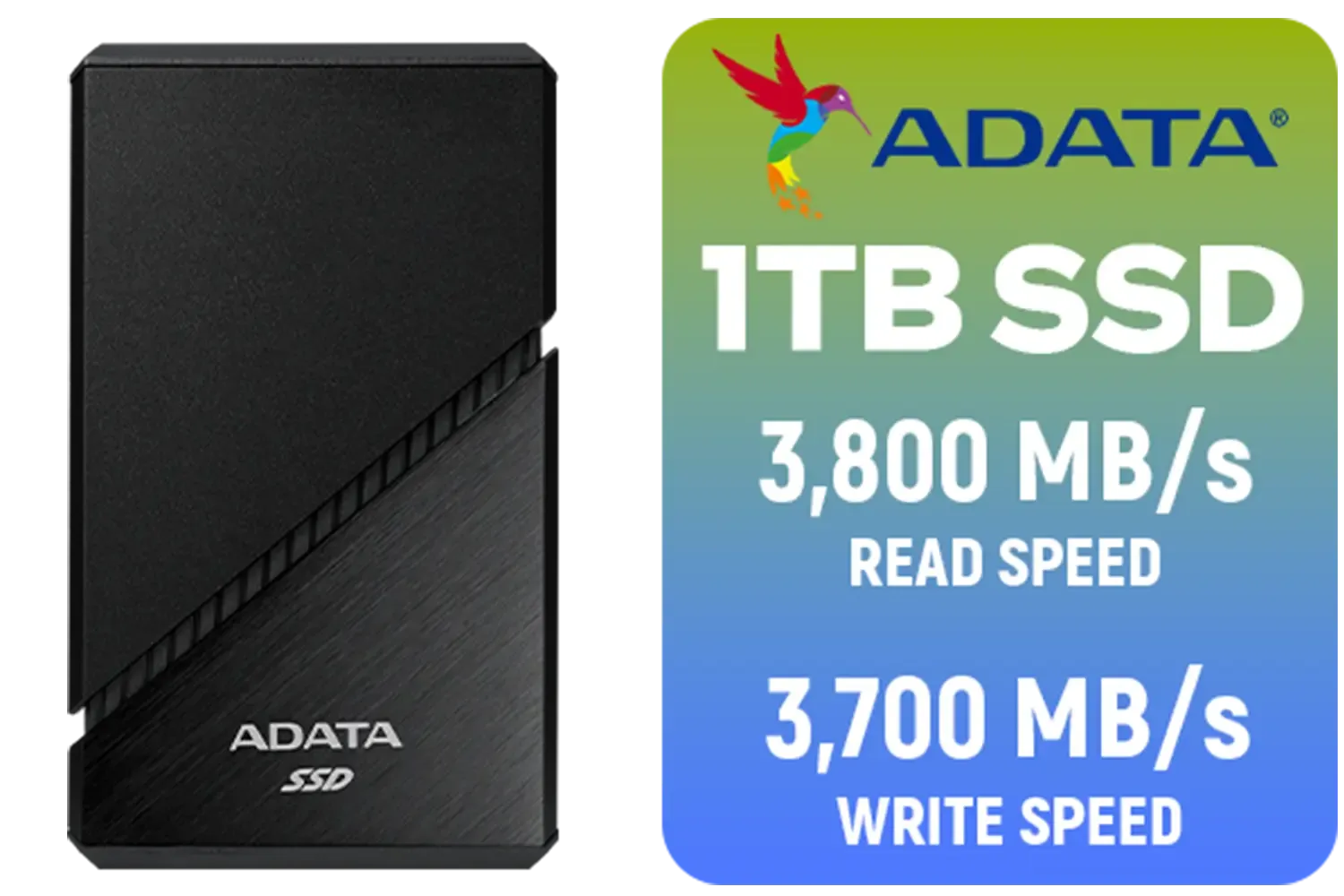
ADATA SE920 1TB External Solid State Drive / Up to 2000 MB/s Read Speed / Up to 3,700 MB/s Write Speed(3,200 MB/s with Thunderbolt 4) / USB4 USB-C Interface (Backwards Compatible with USB 3.2/2.0) / SE920-1TCBK
R2999.00In Stock

Corsair MP700 PRO 1TB with Air Cooler PCIe Gen5 x4 NVMe 2.0 M.2 SSD / Up to 11,700MB/s Sequential Read / Up to 9,600MB/s Sequential Write / M.2 2280 Form Factor / CSSD-F1000GBMP700PRO
R4199.00In Stock
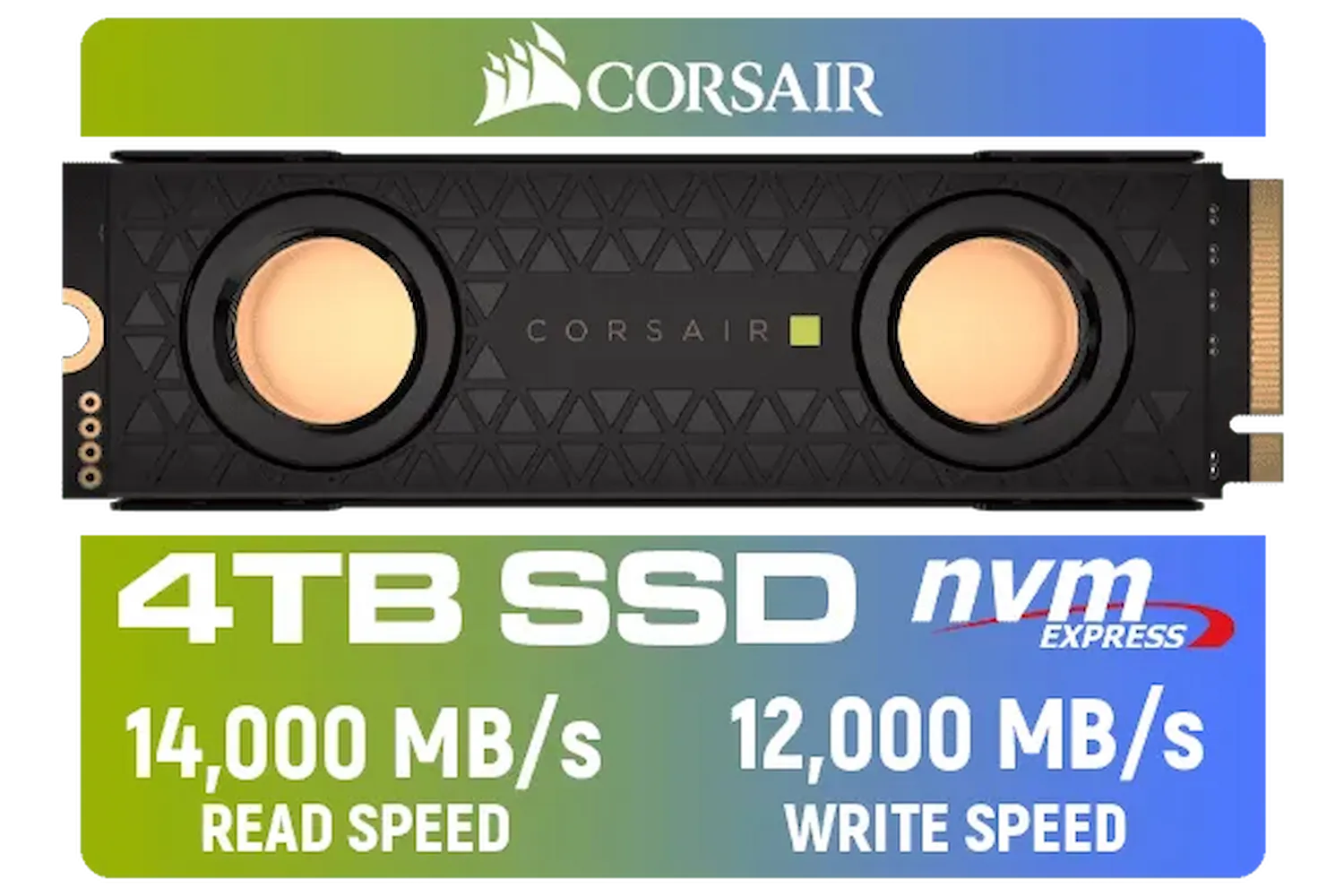
Corsair MP700 PRO SE Hydro X Series 4TB M.2 PCIe Gen5 x4 NVMe 2.0 SSD – M.2 2280 – Up to 14,000MB/sec Sequential Read – High-Density TLC NAND – Pre-Installed Water Block – Black / CSSD-F4000GBMP700PHXS
R13499.00In Stock
Okay, let's get down to brass tacks. Should you rush out and buy a PCIe 5.0 SSD today? For most people, the answer is… probably not yet. Here’s why.
First, you need a compatible system. To unlock the full speed of a Gen5 drive, you need a modern motherboard (like an AMD AM5 or Intel Z790 series) and a compatible CPU. Without them, the drive will work but will be limited to older, slower speeds.
TIP FOR YOU
Check Your Motherboard! 🔧
Before you even think about buying a PCIe 5.0 SSD, check your motherboard's specs. You need a dedicated M.2 slot that supports the Gen5 standard. Look for it on the manufacturer's website or in your manual. Plugging a Gen5 drive into a Gen4 or Gen3 slot will work, but it'll be bottlenecked to the older, slower speed... a serious waste of cash!
Second, the price. Being the latest and greatest, these drives carry a premium price tag in ZAR. While established giants like Kingston offer rock-solid reliability, the cost-per-gigabyte is still much higher than its PCIe 4.0 siblings.
Finally, heat is a factor. These drives run hot under load, and most require a substantial heatsink to maintain peak performance without throttling. High-performance options from brands such as CORSAIR often come with their own advanced cooling solutions for this very reason.
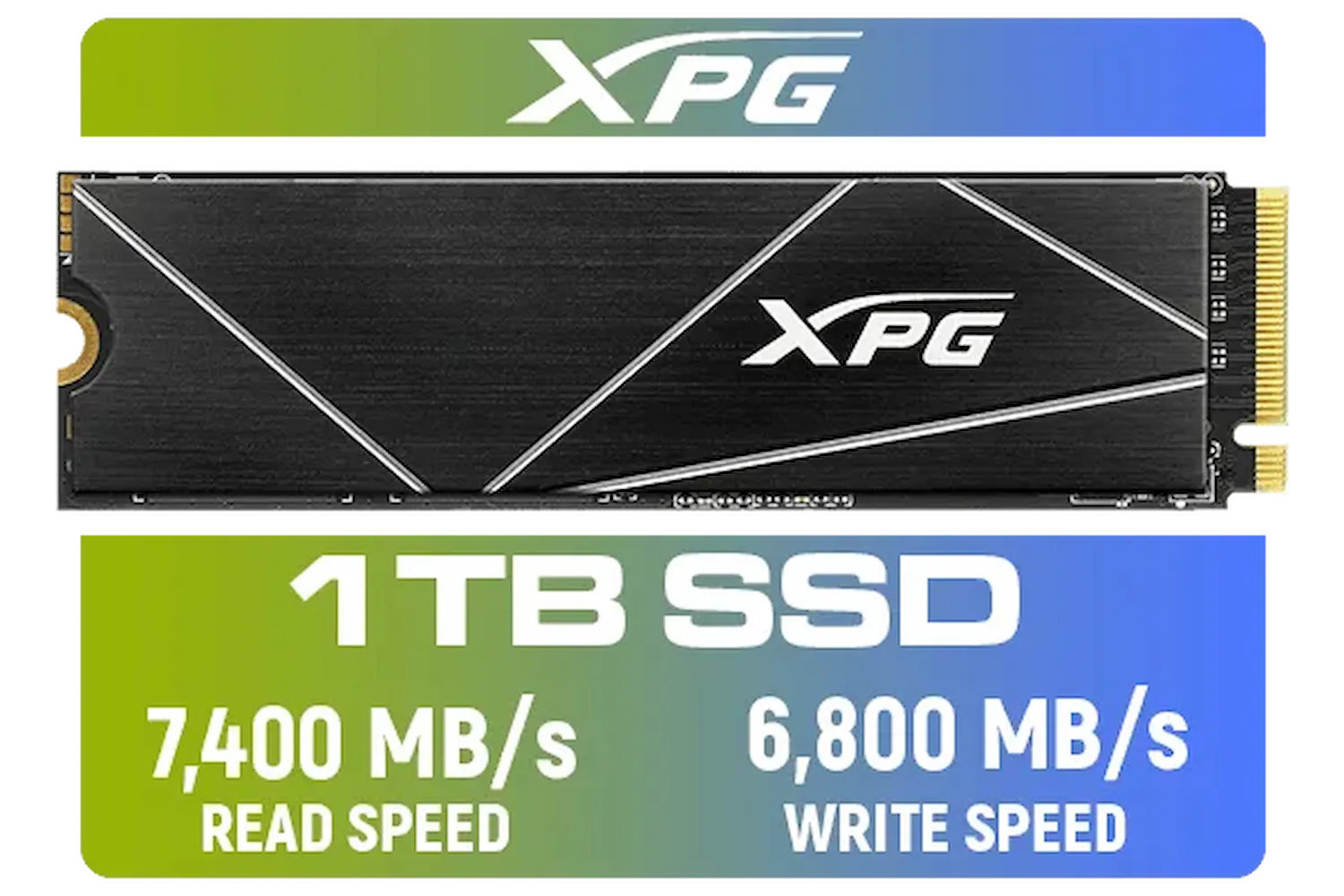
ADATA XPG 1TB GAMMIX S70 Blade - Works with Playstation 5, PCIe Gen4 M.2 2280 Internal Gaming SSD Up to 7,400 MB/s / AGAMMIXS70B-1T-CS
R2599.00In Stock

ADATA SD810 1000G IP68 Water Resistance Up to 2000 MB/s USB 3.2 Gen 2 USB-C External Solid State Drive - Black for iPhone 15/Pro/Max, Android / SD810-1000G-CBK
R2399.00In Stock

ADATA SD810 2000G USB-C 2TB External Solid State Drive - Black / IP68 Water Resistance / Up to 2000 MB/s Read/Write Speeds / USB 3.2 Gen 2 for iPhone 15/Pro/Max, Android / SD810-2000G-CBK
R3199.00In Stock
Western Digital 2TB WD Blue SN5000 NVMe Internal Solid State Drive SSD - PCIe Gen 4.0, M.2 2280, Up to 5,150 MB/s / WDS200T4B0E
R3499.00In Stock
Kingston KC3000 PCIe 4.0 NVMe M.2 2TB SSD - High-Performance Storage for Desktop and Laptop PCs -SKC3000D/2048G
R3999.00In Stock

Corsair MP700 PRO with Air Cooler 2TB M.2 PCIe Gen5 x4 NVMe 2.0 SSD – M.2 2280 – Up to 12,400MB/sec Sequential Read – High-Density TLC NAND – Black / CSSD-F2000GBMP700PROS
R6699.00In Stock
The Verdict: Your Next Storage Upgrade
So, is PCIe 5.0 storage the future? Absolutely. For elite PC builders who demand the absolute best and want to be on the cutting edge for years to come, it’s an exciting and powerful choice.
However, for the majority of South African gamers right now, a high-quality PCIe 4.0 drive offers a phenomenal experience that is more than fast enough for today's games. For now, a fast and spacious 2TB PCIe 4.0 SSD hits the sweet spot of price, performance, and capacity.
The world of PCIe 5.0 storage explained is simple: it's the fastest you can get, but it requires the right system and budget. As prices come down and more games are built to take advantage of it, it will become the new standard. Until then, you have fantastic options at every price point.
Ready for an Instant Speed Boost? Whether you're future-proofing with the latest PCIe 5.0 tech or grabbing a high-value Gen4 drive, the right SSD transforms your entire PC experience. From booting Windows in seconds to eliminating in-game stutter, the speed is undeniable. Browse our full range of Solid State Drives and find the perfect upgrade for your rig.
Related Products

DAHUA M.2 PCIe Gen4x4 1TB NVMe SSD / PCIe Gen4.0x4 Supported / Read: Up to 6290 MB/s Write: Up to 5680 MB/s / DHI-SSD-C970VN1TB
R1949.00In Stock
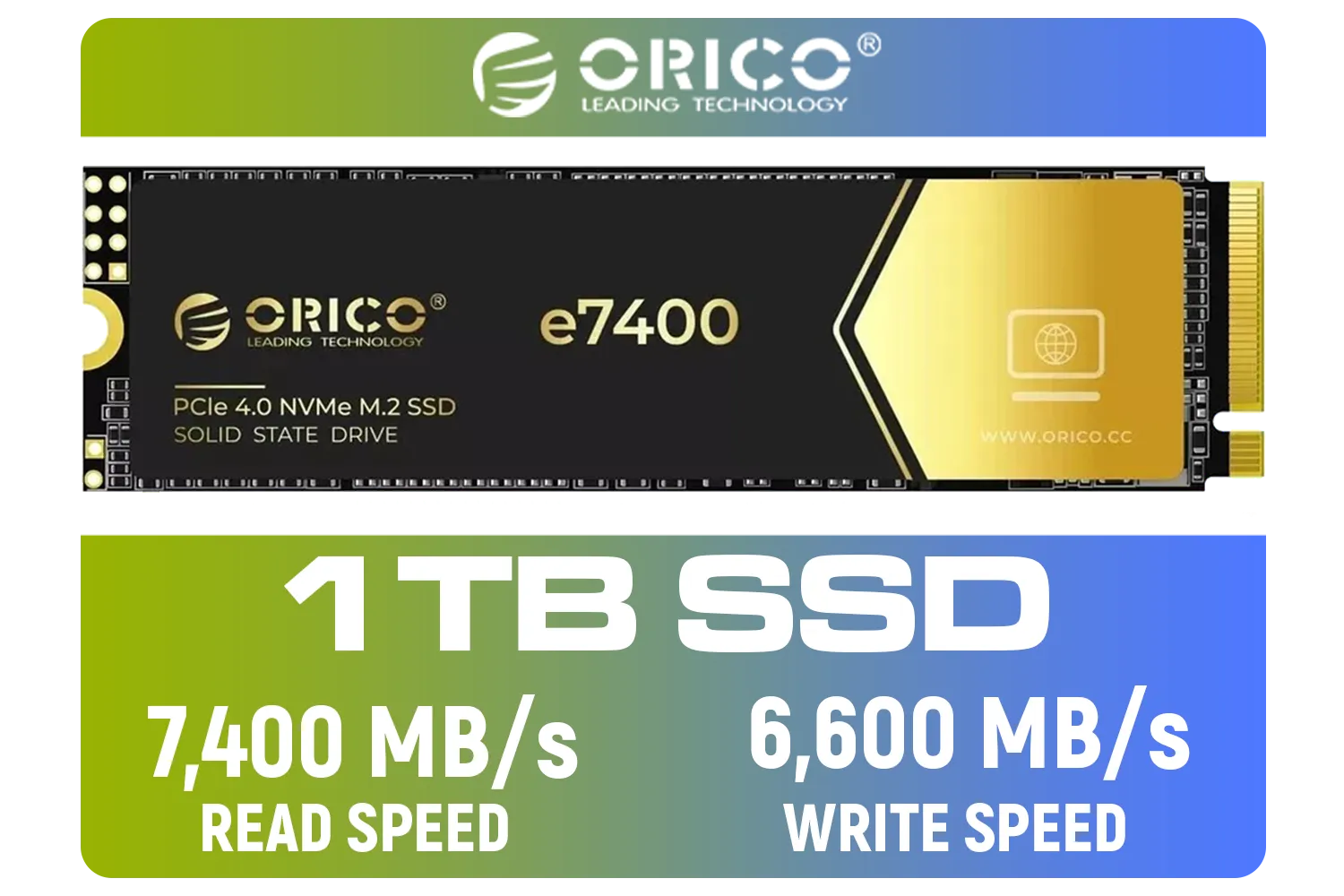
ORICO e7400 M.2 NVMe SSD - 1TB / PS5 Compatible / PCIe Gen4.0 x4 / Up to 7,400MB/s Read and 6,600MB/s Write Speeds / ORICO-e7400-1TB-GD-BP
R2299.00In Stock
![[OEM] Dahua V800 256GB 2.5" SATA 3.0 6 Gb/s 3D NAND Solid State Drive / Read Speed Up to 540 MB/s / Write Speed Up to 170 MB/s / High-Quality Wafer-Level Chip / TRIM & NCQ Performance Boost / Low Power Consumption / Safe & Reliable Data Transfer / Stable 24/7 Read-Write for XVR (No Frame Loss) / DHI-SSD-V800S256G](https://img.evetech.co.za/repository/ProductImages/dahua-v800-256gb-oem-2-5-sata-ssd-1600px-v1-001.webp)
[OEM] Dahua V800 256GB 2.5" SATA 3.0 6 Gb/s 3D NAND Solid State Drive / Read Speed Up to 540 MB/s / Write Speed Up to 170 MB/s / High-Quality Wafer-Level Chip / TRIM & NCQ Performance Boost / Low Power Consumption / Safe & Reliable Data Transfer / Stable 24/7 Read-Write for XVR (No Frame Loss) / DHI-SSD-V800S256G
R699.00In Stock
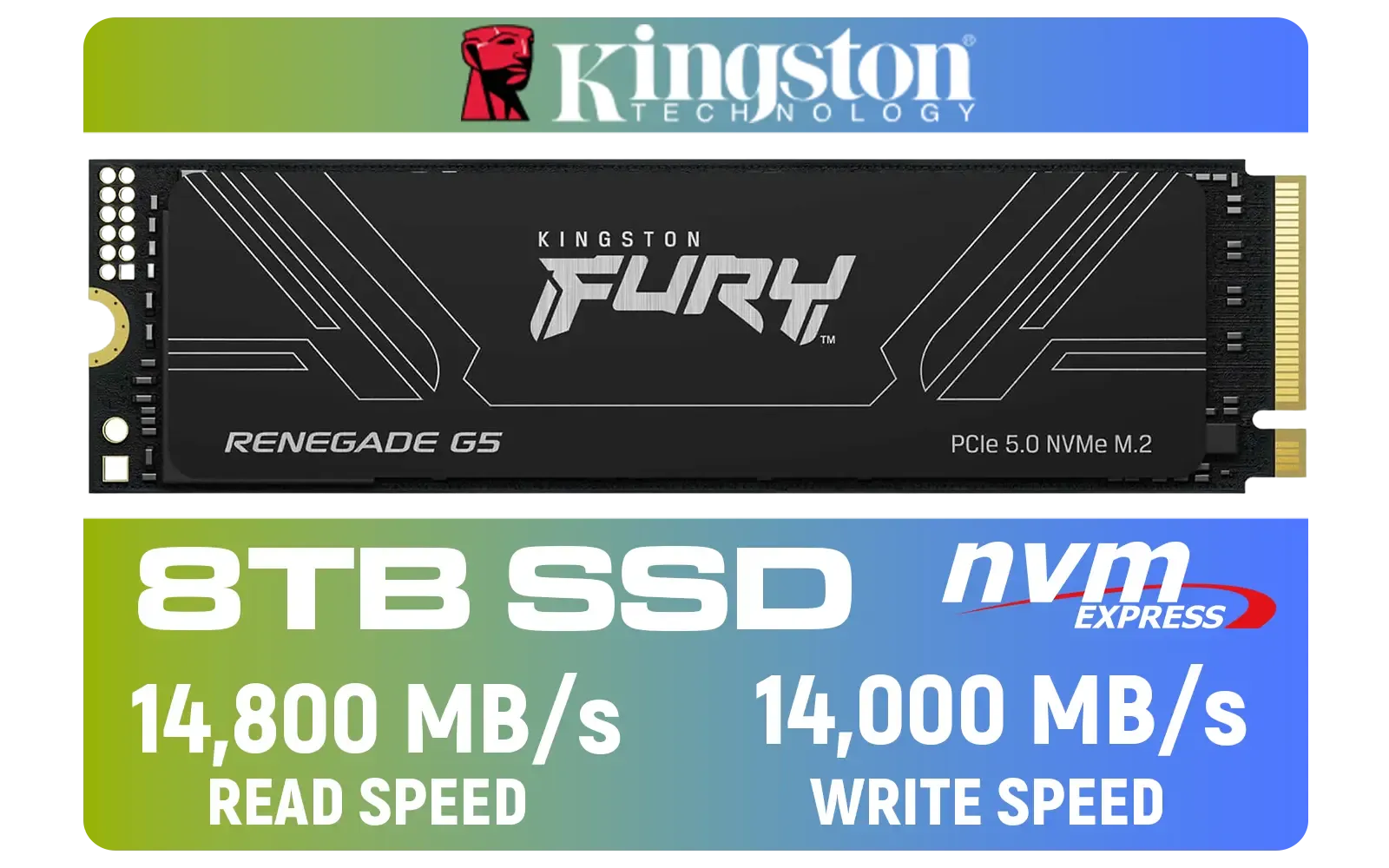
Kingston Fury Renegade G5 8TB PCIe Gen 5.0 NVMe M.2 Internal SSD / Maximum Read Speed 14,800 MB/s / Maximum Write Speed 14,000 MB/s / Advanced thermal design / SFYR2D/8T1
R17899.00In Stock
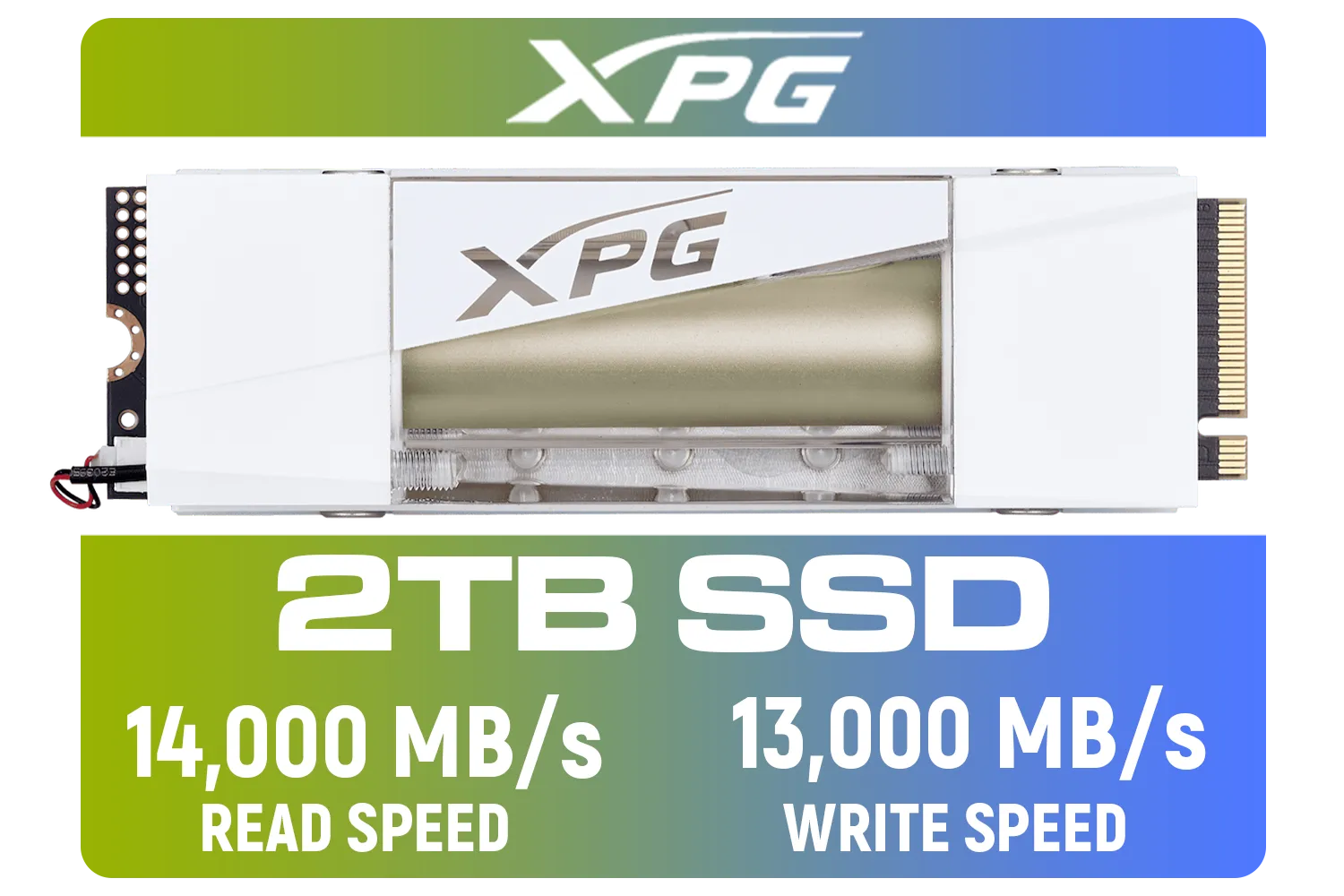
Adata Mars 980 Storm 2TB NVMe SSD / PCIe Gen5 x4 / Up to 14,000MB/s - 13,000MB Sequential Read/Write / SMAR-980S-2TCI
R4499.00In Stock
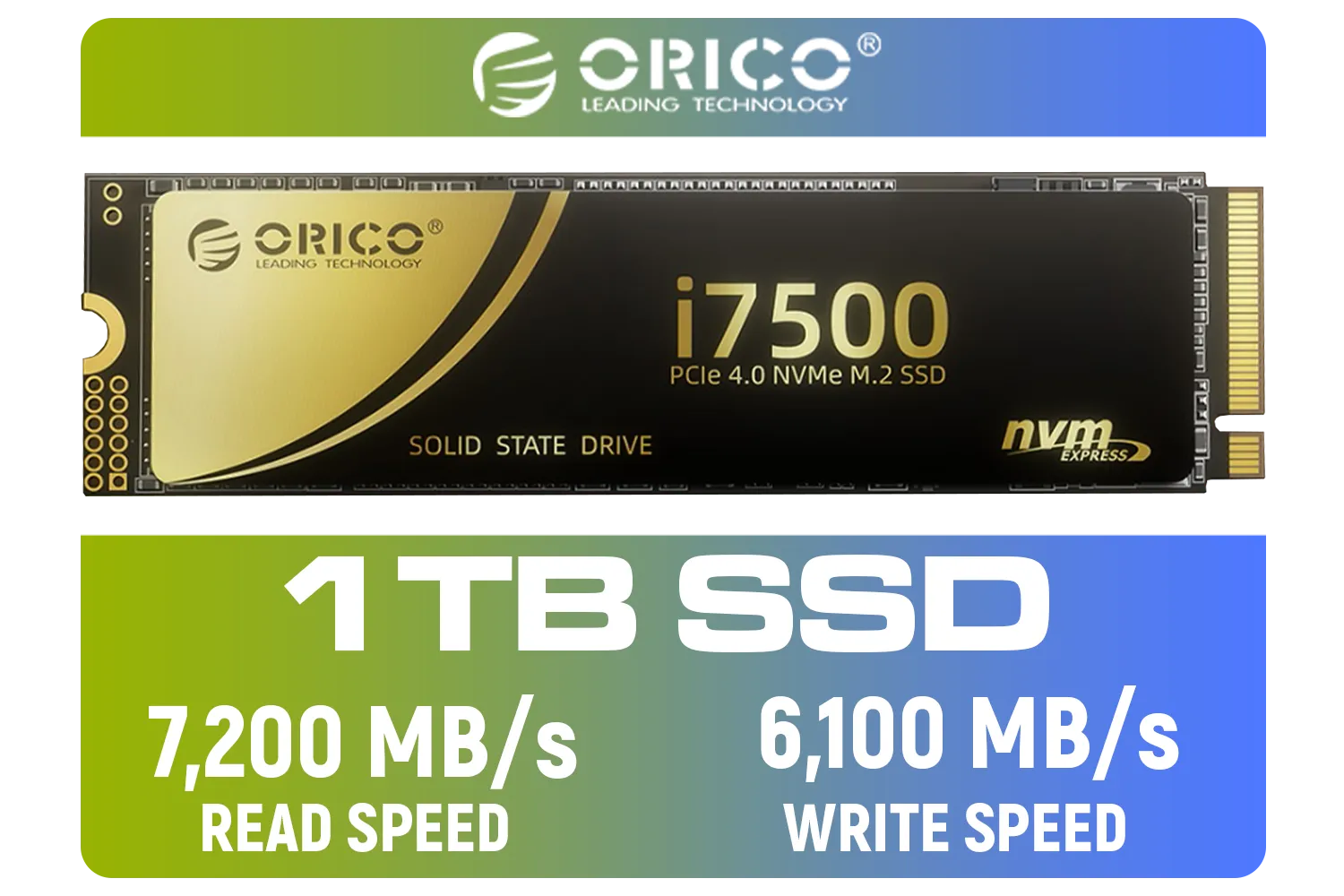
ORICO i7500 M.2 NVMe SSD - 1TB / 3D NAND Flash / PCIe Gen4.0 x4 / Up to 7,200MB/s Read and 6,100MB/s Write Speeds / ORICO-i7500-1TB-GD-BP
R2349.00In Stock
PCIe 5.0 storage doubles bandwidth over PCIe 4.0, enabling much faster NVMe SSD performance for game asset streaming and shorter load times.
PCIe 5.0 offers roughly double raw bandwidth per lane compared to PCIe 4.0, unlocking substantially higher sequential speeds in PCIe 5.0 SSDs.
PCIe 5.0 mainly improves load times, texture streaming, and responsiveness; FPS gains are minimal unless current storage is a major bottleneck.
Yes. You need a motherboard and CPU that support PCIe 5.0 lanes and often a BIOS update to recognize PCIe 5.0 NVMe SSDs.
Look for drives with proven PCIe 5.0 NVMe benchmarks, good sustained write performance, and thermal controls—search 'best PCIe 5.0 SSD for gaming'.
Install the M.2 PCIe 5.0 SSD into a compatible M.2 slot, secure the heatsink, enable the slot in BIOS, and update drivers and firmware.
If you want top-tier load times and future proofing and you have compatible hardware, PCIe 5.0 storage is worth it; otherwise PCIe 4.0 still performs well.











