



PCIe Gen 5: Is It Worth Upgrading for the RTX 5070 Ti?
PCIe Gen 5: Decide if upgrading your motherboard for an RTX 5070 Ti gives real-world FPS, bandwidth and futureproofing gains. Read benchmarks, cost tips and upgrade steps. ⚡🔧
|
Loading tags...

The hype train for NVIDIA's next-gen GPUs is leaving the station, and every PC builder in South Africa is asking the same question. As whispers of the RTX 50 series get louder, there's a new spec on everyone's mind: PCIe Gen 5. Is it worth overhauling your rig for the rumoured RTX 5070 Ti? Or is it just clever marketing? Let's cut through the jargon and see if a PCIe Gen 5 upgrade makes sense for your next build. 🚀

Palit GeForce RTX 5070 Ti GameRock 16G / 16GB GDDR7 / 28Gbps Memory Speed / PCI Express® Gen 5 / NE7507T019T2-GB2030G
R17999.00In Stock

ASRock Intel ARC B580 Steel Legend OC Graphics Card / 12Gb 192-bit GDDR6 / DirectX 12 Ultimate / 2560 Cores / 2800MHz Engine Clock / 90-GA5CZZ-00UANF
R6999.00In Stock

MSI GeForce RTX 5070 Ti 16G Gaming Trio OC Graphics Card / 16GB GDDR7 / 8960 Cuda Cores / 256-bit Memory Interface / Boost Clock : 2572 MHz / PCI Express® Gen 5 / 912-V531-272
R21199.00In Stock

MSI GeForce RTX 5070 12G Gaming Trio OC Graphics Card / 12GB GDDR7 / 6144 Cuda Cores / 192-bit Memory Interface / Boost Clock : 2610 MHz / NVIDIA Blackwell & DLSS 4 / TRI FROZR 4 Thermal Design / Metal with Airflow Vents / 912-V532-019
R15199.00In Stock

Palit GeForce RTX 5070 Infinity 3 12GB Graphics Card / 12GB GDDR7 / 6144 Cuda Cores / 192-bit Memory Interface / Boost Clock : 2512 MHz / NVIDIA Blackwell & DLSS 4 / NE75070019K9-GB2050S
R10799.00In Stock
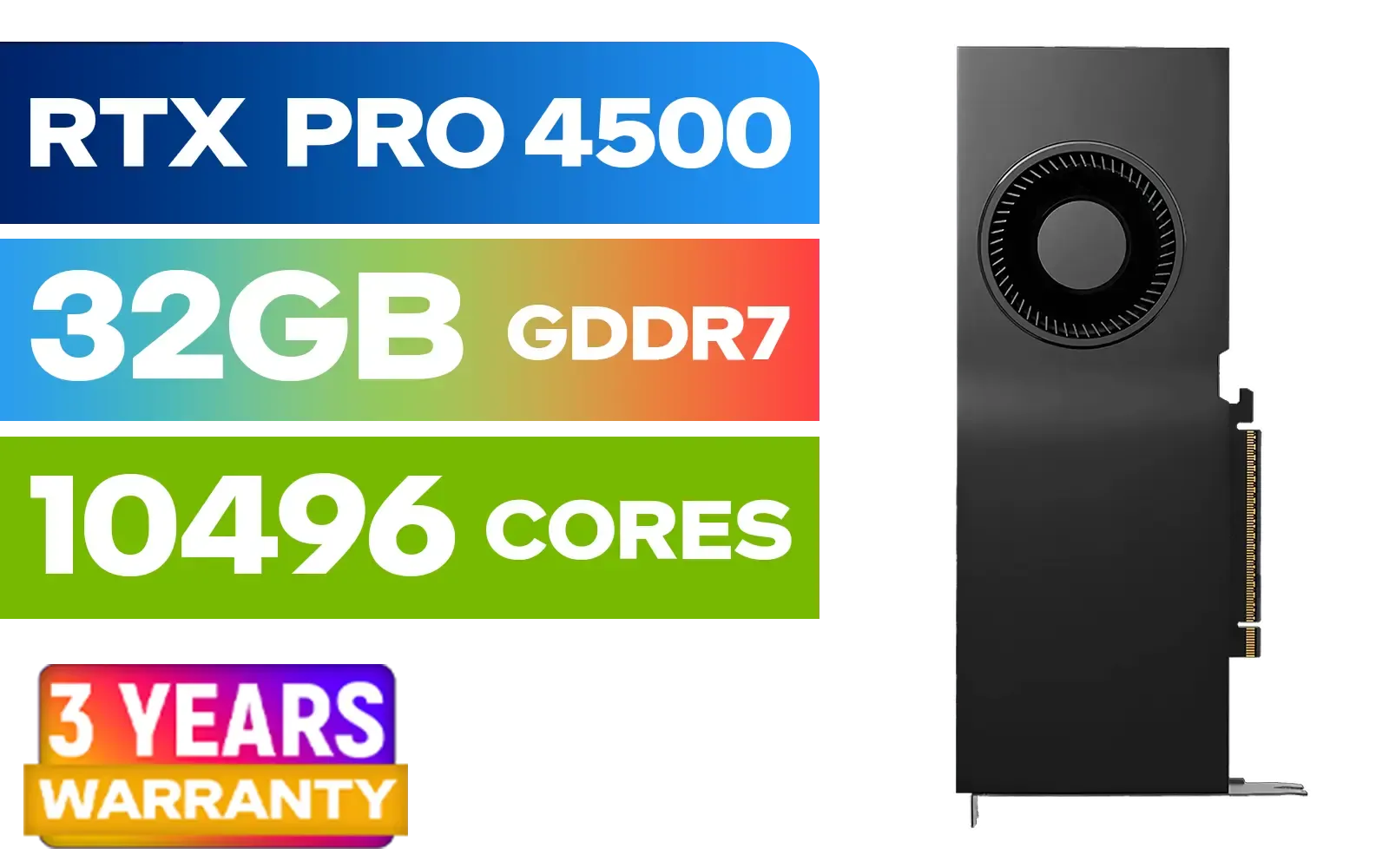
PNY NVIDIA RTX PRO 4500 32GB Blackwell Workstation Graphics Card / 10,496 CUDA Cores / 32GB GDDR7 with ECC / 4x Display Ports / VCNRTXPRO4500-PB
R54499.00In Stock
What is PCIe Gen 5, Anyway?
Think of the PCI Express (PCIe) slot on your motherboard as a highway connecting your graphics card to your processor. Each new generation doubles the number of lanes, effectively doubling the speed limit.
PCIe Gen 5 offers a staggering 128 GB/s of bandwidth, which is double that of the already speedy PCIe Gen 4. While this sounds incredible, the real question is whether games and graphics cards can actually use all that speed. For now, the biggest advantage of Gen 5 is seen in ultra-fast NVMe SSDs, which can slash loading times in games and make creative work feel instantaneous.
Do Current GPUs Even Need That Speed?
Here’s the simple truth: not really. Even the most powerful consumer GPU on the market today, the RTX 4090, barely loses any gaming performance when running on a PCIe 4.0 slot... or even a PCIe 3.0 slot in most cases. The benchmarks are clear. For gaming, the bottleneck is almost always the GPU's own processing power, not the connection to the motherboard. You can see this across today's top-end NVIDIA GeForce graphics cards—they are performance monsters that are well-served by current standards.

Palit GeForce RTX 5090 GameRock 32GB GDDR7 512-Bit PCIe 5.0 Desktop Graphics Card / NE75090019R5-GB2020G
R47999.00In Stock

MSI GeForce RTX 5080 16G VENTUS 3X OC / PCI Express Gen 5 / 10752 Cuda Cores / 16GB GDDR7 / DirectX 12 Ultimate / 912-V531-262
R26999.00In Stock
ASRock Intel ARC B580 Steel Legend OC Graphics Card / 12Gb 192-bit GDDR6 / DirectX 12 Ultimate / 2560 Cores / 2800MHz Engine Clock / 90-GA5CZZ-00UANF
R6999.00In Stock

MSI GeForce RTX 5070 12G VENTUS 3X OC Graphics Card / 12GB GDDR7 / 6144 Cuda Cores / 192-bit Memory Bus / Boost Clock : 2542 MHz / PCI Express® Gen 5 / 912-V532-007
R14999.00In Stock

Leadtek NVIDIA RTX 5000 ADA 32GB GDDR6 Workstation Graphics Card / 12800 Nvidia CUDA Cores / 576GB/s Memory Bandwidth / Ada Lovelace GPU architecture / 126V5000100
R96999.00In Stock

MSI GeForce RTX 5070 Ti 16G Ventus 3X OC / 16GB GDDR7 / 28Gbps Memory Speed / PCI Express® Gen 5 / 912-V531-092
R19999.00In Stock
The Big Question: Will the RTX 5070 Ti Require PCIe Gen 5?
This is where we move from fact to educated speculation. While the RTX 5070 Ti will almost certainly be a PCIe 5.0 compatible card, it's highly unlikely that it will require the full bandwidth to perform at its best.
NVIDIA designs its "70 Ti" tier cards for the high-performance mainstream market. Forcing a massive motherboard upgrade on millions of potential customers with perfectly good Gen 4 systems would be a poor business move. It’s more probable that the PCIe Gen 5 support for the RTX 5070 Ti will be about future-proofing and marketing, with real-world gaming differences between a Gen 4 and Gen 5 slot being less than 1-2%. The same logic applies when looking at what AMD Radeon cards are doing in the market; broad compatibility is key.
TIP FOR YOU
Check Your Specs! 🔧
Before planning any upgrade, know what you have. Download a free tool like CPU-Z. Under the "Mainboard" tab, look for the "Graphic Interface" section. It will tell you your current PCIe version and link speed. This helps you understand your starting point and avoid unnecessary spending.
So, Should You Upgrade Your Motherboard?
This depends entirely on your situation. Let's break it down.
Scenario 1: You're Building a Brand-New PC
If you're starting from scratch with a new CPU and platform (like AMD's AM5 or Intel's latest), then absolutely. Choosing a motherboard with at least one PCIe 5.0 x16 slot is a smart move for future-proofing. The price difference is often minimal, and it ensures you're ready for whatever comes next, whether it's a new GPU or an even faster SSD. Many high-performance cards from partners like MSI will be designed with this forward-looking tech in mind.
Scenario 2: You Have a Good PCIe Gen 4 System
If you're already running a decent B550/X570 or B660/Z690/Z790 motherboard, hold your ground. The money you would spend on a new motherboard and potentially a new CPU is far better invested in a more powerful GPU. A jump from an RTX 4060 to an RTX 4070 SUPER will give you a massive, noticeable performance boost, whereas a jump from a Gen 4 to a Gen 5 motherboard for your existing GPU will give you... well, nothing. ✨

PNY GeForce RTX 5070 EPIC-X 12GB OC Graphics Card / 12GB GDDR7 / 6144 Cuda Cores / 192-bit Memory Interface / Base Clock: 2160 MHz / 28 Gbps Memory Speed / DisplayPort 2.1b (x3), HDMI® 2.1b / VCG507012TFXXPB1-O
R13299.00In Stock
Palit GeForce RTX 5090 GameRock 32GB GDDR7 512-Bit PCIe 5.0 Desktop Graphics Card / NE75090019R5-GB2020G
R47999.00In Stock
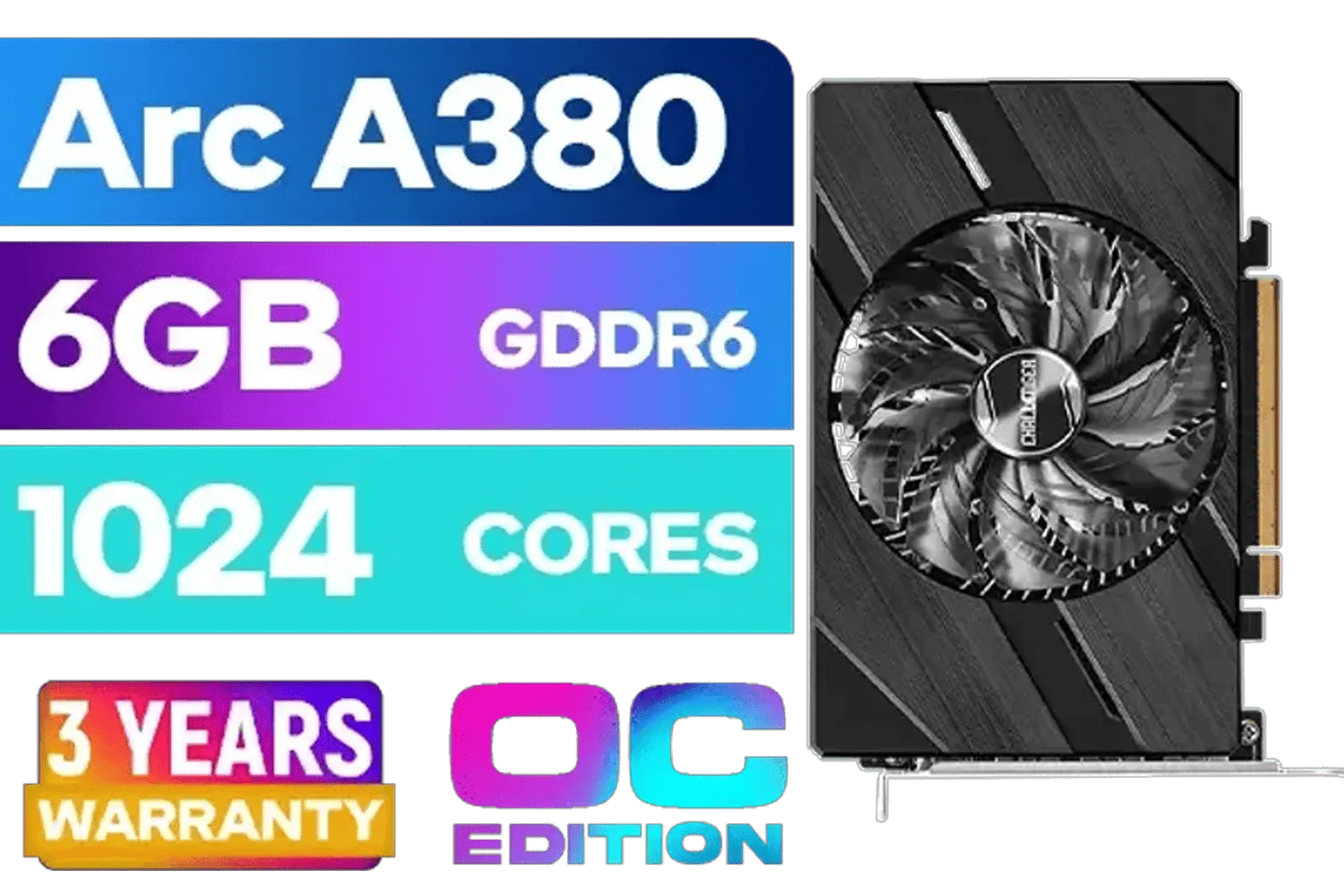
ASRock Intel Arc A380 Challenger ITX 6GB OC GDDR6 Graphics Card / 90-GA3KZZ-00UANF
R3199.00In Stock
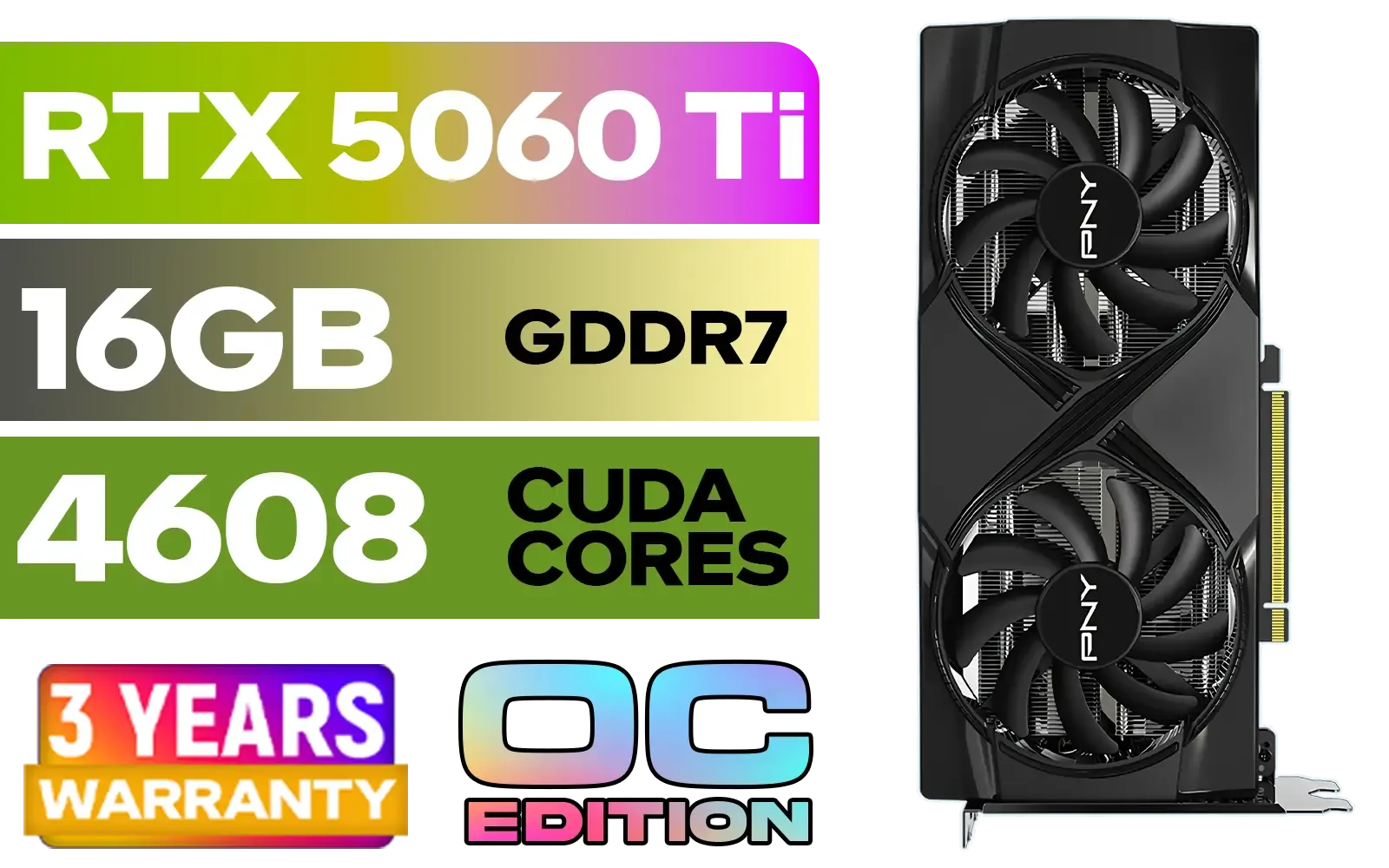
PNY GeForce RTX 5060 Ti 16GB OC Dual Fan Graphics Card / 16GB GDDR7 / 4608 CUDA Cores / 128-bit Memory Interface / Boost Clock: 2692 MHz / 28 Gbps Memory Speed / DisplayPort 2.1b (x3), HDMI® 2.1b / VCG5060T16DFXPB1-O
R10499.00In Stock
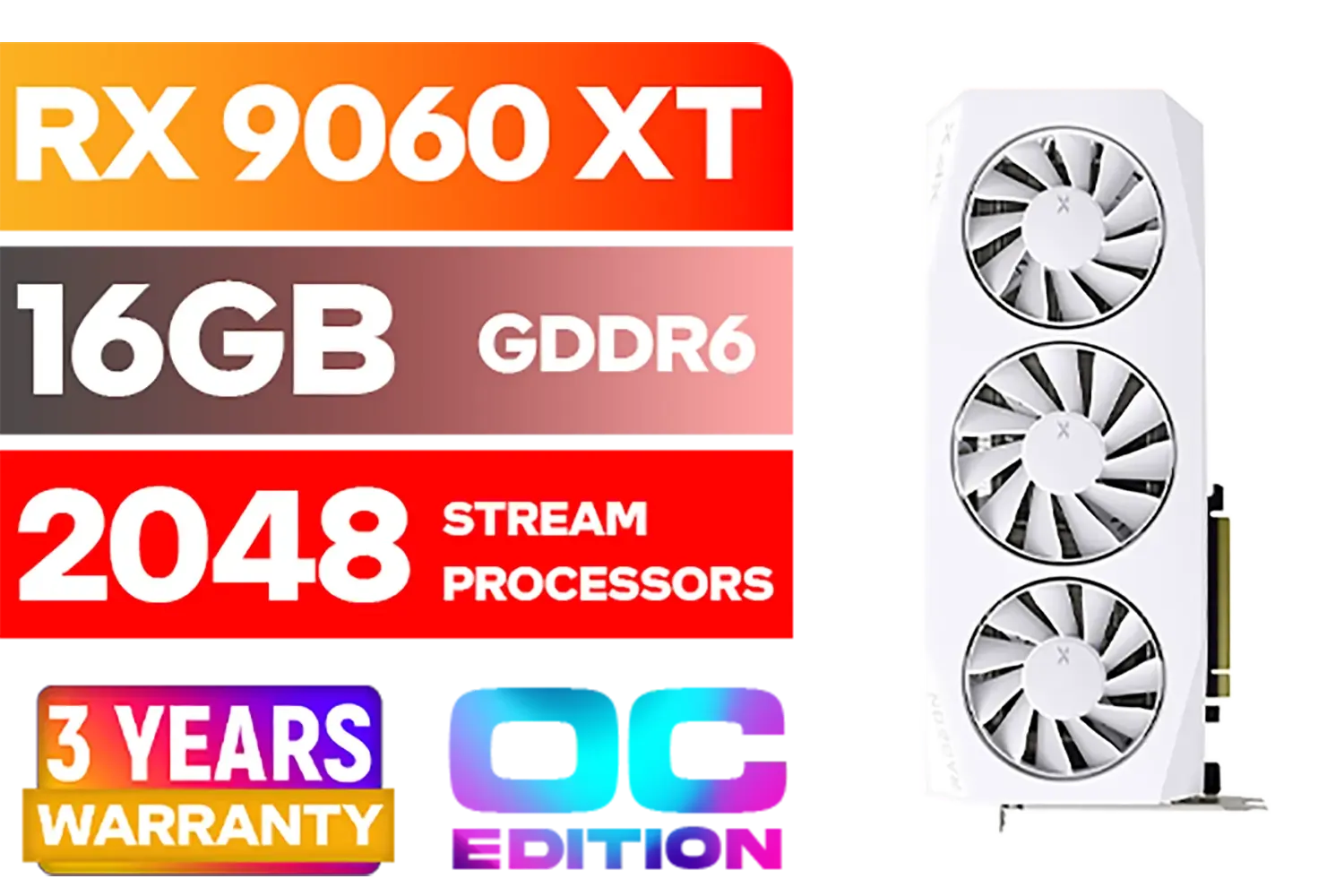
XFX Mercury AMD Radeon RX 9060XT OC White Gaming Edition with 16GB GDDR6 HDMI 2xDP, AMD RDNA 4 / RX-96TMERCW9
R9199.00In Stock

MSI Geforce RTX 5060 Ventus 2X 8G OC Graphics Card / 8GB GDDR7 / 3840 Cuda Cores / 128-bit Memory Interface / Boost Clock : 2527 MHz / PCI Express® Gen 5 / 912-V537-017
R7699.00In Stock
The Verdict: Focus on Real-World Power
Ultimately, the excitement around a PCIe Gen 5 upgrade for the RTX 5070 Ti is understandable, but it shouldn't be the deciding factor for most South African gamers. The performance gains for gaming will likely be tiny.
Your focus should be on the hardware that delivers tangible results right now. A faster GPU, more RAM, or a quicker SSD will have a much bigger impact on your frame rates and overall experience. Don't get caught up in the hype; invest your budget where it counts. When you're ready, you can browse the latest graphics cards and see what best fits your budget and performance needs today.
Ready to Unleash True Gaming Power? Future-proofing is smart, but nothing beats the thrill of incredible performance today. Whether you're eyeing the current champs or waiting for the next big thing, having the right GPU is what truly matters. Explore our massive range of NVIDIA graphics cards and find the perfect engine for your gaming rig.
Related Products
XFX Mercury AMD Radeon RX 9060XT OC White Gaming Edition with 16GB GDDR6 HDMI 2xDP, AMD RDNA 4 / RX-96TMERCW9
R9199.00In Stock
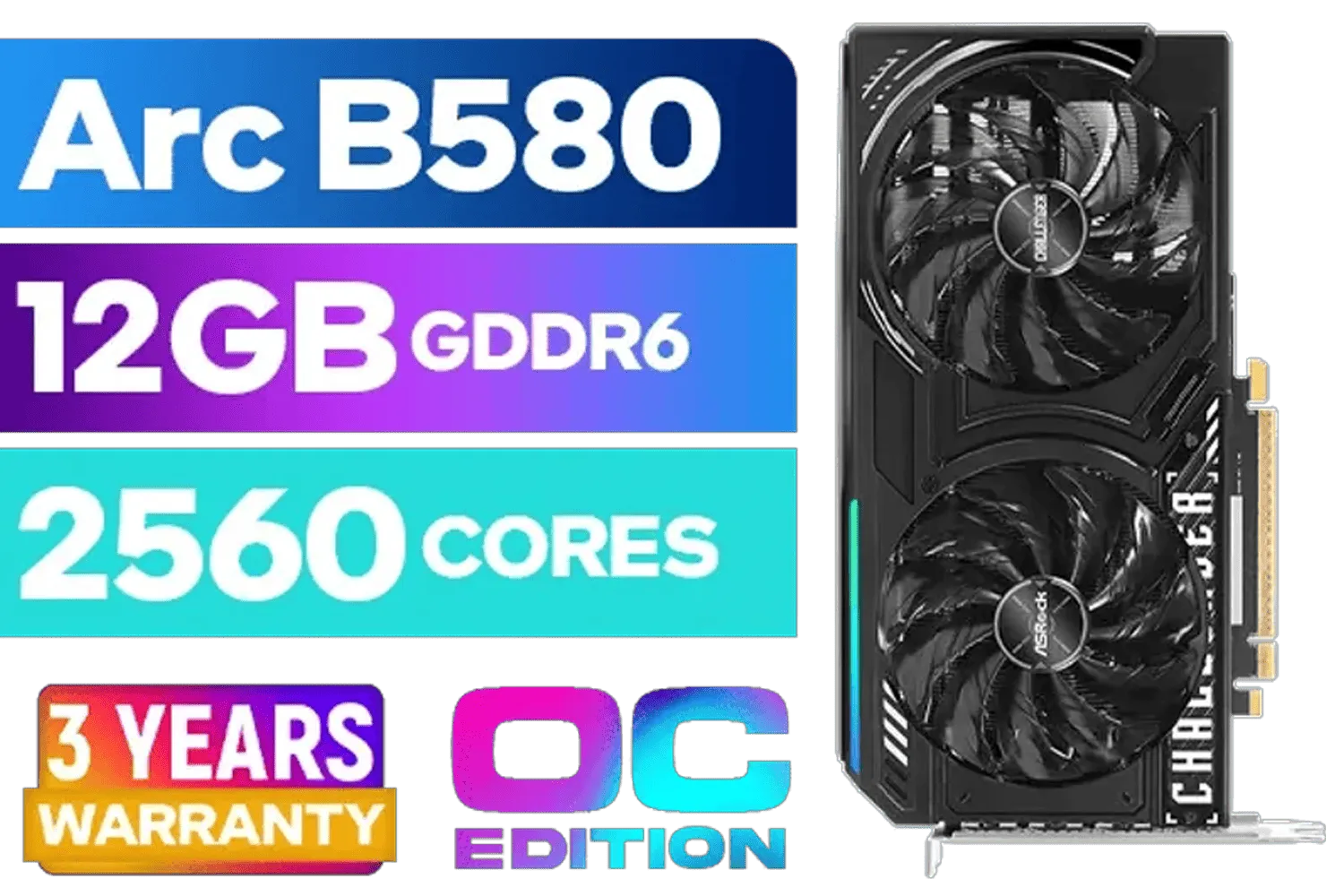
ASRock Intel ARC B580 Challenger OC Graphics Card / 12Gb 192-bit GDDR6 / DirectX 12 Ultimate / 2560 Cores / 2740MHz Engine Clock / 90-GA5LZZ-00UANF
R6499.00In Stock
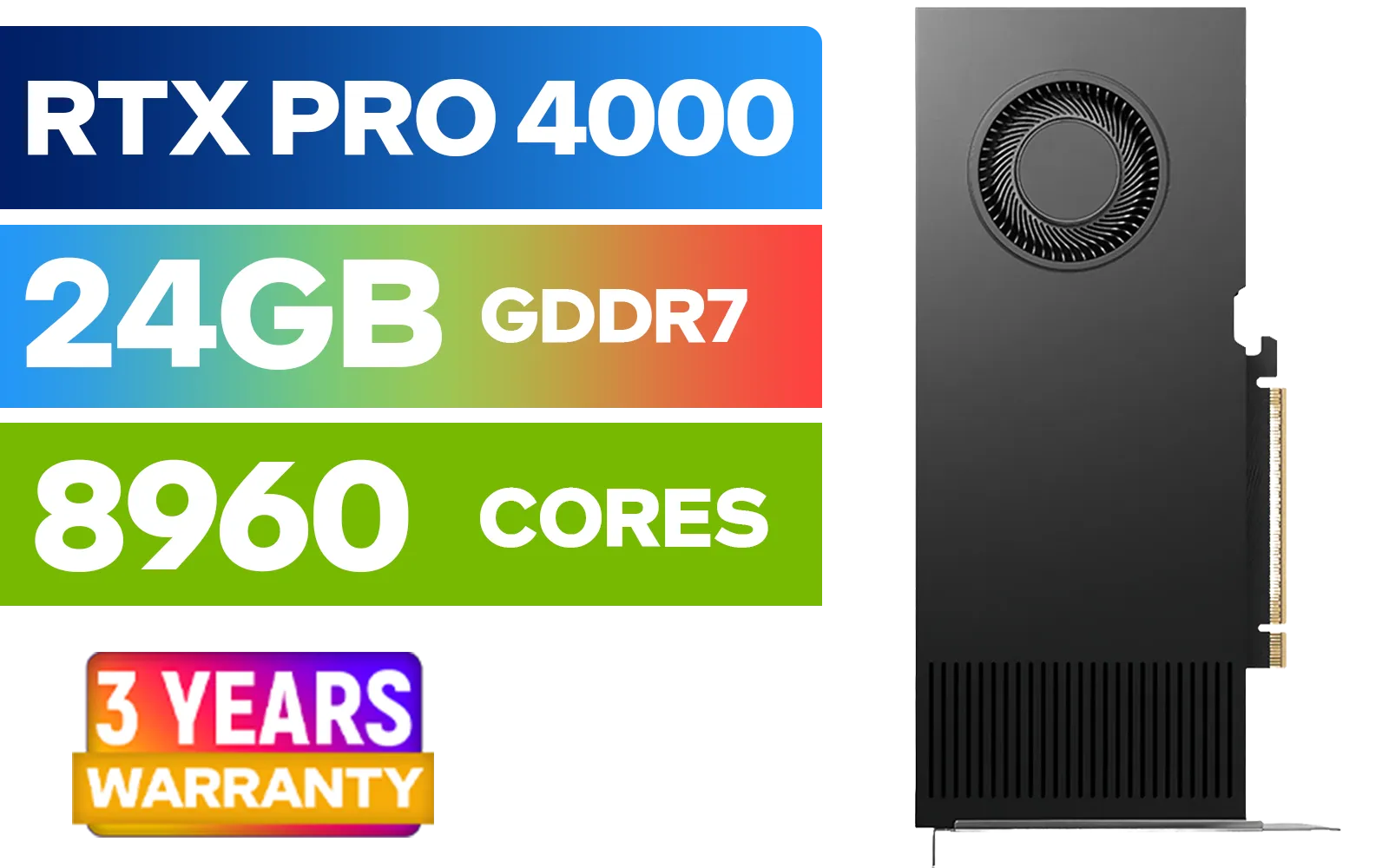
LEADTEK NVIDIA RTX PRO 4000 Blackwell 24GB GDDR7 Workstation Graphics Card / 8,960 Nvidia CUDA Cores / 672GB/s Memory Bandwidth / NVIDIA Blackwell Architecture / 126X4000100
R32999.00In Stock

Palit GeForce RTX 5080 GamingPro 16GB GDDR7 / 30Gbps Memory Speed / PCI Express® Gen 5 / NE75080019T2-GB2031A
R24199.00In Stock
MSI GeForce RTX 5070 Ti 16G Gaming Trio OC Graphics Card / 16GB GDDR7 / 8960 Cuda Cores / 256-bit Memory Interface / Boost Clock : 2572 MHz / PCI Express® Gen 5 / 912-V531-272
R21199.00In Stock
PNY GeForce RTX 5070 EPIC-X 12GB OC Graphics Card / 12GB GDDR7 / 6144 Cuda Cores / 192-bit Memory Interface / Base Clock: 2160 MHz / 28 Gbps Memory Speed / DisplayPort 2.1b (x3), HDMI® 2.1b / VCG507012TFXXPB1-O
R13299.00In Stock
Most users don't. The RTX 5070 Ti performs well on PCIe 4.0; PCIe Gen5 shows marginal gains in select bandwidth-heavy scenarios.
Real-world FPS gains are typically 0–5% in current titles; larger differences appear only in synthetic tests or data-heavy PCIe Gen5 benchmarks.
Yes. PCIe Gen 5 offers higher bandwidth and better futureproofing for next-gen GPUs and NVMe drives compared with PCIe 4.0.
You need a PCIe 5.0 compatible CPU and motherboard, and optionally new NVMe drives. GPUs like the RTX 5070 Ti remain backward compatible.
Midrange PCIe 5.0 motherboards cost more than PCIe 4.0 equivalents. Factor in CPU, cooling and possible NVMe upgrades when budgeting.
Most games don't saturate PCIe 4.0. Only some high-res or data-heavy titles see measurable benefits from PCIe Gen5 bandwidth.
If you can wait, 6–12 months may lower costs as PCIe Gen5 options expand. If you need immediate performance, upgrade only if other bottlenecks are addressed.











