



PCIe Gen 5 SSDs Explained: Speed, Heat, and Compatibility
Are PCIe Gen 5 SSDs worth the upgrade? 🚀 We break down the blistering speeds, mandatory cooling needs, and motherboard compatibility to help you decide. Discover how this tech transforms gaming and productivity workflows. 💾
|
Loading tags...
Thinking about a PCIe Gen 5 SSD for your rig? The promise of loading screens vanishing in a blink is tempting, hey? But before you drop some serious ZAR on these next-gen speed demons, there’s a catch. These drives are not just fast... they're fiery. Let's break down the real story behind PCIe Gen 5 SSDs in South Africa—the incredible speed, the surprising heat, and what your PC actually needs to run one.

Adata Mars 980 Storm 1TB NVMe SSD / PCIe Gen5 x4 / Up to 14,000MB/s - 13,000MB Sequential Read/Write / SMAR-980S-1TCI
R3699.00In Stock
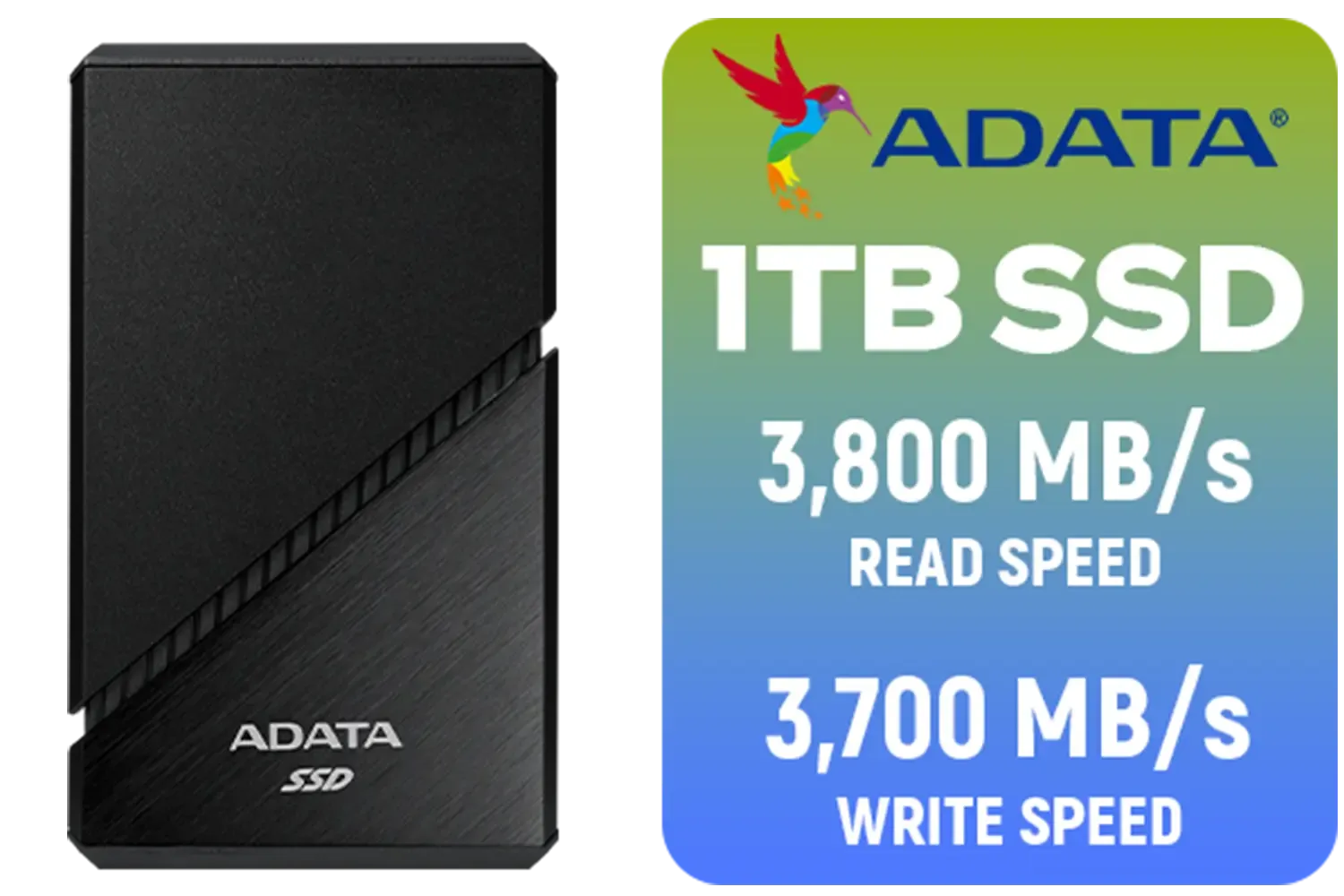
ADATA SE920 1TB External Solid State Drive / Up to 2000 MB/s Read Speed / Up to 3,700 MB/s Write Speed(3,200 MB/s with Thunderbolt 4) / USB4 USB-C Interface (Backwards Compatible with USB 3.2/2.0) / SE920-1TCBK
R2999.00In Stock
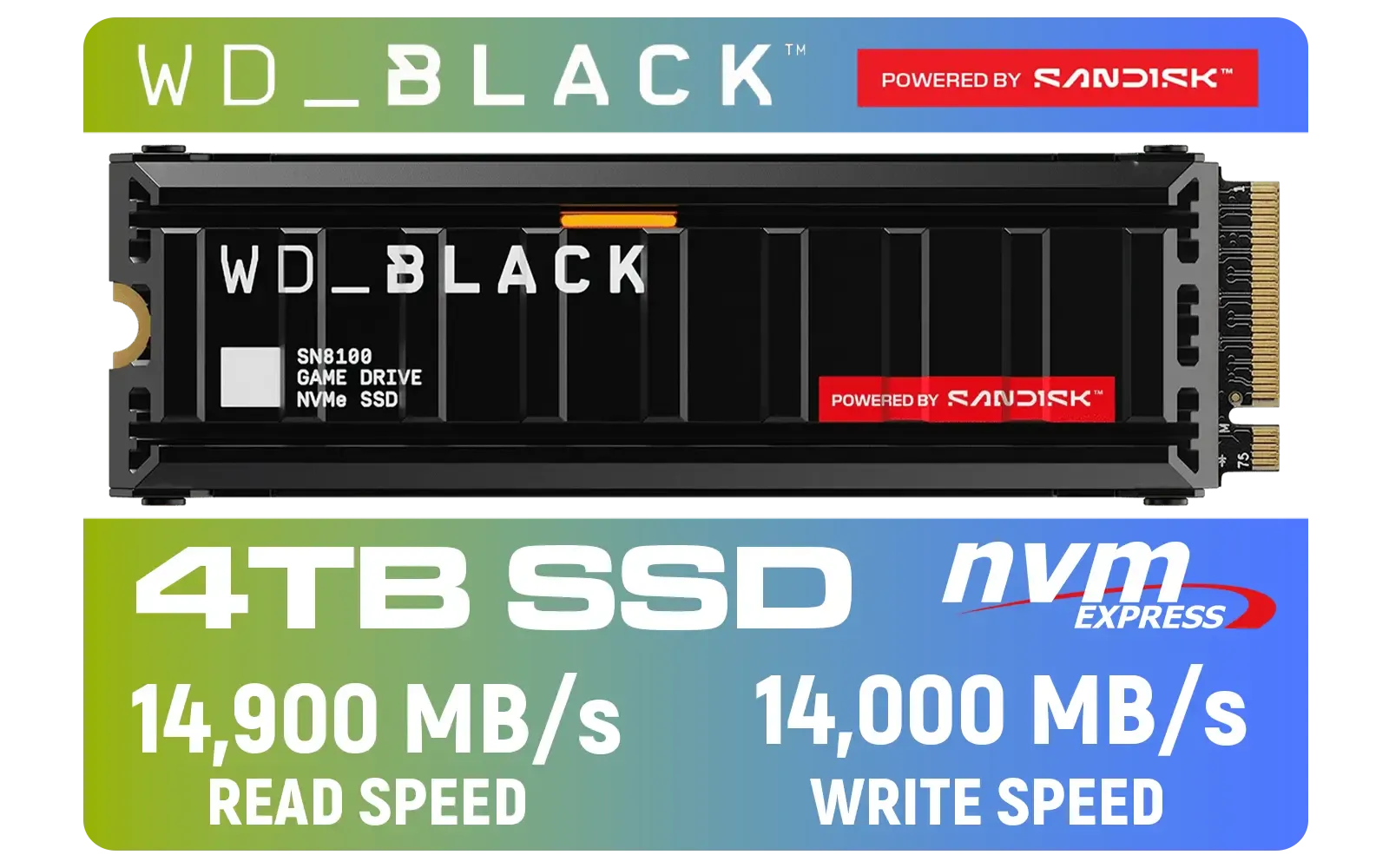
Western Digital SN8100 4TB NVMe Internal Solid State Drive with Heatsink / Read Speeds up to 14,900 MB/s / Write Speeds up to 14,000 MB/s / TCG Opal Security Encryption / nCache™ 4.0, Game Mode, and Adaptive Cooling / Includes SanDisk Dashboard & Acronis® True Image™ Software / WDS400T1XHM
R10499.00In Stock

Kingston SNV3S 1TB NVMe SSD / Up to 6,000MB/s Read / Up to 4,000MB/s Write / PCIe 4.0 x4 NVMe / M.2 2230 Form Factor / SNV3SM3/1T0
R1999.00In Stock
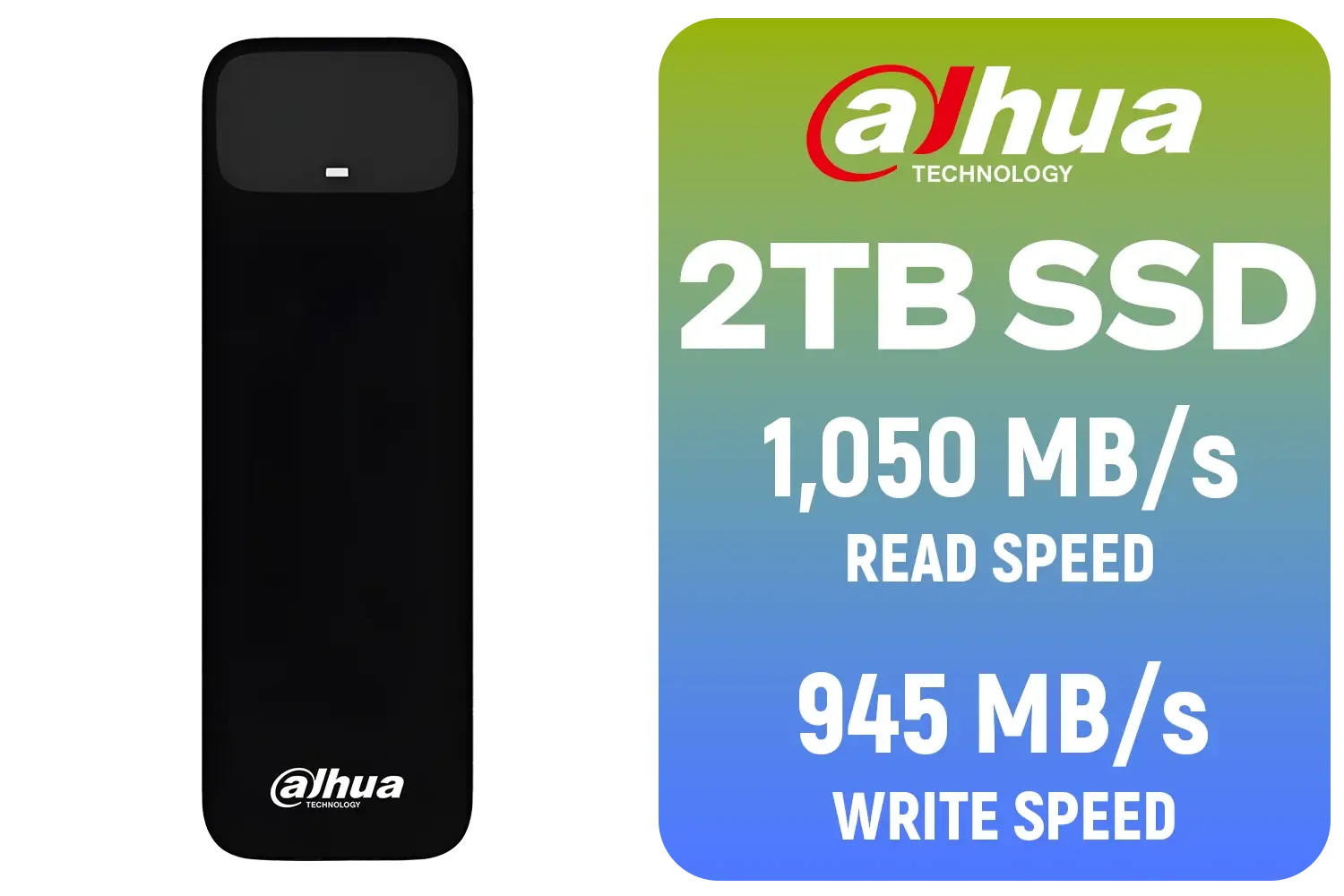
Dahua L7 M.2 2TB NVMe SSD / Read: Up to 1,050 MB/s Write: Up to 945 MB/s / Shock-resistant and drop-resistant design / Aluminum body with heat dissipation / Dual Type-C/Type-A cable included / DHI-PSSD-L7-2TB
R2699.00In Stock
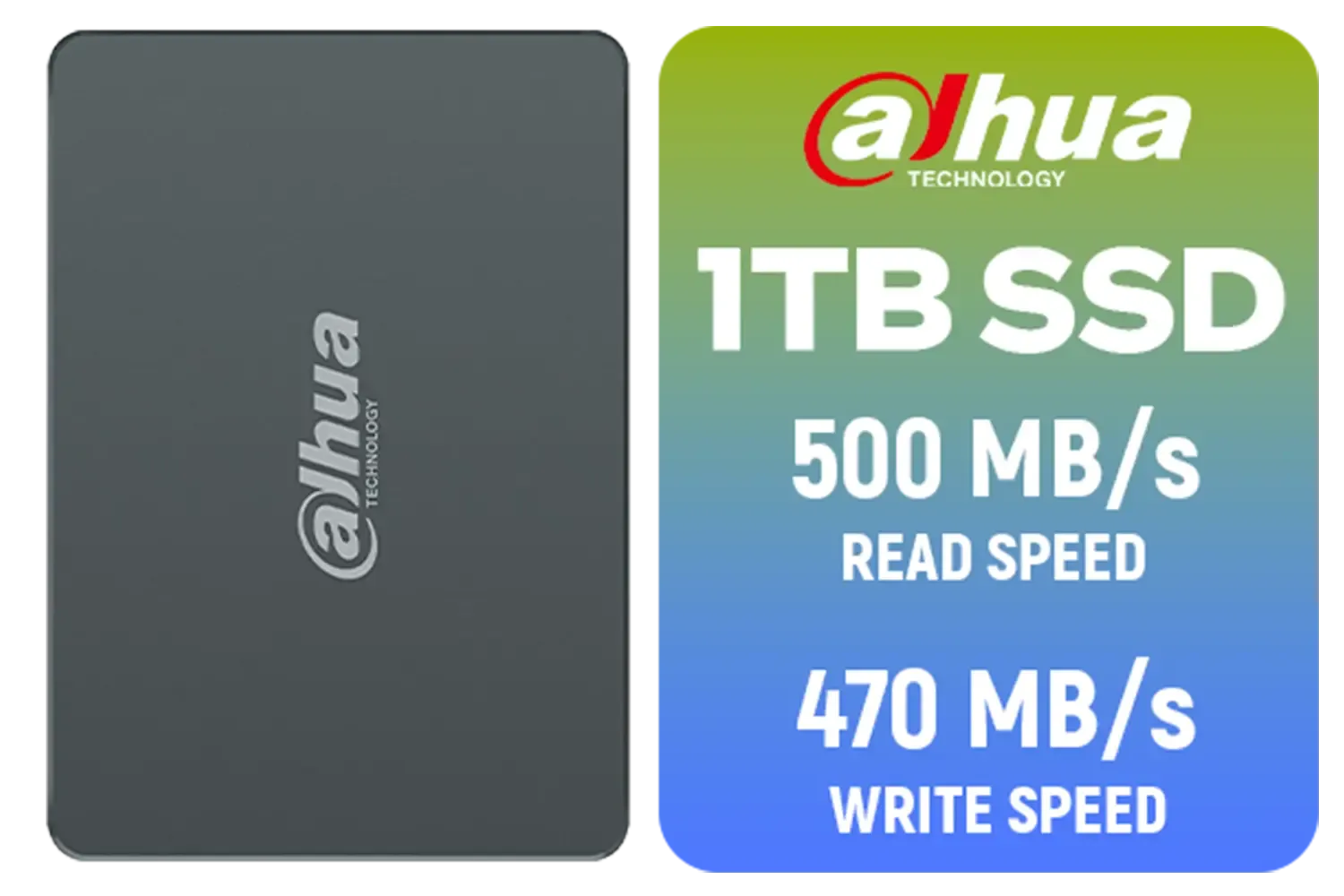
Dahua C800A 1TB 2.5" SATA 3.0 6 Gb/s 3D NAND Solid State Drive (SSD) / Read Speed Up to 500 MB/s / Write Speed Up to 470 MB/s / DHI-SSD-C800AS1TB
R1299.00In Stock
So, What's the Big Deal with PCIe Gen 5 SSDs?
At its core, PCIe (Peripheral Component Interconnect Express) is the super-highway inside your computer that lets components like your graphics card and SSD talk to your processor. Each new "Gen" or generation doubles the speed of that highway.
Think of it like this:
- PCIe Gen 3: A solid two-lane road.
- PCIe Gen 4: A speedy four-lane highway.
- PCIe Gen 5: An eight-lane autobahn with no speed limit.
This massive bandwidth boost allows PCIe Gen 5 SSDs to hit theoretical read/write speeds of over 12,000 MB/s, nearly double the ~7,000 MB/s cap of their Gen 4 predecessors. It's a staggering leap in performance, but it comes with new considerations.
ADATA SE920 1TB External Solid State Drive / Up to 2000 MB/s Read Speed / Up to 3,700 MB/s Write Speed(3,200 MB/s with Thunderbolt 4) / USB4 USB-C Interface (Backwards Compatible with USB 3.2/2.0) / SE920-1TCBK
R2999.00In Stock

ADATA SU650 2TB 3D-NAND SATA 2.5 inch Internal SSD / 520MBs/450MBs - Read/Write Speed / ASU650SS-2TT-R
R1999.00In Stock
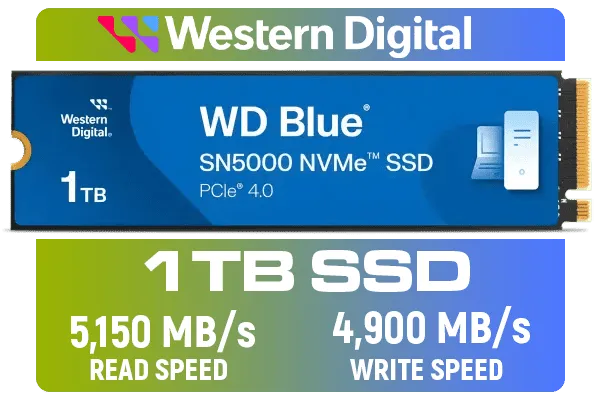
Western Digital 1TB WD Blue SN5000 NVMe Internal Solid State Drive SSD - PCIe Gen 4.0, M.2 2280, Up to 5,150 MB/s / WDS100T4B0E
R1999.00In Stock
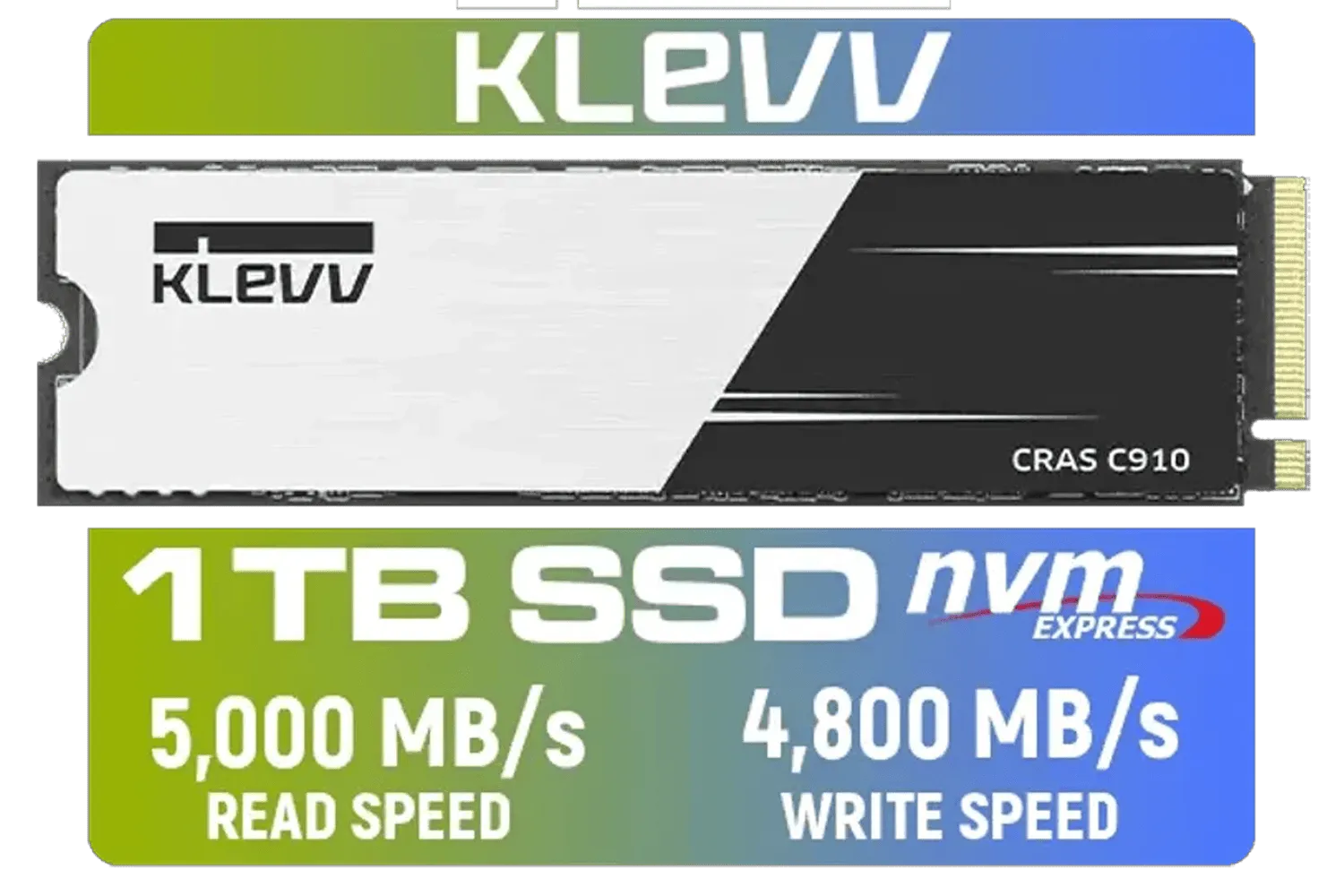
KLEVV CRAS C910 1TB M.2 NVMe PCIe Gen4x4 Internal SSD with Heatsink, up to 5000MB/s (K01TBM2SP0-C91)
R1799.00In Stock
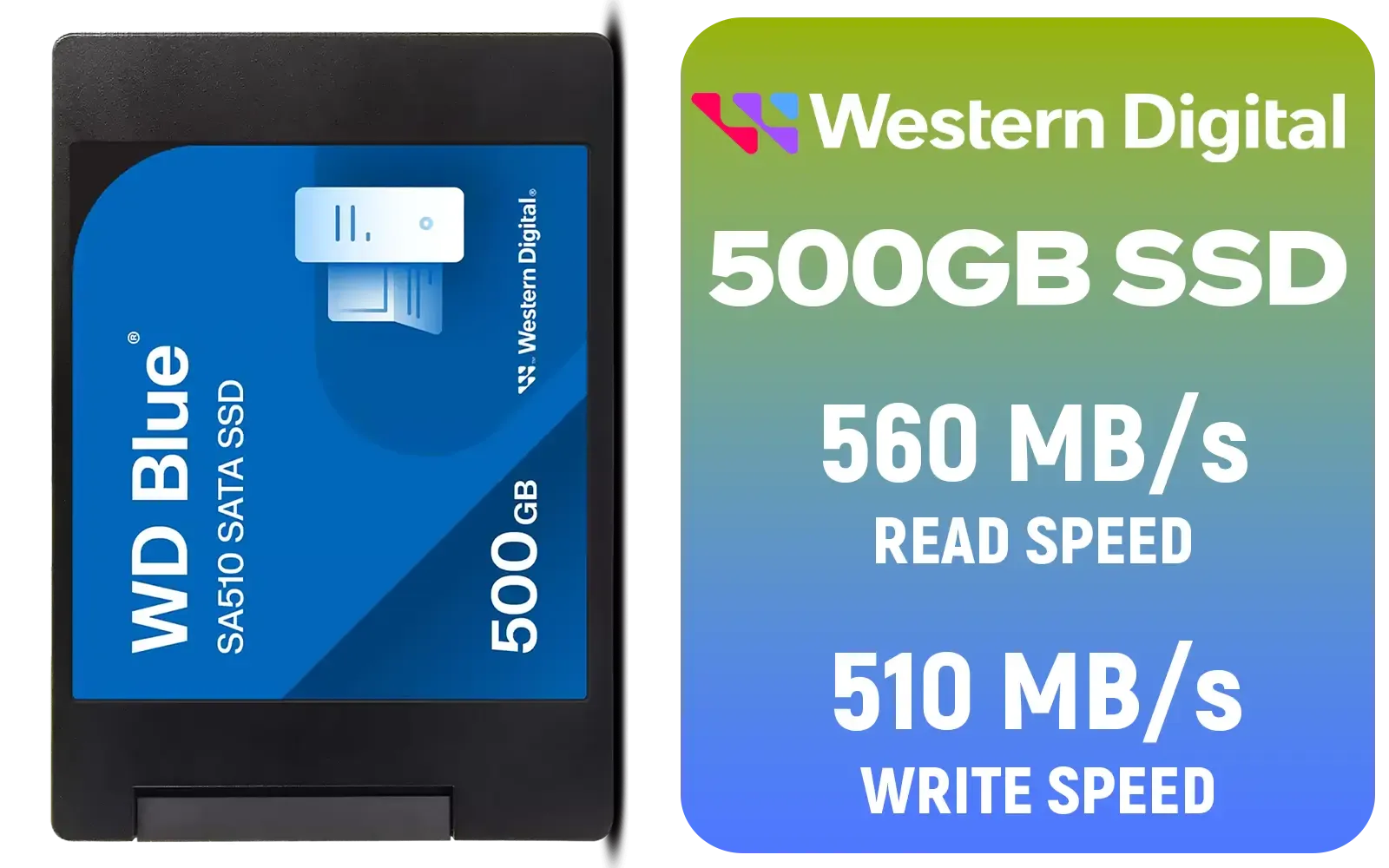
Western Digital Blue SA510 500GB 2.5" Solid State Drive (SSD) / Superior Performance / Multitasking / WD F.I.T. Lab Certified / WDS500G3B0A
R899.00In Stock

Kingston KC3000 PCIe 4.0 NVMe M.2 4TB SSD / High-Performance Storage for Desktop and Laptop PCs / SKC3000D/4096G
R8499.00In Stock
Unlocking Ludicrous Speeds: Is It Worth It? 🚀
Let's be honest: for most gaming scenarios right now, the difference in loading times between a top-tier Gen 4 and a new Gen 5 drive can be a matter of seconds, if that. Modern games aren't yet fully optimised to take advantage of this new frontier of speed.
So, who actually benefits?
- Content Creators: Video editors working with 8K RAW footage, 3D artists rendering complex scenes, and data scientists will feel the most significant impact. For them, time is money, and a Gen 5 SSD can slash project times.
- Future-Proofers: If you're building a brand-new, top-of-the-line rig and want it to be ready for future technologies like Microsoft's DirectStorage API, investing in a PCIe 5.0 drive makes sense.
For everyone else, especially gamers looking for the best bang-for-buck, a premium Gen 4 drive still offers phenomenal performance. For instance, a proven workhorse like the Klevv Cras C925G 1TB Gen4 NVMe SSD delivers lightning-fast speeds that will make any game load in a flash, representing the current sweet spot for value and power.
Taming the Dragon: Managing Gen 5 SSD Heat
All that speed generates a serious amount of heat. The controller on a PCIe Gen 5 SSD works incredibly hard, and without proper cooling, it will "thermal throttle"—slowing itself down to prevent damage. This completely defeats the purpose of buying a high-speed drive in the first place.
This is why you'll see most Gen 5 SSDs shipping with massive, chunky heatsinks. Some even come with small, built-in fans. Your motherboard's standard M.2 heat shield might not be enough to keep one of these drives running at peak performance under heavy load. When you're shopping, cooling isn't an afterthought; it's a primary feature. You can see the different cooling solutions implemented across our wide range of SSDs.
The Compatibility Puzzle: Will It Fit Your PC? 🔧
You can't just plug a PCIe Gen 5 SSD into any old motherboard and expect magic. To unlock its full potential, your entire platform needs to be ready.
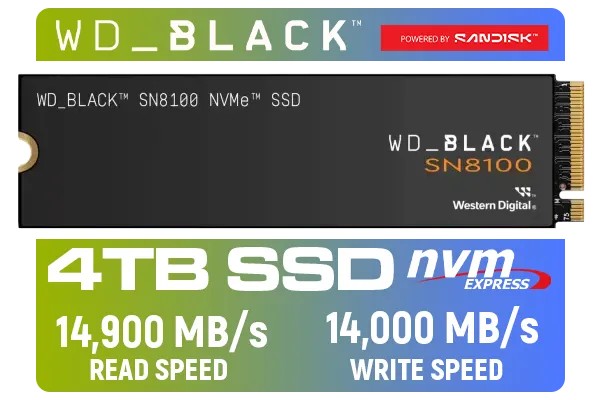
Western Digital SN8100 NVMe Internal Solid State Drive - 4TB / Sequential Read, Write Performance - 14900MB/s, 14000MB/s / PCIe Gen 5 / WDS400T1X0M
R10499.00In Stock
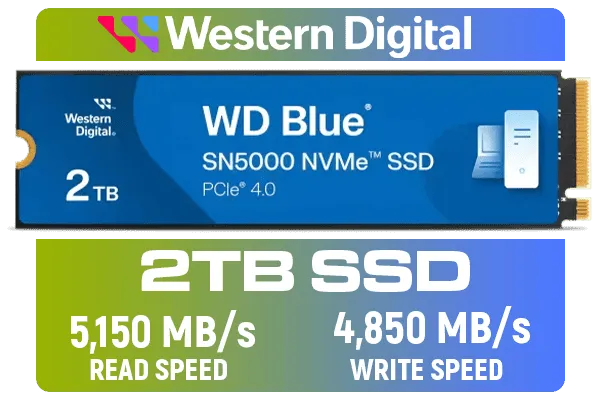
Western Digital 2TB WD Blue SN5000 NVMe Internal Solid State Drive SSD - PCIe Gen 4.0, M.2 2280, Up to 5,150 MB/s / WDS200T4B0E
R3499.00In Stock

Kingston KC3000 PCIe 4.0 NVMe M.2 512GB SSD - High-Performance Storage for Desktop and Laptop PCs / 7,000MB/s Read, 3,900MB/s Write / Includes Acronis cloning software / SKC3000S/512G
R1399.00In Stock

KLEVV CRAS C930 2TB M.2 NVMe PCIe Gen4x4 Internal Gaming SSD with Heatsink, Compatible with PS5, up to 7400MB/s with DRAM Cash / K02TBM2SP0-C93
R3999.00In Stock

Crucial P310 2TB NVMe Internal Solid State Drive SSD / Sequential read/write speeds up to 7,100/6,000MB/s / Integrated power loss immunity / Error correction code (ECC) / CT2000P310SSD8
R3799.00In Stock
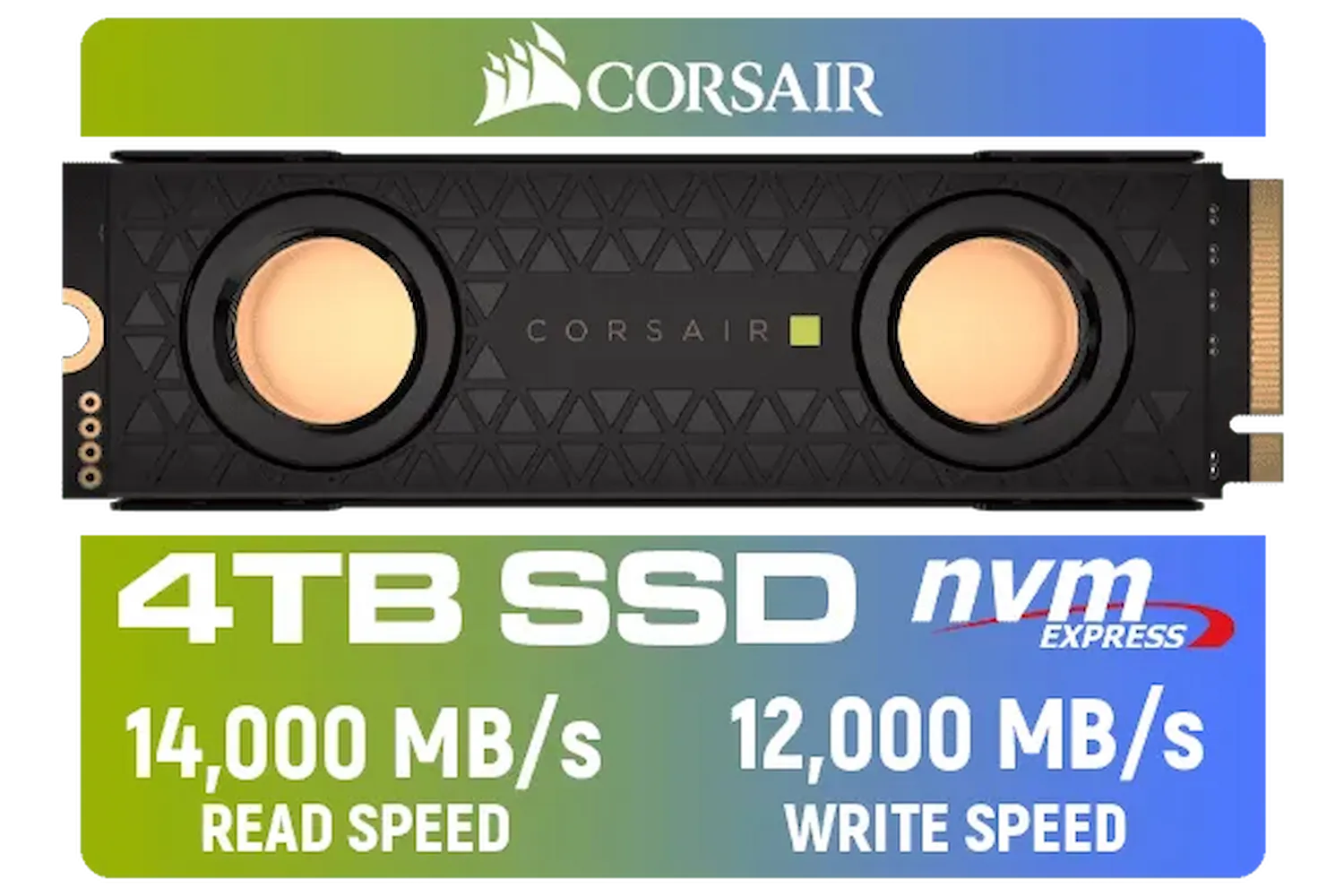
Corsair MP700 PRO SE Hydro X Series 4TB M.2 PCIe Gen5 x4 NVMe 2.0 SSD – M.2 2280 – Up to 14,000MB/sec Sequential Read – High-Density TLC NAND – Pre-Installed Water Block – Black / CSSD-F4000GBMP700PHXS
R13499.00In Stock
Core Requirements:
- A Compatible CPU: You'll need a modern processor that supports the PCIe 5.0 standard. This includes AMD's Ryzen 7000 series or Intel's 12th Gen Core processors and newer.
- A Compatible Motherboard: Your motherboard must have a dedicated M.2 slot that is wired for PCIe 5.0 speeds. This is typically found on higher-end boards like AMD's X670 and B650 chipsets or Intel's Z790 and Z690 chipsets.
Plugging a Gen 5 drive into a Gen 4 slot will work, but it will be limited to Gen 4 speeds. It’s a waste of potential and money. It's no surprise that innovative brands like Klevv are focusing heavily on developing products that align with these new, powerful platforms.
TIP FOR YOU
Check Your Motherboard Specs ⚙️
Unsure if your motherboard supports PCIe 5.0? The quickest way is to Google your exact motherboard model name (e.g., 'ASUS ROG STRIX Z790-E GAMING WIFI specs'). The official product page will clearly list the M.2 slot specifications, telling you which ones are Gen 5, Gen 4, or Gen 3. Don't guess… know for sure!
The Final Verdict for SA Gamers ✨
PCIe Gen 5 SSDs are an exciting piece of technology, offering a glimpse into the future of PC performance. However, in 2024, they are a niche product for most South African gamers. The high cost, strict hardware requirements, and significant heat output mean they are best suited for professionals and deep-pocketed enthusiasts building bleeding-edge systems.
For the vast majority of us, a high-quality PCIe Gen 4 SSD remains the smarter, more cost-effective choice, delivering more than enough speed to crush any game you throw at it.
Ready to Supercharge Your Storage? The world of SSDs is moving fast. Whether you're ready for the cutting edge with PCIe Gen 5 or want the unbeatable value of a Gen 4 drive, making the right choice is key. Explore our massive range of SSDs and find the perfect drive for your rig and budget.
Related Products

ADATA XPG GAMMIX S55 2TB NVMe PCIe Gen4 x 4 M.2 / Read & Write Speed up to 5,000 & 3,700MB/s / Internal Solid State Drive Great for Steam Deck, Microsoft Surface and Gaming Consoles / SGAMMIXS55-2T-C
R3999.00In Stock

ORICO e7400 M.2 NVMe SSD - 2TB / PS5 Compatible / PCIe Gen4.0 x4 / Up to 7,400MB/s Read and 6,600MB/s Write Speeds / ORICO-e7400-2TB-GD-BP
R3699.00In Stock

Corsair MP600 PRO NH 8TB PCIe Gen4 x4 NVMe M.2 SSD – High-Density TLC NAND – M.2 2280 – DirectStorage Compatible - Up to 7,000MB/sec - No Heatsink - Black / CSSD-F8000GBMP600PNH
R22999.00In Stock
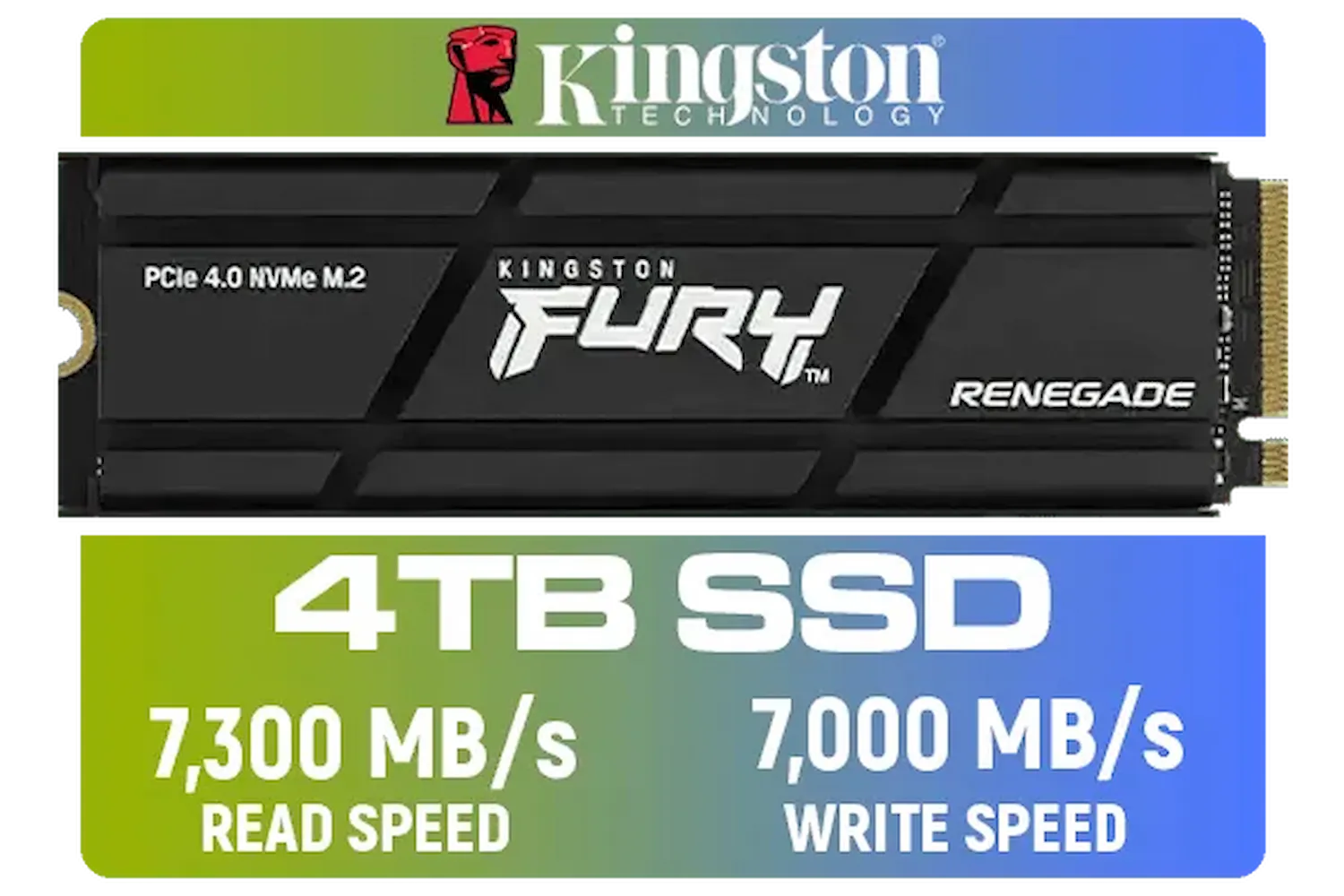
Kingston Fury Renegade 4TB PCIe Gen 4.0 NVMe M.2 Internal Gaming SSD with Heat Sink | PS5 Ready | Up to 7300MB/s | SFYRDK/4000G
R7299.00In Stock

Corsair MP700 PRO with Air Cooler 2TB M.2 PCIe Gen5 x4 NVMe 2.0 SSD – M.2 2280 – Up to 12,400MB/sec Sequential Read – High-Density TLC NAND – Black / CSSD-F2000GBMP700PROS
R6699.00In Stock
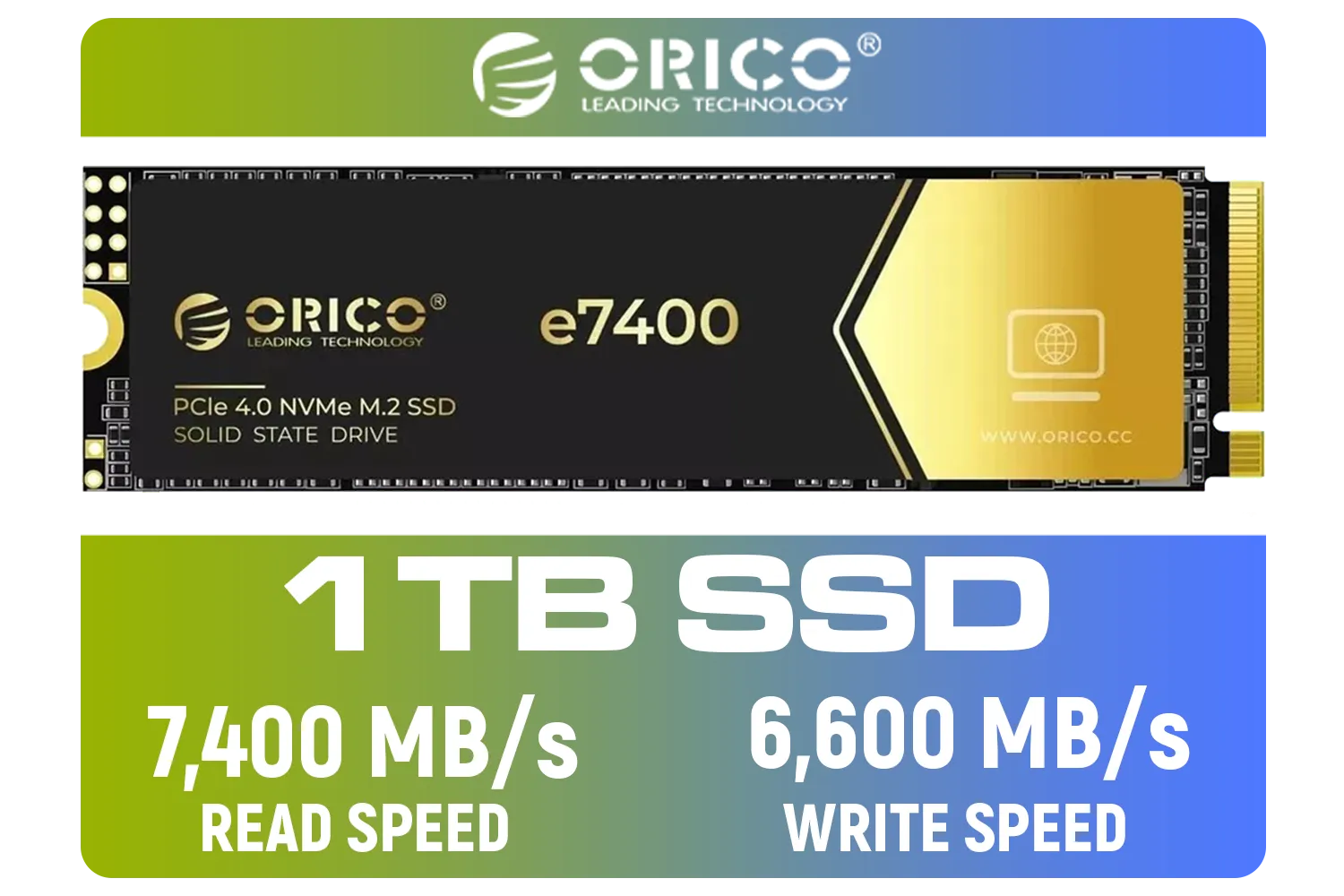
ORICO e7400 M.2 NVMe SSD - 1TB / PS5 Compatible / PCIe Gen4.0 x4 / Up to 7,400MB/s Read and 6,600MB/s Write Speeds / ORICO-e7400-1TB-GD-BP
R2299.00In Stock
They can reach sequential read speeds up to 14,000 MB/s, nearly double the speed of the fastest Gen 4 drives available today.
Yes, Gen 5 SSDs run significantly hotter. A robust active cooler or large passive heatsink is essential to prevent thermal throttling.
Yes, PCIe 5.0 slots work with older Gen 4 and Gen 3 devices, and Gen 5 drives work in older slots at reduced speeds.
Currently, gains are marginal, but with Microsoft DirectStorage, future games will load assets instantly, making high speeds crucial.
Most Intel Z790/Z690 and AMD X670E/B650E motherboards feature dedicated Gen 5 M.2 slots for next-gen storage.
For content creators and data-heavy tasks, yes. For pure gaming, Gen 4 is still sufficient until DirectStorage titles become standard.











