



Pro Controller Settings Guide: Customize Profiles for Every Genre
Unlock your potential with our ultimate pro controller settings guide! 🎮 Learn to map back paddles, adjust deadzones, and tweak sensitivity for FPS, RPG, and Racing games. Dominate the competition today! 🚀
|
Loading tags...
Still using the same controller settings for Helldivers 2 as you do for EA FC 24? That’s like trying to win the Kyalami 9 Hour in a bakkie. Your pro controller is a high-performance machine, but its default profile is holding you back. This pro controller settings guide will help you unlock its true potential, giving you the edge you need to dominate every single match, no matter the genre. Let's get your gear dialled in. 🎯
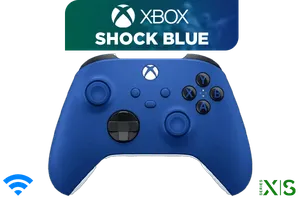
Microsoft Xbox Wireless Controller - Shock Blue / Hybrid D-Pad / 3.5mm Stereo Headset Jack / Textured Triggers And Bumpers / Compatible for Xbox Series X|S, Xbox One, Windows 10, Android And iOS / QAU-00010
R1599.00In Stock
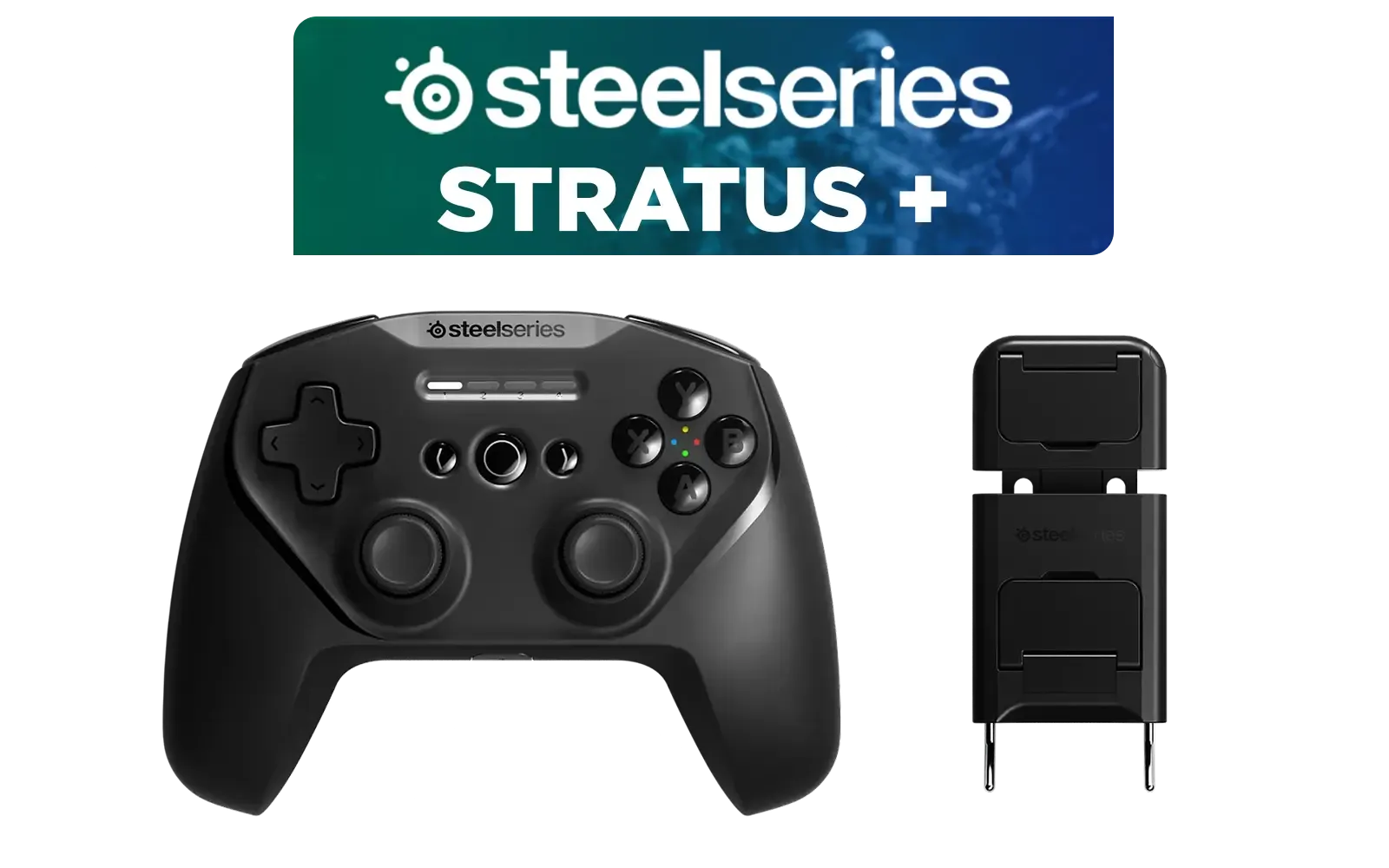
SteelSeries Stratus + Wireless Anroid Controller / Android & Chromebook Wireless Gaming Controller / Bluetooth LE + USB-C PC Support / Adjustable Slim Phone Mount Included / 90-Hour Battery Life with Fast Charge (15 min = 12 hrs) / ALPS Thumbsticks with L3/R3 / Hall Effect Magnetic Triggers for Lifetime Precision / 69076
R999.00In Stock

Razer Wolverine V3 Pro Wireless Gaming Controller: Licensed for Xbox Series X|S, Xbox One, Windows PC - 6 Remappable Buttons - Fast Triggers - Customizable Thumbsticks - Wired Tournament Mode - Black / RZ06-05200100-R3M1
R4999.00In Stock
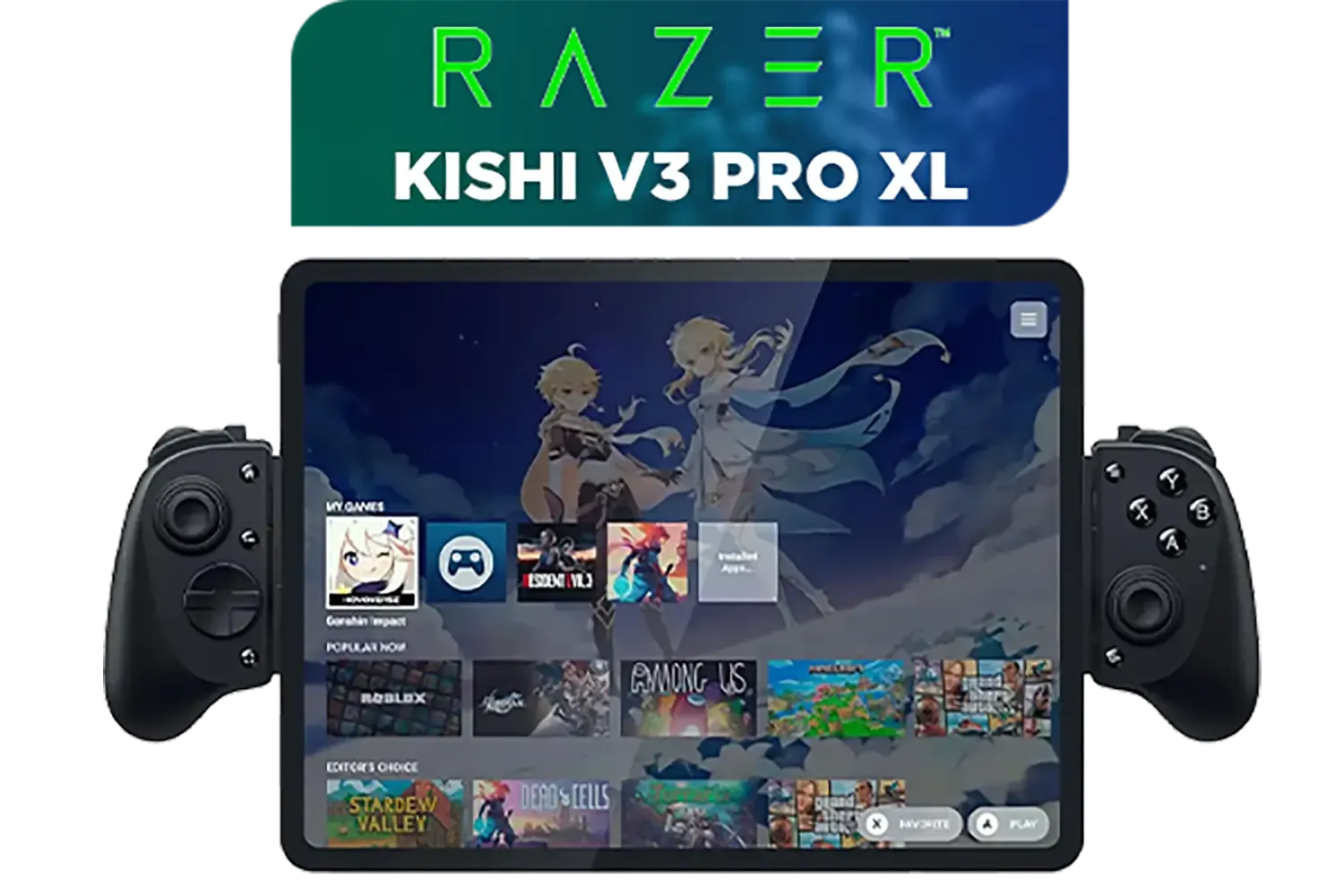
Razer Kishi V3 Pro XL iPad & Android Tablet Gaming Controller / Full-Sized Console-Style Controller / Fits Phones and Tablets up to 10” / Razer Sensa HD Immersive Haptics / RZ06-05470100-R3M1
R5199.00In Stock
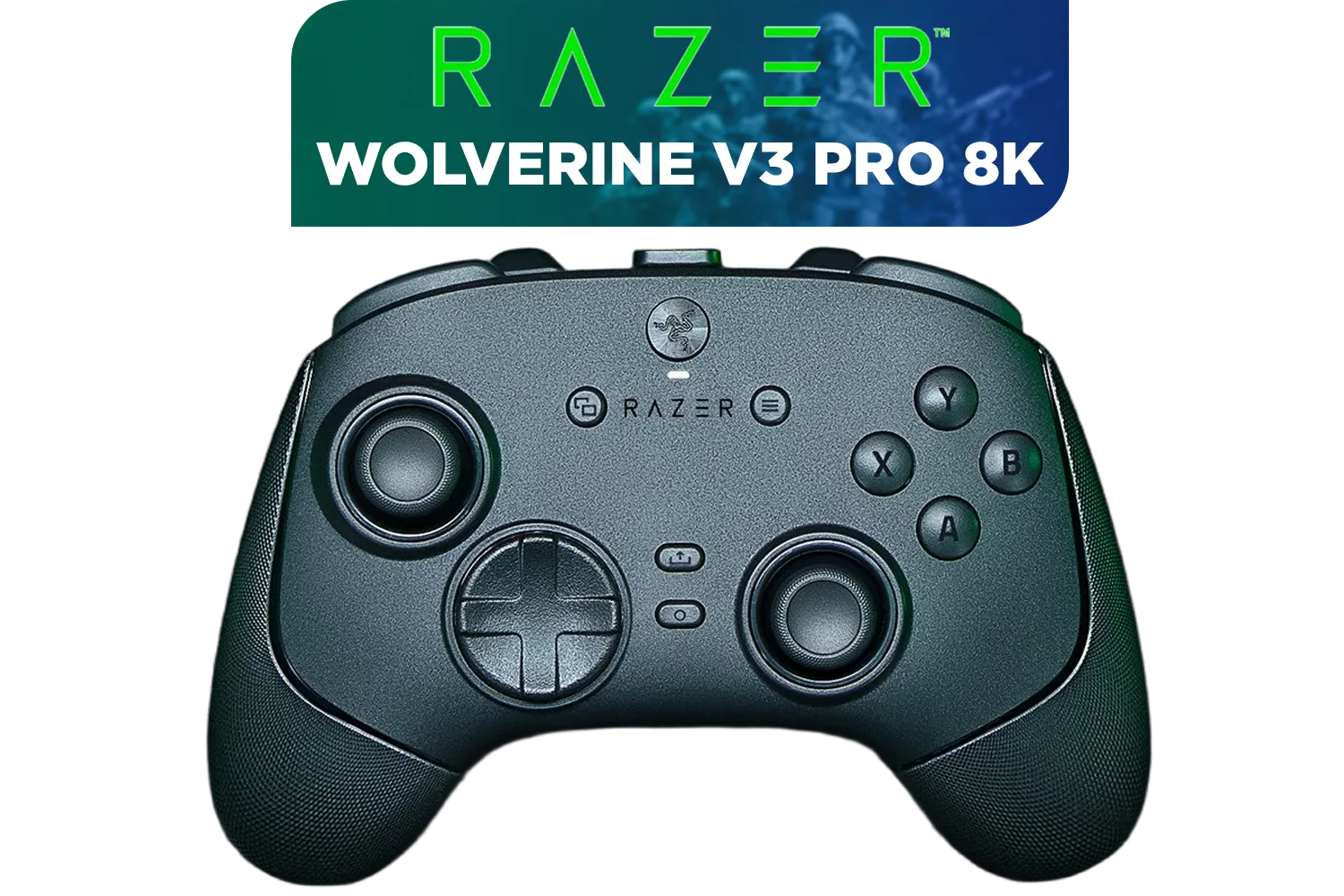
Razer Wolverine V3 Pro 8K PC Wireless Controller / Hyper Polling Technology / Swappable Thumbstick Caps / 4 Back Paddles / RZ06-05540100-R3M1
R4699.00In Stock

Xbox Series X/S Wireless Controller - Pulse Red / Enhanced Comfort / New Hybrid D-pad / Xbox Wireless and Bluetooth Technology / 3.5mm Audio Jack / QAU-00012
R1599.00In Stock
Why Default Settings are a Disadvantage
Think of your controller as a musical instrument. You wouldn't play a guitar with the factory tuning if it sounds off, right? Default controller settings are designed to work for everyone, which means they aren't optimised for anyone. They often have sluggish response curves, large dead zones to account for wear, and uninspired button layouts.
To truly compete, you need custom controller profiles that match your playstyle and the specific demands of the game. A personalised setup reduces input lag, improves aiming precision, and makes complex actions feel intuitive.
A Pro Controller Settings Guide for Every Genre 🔧
Creating the perfect setup isn't black magic… it's about understanding what to tweak for each game type. Here’s a breakdown of the most important settings to customise for your favourite genres.
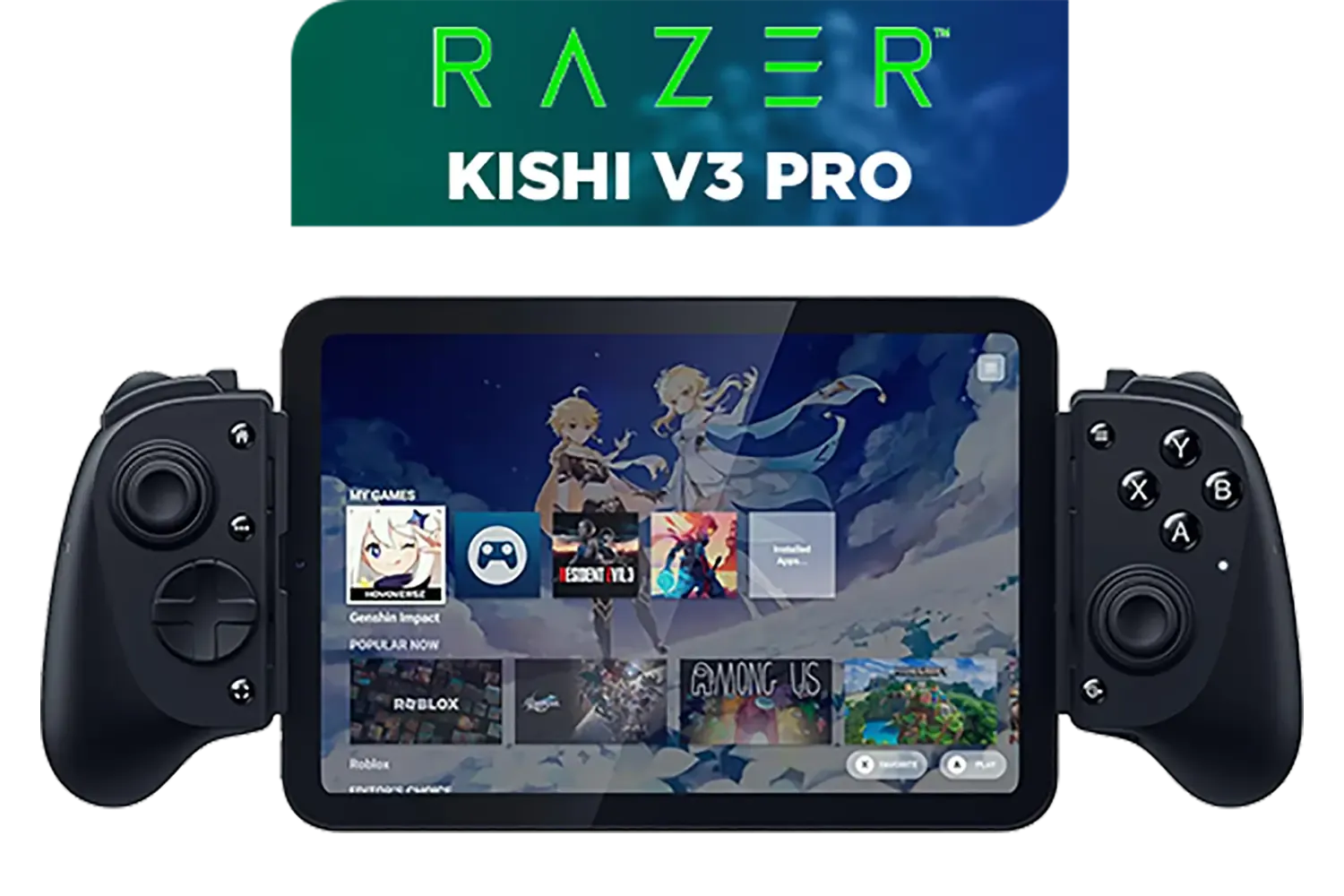
Razer Kishi V3 Pro Gaming Controller / Supports Android, iPhone & iPad Mini / Full-Sized Console-Style Controller / Fits Phones and Tablets up to 8” / Razer Sensa HD Immersive Haptics / RZ06-05460100-R3M1
R4199.00In Stock

Xbox Special Edition Series Controller - Pulse Cipher / Red transparent top case / Rubberised red grips / Metallic red triggers and D-pad / Bluetooth® technology / QAU-00165
R1899.00In Stock
Microsoft Xbox Wireless Controller - Shock Blue / Hybrid D-Pad / 3.5mm Stereo Headset Jack / Textured Triggers And Bumpers / Compatible for Xbox Series X|S, Xbox One, Windows 10, Android And iOS / QAU-00010
R1599.00In Stock

Xbox Rechargeable Battery + USB-C Cable - SXW-00002
R649.00In Stock
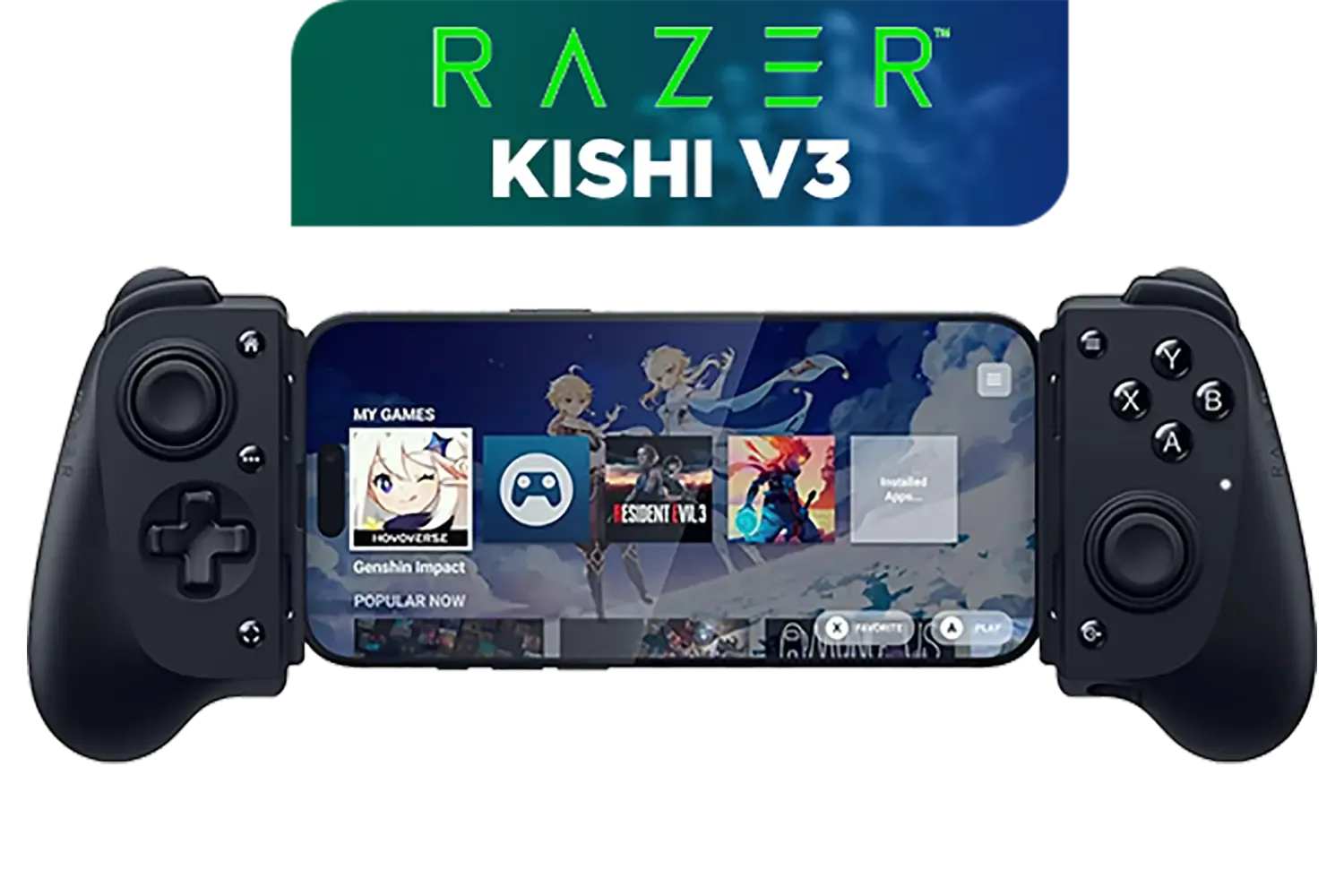
Razer Kishi V3 Gaming Controller / Supports Android and iPhone / Full-Sized Console-Style Controller / Dual mouse-click back buttons / Razer Sensa HD Immersive Haptics / RZ06-03550100-R3M1
R2999.00In Stock
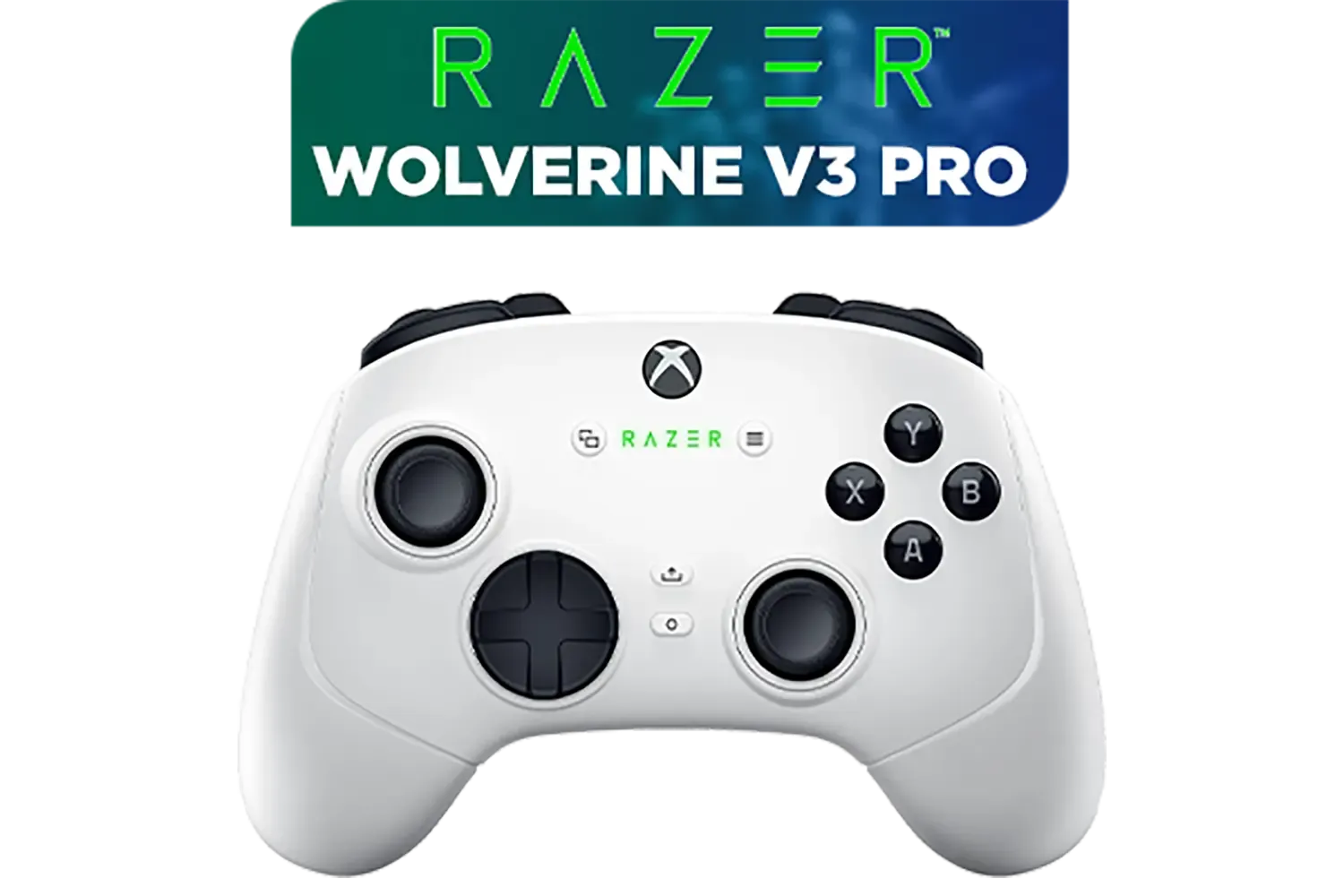
Razer Wolverine V3 Pro Wireless Gaming Controller: Licensed for Xbox Series X|S, Xbox One, Windows PC / 6 Remappable Buttons / Fast Triggers / Customizable Thumbsticks / Wired Tournament Mode - White / RZ06-05200200-R3M1
R4999.00In Stock
First-Person Shooters (FPS): Precision is Everything
In games like Apex Legends or Call of Duty, milliseconds and millimetres matter. Your goal is to maximise aiming speed and accuracy.
- Stick Sensitivity: Start with a lower sensitivity for better fine-aim control, then gradually increase it as you get comfortable.
- Response Curve: Use a "Linear" or "Raw" curve for a 1:1 stick-to-aim response. This removes any software-side acceleration, giving you pure muscle memory control.
- Deadzones: Set your stick deadzones as low as possible without experiencing "stick drift." This ensures your aim moves the instant you touch the stick.
- Trigger Stops: If your controller has them, enable trigger stops. This shortens your trigger pull, allowing for faster semi-automatic firing. For a peripheral that has all these features built-in, a tournament-grade model like the Razer Wolverine V3 Tournament Edition is a top-tier choice.
TIP FOR YOU
Pro FPS Tip ⚡
Map 'Jump' or 'Slide' to a back paddle. This allows you to perform advanced movement techniques without ever taking your thumb off the right analogue stick, keeping your aim locked on targets while you navigate the map. It's a fundamental technique in high-level play.
Racing Sims & Sports Games: Smoothness is Key
For titles like Forza Motorsport or FIFA, you need fluid control, not twitchy reflexes. Your custom controller profile should prioritise smooth inputs.
- Stick Linearity: Unlike FPS games, a "Delayed" or "S-Curve" response can be beneficial here. It makes the initial stick movement less sensitive, perfect for gentle steering corrections or dribbling without overshooting.
- Trigger Deadzones: Customise your trigger activation points. For racing, set a minimal deadzone so you can feather the throttle with precision. For FIFA, you might want a slightly larger one to avoid accidental sprints. Finding the perfect PC gaming controller with adjustable triggers can make a huge difference.
Action-RPGs & Fighting Games: Remap for Combos ✨
In games like Elden Ring or Street Fighter 6, quick access to multiple abilities and combos is vital.
- Button Remapping: This is your most powerful tool. Move essential actions like "Dodge" or "Heal" from face buttons to back paddles or triggers you can hit without shifting your grip.
- Macro Creation: For complex fighting game combos, some controller software allows you to map a multi-button sequence to a single button press. Use this to execute difficult moves consistently.
Xbox Rechargeable Battery + USB-C Cable - SXW-00002
R649.00In Stock

Logitech F710 Wireless Gaming Gamepad / 2.4GHz Wireless / Broad Game Support / Familiar Button Layout / 940-000142
R849.00In Stock
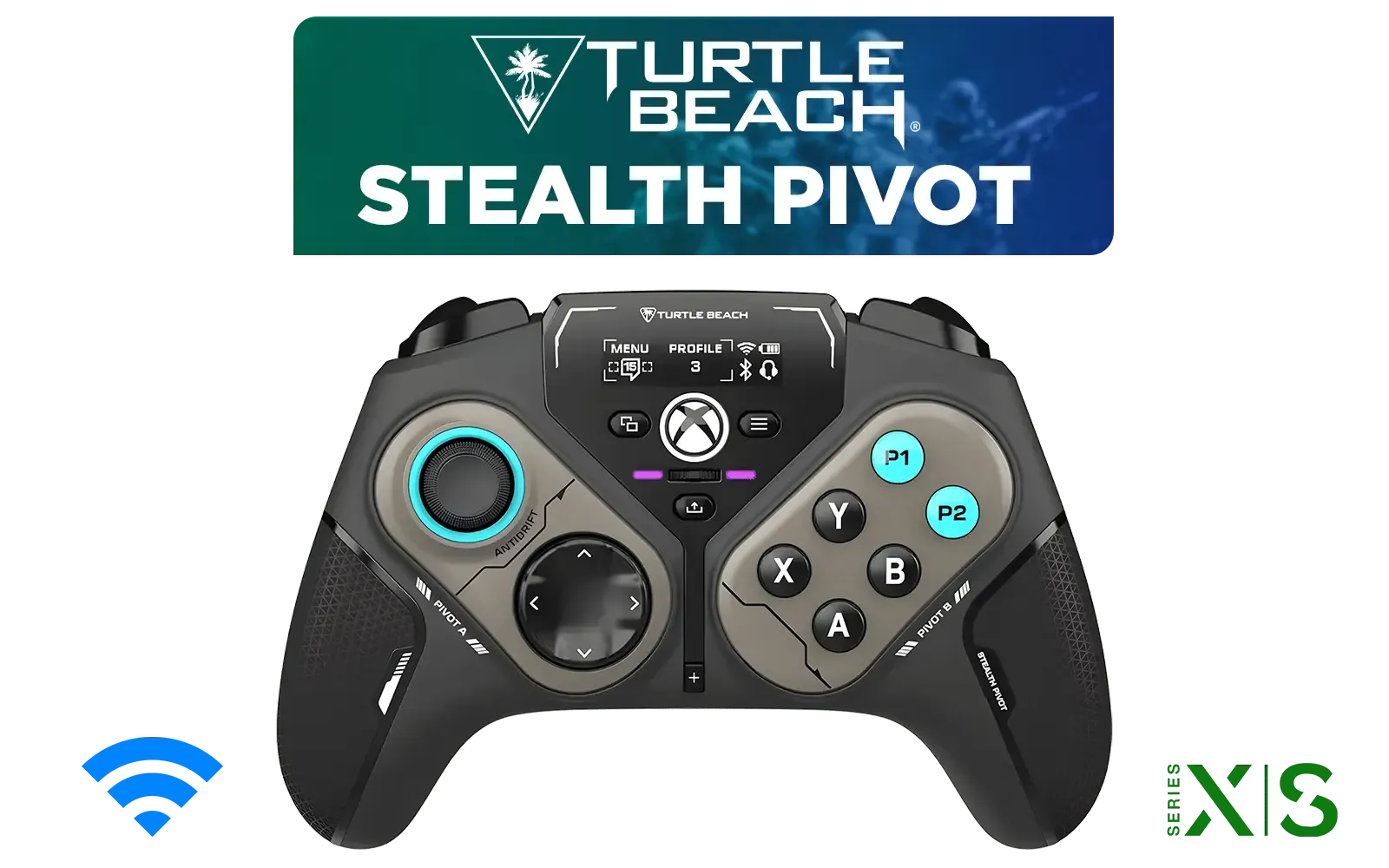
Turtle Beach Stealth Pivot Wireless Smart Game Controller for Windows PC, Wired for Xbox Series X|S & Xbox One – Rotating Modules, Display Dashboard, Hall-Effect Sticks, Remappable Buttons, Bluetooth / TBS-0120-05
R3199.00In Stock
Razer Kishi V3 Gaming Controller / Supports Android and iPhone / Full-Sized Console-Style Controller / Dual mouse-click back buttons / Razer Sensa HD Immersive Haptics / RZ06-03550100-R3M1
R2999.00In Stock

PowerA Advantage Wired Xbox Controller - Sonic Style / 3-Way Trigger Locks / Officially Licensed for Xbox Series X|S / XBGP0229-01
R699.00In Stock

MARVO GT-88 WIRELESS GAMING GAMEPAD / Compatible With PC / Analog Mini Sticks With Xbox Positioning / Double Triggers And Analog Mumpers / Rapid Fire With Turbo Mode / Dual Motors For Vibration Feedback / Soft, Sweat-resistant Coating / GT-88
R499.00In Stock
Beyond the Basics: Software and Swappable Parts
Many pro controllers come with powerful software suites like Razer Synapse, which let you save multiple profiles directly to the controller's onboard memory. This means you can switch your custom controller settings on the fly. Some even offer swappable thumbsticks and D-pads to physically alter the controller's feel. If you're serious about customisation, it's worth it to explore Razer's powerful controller options to see how deep the rabbit hole goes. 🚀
Stop letting default settings dictate your performance. Take 20 minutes to apply this pro controller settings guide, create a few custom profiles, and feel the immediate improvement in your gameplay.
Ready to Dial In Your Dominance? The right hardware is the first step to unlocking your potential. A highly customisable pro controller gives you the tools you need to build a real competitive advantage. Check out our wide range of pro gaming controllers and find the perfect fit for your hands and your playstyle.
Related Products

Microsoft Xbox Wireless Controller - Carbon Black / Hybrid D-Pad / 3.5mm Stereo Headset Jack / Textured Triggers And Bumpers / Compatible for Xbox Series X|S, Xbox One, Android And iOS / QAT-00009
R1599.00In Stock

Razer Wolverine V2 Pro Wireless Gaming Controller for PlayStation 5 / PS5, PC: Mecha-Tactile Action Buttons - 8-Way Microswitch D-Pad - HyperTrigger - 6 Remappable Buttons - Chroma RGB - White- RZ06-04710200-R3G1
R5999.00In Stock
Xbox Rechargeable Battery + USB-C Cable - SXW-00002
R649.00In Stock
Xbox Series X/S Wireless Controller - Pulse Red / Enhanced Comfort / New Hybrid D-pad / Xbox Wireless and Bluetooth Technology / 3.5mm Audio Jack / QAU-00012
R1599.00In Stock

MARVO Monka Contra PS4 Wireless Game Controller / Strong compatibility: PS4/PS3/Windows/IOS13/Android / 6 hour battery life / 6-axis sensor with 3D-Sensor and G-Sensor / Dual vibration feedback for an immersive gaming experience / Ergonomically designed for comfort with sweat-proof and anti-slip materials / GT-96
R349.00In Stock

PowerA Advantage Wired Xbox Controller - Celestial Green / 3-Way Trigger Locks / Officially Licensed for Xbox Series X|S / XBGP0190-01
R699.00In Stock
Set trigger stops to short for rapid firing, map jump and crouch to back paddles to keep thumbs on sticks, and increase right stick sensitivity for faster aiming.
Map frequently used actions like inventory access, potions, or dodge rolls to back paddles for seamless gameplay without removing your thumbs from the movement sticks.
Deadzone settings control how much you need to move the stick before input registers. Lower values offer high responsiveness, while higher values prevent stick drift.
No, you should generally keep the full trigger range enabled for racing games. This ensures you have precise control over throttle acceleration and braking depth.
Response curves change how physical stick movement translates to on-screen speed. Linear is raw input, while dynamic curves help with precise micro-adjustments.
Most pro controllers use dedicated software like Xbox Accessories or console system settings to save and switch between multiple onboard profiles instantly.











