



Master Programmable Mouse Buttons and Macros for Gaming
Want to dominate the leaderboard? 🎮 Mastering programmable mouse buttons and macros gives you the edge. Learn how to customize inputs, streamline complex combos, and react faster than ever. Optimize your setup today!

Stuck in a frantic Apex Legends firefight, fumbling for the right key to pop a shield battery? Or maybe you've wished you could execute a complex build-edit-shoot sequence in Fortnite with a single, satisfying click. You're not alone. The secret weapon used by pros isn't just raw skill... it's about making your gear work smarter. This is where you can master programmable mouse buttons and macros for gaming, turning clumsy key presses into instant, game-winning actions. 🎯

Microsoft Xbox Wireless Controller - Carbon Black / Hybrid D-Pad / 3.5mm Stereo Headset Jack / Textured Triggers And Bumpers / Compatible for Xbox Series X|S, Xbox One, Android And iOS / QAT-00009
R1599.00In Stock

MARVO Monka Contra PS4 Wireless Game Controller / Strong compatibility: PS4/PS3/Windows/IOS13/Android / 6 hour battery life / 6-axis sensor with 3D-Sensor and G-Sensor / Dual vibration feedback for an immersive gaming experience / Ergonomically designed for comfort with sweat-proof and anti-slip materials / GT-96
R349.00In Stock

Xbox Special Edition Series Controller - Pulse Cipher / Red transparent top case / Rubberised red grips / Metallic red triggers and D-pad / Bluetooth® technology / QAU-00165
R1899.00In Stock

PowerA Advantage Wired Xbox Controller - Sonic Style / 3-Way Trigger Locks / Officially Licensed for Xbox Series X|S / XBGP0229-01
R699.00In Stock
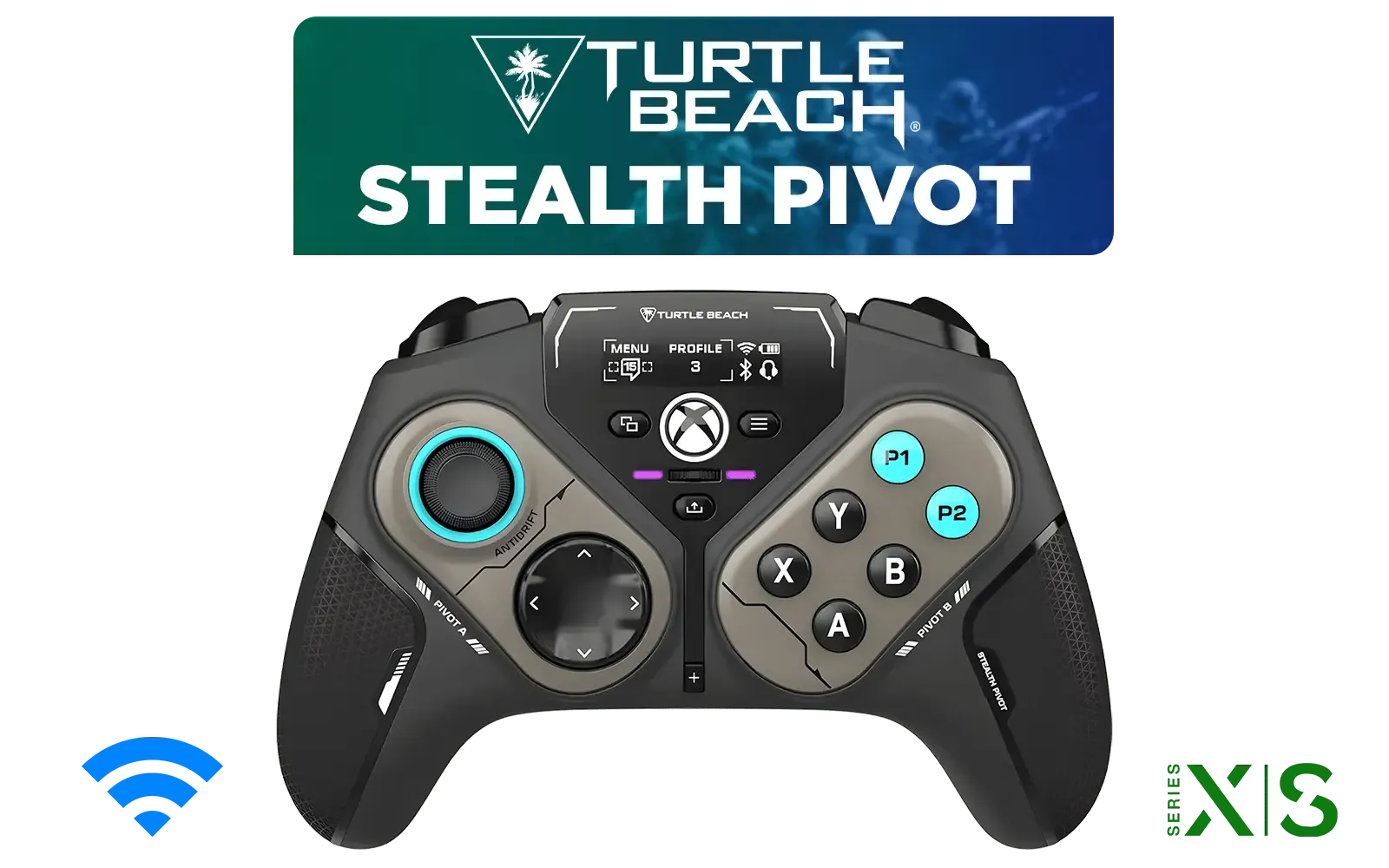
Turtle Beach Stealth Pivot Wireless Smart Game Controller for Windows PC, Wired for Xbox Series X|S & Xbox One – Rotating Modules, Display Dashboard, Hall-Effect Sticks, Remappable Buttons, Bluetooth / TBS-0120-05
R3199.00In Stock

Steelseries Nimbus+ Gamepad / Apple Gaming Controller / 50 hour Battery Life / Dedicated Navigation Buttons / Built-in Rechargeable Battery / Designed specifically for Apple Gaming / 69089
R999.00In Stock
Demystifying Programmable Mouse Buttons
So, what's the big deal with all those extra buttons? A standard office mouse has two buttons and a scroll wheel. A gaming mouse, however, is a command centre for your thumb. These extra, programmable mouse buttons can be assigned to virtually any function: a melee attack, a grenade toss, push-to-talk, or even opening your inventory. Instead of your keyboard hand doing all the acrobatics, you distribute the load, making your reactions faster and more intuitive. It’s a simple hardware advantage that pays off massively.
The Real Power... Unlocking Gaming Macros
This is where things get truly exciting. A macro is a sequence of actions (keystrokes, mouse clicks, delays) recorded and assigned to a single button press. Think of it as a custom-built shortcut for your most common in-game combos.
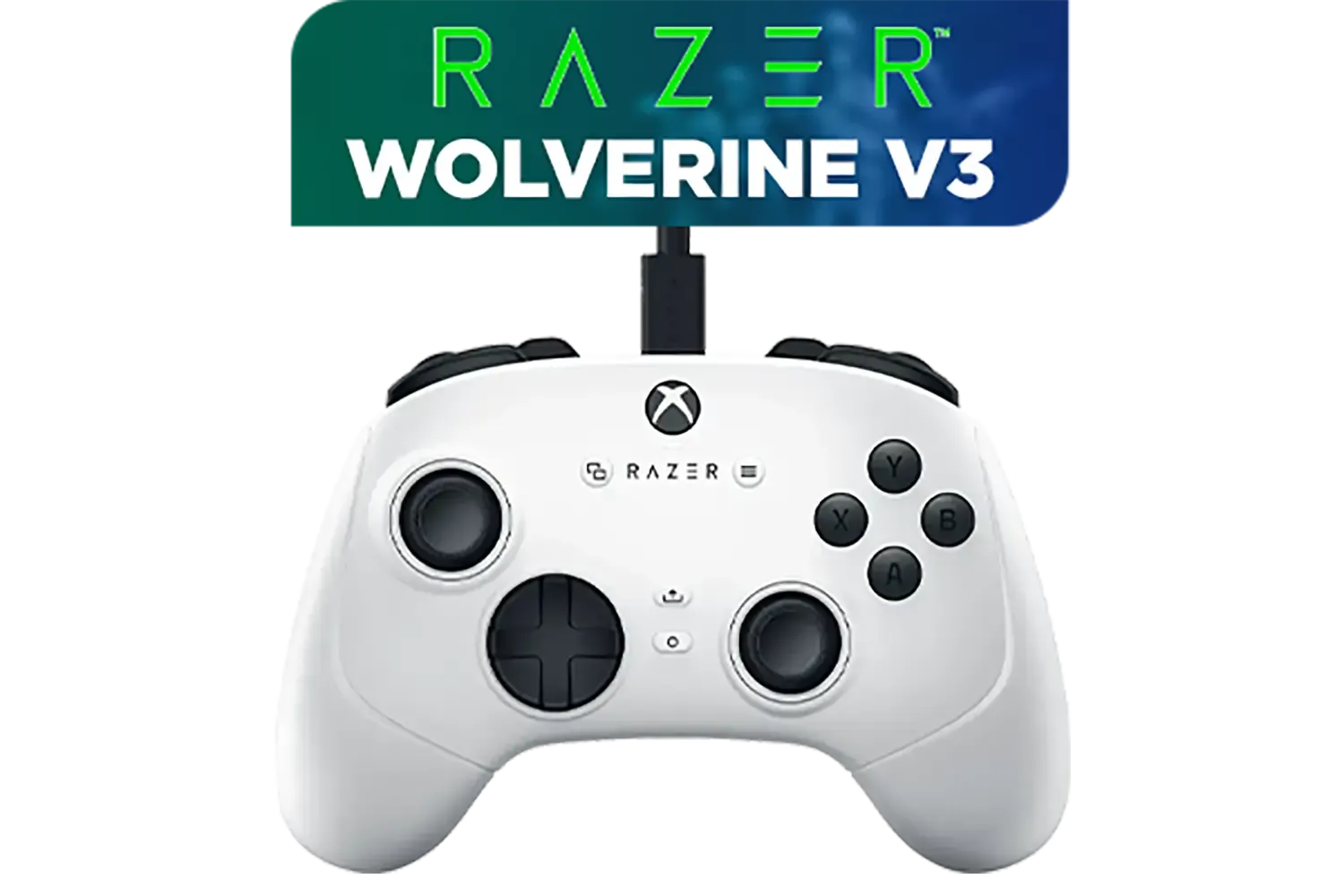
Razer Wolverine V3 Tournament Edition XBOX/PC, 6 Remappable Buttons to Outplay Them All, 1000Hz Polling Rate for Competitive Play on PC, Wired Esports Controller - White / RZ06-05210200-R3M1
R2699.00In Stock

Razer Wolverine V2 Pro Wireless Gaming Controller for PlayStation 5 / PS5, PC: Mecha-Tactile Action Buttons - 8-Way Microswitch D-Pad - HyperTrigger - 6 Remappable Buttons - Chroma RGB - White- RZ06-04710200-R3G1
R5999.00In Stock
Microsoft Xbox Wireless Controller - Carbon Black / Hybrid D-Pad / 3.5mm Stereo Headset Jack / Textured Triggers And Bumpers / Compatible for Xbox Series X|S, Xbox One, Android And iOS / QAT-00009
R1599.00In Stock
Steelseries Nimbus+ Gamepad / Apple Gaming Controller / 50 hour Battery Life / Dedicated Navigation Buttons / Built-in Rechargeable Battery / Designed specifically for Apple Gaming / 69089
R999.00In Stock
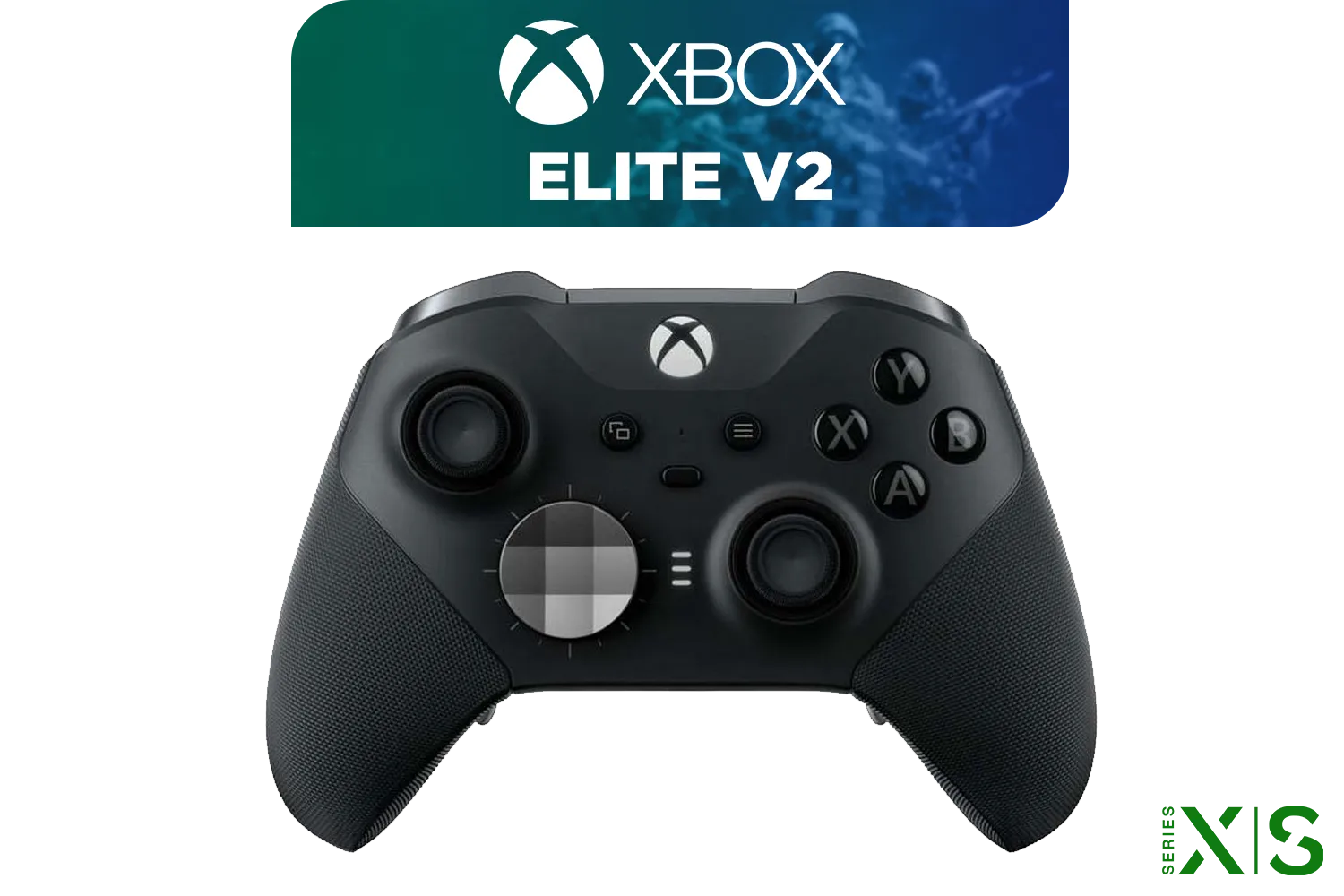
Microsoft Xbox Elite Wireless Controller V2 / Wrap-Around Rubberized Grip / 3.5mm Stereo Headset Jack / Shorter Hair Trigger Locks / Compatible for Xbox Series X|S, Xbox One, Android And iOS / FST-00004
R4999.00In Stock
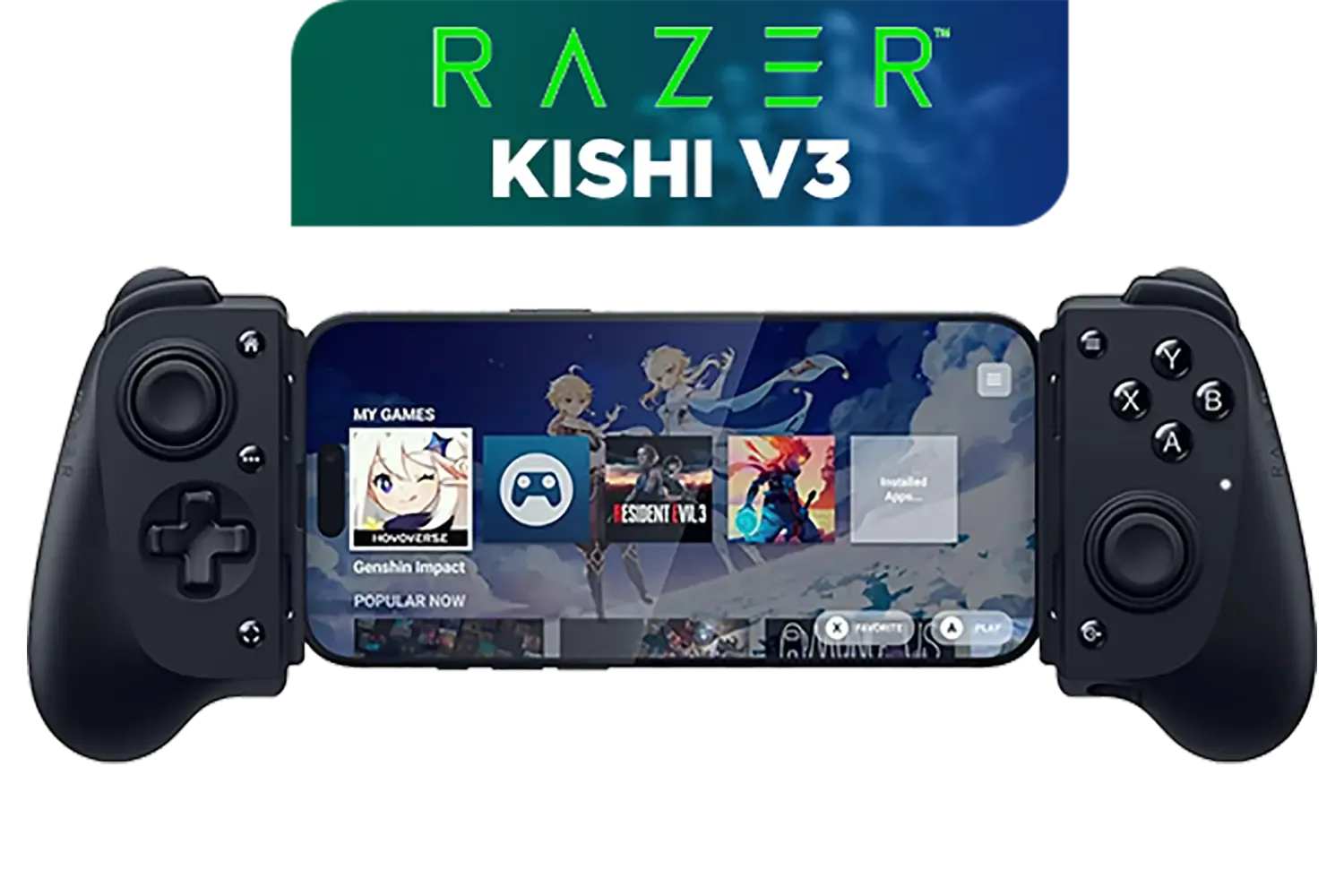
Razer Kishi V3 Gaming Controller / Supports Android and iPhone / Full-Sized Console-Style Controller / Dual mouse-click back buttons / Razer Sensa HD Immersive Haptics / RZ06-03550100-R3M1
R2999.00In Stock
Imagine playing a MOBA like Dota 2. Instead of manually clicking an item, targeting an enemy, and casting a spell... you could program a macro to do all three in a precise order with one click. This level of automation isn't just for mice; many modern gaming controllers also offer customisable inputs, giving you a competitive edge no matter your preferred peripheral. For anyone serious about optimising their gameplay, learning to set up gaming macros is essential.
TIP FOR YOU
Fair Play Warning ⚡
macros are amazing for convenience (like buying your standard loadout in CS:GO), be careful. Using macros to automate aiming or counteract recoil is often considered cheating by anti-cheat software and can lead to a ban. Always stick to automating sequences you could perform yourself, just faster!
How to Set Up Your First Gaming Macro
Ready to create your own? While the specific software depends on your mouse brand (like Razer Synapse or Logitech G HUB), the process is generally the same. Customising your mouse buttons is easier than you think.
- Open Your Mouse Software: Fire up the official application that came with your gaming mouse.
- Select Your Mouse & Profile: Choose the device and the game profile you want to edit.
- Choose a Button: Click on the programmable button you wish to assign the macro to.
- Record the Macro: Find the "Macro" option. You'll typically see a "Record" button. Press it, and then perform the sequence of keystrokes and clicks you want to automate. For example: press
5(select grenade),Left Click(throw). - Stop Recording & Save: Hit "Stop" and give your new macro a name. You can often edit the delays between actions for perfect timing.
- Assign and Test: Assign the saved macro to your chosen button and hop into a private match to test it out!
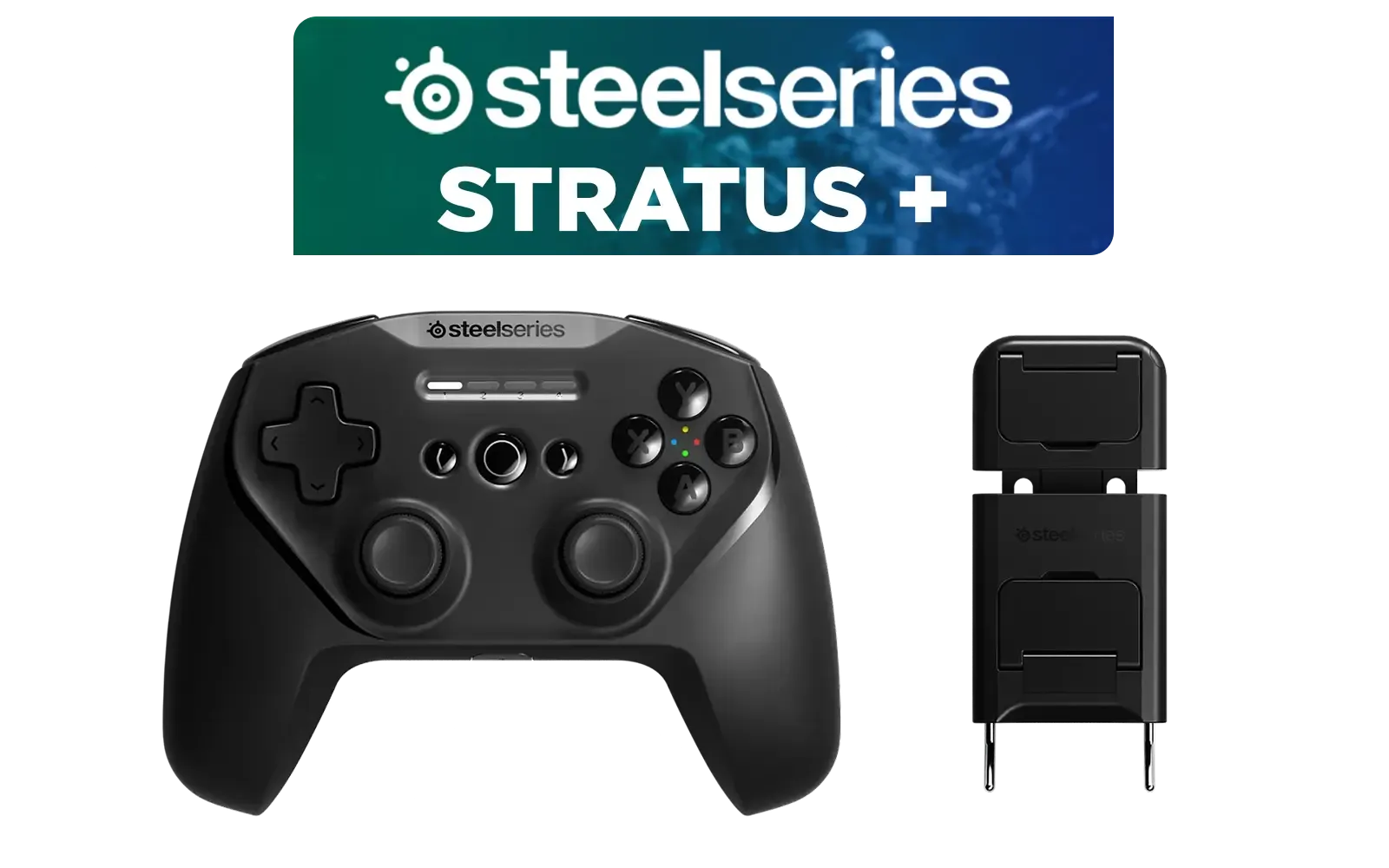
SteelSeries Stratus + Wireless Anroid Controller / Android & Chromebook Wireless Gaming Controller / Bluetooth LE + USB-C PC Support / Adjustable Slim Phone Mount Included / 90-Hour Battery Life with Fast Charge (15 min = 12 hrs) / ALPS Thumbsticks with L3/R3 / Hall Effect Magnetic Triggers for Lifetime Precision / 69076
R999.00In Stock
Razer Wolverine V2 Pro Wireless Gaming Controller for PlayStation 5 / PS5, PC: Mecha-Tactile Action Buttons - 8-Way Microswitch D-Pad - HyperTrigger - 6 Remappable Buttons - Chroma RGB - White- RZ06-04710200-R3G1
R5999.00In Stock

Xbox Rechargeable Battery + USB-C Cable - SXW-00002
R649.00In Stock
MARVO Monka Contra PS4 Wireless Game Controller / Strong compatibility: PS4/PS3/Windows/IOS13/Android / 6 hour battery life / 6-axis sensor with 3D-Sensor and G-Sensor / Dual vibration feedback for an immersive gaming experience / Ergonomically designed for comfort with sweat-proof and anti-slip materials / GT-96
R349.00In Stock

Razer Wolverine V3 Pro Wireless Gaming Controller: Licensed for Xbox Series X|S, Xbox One, Windows PC - 6 Remappable Buttons - Fast Triggers - Customizable Thumbsticks - Wired Tournament Mode - Black / RZ06-05200100-R3M1
R4999.00In Stock
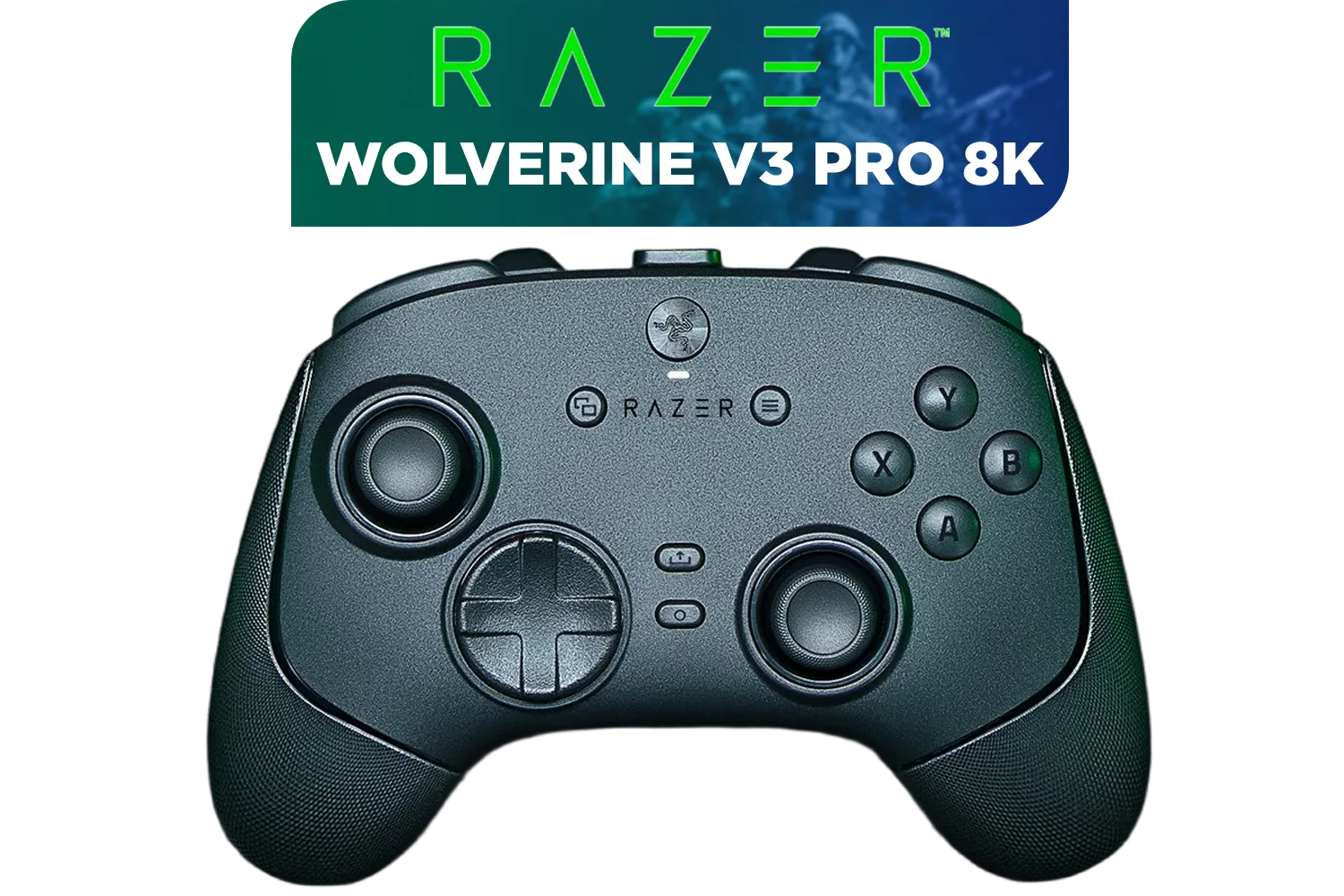
Razer Wolverine V3 Pro 8K PC Wireless Controller / Hyper Polling Technology / Swappable Thumbstick Caps / 4 Back Paddles / RZ06-05540100-R3M1
R4699.00In Stock
Programmable Power Isn't Just for Mice
The philosophy of custom inputs and macros extends well beyond the mouse. Pro-level controllers are now packed with similar features, giving console and controller-on-PC players the same level of personalisation.
Take the incredible Razer Wolverine V3 Tournament Edition, for instance. It boasts remappable multi-function buttons and triggers that can be customised on the fly. You can assign complex actions to back paddles, ensuring your thumbs never have to leave the analogue sticks. It's just one of many options you'll find in our curated collection of high-performance Razer controllers, each designed to give you that critical competitive edge. 🚀
Learning to master programmable buttons and macros, whether on a mouse or a controller, is a skill that directly translates to better performance. It’s about removing friction between your intent and the in-game action, letting you play faster and more consistently.
Ready to Level Up Your Gear? Mastering programmable mouse buttons and macros starts with the right hardware. From mice with a dozen buttons to pro-grade controllers, the perfect tool is waiting for you. Explore our massive range of gaming mice and find your competitive edge today.
Related Products
Xbox Rechargeable Battery + USB-C Cable - SXW-00002
R649.00In Stock
Steelseries Nimbus+ Gamepad / Apple Gaming Controller / 50 hour Battery Life / Dedicated Navigation Buttons / Built-in Rechargeable Battery / Designed specifically for Apple Gaming / 69089
R999.00In Stock
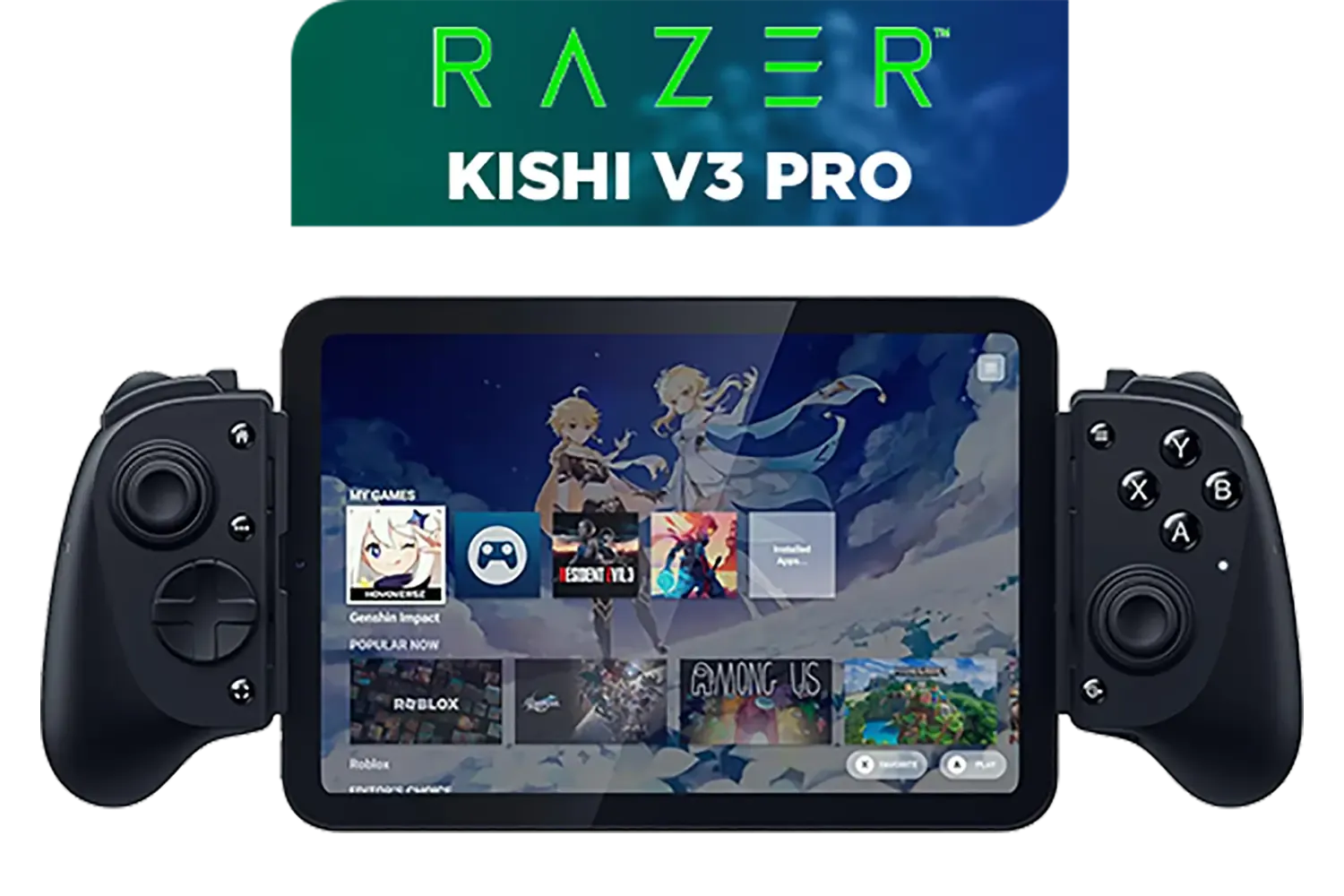
Razer Kishi V3 Pro Gaming Controller / Supports Android, iPhone & iPad Mini / Full-Sized Console-Style Controller / Fits Phones and Tablets up to 8” / Razer Sensa HD Immersive Haptics / RZ06-05460100-R3M1
R4199.00In Stock
Turtle Beach Stealth Pivot Wireless Smart Game Controller for Windows PC, Wired for Xbox Series X|S & Xbox One – Rotating Modules, Display Dashboard, Hall-Effect Sticks, Remappable Buttons, Bluetooth / TBS-0120-05
R3199.00In Stock

Logitech F710 Wireless Gaming Gamepad / 2.4GHz Wireless / Broad Game Support / Familiar Button Layout / 940-000142
R849.00In Stock
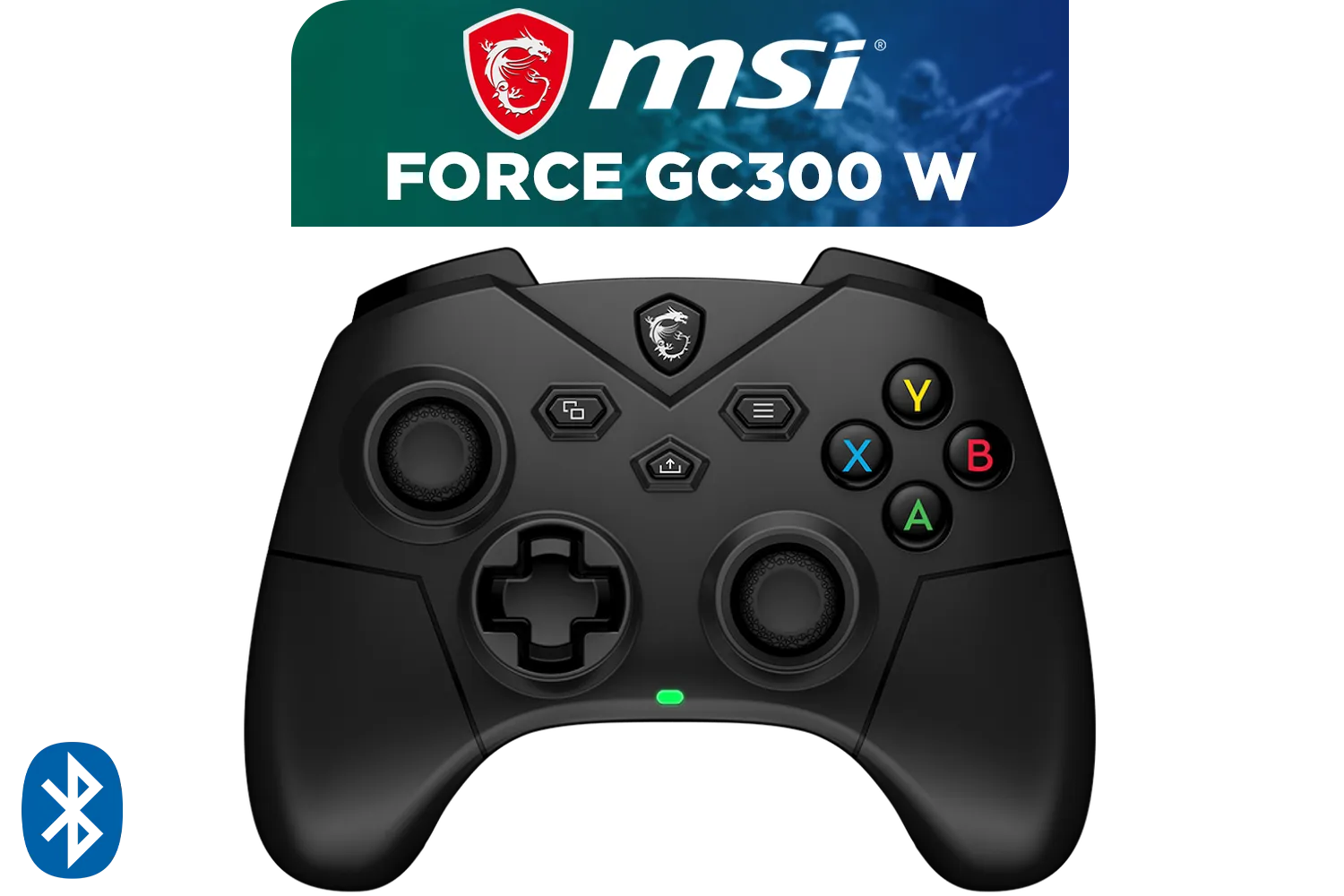
FORCE GC300 Wireless Gaming Controller - Black / 2.4 GHz Wireless, Bluetooth, USB 2.0 (USB-C) / Up to 20 hours (w/o vibration) Battery Life / Compatible Windows 10 & later, Android 8 & later / S10-43G0180-EC4
R799.00In Stock
Programmable mouse buttons let you execute complex in-game actions, reload, or cast spells instantly without reaching for keyboard keys, enhancing reaction time.
While hardware macros are great for single-player efficiency, many competitive esports tournaments ban automated macro sequences to ensure fair play.
Most gaming keyboards use proprietary software like Razer Synapse or Corsair iCUE to record and assign macro sequences to specific keys or programmable inputs.
Remapping changes one key's function to another single input, while macros automate a sequence of multiple actions or keystrokes into a single button press.
Yes, maximizing your programmable mouse buttons usually requires the manufacturer's driver software to assign custom commands, media controls, or profiles.
Absolutely! You can assign copy-paste functions, launch apps, or run complex shortcuts to programmable buttons to speed up video editing, coding, or office work.











