



PSU Cable Management Tips for Airflow & Aesthetics
PSU cable management — Checklist: • Audit cables • Route & secure • Use modular cables. Improve airflow, lower temps and create a clean, upgrade-friendly build with routing, sleeving, and fasteners. 🛠️💨
|
Loading tags...
That tangled mess of cables behind your PC’s glass panel… we’ve all been there. It’s more than just an eyesore; that "spaghetti monster" is actively choking your airflow, raising temperatures, and holding back your rig's performance. Here in South Africa, where every degree of cooling counts, mastering PSU cable management isn’t just for show-offs. It’s a vital skill for building a PC that runs cooler, quieter, and looks absolutely brilliant. ✨
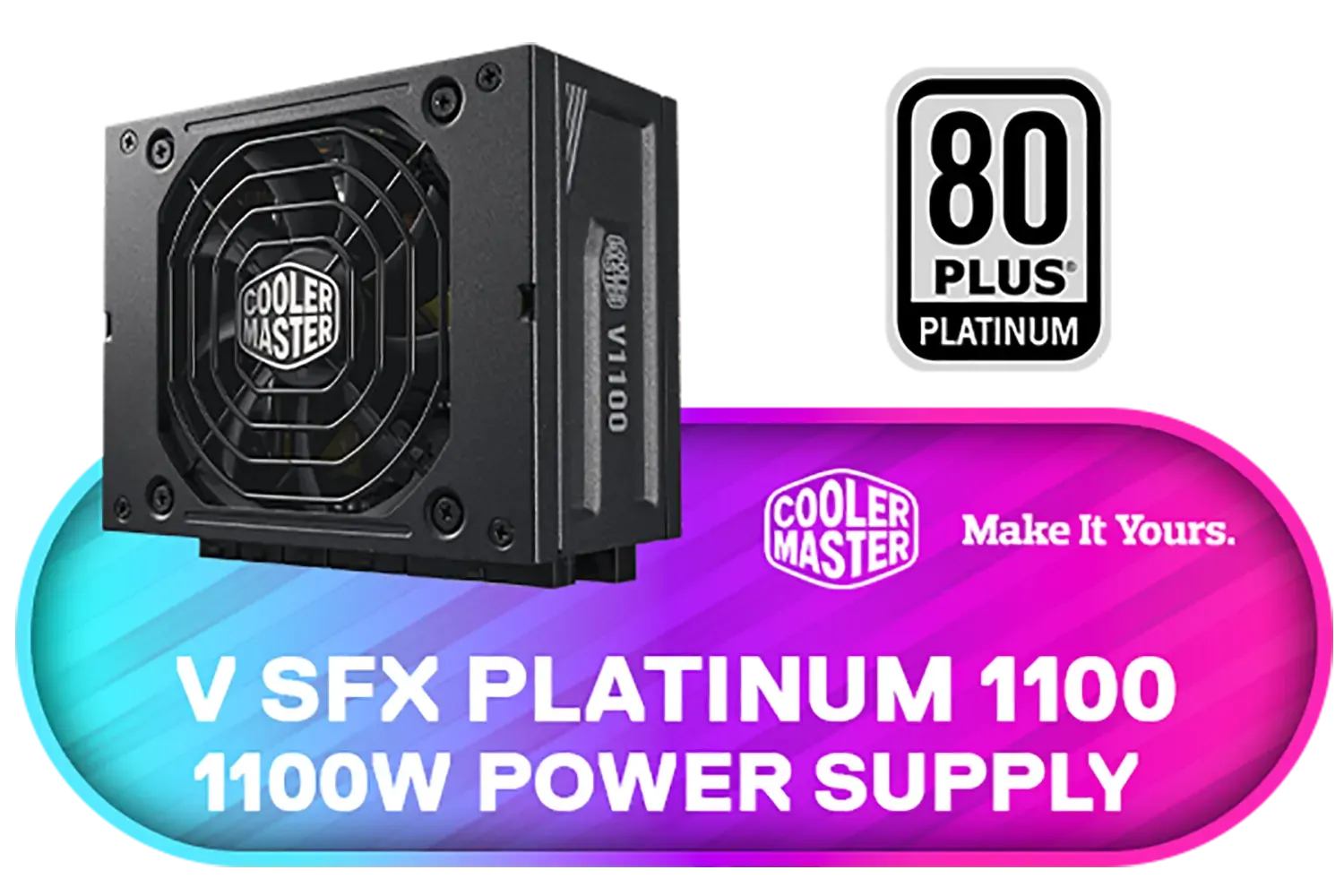
Cooler Master V SFX Platinum 1100 1100W 240V Power Supply / 92% efficiency / Advanced thermal performance / ATX 3.0 support & a 90-degree 12VHPWR cable / Fully modular cabling / MPZ-B001-SFAP-BEU
R6499.00In Stock
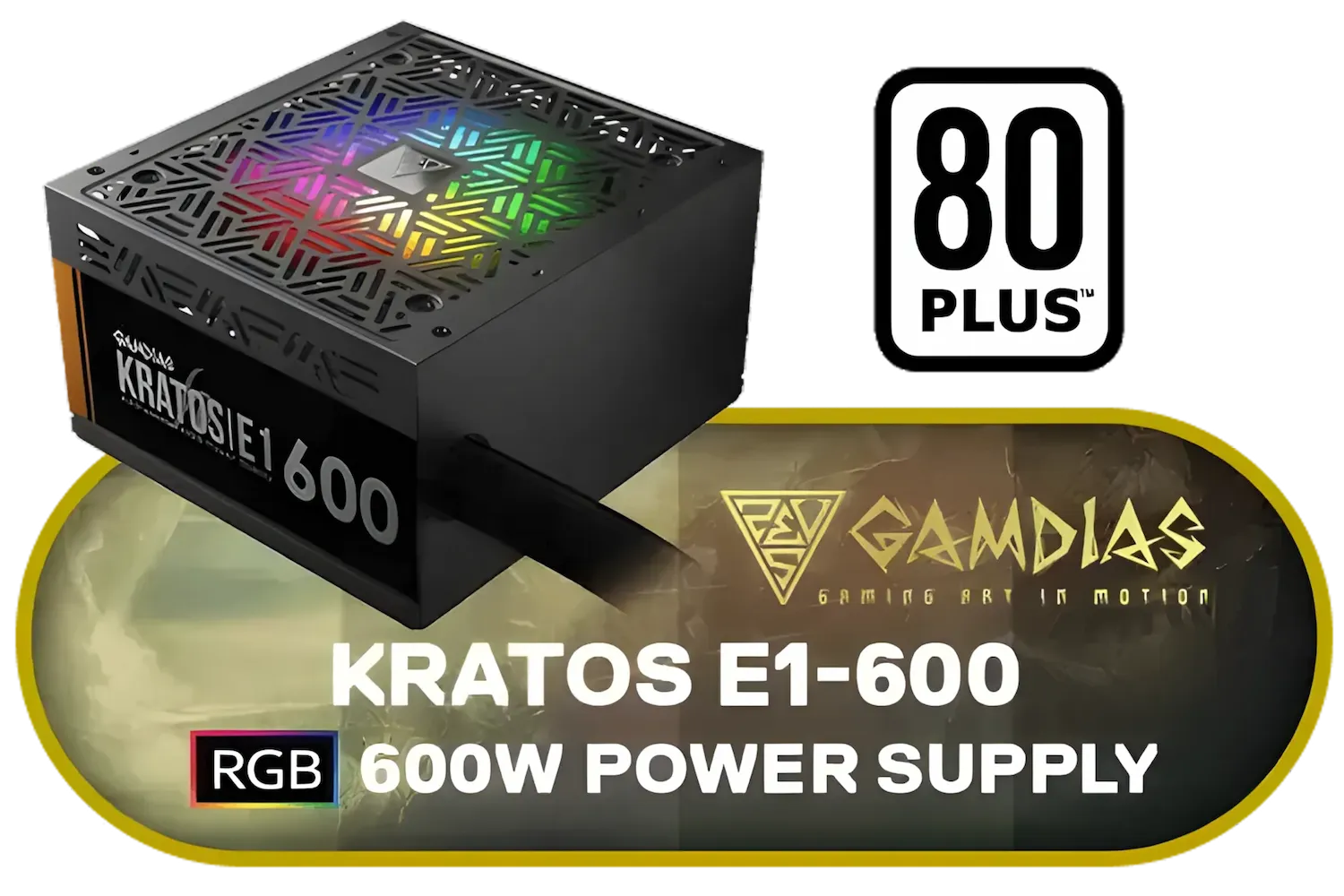
Gamdias KRATOS E1-600 RGB 600W Power Supply / Meet 80% Efficiency / 30 built-in lighting effects / Addressable RGB / KRATOS-E1-600
R949.00In Stock

Gamdias Helios M1-850B 850W Power Supply / Meet 80 PLUS Bronze Efficiency / Support C6/C7 power states / HELIOSM1-850B
R999.00In Stock
ANTEC NeoECO - NE1300G M ATX3.0 - 1300W Full Modular PSU - 80 Plus Gold Certified - PCIE 5.0 Support - PhaseWave Design - Japanese Caps - Zero RPM Manager - Silent 120mm Fan / 0-761345-11398-4
R3799.00In Stock

MSI MEG Ai1300P PCIE 5 Gaming Power Supply - 1300W / ATX 3.1 and PCIe 5.1 Ready / Full Modular / 80 Plus Platinum Certified / 306-7ZP4A25-CE0
R6999.00In Stock
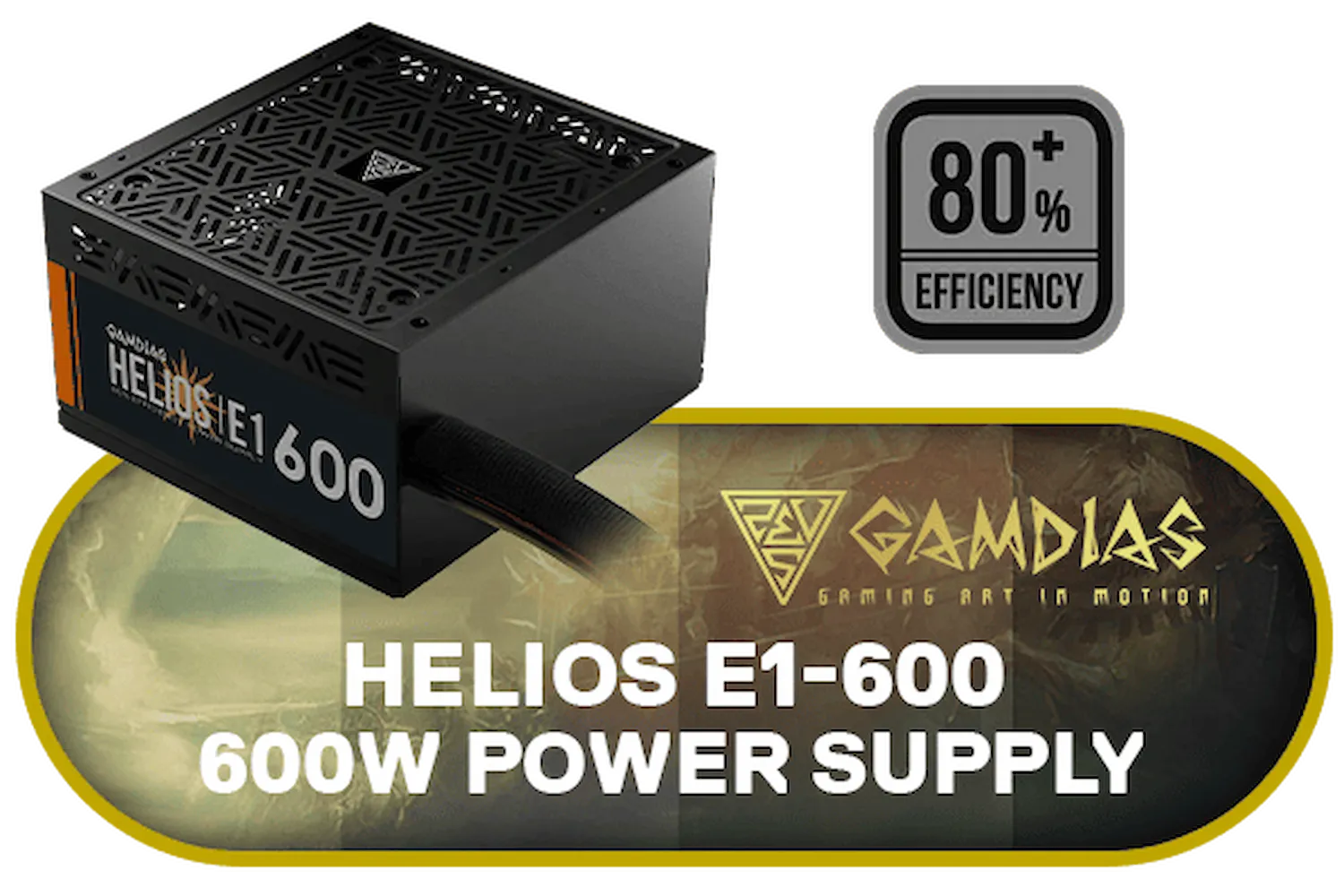
Gamdias Helios E1-600 600W Power Supply / Meet 80 % Efficiency / Support C6 / C7 Power State / Helios E1-600
R849.00In Stock
Why Proper PSU Cable Management is Essential
Let's cut to the chase. Taming those wires delivers two massive wins for your gaming setup: better cooling and killer looks. When cables obstruct the path from your intake fans to your core components, you create hot spots. A clean setup allows for an unrestricted channel of cool air, directly improving thermal performance on your CPU and GPU. This can lead to more stable frame rates and a longer lifespan for your hardware.
And aesthetics? A neatly managed case is a masterpiece you build yourself. It shows off your expensive components, not a chaotic rat's nest. The foundation for excellent PC cable management always starts with a quality power supply unit.
Your Strategy Starts with the Right PSU
Before you even touch a zip tie, the type of power supply you choose has the biggest impact on your PSU cable management journey.
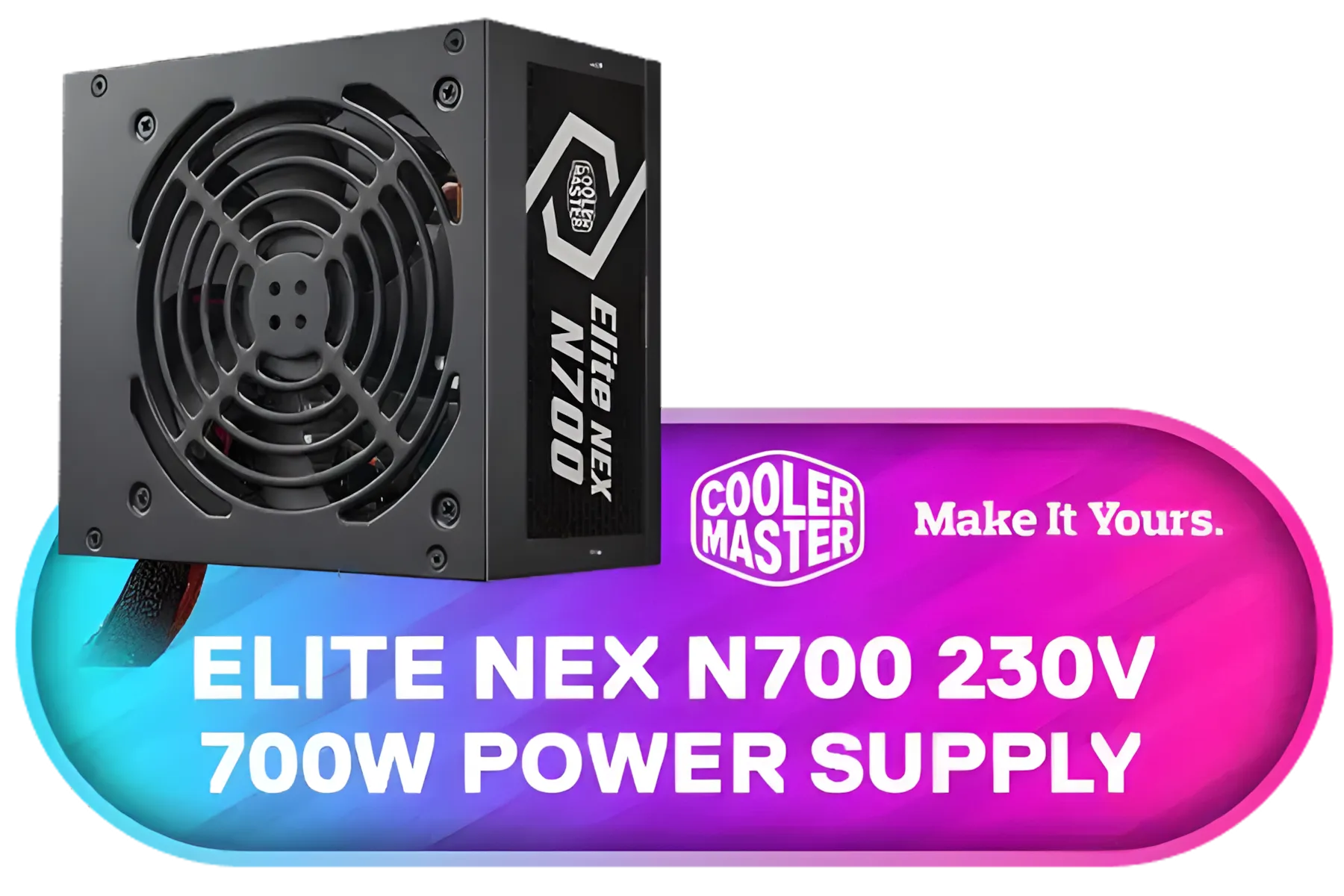
Cooler Master Elite NEX N700 700W 230V Power Supply / 75% efficiency / Excellent temperature resistance / MPW-7001-ACBN-BEU
R1199.00In Stock
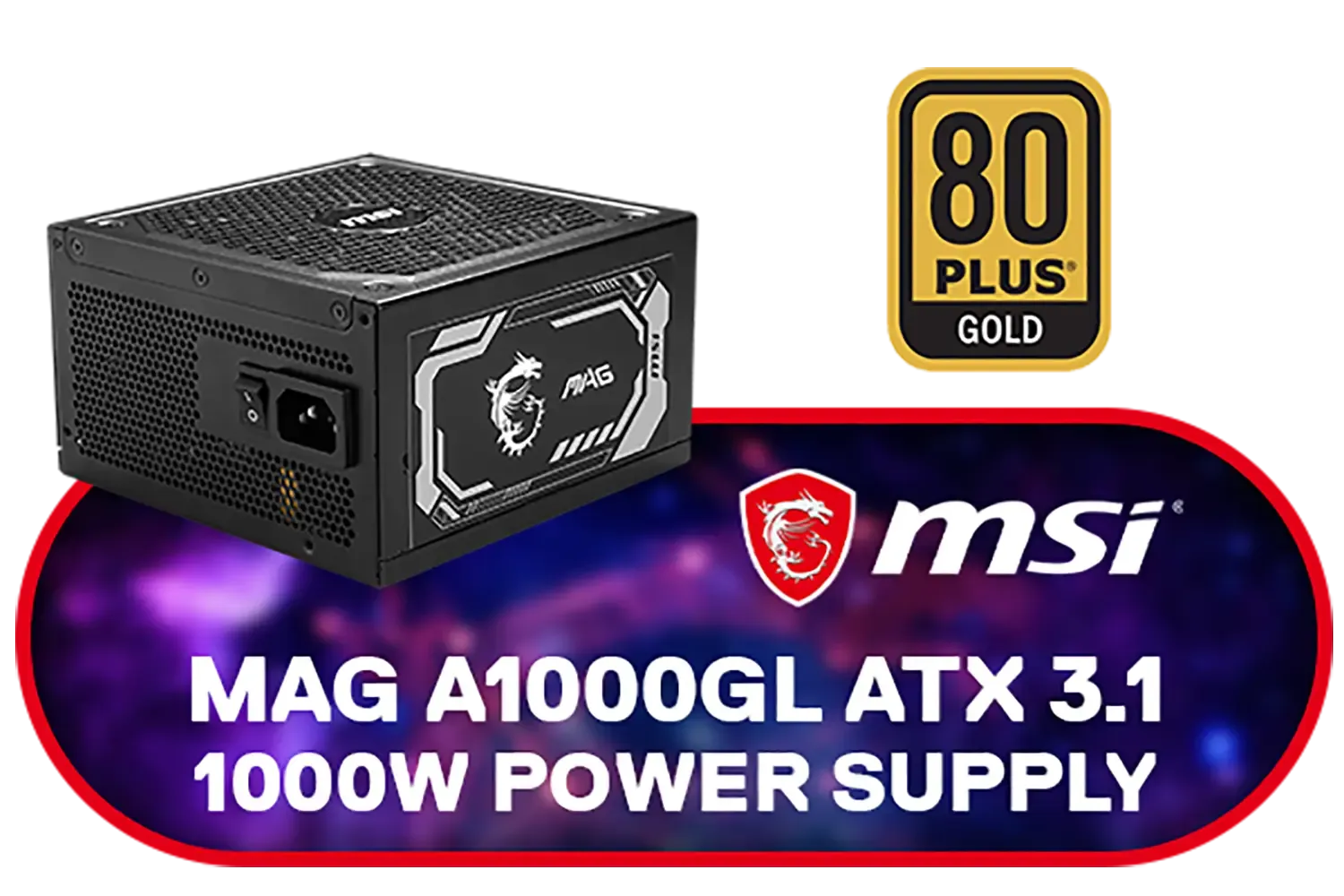
MSI MAG A1000GL PCIE5 5 Gaming Power Supply - 1000W / ATX 3.1 and PCIe 5.1 Ready / Full Modular / 80 Plus Gold Certified / 306-7ZP9B42-CE0
R3499.00In Stock

Corsair RMe Series™ RM1200e Fully Modular Low-Noise ATX Power Supply / 1200watts / Fully Modular / ATX 3.1 Certified / 80 Plus Gold Certified / CP-9020258-WW
R4399.00In Stock
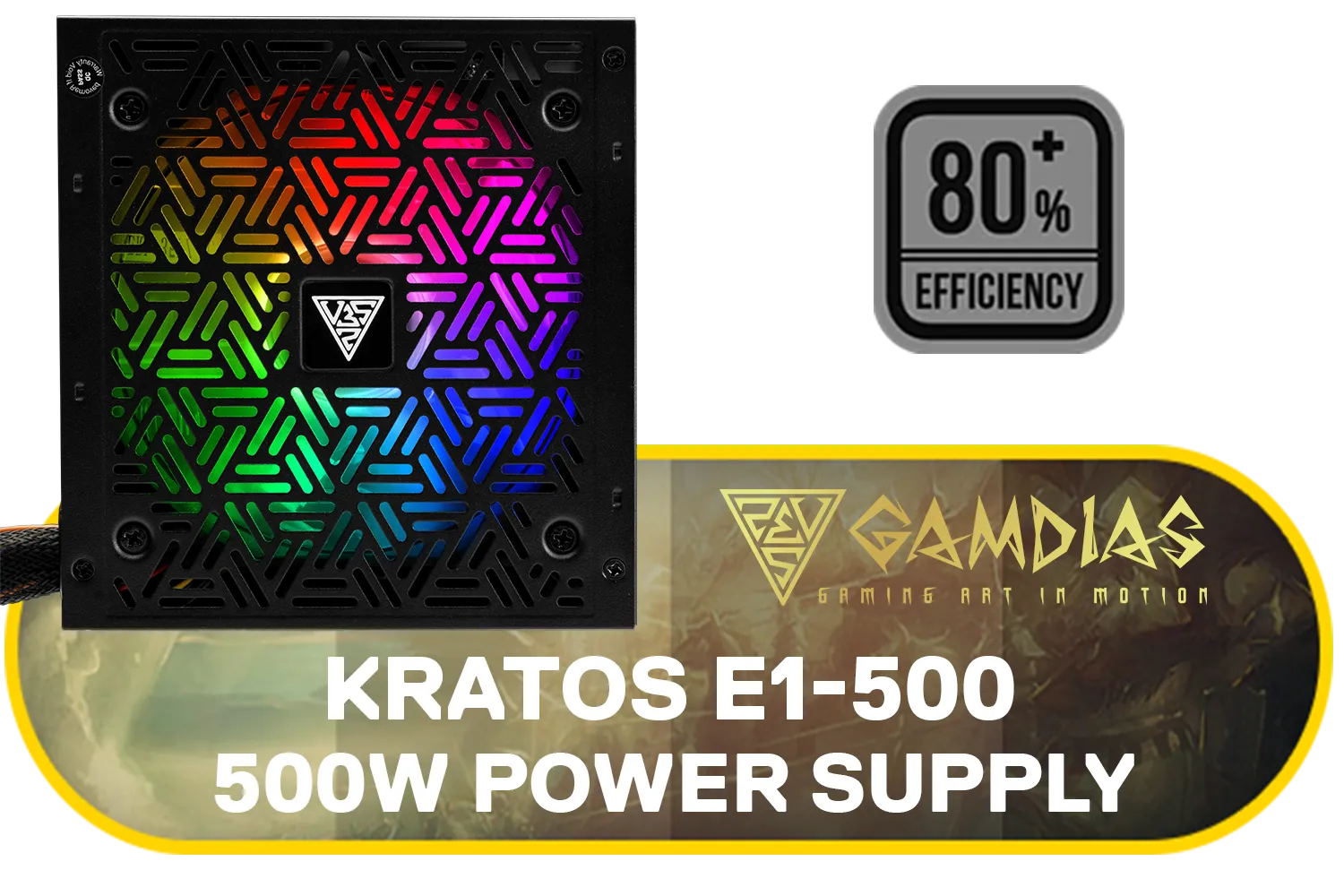
Gamdias KRATOS E1-500W RGB 500W Power Supply / 80 PLUS Efficiency at 230V / RGB Motherboard Sync / Addressable LEDs / KRATOS E1-500
R499.00In Stock
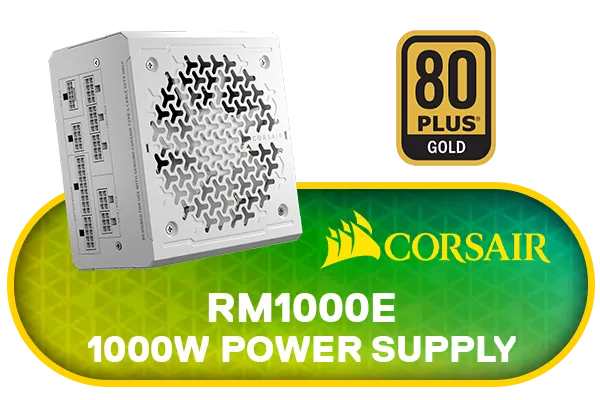
Corsair RMe Series™ RM1000e ATX Power Supply - White (WW) / 1000watts / Fully Modular / ATX 3.1 Certified / 80 Plus Gold Certified / Low Noise / CP-9020294-WW
R4299.00In Stock

XIGMATEK Titan Power Supply - 1200W / 80 PLUS Platinum / DC to DC Convertor Design / Full Modular Cable / PCI-E 5.0 / Complete Protection / EN47626
R3399.00In Stock
Modular vs. Non-Modular PSUs
- Non-Modular: Every cable is permanently attached to the PSU. This is often the most budget-friendly option, but you're left with a bundle of unused cables to hide. It's manageable, but requires patience.
- Semi-Modular: The essential motherboard and CPU cables are attached, but peripheral cables (like SATA and PCIe) are detachable. This offers a great balance of convenience and tidiness.
- Fully-Modular: The holy grail for clean builds. Every single cable is detachable. You only plug in what you absolutely need, drastically reducing clutter from the start. Top-tier brands like Corsair offer fantastic modular options that make building a clean PC a breeze.
TIP FOR YOU
Pro Cable Management Tip 🔧
For that ultra-clean, professional look on your main power cables, invest in a set of cable combs. These small plastic clips snap onto your sleeved cables (like the 24-pin motherboard and 8-pin GPU connectors), forcing them into a perfect, parallel alignment. It's a small detail that makes a huge visual impact.
Essential Techniques for a Tidy Rig
Got your PSU? Great. Now it's time to get hands-on. Even with budget-friendly power supplies like those from Gamdias, applying these simple techniques will transform your build.
- Plan Your Routes: Before connecting anything, mentally map out where each cable will go. Most modern cases have a channel behind the motherboard tray—this is your best friend. Use it for everything you can.
- Work from Big to Small: Start with the thickest, most awkward cable: the 24-pin motherboard connector. Route it, plug it in, and then move on to the CPU power, GPU power, and finally the smaller SATA and fan cables.
- Bundle and Secure: Use zip ties or reusable Velcro straps to group cables that are heading in the same direction. This turns a messy web into a few neat "trunks" that are much easier to hide.
- Hide Everything: Use every nook, cranny, and tie-down point your case provides. The goal is to make as few cables as possible visible from the main chamber.
Gamdias Helios E1-600 600W Power Supply / Meet 80 % Efficiency / Support C6 / C7 Power State / Helios E1-600
R849.00In Stock
Cooler Master V SFX Platinum 1100 1100W 240V Power Supply / 92% efficiency / Advanced thermal performance / ATX 3.0 support & a 90-degree 12VHPWR cable / Fully modular cabling / MPZ-B001-SFAP-BEU
R6499.00In Stock
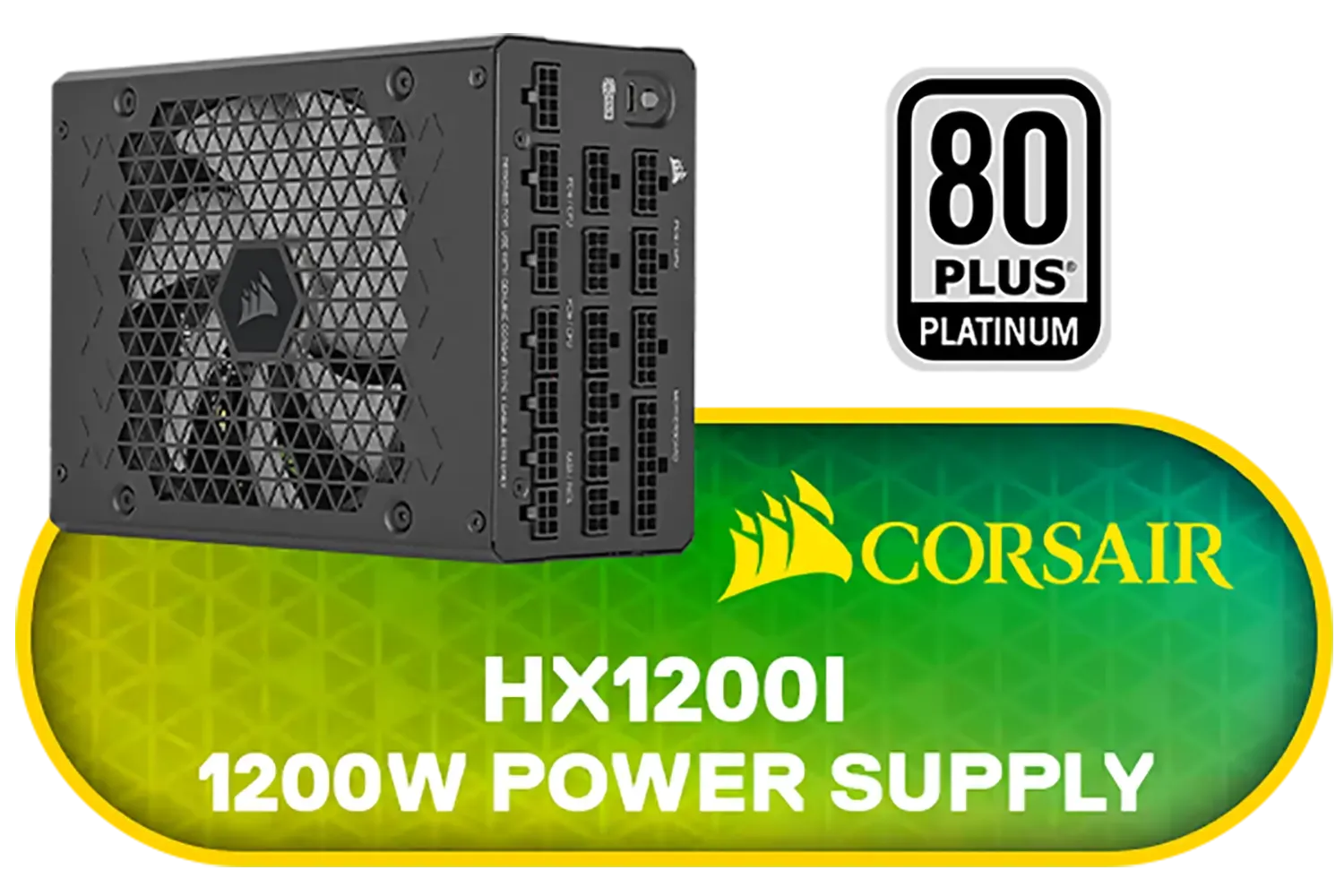
Corsair HX1200i Fully Modular 1200 Watt ATX Power Supply / Dual 12V-2x6 cables / Ultra-Low Noise / 80 PLUS Platinum / 140mm FDB fan for quiet cooling / CP-9020307-WW
R5699.00In Stock
XIGMATEK Titan Power Supply - 1200W / 80 PLUS Platinum / DC to DC Convertor Design / Full Modular Cable / PCI-E 5.0 / Complete Protection / EN47626
R3399.00In Stock
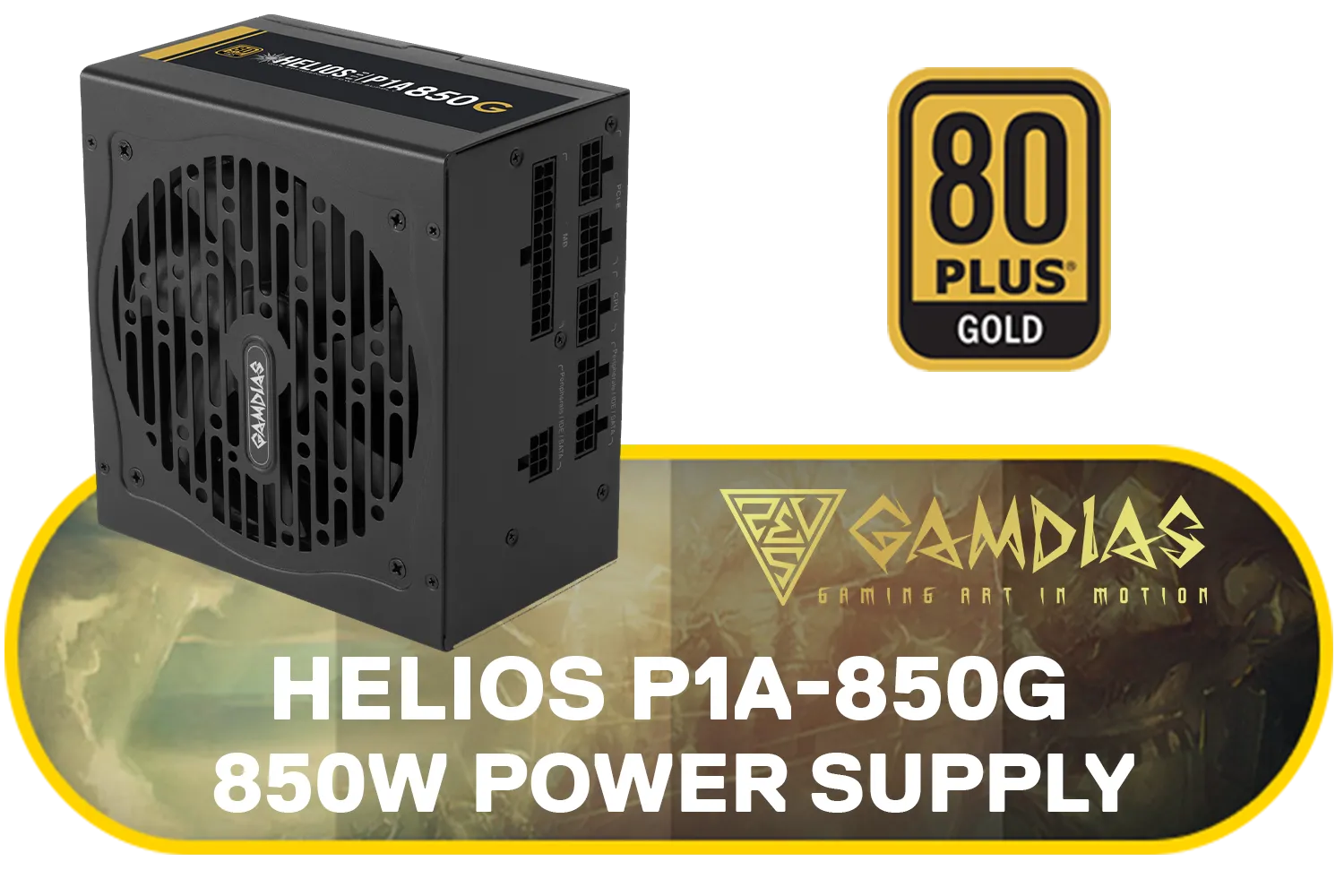
Gamdias HELIOS P1A-850G Power Supply - 850W / 80 PLUS GOLD / Fully Modular / Automatic Fan Speed Optimizing / Compatible with ATX12V v2.52 / HELIOSP1A-850G
R1799.00In Stock
Corsair RMe Series™ RM1000e ATX Power Supply - White (WW) / 1000watts / Fully Modular / ATX 3.1 Certified / 80 Plus Gold Certified / Low Noise / CP-9020294-WW
R4299.00In Stock
Is Your Power Supply Powerful Enough? ⚡
As you upgrade your rig with a beefy new graphics card or a power-hungry CPU, your old PSU might not be up to the task. A clean build is great, but it needs a reliable power source to back it up. For most modern gaming PCs aiming for high-end performance, an 850W power supply provides a fantastic balance of power, efficiency, and future-proofing for your next upgrade.
Ready to Build a Cleaner, Cooler PC? A great power supply is the first step to taming the cable beast. Explore our massive range of PSUs and give your rig the clean power and tidy look it deserves.
Related Products
Corsair RMe Series™ RM1000e ATX Power Supply - White (WW) / 1000watts / Fully Modular / ATX 3.1 Certified / 80 Plus Gold Certified / Low Noise / CP-9020294-WW
R4299.00In Stock

Corsair RMe Series RM1000e Power Supply (WW) / 1000watts / Fully Modular / ATX 3.1 Certified / 80 Plus Gold Certified / Low Noise / CP-9020297-WW
R4199.00In Stock
Gamdias Helios E1-600 600W Power Supply / Meet 80 % Efficiency / Support C6 / C7 Power State / Helios E1-600
R849.00In Stock
Gamdias KRATOS E1-500W RGB 500W Power Supply / 80 PLUS Efficiency at 230V / RGB Motherboard Sync / Addressable LEDs / KRATOS E1-500
R499.00In Stock
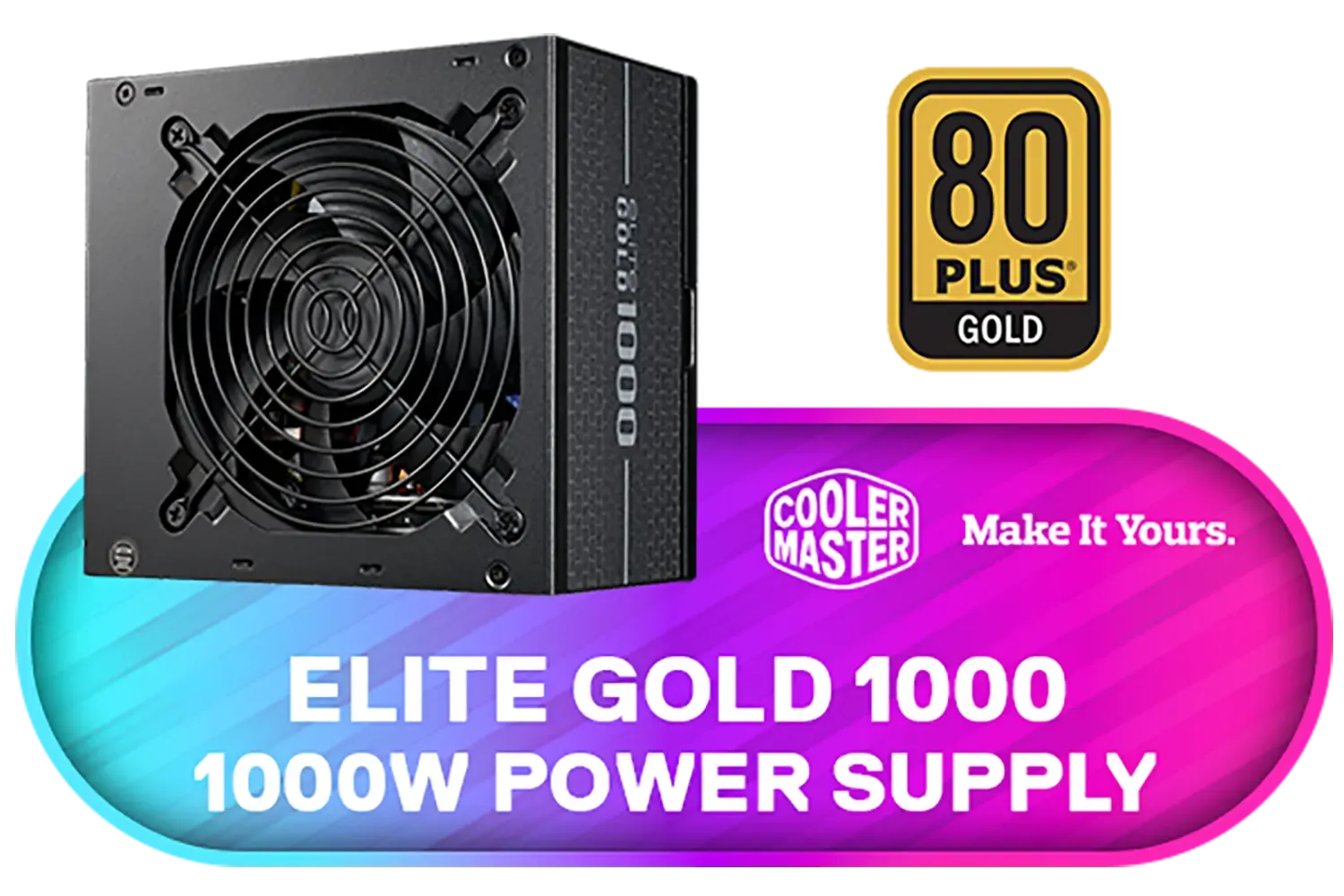
Cooler Master Elite Gold 1000 1000W 240V Power Supply / Quiet long-life FDB fan / 80 Plus Gold efficiency / Ideal for RTX 50 GPUs / MPW-A001-AFAG-BEU
R1999.00In Stock
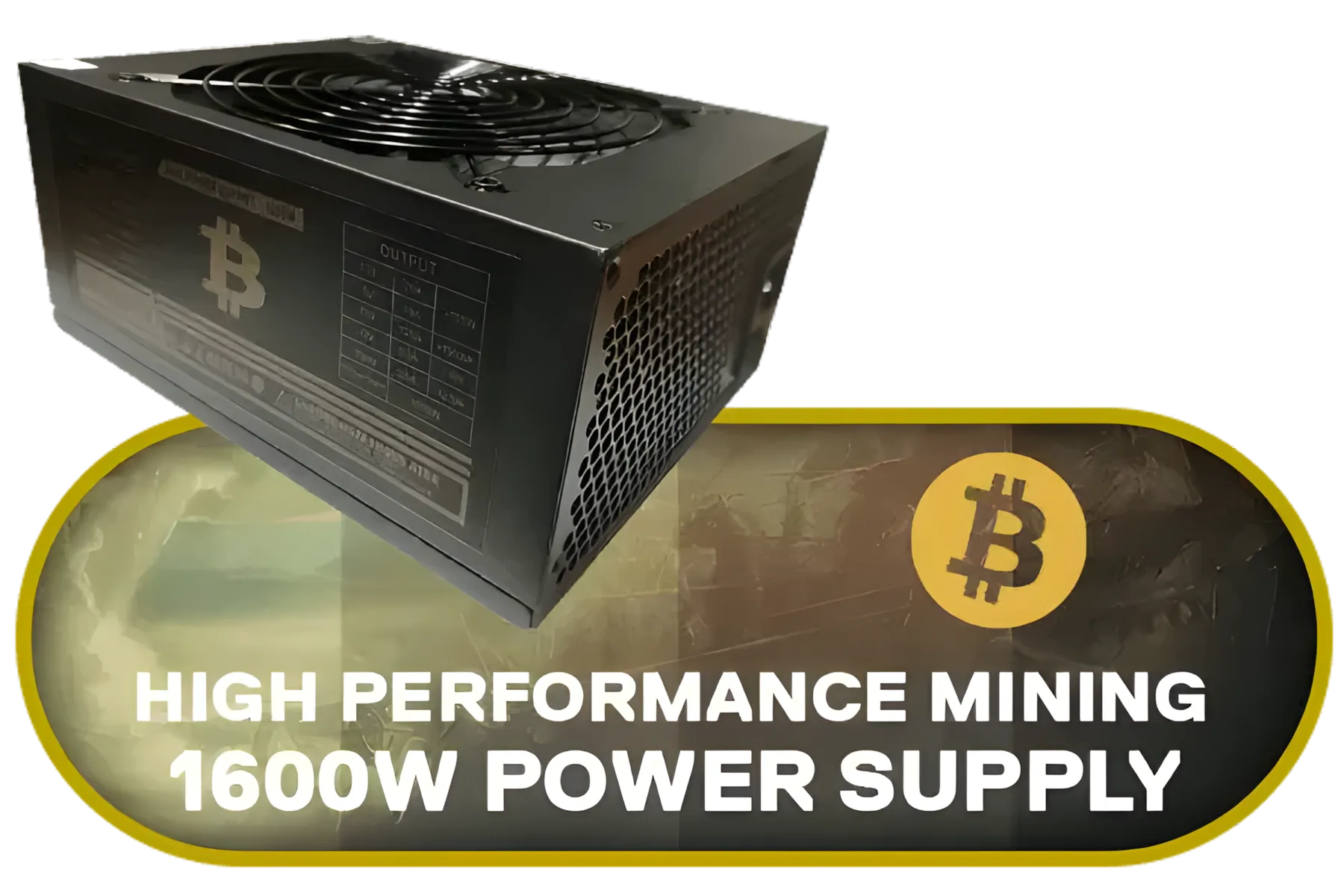
High Performance 1600W High Performance Mining Power Supply Japanese Grade A Capacitors / 6 Months Warranty Only
R1599.00In Stock
Begin by unplugging components, label connectors, remove unused cables, and plan routes behind the motherboard tray to minimize airflow obstruction.
Yes. Modular PSUs let you fit only needed cables, reduce clutter, simplify routing and upgrades, and noticeably improve airflow.
Route power cables along case edges, use grommets and tie-downs, keep bundles tight and away from fans for effective psu cable routing for airflow.
Sleeving dramatically cleans up appearance and helps bundle cables; airflow improvements come from better routing and reduced obstruction.
Use short or custom-length cables, flat ribbon options, right-angle adapters and aggressive bundling to save space and maintain airflow in SFF cases.
Yes. Tangled or obstructive cables block airflow, raising temps and noise. Proper cable management improves cooling and system stability.
Use Velcro straps, cable combs, adhesive anchors, cable channels and modular/extensible cables for a clean, upgrade-friendly routing setup.











